The right preparation can turn an interview into an opportunity to showcase your expertise. This guide to G-Code interview questions is your ultimate resource, providing key insights and tips to help you ace your responses and stand out as a top candidate.
Questions Asked in G-Code Interview
Q 1. Explain the difference between G00 and G01 commands.
G00 and G01 are both G-code motion commands, but they differ significantly in how they move the tool. Think of it like driving a car: G00 is like slamming on the gas pedal – rapid, uncontrolled movement, prioritizing speed over precision. G01 is more like driving at a set speed – controlled movement with precise control over both speed and distance.
G00 (Rapid Positioning): This command moves the tool to a specified location as quickly as possible. It’s primarily used for positioning the tool before a cutting operation or between different parts of a program. Speed is paramount; accuracy is less critical in this phase. Example: G00 X10 Y20 moves the tool rapidly to X=10, Y=20.
G01 (Linear Interpolation): This command moves the tool along a straight line to a specified location at a defined feed rate. This is the workhorse command for machining. Both speed and precision are important, as this is where the actual cutting happens. Example: G01 X10 Y20 F100 moves the tool linearly to X=10, Y=20 at a feed rate of 100 units per minute. The `F` parameter dictates the speed.
Q 2. What are the different coordinate systems used in G-Code?
G-code utilizes several coordinate systems to define the location of the tool and workpiece. The most common are:
- Machine Coordinates (Absolute): This is the default system (usually G90). All coordinates are referenced to the machine’s origin (0,0,0). Think of it as a fixed global map.
- Incremental Coordinates (Relative): (Usually G91) Coordinates are relative to the tool’s current position. Each move is an offset from the previous location. Imagine using directions like “Go 10 steps North, then 5 steps East.”
- Work Coordinates: These coordinates are usually defined by the user and are relative to a defined point on the workpiece. This is particularly useful when machining multiple parts of different sizes or orientations, eliminating the need for complicated calculations.
Understanding these systems is crucial for accurate part programming. Incorrect coordinate usage is a frequent source of errors in CNC machining. For example, if you are using absolute coordinates (G90) and mistakenly enter incremental values, you’ll end up in an entirely different location.
Q 3. Describe the purpose of G90 and G91.
G90 and G91 are G-code modal commands that determine the coordinate system used for subsequent motion commands (G00, G01, etc.).
G90 (Absolute Programming): This command sets the coordinate system to absolute mode. All subsequent X, Y, and Z coordinates specify the absolute position of the tool relative to the machine’s origin (0,0,0). This is analogous to providing precise GPS coordinates to reach a destination.
G91 (Incremental Programming): This command sets the coordinate system to incremental mode. All subsequent X, Y, and Z coordinates represent the distance to move from the current tool position. It’s like giving directions based on relative positions, such as “Walk 10 meters forward, then turn and walk 5 meters to the right.”
These commands are modal, meaning they remain active until changed by another G90 or G91 command. Incorrect switching between absolute and incremental modes is a common programming mistake.
Q 4. How do you define a tool in G-Code?
Defining a tool in G-code involves specifying its properties relevant to the machining operation. This is usually done through a combination of commands and sometimes through pre-processor software.
Typically, this involves assigning a tool number and specifying its properties:
- Tool Number (T): Each tool is assigned a unique number (e.g.,
T1,T2). This number is referenced in subsequent G-code commands to select the appropriate tool. - Tool Length Offset (H): This compensates for the differences in length between different tools. It ensures the tool tip reaches the correct depth. This is set using a command like
G43 H1(using tool length offset number 1). - Tool Diameter (D): For cutting tools, the diameter is crucial for proper calculations of cutting paths. Some control systems allow you to specify this directly; others require this to be set elsewhere, such as through a tool table.
The specific commands and procedures for tool definition may vary slightly depending on the CNC machine and its controller.
Q 5. Explain the function of M codes.
M-codes are miscellaneous functions in G-code that control auxiliary functions on the CNC machine. They are not directly related to toolpath movements but manage other aspects of the machining process.
Examples of common M-codes include:
- M03 (Spindle On, clockwise): Starts the spindle rotating in a clockwise direction.
- M05 (Spindle Stop): Stops the spindle rotation.
- M06 (Tool Change): Initiates a tool change sequence.
- M30 (Program End): Ends the program execution and optionally returns the machine to a home position.
- M00 (Program Stop): Pauses the program execution, allowing the operator to intervene.
M-codes are crucial for integrating different machine functions into the G-code program, enabling a coordinated and automated machining process. For example, ensuring the spindle is running at the correct speed before engaging with the material or stopping the machine safely at the end of the program is essential for successful operation.
Q 6. How do you handle tool changes in G-Code?
Tool changes are managed in G-code primarily using M06 (Tool Change) followed by a tool number (T). When the machine encounters M06 T2, for instance, it will automatically perform the tool change sequence according to the machine’s specifications. The specific sequence might involve:
- Spindle Stop (M05): The spindle is stopped to avoid damage during the change.
- Tool Retraction: The current tool is retracted to a safe position.
- Turret Rotation/Tool Selection: The tool changer mechanism rotates to the specified tool.
- Tool Insertion: The new tool is inserted into the spindle.
- Spindle Start (M03): The spindle is restarted.
- Tool Length Compensation: The control system automatically applies the correct tool length offset (if defined).
It’s important to understand the tool changing mechanism of the specific machine, as this can vary. You would typically have a tool table defined at the beginning of your program to associate each tool number with its properties, ensuring the machine knows which tool to retrieve.
Q 7. What is the significance of feed rates and spindle speeds?
Feed rate and spindle speed are critical parameters that significantly impact the quality and efficiency of the machining process. Think of feed rate as the speed at which the tool moves along the cutting path, and spindle speed as the rotational speed of the cutting tool.
Feed Rate (F): Specified in units per minute (e.g., mm/min or in/min), the feed rate determines how fast the tool moves along the programmed path. A higher feed rate generally leads to faster machining but may reduce surface finish or increase the risk of tool breakage if not properly adjusted for the material and tool.
Spindle Speed (S): Measured in revolutions per minute (RPM), spindle speed influences the cutting action and surface finish. High spindle speeds are often used for smoother finishes, while lower speeds may be necessary for heavier cuts to prevent excessive stress on the tool.
Optimizing both feed rate and spindle speed is essential for achieving the desired surface finish, maximizing material removal rate, and avoiding tool wear. The optimal settings depend on factors such as the material being machined, the cutting tool used, and the desired surface finish. Improper settings can lead to poor surface quality, tool breakage, or even machine damage.
Q 8. Describe different types of canned cycles.
Canned cycles are pre-programmed sequences of G-code instructions that automate common machining operations. Think of them as macros for CNC machining. They significantly reduce programming time and complexity, especially for repetitive tasks. Different controllers may have slightly different cycle codes, but the general concepts remain the same.
- Drilling Cycles (e.g., G81, G82, G83): These cycles automate the drilling process, including rapid approach, feed into the workpiece, dwell (optional), and rapid retract. G81 is for simple drilling, G82 adds a dwell at the bottom, and G83 is for peck drilling (repeated shallow cuts to remove chips in deep holes).
- Boring Cycles (e.g., G73, G76): These cycles are used for enlarging existing holes, often with a larger diameter tool. They typically involve multiple passes to achieve the desired size and finish.
- Facing Cycles (e.g., G70, G71): Facing cycles create flat surfaces by machining across the material. These can be used to prepare a surface for further operations.
- Tapping Cycles (e.g., G84): These cycles automate the process of cutting internal threads. They control the speed and feed rate specifically designed for tapping operations to prevent thread breakage.
- Turning Cycles (Turning centers only): Canned cycles in turning are used for various tasks such as facing, grooving, and contouring.
For example, a simple drilling cycle (G81) might look like this: G90 G81 X10 Y20 Z-10 R10 F10; This command drills a hole at X10, Y20, to a depth of Z-10 (10 units below the current Z position), with a retraction height of R10 (10 units above the surface) and a feed rate of F10.
Q 9. How do you program a simple drilling operation in G-Code?
Programming a simple drilling operation in G-code involves specifying the location of the hole and the depth of the drill. We’ll use a G81 canned cycle for simplicity.
Let’s say we want to drill a hole at X50, Y30, with a depth of -10mm, using a rapid traverse rate and a drilling feed rate. We’ll also define a safe retraction height (R5) above the surface.
G90 G54 ; Absolute Coordinates, Work Coordinate System 1
G00 X50 Y30 Z5 ; Rapid move to the X,Y location, Z safety height
G81 Z-10 R5 F10 ; Drilling cycle: Z depth, R retract height, F feed rate
G00 Z5 ; Rapid retract to the safety height
M30; End of program
The G90 sets absolute coordinate system. G00 performs rapid positioning. The G81 initiates the drilling cycle with specified depth and retraction height. Finally, M30 ends the program. Remember to always select the appropriate tool in the tool changer commands before the execution of the program.
Q 10. Explain how to program a milling operation with different cutting depths.
Milling with multiple cutting depths is crucial for efficiently machining complex shapes and removing material without excessive stress or tool wear. This is typically done using multiple passes, each with a different Z-depth. Imagine carving a wooden sculpture: you’d gradually remove material layer by layer.
This requires careful planning and understanding of your toolpath. The process involves defining the start point, feed rate, and the depth of each cut. Let’s illustrate with a simple example where we want to mill a rectangular pocket to a total depth of -10 mm in three passes of -3.33 mm each:
G90 G54 ; Absolute coordinates, Work coordinate system 1
G00 X0 Y0 Z5 ; Rapid to a safe starting position
;First pass
G01 Z-3.33 F50 ; Feed to the first cutting depth
G01 X50 Y50 F100 ; Mill across the rectangular shape
G01 X0 Y50 F100 ;
G01 X0 Y0 F100 ; Close the rectangular path
G00 Z5 ; Rapid retract
;Second pass
G01 Z-6.66 F50; Feed to the second cutting depth
G01 X50 Y50 F100 ; Mill again across the rectangular shape
G01 X0 Y50 F100 ;
G01 X0 Y0 F100 ; Close the rectangular path
G00 Z5 ; Rapid retract
;Third pass
G01 Z-10 F50; Feed to the final cutting depth
G01 X50 Y50 F100 ; Mill again across the rectangular shape
G01 X0 Y50 F100 ;
G01 X0 Y0 F100 ; Close the rectangular path
G00 Z5 ; Rapid retract
M30;End program
Here, each pass removes a portion of the material, eventually creating the desired depth. In real-world scenarios, you’d likely use more sophisticated CAM software to generate the G-code for complex shapes.
Q 11. How do you program arcs in G-Code?
Programming arcs in G-code involves specifying the center point of the arc and the end point. There are two main G-codes for arcs: G02 (clockwise) and G03 (counter-clockwise).
The basic format includes the starting point, the center point (I, J), and the end point. For example:
G90 G01 X10 Y10 ; Move to the starting point
G02 X20 Y20 I5 J5 ; Clockwise arc to X20,Y20, center at X15,Y15 (I and J relative to the starting point)
G03 X30 Y10 I5 J-5 ; Counter-clockwise arc to X30, Y10, center at X25, Y5
I and J represent the offsets from the starting point to the center of the arc, in the X and Y directions respectively. These are *incremental* values, regardless of whether your overall coordinate system is absolute (G90) or incremental (G91). The radius of the arc is calculated from the start and end points and the center point. Always visualize your arcs carefully to avoid unexpected results.
More sophisticated CNC controllers might also support arc programming using the radius (R) instead of I and J values. However, the I, J method offers more flexibility and precision.
Q 12. What is the difference between absolute and incremental programming?
The key difference between absolute and incremental programming lies in how coordinates are specified. Imagine drawing on a map:
- Absolute Programming (G90): You always refer to the absolute coordinates on the map. If you want to move to a point 10 units East and 5 units North of the map’s origin, you directly specify those coordinates (e.g., X10, Y5).
- Incremental Programming (G91): You specify the *change* in coordinates relative to the current position. If you’re currently at (5, 2) and want to move 10 units East and 5 units North, you specify the *increment*: (X10, Y5). Your new position will be (15, 7).
In G-code:
G90sets absolute programming mode.G91sets incremental programming mode.
Choosing the right mode depends on the task. Absolute is generally preferred for overall positioning and programming larger parts, while incremental is useful for small adjustments and repetitive operations.
Example:
Absolute: G90 G01 X100 Y50 ; Move to absolute coordinates X100, Y50
Incremental: G91 G01 X50 Y25 ; Move 50 units in X and 25 units in Y from the current position
Q 13. How do you handle errors in G-Code programs?
Handling G-code errors involves a multi-pronged approach starting with prevention and progressing to debugging and correction.
- Prevention: Thorough planning using CAM software and careful verification of G-code are critical. Simulation software helps identify potential collisions or errors *before* running the program on the machine.
- Error Detection: Most CNC controllers have built-in error reporting mechanisms. These include stop codes that halt the machine and error messages indicating the problem (e.g., exceeding limits, toolpath errors).
- Debugging: Carefully examine the error message and the relevant section of the G-code. Use a G-code interpreter or simulator to step through the program and visually track toolpaths. If needed, step through the code on the machine itself in a manual mode, making small increments to identify the issue’s origin.
- Correction: Once the error is identified, correct the G-code, carefully verifying the changes before re-running the program. Minor syntax errors might involve just a typo, whereas more significant problems may require restructuring portions of the toolpath.
- Logging and Documentation: Good documentation of your G-code program and any changes made during debugging aids troubleshooting and allows for more streamlined corrections in the future.
Consider errors like exceeding machine travel limits, tool collisions, or incorrect feed rates. Debugging requires patience and attention to detail, and the ability to interpret error messages from the machine.
Q 14. Explain the concept of work offsets.
Work offsets are crucial for precise machining, allowing you to compensate for tool wear, material variations, or the setup of the workpiece. Imagine your workpiece isn’t perfectly aligned – work offsets help you correct the programming.
Instead of changing all your G-code coordinates to reflect the actual position of your workpiece, you can use work offsets to define a different coordinate system. Each work coordinate system (WCS) can be assigned an offset (X, Y, Z) value which is added to your program coordinates to get the actual machine coordinates.
The G-code commands related to work offsets vary depending on the CNC controller, but often include:
G54toG59: These codes usually denote different work coordinate systems. Each code can be programmed with its own offset.G10 L2 P[coordinate system number] X[offset X] Y[offset Y] Z[offset Z]: This command is often used to set the work offsets. You’d replace the bracketed values with your specific settings, such asG10 L2 P1 X5 Y-2 Z0sets the X-axis offset for Work Coordinate System 1 as 5 units.
For example, if your workpiece is 5mm off in the X-axis, you would set the X offset in your chosen WCS to +5. Then, when your program specifies a coordinate, the machine will automatically add this 5mm offset. This way, your program remains unchanged, while allowing for flexible part positioning.
Q 15. What are common G-Code programming errors and how to debug them?
G-Code programming, while precise, is prone to errors. These errors can range from simple typos to more complex logical flaws, resulting in inaccurate machining or even machine damage. Debugging effectively requires a systematic approach.
- Syntax Errors: These are the easiest to spot, often flagged by your CAM software or CNC controller. Missing parentheses, incorrect G-codes, or typos in coordinates are common examples.
G01 X10. Y20. (Missing closing parenthesis)would cause an error. Solution: Carefully review your code, comparing it to reference material or using a G-Code editor with syntax highlighting. - Coordinate Errors: Incorrectly specified coordinates (X, Y, Z) can lead to the tool cutting in the wrong place. This can result from incorrect calculations in your CAD model or inputting wrong values in your G-code. Solution: Double-check your CAD model dimensions and meticulously verify all coordinates in your G-Code. Using coordinate systems consistently and visualizing the toolpath is crucial.
- Logic Errors: These are more subtle and harder to find. They involve errors in the sequence of instructions, such as incorrect feed rates or spindle speeds for a particular operation, leading to unexpected results like surface roughness or tool breakage. Solution: Employ a structured approach to code writing, using comments extensively to explain each step in the program. Step-through simulation in your CAM software is invaluable to identify these errors.
- Machine-Specific Errors: Each CNC machine has limitations and specific requirements. Ignoring these constraints (e.g., exceeding the machine’s travel limits or using a nonexistent tool number) can lead to crashes or errors. Solution: Consult your machine’s manual thoroughly before creating or running G-code. Ensure your CAM software correctly reflects the machine’s capabilities and limitations.
Debugging often involves a combination of visual inspection, simulation, and trial-and-error. Starting with simpler test cuts on scrap material before running the final code on your workpiece is a crucial safety measure.
Career Expert Tips:
- Ace those interviews! Prepare effectively by reviewing the Top 50 Most Common Interview Questions on ResumeGemini.
- Navigate your job search with confidence! Explore a wide range of Career Tips on ResumeGemini. Learn about common challenges and recommendations to overcome them.
- Craft the perfect resume! Master the Art of Resume Writing with ResumeGemini’s guide. Showcase your unique qualifications and achievements effectively.
- Don’t miss out on holiday savings! Build your dream resume with ResumeGemini’s ATS optimized templates.
Q 16. Describe the process of creating a G-Code program from a CAD model.
Generating G-Code from a CAD model involves several steps. Think of it like translating a blueprint (CAD model) into instructions a robot (CNC machine) can understand.
- CAD Model Creation: This is where you design your part using CAD software (SolidWorks, Fusion 360, etc.). Accuracy here is critical; any errors will propagate through the process.
- CAM Software Selection: Choose CAM software compatible with your CAD software and CNC machine. Popular options include Mastercam, Fusion 360 CAM, and VCarve Pro.
- Toolpath Generation: This is the core of the process. The CAM software uses the CAD model to create toolpaths – the precise routes the cutting tool will follow. You’ll define parameters like tool selection, feed rates, depth of cut, and stepover. Different operations (roughing, finishing) require different toolpaths.
- G-Code Generation: Once the toolpaths are defined, the CAM software generates the G-Code – the instructions that control the CNC machine. This code specifies the movements of the machine’s axes, spindle speed, and other parameters.
- G-Code Verification: Before sending the code to the machine, verify it using the CAM software’s simulation capabilities. This helps catch errors before they cause damage.
- Post-Processing (Optional): Some CAM software requires post-processing to customize the G-Code for your specific CNC controller. This involves adding machine-specific commands.
For example, you might design a simple part in SolidWorks, use Fusion 360 CAM to generate toolpaths for milling, and then have Fusion 360 output the G-Code for your CNC mill. The G-Code will specify the X, Y, Z coordinates of the tool’s movements and the other machine parameters.
Q 17. Explain the role of CAM software in G-Code generation.
CAM (Computer-Aided Manufacturing) software acts as the bridge between the design (CAD model) and the manufacturing process. It translates your design into instructions (G-Code) that a CNC machine can understand and execute. Without CAM, manually writing G-code for complex parts would be incredibly time-consuming and error-prone.
CAM software’s role includes:
- Toolpath Generation: Automatically calculates the optimal toolpaths needed to machine the part. This considers factors like tool geometry, material properties, and desired surface finish.
- G-Code Generation: Translates the toolpaths into the G-Code instructions. This ensures the code is machine-specific and error-free (as much as possible).
- Simulation and Verification: Allows you to simulate the machining process, helping identify potential collisions or errors before they occur on the machine.
- Optimization: Offers options to optimize the G-Code for faster machining, reduced tool wear, and improved surface finish.
- Post-Processing: Customizes the G-Code to match the specific requirements of your CNC machine controller.
Imagine a chef (CAD designer) creating a recipe (CAD model). CAM software is like a sous-chef that takes that recipe and translates it into detailed, step-by-step instructions (G-Code) for the kitchen staff (CNC machine) to follow precisely.
Q 18. How do you optimize a G-Code program for efficiency?
Optimizing G-Code improves efficiency, reduces machining time, and extends tool life. Several strategies can be used:
- Efficient Toolpaths: Proper toolpath strategies (e.g., high-speed machining techniques, optimized cutting parameters) minimize non-cutting movements and increase material removal rates. Using advanced strategies like helical interpolation for pocketing can significantly speed things up.
- Reduced Retracts: Minimizing tool retracts between passes reduces idle time and improves efficiency. Careful planning of toolpaths and using strategies that allow for continuous cutting are key.
- Optimized Feed Rates and Spindle Speeds: Selecting appropriate feed rates and spindle speeds based on the material and tool is essential for both speed and surface finish. Too fast, and you’ll break the tool; too slow, and it’ll take forever.
- Proper Tool Selection: Choosing the correct tool diameter and geometry for the specific operation significantly impacts both machining time and surface finish.
- Look-Ahead Algorithms: Advanced CAM software uses look-ahead algorithms to predict and optimize tool movement, reducing idle time and improving smoothness.
- G-Code Optimization Features in CAM Software: Many CAM software packages offer built-in optimization features that automatically improve G-Code efficiency.
Consider this analogy: Imagine driving from point A to point B. An optimized G-code program would be like taking the fastest and most efficient route, avoiding unnecessary detours and stops. A poorly optimized program would be like taking a winding, inefficient route, wasting time and fuel.
Q 19. What are the safety considerations when working with CNC machines?
CNC machines are powerful tools, and safety is paramount. Neglecting safety can lead to serious injuries or even fatalities. Key safety considerations include:
- Emergency Stop Button: Always know the location and function of the emergency stop button. This should be readily accessible and clearly marked.
- Machine Guards: Ensure all machine guards are in place and functioning correctly before starting the machine. Never operate the machine with guards removed or malfunctioning.
- Proper Training: Only trained and authorized personnel should operate CNC machines. Adequate training is crucial to understand safe operating procedures.
- Lockout/Tagout Procedures: Follow proper lockout/tagout procedures before performing maintenance or repairs. This prevents accidental startup.
- Personal Protective Equipment (PPE): Always wear appropriate PPE, including safety glasses, hearing protection, and potentially a face shield, depending on the operation.
- Workplace Organization: Maintain a clean and organized workspace to prevent tripping hazards and accidental contact with the machine.
- Material Handling: Use proper lifting techniques when handling workpieces and tooling. Avoid overloading the machine’s capacity.
- Fire Safety: Be aware of potential fire hazards associated with machining operations, such as sparks and coolant flammability. Have appropriate fire suppression equipment nearby.
Safety should never be compromised. It is the top priority when working with CNC machines. Regular machine inspections and maintenance are critical to preventing accidents.
Q 20. Explain the importance of proper tool selection for specific materials.
Tool selection is crucial for successful machining. Choosing the wrong tool for a material can lead to poor surface finish, tool breakage, inaccurate machining, or even damage to the machine. The selection depends on the material’s hardness, machinability, and the desired surface finish.
- Material Hardness: Harder materials (e.g., hardened steel) require harder and more durable cutting tools (e.g., carbide inserts). Softer materials (e.g., aluminum) can be machined with less durable tools (e.g., high-speed steel).
- Machinability: Some materials machine more easily than others. Materials that are difficult to machine might require specialized tools or cutting strategies to avoid tool breakage.
- Desired Surface Finish: The desired surface finish influences the tool’s geometry and cutting parameters. A finer finish requires a sharper tool and potentially different cutting parameters.
- Cutting Operation: The type of machining operation (e.g., milling, turning, drilling) also dictates the type of tool needed. Each operation has specific tool geometries for optimal performance.
For example, milling aluminum might use a high-speed steel end mill, while milling hardened steel would require a carbide end mill. Similarly, turning stainless steel often needs specialized ceramic inserts for improved wear resistance. The wrong tool choice can quickly lead to tool failure, wasted time and material, and potentially machine damage.
Q 21. How do you deal with tool wear during machining?
Tool wear is inevitable during machining. It affects the surface finish, dimensional accuracy, and can ultimately lead to tool breakage. Several strategies can be implemented to manage tool wear:
- Regular Tool Inspection: Visually inspect tools frequently for signs of wear, such as chipping, cracking, or excessive wear on the cutting edges. Replace worn tools promptly.
- Tool Monitoring Systems: Advanced CNC machines utilize tool monitoring systems that detect changes in cutting forces or vibrations, indicating tool wear. These systems can automatically alert the operator or even stop the machine.
- Optimized Cutting Parameters: Properly selecting feed rates, spindle speeds, and depths of cut minimizes tool wear. Excessive cutting forces accelerate wear.
- Coolant Usage: Using appropriate coolant not only reduces heat buildup but also lubricates the cutting zone, reducing tool wear and improving surface finish.
- Tool Life Management: Track tool life to determine how long a tool can operate before replacement becomes necessary. This data helps optimize machining parameters and minimize downtime.
- Planned Tool Changes: Incorporate planned tool changes into your machining programs to replace tools before they reach the point of failure. This avoids unexpected interruptions and potential damage.
Think of tool wear like the wear and tear on your car tires. Regular inspections, proper driving techniques, and timely tire replacements ensure your car’s longevity and performance. Similarly, managing tool wear in CNC machining maximizes productivity and ensures quality.
Q 22. Describe different post-processors and their role in G-Code generation.
Post-processors are essential software components that translate the generic numerical control (NC) code generated by Computer-Aided Manufacturing (CAM) software into machine-specific G-code. Think of them as translators that adapt the instructions for a particular CNC machine’s dialect. Different machines have unique capabilities and control systems, and the post-processor ensures that the G-code is tailored for optimal performance and compatibility.
Fanuc Post-Processor: This is widely used for Fanuc-controlled machines, known for their robust and reliable performance. A Fanuc post-processor would ensure that the G-code uses the specific G-codes and parameters understood by a Fanuc system.
Haas Post-Processor: Similarly, Haas machines have their own specific requirements handled by a dedicated post-processor. This might involve optimizing for Haas’s specific control features or handling unique tool change commands.
Generic Post-Processor: These aim for broader compatibility, and they require careful configuration to match the machine’s capabilities correctly. These might be used for less common machines or prototyping scenarios where machine-specific post-processors aren’t readily available.
The role of a post-processor goes beyond simple translation. It handles things like coordinate system transformations, tool length compensation, and even optimization of toolpaths for speed and efficiency. A well-configured post-processor is vital to achieving accurate and efficient machining.
Q 23. How do you program for different types of machining operations (e.g., turning, milling, drilling)?
Programming for different machining operations requires understanding the unique characteristics of each process and using appropriate G-codes. Let’s look at some common ones:
Turning: Turning operations involve rotating a workpiece while a cutting tool removes material. This primarily uses G-codes for setting speeds (
G96for constant surface speed), feed rates (F), and toolpath control (G01for linear interpolation,G02/G03for circular interpolation).G70/G71metric/inch unit selection and tool call commands (T#) are crucial. Example:G96 S1000 M3 G01 X10 Z-2 F0.1(sets surface speed, turns on spindle clockwise, moves to coordinates)Milling: Milling involves moving a cutting tool across a stationary or slowly rotating workpiece. G-codes for milling include plane selection (
G17, G18, G19), linear and circular interpolation (G01, G02, G03), and feed rates (F). We use cutter compensation (G41/G42) to account for the tool’s diameter. Example:G17 G01 X10 Y10 F10(selects XY plane, moves to coordinates)Drilling: Drilling involves creating holes. G-codes for drilling include rapid positioning (
G00) to the drilling point, setting the spindle speed (S), feeding to the required depth (G01with appropriateZcoordinate), and dwell time (G04) if necessary. Example:G00 Z10 G01 Z-5 F10 G00 Z10(rapidly moves to safety height, drills a hole to depth, returns)
The key is selecting the right G-codes based on the specific machine, the material being machined, and the desired outcome. Careful planning and simulation are essential to avoid errors.
Q 24. What are the benefits and limitations of using G-Code?
G-code offers significant advantages but also has limitations:
Benefits: G-code is a standardized language, widely understood across different CNC machines. It’s relatively simple to learn the fundamentals, and many CAM software packages generate G-code. G-code allows for very precise control over the machining process, leading to high-quality results. It’s flexible and allows for programming various machining operations.
Limitations: G-code can be verbose, making complex programs difficult to read and edit manually. Errors in G-code can lead to costly mistakes, so thorough verification is critical. It can be challenging to visualize the toolpath directly from the G-code, which makes debugging more complex. Also, understanding the intricacies of the machine’s specific capabilities and limitations are necessary to fully utilize its potential.
For instance, while G-code offers precise control, a poorly written program can result in tool collisions, inaccurate parts, and even machine damage. Proper planning and verification are crucial to mitigating these limitations.
Q 25. Explain the concept of subroutines in G-Code programming.
Subroutines in G-code programming are reusable blocks of code that perform specific tasks. They help modularize programs, making them easier to read, maintain, and debug. Think of them like functions in a programming language. You define a subroutine once, and then you can call it multiple times from different parts of the main program.
A subroutine is defined using M98 P#L# where # represents a number indicating the subroutine’s location in the program, and L# indicates the number of times the subroutine should be repeated. The subroutine’s end is marked by M99. The main program calls a subroutine with M98. Subroutines are extremely helpful for repeated operations such as drilling multiple identical holes or performing a sequence of cuts. Example:
O0001 (Main Program) ... M98 P1000 L3 ; Call subroutine P1000 three times ... M30 ; End of program O0002 (Subroutine P1000) G00 X10 Y20 ; Move to the hole position G01 Z-10 F10 ; Drill the hole G00 Z10 ; Retract M99 ; End of subroutine
This example shows a subroutine P1000 drilling a hole at a specified location and being called three times in the main program.
Q 26. How do you manage multiple tools in a complex machining operation?
Managing multiple tools in a complex machining operation involves careful planning and use of tool change commands and appropriate G-code. The process typically involves:
Tool Definition: Defining each tool’s characteristics (diameter, length, etc.) in the CAM software or directly in the G-code. This involves assigning tool numbers (
T#).Tool Change Commands: Using G-code commands (often
M6 T#) to instruct the machine to change the tool.#represents the tool number.Tool Length Compensation (TLC): Setting TLC (
G43 H#) to ensure the tool is positioned correctly at the designated cutting depth, accounting for the tool length differences.H#refers to a tool offset register.Toolpath Organization: Sequencing toolpath segments so that tools are used efficiently and effectively. This usually means grouping operations that can be completed with the same tool.
Example: A part might require drilling, milling, and finishing, using three different tools. The G-code would sequentially call these tools using M6 T1 (drill), followed by operations with tool 1, then M6 T2 (mill), operations with tool 2, and finally M6 T3 (finish) with operations for tool 3. Effective tool management minimizes tool changes, resulting in improved efficiency and reduced machining time.
Q 27. What are your preferred methods for verifying G-Code programs before execution?
Verifying G-code programs before execution is paramount to prevent costly mistakes. My preferred methods include:
CAM Software Simulation: Most modern CAM software packages have built-in simulation capabilities that allow you to visualize the toolpath in 3D. This lets you identify potential collisions or errors before sending the code to the machine. It’s often the first and most crucial step.
G-code Editors with Simulation: Standalone G-code editors often include simulation features. These tools let you step through the G-code line by line, visualizing the tool’s movements.
CNC Machine Simulator: Independent CNC simulators offer a highly accurate representation of the machine’s behaviour. They model aspects such as machine dynamics, motor speeds, and limitations. This helps in fine-tuning the code.
Dry Run (Manual Verification): On simpler programs, a ‘dry run’ can be effective. This involves manually verifying the code logic and calculations for toolpaths. However, this approach is not suitable for complex projects.
A combination of these methods provides comprehensive verification. It’s important to note that even after simulation, a test run on scrap material is often a good final step before machining the actual workpiece.
Q 28. Describe your experience with different CNC machine control systems.
I have extensive experience working with a range of CNC machine control systems, including Fanuc, Haas, Siemens, and Heidenhain. Each system has its own strengths and nuances.
Fanuc: I’m very comfortable programming and troubleshooting Fanuc-controlled machines. They are known for their reliability and extensive features. I understand their macro programming capabilities for complex tasks.
Haas: Haas controls are known for their user-friendly interface. I appreciate their intuitive programming style and troubleshooting capabilities. I’ve utilized many of their conversational programming features.
Siemens: Siemens systems are often found in high-end machines and demand proficiency in their programming languages. I possess experience with their sophisticated features and advanced control options. I can utilize its advanced functionality in highly precise applications.
Heidenhain: I’m familiar with Heidenhain’s precise control and their focus on high-speed machining. I am capable of efficiently programming on this system.
My experience extends to both traditional and modern control systems, allowing me to adapt to various machine architectures and programming paradigms. My knowledge includes not only programming but also diagnosing issues, conducting maintenance, and optimizing machining processes for these various systems.
Key Topics to Learn for G-Code Interview
- G-Code Fundamentals: Understanding the basic structure, syntax, and terminology of G-Code. This includes distinguishing between preparatory (G) and miscellaneous (M) codes.
- Coordinate Systems: Mastering absolute and incremental coordinate systems, and their practical implications in CNC machining. Practice converting between systems and understanding their limitations.
- Motion Control Commands: Gain proficiency in interpreting and generating G-Code commands for linear and circular interpolation (G00, G01, G02, G03). Understand feed rates and rapid traverse.
- Tooling and Toolpath Planning: Learn about tool selection, tool changes (M6), and the principles of efficient toolpath generation to minimize machining time and improve surface finish.
- Workholding and Fixturing: Comprehend the importance of secure workholding and its impact on accuracy and safety during machining operations. Consider different fixturing methods and their implications for G-Code programming.
- Troubleshooting and Error Handling: Develop skills in identifying and resolving common G-Code errors, such as incorrect coordinates, toolpath collisions, and machine limitations. Understand how to debug code effectively.
- Advanced G-Code Features: Explore more advanced concepts like canned cycles, subroutines, and macro programming for improved efficiency and code reusability. (depending on the seniority of the role).
- Practical Application: Gain hands-on experience by simulating G-Code programs using CAD/CAM software or CNC simulators. This practical experience is invaluable for understanding the relationship between code and the resulting machining operation.
Next Steps
Mastering G-Code is crucial for a successful career in manufacturing, automation, and related fields. A strong understanding of G-Code opens doors to exciting opportunities and positions you as a valuable asset in today’s technologically advanced industries. To maximize your job prospects, focus on creating a professional and ATS-friendly resume that highlights your skills and experience. ResumeGemini is a trusted resource for building impressive resumes that stand out. They provide examples of resumes tailored specifically to G-Code related roles, helping you present your qualifications effectively. Leverage these resources to make your application truly shine!
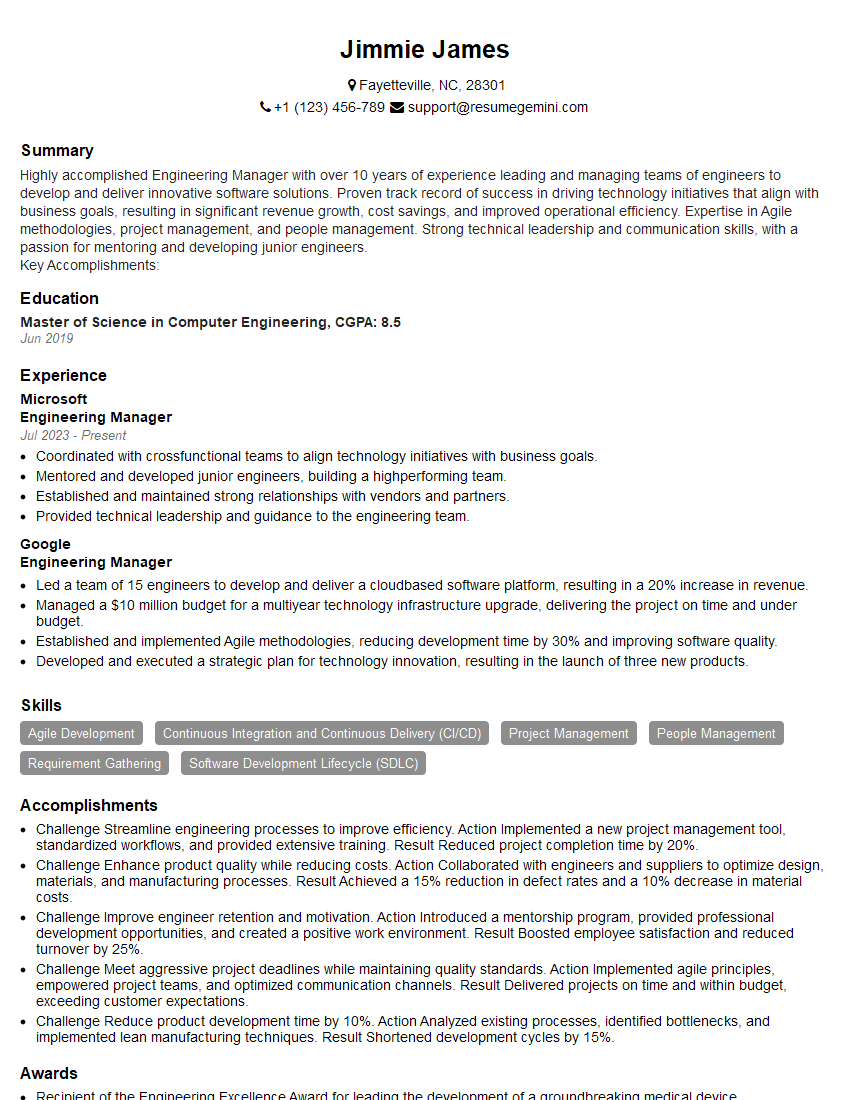
Engineering Manager Resume Sample

Automation Engineer Resume Sample

Manufacturing Engineer Resume Sample
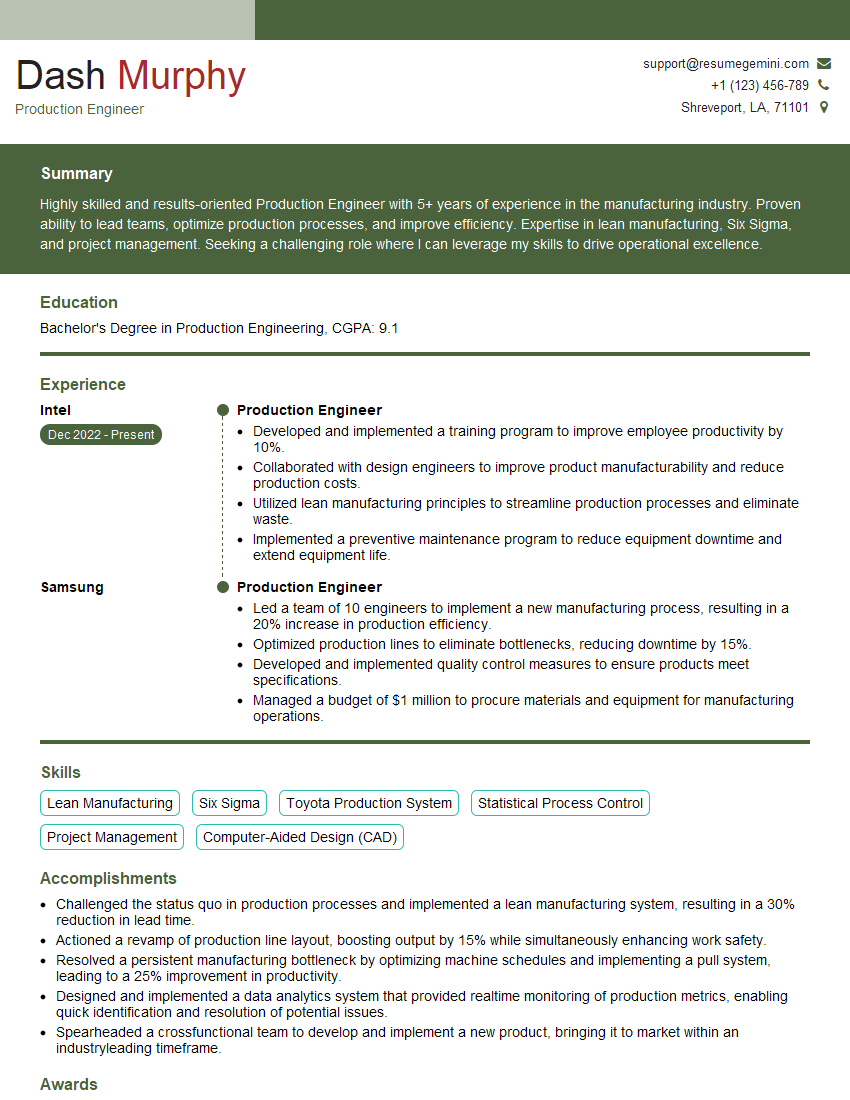
Production Engineer Resume Sample
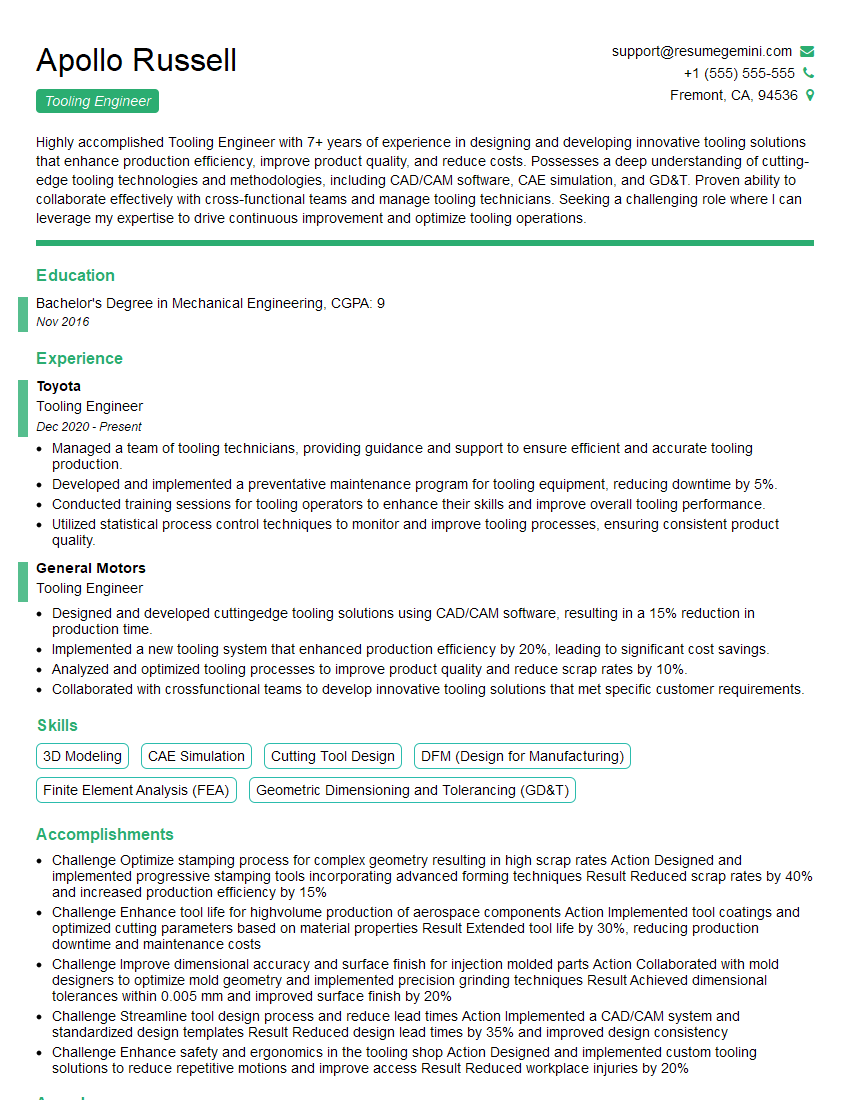
Tooling Engineer Resume Sample

Robotics Engineer Resume Sample
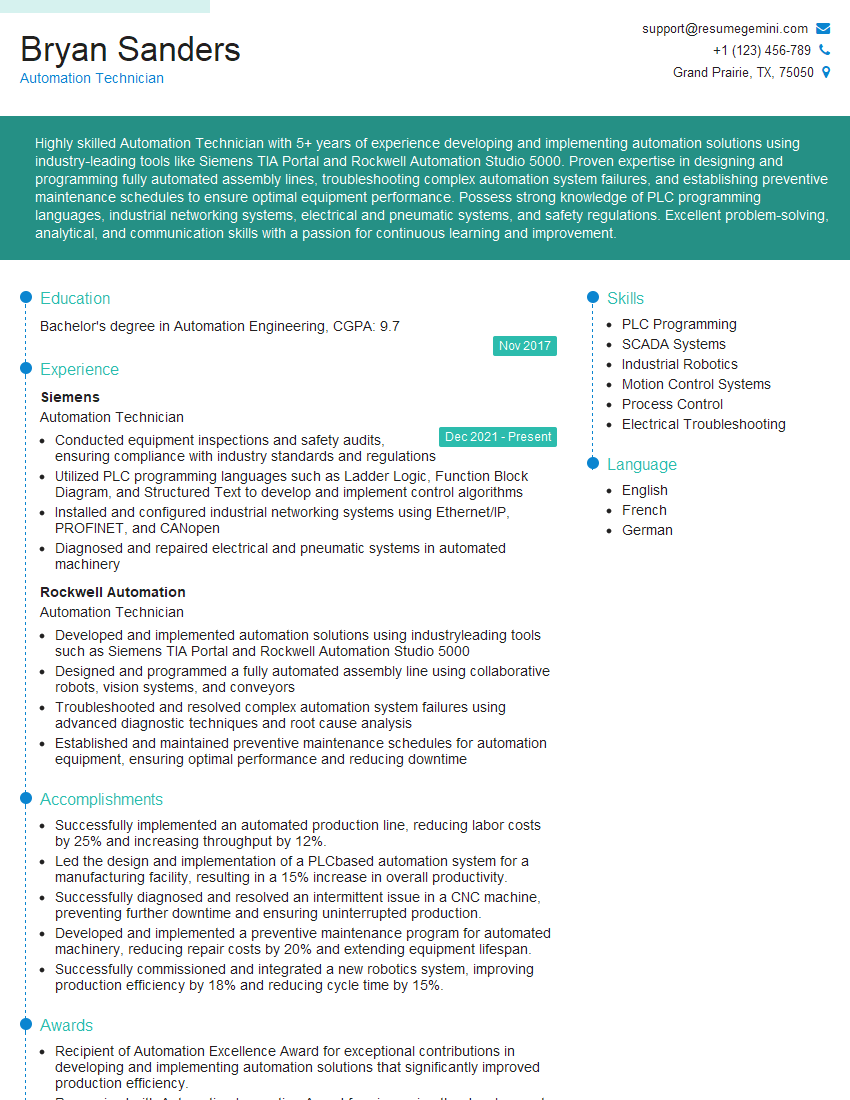
Automation Technician Resume Sample

Robotics Technician Resume Sample
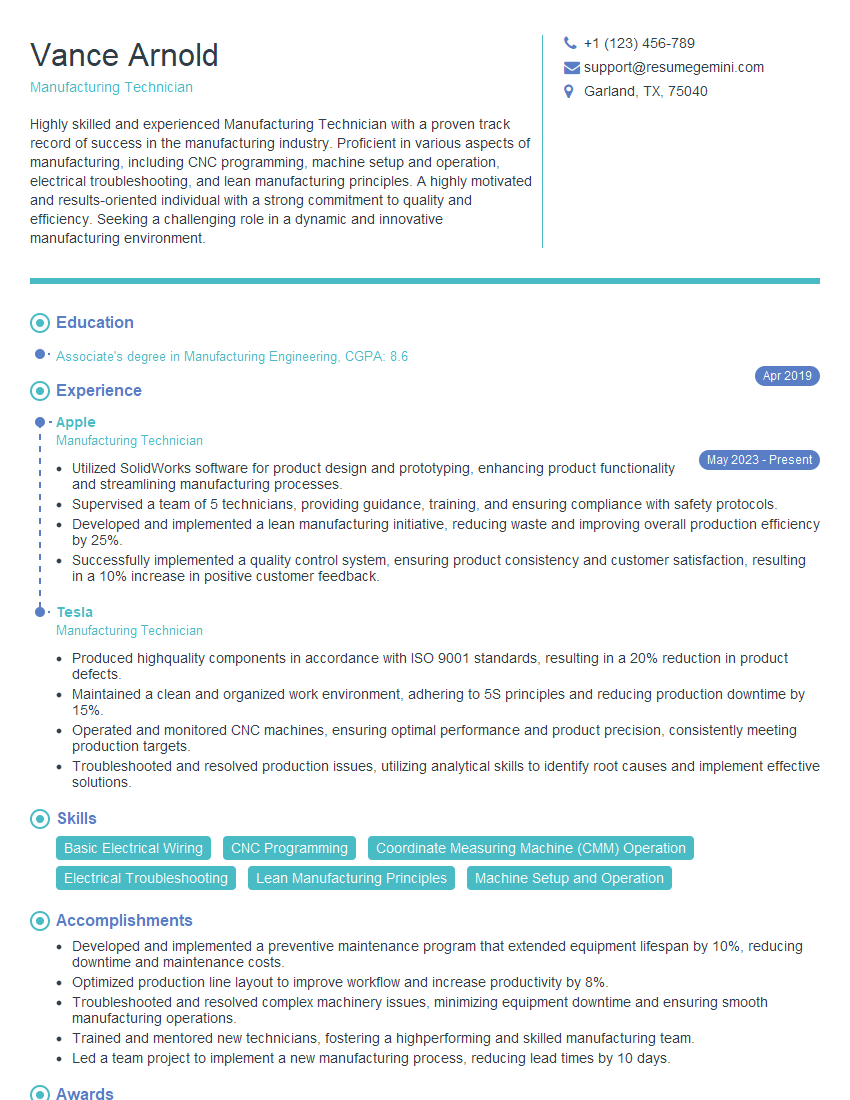
Manufacturing Technician Resume Sample
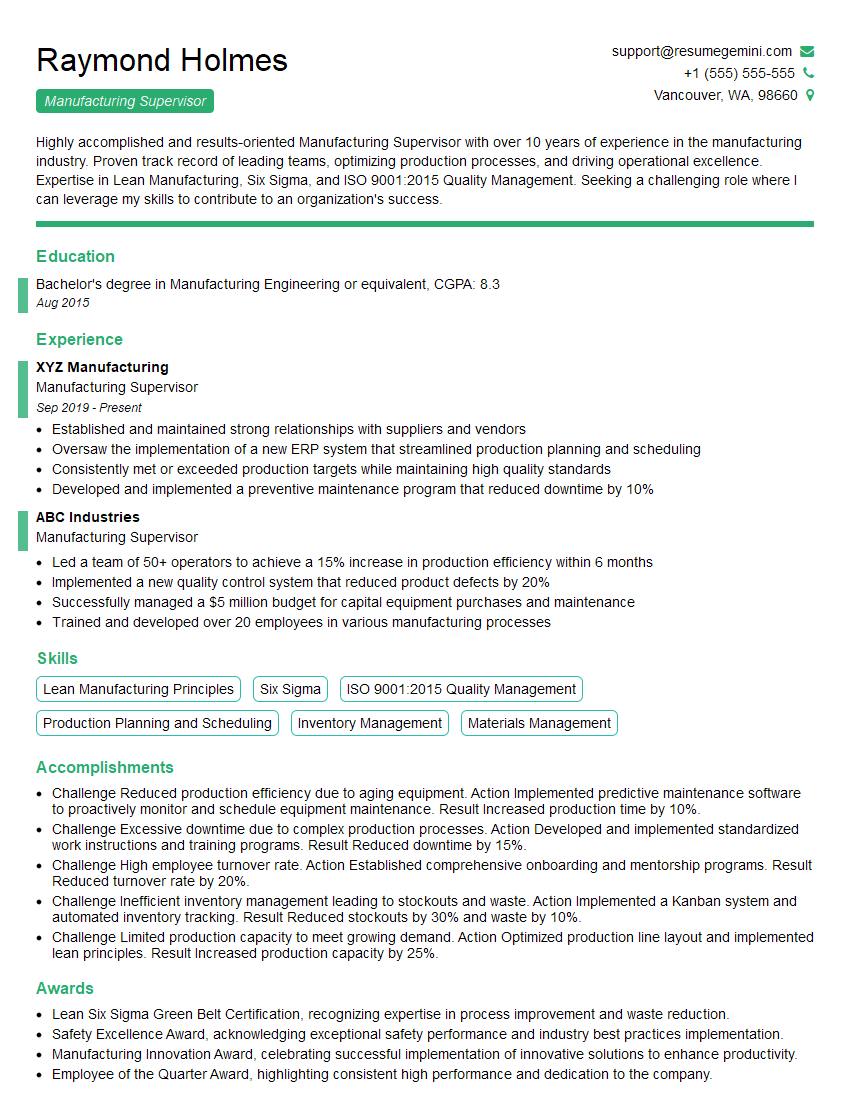
Manufacturing Supervisor Resume Sample
Explore more articles
Users Rating of Our Blogs
Share Your Experience
We value your feedback! Please rate our content and share your thoughts (optional).
What Readers Say About Our Blog
I Redesigned Spongebob Squarepants and his main characters of my artwork.
https://www.deviantart.com/reimaginesponge/art/Redesigned-Spongebob-characters-1223583608
IT gave me an insight and words to use and be able to think of examples
Hi, I’m Jay, we have a few potential clients that are interested in your services, thought you might be a good fit. I’d love to talk about the details, when do you have time to talk?
Best,
Jay
Founder | CEO