Interviews are opportunities to demonstrate your expertise, and this guide is here to help you shine. Explore the essential Tuning press parameters interview questions that employers frequently ask, paired with strategies for crafting responses that set you apart from the competition.
Questions Asked in Tuning press parameters Interview
Q 1. Explain the relationship between impression pressure and ink density.
Impression pressure, the force applied by the printing plate to the substrate (paper), directly impacts ink density. Higher impression pressure forces more ink from the plate onto the paper, resulting in a denser, more saturated color. Conversely, lower pressure leads to lighter, less saturated colors. Think of it like squeezing a sponge – the harder you squeeze (higher pressure), the more water (ink) comes out.
For example, if you’re printing a rich black, you might need a higher impression pressure compared to printing a light pastel shade. The relationship isn’t strictly linear though; excessive pressure can lead to ink smearing or damaging the paper, while insufficient pressure results in poor color reproduction. Finding the optimal pressure is crucial for consistent color throughout a print job. This balance is often found through experimentation and careful adjustments based on the specific ink, paper, and desired color.
Q 2. How do you adjust the ink keys to achieve consistent color across a print run?
Ink keys, or ink rollers, are responsible for distributing ink evenly across the printing plate. Achieving consistent color across a print run requires precise adjustments to these keys. Each color (cyan, magenta, yellow, black – CMYK) typically has its own set of keys, allowing for independent control.
- Visual Inspection: Regularly monitor the printed sheets for color variations. Look for patches of lighter or darker color.
- Adjustments: If a color is too light, increase the pressure or ink flow of the corresponding key. Conversely, decrease the pressure or ink flow if the color is too dark. This usually involves turning small screws or levers on the key system; the precise method depends on the press model.
- Color Charts and Spectrophotometer: Use a color chart as a reference to compare print output against the target colors. A spectrophotometer provides precise color measurements, enabling fine-tuning for optimal consistency.
- Sequential Adjustment: Often, adjusting one key might slightly affect others. It is usually recommended to adjust one key, allowing the press to settle before making further adjustments to other colors. You may need to repeat this process several times to find the perfect balance.
Remember that slight adjustments can make a significant difference. It’s crucial to make small incremental changes and carefully monitor the results, rather than making large, abrupt changes.
Q 3. Describe the impact of paper type on press parameters.
Paper type significantly influences press parameters. Different papers have varying absorbency, thickness, and surface textures.
- Absorbency: Highly absorbent paper requires more ink to achieve the desired color density, potentially requiring adjustments to ink flow and impression pressure. Less absorbent paper might need less ink and possibly a lower impression pressure to avoid excessive ink buildup.
- Thickness: Thicker paper might require higher impression pressure to ensure good ink transfer and sharp print quality. However, excessive pressure could cause paper damage. Thinner paper needs less pressure to avoid impression.
- Surface Texture: Smooth paper generally produces cleaner prints, requiring less attention to impression pressure. Rougher textures can impact ink distribution, needing adjustments to achieve even coverage and possibly different ink viscosity.
- Moisture Content: Paper’s moisture content impacts its dimensional stability and can cause registration issues. High humidity can lead to paper expansion and poor registration.
For instance, printing on a coated paper (like glossy magazine stock) will require different parameters than printing on uncoated paper (like newsprint). The press operator needs to be well-versed in these characteristics to ensure consistent print quality across different substrates.
Q 4. What are the common causes of slurring and how do you correct them?
Slurring, the blurring or smearing of ink on the printed image, is a common printing defect with several causes:
- Excessive Ink: Too much ink on the printing plate causes it to transfer beyond the intended area.
- Low Impression Pressure: Insufficient pressure may not properly transfer the ink, leading to smearing.
- Dampening Problems: Inadequate dampening solution (used in offset printing) can cause ink to spread excessively.
- Roller Issues: Worn or improperly adjusted rollers can lead to uneven ink distribution.
- Ink Viscosity: Incorrect ink viscosity can make it too thin or too thick for optimal transfer.
Corrections: Troubleshooting slurring requires a systematic approach. Begin by checking ink levels and adjusting as needed. Examine the rollers for wear and tear, and replace or clean them if necessary. Adjust impression pressure, ensuring it’s neither too high nor too low. Check dampening solution levels and distribution. If the problem persists, consider the ink viscosity and make adjustments accordingly. If all else fails, carefully inspect the plate for any damage.
Q 5. Explain how to troubleshoot a problem with paper feeding.
Paper feeding problems are frequently encountered. Troubleshooting involves a systematic check of several components:
- Paper Supply: Ensure the paper stack is properly positioned, free of defects, and not too low to prevent proper feed. Check for any obstructions.
- Feeding Mechanisms: Inspect the rollers, feeders, and other moving parts of the paper-feeding mechanism for wear, damage, or debris. Adjust rollers appropriately or repair/replace damaged parts.
- Paper Type and Condition: Use the appropriate paper type and ensure that the paper isn’t too humid or dry, as moisture content can significantly impact feeding.
- Separation Settings: Ensure the paper separation settings (air pressure, suction, etc.) are properly adjusted for the paper type and weight.
- Registration Marks: Monitor the registration marks consistently to check for any variations in paper feeding and position the paper correctly on the press.
For instance, if the paper is consistently misfeeding, it’s often a matter of carefully adjusting the separation rollers or air pressure. If you notice scratches or damages on the paper’s edge, it points toward issues within the paper-feeding mechanism. A logbook helps track recurring issues and helps with preventative maintenance.
Q 6. How do you calibrate the register on a printing press?
Register refers to the precise alignment of colors on the printed sheet. Calibration involves adjusting the press to ensure accurate overlay of each color.
- Registration Marks: Modern printing presses use registration marks printed on the sheet. These marks guide the adjustment process.
- Side Guides: Adjust the side guides on the paper feed to ensure accurate lateral positioning.
- Lateral and Longitudinal Adjustments: Using the press controls, adjust the lateral (side-to-side) and longitudinal (front-to-back) positioning of the printing units. This is done iteratively, checking the alignment of the registration marks after each adjustment. Usually these are small movements in micrometers.
- Fine Tuning: Once the registration is close, fine-tuning is needed to achieve perfect alignment. This often requires patience and small, incremental adjustments.
- Specialized Tools: Some presses utilize specialized tools or software to aid in the registration process, providing precise measurements and automated adjustments.
Calibrating register is essential for sharp, clear images, and prevents blurry or misaligned colors. Regular calibration is part of preventative maintenance, ensuring consistent print quality throughout the press run.
Q 7. What is the significance of maintaining consistent moisture levels in printing?
Maintaining consistent moisture levels is crucial in printing because paper’s moisture content directly affects its dimensions. Fluctuations in humidity can cause paper to expand or contract, impacting registration and overall print quality.
- Registration Issues: Changes in paper dimensions lead to misalignment of colors, resulting in blurry or distorted images.
- Paper Jams: Variations in moisture content can make the paper more prone to jamming or wrinkling.
- Ink Drying: Humidity affects ink drying time. High humidity can slow down drying, leading to smudging or offsetting.
- Dimensional Stability: Consistent moisture content ensures dimensional stability of the paper, leading to improved accuracy in printing and reducing waste.
In a practical setting, controlling the environment where printing takes place – maintaining a stable temperature and humidity – is essential. This is usually achieved using climate control systems in the printing facility. Regular monitoring of both temperature and relative humidity using hygrometers is vital in maintaining consistent print quality.
Q 8. Describe your experience with different types of printing presses.
My experience encompasses a wide range of printing presses, including sheet-fed offset presses (both small and large format), web offset presses, and digital presses. I’ve worked extensively with Heidelberg, Komori, and Manroland presses, gaining proficiency in their unique operational characteristics and maintenance requirements. For instance, I’ve fine-tuned the makeready process on a Heidelberg Speedmaster, significantly reducing waste and improving print quality. With web presses, my expertise lies in optimizing web tension control and perfecting register across long print runs. Finally, my digital printing experience includes working with Xerox and HP Indigo presses, focusing on color calibration and efficient workflow management.
- Sheet-fed Offset: Excellent for high-quality, short-to-medium runs, with precise color control.
- Web Offset: Ideal for high-volume, long runs, like newspapers or magazines, offering speed and cost-effectiveness.
- Digital Presses: Best for personalized, on-demand printing, short runs, and quick turnaround times.
Q 9. How do you identify and resolve issues with print quality?
Identifying and resolving print quality issues requires a systematic approach. I begin by visually inspecting the printed sheets, looking for common problems like: incorrect color, misregistration, blurring, hickeys (ink specks), and poor ink density. This visual assessment helps pinpoint the likely source. I then investigate the press parameters – ink viscosity, ink keys, dampening solution balance, pressure settings, and blanket condition – systematically adjusting each parameter until the problem is resolved. For instance, if I observe color inconsistencies, I might check the ink fountain settings or the ink duct rollers for proper mixing. If misregistration is the issue, I’d carefully examine the gripper bar and feeder timing. I document each step and adjustment made using standardized forms.
Troubleshooting is an iterative process; adjusting one parameter might affect another. My experience helps me anticipate these interdependencies and adjust accordingly. For example, increasing ink density might require adjusting the dampening system to prevent smearing. I also regularly utilize color measuring instruments for objective assessment and color correction.
Q 10. Explain the importance of maintaining press cleanliness.
Maintaining press cleanliness is paramount for consistent, high-quality printing. Accumulated ink, paper dust, and other debris can directly impact print quality, leading to smeared images, poor color reproduction, and mechanical issues. A clean press ensures optimal ink transfer and prevents damage to rollers and blankets. Regular cleaning minimizes downtime caused by malfunctions, improves efficiency, and extends the lifespan of the press components. Think of it like keeping a finely tuned engine clean to ensure smooth performance – ignoring it eventually leads to a breakdown.
My cleaning procedures involve regularly cleaning rollers, blankets, and the inking system using appropriate cleaning agents. I also meticulously remove debris from the feed and delivery systems. This process is performed both during scheduled maintenance and after each job, paying attention to detail to prevent cross-contamination of inks.
Q 11. What are the safety protocols you follow while operating a printing press?
Safety is my top priority. Before operating any press, I always perform a thorough pre-operational safety check, ensuring all guards are in place, emergency stop buttons are functional, and there are no obstructions around the machine. I wear appropriate personal protective equipment (PPE), including safety glasses, gloves, and hearing protection. I strictly follow lockout/tagout procedures when performing maintenance or repairs to prevent accidental startup. I also regularly receive safety training and updates on best practices. Working safely isn’t just a set of rules; it’s a mindset that protects me and my colleagues.
I never operate the press if I suspect any malfunction or safety hazard. I immediately report any unsafe conditions to my supervisor. Teamwork and communication are vital for maintaining a safe and efficient work environment.
Q 12. How do you calculate the ideal speed for a printing press based on job requirements?
Calculating the ideal press speed depends on several factors: the job requirements (quantity, quality, substrate), the press capabilities, and the desired turnaround time. A balance must be struck between speed and quality. Too fast, and print quality suffers; too slow, and productivity is compromised. I usually begin with the manufacturer’s recommended speed for the given substrate and then adjust based on the specifics of the job.
For example, a high-quality, short-run job requiring precise registration may necessitate a slower speed to ensure accuracy. Conversely, a long-run job with less stringent quality demands may permit a higher speed to maximize output. I always conduct test prints at different speeds to determine the optimal balance between speed and print quality. This involves monitoring for issues like slurring, misregistration, and color consistency at various speeds before finalizing the printing speed.
Q 13. Explain your process for setting up a new job on a printing press.
Setting up a new job involves several key steps. First, I carefully review the job specifications, including the number of colors, paper type, image resolution, and required quantity. Then, I prepare the press by cleaning the relevant rollers and blankets and making sure all tools and supplies are ready. Next, I prepare the printing plates, ensuring they are properly mounted and positioned. The ink keys are then adjusted based on the desired color density and the ink viscosity is checked. Precise adjustments are made to the dampening system to ensure proper ink-water balance. The paper feed is also checked to ensure it’s working correctly.
Once everything is ready, I run a test print to check for color accuracy, registration, and other potential issues. I then fine-tune the settings based on the results of the test print. This iterative process ensures that the final product meets the required quality standards before commencing the full production run. This meticulous approach helps minimize waste and ensures an efficient and high-quality print job.
Q 14. How do you troubleshoot and resolve problems related to ink drying?
Ink drying problems can stem from several sources: incorrect ink viscosity, insufficient air circulation, low temperature, or high humidity. If the ink is too thin, it will not dry properly. If the ink is too thick, it can cause smearing. Poor air circulation and high humidity further hinder ink drying. I address these issues by first checking the ink’s viscosity and adjusting it if needed using appropriate thinner or retarder. I then ensure proper air circulation within the press and the surrounding environment. For instance, checking and adjusting air conditioning or ventilation systems might be required. Temperature and humidity are monitored and controlled when possible. In some cases, using a special drying agent or modifying the paper stock might be necessary.
Troubleshooting ink drying issues requires careful observation and a methodical approach. I systematically check each potential cause, starting with the most likely culprits. I use a combination of visual inspection, testing, and adjustment to determine the root cause and implement the most effective solution.
Q 15. What are the typical causes of hickies and how can they be prevented?
Hickies, those annoying little blemishes on a printed sheet, are typically caused by air trapped between the ink and the substrate (paper or other material). Think of it like trying to smooth out a wrinkle in a piece of fabric – if air is trapped, you get a bump. Several factors contribute to hickie formation:
- Insufficient ink: Too little ink can leave small gaps that air can occupy.
- Excessive speed: Rushing the printing process doesn’t give the ink enough time to properly transfer and bond.
- Improper ink viscosity: If the ink is too thick, it can trap air; if it’s too thin, it might not fill in the small crevices on the substrate.
- Substrate issues: A rough or uneven surface on the substrate provides more places for air to get trapped.
- Poor impression: Insufficient pressure between the printing plate and the substrate can lead to incomplete ink transfer.
Preventing hickies involves a multi-pronged approach:
- Proper ink adjustment: Ensure the ink viscosity is correct for the printing speed and substrate. This often involves adding reducers or extenders to modify the ink’s properties. We use specialized ink viscometers to achieve this.
- Optimized printing speed: A slower speed allows for complete ink transfer and minimizes air entrapment.
- Accurate impression: Setting the correct impression pressure is crucial. This ensures proper contact between the plate and the substrate. Too little pressure leads to light printing and hickies; too much causes smearing.
- Substrate selection: Choosing a smoother substrate minimizes the possibility of air trapping.
- Regular cleaning: Keeping the press clean prevents ink buildup and other issues that can contribute to hickies.
For example, I once worked on a job where we were experiencing a high number of hickies using a new type of coated paper. By carefully adjusting the ink viscosity with a reducer and slightly reducing the printing speed, we were able to eliminate the problem completely.
Career Expert Tips:
- Ace those interviews! Prepare effectively by reviewing the Top 50 Most Common Interview Questions on ResumeGemini.
- Navigate your job search with confidence! Explore a wide range of Career Tips on ResumeGemini. Learn about common challenges and recommendations to overcome them.
- Craft the perfect resume! Master the Art of Resume Writing with ResumeGemini’s guide. Showcase your unique qualifications and achievements effectively.
- Don’t miss out on holiday savings! Build your dream resume with ResumeGemini’s ATS optimized templates.
Q 16. Describe your experience with different types of inks and their impact on press settings.
My experience spans a wide range of inks, including UV, water-based, solvent-based, and vegetable-based inks. Each type requires different press settings due to its unique properties:
- UV inks: These inks cure instantly upon exposure to UV light. They require specialized UV curing units and typically demand higher impression pressures than other types. They also tend to have a higher viscosity, often needing more careful adjustments to the ink duct settings.
- Water-based inks: These are environmentally friendly but can be more sensitive to humidity and require careful control of the dampening system. They tend to have a lower viscosity and often require more precise adjustments to the ink rollers to avoid streaking.
- Solvent-based inks: These inks dry by evaporation and have a strong odor. They can be more aggressive on the rollers and require careful maintenance and monitoring of the ventilation system to prevent any negative health impacts and maintain optimum drying. They often require careful adjustment of ink keys and fountain solution levels.
- Vegetable-based inks: These are eco-friendly options that are growing in popularity, often having slightly different drying characteristics than traditional inks. They can require specialized cleaning procedures and may need adjustments in drying time.
For instance, when switching from a water-based ink to a UV ink, I would need to significantly increase the impression cylinder pressure to ensure proper transfer and completely cure the ink. Also, I would make careful adjustments to the ink duct settings to provide the optimal amount of ink to the rollers. I carefully document all settings changes and any observations so that these settings can be reused as needed for future print runs.
Q 17. How do you handle a situation where the press is producing off-register prints?
Off-register printing, where the colors or elements of the print don’t align correctly, is a common press problem. The causes can be mechanical or operator-related.
My systematic approach begins with identifying the root cause:
- Check the impression cylinders: Verify that they are properly aligned and not worn or damaged. This often involves meticulous measurements and adjustments to ensure the perfect registration.
- Examine the feeder and delivery systems: Issues with these systems can cause misalignment of the paper, leading to off-register prints. I check for any paper jams, misfeeds, or inconsistencies in the paper path.
- Inspect the plate cylinders: Ensure that the printing plates are accurately mounted and that the plate cylinder itself is correctly aligned. Any slight misalignment here can cascade into significant off-register problems.
- Review the press settings: Review the press’s registration settings and make fine-tuning adjustments as needed. This often involves making micro-adjustments using the press’s controls.
- Analyze the print quality: Determine whether the off-register issue is consistent across the entire sheet or localized to specific areas. This can help pinpoint the source of the problem.
Once the root cause is identified, I make the necessary corrections. For example, if the issue is related to worn impression cylinders, they may need replacement or re-grinding; if it’s a misaligned plate, I will realign it using specialized tools. I always keep a detailed record of any adjustments made for future reference and to ensure consistent quality. Sometimes a simple adjustment is all that’s needed, other times more significant mechanical intervention is required.
Q 18. How do you maintain accurate color consistency throughout a long print run?
Maintaining consistent color throughout a long print run requires meticulous attention to detail and the use of color management tools. Here’s how I approach it:
- Color calibration: I begin by accurately calibrating the press using color standards and spectrophotometers. This ensures that the initial color settings are accurate.
- Regular color checks: I take regular color readings throughout the run using a densitometer or spectrophotometer. This enables me to identify and correct any color drift early on.
- Ink control: Consistent ink viscosity is crucial. This often involves checking the ink keys and fountain solution levels regularly and making adjustments as needed to ensure the ink supply remains uniform.
- Environmental control: Temperature and humidity can significantly impact ink drying and color consistency. Maintaining a stable environment is essential. This means using temperature and humidity control systems, if possible.
- Substrate consistency: Using a consistent paper supply is important to prevent variations in color absorption.
- Automated color control systems: Many modern presses incorporate automated color control systems that continuously monitor and adjust ink levels to maintain consistency.
For example, on a recent large-format printing job, we used a spectrophotometer to regularly check color values every 1000 sheets, which immediately alerted us to a slight shift in the cyan values. The adjustment was minor, and by making this minor adjustment, we ensured the color remained consistent throughout the entire 100,000-sheet run.
Q 19. Describe your experience with press automation and control systems.
I’m proficient in operating and maintaining a variety of automated press control systems, from simple PLC-based systems to advanced closed-loop color management systems. My experience includes working with:
- Automated feeder and delivery systems: These systems automate the paper handling process, enhancing efficiency and reducing the risk of errors. I understand how to troubleshoot and maintain these complex systems, including replacing sensors, rollers and other parts.
- Automated ink control systems: These systems automatically adjust ink levels to maintain consistent color and ink density. I can use these systems to reduce waste and maintain a higher overall print quality.
- Automated registration systems: These systems help maintain accurate registration throughout the run. I understand how to calibrate and maintain these systems to ensure they are functioning optimally.
- Prepress workflow integration: I understand the workflow between prepress design and press operation, ensuring settings are appropriately carried from prepress to press, which allows for a more streamlined and efficient workflow.
For example, I’ve worked with presses that use sophisticated software to control every aspect of the printing process, from ink delivery to sheet alignment. Understanding how to use these automated systems efficiently has enabled me to improve overall press productivity and reduce waste.
Q 20. How do you interpret and respond to various press alarms and error messages?
Press alarms and error messages provide critical information about potential problems. My approach to interpreting and responding to them is systematic:
- Identify the alarm or error message: Accurately reading and understanding the message is crucial. Many presses use alphanumeric codes and/or screens to inform you of what is going on. Familiarity with your specific press’s alarm system is essential.
- Consult the press manual: The manual should provide detailed explanations of each alarm and its possible causes. This will help guide your initial investigation.
- Visual inspection: Once the issue is identified, carefully inspect the press for any obvious problems such as ink spills, misaligned components, or jammed paper.
- Systematic troubleshooting: If the issue is not immediately apparent, I use a systematic troubleshooting process. This may involve checking sensors, belts, rollers and other components to isolate the source of the problem.
- Document the issue and resolution: I always keep detailed records of all alarms, their causes, and the steps I took to resolve them. This creates a valuable resource for future troubleshooting.
For instance, if a “low ink” alarm triggers, I’d first check the ink supply, and then inspect the ink duct system for blockages. If the problem persists, I might consult the press manual for more in-depth troubleshooting steps and even contact technical support.
Q 21. What are your strategies for minimizing waste during a press run?
Minimizing waste is crucial for efficient and profitable printing. My strategies include:
- Careful job planning and estimation: This involves accurately estimating the material needed for the job, minimizing overruns and waste.
- Precise color calibration and adjustments: Accurate color calibration ensures fewer adjustments are needed during the run, reducing waste associated with test sheets.
- Efficient paper handling: Properly maintaining the feeder and delivery systems reduces paper jams and misfeeds, lowering waste.
- Proper ink management: Efficient ink distribution and management minimizes ink waste. This means using proper ink roller adjustments and maintaining a consistent ink supply.
- Automated systems: Modern presses often include features like automated waste ejection that can reduce waste significantly.
- Makeready optimization: Minimizing makeready waste by carefully planning and executing the setup process, including pre-press preparation and plate setup, significantly contributes to this goal.
For example, I’ve implemented a system where we carefully analyze each job’s specifications to estimate material usage accurately. This, along with proper makeready, reduced our waste by approximately 15% in a particular project. By carefully tracking waste, analyzing the causes, and implementing corrective measures, we ensure the sustainability of the production process.
Q 22. Explain your approach to problem-solving related to press malfunctions.
My approach to press malfunctions is systematic and data-driven. I follow a structured troubleshooting process, starting with a thorough assessment of the problem. This involves carefully observing the malfunction, gathering data like error codes, ink readings, and production logs, and listening to the press’s sounds for any unusual noises. Then I use this information to formulate hypotheses about the cause.
For instance, if I’m seeing streaking in the print, I wouldn’t just assume it’s a simple ink problem. I’d investigate the rollers, check for debris, and examine the impression cylinder for any damage. I’ll go through a logical checklist, eliminating possibilities until I pinpoint the root cause.
Once the root cause is identified, I implement a solution, whether it involves minor adjustments, parts replacement, or seeking expert assistance. Following the fix, rigorous testing is crucial to ensure the problem is resolved and the press is functioning optimally. I meticulously document every step of the process, from initial observation to final resolution, for future reference and continuous improvement.
Q 23. How do you ensure the print meets the client’s specifications?
Meeting client specifications is paramount. My process begins even before the press run, starting with a careful review of the job specifications, including color profiles (e.g., Pantone, CMYK), paper type, grammage, and finishing requirements. I then conduct thorough pre-press checks, examining proofs for accuracy and consistency.
During the press run, I continuously monitor color density, register, and print quality, using color measuring devices (densitometers, spectrophotometers) to ensure they remain within acceptable tolerances. I also conduct regular quality checks, taking samples throughout the run for inspection.
If deviations are detected, I adjust the press parameters—ink keys, pressure, speed—accordingly, making small, incremental changes to avoid excessive waste. Communication is key; I maintain regular communication with the client and relevant stakeholders, sharing progress updates and addressing any concerns proactively. Ultimately, a final inspection and sign-off ensures that the final product meets and exceeds expectations.
Q 24. Describe your experience with different types of paper handling systems.
I have extensive experience with various paper handling systems, from simple sheet-fed systems to complex roll-fed and web offset systems. Sheet-fed systems, common in smaller presses, require careful attention to paper alignment and feeding mechanisms. Improper settings can lead to jams or misfeeds. I’m proficient in adjusting feeder settings, including the vacuum and air settings to handle different paper weights and sizes effectively.
Roll-fed systems, on the other hand, present different challenges, requiring expertise in maintaining proper tension, managing web breaks, and ensuring consistent paper unwinding. I understand the intricacies of different types of web offset systems, and I can troubleshoot issues with splices, dancer rollers, and other components. My experience also includes managing various paper handling accessories like automated paper turners, collators, and finishing devices.
Q 25. How do you monitor and maintain press performance metrics?
Monitoring and maintaining press performance metrics is crucial for maximizing efficiency and quality. I utilize a range of key performance indicators (KPIs) to track press performance. These include:
- Speed and Uptime: Tracking the press’s running speed and the percentage of time it’s actively printing (uptime). This highlights areas for improvement in terms of efficiency and reduces downtime.
- Waste: Monitoring the amount of wasted paper due to misfeeds or quality issues. This metric helps to identify problem areas and optimize press settings.
- Color Consistency: Using color measuring devices to monitor color accuracy and consistency throughout the run. Maintaining tight tolerances is critical for color-critical jobs.
- Makeready Time: Tracking the time it takes to set up the press for each job, aiming to reduce it through process improvements and efficient workflows.
This data helps identify trends and allows for proactive adjustments to optimize press performance. I use the data to improve processes, reduce waste, and address potential issues before they impact quality or production timelines.
Q 26. How do you train and supervise other press operators?
Training and supervising other press operators involves a combination of hands-on instruction, theoretical knowledge, and practical experience. I begin with a comprehensive overview of the press’s functionality, safety procedures, and maintenance routines. This includes thorough explanations of the different controls, adjustments, and potential hazards.
Hands-on training is a critical part of the process. I guide operators through various tasks, starting with simple setups and gradually increasing complexity. This involves working alongside them, providing real-time feedback, and addressing their questions. I emphasize the importance of precise adjustments and the relationship between press settings and print quality. Regular performance evaluations and follow-up sessions ensure operators remain competent and up-to-date with best practices.
Q 27. What are your methods for optimizing press throughput and efficiency?
Optimizing press throughput and efficiency is a continuous process requiring attention to detail and proactive problem-solving. My methods include:
- Process optimization: Analyzing workflows to identify bottlenecks and streamline operations, using lean manufacturing principles.
- Preventive maintenance: Regular maintenance schedules to minimize downtime and extend the life of the press, thereby increasing productivity. This includes cleaning, lubrication, and routine checks of critical components.
- Automation: Leveraging automation features where possible to reduce manual intervention and improve consistency. This could include automated plate changing or color registration systems.
- Continuous improvement: Regularly reviewing performance metrics and making data-driven adjustments to settings and processes to constantly enhance efficiency.
These techniques combined lead to improved productivity, fewer delays, less waste, and ultimately, a more cost-effective operation.
Q 28. Describe a time you had to troubleshoot a complex press problem. What was your approach, and what was the outcome?
I once encountered a recurring problem with ghosting (faint, unintended images appearing on subsequent sheets) on a six-color press. Initial attempts to adjust ink density and dampening were unsuccessful. The problem persisted despite cleaning the rollers and checking the impression cylinder. My approach was to systematically eliminate possible causes.
I started by carefully examining the plates, looking for any microscopic defects or damage. I discovered that the problem was linked to a specific plate. It turned out to be a defect in the platemaking process itself—a very subtle issue not easily visible to the naked eye. The outcome was a simple yet effective solution: Replacing the faulty plate immediately resolved the ghosting issue. This experience highlighted the importance of thorough plate inspection as part of the pre-press process and the need to carefully consider all possible causes when troubleshooting complex press problems. This incident also prompted an internal review of the platemaking process to ensure similar defects were avoided in the future.
Key Topics to Learn for Tuning Press Parameters Interview
- Understanding Press Mechanics: Grasp the fundamental principles governing press operation, including tonnage, speed, and stroke length. Explore the interplay between these parameters and their impact on final product quality.
- Material Properties and Their Influence: Learn how different materials (metals, plastics, etc.) react to varying press parameters. Understand how to adjust settings based on material characteristics to achieve optimal results and avoid defects.
- Die Design and its Relationship to Parameters: Explore the crucial link between die design and the selection of appropriate press parameters. Learn how to optimize parameters to compensate for die limitations or complexities.
- Process Monitoring and Control: Understand the importance of real-time monitoring of key parameters like pressure, speed, and temperature. Learn about different control systems and techniques used to maintain consistent output and identify potential issues early on.
- Troubleshooting and Problem-Solving: Develop strategies for identifying and resolving common press-related problems. Learn to analyze error messages, diagnose malfunctions, and implement corrective actions efficiently.
- Safety Protocols and Best Practices: Understand and adhere to all relevant safety procedures related to press operation and maintenance. Know how to identify and mitigate potential hazards.
- Statistical Process Control (SPC): Familiarize yourself with SPC techniques for monitoring and improving press processes. Understand how to interpret control charts and use data to optimize parameters.
- Advanced Parameter Optimization Techniques: Explore advanced methods like Design of Experiments (DOE) and other optimization algorithms to fine-tune press parameters for maximum efficiency and product quality.
Next Steps
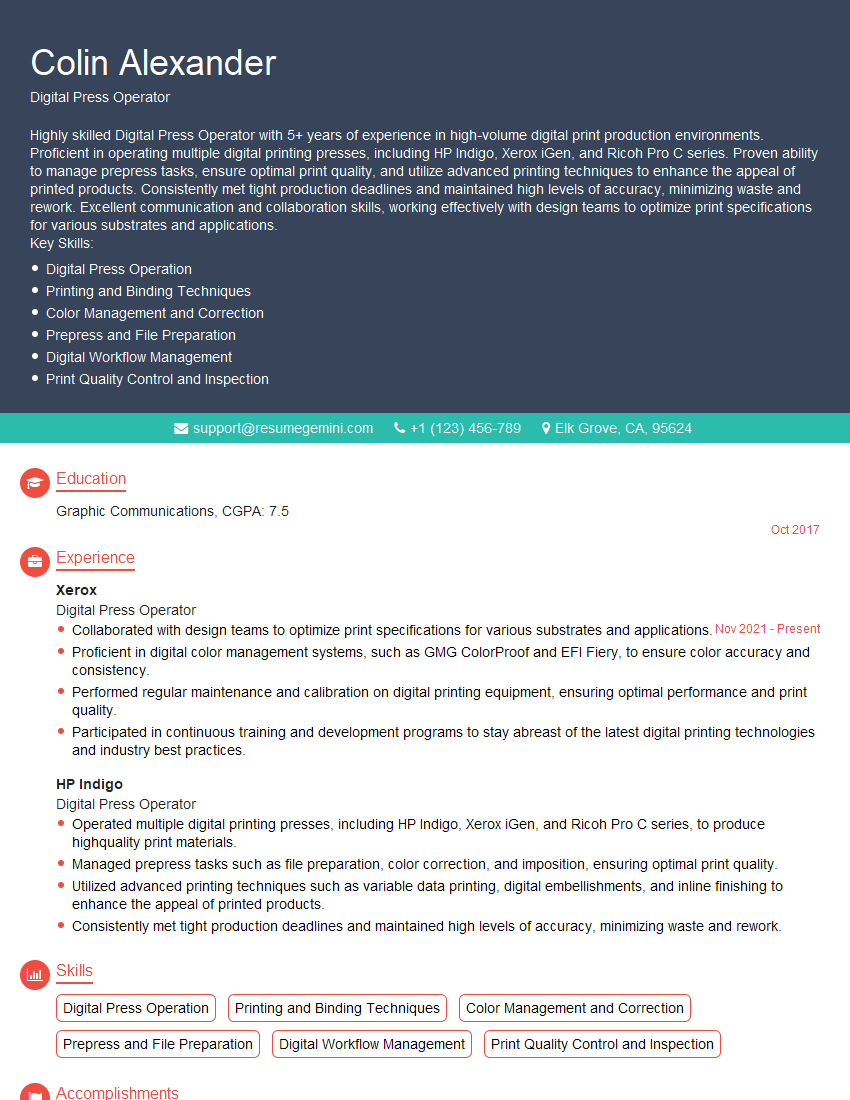
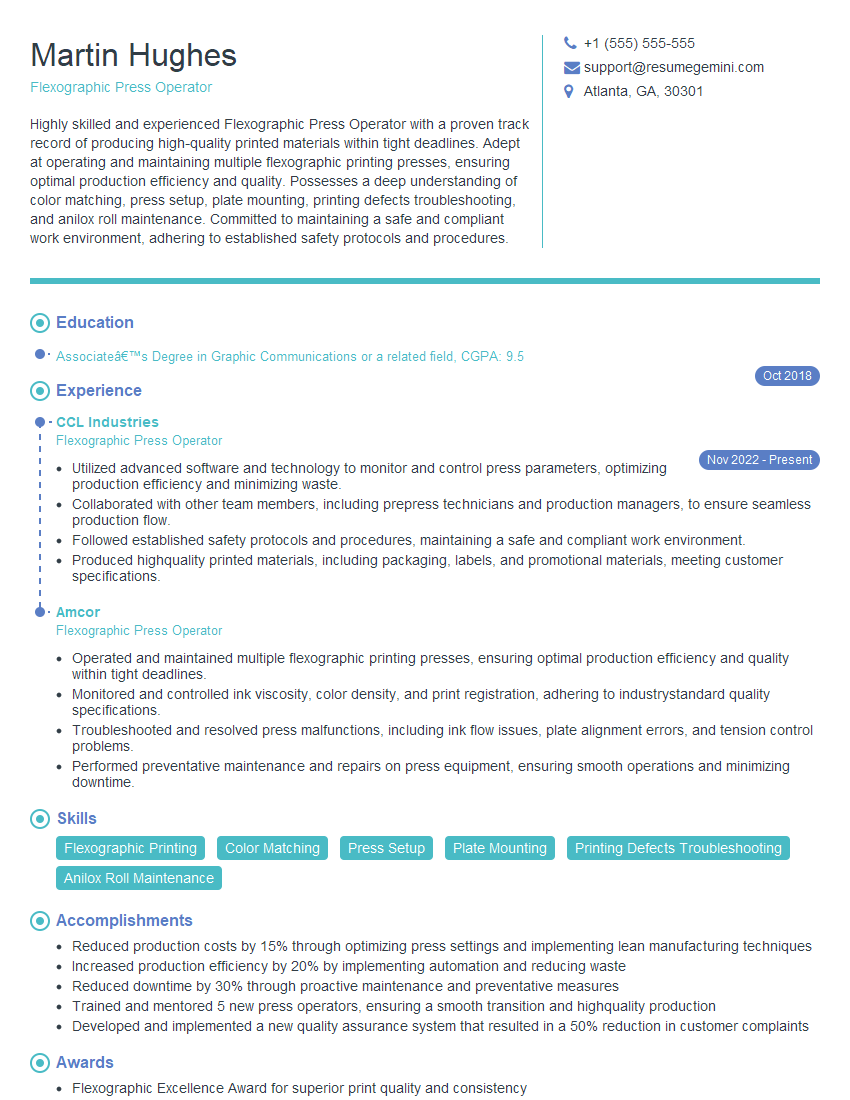
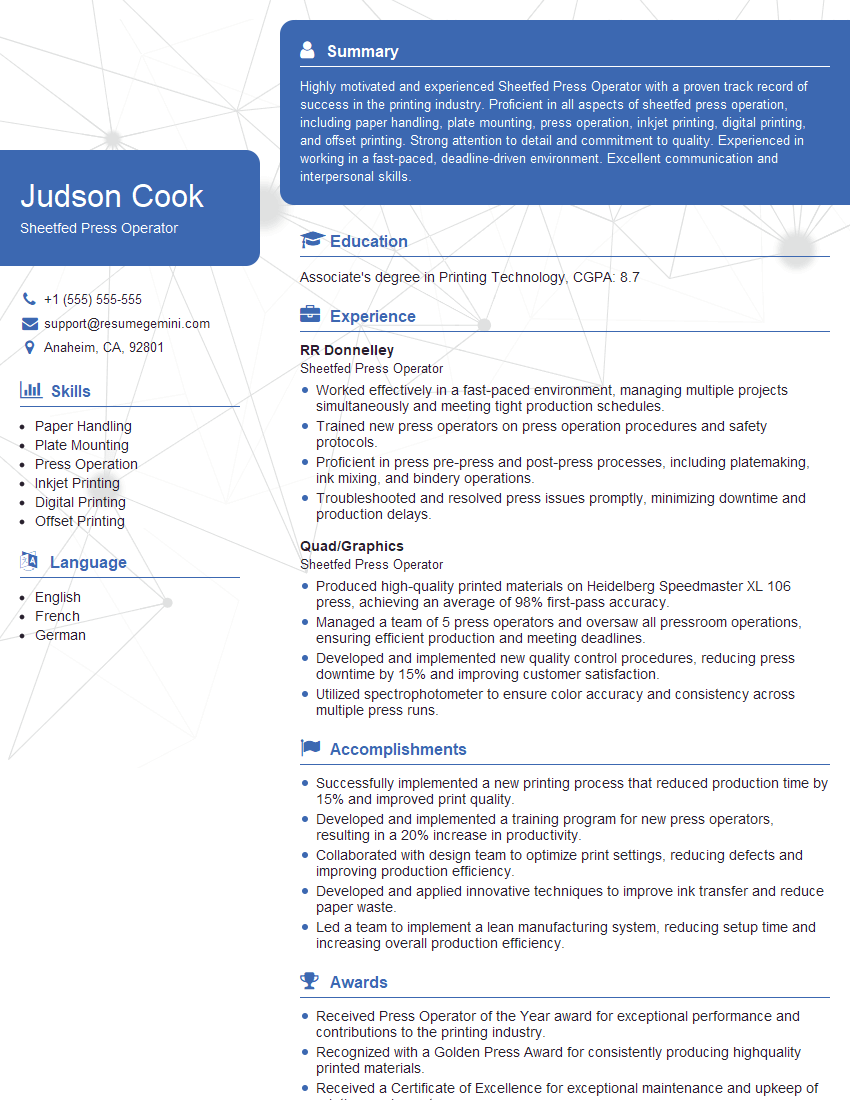
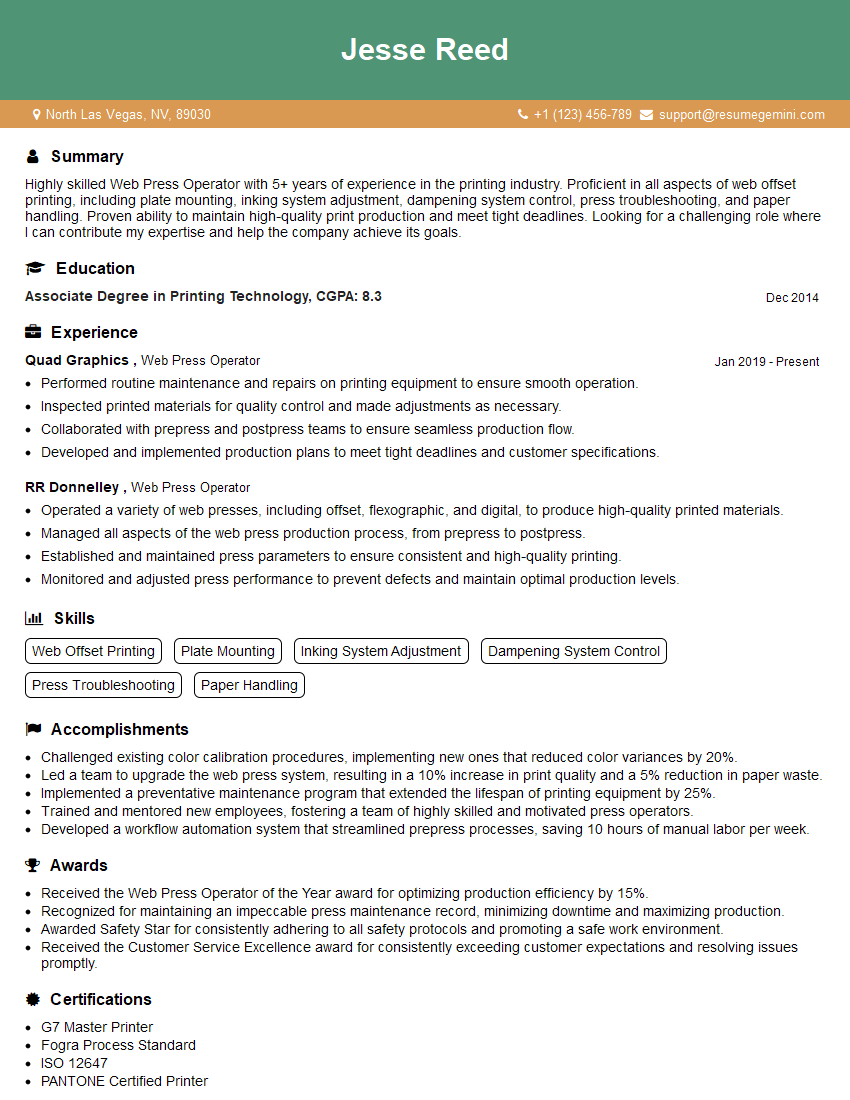
Mastering the art of tuning press parameters significantly enhances your value in manufacturing environments, opening doors to more challenging roles and higher earning potential. To increase your chances of landing your dream job, focus on building an ATS-friendly resume that highlights your skills and experience. ResumeGemini is a trusted resource that can help you craft a professional and effective resume, ensuring your qualifications shine through to potential employers. Examples of resumes tailored to showcasing expertise in Tuning press parameters are available – leverage these resources to build a compelling application.



Explore more articles
Users Rating of Our Blogs
Share Your Experience
We value your feedback! Please rate our content and share your thoughts (optional).
What Readers Say About Our Blog
I Redesigned Spongebob Squarepants and his main characters of my artwork.
https://www.deviantart.com/reimaginesponge/art/Redesigned-Spongebob-characters-1223583608
IT gave me an insight and words to use and be able to think of examples
Hi, I’m Jay, we have a few potential clients that are interested in your services, thought you might be a good fit. I’d love to talk about the details, when do you have time to talk?
Best,
Jay
Founder | CEO