The right preparation can turn an interview into an opportunity to showcase your expertise. This guide to Knowledge of Cloud-Based Tax Platforms interview questions is your ultimate resource, providing key insights and tips to help you ace your responses and stand out as a top candidate.
Questions Asked in Knowledge of Cloud-Based Tax Platforms Interview
Q 1. Explain your experience with different cloud tax platforms (e.g., Avalara, Vertex, Thomson Reuters ONESOURCE).
My experience encompasses a range of leading cloud tax platforms, including Avalara, Vertex, and Thomson Reuters ONESOURCE. I’ve worked extensively with Avalara’s comprehensive suite for sales and use tax automation, leveraging its robust APIs for seamless integration with ERP systems. With Vertex, I’ve focused on its precise tax calculation engine and its ability to handle complex jurisdictional rules, particularly beneficial for businesses with multi-state or international operations. My experience with Thomson Reuters ONESOURCE involves utilizing its compliance management capabilities, including its strong reporting and audit trail features. Each platform presents unique strengths; for example, Avalara excels in ease of use for smaller businesses, while Vertex and ONESOURCE provide more sophisticated functionalities for larger enterprises with complex tax needs.
In practical terms, I’ve used these platforms to automate tax calculations, manage tax returns, and ensure compliance with varying state and local regulations. For instance, I’ve used Avalara to streamline sales tax calculations for an e-commerce client, significantly reducing manual processing time and improving accuracy. With Vertex, I’ve helped a manufacturing company navigate the complexities of nexus and apportionment, ensuring accurate tax reporting across multiple states. This hands-on experience allows me to effectively compare and contrast the platforms, recommending the most suitable solution based on a company’s specific size, industry, and tax complexity.
Q 2. Describe your understanding of cloud-based tax compliance regulations.
Understanding cloud-based tax compliance regulations requires a multi-faceted approach. It’s crucial to be well-versed in relevant laws and regulations, such as the General Data Protection Regulation (GDPR) in Europe and the California Consumer Privacy Act (CCPA) in the United States. These regulations govern how personal and sensitive tax data is handled, stored, and processed within cloud environments. Beyond these, understanding data sovereignty laws is crucial – ensuring that data is stored and processed in compliance with the legal requirements of specific jurisdictions. Another key aspect is adhering to industry best practices and security standards like SOC 2 and ISO 27001. These frameworks provide a robust structure for ensuring data security and compliance. Furthermore, staying abreast of evolving regulations and updates is paramount to maintaining compliance. This includes monitoring changes in tax laws, data protection regulations, and cloud security standards.
For example, I’ve assisted several clients in complying with GDPR by ensuring their cloud-based tax platforms had the appropriate security measures and data processing agreements in place. This included implementing robust access controls, data encryption, and secure data transfer protocols. My knowledge extends to understanding the implications of data breaches and developing response plans compliant with regulatory requirements.
Q 3. How do you ensure data security and privacy within a cloud-based tax environment?
Data security and privacy are paramount in cloud-based tax environments. My approach involves a multi-layered strategy encompassing several key areas. Firstly, I leverage the inherent security features of the cloud platforms themselves, such as encryption both in transit and at rest. Secondly, I implement robust access controls, ensuring that only authorized personnel have access to sensitive tax data using role-based access controls (RBAC). Thirdly, regular security audits and penetration testing help identify and address vulnerabilities proactively. Data loss prevention (DLP) tools are essential in preventing sensitive data from leaving the secure environment. Finally, comprehensive incident response plans are critical in case of a data breach to minimize damage and comply with reporting regulations.
For example, in a previous role, I implemented a two-factor authentication system across our cloud-based tax platform, significantly enhancing access security. I also regularly reviewed access logs and security alerts to identify and address any potential threats.
Q 4. Explain your experience with tax data integration and migration processes in the cloud.
My experience with tax data integration and migration processes in the cloud involves careful planning, meticulous execution, and rigorous testing. I utilize a phased approach, starting with a thorough assessment of the existing data environment and mapping it to the target cloud platform. Data cleansing and transformation are vital steps to ensure data integrity and accuracy during the migration. I use ETL (Extract, Transform, Load) tools to automate the data migration process, reducing the risk of errors and minimizing downtime. Thorough testing and validation are crucial to confirm the accuracy and completeness of the migrated data. Involving key stakeholders throughout the process ensures a smooth and efficient transition.
For instance, I led a successful migration of a client’s tax data from an on-premise legacy system to a cloud-based platform. This involved a careful mapping of data fields, data cleansing to address inconsistencies, and rigorous testing to validate the accuracy of the transferred information before going live.
Q 5. How do you handle tax calculations and reporting within a cloud-based system?
Cloud-based tax platforms streamline tax calculations and reporting through automation and real-time data processing. The systems utilize sophisticated algorithms to accurately calculate various taxes based on input data, such as sales, transactions, or payroll information. These calculations consider factors like tax rates, exemptions, and thresholds specific to various jurisdictions. The platforms automate the generation of tax reports, ensuring consistency and compliance with regulatory requirements. They also provide tools for managing tax liabilities and reconciling tax accounts. Furthermore, integration with other systems, such as ERP or CRM platforms, ensures seamless data flow and minimizes manual data entry.
For example, in one project, I implemented a system that automatically calculated sales tax based on customer location and product type, reducing manual errors and freeing up staff for more strategic tasks. The system also automatically generated tax reports, ensuring compliance with deadlines.
Q 6. Describe your experience with API integrations related to tax software.
My experience with API integrations related to tax software is extensive. I’ve worked with various APIs to integrate tax platforms with ERP systems, e-commerce platforms, and other business applications. This involves understanding the API specifications, developing custom integrations, and testing the connectivity to ensure seamless data exchange. I’m proficient in using various API protocols, such as REST and SOAP, and programming languages such as Python and Java to build robust and efficient integrations. Security considerations, such as authentication and authorization, are paramount throughout the process to protect sensitive tax data. Thorough documentation and version control are essential for maintaining and scaling the integrations.
For example, I developed a custom API integration between a client’s e-commerce platform and their cloud tax platform to automatically calculate and apply sales tax to orders, reducing manual intervention and improving accuracy.
Q 7. What are the key benefits and challenges of using cloud-based tax platforms?
Cloud-based tax platforms offer several key benefits, including improved efficiency through automation, reduced costs by eliminating manual processes and minimizing the need for on-premise infrastructure, enhanced scalability to adapt to business growth, and increased accessibility through remote access. They also offer better data security and disaster recovery capabilities compared to on-premise solutions. However, there are also challenges. These include concerns about data security and privacy, dependence on internet connectivity, integration complexities with existing systems, vendor lock-in, and the need for ongoing training and support.
For example, a small business can significantly reduce its tax compliance burden by using a cloud-based platform, but a larger enterprise might face complexities in integrating the platform with its extensive existing IT infrastructure. Addressing these challenges requires careful planning, selection of the right platform, and robust implementation strategies.
Q 8. Explain your understanding of different cloud deployment models (e.g., IaaS, PaaS, SaaS) in a tax context.
Cloud deployment models offer different levels of control and responsibility when deploying tax applications. Think of it like renting an apartment versus owning a house. In a tax context, each model impacts cost, security, and maintenance.
- IaaS (Infrastructure as a Service): This is like renting a bare apartment. You get the basic infrastructure – servers, storage, networking – but you’re responsible for installing and managing the operating system, tax software, and databases. An example would be using AWS EC2 instances to host a custom tax calculation application. The benefits are high customization and control, while the drawbacks include significant management overhead.
- PaaS (Platform as a Service): This is like renting a furnished apartment. You get the infrastructure plus a platform for deploying and managing applications. This means you don’t need to manage the underlying servers, but you still control the application itself. A tax software vendor might offer their platform as a service, giving you pre-built environments and tools for deploying your tax processes but still allowing some customization. This offers a balance between control and ease of management.
- SaaS (Software as a Service): This is like renting a fully furnished and managed apartment. You simply use the software; the vendor handles everything else. Popular tax preparation software like TurboTax operates on this model. The main advantage is ease of use and minimal management; however, customization options are often limited.
The best model depends on the complexity of your tax processes, your IT expertise, and your budget. A large corporation with complex international tax needs might opt for IaaS or PaaS for maximum flexibility, while a small business might prefer the simplicity of SaaS.
Q 9. How do you troubleshoot and resolve issues within a cloud-based tax system?
Troubleshooting a cloud-based tax system requires a systematic approach. I typically follow these steps:
- Identify the problem: Precisely define the issue. Is it a calculation error? A system outage? A user access problem? Gather all relevant information: error messages, timestamps, affected users, etc.
- Check logs and monitoring tools: Cloud providers offer comprehensive logging and monitoring capabilities. Analyzing these logs often reveals the root cause of the issue. For example, checking AWS CloudWatch or Azure Monitor can provide crucial insights into server performance, network issues, and application errors.
- Isolate the problem: Determine if the issue is with the application, the database, the network, or the infrastructure. This might involve checking network connectivity, database performance, and application logs.
- Reproduce the problem: If possible, try to reproduce the issue in a test environment. This helps to verify the problem and test potential solutions.
- Implement a solution: Based on the root cause analysis, implement the appropriate fix. This could involve deploying a software patch, restarting a server, optimizing a database query, or making configuration changes.
- Monitor and test: After implementing the solution, closely monitor the system to ensure the problem is resolved and doesn’t reappear. Thorough testing is crucial to validate the fix.
For example, if users report incorrect tax calculations, I’d first check the input data for errors, then examine the application’s calculation logic and finally investigate the tax engine itself for potential bugs or misconfigurations.
Q 10. Describe your experience with tax automation tools and workflows in the cloud.
My experience encompasses a wide range of tax automation tools and cloud workflows. I’ve worked with solutions integrating various services, such as:
- Data extraction and import tools: Automating the transfer of data from various sources (e.g., ERP systems, spreadsheets) into the cloud-based tax system using APIs and ETL processes.
- Tax calculation engines: Utilizing cloud-based tax engines (e.g., Avalara, Vertex) to automate tax calculations for different jurisdictions.
- Workflow automation tools: Implementing automated workflows for tasks such as tax return preparation, filing, and reconciliation using tools like Zapier or IFTTT.
- Document management systems: Storing and managing tax-related documents securely in the cloud using cloud storage services like AWS S3 or Azure Blob Storage.
In one project, we automated the entire tax preparation process for a large retail chain. We integrated their ERP system with a cloud-based tax calculation engine and a document management system, reducing processing time by 80% and minimizing manual errors. This involved developing custom APIs and scripts to manage data flow and workflow automation.
Q 11. How do you ensure data accuracy and validity within a cloud-based tax system?
Data accuracy and validity are paramount in a cloud-based tax system. We employ several strategies to ensure this:
- Data validation rules: Implementing strict data validation rules at the point of entry to catch errors early on. This involves checks for data types, formats, and ranges.
- Data reconciliation: Regularly reconciling data between different systems and sources to identify discrepancies and inconsistencies. For example, comparing data from the ERP system with the tax system.
- Data encryption and access controls: Encrypting sensitive tax data both in transit and at rest to protect it from unauthorized access. Using robust access control mechanisms to limit access to authorized personnel only.
- Data backups and disaster recovery: Implementing regular data backups and a robust disaster recovery plan to ensure data availability in case of system failures or outages. This usually involves replicating data across multiple regions.
- Audit trails: Maintaining detailed audit trails of all data modifications to track changes and identify the source of errors.
For example, we implemented a data validation rule to ensure that tax identification numbers (TINs) adhere to the correct format and length. We also use checksums and hash functions to verify data integrity during transmission and storage.
Q 12. What are your preferred methods for testing and validating tax calculations in a cloud environment?
Testing and validating tax calculations in a cloud environment is crucial. My approach involves a multi-layered strategy:
- Unit testing: Testing individual components of the tax calculation engine to ensure they function correctly. This might involve writing unit tests for specific tax calculation functions.
- Integration testing: Testing the integration between different components of the system, such as the tax engine, the database, and the user interface.
- System testing: Testing the entire system end-to-end to ensure all components work together correctly. This often involves running simulated tax scenarios with various input data.
- Regression testing: Retesting the system after making changes to ensure that new code hasn’t introduced errors or broken existing functionality.
- Comparison testing: Comparing results from the cloud-based system with results from a known reliable source, such as a manual calculation or another trusted tax software.
For example, I might use a test suite to generate thousands of random tax scenarios and compare the results from our cloud-based tax engine to the results obtained from a well-established tax calculation software. Discrepancies would trigger an investigation and corrective action.
Q 13. Explain your experience with different tax calculation engines.
I have experience with several tax calculation engines, both proprietary and third-party, including:
- Avalara: A popular cloud-based tax calculation engine known for its comprehensive coverage of US and international tax rates.
- Vertex: Another leading provider offering sophisticated tax calculation and compliance features.
- Sovos: Offers a range of tax compliance solutions, including tax calculation engines.
- Custom-built engines: In some cases, we’ve developed custom tax calculation engines tailored to specific client needs. This allows for maximum flexibility and integration with existing systems.
The choice of engine depends on factors like geographical coverage, level of automation required, integration capabilities, and budget. For example, a global company with complex tax needs might require a robust engine like Avalara or Vertex, while a smaller business might opt for a simpler, less expensive solution.
Q 14. How do you manage user access and permissions in a cloud-based tax system?
Managing user access and permissions is critical for security and compliance. We typically leverage the cloud provider’s Identity and Access Management (IAM) features along with role-based access control (RBAC). This ensures that users only have access to the data and functions they need to perform their jobs.
- Role-based access control (RBAC): Defining roles with specific permissions (e.g., ‘Tax Preparer,’ ‘Tax Reviewer,’ ‘Administrator’). Users are then assigned to these roles, automatically granting them the appropriate permissions.
- Principle of least privilege: Granting users only the minimum necessary permissions to perform their tasks. This limits the potential damage from unauthorized access or compromised accounts.
- Multi-factor authentication (MFA): Implementing MFA to add an extra layer of security and prevent unauthorized access even if credentials are compromised.
- Regular access reviews: Regularly reviewing user permissions and roles to ensure they are still appropriate and to remove access for users who no longer require it.
- Auditing: Maintaining audit trails of all user activities to detect and investigate any suspicious behavior.
For example, a tax preparer might only have access to the tax return preparation module, while an administrator would have full access to the system, including user management and system configuration.
Q 15. How do you maintain audit trails and compliance documentation in a cloud-based environment?
Maintaining robust audit trails and compliance documentation in a cloud-based tax platform is paramount. It ensures accountability, facilitates audits, and demonstrates adherence to regulatory requirements. We achieve this through a multi-layered approach.
- Automated Logging: The system automatically logs all user activities, including data modifications, access attempts, and system configuration changes. This granular logging is crucial for identifying potential discrepancies or unauthorized access.
- Version Control: Every document and data entry is version-controlled, allowing us to track changes over time and revert to previous versions if necessary. Think of it like a document’s ‘history’ feature, but on a massive scale.
- Secure Data Storage: Cloud providers offer robust security measures, including encryption both in transit and at rest. Furthermore, access control lists (ACLs) restrict access to sensitive data based on user roles and responsibilities.
- Regular Audits: We conduct periodic internal and external audits to verify the integrity of our audit trails and compliance with relevant regulations. These audits include reviewing log files, access permissions, and data integrity checks.
- Data Retention Policies: We establish and adhere to strict data retention policies, ensuring that audit logs and compliance documentation are preserved for the required duration to comply with legal and regulatory mandates.
For example, if a tax calculation was unexpectedly altered, we can quickly trace back the steps using the audit logs, identifying the user, the time of change, and the nature of the alteration. This not only helps with rectification but also prevents similar errors from occurring again.
Career Expert Tips:
- Ace those interviews! Prepare effectively by reviewing the Top 50 Most Common Interview Questions on ResumeGemini.
- Navigate your job search with confidence! Explore a wide range of Career Tips on ResumeGemini. Learn about common challenges and recommendations to overcome them.
- Craft the perfect resume! Master the Art of Resume Writing with ResumeGemini’s guide. Showcase your unique qualifications and achievements effectively.
- Don’t miss out on holiday savings! Build your dream resume with ResumeGemini’s ATS optimized templates.
Q 16. Describe your experience with reporting and analytics within cloud-based tax platforms.
My experience with reporting and analytics within cloud-based tax platforms is extensive. I’ve worked with platforms that offer sophisticated reporting and analytical capabilities, transforming raw tax data into actionable insights.
- Customizable Dashboards: I’ve built custom dashboards to visualize key performance indicators (KPIs) such as tax liability, compliance rates, and processing times. These dashboards provide a real-time overview of the tax function’s performance.
- Data Aggregation and Analysis: I’m proficient in aggregating data from various sources within the platform to perform in-depth analysis. For instance, we can compare tax liabilities across different jurisdictions or analyze trends in tax rates over time.
- Predictive Modeling: Some platforms allow for predictive modeling, leveraging historical tax data to forecast future liabilities and identify potential risks. This proactive approach enables better resource allocation and minimizes surprises.
- Data Export and Integration: I have experience exporting data in various formats (CSV, XML, etc.) for use in other business intelligence tools. Furthermore, I’ve integrated the tax platform with other enterprise systems, streamlining data flow and minimizing manual data entry.
In one project, we used the platform’s analytical capabilities to identify an unexpected increase in sales tax liability in a particular region. This early warning allowed us to investigate the cause and prevent potential penalties.
Q 17. How do you handle tax rate updates and changes within a cloud-based system?
Handling tax rate updates and changes is critical for accuracy and compliance. Cloud-based platforms typically address this through automated updates and configuration management.
- Automated Updates: Reputable cloud-based tax platforms integrate with external data providers to automatically download and apply the latest tax rate updates. This eliminates the manual process of researching and inputting changes, minimizing errors and ensuring compliance.
- Change Management Procedures: Before deploying updates, a thorough testing phase is implemented to ensure that the updates do not cause any system malfunctions or data inconsistencies. This involves validating the updates against various scenarios and data sets.
- Version Control: Similar to audit trails, changes to tax rates are version-controlled. This allows us to revert to previous versions if necessary and provides a clear history of rate modifications.
- Notification System: The platform usually includes a notification system that alerts users of updates and their potential impact. This enables proactive management of any required adjustments to tax processes or calculations.
Imagine trying to manually update tax rates for hundreds of jurisdictions across multiple states – it’s error-prone and time-consuming. The automated updates ensure timely and accurate compliance with the ever-changing tax landscape.
Q 18. How do you monitor system performance and identify potential issues within a cloud-based tax platform?
Monitoring system performance and identifying potential issues is crucial for the uninterrupted operation of a cloud-based tax platform. We use a combination of tools and techniques.
- System Monitoring Tools: Cloud providers offer built-in monitoring tools that provide real-time insights into system performance, including CPU usage, memory consumption, and network latency. These tools generate alerts when performance thresholds are breached.
- Log Analysis: Regularly reviewing system logs helps identify patterns and anomalies that might indicate potential problems. For example, a sudden spike in error logs could signal a software bug or a hardware issue.
- Performance Testing: We conduct regular performance testing to assess the system’s capacity and responsiveness under various load conditions. This helps identify potential bottlenecks before they impact users.
- User Feedback: We actively solicit user feedback to identify any usability issues or performance problems that might not be readily apparent through automated monitoring.
For instance, if we notice a slow-down in processing times during peak tax season, we can investigate the root cause, perhaps needing to scale up resources or optimize database queries.
Q 19. What experience do you have with disaster recovery and business continuity planning for cloud-based tax systems?
Disaster recovery and business continuity planning are critical aspects of managing a cloud-based tax system. These plans ensure minimal disruption in case of unexpected events.
- Data Backup and Replication: The cloud provider handles regular data backups and replication to geographically diverse locations. This ensures that data is protected from regional outages or natural disasters.
- Failover Mechanisms: The platform incorporates failover mechanisms to automatically switch to a redundant system in case of an outage. This ensures that the system remains operational even if a primary server fails.
- Incident Response Plan: A comprehensive incident response plan outlines the procedures to follow in case of a security breach or a system failure. This includes steps for identifying the problem, containing the damage, and restoring services.
- Regular Drills: We conduct regular disaster recovery drills to test the effectiveness of our plans and ensure that our teams are well-prepared to respond to unexpected events.
For example, a well-defined plan might involve switching to a backup data center within minutes of a primary data center outage, with minimal disruption to ongoing tax processing.
Q 20. Describe your experience with using scripting or automation tools to improve tax processes.
Scripting and automation are indispensable for optimizing tax processes within a cloud-based environment. I’ve extensively used various scripting languages and automation tools to streamline workflows and improve efficiency.
- Data Extraction and Transformation: I’ve used Python and other scripting languages to automate the extraction and transformation of data from various sources into a format suitable for the tax platform. This reduces manual data entry and eliminates errors.
- Report Generation: Scripting can automate the generation of regular tax reports, freeing up staff for more strategic tasks. For example, I’ve automated the generation of monthly tax compliance reports.
- Workflow Automation: I’ve integrated automation tools to automate routine tasks such as data validation, tax calculation, and document filing. This improves processing speed and accuracy.
- API Integrations: I’ve used APIs to integrate the tax platform with other business systems, such as accounting software and CRM systems. This enhances data flow and reduces data silos.
Example: Using Python to automate the generation of a tax report:# Python code to generate a report (simplified example)import csv# ... (Code to read data from the tax platform) ...with open('tax_report.csv', 'w', newline='') as csvfile: writer = csv.writer(csvfile) # ... (Code to write data to the CSV file) ...
Q 21. How familiar are you with different database technologies used in cloud-based tax platforms?
My familiarity with database technologies used in cloud-based tax platforms is extensive. I’ve worked with various database systems, understanding their strengths and weaknesses in the context of tax data management.
- Relational Databases (e.g., PostgreSQL, MySQL): These are commonly used for structured tax data, allowing efficient querying and reporting. Their ability to handle complex relationships between different tax-related entities is crucial.
- NoSQL Databases (e.g., MongoDB, Cassandra): These are useful for handling unstructured or semi-structured data, such as tax documents or audit logs. Their scalability and flexibility make them suitable for large datasets.
- Cloud-Specific Databases (e.g., AWS Aurora, Azure SQL Database): These databases offer the benefits of cloud infrastructure, including scalability, high availability, and managed services, reducing the burden of database administration.
The choice of database technology depends on several factors, including the size and complexity of the tax data, the required performance levels, and the overall architecture of the tax platform. Understanding these trade-offs is key to designing a robust and efficient tax data management system.
Q 22. Explain your understanding of data governance and compliance in the context of cloud-based tax data.
Data governance and compliance in cloud-based tax platforms are paramount. It’s about ensuring the security, accuracy, and accessibility of sensitive tax data while adhering to all relevant regulations like GDPR, CCPA, and specific tax authority mandates. Think of it as establishing a robust system of rules and processes to manage the entire lifecycle of tax data, from creation and storage to usage and eventual disposal.
- Data Security: This involves implementing strong encryption, access controls (role-based access is crucial), and regular security audits to protect against unauthorized access, breaches, and data loss. For example, we might use encryption both in transit and at rest, employing multi-factor authentication, and regularly patching software vulnerabilities.
- Data Integrity: Maintaining the accuracy and consistency of tax data is critical. This requires data validation checks, error handling mechanisms, and regular data reconciliation processes to prevent inconsistencies and errors that could lead to costly penalties. We might use checksums or hashing algorithms to detect data corruption.
- Data Privacy: Handling taxpayer data requires strict adherence to privacy regulations. This involves implementing procedures for data anonymization, pseudonymization, and secure data deletion when no longer needed. We would ensure that only authorized personnel can access sensitive data.
- Compliance: This involves staying updated with ever-changing tax laws and regulations, implementing controls to meet those requirements, and maintaining proper documentation to demonstrate compliance to auditors. This often involves regular internal reviews and potentially external audits by specialized firms.
In practice, a robust data governance framework is implemented through clear policies, procedures, and technologies. A well-defined data retention policy, for example, outlines how long different types of tax data should be stored and under what conditions it should be archived or deleted. This is a crucial aspect of minimizing risk and ensuring ongoing compliance.
Q 23. How do you manage multiple tax jurisdictions within a cloud-based tax system?
Managing multiple tax jurisdictions within a cloud-based tax system requires a highly configurable and adaptable platform. Different jurisdictions have unique tax rules, rates, and reporting requirements. The system needs to be able to accommodate these variances seamlessly.
- Tax Rate Engine: A powerful tax calculation engine is necessary to accurately determine tax liabilities based on the specific rules for each jurisdiction. This engine needs to be regularly updated to reflect any legislative changes.
- Tax Codes and Classifications: The system needs to effectively map products, services, and transactions to the appropriate tax codes and classifications for each relevant jurisdiction. This mapping should be easily updated and maintained.
- Reporting Capabilities: The system must generate accurate and compliant tax reports for each jurisdiction. This includes the ability to customize reports according to the specific requirements of each region.
- Data Localization: Depending on regulations, data storage location might need to adhere to specific jurisdictional requirements. The platform must allow for flexibility in data storage to meet these legal mandates.
For example, a multinational corporation operating in the EU, US, and Canada would need a system capable of calculating VAT in the EU, sales tax in various US states, and GST in Canada, each with its own unique rules and rates. The platform would need to handle differing tax rates based on location, product type, and transaction value, ensuring compliance across all regions.
Q 24. Describe your experience with implementing or integrating tax software with ERP or other enterprise systems.
I have extensive experience integrating tax software with various ERP (Enterprise Resource Planning) systems and other enterprise applications. This typically involves using APIs (Application Programming Interfaces) to exchange data between the systems.
- Data Mapping: A key step is meticulously mapping fields from the ERP system to the tax software. This ensures data integrity and smooth data flow. For instance, we would map customer addresses for location-based tax calculations, and transaction details for accurate tax calculation.
- API Integration: APIs are used to automate the exchange of data, streamlining the process and reducing manual effort. For example, transaction data is automatically pulled from the ERP and fed into the tax engine for calculation, eliminating the need for manual data entry.
- Data Transformation: Sometimes data needs to be transformed before it can be used by the tax software. This might involve data cleaning, validation, or reformatting.
- Error Handling: Robust error handling and logging mechanisms are vital to identify and resolve issues during integration. This includes creating automated alerts for failed transactions or data inconsistencies.
In a recent project, I integrated a cloud-based tax platform with a SAP ERP system using their APIs. We used ETL (Extract, Transform, Load) processes to move data from SAP to the tax platform, ensuring that all relevant tax information was accurately captured and processed. This automation significantly improved efficiency and reduced errors, leading to a more accurate and timely tax compliance process.
Q 25. How familiar are you with different tax calculation methodologies (e.g., origin-based, destination-based)?
I’m very familiar with different tax calculation methodologies, particularly origin-based and destination-based taxation. Understanding these is crucial for accurate tax compliance, especially in a global context.
- Origin-Based Taxation: In this model, taxes are calculated based on where the goods or services originated. This is simpler to administer but can be less efficient and potentially disadvantageous for businesses.
- Destination-Based Taxation: This model calculates taxes based on where the goods or services were consumed or delivered. It’s often considered fairer, especially in e-commerce, because it aligns taxation with the place of consumption. However, it can be more complex to administer due to the need to track transactions and determine the correct tax rates based on delivery location.
The complexities increase with cross-border transactions. For example, a company selling goods online might face a mix of origin-based and destination-based taxes depending on the specific jurisdictions involved. A robust tax platform must be able to handle these variations effortlessly.
Q 26. What are your strategies for staying current with changes in tax laws and regulations impacting cloud-based platforms?
Staying current with tax law changes is critical. My strategies include:
- Subscription to Tax News and Updates: I subscribe to reputable tax news services and publications to get timely alerts about changes in tax regulations.
- Tax Software Updates: Ensuring the tax software is always up-to-date with the latest tax rates and rules is essential. Regular software updates are crucial in this regard.
- Professional Development: I regularly attend conferences and webinars to stay informed about emerging trends and legislative developments.
- Collaboration with Tax Professionals: Maintaining a network of tax advisors and consultants provides additional support and expert insights.
- Monitoring Government Websites: Regularly reviewing government websites for official announcements and tax updates is crucial.
For example, I recently participated in a webinar discussing the implications of a significant change to VAT regulations in the European Union and then updated our tax platform accordingly to reflect the new rules.
Q 27. Describe your experience with using cloud-based monitoring and logging tools for tax systems.
I have significant experience using cloud-based monitoring and logging tools for tax systems. These tools are essential for ensuring the system’s reliability, security, and performance.
- System Monitoring: I use tools like Datadog, CloudWatch, or Splunk to monitor key metrics such as CPU usage, memory consumption, network latency, and transaction processing times. This allows for proactive identification of performance bottlenecks or potential issues.
- Log Management: Centralized log management is critical for troubleshooting, security auditing, and compliance. These tools allow us to search, filter, and analyze log data to identify errors, security incidents, or unusual activity.
- Alerting and Notifications: These systems provide real-time alerts and notifications based on pre-defined thresholds or events. This enables prompt responses to critical issues, such as failed transactions or security breaches.
- Security Information and Event Management (SIEM): SIEM solutions aggregate security logs from various sources, providing comprehensive security monitoring and threat detection capabilities.
For instance, using CloudWatch, I configured alerts to notify our team immediately if the tax platform’s CPU usage exceeded a certain threshold, allowing us to proactively address potential performance degradation before it impacts users.
Q 28. How do you communicate technical issues and solutions to non-technical stakeholders?
Communicating technical issues and solutions to non-technical stakeholders requires clear, concise, and jargon-free language. I use several strategies:
- Analogies and Metaphors: I use simple analogies to explain complex technical concepts. For example, explaining a database as a highly organized filing cabinet helps non-technical individuals understand its function.
- Visual Aids: Flowcharts, diagrams, and presentations are used to visually represent data flows and system architecture, making it easier for stakeholders to grasp complex processes.
- Focus on Business Impact: I always explain how technical issues and solutions affect the business. Instead of focusing on technical details, I emphasize the practical impact on efficiency, costs, or compliance.
- Summarization: I provide concise summaries of technical issues and their resolutions, highlighting key findings and actions without getting bogged down in technical jargon.
For instance, when explaining a database backup failure to executives, I would focus on the potential risks of data loss and the steps taken to restore the data and prevent future occurrences, rather than delving into specific error codes or technical details of the database system.
Key Topics to Learn for Knowledge of Cloud-Based Tax Platforms Interview
- Data Security and Compliance: Understanding data encryption, access controls, and adherence to regulations like SOX and GDPR within cloud-based tax platforms. Consider practical scenarios involving data breaches and recovery.
- Platform Functionality and Features: Become familiar with common features like tax calculation engines, data import/export tools, reporting functionalities, and workflow automation. Practice explaining how these features streamline tax processes.
- Integration with Other Systems: Explore how cloud-based tax platforms integrate with ERP systems, CRM systems, and other business applications. Be prepared to discuss the benefits and challenges of such integrations.
- API and Data Exchange: Understand the role of APIs in data exchange between the tax platform and other systems. Discuss the importance of data validation and error handling in these exchanges.
- Tax Calculation and Reporting Engines: Deep dive into the inner workings of tax calculation engines. Understand how different tax jurisdictions and regulations are handled. Practice explaining complex tax calculations.
- Troubleshooting and Problem Solving: Prepare to discuss your approach to resolving technical issues within the platform. Examples might include data discrepancies, system errors, or integration failures.
- Software Updates and Maintenance: Discuss your understanding of software update processes and their impact on data integrity and system stability. Be ready to explain best practices for managing updates.
- User Management and Access Control: Explain how user roles and permissions are managed within the platform and how this contributes to data security and compliance.
Next Steps
Mastering knowledge of cloud-based tax platforms is crucial for accelerating your career in the dynamic field of tax technology. It opens doors to exciting roles offering high demand and competitive compensation. To stand out, you need an ATS-friendly resume that effectively showcases your skills and experience. ResumeGemini is a trusted resource that can help you create a compelling and impactful resume. They offer examples of resumes specifically tailored to professionals with expertise in cloud-based tax platforms, ensuring your application makes a strong first impression. Invest time in crafting a professional resume – it’s your key to unlocking your career potential.
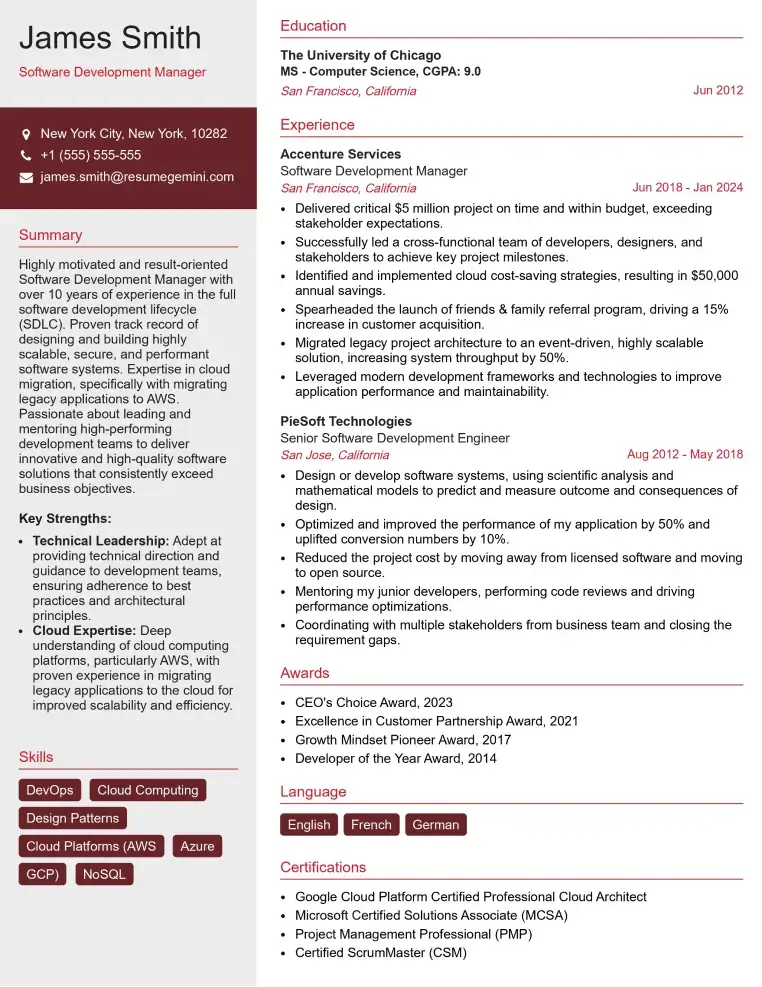
Check Out Resume Samples at ResumeGemini
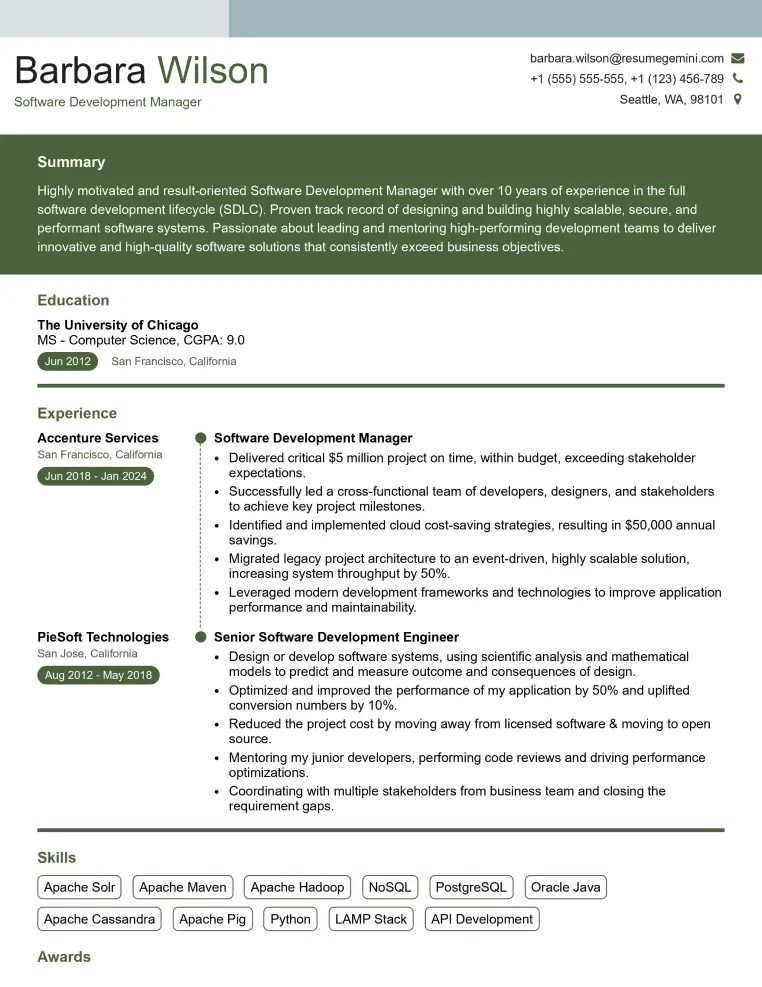
Check Out Resume Samples at ResumeGemini
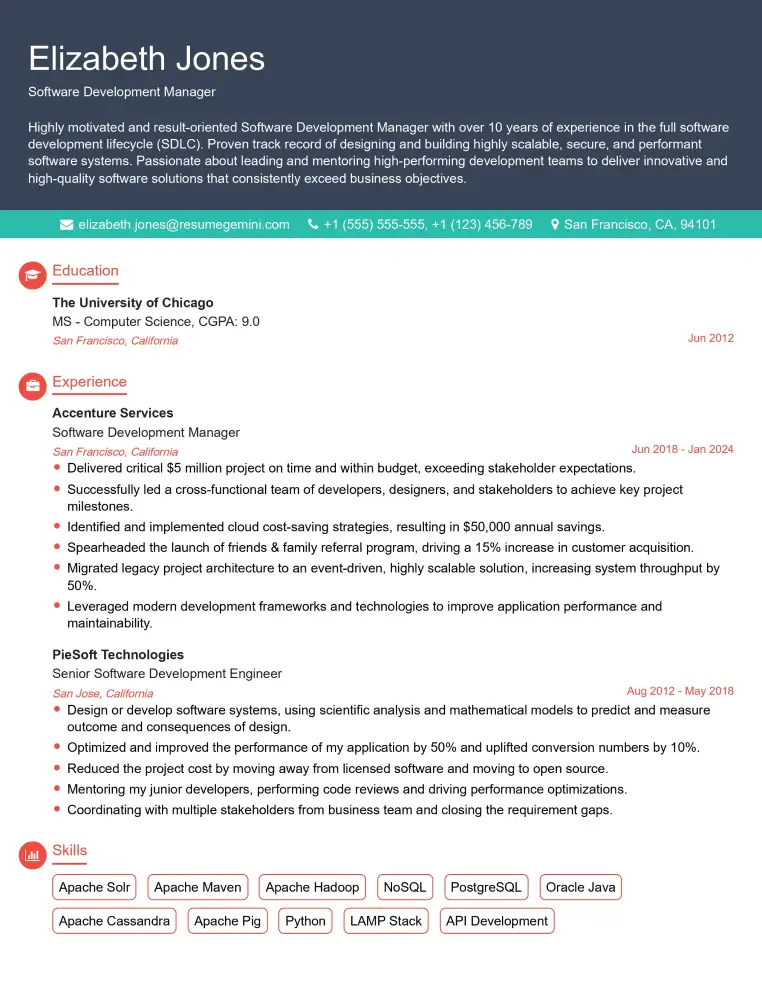
Check Out Resume Samples at ResumeGemini

Check Out Resume Samples at ResumeGemini
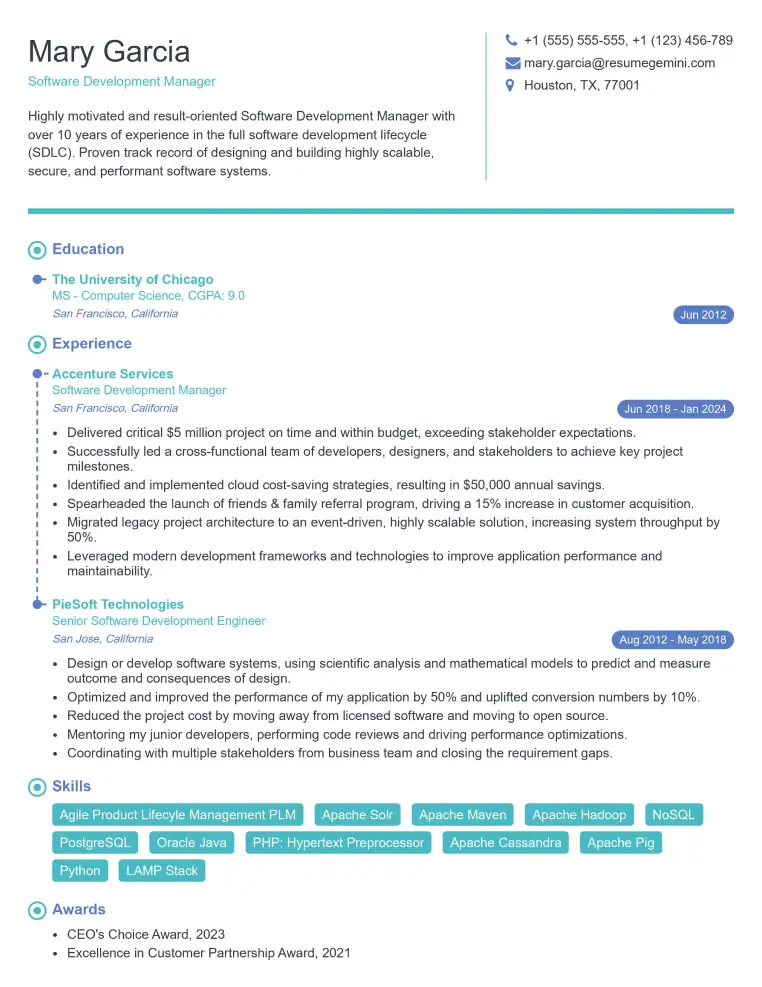
Check Out Resume Samples at ResumeGemini
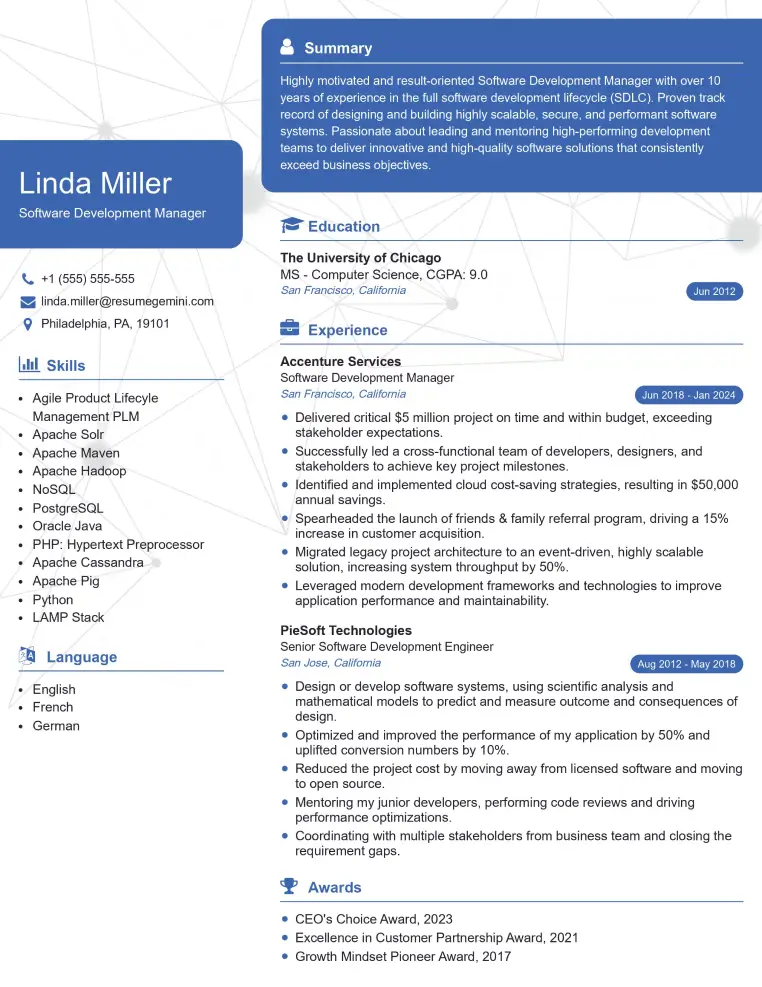
Check Out Resume Samples at ResumeGemini
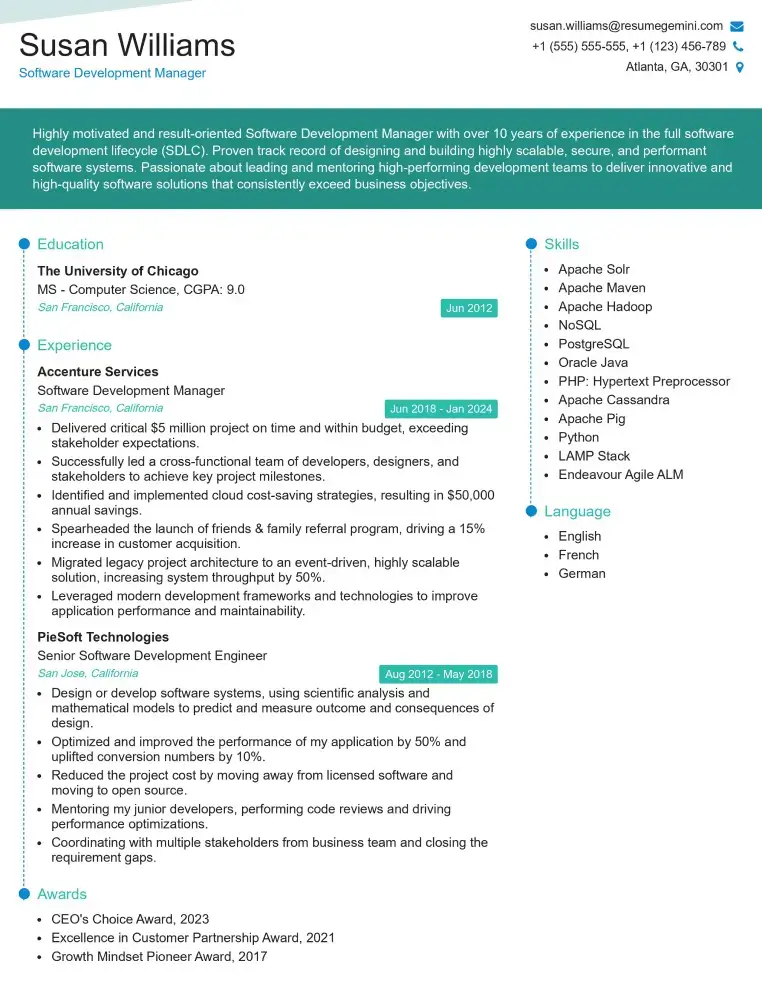
Check Out Resume Samples at ResumeGemini
Explore more articles
Users Rating of Our Blogs
Share Your Experience
We value your feedback! Please rate our content and share your thoughts (optional).
What Readers Say About Our Blog
Really detailed insights and content, thank you for writing this detailed article.
IT gave me an insight and words to use and be able to think of examples