Preparation is the key to success in any interview. In this post, we’ll explore crucial Document Management Standards interview questions and equip you with strategies to craft impactful answers. Whether you’re a beginner or a pro, these tips will elevate your preparation.
Questions Asked in Document Management Standards Interview
Q 1. Explain the difference between records management and document management.
While both records management and document management deal with information, they differ significantly in scope and purpose. Think of document management as the broader, operational side, focused on the lifecycle of documents – from creation to disposal. It emphasizes efficiency and accessibility. Records management, on the other hand, is a more legally and ethically driven discipline, concentrating specifically on records – documents that have enduring value and must be preserved for legal, compliance, or auditing purposes. It focuses on authenticity, integrity, and the legal defensibility of information.
- Document Management: Focuses on efficiency, accessibility, and collaboration around documents. Examples include using a DMS to share drafts of a marketing brochure, track revisions, and ensure the latest version is accessible to the team.
- Records Management: Focuses on legal compliance, authenticity, and long-term preservation of vital information. An example would be managing employee contracts, financial records, or legal correspondence according to stringent retention schedules and compliance regulations.
In essence, all records are documents, but not all documents are records. Records management is a specialized subset of document management, dealing with the most important and legally significant information.
Q 2. Describe your experience with various Document Management Systems (DMS).
Throughout my career, I’ve worked extensively with a variety of Document Management Systems, including both cloud-based and on-premise solutions. My experience ranges from simple file-sharing systems to sophisticated enterprise-level platforms with robust workflow automation capabilities. For example, I’ve implemented and managed systems like SharePoint, M-Files, and OpenText Content Server. I’ve also worked with more niche systems tailored to specific industries, such as those adhering to strict healthcare regulations. In each implementation, I focused on configuring the DMS to meet specific business needs, considering factors like security, scalability, user adoption, and integration with other systems. This involved everything from user training and process redesign to data migration and ongoing system maintenance.
One project that stands out involved migrating a large volume of paper-based documents to a cloud-based DMS for a healthcare provider. This required careful planning, data cleansing, and the development of robust metadata schemas to ensure compliance with HIPAA regulations. Successful implementation significantly improved document accessibility, reduced storage costs, and enhanced workflow efficiency.
Q 3. What are the key elements of a successful document retention policy?
A robust document retention policy is crucial for legal compliance, efficient storage management, and minimizing risk. Key elements include:
- Clearly Defined Retention Schedules: This specifies how long each type of document needs to be kept, based on legal requirements, business needs, and risk assessment. For example, tax documents might need to be kept for seven years, while employee files may have different retention periods based on employment type and applicable laws.
- Document Classification: A system for categorizing documents based on their content, importance, and sensitivity. This ensures documents are properly handled and stored according to their retention schedules. Examples might include classifying documents by department, project, or legal category.
- Secure Storage and Disposal: Details on how documents (both physical and digital) will be securely stored and eventually disposed of (shredding, secure deletion) in compliance with relevant regulations.
- Regular Audits and Reviews: The policy should include procedures for periodic review and updating of the retention schedules to ensure they remain aligned with legal and business requirements.
- Designated Roles and Responsibilities: Clearly outlining who is responsible for managing the retention policy, overseeing document disposal, and ensuring compliance.
A well-defined policy minimizes legal risk, ensures compliance, optimizes storage space, and simplifies information retrieval.
Q 4. How do you ensure compliance with relevant regulations (e.g., GDPR, HIPAA)?
Ensuring compliance with regulations like GDPR and HIPAA requires a multi-faceted approach that integrates with the entire document management strategy. For GDPR, this involves focusing on data subject rights (access, rectification, erasure), data minimization, and data security. For HIPAA, the focus is on protecting the privacy and security of protected health information (PHI). My approach would involve:
- Implementing robust access controls: Restricting access to sensitive documents based on roles and responsibilities, using features like role-based access control (RBAC) within the DMS.
- Data encryption: Both in transit and at rest to protect sensitive information from unauthorized access.
- Auditing and logging: Tracking all access to sensitive documents to meet audit requirements.
- Data breach response plan: Having a plan in place to address and mitigate the impact of any data breaches.
- Employee training: Educating employees on data privacy and security best practices.
- Regular compliance reviews: Conducting periodic reviews to ensure the DMS and related processes are up to date with the latest regulatory requirements.
For instance, when working with a healthcare client, I would ensure all PHI is handled in accordance with HIPAA regulations, including implementing appropriate encryption and access controls. Similarly, when dealing with EU-based data, I ensure all processes comply with GDPR requirements, focusing on consent management and data subject rights.
Q 5. What metadata standards are you familiar with and how do they improve document management?
I’m familiar with several metadata standards, including Dublin Core, PREMIS, and MODS. Metadata is essentially structured data that describes other data – providing context and facilitating efficient retrieval. These standards ensure consistency and interoperability across different systems and platforms.
- Dublin Core: A simple and widely used standard that provides a set of fifteen elements for describing resources, such as title, author, subject, and date.
- PREMIS: The Preservation Metadata Implementation Strategy, focusing on metadata for digital preservation. It provides a more detailed and comprehensive set of elements for managing the long-term integrity and accessibility of digital objects.
- MODS: Metadata Object Description Schema, often used in library and archival contexts, offering a more complex and detailed metadata structure compared to Dublin Core.
Effective metadata improves document management by enabling efficient searching, filtering, and retrieval of information. For example, properly tagged metadata allows users to quickly find specific documents based on keywords, author, date, or other relevant attributes. This improves productivity, reduces search time, and ultimately enhances the overall efficiency of the document management system.
Q 6. Explain the importance of version control in document management.
Version control is paramount in document management because it ensures that everyone works with the most current and accurate version of a document, preventing confusion and errors. It also provides a clear audit trail of changes made, allowing for easy tracking and accountability. Without version control, you risk multiple versions circulating, leading to inconsistencies, miscommunication, and potentially legal problems.
Imagine a team working on a crucial contract; if each member edits a different copy without tracking revisions, the final document may reflect incorrect or outdated information. Version control, whether through a dedicated DMS feature or a tool like Git, allows users to track changes, revert to previous versions if needed, and collaborate effectively without overwriting each other’s work. This enhances document accuracy, promotes team collaboration, and mitigates risks associated with using obsolete or inaccurate documents.
Q 7. Describe your experience with document workflow automation.
My experience with document workflow automation encompasses the design, implementation, and optimization of automated processes to streamline the handling of documents. This includes automating tasks such as routing documents for approval, triggering notifications based on events, and integrating with other systems.
In a previous role, I automated the invoice processing workflow using a combination of OCR technology, a DMS, and a workflow management system. This reduced processing time significantly, minimized manual effort, and improved accuracy. The system automatically extracted data from invoices, routed them for approval, and integrated with the accounting system to update financial records. The result was a more efficient and error-free invoice processing system, freeing up staff to focus on higher-value tasks.
Another example involved automating the onboarding process for new employees. The system automatically generated and routed required paperwork, triggered notifications for managers and HR, and tracked completion status. This improved efficiency and provided a more streamlined experience for new hires.
Q 8. How do you handle document security and access control?
Document security and access control are paramount in any Document Management System (DMS). It’s about ensuring that only authorized individuals can view, edit, or delete specific documents. This is achieved through a multi-layered approach.
- Role-Based Access Control (RBAC): This assigns permissions based on a user’s role within the organization. For example, an executive might have full access, while a junior employee might only have read-only access to certain documents.
- Access Control Lists (ACLs): These lists explicitly define who has access to each document. This allows for granular control, granting specific permissions (read, write, delete, etc.) to individual users or groups.
- Encryption: Both in transit (during transfer) and at rest (when stored), encryption protects documents from unauthorized access. We use strong encryption algorithms like AES-256 to ensure data confidentiality.
- Auditing: A robust audit trail logs all document accesses, modifications, and deletions. This allows for tracking and accountability, crucial for compliance and security investigations. For example, if a sensitive document is leaked, we can easily trace its access history.
- Multi-Factor Authentication (MFA): MFA adds an extra layer of security, requiring users to provide multiple forms of authentication (password, one-time code, biometric scan) before accessing the system. This significantly reduces the risk of unauthorized access.
In practice, we tailor the security measures to the sensitivity of the information. For example, highly confidential financial documents might require stricter access control and encryption than less sensitive HR documents.
Q 9. What are the challenges of migrating to a new DMS, and how would you address them?
Migrating to a new DMS presents several challenges. Data migration, user adoption, and integration with existing systems are common hurdles.
- Data Migration: Moving large volumes of documents from an old system to a new one requires careful planning and execution. Data cleansing, format conversion, and validation are crucial steps. We utilize automated migration tools where possible, but manual review is often necessary for complex documents.
- User Adoption: Training users on the new system is essential. Resistance to change is common, so we implement phased rollouts and provide extensive training materials, including tutorials and personalized support.
- Integration with Existing Systems: The new DMS must integrate seamlessly with other systems, such as CRM, ERP, and email clients. Failure to do so can lead to inefficiencies and data silos. We use APIs and connectors to achieve this seamless integration.
- Testing and Validation: Rigorous testing is essential to ensure the new system functions correctly and meets all requirements. This includes data integrity checks, security testing, and user acceptance testing.
To address these, we develop a comprehensive migration plan including detailed timelines, resource allocation, and risk mitigation strategies. We establish a dedicated project team and use change management methodologies to ensure a smooth transition.
Q 10. How do you ensure the integrity and authenticity of digital documents?
Ensuring the integrity and authenticity of digital documents requires a multi-pronged approach leveraging several techniques.
- Digital Signatures: These cryptographically bind a document to its author, verifying both authenticity and preventing tampering. Think of it as a digital equivalent of a handwritten signature, but far more secure.
- Hashing Algorithms: A hash is a unique fingerprint generated from a document’s content. Any alteration to the document results in a different hash, allowing us to easily detect tampering. SHA-256 is a commonly used algorithm.
- Version Control: Tracking every version of a document allows us to revert to previous versions if needed and helps track changes and authors. This is crucial for managing document evolution and resolving discrepancies.
- Metadata Management: Thorough metadata (data about the data) such as creation date, author, and modification history provides valuable context and helps verify authenticity.
- Chain of Custody: Maintaining a detailed record of who accessed and handled the document ensures accountability and protects against unauthorized alterations.
For example, a legally binding contract might require digital signatures, hashing, and version control to ensure its integrity and prevent fraud.
Q 11. What is your experience with implementing and maintaining a DMS?
I have extensive experience implementing and maintaining DMS across various organizations. My responsibilities have included system selection, configuration, deployment, user training, and ongoing maintenance and support.
In one particular project, we migrated a large law firm from a paper-based system to a cloud-based DMS. This involved careful planning, data migration, user training, and integration with their existing case management system. The project was completed on time and within budget, resulting in significant improvements in efficiency and document security.
My experience includes working with both on-premise and cloud-based DMS solutions. I’m proficient in troubleshooting system issues, performing regular backups and maintenance, and ensuring compliance with relevant regulations and standards.
Q 12. Describe your experience with different document formats and their management.
I have worked extensively with a wide range of document formats, including common formats like Microsoft Office (Word, Excel, PowerPoint), PDFs, images (JPEG, TIFF, PNG), and specialized formats like CAD drawings and medical images.
Managing these different formats effectively requires understanding their unique characteristics and limitations. For instance, some formats are better suited for archiving than others, and some require specific software or plugins for viewing. We use OCR (Optical Character Recognition) to make text searchable within image-based documents. We also employ conversion tools to ensure consistency and compatibility across various systems and applications. A common challenge is handling legacy document formats that might lack proper metadata or be susceptible to degradation over time. We employ techniques such as file format migration to modern and better supported formats to address this.
Q 13. How do you manage large volumes of documents efficiently?
Managing large volumes of documents efficiently involves a combination of strategies focusing on organization, automation, and storage optimization.
- Metadata Management: Comprehensive metadata makes documents easily searchable and retrievable. This includes using controlled vocabularies and taxonomies to ensure consistency and accuracy.
- Automated Workflows: Automating document routing, approval processes, and other tasks reduces manual effort and improves efficiency. For instance, we can automate the routing of contracts for approval based on predefined rules.
- Storage Optimization: Using cloud storage or tiered storage strategies (hot, warm, cold) optimizes storage costs and access times. We also employ data compression and deduplication techniques where appropriate.
- Version Control: Effective version control helps manage document evolution without uncontrolled proliferation of versions.
- Document Retention Policies: Clear retention policies ensure that documents are archived or deleted according to organizational rules and legal requirements.
In practice, we might use a combination of these methods. For example, a large financial institution might use automated workflows to process invoices, cloud storage to manage documents, and robust metadata to facilitate efficient retrieval.
Q 14. Explain your experience with document indexing and retrieval methods.
Document indexing and retrieval are crucial for efficient document management. Effective indexing involves assigning relevant keywords and metadata to documents, allowing for quick and accurate retrieval. Retrieval methods depend on the complexity of the document collection and the search requirements.
- Keyword Indexing: Simple and widely used, involves manually or automatically assigning keywords to documents. This works well for smaller collections.
- Metadata Indexing: Uses structured metadata (author, date, department, etc.) to index documents, allowing for more precise searches. This is more robust and scalable than keyword indexing.
- Full-text Indexing: Indexes the entire text content of documents, enabling powerful searches that go beyond metadata and keywords. This requires specialized indexing software.
- Faceted Search: Allows users to refine searches by applying multiple filters (e.g., date range, author, document type), improving retrieval accuracy. This approach is particularly useful for large collections.
The choice of indexing and retrieval methods depends on the specific requirements of the organization. For a large organization with millions of documents, a combination of full-text indexing and faceted search might be most appropriate. For a smaller organization, keyword and metadata indexing might suffice.
Q 15. How do you ensure proper document disposal and archiving?
Proper document disposal and archiving are crucial for compliance, security, and efficient record-keeping. It involves a multi-step process tailored to the specific document type and its retention requirements.
First, we define a clear retention policy, outlining how long each document type needs to be kept and the appropriate storage method. This often involves classifying documents based on sensitivity (e.g., confidential, public) and legal requirements.
- Active Archiving: Frequently accessed documents are stored in readily available, high-performance systems, perhaps a cloud-based DMS with version control.
- Inactive Archiving: Less frequently accessed documents might be moved to lower-cost storage, such as optical media or cloud storage tiers with longer retrieval times.
- Permanent Archiving: Documents with permanent retention requirements, like legal records, may be transferred to a secure, offsite facility, potentially with a dedicated archival vendor.
- Secure Disposal: When documents reach the end of their retention period, secure disposal is paramount. This involves shredding or other methods to prevent unauthorized access to sensitive information, following all relevant data privacy regulations like GDPR or HIPAA.
For example, in a healthcare setting, patient records have stringent retention policies governed by law. They require secure digital storage initially, followed by long-term archiving, and finally, secure destruction after the designated retention period. A comprehensive audit trail is essential throughout this entire process.
Career Expert Tips:
- Ace those interviews! Prepare effectively by reviewing the Top 50 Most Common Interview Questions on ResumeGemini.
- Navigate your job search with confidence! Explore a wide range of Career Tips on ResumeGemini. Learn about common challenges and recommendations to overcome them.
- Craft the perfect resume! Master the Art of Resume Writing with ResumeGemini’s guide. Showcase your unique qualifications and achievements effectively.
- Don’t miss out on holiday savings! Build your dream resume with ResumeGemini’s ATS optimized templates.
Q 16. What is your understanding of metadata schemas and their application?
Metadata schemas are standardized frameworks that define the descriptive information associated with a document. Think of them as blueprints for describing a document’s attributes. They ensure consistency and allow for efficient searching, retrieval, and management.
For instance, a simple metadata schema for an invoice might include fields such as: InvoiceNumber, InvoiceDate, VendorName, TotalAmount, ClientName. More complex schemas can include custom fields specific to an organization’s needs, perhaps ProjectName or Department.
Applications are numerous: They improve searchability (finding invoices from a specific vendor quickly), enable automated workflows (triggering an alert when an invoice is overdue based on the InvoiceDate), and support reporting and analytics (tracking spending by project using the ProjectName field). Popular standards like Dublin Core provide a foundation for creating these schemas. A well-designed metadata schema is key to unlocking the full potential of a DMS.
Q 17. Describe your approach to training users on a new DMS.
Training users on a new DMS is a critical step for successful implementation. My approach is multi-faceted and focuses on practicality and ongoing support:
- Needs Assessment: I start by understanding the users’ roles and their typical document interaction. Tailoring training to specific needs ensures relevancy.
- Phased Approach: Instead of overwhelming users with all features at once, I introduce the system in phases, starting with essential functionalities. This allows for gradual skill development and reduces initial stress.
- Multiple Training Methods: I combine online tutorials, interactive workshops, and hands-on practice sessions. This caters to different learning styles. The workshops should include realistic scenarios to help users apply their new skills.
- Reference Materials: User manuals, quick-start guides, and FAQs are made readily available. These materials allow for ongoing self-paced learning and troubleshooting.
- Ongoing Support: Post-training, I offer ongoing support via email, phone, or a dedicated help desk to address any questions or issues that arise.
For instance, I might start training accountants on invoice processing first, then expand to other departments later. Regular feedback sessions help to adapt the training and address any knowledge gaps.
Q 18. How would you troubleshoot common DMS issues?
Troubleshooting DMS issues requires a systematic approach. My strategy involves:
- Identify the Problem: Clearly define the issue—is it a user error, a system malfunction, or a network problem?
- Gather Information: Collect relevant information, such as error messages, user reports, and system logs. This helps to pinpoint the cause.
- Check Basic Settings: Ensure that users have the correct permissions, the network connection is stable, and the DMS is running properly. Often, simple issues are overlooked.
- Consult Documentation: Review the DMS documentation for known issues, solutions, and troubleshooting steps.
- Escalate if Needed: If the issue cannot be resolved internally, escalate it to the IT department or vendor support.
For example, if users report difficulty accessing documents, I would first check their login credentials and permissions. If the problem persists, I would examine the server logs for errors or network connectivity problems. Systematic troubleshooting ensures a swift resolution.
Q 19. What are the key performance indicators (KPIs) you use to measure the success of a document management system?
Key Performance Indicators (KPIs) for a Document Management System should measure efficiency, compliance, and user satisfaction. Some crucial KPIs include:
- Document Retrieval Time: How quickly users can find and access needed documents. A decrease indicates improved system efficiency.
- Document Processing Time: Time taken for creating, reviewing, approving, and archiving a document. Reductions show streamlined workflows.
- Storage Costs: Tracking storage costs helps to optimize storage strategies. Cost reductions are a sign of effective management.
- User Satisfaction: Measured through surveys or feedback, this indicates the ease of use and overall effectiveness of the DMS.
- Compliance Rate: Monitoring adherence to retention policies and security measures ensures that the system safeguards sensitive information.
- Search Accuracy: A measure of how effective the search functionality is in retrieving relevant documents. Improved search accuracy increases user productivity.
Tracking these KPIs provides data-driven insights to evaluate the DMS’s performance and identify areas for improvement.
Q 20. Explain your experience with different document lifecycle stages.
My experience encompasses all stages of the document lifecycle, from creation and capture to storage, retrieval, and disposal. I’ve worked with various document types and understand the unique requirements of each stage.
- Creation and Capture: This involves ensuring documents are created in a standardized format (e.g., PDF) and properly named and tagged with metadata. Scanning and digital capture are vital here.
- Storage and Management: This stage focuses on secure storage using a DMS, employing version control, access controls, and metadata management to ensure easy retrieval and prevent information loss.
- Retrieval and Access: Efficient searching and retrieval are crucial. I have experience optimizing search functionality and ensuring authorized access based on roles and permissions.
- Archiving and Retention: This involves establishing and maintaining clear retention policies, ensuring compliance with legal and regulatory requirements, and migrating documents to long-term storage systems as needed.
- Disposal: Implementing secure disposal mechanisms to protect confidential data is a key responsibility, compliant with relevant regulations.
In previous roles, I managed document lifecycles for legal firms, healthcare providers, and manufacturing companies. This experience across diverse sectors has given me a broad understanding of the nuances and best practices for various document types and compliance requirements.
Q 21. How do you handle conflicting versions of documents?
Handling conflicting document versions is a common challenge in DMS management. The approach needs to be systematic and transparent, promoting collaboration and preventing data loss.
The most common strategies are:
- Version Control: Using a DMS with robust version control capabilities is paramount. Each version should be clearly identified with a date and author, allowing for easy comparison and recovery of previous versions.
- Check-in/Check-out Functionality: This prevents multiple users from editing the same document simultaneously, avoiding conflicts and data inconsistencies. Users check out a document, make their changes, and then check it back in.
- Workflows and Approvals: Implementing workflows with approval processes ensures that only authorized versions are used. This creates a controlled environment for document revisions.
- Document Naming Conventions: Using standardized naming conventions with version numbers (e.g., DocumentName_v1.pdf, DocumentName_v2.pdf) helps users to identify the latest and previous versions easily.
- Conflict Resolution Process: A clear procedure should exist for resolving conflicts when they do occur. This might involve merging changes, choosing a specific version, or involving relevant stakeholders in the decision.
For example, a check-in/check-out system prevents two editors from simultaneously altering a contract, leading to a single, consistent final version. If a conflict still happens despite version control, a clear procedure is needed to select the correct version, potentially using a comparison tool to highlight changes.
Q 22. Describe your experience with auditing document management processes.
Auditing document management processes involves a systematic review to ensure compliance with standards, regulations, and internal policies. It’s like a health check for your organization’s document handling. My experience encompasses various stages, from planning and scoping the audit to identifying gaps, recommending improvements, and verifying corrective actions. I’ve used a risk-based approach, prioritizing areas with higher potential for non-compliance or data breaches. For instance, in a recent audit for a financial institution, I focused heavily on the processes related to sensitive client data, verifying access controls, retention policies, and disposal procedures. The audit involved reviewing documentation, conducting interviews with staff, and testing the DMS system to ensure its effectiveness. The outcome was a detailed report highlighting strengths and weaknesses, with actionable recommendations for enhanced security and efficiency.
- Planning & Scoping: Defining the scope, objectives, and methodology.
- Data Collection: Reviewing documentation, conducting interviews, and observing processes.
- Gap Analysis: Identifying deviations from standards and best practices.
- Reporting & Recommendations: Presenting findings and proposing corrective actions.
- Follow-up: Verifying the implementation of corrective actions.
Q 23. How would you address user resistance to a new DMS?
Addressing user resistance to a new DMS requires a multifaceted approach, focusing on communication, training, and demonstrating value. Think of it as introducing a new tool – you need to show people why it’s beneficial and how to use it effectively. I start by actively involving users in the selection and implementation process, gathering feedback and addressing concerns early. This creates a sense of ownership and reduces resistance. Comprehensive training programs, tailored to different user groups, are essential. I prefer a blend of online tutorials, hands-on workshops, and ongoing support. Highlighting the benefits – improved efficiency, better collaboration, enhanced security – is crucial. Finally, ongoing communication and feedback mechanisms are critical to address ongoing concerns and ensure the system meets user needs. For example, in a previous implementation, we created a dedicated user group forum, allowing users to share best practices, ask questions, and report issues. This fostered a sense of community and greatly reduced resistance.
Q 24. What is your understanding of information governance frameworks?
Information governance frameworks provide a structured approach to managing information throughout its lifecycle, from creation to disposal. It’s like a roadmap for how you handle your data, ensuring compliance, security, and accessibility. These frameworks typically cover aspects such as records management, data privacy, eDiscovery, and information security. Examples include ISO 30301 (Records management), COBIT (IT governance), and NIST Cybersecurity Framework. My understanding encompasses the principles of these frameworks, including the importance of defining roles and responsibilities, establishing clear policies and procedures, implementing appropriate technologies, and conducting regular audits. I leverage these frameworks to develop customized strategies tailored to specific organizational needs and regulatory requirements.
- Records Management: Policies and procedures for creating, storing, retrieving, and disposing of records.
- Data Privacy: Protecting sensitive information in compliance with regulations like GDPR and CCPA.
- eDiscovery: Identifying, preserving, and producing electronically stored information for legal proceedings.
- Information Security: Implementing measures to protect information from unauthorized access, use, disclosure, disruption, modification, or destruction.
Q 25. How do you balance the need for security with the need for accessibility?
Balancing security and accessibility is a critical aspect of document management. It’s like finding the sweet spot between a fortress and an open house. Strong security measures are essential to protect sensitive information from unauthorized access. However, overly restrictive access can hinder productivity and collaboration. The solution lies in implementing a layered security approach, using access control lists, encryption, and data loss prevention (DLP) tools to restrict access to sensitive information while allowing appropriate access to authorized users. Role-based access control (RBAC) is a crucial element, ensuring that users only have access to the information necessary for their roles. Regular security audits and employee training are essential to maintain a robust security posture. The use of secure cloud storage with granular access controls can also provide a balance, offering accessibility and robust security features.
Q 26. Describe your experience with implementing a records retention schedule.
Implementing a records retention schedule involves defining how long different types of records should be kept. Think of it as a carefully curated library, knowing which books to keep and which to discard. My experience includes analyzing organizational needs, identifying legal and regulatory requirements, and classifying records based on their business value and sensitivity. I use a combination of legal and regulatory requirements, business needs, and risk assessment to determine appropriate retention periods. I then develop a comprehensive schedule, documenting retention periods for various record types, along with approved disposal methods. This process often involves collaboration with legal counsel and other stakeholders to ensure compliance and minimize risk. For example, in implementing a schedule for a healthcare organization, I collaborated with their legal team to ensure compliance with HIPAA regulations, defining retention periods for patient records and other sensitive information.
Q 27. Explain your understanding of eDiscovery and its relevance to document management.
eDiscovery (electronic discovery) is the process of identifying, preserving, collecting, and producing electronically stored information (ESI) in response to litigation or other legal proceedings. It’s like a digital archeological dig, carefully uncovering relevant information. Its relevance to document management is paramount because a well-managed document management system simplifies the eDiscovery process significantly. A robust DMS allows for efficient search and retrieval of ESI, reduces the time and cost associated with eDiscovery, and minimizes the risk of sanctions for non-compliance. My understanding includes the legal and technical aspects of eDiscovery, such as data preservation methods, search techniques, and data production formats. I ensure that document management systems are designed and implemented with eDiscovery in mind, leveraging metadata and appropriate tagging to simplify the search and retrieval of relevant information during legal proceedings.
Key Topics to Learn for Document Management Standards Interview
- Metadata and its Importance: Understanding the role of metadata in effective document organization, retrieval, and compliance. Consider practical applications like implementing controlled vocabularies and metadata schemas.
- Document Version Control: Explore various version control methods and their implications for collaboration and accuracy. Think about scenarios involving concurrent editing and managing revisions in a practical setting.
- Document Security and Access Control: Examine different security protocols and access control mechanisms to ensure confidentiality and regulatory compliance. Consider real-world examples involving sensitive data and different user permissions.
- Document Lifecycle Management: Understand the complete lifecycle of a document, from creation to archiving and eventual disposal. Discuss best practices for each stage and how they contribute to efficiency and compliance.
- Record Management Systems (RMS): Learn about the functionality and features of different RMS solutions and how they integrate with other business systems. Analyze the advantages and disadvantages of cloud-based vs. on-premise solutions.
- Document Retention Policies and Compliance: Explore legal and regulatory requirements for document retention and disposal. Think about the implications of non-compliance and how to implement effective policies.
- Workflow Automation and Integration: Discuss the benefits of automating document workflows and integrating document management systems with other business applications. Consider scenarios where automation can improve efficiency and reduce errors.
- Choosing the Right DMS: Analyze the factors involved in selecting a suitable document management system for a specific organization. Consider evaluating different vendors and features based on the needs of the organization.
Next Steps
Mastering Document Management Standards is crucial for career advancement in today’s data-driven world. Proficiency in this area demonstrates valuable organizational skills, attention to detail, and a commitment to compliance. To significantly boost your job prospects, create an ATS-friendly resume that highlights your relevant skills and experience. ResumeGemini is a trusted resource to help you build a professional and impactful resume that stands out to recruiters. Examples of resumes tailored to Document Management Standards are provided to guide you in showcasing your expertise effectively.

Knowledge Manager Resume Sample
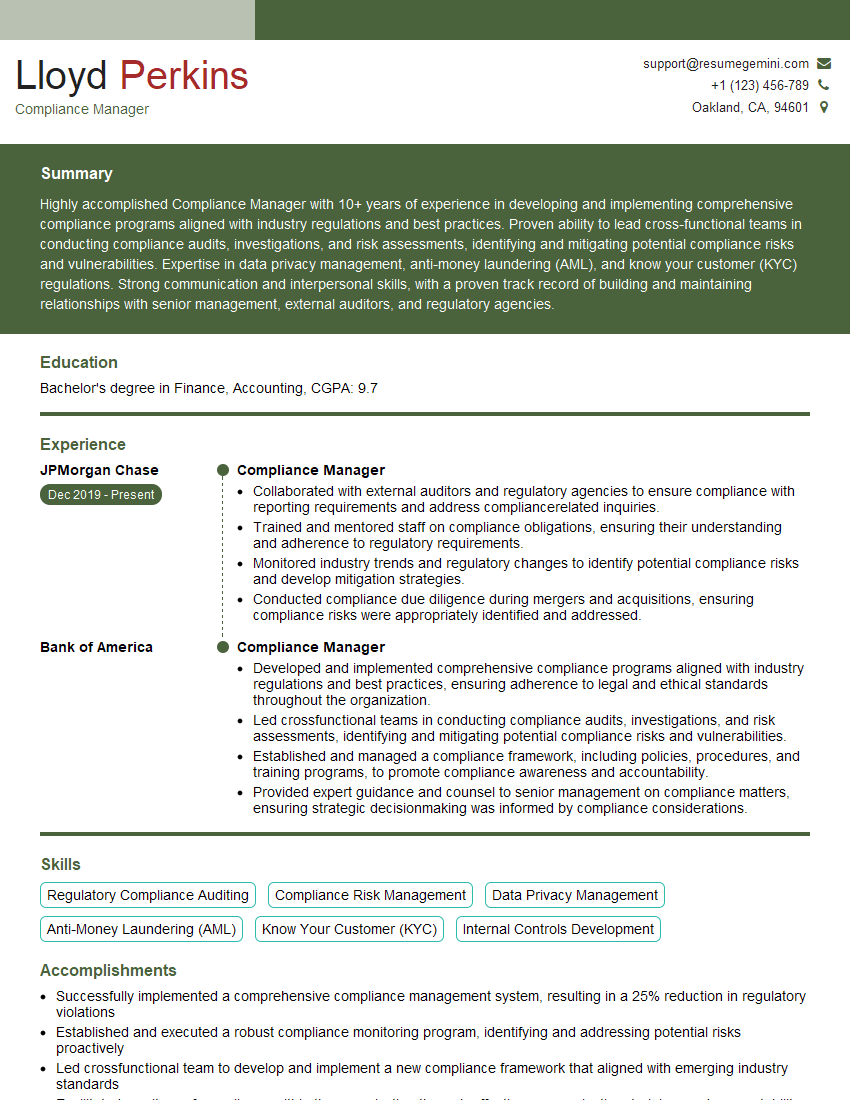
Compliance Manager Resume Sample
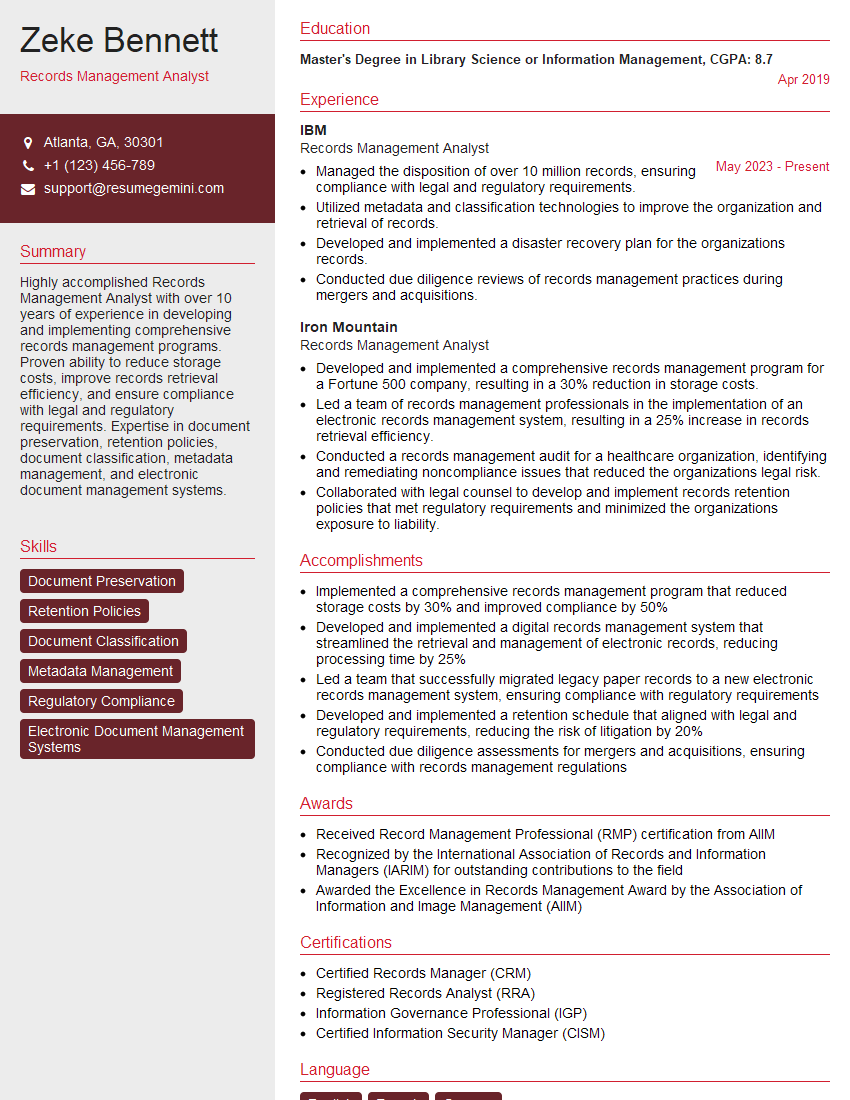
Records Management Analyst Resume Sample
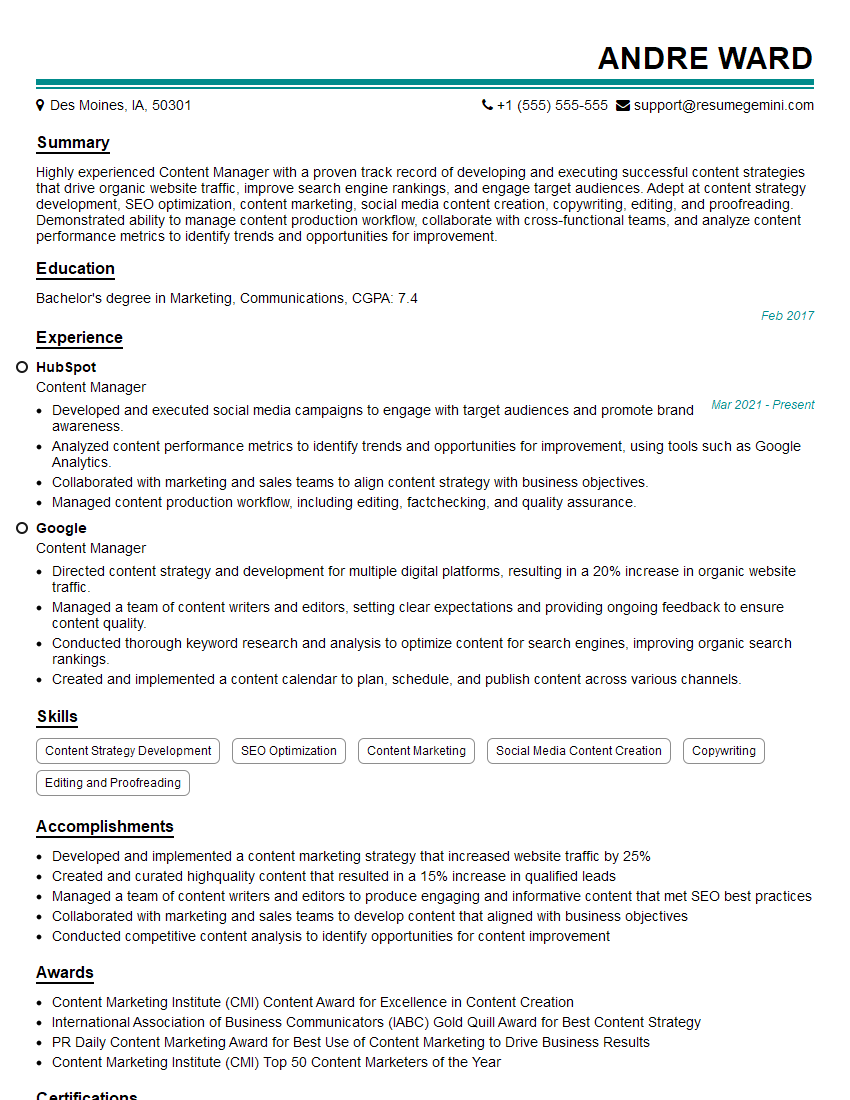
Content Manager Resume Sample
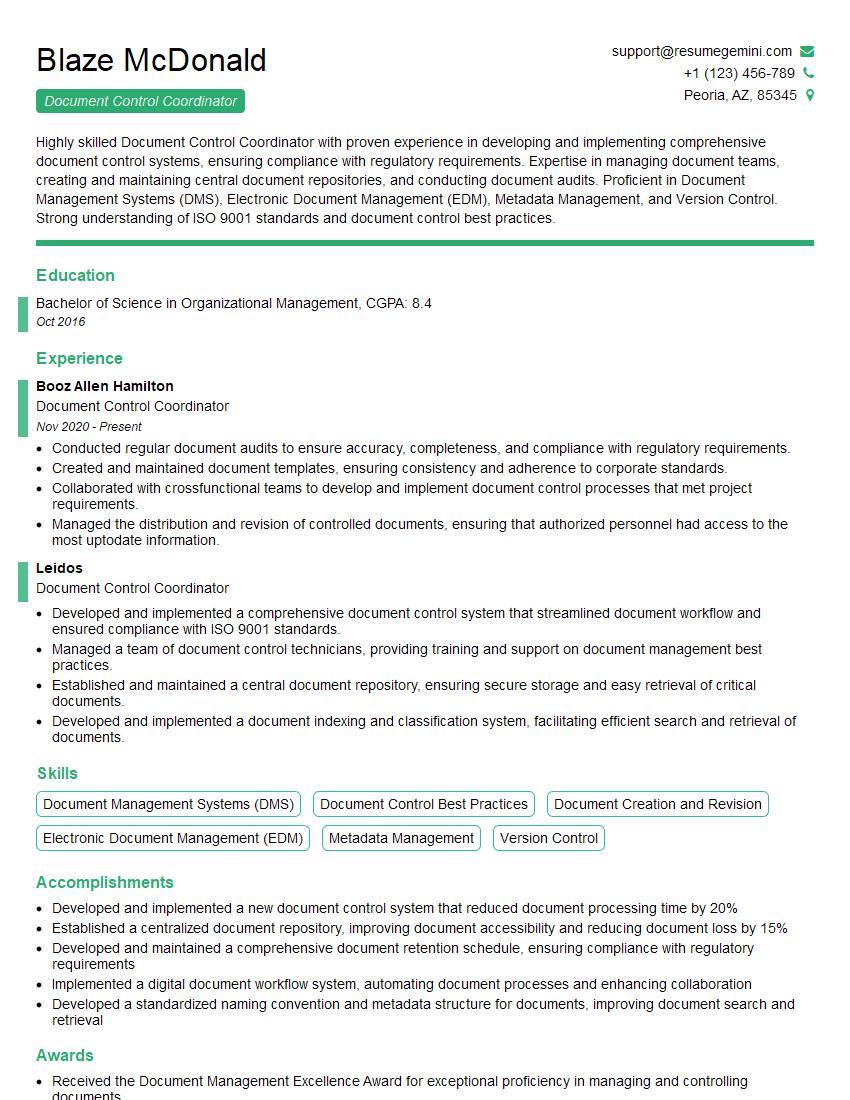
Document Control Coordinator Resume Sample
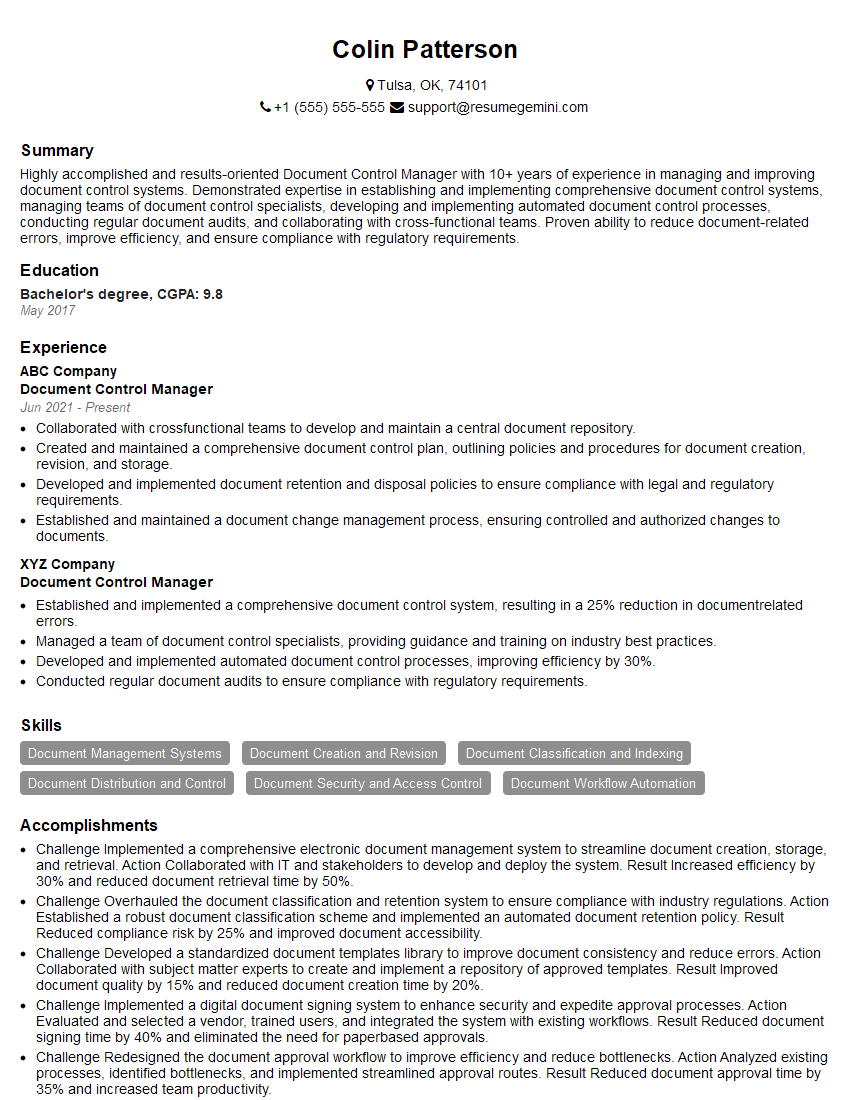
Document Control Manager Resume Sample
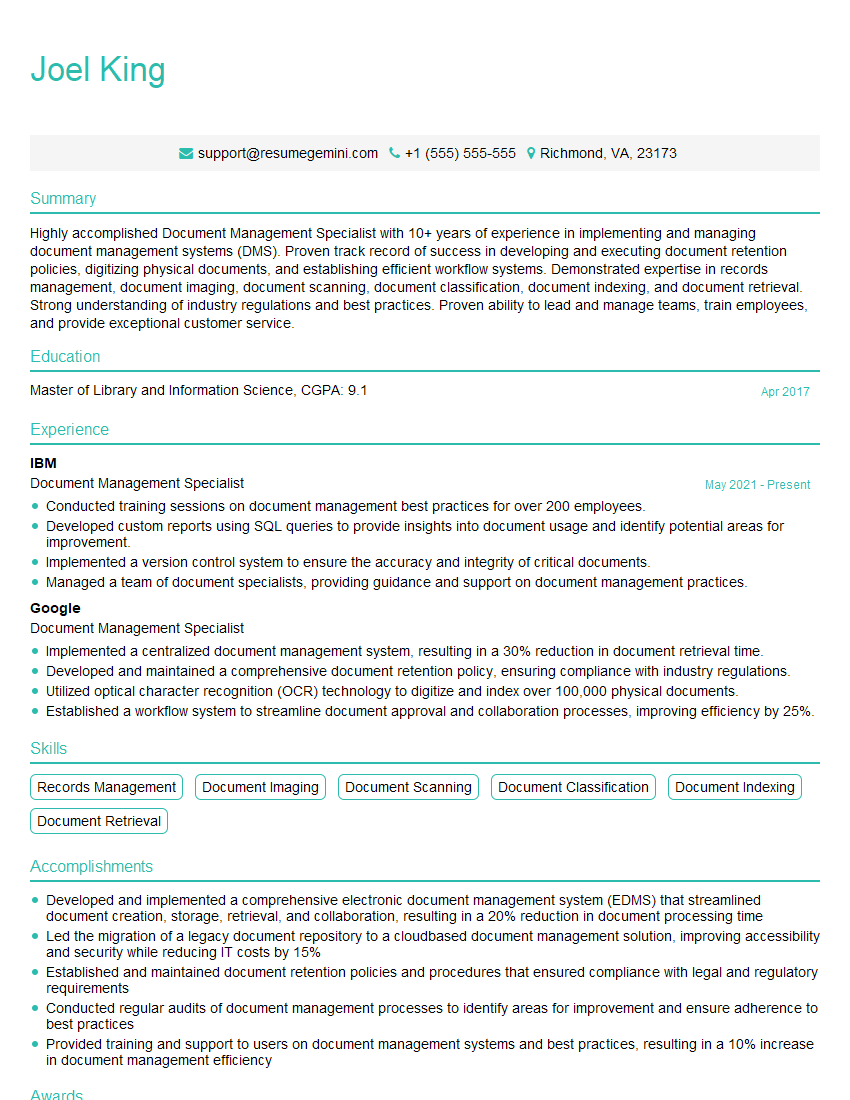
Document Management Specialist Resume Sample
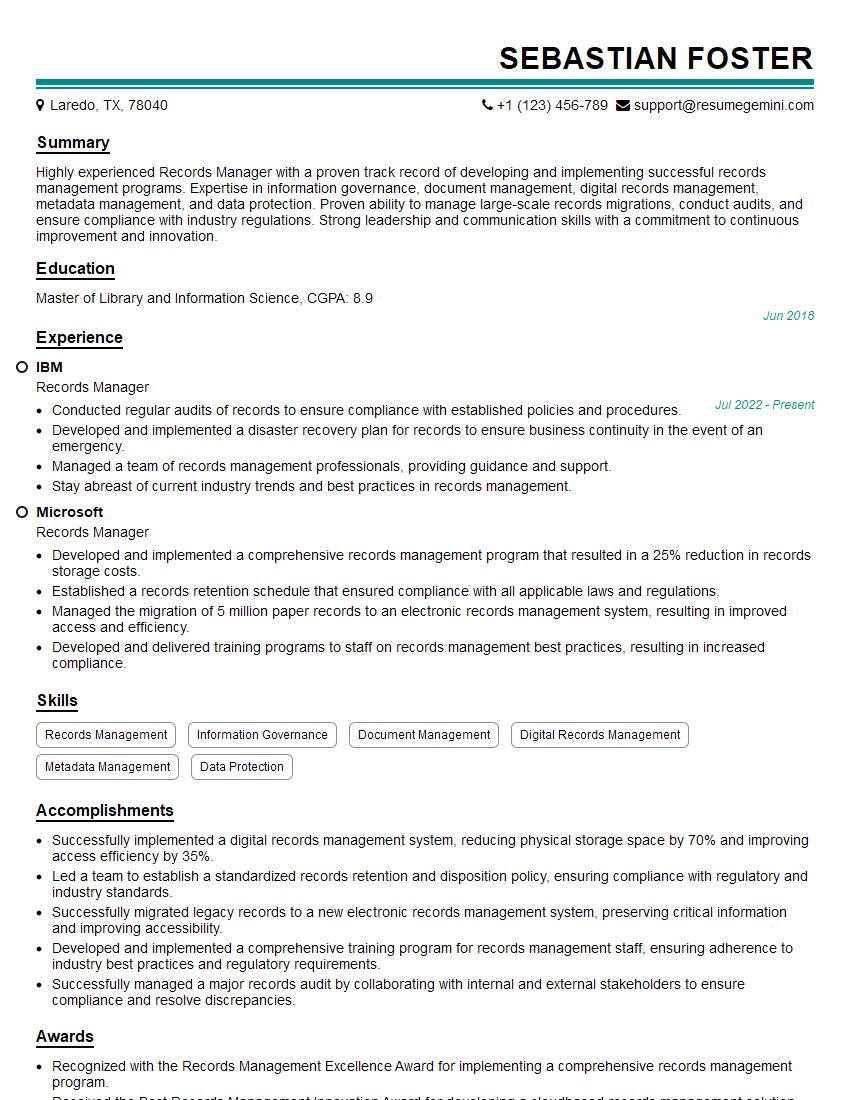
Records Manager Resume Sample
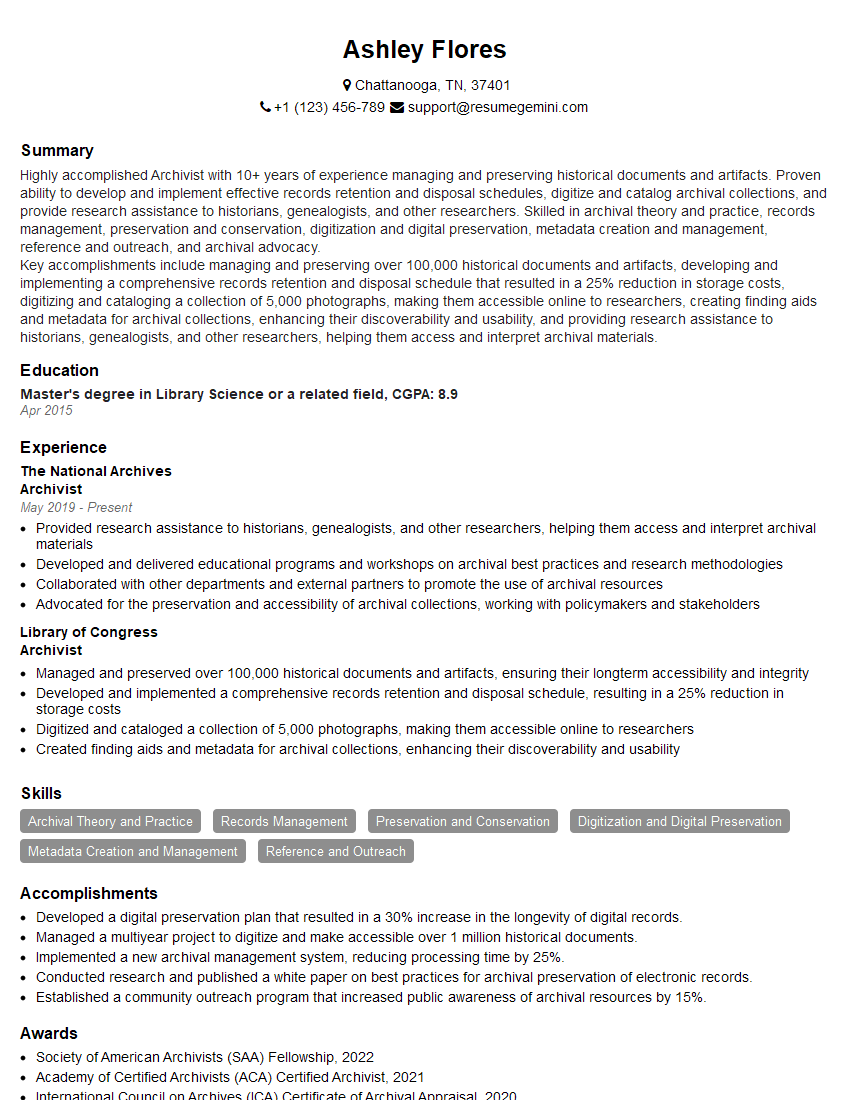
Archivist Resume Sample
Explore more articles
Users Rating of Our Blogs
Share Your Experience
We value your feedback! Please rate our content and share your thoughts (optional).
What Readers Say About Our Blog
I Redesigned Spongebob Squarepants and his main characters of my artwork.
https://www.deviantart.com/reimaginesponge/art/Redesigned-Spongebob-characters-1223583608
IT gave me an insight and words to use and be able to think of examples
Hi, I’m Jay, we have a few potential clients that are interested in your services, thought you might be a good fit. I’d love to talk about the details, when do you have time to talk?
Best,
Jay
Founder | CEO