Unlock your full potential by mastering the most common Ability to maintain a professional and organized workspace interview questions. This blog offers a deep dive into the critical topics, ensuring you’re not only prepared to answer but to excel. With these insights, you’ll approach your interview with clarity and confidence.
Questions Asked in Ability to maintain a professional and organized workspace Interview
Q 1. Describe your system for prioritizing tasks in a busy work environment.
My system for prioritizing tasks relies on a combination of urgency and importance, often visualized using a matrix. I categorize tasks based on their urgency (deadline proximity) and importance (impact on overall goals). This Eisenhower Matrix helps me focus on urgent and important tasks first, schedule important but not urgent tasks, delegate less important tasks, and eliminate tasks that are neither urgent nor important. For example, if I have a critical report due tomorrow and a long-term project plan to finalize, the report takes precedence. I use digital tools like Trello or Asana to visually manage this prioritization and track progress.
- Urgent & Important: Do these immediately (e.g., a critical bug fix).
- Important but Not Urgent: Schedule these (e.g., strategic planning).
- Urgent but Not Important: Delegate these if possible (e.g., answering non-critical emails).
- Neither Urgent nor Important: Eliminate these (e.g., time-wasting tasks).
Q 2. How do you manage multiple projects simultaneously without feeling overwhelmed?
Managing multiple projects effectively requires a structured approach. I break down each project into smaller, manageable tasks, assigning deadlines to each. I utilize project management tools to track progress, deadlines, and dependencies across projects. Time blocking is crucial; I allocate specific time slots for each project, preventing context switching and maintaining focus. Regular review and adjustment of my schedule are also essential. Think of it like orchestrating a symphony – each instrument (project) plays its part, and the conductor (me) ensures everything works harmoniously. Visual aids such as Gantt charts help me see the big picture and identify potential conflicts.
Q 3. What strategies do you employ to maintain a clean and clutter-free workspace?
Maintaining a clean and clutter-free workspace is paramount to my productivity. My strategy involves a daily 5-minute tidy-up at the end of the workday. This includes filing documents, clearing my desk of unnecessary items, and emptying trash. Weekly, I conduct a more thorough clean, organizing files, and discarding outdated materials. I follow the ‘one-touch’ rule – if I can deal with something in under a minute, I do it immediately; otherwise, I schedule it or delegate it. A well-organized physical workspace translates directly to a clear and focused mind.
Q 4. How do you organize your digital files and documents?
I organize my digital files using a hierarchical folder structure based on project, client, or topic. File names are descriptive and consistent, following a naming convention (e.g., YYYYMMDD_Project Name_Document Type). I regularly archive older files to external drives, ensuring my working directories remain lean and accessible. Cloud storage solutions provide redundancy and accessibility from anywhere. The key is consistency – once a system is implemented, sticking to it is crucial. Think of it like a well-stocked library – everything has its place, making it easy to find.
Q 5. Explain your approach to managing emails and communication.
My email management strategy is a blend of proactive and reactive approaches. I set aside specific times during the day to check and respond to emails, rather than constantly monitoring my inbox. I use filters and labels to organize emails based on priority or sender. I unsubscribe from unnecessary mailing lists. Urgent emails are addressed immediately, while others are processed according to their importance. I prioritize clear and concise communication, avoiding long email chains by picking up the phone or using instant messaging when appropriate. This avoids information overload and ensures timely responses.
Q 6. How do you handle interruptions and maintain focus on your tasks?
Interruptions are inevitable, but managing them is key. I utilize techniques like the Pomodoro Technique (working in focused bursts with short breaks), actively communicating my availability (e.g., setting specific ‘focus time’ blocks), and using noise-canceling headphones. Learning to say ‘no’ politely when necessary protects my focus. If an interruption occurs, I quickly note the task I was working on to easily resume it later. Creating a calm and organized workspace minimizes distractions too.
Q 7. Describe a time you had to reorganize a system or process to improve efficiency.
In a previous role, we used a cumbersome project tracking system that was inefficient and prone to errors. I proposed and implemented a new system using a project management software. This involved training the team on the new system, creating templates, and establishing clear workflows. The result was a significant improvement in project visibility, task allocation, and overall efficiency. The new system reduced errors, shortened project timelines, and provided better data for project forecasting, demonstrating a substantial ROI.
Q 8. What tools or software do you use to stay organized?
Maintaining a professional and organized workspace relies heavily on the right tools. My approach is multifaceted, combining digital and physical organization methods. Digitally, I utilize task management software like Asana or Trello to track projects and individual tasks. These platforms allow for clear task assignment, deadline setting, and progress monitoring. I also heavily leverage cloud storage services like Google Drive or Dropbox for seamless file access and version control, preventing the clutter of physical files. For physical organization, I employ a combination of labelled filing systems for physical documents, a well-organized desk with designated areas for specific tasks, and a regularly cleared workspace to minimize distractions.
For example, I might use Trello to create a board for a specific project, with lists for ‘To Do,’ ‘In Progress,’ and ‘Completed.’ Each card within these lists would represent a specific task with assigned due dates and collaborators.
Q 9. How do you delegate tasks effectively to maintain an organized workflow?
Effective delegation is crucial for maintaining an organized workflow. My approach involves selecting the right person for the right task based on their skills and experience. This requires clear communication. Before delegating, I ensure the individual understands the task’s scope, deadlines, and expected deliverables. I provide necessary resources and support while setting clear expectations for communication and updates. Regular check-ins help monitor progress and address any potential roadblocks. I also trust my team to manage their own work, providing guidance when needed but avoiding micromanagement.
For instance, if I have a large data analysis task, I wouldn’t delegate it to someone unfamiliar with statistical software. Instead, I’d assign it to a team member proficient in data analysis, providing them with the necessary data sets and outlining the required analysis methods.
Q 10. Describe your method for tracking deadlines and meeting objectives.
Tracking deadlines and meeting objectives is paramount. I use a combination of calendar applications (like Google Calendar or Outlook) and project management software (like Asana or Monday.com). These tools allow for setting reminders, visual representation of deadlines, and progress tracking. I also prioritize tasks based on urgency and importance using methods like the Eisenhower Matrix (urgent/important). This ensures I focus on the most critical tasks first, preventing last-minute rushes. Regular review sessions, both individual and team-based, are essential to stay on track and proactively address potential delays.
For example, I would use a calendar to schedule all meetings and deadlines, and color-code them based on project or priority. Then, I use Asana to further break down projects into actionable tasks, assigning due dates and tracking progress within each project.
Q 11. How do you ensure accuracy and prevent errors in your work due to disorganization?
Disorganization is a breeding ground for errors. To mitigate this, I maintain a meticulous workflow. This includes double-checking my work, creating checklists for complex tasks, and utilizing version control systems for documents. I also implement quality control measures at each stage of a project to identify and correct errors early. Maintaining a clean and organized workspace minimizes distractions and reduces the likelihood of overlooking crucial information. Finally, regular breaks help to maintain focus and avoid burnout, which often leads to mistakes.
For example, when writing a report, I’ll create a detailed outline before starting, then check each section against the outline as I write, ensuring everything is covered. I might also ask a colleague to review my work before submission for a fresh pair of eyes.
Q 12. Have you ever had to clean up a disorganized workspace left by a colleague? How did you approach it?
In situations where I’ve encountered a disorganized workspace left by a colleague, I prioritize restoring order efficiently and respectfully. My first step is to assess the situation, identifying what needs to be organized and prioritizing urgent tasks. I approach this systematically, starting with categorizing items, discarding unnecessary materials, and establishing a logical filing system. If the disorganization impacts ongoing projects, I focus on retrieving critical information first while ensuring I document the process to avoid repeating the issue. I generally avoid making judgments about the previous state of the workspace and focus solely on establishing functionality. In some cases, a private conversation with the colleague might be helpful, but always in a supportive and constructive manner.
In one instance, I found a colleague’s desk covered in papers. I started by grouping similar papers (e.g., invoices, project documents), creating labelled folders for each group. Once sorted, I scanned the documents, created a digital archive, and disposed of the paper copies responsibly. This restored functionality to the workspace and ensured no important information was lost.
Q 13. How do you adapt your organizational strategies to different work environments or projects?
Adaptability is key. My organizational strategies are fluid and adapt to various environments and projects. I tailor my approach to the specific project requirements and the tools available. If a project demands a highly collaborative approach, I leverage shared online platforms; for independent work, I rely more on personal organization tools. For example, a fast-paced, agile project might need a Kanban board for visual task management, whereas a long-term project requiring detailed documentation might benefit from a more structured file system. The core principles of organization – clarity, consistency, and efficiency – remain constant, while the specific tools and methods used are adjusted as needed.
For instance, a project requiring frequent collaboration with a team in different time zones would benefit from using project management software that offers real-time updates and communication features. A solo project, on the other hand, might only require a personal to-do list and a well-organized file system.
Q 14. How do you handle unexpected tasks or urgent requests without disrupting your workflow?
Unexpected tasks and urgent requests are a reality. My approach is to prioritize based on urgency and impact. I utilize time management techniques, like the Pomodoro Technique, to allocate focused work blocks for urgent requests while preventing disruption to my existing workflow. I communicate promptly with stakeholders on potential delays caused by the unexpected task, adjusting deadlines if needed. I also look for opportunities to integrate the new task into my existing schedule, such as by grouping similar tasks together or delegating less urgent tasks. The key is proactive communication and prioritization, to prevent a feeling of being overwhelmed.
If an unexpected task arises, I assess its urgency and impact. If it’s high urgency/high impact, I’ll immediately adjust my schedule, possibly postponing less critical items. If it’s low impact, I’ll either delegate it or schedule it for a later time slot when it won’t significantly impact my workflow.
Q 15. Describe your approach to file management, both physical and digital.
My approach to file management is a blend of structured organization and intuitive accessibility. For physical files, I utilize a color-coded filing system with clearly labeled folders and a detailed index. This allows for quick retrieval of documents. For example, client files might be grouped by project name and color-coded by status (e.g., red for active, green for completed). Digitally, I employ a similar hierarchical structure within cloud storage and my computer. I leverage folders and subfolders, using descriptive names, and utilize tags and keywords for efficient searching. For instance, all project-related documents might be stored under a “Projects” folder, further categorized by client and project phase. I regularly review and purge outdated files to maintain efficiency. I also utilize cloud syncing to ensure data redundancy and accessibility from multiple devices.
Career Expert Tips:
- Ace those interviews! Prepare effectively by reviewing the Top 50 Most Common Interview Questions on ResumeGemini.
- Navigate your job search with confidence! Explore a wide range of Career Tips on ResumeGemini. Learn about common challenges and recommendations to overcome them.
- Craft the perfect resume! Master the Art of Resume Writing with ResumeGemini’s guide. Showcase your unique qualifications and achievements effectively.
- Don’t miss out on holiday savings! Build your dream resume with ResumeGemini’s ATS optimized templates.
Q 16. How do you ensure that your workspace is both organized and conducive to productivity?
A productive workspace is a blend of visual order and ergonomic comfort. I start with a clean desk policy, eliminating clutter daily. Essential tools are within easy reach, while less frequently used items are stored neatly out of sight. Good lighting, comfortable seating, and a well-organized digital desktop are also vital. I believe in creating zones within my workspace, dedicating certain areas for specific tasks. For example, one area might be designated for focused work, another for brainstorming, and another for reviewing documents. Regular decluttering sessions, coupled with a consistent system for organizing physical and digital files, maintain this environment. I also incorporate plants and personalize my space with elements that inspire creativity and well-being. This approach enhances concentration and reduces mental fatigue.
Q 17. How do you stay updated on the latest organizational tools and techniques?
Staying current on organizational tools and techniques is crucial. I subscribe to industry newsletters and podcasts, such as those focused on productivity and project management. I also actively participate in online professional communities and forums, engaging in discussions and sharing best practices. Attending relevant webinars and workshops, and exploring new software options, keeps me informed about the latest developments. Reading industry publications and books on time management and organizational strategies supplements this learning. For instance, recently I explored the benefits of using Kanban boards for task management and implemented it successfully in my workflow.
Q 18. How do you manage your time effectively to ensure you meet all deadlines?
Effective time management is built upon planning and prioritization. I begin each day by reviewing my to-do list, prioritizing tasks based on urgency and importance using methods like the Eisenhower Matrix (urgent/important). I break down large tasks into smaller, manageable steps, making them less daunting and easier to track. Timeboxing—allocating specific time slots for tasks—helps me stay focused and avoid multitasking. Regularly reviewing my schedule and adjusting as needed keeps me on track. Using a calendar application with reminders prevents me from missing deadlines. I also build in buffer time to accommodate unexpected delays or interruptions. Regular self-reflection helps me identify time-wasting activities and refine my strategies.
Q 19. Describe your experience using project management software.
I have extensive experience with various project management software, including Asana, Trello, and Monday.com. My proficiency extends to using these tools for task assignment, collaboration, progress tracking, and deadline management. I find that choosing the right software depends on project complexity and team size. For example, I used Trello for smaller, simpler projects requiring less complex features, whereas for larger, multi-team projects, Asana’s robust features were more appropriate. My experience includes setting up project boards, customizing workflows, and effectively utilizing features such as Gantt charts, Kanban boards, and progress reports. This allows for efficient project oversight and clear communication within teams.
Q 20. How do you handle confidential information in a secure and organized manner?
Handling confidential information requires a multifaceted approach. Physically, I use locked filing cabinets and secure storage for sensitive documents. Digitally, I leverage password-protected files and encrypted drives. Access to sensitive data is restricted to authorized personnel only, and I consistently comply with data privacy regulations. For example, I meticulously follow company policies concerning data retention and disposal, ensuring secure deletion of outdated documents. I also undergo regular security awareness training to stay updated on best practices and emerging threats. A strong password policy and multi-factor authentication are also essential components of my security protocols.
Q 21. What are your strategies for preventing information overload and maintaining focus?
Preventing information overload requires a proactive approach. I prioritize information intake, focusing on relevant material and setting limits on consumption. Regularly clearing my inbox, unsubscribing from unnecessary newsletters, and utilizing filtering tools minimizes distractions. I batch similar tasks to improve focus and efficiency. Employing techniques like the Pomodoro Technique (working in focused bursts with short breaks) improves concentration and reduces mental fatigue. Mindfulness practices, such as short meditation sessions, can help to clear mental clutter and improve focus. Delegating tasks when appropriate, and seeking help when needed, also contribute to preventing information overload and maintaining work-life balance.
Q 22. Describe a time you implemented a new organizational system. What was the outcome?
In my previous role at a marketing agency, we were struggling with inefficient project management. Emails were overflowing, deadlines were missed, and important files were often misplaced. To address this, I implemented a Kanban-style system using a project management software. We moved away from relying solely on email and created visual boards for each project, breaking down tasks into manageable cards. Each card included the task, assigned person, deadline, and status.
The outcome was transformative. We saw a significant improvement in project completion rates (up by 25%), reduced missed deadlines by 40%, and significantly improved team communication. The visual nature of the Kanban board made it easy to track progress, identify bottlenecks, and re-allocate resources as needed. The switch to a centralized system also meant we could easily locate necessary files and avoid duplicated work.
Q 23. How do you proactively address potential organizational challenges before they arise?
Proactive organizational management involves anticipating potential roadblocks before they disrupt workflow. My approach involves a two-pronged strategy: Regular Reviews and preventative measures.
- Regular Reviews: I schedule weekly reviews of my tasks and projects. This allows me to identify potential bottlenecks or looming deadlines. For example, if I see a project requiring specialized software I don’t have access to, I can request it well in advance, preventing delays.
- Preventative Measures: This includes creating detailed project plans with realistic timelines and contingency plans. I also prioritize maintaining a well-organized filing system, both physical and digital, ensuring easy access to information. By keeping my workspace tidy and well-maintained, I reduce the chances of losing important documents or wasting time searching for them.
Q 24. How do you balance efficiency with attention to detail in your work?
Balancing efficiency and attention to detail is crucial for high-quality output. I achieve this through a process of prioritization and methodical execution.
First, I prioritize tasks based on urgency and importance using methods like the Eisenhower Matrix (urgent/important). This ensures I focus my energy on critical tasks first. Once a priority is established, I approach it methodically. I break down larger tasks into smaller, more manageable steps, checking each step meticulously for accuracy before moving on. This prevents errors and ensures attention to detail without sacrificing overall speed. For example, when writing a report, I’ll first outline the key points, then meticulously research and write each section, proofreading and editing multiple times before final submission. This detailed approach prevents costly errors and ensures high-quality output within a reasonable time frame.
Q 25. How do you create and maintain a positive and productive work environment for yourself and your colleagues?
Creating a positive and productive work environment is about fostering collaboration and mutual respect. I strive to achieve this through open communication, active listening, and mutual support.
- Open Communication: I encourage open dialogue and feedback among team members. Regular team meetings, both formal and informal, allow for updates, discussions, and problem-solving.
- Active Listening: I make a conscious effort to actively listen to my colleagues’ ideas and concerns, showing empathy and understanding. This builds trust and strengthens working relationships.
- Mutual Support: I offer assistance and support to my colleagues whenever needed, and in return, I appreciate the support they offer me. Celebrating successes together also fosters a positive team spirit.
A clean and organized workspace also contributes to a positive environment. A cluttered space can lead to stress and reduced productivity. By maintaining a well-organized workspace, I contribute to a more pleasant and efficient environment for everyone.
Q 26. How do you adapt your organizational skills to work remotely or in a hybrid work environment?
Adapting organizational skills to remote or hybrid work requires a structured approach and reliance on technology. My strategy focuses on three key areas:
- Digital Organization: Cloud-based storage and project management tools are essential. I utilize tools like Google Drive, Dropbox, and Asana to keep files organized, share documents easily, and track progress on projects remotely.
- Clear Communication: Regular check-ins with team members through video conferencing and instant messaging are crucial for maintaining communication and collaboration. Scheduling meetings and setting clear expectations are also essential.
- Dedicated Workspace: Even in a hybrid environment, establishing a designated workspace at home helps maintain focus and professionalism. This helps separate work from personal life, promoting better work-life balance and productivity.
Q 27. Describe your experience with data management and organization.
I have extensive experience with data management and organization, both in creating and maintaining structured databases and managing large datasets.
In a previous role, I was responsible for managing marketing campaign data. I implemented a system that involved using spreadsheets to track campaign performance, utilizing formulas for calculations, and creating visual dashboards to present key metrics. This system allowed for efficient data analysis and informed decision-making. For larger datasets, I have experience using SQL to query and analyze information, ensuring data integrity and accuracy. This allowed for efficient data retrieval and analysis, enabling quick identification of trends and insights.
Q 28. How do you ensure the accuracy of information stored in your workspace, both physical and digital?
Ensuring the accuracy of information is paramount. My approach involves a multi-layered system of checks and balances.
- Data Validation: For digital data, I use techniques like data validation in spreadsheets and databases to ensure data integrity. I also regularly cross-reference data from multiple sources to verify accuracy.
- Version Control: For documents and files, I utilize version control systems, keeping track of changes and allowing for easy rollback if errors occur.
- Regular Backups: Regular backups of both physical and digital files ensure data security and prevent loss in case of unforeseen events like hardware failure or accidental deletion.
- Documentation: I meticulously document all processes and data sources to maintain a clear audit trail and ensure accountability. This also allows for easier troubleshooting and collaboration.
Key Topics to Learn for Ability to Maintain a Professional and Organized Workspace Interview
- Time Management & Prioritization: Understanding how to effectively manage your workload, prioritize tasks, and meet deadlines. This includes demonstrating proficiency with tools and techniques like to-do lists, calendars, and project management software.
- Physical Workspace Organization: Explaining how you maintain a clean, efficient, and clutter-free physical workspace. This could involve discussing strategies for file organization, desk management, and ergonomic considerations.
- Digital Organization: Illustrating your ability to maintain an organized digital workspace, including email management, file naming conventions, cloud storage usage, and software organization.
- Workflow Optimization: Describing your approach to streamlining processes, identifying inefficiencies, and implementing solutions for improved productivity and organization. This includes examples of how you’ve improved workflows in past roles.
- Communication & Collaboration: Highlighting how your organized approach facilitates clear communication and effective collaboration with colleagues. This involves demonstrating your ability to share information effectively and contribute to a team environment.
- Problem-Solving in Disorganization: Sharing examples of how you’ve addressed challenges related to disorganization, whether personal or professional, and the solutions you implemented to rectify the situation.
- Adaptability & Flexibility: Demonstrating your ability to adapt your organizational strategies to changing circumstances and priorities. This could include explaining how you’ve handled unexpected changes or increased workloads while maintaining organization.
Next Steps
Mastering the ability to maintain a professional and organized workspace is crucial for career advancement. It demonstrates key skills employers value highly, such as efficiency, responsibility, and attention to detail. To significantly boost your job prospects, focus on creating an ATS-friendly resume that clearly showcases these skills. ResumeGemini is a trusted resource to help you build a professional resume that highlights your organizational abilities and stands out to recruiters. Examples of resumes tailored to demonstrate proficiency in maintaining a professional and organized workspace are available to help guide your creation.
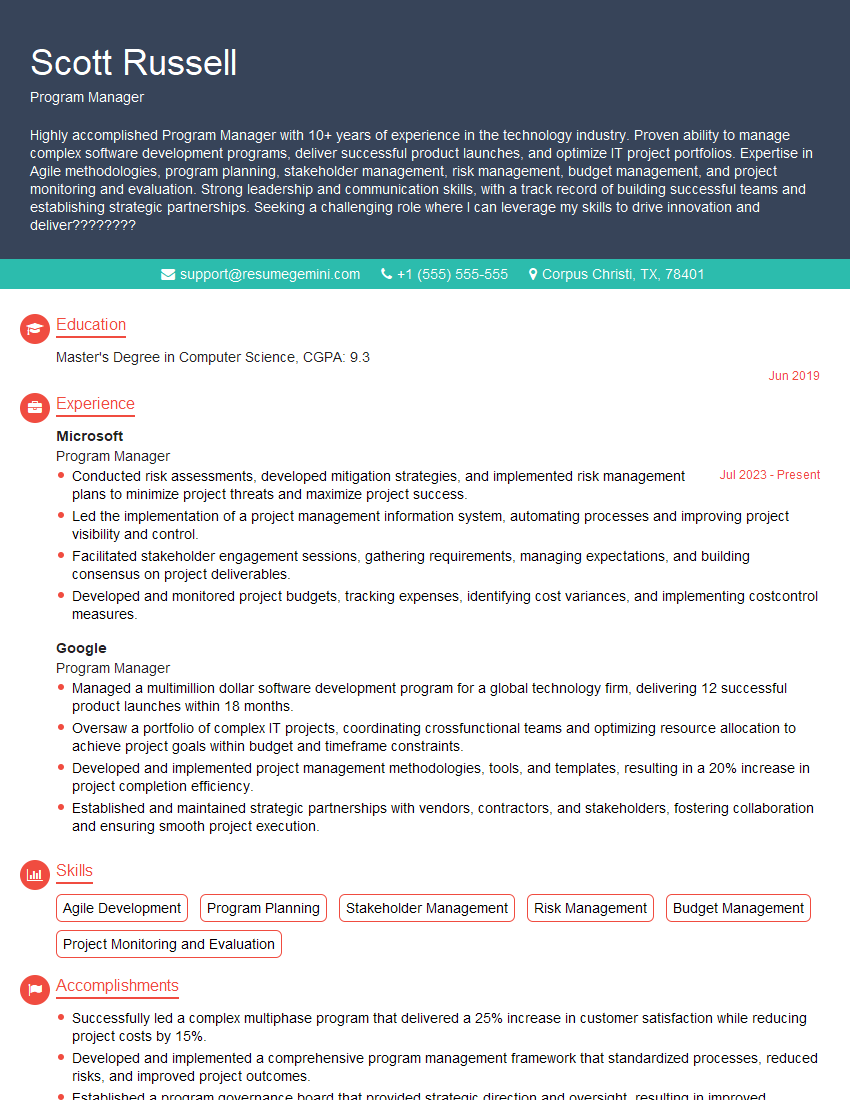
Program Manager Resume Sample
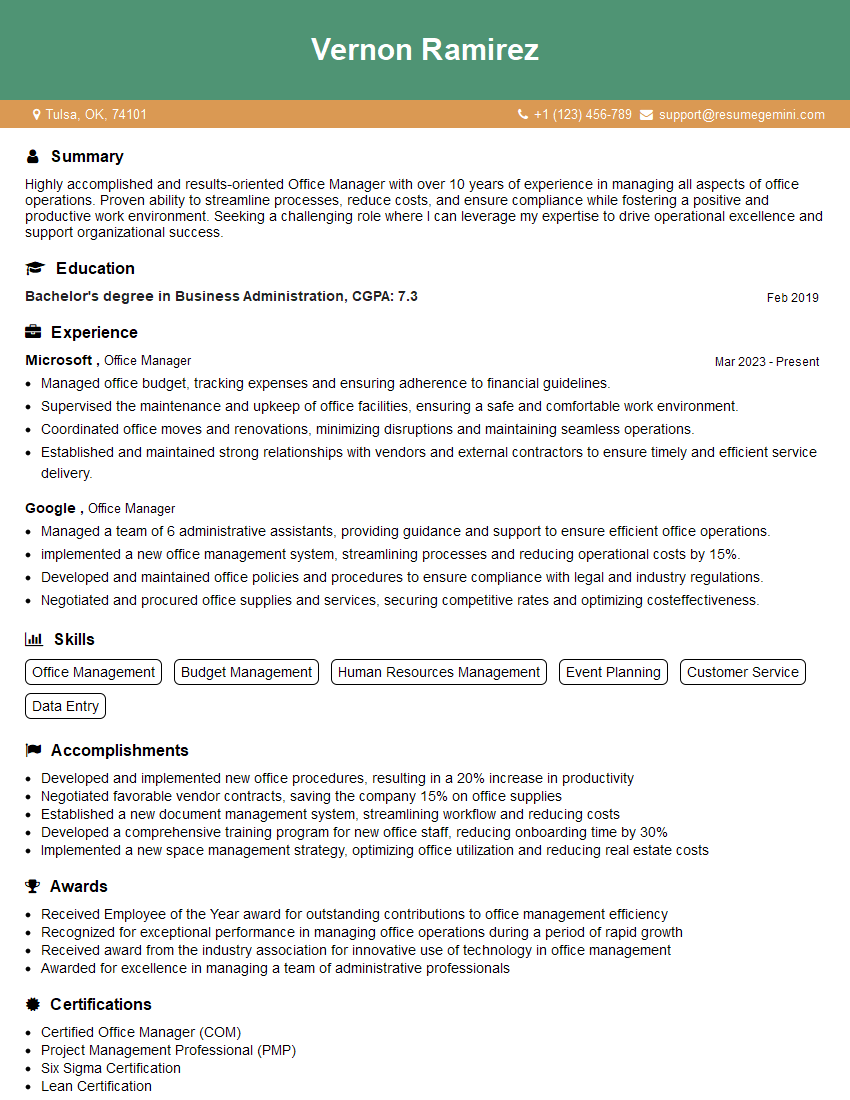
Office Manager Resume Sample

Operations Manager Resume Sample
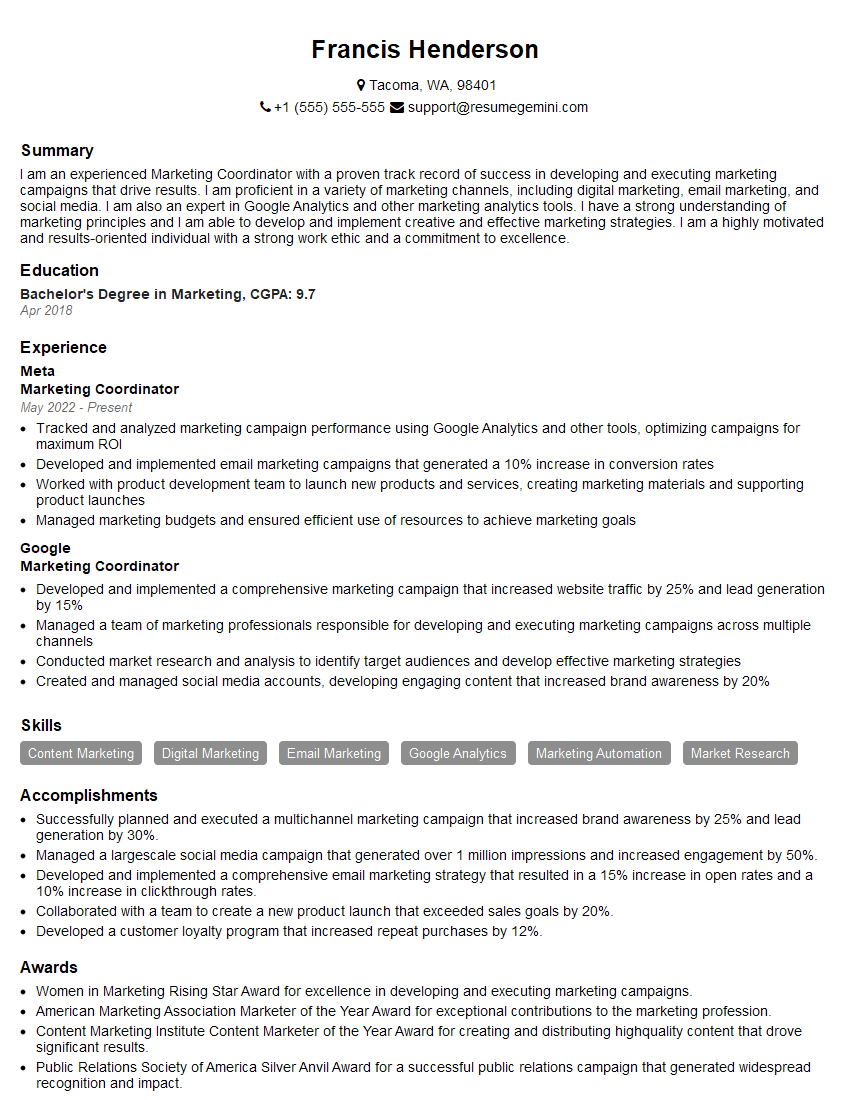
Marketing Coordinator Resume Sample
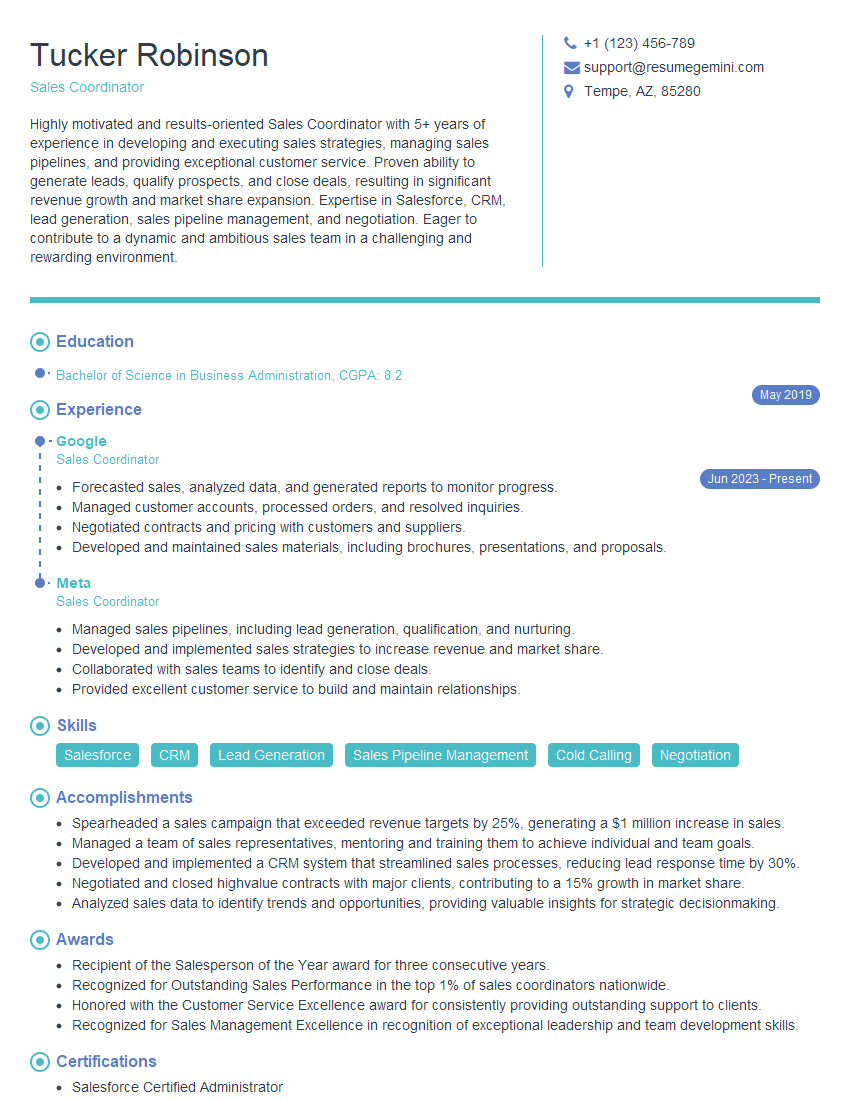
Sales Coordinator Resume Sample
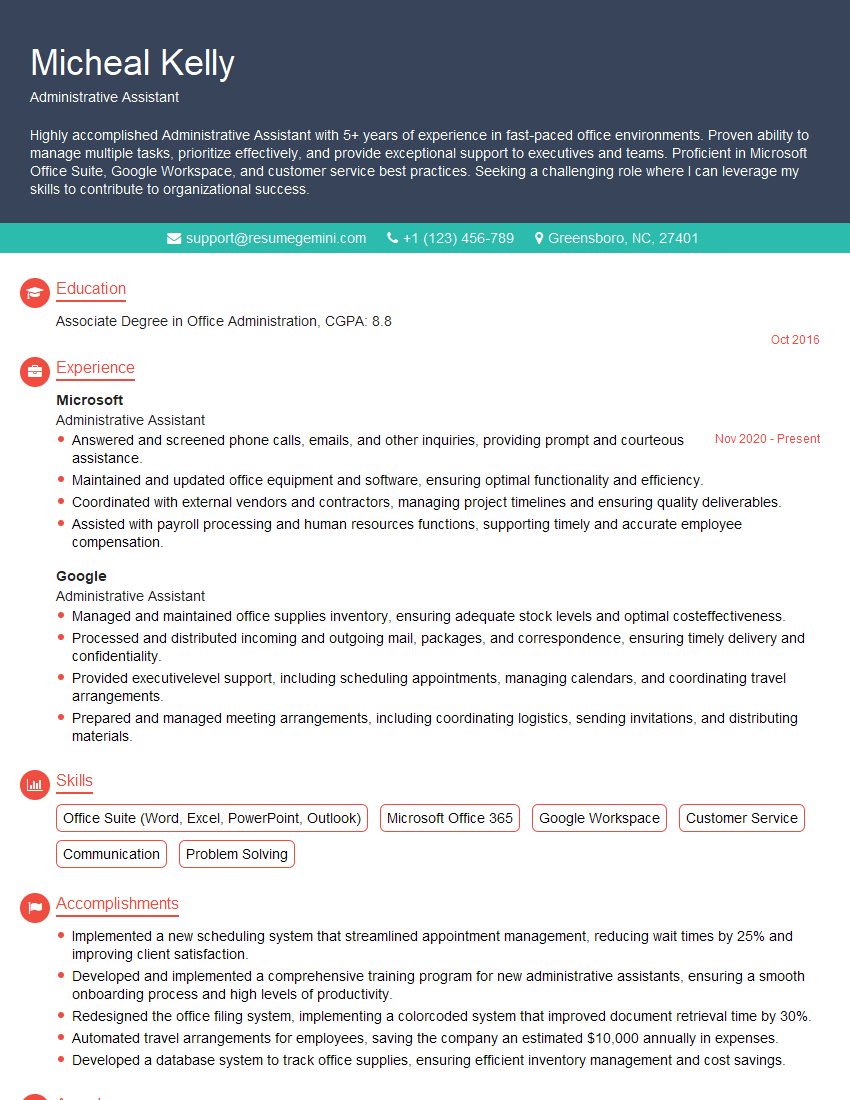
Administrative Assistant Resume Sample
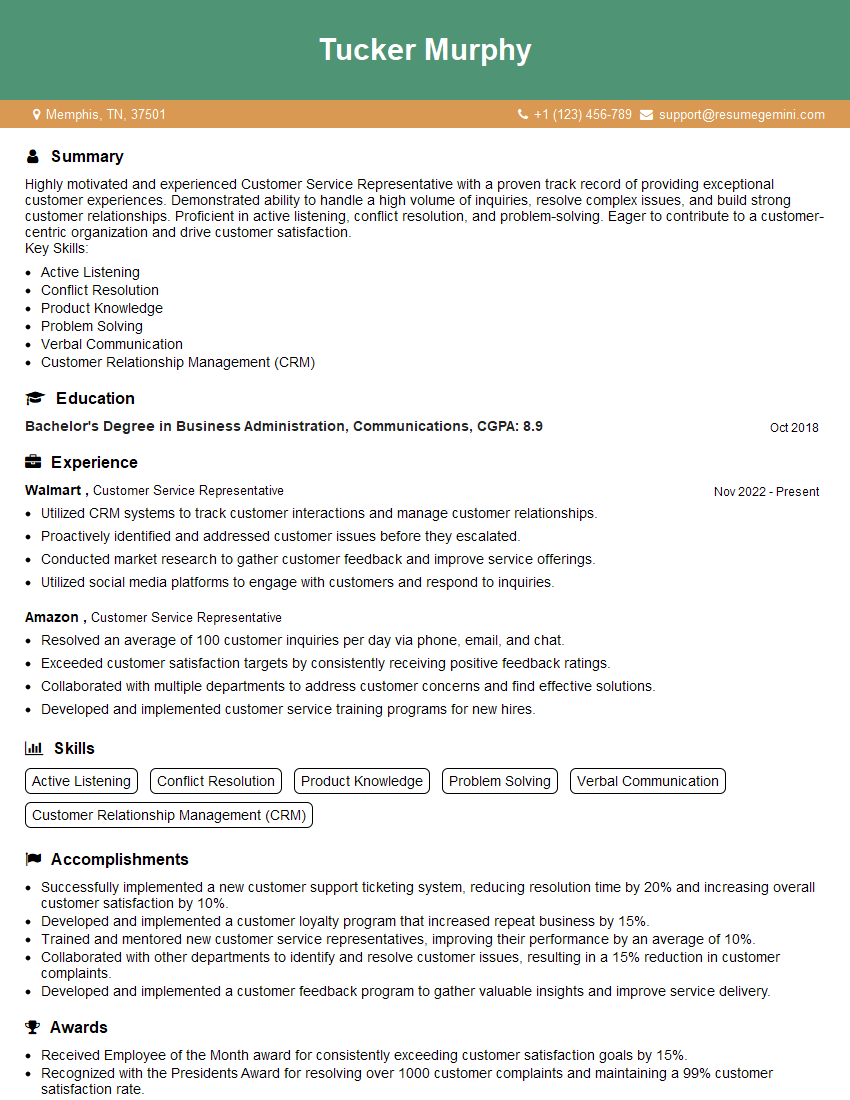
Customer Service Representative Resume Sample

Project Manager Resume Sample
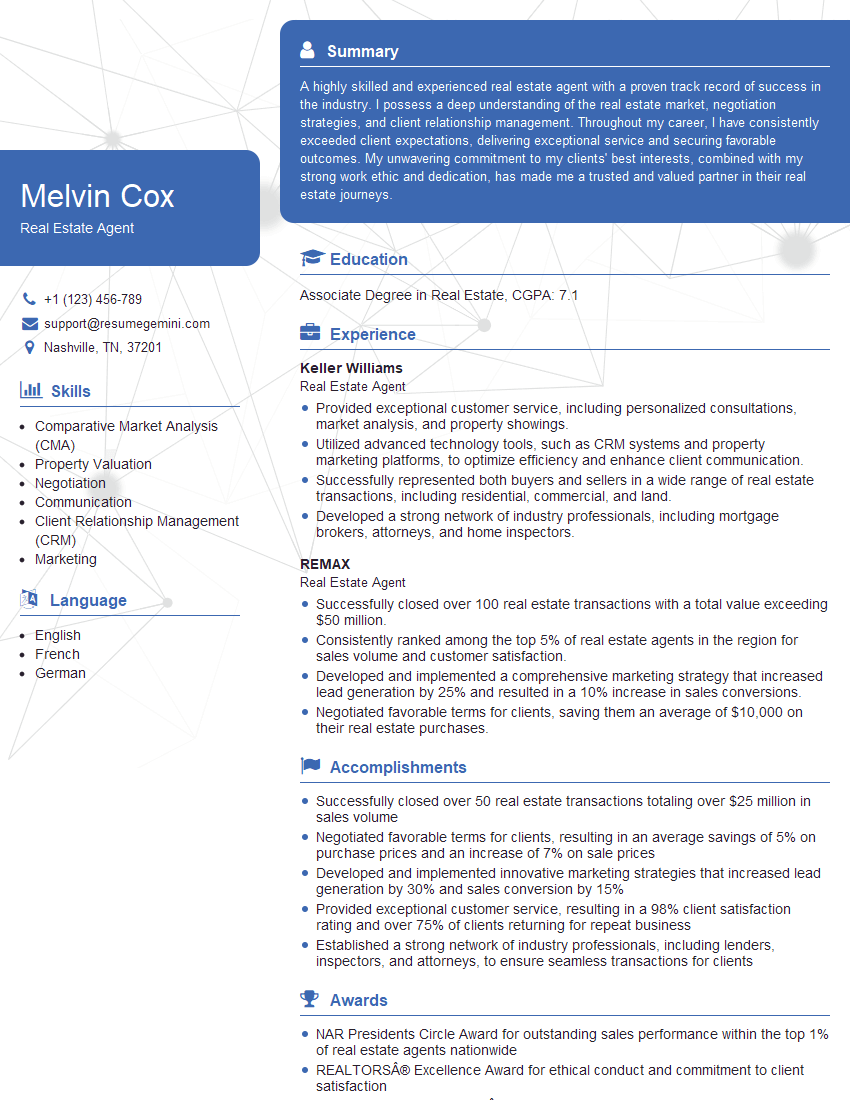
Real Estate Agent Resume Sample

Compliance Officer Resume Sample
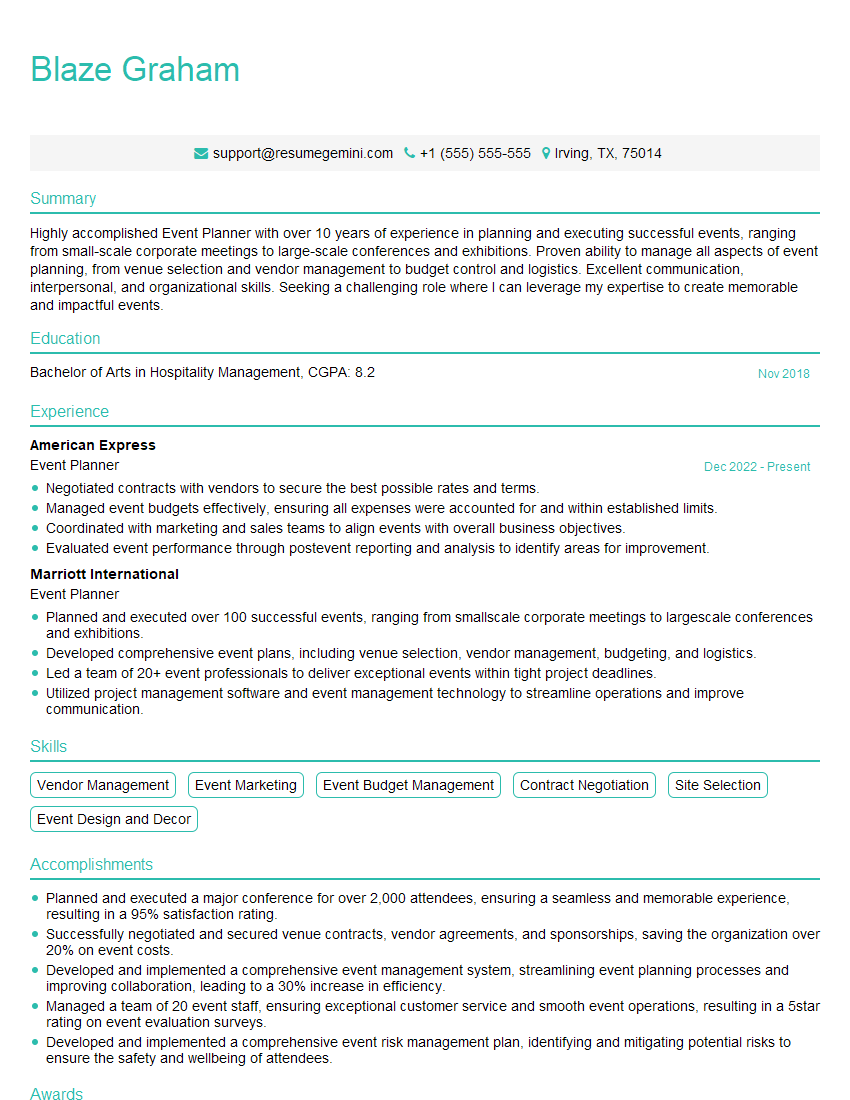
Event Planner Resume Sample
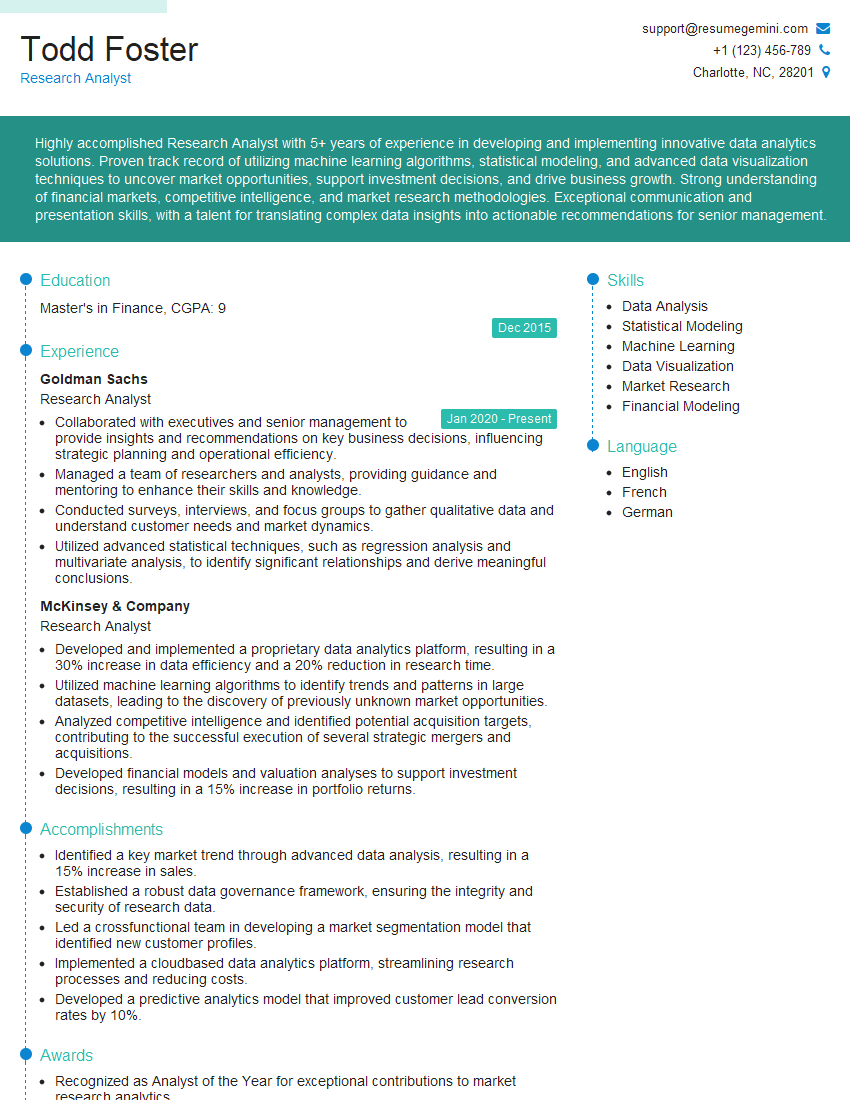
Research Analyst Resume Sample
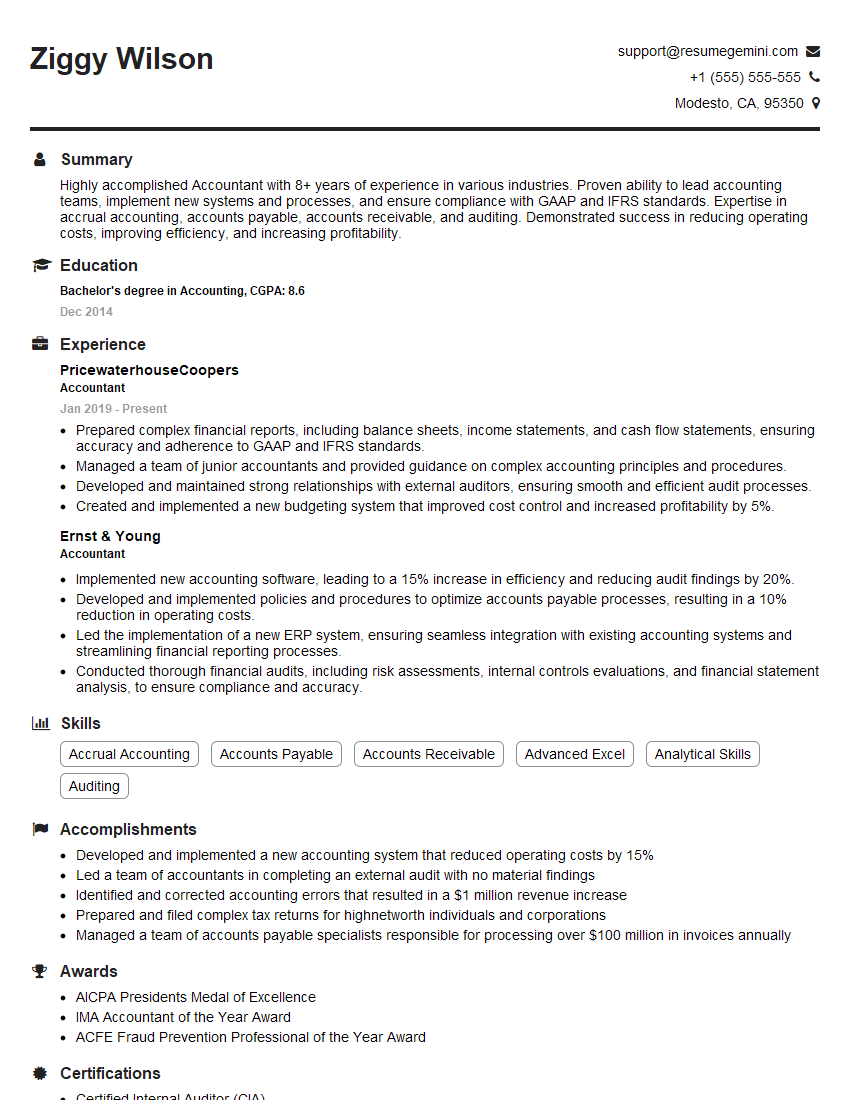
Accountant Resume Sample
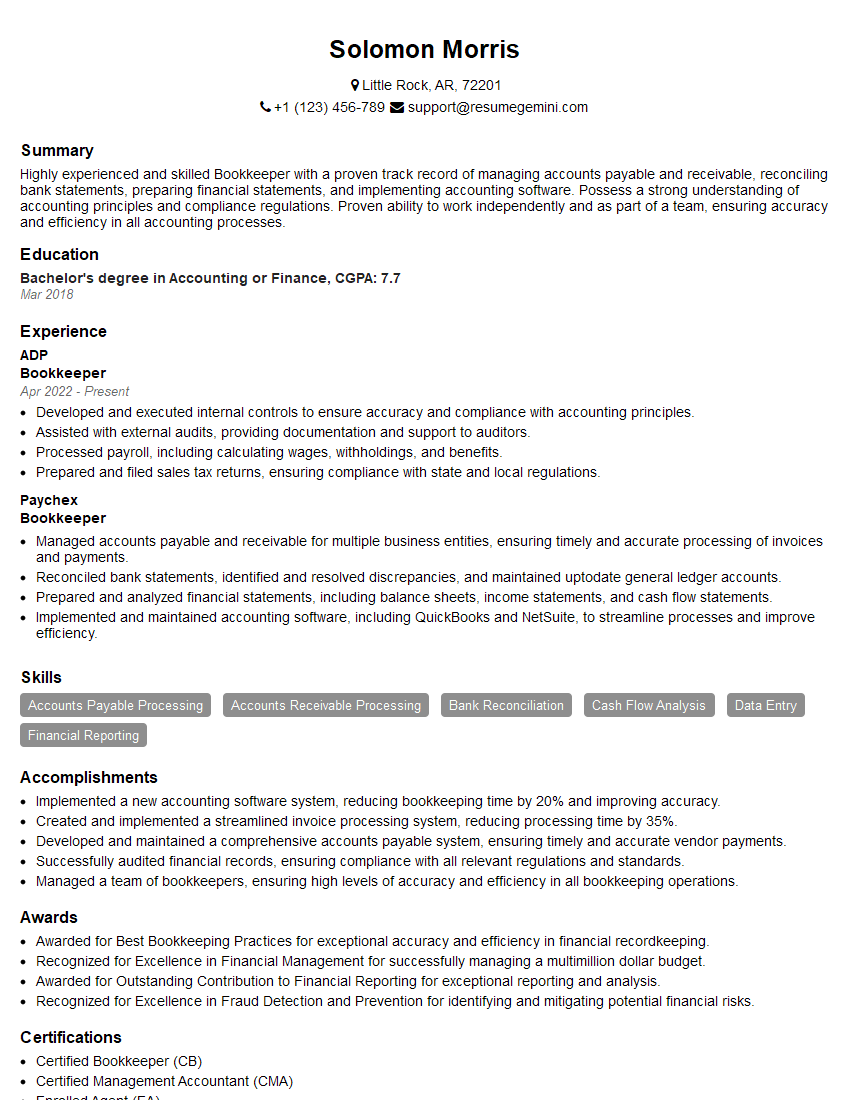
Bookkeeper Resume Sample
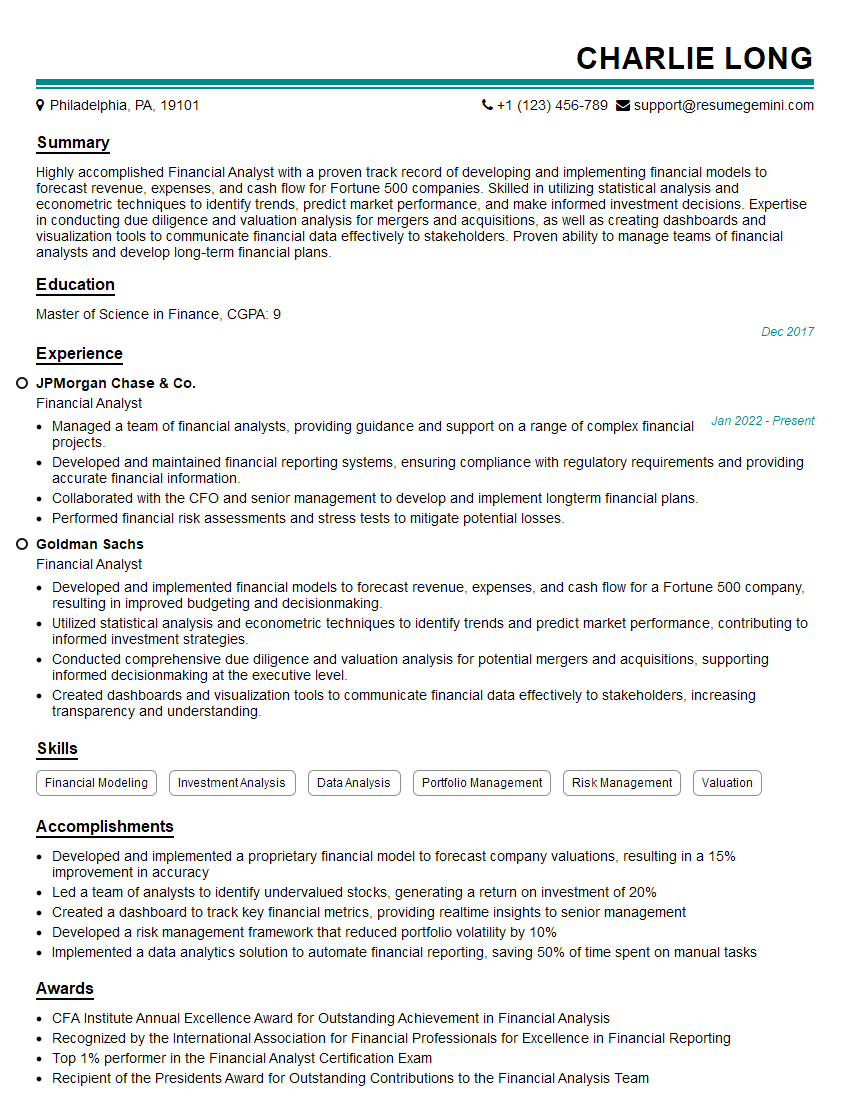
Financial Analyst Resume Sample
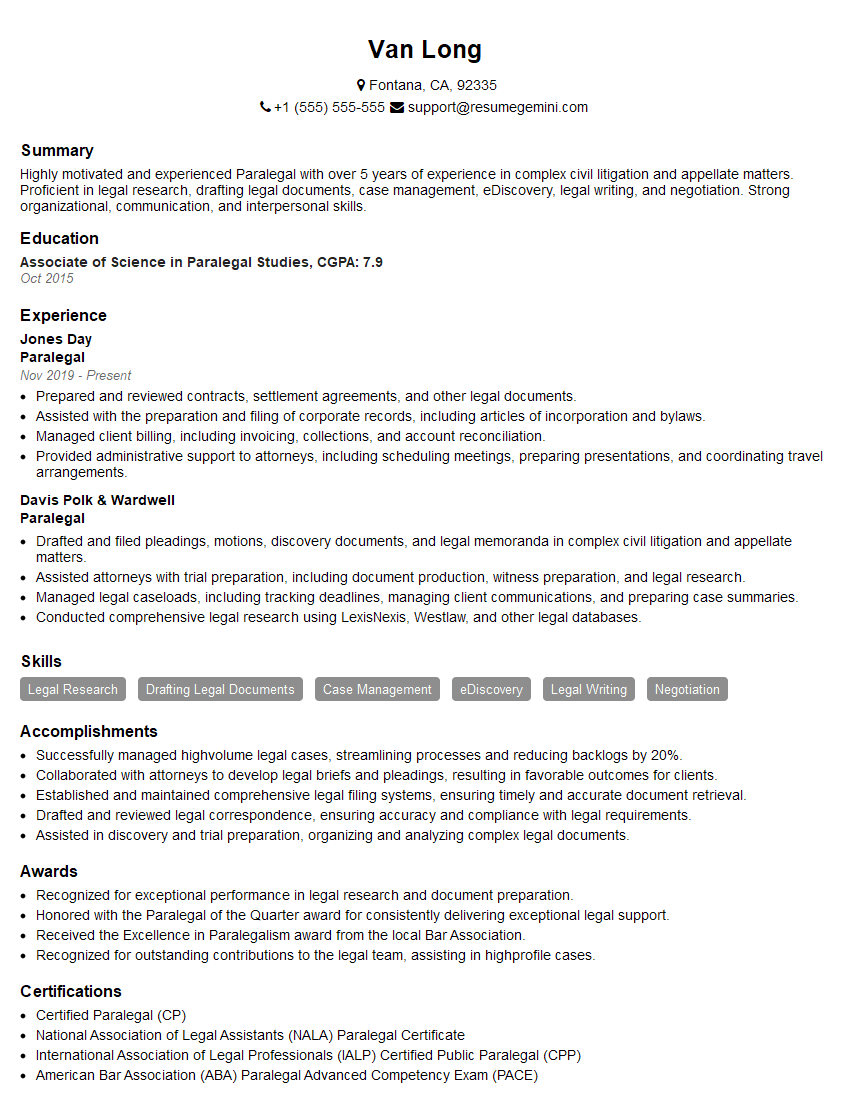
Paralegal Resume Sample
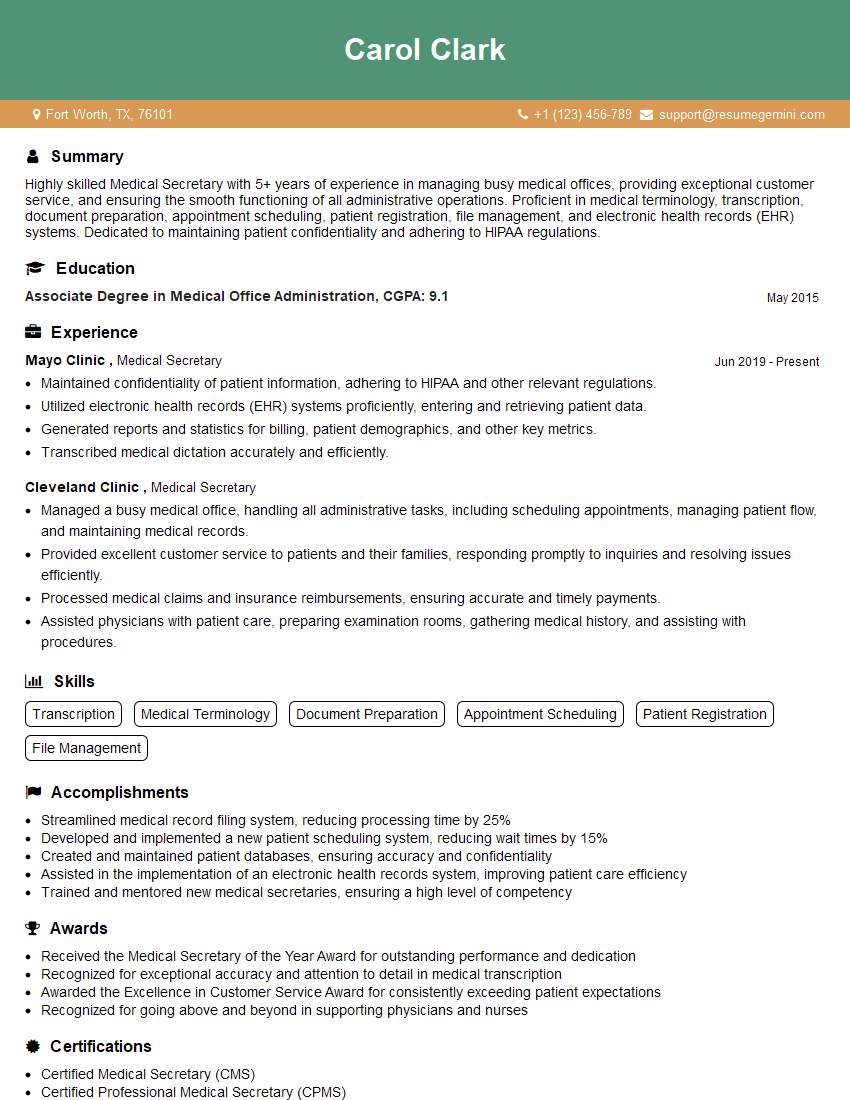
Medical Secretary Resume Sample
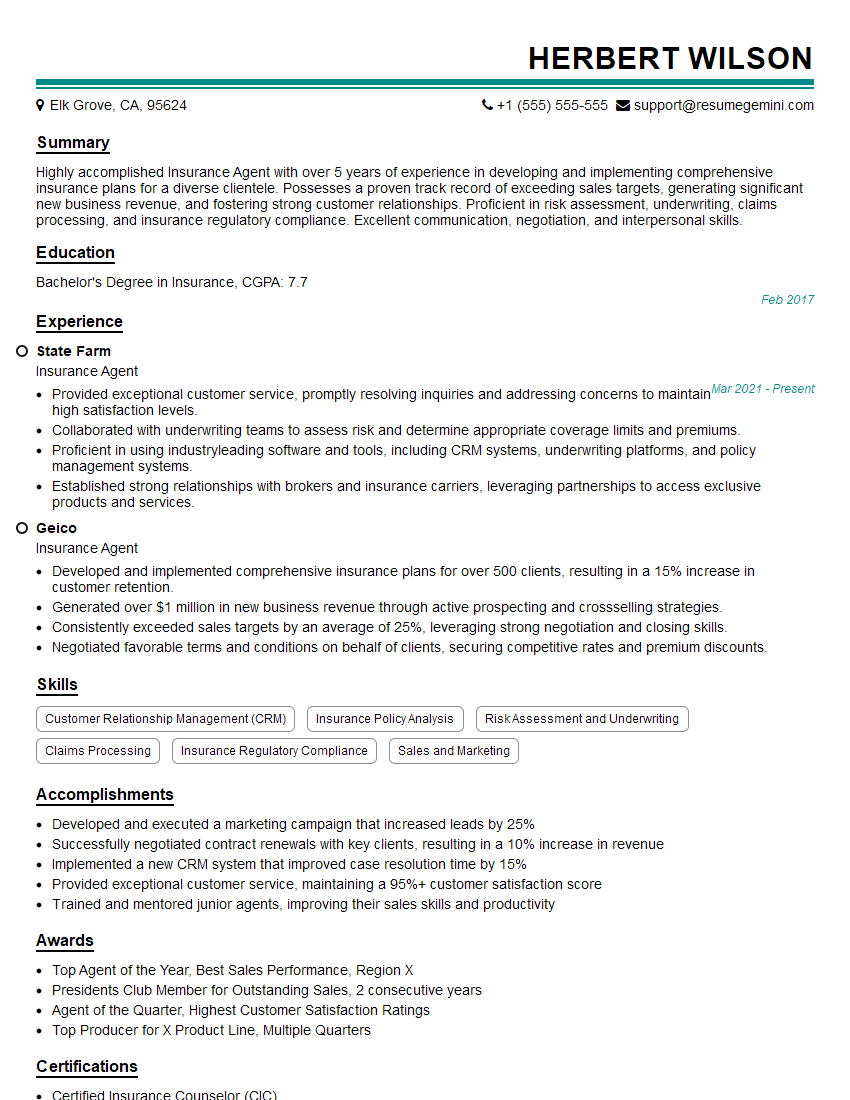
Insurance Agent Resume Sample
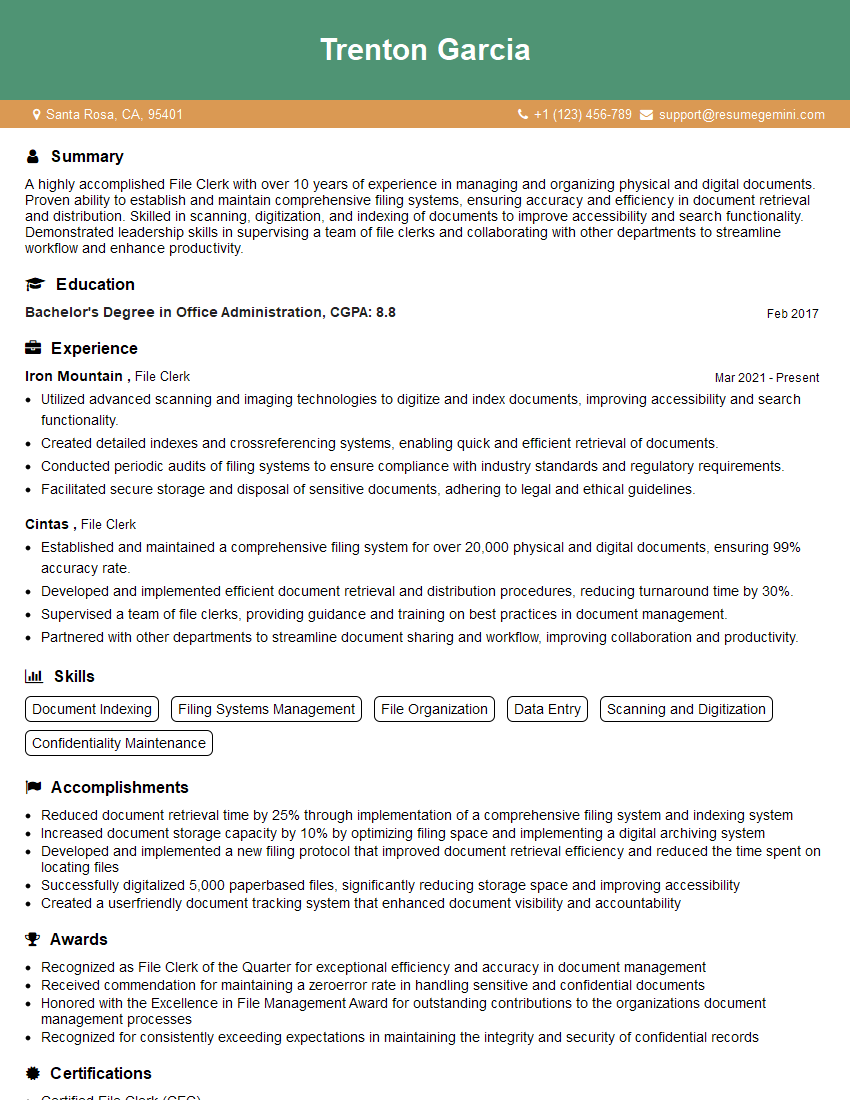
File Clerk Resume Sample
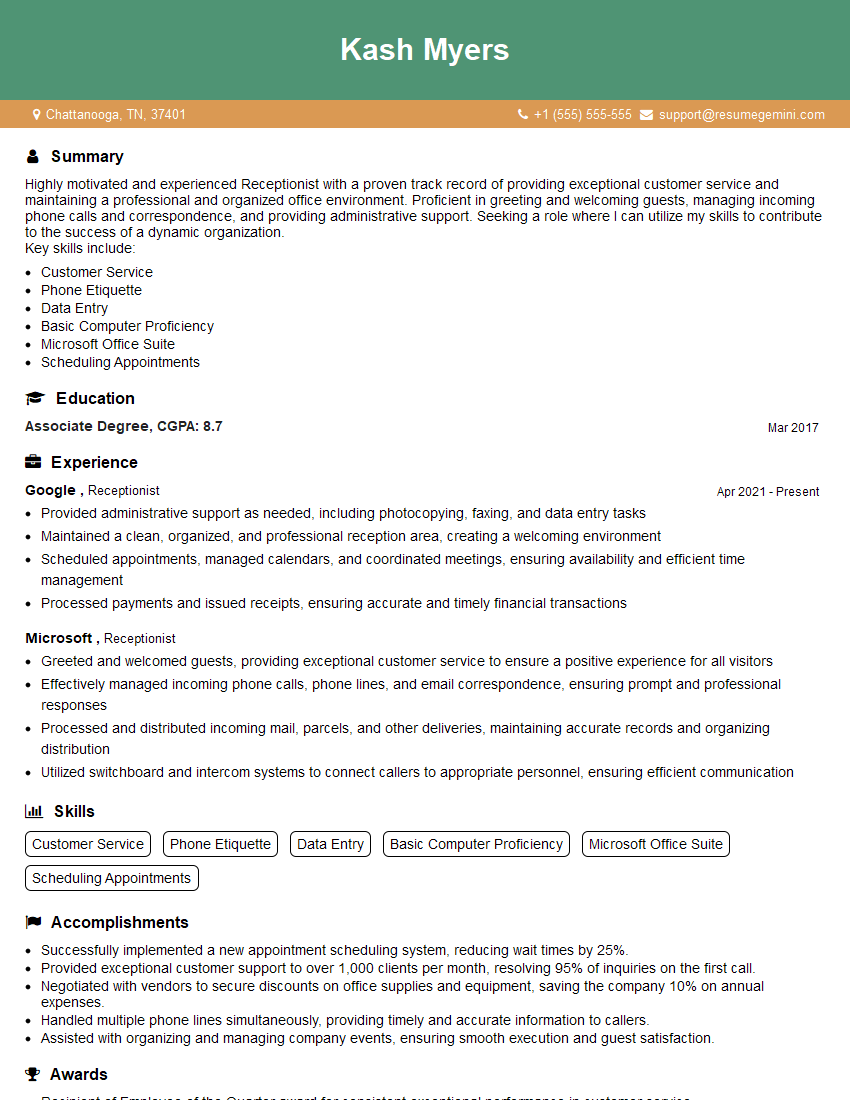
Receptionist Resume Sample
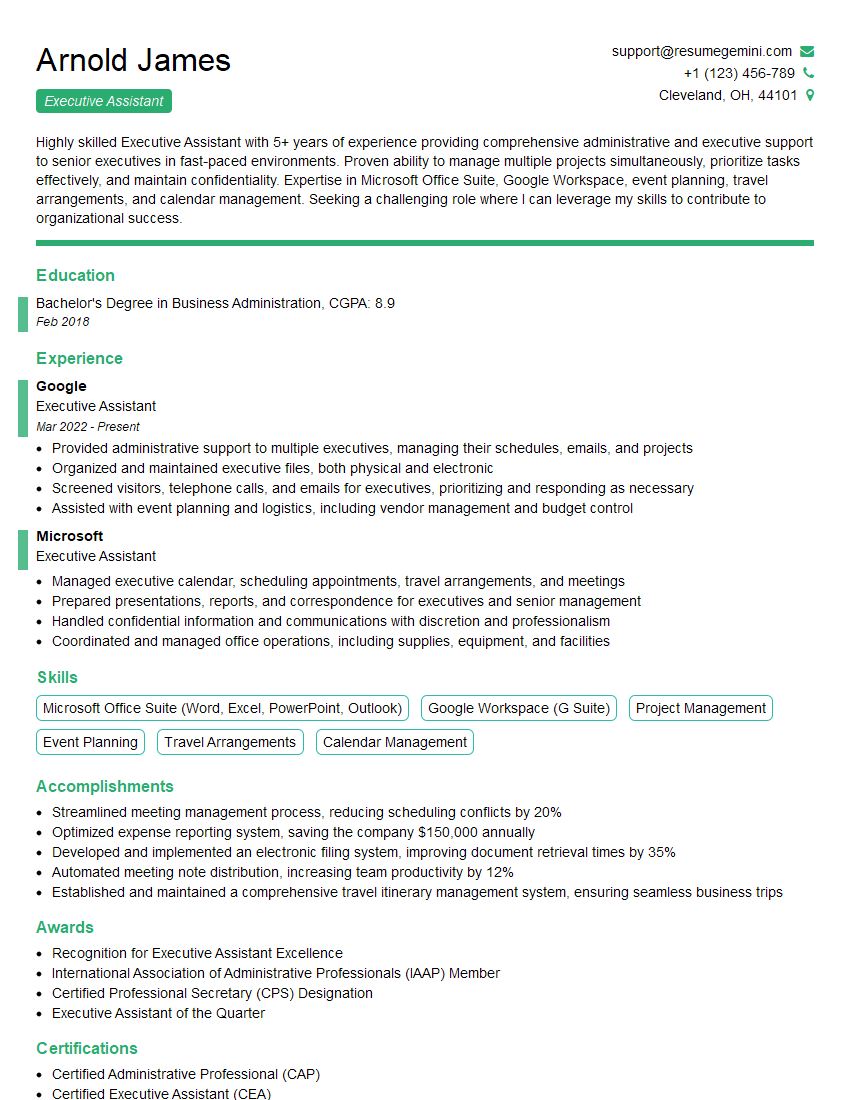
Executive Assistant Resume Sample
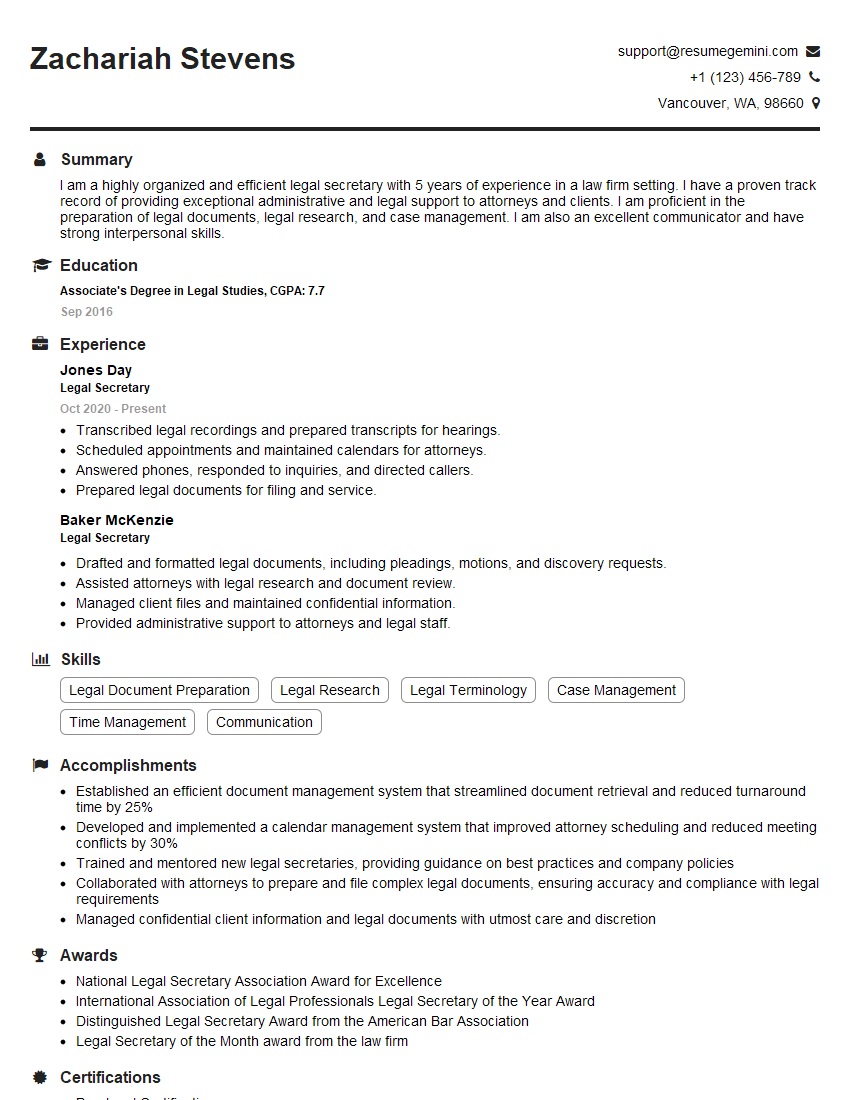
Legal Secretary Resume Sample

Data Entry Clerk Resume Sample
- Program Manager
- Office Manager
- Operations Manager
- Marketing Coordinator
- Sales Coordinator
- Administrative Assistant
- Customer Service Representative
- Project Manager
- Real Estate Agent
- Compliance Officer
- Event Planner
- Research Analyst
- Accountant
- Bookkeeper
- Financial Analyst
- Paralegal
- Medical Secretary
- Insurance Agent
- File Clerk
- Receptionist
- Executive Assistant
- Legal Secretary
- Data Entry Clerk
Explore more articles
Users Rating of Our Blogs
Share Your Experience
We value your feedback! Please rate our content and share your thoughts (optional).
What Readers Say About Our Blog
I Redesigned Spongebob Squarepants and his main characters of my artwork.
https://www.deviantart.com/reimaginesponge/art/Redesigned-Spongebob-characters-1223583608
IT gave me an insight and words to use and be able to think of examples
Hi, I’m Jay, we have a few potential clients that are interested in your services, thought you might be a good fit. I’d love to talk about the details, when do you have time to talk?
Best,
Jay
Founder | CEO