The right preparation can turn an interview into an opportunity to showcase your expertise. This guide to High-Speed Printer Operation interview questions is your ultimate resource, providing key insights and tips to help you ace your responses and stand out as a top candidate.
Questions Asked in High-Speed Printer Operation Interview
Q 1. Describe your experience operating high-speed printing presses.
Throughout my ten-year career, I’ve operated a wide range of high-speed printing presses, from sheet-fed perfecting presses capable of printing over 15,000 impressions per hour to web offset presses that churn out millions of newspapers or magazines daily. My experience encompasses all aspects of press operation, from initial setup and color calibration to troubleshooting malfunctions and ensuring consistent print quality. I’ve worked extensively on both large-format commercial printing and smaller-scale high-volume projects, adapting my skills to the unique demands of each situation. For instance, I managed a crucial project printing election ballots—a task demanding absolute accuracy and speed.
Q 2. What types of high-speed printers have you worked with?
My experience spans several types of high-speed printers. I’m proficient with:
- Sheet-fed offset presses: These are highly versatile and suitable for a variety of print jobs, from brochures to books. I’ve worked with Heidelberg and Komori presses, mastering their intricate controls and maintenance procedures.
- Web offset presses: These high-volume behemoths are ideal for newspapers, magazines, and other large-scale printing projects. I have experience with Goss and Manroland web presses, understanding their unique demands for continuous paper feed and precise register.
- Digital inkjet presses: These offer speed and flexibility for short-run jobs and personalized printing, especially useful for direct mail marketing. I’m familiar with Xerox and HP Indigo presses, focusing on efficient workflow and color management.
My expertise extends beyond simply operating these machines; I understand their mechanics, limitations, and maintenance requirements intimately.
Q 3. Explain the process of setting up a high-speed printer for a specific job.
Setting up a high-speed printer for a specific job is a meticulous process that requires precision and attention to detail. It involves several key steps:
- Job Review: Carefully examine the job specifications (e.g., paper type, ink colors, desired resolution, quantity). This is crucial for selecting the correct press settings and materials.
- Paper Selection and Loading: The correct paper type, weight, and moisture content is vital. Improper paper can lead to jams or poor print quality. I always check for paper flaws before loading.
- Ink Selection and Setup: Choose the right inks to achieve the desired color profile. This often involves precise color matching using spectrophotometers and color management software. Ink density and viscosity are also key factors.
- Press Configuration: The press itself needs to be configured for the specific job parameters, including print speed, impression pressure, and inking units. This might involve adjusting dampening rollers, rollers pressure, and feeder settings.
- Test Run and Adjustment: A test run is essential to verify color accuracy, registration (alignment of colors), and overall print quality. Adjustments are made iteratively until the desired quality is achieved. A standardized color chart (like a Pantone guide) is extremely helpful here.
Think of it like baking a cake; you need the correct ingredients (paper, ink), the right recipe (job specifications), and precise execution (press adjustments) to get the perfect result.
Q 4. How do you troubleshoot common paper jams in a high-speed printer?
Paper jams are a common occurrence in high-speed printers, and efficient troubleshooting is critical for minimizing downtime. My approach is systematic:
- Safety First: Always turn off the press and ensure it’s completely stopped before attempting any intervention. Never reach into the moving parts while the machine is running.
- Identify the Jam Location: Determine where the jam is occurring – feeder, registration rollers, delivery system, etc. – by carefully examining the press.
- Access the Jam: Follow the press’s safety procedures to access the jammed paper without causing additional damage. Many presses have specifically designed access points for easy removal.
- Clear the Jam: Gently remove the jammed paper, avoiding tearing or leaving paper fragments. A soft brush or compressed air is often useful for small pieces.
- Inspect for Damage: After clearing the jam, carefully inspect the paper path for any damage to rollers, sensors, or other components. Replace or repair damaged parts.
- Restart and Verify: Turn the press back on and run a test to ensure the jam is resolved and the printer is working correctly.
Experience allows me to quickly diagnose the cause of jams. For example, a recurring jam in the same location often points to a misaligned roller or a faulty sensor.
Q 5. Describe your experience with color calibration and matching on high-speed printers.
Color calibration and matching are crucial for ensuring consistent and accurate print output on high-speed printers. My experience involves:
- Spectrophotometer Use: I utilize spectrophotometers to accurately measure and profile the colors produced by the press. This data is then used to create color profiles and ensure consistency across different batches and jobs.
- Color Management Software: I’m proficient with color management software (such as GMG ColorProof or X-Rite i1Profiler) to create and manage color profiles, ensuring accurate color reproduction on different substrates and ink types. This also helps compensate for variations in ink and paper.
- Ink Adjustments: Color matching frequently involves making subtle adjustments to ink densities and mixing ratios to meet specific color targets. This often necessitates extensive tweaking and validation.
- Calibration Standards: I work closely with industry-standard color systems like Pantone and use color charts to check for accuracy during every job setup and throughout the print run.
A recent project involving high-fidelity reproduction of corporate branding required precise color matching, and through meticulous calibration, we achieved exact brand color replication across thousands of printed pieces.
Q 6. How do you maintain optimal print quality on a high-speed printer?
Maintaining optimal print quality on a high-speed printer is an ongoing process that requires proactive measures:
- Regular Maintenance: Routine maintenance includes cleaning rollers, replacing worn parts, and lubricating moving components to ensure smooth operation and prevent jams. This is often scheduled following a manufacturer’s recommendations.
- Environmental Control: Maintaining a stable temperature and humidity in the print room is essential to prevent paper from warping or absorbing too much moisture, affecting print quality and causing jams.
- Ink Management: Proper ink management includes monitoring ink levels, regularly cleaning ink systems, and storing inks under optimal conditions to prevent degradation. Using fresh inks is also critical for color vibrancy and consistency.
- Continuous Monitoring: Regularly checking the print output for color consistency, registration, and sharpness is essential to detect and address issues before they impact a large quantity of prints.
- Operator Training: Proper training is crucial. A skilled operator knows how to identify and address potential issues before they become problems.
Think of it as maintaining a high-performance car – consistent maintenance and attention to detail are critical for optimum performance and longevity.
Q 7. What safety protocols do you follow when operating high-speed printing equipment?
Safety is paramount when operating high-speed printing equipment. My adherence to safety protocols includes:
- Lockout/Tagout Procedures: Always follow lockout/tagout procedures before performing any maintenance or repairs to prevent accidental starts. This ensures no one is injured by the machinery.
- Personal Protective Equipment (PPE): I consistently use appropriate PPE, including safety glasses, hearing protection, and gloves, to protect myself from potential hazards, including ink spills and moving parts.
- Emergency Shutdown Procedures: I’m thoroughly familiar with the location and operation of emergency stop buttons and other safety mechanisms on the equipment.
- Regular Inspections: Regularly inspect the equipment for any signs of damage or wear and report any issues immediately to prevent potential accidents. This includes observing rollers, paper paths, and electrical components.
- Training and Compliance: I participate in all required safety training sessions and comply with all company safety regulations and best practices.
Safety isn’t just a set of rules; it’s a mindset and a commitment to protecting myself and my colleagues. I treat every safety precaution with the utmost importance.
Q 8. How familiar are you with different printing techniques (e.g., offset, digital)?
My experience encompasses both offset and digital printing techniques. Offset printing, a traditional method, utilizes plates to transfer ink onto a rubber blanket, then onto the paper. This is ideal for high-volume, consistent quality printing, such as brochures or magazines. Think of it like using a stamp – the plate is the stamp, and each impression is incredibly consistent. Digital printing, on the other hand, prints images directly onto the paper using technologies like inkjet or laser. This offers greater flexibility for shorter runs, personalized prints, and on-demand printing – imagine creating customized birthday cards – each one unique and printed only when needed. I’ve worked extensively with both, understanding their strengths and limitations to choose the optimal method for specific projects.
For example, I recently managed a large-scale brochure project where offset printing’s efficiency and cost-effectiveness for high volumes were crucial. In contrast, I also handled a project requiring personalized invitations, where digital printing’s variability and short-run capabilities were essential.
Q 9. Explain your experience with pre-press and post-press operations.
Pre-press operations involve all steps before the actual printing begins, like designing the artwork, creating printing plates (for offset), and preparing digital files. I have significant experience in this area, including color correction, image optimization, and file preparation for different printing technologies. My experience with color profiles – such as those using CMYK or Pantone – ensures accurate color reproduction across various mediums.
Post-press operations include all activities after the printing is complete, such as cutting, folding, binding, laminating, and finishing touches like embossing or die-cutting. My experience includes overseeing these processes to ensure the final product meets the required specifications. I have a keen eye for quality and detail to catch any imperfections at this stage, ensuring a professional final outcome. For instance, I’ve overseen the binding of thousands of books and the precise cutting and folding of hundreds of leaflets, always prioritizing quality and efficiency.
Q 10. How do you manage and monitor ink levels and supplies on high-speed printers?
Monitoring ink levels and supplies is crucial for uninterrupted high-speed printing. We use a combination of methods. Many modern high-speed printers have integrated sensors that continuously monitor ink levels and alert us when they are low, often displaying this information through a user interface. Beyond that, we have a regular scheduled maintenance system. This involves checking ink cartridges and other consumables (toner, fuser units, etc.) at the start and end of each shift and regularly reviewing inventory levels to ensure we don’t run out of supplies mid-job. We use inventory management software to track consumption rates and predict when we need to reorder. Think of it as managing a complex inventory system like a retail store, but instead of shoes, we manage ink and paper.
In case of a low ink warning, we have a streamlined process of replacing the empty cartridges or refilling them, minimizing downtime and ensuring print quality remains consistent.
Q 11. Describe your experience with preventative maintenance on high-speed printers.
Preventative maintenance is paramount for keeping high-speed printers running smoothly. My experience involves a proactive approach using a scheduled maintenance plan. This includes regular cleaning of the printer components (rollers, print heads), checking the fuser unit (for laser printers) and making sure the paper path is clear. We also perform regular calibrations to ensure consistent print quality. Think of it as a car’s regular service – keeping things running smoothly prevents costly breakdowns. We keep detailed logs of maintenance procedures, documenting when tasks are performed and any issues discovered. This allows for proactive identification of potential problems and helps us estimate the lifespan of components, enabling timely replacements. This proactive approach has significantly reduced unexpected downtime.
Q 12. What is your experience with different paper types and their impact on printing?
Different paper types significantly impact printing quality and efficiency. The paper’s weight (gsm – grams per square meter), texture, finish (coated, uncoated), and moisture content all influence the final result. Heavier papers can cause jams in printers not designed to handle them; coated papers offer sharper images and vibrant colors, while uncoated papers have a more natural feel. Moisture content can affect paper feeding and can lead to jams and misalignments. My experience involves selecting the appropriate paper for each project, based on the required outcome and printer capabilities. For instance, glossy photo paper is perfect for high-resolution images, while a heavier cardstock is more suitable for business cards. We also take climate control into account since fluctuating humidity can affect paper.
Q 13. How do you handle unexpected downtime or equipment malfunctions?
Handling unexpected downtime requires a systematic approach. We have established protocols for troubleshooting common issues. First, we diagnose the problem. This might involve checking error messages on the printer’s display, examining the paper path for jams, or assessing the ink levels. Once the problem is identified, we attempt to fix it using our troubleshooting knowledge and available resources. We have a comprehensive library of troubleshooting guides and access to technical support if needed.
If the problem is beyond our capabilities, we have established procedures for contacting technical support or scheduling a service visit. We also communicate with clients immediately, explaining the situation and providing estimated time frames for resolution. In the meantime, we try to find a way to mitigate the impact, perhaps re-routing work to other printers or looking at alternative solutions. Our priority is minimizing disruption and maintaining customer satisfaction.
Q 14. How do you ensure efficient workflow and meet production deadlines?
Efficient workflow and meeting deadlines hinge on careful planning and execution. We use project management tools to track jobs, monitor progress, and identify potential bottlenecks. Prioritizing tasks, assigning resources efficiently, and maintaining open communication within the team are crucial. This includes regular team meetings, daily progress reports, and clear communication with clients to manage expectations. Think of it like an orchestra – each section plays its part, and the conductor (project manager) ensures everything runs smoothly and in time.
We also maintain a well-organized workspace, ensuring easy access to materials and equipment. Regular calibration and preventative maintenance of our printers prevents unexpected downtime, keeping our workflow steady. Finally, we use real-time monitoring software to track production output and compare it with planned schedules to adjust our workflow as needed.
Q 15. Describe your experience with quality control and inspection procedures.
Quality control in high-speed printing is paramount. It’s a multi-step process involving regular checks throughout the entire printing workflow, from initial file setup to final product inspection. My experience includes implementing and adhering to strict ISO standards (like ISO 9001) and developing custom checklists for different print jobs. This involves:
- Pre-press checks: Verifying the accuracy of the digital files, including resolution, color profiles, and bleed settings, before sending them to the printer. A common mistake is overlooking proper bleed, leading to unsightly white borders in the final print.
- During-press checks: Regularly monitoring color consistency, registration (alignment of colors), and density throughout the print run. I often use a densitometer for precise color measurement and comparison against the target values.
- Post-press checks: Inspecting the finished products for defects like banding (uneven ink distribution), misregistration (misalignment of colors or images), smudging, and any other imperfections. This involves careful visual inspection and sometimes the use of specialized tools like a magnifying glass to catch subtle flaws.
- Data logging and analysis: Maintaining detailed records of each print job, including any identified issues and corrective actions taken. This data is crucial for continuous improvement and identifying trends.
For example, during a recent large-format poster print job, I noticed slight banding on a specific color. By meticulously analyzing the data, we identified a minor issue with the ink rollers and were able to rectify it before impacting the entire print run.
Career Expert Tips:
- Ace those interviews! Prepare effectively by reviewing the Top 50 Most Common Interview Questions on ResumeGemini.
- Navigate your job search with confidence! Explore a wide range of Career Tips on ResumeGemini. Learn about common challenges and recommendations to overcome them.
- Craft the perfect resume! Master the Art of Resume Writing with ResumeGemini’s guide. Showcase your unique qualifications and achievements effectively.
- Don’t miss out on holiday savings! Build your dream resume with ResumeGemini’s ATS optimized templates.
Q 16. How do you interpret and follow complex job specifications?
Interpreting complex job specifications requires a systematic approach. I typically break down the requirements into manageable steps, ensuring I understand each element completely before proceeding. This involves:
- Careful reading and analysis: Thoroughly review the job ticket or specification sheet, paying attention to details such as paper type, ink type, dimensions, quantity, finishing requirements (binding, folding, cutting), and any special instructions.
- Clarification: If anything is ambiguous or unclear, I proactively seek clarification from the client or relevant stakeholders. Miscommunication can be costly, so I prioritize clarity.
- Prioritization: Identify the critical aspects of the specifications, focusing first on the most important factors that will impact the overall success of the job.
- Cross-checking: Verify that all aspects of the specifications are consistent and feasible. For example, a high-speed print job may have limitations on certain paper types.
For instance, a recent job required a specific Pantone color and a unique die-cut finish. I ensured I had the right Pantone color reference and verified the die-cut design’s compatibility with the high-speed cutter before proceeding, preventing costly rework.
Q 17. What is your experience with different printing software and systems?
My experience encompasses a wide range of printing software and systems. I am proficient in using industry-standard RIP software like EFI Fiery and Kodak Prinergy, as well as pre-press applications like Adobe Acrobat and Illustrator. I’m also familiar with various workflow management systems (WMS) used to track and manage print jobs, such as MIS (Management Information Systems) software. My expertise extends to different printer interfaces and their specific driver settings. I understand how to configure various print settings such as color profiles, resolution, and media handling options to optimize print quality and efficiency for different types of printing machines (e.g., inkjet, toner-based printers).
For example, I once migrated a client’s entire print workflow from one RIP system to another, minimizing downtime and ensuring a seamless transition. This involved a detailed understanding of both systems and the careful mapping of all relevant settings and profiles.
Q 18. Describe your understanding of color management systems (CMS).
Color management systems (CMS) are critical for ensuring color accuracy across different devices and stages of the printing process. A CMS helps maintain consistent color from the digital file to the printed output. My understanding involves:
- Color profiles: Understanding the importance of accurate color profiles (ICC profiles) for different devices (monitors, printers, scanners). These profiles describe how a device handles color, allowing for color transformations between devices.
- Color spaces: Familiarity with various color spaces (e.g., RGB, CMYK) and their applications. Knowing when and how to convert between color spaces is essential for accurate color reproduction.
- Calibration and profiling: Understanding the need for regular calibration of monitors and printers to ensure color accuracy. This involves using specialized tools to measure color and create precise color profiles.
- Soft proofing: Using soft proofing to simulate the final printed output on screen, which helps detect potential color issues early in the workflow.
I’ve used CMS to resolve numerous color-matching problems. For example, a client needed a specific Pantone color in their brochures. By carefully managing the color profile from design to printing, I ensured the final product accurately reflected the intended color.
Q 19. How do you identify and resolve print quality issues (e.g., banding, misregistration)?
Identifying and resolving print quality issues requires a systematic approach. I use a combination of visual inspection and troubleshooting techniques. Here’s a typical process:
- Visual Inspection: Carefully examine the printed output to identify the specific type of defect (banding, misregistration, smudging, etc.). Location of the defect often provides clues to the source of the problem.
- Check Printer Settings: Review the printer settings to ensure they are correctly configured for the chosen media and job specifications.
- Ink and Toner Levels: Verify the levels of ink or toner cartridges. Low ink can lead to various print quality problems.
- Media Handling: Inspect the paper path for any obstructions or misalignments that could cause defects.
- Calibrations: Confirm that the printer is properly calibrated. Out-of-calibration printers are common culprits for color inconsistencies.
- Maintenance: Check for any required maintenance, such as cleaning the print heads or replacing worn parts.
For example, when I encountered banding on a print job, I first checked the ink levels, then the print head nozzles for clogs. After cleaning the nozzles, the banding disappeared. In another instance, misregistration was resolved by adjusting the printer’s registration rollers.
Q 20. Explain your experience with troubleshooting network connectivity issues.
Troubleshooting network connectivity issues in high-speed printing requires a methodical approach, combining hardware and software checks. My experience includes:
- Basic network diagnostics: Checking network cables, IP addresses, subnet masks, and DNS settings to ensure proper network configuration. Pinging the printer from my workstation can quickly identify connectivity problems.
- Printer drivers and software: Verifying the correct installation and configuration of printer drivers and software. Outdated or incorrectly configured drivers are a common cause of network printing issues.
- Firewall settings: Examining firewall settings to ensure that they aren’t blocking communication between the computer and the printer.
- Network monitoring tools: Using network monitoring tools to identify network bottlenecks or conflicts that may be impacting print speed and reliability.
- Restarting devices: Often, simply restarting the printer, the computer, and even the network router can resolve minor connectivity issues.
I remember once, a client’s high-speed printer suddenly stopped communicating over the network. By systematically checking each aspect, from cables to firewall settings, I quickly pinpointed a faulty network switch and resolved the problem, avoiding significant downtime.
Q 21. What is your understanding of different finishing techniques (e.g., cutting, folding)?
Finishing techniques significantly enhance the final product’s presentation and usability. My experience covers a range of methods, including:
- Cutting: Using guillotines or automated cutting systems for precise and efficient cutting of printed materials to various sizes and shapes. Accuracy is crucial to avoid wasting materials and ensure aesthetically pleasing results.
- Folding: Employing different folding methods (e.g., half-fold, letter fold, Z-fold) using specialized folding machines to create brochures, leaflets, or booklets. Proper folding ensures easy handling and a professional look.
- Binding: Utilizing various binding techniques such as saddle stitch binding, perfect binding, wire-o binding, to assemble printed pages into books or booklets. Choosing the right binding method depends on the document’s length and desired aesthetic.
- Other finishing techniques: Familiarity with other finishing options such as lamination, perforating, embossing, and die-cutting, each adding a unique effect and functionality to the final product.
For a recent project involving a large-volume booklet, I selected perfect binding for durability and a professional look. This decision was based on the document’s page count and the client’s requirements.
Q 22. How do you handle waste and ensure environmentally responsible printing practices?
Environmentally responsible printing is paramount in high-speed operations. We employ a multi-pronged approach focusing on waste reduction, recycling, and responsible ink selection.
Waste Reduction: We meticulously monitor print jobs to minimize errors and spoilage. This includes optimizing print settings, conducting regular maintenance on the printers to prevent jams, and implementing robust quality control checks. For example, we might use pre-flight checks on all files before sending them to the press to catch errors early and reduce wasted paper.
Recycling: We have a dedicated recycling program for paper, ink cartridges, and other printer consumables. We partner with certified recycling facilities ensuring responsible disposal and minimizing environmental impact. We also prioritize using recycled paper stock whenever possible.
Responsible Ink Selection: We use vegetable-based or soy-based inks whenever feasible. These inks offer a lower environmental footprint compared to petroleum-based alternatives. We also ensure proper storage and handling of inks to prevent spills and contamination.
By implementing these practices, we not only reduce our environmental impact but also contribute to a more sustainable print industry. It’s about responsible resource management across the board.
Q 23. Explain your experience working in a fast-paced, high-volume printing environment.
My experience in fast-paced, high-volume printing environments has been extensive. I’ve worked in print shops handling thousands of jobs daily, with tight deadlines and demanding clients. This involves mastering the nuances of high-speed printers, understanding their limitations, and anticipating potential bottlenecks.
In one particular instance, we had a large-scale promotional print job due within 24 hours. By coordinating with the pre-press team, ensuring the printers were properly calibrated and maintained, and utilizing a color management system to ensure consistent color output, we successfully completed the job on time and to the client’s specifications. It involved careful planning, effective communication, and a deep understanding of the equipment.
This experience honed my skills in problem-solving under pressure, optimizing workflows, and managing resources efficiently in a high-stress environment. The ability to adapt and respond quickly to unexpected issues is crucial in this type of setting.
Q 24. Describe your experience working with a team to achieve production goals.
Teamwork is essential in high-speed printing. I’ve consistently collaborated effectively with pre-press, press, and post-press teams to meet production goals. This includes sharing information, assisting colleagues, and working toward shared objectives.
For example, I worked on a project where we had to produce a large number of personalized brochures within a short time frame. By working closely with the pre-press team on the setup of variable data printing, collaborating with the press operators to optimize the printing process, and coordinating with the finishing team on binding and delivery, we were able to meet the aggressive deadline. This involved clear communication, defined roles, and a shared sense of urgency.
My approach to teamwork emphasizes open communication, mutual respect, and a willingness to help others. Successful team-based production relies on a collaborative spirit and a shared understanding of the overall goals.
Q 25. How do you prioritize tasks and manage your time effectively in a busy print shop?
Prioritizing tasks and managing time effectively in a busy print shop requires a structured approach. I use a combination of techniques, including prioritizing by urgency and importance, utilizing job scheduling software, and constantly monitoring workflow.
I typically use a Kanban-style system to visualize the workflow. High-priority jobs, such as rush orders, are immediately placed at the top of the queue. Jobs are then scheduled according to their deadlines and machine availability. Regular communication with clients and the team keeps everyone informed about progress and potential delays.
Proactive problem-solving is critical. If I anticipate a potential bottleneck, such as a lack of specific materials, I take immediate action to address the issue before it impacts production. This proactive approach helps minimize delays and maintain a smooth workflow. Essentially, it’s about organized chaos – keeping the various moving parts working together in harmony.
Q 26. How familiar are you with different types of printing inks and their properties?
I’m very familiar with various printing inks, including their properties and applications in high-speed printing. My knowledge spans across different ink types, such as:
Solvent-based inks: These offer vibrant colors and excellent durability, ideal for outdoor applications but may have environmental concerns.
UV-curable inks: These cure instantly upon exposure to UV light, allowing for rapid turnaround times and excellent scratch resistance. They are commonly used in high-speed inkjet printing.
Water-based inks: Environmentally friendly options, often used for paper products but might have limitations in color vibrancy or water resistance.
Vegetable-based inks: Sustainable alternatives offering many of the benefits of traditional inks with a reduced environmental impact.
Understanding ink properties, including viscosity, drying time, color gamut, and adhesion, is critical for optimal print quality and machine performance. The correct ink choice is dependent on the substrate (paper, fabric, etc.) and the desired final product properties.
Q 27. Describe your problem-solving skills in relation to high-speed printer operation.
Problem-solving is a core competency in high-speed printer operation. I approach troubleshooting systematically, using a structured methodology. This typically involves:
Identify the problem: Pinpoint the specific issue—is it a color mismatch, a paper jam, a banding issue, or another problem?
Gather information: Collect relevant data, such as error messages, print samples, and operator notes.
Analyze the problem: Use my knowledge of the printer’s mechanics and the printing process to determine the root cause. This often involves checking ink levels, verifying settings, and inspecting the printer for mechanical issues.
Develop a solution: Based on the analysis, implement a solution, which might involve adjusting settings, replacing consumables, or performing minor repairs.
Test the solution: After implementing the solution, run test prints to verify the problem is resolved.
Document the solution: Record the problem, its cause, and the solution taken for future reference.
This systematic approach allows me to efficiently address a wide range of problems, minimizing downtime and ensuring consistent print quality. My experience has given me a deep understanding of how to quickly diagnose and fix issues, keeping the printers running smoothly.
Q 28. How do you stay updated on the latest advancements in high-speed printing technology?
Staying updated on the latest advancements in high-speed printing technology is crucial. I employ several methods to maintain my expertise:
Industry publications and journals: I regularly read trade magazines and journals dedicated to printing technology to stay abreast of new developments.
Industry conferences and trade shows: Attending conferences and trade shows provides hands-on experience with the latest equipment and networking opportunities with other professionals.
Manufacturer websites and training resources: I utilize manufacturer websites and online training resources to learn about new features and updates for specific printer models.
Online communities and forums: Participating in online forums and communities allows for the exchange of knowledge and problem-solving with other professionals in the field.
Continuous learning is vital in this rapidly evolving field, ensuring I remain proficient and adaptable to new technologies and techniques.
Key Topics to Learn for High-Speed Printer Operation Interview
- Printer Mechanics and Maintenance: Understanding the internal workings of high-speed printers, including paper paths, fusing units, and imaging systems. Be prepared to discuss preventative maintenance procedures and troubleshooting common mechanical issues.
- Print Quality and Color Management: Explain your knowledge of achieving optimal print quality, including calibration techniques, color profiles, and resolving issues like banding, streaking, or toner inconsistencies. Discuss practical applications of these concepts in a high-volume environment.
- Digital Front End (DFE) Software and Workflow: Demonstrate familiarity with various DFE software packages, their functionalities, and how they integrate with pre-press workflows. Be ready to discuss job setup, color management within the DFE, and troubleshooting print job errors.
- Safety Procedures and Regulations: Highlight your understanding of safety protocols relevant to high-speed printer operation, including lockout/tagout procedures, handling of consumables (toner, ink), and awareness of potential hazards.
- Performance Optimization and Troubleshooting: Discuss strategies for maximizing printer efficiency, minimizing downtime, and effectively resolving complex operational problems. Think through scenarios involving paper jams, toner shortages, and unexpected errors.
- Networking and Connectivity: Explain your understanding of how high-speed printers integrate into a network environment, including network protocols, IP addressing, and troubleshooting connectivity issues.
Next Steps
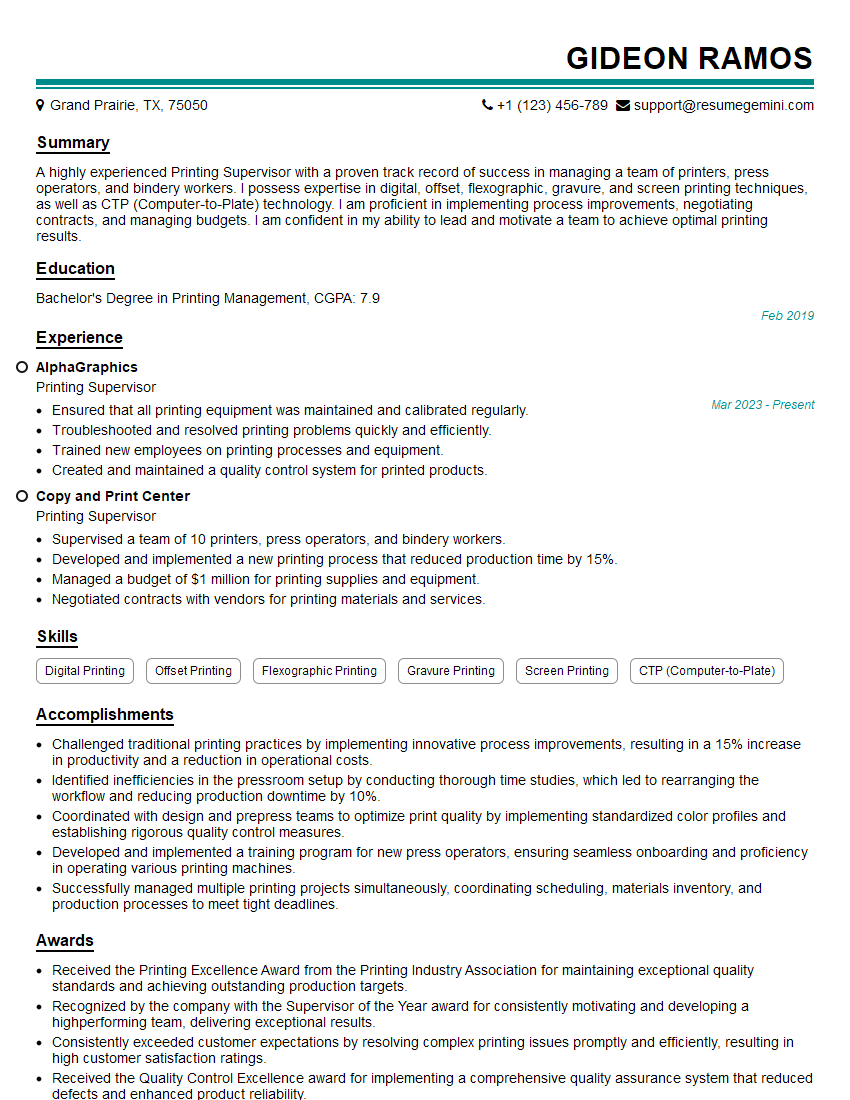
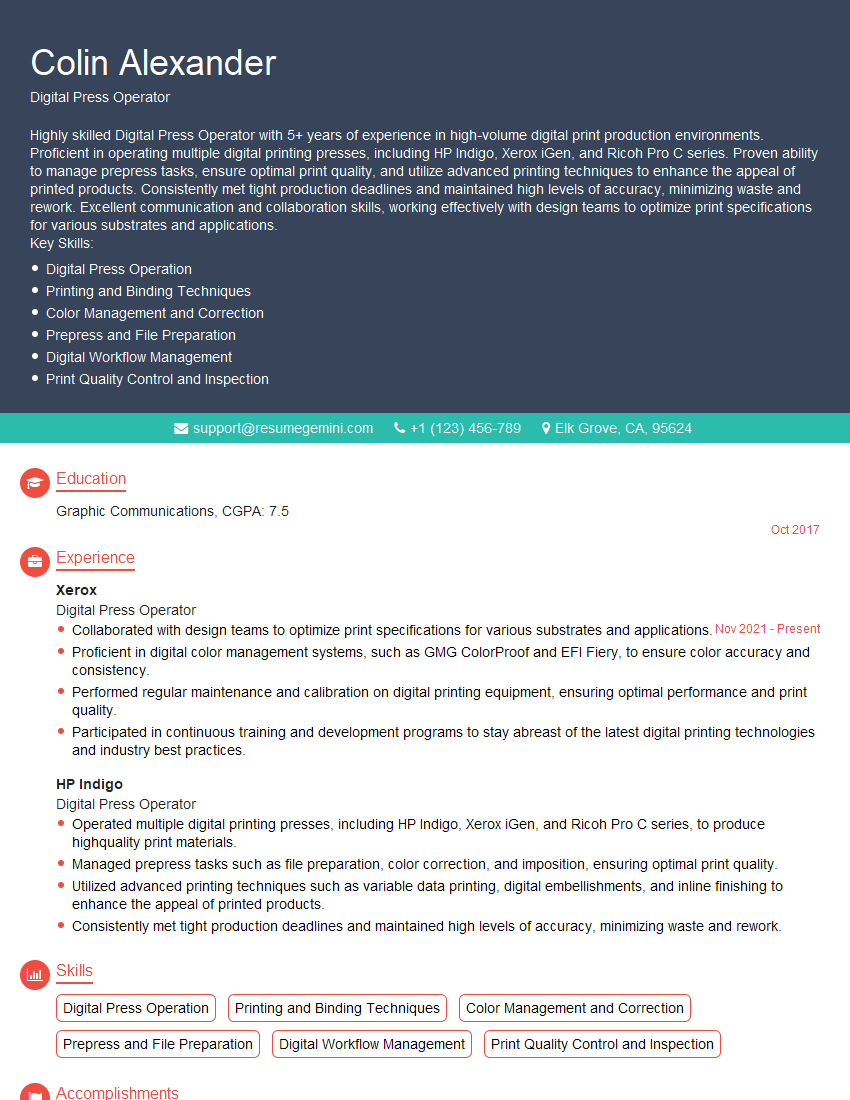
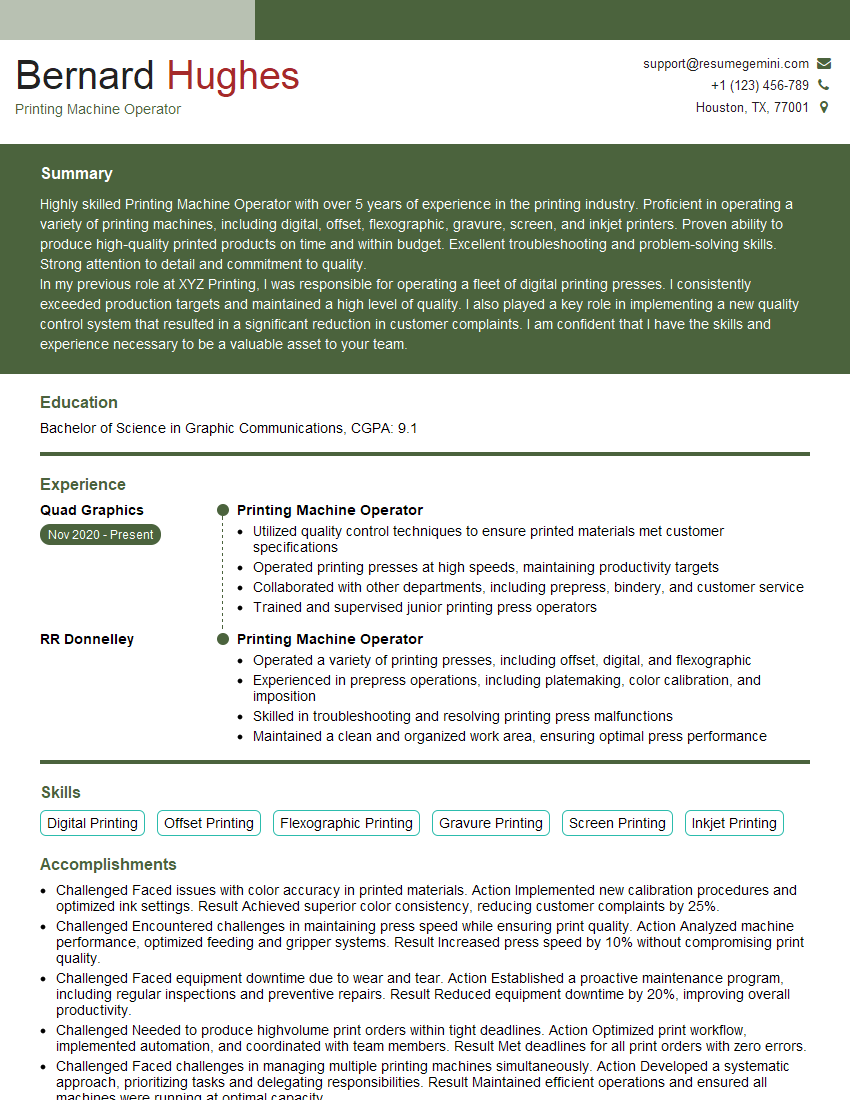
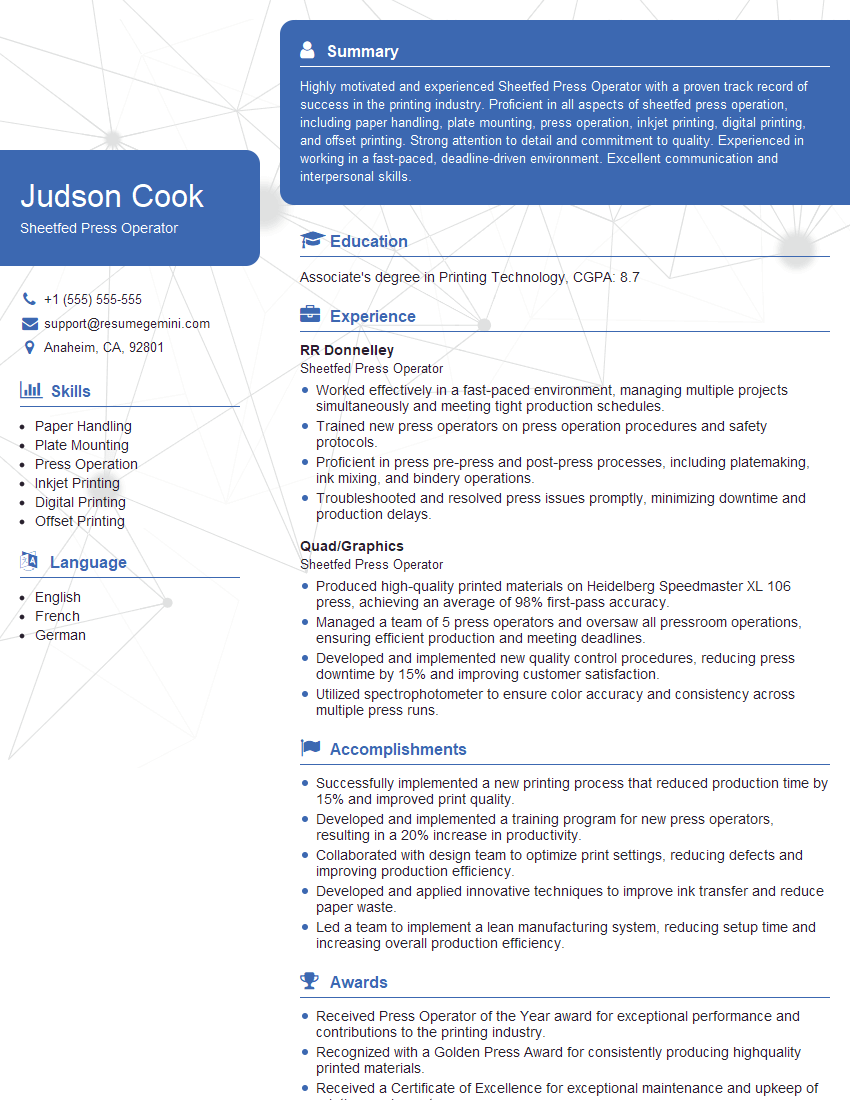
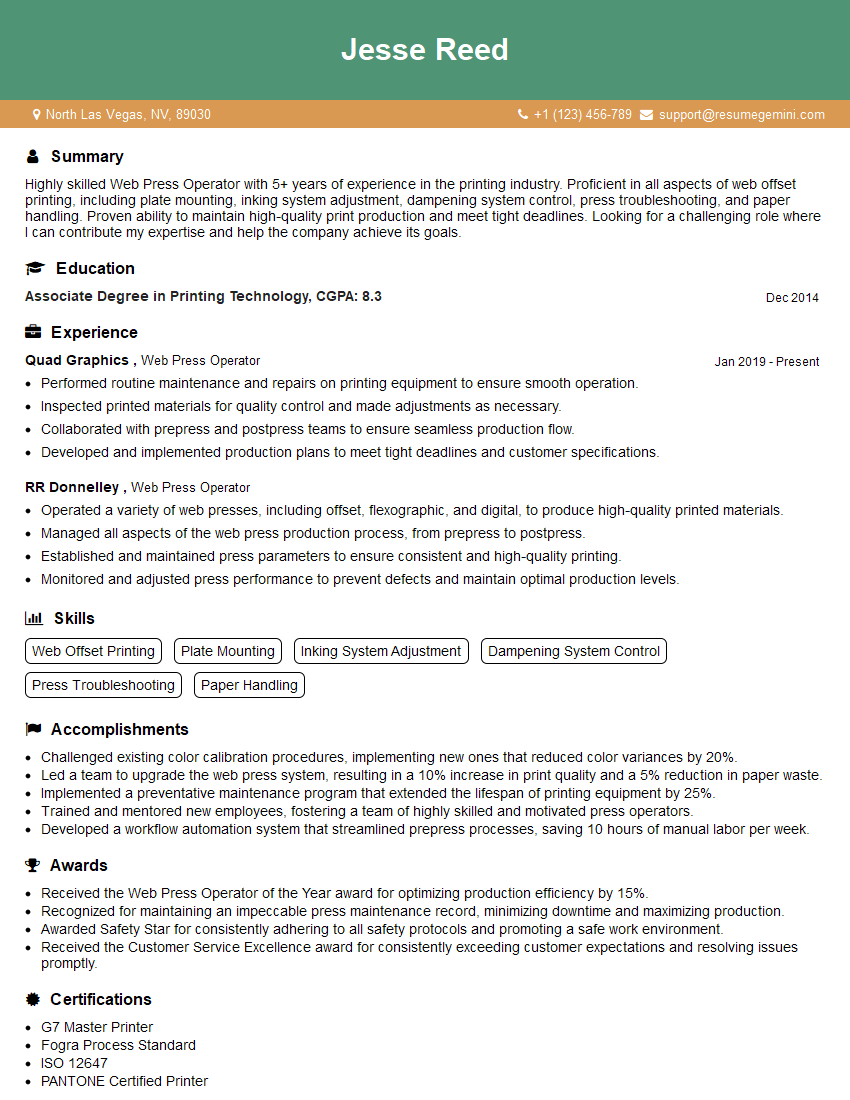
Mastering high-speed printer operation opens doors to rewarding careers in print production, offering opportunities for advancement and specialized roles. A strong resume is key to securing your ideal position. Building an ATS-friendly resume increases your chances of getting noticed by recruiters. We highly recommend using ResumeGemini to craft a professional and impactful resume that highlights your skills and experience. ResumeGemini offers examples of resumes tailored to High-Speed Printer Operation to help guide you. Take the next step towards your dream job today!


Explore more articles
Users Rating of Our Blogs
Share Your Experience
We value your feedback! Please rate our content and share your thoughts (optional).
What Readers Say About Our Blog
I Redesigned Spongebob Squarepants and his main characters of my artwork.
https://www.deviantart.com/reimaginesponge/art/Redesigned-Spongebob-characters-1223583608
IT gave me an insight and words to use and be able to think of examples
Hi, I’m Jay, we have a few potential clients that are interested in your services, thought you might be a good fit. I’d love to talk about the details, when do you have time to talk?
Best,
Jay
Founder | CEO