Interviews are more than just a Q&A session—they’re a chance to prove your worth. This blog dives into essential Software Updates and Installations interview questions and expert tips to help you align your answers with what hiring managers are looking for. Start preparing to shine!
Questions Asked in Software Updates and Installations Interview
Q 1. Explain the software update lifecycle.
The software update lifecycle is a structured process that ensures software remains current, secure, and functional. Think of it like a car’s maintenance schedule – regular updates keep it running smoothly and prevent major problems. It generally comprises these phases:
- Planning & Development: This involves identifying needed features, bug fixes, and security patches. Testing is crucial here to minimize issues in later stages.
- Testing & Quality Assurance (QA): Rigorous testing in various environments (e.g., staging, production-like) is essential. This phase aims to identify and resolve bugs before a release.
- Deployment/Release: This is the actual distribution of the update. Methods vary (push, pull, etc.), and careful planning is needed to minimize disruption.
- Monitoring & Feedback: Post-release monitoring tracks the update’s performance and user feedback. This allows for quick identification and resolution of any unforeseen issues.
- Maintenance & Support: Ongoing support and potentially further updates address post-release bugs or add additional features. This phase is critical for long-term stability.
For example, consider a large-scale enterprise resource planning (ERP) system. The update lifecycle for such a system would involve extensive testing across different departments and meticulous planning for minimal downtime during deployment.
Q 2. Describe your experience with different update methods (e.g., push, pull).
I have extensive experience with both push and pull update methods.
- Push updates: These are automatically sent to the user’s device. Think of automatic app updates on your smartphone – you don’t actively initiate the download; it happens in the background. This is effective for critical security patches or widespread bug fixes. However, it requires careful management to avoid overwhelming users with updates or causing unexpected disruptions. I’ve used this method extensively with mobile apps and embedded systems where immediate deployment is critical.
- Pull updates: The user explicitly initiates the update process. Examples include manually checking for updates in software settings or downloading a new version from a website. This offers more user control but relies on the user’s proactiveness. I’ve used this approach for less time-sensitive updates, or where giving users control is paramount. A good example is a desktop application where a user might choose when to download the newest version.
My experience includes using various tools to implement these methods, including custom scripting and established update management platforms.
Q 3. How do you ensure data integrity during software updates?
Data integrity during software updates is paramount. A compromised update can lead to data loss or corruption, causing significant problems. Here’s how I ensure it:
- Checksum Verification: Before installing an update, I verify the integrity of the update package by comparing its checksum (e.g., MD5, SHA-256) with the expected value. Any mismatch signals potential corruption.
- Rollback Mechanisms: Implementing robust rollback capabilities is vital. If an update fails, the system should revert to the previous stable version, minimizing data loss. This involves regular backups and well-defined rollback procedures.
- Atomic Updates: Where feasible, using atomic updates ensures the update is fully applied or completely rolled back, preventing inconsistencies. Think of it like a transaction in a database: either everything commits, or nothing does.
- Database Transactions: For database updates, wrapping changes within transactions guarantees data consistency. If any part of the update fails, the entire transaction is rolled back.
- Testing: Comprehensive testing before and after deploying an update is crucial to ensure data integrity is maintained.
For instance, when updating a critical database, I always use database transactions and rigorously test the update process in a staging environment before rolling it out to production.
Q 4. What are the key considerations for rolling back a failed update?
Rolling back a failed update requires a well-defined strategy. The key considerations include:
- Rollback Plan: Having a documented rollback plan is crucial. This plan outlines the steps to revert to the previous stable version, including any necessary database operations or configuration changes.
- Backup & Recovery: Regular backups are essential. Ideally, updates are deployed to a staging environment first. In case of failure, reverting to a known good backup is the best approach.
- Impact Assessment: Determining the scope of the failure is important. Identify which systems or data are affected to prioritize recovery efforts.
- Root Cause Analysis: Once the system is stable, thoroughly investigate the root cause of the update failure to prevent recurrence. This might involve examining logs, conducting post-mortem analysis, or engaging in thorough testing.
- Communication: Keep stakeholders informed about the situation, the rollback process, and the expected recovery time.
Imagine a failed update on a web application. A quick rollback to the last known good version minimizes downtime and prevents data loss. Post-rollback, a root cause analysis helps prevent a similar situation in the future.
Q 5. Explain your experience with automated software update tools.
I possess extensive experience with automated software update tools. My experience spans various tools and approaches, ranging from simple scripting solutions to sophisticated enterprise-grade platforms.
- Scripting Tools: For smaller projects or specific tasks, I have used scripting languages like Python and PowerShell to automate update processes, including downloading, installing, and verifying updates.
- Update Management Platforms: For larger-scale deployments, I’ve worked with established update management systems. These platforms streamline the entire update process, managing updates, scheduling deployments, and tracking results. These platforms often provide reporting and analytics on update success rates and deployment speed.
- Configuration Management Tools: Integrating with configuration management tools (like Ansible or Puppet) provides automated deployment and rollback capabilities, making updates more efficient and reliable.
- Continuous Integration/Continuous Deployment (CI/CD): I have experience integrating software updates into CI/CD pipelines, ensuring that updates are tested automatically and deployed seamlessly as part of a larger development workflow.
For example, I helped implement an automated update system for a large-scale web application using Ansible and a custom-built Python script to handle database migrations. This reduced deployment time by 75% and improved overall reliability.
Q 6. How do you prioritize software updates?
Prioritizing software updates requires a structured approach. I typically consider these factors:
- Severity: Critical security vulnerabilities or major bug fixes should have top priority. These are often flagged by high-severity alerts.
- Impact: Updates with a broad impact across many systems or users are prioritized to mitigate potential widespread issues.
- Urgency: Time-sensitive updates, like those addressing critical security threats, receive immediate attention.
- Dependencies: Consider dependencies between updates. Sometimes, updating one component requires updating others to maintain compatibility and stability.
- Risk Assessment: A comprehensive risk assessment helps evaluate the potential risks associated with both applying and not applying an update.
Using a risk matrix helps prioritize updates visually. Security updates rated high in severity and impact, for instance, should be at the top of the list.
Q 7. How do you handle conflicts between different software updates?
Conflicts between software updates are a common challenge. I address these by:
- Dependency Management: Employing a robust dependency management system is vital. This tracks all dependencies between different software components, identifying potential conflicts before deploying updates.
- Testing: Thorough testing, including integration testing, helps uncover conflicts before they affect production systems. This might include using virtual or test environments to simulate various scenarios.
- Update Sequencing: A carefully planned update sequence can help resolve conflicts. Deploying updates in a specific order minimizes the likelihood of incompatibilities.
- Version Control: Implementing a reliable version control system (like Git) helps track changes and manage different versions of the software, assisting in resolving conflicts.
- Rollback Plan: Always have a rollback plan in case an update causes conflicts or issues. This minimizes downtime and disruption.
For instance, I had to resolve a conflict between a database update and a web server update. Careful sequencing, using database transactions, and rigorous testing ensured a successful deployment without any interruptions.
Q 8. Describe your experience with different update testing methodologies.
Software update testing methodologies are crucial for ensuring a smooth and successful deployment. My experience encompasses a range of approaches, from simple alpha and beta testing to more sophisticated techniques like canary releases and A/B testing.
- Alpha Testing: Internal testing within the development team. This is where we catch basic bugs and usability issues before wider release. For example, we might have a small group of developers test a new feature before it’s presented to a larger audience.
- Beta Testing: Testing by a select group of external users, often representative of the target audience. This helps identify real-world issues and usability concerns that might have been overlooked in alpha testing. A recent project involved a beta test with 500 users to evaluate the performance of a new mobile app update under various network conditions.
- Canary Releases: Rolling out the update to a small subset of users (the ‘canary’) in a production environment. This allows for real-time monitoring of the update’s impact and immediate identification of any critical problems before a full rollout. We used this method for a recent critical security patch, deploying it to 1% of our user base first.
- A/B Testing: Comparing two different versions of an update simultaneously to see which performs better. This is especially useful for evaluating the impact of UI/UX changes. For example, we compared two versions of a new login screen, one with a simplified design and one with more features, to determine user preference and login success rate.
The choice of methodology depends on the update’s complexity, risk level, and the available resources. We often combine different techniques for a comprehensive testing approach.
Q 9. How do you monitor the success of a software update deployment?
Monitoring the success of a software update deployment is a multi-faceted process that involves tracking various key performance indicators (KPIs). We use a combination of automated monitoring tools and manual checks.
- Automated Monitoring: We leverage tools to track metrics such as successful update rates, error rates, system performance (CPU, memory, network), and user feedback. Real-time dashboards give us a clear picture of the update’s progress. For instance, we use dashboards to track the number of successful and failed updates, identifying potential bottlenecks or issues.
- User Feedback: We actively collect user feedback through surveys, in-app feedback forms, and support tickets. This helps us identify any usability issues or unforeseen problems that automated monitoring might miss. We track the number of support tickets related to the update to assess its overall impact.
- Log Analysis: We meticulously analyze server and application logs to identify and troubleshoot any anomalies. Logs provide detailed information about the update process, allowing us to pinpoint and fix problems effectively. We might use log analysis to discover patterns in failed updates, such as specific hardware configurations or network issues.
By combining automated and manual checks, we obtain a holistic view of the update’s success and identify areas for improvement.
Q 10. What are the common challenges you face during software updates?
Software updates, while essential, often present unique challenges. Some of the most common ones include:
- Downtime: Updates can require temporary system downtime, impacting users and productivity. Careful planning and minimized downtime are crucial.
- Compatibility Issues: Updates might not be compatible with older hardware or software versions, leading to conflicts and errors. Thorough testing across different configurations is necessary.
- Data Loss: Improper update execution can result in data loss or corruption. Robust backup and recovery procedures are critical.
- Rollback Complexity: Reversing an update can be complex and time-consuming, often requiring specialized expertise. Having a well-defined rollback plan is crucial to mitigate issues.
- User Resistance: Some users may resist updates due to concerns about functionality changes or potential disruptions. Clear communication and thorough user training are important.
- Unexpected Bugs: Even after thorough testing, unforeseen bugs might surface after deployment. Having a robust issue tracking system and quick response strategy is key.
Addressing these challenges requires meticulous planning, comprehensive testing, and effective communication with all stakeholders.
Q 11. How do you manage user communication during software updates?
Managing user communication during software updates is crucial for minimizing disruption and ensuring user satisfaction. A well-defined communication strategy is critical, employing multiple channels for reaching users effectively.
- Pre-Update Notifications: Inform users about upcoming updates well in advance, outlining the benefits, changes, and any potential downtime. This can be done through email, in-app notifications, and website announcements.
- During Update Communications: Provide clear updates on the update’s progress, particularly during longer updates. Use progress bars, status messages, and other visual aids.
- Post-Update Feedback: Encourage users to provide feedback on the update, addressing any concerns or issues promptly. Provide support channels such as FAQs, online help, and dedicated support teams.
- Personalized Messages: Tailor communication based on user roles and preferences, ensuring messages are relevant and understandable. For instance, segment users by technical proficiency to tailor update instructions accordingly.
- Multiple Communication Channels: Utilize various channels such as email, in-app notifications, social media, and support forums to ensure widespread reach.
Transparency and proactive communication are key to building trust and managing user expectations during software updates.
Q 12. Explain your experience with different update scheduling strategies.
Update scheduling strategies depend on several factors, including the update’s criticality, user base, and system availability. I’ve worked with several strategies:
- Scheduled Rollouts: Deploying updates during off-peak hours to minimize disruption to users. This often involves a phased rollout, starting with a small group of users and gradually expanding.
- Rolling Updates: Deploying updates gradually to a subset of users, allowing for real-time monitoring and immediate response to any issues. This approach reduces the risk of widespread disruptions.
- Immediate Updates: Deploying critical security or bug-fix updates immediately, regardless of time. This is essential for addressing urgent issues that require immediate attention.
- Staged Rollouts: Deploying updates in stages, allowing for controlled deployment and monitoring at each stage, enabling quick rollback if issues occur. This is useful for complex updates and large user bases.
The choice of strategy involves weighing the need for speed against the risk of potential disruptions and needs to be tailored to the specific situation.
Q 13. How do you handle emergency software updates?
Handling emergency software updates requires a swift and coordinated response. Our process typically includes:
- Rapid Assessment: Quickly assess the severity of the issue and its potential impact. This might involve analyzing system logs, checking user reports, and conferring with the development team.
- Urgent Patch Development: Prioritize the development and testing of a patch to address the issue. This often involves bypassing regular testing procedures and employing accelerated testing cycles.
- Immediate Deployment: Deploy the patch immediately, employing a strategy appropriate for the scale and urgency (e.g., rolling update or immediate update to critical systems). This might require temporarily suspending regular updates.
- Communication & Monitoring: Keep users and relevant stakeholders informed about the issue and the deployment of the patch. Intensify monitoring to track the effectiveness of the patch and address any further issues.
- Post-Incident Review: Conduct a thorough post-incident review to identify the root cause of the problem and implement measures to prevent similar incidents in the future. This involves documenting lessons learned and making changes to procedures.
Speed, communication, and thorough post-incident analysis are critical in effectively handling emergency software updates.
Q 14. How do you ensure the security of software updates?
Ensuring the security of software updates is paramount. We implement several measures to protect against vulnerabilities and malicious attacks:
- Secure Development Practices: Employ secure coding practices and use secure libraries to minimize the risk of vulnerabilities in the updates themselves. This includes regular security audits of code and dependencies.
- Code Signing: Digitally sign updates to verify their authenticity and prevent tampering. This ensures that users are installing legitimate updates and not malicious copies.
- Secure Distribution Channels: Use secure distribution channels like HTTPS to protect updates during transmission. This prevents unauthorized access or modification of updates while they are being downloaded.
- Vulnerability Management: Maintain a proactive vulnerability management process, regularly scanning for and addressing any security vulnerabilities that may be found. This is crucial for patching known vulnerabilities promptly.
- Regular Security Audits: Conduct regular security audits of the update process and infrastructure to identify any weaknesses and address them before they can be exploited. This can include penetration testing to simulate attacks.
A multi-layered security approach is crucial for ensuring the security of software updates and protecting both the software and the users.
Q 15. Explain your understanding of version control systems in relation to updates.
Version control systems (VCS) are crucial for managing software updates. They track changes to code over time, allowing for easy rollback to previous versions if needed and ensuring a clear history of modifications. Think of it like a detailed record of every edit made to a document, but for software. Popular VCS like Git allow developers to collaborate effectively, merge changes from multiple contributors, and manage different versions (e.g., v1.0, v1.1, v2.0) concurrently. In relation to updates, the VCS acts as the central repository, holding the updated code ready for deployment. A new release often involves tagging a specific commit within the VCS as the release version, making it easy to identify and deploy the correct update package.
For example, imagine a team developing a mobile app. Using Git, each developer works on their assigned features, commits their changes regularly, and pushes them to a central repository. When it’s time for an update, they tag a specific commit representing the new version, which is then used to create a build for deployment to app stores or directly to users’ devices.
Career Expert Tips:
- Ace those interviews! Prepare effectively by reviewing the Top 50 Most Common Interview Questions on ResumeGemini.
- Navigate your job search with confidence! Explore a wide range of Career Tips on ResumeGemini. Learn about common challenges and recommendations to overcome them.
- Craft the perfect resume! Master the Art of Resume Writing with ResumeGemini’s guide. Showcase your unique qualifications and achievements effectively.
- Don’t miss out on holiday savings! Build your dream resume with ResumeGemini’s ATS optimized templates.
Q 16. Describe your experience with different operating systems and their update mechanisms.
I have extensive experience with various operating systems, including Windows, macOS, Linux (various distributions like Ubuntu and CentOS), and embedded systems. Each OS has its own update mechanism. Windows relies heavily on Windows Update, offering automatic updates or manual checks for available patches. macOS uses the Software Update mechanism integrated into System Preferences, providing a similar automatic or manual update process. Linux distributions often employ package managers like apt (Debian-based) or yum (Red Hat-based) which allow for precise control over software updates, offering granular control over which packages are updated. Embedded systems often involve a more tailored update process, often delivered via over-the-air (OTA) updates or using specialized update tools. For example, in a recent project working with an embedded Linux system for industrial automation, we developed a custom update mechanism to minimise downtime and ensure a robust and secure update procedure.
Q 17. How do you troubleshoot software update failures?
Troubleshooting software update failures requires a systematic approach. I typically follow these steps:
- Check Network Connectivity: Ensure a stable internet connection. Many updates fail due to network issues.
- Review Update Logs: Examine the system or application logs for error messages providing clues about the cause of the failure. These logs can be highly specific and offer invaluable insights.
- Disk Space: Verify sufficient disk space. Updates often require temporary storage before installation.
- Permissions: Check user permissions. Sometimes, insufficient privileges prevent updates from completing successfully.
- Antivirus/Firewall: Temporarily disable antivirus or firewall software (with caution!). Sometimes, security software mistakenly flags update files as threats.
- Corrupted Files: Attempt to repair or reinstall the affected software. Corruption can interfere with the update process.
- Restart the System: A simple restart often resolves transient issues.
- Contact Support: If the issue persists, consult the software vendor’s support documentation or reach out directly to their support team.
For instance, a recent update failure was traced back to a corrupted installation file downloaded due to a temporary network hiccup. Redownloading and verifying the integrity of the update package resolved the issue.
Q 18. What metrics do you use to measure the success of a software update program?
Measuring the success of a software update program involves a multi-faceted approach using key metrics. Some crucial metrics include:
- Update Success Rate: The percentage of devices or systems successfully updated.
- Rollout Time: The time taken to deploy the update across the entire target base.
- Downtime: The amount of time systems are unavailable during the update process.
- User Feedback: Monitoring post-update user feedback (e.g., through surveys or support tickets) to gauge satisfaction and identify any issues.
- Bug Reports: Tracking the number of bug reports filed after the update to assess the effectiveness of bug fixes.
- Security Vulnerabilities Resolved: Quantify the reduction in security vulnerabilities post-update.
- Performance Improvements: Measuring the improvement in performance metrics (e.g., speed, resource usage) after the update.
By analyzing these metrics, we can identify areas for improvement and optimize the update process. For example, a low update success rate might indicate a problem with the update package itself or network infrastructure.
Q 19. How do you handle software updates in a geographically dispersed environment?
Managing updates in a geographically dispersed environment presents unique challenges. Key strategies include:
- Centralized Update Management System: Implementing a centralized system to orchestrate and monitor updates across all locations. This ensures consistent updates and simplifies monitoring.
- Differential Updates: Delivering only the changes between versions, rather than the entire package, to reduce bandwidth usage and update times. This is crucial in environments with high latency or limited bandwidth.
- Staggered Rollouts: Deploying updates in phases to a subset of the environment first to assess for issues before a full rollout. This allows for a controlled deployment and limits the impact of potential problems.
- Robust Monitoring and Alerting: Setting up comprehensive monitoring to track update progress, identify failures quickly, and automatically alert administrators. This enables timely interventions.
- Offline Updates: Providing mechanisms for updating systems with unreliable or intermittent internet access. This might involve using USB drives or other offline update methods.
For instance, in a previous role managing updates for a global network of ATMs, we used a staged rollout with rigorous monitoring to minimize disruption to services across different time zones.
Q 20. Describe your experience with creating update documentation.
Creating clear and effective update documentation is critical. My approach focuses on providing comprehensive and easy-to-understand information. The documentation typically includes:
- Release Notes: A summary of the update, including new features, bug fixes, and known issues.
- Installation Instructions: Step-by-step instructions on how to install the update. This may include screenshots or videos for visual learners.
- System Requirements: A clear specification of the minimum hardware and software requirements.
- Troubleshooting Guide: A comprehensive guide to resolving common update-related issues, including specific error codes and their solutions. This is essential for users who run into problems.
- Rollback Instructions (if applicable): Instructions on how to revert to the previous version if the update causes problems.
I use tools like MadCap Flare or similar documentation systems to create well-structured, searchable documentation. I prioritize clear language and avoid technical jargon unless absolutely necessary. The goal is for even non-technical users to understand how to update their systems successfully.
Q 21. What is your experience with software update compliance regulations?
Software update compliance regulations vary depending on the industry and the type of software. My experience covers compliance with regulations like HIPAA (Healthcare), PCI DSS (Payment Card Industry Data Security Standard), and GDPR (General Data Protection Regulation). These regulations often necessitate specific update procedures to ensure data security and privacy. For instance, HIPAA requires robust auditing of updates, and PCI DSS mandates regular security updates to prevent vulnerabilities. In practice, this means documenting update processes rigorously, regularly validating system security posture post-updates, and adhering to data retention policies dictated by regulations. Understanding these regulations is vital to prevent non-compliance, potential legal repercussions, and the compromise of sensitive data.
Q 22. How do you balance the need for updates with minimizing downtime?
Balancing the need for updates with minimizing downtime is a crucial aspect of software deployment. Think of it like performing maintenance on a highway – you need to close lanes for repairs, but you want to minimize traffic disruption. We achieve this balance through careful planning and execution.
- Phased Rollouts: Instead of updating all systems at once, we roll out updates in stages. We might start with a small subset of users or servers (a pilot group), monitor for issues, and then gradually expand to the rest. This allows us to identify and address any problems before they impact a wider audience.
- Blue-Green Deployments: This involves having two identical environments (blue and green). The live system (blue) remains operational while the update is deployed to the other (green). Once testing confirms the update’s stability in green, traffic is switched over, minimizing downtime.
- Rollback Plans: A critical part of minimizing downtime is having a robust rollback plan. If issues arise after an update, we should be able to quickly revert to the previous stable version. This involves detailed documentation of the update process and version control of our software.
- Scheduled Maintenance Windows: Many updates are best applied during off-peak hours or scheduled maintenance windows to minimize disruption to users. This often means working nights or weekends to avoid impacting business operations.
For example, during a recent database update for a large e-commerce client, we utilized a blue-green deployment strategy. This allowed us to apply the update to the secondary database server, thoroughly test its performance, and then switch traffic without noticeable downtime for the users.
Q 23. Explain your experience with different types of software update packages.
My experience encompasses various software update package types, each suited for different scenarios. These include:
- Patch Updates: These are small updates addressing specific bugs or security vulnerabilities. They are usually quick to install and have minimal impact on the system.
- Full Updates: These replace the entire software installation, often incorporating multiple patches and new features. They require more time and resources to deploy.
- Incremental Updates: These build upon previous versions, adding only the necessary changes. This reduces download sizes and deployment times.
- Differential Updates: These only download the differences between the current version and the updated version. This method significantly reduces bandwidth usage, making them ideal for environments with limited network capacity.
- Cumulative Updates: These combine multiple previous updates into a single package, simplifying the update process.
I’ve worked with different packaging formats such as .msi (Microsoft Installer), .exe (Windows executable), .rpm (Red Hat Package Manager), and .deb (Debian package). The choice depends on the operating system and the specific software.
Q 24. How do you validate the integrity of downloaded update packages?
Validating the integrity of downloaded update packages is paramount to ensure security and avoid installing corrupted or malicious software. We utilize several methods:
- Checksum Verification: We compare the checksum (e.g., MD5, SHA-1, SHA-256) of the downloaded package with the checksum provided by the software vendor. A mismatch indicates corruption or tampering.
- Digital Signatures: Reputable software vendors often digitally sign their update packages. Verifying the signature ensures the package originates from a trusted source and hasn’t been altered.
- Code Signing Certificates: These certificates authenticate the software publisher, providing an extra layer of security. We check the certificate’s validity and revocation status.
- Virus Scanning: Before deploying any update, we scan the package with an up-to-date antivirus solution to detect and prevent malware infections.
For instance, if a checksum verification fails, we immediately halt the update process and download the package again. If the issue persists, we contact the vendor to report potential issues with their distribution method.
Q 25. Explain your understanding of change management processes related to updates.
Change management processes are fundamental for successful software updates. They ensure controlled and documented changes, minimizing risks and disruptions. A typical process includes:
- Planning and Risk Assessment: Identifying potential issues and outlining mitigation strategies.
- Testing: Thorough testing of updates in a controlled environment (e.g., staging or QA) before deploying to production.
- Communication: Informing stakeholders (users, IT teams) about the upcoming update, its purpose, and any expected downtime or changes.
- Deployment: Executing the update following a pre-defined procedure, carefully monitoring for errors.
- Post-Deployment Monitoring: Tracking the system’s performance after the update to identify and address any unforeseen problems.
- Documentation: Maintaining detailed records of the entire process, including changes, testing results, and any issues encountered.
Using a change management system, like ITIL, provides a framework to ensure that updates are implemented systematically and minimize the risk of unintended consequences. This includes approvals, detailed descriptions of changes and their impact, and documented rollback procedures.
Q 26. How do you ensure updates are compatible with existing hardware and software?
Ensuring compatibility is crucial. We use several techniques:
- Hardware Compatibility Lists (HCLs): These lists specify the hardware configurations supported by the software. We check our client’s hardware against these lists.
- Software Compatibility Matrices: These matrices indicate compatibility with different versions of operating systems, applications, and drivers. We analyze these matrices to ensure no conflicts arise.
- Pre-Update Checks: Our update procedures often include automated checks to validate compatibility before proceeding. These checks might assess operating system versions, available disk space, and other system requirements.
- Virtualized Test Environments: We often deploy updates in a virtualized environment that mirrors our client’s production system. This allows us to test compatibility without risking the production environment.
- Client Consultation: Communication with clients is vital. Gathering information about their existing hardware and software helps proactively assess potential compatibility issues.
For example, before rolling out a major OS update, we conduct thorough compatibility tests on virtual machines mimicking our clients’ setups to minimize any potential downtime after an upgrade.
Q 27. Describe your experience working with a ticketing system for update requests.
Ticketing systems are invaluable for managing update requests and tracking their progress. I have extensive experience using systems like Jira, ServiceNow, and Zendesk. These systems allow us to:
- Centralized Request Management: All update requests are logged in one place, preventing duplication and improving organization.
- Prioritization and Scheduling: We prioritize requests based on urgency and impact, scheduling updates efficiently.
- Tracking and Reporting: We track the progress of each update request, generating reports to monitor our performance and identify bottlenecks.
- Communication and Collaboration: Ticketing systems facilitate communication between different teams (developers, testers, operations) involved in the update process.
- Auditing and Compliance: The detailed logs maintained by ticketing systems help in auditing and ensuring compliance with various regulations.
For example, in a recent project using Jira, we used custom workflows to manage update requests, ensuring that all stages (request, approval, testing, deployment, closure) were properly documented and tracked. This ensured transparency and accountability throughout the update lifecycle.
Q 28. How do you stay current with best practices in software updates and installations?
Staying current in this rapidly evolving field is critical. I utilize several methods:
- Professional Certifications: Pursuing and maintaining certifications such as CompTIA A+, ITIL, or relevant vendor certifications demonstrates commitment to best practices.
- Industry Publications and Blogs: I regularly read publications like TechTarget, InfoWorld, and specialized blogs to stay abreast of the latest trends and technologies.
- Conferences and Webinars: Attending industry conferences and webinars helps learn from experts and network with peers.
- Online Courses and Training: Platforms like Coursera, Udemy, and LinkedIn Learning provide access to updated training courses on software update and deployment methodologies.
- Vendor Documentation: Thoroughly reviewing vendor documentation, release notes, and knowledge bases helps in understanding specific software update procedures and best practices.
Staying informed allows me to adapt to the latest tools, techniques, and best practices, enabling me to provide efficient and reliable software update and installation services.
Key Topics to Learn for Software Updates and Installations Interview
- Understanding Update Processes: Explore different update methodologies (e.g., patching, in-place upgrades, rolling updates), their advantages and disadvantages, and when to apply each.
- Software Version Control: Grasp the importance of versioning and its role in managing updates. Understand how to track changes and revert to previous versions if necessary.
- Deployment Strategies: Become familiar with various deployment strategies (e.g., blue-green deployments, canary releases) and their implications for update success and minimal downtime.
- Testing and Validation: Learn about the crucial role of testing in the update process, including unit testing, integration testing, and user acceptance testing. Understand how to mitigate risks and ensure a smooth rollout.
- Automation and Scripting: Explore how automation tools and scripting languages can streamline the update process, reduce manual errors, and improve efficiency.
- Security Considerations: Understand the security implications of software updates and how to address potential vulnerabilities. Explore concepts like secure coding practices and vulnerability management.
- Rollback and Recovery Strategies: Develop a plan for handling update failures. Learn about rollback mechanisms and strategies for quick recovery to minimize disruption.
- Monitoring and Logging: Understand the importance of monitoring the update process and analyzing logs to identify and resolve issues proactively.
- Troubleshooting and Problem-Solving: Develop your troubleshooting skills to effectively diagnose and resolve common update-related problems. Practice your approach to problem-solving in a systematic manner.
Next Steps
Mastering Software Updates and Installations is crucial for career advancement in IT, demonstrating your ability to manage complex systems and ensure operational stability. A strong resume is your key to unlocking opportunities. To significantly improve your job prospects, create an ATS-friendly resume that highlights your skills and experience effectively. ResumeGemini is a trusted resource that can help you build a professional and impactful resume. We offer examples of resumes tailored specifically to Software Updates and Installations to guide you through the process. Take the next step towards your dream career – build your best resume today!
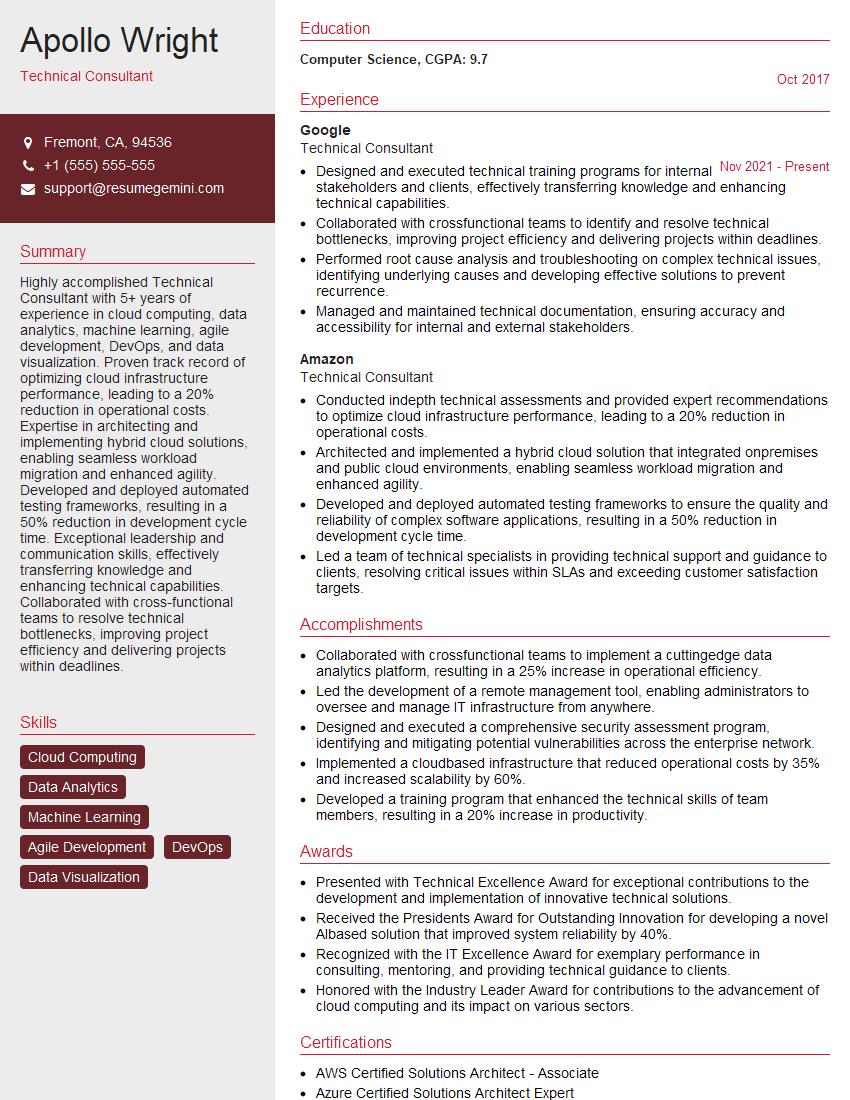
Technical Consultant Resume Sample

Technical Project Manager Resume Sample

Systems Administrator Resume Sample

Automation Engineer Resume Sample
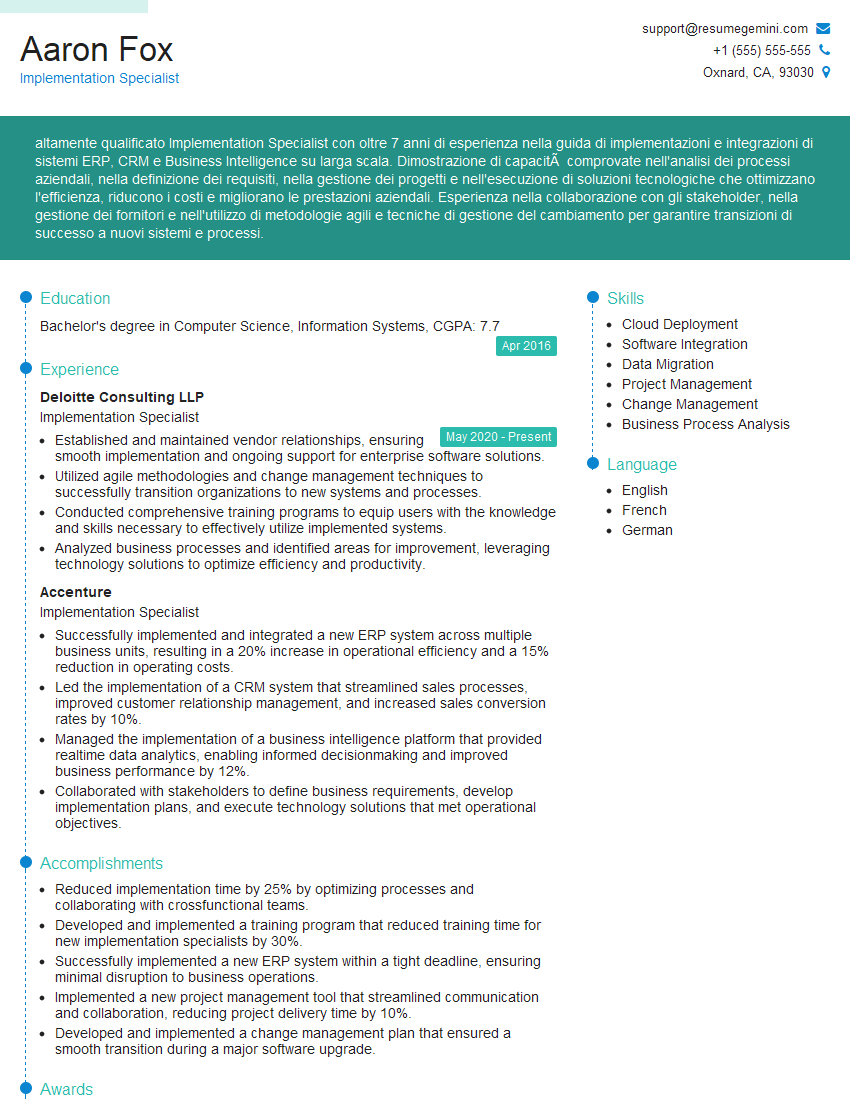
Implementation Specialist Resume Sample

Senior Software Engineer Resume Sample
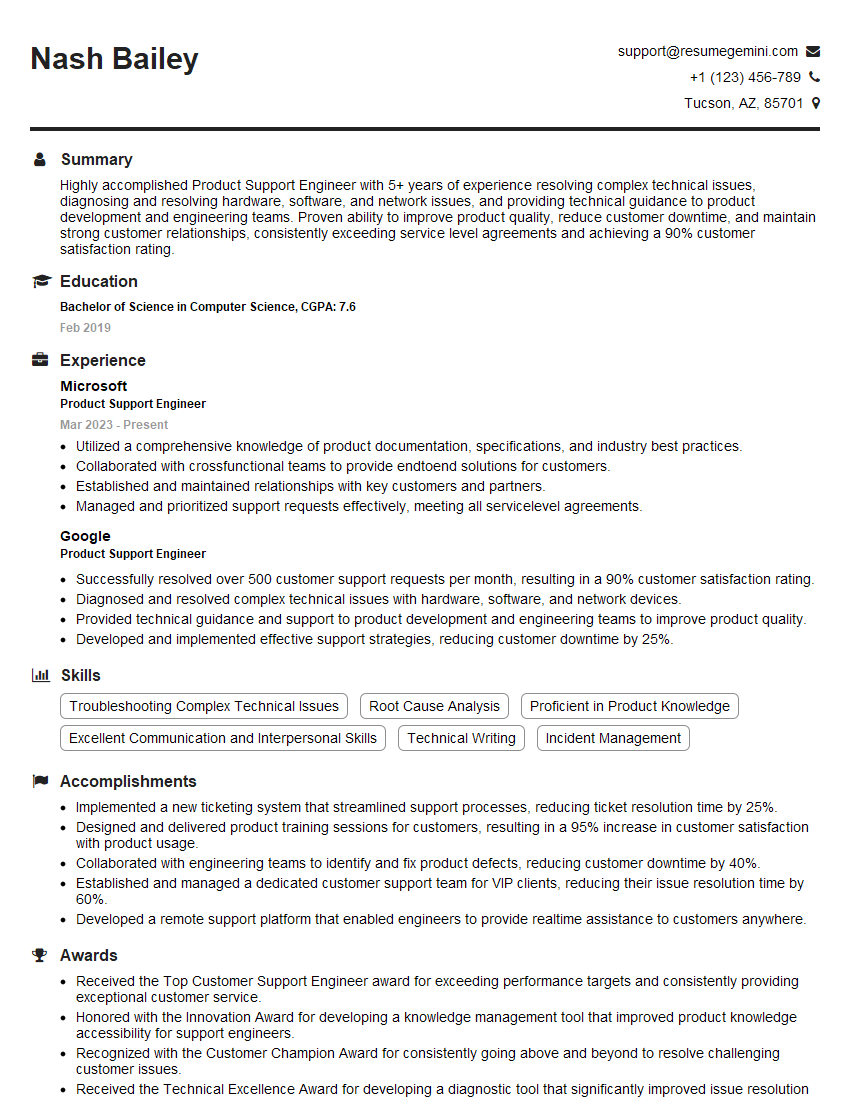
Product Support Engineer Resume Sample

Infrastructure Architect Resume Sample

Release Manager Resume Sample

Field Service Engineer Resume Sample

IT Support Specialist Resume Sample
Explore more articles
Users Rating of Our Blogs
Share Your Experience
We value your feedback! Please rate our content and share your thoughts (optional).
What Readers Say About Our Blog
I Redesigned Spongebob Squarepants and his main characters of my artwork.
https://www.deviantart.com/reimaginesponge/art/Redesigned-Spongebob-characters-1223583608
IT gave me an insight and words to use and be able to think of examples
Hi, I’m Jay, we have a few potential clients that are interested in your services, thought you might be a good fit. I’d love to talk about the details, when do you have time to talk?
Best,
Jay
Founder | CEO