Interviews are more than just a Q&A session—they’re a chance to prove your worth. This blog dives into essential Digital Preservation Standards interview questions and expert tips to help you align your answers with what hiring managers are looking for. Start preparing to shine!
Questions Asked in Digital Preservation Standards Interview
Q 1. Explain the OAIS Reference Model and its components.
The Open Archival Information System (OAIS) Reference Model provides a conceptual framework for managing digital objects over the long term. Think of it as a blueprint for building a robust digital archive. It’s not a software package but a set of functional components that work together to ensure the preservation of digital materials. These components are interconnected and crucial for the entire process.
- The Ingestion Component: This is where digital objects enter the system. Think of it as the archive’s intake department, meticulously receiving and registering new materials.
- The Storage Component: This component manages the physical and logical storage of digital objects. This is like the archive’s warehouse, safely holding the data on various media and ensuring its accessibility.
- The Access Component: This allows authorized users to retrieve and utilize digital objects. This is analogous to the library’s circulation desk, providing access to materials under defined conditions.
- The Data Management Component: This component handles metadata creation, management, and maintenance. Metadata is the descriptive information about the digital objects, acting as a digital object’s passport.
- The Information Management Component: This component manages the overall system functions, ensuring everything operates smoothly. This is the central control system, monitoring and managing the entire digital preservation process.
- The Submission Information Package (SIP): This is the complete digital object, including the object itself and its associated metadata. This is the package that enters the ingestion component, ready for long-term preservation.
For example, a museum might use the OAIS model to manage its digital collection of photographs, ensuring their long-term accessibility and integrity. Each photograph would be a SIP, meticulously documented and stored according to the OAIS framework.
Q 2. Describe different digital preservation strategies (e.g., migration, emulation, encapsulation).
Digital preservation strategies aim to ensure the continued accessibility and usability of digital objects despite technological change and media degradation. They are like different tools in a preservation toolbox, each suited for a specific task.
- Migration: This involves converting digital objects from one format to another. For example, moving data from an obsolete floppy disk to a more modern hard drive. It’s like updating your operating system to ensure compatibility.
- Emulation: This involves creating an environment that mimics the hardware and software required to access digital objects. Imagine using an emulator to play a classic video game on a modern computer – this is emulation in digital preservation.
- Encapsulation: This strategy involves packaging the digital object and its associated metadata within a container that protects it from changes. This is like putting a valuable item in a protective case. The wrapper itself might be obsolete but the item inside is safe.
Consider a scenario where you have a digital document created in a now-unsupported word processor. Migration might involve converting it to a more current format (like PDF). Emulation might involve running the original software in a virtual machine. Encapsulation could involve storing the original file along with instructions on how to access it, ensuring accessibility even if the original software is unavailable.
Q 3. What are the key elements of a successful digital preservation policy?
A successful digital preservation policy is a roadmap for ensuring the longevity of digital assets. Think of it as the legal contract for responsible digital stewardship. Key elements include:
- Scope and Objectives: Clearly defining what digital assets will be preserved and the overall goals of the preservation program.
- Selection Criteria: Establishing clear guidelines for identifying which digital objects are important enough to warrant preservation.
- Preservation Strategies: Outlining the methods that will be used to preserve the assets (e.g., migration, emulation).
- Metadata Standards: Specifying the metadata schemas and standards to be used for describing the objects.
- Storage and Access Procedures: Detailing the procedures for storing the assets and granting access to them.
- Resource Allocation: Identifying the personnel, technology, and financial resources required for successful digital preservation.
- Risk Assessment and Management: Establishing a process for identifying and mitigating risks to the digital assets.
A well-defined policy ensures that all stakeholders understand their responsibilities and that resources are allocated effectively. For example, a university library might have a digital preservation policy outlining its commitment to preserving its digital thesis collection.
Q 4. Discuss the importance of metadata in digital preservation.
Metadata is the descriptive information about a digital object, crucial for its long-term preservation. It acts like an index card for a book in a library. Without metadata, finding and understanding digital assets becomes nearly impossible.
Key roles of metadata in digital preservation:
- Identification: Providing unique identifiers for each digital object.
- Description: Offering descriptive information (title, author, date).
- Contextual Information: Providing background information on the object’s creation and significance.
- Technical Information: Specifying the file format, size, and other technical details.
- Preservation Metadata: Recording information about the preservation actions performed on the object.
Imagine trying to find a specific photograph in a vast digital archive without any metadata. It would be like searching for a needle in a haystack. Metadata ensures that you can easily locate, understand, and manage your digital assets, making preservation efforts effective.
Q 5. What are the common challenges in long-term digital preservation?
Long-term digital preservation faces several challenges. Think of it as navigating a complex and ever-changing landscape.
- Technological Obsolescence: Hardware and software become obsolete quickly, making access to older files difficult.
- Bit Rot: Data corruption due to physical media degradation or software errors.
- Format Obsolescence: File formats change over time, rendering some older files inaccessible.
- Lack of Resources: Digital preservation is expensive and requires dedicated staff and infrastructure.
- Security Threats: Cyberattacks and data breaches pose serious risks to digital assets.
- Metadata Decay: Metadata can become outdated, incomplete, or inaccurate over time.
For example, a government archive might struggle to access records stored on outdated magnetic tapes. Addressing these challenges requires a proactive and strategic approach to digital preservation.
Q 6. How do you ensure the authenticity and integrity of digital objects?
Ensuring authenticity and integrity is paramount in digital preservation. This means verifying that the digital object hasn’t been tampered with and remains as originally created or intended.
Techniques for ensuring authenticity and integrity:
- Checksums: Creating a unique digital fingerprint of the object to detect any changes.
- Digital Signatures: Using cryptographic techniques to verify the object’s origin and integrity.
- Version Control: Maintaining a record of all changes made to the object throughout its lifespan.
- Auditing Trails: Tracking all access and modifications to the object.
- Secure Storage: Protecting the object from unauthorized access and modification.
Consider an important historical document stored digitally. Using checksums, we can verify whether the file remains unchanged and detect even minor corruption. This builds trust and reliability in the integrity of digital assets.
Q 7. Explain the concept of digital preservation risk assessment.
A digital preservation risk assessment systematically identifies and analyzes potential threats to digital objects. This is a structured evaluation, helping to prioritize preservation strategies and resource allocation. It’s like conducting a thorough inspection of a building to identify potential problems before they cause damage.
Key Steps in a Risk Assessment:
- Identify Assets: Catalogue all digital objects needing preservation.
- Identify Threats: Evaluate potential risks such as technological obsolescence, media decay, security breaches, etc.
- Assess Vulnerabilities: Determine the likelihood of each threat occurring and its potential impact.
- Determine Risks: Analyze the combined likelihood and impact of each threat to prioritize risks.
- Develop Mitigation Strategies: Outline specific strategies to reduce or eliminate the identified risks.
- Implement and Monitor: Implement chosen strategies and regularly monitor their effectiveness.
For instance, a library might assess the risk of losing access to its digital collection due to hardware failure. This assessment would inform decisions on backup systems, data migration strategies, and resource allocation.
Q 8. Describe different formats commonly used for long-term digital preservation.
Choosing the right format for long-term digital preservation is crucial. It’s like selecting the right container to protect a precious artifact – you need something durable and easily accessible for future generations. We aim for formats that are: 1) Open and well-documented, preventing vendor lock-in; 2) Stable, minimizing the risk of obsolescence; and 3) Widely supported, ensuring easy access across different systems.
TIFF (Tagged Image File Format): Excellent for images, offering high-quality preservation and various compression options. Think of it as a sturdy, archival-quality photo album.
PDF/A (Portable Document Format/Archival): The gold standard for documents, ensuring text and images remain viewable even after decades. It’s the digital equivalent of a carefully bound book.
XML (Extensible Markup Language): Great for structured data, offering flexibility and allowing for machine-readable content. Imagine it as a detailed, organized database, easily searchable and understandable by computers.
OpenDocument Format (ODF): A powerful and open format for spreadsheets, word processing documents, and presentations. It is a collaborative and robust alternative to proprietary formats.
WAV (Waveform Audio File Format) or FLAC (Free Lossless Audio Codec): Preferred for audio preservation, offering lossless or minimally lossy compression to maintain audio quality. Like preserving a high-fidelity recording.
The choice depends heavily on the specific asset. A museum might use TIFF for photographs, while a library might opt for PDF/A for historical documents. The key is to create a preservation plan specifying the format and justifying the selection.
Q 9. What are the benefits and drawbacks of cloud-based digital preservation?
Cloud-based digital preservation offers significant advantages, but also presents challenges. Imagine it like renting a highly secure, climate-controlled storage unit versus owning a physical vault.
Benefits: Scalability (easily expanding storage as needed), accessibility (access from anywhere with an internet connection), cost-effectiveness (potentially lower infrastructure costs), and disaster recovery (data redundancy and geographically distributed servers).
Drawbacks: Vendor lock-in (dependence on a specific cloud provider), data security concerns (relying on the provider’s security measures), potential for outages (interruptions in service), and long-term sustainability (the provider might cease operations or change pricing).
Choosing a cloud provider requires careful consideration of their security practices, service level agreements, and long-term viability. A well-defined contract and disaster recovery plan are essential. It’s also wise to diversify by using multiple cloud platforms or a hybrid approach that combines cloud and on-premise storage.
Q 10. How do you address bit rot and data decay?
Bit rot and data decay are like silent enemies, gradually corrupting digital information. Bit rot refers to random changes in data storage due to physical or environmental factors, while data decay relates to the deterioration or obsolescence of file formats or storage media. We combat them through a multi-pronged approach.
Regular checksum verification: This process, explained later, involves periodically calculating checksums (or hashes) to ensure data integrity hasn’t been compromised.
Data migration: Periodically transferring data to newer, more reliable storage media or systems prevents decay from outdated formats or failing hardware.
Environmental control: Maintaining optimal temperature and humidity levels in storage facilities can significantly reduce the risk of physical damage.
Data replication: Creating multiple copies of the data in different locations enhances data redundancy and protection against loss.
Format emulation: Using software to interpret outdated file formats ensures continued access even if the original software is no longer available.
A proactive approach, including regular audits and a well-defined preservation plan, is key to successfully tackling these issues.
Q 11. Explain the role of checksums and hashing algorithms in digital preservation.
Checksums and hashing algorithms are like digital fingerprints for your data. They provide a way to ensure data integrity by verifying that no changes have occurred. Imagine it as a unique identification number for each digital file, acting as a safeguard against corruption or tampering.
A hashing algorithm takes the data as input and produces a fixed-size string of characters, called a checksum or hash. If even a single bit changes in the original data, the resulting checksum will be entirely different. Common algorithms include MD5, SHA-1, and SHA-256. For example:
SHA-256("Hello World!") = 330ca608a59986c31d88e24f819b091e46a9a90a5842df4e728c599671e1eb6aWe store these checksums along with the original data. Periodically, we recalculate the checksum and compare it to the stored value. Any discrepancy indicates data corruption. This allows for early detection and recovery of potentially damaged files.
Q 12. What are the key considerations when migrating digital assets to a new storage system?
Migrating digital assets to a new storage system is like moving valuable possessions to a new house. Careful planning is essential to avoid loss or damage.
Assessment: Thoroughly assess the current storage system, the digital assets themselves, and the requirements of the new system. This includes compatibility checks, format analysis, and data integrity verification.
Planning: Develop a comprehensive migration plan, outlining timelines, resource allocation, and contingency measures. Consider a phased approach, starting with a small pilot migration.
Testing: Rigorously test the migration process using a representative sample of assets to identify and resolve any potential issues before migrating the entire collection.
Verification: After migration, meticulously verify the integrity and accessibility of all assets in the new system. This includes checksum verification and functional testing.
Documentation: Meticulously document the entire process, including any challenges encountered and the solutions implemented. This ensures future migrations are smoother and more efficient.
Remember, comprehensive documentation and careful planning significantly reduce the risk of data loss or corruption during the migration process.
Q 13. Discuss the importance of preservation planning and its key elements.
Preservation planning is like creating a blueprint for safeguarding your digital legacy. It ensures the long-term accessibility and usability of your digital assets. Without a plan, you’re adrift in a sea of potential obsolescence.
Needs Assessment: Identify the digital assets to be preserved, their format, significance, and potential risks.
Risk Assessment: Evaluate potential threats to the long-term preservation of the assets, including technological obsolescence, physical damage, and security breaches.
Policy Development: Create clear policies and procedures related to the acquisition, management, and preservation of digital assets.
Resource Allocation: Define the budget, personnel, and technological resources required for the preservation process.
Monitoring and Evaluation: Establish a system for regularly monitoring the condition of the assets and evaluating the effectiveness of the preservation plan.
A well-defined preservation plan, regularly reviewed and updated, is crucial for long-term success. It provides a roadmap to ensure future generations can easily access and utilize your digital assets.
Q 14. Describe your experience with various metadata schemas (e.g., Dublin Core, METS).
My experience with metadata schemas, particularly Dublin Core and METS, is extensive. They are like the descriptive labels and cataloging systems for digital assets, enabling efficient discovery and management.
Dublin Core: A simple and widely adopted metadata schema, providing a set of fifteen elements to describe resources. It’s like a basic index card for your digital asset, providing essential information such as title, creator, and subject. It’s versatile and widely supported.
METS (Metadata Encoding & Transmission Standard): A much richer and more complex schema often used for complex digital objects, such as born-digital books or archival collections. METS can encapsulate diverse types of metadata and structure complex relationships between different files within a collection. Think of it as a detailed library catalog system, capable of managing very intricate collections.
I’ve used both extensively in projects ranging from digitizing historical archives to managing large-scale born-digital repositories. The choice of schema depends on the complexity of the digital assets and the needs of the users. Often, a combination of approaches is employed, where Dublin Core might provide a basic level of description, supplemented by more detailed METS information when needed. Effective metadata is essential for long-term accessibility and discoverability of digital assets.
Q 15. How do you handle outdated or unsupported file formats?
Outdated file formats pose a significant challenge in digital preservation. Think of it like trying to play a vinyl record on a modern CD player – it simply won’t work. The solution involves a multi-pronged approach focusing on migration and emulation.
Migration: This involves converting the file to a current, widely supported format. For example, migrating a WordPerfect 5.1 document (.wpd) to a modern .docx format. However, this isn’t always lossless; some information might be lost during the conversion.
Emulation: If migration isn’t feasible or desirable due to potential data loss, emulation comes into play. This involves using software that mimics the environment needed to open and view the original file. This preserves the original file’s integrity but requires maintaining and updating the emulating software for long-term accessibility. Think of it like using a vintage game console emulator to play old games.
Preservation Metadata: Crucially, we must document the original file format, the migration or emulation method used, and any potential data loss. This metadata acts as a crucial link to understanding the digital object’s history and context.
Choosing between migration and emulation depends on the file type, its importance, and the resources available. A careful risk assessment is necessary to determine the best approach, prioritizing the preservation of essential information.
Career Expert Tips:
- Ace those interviews! Prepare effectively by reviewing the Top 50 Most Common Interview Questions on ResumeGemini.
- Navigate your job search with confidence! Explore a wide range of Career Tips on ResumeGemini. Learn about common challenges and recommendations to overcome them.
- Craft the perfect resume! Master the Art of Resume Writing with ResumeGemini’s guide. Showcase your unique qualifications and achievements effectively.
- Don’t miss out on holiday savings! Build your dream resume with ResumeGemini’s ATS optimized templates.
Q 16. What is the role of digital preservation in compliance with legal and regulatory requirements?
Digital preservation plays a critical role in ensuring compliance with legal and regulatory requirements. Many industries, from healthcare to finance, are subject to strict regulations mandating the retention of digital records for specific periods. Failure to comply can lead to hefty fines and legal repercussions.
For example, the HIPAA (Health Insurance Portability and Accountability Act) in the US requires healthcare providers to maintain patient records for a certain period, and these records must be readily accessible and in a usable format. Similarly, financial institutions are often governed by regulations dictating the retention of transaction records for audit and compliance purposes.
Digital preservation ensures that organizations can:
- Meet legal obligations by ensuring data is retrievable and usable for the required period.
- Maintain accurate and reliable records for audits and investigations.
- Demonstrate compliance to regulatory bodies.
A robust digital preservation strategy includes establishing clear retention policies, implementing appropriate storage and access controls, and regularly auditing the preservation process to ensure ongoing compliance.
Q 17. Explain the concept of ‘trusted repositories’.
A trusted repository is a digital preservation facility that meets rigorous standards for reliability, accessibility, and long-term viability. Imagine a high-security vault designed specifically for digital assets. It’s not just about storing files; it’s about ensuring their authenticity, integrity, and accessibility far into the future.
Key characteristics of trusted repositories include:
- Robust infrastructure: Redundant storage, disaster recovery plans, and robust security measures.
- Formal policies and procedures: Clearly defined procedures for managing digital assets, including ingest, storage, access, and preservation actions.
- Metadata standards: Using standardized metadata to ensure data discoverability and contextual understanding.
- Independent audit and certification: Regular external audits to ensure the repository adheres to its stated standards and policies.
- Transparency and accountability: Clear communication about the repository’s operations and adherence to preservation standards.
Examples of trusted repositories can be found in national archives, universities, and specialized digital preservation organizations. They provide a level of assurance that your valuable digital assets will be preserved for future generations.
Q 18. How do you select appropriate storage media for long-term digital preservation?
Selecting appropriate storage media for long-term digital preservation requires careful consideration of several factors. There’s no ‘one-size-fits-all’ solution; the best media depends on the data’s importance, sensitivity, and the available budget.
Key factors to consider:
- Data Durability: How long can the media reliably store data without degradation? Magnetic tapes traditionally offer high storage capacity and durability but are prone to bit rot. Solid-state drives (SSDs) offer speed and reliability, but their longevity is shorter than previously thought.
- Readability: Can the data be accessed in the future? Will the technology used to read the data remain available? This is a crucial concern with older media formats.
- Cost: Storage costs vary greatly depending on the technology and capacity. Balancing cost with longevity and readability is key.
- Security: Protecting data from unauthorized access and physical damage is crucial, especially for sensitive information. This includes physical security for storage facilities as well as access controls and encryption.
- Scalability: The chosen storage solution should be scalable to accommodate future growth in data volume.
Often, a tiered storage approach is used, employing multiple media types to maximize both cost-effectiveness and data longevity. For example, frequently accessed data might be stored on SSDs, while less frequently accessed but important archival data might be stored on optical media or magnetic tape.
Q 19. Describe your experience with digital preservation tools and technologies.
My experience with digital preservation tools and technologies spans various systems and approaches. I’ve worked extensively with open-source tools like Dspace and Fedora for repository management and metadata handling, and commercial solutions like Preservation Station for file format migration and emulation.
I’ve also gained hands-on experience with various storage technologies, including cloud-based storage services (such as AWS S3 Glacier and Azure Archive Storage), magnetic tape libraries, and optical disk systems. My expertise extends to developing and implementing custom workflows using scripting languages like Python to automate metadata creation, format conversions, and data validation processes.
Furthermore, I’m proficient in using checksum algorithms (e.g., SHA-256) to ensure data integrity and employing digital signatures to verify authenticity. My experience extends to working with preservation metadata schemas such as PREMIS and METS for proper documentation of digital objects and their preservation activities. Understanding these technical aspects is essential for effective digital preservation.
Q 20. How do you manage intellectual property rights in a digital preservation context?
Managing intellectual property rights (IPR) within a digital preservation context is crucial. It involves balancing the need for long-term preservation with the rights of copyright holders and other stakeholders.
Key aspects include:
- Clear documentation of IPR: Meticulously documenting the ownership and usage rights of each digital object upon ingest into the preservation system.
- Compliance with copyright laws: Ensuring all preservation activities comply with relevant copyright and licensing agreements.
- Access control: Implementing appropriate access controls to restrict access to copyrighted material according to the owner’s wishes.
- Rights management systems: Utilizing rights management information (RMI) to track and manage IPR throughout the lifecycle of the digital object.
- Transparency and communication: Maintaining clear communication with copyright holders regarding preservation activities and access policies.
Failure to manage IPR effectively can lead to legal disputes and hinder access to important digital resources. A clear and well-documented IPR management policy is fundamental to a successful digital preservation program.
Q 21. Explain the differences between active and passive preservation strategies.
Active and passive preservation strategies represent different approaches to managing digital assets over time. Think of it like caring for a historical artifact: active preservation is like regularly cleaning and restoring it, while passive preservation is like storing it carefully in a climate-controlled environment.
Active preservation involves proactive intervention to maintain the usability of digital objects. This might include:
- Regular file format migrations to newer, more widely supported formats.
- Emulation of obsolete software and hardware.
- Ongoing updates to system software and hardware.
- Regular data refreshes to prevent bit rot.
Passive preservation emphasizes storage and minimal intervention. It focuses on:
- Storing the digital objects in a secure and stable environment.
- Maintaining comprehensive metadata to understand the objects and their context.
- Creating multiple copies for redundancy (e.g. using RAID or replication).
The best approach often involves a combination of both strategies, employing active preservation for high-value, frequently accessed materials, and passive preservation for less frequently accessed archival assets. The choice depends on the object’s importance, risk tolerance, and available resources.
Q 22. What is your experience with digital preservation audit trails and logs?
Digital preservation audit trails and logs are crucial for demonstrating accountability and ensuring the integrity of digital assets over time. Think of them as a detailed diary of everything that happens to a digital object throughout its lifecycle. They record actions like creation, modification, migration, access, and any preservation actions taken. A robust audit trail provides evidence of provenance, demonstrating the authenticity and reliability of the digital object.
My experience includes working with various systems that generate audit trails, from simple log files to sophisticated metadata management systems. I’m proficient in analyzing these logs to identify potential issues, such as unauthorized access attempts or inconsistencies in file integrity. For instance, I’ve used audit trails to pinpoint the source of a corrupted file, tracing its handling back to a specific software version or migration process. A well-designed audit trail is essential for meeting compliance requirements and building trust in the long-term accessibility of the digital archive.
Specifically, I have experience working with systems employing OAIS (Open Archival Information System) reference model principles, which emphasize the importance of detailed audit trails as part of the overall preservation strategy. I’ve also used tools that integrate directly into digital repositories to automatically track changes and generate audit reports, facilitating efficient monitoring and analysis.
Q 23. How do you assess the long-term usability of digital objects?
Assessing the long-term usability of digital objects requires a multifaceted approach. It’s not just about whether the file opens; it’s about ensuring that its content remains meaningful and accessible to future users. This involves considering several key factors:
- File Format: Is the file format widely adopted and likely to have long-term support? Formats known for their stability, such as TIFF for images or PDF/A for documents, are preferred. Obsolescent formats require migration to more stable alternatives.
- Metadata: Comprehensive and accurate metadata is essential. It provides context for the object, facilitating discovery and understanding. This includes descriptive metadata (title, author, date), technical metadata (file format, size), and administrative metadata (provenance, access rights).
- Hardware and Software Dependencies: Can the object be accessed using reasonably foreseeable future technologies? Consider emulation techniques if the original software is no longer available.
- Technical Specifications: Are the technical requirements for viewing the object clearly documented and readily available? Are there known vulnerabilities within the technical specifications that need to be mitigated?
- User Expectations: What are the likely needs of future users? Will they have the necessary tools and skills to access and interpret the object?
For example, I’ve worked on projects where we assessed the long-term usability of a collection of legacy digital audio recordings by migrating them to a modern, widely supported format and creating a detailed metadata schema that included information about recording equipment and context. This proactive approach ensured the long-term accessibility and value of this important collection.
Q 24. Explain your understanding of different access and retrieval methods for preserved digital assets.
Access and retrieval methods for preserved digital assets should be flexible and adaptable to changing technologies and user needs. A variety of methods exist, each with its own strengths and weaknesses.
- Direct Access: Users access the original digital object directly through a repository interface. This is ideal when the format is stable and widely supported. However, it might require specialized software or hardware.
- Emulation: When software or hardware required to access an object is no longer available, emulation is used. This involves using software to simulate the original environment. Think of it as creating a virtual machine for the old software.
- Migration: Converting the object to a newer, more stable format. This reduces the risk of format obsolescence. However, migration can introduce new risks, such as data loss or alteration.
- Transcoding: Converting the object to a different format to improve access or compatibility. This might involve changing the image resolution or audio compression.
- Presentation-Level Access: Providing access through a controlled interface that does not expose the user to the technicalities of the digital object. This is especially useful for complex or fragile materials.
The optimal method depends on the specific characteristics of the object, the available resources, and the needs of future users. For instance, a preservation strategy might include migrating a collection of aging digital images to a more stable format while offering presentation-level access through a user-friendly web interface.
Q 25. Describe your experience with disaster recovery planning for digital archives.
Disaster recovery planning for digital archives is paramount. The loss of digital assets can have devastating consequences. My experience involves developing and implementing comprehensive plans that address various potential threats. A robust plan considers factors like:
- Risk Assessment: Identifying potential threats such as natural disasters, hardware failure, cyberattacks, and human error.
- Backup and Replication: Implementing strategies for regular backups and replication of digital assets to multiple geographically dispersed locations. This ensures redundancy and minimizes the risk of complete data loss.
- Recovery Procedures: Establishing clear procedures for restoring data in the event of a disaster, including testing the plan regularly. This testing is crucial; a plan is only as good as its implementation.
- Security Measures: Implementing robust security measures to protect against cyber threats. This includes access control, encryption, and intrusion detection systems.
- Disaster Recovery Team: Establishing a dedicated team responsible for executing the disaster recovery plan.
For example, I’ve worked on a project where we implemented a three-site replication strategy for a large university archive, utilizing cloud storage for one site for increased redundancy and disaster protection. We also developed a detailed recovery plan that included regular drills and comprehensive documentation. This layered approach ensured the long-term security and accessibility of the archive.
Q 26. What are the ethical considerations related to digital preservation?
Ethical considerations in digital preservation are extensive and should be carefully considered throughout the process. Key ethical issues include:
- Access and Copyright: Balancing the need for long-term preservation with the rights of copyright holders. Clear policies and procedures are essential.
- Authenticity and Integrity: Ensuring that digital assets are preserved in a way that maintains their authenticity and integrity. This requires robust technical procedures and meticulous record-keeping.
- Bias and Representation: Being aware of potential biases in the selection and preservation of digital materials. Preservation strategies should strive for inclusivity and accurate representation of diverse voices and perspectives.
- Privacy and Confidentiality: Protecting the privacy and confidentiality of individuals whose data is included in the archive. This may involve anonymization or redaction techniques.
- Transparency and Accountability: Ensuring that the preservation process is transparent and accountable to stakeholders. This includes clear documentation, regular audits, and open communication.
For example, a project dealing with personal digital archives requires particular sensitivity to privacy concerns. Appropriate measures must be in place to respect the wishes of the individuals involved and ensure compliance with relevant data protection regulations.
Q 27. How would you approach the preservation of born-digital materials?
Preserving born-digital materials (materials created in digital form) presents unique challenges. Unlike analog materials that have a physical form, born-digital materials often lack inherent stability. A proactive strategy is crucial. This includes:
- Format Identification and Assessment: Determining the file format and assessing its long-term viability.
- Metadata Creation and Enrichment: Creating comprehensive and accurate metadata, including information about the software and hardware used to create the object.
- Regular File Integrity Checks: Employing checksums or other methods to monitor file integrity and detect corruption.
- Migration Planning: Developing a plan for migrating files to more stable formats as needed.
- Emulation Planning: Anticipating potential software obsolescence and planning for emulation strategies.
- Storage and Infrastructure: Selecting appropriate storage media and infrastructure that meets the long-term requirements.
For example, I’ve overseen the preservation of a large collection of born-digital artworks. We created detailed metadata records for each artwork, including information about the software used to create it. We also implemented a regular migration strategy to ensure the files remained accessible over time. This involved carefully planned migration processes with meticulous tracking to preserve the integrity of each digital artwork throughout the migration process.
Q 28. What is your experience with managing digital preservation projects?
My experience in managing digital preservation projects spans various scales and complexities. Successful management involves a structured approach, including:
- Needs Assessment: Clearly defining the scope of the project and the specific preservation needs.
- Resource Allocation: Securing appropriate funding, staff, and technical resources.
- Project Planning: Developing a detailed project plan with timelines, milestones, and responsibilities.
- Risk Management: Identifying and mitigating potential risks throughout the project lifecycle.
- Technology Selection: Selecting appropriate technologies for storage, metadata management, and access.
- Quality Control: Implementing procedures to ensure the quality and integrity of the preservation activities.
- Stakeholder Communication: Maintaining open and transparent communication with stakeholders throughout the project.
- Evaluation and Reporting: Regularly evaluating the project’s progress and reporting on its outcomes.
For example, I led a project involving the digitization and preservation of a historical newspaper archive. This included careful planning for image capture, metadata creation, format migration, and long-term storage. We used agile methodologies, facilitating regular evaluation and adjustment of the project plan based on real-time challenges and emerging needs. Through careful planning and proactive risk management, we successfully preserved this significant historical resource.
Key Topics to Learn for Digital Preservation Standards Interview
- Metadata schemas and standards: Understanding Dublin Core, PREMIS, and other relevant metadata schemas is crucial. Consider practical applications like choosing the appropriate schema for different types of digital objects and implementing metadata creation workflows.
- Digital object formats and their vulnerabilities: Explore common digital formats (e.g., TIFF, JPEG2000, PDF/A) and their inherent strengths and weaknesses regarding long-term preservation. Practice analyzing format risks and recommending appropriate migration strategies.
- Storage technologies and infrastructure: Familiarize yourself with various storage solutions (cloud, on-premise, etc.) and their suitability for digital preservation. Explore concepts like redundancy, replication, and disaster recovery planning.
- Digital preservation workflows and best practices: Understand the lifecycle of a digital object, from ingest to access, and the procedures involved in each stage. Explore concepts such as risk assessment, preservation planning, and audit trails.
- Authenticity and integrity verification: Master techniques for verifying the authenticity and integrity of digital objects over time. This includes checksums, digital signatures, and chain-of-custody documentation.
- Legal and ethical considerations: Understand the legal and ethical frameworks governing digital preservation, including copyright, access rights, and privacy concerns.
- Emerging trends and technologies: Stay abreast of current developments in digital preservation, such as blockchain technologies for provenance tracking and AI-powered preservation solutions.
Next Steps
Mastering Digital Preservation Standards significantly enhances your career prospects in archives, libraries, museums, and various information management roles. It demonstrates a deep understanding of critical data management challenges and positions you as a sought-after expert. To maximize your chances of landing your dream job, crafting an ATS-friendly resume is key. ResumeGemini is a trusted resource that can help you build a professional and impactful resume, ensuring your skills and experience are effectively highlighted. Examples of resumes tailored to Digital Preservation Standards are available to provide you with further guidance.

Compliance Officer Resume Sample

Risk Management Specialist Resume Sample

Data Scientist Resume Sample

Systems Administrator Resume Sample

Information Architect Resume Sample
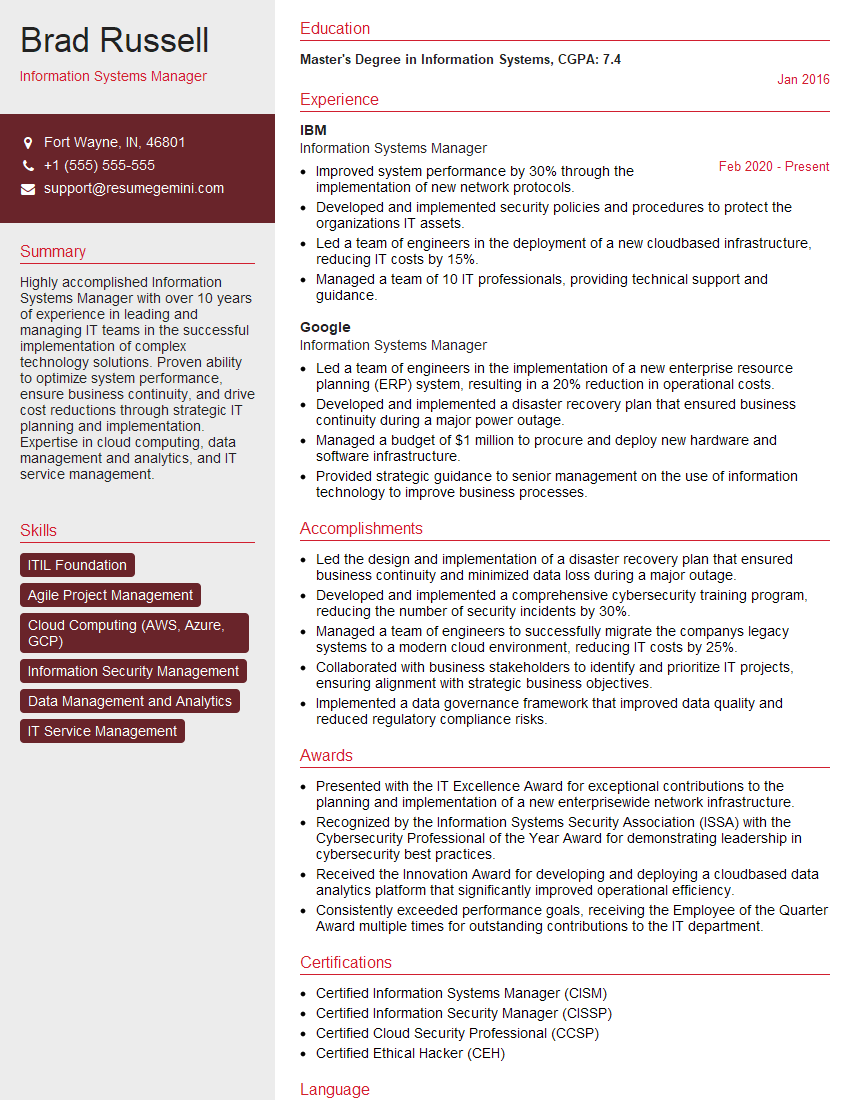
Information Systems Manager Resume Sample

IT Manager Resume Sample
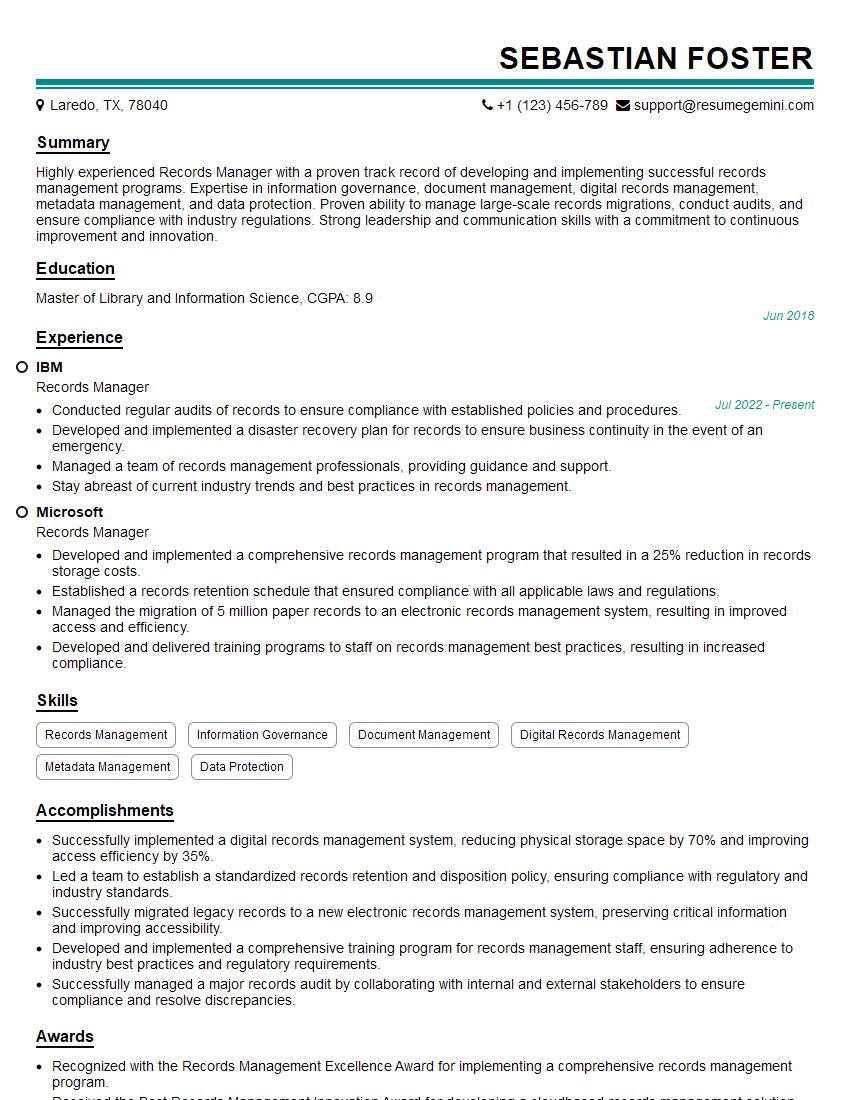
Records Manager Resume Sample
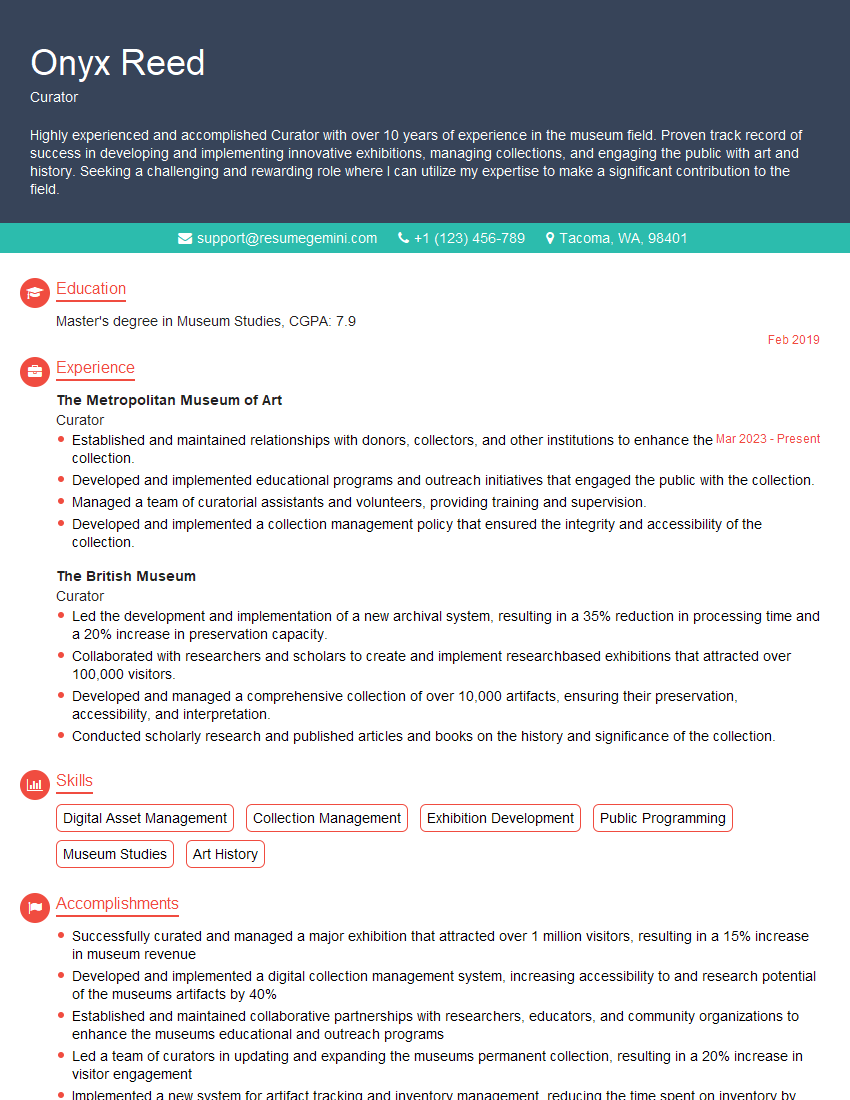
Curator Resume Sample
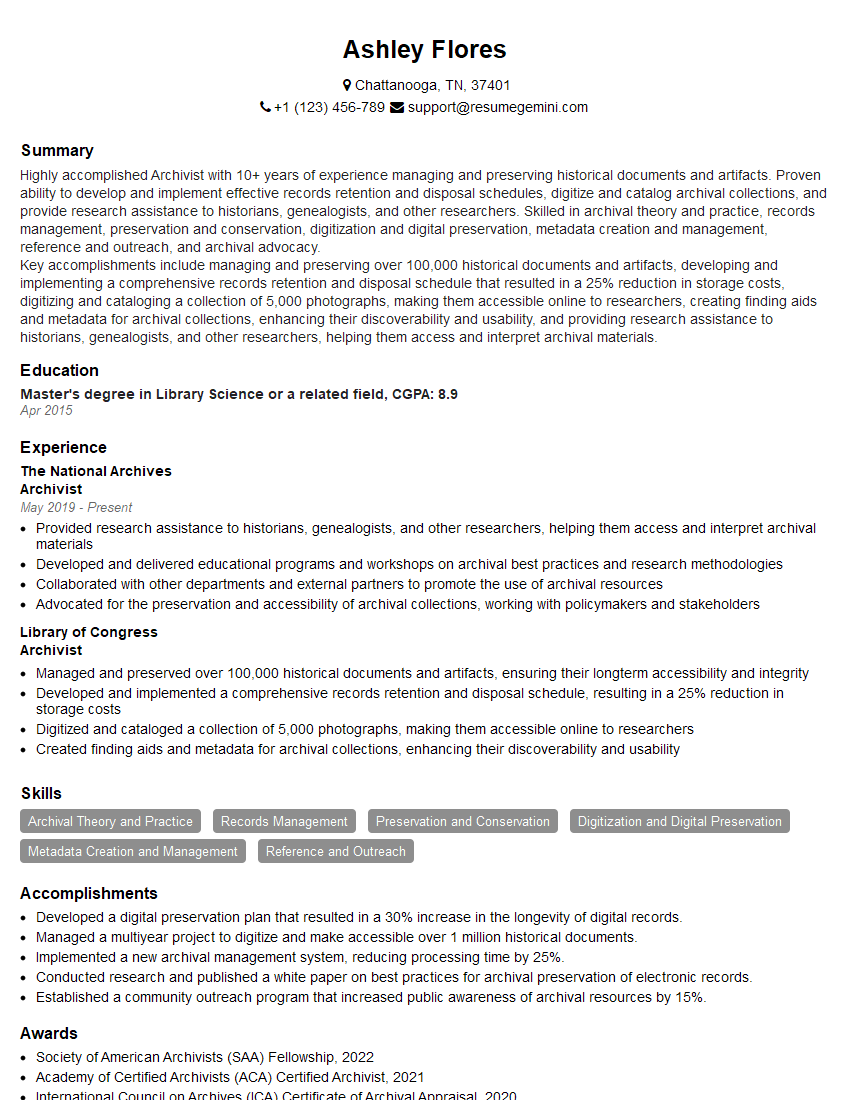
Archivist Resume Sample
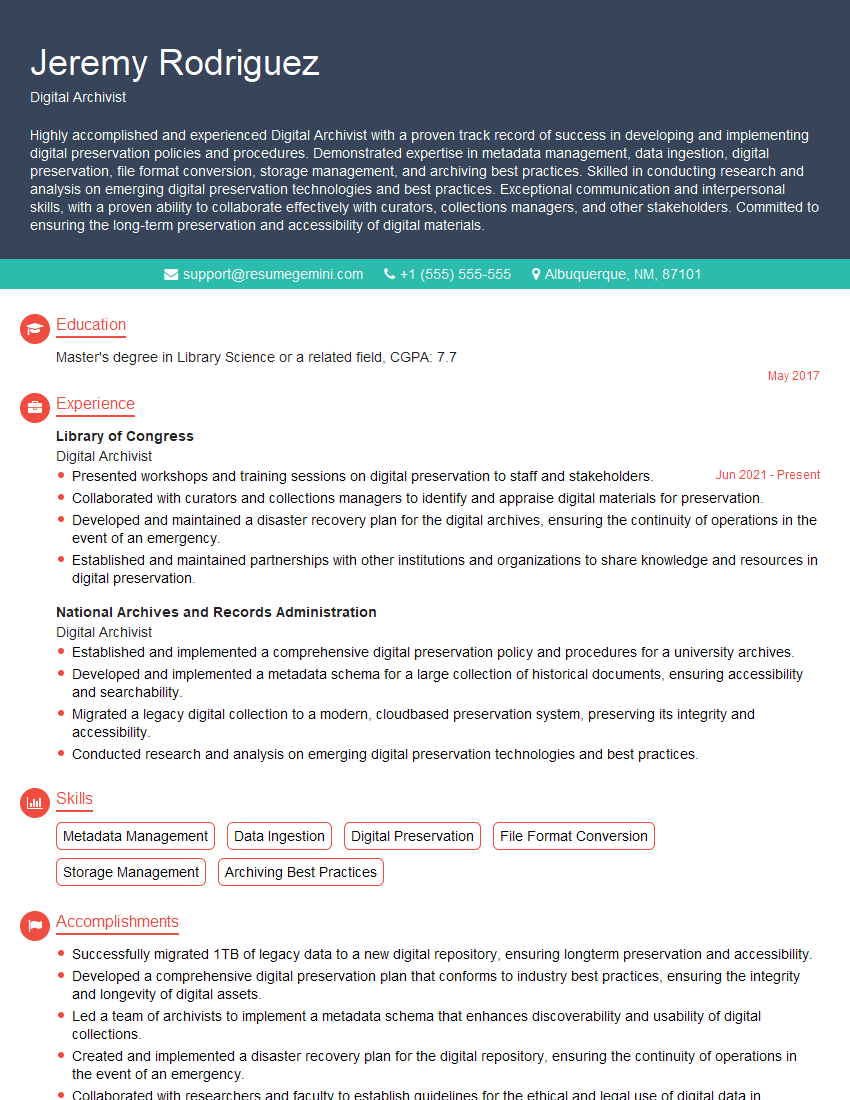
Digital Archivist Resume Sample
Explore more articles
Users Rating of Our Blogs
Share Your Experience
We value your feedback! Please rate our content and share your thoughts (optional).
What Readers Say About Our Blog
Really detailed insights and content, thank you for writing this detailed article.
IT gave me an insight and words to use and be able to think of examples