The right preparation can turn an interview into an opportunity to showcase your expertise. This guide to Develop Resource for Braille Instruction and Training interview questions is your ultimate resource, providing key insights and tips to help you ace your responses and stand out as a top candidate.
Questions Asked in Develop Resource for Braille Instruction and Training Interview
Q 1. Explain the different Braille codes and their applications.
Braille codes are systems of raised dots used by visually impaired individuals to read and write. The most common is Grade 1 Braille, which is a literal, letter-by-letter translation of print. Each letter is represented by a unique combination of six dots arranged in a rectangular cell. Grade 2 Braille, much more common in English, utilizes contractions and abbreviations to make reading faster and more efficient. For example, the word ‘and’ might be represented by a single Braille character instead of its individual letter equivalents. There are also Grade 3 Braille systems which are more shorthand-like and more regional in use. Each grade serves a distinct purpose; Grade 1 is useful for beginners and learning the basic correspondence, while Grade 2 is crucial for efficient reading and writing, reducing the bulk of text. Mathematical and scientific Braille codes adapt the system to represent mathematical symbols and scientific notations, using special symbols alongside the standard alphabet.
- Grade 1 Braille: Direct, one-to-one correspondence with print. Simple for beginners, but less efficient.
- Grade 2 Braille: Uses contractions and abbreviations for efficiency. Widely used and more common for experienced readers.
- Grade 3 Braille: Highly abbreviated, regional variations.
- Nemeth Braille Code: Specifically for mathematics and science.
Q 2. Describe the process of Braille transcription, including software and tools used.
Braille transcription involves converting printed text into Braille. This process can be done manually using a slate and stylus, a traditional method requiring considerable skill and precision. However, increasingly, digital tools are used for greater speed and accuracy. Software such as Duxbury Braille Translator is a leading example, capable of translating various file formats (Word documents, PDFs, etc.) into Grade 2 Braille. The software uses sophisticated algorithms to correctly apply contractions and other shortcuts. Other tools include Braille displays, which allow users to read the translated Braille electronically, often offering features like text-to-speech and screen readers. The entire process typically begins with proofing the source document, followed by the translation process, and then careful review of the translated Braille, checking for accuracy and consistency. Manual proofreading, even with software, is still highly recommended for high-quality transcription.
Example of Duxbury code (simplified):
 <word>and</word> might translate to the Braille contraction for 'and'
Q 3. How do you assess a student’s Braille literacy skills?
Assessing Braille literacy involves a multi-faceted approach, tailored to the student’s age and experience level. For younger students, assessing basic letter recognition and reading of simple words or short sentences is important. We use a combination of techniques: reading passages aloud, copying short passages in Braille, and writing short sentences from dictation. For older students, we might employ reading comprehension tests designed for their reading level. These might assess their understanding of what they’ve read or their ability to summarize the text. We also evaluate their Braille writing speed and accuracy; writing samples are checked for correctness, including proper use of punctuation and formatting. The assessment isn’t just about technical skill; it also looks at reading fluency and comprehension. We observe things like reading rate, accuracy, and understanding of vocabulary used in the passage. Finally, we gather feedback from the student, parents, and teachers for a holistic view of their literacy development.
Q 4. What are the common challenges faced by Braille readers, and how do you address them?
Braille readers face several challenges. One common issue is the physical effort involved; reading Braille requires tactile dexterity and can lead to fatigue, especially with prolonged reading sessions. Another is the relative slowness of Braille reading compared to print, which can impact academic performance. Furthermore, limited availability of Braille materials creates an obstacle. Addressing these challenges involves providing ergonomic tools, such as adjustable Braille readers, and specialized training focusing on efficient reading techniques. Providing access to digital Braille through Braille displays and software is crucial to improve efficiency. We also work with educational institutions and libraries to increase access to Braille materials, and focus on fostering a supportive learning environment where students feel comfortable expressing any difficulties they face and receive appropriate assistance.
Q 5. Describe your experience with various Braille writing tools and technologies.
My experience encompasses a range of Braille writing tools. I’ve worked extensively with traditional slate and styluses, appreciating their simplicity but recognizing the limitations of speed and efficiency. I’m proficient with various types of Braille embossers, from smaller, portable units to larger, more robust machines capable of high-volume printing. My experience extends to digital technologies, including Braille displays, both refreshable and non-refreshable. These allow real-time feedback, enhancing the writing process significantly. I am also familiar with various software programs designed for Braille transcription and editing, highlighting the shift towards increasingly digital workflows within Braille instruction. For instance, using software allows for quick error correction and editing, improving the efficiency and accuracy of Braille production.
Q 6. How do you adapt Braille instruction for students with diverse learning needs?
Adapting Braille instruction for diverse learners requires a highly individualized approach. Students with additional learning disabilities might benefit from multi-sensory techniques, incorporating auditory or visual aids alongside tactile Braille. For example, a student with dyslexia might need extra time or more frequent breaks. Students with cognitive impairments could benefit from simplified materials or different teaching strategies focused on repetition and reinforcement. The key is to assess the student’s individual needs carefully and adjust teaching methods accordingly. This includes using alternative assessment strategies and working closely with other professionals involved in the student’s education, such as occupational therapists and special education teachers, to provide comprehensive support.
Q 7. What are the ethical considerations in Braille transcription and instruction?
Ethical considerations in Braille transcription and instruction are critical. Accuracy is paramount; errors can significantly impact a student’s understanding and learning. Confidentiality must be maintained when handling student work. Furthermore, access to Braille resources and instruction should be equitable, regardless of socioeconomic background or geographical location. Providing culturally sensitive materials is also essential, using appropriate language and representing diverse perspectives. Finally, maintaining professional standards and avoiding plagiarism when creating or adapting Braille materials is crucial. Each transcribed document should be treated with the same care and accuracy as any other written work, considering its impact on the reader.
Q 8. Explain different Braille displays and their functionalities.
Braille displays are electronic devices that allow blind and visually impaired individuals to read and write Braille. They come in various forms, each with unique functionalities.
- Refreshable Braille Displays: These are the most common type. They consist of a series of pins that raise and lower to form Braille characters. The number of cells (usually 8, 20, 40, or more) determines how many characters can be displayed simultaneously. Higher cell counts allow for more context on the screen. Some advanced models offer haptic feedback, allowing users to feel the cursor’s position.
- Braille Notetakers: These combine a refreshable Braille display with a keyboard and often other functionalities like audio recording, text-to-speech, and document editing capabilities. They’re powerful tools for note-taking, writing, and document creation.
- Braille Embossers: These devices create hard-copy Braille documents. While not a display in the same sense as refreshable displays, they’re crucial for creating tangible Braille materials. They vary in size and speed, with some capable of embossing entire pages at once.
The choice of Braille display depends largely on the user’s needs and budget. A student learning Braille might start with a smaller, less expensive refreshable display, while a professional writer might opt for a more sophisticated Braille notetaker.
Q 9. How do you create engaging and effective Braille learning materials?
Creating engaging Braille learning materials requires careful consideration of several factors. It’s not just about translating text; it’s about making the learning experience accessible and enjoyable.
- Use varied tactile elements: Incorporate different textures and thicknesses of paper to create engaging tactile diagrams and illustrations.
- Include clear and concise language: Simplify complex concepts into easily digestible Braille sentences and paragraphs. Avoid jargon and use age-appropriate language.
- Use diverse formats: Combine Braille text with tactile graphics, raised line drawings, or even real-life objects to reinforce understanding. For example, when teaching about shapes, include actual blocks for the student to manipulate.
- Employ storytelling and interactive activities: Engage students actively. Instead of just presenting facts, incorporate games, puzzles, and interactive exercises that require tactile exploration and problem-solving.
- Use high-quality Braille embossers: Ensure the embossing is clear, legible, and consistent. Poor quality embossing can make the material difficult to read.
For example, when teaching about the life cycle of a butterfly, I might include a tactile diagram with raised lines illustrating the stages, along with a short Braille story about a butterfly’s journey. I would also include real butterfly wings (protected within a clear case) for students to explore the textures.
Q 10. Describe your experience using Braille software and translation tools.
I have extensive experience using a variety of Braille software and translation tools. My proficiency includes using Duxbury Braille Translator, Bralla, and other similar programs for both transcription and editing. These programs allow for efficient conversion of text into Braille, including formatting and specialized Braille symbols for mathematical equations, music, or other notations.
I’m also familiar with various assistive technologies that integrate with these programs, allowing for seamless workflow and accessibility. For instance, I’ve worked with screen readers, Braille displays, and speech synthesizers to ensure comprehensive access to digital content for my students.
The importance of accuracy is paramount; therefore, I always perform thorough proofreading using both Braille and print versions, comparing against the source material meticulously.
Q 11. How would you handle a student struggling to grasp a specific Braille concept?
If a student struggles with a specific Braille concept, I employ a multi-faceted approach.
- Identify the root cause: I’d first determine if the difficulty stems from a lack of understanding of the Braille code itself, confusion with specific contractions, or perhaps a cognitive challenge related to pattern recognition.
- Use diverse teaching methods: I might use different tactile materials, such as Braille cards, raised line drawings, or even real-world objects to illustrate the concept. I might also use a variety of teaching strategies: visual aids (for students with some residual vision), auditory methods, or kinesthetic learning.
- Break down complex concepts: Instead of overwhelming the student, I’d break down the concept into smaller, manageable parts. We would practice each part individually before combining them.
- Provide personalized feedback and encouragement: Positive reinforcement and individualized attention are crucial. Celebrate small victories and adjust teaching methods based on the student’s progress.
- Collaborate with other professionals: If needed, I’d work with other professionals, such as special education teachers, to address any underlying learning disabilities or needs.
For example, if a student struggles with understanding Braille contractions, I might start by teaching them the basic Braille alphabet thoroughly before introducing contractions. I’d use both written and tactile exercises, and incorporate interactive games to make the learning process more engaging.
Q 12. What are the latest advancements in Braille technology?
Recent advancements in Braille technology are significantly enhancing accessibility and the learning experience for visually impaired individuals.
- Improved Braille displays: Displays are becoming more compact, lighter, and offer higher resolution with improved haptic feedback, providing a more comfortable and responsive reading experience.
- Advanced software and translation tools: Software is increasingly intelligent, offering better accuracy in Braille translation and improved support for complex mathematical notations and other specialized symbols.
- Integration with other assistive technologies: Seamless integration with screen readers, text-to-speech software, and other assistive technologies creates a more integrated and accessible digital environment.
- Development of smart Braille devices: Devices are incorporating features like internet connectivity, allowing access to online resources and fostering greater independence.
- Focus on accessibility in digital content: There’s a growing emphasis on creating and making digital content accessible via Braille and other assistive technologies.
These advancements are not just about technological improvements, but also about creating a more inclusive environment that empowers visually impaired individuals to fully participate in education and society.
Q 13. How do you ensure the accuracy and quality of your Braille transcriptions?
Accuracy and quality are paramount in Braille transcription. I employ several strategies to ensure the highest standards.
- Thorough proofreading: I always perform multiple proofreads, comparing the Braille transcription against the source material meticulously. This involves both a careful reading of the Braille itself and a comparison against the original text to catch any errors.
- Use of Braille software and translation tools: I rely on reputable software and translation tools designed for accurate Braille transcription, regularly checking for updates and employing their built-in error-checking functionalities.
- Adherence to Braille standards: I strictly follow the relevant Braille codes and conventions (e.g., Grade 1 or Grade 2) to maintain consistency and accuracy.
- Peer review: When possible, I have another experienced Braille transcriber review my work, especially for complex documents.
- Regular training and updates: I keep my skills current by participating in professional development opportunities and staying abreast of changes in Braille codes and best practices.
For instance, before delivering a transcribed document, I carefully review each page twice, using both a Braille display and the print version for comparison. This dual-check method helps to catch errors that might be overlooked using just one method.
Q 14. Describe your experience with inclusive classroom practices for students who use Braille.
Inclusive classroom practices are essential for students who use Braille. My experience emphasizes creating a supportive and accessible learning environment.
- Providing appropriate materials and resources: Ensuring access to high-quality Braille materials, Braille displays, and other assistive technologies is fundamental.
- Adjusting teaching methods: I modify teaching methods to accommodate the student’s specific learning style and needs. This includes providing tactile materials, adjusting pacing, and using multi-sensory approaches.
- Fostering collaboration and communication: Open communication with the student, parents, and other educators is key to addressing any challenges and ensuring the student’s success.
- Creating a supportive classroom environment: Building a positive and inclusive environment where all students feel respected and valued is critical.
- Incorporating peer support and mentorship: Opportunities for collaboration and interaction with sighted peers can help to foster a sense of community and encourage understanding.
For example, in a classroom setting, I might pair a student who uses Braille with a sighted peer to assist with tasks like navigating the classroom or providing assistance with visual materials. This fosters collaboration and provides valuable peer support.
Q 15. Explain the importance of proper formatting and layout in Braille documents.
Proper formatting and layout in Braille documents are crucial for readability and comprehension, mirroring the importance of typography in print. Imagine trying to read a paragraph with no spaces between words – incredibly difficult! Similarly, inconsistent formatting in Braille makes navigation and understanding challenging.
- Consistent Spacing: Braille uses spaces to separate words and punctuation, just like print. Inconsistent spacing disrupts the flow and makes reading laborious.
- Paragraph Indentation: Paragraphs are indicated by indentation in Braille, helping the reader visually (tactilely) distinguish them. Without this, the text becomes a continuous block.
- Heading Levels: Different heading levels (e.g., chapter titles, section headings, subheadings) are represented by specific Braille contractions or symbols. This hierarchical structure helps readers organize information.
- Table Formatting: Tables require careful formatting using Braille table indicators to mark rows and columns. Without it, data becomes chaotic and impossible to interpret.
- Mathematical and Scientific Notation: Specific Braille symbols and conventions exist for mathematical equations, scientific notation, and other specialized content. Correct formatting here is essential for accuracy.
For example, a poorly formatted Braille recipe could lead to errors in ingredient quantities, while a badly formatted Braille textbook could make understanding complex concepts impossible. Using Braille formatting software ensures consistency and accessibility.
Career Expert Tips:
- Ace those interviews! Prepare effectively by reviewing the Top 50 Most Common Interview Questions on ResumeGemini.
- Navigate your job search with confidence! Explore a wide range of Career Tips on ResumeGemini. Learn about common challenges and recommendations to overcome them.
- Craft the perfect resume! Master the Art of Resume Writing with ResumeGemini’s guide. Showcase your unique qualifications and achievements effectively.
- Don’t miss out on holiday savings! Build your dream resume with ResumeGemini’s ATS optimized templates.
Q 16. How do you maintain confidentiality and privacy when working with Braille materials?
Confidentiality and privacy are paramount when handling Braille materials, especially when dealing with sensitive personal information like student records or medical documents. My approach involves multiple layers of security:
- Secure Storage: Braille materials are stored in locked cabinets or secure digital storage with access restrictions.
- Data Encryption: Digital Braille files are encrypted using strong encryption algorithms, preventing unauthorized access.
- Access Control: Only authorized personnel have access to Braille materials. Access logs are maintained to track usage.
- Data Disposal: Sensitive Braille materials are securely destroyed when no longer needed, adhering to relevant data privacy regulations.
- Confidentiality Agreements: I ensure all individuals working with Braille materials understand and sign confidentiality agreements.
Imagine the consequences of a student’s medical information being leaked due to a breach in Braille material security. My commitment to strict protocols mitigates such risks.
Q 17. Describe your knowledge of different Braille reading techniques.
Braille reading techniques vary, and proficiency develops over time. Readers utilize different strategies based on their skill level and the complexity of the text.
- One-Finger Reading: Beginners often use a single finger to trace each Braille cell individually. This is slow but fundamental.
- Two-Finger Reading: More proficient readers use two fingers, significantly increasing reading speed. They often use a ‘leading’ finger to anticipate upcoming words.
- Scanning and Prediction: Experienced readers develop the ability to scan groups of Braille cells, predicting upcoming words and phrases, much like skilled print readers skim text.
- Line Tracking: Readers use a line-tracker or their finger to stay on the line, maintaining their place in the text and avoiding skipping lines or reading the wrong information.
The transition from one-finger to two-finger reading illustrates this progression. I encourage learners to explore various techniques, providing support and feedback to help them find the most effective methods.
Q 18. What are the key differences between Grade 1 and Grade 2 Braille?
Grade 1 and Grade 2 Braille represent different levels of Braille writing. Grade 1 is a literal translation of print, where each letter is represented by a unique Braille character. Grade 2 uses contractions and shortened forms to represent whole words or common letter combinations.
- Grade 1: Each letter and punctuation mark has its own individual Braille cell representation. It’s simple to learn but results in longer texts.
- Grade 2: Uses contractions and short forms to make reading and writing more efficient. For example, ‘ing’ might have a single Braille character instead of three. This requires learning additional symbols, but significantly improves reading speed.
Think of it like shorthand. Grade 1 is like writing out every word in full, while Grade 2 is like using abbreviations. Most Braille literature uses Grade 2, as it’s more compact and efficient.
Q 19. How do you use assistive technology to support Braille learning?
Assistive technology plays a vital role in Braille learning, enhancing accessibility and engagement.
- Braille Displays: These electronic devices refresh Braille characters on demand, allowing users to read digital texts. They are commonly integrated with screen readers.
- Braille Embossers: These machines translate digital documents into embossed Braille, producing physical copies. They range from small, portable embossers to large, high-volume printers.
- Screen Readers with Braille Support: Screen readers provide audio output and Braille output, making digital content accessible. They’re used with Braille displays to enhance the experience.
- Braille Notetakers: These specialized devices are like laptops that allow the writing and reading of Braille, often used by students and professionals.
- Optical Character Recognition (OCR) Software: OCR software can convert scanned documents into digital text that can then be translated into Braille.
For instance, a student learning Braille could use a Braille display to practice reading e-books, while a teacher could use an embosser to create Braille worksheets. The choice of technology depends on the specific needs and context.
Q 20. How would you create a lesson plan incorporating Braille literacy skills?
A Braille literacy lesson plan should be engaging, progressive, and tailored to the learner’s skill level. Here’s a possible structure for a beginner lesson:
- Introduction (15 minutes): Start with a captivating story or activity related to the lesson’s theme. Introduce the concept of Braille and its importance.
- Braille Alphabet (30 minutes): Introduce the Braille alphabet, focusing on a few letters at a time. Use hands-on activities like tracing Braille characters and matching them to their letter equivalents.
- Practice (20 minutes): Provide practice exercises involving reading and writing simple words and short sentences using the newly learned letters. Use tactile materials to reinforce learning.
- Assessment (15 minutes): Assess the learner’s understanding through a simple quiz or reading activity. Provide positive feedback and identify areas needing further practice.
- Homework (optional): Assign a short reading or writing task for homework to reinforce learning.
The lesson could be further enhanced using interactive Braille games, storybooks, or tactile materials to make the learning process enjoyable and more accessible.
Q 21. How do you adapt existing materials into Braille format?
Adapting existing materials into Braille requires a systematic approach, ensuring accuracy and fidelity to the original content. The process involves several key steps:
- Format Conversion: Convert the existing material into a digital format if it’s not already digital (e.g., scanning a print document using OCR). This should be high-quality and accurate.
- Braille Transcription Software: Use specialized software that can translate digital text into Braille, taking into account Grade 1 or Grade 2 conventions.
- Manual Review and Editing: After automated transcription, it’s crucial to manually review the Braille output for accuracy. Software isn’t perfect and might miss nuances, especially with complex materials.
- Braille Embossing: Once the Braille text is finalized, it needs to be embossed using a Braille embosser to create a tangible copy.
- Quality Assurance: Before distributing the Braille material, conduct a final quality check to ensure clarity, accuracy, and proper formatting.
Imagine adapting a science textbook into Braille. Using software is essential for speed, but the manual review step is vital to ensure scientific notation and diagrams are correctly translated. Accuracy is key to effective learning.
Q 22. Describe your understanding of the needs of visually impaired learners.
Visually impaired learners have diverse needs that extend beyond simply providing Braille materials. Understanding these needs requires a holistic approach, considering their individual strengths, weaknesses, learning styles, and the impact of their visual impairment on their overall development. For example, some learners might have additional learning disabilities that require specialized teaching strategies. Others may have varying levels of Braille proficiency, necessitating differentiated instruction. Beyond academics, addressing their social-emotional needs and building their confidence and independence is crucial.
- Cognitive Needs: Adapting teaching methods to cater to different learning styles, such as auditory, kinesthetic, and tactile learning, is essential. This could involve using multi-sensory techniques and incorporating real-world examples.
- Adaptive Technology Needs: Providing access to assistive technology, such as screen readers, Braille displays, and other assistive devices, is paramount. Training on how to effectively use this technology is equally important.
- Social-Emotional Needs: Creating a supportive and inclusive classroom environment that fosters self-esteem and confidence is critical. Addressing potential feelings of isolation or frustration is also key.
Q 23. What strategies do you use to encourage Braille reading and writing?
Encouraging Braille literacy requires a multi-pronged approach that goes beyond simply teaching the code. It involves making Braille reading and writing enjoyable, relevant, and integrated into their daily lives. I use several strategies:
- Making it Fun: Incorporating games, storytelling, and interactive activities using Braille materials makes learning more engaging. For example, Braille Bingo or creating Braille stories with tactile images.
- Relevance and Purpose: Connecting Braille to their interests, such as creating Braille labels for their belongings or writing stories in Braille, enhances motivation. Showing them how Braille empowers them in their daily lives is crucial.
- Positive Reinforcement and Celebration: Regularly praising their progress, celebrating small achievements, and providing encouraging feedback build confidence and motivation. This can include displaying their Braille work or creating a class Braille library.
- Peer Support: Encouraging interaction and collaboration among Braille learners creates a supportive learning environment. Peer tutoring can be particularly effective.
- Multi-sensory Approaches: Combining Braille with auditory and visual aids (where appropriate) can improve comprehension and retention.
Q 24. How do you assess the effectiveness of your Braille instruction?
Assessing the effectiveness of Braille instruction requires a multifaceted approach that goes beyond simply evaluating their knowledge of the Braille code. I use a combination of formative and summative assessments:
- Formative Assessments: Ongoing observation of their Braille reading and writing skills, providing regular feedback, and adapting instruction based on their progress. This could include informal checks during class activities or short, frequent quizzes.
- Summative Assessments: Using standardized Braille reading and writing tests to evaluate their overall proficiency. These tests often involve reading passages in Braille and transcribing text into Braille. I also consider their ability to apply their Braille skills in real-world situations, such as using Braille to label items or navigate independently.
- Qualitative Data: Gathering feedback from the learners themselves, their parents, and other professionals involved in their education. This can provide valuable insights into their learning experience and help identify areas for improvement.
The goal is not just to measure their ability to read and write Braille, but also to assess their comprehension, fluency, and confidence in using Braille effectively in their lives.
Q 25. What professional development activities have you undertaken in Braille instruction?
I regularly engage in professional development activities to stay abreast of the latest advancements in Braille instruction. This includes:
- Workshops and Conferences: Attending conferences and workshops focused on blindness and visual impairment, where I learn about new teaching methodologies, technologies, and best practices.
- Online Courses and Webinars: Participating in online courses and webinars offered by organizations specializing in blindness education. These often cover topics such as assistive technology, effective teaching strategies, and current research in the field.
- Mentorship and Collaboration: Networking and collaborating with experienced Braille instructors and professionals in the field, sharing best practices and learning from their expertise. This could include informal discussions or formal mentorship programs.
- Reading Professional Literature: Regularly reviewing relevant journals, books, and research articles on Braille literacy and visual impairment.
Q 26. Explain your experience with different types of Braille embossers.
My experience encompasses various types of Braille embossers, ranging from simple manual embossers to sophisticated electronic devices. Each type has its own strengths and limitations.
- Manual Embossers: These are relatively inexpensive and portable but require more effort and time to produce Braille text. They are suitable for smaller tasks and individual use.
- Electronic Embossers: These devices are significantly faster and more efficient, producing high-quality Braille output. They can range from compact personal embossers to larger, more powerful machines capable of handling significant printing volumes. They often come with software that allows for formatting and other functionalities.
- Grade 1 and Grade 2 Embossers: Some embossers are designed to produce either Grade 1 (literal transcription of print) or Grade 2 Braille (abbreviated form), or both. The choice depends on the learner’s level and needs.
My proficiency extends to troubleshooting common problems, maintaining and repairing basic functionalities, and selecting the most appropriate embosser for different tasks and learners’ needs. I’m also familiar with the software programs that work in conjunction with the different embossers.
Q 27. How do you collaborate with other professionals to support Braille learners?
Collaboration is essential for supporting Braille learners effectively. I regularly work with a range of professionals, including:
- Vision Rehabilitation Specialists: They assess the learner’s visual needs and recommend appropriate assistive devices and strategies. This ensures that Braille instruction is aligned with their overall visual rehabilitation plan.
- Special Education Teachers: Collaborating with them to integrate Braille instruction into the learner’s individualized education program (IEP) allows for a cohesive approach to their education.
- Occupational Therapists: They can help develop fine motor skills necessary for efficient Braille reading and writing. They might recommend adaptive equipment or exercises to improve hand dexterity.
- Parents and Families: Involving parents in their child’s learning journey by providing them with information, resources, and support is crucial. This includes working together to reinforce Braille practice at home.
- Librarians and Resource Specialists: Collaborating with librarians ensures access to Braille books, materials, and other resources. I regularly communicate with them to ensure the library resources meet the learners’ needs.
Q 28. How do you stay updated on the latest trends and best practices in Braille instruction?
Staying updated on the latest trends and best practices in Braille instruction is an ongoing process. I utilize several methods:
- Professional Organizations: Active membership in professional organizations, such as the National Federation of the Blind or similar organizations, provides access to journals, conferences, and networking opportunities.
- Research Databases: Regularly searching academic databases for research articles on Braille instruction, assistive technology, and best practices for visually impaired learners. This keeps me abreast of the latest research findings and evidence-based practices.
- Online Resources: Staying informed through relevant websites, blogs, and online communities dedicated to blindness and visual impairment education. This provides valuable insights and updates from various professionals and organizations.
- Continuing Education: Actively seeking out opportunities for professional development, such as workshops, online courses, or mentoring programs, to enhance my skills and knowledge.
Key Topics to Learn for Develop Resource for Braille Instruction and Training Interview
- Braille Code Proficiency: Understanding the different Braille codes (Grade 1, Grade 2, etc.), their applications, and the nuances of each. Practice transcribing and translating text.
- Instructional Techniques for Braille Literacy: Explore various teaching methodologies for different age groups and learning styles. Consider multi-sensory approaches and adaptive learning strategies.
- Assistive Technology for Braille Users: Familiarity with Braille displays, refreshable Braille displays, screen readers, and other relevant technologies used in Braille instruction. Understand their functionality and limitations.
- Curriculum Development and Adaptation: Gain insight into creating or adapting existing curricula to effectively teach Braille. This includes designing lesson plans, selecting appropriate materials, and assessing student progress.
- Assessment and Evaluation Methods: Understand various methods of evaluating Braille literacy skills, including formal and informal assessments. Learn how to interpret results and adjust instruction based on student needs.
- Understanding the Needs of Braille Users: Develop empathy and understanding of the unique challenges faced by visually impaired individuals. Consider the social and emotional aspects of learning Braille.
- Professional Development and Resources: Explore relevant professional organizations, online communities, and resources dedicated to Braille instruction and the visually impaired community.
- Technology Integration in Braille Instruction: Explore how various technologies can enhance the learning experience for students. This includes software, hardware, and online resources.
- Differentiated Instruction for Diverse Learners: Consider the varied learning needs of students with different learning styles and abilities, adapting teaching strategies accordingly.
Next Steps
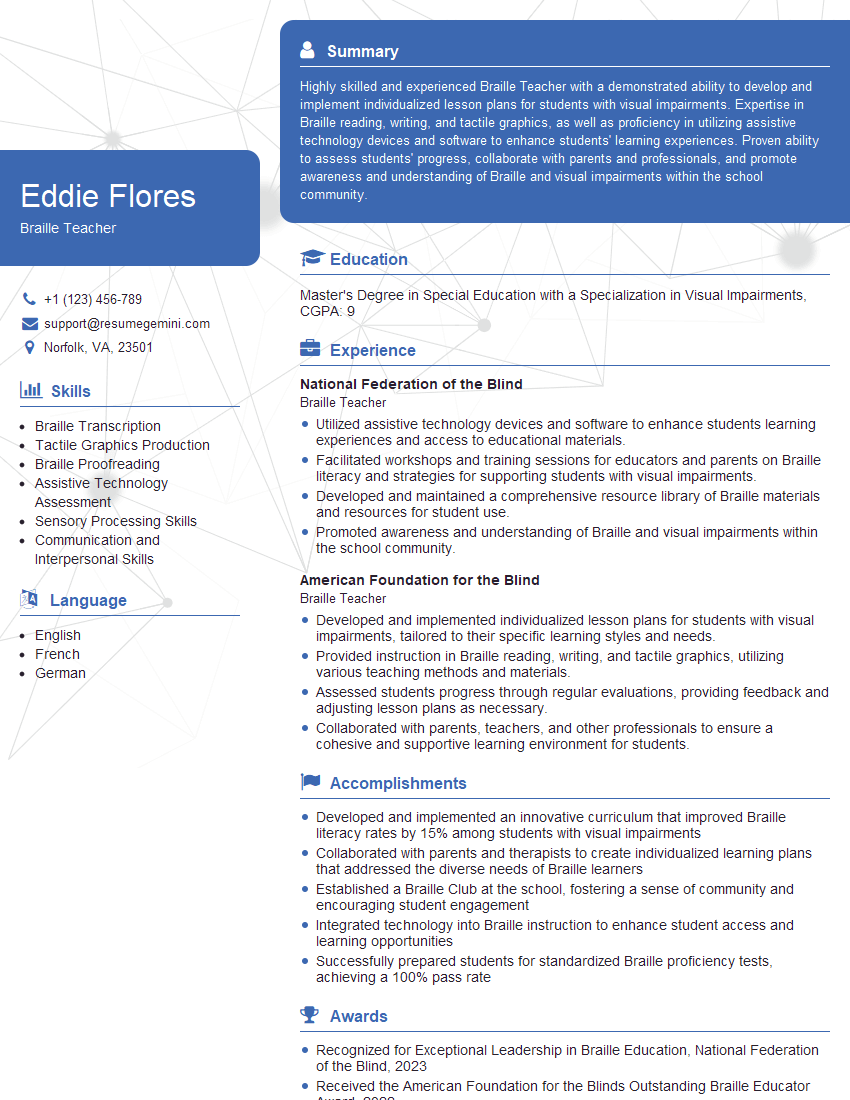
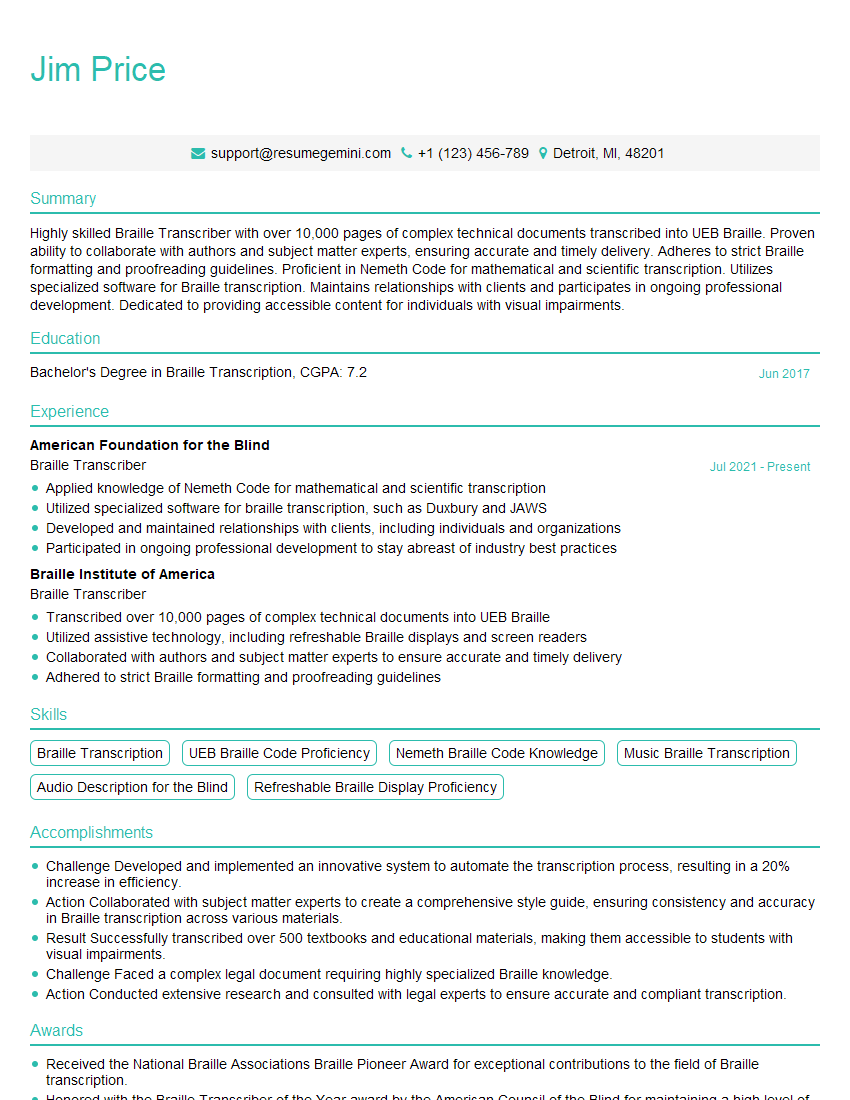
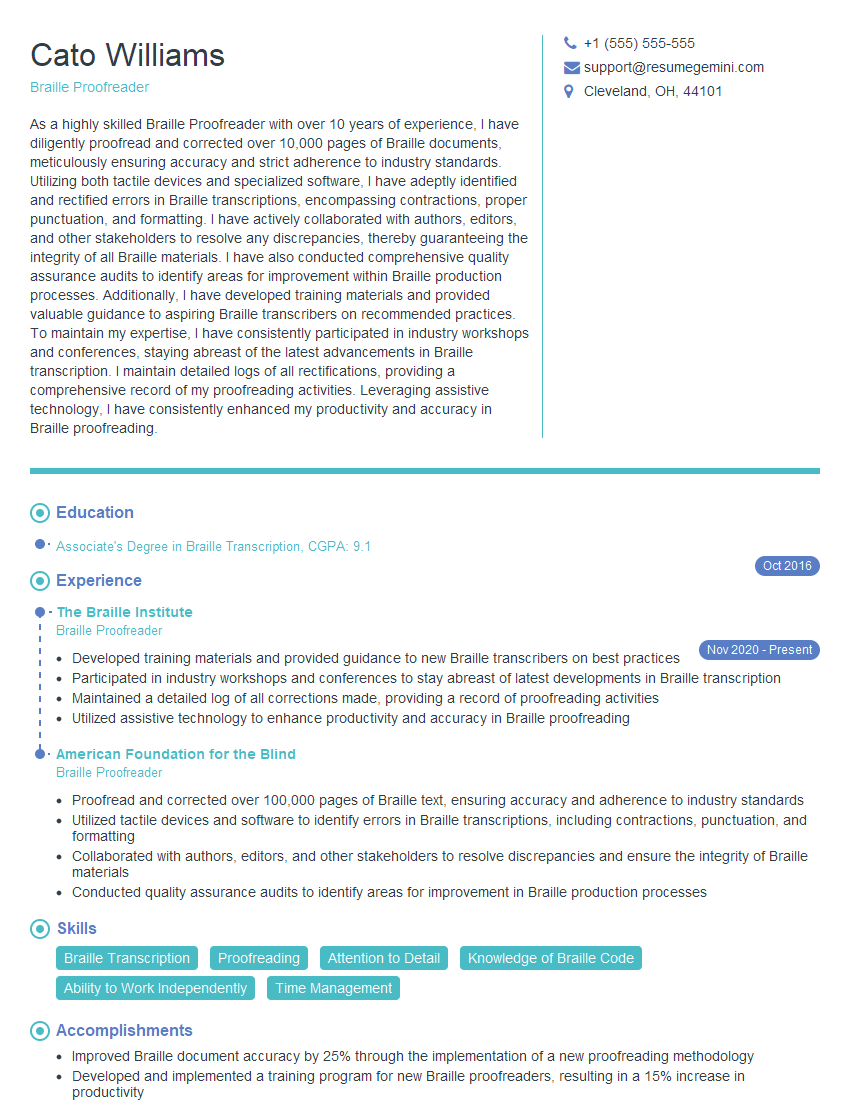
Mastering Develop Resource for Braille Instruction and Training opens doors to rewarding careers impacting the lives of visually impaired individuals. A strong understanding of these topics significantly enhances your interview performance and career prospects. To maximize your chances, creating an ATS-friendly resume is crucial. We highly recommend using ResumeGemini, a trusted resource, to build a professional and impactful resume that highlights your skills and experience effectively. Examples of resumes tailored to Develop Resource for Braille Instruction and Training are available to guide you.
Explore more articles
Users Rating of Our Blogs
Share Your Experience
We value your feedback! Please rate our content and share your thoughts (optional).
What Readers Say About Our Blog
I Redesigned Spongebob Squarepants and his main characters of my artwork.
https://www.deviantart.com/reimaginesponge/art/Redesigned-Spongebob-characters-1223583608
IT gave me an insight and words to use and be able to think of examples
Hi, I’m Jay, we have a few potential clients that are interested in your services, thought you might be a good fit. I’d love to talk about the details, when do you have time to talk?
Best,
Jay
Founder | CEO