Every successful interview starts with knowing what to expect. In this blog, we’ll take you through the top E-Commerce Platforms (Shopify, Magento) interview questions, breaking them down with expert tips to help you deliver impactful answers. Step into your next interview fully prepared and ready to succeed.
Questions Asked in E-Commerce Platforms (Shopify, Magento) Interview
Q 1. Explain the difference between Shopify and Magento.
Shopify and Magento are both popular e-commerce platforms, but they cater to different needs and have distinct architectures. Shopify is a hosted, SaaS (Software as a Service) platform, meaning Shopify handles all the server-side infrastructure and security. You essentially rent your online store. Magento, on the other hand, is an open-source platform, requiring you to handle hosting, security, and updates yourself. This gives you far more control but demands greater technical expertise. Think of it like this: Shopify is a pre-built, easy-to-assemble house, while Magento is a plot of land where you can build your dream home – more freedom, but much more work.
In short: Shopify prioritizes ease of use and speed of setup, while Magento prioritizes flexibility and customization.
Q 2. What are the advantages and disadvantages of using Shopify?
Advantages of Shopify:
- Ease of Use: Shopify’s intuitive interface makes it incredibly easy to set up and manage a store, even with minimal technical skills.
- Speed and Efficiency: Because Shopify handles the hosting and infrastructure, your store is generally fast and reliable.
- App Ecosystem: A vast library of apps extends functionality and integrates with various services.
- Security: Shopify takes care of security updates and patches, reducing your risk.
- Scalability: Shopify’s infrastructure can easily handle growing traffic and sales.
Disadvantages of Shopify:
- Cost: Monthly subscription fees can be significant, especially as your business scales.
- Limited Customization: While themes offer some customization, achieving unique designs can be challenging compared to Magento.
- Transaction Fees: Shopify charges transaction fees on sales unless you use their own payment gateway.
- App Costs: Many powerful apps are paid, adding to your overall expenses.
Q 3. What are the advantages and disadvantages of using Magento?
Advantages of Magento:
- Flexibility and Customization: Magento’s open-source nature allows for virtually unlimited customization and extension development. You have complete control.
- Scalability: Magento can handle massive traffic and product catalogs, ideal for large enterprises.
- SEO-Friendly: Magento’s architecture is naturally SEO-friendly, allowing for robust optimization.
- Community Support: A large and active community provides extensive support and resources.
Disadvantages of Magento:
- Complexity: Magento is significantly more complex than Shopify, requiring technical expertise to set up and manage.
- Cost: While the platform itself is open-source, hosting, development, and maintenance costs can be substantial.
- Learning Curve: It takes considerable time and effort to learn Magento’s intricacies.
- Security: Maintaining security requires ongoing effort and expertise, as you are responsible for updates and patching.
Q 4. Describe your experience with Shopify themes and customizations.
My experience with Shopify themes involves both utilizing pre-built themes and customizing them extensively. I’ve found the theme editor to be relatively user-friendly for making basic changes like colors, fonts, and layouts. For more advanced customizations, I’ve worked with Liquid code, Shopify’s templating language. This allows for more significant alterations, such as creating custom sections and modifying the store’s overall behavior. For instance, I once created a custom section to showcase client testimonials more prominently on a store’s homepage. I’ve also used third-party apps to achieve specific design elements not easily possible with the built-in theme editor.
Q 5. Describe your experience with Magento extensions and customizations.
My Magento extension and customization experience spans several years. I’ve worked extensively with both developing custom extensions and integrating third-party extensions to enhance functionality. For example, I’ve developed custom extensions for advanced product filtering, personalized recommendations, and integration with specific CRM systems. I’m also proficient in customizing existing extensions to better fit client needs. Working with Magento involves a deeper understanding of PHP, MySQL, and the Magento framework itself. A memorable project involved integrating a complex ERP system with a Magento store, requiring extensive customization and API integration. This demonstrated the platform’s power and flexibility but also highlighted the need for strong technical expertise.
Q 6. How would you optimize a Shopify store for speed and performance?
Optimizing a Shopify store for speed and performance involves a multi-faceted approach. First, choosing a fast theme is crucial; some themes are inherently more optimized than others. Next, compressing images significantly reduces page load times. Using a CDN (Content Delivery Network) ensures that content is delivered from a server geographically closer to the customer. Minimizing the use of apps, especially those with poor performance, is vital. Finally, enabling Shopify’s built-in caching mechanisms can dramatically improve response times. Regularly reviewing the store’s performance using tools like Google PageSpeed Insights helps identify and address bottlenecks.
Q 7. How would you optimize a Magento store for speed and performance?
Optimizing a Magento store for speed and performance is a more complex undertaking compared to Shopify. It involves a combination of server-side optimizations, frontend optimization, and database tuning. On the server side, using a robust hosting provider, enabling caching mechanisms (like Varnish or Redis), and optimizing the database queries are essential. Frontend optimizations include minifying CSS and JavaScript files, leveraging browser caching, and optimizing images. Using a full-page cache further enhances performance. Regularly monitoring server logs and using profiling tools helps pinpoint performance bottlenecks. Furthermore, implementing a Content Delivery Network (CDN) is crucial for handling increased traffic and global reach.
Q 8. Explain your understanding of Liquid templating in Shopify.
Liquid templating in Shopify is its powerful templating language used to build and customize store themes. Think of it as a set of instructions that tells Shopify how to display your store’s content. It allows you to dynamically generate HTML, CSS, and JavaScript based on data from your Shopify store, such as products, collections, and customer information. It’s flexible and allows for a high degree of control over your store’s appearance and functionality.
Key features:
- Objects and variables: Liquid uses objects (like
productorcollection) and variables ({{ product.title }}) to access and display data. - Tags: These control the flow of the template (e.g.,
{% if product.available %},{% for product in collection.products %}). They dictate what gets displayed and how. - Filters: These modify data before it’s displayed (e.g.,
{{ product.title | truncate: 20 }}truncates the title to 20 characters). They provide a way to format data neatly.
Example: Let’s say you want to display a product’s title and price. You would use Liquid like this:
{{ product.title }}
{{ product.price | money }}
This code snippet accesses the product.title and product.price variables. The | money filter formats the price according to your store’s currency settings. This is a simple example, but Liquid’s capabilities extend far beyond this, enabling complex dynamic layouts and interactions.
Q 9. Explain your understanding of Magento’s architecture (frontend, backend, database).
Magento’s architecture is a sophisticated multi-tiered system comprised of three main components: the frontend, the backend, and the database. Imagine it like a well-oiled machine, where each part plays a crucial role.
- Frontend: This is what your customers see and interact with – the storefront. It’s responsible for the user interface (UI) and user experience (UX). It’s built using technologies like HTML, CSS, and JavaScript, often with a framework like React, Vue, or jQuery.
- Backend: This is the administrative side of Magento, where store owners manage products, orders, customers, and other aspects of their business. It handles complex logic, processing, and data management. It’s primarily built using PHP, and utilizes Magento’s own framework.
- Database: This is the heart of the system, storing all the essential data – product information, customer details, orders, inventory, etc. Magento typically uses MySQL, MariaDB, or PostgreSQL as its database management system.
Interaction: The frontend communicates with the backend via API calls to retrieve and update data. The backend interacts with the database to fetch, process, and store information. For example, when a customer adds an item to their cart on the frontend, the frontend sends a request to the backend, which updates the database accordingly. This demonstrates the seamless communication between these layers.
Q 10. How would you handle a large order volume spike on a Shopify store?
Handling a large order volume spike on a Shopify store requires a multi-pronged approach focusing on scalability and resilience. Think of it like preparing for a flash flood – you need to have the right infrastructure in place to handle the sudden surge.
- Shopify Plus: For extremely high volumes, upgrading to Shopify Plus is essential. This provides access to advanced features like dedicated support, improved scalability, and more robust infrastructure.
- Caching: Implement aggressive caching strategies to reduce the load on the server. This includes caching product images, product pages, and other static content.
- Content Delivery Network (CDN): Utilize a CDN to distribute static content across multiple servers globally, reducing latency and improving performance.
- Third-party apps: Consider using apps that can optimize performance and handle increased load, such as queue management systems for order processing.
- Stress testing: Regularly conduct load tests to identify bottlenecks and weaknesses in your store’s infrastructure before a spike occurs.
Example: During a Black Friday sale, a sudden influx of traffic could overwhelm your server. By having a CDN in place, the load is distributed, preventing your site from crashing. Caching ensures that frequently accessed pages load quickly, even under high traffic.
Q 11. How would you handle a large order volume spike on a Magento store?
Managing a large order volume spike on a Magento store is a more complex undertaking than with Shopify, requiring deeper technical understanding and often proactive infrastructure adjustments. It’s akin to building a dam to withstand a large flood, requiring careful planning and robust construction.
- Server Infrastructure: Ensure your server infrastructure can handle the increased load. This might involve scaling your servers vertically (more powerful hardware) or horizontally (more servers). Consider cloud solutions for better scalability.
- Database Optimization: Optimize your database queries to minimize database load. Use caching mechanisms (like Redis or Memcached) to reduce database reads.
- Full-Page Caching (FPC): Implementing FPC significantly reduces server load by serving cached pages to customers. This is crucial during peak times.
- Message Queue: Use a message queue (like RabbitMQ or Kafka) to decouple order processing from the main application. This prevents bottlenecks and ensures orders are processed asynchronously.
- Load Balancing: Use a load balancer to distribute traffic across multiple servers, ensuring no single server is overwhelmed.
Example: Implementing a message queue allows the Magento application to quickly accept orders without processing them immediately. The orders are then processed in the background, preventing the main application from becoming overloaded and ensuring a smoother checkout experience.
Q 12. Describe your experience with Shopify’s app ecosystem.
Shopify’s app ecosystem is vast and incredibly powerful. It’s like a massive toolbox filled with specialized tools for every conceivable need in running an online store. I’ve extensive experience leveraging this ecosystem to enhance store functionality and improve conversions.
My experience includes:
- Integrating shipping apps: Connecting stores to various shipping providers for optimized rates and streamlined fulfillment.
- Implementing marketing apps: Utilizing apps for email marketing, social media integration, and SEO optimization to boost brand visibility and sales.
- Utilizing analytics apps: Analyzing data on customer behavior to improve targeting and optimize marketing campaigns.
- Customizing store features: Leveraging apps to add features not natively available in Shopify, such as advanced product filtering or personalized recommendations.
Example: I once used a specific app to create personalized product recommendations on a client’s store, significantly improving their average order value.
Q 13. Describe your experience with Magento’s extension marketplace.
Magento’s extension marketplace offers a wide array of extensions to extend its functionality. It’s a marketplace for specialized components, each designed to enhance specific aspects of your Magento store. My experience encompasses various aspects of this expansive ecosystem.
My experience includes:
- Integrating payment gateways: Connecting the store to various payment processing solutions beyond the standard options.
- Implementing advanced shipping methods: Extending Magento’s shipping capabilities with custom rules and integrations.
- Adding advanced marketing features: Integrating extensions for personalized recommendations, loyalty programs, and advanced reporting.
- Improving site performance: Using extensions designed for caching and optimization to enhance site speed and stability.
Example: I successfully integrated a custom-built extension for a client to manage their complex inventory across multiple warehouses.
Q 14. How would you integrate a payment gateway into a Shopify store?
Integrating a payment gateway into a Shopify store is generally a straightforward process, thanks to Shopify’s user-friendly interface and extensive integration support. It’s like plugging a new appliance into an already existing power outlet; minimal configuration is usually required.
Steps:
- Choose a payment gateway: Select a payment gateway that suits your needs and business requirements (e.g., Stripe, PayPal, Square).
- Access Shopify’s admin panel: Navigate to your Shopify admin settings.
- Find Payment Providers: Locate the payment provider section within your settings.
- Add the gateway: Enter the gateway’s credentials (API keys, etc.) provided by the payment gateway provider.
- Enable the gateway: Once the credentials are verified, enable the gateway to make it active for your store.
- Test thoroughly: Before going live, test the integration to ensure it functions correctly and processes transactions smoothly.
Shopify offers excellent documentation and support for integrating various payment gateways. This makes the process remarkably easy, allowing store owners to quickly implement new payment methods.
Q 15. How would you integrate a payment gateway into a Magento store?
Integrating a payment gateway into Magento involves several steps. First, you’ll need to choose a payment gateway that integrates with Magento. Popular options include PayPal, Stripe, Authorize.Net, and Braintree. Each gateway has its own specific integration process, often involving creating an account with the gateway provider and obtaining API credentials.
Next, you’ll typically install the gateway’s Magento extension. These extensions handle the communication between your Magento store and the payment gateway. Magento’s extension marketplace is a good place to find these. After installation, you’ll configure the extension with your gateway credentials – this usually involves entering your API keys, merchant ID, and other security-related information. This process is generally guided by the extension’s documentation. Thorough testing is crucial after installation to ensure all payment methods are working correctly, including testing different scenarios (successful transactions, failed transactions, and refunds). Finally, you’ll want to consider PCI compliance to ensure you’re meeting security standards for handling sensitive customer data.
For example, integrating Stripe might involve installing the Stripe extension from Magento Marketplace, then configuring it within Magento’s admin panel by providing your Stripe publishable and secret keys.
Career Expert Tips:
- Ace those interviews! Prepare effectively by reviewing the Top 50 Most Common Interview Questions on ResumeGemini.
- Navigate your job search with confidence! Explore a wide range of Career Tips on ResumeGemini. Learn about common challenges and recommendations to overcome them.
- Craft the perfect resume! Master the Art of Resume Writing with ResumeGemini’s guide. Showcase your unique qualifications and achievements effectively.
- Don’t miss out on holiday savings! Build your dream resume with ResumeGemini’s ATS optimized templates.
Q 16. How would you implement SEO best practices on a Shopify store?
SEO on Shopify revolves around optimizing your store’s content and structure to rank higher in search engine results. It’s a multifaceted strategy. First, you must ensure your website’s overall speed and mobile-friendliness. A slow-loading site is a major turn-off for both users and search engines. Tools like Google PageSpeed Insights can help diagnose performance issues. Next, you need strong keyword research. Understanding what terms your customers are searching for is key to targeting the right traffic. Use tools like Google Keyword Planner or SEMrush to identify relevant keywords with good search volume and competition.
On-page optimization is crucial. This involves optimizing your product titles, descriptions, and meta descriptions with your target keywords. Each product page should contain unique, high-quality content. You should also focus on your image optimization; use descriptive file names and alt text for images. Off-page SEO is equally important. This involves building backlinks to your Shopify store from high-authority websites. This can be achieved through guest blogging, social media marketing, and other link-building strategies. Shopify apps can aid in many SEO tasks, streamlining the process and automating certain aspects of optimization.
Q 17. How would you implement SEO best practices on a Magento store?
Magento SEO is more complex than Shopify due to its more extensive feature set and flexibility. Like Shopify, you start with foundational elements: site speed and mobile responsiveness are paramount. Magento offers various tools and extensions to optimize this aspect. Keyword research is equally critical, and tools like Ahrefs or Moz can provide in-depth keyword analysis.
On-page optimization includes leveraging Magento’s built-in SEO features to optimize meta tags, URLs, and product attributes. Magento allows for extensive customization of metadata, permitting fine-grained control over how your pages appear in search results. Sitemaps are crucial for Magento stores. Creating and submitting XML sitemaps to Google Search Console ensures that all your store’s pages are indexed. Off-page SEO remains a cornerstone, and methods such as earning high-quality backlinks and active social media engagement remain as important in Magento as they are in Shopify.
Magento’s advanced features such as category pages and attribute management also need to be SEO optimized. Using relevant keywords and descriptive URLs for these elements improves overall site navigation and search engine ranking. Regularly auditing your store’s SEO performance using Google Analytics and Search Console is also important for identifying areas needing improvement.
Q 18. How would you troubleshoot common Shopify errors?
Troubleshooting Shopify errors often begins with checking Shopify’s status page to see if there are any known outages affecting the platform. If not, the next steps involve identifying the specific error message. Shopify’s error messages often provide clues to the problem’s root cause. Common errors can relate to themes, apps, or payment gateways. For theme-related errors, checking the theme’s code for conflicts or errors is a common approach. Inspecting browser console logs can reveal more technical details about errors. Many Shopify errors can be resolved by clearing the store’s cache. If the error persists, checking the Shopify app store for updates to conflicting apps can often resolve the problem.
If the issue relates to payment gateways, you should check with your gateway provider and verify your API keys and settings. For more persistent issues, reaching out to Shopify support for direct assistance is recommended. They have tools and access levels to diagnose complex problems not available to store owners.
Q 19. How would you troubleshoot common Magento errors?
Troubleshooting Magento errors requires a more technical approach than Shopify. Begin by checking the Magento error logs. These logs, typically found in the var/log directory, record detailed information about errors encountered by the Magento system. Common issues often involve database connectivity, server configuration, or extension conflicts. Checking server logs (Apache/Nginx) is often necessary to identify issues outside of Magento itself. If an extension causes an error, disabling the extension temporarily can often isolate the problem.
Magento’s command-line interface offers helpful debugging tools; commands like php bin/magento indexer:reindex can resolve indexing issues. Understanding Magento’s architecture is crucial. Errors might indicate problems with caching, indexing, or other core components. For more complex situations, using a debugging tool like Xdebug or enabling Magento’s developer mode and carefully examining error messages provides detailed information for solving the problem. If you’re not comfortable with command-line tools or server administration, seeking assistance from experienced Magento developers is the best approach.
Q 20. Describe your experience with Shopify’s API.
My experience with the Shopify API is extensive. I’ve used it to build custom integrations for various clients, including creating custom apps to extend Shopify’s functionality and automate tasks. The Shopify API is well-documented and relatively straightforward, making it easy to build upon. I’ve leveraged it to manage products, orders, customers, and other key aspects of a Shopify store programmatically. I’ve also integrated it with other systems, such as CRM and inventory management platforms, enabling seamless data flow between different business tools. The API’s RESTful nature makes it easy to work with using various programming languages. A common task involved using the API to create automated workflows for things like order fulfillment or email marketing.
Q 21. Describe your experience with Magento’s API.
My experience with the Magento API is also substantial, though more involved than Shopify’s. Magento’s API, particularly in older versions, had a steeper learning curve. Magento’s API is more complex due to its features and customization options. I’ve utilized the Magento API (SOAP and REST) to build integrations with external systems, manage inventory, create custom reporting dashboards, and process orders. I’ve found the REST API’s flexibility in modern Magento versions to be greatly improved compared to older SOAP versions. I’ve had to work with different versions of the Magento API and understand how the API’s structure changes across different Magento editions, which requires a good grasp of the underlying architecture. Building integrations with the Magento API often involves working with webhooks for real-time notifications, adding an extra layer of complexity but improving responsiveness.
Q 22. How would you implement a custom checkout process in Shopify?
Implementing a custom checkout in Shopify requires a deep understanding of its architecture. Shopify primarily uses its own checkout system, which offers great security and optimization. However, for highly specialized needs, you can’t directly replace it entirely. Instead, you leverage Shopify’s APIs and potentially third-party apps. The most common approach involves building a custom checkout experience using Shopify’s checkout.liquid theme file, along with a combination of JavaScript and the Shopify API. This allows you to modify existing elements and add new features while maintaining the core functionality and security of Shopify’s system.
For example, if you need to integrate with a specific shipping provider not directly supported by Shopify, you can use the API to call their services during the checkout process. Alternatively, you could design a completely new checkout flow housed in a separate section of your site but handle the payment processing through Shopify’s hosted payment gateway. This way, you benefit from Shopify’s security and compliance while enhancing the customer experience.
Crucially, any custom checkout modifications must be rigorously tested to ensure compatibility and avoid negatively impacting conversion rates. This involves extensive testing, including functional testing and user experience testing (UX).
Q 23. How would you implement a custom checkout process in Magento?
Customizing the Magento checkout is significantly more complex than Shopify’s approach because of its open-source nature and greater flexibility. You have several options: you could directly modify the core checkout flow (generally not recommended for production environments due to potential upgrade conflicts), use Magento’s event observer system to intercept and modify checkout actions, or utilize extensions from the Magento Marketplace. A deeper understanding of Magento’s architecture, including modules, controllers, and models, is essential.
For example, let’s say you want to add a custom field to collect additional information during checkout, such as a loyalty card number. You would likely create a custom module that interacts with the existing checkout process via events or extend the relevant models to handle the new field’s data. This would involve creating various files like controllers, blocks, models, and potentially modifying the checkout layout XML files.
//Example Magento Module Structure app/code/Vendor/CustomCheckout/etc/events.xml app/code/Vendor/CustomCheckout/Controller/Index/Index.php app/code/Vendor/CustomCheckout/Model/CustomCheckout.php app/code/Vendor/CustomCheckout/view/frontend/layout/checkout_index_index.xml
Magento’s flexibility comes with significant complexity, demanding in-depth knowledge of its object-oriented architecture and database interactions. Thorough testing, including automated testing through tools like Selenium, is crucial before deploying any changes to a production environment.
Q 24. Explain your experience with database management in relation to e-commerce platforms.
My experience with database management in e-commerce encompasses both relational databases (like MySQL used in Magento) and NoSQL databases (occasionally used for specific tasks like caching or product reviews). In Magento, I have extensive experience optimizing database queries for improved performance, particularly dealing with large catalogs. This includes techniques like indexing, query optimization, and utilizing database profiling tools to identify bottlenecks.
Working with Shopify’s database is different. As it’s a hosted platform, direct database access is limited. Instead, I rely on Shopify’s API to manipulate data indirectly. This involves careful planning of database interactions to minimize API call overhead and ensuring data consistency. The experience involves familiarity with the structure of Shopify’s data model to effectively utilize the API for various operations such as creating, reading, updating, and deleting (CRUD) operations.
In both platforms, I have experience with database backups, disaster recovery planning, and maintaining data integrity to ensure the continuous availability and reliability of the e-commerce platforms. Understanding database schema, relationships, and normalization is fundamental to effective database management in e-commerce.
Q 25. How would you handle a security breach on an e-commerce platform?
Handling a security breach on an e-commerce platform requires a swift and decisive response. The initial step involves containing the breach to prevent further damage. This usually begins with isolating affected systems and blocking suspicious traffic using firewall rules. Simultaneously, we investigate the root cause to identify vulnerabilities exploited by the attacker. This could include reviewing server logs, database logs, and potentially working with security experts to analyze malware or other malicious code.
Next, we notify affected customers and regulatory bodies, as applicable (PCI DSS compliance is crucial for e-commerce). Then, we implement necessary security fixes – patching vulnerabilities, resetting affected passwords, and strengthening security protocols. We also perform a full security audit to identify and remediate any remaining weaknesses. Following the incident, we conduct post-mortem analysis to learn from mistakes and improve future security practices. We might enhance monitoring systems, implement intrusion detection, and regularly conduct penetration testing to identify and address vulnerabilities proactively.
The entire process necessitates careful documentation, and close cooperation with legal and compliance teams is crucial throughout the response.
Q 26. What are your preferred methods for testing and debugging e-commerce applications?
Testing and debugging e-commerce applications is a multi-faceted process. My preferred methods combine various approaches for optimal results. This involves a combination of unit testing, integration testing, and end-to-end testing. For unit testing, I would typically use frameworks like PHPUnit (for PHP, suitable for Magento) or Jest (for JavaScript, applicable to both Shopify and Magento frontend). Integration tests ensure that different components of the application work together correctly. End-to-end (E2E) tests verify the entire application flow from the customer’s perspective, often using tools like Selenium or Cypress. These tools allow automated testing across multiple browsers and platforms.
Debugging techniques include using browser developer tools (for front-end debugging), PHP’s Xdebug (for back-end debugging in Magento), and server logs for tracking application behavior. Remote debugging tools, like those offered by IDEs, significantly aid in identifying and resolving complex issues. For Shopify, debugging involves careful use of the Shopify CLI and logs provided by the platform itself.
Beyond technical testing, we always employ user acceptance testing (UAT) to involve actual users in the validation process to identify issues from a real-world perspective, resulting in a higher quality product.
Q 27. How would you approach migrating an e-commerce store from one platform to another?
Migrating an e-commerce store from one platform to another is a complex undertaking that involves a meticulous planning phase. We start with a thorough assessment of the existing store, mapping out all product data, customer data, orders, and other crucial information. Next, we choose an appropriate migration strategy, which could involve a direct database migration (risky, requires significant technical expertise), a data export/import process (more common and safer), or a third-party migration tool (often faster but potentially costly). This phase also requires planning for any data transformation or cleanup needed. For example, different platforms may have varying data structures or field names.
Once the strategy is finalized, we develop a phased migration plan. This includes testing the migration process on a staging environment before deploying to production to minimize downtime and disruptions. Testing includes comprehensive data validation and verification, ensuring that all migrated data is accurate and consistent. Finally, we implement a robust monitoring system post-migration to detect and address any issues that may arise, along with a detailed rollback plan if necessary.
The entire process demands rigorous planning, careful execution, and extensive testing across all aspects.
Q 28. Describe your experience with version control systems (e.g., Git) in an e-commerce context.
Version control, primarily using Git, is an indispensable part of my workflow in e-commerce development. I employ Git for both individual projects and collaborative efforts. It allows me to track changes, collaborate effectively with team members, and revert to previous versions if necessary. Branching strategies (like Gitflow) are essential for managing multiple features or bug fixes concurrently without impacting the main codebase. This also facilitates parallel development and robust testing within a controlled environment before merging changes into the primary branch.
In an e-commerce context, version control ensures code stability, enables easy rollback in case of errors, and facilitates the smooth handling of multiple developers contributing to a project. Furthermore, detailed commit messages are critical to maintaining a clear history of changes, making it easy to trace and understand the evolution of the codebase. Using a robust version control strategy is paramount to managing risk and maintaining the integrity of the e-commerce platform’s codebase.
Key Topics to Learn for E-Commerce Platforms (Shopify, Magento) Interview
- Platform Architecture: Understanding the core components of Shopify and Magento, including their databases, APIs, and themes. Consider how these components interact and impact performance.
- Theme Development & Customization: Practical experience with modifying existing themes, creating custom themes, and understanding best practices for responsive design and SEO optimization. Be prepared to discuss your approach to solving theme-related challenges.
- Extension/Plugin Development: Familiarity with developing and integrating extensions or plugins to enhance platform functionality. This includes understanding coding best practices and debugging techniques.
- Order Management & Fulfillment: Discuss your knowledge of order processing workflows, inventory management, and shipping integrations. Be prepared to illustrate your experience with streamlining these processes.
- Security & Performance Optimization: Explain your understanding of common security vulnerabilities and how to mitigate them. Demonstrate your knowledge of techniques for improving website speed and scalability.
- Data Analysis & Reporting: Highlight your proficiency in analyzing sales data, customer behavior, and marketing campaign performance using built-in tools or third-party integrations. Discuss how this data informs strategic business decisions.
- Payment Gateways & Integrations: Discuss experience integrating various payment gateways, understanding transaction processing, and security implications. Be prepared to discuss troubleshooting payment related issues.
- API Interactions & Integrations: Describe your experience working with RESTful APIs, and how you’ve leveraged them to integrate with other services or create custom functionality. This could include discussing authentication and rate limiting.
- Troubleshooting & Problem Solving: Illustrate your ability to diagnose and resolve common issues related to e-commerce platforms, showcasing your debugging skills and analytical thinking.
- E-commerce best practices: Discuss understanding of user experience (UX), Search Engine Optimization (SEO), and conversion rate optimization (CRO) within the context of Shopify and Magento.
Next Steps
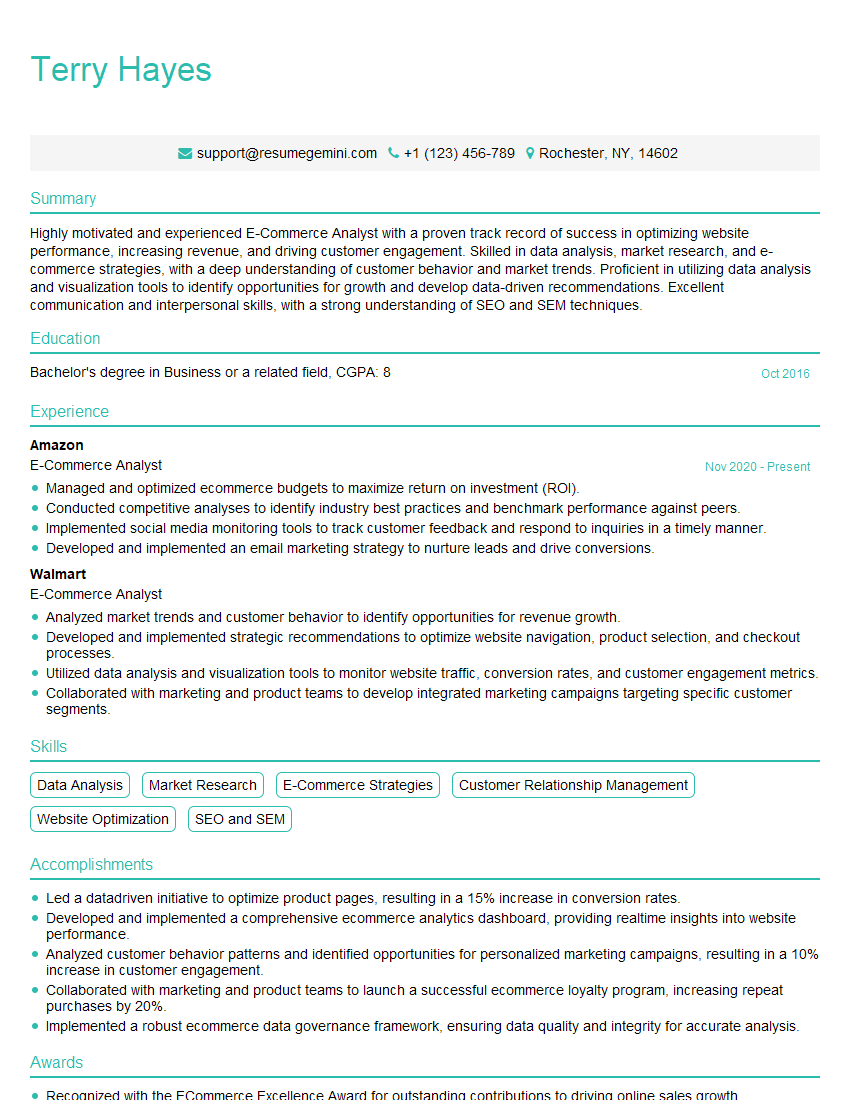
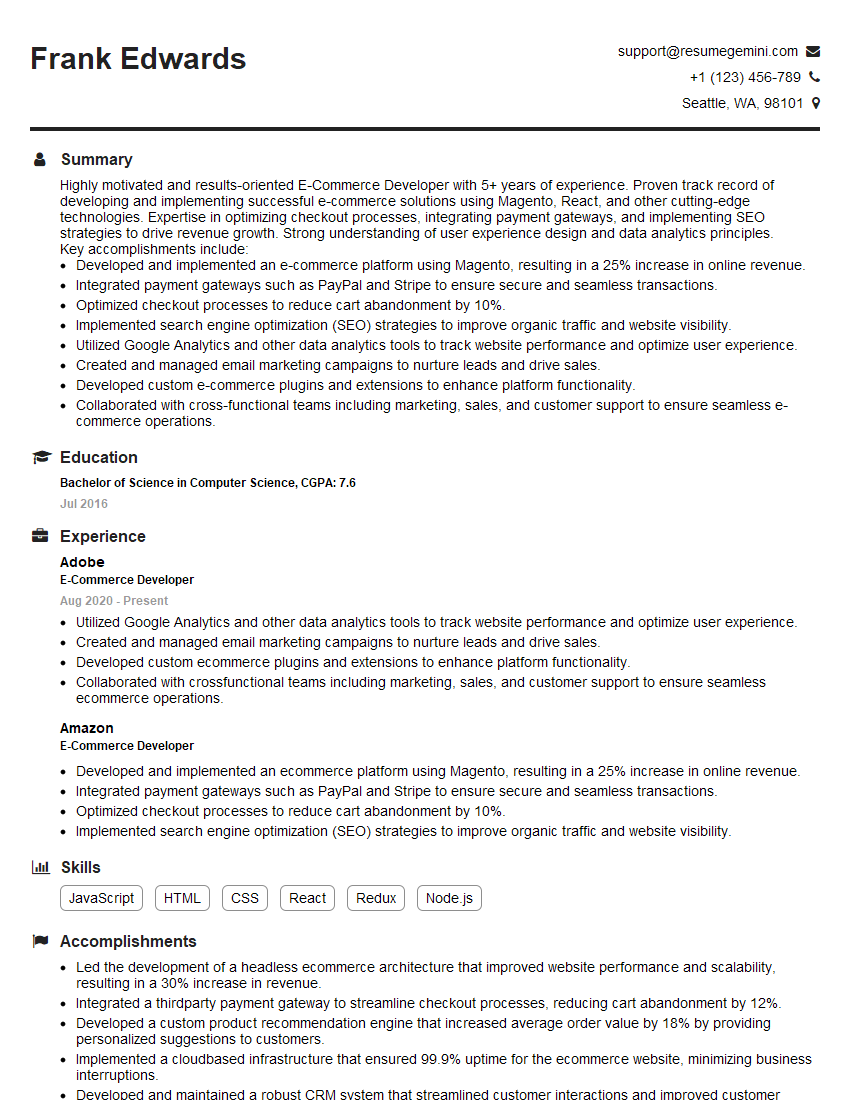
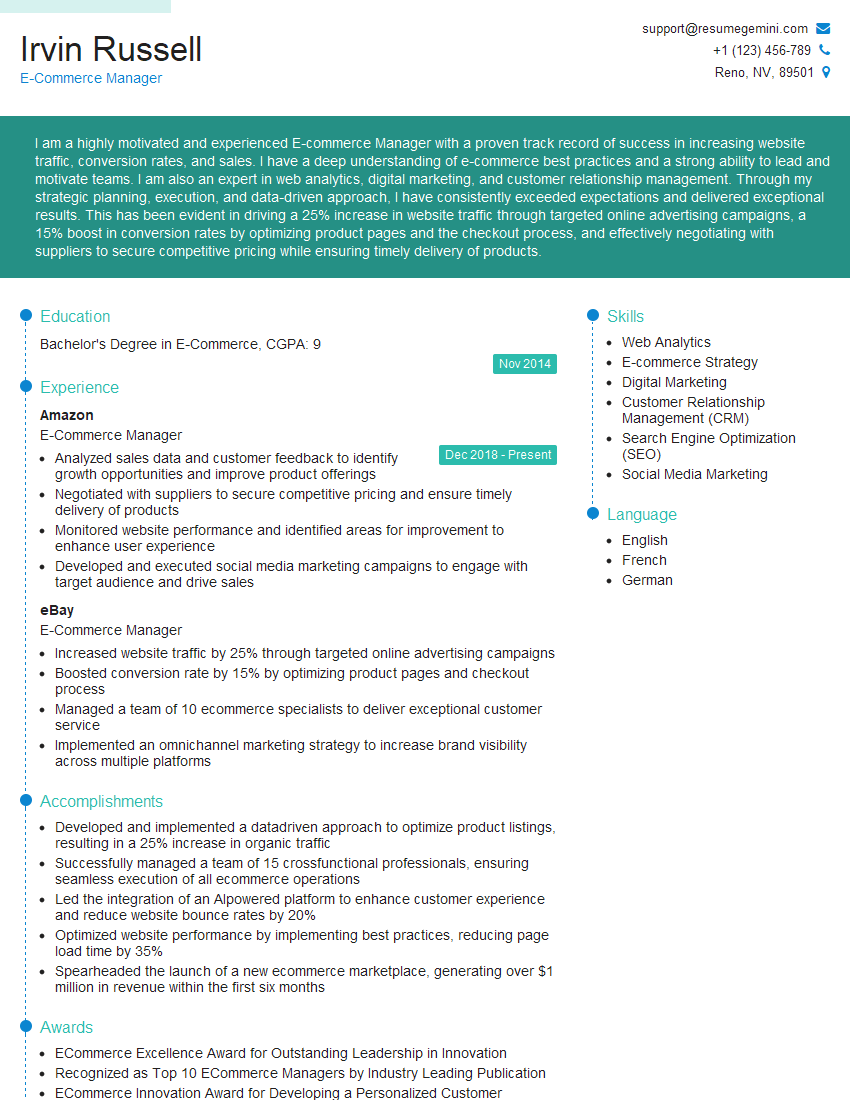
Mastering e-commerce platforms like Shopify and Magento is crucial for a successful career in the rapidly growing digital marketplace. These skills are highly sought after, opening doors to exciting opportunities in web development, e-commerce management, and digital marketing. To significantly enhance your job prospects, create an ATS-friendly resume that effectively highlights your relevant skills and experience. ResumeGemini is a trusted resource that can help you build a professional and impactful resume. Examples of resumes tailored to E-Commerce Platforms (Shopify and Magento) are available to guide you through the process.
Explore more articles
Users Rating of Our Blogs
Share Your Experience
We value your feedback! Please rate our content and share your thoughts (optional).
What Readers Say About Our Blog
I Redesigned Spongebob Squarepants and his main characters of my artwork.
https://www.deviantart.com/reimaginesponge/art/Redesigned-Spongebob-characters-1223583608
IT gave me an insight and words to use and be able to think of examples
Hi, I’m Jay, we have a few potential clients that are interested in your services, thought you might be a good fit. I’d love to talk about the details, when do you have time to talk?
Best,
Jay
Founder | CEO