The right preparation can turn an interview into an opportunity to showcase your expertise. This guide to Excel and Database Management interview questions is your ultimate resource, providing key insights and tips to help you ace your responses and stand out as a top candidate.
Questions Asked in Excel and Database Management Interview
Q 1. Explain the difference between a primary key and a foreign key.
In relational databases, primary and foreign keys are crucial for establishing relationships between tables and ensuring data integrity. Think of them as the glue that holds your data together.
A primary key uniquely identifies each record in a table. It’s like a social security number for each row – no two records can have the same primary key. It must contain unique values and cannot contain NULL values. For example, in a ‘Customers’ table, the ‘CustomerID’ column might be the primary key.
A foreign key, on the other hand, is a field in one table that refers to the primary key in another table. It creates a link between the two tables. Imagine you have a ‘Orders’ table. It would likely contain a ‘CustomerID’ column (the foreign key) that references the ‘CustomerID’ primary key in the ‘Customers’ table. This allows you to easily retrieve all orders placed by a specific customer.
In essence, the primary key is the unique identifier within a single table, while the foreign key is used to link records across multiple tables, maintaining referential integrity.
Q 2. Describe normalization in database design.
Database normalization is a systematic process of organizing data to reduce redundancy and improve data integrity. Imagine a messy room – normalization is like tidying it up. It involves breaking down a larger table into smaller, related tables and defining relationships between them.
The goal is to isolate data so that additions, deletions, and modifications of a field can be made in just one table and then propagated through the rest of the database via the defined relationships. This minimizes data inconsistency and improves efficiency.
Normalization is typically achieved through a series of stages (normal forms), each addressing different types of redundancy. The most common are:
- First Normal Form (1NF): Eliminate repeating groups of data within a table. Each column should contain atomic values (single values).
- Second Normal Form (2NF): Be in 1NF and eliminate redundant data that depends on only part of the primary key (if it’s a composite key).
- Third Normal Form (3NF): Be in 2NF and eliminate data that is not dependent on the primary key.
Higher normal forms exist, but they are less commonly used in practice due to the potential performance overhead.
Q 3. What are the different types of SQL joins?
SQL joins are used to combine rows from two or more tables based on a related column between them. Think of it like merging different pieces of information.
The most common types of joins are:
- INNER JOIN: Returns rows only when there is a match in both tables. It’s like finding the common ground between two sets.
- LEFT (OUTER) JOIN: Returns all rows from the left table (the one specified before
LEFT JOIN) and the matched rows from the right table. If there’s no match in the right table, it returnsNULLvalues for the right table columns. - RIGHT (OUTER) JOIN: Similar to
LEFT JOINbut returns all rows from the right table and the matched rows from the left table.NULLvalues are used for unmatched rows in the left table. - FULL (OUTER) JOIN: Returns all rows from both tables. If there’s a match, the corresponding rows are combined; otherwise,
NULLvalues are used for unmatched columns.
Example (INNER JOIN):
SELECT Orders.OrderID, Customers.CustomerID, Customers.Name FROM Orders INNER JOIN Customers ON Orders.CustomerID = Customers.CustomerID;Q 4. How do you handle null values in SQL?
NULL values represent the absence of a value in a database column. They’re not the same as zero or an empty string. Handling them requires careful consideration.
Common ways to handle NULL values in SQL include:
- Using
IS NULLandIS NOT NULL: These operators are used inWHEREclauses to filter rows based on whether a column isNULLor not. COALESCEorISNULLfunctions: These functions return a specified value if the input isNULL; otherwise, they return the input value. This is useful for replacingNULLs with meaningful values for display or calculations.CASEstatements: These provide conditional logic to handleNULLvalues differently based on other criteria.
Example (COALESCE):
SELECT CustomerName, COALESCE(City, 'Unknown') AS CustomerCity FROM Customers;This query replaces NULL values in the City column with ‘Unknown’.
Q 5. Explain the concept of ACID properties in database transactions.
ACID properties are a set of characteristics that guarantee database transactions are processed reliably. They ensure data integrity and consistency, even in the event of errors or system failures.
The acronym ACID stands for:
- Atomicity: A transaction is treated as a single unit of work. Either all changes within the transaction are committed (saved), or none are. It’s an ‘all-or-nothing’ approach.
- Consistency: A transaction maintains the database’s integrity constraints. The database is in a valid state both before and after the transaction.
- Isolation: Multiple transactions running concurrently appear to be isolated from one another. Changes made by one transaction are not visible to other transactions until it is committed. This prevents conflicts and ensures data accuracy.
- Durability: Once a transaction is committed, the changes are permanent and survive even system crashes or power outages. The data is durable.
These properties are crucial for applications that require high data reliability, like banking systems or e-commerce platforms.
Q 6. What are common data validation techniques in Excel?
Data validation in Excel helps ensure data accuracy and consistency. It prevents errors and improves the reliability of your spreadsheets.
Common techniques include:
- Data Validation Rules: These allow you to specify rules for the data entered in a cell. You can restrict input to certain data types (numbers, dates, text), specify ranges, or use custom formulas.
- Input Messages: Provide helpful instructions to users about what kind of data is expected in a cell.
- Error Alerts: Display messages when invalid data is entered, preventing the user from saving the incorrect data.
- Conditional Formatting: Highlight cells that contain invalid or potentially problematic data, drawing attention to inconsistencies.
- Custom Functions or VBA Macros: For complex validation logic that requires more advanced programming, you can use these to enforce stricter rules.
For example, you can use data validation to restrict a column to only accept dates within a specific range, or to ensure that a cell contains only numerical values within a certain bound.
Q 7. How do you use VLOOKUP or INDEX/MATCH in Excel?
VLOOKUP and INDEX/MATCH are both used in Excel to lookup and retrieve data from a table based on a specific criterion. INDEX/MATCH is generally more powerful and flexible than VLOOKUP.
VLOOKUP: Searches for a value in the first column of a table and returns a value in the same row from a specified column. Its limitations include the necessity that the lookup value must be in the first column, and it can only look to the right.
INDEX/MATCH: This combination provides a more versatile lookup solution. MATCH finds the position of a value within a range, and INDEX returns the value at a specified position within a range. INDEX/MATCH can handle lookups in any column and look in either direction.
Example (VLOOKUP):
=VLOOKUP(A1,B1:C10,2,FALSE) This looks up the value in cell A1 in the range B1:C10, returns the corresponding value from the second column (column C), and requires an exact match (FALSE).
Example (INDEX/MATCH):
=INDEX(C1:C10,MATCH(A1,B1:B10,0))This looks up the value in A1 in the range B1:B10 using MATCH. The row number returned by MATCH is used by INDEX to return the corresponding value from C1:C10. 0 in MATCH specifies an exact match.
INDEX/MATCH is preferred for its flexibility and ability to handle more complex lookup scenarios.
Q 8. Explain the difference between Pivot Tables and Pivot Charts.
PivotTables and PivotCharts are powerful Excel tools for data summarization and analysis, but they serve different purposes. Think of a PivotTable as the engine and a PivotChart as the dashboard displaying the engine’s results.
A PivotTable is a data summarization tool that allows you to dynamically arrange and analyze large datasets. You can group data, calculate sums, averages, counts, and other aggregate functions, and filter data based on specific criteria. It’s essentially a sophisticated way to create cross-tabulations or summary reports. Imagine you have sales data for different products across various regions. A PivotTable lets you quickly see total sales for each product, each region, or the sales of a specific product in a particular region – all without writing complex formulas.
A PivotChart, on the other hand, is a visual representation of the data summarized in a PivotTable. It transforms the numerical data into charts like bar charts, pie charts, line charts, etc., making it easier to spot trends and patterns at a glance. For instance, a PivotChart could visually represent the sales data from your PivotTable, showing which product sold best in each region through a series of bar graphs. It’s essentially a visual interpretation of the summarized PivotTable data.
In short: A PivotTable organizes and calculates data; a PivotChart visualizes that organized data.
Q 9. How do you create and use macros in Excel?
Macros in Excel are automated sequences of actions. They’re like little programs that you can use to automate repetitive tasks, saving you significant time and effort. Imagine having to format a large report every week – a macro could do this for you automatically.
Creating a macro is simple: You record your actions (e.g., formatting cells, inserting data, applying formulas) using the macro recorder. Excel automatically generates VBA (Visual Basic for Applications) code reflecting these actions. You can then run this macro whenever needed.
Creating a Macro:
- Go to the Developer tab (if not visible, enable it in Excel Options).
- Click ‘Record Macro’ and give it a name and description.
- Perform the actions you want to automate.
- Click ‘Stop Recording’.
Using a Macro:
- Go to the Developer tab.
- Click ‘Macros’.
- Select your macro and click ‘Run’.
Example VBA Code (Illustrative):
Sub FormatReport()
    Range("A1:B10").Font.Bold = True
    Range("A1:B10").Interior.Color = vbYellow
End Sub
This simple macro bolds and highlights cells A1 to B10 in yellow. You can modify or create more complex macros by directly editing the VBA code. Advanced macros can interact with other applications, access external data, and perform sophisticated calculations.
Q 10. How do you perform data cleaning and transformation in Excel?
Data cleaning and transformation in Excel are crucial steps in data analysis. It involves identifying and correcting or removing inaccurate, incomplete, irrelevant, duplicated, or incorrectly formatted data to ensure data quality and reliability. Think of it as preparing your ingredients before cooking a meal.
Common Cleaning Techniques:
- Removing Duplicates: Excel’s built-in ‘Remove Duplicates’ function efficiently removes duplicate rows or columns.
- Handling Missing Values: This often involves deciding whether to delete rows with missing data, impute missing values using averages or other methods, or simply leave them as they are, depending on the context and the impact of missing data.
- Data Type Conversion: Converting data types (e.g., text to number) is essential for accurate calculations and analysis. Excel provides functions to facilitate this.
- Correcting Inconsistent Data: Identifying and correcting inconsistencies like different spellings or formats (e.g., date formats) is critical for data integrity. Tools like ‘Find and Replace’ and data validation rules can be helpful here.
- Data Validation: Setting data validation rules prevents incorrect data entry and ensures data consistency.
Transformation Techniques:
- Sorting and Filtering: Sorting data by specific columns and filtering based on criteria allows for easier analysis of subsets of data.
- Text Functions: Excel offers a wide range of text functions (e.g., `LEFT`, `RIGHT`, `MID`, `TRIM`, `CONCATENATE`) to manipulate and extract information from text strings.
- Data Consolidation: Combining data from multiple sources into a single worksheet or workbook is done frequently using features such as `Consolidate` or Power Query (Get & Transform Data).
For instance, cleaning might involve standardizing inconsistent date formats like ‘MM/DD/YYYY’ and ‘DD/MM/YYYY’ to a single format. Transformation could involve creating new columns by extracting substrings from an existing column containing addresses or combining multiple columns to create a unique identifier.
Q 11. What are your preferred methods for data visualization in Excel?
Data visualization in Excel is about effectively communicating insights from your data using charts and graphs. The best method depends heavily on the type of data and the insights you want to convey. A good visualization should be clear, concise, and avoid misleading the audience.
My preferred methods include:
- Bar Charts/Column Charts: Excellent for comparing categories or showing changes over time. Simple and easy to understand.
- Line Charts: Ideal for displaying trends and patterns over time. Useful for visualizing continuous data.
- Pie Charts: Suitable for showing proportions of a whole. However, overuse can be problematic if there are too many slices.
- Scatter Plots: Used to identify correlations between two variables. Helpful in exploring relationships between data points.
- PivotCharts (as mentioned earlier): Combining the power of PivotTables with visual representations provides dynamic and interactive visualizations.
- Maps (if geographical data is involved): Excel offers geographical map visualizations to represent location-based data effectively.
For instance, I might use a bar chart to compare sales performance across different product lines, a line chart to track website traffic over several months, and a scatter plot to explore the relationship between advertising spend and sales revenue. Always consider your audience when choosing a visualization; what’s effective for a technical audience might be confusing for a non-technical one.
Q 12. Describe your experience with different database management systems (e.g., MySQL, PostgreSQL, Oracle, SQL Server).
I have extensive experience with several database management systems, including MySQL, PostgreSQL, Oracle, and SQL Server. My experience spans from basic data entry and query writing to database design, optimization, and administration. Each system has its strengths and weaknesses.
MySQL: A popular open-source relational database management system (RDBMS), known for its ease of use and scalability. I’ve used it extensively for web applications and smaller-scale projects.
PostgreSQL: Another powerful open-source RDBMS, renowned for its robustness, advanced features (like JSON support), and compliance with SQL standards. I’ve employed PostgreSQL for projects requiring a more robust and feature-rich database solution.
Oracle: A commercial RDBMS often favored for enterprise-level applications because of its high availability, scalability, and security features. My experience with Oracle includes working with large datasets and complex database schemas in enterprise environments.
SQL Server: Microsoft’s commercial RDBMS, tightly integrated with the Microsoft ecosystem. I’ve used SQL Server for projects involving integration with other Microsoft tools and applications. I’m proficient in T-SQL (Transact-SQL), its proprietary SQL dialect.
My experience includes designing database schemas, writing efficient SQL queries, managing database users and permissions, troubleshooting database issues, and performing database backups and restorations. I’m comfortable working with different database architectures and can adapt to new systems quickly.
Q 13. How do you optimize SQL queries for performance?
Optimizing SQL queries is crucial for database performance. A poorly written query can significantly slow down database operations, impacting application responsiveness. The goal is to retrieve data as quickly and efficiently as possible.
Optimization Techniques:
- Use Appropriate Indexes: Indexes are like a book’s index—they speed up data retrieval. Creating indexes on frequently queried columns drastically improves query performance. However, over-indexing can hurt performance, so careful planning is necessary.
- Avoid SELECT * : Instead, explicitly select only the necessary columns. Retrieving all columns when you need only a few wastes resources.
- Filter Early: Apply `WHERE` clauses as early as possible in the query to reduce the amount of data processed.
- Use Joins Efficiently: Choose the appropriate join type (INNER JOIN, LEFT JOIN, etc.) based on your needs. Avoid using multiple joins unnecessarily.
- Optimize Subqueries: Subqueries can be expensive. Often, they can be rewritten using joins for better performance.
- Use EXPLAIN PLAN (or similar tools): Database systems provide tools to analyze query execution plans. These tools highlight bottlenecks and suggest optimizations.
- Proper Data Types: Using appropriate data types for columns reduces storage space and improves query performance. Choosing the right data type is an important aspect of database design.
For example, if you have a table with millions of rows and you only need a few columns from it, selecting only the needed columns is much faster than selecting all of them (SELECT column1, column2 FROM table WHERE condition instead of SELECT * FROM table WHERE condition). Using indexes on the columns in the `WHERE` clause will further speed things up.
Q 14. Explain the concept of indexing in databases.
In databases, an index is a data structure that improves the speed of data retrieval operations on a database table at the cost of additional writes and storage space to maintain the index data structure. Think of it as an index in a book; it allows you to quickly locate specific information without reading the entire book.
Indexes are created on one or more columns of a database table. The database system uses the index to quickly locate rows that match the search criteria in a query. Without an index, the database would need to perform a full table scan—checking every row to find the matching ones, which is extremely slow for large tables.
Types of Indexes:
- B-tree indexes: The most common type of index used for efficient lookups, range scans, and equality searches.
- Hash indexes: Optimized for equality searches, but not for range scans.
- Full-text indexes: Specifically designed for searching text data, enabling fast keyword searches within text fields.
When to Use Indexes:
- Frequently queried columns (especially in `WHERE` clauses).
- Columns used in `JOIN` operations.
- Columns used for sorting or ordering data.
Tradeoffs: While indexes significantly speed up data retrieval, they add overhead to write operations (inserts, updates, deletes) because the index needs to be updated whenever data in the indexed columns is modified. Creating too many indexes can also slow down write operations.
Q 15. How do you troubleshoot database errors?
Troubleshooting database errors involves a systematic approach. Think of it like detective work – you need to gather clues, analyze them, and formulate a solution. First, I’d examine the error message itself. Most database systems provide detailed error codes and descriptions. These are your primary clues. For example, a ‘foreign key constraint violation’ clearly indicates a problem with relationships between tables.
Next, I’d check the database logs. These logs record all significant events, including errors. They’ll often pinpoint the exact time, location (table, query), and nature of the problem. Sometimes, the error is straightforward, like a typo in a query. Other times, it could be related to data integrity issues, insufficient disk space, or network connectivity problems.
Then, I use a process of elimination. If the error is tied to a specific query, I would start by testing that query outside of the application to isolate whether the problem lies within the database itself or the code interacting with it. If the error persists, I may need to analyze the database schema – the overall structure of tables and relationships – to identify potential design flaws contributing to the error. Tools like database profiling and query analyzers can be invaluable in this stage.
Finally, I’d consider environmental factors. Is there enough disk space? Are network connections stable? Are there any ongoing maintenance tasks affecting the database? This holistic approach allows for comprehensive troubleshooting, even for complex database errors.
Career Expert Tips:
- Ace those interviews! Prepare effectively by reviewing the Top 50 Most Common Interview Questions on ResumeGemini.
- Navigate your job search with confidence! Explore a wide range of Career Tips on ResumeGemini. Learn about common challenges and recommendations to overcome them.
- Craft the perfect resume! Master the Art of Resume Writing with ResumeGemini’s guide. Showcase your unique qualifications and achievements effectively.
- Don’t miss out on holiday savings! Build your dream resume with ResumeGemini’s ATS optimized templates.
Q 16. What are your experiences with ETL processes?
ETL (Extract, Transform, Load) processes are the backbone of data warehousing and business intelligence. My experience spans various ETL tools and methodologies, including scripting languages like Python and SQL, and dedicated ETL tools like Informatica PowerCenter and SSIS (SQL Server Integration Services). I’ve been involved in projects where we extracted data from diverse sources—operational databases, flat files, APIs, and even cloud-based storage—then transformed it to conform to a specific data model, and finally loaded it into a data warehouse or data mart.
For example, in one project, we were tasked with consolidating customer data from multiple legacy systems. The data was inconsistent—different formats, varying levels of completeness, and differing naming conventions. The ETL process involved extracting data, standardizing data formats, cleansing and transforming the data (addressing missing values, correcting inconsistencies, and applying data quality rules), and then loading the consolidated customer data into a central data warehouse. We used SSIS to build a robust and reusable ETL pipeline, including error handling and logging mechanisms for monitoring and maintenance. The successful completion of this project significantly improved the efficiency and accuracy of our customer relationship management processes.
I’m proficient in optimizing ETL processes for performance. This includes techniques like parallel processing, data partitioning, indexing, and efficient query optimization to handle large volumes of data effectively and ensure timely data delivery.
Q 17. Describe your experience with data warehousing concepts.
Data warehousing is all about creating a centralized repository of integrated data from various sources, designed for analytical processing. I have extensive experience with designing, implementing, and managing data warehouses using dimensional modeling techniques. This involves creating fact tables (containing the core business metrics) and dimension tables (providing contextual information). For example, in a sales data warehouse, a fact table might store sales transactions, while dimension tables would include details about products, customers, time, and locations.
My experience includes working with various data warehouse architectures, such as star schemas and snowflake schemas. The choice of architecture depends on the specific business needs and data complexity. I understand the importance of data governance and data quality within a data warehouse environment. I am familiar with implementing data quality checks and rules at each stage of the ETL process to ensure that the data loaded into the warehouse is accurate, consistent, and reliable.
I’ve also worked with cloud-based data warehouse solutions, such as Snowflake and Google BigQuery, leveraging their scalability and elasticity to handle ever-increasing data volumes and user demands. Understanding data warehousing is crucial for providing decision-makers with valuable business insights through effective reporting and analytics.
Q 18. How do you handle large datasets in Excel?
Handling large datasets in Excel is challenging because of its inherent limitations in memory and processing power. Excel isn’t designed for big data; it’s best for smaller, manageable datasets. For large datasets, the best approach is to avoid using Excel entirely and use tools built for that task, such as databases or specialized data analysis software.
However, if you absolutely must work with a large dataset in Excel, several techniques can help. Firstly, consider using Power Query (Get & Transform Data). It allows you to connect to external data sources, filter and transform data before loading it into Excel, reducing the amount of data stored directly in the spreadsheet. Secondly, data should be well structured and indexed if at all possible. Thirdly, avoid unnecessary calculations and formatting—these can significantly slow down Excel’s performance. Use techniques like subtotals, and consider summarizing data before bringing it into excel. Finally, if the dataset is extremely large and still needs to be in excel, consider splitting it into smaller, more manageable files. Even then, performance issues are likely.
Ultimately, exceeding Excel’s limitations always calls for alternatives such as database systems (SQL Server, MySQL, PostgreSQL), cloud-based data warehouses (Snowflake, BigQuery), or other big data processing tools (Hadoop, Spark).
Q 19. Explain different data types in SQL.
SQL (Structured Query Language) offers a variety of data types to cater to different kinds of data. The choice of data type impacts storage space, retrieval efficiency, and the operations you can perform. Here are some common ones:
INT(Integer): Stores whole numbers, e.g., 10, -5, 0.FLOATorDOUBLE(Floating-point): Stores decimal numbers, e.g., 3.14, -2.5.VARCHAR(Variable-length character string): Stores text of varying length, e.g., ‘Hello’, ‘World’. The length should be defined.VARCHAR(255)would store up to 255 characters.CHAR(Fixed-length character string): Stores text of a fixed length; if the text is shorter than the defined length, it is padded with spaces. It’s less flexible than VARCHAR.DATE: Stores dates.DATETIMEorTIMESTAMP: Stores date and time information. Specific formats might vary depending on the database system.BOOLEANorBIT: Stores true/false values.BLOB(Binary Large Object): Stores large binary data, like images or audio files.
Selecting the appropriate data type is critical for database efficiency and data integrity. Using an inappropriate data type can lead to wasted space, slower queries, and errors.
Q 20. How do you use conditional formatting in Excel?
Conditional formatting in Excel lets you highlight cells based on specific criteria. Think of it as adding visual cues to your data to quickly spot trends, outliers, or important values. You can apply various formatting rules to change the cell’s fill color, font, borders, or icons.
For example, you could highlight cells containing sales figures above a certain threshold (e.g., sales exceeding $10,000) in green to identify top performers. Conversely, you might highlight cells below another threshold (e.g., sales under $1,000) in red, indicating areas that might need attention. You can also use conditional formatting to highlight duplicate values, unique values, or data based on a formula.
To apply conditional formatting, select the cells you want to format, then go to the ‘Home’ tab and choose ‘Conditional Formatting’. You can choose from predefined rules, like ‘Highlight Cells Rules’, or create custom rules based on formulas or cell values. This allows for dynamic updates; if the underlying data changes, the formatting updates automatically.
Conditional formatting significantly enhances data analysis and reporting by making key insights visually prominent, saving you valuable time in identifying patterns and potential problem areas.
Q 21. What is a stored procedure and how is it used?
A stored procedure is a pre-compiled SQL code block that’s stored in the database. It’s like a reusable function or subroutine for database operations. Instead of writing the same SQL query repeatedly in your application code, you can create a stored procedure and call it whenever needed.
They offer several advantages:
- Improved performance: Stored procedures are pre-compiled, resulting in faster execution compared to repeatedly parsing and compiling the same SQL statements.
- Enhanced security: You can grant users permissions to execute specific stored procedures without granting them direct access to the underlying database tables, enhancing security and data control.
- Code reusability: A stored procedure can be used multiple times by different applications or users, reducing code duplication.
- Reduced network traffic: A stored procedure executes entirely on the database server, reducing the amount of data that needs to be transmitted over the network.
- Data integrity: Stored procedures can encapsulate complex business logic and data validation rules, ensuring data integrity and consistency.
For example, imagine a stored procedure for updating customer information. This procedure would handle input validation, data updates, and error handling, all within the database. This is safer and more efficient than performing these actions in the application code. Stored procedures are fundamental for building robust and efficient database applications.
Q 22. Explain the differences between OLTP and OLAP databases.
OLTP (Online Transaction Processing) and OLAP (Online Analytical Processing) databases serve fundamentally different purposes. Think of OLTP as your daily banking transactions – fast, individual updates. OLAP is more like analyzing yearly financial reports – complex queries across massive datasets, focusing on trends and patterns.
- OLTP: Designed for high-speed, frequent transactions. Data is highly normalized for efficiency and data integrity. Examples include systems handling online shopping, banking, and airline reservations. Queries are typically short, focused on updating or retrieving a small amount of data.
- OLAP: Optimized for analytical processing. Data is often denormalized for faster query performance. Queries focus on analyzing large datasets to identify trends and insights. Think of data warehouses or business intelligence systems. Queries tend to be complex and involve aggregations, groupings, and comparisons.
In essence, OLTP is about doing, while OLAP is about understanding. A common scenario involves using OLTP data to populate an OLAP data warehouse for later analysis. For instance, daily sales transactions (OLTP) are loaded into a data warehouse (OLAP) to analyze sales trends over time.
Q 23. How familiar are you with NoSQL databases?
I have extensive experience with NoSQL databases, particularly MongoDB, Cassandra, and Redis. My familiarity extends beyond basic CRUD operations; I understand their strengths, weaknesses, and when to choose each one. NoSQL databases are crucial when dealing with large-scale, high-velocity data that doesn’t fit neatly into the relational model.
- MongoDB: Excellent for document-oriented data, providing flexibility and scalability. I’ve used it in projects involving user profiles, product catalogs, and content management systems.
- Cassandra: Ideal for highly available and scalable data stores, often used in distributed applications and real-time analytics. I’ve leveraged it for applications demanding high write throughput and fault tolerance.
- Redis: A superb in-memory data store used for caching, session management, and real-time data processing. I’ve incorporated it to boost application performance significantly.
The choice between NoSQL and relational databases often depends on the project’s specific needs. I find myself weighing factors like data consistency requirements, scalability needs, and query complexity when making the decision. My experience allows me to confidently navigate this crucial choice.
Q 24. What are your experiences with data modeling techniques?
I’m proficient in several data modeling techniques, including Entity-Relationship Diagrams (ERDs), UML class diagrams, and dimensional modeling. I tailor my approach to the specific database type and the nature of the data.
- ERDs: I utilize these extensively for relational databases, visually representing entities, attributes, and relationships. This allows for clear communication and facilitates efficient database design.
- UML class diagrams: Useful for object-oriented modeling, particularly when working with object-oriented databases or designing applications that interact with databases.
- Dimensional modeling: A star schema or snowflake schema design is usually employed for OLAP databases, focusing on efficient data organization for analytical queries. This helps create fact tables and dimension tables for optimized data analysis.
For example, in a recent project designing a customer relationship management (CRM) system, I used ERDs to model customers, orders, and products, ensuring data integrity and efficient querying. My experience enables me to choose the right modeling technique for optimal database performance and maintainability.
Q 25. How do you ensure data integrity in a database?
Data integrity is paramount. I ensure it through a multi-faceted approach including:
- Constraints: Using database constraints like primary keys, foreign keys, unique constraints, and check constraints enforces data rules and prevents invalid data from entering the database. This is the bedrock of data integrity.
- Data validation: Implementing input validation at the application layer and database level prevents erroneous data from entering. This includes checking data types, ranges, and formats.
- Stored Procedures and Triggers: Stored procedures can encapsulate complex business rules and data validation, ensuring consistency across transactions. Triggers automatically enforce rules upon insert, update, or delete operations.
- Regular data checks: Performing regular data quality checks and audits helps identify and correct anomalies that might have slipped through other safeguards.
Consider a scenario where you’re building a database for an e-commerce site. Using constraints to prevent negative order quantities or non-numeric product IDs maintains data accuracy and consistency. I am experienced in implementing these safeguards across various database systems.
Q 26. Describe your experience with data security best practices.
Data security is of utmost importance. My experience encompasses numerous best practices:
- Access Control: Implementing role-based access control (RBAC) restricts access to sensitive data based on user roles and responsibilities. Only authorized personnel can view or modify sensitive information.
- Data Encryption: Encrypting data both in transit (using HTTPS) and at rest (using database encryption features) protects against unauthorized access.
- Regular Security Audits: Performing regular security assessments identifies vulnerabilities and ensures that security measures are effective.
- Input Sanitization: Protecting against SQL injection and other attacks through proper input validation and parameterized queries is critical.
- Database Patching: Keeping the database software up-to-date with security patches is essential to mitigate known vulnerabilities.
In a healthcare setting, for example, the protection of patient data is critical. Implementing strong access control, encryption, and regular audits are not only good practice, but often legally required. I have a deep understanding of these requirements and the techniques to implement them securely and efficiently.
Q 27. How would you approach analyzing a large dataset with missing values?
Analyzing large datasets with missing values requires a careful strategy. Simply discarding rows with missing values can introduce bias, especially if the missingness isn’t random. My approach involves several steps:
- Understanding the Missingness: First, I’d analyze the patterns of missing data (Missing Completely at Random – MCAR, Missing at Random – MAR, Missing Not at Random – MNAR). This informs the appropriate handling method.
- Imputation Techniques: For MCAR or MAR data, I’d consider imputation techniques like mean/median/mode imputation (simple, but can distort distributions), k-Nearest Neighbors imputation (considers similar data points), or multiple imputation (creates several plausible filled datasets). More sophisticated techniques exist, and the choice depends on data characteristics and the analysis goal.
- Model Selection: Some machine learning algorithms can handle missing values directly (e.g., decision trees). If imputation is chosen, the algorithm’s robustness should be considered.
- Sensitivity Analysis: I would assess how the choice of imputation method or handling missing data affects the results of the analysis. This helps determine the reliability of the findings.
For example, if analyzing customer purchase data with missing age values, imputing the average age might be suitable if the missingness is random. However, if the missingness is related to a specific customer segment, a more sophisticated method might be required. I always aim to select a method that is justifiable and appropriate for the context of the analysis.
Q 28. What is your experience with database backups and recovery?
Database backups and recovery are crucial for data protection and business continuity. My experience includes designing and implementing comprehensive backup and recovery strategies.
- Backup Types: I’m familiar with various backup strategies – full backups, incremental backups, and differential backups. The choice depends on factors like recovery time objectives (RTO) and recovery point objectives (RPO).
- Backup Frequency: The frequency of backups depends on the criticality of the data and the tolerance for data loss. I’ve implemented schedules ranging from daily full backups to hourly incremental backups, adjusting according to specific needs.
- Backup Storage: I’ve experience using both on-premise and cloud-based storage solutions for backups. Cloud-based solutions offer scalability and disaster recovery advantages.
- Recovery Testing: Regular testing of the backup and recovery process is critical to validate that it works as intended. This prevents surprises during an actual recovery event.
In a previous role, I designed a backup and recovery system for a financial institution, ensuring regulatory compliance and minimizing downtime in the event of a failure. I always strive for a robust, tested system that protects valuable data and ensures business continuity.
Key Topics to Learn for Excel and Database Management Interview
- Excel: Data Manipulation & Analysis: Mastering functions like VLOOKUP, INDEX-MATCH, pivot tables, and data cleaning techniques. Understand how to efficiently handle large datasets and extract meaningful insights.
- Excel: Charting & Data Visualization: Creating clear and effective visualizations to communicate data trends and patterns to both technical and non-technical audiences. Practice creating various chart types and customizing them for optimal impact.
- Database Management: Relational Databases (SQL): Understanding fundamental database concepts like tables, relationships, normalization, and primary/foreign keys. Learn to write efficient SQL queries for data retrieval, manipulation, and analysis (SELECT, INSERT, UPDATE, DELETE).
- Database Management: Data Modeling: Designing efficient and effective database schemas. Practice creating Entity-Relationship Diagrams (ERDs) to represent data relationships and understand data integrity constraints.
- Database Management: Data Integrity & Validation: Implementing techniques to ensure data accuracy and consistency. Understanding constraints, data types, and validation rules to prevent errors and maintain data quality.
- Problem-Solving & Case Studies: Practice applying your Excel and database skills to solve real-world problems. Think critically about how to approach data challenges and articulate your thought process clearly.
- Data Cleaning and Preprocessing: Learn techniques for handling missing data, outliers, and inconsistencies to prepare data for analysis.
- Advanced Excel Functions: Explore more advanced functions like array formulas, macros, and Power Query for efficient data manipulation and automation.
- Database Optimization Techniques: Understand strategies for improving database performance, including query optimization and indexing.
Next Steps
Mastering Excel and Database Management significantly enhances your employability across numerous industries. These skills are highly sought after, opening doors to exciting career opportunities and higher earning potential. To maximize your job prospects, creating an ATS-friendly resume is crucial. A well-structured resume that highlights your relevant skills and experience will significantly increase your chances of getting noticed by recruiters. We highly recommend using ResumeGemini, a trusted resource for building professional resumes. ResumeGemini provides helpful tools and examples to guide you in creating a compelling resume, and we have examples specifically tailored for candidates with Excel and Database Management expertise available for you to review.
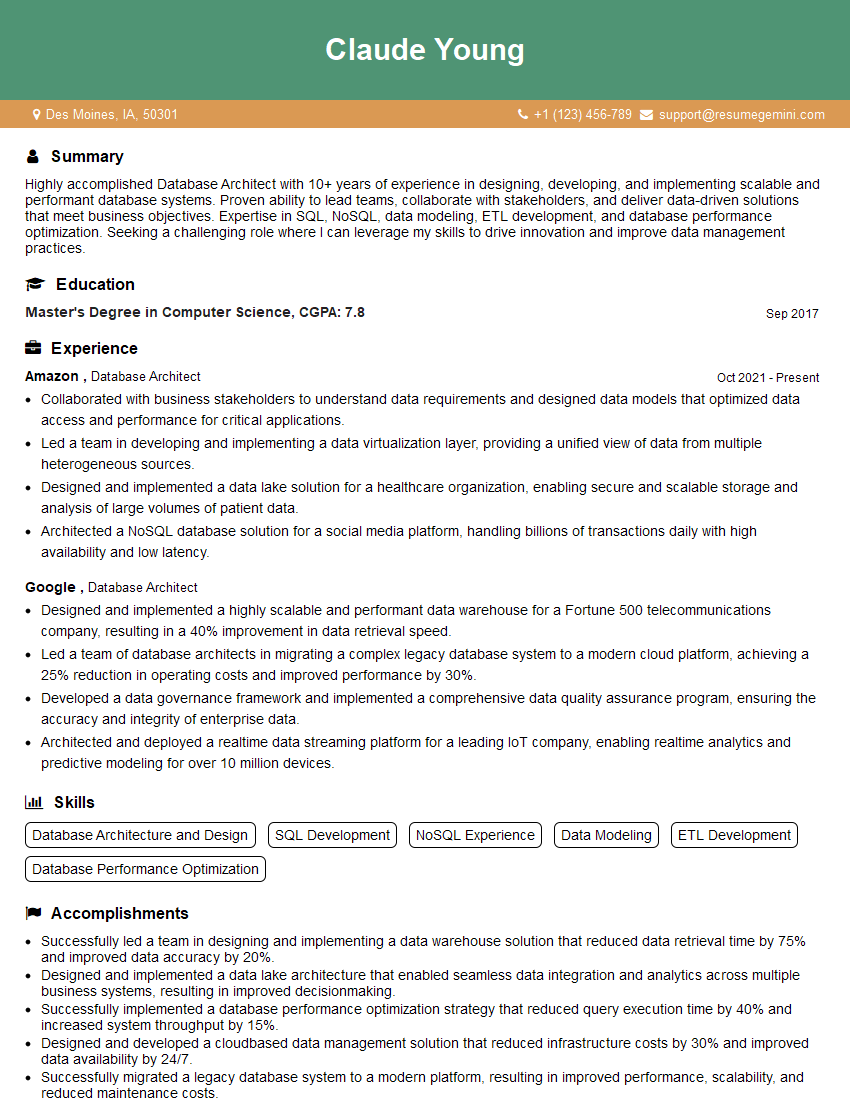
Database Architect Resume Sample
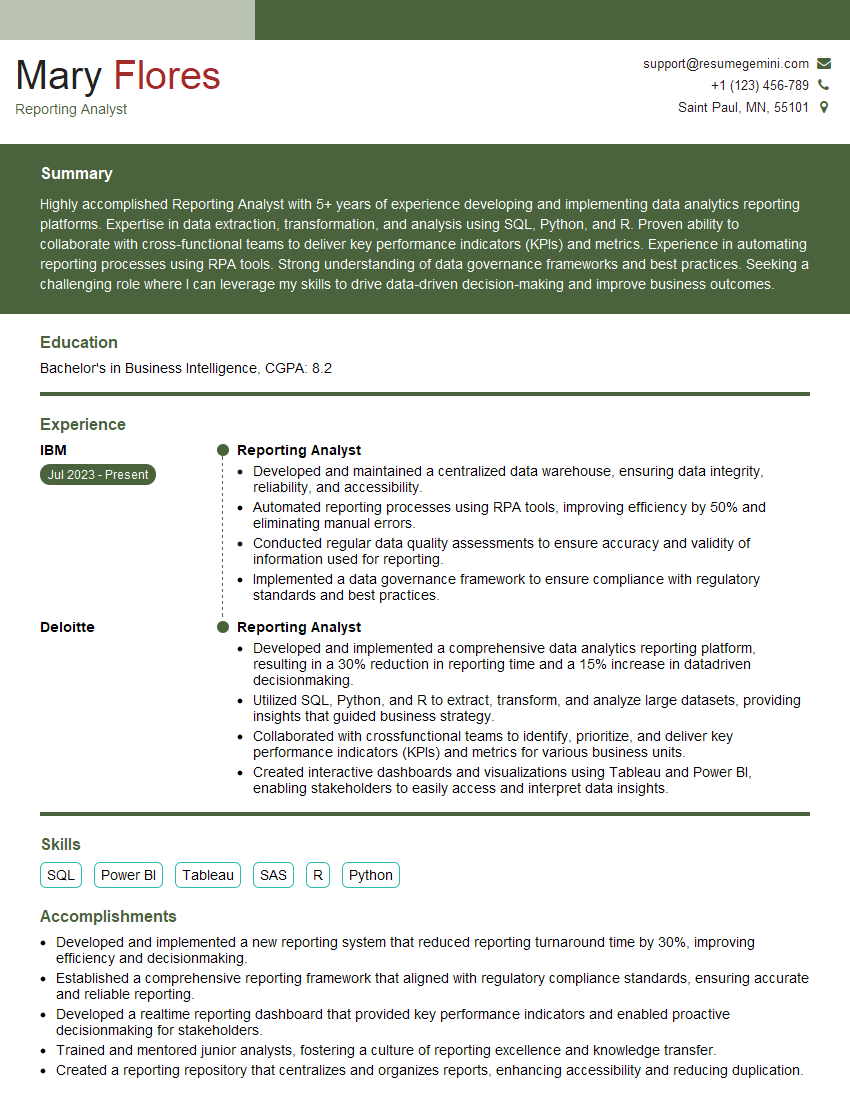
Reporting Analyst Resume Sample
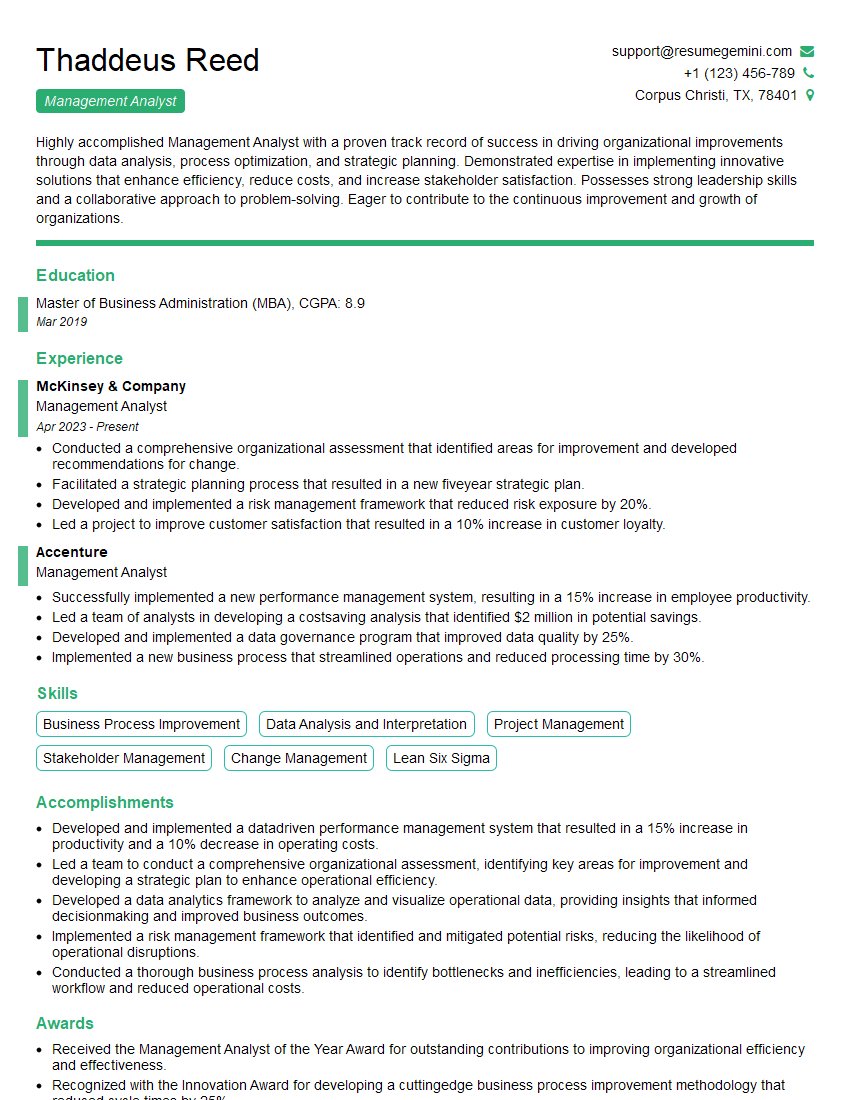
Management Analyst Resume Sample
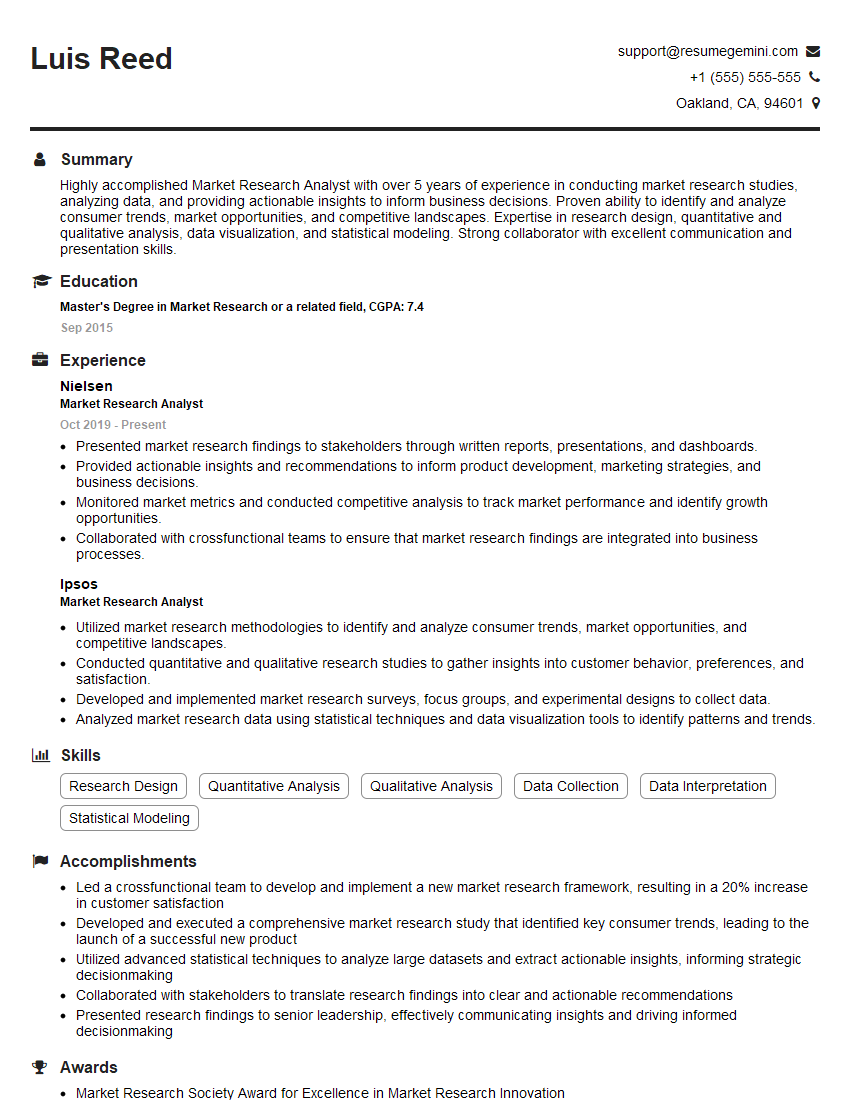
Market Research Analyst Resume Sample
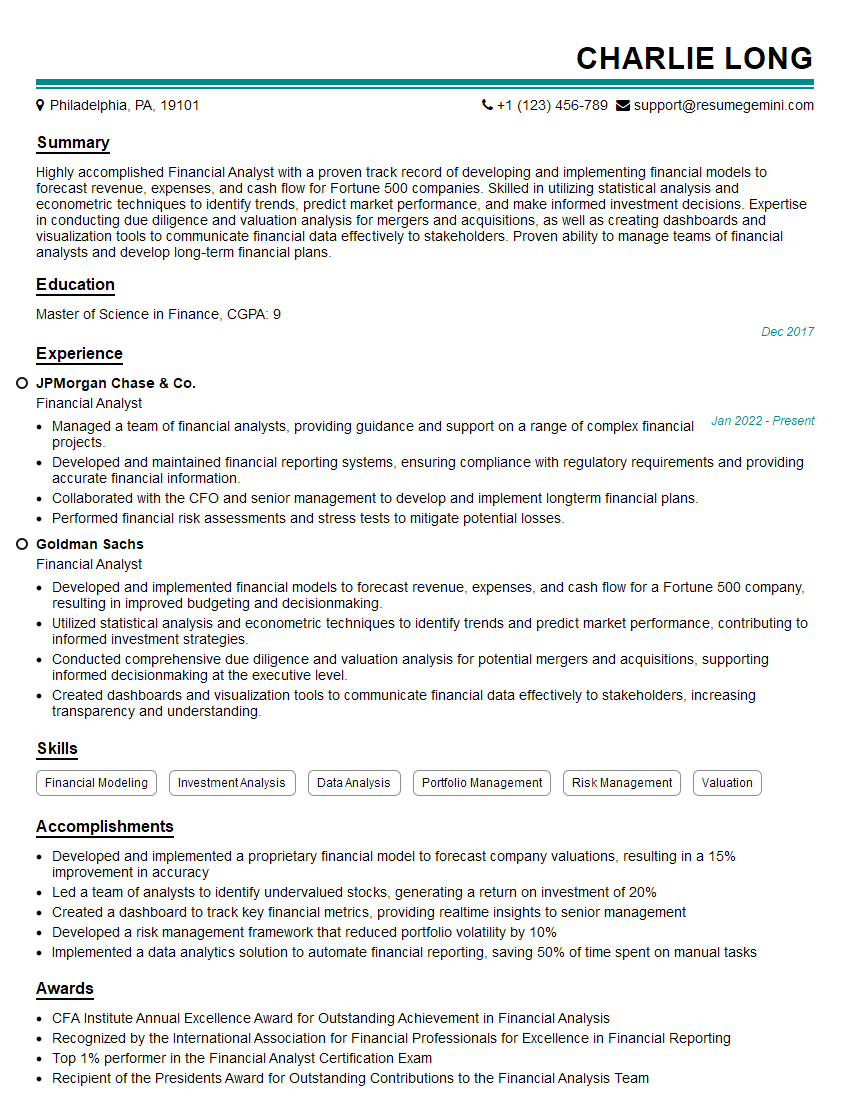
Financial Analyst Resume Sample

Data Analyst Resume Sample

Data Scientist Resume Sample
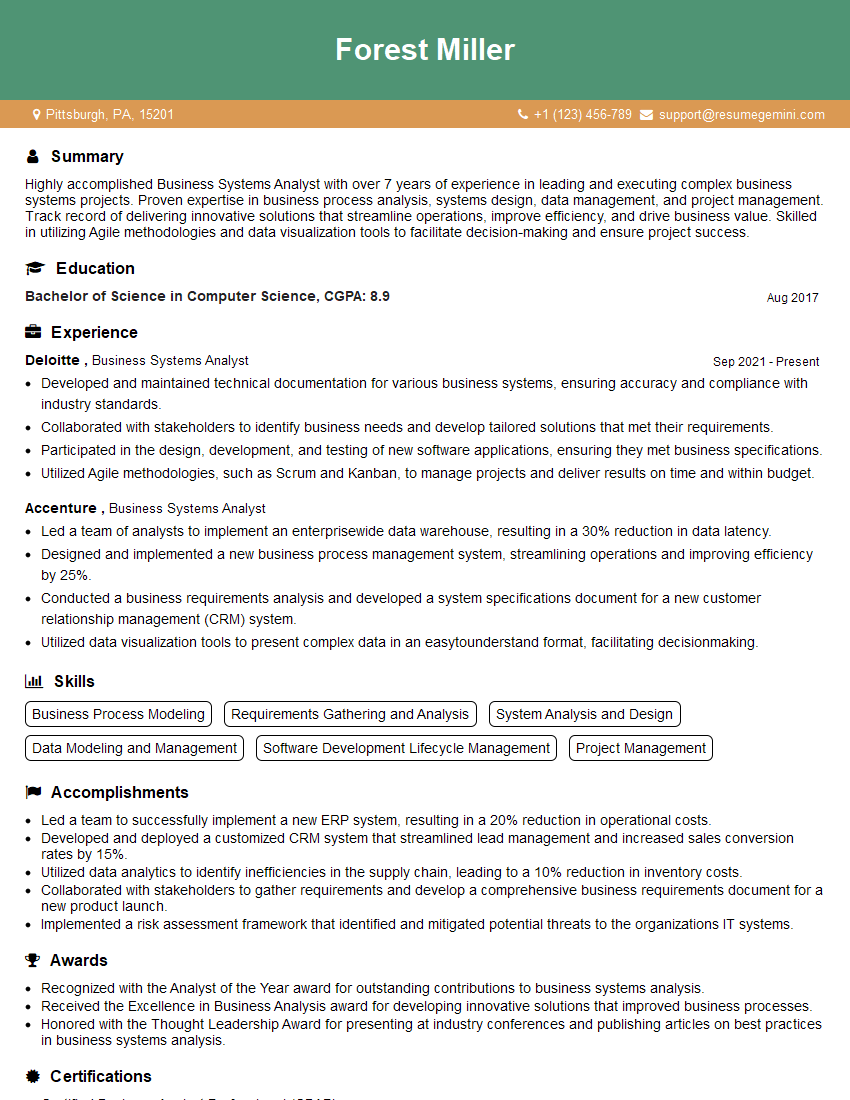
Business Systems Analyst Resume Sample
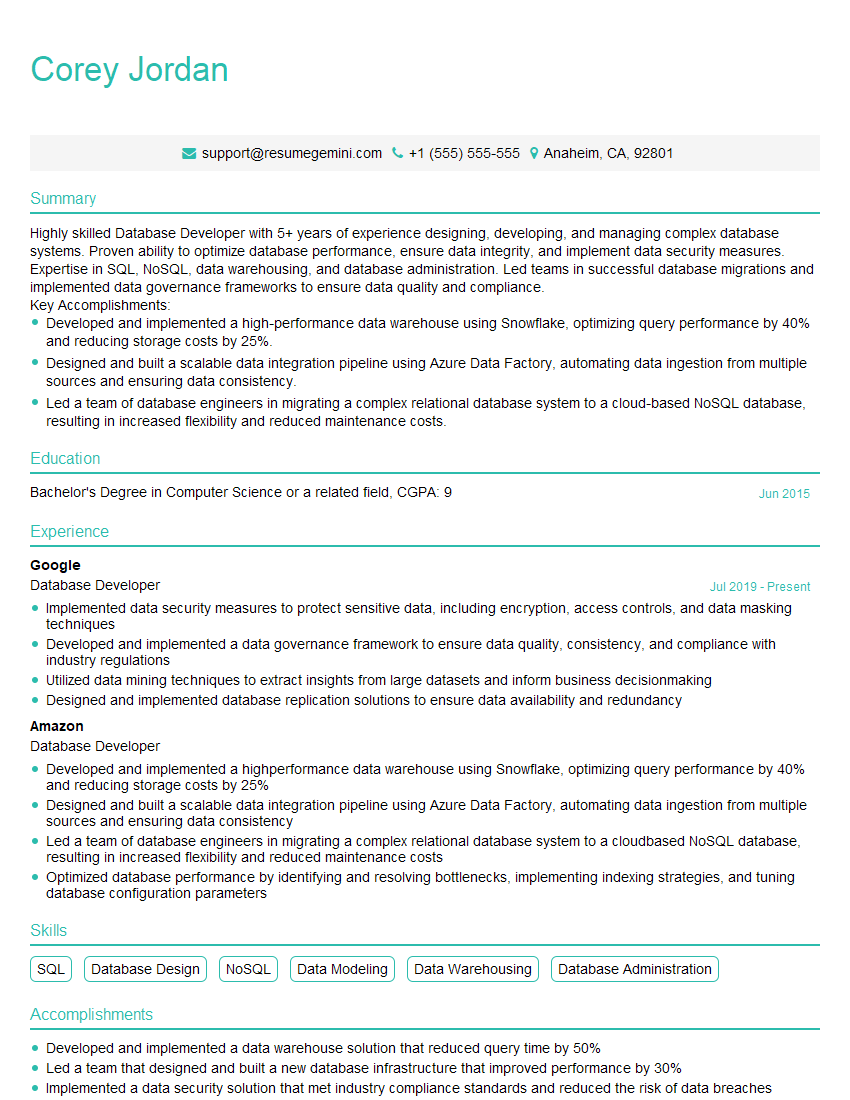
Database Developer Resume Sample
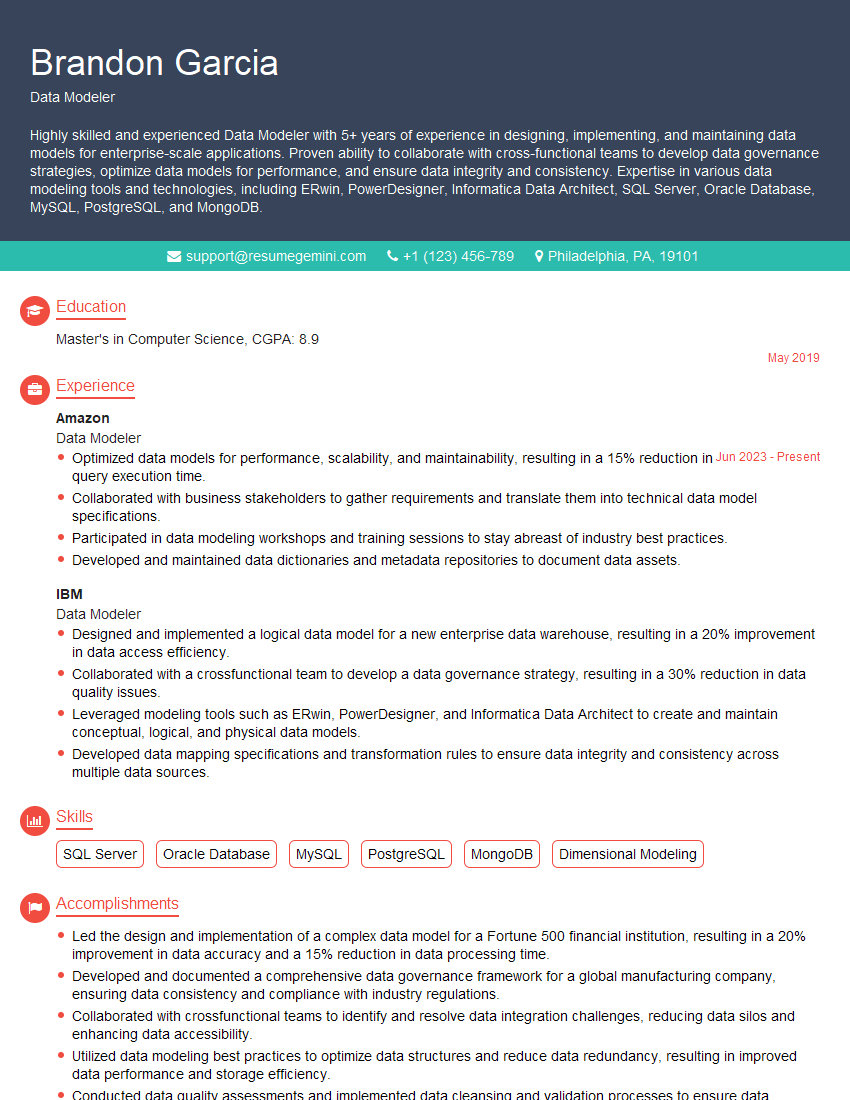
Data Modeler Resume Sample
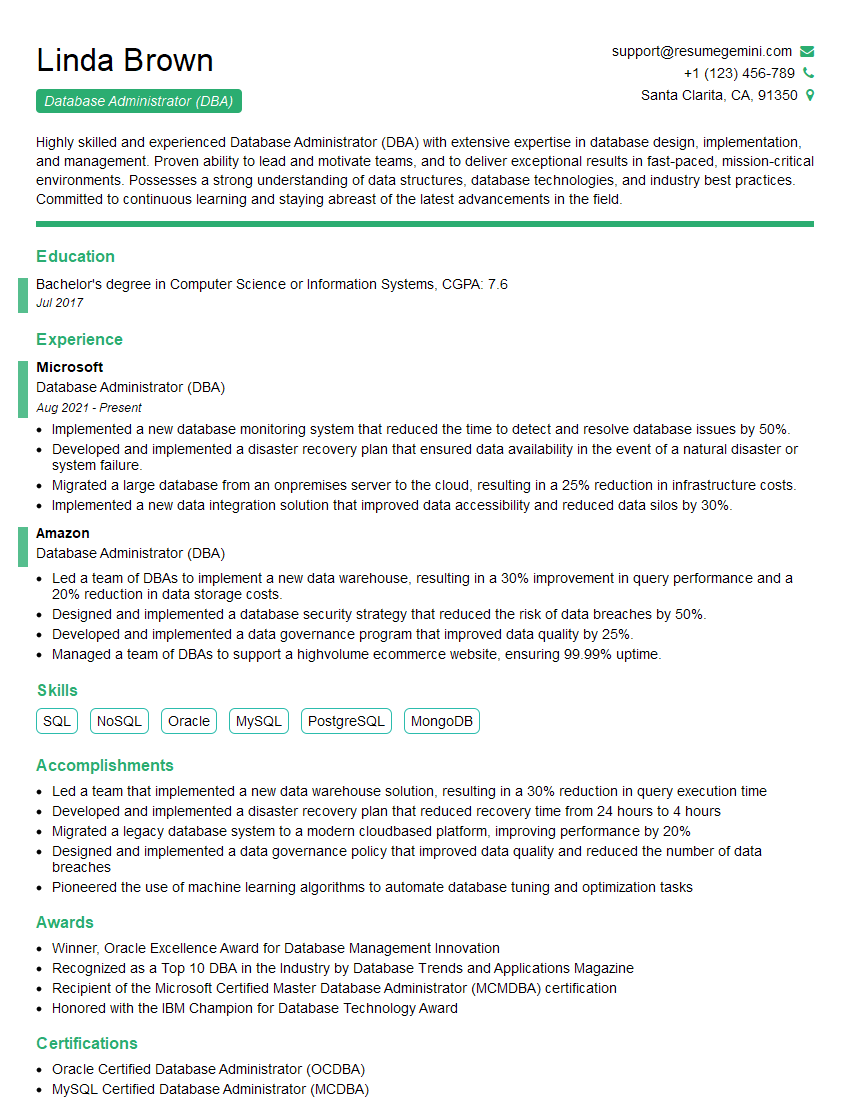
Database Administrator (DBA) Resume Sample

ETL Developer Resume Sample
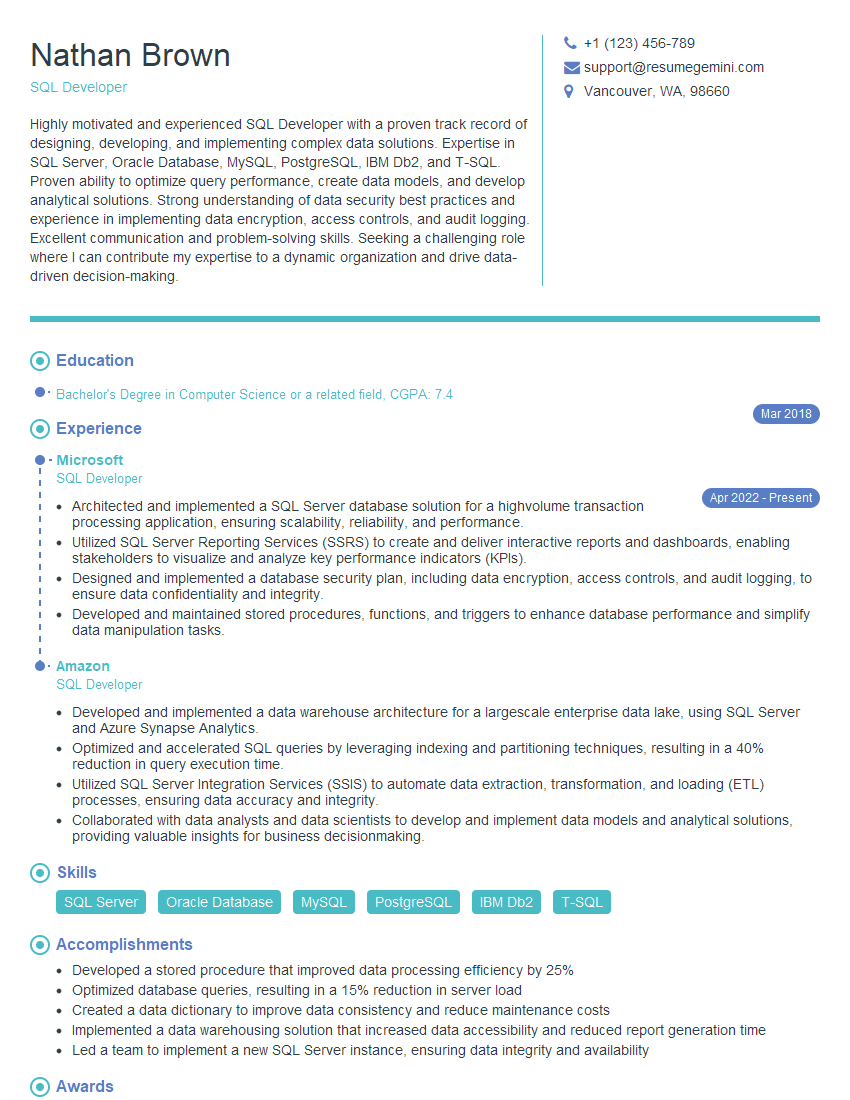
SQL Developer Resume Sample
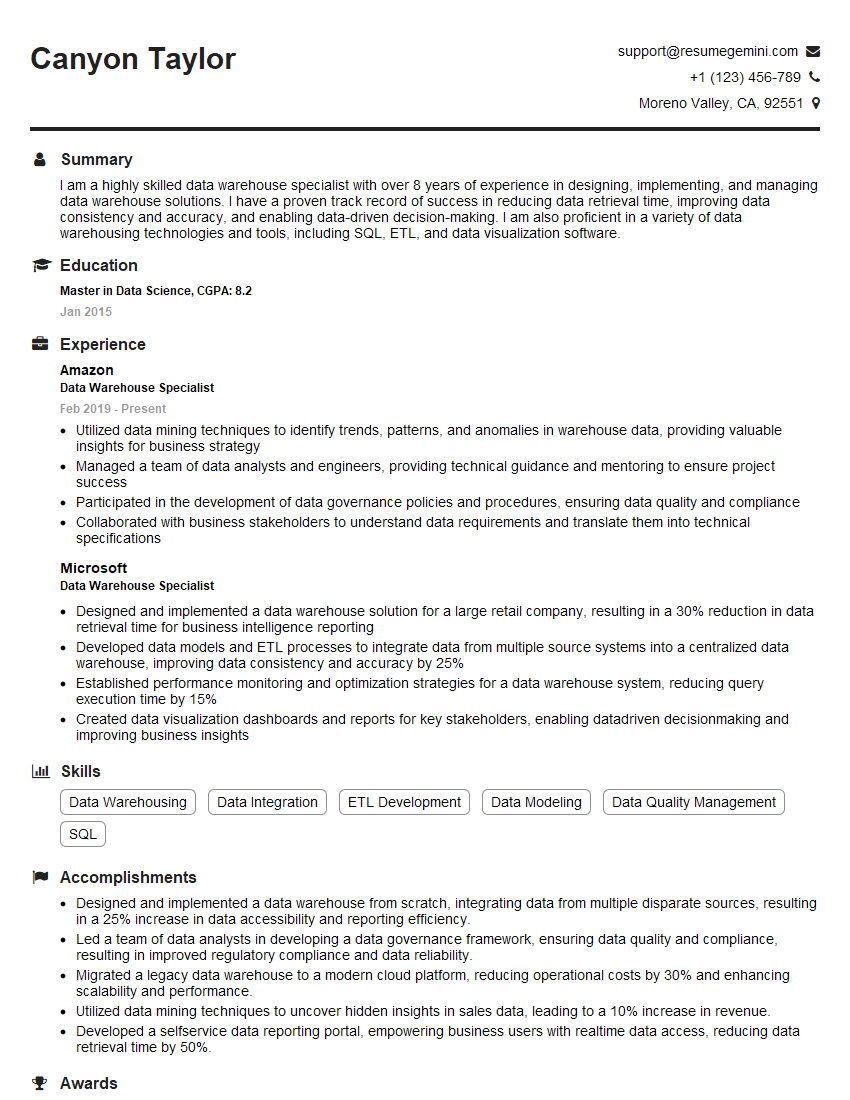
Data Warehouse Specialist Resume Sample

Business Intelligence Analyst Resume Sample
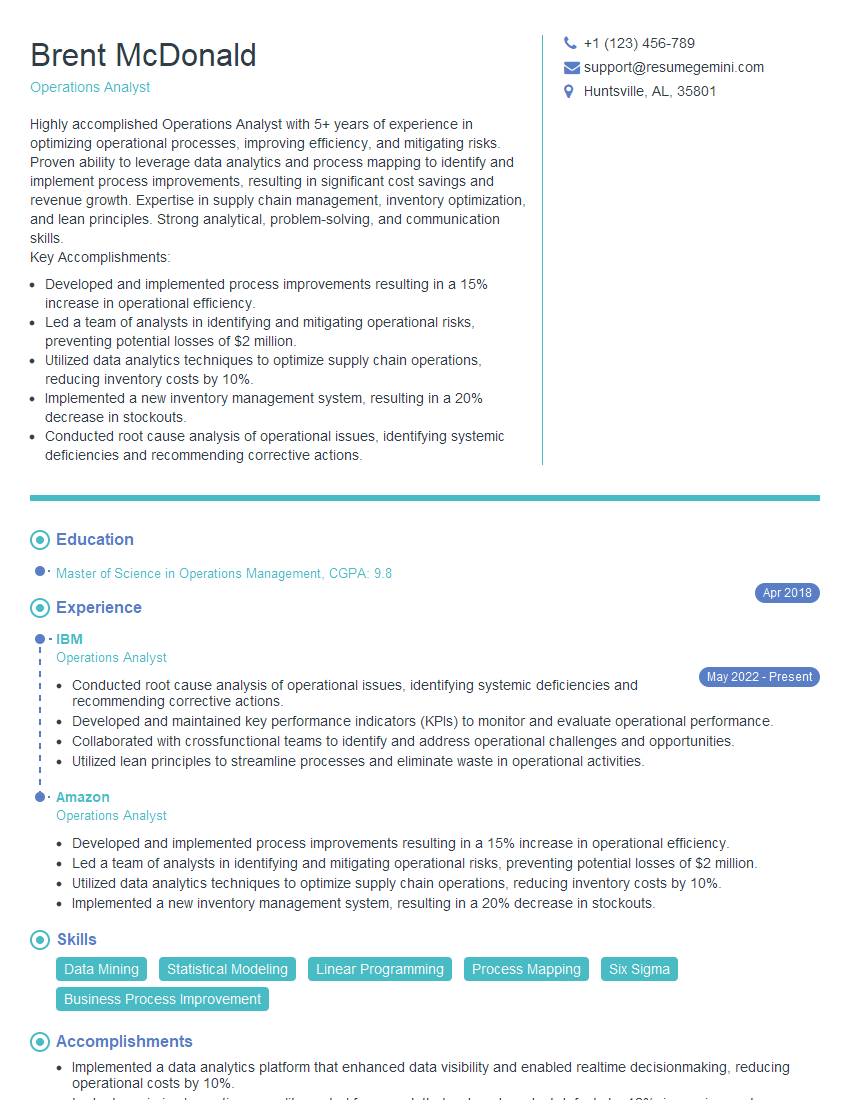
Operations Analyst Resume Sample
- Database Architect
- Reporting Analyst
- Management Analyst
- Market Research Analyst
- Financial Analyst
- Data Analyst
- Data Scientist
- Business Systems Analyst
- Database Developer
- Data Modeler
- Database Administrator (DBA)
- ETL Developer
- SQL Developer
- Data Warehouse Specialist
- Business Intelligence Analyst
- Operations Analyst
Explore more articles
Users Rating of Our Blogs
Share Your Experience
We value your feedback! Please rate our content and share your thoughts (optional).
What Readers Say About Our Blog
I Redesigned Spongebob Squarepants and his main characters of my artwork.
https://www.deviantart.com/reimaginesponge/art/Redesigned-Spongebob-characters-1223583608
IT gave me an insight and words to use and be able to think of examples
Hi, I’m Jay, we have a few potential clients that are interested in your services, thought you might be a good fit. I’d love to talk about the details, when do you have time to talk?
Best,
Jay
Founder | CEO