The right preparation can turn an interview into an opportunity to showcase your expertise. This guide to Digital Preservation and Digitization interview questions is your ultimate resource, providing key insights and tips to help you ace your responses and stand out as a top candidate.
Questions Asked in Digital Preservation and Digitization Interview
Q 1. Explain the concept of ‘born-digital’ and its implications for preservation.
“Born-digital” refers to materials that exist only in digital form from their creation. Unlike analog materials that are then digitized, born-digital content skips the physical step entirely. This has profound implications for preservation because it eliminates the possibility of a ‘master’ original. We are immediately reliant on digital technologies that are constantly evolving and potentially becoming obsolete. Imagine a file created in a now-defunct software program – accessing and rendering that content may become impossible without significant effort in emulation or conversion.
For example, a digital photograph taken with a smartphone and stored directly to cloud storage is born-digital. Its long-term preservation relies entirely on maintaining the access to the storage and the ability to view the specific file format. Contrast this with a photograph taken on film; a physical copy exists, allowing for re-digitization even if the original digital file is lost. The inherent instability of digital formats necessitates proactive preservation strategies for born-digital materials.
Q 2. Describe different digital preservation strategies (e.g., migration, emulation).
Digital preservation strategies aim to ensure long-term access to digital assets. Key strategies include:
- Migration: Converting files from one format to another (e.g., from a proprietary format like .avi to a more widely supported one like .mp4). This involves risks because of potential data loss during conversion. Think of this as moving house: You’re shifting your possessions to a new location, hoping nothing gets broken in the process. Regular migration is crucial as formats become obsolete.
- Emulation: Creating a software environment that mimics the original software or hardware needed to access the digital asset. This is particularly important for preserving software and games from the past. It’s like creating a virtual museum of old computer systems so you can still run the programs designed for them. It’s a more faithful approach than migration, but also complex and resource-intensive.
- Preservation Master Creation: This involves creating high-quality copies of digital objects, ideally in stable formats, for archival purposes. This is like having a master copy of a film negative for creating future prints; you’re focusing on the longevity of the object itself.
- Active Storage Management: This encompasses ongoing checks on storage, monitoring system health, and dealing with storage failures or migration needs. It’s akin to regular maintenance on your house – necessary to prevent decay.
Choosing the right strategy often depends on the specific asset and available resources. A balanced approach often combines multiple methods for comprehensive preservation.
Q 3. What are the key elements of a successful digital preservation policy?
A robust digital preservation policy is essential for ensuring the long-term accessibility and usability of digital assets. Key elements include:
- Scope and Objectives: Clearly defining what types of digital assets are covered and the goals of the preservation effort.
- Metadata Standards: Establishing consistent metadata schemas for describing and contextualizing digital assets. Without clear metadata, finding and understanding the assets later becomes nearly impossible.
- Selection Criteria: Defining criteria for selecting materials for preservation based on significance, value, and usage.
- Preservation Strategies: Outlining the specific strategies (migration, emulation, etc.) that will be employed.
- Storage and Access: Defining storage infrastructure, security measures, and access protocols.
- Risk Management: Identifying and mitigating potential risks to digital assets, including technological obsolescence, hardware failure, and security breaches.
- Monitoring and Evaluation: Establishing procedures for regular monitoring of preservation activities and evaluating their effectiveness.
- Budget and Resources: Securing appropriate funding and resources to sustain the preservation effort over the long term. Digital preservation is not a one-time project; it’s an ongoing commitment.
A good policy needs to be reviewed and updated regularly to adapt to technological changes and emerging challenges.
Q 4. Discuss the role of metadata in digital preservation.
Metadata is fundamental to digital preservation. It’s the descriptive information about a digital asset, providing context and making it findable, accessible, interoperable, and reusable (FAIR). It’s like the catalog card for a book, guiding researchers to the right item and explaining its contents.
Examples of crucial metadata include:
- Descriptive Metadata: Title, creator, date created, subject keywords.
- Structural Metadata: Information about the organization of a digital asset, such as chapters in a book or frames in a video.
- Administrative Metadata: Information about the management and handling of the asset, like access rights and version history.
Without appropriate metadata, finding and understanding preserved digital objects becomes nearly impossible, rendering the entire preservation effort largely useless. Consistent use of established metadata schemas (like Dublin Core or METS) is essential for interoperability and long-term accessibility.
Q 5. What are the challenges of long-term preservation of various digital formats?
Long-term preservation of digital formats faces several significant challenges:
- Format Obsolescence: Software and hardware used to create and access certain formats become obsolete, making access impossible.
- Bit Rot: Data corruption over time due to physical media degradation or storage errors. It’s like an old photograph fading in the sun.
- Hardware Dependence: Many formats rely on specific hardware to function, creating significant access issues when this hardware is no longer available.
- Software Dependence: Many formats are dependent on specific software for access and rendering. As software is updated, or companies go out of business, access becomes problematic.
- Data Migration Costs: The cost of migrating data between formats over time can become prohibitive.
- Security Vulnerabilities: Digital assets can be vulnerable to cyberattacks and data breaches.
Addressing these challenges requires a proactive and multi-faceted approach that encompasses careful format selection, regular migration, emulation strategies, and robust security measures. Choosing stable, open formats and planning for future technological shifts is crucial.
Q 6. How do you assess the risk to digital assets?
Risk assessment for digital assets involves identifying and evaluating potential threats to their preservation. This is a systematic process that typically follows these steps:
- Identify Assets: Cataloging all digital assets to be preserved, including their format, location, and significance.
- Identify Threats: Evaluating potential threats such as hardware failure, software obsolescence, security vulnerabilities, human error, natural disasters, and bit rot.
- Assess Vulnerabilities: Determining the likelihood and potential impact of each threat on the assets.
- Prioritize Risks: Ranking risks based on their likelihood and potential impact. High-risk assets require immediate attention.
- Develop Mitigation Strategies: Developing strategies to reduce the likelihood and impact of identified risks (e.g., using redundant storage, migrating to new formats, implementing security measures).
- Implement and Monitor: Putting mitigation strategies into place and regularly monitoring their effectiveness.
Risk assessment should be a continuous process, regularly updated as technology evolves and new threats emerge. A well-defined risk management plan is crucial for effective digital preservation.
Q 7. Explain the concept of digital object identifiers (DOIs).
A Digital Object Identifier (DOI) is a persistent identifier that provides a unique, stable, and resolvable link to a digital object. Think of it as a permanent address for a digital asset, even if the asset’s location changes. It’s analogous to a street address – it remains constant, even if the house numbers change.
DOIs are crucial for digital preservation because they:
- Ensure Persistent Linking: Allow researchers and others to access a digital asset even if its location or URL changes.
- Improve Citation and Discovery: Make it easier to cite and discover digital objects in scholarly publications and other contexts.
- Enhance Interoperability: Facilitate interoperability between different digital repositories and information systems.
In practice, a DOI system typically involves registering the digital object with a DOI registration agency, which assigns a unique identifier. Then, a resolver service maps the DOI to the actual location of the digital object. This ensures a stable link, even if the original hosting repository is no longer available.
Q 8. What are the different types of digital repositories, and their strengths/weaknesses?
Digital repositories are systems designed to store, manage, and provide access to digital objects. They vary widely in their features and capabilities. Here are some common types:
- Institutional Repositories: These are often found in universities, museums, and archives. They focus on preserving and sharing research data, scholarly publications, and institutional records. Strengths: Established infrastructure, strong community support, often well-funded. Weaknesses: Can be inflexible, may lack specialized features for diverse content types.
- Specialized Repositories: These are designed for specific types of digital objects, such as images, audio, or video. They often incorporate specialized metadata schemas and preservation tools. Strengths: Optimized for specific content, expert knowledge within the community. Weaknesses: May not be suitable for diverse collections, limited interoperability.
- Cloud-based Repositories: These leverage cloud computing infrastructure for scalability and cost-effectiveness. Strengths: Scalability, cost-efficiency, accessibility. Weaknesses: Dependence on third-party providers, potential security and privacy concerns, vendor lock-in.
- Hybrid Repositories: These combine aspects of different repository types, often integrating on-premise infrastructure with cloud-based services. Strengths: Flexibility, scalability, control over data. Weaknesses: Increased complexity, potential integration challenges.
The best choice of repository depends heavily on the nature of the digital objects, the resources available, and the long-term preservation goals.
Q 9. Describe your experience with different metadata schemas (e.g., Dublin Core, MODS).
My experience encompasses a wide range of metadata schemas, including Dublin Core and MODS. Dublin Core is a simple and widely adopted schema, ideal for basic descriptive metadata like title, creator, and subject. It’s great for quick cataloging but can lack the depth needed for complex objects. I’ve used it extensively for quick indexing of large datasets.
MODS (Metadata Object Description Schema) offers much greater granularity and expressiveness, allowing for more detailed descriptions of content, such as specific publication information for books or technical specifications for images. In one project, we utilized MODS to comprehensively describe a collection of historical maps, capturing information about cartographic projections, scales, and geographic coverage. The selection of the appropriate schema always depends on the level of detail needed and the intended use of the metadata.
Q 10. How do you ensure the authenticity and integrity of digital objects?
Ensuring the authenticity and integrity of digital objects is crucial for digital preservation. This involves a multi-faceted approach:
- Fixity Checking: Regularly verifying the digital object’s integrity using checksums (discussed in the next question). This detects any unauthorized alterations.
- Provenance Tracking: Documenting the entire lifecycle of a digital object—from creation to storage—to track its origin and any changes. This might involve keeping detailed logs and maintaining a chain of custody.
- Digital Signatures: Employing digital signatures to verify the authenticity and prevent tampering. This adds a layer of trust and accountability.
- Access Control: Implementing robust access control mechanisms to restrict modifications to authorized personnel only.
- Secure Storage: Utilizing secure storage environments to protect digital objects from accidental or malicious deletion or corruption.
Think of it like a museum cataloging a priceless artifact: detailed records, secure storage, and regular inspections are all essential.
Q 11. Explain the importance of checksums in digital preservation.
Checksums are cryptographic hashes that generate a unique digital fingerprint for a digital object. They are crucial for verifying the integrity of digital objects over time. Even the slightest change to the object will result in a different checksum.
For example, if we calculate the SHA-256 checksum of a digital image today and then again in five years, a match indicates that the image hasn’t been altered. A mismatch signals potential corruption or tampering. Checksums are essential for ensuring long-term authenticity and reliability. They form a cornerstone of digital preservation best practices. We typically store checksums alongside digital objects in a secure and readily accessible manner.
Q 12. Describe your experience with digital asset management systems (DAMS).
My experience with Digital Asset Management Systems (DAMS) includes both implementation and administration. I’ve worked with systems ranging from open-source solutions to commercial platforms, each with strengths and weaknesses. DAMS are critical for managing large volumes of diverse digital assets, enabling efficient organization, searching, and retrieval. A key aspect of my experience has been customizing metadata schemas and workflows within DAMS to meet the specific requirements of different projects. For example, in one project we integrated a DAMS with a digital repository to streamline the workflow of ingest and long-term preservation.
Key considerations when selecting and implementing a DAMS include scalability, interoperability, security features, and user-friendliness. A well-chosen and implemented DAMS significantly enhances efficiency and improves the overall management of a digital asset collection.
Q 13. What are the ethical considerations in digital preservation?
Ethical considerations in digital preservation are paramount. They include:
- Bias and Representation: Ensuring that the digital content reflects diversity and avoids perpetuating biases. This requires careful selection of materials and mindful curation practices.
- Access and Equity: Making digital materials accessible to a broad audience, regardless of their location, ability, or socioeconomic status. This involves considerations of usability and accessibility standards.
- Privacy and Confidentiality: Protecting the privacy and confidentiality of individuals and organizations represented in the digital content. This often requires anonymization techniques or careful permission management.
- Transparency and Openness: Being open about the selection criteria, preservation methods, and any potential limitations of the preserved digital content. This builds trust and allows for scrutiny.
Digital preservation is not just about technology; it’s also about ensuring fairness, inclusivity, and responsible stewardship of cultural heritage.
Q 14. How do you handle copyright and intellectual property issues in digital preservation?
Copyright and intellectual property (IP) issues are central to digital preservation. Before undertaking any preservation efforts, it’s crucial to determine ownership and usage rights. This often involves a careful review of copyright licenses, contracts, and other legal documentation.
Strategies for handling copyright include:
- Obtaining Permissions: Securing necessary permissions from copyright holders for the preservation and dissemination of the digital materials. This can be a lengthy process, requiring clear communication and meticulous documentation.
- Working with Rights Holders: Collaborating with copyright holders to establish clear guidelines for the use and access of their materials. This fosters a collaborative approach to preservation.
- Utilizing Public Domain Materials: Prioritizing the preservation of materials already in the public domain to avoid copyright complications.
- Creative Commons Licenses: Utilizing Creative Commons licenses to provide clear guidelines for the use and sharing of digital content. This enhances transparency and simplifies permissions management.
Navigating copyright and IP is a complex legal landscape that necessitates collaboration with legal counsel and careful attention to detail. Transparency and respect for intellectual property rights are critical in ensuring the ethical and legal sustainability of digital preservation initiatives.
Q 15. Explain the difference between preservation and access.
Preservation and access, while both crucial for digital assets, have distinct focuses. Preservation ensures the long-term survival and usability of digital materials, safeguarding them against technological obsolescence, data corruption, and media degradation. Think of it as building a sturdy, long-lasting archive. Access, on the other hand, centers on making these preserved materials readily available to users in a timely and efficient manner. It’s about creating user-friendly interfaces and efficient retrieval systems. They are interconnected; you can’t have good access without proper preservation, but excellent preservation doesn’t guarantee seamless access.
For example, a library might meticulously preserve a digital archive of historical newspapers (preservation) by migrating the content to new formats and storing it redundantly. However, if they don’t provide a user-friendly search engine and appropriate viewing software, users cannot easily access that archive (lack of access). Both elements are vital for a successful digital repository.
Career Expert Tips:
- Ace those interviews! Prepare effectively by reviewing the Top 50 Most Common Interview Questions on ResumeGemini.
- Navigate your job search with confidence! Explore a wide range of Career Tips on ResumeGemini. Learn about common challenges and recommendations to overcome them.
- Craft the perfect resume! Master the Art of Resume Writing with ResumeGemini’s guide. Showcase your unique qualifications and achievements effectively.
- Don’t miss out on holiday savings! Build your dream resume with ResumeGemini’s ATS optimized templates.
Q 16. Describe your experience with various digital imaging techniques.
My experience spans various digital imaging techniques, ranging from simple scanning of photographs and documents to more advanced techniques like multispectral imaging and 3D scanning. I’ve worked extensively with different scanners, including flatbed, drum, and book scanners, adapting the technique to the specific material and desired outcome. For instance, when scanning fragile historical documents, I’ve utilized book cradles and specialized lighting to minimize damage and improve image quality. With multispectral imaging, I’ve successfully recovered faded text from old photographs and documents, revealing information otherwise lost. In handling artwork, I’ve employed techniques like infrared and ultraviolet imaging to detect alterations and hidden details. My understanding also includes image processing, ensuring accurate color reproduction, noise reduction, and metadata embedding for optimal preservation.
Q 17. What are the challenges of preserving multimedia content (audio, video)?
Preserving multimedia content presents unique challenges due to the complexity of these formats and their reliance on evolving technologies. Audio and video files are significantly larger than text documents, demanding more storage space and bandwidth. Format obsolescence is a major hurdle; the software or hardware needed to play a video file from 1995 might not be readily available or compatible with modern systems. Further complicating this is the potential for bit rot (data corruption) which can cause subtle or significant degradation over time. Metadata, crucial for identification and management, might be incomplete or inconsistent across various formats. Finally, maintaining the authenticity and integrity of these materials, preventing unauthorized modifications or edits, also requires robust security and preservation strategies. A practical example would be the challenge of preserving VHS tapes, which require specific hardware now increasingly unavailable, and the degradation of the tapes themselves over time.
Q 18. How do you prioritize preservation efforts with limited resources?
Prioritizing preservation efforts with limited resources requires a strategic approach. I would employ a risk assessment framework, identifying the most valuable and at-risk digital assets. This could involve factors like historical significance, unique content, and vulnerability to technological obsolescence or physical damage. A scoring system might be developed to weight these factors. For example, irreplaceable archival film footage would likely score higher than less significant digital documents. Once prioritized, I would focus on implementing cost-effective preservation strategies, such as migrating data to more stable formats, implementing data backups and redundancy, and adopting open standards to minimize future format obsolescence risks. I would also focus on building community collaborations and partnerships to share resources and expertise.
Q 19. Discuss your experience with digital preservation standards (e.g., OAIS).
I have extensive experience working with the Open Archival Information System (OAIS) reference model. I understand its six components—the Reference Model, the Ingestion, the Storage, the Access, the Administration, and the Security—and how they collectively ensure long-term digital preservation. In practice, this involves selecting appropriate metadata schemas (like Dublin Core), implementing robust storage strategies (using checksums to verify data integrity and employing multiple storage locations for redundancy), and developing preservation action plans that outline procedures for migrating data and adapting to technological changes. OAIS provides a framework for building sustainable digital archives, ensuring that the integrity and accessibility of materials are maintained over decades. My experience extends to the practical application of OAIS, including its implementation in various digital repositories and archival systems.
Q 20. What are the key performance indicators (KPIs) for a digital preservation program?
Key Performance Indicators (KPIs) for a digital preservation program should measure both the effectiveness of preservation actions and the accessibility of the materials. These could include: the percentage of digital assets successfully migrated to newer formats; the number of data integrity checks performed and passed; storage costs per gigabyte; the number of successful user accesses; the average response time for retrieval; and the number of preservation actions planned and completed. Tracking the successful completion of preservation actions (e.g. file migrations or media refreshes) and comparing them against the planned number gives an indication of efficiency. Regularly monitoring the storage system’s health, including disk space usage and any errors, is vital. It is also crucial to track user statistics to understand the access patterns and assess the effectiveness of the access systems.
Q 21. Describe your experience with disaster recovery planning for digital assets.
Disaster recovery planning is paramount for digital assets. My approach involves developing a comprehensive plan addressing various disaster scenarios—fire, flood, power outages, cyberattacks, etc. This plan would include offsite backups of all critical data, preferably using geographically dispersed storage locations to mitigate risks from regional disasters. It would also specify procedures for data recovery and system restoration. Regular testing of the disaster recovery plan is vital to ensure its effectiveness. This includes simulating a disaster scenario to verify the functionality of backup systems and the recovery processes. It also involves staff training to ensure everyone understands their roles and responsibilities in case of a disaster. An important component is the regular review and update of the plan, adapting it to reflect changes in technology, infrastructure, and organizational structure. Finally, a clear communication plan would ensure timely and effective information sharing during and after a disaster.
Q 22. How do you ensure the interoperability of different digital preservation systems?
Ensuring interoperability between different digital preservation systems is crucial for long-term access and usability. Think of it like building with LEGOs – you want all the bricks to fit together seamlessly. We achieve this through standardization and the use of open formats and protocols.
- Open Standards: Adopting widely accepted standards like OAIS (Open Archival Information System) provides a framework for metadata, storage, and access. This ensures different systems can understand and exchange information consistently.
- Metadata Schemas: Using common metadata schemas (like Dublin Core) allows different systems to describe digital objects in a uniform way, enabling discovery and retrieval across platforms. Imagine each LEGO brick having a standardized label describing its size and color.
- API Integration: Implementing Application Programming Interfaces (APIs) allows different systems to communicate and share data programmatically. This is like having a system that automatically sorts and connects LEGO bricks based on their characteristics.
- Interoperability Testing: Regular testing ensures that the systems can interact effectively and that any issues are identified and resolved early. This is akin to building a large LEGO structure and testing its stability along the way.
For example, we might use a preservation system for ingest and storage, a different one for access and retrieval, and integrate them using an API to ensure a smooth workflow. This layered approach promotes flexibility and robustness.
Q 23. Explain the importance of user training and education in digital preservation.
User training and education are absolutely paramount in digital preservation. Without it, even the best system will fail. It’s like having a beautiful library with no one knowing how to find or use the books.
- Awareness of Best Practices: Training ensures users understand the importance of proper file naming, metadata creation, and format selection, all critical for long-term access.
- System Proficiency: Users need training on how to use the preservation system itself – how to ingest files, manage metadata, and retrieve content. This is vital for efficient workflow.
- Risk Management: Education should cover potential risks, such as file corruption or obsolescence, and how to mitigate them. Think of it as fire safety training for the digital world.
- Long-Term Planning: Training should also emphasize the long-term nature of digital preservation, fostering a culture of responsibility and stewardship.
Imagine a scenario where researchers are unaware of the importance of using appropriate file formats. They might upload files in proprietary formats that become inaccessible later on, jeopardizing the entire preservation effort. Proper training prevents this.
Q 24. What are some common file format risks and how to mitigate them?
File format risks are a major concern in digital preservation. They stem from the fact that software and hardware evolve, rendering some formats unusable over time. Think of trying to play a vinyl record on a modern MP3 player.
- Proprietary Formats: These are often tied to specific software vendors and can become inaccessible if the software is discontinued. Microsoft’s older .doc format is a good example.
- Obsolescence of Software: The software needed to open a file format may become obsolete, unavailable, or unsupported, making the file unreadable.
- Bit Rot: Over time, data can be corrupted due to storage media degradation. This is a physical risk that requires regular backups and checks.
- Format Degradation: Some formats may contain inherent weaknesses that cause data loss or deterioration even without external factors.
Mitigation strategies include:
- Migration: Regularly converting files to newer, more stable formats.
- Emulation: Using software emulators to run older applications capable of opening obsolete files.
- Wrappers: Creating self-contained packages that include the file and the necessary software to open it.
- Redundancy: Storing multiple copies of files in different locations to protect against data loss.
Q 25. Describe your experience with digital forensics techniques relevant to preservation.
My experience with digital forensics is heavily relevant to digital preservation, particularly in recovering corrupted or damaged data. The techniques overlap significantly.
- Data Recovery: Forensic techniques like file carving can be used to recover data from corrupted storage media or damaged files. This is like piecing together a broken vase.
- Authentication and Validation: Forensic tools and methods can verify the authenticity and integrity of digital objects, ensuring that what’s being preserved is indeed the original material. This ensures that we’re not preserving inaccurate or altered information.
- Chain of Custody: Similar to forensic investigations, maintaining a clear chain of custody for digital objects is essential to ensure their provenance and integrity are maintained throughout the preservation lifecycle.
- Analysis of Deleted Files: Forensic tools can often recover deleted files, preserving information that may have otherwise been lost. This is crucial for ensuring a complete record.
For instance, I have utilized file carving techniques to recover fragmented images from a failing hard drive intended for archival, ensuring the complete preservation of valuable historical photographs.
Q 26. How do you evaluate and select appropriate preservation technologies?
Selecting appropriate preservation technologies involves a careful evaluation process. It’s like choosing the right tools for a complex construction project – you need the right ones for the job.
- Needs Assessment: First, we thoroughly assess the specific needs of the archive, considering the types of materials, volume of data, and long-term goals.
- Format Support: We must ensure the technology supports the formats of the digital objects to be preserved, both currently and with potential future migrations.
- Scalability: The system should be scalable to accommodate future growth and changes in data volume.
- Security: Robust security measures are vital to prevent unauthorized access and data loss. This includes access controls, encryption, and disaster recovery planning.
- Vendor Support: We also evaluate the vendor’s reputation, their long-term commitment to the technology, and the level of support they provide.
- Cost-Effectiveness: Finally, we analyze the total cost of ownership, including initial investment, maintenance, and ongoing support.
For example, if we are preserving large video files, we need a system with high storage capacity and efficient data management features. The selection process takes all these factors into account to ensure a sustainable and effective preservation solution.
Q 27. What are your strategies for managing evolving technology and formats?
Managing evolving technology and formats requires a proactive and adaptable approach. It’s like navigating a constantly changing landscape, requiring agility and foresight.
- Regular Audits: Conduct regular audits of the formats in the archive to identify those at risk of obsolescence.
- Migration Planning: Develop a plan for migrating files to newer, more stable formats as needed. This might involve incremental migrations to avoid overwhelming the system.
- Technology Monitoring: Keep abreast of advancements in preservation technologies and standards to inform future decisions.
- Format Preservation Strategies: Implement strategies like emulation and encapsulation to ensure long-term access even when software changes. Emulation runs older applications in a virtual environment, while encapsulation bundles the file with the necessary software.
- Community Engagement: Participate in relevant professional communities and conferences to stay informed about best practices and evolving technologies.
For example, a proactive strategy might involve migrating all JPEG files to a newer, more robust format every five years, minimizing the risk of future inaccessibility.
Q 28. How would you approach the preservation of a large and complex digital archive?
Preserving a large and complex digital archive requires a systematic and phased approach. Think of it like building a skyscraper – you don’t just throw everything together at once.
- Planning and Assessment: Begin with a thorough assessment of the archive’s size, scope, and content types. This includes developing a detailed preservation plan.
- Metadata Creation: Develop a comprehensive metadata strategy to ensure accurate and detailed descriptions of the digital objects. Rich metadata is crucial for long-term discoverability and understanding.
- Phased Ingestion: Instead of attempting to ingest everything at once, adopt a phased approach to allow for controlled implementation and system testing.
- Risk Assessment and Mitigation: Identify potential risks (e.g., data loss, format obsolescence) and develop mitigation strategies, such as redundant storage and regular format migrations.
- Storage Management: Choose a robust and scalable storage infrastructure, including both online and offline storage options for redundancy and disaster recovery.
- Access and Retrieval: Develop user-friendly access and retrieval tools to ensure that the archive remains accessible to researchers and other stakeholders.
- Continuous Monitoring: Implement a continuous monitoring system to track the health of the archive and identify potential problems.
For example, a phased ingestion approach might involve prioritizing the most valuable or at-risk materials first. This ensures that the most important assets are preserved early on.
Key Topics to Learn for Digital Preservation and Digitization Interview
- Digital Asset Formats and Metadata: Understanding various file formats (TIFF, JPEG 2000, etc.), metadata schemas (Dublin Core, MODS), and their implications for long-term preservation.
- Preservation Planning and Strategies: Developing comprehensive preservation plans, including risk assessment, migration strategies, and disaster recovery planning. Practical application: Designing a preservation plan for a specific collection of historical photographs.
- Digitization Workflow and Quality Control: Mastering the entire digitization process, from image capture and processing to quality assurance and metadata creation. Practical application: Implementing quality control measures to ensure the accuracy and fidelity of digitized materials.
- Storage Technologies and Infrastructure: Familiarity with different storage solutions (cloud storage, optical media, etc.), their strengths and weaknesses, and strategies for ensuring data integrity and accessibility.
- Digital Preservation Technologies and Tools: Understanding and applying various software and hardware solutions for digital preservation, including archival systems and digital repositories. Practical application: Choosing appropriate software for managing a large collection of born-digital documents.
- Digital Rights Management (DRM) and Intellectual Property: Understanding copyright, licensing, and access restrictions related to digital assets and implementing appropriate DRM strategies.
- Standards and Best Practices: Familiarity with relevant standards and best practices from organizations like OAIS, PREMIS, and Trusted Digital Repositories. Practical application: Applying OAIS principles to design a digital repository.
- Data Integrity and Authentication: Understanding techniques for ensuring data integrity and authenticity, including checksums, digital signatures, and provenance tracking.
- Disaster Recovery and Business Continuity: Developing and implementing plans to protect digital assets from loss or damage due to disasters or system failures.
- Ethical Considerations in Digital Preservation: Understanding the ethical implications of digital preservation practices, including issues of access, bias, and representation.
Next Steps
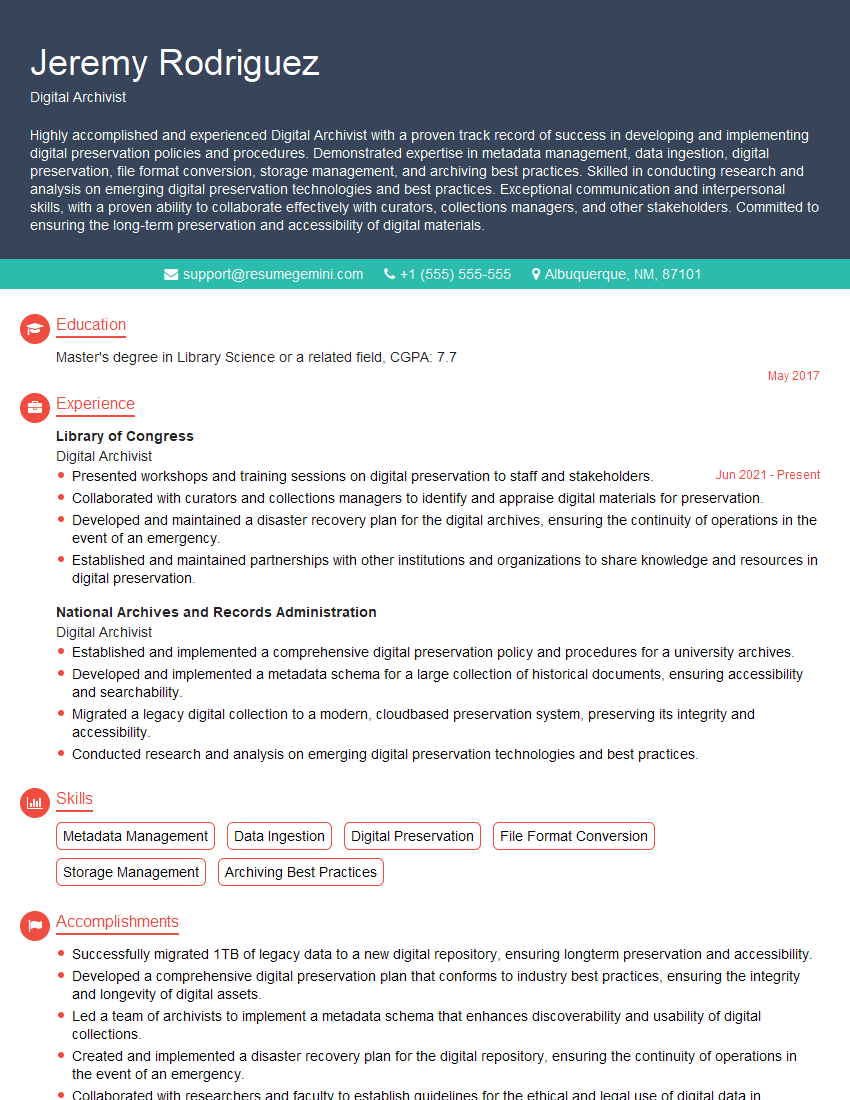
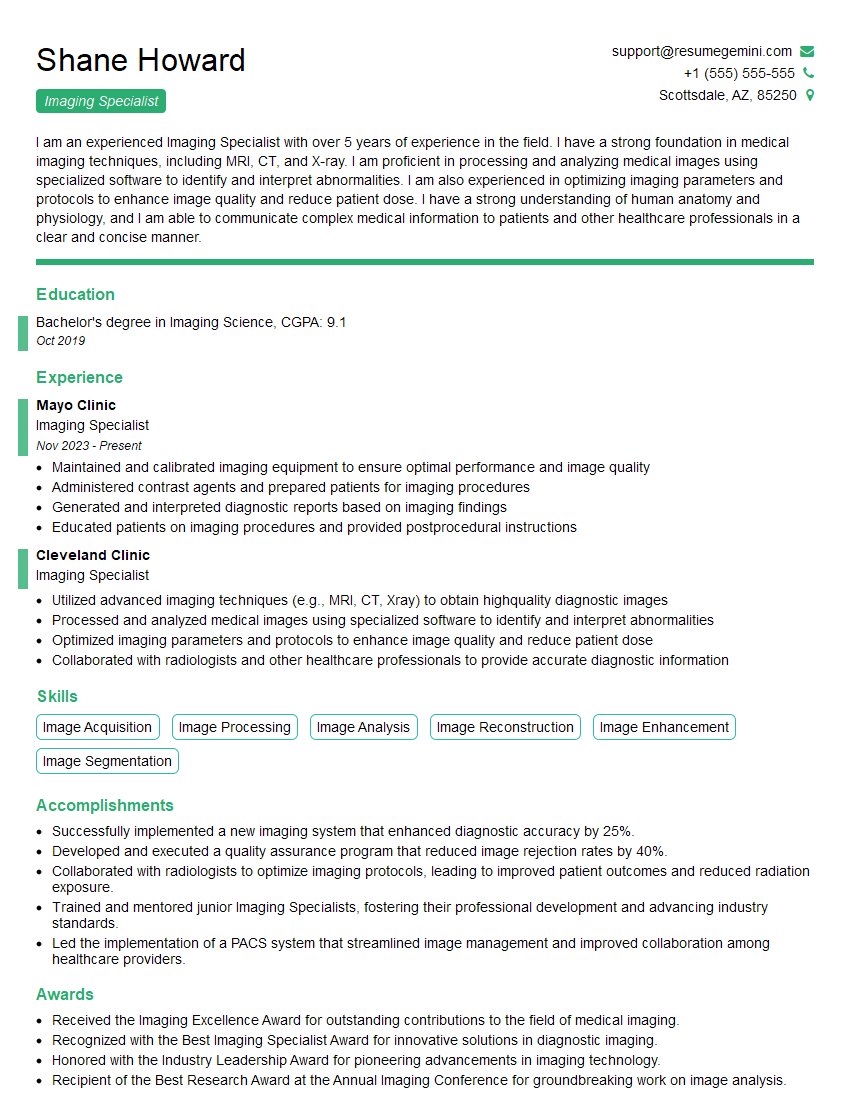
Mastering Digital Preservation and Digitization opens doors to exciting and impactful careers in archives, libraries, museums, and cultural heritage institutions. Demonstrating your expertise through a strong resume is crucial for securing your dream role. Creating an ATS-friendly resume that highlights your skills and experience is key to getting noticed by recruiters. To help you craft a compelling and effective resume, we recommend using ResumeGemini. ResumeGemini provides a streamlined and intuitive platform for building professional resumes, and we offer examples of resumes specifically tailored to Digital Preservation and Digitization to guide you.
Explore more articles
Users Rating of Our Blogs
Share Your Experience
We value your feedback! Please rate our content and share your thoughts (optional).
What Readers Say About Our Blog
I Redesigned Spongebob Squarepants and his main characters of my artwork.
https://www.deviantart.com/reimaginesponge/art/Redesigned-Spongebob-characters-1223583608
IT gave me an insight and words to use and be able to think of examples
Hi, I’m Jay, we have a few potential clients that are interested in your services, thought you might be a good fit. I’d love to talk about the details, when do you have time to talk?
Best,
Jay
Founder | CEO