Unlock your full potential by mastering the most common Operating Manual and Digital Printers interview questions. This blog offers a deep dive into the critical topics, ensuring you’re not only prepared to answer but to excel. With these insights, you’ll approach your interview with clarity and confidence.
Questions Asked in Operating Manual and Digital Printers Interview
Q 1. Explain the difference between offset and digital printing.
Offset printing and digital printing are fundamentally different methods for transferring images onto a substrate (like paper). Think of offset printing as a traditional, indirect process, while digital printing is a direct, modern approach.
- Offset Printing: This method uses a printing plate to transfer ink onto a rubber blanket, which then transfers the ink to the paper. It’s like making a copy of a copy! This process is best suited for large print runs because the initial setup costs are high, but the per-unit cost decreases significantly with volume. Imagine printing thousands of brochures – offset is efficient then.
- Digital Printing: This method prints images directly from a digital file onto the substrate. No intermediate plates or blankets are involved. It’s like having a high-tech inkjet printer, but on a much larger scale. Digital printing excels in short-run jobs and personalized projects, because setup time is minimal and you can print on demand. Think of customized greeting cards or personalized marketing materials.
In short, choose offset for large volumes and consistent quality at a lower per-unit cost, and digital printing for smaller volumes, faster turnaround times, and customized projects.
Q 2. Describe your experience with color calibration and profile management.
Color calibration and profile management are critical for ensuring consistent color reproduction across different devices and throughout the printing process. My experience includes working with ICC profiles (International Color Consortium), which act like translators between different devices. I’ve used software like X-Rite i1Profiler to create custom profiles for my printers, ensuring accurate color matching from the screen to the final print. This involves measuring the printer’s output using a spectrophotometer and then generating a profile that compensates for any variations in color reproduction.
For instance, I once worked on a project requiring precise Pantone color matching for a corporate brochure. Using my profile management expertise, I generated an accurate profile that minimized color variations between the design software, the digital proof, and the final printed product. This eliminated costly reprints and ensured brand consistency.
Q 3. How do you troubleshoot common printing issues like banding or color inconsistencies?
Troubleshooting printing issues requires a systematic approach. Let’s look at banding and color inconsistencies:
- Banding: This is usually caused by problems with the printer’s print heads, ink supply, or paper feed. The first step involves checking the ink cartridges for clogs or low ink levels. I’d then visually inspect the print heads for any debris. Poor paper quality or inconsistent paper feeding can also cause banding; adjusting the paper feed settings or using higher-quality paper can resolve this. Finally, cleaning the print heads according to the manufacturer’s instructions can be very effective.
- Color Inconsistencies: These could stem from numerous factors. Incorrect color profiles are a common culprit. Verifying that the correct color profile is applied is crucial. Another potential issue is inconsistent ink saturation. This might require adjusting the printer’s color settings or performing a head alignment. Furthermore, problems with the printer’s internal calibration or aging ink can cause this, necessitating recalibration or ink replacement.
My approach involves isolating the problem, testing solutions incrementally, and documenting the steps to facilitate future troubleshooting.
Q 4. What types of paper stocks are suitable for different printing methods?
Paper selection significantly impacts print quality and the success of your project. Different printing methods have varying requirements:
- Offset Printing: Generally prefers coated or uncoated papers that are thick enough to handle the pressure and ink transfer process. Common choices include offset paper, gloss, matte, and silk coated stocks.
- Digital Printing: Offers more flexibility, accommodating a wider range of paper types, including specialty stocks like textured, linen, or recycled papers. However, the paper must be compatible with the printer’s specifications to prevent jams or damage. Some digital printers have limitations on paper weight and finish.
For example, when printing high-resolution images, a coated paper provides better ink holdout and a smoother finish. For a rustic or vintage feel, uncoated or textured paper would be ideal, but might not be suitable for all digital presses. Careful consideration of paper choice ensures optimal print results.
Q 5. What is your experience with pre-press processes such as file preparation and imposition?
Pre-press processes are vital for ensuring a smooth and efficient printing workflow. My experience encompasses various aspects:
- File Preparation: This includes checking for image resolution, color mode (typically CMYK for printing), and proper file format (PDF is often preferred). I check for bleeds, color spaces, fonts embedded correctly and ensure the files are prepared to the printer’s specifications, such as color profiles. I regularly utilize Adobe Acrobat and other similar software to manage and prepare files correctly.
- Imposition: This is the process of arranging pages in a specific order for efficient printing, especially important for booklets or multi-page documents. For example, I use imposition software to create a printer-ready file that optimizes sheet size and minimizes paper waste. This helps maximize efficiency and reduces costs by minimizing materials waste.
Thorough pre-press preparation is key to avoiding costly mistakes and delays during the printing process.
Q 6. How do you maintain and troubleshoot digital printing equipment?
Maintaining and troubleshooting digital printing equipment requires a combination of preventative maintenance and reactive problem-solving.
- Preventative Maintenance: This includes regularly cleaning the print heads, replacing ink cartridges as needed, and checking paper paths for any obstructions. I also perform periodic calibration to ensure color accuracy. I follow the manufacturer’s guidelines and service schedules diligently.
- Troubleshooting: Issues range from paper jams to connectivity problems or print quality defects. I use diagnostic tools provided by the manufacturer, examine error logs, and check print settings to identify the root cause. For example, a recurring paper jam might necessitate adjustment of the paper guides, while a recurring print quality error might signal a problem with the print heads requiring cleaning or replacement.
My approach is to address problems promptly, to minimize downtime and maintain high print quality. Preventative measures are far better than dealing with unexpected breakdowns.
Q 7. Describe your experience with various finishing techniques (e.g., binding, cutting, laminating).
Finishing techniques add value and professionalism to printed materials. My experience includes various processes:
- Binding: I’m proficient in various binding methods, such as saddle-stitch (stapling), perfect binding (gluing), wire-o binding, and spiral binding. The choice depends on the project requirements, like the number of pages and desired look and feel.
- Cutting: Precise cutting is crucial for creating clean edges and accurate dimensions. I use guillotine cutters and other equipment to ensure accuracy and a professional finish.
- Laminating: I use both gloss and matte laminating films to add protection and enhance the visual appeal of printed materials. This is especially important for documents that need to withstand handling or exposure to the elements.
Selecting appropriate finishing techniques enhances the overall presentation and durability of the finished product.
Q 8. How familiar are you with different printing inks and their properties?
My familiarity with printing inks extends across various types, each with unique properties influencing print quality and application. We have:
- Water-based inks: Environmentally friendly, ideal for textiles and some paper types. They offer vibrant colors but can be less durable than other options.
- Solvent-based inks: Known for their durability and vividness, often used on plastics, vinyl, and other non-porous materials. However, they require careful handling due to strong solvents.
- UV-curable inks: These inks cure instantly upon exposure to UV light, resulting in scratch-resistant and highly durable prints. Commonly used in high-volume, industrial printing.
- Pigment-based inks: These inks contain pigments suspended in a liquid carrier. They tend to be more resistant to fading and offer vibrant colors, making them a popular choice for high-quality prints.
- Dye-based inks: These inks are more affordable but less lightfast than pigment-based inks, making them suitable for everyday documents but not archival printing. They are often absorbed into the paper, resulting in a softer look.
Understanding these differences allows me to choose the optimal ink for any project, ensuring the best possible results considering factors such as substrate, print durability requirements, and environmental concerns.
Q 9. What safety procedures do you follow when operating printing equipment?
Safety is paramount when operating printing equipment. My standard operating procedure includes:
- Personal Protective Equipment (PPE): Always wearing safety glasses, gloves (appropriate to the ink type), and sometimes a respirator, especially when working with solvents or powders.
- Machine Inspection: Before each use, I thoroughly inspect the printer for any damage, loose parts, or potential hazards. I check ink levels, paper feed mechanisms, and overall functionality.
- Proper Ventilation: Ensuring adequate ventilation in the printing area is crucial, particularly when using solvent-based inks to minimize exposure to harmful fumes.
- Emergency Procedures: I’m familiar with the location and use of fire extinguishers, emergency shut-off switches, and emergency contact information.
- Regular Maintenance: Regular cleaning and maintenance of the equipment are vital to prevent malfunctions and ensure smooth operation, reducing the risk of accidents.
- Following Manufacturer’s Guidelines: Adherence to the manufacturer’s safety instructions and operating manuals is strictly followed for each specific machine.
By consistently adhering to these procedures, I prioritize both personal safety and the safe operation of the equipment.
Q 10. Explain your understanding of color spaces (CMYK, RGB, Pantone).
Color spaces define the range of colors that can be represented in a digital or printed format. Understanding them is crucial for accurate color reproduction.
- RGB (Red, Green, Blue): An additive color model used for screens (monitors, TVs). It mixes light to create colors; adding all three creates white.
- CMYK (Cyan, Magenta, Yellow, Key [Black]): A subtractive color model used for printing. It works by subtracting light from white; the more ink, the darker the color. Black is added for deeper blacks and to improve the overall print quality.
- Pantone Matching System (PMS): A standardized color system used to ensure consistent color reproduction across different print runs and devices. Each Pantone color has a unique code, guaranteeing that the same color is used regardless of the printing method or equipment.
Imagine painting a wall. RGB is like shining colored lights on the wall, while CMYK is like mixing paints to get different shades. Pantone is like using pre-mixed, precisely named paint pots to guarantee consistency.
Q 11. How do you ensure consistent color reproduction across different print runs?
Consistent color reproduction is achieved through a combination of techniques:
- Color Calibration: Regular calibration of monitors, printers, and scanners using colorimetric devices ensures that all devices are displaying and printing colors accurately.
- Color Management Profiles (ICM): Using appropriate ICC profiles (International Color Consortium) for monitors, printers, and other devices allows for accurate color conversion between different color spaces.
- Proofing: Creating soft and hard proofs allows a visual check of the colors before committing to a full print run. Soft proofs are digital previews, while hard proofs are test prints on the target material.
- Color Standards: Using a Pantone color system for consistent color across different print jobs and materials.
- Spot vs. Process Colors: Understanding the difference between spot colors (premixed inks like Pantone) and process colors (CMYK) is crucial. Using spot colors for critical colors ensures accuracy.
For example, if a client wants a specific shade of blue, we’ll use a Pantone reference number to ensure that blue remains consistent across all printed materials.
Q 12. What is your experience with different types of digital printing presses (e.g., inkjet, toner-based)?
My experience encompasses various digital printing presses:
- Inkjet Printers: I’m proficient in operating various inkjet printers, ranging from small-format desktop models to large-format industrial presses. I understand the nuances of different inkjet technologies, such as piezoelectric and thermal inkjet, and their impact on print quality and speed.
- Toner-based Printers: I have extensive experience with laser printers and digital copiers, both monochrome and color. I am familiar with the processes involved in toner application, fusing, and cleaning, ensuring optimal print quality and machine longevity.
- Other technologies: I’ve also worked with solid ink printers and other specialized digital printing technologies, giving me a broad understanding of the digital printing landscape.
This diverse experience allows me to select the most appropriate equipment for specific projects, considering factors such as print volume, required resolution, substrate, and budget.
Q 13. Describe your experience with RIP software and its functions.
RIP (Raster Image Processor) software is essential for high-quality digital printing. It takes vector or high-resolution image files and converts them into raster images suitable for printing. Key functions include:
- Color Management: RIP software manages color profiles to ensure accurate color conversion across devices.
- Image Processing: It performs image enhancement, resizing, and other image manipulations before the printing process.
- Job Control: RIP software manages print jobs, optimizing them for specific printers and materials.
- Nesting and Tiling: It enables efficient arrangement of multiple images on a single sheet for maximum material usage, minimizing waste in large print runs.
- Pre-flighting: RIP software helps identify potential issues in the digital files before printing, preventing costly errors.
For example, I’ve used RIP software to optimize the print settings for a large-format poster, ensuring accurate color reproduction and sharp image quality while minimizing ink consumption.
Q 14. How do you handle large-volume printing jobs efficiently?
Handling large-volume printing jobs efficiently involves a multi-pronged approach:
- Job Planning and Preparation: Careful planning and pre-flighting of the files are crucial to identify and rectify any potential issues before printing, saving time and materials.
- Optimized Print Settings: Selecting the appropriate print settings based on the job requirements (resolution, ink density, paper type) can significantly impact speed and efficiency.
- Automated Workflow: Using automation features in RIP software and employing automated finishing solutions such as automated stacking and cutting systems minimizes manual handling, speeding up the process.
- Equipment Maintenance: Regular preventative maintenance of printers and finishing equipment ensures uninterrupted operation and minimizes downtime during large print runs.
- Teamwork: For extremely large jobs, effective teamwork is vital for efficient handling of various tasks, from file preparation to final finishing.
A recent large print run involved thousands of brochures. By carefully planning, using automated finishing, and working as a team, we completed the job ahead of schedule and within budget.
Q 15. What is your experience with print job scheduling and management?
Print job scheduling and management is crucial for efficient workflow in any print-heavy environment. My experience encompasses using various scheduling software, prioritizing jobs based on urgency and resource allocation (like paper type, color vs. black and white), and managing a queue of print jobs to avoid bottlenecks. For example, I’ve worked with environments using network print servers where I would configure job priorities using features like ‘hold’ and ‘release’ functions, ensuring important documents are printed first. I also have experience with software that allows for job accounting, tracking costs associated with different projects or departments. This involves tracking print volumes, toner consumption, and paper usage to optimize resource allocation and reduce waste.
In a busy office environment, imagine a rush of presentations needing to be printed before a major client meeting. Efficient scheduling is critical. Prioritizing these jobs over routine paperwork ensures timely delivery and client satisfaction. Likewise, in a large print shop setting, advanced scheduling might involve automated job routing to different printers based on job specifications (e.g., large format printing routed to a specific plotter).
Career Expert Tips:
- Ace those interviews! Prepare effectively by reviewing the Top 50 Most Common Interview Questions on ResumeGemini.
- Navigate your job search with confidence! Explore a wide range of Career Tips on ResumeGemini. Learn about common challenges and recommendations to overcome them.
- Craft the perfect resume! Master the Art of Resume Writing with ResumeGemini’s guide. Showcase your unique qualifications and achievements effectively.
- Don’t miss out on holiday savings! Build your dream resume with ResumeGemini’s ATS optimized templates.
Q 16. How familiar are you with different file formats (PDF, TIFF, JPEG)?
I’m highly familiar with common digital printing file formats like PDF, TIFF, and JPEG. Each format has its strengths and weaknesses. PDFs are ideal for preserving formatting and fonts, making them suitable for documents where precise layout is crucial. TIFF files are excellent for high-resolution images, particularly in situations where image quality is paramount, like in pre-press for high-quality printing. JPEGs are a common choice for images where file size is a concern, but they often involve some compression that can reduce image quality, making them less ideal for critical print projects.
For instance, when printing a marketing brochure, a PDF would usually be preferable to maintain the design’s integrity. However, if I were dealing with high-resolution photographs for a calendar, I would likely use TIFF to prevent loss of detail. Understanding these format nuances is essential for selecting the best option for each job, ensuring optimal print quality.
Q 17. How do you interpret and follow operating manuals for printing equipment?
Interpreting and following operating manuals is fundamental to my approach. I consider the manual the ultimate reference guide for troubleshooting and maintenance. I systematically review sections relevant to the specific task at hand. My approach involves careful attention to safety precautions, detailed setup procedures, and troubleshooting guides. I utilize diagrams and illustrations within the manual to understand the printer’s internal components and potential problem areas. For example, before attempting a maintenance procedure like replacing a toner cartridge, I meticulously follow the step-by-step instructions illustrated in the manual, paying close attention to warnings about potential hazards like static electricity.
I’ve found that a methodical approach, using checklists where possible, minimizes the risk of errors and ensures smooth operations. This process extends to keeping the manual readily accessible as a point of reference and ensures that all work is done safely and effectively.
Q 18. What is your experience with quality control checks throughout the printing process?
Quality control is an integral part of every print job. My experience involves implementing checks at various stages: from initial file review to final output inspection. This starts with verifying the file’s resolution and color profile, ensuring compatibility with the printer and desired output. During the printing process, I visually inspect samples for color accuracy, sharpness, and consistency. I also check for any defects like smudging, banding, or toner inconsistencies. After the print run, I conduct a final check against the original design or proof, focusing on any deviations in color, text, or image quality.
Think about printing a high-stakes marketing campaign. A simple color mismatch or blurry image could be disastrous. My systematic approach to quality control ensures that each printed piece meets the client’s expectations and maintains brand consistency.
Q 19. How do you identify and resolve print quality issues?
Identifying and resolving print quality issues requires a systematic approach. I start by observing the problem carefully, noting the type and location of the defect (e.g., streaks, banding, faded colors). This helps narrow down potential causes. I refer to the printer’s operating manual for troubleshooting steps specific to the observed defect. Common issues, like banding, might indicate problems with the toner cartridge or drum unit, while fading could be due to low toner or incorrect color settings. I then systematically check the printer’s settings, clean the printer components (as per the manual), and examine the toner or ink cartridges to identify the root cause.
For example, if I see faded colors, I’ll check the toner levels first, and then verify color calibration and printer driver settings. A methodical approach increases the efficiency of problem-solving and reduces downtime.
Q 20. Describe your experience with troubleshooting paper jams and other mechanical issues.
Troubleshooting paper jams and mechanical issues is a routine part of my work. I approach this by first consulting the printer’s operating manual for specific instructions. Paper jams often require careful removal of the jammed paper, ensuring that no further damage is caused to the printer’s internal mechanisms. Mechanical issues might require more advanced troubleshooting, involving identifying the source of the problem (e.g., faulty rollers, sensor issues). Sometimes this involves using diagnostic tools provided by the manufacturer to isolate the problem.
For example, a persistent paper jam might indicate a problem with the rollers, requiring their cleaning or replacement. My experience includes understanding when to perform basic maintenance like cleaning rollers and sensors, and when to call for professional service for more complex repairs.
Q 21. What is your experience with maintaining ink and toner levels?
Maintaining optimal ink and toner levels is essential for consistent print quality and avoiding interruptions. I regularly monitor the ink and toner levels using the printer’s built-in gauges or software monitoring tools. When levels get low, I replace the cartridges promptly using the manufacturer’s instructions. I also keep a stock of replacement cartridges to minimize downtime during peak periods. Proper storage of cartridges is also crucial to prevent degradation of the ink or toner.
In a busy office, running out of toner during a crucial deadline can be costly. Proactive monitoring and timely replacements ensure smooth operation and avoid disruptions to productivity.
Q 22. How do you handle client communication regarding print specifications and deadlines?
Effective client communication is paramount in the printing industry. My approach begins with a thorough initial consultation to understand the client’s vision, including the desired print specifications – such as the type of paper, color profile (CMYK or RGB), quantity, and any special finishing requirements. I then create a detailed quote outlining these specifics, along with clearly stated deadlines. This ensures transparency and avoids misunderstandings from the start. Throughout the process, I maintain regular communication, providing updates on progress and promptly addressing any questions or concerns via email or phone. For complex projects, I schedule regular check-in calls to review proofs and ensure alignment with client expectations. I always confirm the final print specifications before proceeding to ensure accuracy and avoid costly reprints. For example, a recent client needed a high-volume print run of brochures. We agreed upon a specific glossy paper stock, a particular CMYK color profile, and a tight deadline of two weeks. Regular updates ensured the client felt informed and confident, leading to a successful project completion.
Q 23. Explain your process for preparing print jobs from customer provided files.
Preparing print jobs from customer-provided files is a meticulous process that requires careful attention to detail. First, I thoroughly check the file’s format (e.g., PDF, AI, PSD) to ensure it’s compatible with our printers. I then assess the file’s resolution and color mode, making adjustments as needed to optimize print quality. For instance, images with low resolution might require upscaling or replacement, while RGB files must be converted to CMYK for printing. Next, I examine the design for any potential issues like bleeds, margins, or font inconsistencies. I collaborate with the client to resolve any discrepancies, ensuring the final product meets their expectations. I use color management profiles to guarantee consistent color reproduction. Finally, I create a preflight checklist for each job which includes, file format verification, resolution check, color profile check, bleed and margin check and font verification. This helps ensure that the file is ready for the printing process. Think of it like a pre-flight checklist for an airplane – you wouldn’t want to skip any steps!
Q 24. What is your experience with different types of binding and finishing options?
I possess extensive experience with various binding and finishing options, crucial for creating professional-looking printed materials. My expertise encompasses a range of techniques, including:
- Perfect Binding: Ideal for books, magazines, and catalogs, where pages are glued together along the spine.
- Saddle Stitch Binding: Cost-effective for brochures and booklets, involving folding and stapling.
- Wire-O Binding: Provides a professional look for notebooks and calendars, allowing for easy page turning.
- Spiral Binding: A budget-friendly option for documents and reports, allowing for lay-flat pages.
- Case Binding: Used for high-end books and publications, offering durability and a sophisticated appearance.
Beyond binding, I’m proficient in various finishing techniques such as die-cutting, embossing, foil stamping, laminating (glossy or matte), and UV coating, all chosen based on the client’s needs and the project’s specifications. Choosing the right binding and finishing is akin to choosing the right outfit for an occasion – the right choice elevates the presentation.
Q 25. Describe your experience with managing print costs and optimizing efficiency.
Managing print costs and optimizing efficiency are critical for profitability. I achieve this through several strategies. First, I carefully select the appropriate paper stock and printing method, balancing quality with cost. For instance, utilizing recycled paper can reduce expenses while maintaining a professional look. Second, I optimize file sizes to minimize printing time and material usage. Third, I leverage the capabilities of our digital printers to minimize waste by accurately estimating print quantities based on the client’s requirements. I also meticulously track all job costs, from materials to labor, using project management software to identify areas for potential savings. For example, by switching from a higher-weight paper to a slightly lighter weight paper, I recently saved a client 15% on their printing costs without compromising the overall quality.
Q 26. What is your experience with environmental considerations in the printing process?
Environmental considerations are increasingly important in the printing industry. I prioritize sustainable practices by using recycled paper whenever feasible. We utilize vegetable-based inks and ensure our printers are energy-efficient. We also partner with vendors who share our commitment to sustainability. We adhere to strict waste management protocols, recycling ink cartridges and paper scraps. We also educate our clients about eco-friendly printing options and help them make informed decisions that minimize their environmental impact. This includes advising clients on using less paper by optimizing document layout and choosing digital delivery options where appropriate. This is a critical aspect of responsible business operations; it’s not just about cost savings, it’s about doing what’s right for the environment.
Q 27. How do you stay up-to-date with advancements in digital printing technology?
Keeping abreast of advancements in digital printing technology is vital. I actively participate in industry conferences and workshops, read trade publications, and attend webinars. I also maintain contact with industry professionals and vendors to learn about the latest innovations. Further, I regularly explore online resources and manufacturer websites to stay updated on new printer models, software upgrades, and innovative finishing techniques. This continuous learning allows me to offer clients the latest and most efficient printing solutions, always seeking ways to improve print quality, speed, and sustainability.
Q 28. Describe a situation where you had to solve a complex printing problem. What was your approach?
A particularly challenging situation involved a client’s urgent need for high-resolution photo prints for a time-sensitive exhibition. The client’s provided files were of extremely low resolution, rendering them unsuitable for large-format printing. My approach was multi-faceted. First, I calmly communicated the issue to the client, explaining the limitations and potential consequences. Then, I explored several solutions. One was to work with the client to locate higher-resolution images. However, time constraints meant this wasn’t feasible. I proposed using advanced upscaling software to improve the image resolution, but this would introduce some minor quality compromises. We discussed these trade-offs, and the client agreed. We meticulously processed the images using specialized software, carefully balancing resolution enhancement with noise reduction. We then produced a test print to assess the outcome before proceeding with the full print run. The final result, while not perfect, was acceptable to the client and met the exhibition deadline. This problem demonstrated the importance of clear communication and creative problem-solving.
Key Topics to Learn for Operating Manual and Digital Printers Interview
- Understanding Digital Printer Technologies: Explore different printer types (laser, inkjet, thermal), their functionalities, and underlying technologies. Consider the differences in print quality, speed, and cost-effectiveness.
- Operating Manual Proficiency: Demonstrate understanding of how to effectively utilize operating manuals for troubleshooting, maintenance, and optimal performance. Practice interpreting technical specifications and diagrams.
- Troubleshooting and Maintenance: Be prepared to discuss common printer issues (paper jams, toner issues, connectivity problems) and the steps involved in resolving them. Highlight your problem-solving skills and methodical approach.
- Color Management and Calibration: Understand the principles of color profiles, calibration techniques, and how to achieve consistent color output across different media. This shows a grasp of print quality control.
- Networking and Connectivity: Discuss different ways digital printers connect to networks (wired, wireless), and how to configure and troubleshoot network settings. Knowledge of IP addressing and network protocols is beneficial.
- Print Job Management and Workflow: Be prepared to discuss optimizing print jobs for speed and efficiency, managing print queues, and understanding different print driver settings.
- Safety Procedures and Regulations: Demonstrate awareness of safety guidelines related to operating and maintaining digital printers, including handling consumables and disposing of waste materials responsibly.
- Software and Driver Familiarity: Show familiarity with common printer drivers and software applications used for managing print jobs and printer settings. Mention any specific software you have experience with.
Next Steps
Mastering the operation and maintenance of digital printers, coupled with strong knowledge of relevant operating manuals, is crucial for career advancement in many technical fields. This skillset demonstrates problem-solving abilities, technical aptitude, and attention to detail – highly valued attributes in today’s workplace.
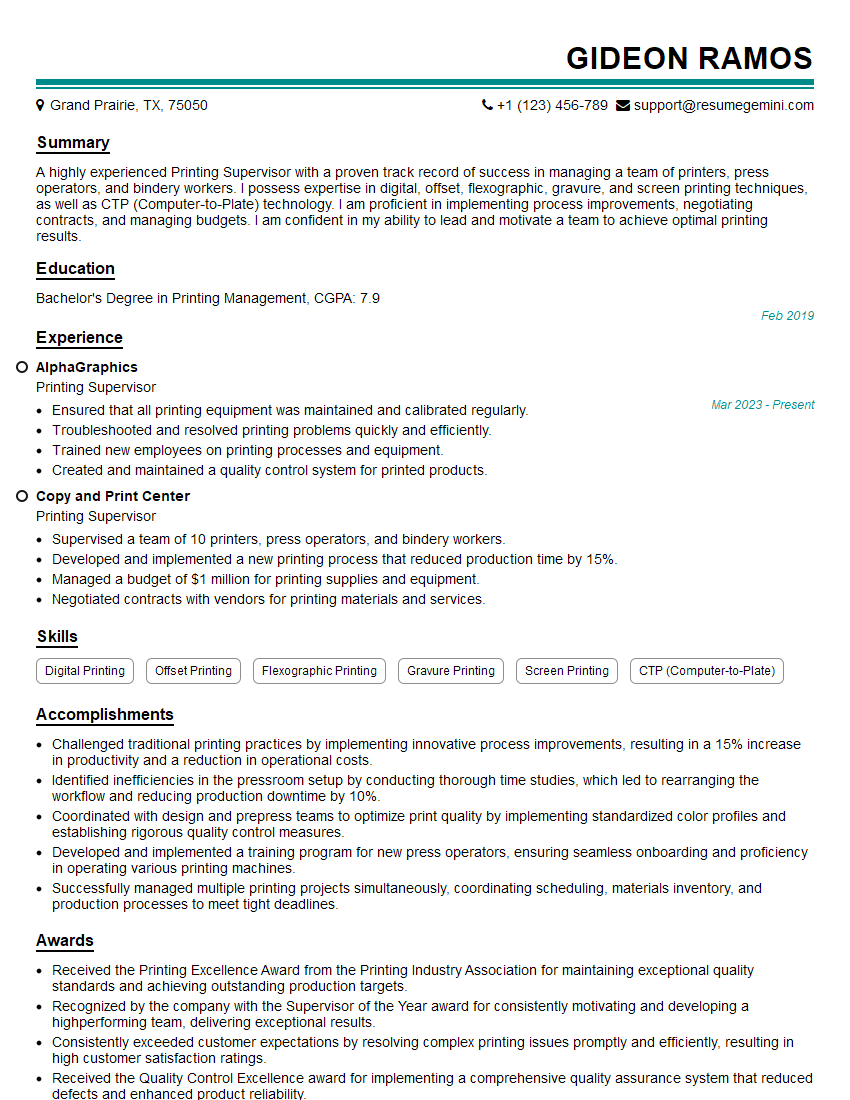
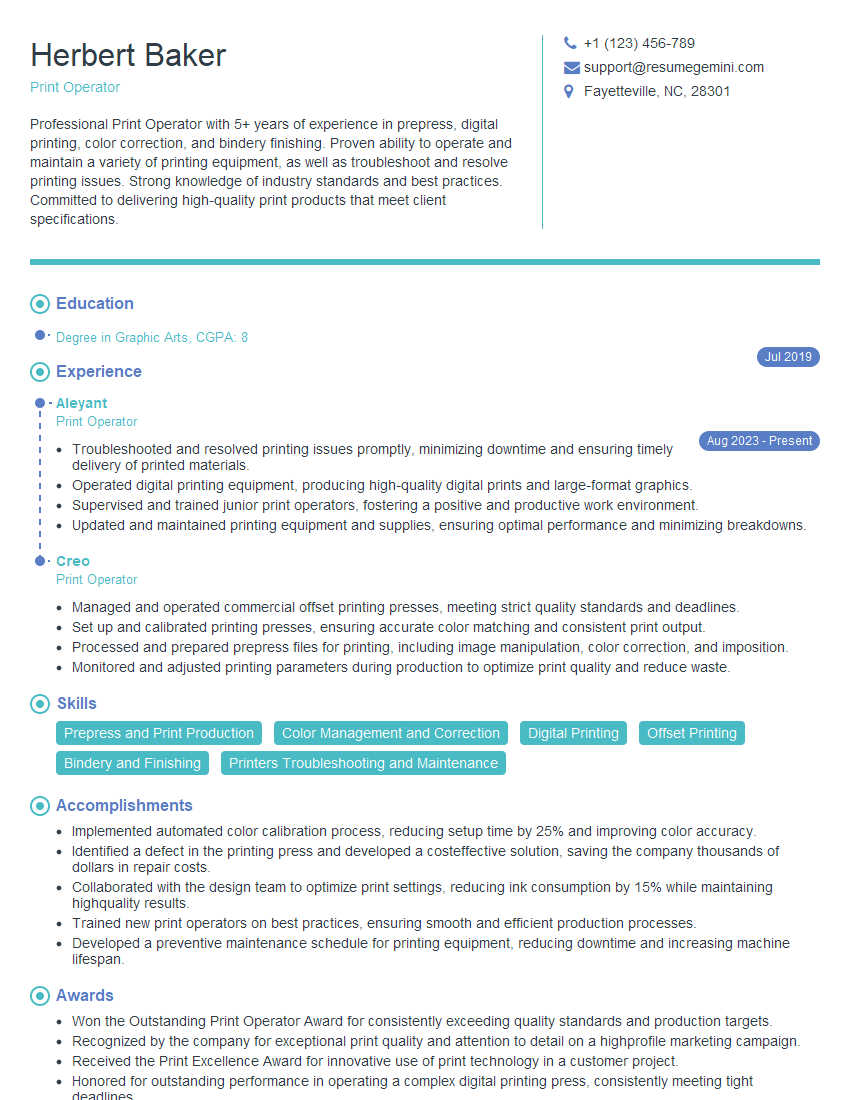
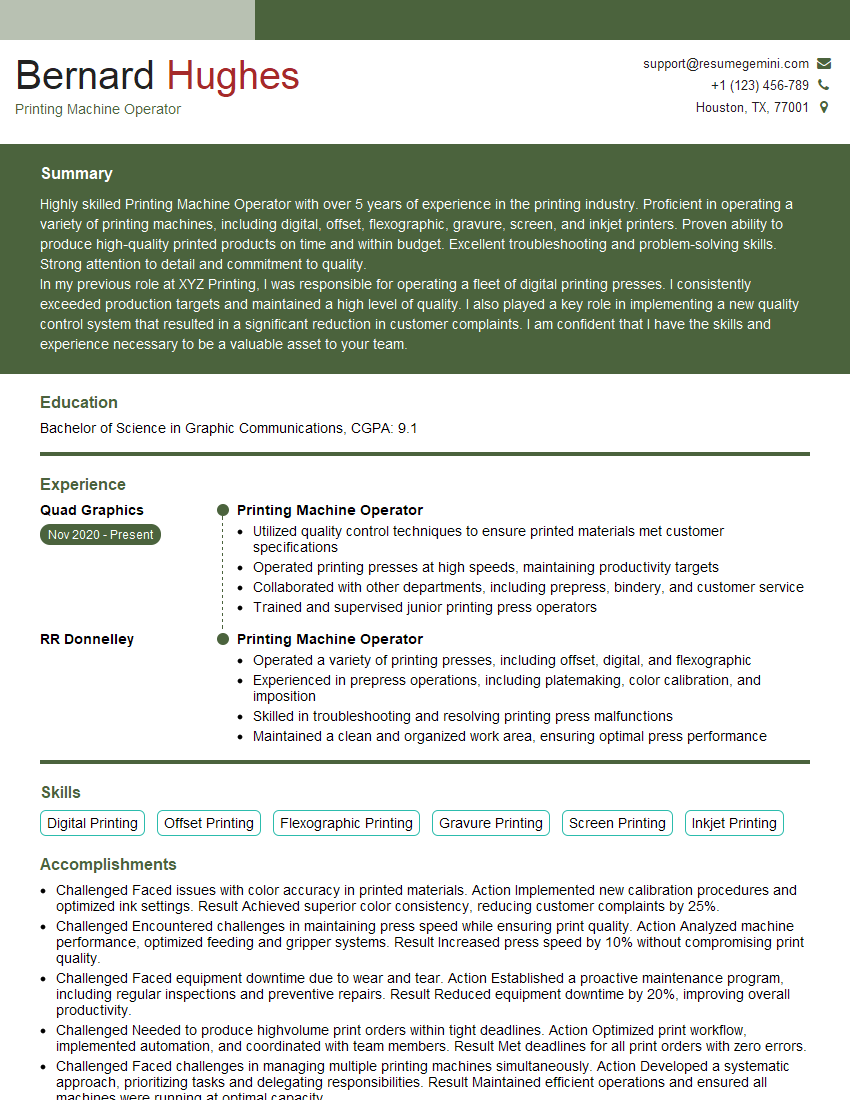
To significantly boost your job prospects, focus on creating a strong, ATS-friendly resume that highlights your skills and experience effectively. ResumeGemini is a trusted resource that can help you build a professional resume tailored to your unique qualifications. Examples of resumes tailored to Operating Manual and Digital Printers are available to guide you through the process.



Explore more articles
Users Rating of Our Blogs
Share Your Experience
We value your feedback! Please rate our content and share your thoughts (optional).
What Readers Say About Our Blog
I Redesigned Spongebob Squarepants and his main characters of my artwork.
https://www.deviantart.com/reimaginesponge/art/Redesigned-Spongebob-characters-1223583608
IT gave me an insight and words to use and be able to think of examples
Hi, I’m Jay, we have a few potential clients that are interested in your services, thought you might be a good fit. I’d love to talk about the details, when do you have time to talk?
Best,
Jay
Founder | CEO