Interviews are opportunities to demonstrate your expertise, and this guide is here to help you shine. Explore the essential Minimize Downtime interview questions that employers frequently ask, paired with strategies for crafting responses that set you apart from the competition.
Questions Asked in Minimize Downtime Interview
Q 1. Explain your understanding of Mean Time To Failure (MTTF) and Mean Time To Repair (MTTR).
Mean Time To Failure (MTTF) represents the average time a system is expected to operate before a failure occurs. It’s a predictive metric, primarily used for non-repairable systems like light bulbs – once they fail, they’re replaced. A higher MTTF indicates greater reliability. Mean Time To Repair (MTTR), on the other hand, measures the average time it takes to restore a failed system to operational status. This is crucial for repairable systems, like servers. A lower MTTR signifies faster recovery and less downtime. Think of MTTF as the lifespan of a component and MTTR as the efficiency of your repair team.
For example, if a server has an MTTF of 10,000 hours and an MTTR of 2 hours, it suggests a highly reliable system with quick recovery from failures. However, a low MTTF and high MTTR indicates a system prone to frequent failures and lengthy recovery times, resulting in significant downtime.
Q 2. Describe a situation where you successfully reduced system downtime.
In a previous role, we experienced frequent downtime due to database overload during peak hours. Our initial response involved simply scaling up the database server, but this provided only temporary relief. After analyzing performance logs, we discovered a poorly optimized query that was significantly contributing to the bottleneck. We implemented several solutions: First, we optimized the problematic query by adding appropriate indexes. Second, we introduced query caching to reduce database load. Finally, we implemented a robust alerting system to notify us of impending issues. This multi-pronged approach reduced downtime by 90% within a month and improved overall system performance. The key takeaway was a shift from reactive patching to proactive monitoring and optimization.
Q 3. How do you prioritize incident resolution during a critical outage?
Prioritizing incident resolution during a critical outage requires a structured approach. We utilize a framework based on impact and urgency. We use a prioritization matrix where impact (on revenue, customer experience, etc.) is plotted against urgency (how quickly the issue needs resolution). High-impact, high-urgency issues get immediate attention from the entire team. We use a ticketing system with clear escalation paths for each priority level. Transparency is crucial; we communicate the issue status regularly to stakeholders and keep them informed of the progress being made. Post-incident reviews are essential for learning and implementing preventative measures to minimize future outages.
Q 4. What are your preferred monitoring tools and how do you utilize them for proactive downtime prevention?
My preferred monitoring tools include a combination of solutions for comprehensive coverage. For infrastructure monitoring, I rely on tools like Prometheus and Grafana for metrics collection and visualization, providing real-time insights into system performance. For application monitoring, tools like Datadog or New Relic offer detailed performance metrics, error tracking, and logs. These allow for deep dives into application behavior and pinpointing issues quickly. We use alerting systems to proactively notify us of potential problems, even before they impact end-users. These alerting systems are set up with thresholds based on historical data and predicted performance metrics, avoiding unnecessary alerts while quickly escalating critical situations.
Q 5. Explain your approach to capacity planning to prevent performance bottlenecks and downtime.
Capacity planning is crucial for preventing performance bottlenecks and downtime. My approach involves forecasting future demand based on historical data, projected growth, and anticipated peak loads. I use statistical modeling to predict future resource needs, considering factors like user growth, data volume, and seasonal variations. We regularly review resource utilization metrics to identify potential bottlenecks and plan for capacity increases in advance. This includes both vertical scaling (upgrading individual components) and horizontal scaling (adding more instances). Regular stress testing simulates peak loads to validate our capacity planning and identify potential weaknesses before they lead to downtime.
Q 6. What strategies do you use for disaster recovery and business continuity?
Disaster recovery and business continuity are paramount. Our strategy incorporates multiple layers of protection, including regular backups of critical data, both on-site and off-site. We use a combination of full and incremental backups to optimize storage and restore times. We maintain a geographically diverse backup strategy to protect against regional disasters. We regularly test our disaster recovery plan to ensure it’s effective and that our teams are well-prepared. Our business continuity plan details the critical business functions and outlines alternate procedures to maintain operations during disruptions. This includes utilizing failover systems and redundant infrastructure. This multifaceted approach ensures business operations continue despite unforeseen events.
Q 7. How do you identify and mitigate single points of failure in a system?
Identifying and mitigating single points of failure is a crucial aspect of system design. We use a combination of techniques, starting with thorough system architecture analysis to identify potential single points of failure. This involves examining dependencies between different components and identifying those with no redundancy. We employ redundancy at various levels – network redundancy, server redundancy, database replication, and load balancing. For critical components, we implement geographically distributed deployments to avoid regional outages. Regular penetration testing and security audits identify potential vulnerabilities, helping to prevent single points of failure from exploitable weaknesses. This proactive approach significantly strengthens system resilience and reduces downtime risks.
Q 8. Describe your experience with implementing high-availability solutions.
Implementing high-availability solutions is all about ensuring continuous operation, minimizing disruption to services. My experience spans various approaches, from designing redundant systems to employing failover mechanisms and robust monitoring.
For instance, in a recent project for a financial institution, we implemented a geographically redundant cluster using AWS. This involved setting up two identical data centers in different regions, with automatic failover in case of a regional outage. We leveraged Amazon’s Elastic Load Balancing (ELB) to distribute traffic across the instances in both regions, ensuring that even if one region experiences a complete failure, the other seamlessly takes over. We also incorporated database replication across regions using Amazon RDS for PostgreSQL, guaranteeing data consistency and accessibility.
Another project involved designing a high-availability solution for a critical e-commerce platform. This included utilizing a load balancer to distribute traffic across multiple web servers, implementing a distributed caching system (Redis) to reduce server load, and utilizing a message queue (RabbitMQ) to handle asynchronous tasks, enhancing overall resilience.
Q 9. What are some common causes of downtime and how can they be prevented?
Downtime can stem from various sources, both hardware and software related. Common causes include hardware failures (server crashes, network issues), software bugs (application errors, security vulnerabilities), human error (misconfiguration, accidental deletions), and external factors (power outages, DDoS attacks).
- Hardware Failures: Prevented through redundancy (RAID, multiple servers), robust hardware monitoring, and preventative maintenance.
- Software Bugs: Mitigated through rigorous testing (unit, integration, system), code reviews, and automated deployment pipelines with rollback capabilities.
- Human Error: Reduced via strict change management processes, automated provisioning, and comprehensive training.
- External Factors: Addressed with disaster recovery planning (backup data centers, offsite backups), robust power backup systems (UPS, generators), and security measures (firewalls, intrusion detection systems).
Think of it like building a house: You wouldn’t rely on a single support beam; you’d have multiple, interconnected systems to ensure stability. Similarly, redundant systems, rigorous testing, and preventative measures are crucial for preventing downtime.
Q 10. How do you utilize automation to reduce manual intervention and minimize downtime?
Automation plays a pivotal role in reducing manual intervention and minimizing downtime. By automating tasks, we eliminate human error, speed up recovery times, and improve efficiency.
- Automated Deployment Pipelines: Tools like Jenkins or GitLab CI/CD automate code deployments, reducing the risk of manual errors. Rollback mechanisms are crucial for immediate recovery in case of deployment failures.
- Infrastructure as Code (IaC): Tools like Terraform or Ansible enable automated provisioning and management of infrastructure, making it easier to create and manage redundant systems.
- Monitoring and Alerting: Automated monitoring systems (e.g., Prometheus, Grafana) constantly track system health and trigger alerts upon detecting anomalies, allowing for proactive intervention before downtime occurs.
- Automated Failover: Load balancers and other high-availability solutions automatically switch traffic to redundant systems when failures occur, minimizing service disruption.
For example, using Ansible, we automated the process of deploying and configuring our web servers across multiple data centers, ensuring consistency and reducing manual configuration errors that could lead to downtime.
Q 11. Explain your experience with different redundancy techniques (e.g., RAID, load balancing).
Redundancy techniques are essential for minimizing downtime. My experience encompasses various methods:
- RAID (Redundant Array of Independent Disks): RAID levels like RAID 1 (mirroring) and RAID 5/6 (striping with parity) provide data redundancy and fault tolerance, protecting against disk failures. I’ve used RAID 10 extensively for critical databases, ensuring high availability and minimizing data loss during disk failure.
- Load Balancing: Distributing traffic across multiple servers prevents overload on individual servers. I have experience with both hardware and software load balancers (e.g., HAProxy, Nginx, F5), selecting the appropriate solution based on specific requirements and scalability needs.
- Geographic Redundancy: Having servers and data centers in different geographic locations minimizes the impact of regional outages or natural disasters. I’ve successfully implemented geographically redundant systems using cloud providers like AWS and Azure.
- Database Replication: Replicating databases across multiple servers ensures data availability even if one server fails. I’ve worked with various database replication techniques, including synchronous and asynchronous replication, selecting the most appropriate approach based on performance and consistency requirements.
Q 12. How do you document and communicate incidents and resolutions effectively?
Effective documentation and communication are crucial for minimizing downtime and facilitating quick resolutions. We use a structured approach:
- Incident Management System: We utilize a ticketing system (e.g., Jira Service Desk, ServiceNow) to track incidents, record details, assign responsibilities, and monitor progress.
- Detailed Documentation: Each incident is documented with a comprehensive description, steps taken to resolve it, and lessons learned. This ensures that similar incidents can be avoided in the future.
- Communication Plan: We have a defined communication plan for notifying affected parties (users, management) about incidents and their status. This ensures transparency and minimizes anxiety.
- Post-Incident Reviews: After each significant incident, we conduct a post-incident review to analyze the root cause, identify areas for improvement, and update our procedures.
Think of it as creating a detailed recipe for solving problems – the more detailed the recipe, the easier it is to replicate success and avoid mistakes.
Q 13. What metrics do you use to track and measure system uptime and downtime?
Several key metrics track system uptime and downtime:
- Uptime Percentage: The percentage of time the system is operational. A 99.9% uptime is considered quite good, while higher percentages indicate even greater reliability.
- Mean Time To Failure (MTTF): The average time between failures. A high MTTF signifies a robust system.
- Mean Time To Repair (MTTR): The average time taken to resolve a failure. A low MTTR indicates efficient troubleshooting and recovery procedures.
- Mean Time Between Failures (MTBF): This metric focuses on the time between failures of a repairable system.
- Downtime Duration: The total time the system was unavailable.
We use monitoring tools like Grafana and dashboards to visualize these metrics, providing a clear picture of system performance and identifying potential issues before they lead to significant downtime.
Q 14. Describe your experience with implementing and managing a Service Level Agreement (SLA).
Service Level Agreements (SLAs) are crucial for defining expectations regarding system availability and performance. My experience includes negotiating, implementing, and managing SLAs for various clients.
Implementing an SLA involves clearly defining metrics (e.g., uptime percentage, MTTR), targets for these metrics, penalties for non-compliance, and escalation procedures. It also requires establishing a monitoring and reporting system to track performance against the SLA. We use automated reporting tools to track our performance against SLAs and proactively address any potential issues before they violate our commitments to clients.
For example, in one project, we agreed to a 99.99% uptime SLA with our client. This required meticulous planning, redundant infrastructure, rigorous testing, and a robust monitoring system. We documented all aspects of the SLA, including escalation procedures, to ensure accountability and transparency.
Q 15. How do you handle escalations during critical system failures?
Handling escalations during critical system failures requires a structured and calm approach. My strategy focuses on rapid assessment, efficient communication, and decisive action. It begins with a clear escalation path, defined roles and responsibilities, and readily available contact information for all relevant personnel.
When a critical failure occurs, my first step is to gather information: What system is down? What’s the impact? How many users are affected? I then quickly assess the situation using monitoring tools to identify the root cause, if possible. Simultaneously, I notify the appropriate team members via our designated communication channels (e.g., Slack, PagerDuty).
Our escalation process is tiered; initial response falls to the on-call engineer, followed by a senior engineer if the problem persists. If the issue remains unresolved, it goes to management, who may engage external support or resources as needed. Throughout the process, clear, concise communication is paramount. Regular updates are provided to all affected parties, including stakeholders and users, to keep everyone informed and manage expectations.
For example, in a previous role, a database server crash triggered a company-wide outage. Following our escalation protocol, we quickly identified the problem, implemented a failover to our redundant server, and restored service within 30 minutes. Post-incident, we performed a thorough RCA and implemented improvements to prevent recurrence, such as enhanced monitoring and automated failover procedures.
Career Expert Tips:
- Ace those interviews! Prepare effectively by reviewing the Top 50 Most Common Interview Questions on ResumeGemini.
- Navigate your job search with confidence! Explore a wide range of Career Tips on ResumeGemini. Learn about common challenges and recommendations to overcome them.
- Craft the perfect resume! Master the Art of Resume Writing with ResumeGemini’s guide. Showcase your unique qualifications and achievements effectively.
- Don’t miss out on holiday savings! Build your dream resume with ResumeGemini’s ATS optimized templates.
Q 16. What is your experience with root cause analysis (RCA) methodologies?
Root Cause Analysis (RCA) is fundamental to minimizing downtime. I’m proficient in several RCA methodologies, including the 5 Whys, Fishbone diagrams, and Fault Tree Analysis. The choice of methodology depends on the complexity of the incident and the available data.
The 5 Whys is a simple yet effective technique for uncovering the root cause by repeatedly asking ‘Why?’ until the underlying issue is identified. For example, if a website is slow, the 5 Whys might go: 1. Why is the website slow? (High server load) 2. Why is the server load high? (Database query is inefficient) 3. Why is the database query inefficient? (Lack of indexing) 4. Why is there a lack of indexing? (Overlooked in development) 5. Why was it overlooked? (Insufficient testing).
Fishbone diagrams (also known as Ishikawa diagrams) provide a visual representation of potential causes, categorized by factors like people, methods, machines, and materials. This approach helps to identify multiple contributing factors, not just a single root cause. Fault Tree Analysis is a more formal and structured approach, using Boolean logic to map out potential failure scenarios and determine their probabilities. This is particularly useful for complex systems.
Regardless of the methodology, a successful RCA involves a thorough investigation, data collection from various sources (logs, monitoring systems, interviews), and a collaborative effort involving different teams. The ultimate goal is not just to fix the immediate problem but to implement preventative measures to avoid similar incidents in the future.
Q 17. How do you balance the need for system stability with the need for rapid feature releases?
Balancing system stability with rapid feature releases is a crucial aspect of DevOps. The key is to implement a robust Continuous Integration/Continuous Delivery (CI/CD) pipeline with thorough testing and monitoring at each stage.
Automated testing, including unit, integration, and system tests, is essential for catching bugs early in the development cycle. This minimizes the risk of deploying unstable code into production. Feature flags allow for the gradual rollout of new features, enabling you to monitor their performance and quickly roll back if issues arise. A strong emphasis on code reviews ensures code quality and adherence to best practices.
Canary deployments and blue/green deployments are valuable techniques for minimizing disruption during releases. Canary deployments gradually roll out the new features to a small subset of users, allowing for real-world testing before a full-scale deployment. Blue/green deployments maintain two identical environments, switching traffic between them to deploy new features with minimal downtime. Monitoring tools provide real-time visibility into system performance, enabling early detection of any anomalies.
In practice, this balance often involves trade-offs. For example, a rapid release cycle might require sacrificing some level of rigorous testing, necessitating close monitoring and a quick rollback plan. Conversely, an overly cautious approach might slow down innovation. The ideal strategy is to find the right balance based on the specific context and risk tolerance.
Q 18. Explain your understanding of different types of backups and recovery strategies.
Understanding different backup and recovery strategies is crucial for minimizing downtime. There are various types of backups, each with its own strengths and weaknesses:
- Full Backups: A complete copy of all data. These are time-consuming but provide a comprehensive recovery point.
- Incremental Backups: Only back up data that has changed since the last full or incremental backup. Faster than full backups but require a full backup and all preceding incremental backups for complete restoration.
- Differential Backups: Back up data that has changed since the last full backup. Faster than incremental backups but require a full backup and the last differential backup for complete restoration.
Recovery strategies depend on the type of backup and the Recovery Time Objective (RTO) and Recovery Point Objective (RPO). RTO defines the maximum acceptable downtime after a failure, while RPO defines the maximum acceptable data loss. For example, a critical application might have an RTO of 15 minutes and an RPO of 5 minutes, necessitating frequent backups and a robust recovery procedure.
Recovery strategies can range from simple file restoration to more complex scenarios involving database recovery or system replication. High availability systems utilize technologies like clustering and failover mechanisms to ensure minimal downtime in case of hardware failures. Disaster recovery plans involve replicating systems to a geographically separate location to protect against widespread outages.
Q 19. How do you stay up-to-date with the latest technologies and best practices for minimizing downtime?
Staying current with the latest technologies and best practices is a continuous process. I actively participate in online communities, attend industry conferences and webinars, and read relevant publications (both technical journals and blogs).
Specifically, I follow prominent technology blogs and websites dedicated to system administration, cloud computing, and DevOps. I am also actively involved in online communities such as Stack Overflow and Reddit, where I can learn from other experts and contribute my own knowledge. Participating in online courses and earning certifications ensures I maintain my skill set and stay abreast of new trends.
Subscription to industry newsletters provides a curated feed of relevant news and updates. Regularly reviewing the documentation for the technologies we use keeps me aware of new features, improvements, and best practices. Finally, I encourage experimentation and the evaluation of new tools and techniques in controlled environments to assess their practical application and potential benefits in minimizing downtime.
Q 20. Describe your experience with various monitoring and alerting systems.
I have extensive experience with a variety of monitoring and alerting systems, including both open-source and commercial solutions. My experience encompasses:
- Nagios/Icinga: For comprehensive network and system monitoring.
- Prometheus/Grafana: For metrics-based monitoring and visualization.
- Datadog/New Relic: For comprehensive application and infrastructure monitoring.
- Splunk/ELK Stack: For log management and analysis.
- PagerDuty/Opsgenie: For incident management and alerting.
The choice of system depends on the specific requirements and the scale of the environment. For example, Nagios might be suitable for smaller environments, while Datadog or New Relic are better suited for large, complex systems. The ELK stack is invaluable for comprehensive log analysis and troubleshooting. The alerting systems help ensure timely notification of critical issues.
Q 21. How do you ensure that your monitoring and alerting systems are effective and avoid alert fatigue?
Effective monitoring and alerting systems are critical, but poorly configured systems can lead to alert fatigue – the state of being overwhelmed by too many alerts, leading to decreased responsiveness. To avoid this, I focus on:
- Alert Threshold Tuning: Carefully setting alert thresholds to avoid false positives. This often involves analyzing historical data to determine realistic baselines and acceptable deviations.
- Alert Correlation: Grouping related alerts to reduce noise. For example, if multiple servers are experiencing high CPU utilization, a single alert summarizing the situation is more effective than individual alerts for each server.
- Contextual Alerting: Providing relevant context in alerts to facilitate faster troubleshooting. This might include links to relevant dashboards, logs, or documentation.
- Automated Responses: Implementing automated responses for non-critical alerts to reduce manual intervention. This could involve auto-scaling, automatic failover, or other automated responses.
- Regular Review and Optimization: Regularly reviewing alert configurations and making adjustments based on performance and operational experience. This iterative process ensures the effectiveness of the monitoring and alerting system.
A key aspect is prioritizing alerts. Critical alerts should be immediately actionable, while less critical alerts can be handled asynchronously. Using different alert mechanisms (e.g., email, SMS, PagerDuty) based on severity level is also crucial. By prioritizing alerts and providing context, we ensure that the appropriate personnel are notified about significant events and can respond quickly and efficiently.
Q 22. What is your approach to testing and validating system resilience?
Testing system resilience isn’t a one-off activity; it’s an ongoing process. My approach is multifaceted and focuses on proactive identification and mitigation of potential failure points. It begins with defining clear Service Level Objectives (SLOs) – quantifiable metrics outlining acceptable levels of performance and availability. These SLOs guide our testing efforts.
- Load Testing: We simulate high traffic volumes to identify bottlenecks and breaking points. Tools like JMeter or Gatling allow us to gradually increase load and monitor system behavior. For example, we might simulate a Black Friday level of traffic to see how our e-commerce platform handles it.
- Stress Testing: This goes beyond load testing by pushing the system to its absolute limits, forcing failures to understand breaking points and recovery capabilities. This helps us identify the point of system failure and how effectively the system recovers.
- Chaos Engineering: We intentionally introduce failures into our production environment (in a controlled manner, of course!) to observe system behavior and identify vulnerabilities. This might involve randomly shutting down servers or network components to see how the system reacts. This is incredibly powerful in uncovering hidden weaknesses.
- Failover Testing: We rigorously test our failover mechanisms to ensure that if one component fails, the system gracefully transitions to a backup system with minimal disruption. We validate the automatic failover of databases, servers, and load balancers.
- Disaster Recovery Testing: We simulate large-scale disasters (e.g., data center outage) to test our recovery plans. This includes restoring data from backups and verifying system functionality in a completely separate environment.
The results of these tests inform improvements to our infrastructure, code, and operational processes, creating a more robust and resilient system. We continuously iterate on this process, regularly reviewing and updating our testing strategies.
Q 23. How do you collaborate with different teams (e.g., development, operations) to minimize downtime?
Minimizing downtime requires seamless collaboration across all relevant teams. I firmly believe in a DevOps culture that emphasizes shared responsibility and open communication. This includes:
- Joint Planning and Design: Development, operations, and security teams collaborate from the outset of a project, ensuring that reliability and resilience are built into the system architecture.
- Shared On-Call Responsibilities: Teams share responsibility for monitoring and responding to incidents, reducing the burden on any single team and improving response times. We utilize a well-defined escalation path to ensure issues are addressed swiftly and efficiently.
- Regular Communication: Frequent meetings and transparent communication channels are crucial. We use tools like Slack or Microsoft Teams for quick updates and issue tracking, and conduct regular post-mortem reviews to learn from incidents.
- Shared Monitoring Tools: We leverage unified monitoring dashboards that provide a holistic view of system health, allowing all teams to see potential problems proactively. This allows rapid identification of issues across the stack.
- Collaborative Incident Management: During incidents, all relevant teams collaborate in a coordinated effort to resolve issues quickly and effectively. We use well-defined runbooks to guide our response and ensure consistent action.
For example, when working on a new feature deployment, the development team might provide performance testing data, while the operations team can focus on infrastructure readiness and the security team can highlight potential vulnerabilities. By working together, we minimize the risk of surprises and ensure a smooth deployment.
Q 24. Describe your experience with implementing and managing change management processes.
Effective change management is vital for minimizing downtime associated with deployments and updates. My approach is centered around a structured process that incorporates risk assessment, thorough testing, and rollback planning.
- Change Request Process: All changes must go through a formal change request process, which involves impact assessment, risk evaluation, and approval by relevant stakeholders.
- Thorough Testing: Before any change is implemented in production, we conduct rigorous testing in a staging or test environment that mirrors production as closely as possible.
- Rollback Plan: For every change, a detailed rollback plan is developed and tested, ensuring we can quickly revert to a stable state if issues arise.
- Communication and Training: All affected teams are informed about upcoming changes, and appropriate training is provided where necessary. This ensures everyone is aware of the changes and prepared for potential issues.
- Post-Implementation Review: After a change is implemented, a post-implementation review is conducted to assess its impact and identify areas for improvement in the change management process itself. This is a critical learning opportunity.
For instance, during a recent database migration, we followed a phased rollout approach, starting with a small subset of users and monitoring closely for any issues before migrating the entire user base. This minimized the impact of potential problems.
Q 25. How do you handle unexpected spikes in traffic or resource consumption?
Handling unexpected traffic spikes requires a proactive approach that combines robust infrastructure, effective scaling strategies, and monitoring capabilities. The first line of defense is having a scalable infrastructure that can adapt to increased demand. This includes:
- Auto-Scaling: Implementing auto-scaling solutions (like those provided by AWS, Azure, or GCP) allows our infrastructure to automatically adjust capacity based on real-time demand. This prevents bottlenecks and ensures consistent performance.
- Caching: Caching frequently accessed data closer to the user reduces the load on backend systems. Content Delivery Networks (CDNs) are invaluable here.
- Load Balancing: Distributing traffic across multiple servers prevents any single server from becoming overloaded. This improves overall system resilience and availability.
- Queueing Systems: Employing message queues (like RabbitMQ or Kafka) allows us to buffer requests during peak times, preventing system overload. This provides resilience and allows for orderly processing.
- Real-time Monitoring: Continuous monitoring provides early warnings of resource consumption increases. This allows us to proactively scale resources or implement mitigation strategies before performance degradation occurs.
For example, during a viral marketing campaign that unexpectedly spiked traffic to our website, our auto-scaling mechanisms automatically spun up additional servers, ensuring our application remained responsive and available to all users. The queuing system helped buffer the sudden influx of requests. We monitored resource utilization closely during the event and made adjustments as needed.
Q 26. What is your experience with performance tuning and optimization?
Performance tuning and optimization are crucial for minimizing downtime and ensuring a responsive application. My approach involves a combination of profiling, code optimization, and infrastructure improvements. This is a continuous process.
- Profiling: We use profiling tools to identify performance bottlenecks in our code. Tools like YourKit, JProfiler, or even built-in profiling capabilities help pinpoint slow functions or queries.
- Code Optimization: Once bottlenecks are identified, we optimize the code to improve efficiency. This could involve algorithmic improvements, database query optimization, or using more efficient data structures.
- Database Optimization: Optimizing database queries, adding indexes, and ensuring efficient schema design are critical for performance. Analyzing slow queries is a key part of this.
- Caching Strategies: Implementing caching strategies at various levels (e.g., browser caching, CDN caching, application caching) can significantly reduce the load on backend systems.
- Hardware Upgrades: Sometimes, improving hardware (e.g., faster CPUs, more RAM, SSDs) can dramatically boost performance.
- Infrastructure Optimization: This might include improving network connectivity, reducing latency, or optimizing server configurations.
For example, in one project, we identified a database query that was causing significant performance issues. By optimizing the query and adding appropriate indexes, we reduced the query execution time by 80%, significantly improving application responsiveness.
Q 27. Explain your approach to preventing and mitigating security vulnerabilities that could lead to downtime.
Security vulnerabilities are a major cause of downtime. My approach to preventing and mitigating these vulnerabilities is proactive and multifaceted:
- Secure Coding Practices: We enforce secure coding practices from the start, including input validation, output encoding, and secure authentication and authorization mechanisms. We use linters and static analysis tools to identify potential security flaws early in the development process.
- Regular Security Audits and Penetration Testing: We conduct regular security audits and penetration testing to identify and address vulnerabilities before they can be exploited. These tests simulate real-world attacks to pinpoint weaknesses.
- Vulnerability Management: We have a robust vulnerability management process in place that involves promptly addressing identified vulnerabilities. We use vulnerability scanners and prioritize fixes based on severity.
- Web Application Firewall (WAF): We utilize a WAF to protect our applications from common web attacks, such as SQL injection and cross-site scripting (XSS).
- Intrusion Detection and Prevention Systems (IDPS): We employ IDPS to monitor network traffic for malicious activity and prevent attacks before they can cause damage. This provides proactive defense.
- Regular Security Training: We provide regular security awareness training to our developers and operations staff to increase their understanding of security best practices.
For instance, during a recent penetration test, a vulnerability was identified in our authentication system. We immediately addressed this issue by implementing multi-factor authentication, greatly enhancing the security posture of our application and preventing potential downtime due to unauthorized access.
Key Topics to Learn for Minimize Downtime Interview
- System Availability and Uptime: Understanding key metrics, service level agreements (SLAs), and their impact on business operations. Consider practical scenarios involving downtime calculation and impact analysis.
- Proactive Monitoring and Prevention: Explore techniques for identifying potential issues *before* they cause downtime. This includes log analysis, performance monitoring, and capacity planning. Think about how to present practical examples of proactive measures you’ve implemented.
- Incident Response and Recovery: Mastering strategies for handling incidents effectively and minimizing the duration of downtime. This includes understanding escalation procedures, root cause analysis, and post-incident reviews. Consider discussing your experience with different incident management frameworks.
- Redundancy and Failover Mechanisms: Discuss the design and implementation of redundant systems and failover mechanisms to ensure business continuity. Explore different types of redundancy and their trade-offs.
- Automation and DevOps Practices: Explain how automation tools and DevOps principles contribute to minimizing downtime through continuous integration, continuous delivery, and automated testing.
- Disaster Recovery Planning: Understanding strategies for recovering from major disruptions, including data backups, disaster recovery sites, and business continuity plans. Think about the practical application of these concepts in real-world scenarios.
Next Steps
Mastering Minimize Downtime strategies is crucial for career advancement in today’s technology-driven world. Proficiency in this area demonstrates valuable problem-solving skills and a commitment to operational excellence, making you a highly sought-after candidate. To significantly increase your job prospects, create an ATS-friendly resume that highlights your relevant skills and experience. We strongly recommend using ResumeGemini, a trusted resource for building professional and impactful resumes. Examples of resumes tailored to Minimize Downtime are available below to help you craft your own compelling application.

Operations Manager Resume Sample
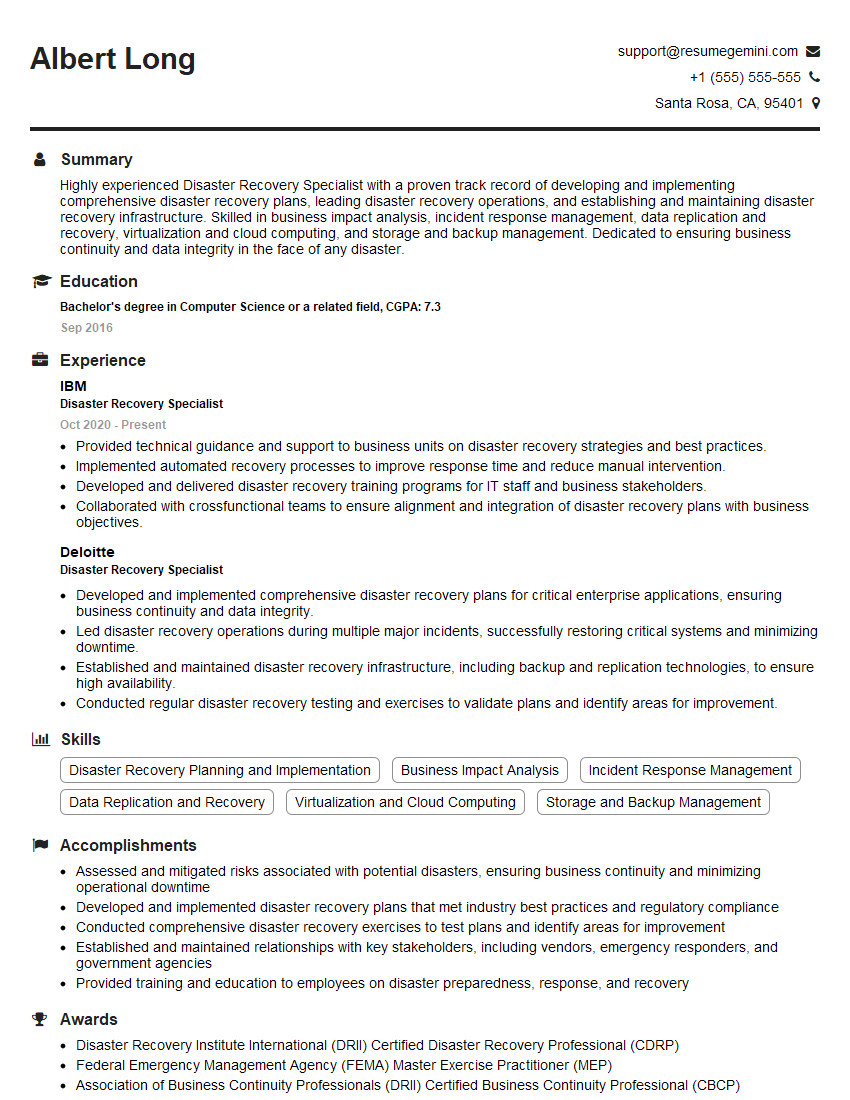
Disaster Recovery Specialist Resume Sample

Reliability Engineer Resume Sample

Security Engineer Resume Sample
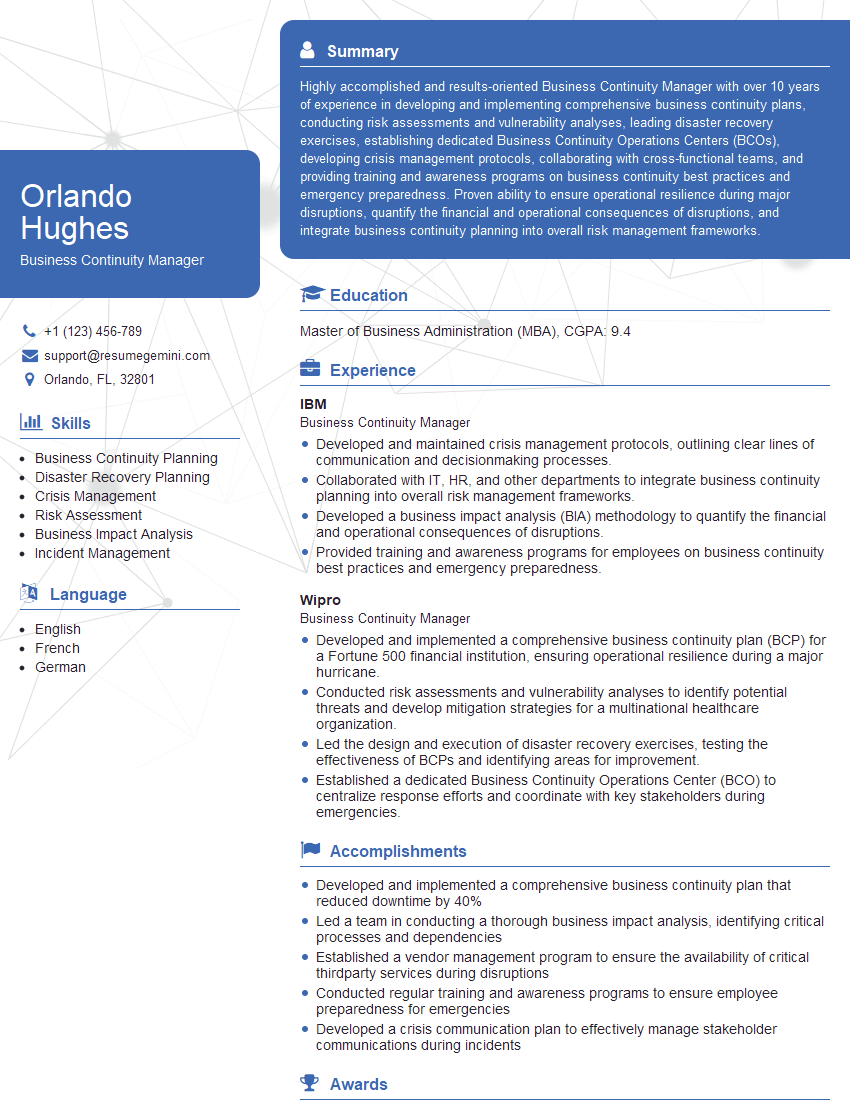
Business Continuity Manager Resume Sample

Systems Analyst Resume Sample

Technical Project Manager Resume Sample

Network Engineer Resume Sample

Infrastructure Engineer Resume Sample

System Administrator Resume Sample

IT Manager Resume Sample

Release Manager Resume Sample

Database Administrator Resume Sample

DevOps Engineer Resume Sample
Explore more articles
Users Rating of Our Blogs
Share Your Experience
We value your feedback! Please rate our content and share your thoughts (optional).
What Readers Say About Our Blog
I Redesigned Spongebob Squarepants and his main characters of my artwork.
https://www.deviantart.com/reimaginesponge/art/Redesigned-Spongebob-characters-1223583608
IT gave me an insight and words to use and be able to think of examples
Hi, I’m Jay, we have a few potential clients that are interested in your services, thought you might be a good fit. I’d love to talk about the details, when do you have time to talk?
Best,
Jay
Founder | CEO