Cracking a skill-specific interview, like one for LAN/WAN Infrastructure Installation, requires understanding the nuances of the role. In this blog, we present the questions you’re most likely to encounter, along with insights into how to answer them effectively. Let’s ensure you’re ready to make a strong impression.
Questions Asked in LAN/WAN Infrastructure Installation Interview
Q 1. Explain the difference between LAN and WAN.
LAN, or Local Area Network, connects devices within a limited geographical area, like a home, office, or school. Think of it as your personal network. WAN, or Wide Area Network, on the other hand, connects devices across a much larger geographical area, often spanning cities, states, or even countries. The internet is the quintessential example of a WAN. The key difference lies in scale and ownership; LANs are typically privately owned and managed, while WANs often involve multiple providers and public infrastructure.
For example, your home Wi-Fi network is a LAN, connecting your phones, computers, and smart devices. Your connection to the internet, which allows those devices to communicate with others around the world, is part of a WAN.
Q 2. What are the various topologies used in LAN/WAN networks?
Several topologies are used for both LAN and WAN networks, each with its own strengths and weaknesses. Common LAN topologies include:
- Star Topology: All devices connect to a central hub or switch. This is the most common LAN topology due to its simplicity and ease of management. If one device fails, the rest continue to function.
- Bus Topology: All devices connect to a single cable. This is less common now due to its single point of failure – if the cable fails, the entire network goes down.
- Ring Topology: Devices are connected in a closed loop. Data travels in one direction around the ring. Less common now compared to star topology.
Common WAN topologies include:
- Mesh Topology: Multiple paths exist between devices, providing redundancy and fault tolerance. This is highly reliable but complex to manage.
- Star Topology (WAN): Similar to LAN star topology, but the central point is often a router or a group of routers interconnected.
- Point-to-Point Topology: A direct connection between two devices. Common for leased lines connecting offices.
The choice of topology depends on factors such as network size, budget, and required level of redundancy.
Q 3. Describe your experience with network cabling (fiber, copper).
I have extensive experience with both fiber and copper cabling. Copper cabling (like Cat5e, Cat6, Cat6a) is still prevalent in LAN environments for its cost-effectiveness and ease of installation, particularly for shorter distances. However, it’s limited in bandwidth and distance. I’ve worked on projects involving structured cabling systems, ensuring proper termination and testing to meet industry standards.
Fiber optic cabling is crucial for high-bandwidth applications and longer distances within WANs and high-speed LAN segments. I’m proficient in fusion splicing and mechanical splicing techniques, as well as testing fiber optic cables using OTDRs (Optical Time Domain Reflectometers) to identify breaks or attenuation. For example, I led a team in the installation of a 10 Gigabit fiber optic backbone for a large enterprise network, ensuring optimal performance and minimal signal degradation.
Q 4. How do you troubleshoot network connectivity issues?
Troubleshooting network connectivity issues follows a systematic approach. My process typically starts with:
- Identifying the problem: Pinpoint the affected devices and services. Is it a single device, a group of devices, or the entire network? What specific symptoms are you observing (e.g., no internet access, slow speeds, connection drops)?
- Checking the physical layer: Ensure cables are properly connected, devices are powered on, and there are no physical obstructions.
- Using diagnostic tools: Tools like
ping,traceroute(ortracert), andnslookuphelp identify connectivity issues between devices and servers. Network monitoring tools provide more comprehensive visibility. - Checking configurations: Verify IP addresses, subnet masks, default gateways, and DNS settings on affected devices. Review firewall rules and access control lists (ACLs).
- Analyzing logs: Examine logs from routers, switches, and servers to identify errors or unusual activity.
- Escalation: If the issue persists, consult with higher-level support or specialists.
For example, recently I resolved a network outage by identifying a faulty switch port using network monitoring tools and subsequently replacing the switch.
Q 5. Explain your experience with network protocols (TCP/IP, UDP).
TCP/IP and UDP are fundamental network protocols in the TCP/IP model. TCP (Transmission Control Protocol) is a connection-oriented protocol, meaning it establishes a connection before transmitting data and guarantees reliable delivery. It’s like sending a registered letter – you know it’s arrived safely. TCP is used for applications requiring reliable data transfer, such as web browsing (HTTP), email (SMTP), and file transfer (FTP).
UDP (User Datagram Protocol) is a connectionless protocol that doesn’t guarantee delivery or order. It’s like sending a postcard – you hope it arrives, but there’s no guarantee. UDP is used for applications where speed is more important than reliability, such as streaming video and online gaming.
I have extensive experience using and configuring these protocols in various network environments. For instance, I optimized the network configuration of a VoIP system by carefully configuring QoS (Quality of Service) parameters to prioritize UDP traffic for real-time voice communication.
Q 6. What is your experience with routing protocols (BGP, OSPF, EIGRP)?
I’m experienced with BGP (Border Gateway Protocol), OSPF (Open Shortest Path First), and EIGRP (Enhanced Interior Gateway Routing Protocol), all widely used routing protocols. BGP is an exterior gateway protocol used to exchange routing information between different autonomous systems (AS) on the internet. It’s essential for routing traffic across the internet.
OSPF and EIGRP are interior gateway protocols used within a single autonomous system. OSPF uses a link-state algorithm, meaning each router maintains a complete map of the network. EIGRP is a proprietary Cisco protocol that uses a hybrid approach, combining aspects of distance-vector and link-state routing. I’ve configured and managed these protocols in various network environments, ensuring optimal routing and network convergence after failures. For example, I implemented OSPF in a large enterprise network to efficiently route traffic between different departments and locations.
Q 7. Describe your experience with VLANs and their implementation.
VLANs (Virtual LANs) are logical subdivisions of a physical LAN. They allow you to segment a network into multiple broadcast domains, improving security and performance. Imagine a large office building; VLANs let you create separate networks for different departments, even if they’re all connected to the same physical switches. This isolates traffic and enhances security.
My experience includes designing, implementing, and managing VLANs using both Cisco and other vendor equipment. I’ve configured VLANs to isolate sensitive data, prioritize critical traffic, and streamline network administration. For example, I implemented VLANs in a hospital network to separate patient data from administrative traffic, enhancing security and compliance with HIPAA regulations. This involved configuring VLANs on switches, routers, and firewalls, as well as ensuring proper inter-VLAN routing using techniques such as trunk ports and subinterfaces.
Q 8. How do you secure a LAN/WAN network?
Securing a LAN/WAN network is a multifaceted process that involves implementing a layered security approach. Think of it like building a castle – you need multiple defenses to protect against attack. This includes physical security, network access controls, and robust cybersecurity measures.
- Physical Security: This is the first line of defense. Restricting physical access to network equipment like routers, switches, and servers is crucial. This might involve locked server rooms, security cameras, and access control systems.
- Network Access Control (NAC): Before a device can join the network, NAC verifies its security posture. This ensures only authorized and secure devices can connect, preventing malware-infected machines from gaining access. Think of it like a bouncer checking IDs at the door of a club.
- Firewall: Firewalls act as gatekeepers, filtering network traffic based on pre-defined rules. They block unauthorized access attempts and prevent malicious traffic from entering the network. A good firewall is like a smart security system that checks who’s at the door and only lets in approved visitors.
- Intrusion Detection/Prevention Systems (IDS/IPS): These systems monitor network traffic for suspicious activity. An IDS detects threats, while an IPS actively blocks them. They are like the security guards patrolling the castle walls, looking for suspicious behavior.
- Virtual Private Networks (VPNs): VPNs encrypt traffic between remote users and the network, ensuring confidentiality and integrity of data even when using public Wi-Fi. Think of it as a secret tunnel protecting your communication.
- Regular Security Audits and Updates: Security is an ongoing process. Regular audits and patching of vulnerabilities are essential to maintain the network’s security posture. This is like regularly maintaining and upgrading the castle’s defenses.
- Security Awareness Training: Educating users about security best practices is crucial to prevent human error, a common cause of security breaches. This is like training the castle’s guards on how to identify and respond to threats.
By combining these security measures, we create a robust defense against various threats, ensuring the confidentiality, integrity, and availability of the network and its resources.
Q 9. Explain your experience with firewalls and intrusion detection systems.
I have extensive experience with various firewalls, from basic packet filtering firewalls to sophisticated next-generation firewalls (NGFWs) incorporating features like deep packet inspection and application control. I’ve worked with vendors like Cisco, Palo Alto Networks, and Fortinet. My experience includes configuring firewall rules, managing access control lists (ACLs), implementing VPN tunnels, and monitoring firewall logs for suspicious activity.
Regarding Intrusion Detection Systems (IDS) and Intrusion Prevention Systems (IPS), I’ve used both network-based and host-based solutions. I am proficient in analyzing IDS/IPS alerts, identifying false positives, and tuning the systems for optimal performance. I’ve also integrated IDS/IPS with SIEM (Security Information and Event Management) systems for centralized security monitoring and incident response. For example, I once used Snort as an open-source IDS in a smaller network, while in larger enterprise environments, I’ve used commercial solutions like those offered by Cisco and other vendors. The key was always to properly tune these systems based on the specific traffic patterns and threat landscape of the network, avoiding overly sensitive settings that would lead to excessive false alerts.
Q 10. What is your experience with network monitoring tools?
My experience with network monitoring tools is extensive, encompassing both hardware and software solutions. I’ve used tools like SolarWinds, Nagios, PRTG Network Monitor, and Zabbix for comprehensive network monitoring. These tools allow for real-time monitoring of network devices, bandwidth usage, application performance, and other key metrics. They are invaluable for identifying performance bottlenecks, security threats, and potential issues before they impact users.
For instance, in a recent project, we used SolarWinds to monitor a large enterprise network. This allowed us to proactively identify a potential bandwidth saturation issue on a specific link before it caused significant performance degradation. The real-time monitoring capabilities of these tools enabled us to address the issue efficiently, minimizing disruption to users. We were also able to generate custom reports for management on network utilization, allowing for data-driven decisions regarding future network upgrades.
Q 11. Describe your experience with VPNs and their configuration.
I have extensive experience with VPNs, including both site-to-site and remote access VPNs. I’m proficient in configuring VPNs using various protocols, such as IPsec, SSL/TLS, and OpenVPN. I’ve worked with hardware and software VPN solutions, configuring them for optimal performance and security. For example, I’ve configured Cisco AnyConnect for remote access VPNs and built site-to-site VPN tunnels using IPsec between different office locations.
A key aspect of VPN configuration is ensuring proper security measures are in place, such as strong encryption, authentication mechanisms, and access controls. I always consider factors like bandwidth requirements, scalability, and the level of security needed when selecting a VPN solution and configuration.
In one project, I implemented a site-to-site IPsec VPN to connect two geographically separate offices. This allowed secure communication and data sharing between the offices, even over a public internet connection. Proper configuration ensured that only authorized traffic was permitted, maintaining a high level of network security.
Q 12. How do you handle network performance issues?
Handling network performance issues requires a systematic approach. I typically follow these steps:
- Identify the Problem: The first step is to pinpoint the source of the performance issue using network monitoring tools. This might involve analyzing bandwidth usage, latency, packet loss, and other relevant metrics.
- Isolate the Cause: Once the problem is identified, I work to isolate its cause. This might involve checking for faulty hardware, software bugs, congested network links, or security threats.
- Implement a Solution: Based on the cause, I implement an appropriate solution. This could involve upgrading hardware, optimizing network configurations, implementing QoS policies, or addressing security vulnerabilities.
- Monitor and Test: After implementing a solution, I monitor the network to ensure it resolves the performance issue. This usually involves performing thorough testing to verify that the network is functioning as expected.
- Document Everything: It’s essential to document the entire process, including the problem, the solution, and the results. This ensures that the issue can be easily resolved in the future if it recurs.
For instance, I once resolved a slow network performance issue by identifying a congested network segment. Through analysis, we discovered a rogue device consuming significant bandwidth. Disconnecting this device immediately improved network performance.
Q 13. Explain your experience with QoS (Quality of Service).
Quality of Service (QoS) is a set of techniques that manage network traffic to ensure that critical applications receive the necessary bandwidth and resources, even under heavy network load. It’s like having a fast lane on a highway for priority traffic. I have experience configuring QoS policies on various network devices, including routers and switches, using techniques like traffic prioritization, bandwidth allocation, and traffic shaping. I’ve worked with different QoS models, including DiffServ and IntServ.
For example, in a VoIP deployment, I configured QoS to prioritize voice traffic over other types of network traffic. This ensures clear and uninterrupted voice communication, even during periods of high network congestion. The configuration involved marking VoIP packets with a specific Differentiated Services Code Point (DSCP) value and then configuring the network infrastructure to prioritize packets with that DSCP value.
Q 14. What are your experiences with network documentation?
Network documentation is crucial for effective network management and troubleshooting. I believe in maintaining comprehensive documentation that includes network diagrams, device configurations, IP addressing schemes, and other relevant information. This documentation acts as a single source of truth, making it easier to understand the network’s architecture, identify potential problems, and plan for future upgrades. Think of it as a blueprint for the network.
I’ve used various tools for network documentation, including Visio, network mapping software, and even simple spreadsheets to track important information. My documentation standards ensure clarity, consistency, and ease of access for others. This is essential for smooth handovers during projects, transitions, and for any future troubleshooting or maintenance needs.
Q 15. Describe your experience with DHCP and DNS server administration.
DHCP (Dynamic Host Configuration Protocol) and DNS (Domain Name System) are fundamental to any network’s functionality. DHCP automatically assigns IP addresses, subnet masks, default gateways, and other network configuration parameters to devices, eliminating manual configuration. DNS translates human-readable domain names (like google.com) into machine-readable IP addresses, allowing users to access websites and services easily.
My experience encompasses both server installation and configuration, including setting up scopes, reservations, and exclusions within DHCP. I’ve also extensively managed DNS servers, creating zones, managing records (A, AAAA, CNAME, MX, etc.), and implementing DNSSEC for enhanced security. For example, in a previous role, I migrated a company from a legacy DHCP server to a more robust, centralized solution, improving network scalability and simplifying administration. This involved carefully planning the migration to minimize downtime and ensuring seamless transition for all connected devices. In another instance, I troubleshooted a DNS issue causing intermittent website access. Through careful analysis of DNS logs and network traces, I identified a misconfigured zone file, resolving the problem quickly and preventing further disruptions.
I’m proficient in troubleshooting common issues like DHCP address exhaustion, DNS resolution failures, and configuring DHCP relay agents in complex network environments. I’m also familiar with implementing high-availability solutions for both DHCP and DNS, ensuring continuous service even in case of server failure. This includes using features like failover clusters and redundant servers.
Career Expert Tips:
- Ace those interviews! Prepare effectively by reviewing the Top 50 Most Common Interview Questions on ResumeGemini.
- Navigate your job search with confidence! Explore a wide range of Career Tips on ResumeGemini. Learn about common challenges and recommendations to overcome them.
- Craft the perfect resume! Master the Art of Resume Writing with ResumeGemini’s guide. Showcase your unique qualifications and achievements effectively.
- Don’t miss out on holiday savings! Build your dream resume with ResumeGemini’s ATS optimized templates.
Q 16. What is your experience with wireless network technologies (802.11a/b/g/n/ac/ax)?
I have extensive experience with wireless network technologies, spanning 802.11a/b/g/n/ac/ax standards. My experience includes designing, implementing, and troubleshooting wireless networks of varying sizes and complexities. Each standard offers improvements in speed, range, and security. For instance, 802.11a was a pioneer in 5GHz technology, while 802.11n introduced MIMO (Multiple-Input and Multiple-Output) for significantly increased throughput. 802.11ac and ax built upon this, bringing even higher speeds and efficiency, especially crucial in today’s high-bandwidth demands.
My practical experience includes optimizing wireless network performance through channel planning, site surveys (using tools like Wi-Fi analyzers), and proper antenna placement. I’m well-versed in configuring access points, implementing wireless security protocols (WPA2/WPA3), and managing roaming between access points for seamless connectivity. I have worked on projects involving both indoor and outdoor wireless deployments, considering factors like interference from other devices (like microwaves and Bluetooth) and the physical obstacles affecting signal propagation. A recent example involves designing a wireless network for a large office building, ensuring strong signal coverage in all areas, secure access, and sufficient bandwidth for hundreds of users simultaneously. This included detailed planning, selection of appropriate hardware, and ongoing monitoring to optimize performance.
Q 17. How do you perform network capacity planning?
Network capacity planning is a crucial aspect of maintaining a healthy and efficient network infrastructure. It involves predicting future network bandwidth and resource requirements to prevent bottlenecks and ensure optimal performance. This process is iterative and involves careful analysis of current network usage patterns, projected growth, and anticipated changes in technology.
My approach involves several key steps: First, I thoroughly analyze existing network traffic using tools like NetFlow and sFlow to understand current bandwidth consumption, peak usage times, and common applications consuming bandwidth. Next, I project future growth based on factors like the number of users, devices, and applications. This might involve creating realistic models based on historical data or forecasting based on business expansion plans. Third, I assess the capacity of current network infrastructure (routers, switches, WAN links) against the projected requirements. If there’s a significant gap, I develop a plan to upgrade hardware, optimize network configuration, or implement new technologies to meet future needs. Finally, I regularly monitor network performance to ensure the plan remains effective and adjust as needed. This includes setting up alerts for unusual traffic patterns or resource limitations. For example, in a past project, I identified that a company’s network was about to reach its bandwidth limit due to the increasing number of video conferencing sessions. Based on the projections, I recommended upgrading the core switches and WAN link capacity, preventing performance degradation and service disruptions.
Q 18. Explain your experience with network segmentation.
Network segmentation is a crucial security best practice that divides a network into smaller, isolated segments. This limits the impact of security breaches and improves network performance. It creates a layered defense approach to reduce the attack surface.
My experience includes implementing network segmentation using various methods, such as VLANs (Virtual LANs) and firewalls. VLANs logically separate devices on the same physical network into different broadcast domains, while firewalls control traffic flow between segments. A common example is separating the corporate network into segments for different departments (e.g., marketing, finance, IT). This ensures that if one department is compromised, the impact is contained. Additionally, segmentation can improve network performance by reducing broadcast domains and improving traffic management. In a prior engagement, I implemented VLANs to isolate critical servers from the general user network, enhancing security and performance. I’ve also configured firewall rules to strictly control communication between network segments, ensuring that only authorized traffic is allowed. Proper design and documentation are key components of a successful segmentation strategy, ensuring clear understanding of the network architecture and the communication flows between various segments.
Q 19. Describe your experience with IP addressing and subnetting.
IP addressing and subnetting are fundamental skills for any network engineer. IP addresses uniquely identify devices on a network, while subnetting divides a larger network into smaller, manageable subnetworks. Understanding this is essential for efficient network design and administration.
I’m proficient in IPv4 and IPv6 addressing schemes, including CIDR (Classless Inter-Domain Routing) notation. I can effectively subnet networks to meet specific requirements, considering factors such as the number of hosts needed per subnet and the available IP address space. For instance, I can calculate the subnet mask, network address, broadcast address, and usable host range for a given network. I’ve utilized this knowledge extensively in designing networks for various organizations, ensuring efficient use of IP addresses and optimal network segmentation. A recent project required me to design an IP addressing scheme for a new office location, incorporating multiple subnets to separate different departments and services. Careful planning was essential to avoid IP address conflicts and ensure proper routing between subnets.
Q 20. What is your experience with network automation tools?
Network automation tools are essential for efficiently managing and maintaining modern networks. They automate repetitive tasks, reducing human error and improving overall network performance.
My experience includes using tools like Ansible, Puppet, and Chef for configuration management and automation. I’ve used these tools to automate tasks such as device provisioning, software updates, and security configuration. For example, I’ve used Ansible to automate the deployment of new network devices, configuring them with consistent settings and ensuring compliance with security policies. This eliminates manual configuration, reducing errors and saving time. I’m also familiar with scripting languages like Python to automate network monitoring and troubleshooting. This allows me to create custom scripts to automate tasks specific to a given environment. A current project involves developing a script to automate the process of identifying and resolving network connectivity issues, improving response times and reducing manual intervention. The goal is to enhance efficiency, scalability, and reduce human intervention, leading to a more robust and reliable network.
Q 21. How do you manage network upgrades and migrations?
Managing network upgrades and migrations requires careful planning, execution, and thorough testing. This ensures minimal disruption to users and services during the transition to a new network infrastructure or technology.
My approach begins with a detailed assessment of the existing network and a clear understanding of the upgrade or migration goals. This includes identifying potential challenges and developing a comprehensive plan to address them. The plan includes detailed timelines, resource allocation, and rollback strategies in case of unexpected issues. I use a phased approach, implementing changes in stages to minimize risk. This includes thorough testing of each phase before proceeding to the next. Furthermore, I leverage network automation tools to streamline the upgrade process, automating device configuration and software deployment. For instance, I’ve managed migrations from older networking equipment to newer, more efficient hardware. This involved careful planning of the cutover process, ensuring minimal downtime during the transition. Communication is critical throughout the process, keeping stakeholders informed about progress and potential issues. Post-migration monitoring is crucial to ensure that the new infrastructure is performing as expected and to address any unforeseen problems.
Q 22. Explain your experience with troubleshooting network hardware.
Troubleshooting network hardware involves systematically identifying and resolving issues affecting network devices. My experience spans various hardware, including routers, switches, firewalls, and wireless access points from vendors like Cisco, Juniper, and Aruba. I approach troubleshooting methodically, starting with the basics. For example, if a switch port isn’t working, I’d first check the physical connection – is the cable plugged in securely? Is the cable itself damaged? Then I’d move to the device’s configuration, checking for port status, spanning-tree configuration, and potential access control lists (ACLs) that might be blocking traffic. I’d use tools like ping, traceroute, and packet analyzers (like Wireshark) to identify the point of failure.
One memorable instance involved a seemingly random network outage affecting a specific department. After systematically checking cables and configurations, I eventually discovered a faulty power supply in a network switch that wasn’t immediately apparent. Replacing the power supply immediately resolved the issue, highlighting the importance of checking even the seemingly obvious components.
- Physical Inspection: Cables, ports, power supplies
- Configuration Verification: Device settings, ACLs, VLANs
- Network Monitoring Tools: Ping, Traceroute, Wireshark
- Log Analysis: Examining device logs for error messages
Q 23. Describe your approach to resolving complex network problems.
My approach to resolving complex network problems is systematic and iterative. I use a structured methodology that ensures thorough investigation and avoids overlooking potential causes. It’s like solving a mystery. First, I gather information; who is affected, what are the symptoms, when did it start? Then I reproduce the problem if possible and attempt to isolate the scope. This could involve using network monitoring tools to pinpoint the affected network segment or device. Next, I formulate hypotheses based on my initial findings and systematically test them, eliminating potential causes one by one. Finally, I implement the solution, test thoroughly, and document my findings for future reference. This allows for quick diagnosis of similar issues down the line.
For example, during a recent project involving a slow network, I employed a combination of network monitoring tools, including SolarWinds and PRTG, to identify bottlenecks. My investigation led me to discover an overloaded network switch requiring upgrade to handle increasing bandwidth demands. The upgrade restored network performance.
- Information Gathering: Symptoms, affected users, timeline
- Problem Isolation: Identifying the affected network segment
- Hypothesis Testing: Systematically eliminating potential causes
- Solution Implementation: Testing and documenting the resolution
Q 24. What is your experience with cloud-based networking solutions (AWS, Azure, GCP)?
My experience with cloud-based networking solutions includes AWS, Azure, and GCP. I’m proficient in configuring and managing virtual networks, virtual private clouds (VPCs), and cloud-based firewalls within these platforms. I understand the complexities of routing, load balancing, and DNS management in cloud environments and have used these services to build highly available and scalable network infrastructures. I’ve worked on projects involving migrating on-premise networks to the cloud and integrating cloud-based solutions with existing on-premise infrastructure.
Specifically, I’ve used AWS’s Route 53 for DNS management, its Elastic Load Balancing (ELB) for distributing traffic across multiple instances, and its Virtual Private Cloud (VPC) for creating isolated networks. Similar experiences exist using Azure’s equivalent services. Understanding the differences in the approach of each cloud provider is a crucial aspect of this knowledge.
Q 25. Explain your familiarity with network security best practices.
Network security best practices are paramount in my work. My experience encompasses implementing firewalls, intrusion detection/prevention systems (IDS/IPS), virtual LANs (VLANs), and access control lists (ACLs) to secure networks. I’m familiar with security protocols such as TLS/SSL, SSH, and IPsec and understand the importance of regular security audits and vulnerability assessments. I advocate for a layered security approach, combining multiple security measures to protect against various threats.
For instance, I’ve implemented multi-factor authentication (MFA) for all network access points, enhancing overall security posture. I also worked on a project where we implemented a comprehensive security information and event management (SIEM) system to monitor and analyze network security logs, which provided real-time visibility into potential threats.
- Firewall Management: Configuring and maintaining firewalls to control network access
- Intrusion Detection/Prevention: Deploying IDS/IPS systems to detect and prevent cyberattacks
- Access Control: Implementing VLANs and ACLs to segment networks and restrict access
- Security Audits and Vulnerability Assessments: Regularly assessing network security posture
Q 26. Describe your experience with network redundancy and failover mechanisms.
Network redundancy and failover mechanisms are crucial for ensuring high availability and resilience. My experience involves designing and implementing redundant network components, such as dual-homed servers, redundant routers and switches, and using protocols like HSRP (Hot Standby Router Protocol) and VRRP (Virtual Router Redundancy Protocol) for failover. This ensures that if one component fails, another immediately takes over, minimizing downtime. I also have experience with geographically diverse setups to enhance fault tolerance.
In one project, we implemented a geographically redundant data center setup with a high-speed connection between the two locations. This ensured that if one data center experienced an outage, the other could seamlessly take over, guaranteeing business continuity.
Q 27. What is your experience with software-defined networking (SDN)?
Software-Defined Networking (SDN) is a paradigm shift in network management, allowing for centralized control and programmability of network functions. My experience with SDN includes working with SDN controllers (such as OpenDaylight or ONOS) and implementing virtual networks using technologies like VMware NSX or Cisco ACI. I understand the benefits of SDN, such as increased agility, automation, and simplified management. I’ve utilized SDN to create flexible and scalable network architectures for large-scale deployments.
A recent project involved using SDN to automate the provisioning of virtual networks for different departments. This enabled faster deployment and improved efficiency compared to traditional manual processes.
Key Topics to Learn for LAN/WAN Infrastructure Installation Interview
- Network Topologies: Understanding different network topologies (star, bus, ring, mesh) and their practical implications in LAN/WAN design and troubleshooting. Consider their strengths, weaknesses, and suitability for various scenarios.
- IP Addressing and Subnetting: Mastering IP addressing schemes (IPv4 and IPv6), subnetting techniques, and their application in network segmentation and addressing large networks efficiently. Be prepared to demonstrate your ability to calculate subnet masks and usable IP addresses.
- Routing Protocols: Familiarity with common routing protocols (RIP, OSPF, BGP) and their roles in directing network traffic across LANs and WANs. Understanding their functionalities and how to configure them will be crucial.
- Network Security: Knowledge of basic network security principles, including firewalls, VPNs, and access control lists (ACLs). Be ready to discuss how these elements contribute to a secure network infrastructure.
- Cable Management and Standards: Understanding different cable types (fiber optic, copper), connector standards (RJ-45, SC, LC), and best practices for cable management in both LAN and WAN environments. This demonstrates practical installation skills.
- Troubleshooting Techniques: Developing problem-solving skills to identify and resolve common network issues, such as connectivity problems, slow performance, and network outages. Be prepared to discuss your approach to troubleshooting.
- Hardware Components: Understanding the functions and applications of key networking hardware, such as routers, switches, hubs, and network interface cards (NICs). Being able to discuss their roles within a network is vital.
- Wireless Networking (WLAN): Familiarity with wireless networking technologies (802.11 standards), security protocols (WPA2/3), and site surveys for optimal wireless coverage. This is increasingly important in modern LAN/WAN setups.
- Network Monitoring and Management: Understanding tools and techniques used to monitor network performance, identify bottlenecks, and proactively address potential issues. This demonstrates a proactive and solutions-oriented mindset.
Next Steps
Mastering LAN/WAN infrastructure installation opens doors to exciting and well-compensated roles in IT. Demonstrating this expertise effectively requires a strong resume that gets noticed by Applicant Tracking Systems (ATS). Creating an ATS-friendly resume significantly increases your chances of landing an interview. ResumeGemini is a trusted resource to help you build a professional and impactful resume. They provide examples of resumes tailored to LAN/WAN Infrastructure Installation roles to help you get started.

Network Administrator Resume Sample

Network Engineer Resume Sample

Network Security Engineer Resume Sample

System Administrator Resume Sample

Network Analyst Resume Sample
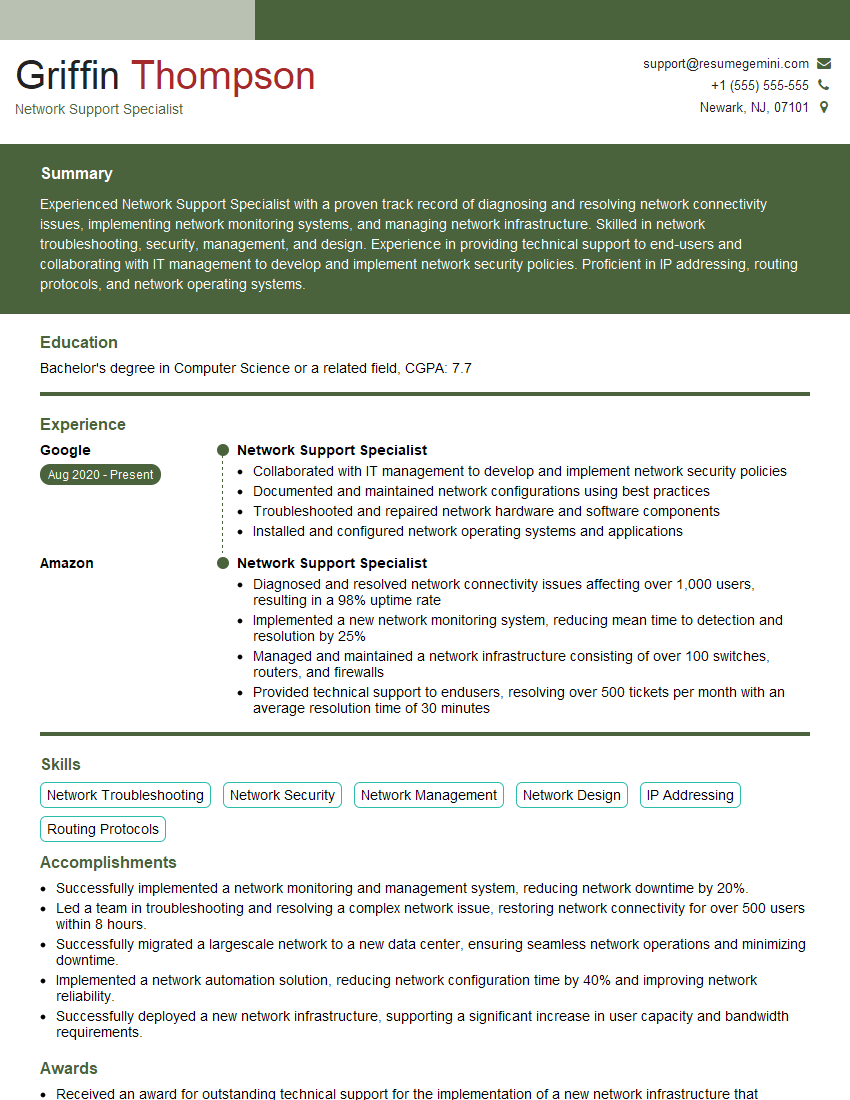
Network Support Specialist Resume Sample

Network Technician Resume Sample

Network Architect Resume Sample

Network Consultant Resume Sample

Telecommunications Engineer Resume Sample

Wireless Network Engineer Resume Sample

IT Manager Resume Sample

IT Project Manager Resume Sample
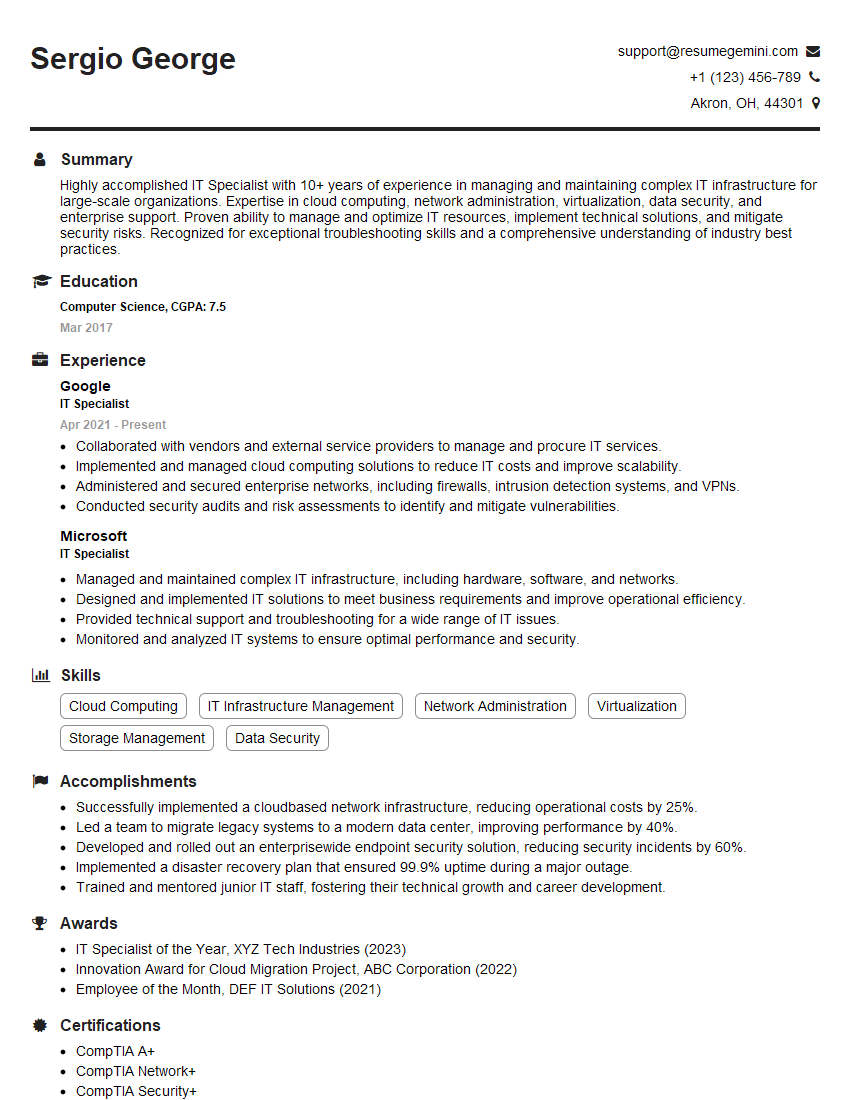
IT Specialist Resume Sample

Field Service Engineer Resume Sample
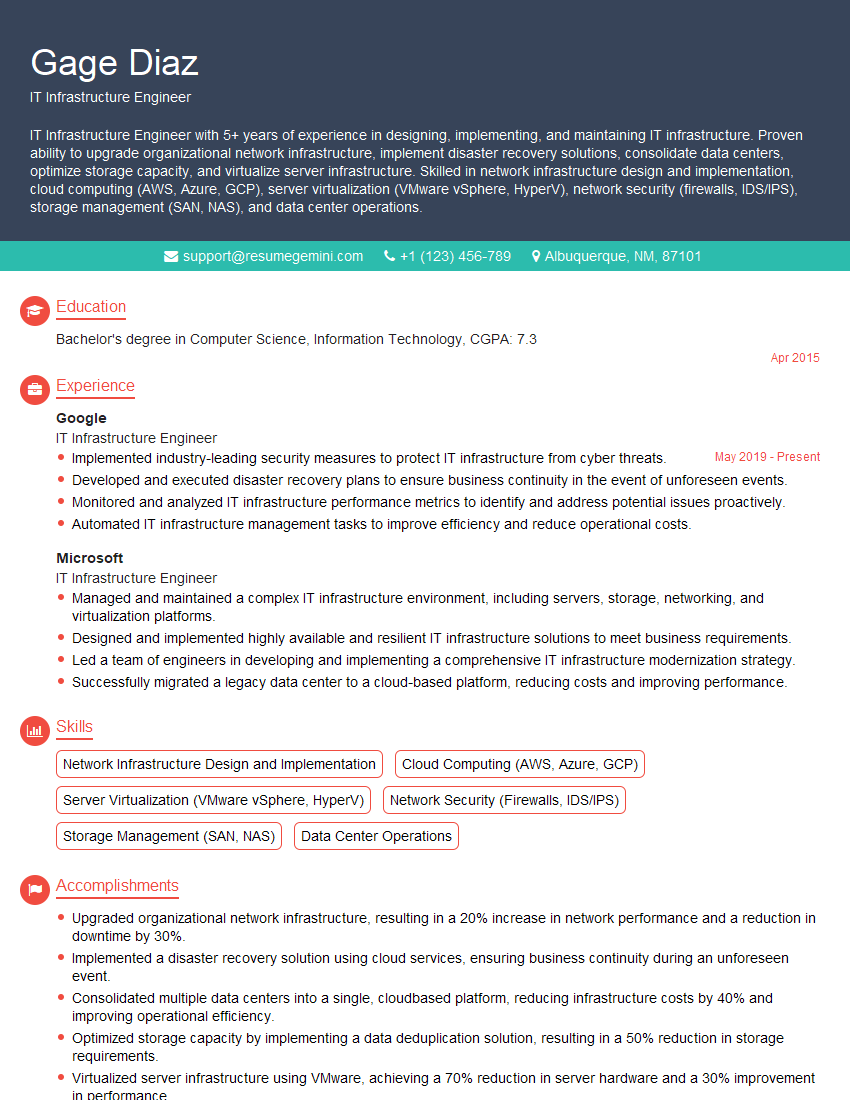
IT Infrastructure Engineer Resume Sample
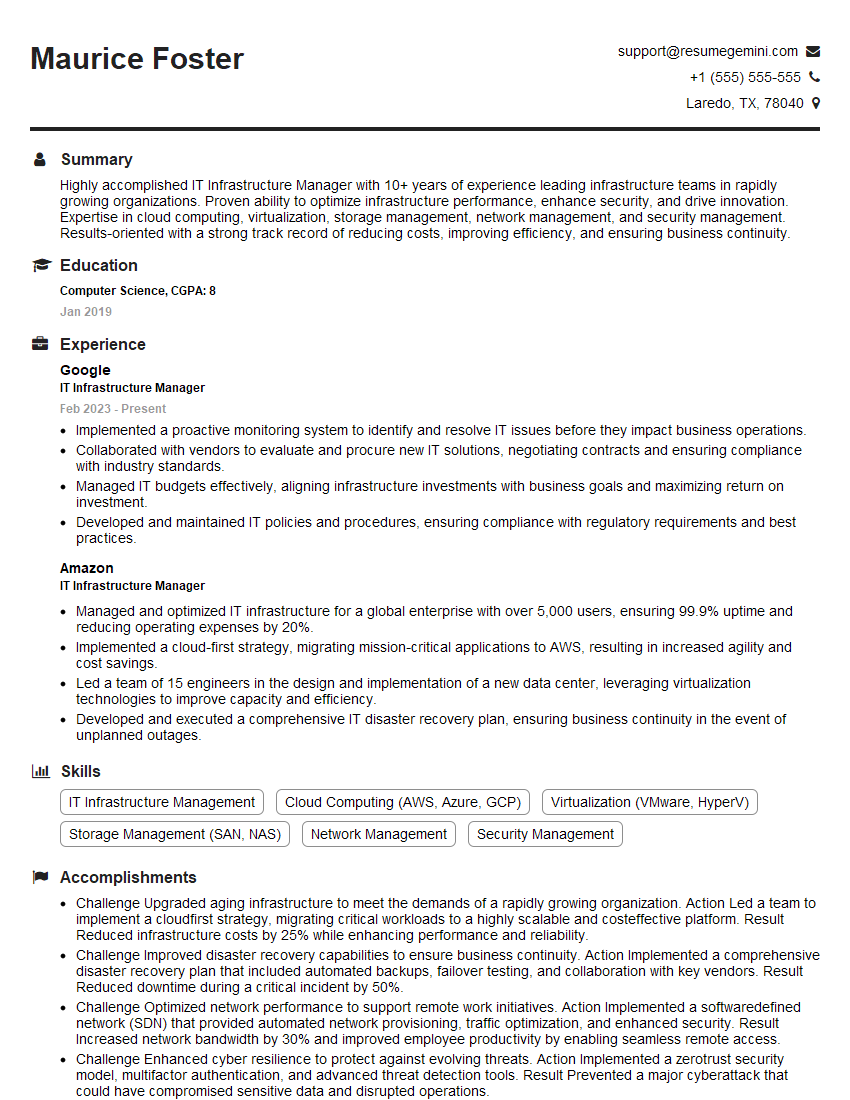
IT Infrastructure Manager Resume Sample
- Network Administrator
- Network Engineer
- Network Security Engineer
- System Administrator
- Network Analyst
- Network Support Specialist
- Network Technician
- Network Architect
- Network Consultant
- Telecommunications Engineer
- Wireless Network Engineer
- IT Manager
- IT Project Manager
- IT Specialist
- Field Service Engineer
- IT Infrastructure Engineer
- IT Infrastructure Manager
Explore more articles
Users Rating of Our Blogs
Share Your Experience
We value your feedback! Please rate our content and share your thoughts (optional).
What Readers Say About Our Blog
I Redesigned Spongebob Squarepants and his main characters of my artwork.
https://www.deviantart.com/reimaginesponge/art/Redesigned-Spongebob-characters-1223583608
IT gave me an insight and words to use and be able to think of examples
Hi, I’m Jay, we have a few potential clients that are interested in your services, thought you might be a good fit. I’d love to talk about the details, when do you have time to talk?
Best,
Jay
Founder | CEO