Interviews are opportunities to demonstrate your expertise, and this guide is here to help you shine. Explore the essential Construction Document Preparation interview questions that employers frequently ask, paired with strategies for crafting responses that set you apart from the competition.
Questions Asked in Construction Document Preparation Interview
Q 1. Explain the importance of accurate and up-to-date construction documents.
Accurate and up-to-date construction documents are the bedrock of a successful project. They serve as the single source of truth, guiding every stage from design and bidding to construction and handover. Inaccuracy can lead to costly rework, delays, disputes, and even safety hazards. Imagine building a house based on flawed blueprints – the consequences could be disastrous!
- Cost Savings: Accurate documents minimize errors, reducing the need for costly change orders and rework.
- Schedule Adherence: Clear, concise documents facilitate smooth workflows, preventing delays caused by misunderstandings or conflicting information.
- Risk Mitigation: Accurate documents help identify potential problems early on, allowing for proactive mitigation strategies.
- Legal Protection: Detailed and accurate documentation provides crucial evidence in case of disputes or legal issues.
- Improved Communication: A common set of accurate documents ensures everyone on the project team is on the same page.
Q 2. Describe your experience with different document management systems.
Throughout my career, I’ve worked with a variety of document management systems, each with its own strengths and weaknesses. My experience includes using both standalone software and cloud-based platforms. For example, I’ve extensively used Autodesk BIM 360, which excels in collaborative design and document control in large-scale projects. This platform offers robust version control, clash detection, and issue tracking capabilities, allowing seamless collaboration among architects, engineers, and contractors. I’ve also worked with Procore, a project management software with excellent document management features that integrate well with other project management tools. On smaller projects, I’ve effectively used simpler systems like SharePoint, leveraging its version history and permission settings for efficient document control.
Q 3. How do you ensure version control in a collaborative construction document environment?
Version control is paramount in collaborative environments. We use a combination of strategies to ensure everyone works with the most current documents. This involves establishing a clear naming convention (e.g., incorporating revision numbers like ‘Drawing A-100 Rev. 01’), utilizing version control features within our chosen document management system (like Autodesk BIM 360’s revision clouds), and implementing a rigorous document approval workflow. For instance, before any changes are implemented, a formal review process is undertaken where stakeholders sign off on revisions. This minimizes the risk of multiple individuals working on outdated versions, creating conflicting documents and causing project delays.
Q 4. What are your methods for identifying and resolving document conflicts?
Document conflicts are inevitable in collaborative projects. My approach involves a multi-step process. First, the conflict is identified, typically through automated clash detection software or manual reviews. Next, we determine the source of the conflict, reviewing the document history to understand which revision introduced the issue. Then, we convene a meeting of relevant stakeholders – architects, engineers, contractors – to discuss the conflicting information and determine the best resolution. This often involves comparing and contrasting different versions to identify the most accurate and practical solution. Finally, the resolved document is updated, clearly marked with the resolution, and disseminated to the project team. Transparency and communication are key to prevent further conflicts.
Q 5. Describe your process for reviewing and approving construction documents.
Our review and approval process is rigorous and structured. It typically involves multiple levels of review, starting with a technical review by specialists (structural engineers, MEP engineers, etc.), followed by a quality control review to ensure compliance with standards and specifications. Finally, the documents are reviewed by senior management to approve the release. Each review stage includes a checklist to ensure thoroughness and consistency. The approval process usually uses a digital signature system, ensuring a clear audit trail and accountability.
Q 6. How do you handle revisions and updates to construction documents?
Handling revisions and updates requires a systematic approach. All changes are logged, dated, and clearly identified. This usually involves creating a new revision of the document, clearly indicating the changes made. Affected parties are notified about the update, and the new version is distributed through the approved document management system. We maintain a detailed change log, documenting the reason for the change, the date of implementation, and the person responsible. This allows for traceability and easy access to document history.
Q 7. What software proficiency do you possess for managing construction documents?
My software proficiency encompasses a wide range of tools used in managing construction documents. I am highly proficient in Autodesk BIM 360, Procore, and Bluebeam Revu. I’m also experienced with Microsoft SharePoint and other cloud-based document management systems. Beyond this, I’m adept at utilizing industry-standard software like AutoCAD and Revit for creating and managing drawings. This combination of skills ensures that I can handle document management effectively in a variety of project contexts. I am a quick learner and easily adapt to new software as needed.
Q 8. Explain your experience with BIM (Building Information Modeling) and its role in document management.
BIM, or Building Information Modeling, is a process involving the creation and management of digital representations of physical and functional characteristics of places. In document management, BIM plays a crucial role by centralizing all project data into a single, shared model. This includes architectural drawings, structural plans, MEP (Mechanical, Electrical, and Plumbing) designs, and specifications. My experience with BIM spans over [Number] years, working on projects ranging from small residential renovations to large-scale commercial developments. I’ve used various BIM software platforms, such as Revit and ArchiCAD, to create and manage models, enabling seamless collaboration among project stakeholders. For instance, on a recent hospital project, utilizing a central BIM model allowed all engineers and contractors to access the latest design revisions instantly, significantly minimizing conflicts and errors during construction.
BIM facilitates efficient document control through features like version control, automated clash detection, and the ability to link documents directly to the 3D model elements. This eliminates the risk of working with outdated documents, improves communication, and enhances the overall project quality and efficiency. Imagine trying to manage hundreds of drawings manually – BIM eliminates the need for that tedious process.
Q 9. How do you ensure all construction documents comply with relevant building codes and regulations?
Ensuring compliance with building codes and regulations is paramount. My approach is multi-faceted and starts even before the design phase begins. I conduct thorough research to identify all applicable codes for the project’s location and type, such as the International Building Code (IBC) or local municipal ordinances. I then incorporate these codes into the project’s specifications and drawings from the outset. This includes utilizing software with built-in code checking capabilities. Regular checks and updates are performed throughout the project lifecycle, comparing designs to the latest code revisions to avoid any discrepancies. For example, I frequently use the ICC Digital Codes to ensure our designs meet the latest requirements. We also leverage code compliance software that automatically flags any potential violations based on the project’s geometry and specifications. Finally, all documents are reviewed by a qualified professional engineer to ensure full compliance before submission to the authorities.
Q 10. Describe your experience with document distribution and access control.
Document distribution and access control are handled using a combination of secure cloud-based platforms and internal file management systems. This ensures that only authorized individuals can access specific documents, and all versions are tracked and securely stored. I use platforms like [Name of platform] which provide features such as user permissions, version control, and audit trails. For example, only the structural engineer would have access to the structural calculations, while the entire design team has access to the architectural drawings. This granular control prevents unauthorized modifications and ensures data integrity. We also implement robust security measures like password protection and two-factor authentication to prevent unauthorized access.
Furthermore, a clear document distribution plan is established at the project’s outset, outlining who receives which documents and when. This streamlines communication and minimizes confusion. This avoids the chaos of emailing large files back and forth.
Q 11. How do you track and manage document approvals and signatures?
Tracking and managing document approvals and signatures is critical for project efficiency and legal compliance. We utilize digital signature software integrated with our document management system. This software allows for secure electronic signatures, providing a clear audit trail of who approved which document and when. The system automates notification to stakeholders when their approval is needed, ensuring timely feedback. For instance, upon completion of a design phase, the system automatically sends out notifications to the architect, structural engineer, and client for their approval. Once all approvals are received, the document is automatically marked as approved and archived. This eliminates the need for manual tracking and significantly reduces the risk of delays due to missing approvals.
Q 12. How familiar are you with RFI (Request for Information) processes related to documents?
RFIs, or Requests for Information, are an integral part of the construction document process. My experience involves managing and responding to RFIs efficiently and effectively. I understand the importance of clear and concise communication in this process. When an RFI is received, I carefully analyze the request and gather the necessary information from the relevant sources. I then prepare a comprehensive response, providing clear and unambiguous answers along with any supporting documentation. The response is then reviewed by the appropriate parties before being submitted. The entire process is documented and tracked within our document management system, ensuring that all RFIs are addressed promptly and thoroughly. We often utilize a dedicated RFI log to track the status of each request, ensuring no request falls through the cracks.
Q 13. What are your strategies for maintaining a well-organized document library?
Maintaining a well-organized document library is crucial for project efficiency and success. We employ a hierarchical folder structure based on the project’s phases, disciplines, and document types. This system allows for easy navigation and retrieval of documents. For example, a typical folder structure might be: [Project Name] \ [Phase] \ [Discipline] \ [Document Type]. We utilize keywords and metadata tagging to improve searchability. Regular archiving of completed projects ensures that our document library remains manageable. We utilize a document management system that supports version control, allowing us to track changes and revert to previous versions if necessary. This system also allows for easy sharing of documents with external stakeholders.
Q 14. How do you handle document requests from various stakeholders?
Handling document requests from various stakeholders requires a well-defined process and a responsive approach. We use our document management system to manage access permissions, ensuring that only authorized individuals can access specific documents. Upon receiving a request, I determine the requester’s access rights and whether the requested document is already available to them. If access is granted, the document is provided via the system. If not, the request is routed to the appropriate person for approval or action. We maintain a log of all document requests to track usage and ensure accountability. In cases where the requested document is not readily available, I will proactively locate the information or escalate the request to the appropriate personnel to ensure timely responses and maintain a high level of client satisfaction.
Q 15. How familiar are you with different document formats (PDF, DWG, etc.) and their applications?
I’m highly proficient in various construction document formats. Understanding their applications is crucial for efficient project delivery. PDFs (Portable Document Format) are ubiquitous for sharing final drawings and specifications, ensuring consistent viewing across different software and operating systems. Their advantage lies in their reliability and ease of distribution. However, they are not ideal for editing. DWG (Drawing Exchange Format) files, native to AutoCAD, are essential for design and drafting. They are editable, allowing for collaborative work and revision management. Other formats like IFC (Industry Foundation Classes) for building information modeling (BIM) data exchange, and RVT (Revit) files for native Revit projects, are also integral to my workflow. For example, I’ve frequently used PDFs for submittals to clients, DWGs for collaborative design with architects and engineers, and IFCs for seamless data transfer between BIM software platforms.
Choosing the right format depends entirely on the project phase and its intended use. For instance, using a DWG for final client submittal would be impractical, while submitting a PDF of a Revit model without proper layers would hinder the client’s ability to understand the information. I ensure the appropriate file format is used for each stage of the project.
Career Expert Tips:
- Ace those interviews! Prepare effectively by reviewing the Top 50 Most Common Interview Questions on ResumeGemini.
- Navigate your job search with confidence! Explore a wide range of Career Tips on ResumeGemini. Learn about common challenges and recommendations to overcome them.
- Craft the perfect resume! Master the Art of Resume Writing with ResumeGemini’s guide. Showcase your unique qualifications and achievements effectively.
- Don’t miss out on holiday savings! Build your dream resume with ResumeGemini’s ATS optimized templates.
Q 16. Explain your experience with creating and maintaining a construction document register.
Maintaining a construction document register is paramount for organized project management. My experience involves creating and updating a comprehensive register that meticulously lists every single document, including its version number, revision date, author, description, and location (both physical and digital). I utilize spreadsheet software, typically Excel or Google Sheets, to create a structured register with clearly defined columns for efficient data entry and searching. This register is constantly updated throughout the project lifecycle, reflecting every revision and addition. I’ve found that using a color-coded system within the spreadsheet to highlight the status of documents – for example, green for approved, yellow for pending approval, and red for rejected – significantly improves oversight and communication. This system also allows for easy tracking of document approvals and identification of missing or outdated documents.
For instance, on a recent large-scale commercial project, the register contained over 500 entries, meticulously documenting every architectural drawing, engineering specification, and construction schedule. This meticulous tracking helped us avoid costly mistakes and delays.
Q 17. How do you handle discrepancies between documents and site conditions?
Discrepancies between documents and site conditions are inevitable in construction. My approach involves a systematic process: First, I meticulously document the discrepancy, including photographs and detailed descriptions. Then, I consult relevant documents – drawings, specifications, and RFIs (Requests for Information) – to understand the source of the conflict. Next, I collaborate with the relevant project stakeholders – architects, engineers, contractors, and the client – to resolve the issue. This often involves issuing a field report or RFI to clarify the situation and propose solutions. Finally, I update the relevant documents to reflect the agreed-upon changes, ensuring everyone involved has access to the most current information. The process is documented transparently and included within the project’s change management system.
For example, I once discovered a discrepancy between the foundation plan and the actual foundation layout during a site visit. By documenting the discrepancy with photographs and measurements, I was able to initiate an RFI, leading to a revised foundation plan and ensuring the project remained on schedule.
Q 18. Describe your experience with document archiving and retrieval.
Effective document archiving and retrieval is crucial for long-term project success and potential future needs. My approach involves a structured system that combines both physical and digital archiving. Physical documents, like hard copies of signed contracts, are stored in secure, climate-controlled environments with appropriate labeling and indexing. Digital documents are stored using a combination of cloud-based services and internal network drives, with a robust file naming convention that ensures easy searchability. Version control is strictly maintained to prevent confusion. I always maintain a detailed log of archived documents, including their physical or digital location and version number.
I’ve used various methods, including optical character recognition (OCR) software to make digital copies of hardcopy documents searchable. This ensures quick and efficient retrieval of information even from older project records. On previous projects, this has been particularly useful when dealing with insurance claims or historical disputes.
Q 19. Explain your experience with using cloud-based document management systems.
I have extensive experience utilizing cloud-based document management systems (DMS) like Dropbox, Google Drive, and Autodesk BIM 360. These platforms offer significant advantages, including centralized access for all stakeholders, real-time collaboration capabilities, version control, and enhanced security. My workflow often involves setting up project-specific folders within the chosen DMS, categorizing documents appropriately, and establishing clear access permissions for different team members. Using cloud-based systems facilitates seamless communication and reduces the risk of document loss or misplacement.
For instance, on a recent project, the use of BIM 360 allowed all members of the design team to access and work on the latest set of drawings simultaneously, eliminating the delays and confusion that can arise from emailing large files back and forth. The system’s version control features also ensured that we were all working with the most up-to-date documents.
Q 20. How do you prioritize and manage multiple document review requests simultaneously?
Prioritizing multiple document review requests requires a structured approach. I typically use a combination of tools and techniques to efficiently manage the workload. I begin by creating a prioritized list based on urgency and deadlines. This list might be a simple spreadsheet or a task management system such as Asana or Trello. Each request is assigned a due date and marked with its priority level. I then allocate time slots for each review task, ensuring that the most urgent requests are tackled first. Regular communication with stakeholders to manage expectations is crucial. This proactive communication prevents unnecessary delays and ensures that everyone is informed about the progress.
Think of it like a chef managing multiple orders in a busy kitchen—you prioritize the dishes that need to be served immediately and work through the rest in an organized manner, keeping customers informed about the estimated wait time.
Q 21. How would you handle a situation where a crucial document is missing?
Discovering a missing crucial document is a serious situation. My immediate response involves retracing steps to determine when and how the document went missing. I would check all known storage locations – both physical and digital – including backups and previous versions. If the document can’t be located, I would then immediately notify the project team and initiate a search within the team and with external stakeholders (architects, engineers, subcontractors). If still unsuccessful, I will reconstruct the document, if possible, by using available information and seeking input from the project team. As a last resort, I would consider implementing contingency plans, which might include extending deadlines or using alternative solutions, fully documenting the situation and notifying all relevant parties immediately.
The key is swift action, clear communication, and a focus on minimizing the impact of the missing document on the project timeline and budget. It’s about problem-solving and minimizing disruption, rather than dwelling on the loss itself.
Q 22. Describe your process for quality control of construction documents.
My quality control process for construction documents is a multi-stage approach, focusing on accuracy, completeness, and clarity. It begins even before drafting, with a thorough understanding of the project requirements and specifications. This includes verifying the scope of work, reviewing existing site data, and clarifying any ambiguities with the client or design team.
During the drafting phase, I employ a robust checklist system to ensure all necessary drawings, specifications, and schedules are included. This checklist covers everything from dimensional accuracy and material specifications to compliance with building codes and accessibility standards. I utilize software that allows for automated checks, catching potential errors early on.
After drafting, a rigorous internal review process is implemented. This involves a peer review where another experienced team member checks for errors, omissions, and inconsistencies. This process often uses marked-up drawings and detailed comments. The process concludes with a final review, incorporating feedback from the internal review, client feedback, and any external consultant reviews. We typically conduct regular design meetings to address this feedback.
Finally, a post-production quality check involves a final visual inspection of the documents, checking for clarity of presentation, proper organization, and correct formatting. This might involve a print review to assess visual appearance. This entire approach acts as a comprehensive safeguard against errors and ensures the construction documents are of the highest quality.
Q 23. What measures do you take to ensure the security and confidentiality of construction documents?
Security and confidentiality of construction documents are paramount. My approach incorporates several layers of protection. Firstly, access to project documents is strictly controlled using a secure file management system, often with role-based access permissions. Only authorized personnel have access, with different levels of permission based on their role in the project.
Secondly, I utilize strong password policies and two-factor authentication to safeguard digital files. This includes encrypting sensitive data such as cost estimates or proprietary design elements, particularly when shared externally. We also use version control software that tracks all changes and allows us to revert to earlier versions if necessary.
Thirdly, physical security is crucial. Printed documents are stored securely, and access is restricted to authorized personnel. We also shred any sensitive documentation that is no longer needed. Finally, all contractors and consultants are required to sign confidentiality agreements to ensure that project information is handled securely. For high-security projects, we might consider the use of watermarking on electronic documents.
Q 24. How would you improve the document management process within a construction project?
Improving document management within a construction project requires a holistic approach. It begins with implementing a centralized document management system (DMS) accessible to all project stakeholders. This system should be user-friendly, intuitive and allow for easy searching, version control, and collaboration.
A robust naming convention is crucial; a standardized system ensures all documents are easily identifiable and retrievable. Training all stakeholders on the DMS and the naming conventions is essential to ensure efficient workflow. This should include regular training updates to keep everyone informed of any improvements or changes.
Furthermore, establishing clear workflows for document creation, review, approval, and distribution streamlines the process. This could involve setting deadlines for reviews and clearly defined roles and responsibilities for different stakeholders. A regular auditing process will ensure the system’s efficiency and highlight any areas for improvement.
Finally, using project management software integrated with the DMS can further enhance efficiency by tracking progress, managing tasks, and facilitating communication between teams. Regular meetings reviewing the document management process, perhaps on a monthly basis, are critical to ensure its effectiveness and continuous improvement.
Q 25. Explain your understanding of document control procedures within a specific project delivery method (e.g., Design-Bid-Build, Design-Build).
Document control procedures vary significantly depending on the project delivery method. In Design-Bid-Build, the process is more linear. The architect/engineer produces the complete set of construction documents, which are then bid upon by contractors. Document control largely falls on the architect/engineer during design and on the contractor during construction. The architect/engineer manages revisions and updates to drawings during the bidding phase, which are distributed to all bidders, while the contractor manages the ‘as-built’ drawings during construction.
The Design-Build method involves a more collaborative approach. The design and construction phases are often integrated. Document control is usually managed collaboratively between the design-build team. The design-build team might employ a more dynamic approach, with frequent revisions and updates, so a more agile document control system is required. They might use a centralized repository accessible to both design and construction teams, and a more robust change management process is needed to track revisions effectively.
Irrespective of the delivery method, a thorough understanding of the project’s specific document control plan is essential. This plan outlines the procedures for creating, reviewing, approving, distributing, and archiving documents. This plan will define roles and responsibilities for managing document control throughout the project lifecycle. A well-defined plan minimises confusion and ensures a smooth workflow, regardless of the project delivery method.
Q 26. What is your experience with creating submittals and managing the submittal process?
My experience with creating and managing submittals is extensive. I understand the importance of accurate and timely submittals in maintaining project schedules and ensuring compliance with specifications. The process usually begins with a thorough review of the project specifications to understand the requirements for each submittal.
Next, I work closely with subcontractors to prepare the necessary submittals, ensuring that they meet all the requirements. This includes checking the completeness and accuracy of the information provided and following the established formats for submittals. Often this involves checking calculations, shop drawings, and material data sheets for compliance.
Once the submittals are prepared, I manage the review and approval process, which often includes tracking submittals, distributing them to the relevant parties, and ensuring prompt responses. This often requires meticulous record-keeping, using a dedicated submittal tracking log and the project management software to follow up on outstanding submittals and approvals. This proactive approach helps in avoiding project delays due to missing or incomplete submittals. Once approved, I ensure the final submittals are properly archived for future reference.
Q 27. How would you explain complex technical information within construction documents to non-technical stakeholders?
Explaining complex technical information to non-technical stakeholders requires a clear and concise approach. Avoiding jargon is key. Instead of using technical terms, I focus on using analogies and visual aids to simplify complex concepts. For example, explaining the load-bearing capacity of a beam might involve comparing it to a bridge carrying a certain amount of weight.
I also use visual aids like diagrams, charts, and models to illustrate complex information. A picture truly is worth a thousand words. I find that breaking down complex information into smaller, more digestible chunks makes it easier to understand. Instead of explaining a whole system at once, I might explain each component separately and then show how they work together.
Active listening and engagement are crucial. I ask questions to understand their existing level of knowledge and tailor my explanations accordingly. I also ensure that there is a two-way communication, so I know that my explanation was understood, and the stakeholder feels comfortable asking clarifying questions. Ultimately, the goal is to ensure everyone understands the information and can make informed decisions.
Key Topics to Learn for Construction Document Preparation Interview
- Blueprint Reading and Interpretation: Understanding architectural and engineering drawings, including symbols, notations, and specifications. Practical application: Identifying discrepancies between drawings and specifications.
- Specifications Writing and Editing: Creating clear, concise, and accurate specifications for materials, methods, and workmanship. Practical application: Developing specifications that meet project requirements and industry standards.
- Building Codes and Regulations: Familiarity with relevant building codes (e.g., IBC) and regulations to ensure compliance. Practical application: Identifying potential code violations in drawings or specifications.
- Construction Sequencing and Scheduling: Understanding the logical order of construction activities and their impact on document preparation. Practical application: Integrating construction sequencing into the document preparation process to avoid conflicts.
- Material Takeoffs and Quantity Calculations: Accurately estimating quantities of materials required for construction. Practical application: Creating accurate material lists for bidding and procurement.
- Software Proficiency (e.g., AutoCAD, Revit): Demonstrating proficiency in relevant software used for document preparation and management. Practical application: Utilizing software to create and manage construction documents efficiently.
- Project Management Principles: Understanding project timelines, budgets, and stakeholder communication as it relates to document control. Practical application: Developing and implementing document control procedures.
- Problem-solving and Critical Thinking: Identifying and resolving discrepancies or ambiguities in construction documents. Practical application: Developing solutions to challenges in document preparation and coordination.
Next Steps
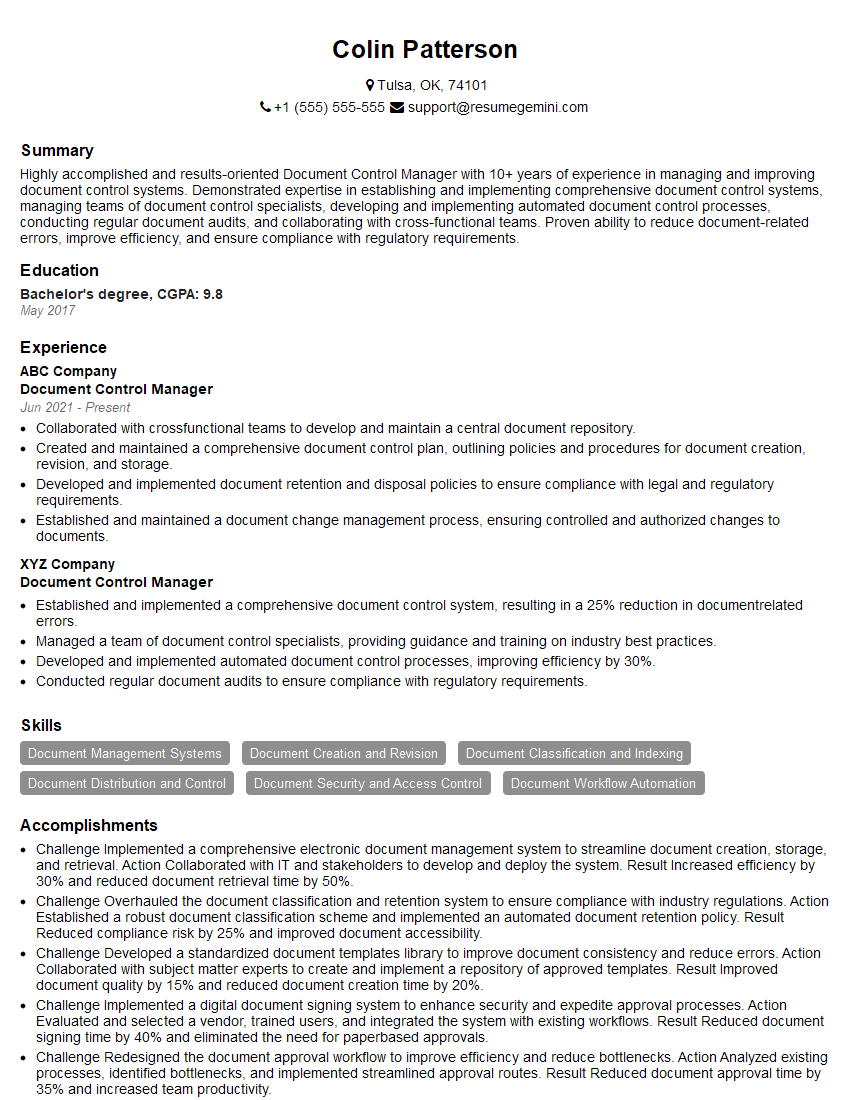
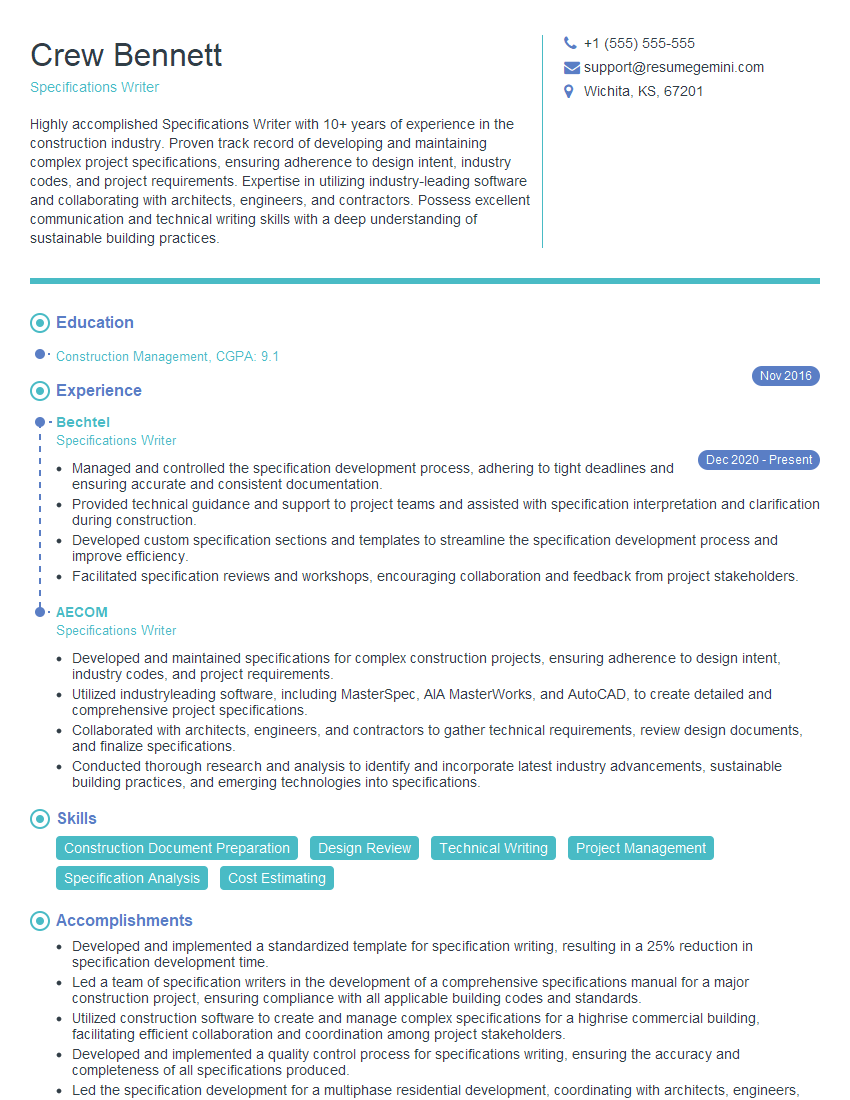
Mastering Construction Document Preparation is crucial for career advancement in the construction industry, opening doors to higher-paying roles and increased responsibility. A well-crafted resume is your first step towards securing your dream job. Creating an ATS-friendly resume is essential to ensure your application gets noticed by recruiters and hiring managers. To build a truly impactful resume, we recommend using ResumeGemini, a trusted resource that helps you create professional and effective resumes tailored to your specific experience and target roles. ResumeGemini provides examples of resumes specifically designed for Construction Document Preparation professionals, ensuring your resume stands out from the competition.
Explore more articles
Users Rating of Our Blogs
Share Your Experience
We value your feedback! Please rate our content and share your thoughts (optional).
What Readers Say About Our Blog
I Redesigned Spongebob Squarepants and his main characters of my artwork.
https://www.deviantart.com/reimaginesponge/art/Redesigned-Spongebob-characters-1223583608
IT gave me an insight and words to use and be able to think of examples
Hi, I’m Jay, we have a few potential clients that are interested in your services, thought you might be a good fit. I’d love to talk about the details, when do you have time to talk?
Best,
Jay
Founder | CEO