Are you ready to stand out in your next interview? Understanding and preparing for Assistive Technology and Adaptive Equipment Use interview questions is a game-changer. In this blog, we’ve compiled key questions and expert advice to help you showcase your skills with confidence and precision. Let’s get started on your journey to acing the interview.
Questions Asked in Assistive Technology and Adaptive Equipment Use Interview
Q 1. Explain the difference between assistive technology and adaptive equipment.
While the terms ‘assistive technology’ and ‘adaptive equipment’ are often used interchangeably, there’s a subtle but important distinction. Assistive technology is a broader term encompassing any item, piece of equipment, or product system, whether acquired commercially, modified, or customized, that is used to increase, maintain, or improve functional capabilities of individuals with disabilities. This includes hardware, software, and services. Adaptive equipment, on the other hand, typically refers to modifications or adaptations made to existing items or environments to improve accessibility and usability for individuals with disabilities. Think of it this way: assistive technology is the encompassing category, while adaptive equipment falls under it.
For example, a wheelchair is assistive technology. Modifying a doorknob to be easier to open with limited hand mobility is adaptive equipment. A screen reader (software) is assistive technology; raising the height of a kitchen counter is adaptive equipment.
Q 2. Describe the process of needs assessment for assistive technology.
A thorough needs assessment for assistive technology is crucial for successful outcomes. It’s a collaborative process involving the individual, their family, caregivers, therapists, and assistive technology professionals. The process typically follows these steps:
- Identifying the individual’s needs and goals: This involves understanding their functional limitations, desired outcomes, and daily routines. What tasks are difficult? What are their aspirations?
- Conducting an environmental assessment: The individual’s living space, workplace, and community are evaluated for accessibility. Are there physical barriers? Is the environment conducive to using assistive technology?
- Exploring potential assistive technology solutions: Based on the needs and environment, a range of assistive technologies are researched and considered. This may include demonstrations and trials.
- Trial and evaluation of selected technologies: This ensures a good fit and allows adjustments as necessary. The effectiveness and usability of the technology are carefully assessed.
- Training and ongoing support: Individuals and caregivers receive comprehensive training on using the assistive technology and ongoing support to address challenges and adapt to changing needs.
For example, a person with limited hand dexterity might need a needs assessment to determine the best type of adaptive eating utensils, considering factors like grip strength, range of motion, and preferred eating style.
Q 3. What are the key factors to consider when selecting assistive technology for a client?
Selecting assistive technology requires careful consideration of several key factors:
- Individual’s needs and abilities: The technology must address the specific needs and match the individual’s physical, cognitive, and sensory capabilities. A one-size-fits-all approach rarely works.
- Functionality and usability: The technology should be easy to use, reliable, and effective in achieving the desired outcomes. Intuitive interfaces and minimal learning curves are essential.
- Cost and availability: The cost of the technology, including maintenance and repairs, must be considered alongside its availability. Funding sources and insurance coverage should be explored.
- Compatibility with existing technologies and environments: The technology must seamlessly integrate with the individual’s existing devices and adapt to their environment.
- Long-term maintenance and support: Consider the availability of ongoing support, repairs, and updates to ensure the technology remains functional over time.
- Safety and risk assessment: A thorough assessment of potential safety risks associated with the assistive technology is crucial.
For instance, when choosing a communication device for a person with aphasia, the vocabulary, ease of use, and voice output quality are crucial factors.
Q 4. How do you determine the cost-effectiveness of different assistive technology options?
Determining cost-effectiveness involves a holistic approach that goes beyond the initial purchase price. Consider these factors:
- Initial cost: The upfront cost of acquiring the assistive technology.
- Maintenance and repair costs: The ongoing costs associated with maintaining and repairing the technology.
- Training and support costs: The costs involved in training the individual and caregivers on how to use the technology, as well as ongoing support.
- Increased independence and productivity: The technology’s impact on the individual’s independence, participation in daily activities, and productivity. This can be measured qualitatively and quantitatively (e.g., reduced reliance on caregivers, improved job performance).
- Reduced healthcare costs: The potential for reduced healthcare costs due to improved health outcomes, reduced hospitalizations, and decreased reliance on other support services.
- Improved quality of life: The technology’s impact on the individual’s overall well-being, social participation, and quality of life. This is often assessed through surveys and qualitative feedback.
A cost-benefit analysis should be conducted to compare the total costs of different assistive technology options against the potential benefits. A seemingly more expensive device might be more cost-effective in the long run due to its durability, reduced maintenance needs, and increased productivity.
Q 5. What are some common assistive technologies for individuals with visual impairments?
Assistive technologies for individuals with visual impairments range from simple magnifiers to sophisticated electronic devices. Here are some examples:
- Screen readers: Software that converts on-screen text to speech or Braille.
- Optical aids: Magnifiers, large-print materials, and closed-circuit television (CCTV) systems that enlarge text and images.
- Braille displays: Devices that display text in Braille.
- Electronic travel aids: Devices that help with navigation, such as GPS systems and canes with sensors.
- Adaptive software: Software that provides features like text-to-speech, voice recognition, and color contrast adjustments.
The specific technology chosen depends on the individual’s visual acuity, remaining vision, and daily needs. For example, someone with low vision might benefit from a CCTV system for reading, while a person who is blind might use a screen reader and Braille display for accessing computers.
Q 6. What are some common assistive technologies for individuals with mobility impairments?
Assistive technologies for individuals with mobility impairments greatly enhance independence and participation. Examples include:
- Wheelchairs: Manual or power wheelchairs tailored to individual needs and mobility levels.
- Adaptive driving controls: Modifications to vehicles to allow individuals with limited mobility to drive.
- Prostheses and orthotics: Artificial limbs and braces that improve mobility and function.
- Walkers and canes: Assistive devices that provide stability and support while walking.
- Transfer boards: Devices that assist with moving from one surface to another.
- Adaptive seating: Specialized seating systems that provide postural support and comfort.
Consider, for instance, the case of someone with paraplegia. They might benefit from a power wheelchair with customized seating and adaptive driving controls for vehicle use. The specific assistive technology should be chosen based on the individual’s specific mobility limitations, desired level of independence, and living environment.
Q 7. What are some common assistive technologies for individuals with cognitive impairments?
Assistive technology for individuals with cognitive impairments aims to improve memory, attention, and executive functions. Examples include:
- Memory aids: Electronic organizers, calendars, and reminder systems.
- Medication organizers: Devices that help individuals manage their medication schedules.
- Organizational tools: Label makers, visual schedules, and task-management software.
- Adaptive software: Software with features like simplified interfaces, step-by-step instructions, and visual cues.
- Communication aids: Picture exchange systems (PECS) and augmentative and alternative communication (AAC) devices.
Someone with Alzheimer’s disease, for example, might benefit from a medication organizer and a visual daily schedule to support their daily routines and medication adherence. The choice of technology always depends on the individual’s specific cognitive needs and limitations.
Q 8. What are some common assistive technologies for individuals with hearing impairments?
Assistive technologies for hearing impairments aim to improve communication and access to auditory information. These range from simple amplification devices to sophisticated digital systems.
- Hearing aids: These amplify sounds to make them audible for individuals with hearing loss. Different types exist, such as behind-the-ear (BTE), in-the-ear (ITE), and completely-in-canal (CIC), each suited to varying degrees and types of hearing loss.
- Cochlear implants: For individuals with profound hearing loss, these bypass damaged parts of the inner ear and directly stimulate the auditory nerve. They offer a significantly different listening experience compared to hearing aids.
- Assistive listening devices (ALDs): These devices help individuals hear in specific situations, such as in classrooms, theaters, or during phone conversations. Examples include FM systems (which transmit sound wirelessly), loop systems (which use electromagnetic fields), and captioned telephones.
- Captioning and transcription services: These provide visual representations of spoken words, crucial for understanding conversations in various settings, including live events, videos, and online meetings. Real-time captioning is particularly valuable.
- Alerting devices: These provide visual or tactile alerts for sounds such as doorbells, smoke alarms, or phone calls, supplementing auditory alerts and enhancing safety.
Selecting the right assistive technology requires a thorough assessment of the individual’s hearing loss, lifestyle, and preferences. A comprehensive audiological evaluation is essential to determine the appropriate amplification and other assistive technology needs.
Q 9. Describe your experience with different types of augmentative and alternative communication (AAC) devices.
My experience with Augmentative and Alternative Communication (AAC) devices spans a wide range of technologies and approaches, catering to diverse communication needs.
- No-tech AAC: This includes gesture boards, picture exchange systems (PECS), and simple communication books. I’ve found these particularly effective in early intervention and for individuals who benefit from a tangible and visual approach to communication.
- Low-tech AAC: This incorporates readily available materials like communication boards or picture cards. I’ve observed significant improvements in communication skills using readily available resources, especially in improving language comprehension.
- High-tech AAC: This includes speech-generating devices (SGDs) with voice output, often using synthesized speech or recorded voice samples. These devices offer complex vocabulary options, sentence construction assistance, and even environmental control capabilities. I have extensive experience in programming and customizing SGDs to meet the specific linguistic and communicative needs of my clients, including tailoring vocabulary to their interests and daily routines.
- Software-based AAC: I have experience utilizing tablet-based apps offering various communication functions. These often provide flexibility and portability but require digital literacy skills for effective use. I’ve also worked with families to ensure proper usage and adaptation to various communication settings.
The key to successful AAC implementation is a thorough assessment of the individual’s needs, cognitive abilities, physical limitations, and communication preferences. A collaborative approach, involving the individual, family, and other professionals, is crucial to ensure effective communication and integration into daily life.
Q 10. Explain the importance of user training and support in assistive technology.
User training and support are paramount to successful assistive technology implementation. Without proper training, even the most advanced technology will remain underutilized.
- Initial Training: This involves hands-on instruction on device operation, troubleshooting, and basic maintenance. For example, teaching a visually impaired individual to use screen reader software requires patience and attention to detail.
- Ongoing Support: This includes answering questions, providing technical assistance, and addressing any challenges encountered. Regular follow-up sessions are crucial to ensure the technology continues to meet the user’s needs.
- Adaptive Strategies: Training should also address adaptive techniques to maximize technology utilization. For instance, teaching someone with limited dexterity how to navigate a touchscreen using assistive pointing devices.
- Family and Caregiver Training: Involving family members and caregivers in the training process is crucial, especially for individuals who may need assistance with the technology. This empowers them to support the user’s independence and confidence.
Think of it like learning to drive a car – you need initial instruction, but ongoing practice and support are necessary for safe and proficient driving. Similarly, users of assistive technology require continuous guidance and support to reach their full potential.
Q 11. How do you address the challenges of technology adoption by individuals with disabilities?
Addressing technology adoption challenges by individuals with disabilities requires a multifaceted approach. Many barriers exist, from financial constraints to lack of accessibility and digital literacy.
- Accessibility: Ensuring the technology is accessible is crucial. This includes considering visual, auditory, motor, and cognitive needs. For instance, providing large-print manuals, audio instructions, or alternative input methods.
- Affordability: The cost of assistive technology can be prohibitive. Exploring funding options, such as insurance coverage, grants, and charitable organizations, is essential.
- Digital Literacy: Providing training and support in digital literacy builds confidence and reduces the fear of using new technologies. Simple, step-by-step instructions and hands-on assistance are invaluable.
- Personalization: Tailoring the technology to the individual’s specific needs and preferences improves adoption rates. A one-size-fits-all approach rarely works. Consider their daily routine, personal preferences, and communication styles.
- Social Support: Fostering a supportive environment and community among users can encourage adoption and reduce feelings of isolation.
I often find that overcoming the initial apprehension is the biggest hurdle. Building trust and demonstrating the technology’s benefits firsthand significantly influences adoption. A gradual introduction, starting with simple tasks and gradually increasing complexity, can be highly effective.
Q 12. Describe your experience with assistive technology assessment and evaluation.
Assistive technology assessment and evaluation is a systematic process aimed at identifying an individual’s needs and recommending appropriate technologies. It involves a comprehensive evaluation of the person’s abilities, limitations, and the contexts in which they need support.
- Needs Identification: This involves thorough interviews, observations, and functional assessments to understand the individual’s challenges and goals.
- Technology Exploration: Exploring available technologies considering the person’s specific needs and preferences.
- Trial Period: Allowing a trial period with potential technologies to ensure suitability and effectiveness in real-world scenarios.
- Data Collection: Gathering data on technology use and effectiveness, perhaps through observation, feedback forms, or functional measures.
- Report and Recommendations: Providing a comprehensive report summarizing findings and recommending specific technologies, along with strategies for successful implementation and training.
For instance, I recently assessed a client with limited hand mobility. After a thorough evaluation, we determined that a voice-activated computer and specialized adaptive keyboard would greatly improve their ability to write and communicate. The trial period allowed adjustments to the setup to ensure optimal comfort and ease of use.
Q 13. How do you ensure the privacy and security of client data related to assistive technology?
Protecting client privacy and security is paramount. All client data is treated with the utmost confidentiality and in accordance with relevant data protection regulations, such as HIPAA (in the US) and GDPR (in Europe).
- Data Encryption: All electronic data is encrypted both in transit and at rest.
- Secure Storage: Client data is stored securely using password-protected systems and regular backups.
- Access Control: Access to client data is restricted to authorized personnel only.
- Data Minimization: Only necessary data is collected and retained.
- Informed Consent: Clients are fully informed about data collection and usage practices, providing explicit consent before any data is collected.
- Compliance Training: Regular training for staff on data privacy and security protocols ensures ongoing compliance.
We adhere strictly to these procedures to maintain client trust and safeguard sensitive information. Any breaches are addressed immediately, according to established protocols. This includes reporting any potential data compromises to the appropriate authorities.
Q 14. What are some ethical considerations when recommending and implementing assistive technology?
Ethical considerations are central to recommending and implementing assistive technology. Our primary concern is always the well-being and autonomy of the individual.
- Informed Consent: Clients must fully understand the benefits and limitations of the technology before making a decision. They have the right to refuse any recommended technology without coercion.
- User-Centered Approach: The individual’s needs and preferences should always guide the selection and implementation of assistive technology.
- Beneficence and Non-Maleficence: We aim to maximize benefits and minimize potential harms. This involves careful consideration of potential side effects or unintended consequences.
- Equity and Access: We strive to ensure equitable access to assistive technology for all individuals, regardless of their socioeconomic status, race, or other factors.
- Professional Boundaries: Maintaining clear professional boundaries and respecting client confidentiality are crucial.
For example, if a client expresses concerns about a recommended technology, we thoroughly address those concerns and explore alternative options. Our focus is always on empowering the individual and promoting their independence and overall quality of life.
Q 15. Explain the role of assistive technology in promoting independence and participation.
Assistive technology (AT) plays a crucial role in empowering individuals with disabilities to lead more independent and fulfilling lives. It bridges the gap between their abilities and the demands of their environment, fostering participation in all aspects of life, from education and employment to social activities and leisure. AT doesn’t just compensate for limitations; it enhances capabilities.
For example, a wheelchair provides mobility and access previously unavailable, promoting independence in daily routines. Speech-generating devices allow individuals with communication impairments to express themselves, fostering social participation. Screen readers enable people with visual impairments to access digital information, opening up educational and professional opportunities. The key is personalization; the right AT solution dramatically improves a person’s quality of life by enabling them to actively participate in activities previously inaccessible.
- Increased independence in daily living: From simple adaptive eating utensils to sophisticated robotic arms, AT can enhance self-care and personal hygiene.
- Improved communication: Augmentative and alternative communication (AAC) devices allow individuals to express their needs and ideas.
- Enhanced access to education and employment: Screen readers, text-to-speech software, and other AT solutions create equal opportunities.
- Greater social participation: AT facilitates interaction and engagement with the community.
Career Expert Tips:
- Ace those interviews! Prepare effectively by reviewing the Top 50 Most Common Interview Questions on ResumeGemini.
- Navigate your job search with confidence! Explore a wide range of Career Tips on ResumeGemini. Learn about common challenges and recommendations to overcome them.
- Craft the perfect resume! Master the Art of Resume Writing with ResumeGemini’s guide. Showcase your unique qualifications and achievements effectively.
- Don’t miss out on holiday savings! Build your dream resume with ResumeGemini’s ATS optimized templates.
Q 16. Describe your experience with different funding sources for assistive technology.
My experience encompasses a wide range of funding sources for assistive technology, each with its own eligibility criteria and process. I’ve worked with clients utilizing funding from:
- Private insurance: This often involves navigating complex coverage policies and pre-authorization requirements. For example, securing approval for a power wheelchair can involve extensive documentation of medical necessity.
- Medicare and Medicaid: These government programs provide coverage for AT, but the eligibility criteria are stringent and require careful documentation of the individual’s needs and the therapeutic benefits of the specific device.
- Vocational rehabilitation: This funding source focuses on restoring an individual’s ability to work, providing AT to support employment goals. For instance, providing specialized computer software to someone with a visual impairment so they can perform their job duties.
- Charitable organizations and foundations: These organizations offer financial assistance for AT, often focusing on specific populations or types of disabilities. Their application processes vary considerably.
- Out-of-pocket expenses: Unfortunately, some individuals bear the full cost of their AT. This highlights the importance of advocating for accessible and affordable AT options.
Successfully securing funding often requires a collaborative effort, including detailed assessments, thorough documentation, and persuasive justification of the medical necessity and functional benefits of the recommended AT.
Q 17. How do you stay current with the latest advancements in assistive technology?
Staying current in the rapidly evolving field of assistive technology is paramount. My approach is multi-faceted:
- Professional development courses and conferences: Attending workshops and conferences, like those offered by RESNA (Rehabilitation Engineering and Assistive Technology Society of North America), keeps me abreast of the latest innovations.
- Subscription to professional journals and online resources: Staying informed through publications like Assistive Technology and online resources dedicated to AT advancements.
- Networking with colleagues and industry experts: Participating in professional organizations and engaging in discussions with fellow professionals keeps me connected to new developments and best practices.
- Hands-on experience with new technologies: Whenever possible, I try to test and evaluate new AT devices and software to assess their efficacy firsthand.
- Client feedback: Clients often provide invaluable feedback on the latest technologies and their effectiveness in daily life.
This continuous learning process ensures I can offer the most appropriate and effective solutions to my clients.
Q 18. Describe your experience with different assistive technology vendors and manufacturers.
Over the years, I’ve worked with a diverse range of assistive technology vendors and manufacturers, each with its own strengths and weaknesses. Some are large corporations offering a broad spectrum of products, while others are smaller companies specializing in niche technologies. Examples include:
- Large manufacturers: Companies that produce a wide range of AT, from wheelchairs to communication devices. These often have robust customer service and support networks.
- Specialized vendors: These cater to specific needs, such as low-vision aids or augmentative communication systems. They tend to offer highly specialized expertise but might have a smaller product range.
- Local suppliers: They can provide personalized service and timely repairs, offering an advantage in terms of accessibility and responsiveness.
- Online retailers: While offering convenience and price comparison, online options require careful consideration of return policies and product reliability.
My experience highlights the importance of evaluating each vendor based on factors like product quality, customer service, repair services, and pricing, ensuring the best fit for each client’s needs.
Q 19. How do you handle situations where a client is dissatisfied with an assistive technology solution?
Client dissatisfaction is a valuable opportunity for improvement. My approach is centered on active listening, empathy, and problem-solving:
- Active Listening: I begin by carefully listening to the client’s concerns, asking clarifying questions to fully understand their perspective.
- Empathy and Validation: I acknowledge their feelings and validate their experience, even if I don’t immediately agree with their assessment.
- Problem identification and collaborative solutions: We work together to pinpoint the source of dissatisfaction. Is it a usability issue? A technical malfunction? Unmet expectations? Once identified, we explore potential solutions together.
- Adjustments and modifications: Depending on the nature of the problem, we might adjust the device settings, explore alternative AT options, or implement environmental modifications.
- Follow-up and evaluation: I follow up with the client to ensure the solution has addressed their concerns and is improving their experience. This ongoing communication is key.
In one instance, a client found a new speech-generating device too cumbersome. Through open communication, we identified the issue, explored alternatives, and found a more user-friendly device that met their needs.
Q 20. What are some common challenges in adapting existing environments to accommodate assistive technology?
Adapting existing environments to accommodate assistive technology presents several challenges:
- Accessibility barriers: Physical barriers like narrow doorways, stairs, and inaccessible restrooms prevent mobility device use. Lack of accessible technology in homes and workplaces limits opportunities.
- Cost of modifications: Renovations to create accessible environments, such as installing ramps or widening doorways, can be expensive.
- Lack of awareness and knowledge: Often, building managers or homeowners lack awareness of the specific modifications needed for various AT.
- Building codes and regulations: Compliance with accessibility standards can be complex and resource intensive.
- Aesthetic concerns: Modifying a space might impact its aesthetic appeal, which needs to be considered carefully.
Addressing these requires collaboration among the client, healthcare professionals, architects, and building managers. Universal design principles, planning ahead for accessibility features during construction, and leveraging readily available adaptive solutions are key elements of successful environmental adaptation.
Q 21. How do you collaborate with other healthcare professionals when providing assistive technology services?
Collaboration with other healthcare professionals is crucial for optimal AT service delivery. I regularly work with:
- Physicians: They provide medical information relevant to the client’s condition and limitations, confirming the medical necessity for specific AT.
- Occupational therapists (OTs): They assess a client’s functional capabilities and identify the specific AT needs for improving daily living skills. We often collaborate on training and adaptation strategies.
- Physical therapists (PTs): They assess mobility and gait patterns and help determine the appropriate wheelchair type or other mobility aids.
- Speech-language pathologists (SLPs): For clients with communication impairments, SLPs collaborate on AAC device selection, training, and implementation.
- Rehabilitation engineers: These experts provide in-depth technical knowledge on the capabilities of various devices and often assist in customizing AT to meet very specific needs.
Effective communication and shared decision-making are central to these collaborative efforts. Regular team meetings, case conferences, and shared documentation ensure a coordinated and comprehensive approach to supporting our clients’ needs.
Q 22. Describe your experience with assistive technology for specific disabilities (e.g., cerebral palsy, autism, spinal cord injury).
My experience with assistive technology spans a wide range of disabilities. I’ve worked extensively with individuals experiencing cerebral palsy, autism spectrum disorder, and spinal cord injuries, tailoring solutions to their unique needs.
For individuals with cerebral palsy, I’ve implemented adaptive switches for communication devices, customized seating systems to improve posture and comfort, and prescribed specialized computer access solutions like alternative keyboards and eye-gaze technology. The goal is always to maximize independence in daily activities like communication, mobility, and education.
With autism spectrum disorder, assistive technology often focuses on supporting sensory needs and improving communication. This might involve noise-canceling headphones, weighted blankets for calming, visual schedules for organization, and augmentative and alternative communication (AAC) devices to help express themselves more effectively. Each individual’s sensory profile is unique, so assessment and personalization are key.
For those with spinal cord injuries, assistive technology is crucial for regaining independence. I have experience fitting and training individuals to use power wheelchairs, adapting their homes with ramps and grab bars, and implementing environmental control units (ECUs) to allow them to manage lights, appliances, and other aspects of their environment. The focus is on maximizing mobility and accessibility.
Q 23. What is your experience with Universal Design principles and their application to assistive technology?
Universal Design principles are central to my approach to assistive technology. Instead of designing solely for individuals with disabilities, Universal Design aims to create products and environments that are usable and accessible to everyone, regardless of their abilities. This means designing for the widest possible range of users from the outset, eliminating the need for separate adaptations later on.
In practice, this means considering factors like adjustable height, clear visual cues, easy-to-grip handles, and intuitive controls. For example, a website designed with Universal Design principles will be easily navigable using a screen reader, keyboard only, or a mouse. Similarly, a door handle that’s easy to grasp for someone with arthritis is also easier for a child to use. By focusing on inclusivity from the design stage, we create more equitable and user-friendly solutions.
Applying Universal Design to assistive technology means that devices should be easy to use and understand, regardless of the user’s specific disability or technical proficiency. It’s about creating intuitive interfaces and avoiding overly complex functionalities.
Q 24. Explain your understanding of various assistive technology classifications (e.g., low-tech, mid-tech, high-tech).
Assistive technology is often categorized by its complexity and cost. Low-tech assistive technology refers to simple, readily available tools that require minimal training. Examples include pencil grips, adapted utensils, raised-line paper, or large-button telephones.
Mid-tech assistive technology incorporates some technology but remains relatively simple to operate. Examples include digital voice recorders, simple augmentative communication devices with pre-programmed messages, or electric wheelchairs with basic controls.
High-tech assistive technology involves sophisticated technology and often requires specialized training. This includes advanced computer access systems with eye-gaze control, sophisticated communication devices with speech synthesis, robotic prosthetics, or advanced environmental control units.
This classification is helpful in determining appropriate solutions based on the individual’s needs, budget, and level of technical expertise. It’s crucial to remember that the best technology is the one that effectively meets the individual’s functional needs.
Q 25. How do you ensure the compatibility and interoperability of different assistive technology devices?
Ensuring compatibility and interoperability of assistive technology devices is paramount. This often involves understanding the different communication protocols used by various devices and software. For example, ensuring that a screen reader is compatible with a specific operating system and application, or that a switch interface can be connected to a communication device. This requires a detailed understanding of the technology specifications of each device, including their input/output methods.
Proper assessment of user needs and careful device selection are crucial initial steps. I also utilize assistive technology software that aids in the identification of compatible devices and drivers. Furthermore, I collaborate with manufacturers and technical support teams to resolve compatibility issues. Testing the selected technologies together before implementation is also vital to ensure seamless integration within the user’s environment.
Sometimes, custom programming or interface modifications may be necessary to ensure complete compatibility, particularly when dealing with multiple devices from different manufacturers.
Q 26. Describe a time you had to troubleshoot a problem with assistive technology. What was your approach?
I recall a case involving a student with cerebral palsy who was struggling to use his eye-gaze communication device effectively. The device was malfunctioning, causing inconsistent cursor movements, making communication difficult and frustrating.
My approach involved a systematic troubleshooting process. First, I checked the device’s power supply and connections, ensuring all cables were securely connected. Then, I investigated the device’s calibration, recalibrating it following the manufacturer’s guidelines. I also explored the possibility of software glitches by restarting the system and checking for software updates. The issue persisted.
Finally, I discovered a software conflict with another program running in the background. After closing that program, the eye-gaze device functioned flawlessly. This experience highlighted the importance of thorough investigation, from basic hardware checks to advanced software troubleshooting, and the value of considering the entire system’s interaction when resolving assistive technology issues.
Q 27. What are your salary expectations for this role?
My salary expectations for this role are in the range of $80,000 to $100,000 per year. This is based on my experience, qualifications, and the market rate for professionals with expertise in assistive technology and adaptive equipment. I am open to discussing this further and am confident that my skills and contributions will justify this range.
Key Topics to Learn for Assistive Technology and Adaptive Equipment Use Interview
- Understanding Assistive Technology (AT) Needs Assessment: Learn the process of identifying individual needs and recommending appropriate AT solutions. Consider various assessment methodologies and their application in diverse settings.
- Types of Assistive Technology: Familiarize yourself with a wide range of AT, including low-tech (e.g., adaptive utensils), mid-tech (e.g., voice recognition software), and high-tech (e.g., brain-computer interfaces). Understand their functionalities and limitations.
- Adaptive Equipment Selection and Implementation: Practice evaluating the suitability of different adaptive equipment based on user needs, environmental factors, and cost-effectiveness. Understand the process of training users on equipment operation and maintenance.
- Accessibility Standards and Regulations: Become familiar with relevant accessibility guidelines (e.g., WCAG) and regulations impacting AT implementation. Understand how these standards influence AT selection and design.
- AT and Inclusive Design Principles: Explore the principles of universal design and inclusive practices within the context of assistive technology. Understand how AT can promote independence and participation.
- Troubleshooting and Problem-Solving with AT: Develop your skills in identifying and resolving common technical issues related to assistive technology. Learn strategies for adapting solutions to unexpected challenges.
- Ethical Considerations in AT Provision: Understand the ethical implications of AT provision, including considerations of privacy, data security, and user autonomy.
- Emerging Technologies in AT: Stay abreast of advancements in areas like AI-powered AT, wearable technology, and smart home adaptations. This showcases your commitment to professional development.
Next Steps
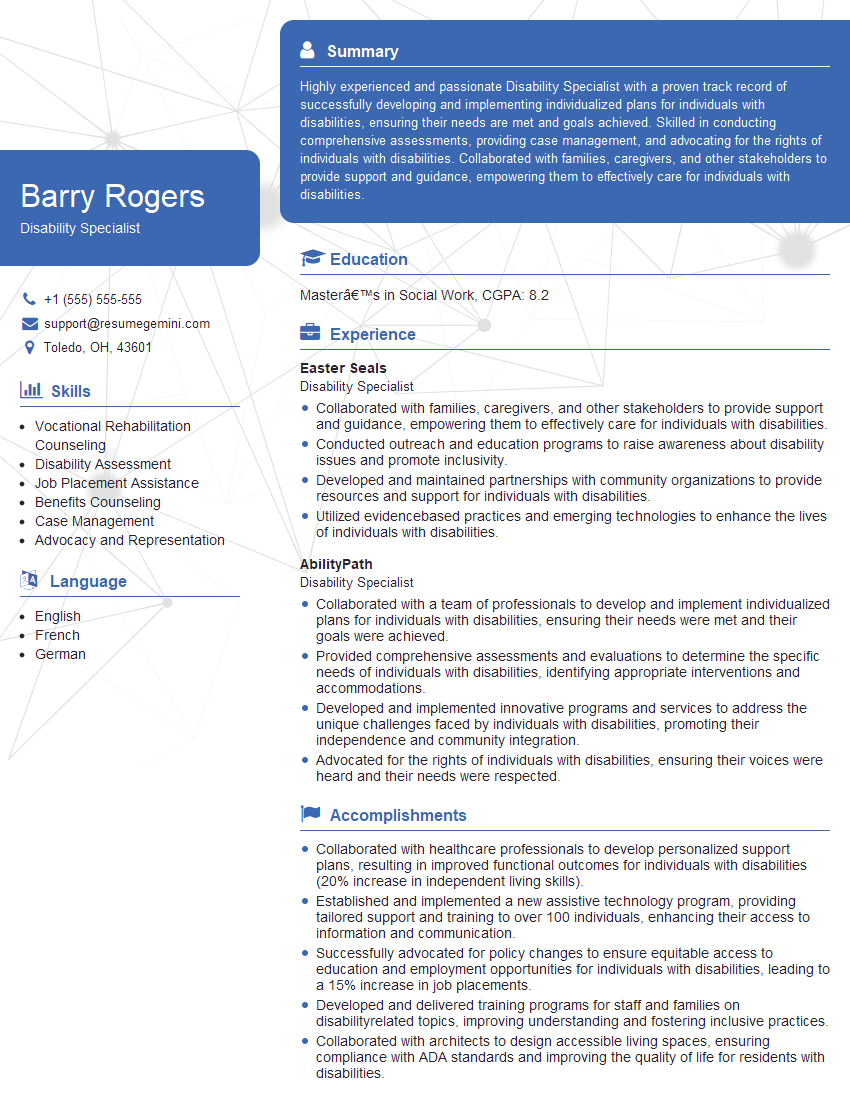
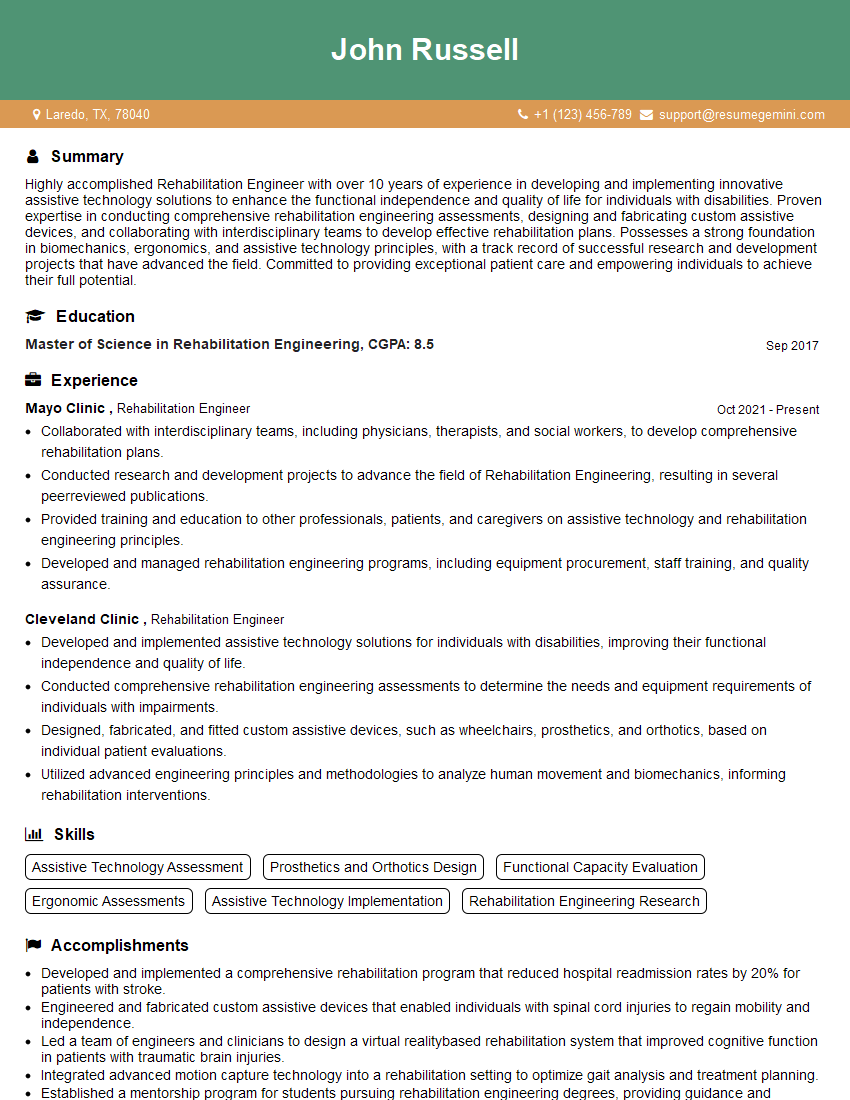
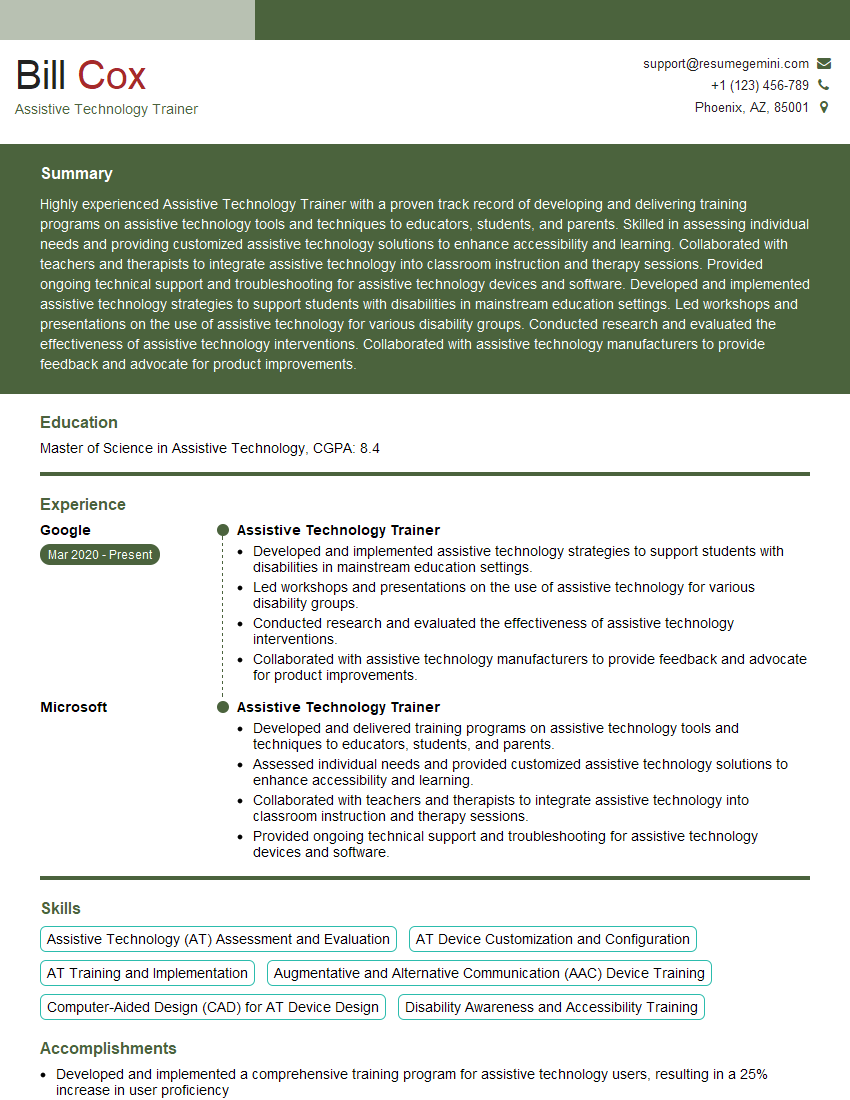
Mastering Assistive Technology and Adaptive Equipment Use is crucial for a rewarding and impactful career. It allows you to make a real difference in the lives of individuals with disabilities, improving their independence and quality of life. To maximize your job prospects, it’s essential to present your skills effectively. Creating an ATS-friendly resume is key to getting your application noticed. We strongly recommend using ResumeGemini to build a professional and compelling resume that highlights your expertise. ResumeGemini provides examples of resumes tailored specifically to Assistive Technology and Adaptive Equipment Use roles, giving you a head start in crafting a winning application.
Explore more articles
Users Rating of Our Blogs
Share Your Experience
We value your feedback! Please rate our content and share your thoughts (optional).
What Readers Say About Our Blog
I Redesigned Spongebob Squarepants and his main characters of my artwork.
https://www.deviantart.com/reimaginesponge/art/Redesigned-Spongebob-characters-1223583608
IT gave me an insight and words to use and be able to think of examples
Hi, I’m Jay, we have a few potential clients that are interested in your services, thought you might be a good fit. I’d love to talk about the details, when do you have time to talk?
Best,
Jay
Founder | CEO