Cracking a skill-specific interview, like one for Editing and Production, requires understanding the nuances of the role. In this blog, we present the questions you’re most likely to encounter, along with insights into how to answer them effectively. Let’s ensure you’re ready to make a strong impression.
Questions Asked in Editing and Production Interview
Q 1. Explain the difference between line editing and copy editing.
Line editing and copy editing are both crucial stages in the editing process, but they focus on different aspects of a text. Think of line editing as the ‘big picture’ and copy editing as the ‘fine details’.
Line editing focuses on the overall structure, argument, and flow of a piece. It’s about ensuring the content is clear, concise, and engaging. This involves making larger-scale changes, such as restructuring paragraphs, rearranging sections, suggesting additions or deletions of significant content, and refining the overall tone and style. For example, a line editor might suggest completely rewriting a confusing paragraph or altering the order of chapters to improve narrative coherence.
Copy editing, on the other hand, is concerned with the accuracy, consistency, and correctness of the text. It’s more granular, focusing on grammar, punctuation, spelling, style, fact-checking, and adherence to style guides. A copy editor would correct grammatical errors, ensure consistent capitalization and punctuation, and verify the accuracy of dates and names. They might also catch inconsistencies in formatting or style.
In short: line editing improves the content’s overall effectiveness, while copy editing ensures its grammatical and stylistic accuracy.
Q 2. Describe your experience with different video editing software (e.g., Premiere Pro, Final Cut Pro).
I’m proficient in several video editing software packages, with extensive experience in Adobe Premiere Pro and Final Cut Pro. My experience spans various project types, from short corporate videos to longer-form documentaries.
Adobe Premiere Pro is my go-to software for large-scale projects and complex edits, particularly those requiring intricate visual effects. Its extensive plugin support and powerful color grading tools are invaluable. I’ve used Premiere Pro to edit projects involving extensive multi-camera shoots, demanding precise synchronization and color correction. For example, I recently used its advanced audio mixing capabilities to create a layered soundscape for a promotional video, significantly enhancing the viewing experience.
Final Cut Pro excels in its intuitive interface and speed, making it ideal for quick turnaround projects or solo editing. I’ve found its magnetic timeline feature particularly useful for managing large numbers of clips efficiently. I used Final Cut Pro for a recent project requiring rapid editing of interview footage, producing several short clips for social media within a tight deadline.
My skills extend beyond these two; I am also familiar with DaVinci Resolve for color grading and other post-production tasks.
Q 3. How do you handle conflicting deadlines in a fast-paced production environment?
Handling conflicting deadlines in a fast-paced environment requires a proactive and organized approach. My strategy involves several key steps:
- Prioritization: I begin by assessing all deadlines and prioritizing tasks based on urgency and impact. This often involves a frank discussion with the team to understand the critical path and any potential bottlenecks.
- Communication: Open communication with stakeholders is paramount. If a deadline is at risk, I proactively inform relevant parties, offering potential solutions and exploring alternatives. This ensures everyone is on the same page and avoids surprises.
- Task Delegation (where appropriate): If the workload is overwhelming, I’m comfortable delegating tasks to other team members, ensuring clear instructions and regular check-ins.
- Time Management: I’m a firm believer in effective time management techniques like time blocking and the Pomodoro Technique. This allows me to break down large tasks into smaller, manageable chunks, preventing burnout and maintaining focus.
- Contingency Planning: It’s wise to build in buffer time for unexpected delays. Having a contingency plan allows me to adapt quickly if something unexpected arises.
By employing these strategies, I’ve consistently managed to deliver high-quality work even under intense pressure.
Q 4. What are your preferred methods for quality control in post-production?
My quality control process in post-production is multi-layered and meticulous, focusing on both technical aspects and creative integrity.
Technical QC: This stage involves checking for technical errors such as audio dropouts, video glitches, color inconsistencies, and incorrect frame rates. I use dedicated software tools and perform meticulous visual and auditory inspections. I also utilize waveform monitors to check audio levels and ensure there is no distortion or clipping.
Creative QC: Here, the focus shifts to ensuring the final product aligns with the creative vision. This involves reviewing pacing, narrative flow, visual appeal, and overall impact. I often engage in ‘fresh eyes’ reviews, stepping away from the project for a while before returning to view it with a more objective perspective. I might also conduct test screenings with a small audience to gauge their reactions and identify any areas for improvement.
Collaboration: A critical component of my QC process involves collaborating with other team members. The director, producer, and other key stakeholders provide valuable feedback, ensuring the final product reflects everyone’s vision.
Q 5. Explain your process for reviewing and incorporating feedback on your work.
My process for reviewing and incorporating feedback is iterative and collaborative. I believe in treating feedback as a valuable opportunity for growth and refinement.
Active Listening: When receiving feedback, I listen attentively, asking clarifying questions to ensure I fully understand the points being raised. I avoid getting defensive and instead focus on the intent behind the feedback.
Organized Documentation: I maintain meticulous notes and records of all feedback received, outlining the specific points, suggestions, and actions required. This ensures nothing is overlooked.
Prioritization: I prioritize feedback based on its importance and impact. Some feedback might require immediate attention while other suggestions might be incorporated in a later iteration.
Implementation and Communication: I incorporate the feedback into the project, providing updates and explanations to the relevant parties. This ensures transparency and builds trust.
Iteration: The process is often iterative, with multiple rounds of feedback and revision until the desired quality is achieved.
Q 6. Describe your experience with audio mixing and mastering.
I have considerable experience in audio mixing and mastering, utilizing industry-standard software like Pro Tools and Audition. My skills encompass all aspects of audio post-production, from dialogue cleanup and sound design to creating immersive soundscapes.
Mixing: This involves balancing and integrating various audio elements – dialogue, music, sound effects – to create a cohesive and engaging soundscape. I pay close attention to dynamics, EQ, and panning to ensure clarity and impact. For example, in a recent documentary, I used sophisticated mixing techniques to enhance the clarity of dialogue while maintaining the ambiance of the location recordings.
Mastering: Mastering is the final stage in audio post-production, focusing on optimizing the audio for playback across various platforms. This involves adjusting the overall loudness, frequency response, and dynamic range to ensure consistency and optimal listening experience. I utilize advanced techniques to maximize clarity and loudness without sacrificing dynamic range or introducing artifacts.
My experience encompasses a wide variety of projects, from feature films and television shows to podcasts and commercials, demonstrating my versatility and adaptability.
Q 7. How do you ensure consistency in style and tone across a large project?
Maintaining stylistic consistency across a large project demands meticulous planning and execution. My approach relies on establishing clear guidelines and employing effective communication strategies.
Style Guide: Before starting a project, I collaborate with the team to develop a comprehensive style guide that addresses visual elements (e.g., fonts, color palettes, graphics) and textual aspects (e.g., tone of voice, grammar rules, terminology). This style guide serves as a central reference point for all team members.
Templates and Presets: Utilizing templates and presets in editing software helps ensure consistency in visual elements and audio treatments. For instance, I might create a standardized title card template with consistent fonts and colors.
Regular Check-ins and Collaboration: Regular meetings and check-ins with team members are essential to ensure everyone adheres to the style guide. This collaborative approach allows for timely identification and correction of inconsistencies.
Centralized Asset Management: Organizing and managing project assets in a centralized location prevents the use of outdated or inconsistent versions of logos, graphics, fonts, etc.
By employing these strategies, I can effectively manage consistency and minimize errors, ensuring a cohesive final product.
Q 8. What are some common challenges you face in video editing and how do you overcome them?
Video editing, while creatively fulfilling, presents numerous challenges. One common hurdle is managing large amounts of footage. Imagine working on a documentary with hundreds of hours of raw material – organizing, searching, and selecting the best shots becomes a significant task. I overcome this by meticulously organizing my footage with a clear folder structure, using descriptive naming conventions, and leveraging powerful media management tools like Adobe Premiere Pro’s bin system and features like keyword tagging. Another challenge is time constraints; deadlines are often tight. To manage this, I prioritize tasks, create detailed shot lists and timelines, and break down the editing process into smaller, manageable chunks. Finally, achieving a consistent visual style and maintaining creative vision throughout a long project can be difficult. I use color-coded labels, notes, and style guides to maintain creative consistency and refer back to these regularly to keep the project on track.
Q 9. How familiar are you with color correction and grading techniques?
I’m highly proficient in color correction and grading. Color correction involves fixing imperfections in footage, such as white balance issues or uneven exposure, returning the image to a natural state. Color grading, on the other hand, is more stylistic; it’s about enhancing the mood and atmosphere of a video through carefully chosen color palettes and adjustments. I’m experienced with both the technical aspects – understanding color spaces (e.g., Rec. 709, DCI-P3), using color wheels and curves, and mastering tools like Lumetri Color in Adobe Premiere Pro or DaVinci Resolve’s color correction tools – and the creative aspects, understanding how color affects storytelling and emotion. For example, I recently worked on a project where we used a cooler, desaturated palette to enhance the feeling of loneliness in a scene, while a warmer, more saturated look was used in the happy scenes to contrast effectively.
Q 10. Describe your experience working with different file formats and codecs.
My experience encompasses a broad range of file formats and codecs, including ProRes (Apple ProRes 422, ProRes 4444), H.264, H.265 (HEVC), DNxHD, and various RAW formats like REDCODE and CinemaDNG. Understanding the strengths and weaknesses of each format is crucial for efficient workflow. For example, ProRes offers high-quality visuals but larger file sizes, making it ideal for offline editing where speed is not a priority. H.264 and H.265 are more efficient in terms of storage but can sometimes lead to generational quality loss during editing. I choose the appropriate format based on the project’s requirements, balancing quality and storage needs. Knowing codec specifics, particularly compression methods and bitrates, allows me to optimize the editing process and minimize issues like pixelation or artifacts.
Q 11. How do you manage large media files and optimize storage solutions?
Managing large media files efficiently is paramount. I utilize a combination of strategies: Firstly, I employ RAID storage solutions (Redundant Array of Independent Disks) for increased speed and data redundancy, reducing the risk of data loss. Secondly, I use efficient file management practices, including organizing projects into logical folder structures and utilizing hard drive partitions dedicated specifically for media files. Additionally, I leverage cloud storage solutions like Dropbox or Backblaze for backup and collaboration. For very large files, I often work with proxies, which are lower-resolution versions of the original footage. This allows for faster editing and previewing, while maintaining access to the high-resolution masters for the final output. Regular archiving of completed projects to external drives ensures long-term data safety and accessibility.
Q 12. What is your experience with motion graphics and animation?
I possess considerable experience with motion graphics and animation, primarily using Adobe After Effects. I’ve created everything from simple lower thirds and animated titles to more complex sequences involving character animation and visual effects. I understand the principles of animation, including timing, spacing, and easing, and can work with 2D and 3D assets. A recent project involved creating an animated explainer video that included custom character design, motion tracking, and rotoscoping. I’m comfortable working with various file formats commonly used in animation, such as SVG, AI, and PSD files, and I have experience integrating animated elements seamlessly into video editing projects within Adobe Premiere Pro.
Q 13. Explain your process for collaborating with other team members in a production.
Collaboration is vital in production. My process involves regular communication and clear expectations from the outset. I use project management software like Asana or Trello to track tasks, deadlines, and feedback. For shared files, I use cloud-based storage with version control, allowing team members to access and contribute to the project simultaneously while tracking changes. Regular meetings, both in-person and virtual, are crucial for discussing progress, addressing challenges, and ensuring everyone is aligned on the creative direction. This ensures transparency and facilitates efficient teamwork. Clear communication channels prevent misunderstandings and keep the project on track.
Q 14. How do you handle revisions and feedback from clients or supervisors?
Handling revisions and client feedback is an integral part of the process. I always approach feedback constructively, viewing it as an opportunity to improve the final product. I maintain detailed notes of all revisions, keeping track of changes and their rationale. I typically request feedback in a structured manner, using a clear checklist or review document to facilitate clear communication and avoid misunderstandings. After receiving feedback, I implement the changes systematically, documenting each step and providing clear updates to the client or supervisor. This organized approach ensures the final product meets expectations efficiently.
Q 15. What is your experience with project management software?
My experience with project management software is extensive. I’m proficient in several platforms, including Asana, Trello, and Monday.com. I’ve used them across various projects, from small independent films to larger-scale commercial productions. My expertise extends beyond simply using the software; I understand how to leverage its features to optimize workflows, track progress effectively, manage resources efficiently, and ensure timely delivery. For example, on a recent documentary project, I used Asana to create task assignments, set deadlines, manage revisions, and track the approval process for each segment. This ensured transparent communication and collaborative efforts among the entire team, leading to a seamless and efficient production process. I’m also comfortable adapting to new software as needed, always seeking ways to improve our team’s efficiency.
Career Expert Tips:
- Ace those interviews! Prepare effectively by reviewing the Top 50 Most Common Interview Questions on ResumeGemini.
- Navigate your job search with confidence! Explore a wide range of Career Tips on ResumeGemini. Learn about common challenges and recommendations to overcome them.
- Craft the perfect resume! Master the Art of Resume Writing with ResumeGemini’s guide. Showcase your unique qualifications and achievements effectively.
- Don’t miss out on holiday savings! Build your dream resume with ResumeGemini’s ATS optimized templates.
Q 16. How do you maintain a high level of accuracy and attention to detail?
Maintaining accuracy and attention to detail is paramount in editing and production. My approach is multifaceted. First, I employ a rigorous checklist system for each stage of the process. This helps ensure nothing is overlooked, from reviewing footage for continuity errors to meticulously checking audio levels. Second, I always double-check my work. This means reviewing edits multiple times, often with fresh eyes after a break, to catch subtle inconsistencies. Third, I actively seek feedback from colleagues. A second pair of eyes can identify errors I might have missed. Finally, I believe in utilizing technology where possible. Software like Final Cut Pro and DaVinci Resolve have built-in tools that help detect inconsistencies, such as audio problems or frame rate issues. Think of it like a pilot performing pre-flight checks before taking off – multiple layers of verification ensure a safe and accurate final product.
Q 17. Describe a time you had to make a quick, critical decision in a production setting.
During a live music recording, our primary audio recorder malfunctioned halfway through the performance. The backup recorder had a significantly lower audio quality. The quick decision I had to make was to prioritize salvaging what we could from the primary recorder while simultaneously using the backup recording as a secondary source. My team and I immediately worked to extract the usable sections from the primary recorder, addressing the technical glitches as efficiently as possible. We then carefully blended the superior sections from the primary recording with the backup, minimizing the audible difference in quality. This involved extensive post-production sound design and restoration techniques. Although the ideal scenario was not possible, our fast action prevented a complete loss of the performance and ensured a useable final product.
Q 18. What are your strategies for troubleshooting technical issues during production?
My troubleshooting strategy follows a structured approach: First, I identify the problem precisely. This involves meticulously documenting the error and collecting any relevant data. Then, I systematically investigate the potential causes. This could involve checking cables, software settings, or hardware functionality. I rely heavily on online resources, technical manuals, and peer support. Often, a simple Google search or a quick consultation with a colleague can resolve the issue. For example, if encountering a codec issue, I would immediately research the correct codec and its compatibility with the system and software used. Only after exhausting these basic steps would I seek further technical assistance. This method helps to resolve the majority of problems efficiently and prevents unnecessary delays.
Q 19. How familiar are you with different types of cameras and their capabilities?
I’m very familiar with a wide range of cameras, from professional cinema cameras like Arri Alexa and RED cameras to more accessible options like Sony a7S III and Canon EOS R5. My knowledge extends beyond just their operation; I understand their sensor sizes, dynamic range capabilities, and the resulting impact on image quality. I consider factors like low-light performance, resolution, and frame rates when selecting a camera for a specific project. For instance, a low-light scene would necessitate a camera with excellent low-light capabilities, while a high-action scene would require a camera with a high frame rate. This understanding allows me to make informed decisions that maximize the visual quality and creative potential of the project. I am also experienced in working with various lens systems and accessories to achieve desired aesthetics.
Q 20. Describe your experience with sound design and implementation.
My experience in sound design and implementation is significant. I’m proficient in using audio editing software like Pro Tools and Adobe Audition. I’m skilled in all aspects of sound post-production, including dialogue editing, sound effects design, foley creation, and music integration. I understand the importance of creating an immersive auditory experience. For example, in a recent short film project, I carefully crafted the soundscape to enhance the narrative. This involved creating realistic sound effects, blending ambient sounds to establish location, and selectively using music to build tension and emotion. I pride myself on my ability to seamlessly integrate different audio elements to create a cohesive and impactful soundscape.
Q 21. How do you prioritize tasks and manage your workload efficiently?
I prioritize tasks using a combination of methods, starting with a thorough project breakdown. I break large projects down into smaller, manageable tasks, assigning priorities based on deadlines and dependencies. I utilize project management software to track progress and keep everything organized. I employ time-blocking techniques, allocating specific times for particular tasks, ensuring focused work sessions. Furthermore, I regularly review my workload, adjusting priorities as needed. Think of it like conducting an orchestra; each musician (task) has their role, and the conductor (me) manages the timing and balance to create a harmonious whole. Regular self-assessment and a flexible approach allow me to efficiently navigate unexpected issues and deadlines.
Q 22. What is your understanding of copyright and licensing regulations?
Copyright and licensing regulations govern the legal use of creative works, including audio and video content. Understanding these is crucial for avoiding legal issues and ensuring ethical production practices. Copyright protects original works from unauthorized copying or distribution, while licensing grants specific permissions for use under defined terms.
For example, using copyrighted music in a video without a license is infringement. Different licenses exist, such as Creative Commons licenses offering varying degrees of permitted use, or commercial licenses requiring fees and specific stipulations. Before incorporating any copyrighted material (music, images, footage), I always thoroughly research the licensing options and secure the necessary permissions. I maintain meticulous records of licenses acquired, ensuring compliance and providing readily available documentation if needed. This includes carefully noting the specific terms of each license to avoid unintentional breaches.
In practice, I often utilize royalty-free music and stock footage platforms to avoid copyright complexities, but even then, careful review of the license agreements is paramount. My understanding of copyright extends beyond the legal aspects; it informs my creative process, prompting me to explore alternative solutions if licensing fees are prohibitive or permissions are unavailable.
Q 23. How do you ensure accessibility in your video or audio productions?
Accessibility in audio and video production is about making content usable and enjoyable by people with disabilities. This involves incorporating features that cater to diverse needs, primarily visual and auditory impairments.
- For the visually impaired: This includes providing accurate and detailed audio descriptions (describing visual elements for the blind or visually impaired), ensuring clear and concise narration, and offering transcripts of spoken content.
- For the hearing impaired: This entails adding accurate and synchronized subtitles or closed captions. These captions should be properly formatted and stylistically consistent to maintain viewer engagement. We also aim to minimize background noise and ensure clear audio for those who rely on hearing.
For example, in a documentary, we might include audio descriptions of important visuals like maps or graphs, ensuring full comprehension for all viewers. In a corporate video, providing both transcripts and captions allows for ease of access and information retention regardless of audience members’ abilities. The success of these efforts hinges on thorough planning, careful execution, and collaboration with accessibility specialists where necessary. My goal is to create inclusive experiences that are fully accessible to everyone.
Q 24. Describe your experience with creating and managing production budgets.
Managing production budgets is a critical skill. It involves careful planning, meticulous tracking, and proactive problem-solving. My approach starts with a detailed breakdown of all anticipated costs – from equipment rentals and crew salaries to post-production software and licensing fees. I work closely with clients to establish realistic budgets, identifying potential cost-saving strategies without compromising quality.
For instance, on a recent project with a limited budget, we opted for a more cost-effective location shoot instead of a studio rental. We also explored free or open-source software for post-production, effectively managing expenses while delivering exceptional results. I utilize budgeting software to track spending, constantly comparing actual expenditures to projected costs. Regular budget reviews and communication with the client are essential to ensure transparency and to proactively address any potential overruns. This proactive approach has consistently helped me deliver projects on time and within budget.
Q 25. What are your strategies for maintaining productivity and mitigating burnout?
Maintaining productivity and mitigating burnout in this demanding field requires a balanced approach. My strategies involve prioritizing tasks effectively, utilizing project management tools (like Trello or Asana), and setting realistic deadlines. I also practice time management techniques, such as the Pomodoro Technique, to maintain focus and prevent exhaustion.
Furthermore, I believe in the importance of regular breaks and separating work and personal life. Engaging in activities outside of work, such as exercise and hobbies, is crucial for stress reduction. Open communication with my team and clients about workload and potential challenges is equally important. Proactive problem-solving and seeking support when needed are key to preventing burnout and maintaining a healthy work-life balance. A sustainable approach to work ensures long-term productivity and prevents compromising the quality of my work.
Q 26. How do you adapt to changing project requirements and evolving technology?
Adaptability is key in this rapidly evolving industry. I actively stay updated on emerging technologies and industry trends through workshops, online courses, and professional networking. I embrace new software and hardware, learning to integrate them seamlessly into my workflows. When facing changing project requirements, I maintain open communication with clients and the team, collaboratively adjusting timelines and deliverables as needed.
For example, a recent project initially envisioned a traditional broadcast format, but client needs shifted towards a primarily online distribution. I successfully adapted by adjusting the editing style, optimizing the video for web viewing, and incorporating interactive elements suitable for digital platforms. This flexibility allowed us to deliver a highly effective and engaging product that met the client’s evolving needs. Continuous learning and proactive problem-solving are crucial to navigating the ever-changing landscape of video and audio production.
Q 27. Describe your experience with creating deliverables for various platforms (e.g., web, broadcast, mobile).
Creating deliverables for various platforms requires a deep understanding of each platform’s technical specifications and audience expectations. For web platforms, I optimize video and audio for fast streaming, ensuring compatibility across different browsers and devices. This includes compressing video files without compromising quality and using appropriate codecs. For broadcast television, I adhere to strict technical standards, conforming to specific resolutions, aspect ratios, and audio levels.
Mobile platforms demand further optimization for smaller screens and limited bandwidth. I tailor content to suit mobile viewing habits, often using shorter, more concise formats. For each platform, I consider the target audience and adapt the editing style, visuals, and sound accordingly. For instance, a corporate video for a website might feature interactive elements, while the broadcast version could utilize a more traditional storytelling approach. Understanding platform-specific best practices ensures a high-quality viewing experience regardless of the delivery method.
Key Topics to Learn for Editing and Production Interview
- Copyediting & Proofreading: Understanding grammar, style guides (AP, Chicago), punctuation, and the nuances of language. Practical application: Demonstrate your ability to identify and correct errors in sample text, explaining your reasoning.
- Content Editing: Improving clarity, flow, consistency, and accuracy of written content. Practical application: Discuss strategies for working with different content types (articles, marketing materials, scripts) and adapting your editing approach accordingly.
- Production Workflow: Familiarity with pre-production, production, and post-production processes. Practical application: Explain your understanding of project timelines, collaboration tools, and the role of different team members.
- Technical Skills: Proficiency in relevant software (e.g., Adobe Creative Suite, Final Cut Pro, Avid Media Composer). Practical application: Highlight your skills and experience with specific software used in editing and production. Be ready to discuss project examples showcasing your proficiency.
- File Formats & Management: Understanding different file types, resolutions, and compression techniques. Practical application: Explain how you maintain organized digital assets and ensure version control throughout a project.
- Quality Control & Assurance: Implementing effective quality checks at various stages of the production pipeline. Practical application: Discuss strategies for identifying potential issues and ensuring the final product meets the highest standards.
- Collaboration & Communication: Effective teamwork, feedback incorporation, and communication with clients and colleagues. Practical application: Provide examples demonstrating your ability to work collaboratively and effectively communicate technical information to non-technical audiences.
Next Steps
Mastering Editing and Production opens doors to diverse and rewarding careers in media, publishing, and digital content creation. To maximize your job prospects, a strong, ATS-friendly resume is crucial. ResumeGemini is a trusted resource that can help you build a professional resume that highlights your skills and experience effectively. Examples of resumes tailored to Editing and Production are available to help guide you. Take the next step towards your dream career by crafting a resume that showcases your unique talents and qualifications.
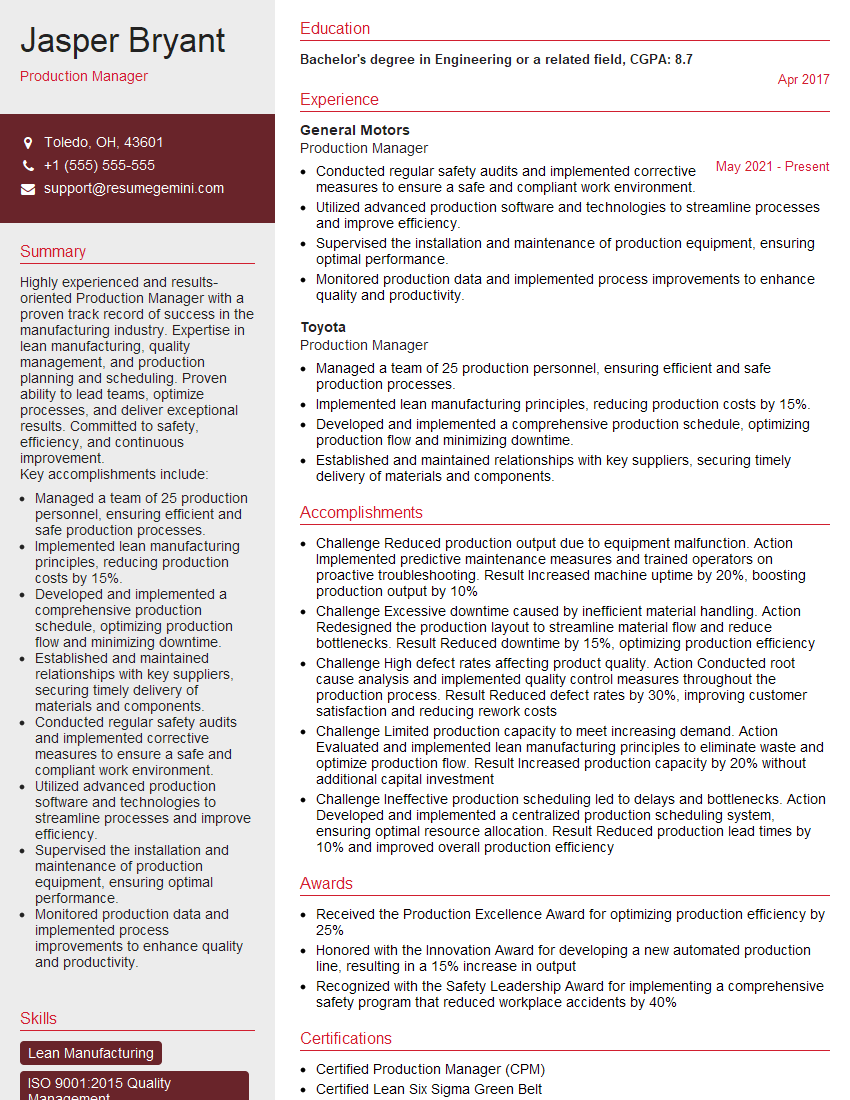
Production Manager Resume Sample

Production Coordinator Resume Sample

Web Editor Resume Sample
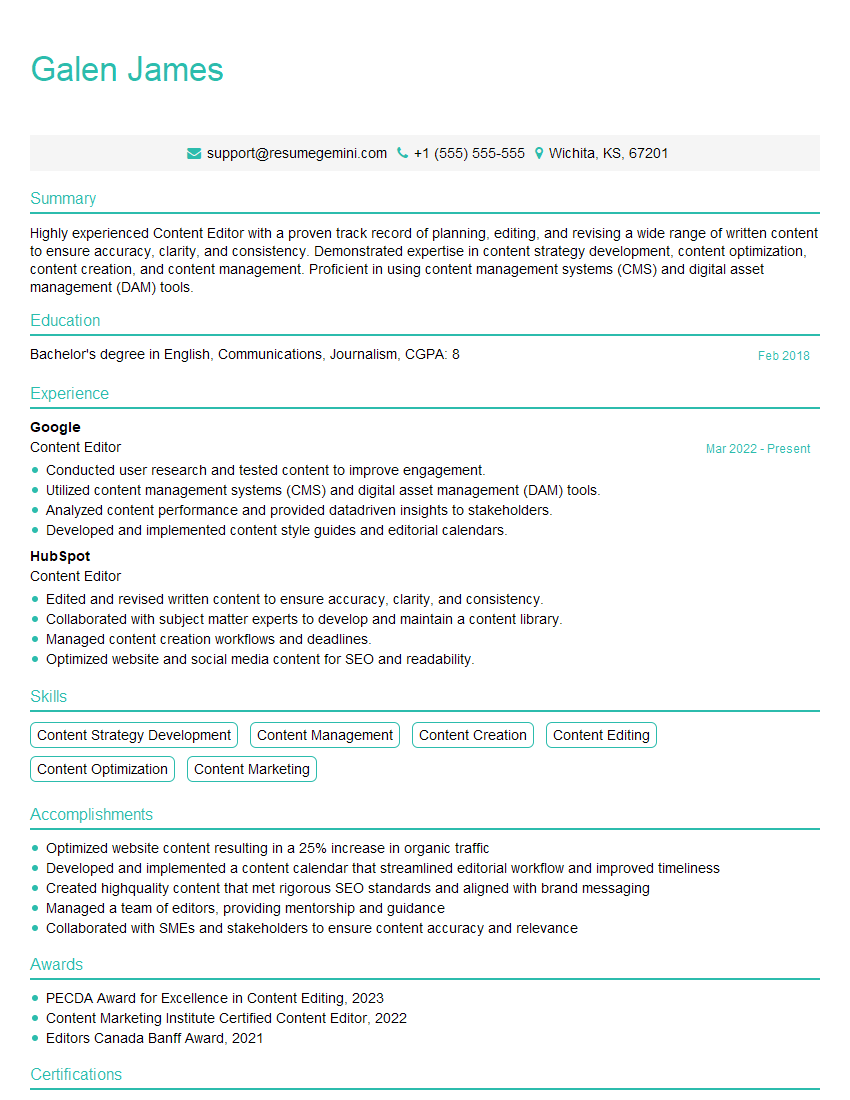
Content Editor Resume Sample
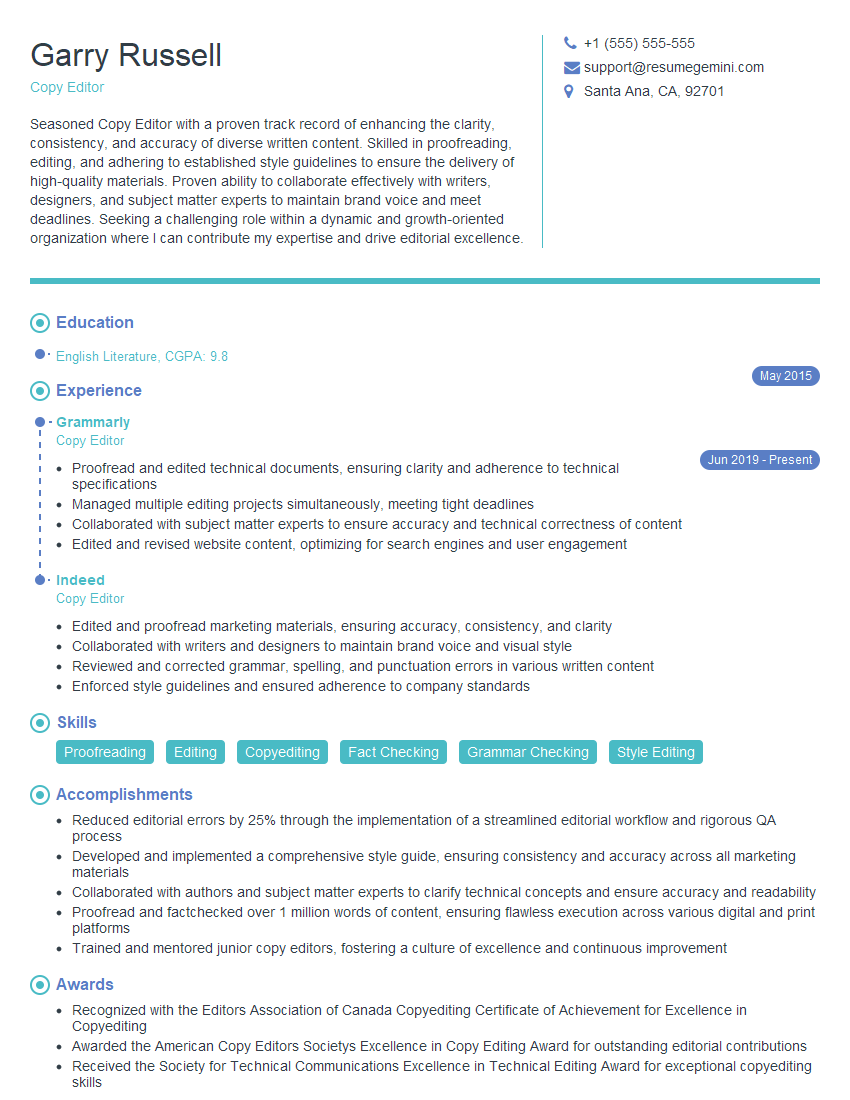
Copy Editor Resume Sample
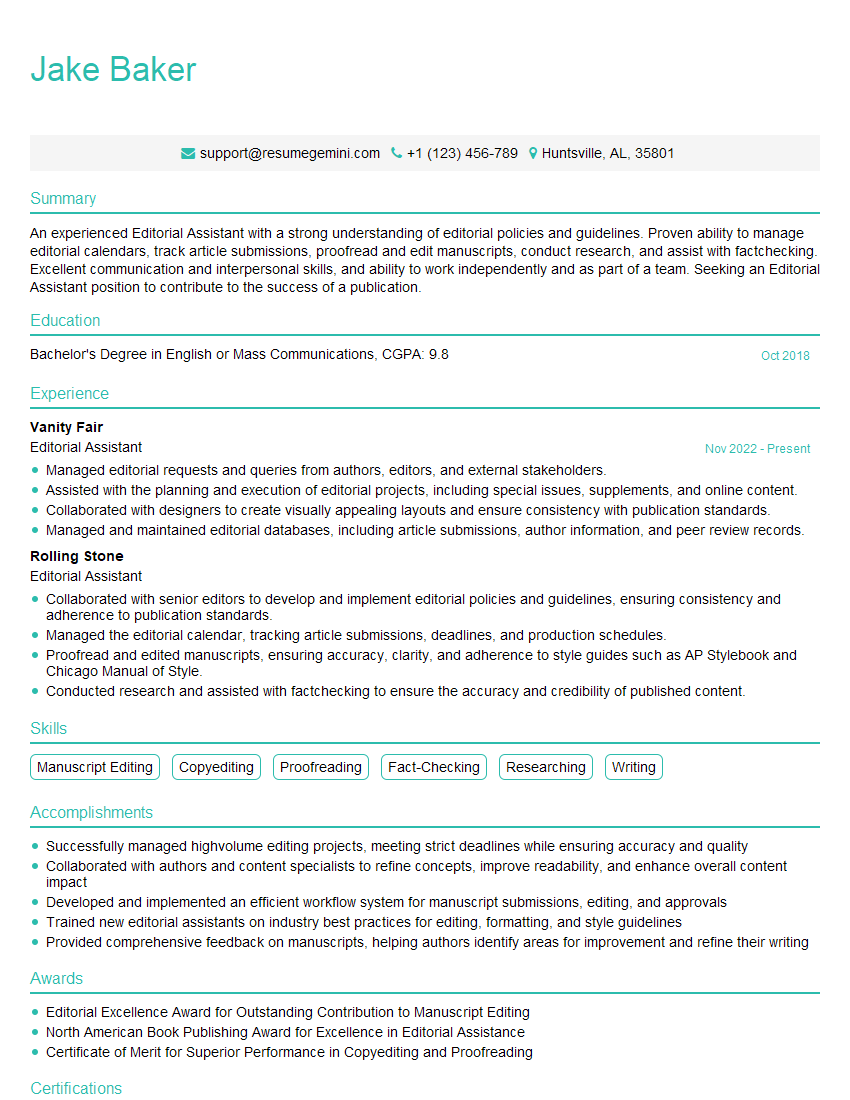
Editorial Assistant Resume Sample
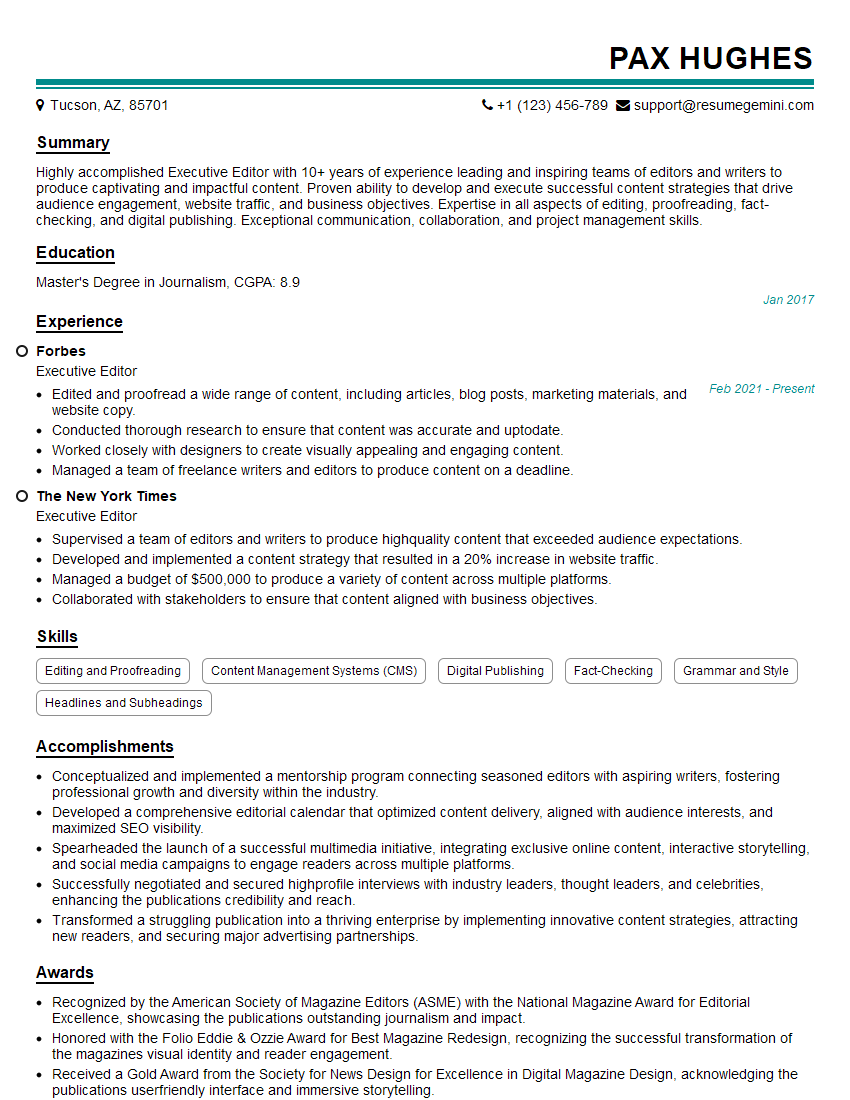
Executive Editor Resume Sample
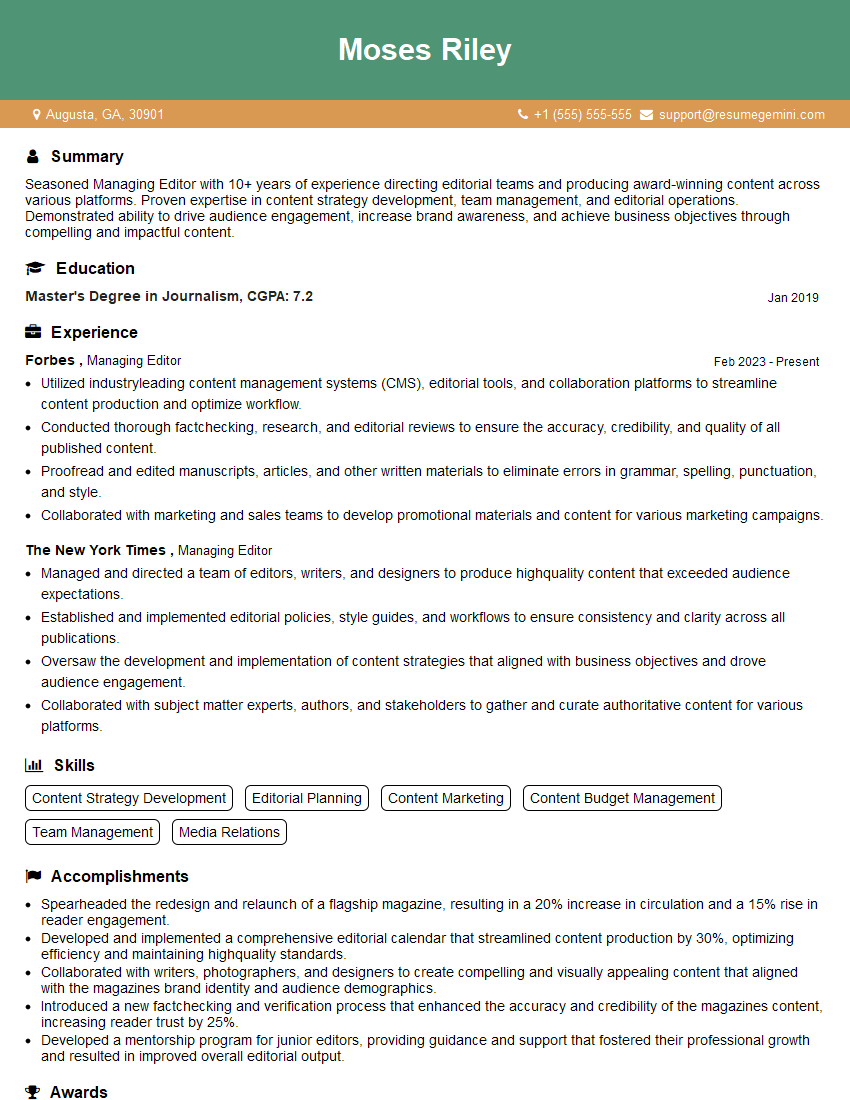
Managing Editor Resume Sample

Proofreader Resume Sample
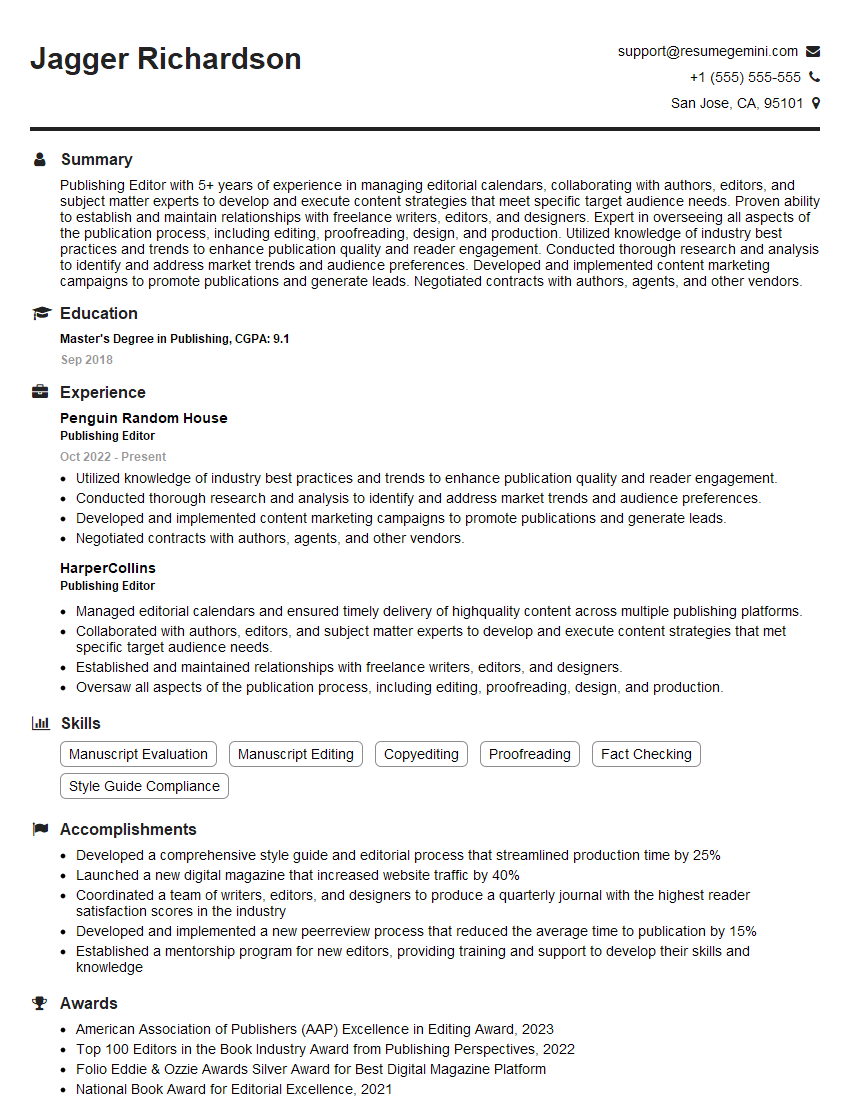
Publishing Editor Resume Sample

Technical Editor Resume Sample

Video Editor Resume Sample

Sound Designer Resume Sample
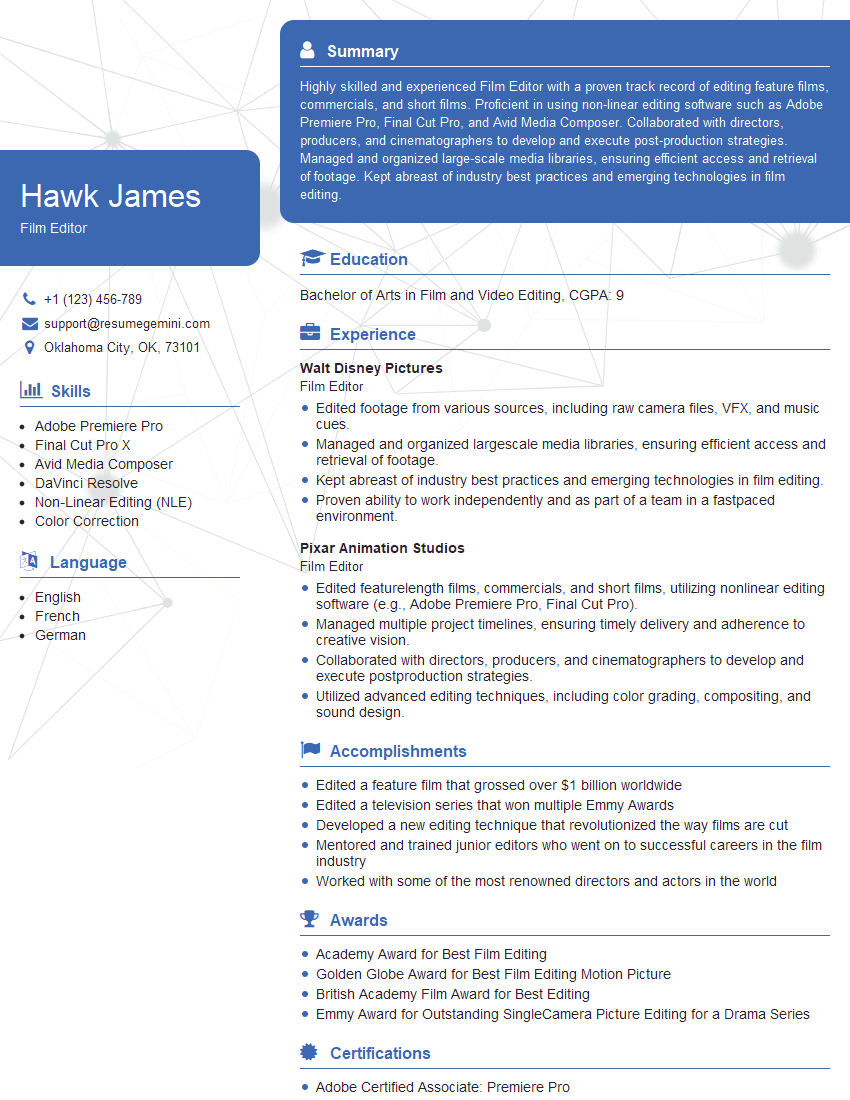
Film Editor Resume Sample
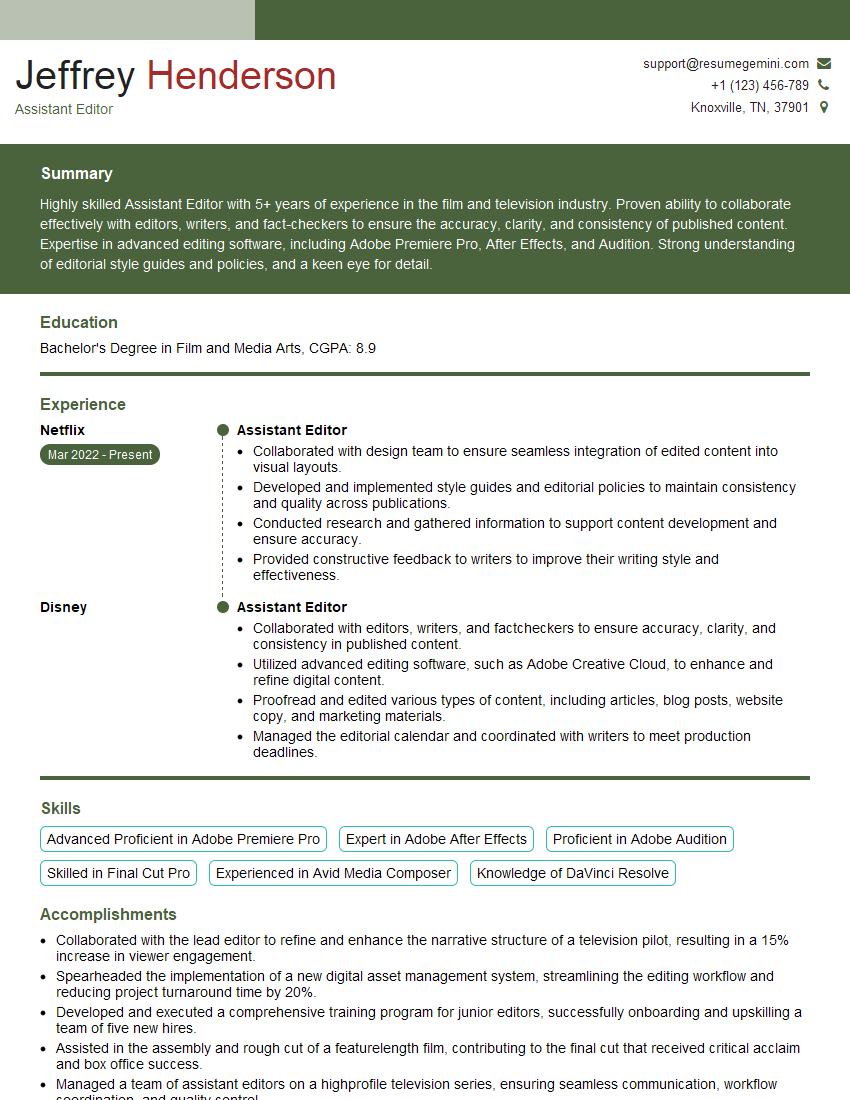
Assistant Editor Resume Sample
Explore more articles
Users Rating of Our Blogs
Share Your Experience
We value your feedback! Please rate our content and share your thoughts (optional).
What Readers Say About Our Blog
I Redesigned Spongebob Squarepants and his main characters of my artwork.
https://www.deviantart.com/reimaginesponge/art/Redesigned-Spongebob-characters-1223583608
IT gave me an insight and words to use and be able to think of examples
Hi, I’m Jay, we have a few potential clients that are interested in your services, thought you might be a good fit. I’d love to talk about the details, when do you have time to talk?
Best,
Jay
Founder | CEO