Interviews are more than just a Q&A session—they’re a chance to prove your worth. This blog dives into essential Motion Graphic Design interview questions and expert tips to help you align your answers with what hiring managers are looking for. Start preparing to shine!
Questions Asked in Motion Graphic Design Interview
Q 1. Explain your experience with After Effects.
After Effects is my primary tool for motion graphics. I’ve been using it professionally for over seven years, mastering a wide range of its features, from basic animation to complex compositing and visual effects. My expertise extends to creating everything from short, snappy explainer videos to intricate title sequences and broadcast graphics. I’m proficient in using expressions to create dynamic and responsive animations, and I’m comfortable working with various formats and codecs to ensure optimal delivery for different platforms.
For instance, I recently used After Effects to create a complex animated logo reveal for a tech startup. This involved intricate particle effects, subtle camera movements, and a carefully crafted color palette to achieve a sleek and modern look. The project required a deep understanding of After Effects’ layer management, timing functions and effects to ensure smooth and visually appealing animations.
Q 2. Describe your workflow for creating a motion graphics project.
My workflow for a motion graphics project is structured and iterative, allowing for flexibility and refinement. It generally follows these steps:
- Concept & Planning: I begin by thoroughly understanding the project’s goals and target audience. This involves brainstorming, storyboarding, and creating a detailed style guide.
- Asset Creation: Depending on the project, this may involve illustration, 3D modeling (often using Cinema 4D, which I’ll discuss later), or sourcing existing assets. I always maintain meticulous organization to manage files efficiently.
- Animation & Compositing: This is where the magic happens in After Effects. I animate elements, layer them, add effects, and refine the timing and pacing until it meets the creative vision. I leverage expressions where automation and dynamic behaviors are needed.
- Sound Design & Integration: Sound is critical to the impact of motion graphics. I often collaborate with sound designers, or I’ll use stock audio and music, meticulously syncing audio with the visual elements.
- Rendering & Export: The final stage involves rendering the project at the highest possible quality and exporting it in the correct format and resolution for its intended use.
- Review & Iteration: Feedback is crucial. I review my work critically and incorporate feedback through revisions. This is an iterative process ensuring the final product aligns perfectly with the client’s vision.
Q 3. What are your preferred methods for animating text?
I employ several methods for animating text, each chosen to suit the project’s style and desired effect. Some of my favorites are:
- Keyframe Animation: This is a foundational technique. I use keyframes to control various text properties like position, scale, opacity, and rotation, creating subtle or dramatic movements.
- Shape Layer Animation: By converting text to shapes, I can manipulate individual letters, creating more complex and organic animations. This is great for stylish titles or logo reveals.
- Expression Controls: For dynamic text animation responsive to audio or other variables, I use expressions. This allows for a more sophisticated and automated approach.
- Presets and Plugins: After Effects has many pre-built animations, and plugins provide even more advanced options. I often explore these for time-saving efficiency or unique effects.
For example, in one project I animated a title sequence using shape layer animation and expressions to create a sense of fluid, almost liquid motion for the text. The animation was synchronized to the soundtrack, adding to the overall emotional impact.
Q 4. How do you handle feedback and revisions on a motion graphics project?
Feedback is essential to creating a successful motion graphics project. I approach revisions in a collaborative and organized manner. My process involves:
- Active Listening: I carefully review all feedback, clarifying any uncertainties. I aim to fully understand the client’s concerns and suggestions.
- Organized Tracking: I maintain detailed notes on all feedback and revisions, ensuring nothing gets overlooked. I often use a dedicated document or project management tool for this purpose.
- Iterative Refinement: I implement feedback iteratively, providing regular updates and seeking confirmation before finalizing changes. This transparent approach ensures everyone is aligned throughout the process.
- Proactive Communication: I keep clients informed about my progress and anticipated timelines for implementing revisions. Open and proactive communication prevents misunderstandings and delays.
For instance, I recently worked on a project where a client initially requested a significant stylistic shift. Through clear communication and iterative feedback loops, we successfully refined the project to a final product they loved, demonstrating the value of collaborative revision.
Q 5. What is your experience with Cinema 4D or other 3D animation software?
While After Effects is my primary tool, I have considerable experience with Cinema 4D for creating 3D elements and environments which are then integrated into my After Effects projects. I’m skilled in modeling, texturing, lighting, and animating 3D objects in Cinema 4D. I can create realistic or stylized 3D assets that enhance the overall visual quality of my motion graphics. This includes creating 3D logos, characters, and environments.
In a recent project, I used Cinema 4D to create a 3D animated logo that unfolded organically, revealing itself layer by layer. This 3D element was then brought into After Effects for final compositing and integration with other visual elements.
Q 6. Explain your understanding of keyframes and timing in animation.
Keyframes and timing are fundamental to animation. Keyframes are points in time where you define the properties of an object (position, scale, opacity, etc.). The software interpolates (fills in the gaps) between these keyframes to create the illusion of movement. Precise timing determines the speed and smoothness of this movement.
Think of keyframes as the key poses in a flipbook. Each keyframe is a single frame showing a specific pose, and the sequence of these poses, with proper timing between them, creates the animation. Precise timing controls the speed, rhythm and overall feel of the animation, making it feel natural or dramatic.
For example, using easing functions can make animations feel more natural. Instead of abrupt changes, easing softens the transitions, creating smooth acceleration and deceleration which is essential for realistic movement.
Q 7. How do you create realistic movement and physics in your animations?
Creating realistic movement and physics requires understanding the principles of motion and applying them within the software. This includes:
- Reference and Observation: I often film real-world scenarios or gather reference material to study how objects move under different conditions. This provides a foundation for creating believable simulations.
- Physics Simulators: After Effects and Cinema 4D offer physics engines to simulate gravity, collisions, and other physical forces. I leverage these to generate realistic interactions between objects.
- Motion Blur and Depth of Field: These effects help create the illusion of depth and speed. Motion blur can make fast movements look realistic, whereas depth of field adds a sense of three-dimensionality to the scene.
- Subtlety and Nuance: Realistic movement is often subtle. I pay attention to details like secondary motion, weight shift, and slight imperfections to create movements that are convincing.
For example, when animating a ball bouncing, I wouldn’t simply make it bounce straight up and down. I’d add slight wobbles, variations in bounce height, and consider factors like spin to make the movement appear natural and lifelike. The key is observation and attention to detail.
Q 8. What are some common animation principles you utilize?
Animation principles are the fundamental building blocks of compelling motion graphics. I regularly utilize principles like timing, which dictates the speed and rhythm of movement—a slow, deliberate reveal can build suspense, while quick cuts create energy. Spacing is crucial for controlling the perceived distance between objects or elements. Consistent spacing creates a sense of order, while varied spacing can add dynamism. Arcs make movement feel more natural and less robotic; think about how a ball thrown in the air follows a curved path. Secondary action adds subtle details that enrich the main animation; for example, a character’s hair swaying as they walk. Ease in and ease out (also known as acceleration and deceleration) makes movement appear smoother and more realistic. Instead of abrupt starts and stops, movements should gradually speed up and slow down. Finally, staging ensures the key idea of the animation is clear and visually dominant. All elements should support the main message.
For example, in a recent explainer video about a new software, I used easing to make the on-screen interface elements appear gradually, drawing the viewer’s eye to the most important features. I also incorporated secondary action, such as subtly animated icons, to add visual interest without distracting from the primary message.
Q 9. How do you ensure your motion graphics are accessible and inclusive?
Accessibility and inclusivity are paramount in my work. I ensure motion graphics are accessible by considering color contrast (using tools like WebAIM’s color contrast checker), providing captions and transcripts for audio elements, and avoiding fast-paced animations that might be difficult for people with cognitive differences to follow. I also use descriptive alt text for all images and avoid relying solely on visual cues for conveying information. For inclusivity, I aim for diverse representation in my animations, avoiding stereotypes and showcasing a range of body types, ethnicities, and abilities. This includes thoughtfully selecting imagery and ensuring color palettes are universally appealing and don’t unintentionally evoke negative associations.
For instance, in a project promoting a health initiative, I made sure to represent individuals of all ages, races, and body types engaging in healthy activities. I also used colorblind-friendly palettes to ensure the animation was accessible to everyone.
Q 10. Describe your process for creating a motion graphics style guide.
Creating a motion graphics style guide is a methodical process that begins with a thorough understanding of the project’s goals and brand identity. I start by defining the key visual elements: color palettes (primary, secondary, and accent colors), typography (font choices and hierarchy), and overall aesthetic (e.g., minimalist, vibrant, retro). I then create examples of how these elements work together, showcasing different animation styles and techniques that align with the brand. The guide should be comprehensive, including examples of button animations, transitions, and even character design, if applicable. Finally, I document the specifications for each element, providing clarity for collaborators and ensuring consistency throughout the project. The final style guide is usually a living document, allowing for adjustments as the project progresses.
Think of it like a recipe book for the visual style of your project. The more detailed and well-organized it is, the easier it is for the entire team to maintain consistency and quality throughout the production.
Q 11. How do you manage your time and prioritize tasks in a fast-paced environment?
Time management in a fast-paced environment requires a structured approach. I utilize project management tools like Trello or Asana to break down large projects into smaller, manageable tasks, assigning deadlines and priorities. I employ time-blocking techniques, dedicating specific blocks of time to focused work on specific tasks. This helps me minimize distractions and stay on track. Prioritization involves identifying crucial tasks that directly impact project deadlines and focusing on those first. I also communicate proactively with stakeholders to manage expectations and address potential roadblocks early. Regular check-ins ensure that progress is aligned with the project timeline.
For example, if faced with multiple projects with overlapping deadlines, I would prioritize the project with the closest deadline and break down its tasks according to urgency and importance. This ensures the most time-sensitive aspects are addressed promptly.
Q 12. Explain your experience with version control systems (e.g., Git).
I have extensive experience with Git, using it daily for version control in my motion graphics projects. I’m proficient in creating branches for new features or bug fixes, committing changes regularly with clear and concise commit messages, and merging branches smoothly. I understand the importance of using pull requests for code review and collaboration, ensuring consistency and high quality of work. I’m comfortable using Git platforms like GitHub or Bitbucket for project management and collaboration. Knowing how to resolve merge conflicts efficiently is critical to maintaining a clean and functional project.
In a recent collaborative project, using Git allowed us to work concurrently on different aspects of the animation without overwriting each other’s work. The ability to easily revert to earlier versions if needed was invaluable.
Q 13. What are your strengths and weaknesses as a motion graphics designer?
My strengths lie in my creative problem-solving skills and ability to translate complex ideas into visually compelling narratives. I’m adept at quickly learning new software and techniques, and I excel at collaborating effectively within teams. My attention to detail ensures high-quality output, and I’m always striving to push creative boundaries. However, I recognize that my weakness can be a tendency to over-commit to projects, leading to potential burnout. To mitigate this, I actively practice better time management techniques and learn to delegate tasks when appropriate.
For example, while my dedication ensures high-quality work, learning to delegate allows me to maintain a healthy work-life balance and prevent the quality of my work from being diminished by burnout.
Q 14. How do you stay up-to-date with the latest trends in motion graphics?
Staying current in the rapidly evolving field of motion graphics requires a multi-pronged approach. I regularly follow industry blogs and publications, attend online webinars and conferences (both live and recorded), and actively engage with online communities such as forums and social media groups dedicated to motion design. Experimenting with new software and techniques is also key; I dedicate time to exploring emerging trends and software updates. Following influential motion designers on platforms like Behance and Dribbble offers valuable insight into innovative techniques and current aesthetics. By consistently engaging with these resources, I maintain a keen awareness of the latest trends and technologies.
Think of it like learning a language – you must actively practice and immerse yourself to stay fluent.
Q 15. Describe your experience with collaborating with other designers and developers.
Collaboration is the lifeblood of any successful motion graphics project. My experience spans working with diverse teams, from fellow designers specializing in illustration and UI/UX to front-end and back-end developers. I thrive in collaborative environments, believing that diverse perspectives enrich the creative process.
For example, on a recent project creating animated explainer videos for a SaaS company, I worked closely with a UI/UX designer to ensure the animations seamlessly integrated with the existing brand guidelines and user interface. I then collaborated with the developers to ensure smooth animation playback across different browsers and devices. This involved regular feedback sessions, version control using Git, and clear communication throughout the pipeline.
I actively participate in brainstorming sessions, contribute to design reviews, and offer constructive criticism to ensure the final product reflects the best of everyone’s efforts. Open communication and a willingness to adapt are key to successful collaboration.
Career Expert Tips:
- Ace those interviews! Prepare effectively by reviewing the Top 50 Most Common Interview Questions on ResumeGemini.
- Navigate your job search with confidence! Explore a wide range of Career Tips on ResumeGemini. Learn about common challenges and recommendations to overcome them.
- Craft the perfect resume! Master the Art of Resume Writing with ResumeGemini’s guide. Showcase your unique qualifications and achievements effectively.
- Don’t miss out on holiday savings! Build your dream resume with ResumeGemini’s ATS optimized templates.
Q 16. How familiar are you with Adobe Illustrator and Photoshop?
I’m highly proficient in both Adobe Illustrator and Photoshop. Illustrator is my go-to for vector-based graphics, crucial for creating scalable assets that look crisp at any resolution – essential for animation. I use it extensively for creating character designs, logos, and intricate illustrations that form the base of my animations. Photoshop, on the other hand, is indispensable for raster-based image manipulation, compositing, and adding finishing touches. I use it for tasks like texture creation, color correction, and integrating photographic elements into my animations.
My workflow often involves starting with vector illustrations in Illustrator, then bringing them into Photoshop for additional refinement and compositing before exporting them into animation software like After Effects. I’m comfortable utilizing all the advanced features of both programs, including layer styles, masking, and advanced pen tool techniques. My familiarity extends beyond basic usage; I’m adept at utilizing scripts and automating tasks for enhanced efficiency.
Q 17. How do you handle creative differences with clients or directors?
Creative differences are inevitable, and I view them as opportunities for growth and improvement. My approach is rooted in open communication, active listening, and a collaborative problem-solving mindset. I begin by actively listening to the client’s or director’s vision, ensuring I fully understand their needs and concerns. I then present my creative rationale and justify my design choices, highlighting the strategic reasoning behind them.
If there’s a significant divergence, I present alternative solutions that incorporate their feedback while still maintaining the integrity of the animation’s overall aesthetic and effectiveness. This often involves presenting mood boards, style frames, and even short, rough animation tests to visualize different approaches. The goal is to find a solution that satisfies both the client’s vision and the design principles that ensure a successful outcome.
Ultimately, it’s about finding common ground and creating something we’re both proud of. Compromise is key, but the ultimate goal is to deliver a high-quality animation that meets the objectives.
Q 18. Describe your process for selecting color palettes in your animations.
Selecting color palettes is a critical aspect of establishing the mood and tone of an animation. My process involves a multifaceted approach. It starts with understanding the project’s overall narrative and target audience. Is it a playful children’s animation, a serious corporate video, or something in between?
I then utilize various tools and resources to explore potential color palettes. These include online color palette generators, exploring color harmonies (complementary, analogous, triadic, etc.), and researching existing color palettes that resonate with the desired mood. I often create mood boards using Pinterest and Adobe Color to visualize potential combinations. This helps to guide the overall feel and cohesiveness of the animation.
Finally, I test the chosen palettes within the animation itself, ensuring readability and visual appeal. This iterative process ensures the color palette effectively supports the storytelling and brand identity, resulting in an aesthetically pleasing and impactful final product.
Q 19. Explain your experience with different animation styles (e.g., 2D, 3D, motion graphics).
My experience encompasses a wide range of animation styles. I’m proficient in 2D animation, utilizing techniques like frame-by-frame animation, tweening, and motion graphics using After Effects. I have experience in various 2D styles, from flat vector-based animations to more detailed hand-drawn or painterly styles.
I also have experience with 3D animation, though primarily focusing on integrating 3D elements into motion graphic projects. This might include utilizing 3D models created by others or using 3D software like Cinema 4D for creating simple 3D elements that enhance the overall animation. I understand the workflow and technical considerations involved in integrating both 2D and 3D elements seamlessly.
Motion graphics is my core expertise, and I excel at creating dynamic and engaging visual narratives using text, shapes, and graphics. I’m familiar with various techniques, including kinetic typography, abstract animations, and data visualization, tailoring the animation style to the project’s specific needs and objectives.
Q 20. How do you create a sense of rhythm and timing in your work?
Rhythm and timing are paramount in creating engaging motion graphics. Think of it like composing music; each visual element has its own ‘note’ value, contributing to the overall tempo and flow. I approach this by carefully planning the animation’s pacing and timing during the pre-production phase.
Storyboarding is crucial in establishing the rhythm. By visualizing the sequence of actions and events, I can determine the length of each shot, the speed of transitions, and the overall pacing. I then use animation software’s timeline to meticulously control the timing of individual elements. This involves adjusting keyframes, easing functions, and employing techniques like anticipation and follow-through to create a natural and believable flow.
Using audio is also crucial. Sound design and music are deeply intertwined with the visual rhythm, shaping the emotional impact and guiding the viewer’s experience. The interplay between visuals and audio is what truly brings the rhythm and timing to life.
Q 21. What are some of the biggest challenges you’ve faced in creating motion graphics?
One of the biggest challenges I’ve faced is balancing creative vision with technical limitations. Sometimes, a visually stunning idea might require extensive rendering time or pose limitations within the project’s budget or timeline. For example, a complex 3D animation scene might require more rendering power than is readily available, leading to compromises or adjustments to the creative vision.
Another major challenge involves managing client expectations. Sometimes, clients might have an unrealistic understanding of the time and resources required to create high-quality animation. Clear communication and setting realistic expectations from the outset are crucial in mitigating this challenge. This includes clearly outlining the scope of work, providing detailed timelines, and establishing a collaborative feedback process throughout the production.
Finally, staying updated with the rapidly evolving landscape of software and technology is an ongoing challenge. The field is constantly innovating; new techniques, tools, and software are constantly emerging. Continuous learning and adaptation are essential to staying at the forefront of motion graphic design.
Q 22. How do you ensure the visual consistency across different platforms?
Maintaining visual consistency across platforms is paramount for strong brand identity. It’s about ensuring your motion graphics look and feel the same whether they’re on Instagram, YouTube, a website banner, or a large-screen presentation. This involves a multi-pronged approach:
- Style Guide: A comprehensive style guide is essential. This document outlines the brand’s colors (including hex codes), fonts (with specified weights and sizes), logo usage, and even animation styles (e.g., preferred easing functions, animation speeds). This serves as the single source of truth for all projects.
- Asset Management: Using a centralized asset management system is key. This allows designers to easily access and use approved brand assets, ensuring consistency. Cloud-based storage solutions with version control are ideal.
- Template Creation: Creating master templates for common motion graphic elements (lower thirds, intro sequences, etc.) ensures consistency in design and animation. These templates can be easily customized while retaining the core brand elements.
- Collaboration and Communication: Clear communication and collaboration between designers and stakeholders are crucial. Regular check-ins and feedback sessions help prevent inconsistencies from creeping in.
For example, if a brand uses a specific shade of blue (#007BFF), that color must be consistently used across all platforms. Any deviation from this will compromise the brand’s visual identity and weaken the overall message.
Q 23. Explain your approach to creating engaging and memorable animations.
Creating engaging and memorable animations involves understanding your audience and employing several key techniques:
- Storytelling: A compelling narrative is crucial. Even a short animation should have a clear beginning, middle, and end. Think of it like a mini-movie; you need to grab the viewer’s attention and keep them engaged.
- Visual Hierarchy: Guide the viewer’s eye through the animation using techniques like size, color, and motion. Important elements should stand out, while less crucial elements recede into the background.
- Animation Principles: Mastering the 12 principles of animation (squash and stretch, anticipation, staging, etc.) is essential for creating fluid and believable motion. This gives your animations a professional polish.
- Sound Design: Sound is often overlooked but is crucial to the immersive experience. The right music, sound effects, and voiceover can significantly enhance engagement.
- Emotional Connection: Aim to evoke emotion in your audience. Humor, surprise, empathy – these can make your animation memorable.
For instance, a recent project involved animating data visualizations for a financial report. Instead of simply showing numbers increase, I used animated graphs that grew organically, accompanied by uplifting music, creating a positive emotional response, despite the serious topic.
Q 24. Describe your process for troubleshooting technical issues during production.
Troubleshooting technical issues is an inevitable part of motion graphics production. My approach is systematic and involves:
- Identify the Problem: Clearly define the issue. Is it a rendering problem? A plugin conflict? A corrupted file?
- Isolate the Source: Try to reproduce the problem in a simplified scenario. This helps pinpoint the exact cause.
- Consult Documentation: Check the software’s documentation, online forums, or the plugin’s support pages. Often, others have faced similar problems.
- Test and Experiment: Try different solutions. This might involve adjusting settings, reinstalling plugins, or even reverting to an earlier version of the project file.
- Seek External Help: If all else fails, don’t hesitate to reach out to colleagues, online communities, or the software’s support team.
For example, I recently encountered a rendering issue where certain effects weren’t displaying correctly in After Effects. By isolating the problem to a specific plugin and consulting online forums, I found that updating the plugin resolved the issue. This systematic approach is crucial for efficient problem-solving.
Q 25. How would you approach creating motion graphics for a specific brand or product?
Creating motion graphics for a specific brand or product requires a deep understanding of the brand’s identity and target audience. My process involves:
- Brand Research: Thoroughly research the brand’s mission, values, target audience, and existing visual identity.
- Concept Development: Brainstorm ideas that align with the brand’s personality and marketing goals. Storyboards are helpful here to visualize the animation.
- Style Frame Creation: Create style frames to showcase the animation’s visual style, colors, and typography. These serve as a visual blueprint.
- Asset Creation: Design and animate the necessary elements, keeping the brand’s visual identity consistent.
- Testing and Iteration: Test the animation on different devices and platforms. Get feedback from stakeholders and refine the animation based on their feedback.
For example, if I were creating motion graphics for a sustainable clothing brand, I might use natural colors, flowing animations, and imagery of nature to reflect the brand’s values. The animation would need to appeal to the brand’s target audience of environmentally conscious consumers.
Q 26. What are some of your favorite motion graphics projects, and why?
One of my favorite projects involved creating a series of animated explainer videos for a complex software. I enjoyed this project because it challenged me to simplify complex information into a visually engaging and easily digestible format. The use of metaphors and clear visual storytelling helped viewers understand the software’s functionality.
Another project I’m particularly proud of was a short animated film for a non-profit organization. The film’s emotional impact, coupled with the powerful message, made it a rewarding experience. Successfully communicating a strong message through animation is incredibly satisfying.
Q 27. Describe your experience using plugins and extensions for animation software.
Plugins and extensions are essential tools in my workflow, significantly enhancing efficiency and creative capabilities. I’ve extensively used plugins such as:
- Trapcode Particular (After Effects): For creating realistic particle effects, adding depth and visual interest to animations.
- Element 3D (After Effects): For integrating 3D elements seamlessly into 2D compositions, opening up design possibilities.
- Red Giant Universe (After Effects): A suite of plugins providing a wide range of effects, from color correction to transitions.
- MotionVFX (Various): Offers a range of plugins for various animation software, adding special effects, transitions, and more.
My experience with these plugins goes beyond simply using them. I understand their capabilities, limitations, and how to troubleshoot problems effectively. This is crucial for maintaining a smooth and efficient production process. I also regularly explore and experiment with new plugins to keep my skills current and my projects fresh and innovative.
Key Topics to Learn for Your Motion Graphic Design Interview
Ace your interview by mastering these fundamental areas. Remember, demonstrating your problem-solving skills and passion is just as crucial as technical knowledge.
- Principles of Animation: Understanding keyframes, timing, spacing, ease-in/out, and the 12 principles of animation is fundamental. Consider how these principles enhance storytelling and user experience.
- Software Proficiency: Showcase your expertise in industry-standard software like Adobe After Effects, Cinema 4D, or similar tools. Be prepared to discuss your workflow and preferred techniques for specific tasks.
- Design Principles: Demonstrate your understanding of visual hierarchy, color theory, typography, and composition. Explain how these principles contribute to the overall effectiveness of your motion graphics.
- Storytelling and Narrative: Discuss your approach to translating concepts and scripts into compelling visual narratives. Be ready to illustrate how you use motion graphics to communicate effectively.
- Collaboration and Communication: Highlight your experience working in teams, receiving and implementing feedback, and effectively communicating design ideas to clients or stakeholders.
- Workflow and Project Management: Explain your process from initial concept to final delivery, including file management, version control, and meeting deadlines. Discuss any project management methodologies you’ve used.
- Technical Troubleshooting: Be ready to discuss how you handle unexpected technical challenges during a project. This demonstrates problem-solving abilities crucial in a fast-paced environment.
- Style and Trends: Stay updated on current trends in motion graphics design. Demonstrate your ability to adapt your style to different projects and clients’ needs.
Next Steps: Level Up Your Career
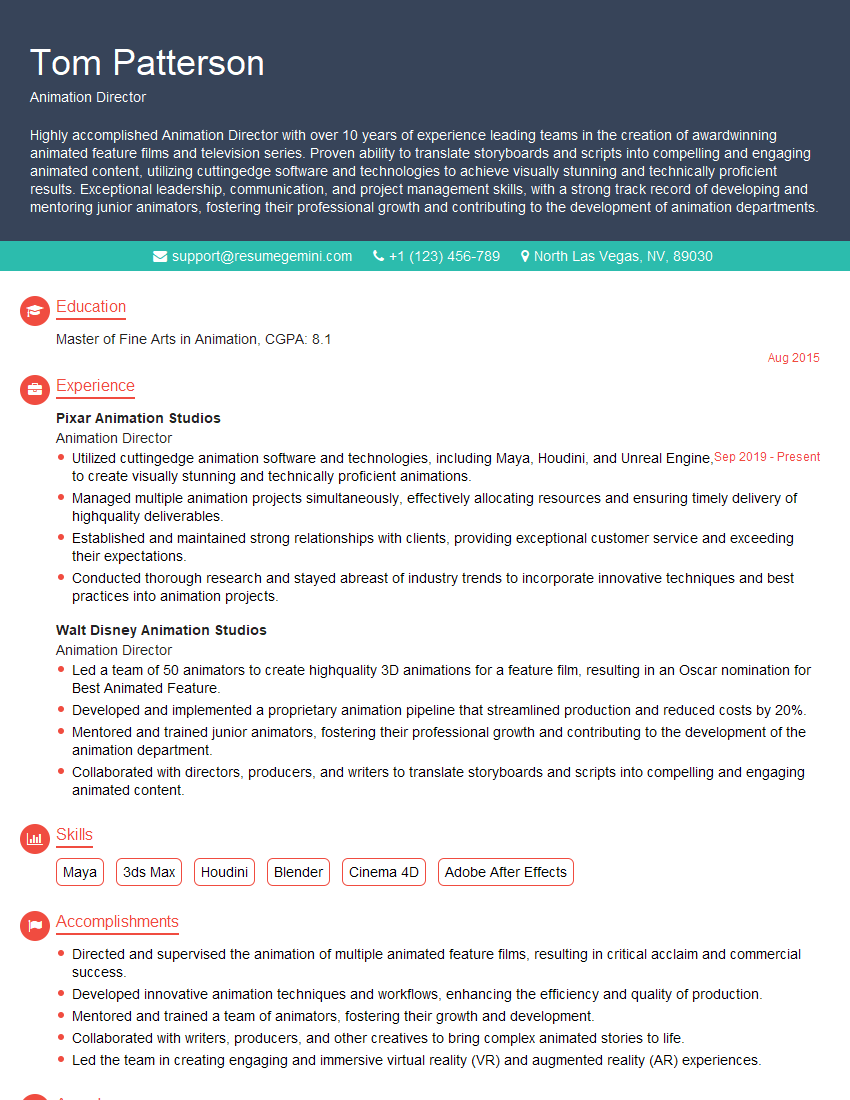
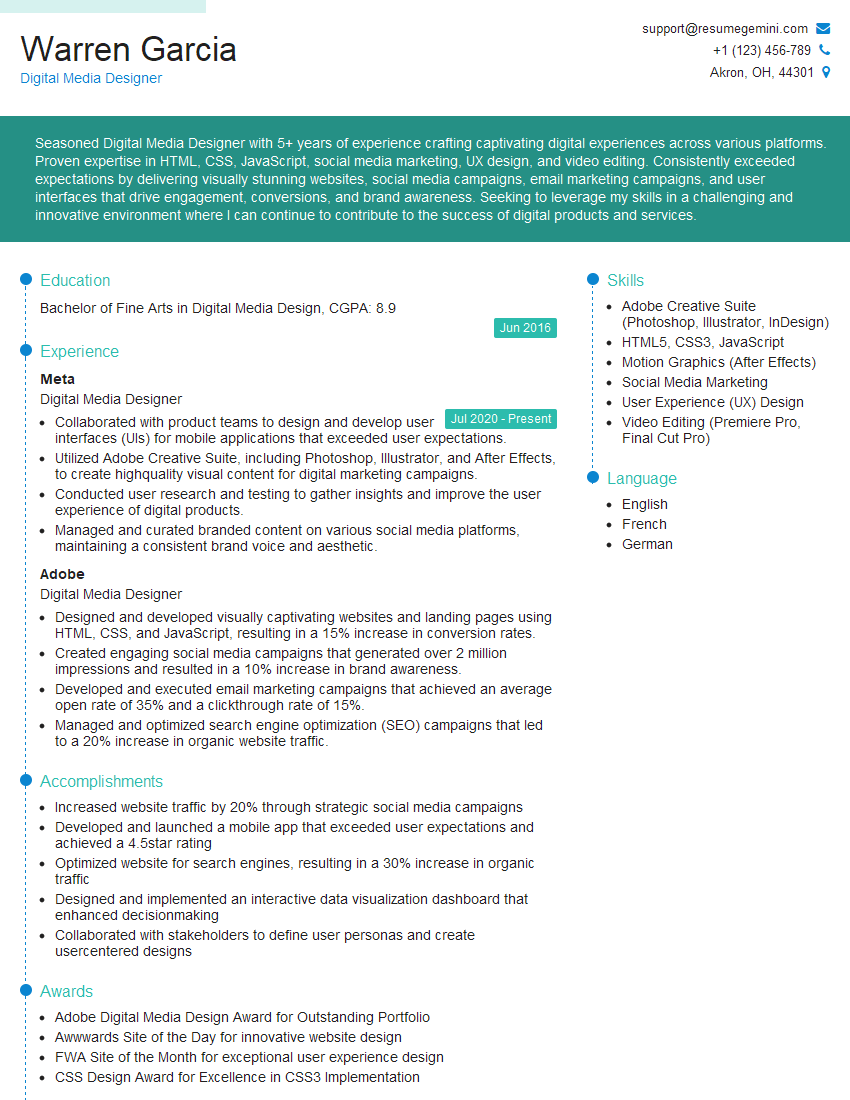
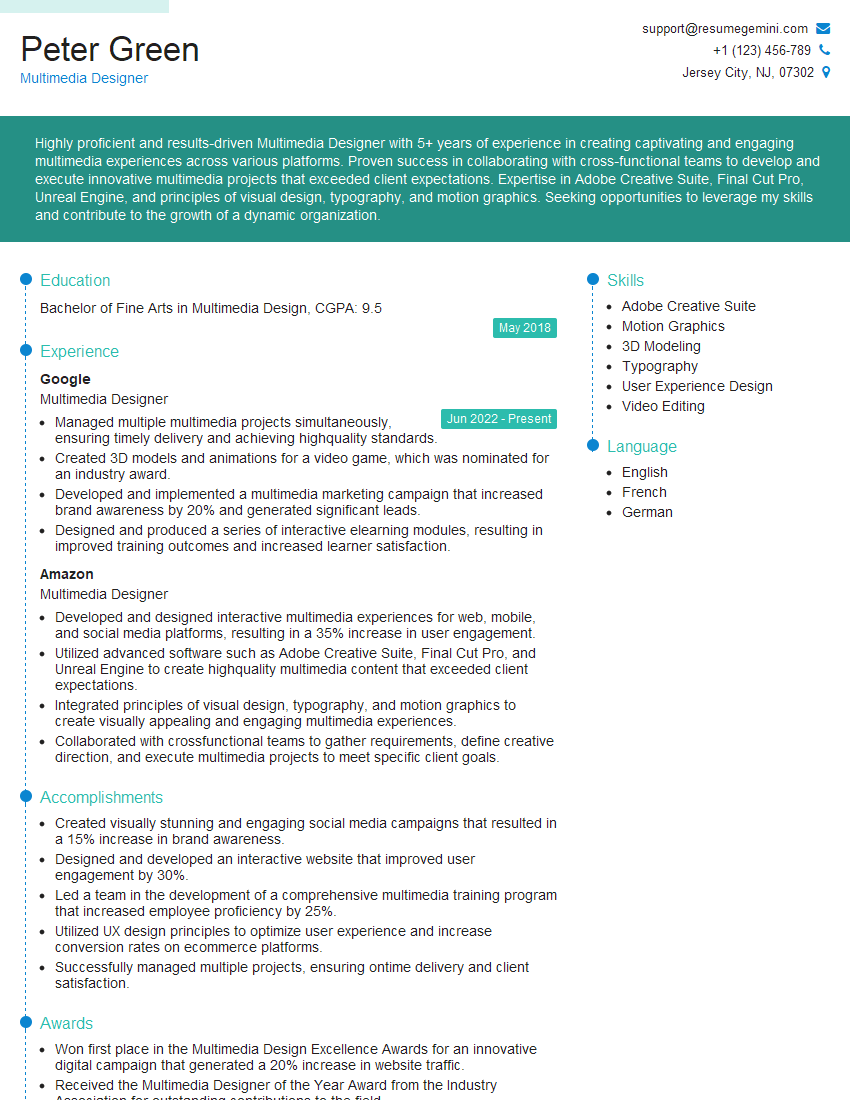
Mastering motion graphic design opens doors to exciting career opportunities in various industries. To maximize your job prospects, a strong, ATS-friendly resume is essential. ResumeGemini can help you create a compelling resume that highlights your skills and experience effectively. They offer examples tailored specifically for Motion Graphic Designers, ensuring your application stands out from the competition. Invest in your future – craft a resume that reflects your talent and ambition.


Explore more articles
Users Rating of Our Blogs
Share Your Experience
We value your feedback! Please rate our content and share your thoughts (optional).
What Readers Say About Our Blog
Really detailed insights and content, thank you for writing this detailed article.
IT gave me an insight and words to use and be able to think of examples