The thought of an interview can be nerve-wracking, but the right preparation can make all the difference. Explore this comprehensive guide to Ability to interpret and troubleshoot technical drawings interview questions and gain the confidence you need to showcase your abilities and secure the role.
Questions Asked in Ability to interpret and troubleshoot technical drawings Interview
Q 1. Explain the difference between orthographic and isometric projections.
Orthographic and isometric projections are two different ways of representing a 3D object in a 2D drawing. Think of it like taking pictures of a building from different angles. Orthographic projection uses multiple views (typically top, front, and side) to show the object’s dimensions accurately. Each view shows only two dimensions of the object. Isometric projection, on the other hand, shows a single view that attempts to represent all three dimensions simultaneously. It’s like looking at a slightly distorted, three-dimensional model.
Orthographic Projection: Imagine unfolding a box. Each side of the box would represent a separate orthographic view. They’re excellent for precise measurements and detailed representation of individual parts. They are the cornerstone of most engineering and architectural drawings.
Isometric Projection: Think of an artist’s sketch that attempts to show depth and perspective, but not with perfect mathematical accuracy. Isometric projections are visually appealing and easier to grasp quickly, making them useful for quick visualization or in presentations. However, accurate measurements are harder to obtain directly from the drawing.
Key Differences Summarized:
- Number of Views: Orthographic uses multiple views; Isometric uses a single view.
- Perspective: Orthographic is non-perspective; Isometric is a type of perspective drawing.
- Accuracy: Orthographic is highly accurate; Isometric is less accurate for precise measurements.
- Application: Orthographic is used for detailed design and manufacturing; Isometric is often used for conceptual designs and presentations.
Q 2. Describe your experience using various CAD software (e.g., AutoCAD, SolidWorks, Revit).
My experience with CAD software spans several platforms, each offering unique advantages for different tasks. I’m proficient in AutoCAD, SolidWorks, and Revit, and have utilized them extensively across a range of projects.
AutoCAD: I use AutoCAD primarily for 2D drafting and detailed drawing creation. Its precision and extensive library of tools make it ideal for creating accurate technical drawings, particularly in the areas of mechanical and civil engineering. I’ve used it for everything from creating detailed site plans to designing intricate machine parts.
SolidWorks: SolidWorks is my go-to for 3D modeling and simulation. Its powerful parametric modeling capabilities allow for efficient design changes and iterations. I’ve leveraged SolidWorks extensively for creating complex assemblies, performing stress analysis, and generating manufacturing documentation. For example, I once used SolidWorks to model a complete robotic arm assembly, optimizing its design for weight and strength.
Revit: Revit’s strength lies in its Building Information Modeling (BIM) capabilities. I’ve used Revit extensively for architectural and structural design projects, creating detailed building models that encompass all aspects of a project – from structural elements to MEP systems. This allowed me to collaborate effectively with other design professionals and ensured seamless integration of various building components.
Q 3. How do you identify potential design flaws or inconsistencies in a technical drawing?
Identifying design flaws or inconsistencies in technical drawings is a crucial aspect of my work. My process involves a systematic review focusing on several key areas.
1. Dimensional Conflicts: I meticulously check for any conflicts in dimensions. This includes verifying that dimensions across multiple views are consistent and that there are no overlaps or gaps. Inconsistent dimensions can lead to manufacturing errors. For example, a discrepancy in a hole’s diameter in the front and side views could result in an improperly fitting part.
2. Geometric Inconsistencies: I examine the drawing for geometric inconsistencies, such as incorrect angles, missing or extra lines, or features that don’t align properly. These inconsistencies can signal problems with the design and can affect the part’s functionality.
3. Missing or Incomplete Information: I carefully check for missing or incomplete information such as tolerances, materials, surface finishes, or notes. Incomplete information can lead to ambiguity and potentially costly mistakes during manufacturing.
4. Tolerances and Fit: I review tolerances and ensure they are appropriate for the application and manufacturing methods. Inappropriate tolerances can lead to parts that don’t fit together correctly. I might also cross-reference the tolerances with standard practices for the given industry.
5. Material Specifications: I always verify material selections are suitable for the part’s intended use and environmental conditions. Improper material choices can compromise the part’s performance or lifespan.
By carefully examining these aspects, I can effectively identify and resolve potential design issues before they lead to more significant problems. I use a combination of visual inspection, dimensional analysis, and geometric tolerancing principles to ensure the accuracy and consistency of drawings.
Q 4. What are the standard symbols used in electrical schematics?
Standard symbols in electrical schematics are crucial for clear and concise communication. They represent components, connections, and functions within an electrical system. These symbols are standardized by organizations like IEEE (Institute of Electrical and Electronics Engineers) to ensure universal understanding.
Common symbols include:
- Power Sources: Batteries, AC/DC power supplies, generators, etc. They often use specific shapes to identify the type of source.
- Switches: SPST (Single-Pole, Single-Throw), SPDT (Single-Pole, Double-Throw), etc. These are represented by specific switch configurations to indicate their functionality.
- Resistors: Represented by zig-zag lines, with numeric values often included to indicate the resistance.
- Capacitors: Represented by parallel lines, typically with values specified.
- Inductors: Represented by coils, sometimes with values included.
- Diodes: Triangles with an arrow to indicate current flow.
- Transistors: Various shapes depending on the type (e.g., NPN, PNP).
- Integrated Circuits (ICs): Represented by rectangles with pin numbers labeled.
- Connectors: Various shapes and symbols indicating different connector types.
Understanding these symbols is essential for interpreting and creating electrical schematics. The key is consistency and adherence to standards to avoid ambiguity.
Q 5. How do you interpret dimensioning and tolerances in a mechanical drawing?
Dimensioning and tolerances on mechanical drawings are critical for manufacturing accuracy and interchangeability. Dimensions specify the size and location of features. Tolerances define the permissible variation from the specified dimension. They are essential to understand for ensuring parts fit together correctly and function as intended.
Dimensioning: Dimensions are usually presented with numerals, units (e.g., mm, inches), and extension lines showing the features being measured. Leader lines connect the dimension to the feature. For example, Ø10±0.1 indicates a diameter of 10 units with a tolerance of ±0.1 units.
Tolerances: Tolerances are expressed in various ways:
- Unilateral Tolerance: Specifies a single limit above or below the nominal dimension (e.g., 10+0.1).
- Bilateral Tolerance: Specifies limits both above and below the nominal dimension (e.g., 10±0.1).
- Geometric Dimensioning and Tolerancing (GD&T): This sophisticated system uses symbols and notations to specify tolerances for form, orientation, location, and runout of features. GD&T is more complex but provides more comprehensive control over part quality.
Interpretation: To interpret them correctly, you must understand the units, the nominal dimension, and the tolerance. A clear understanding is essential for accurate manufacturing and quality control. For instance, if a shaft has a diameter of 10±0.1 mm, it indicates that the acceptable range is between 9.9 mm and 10.1 mm.
Q 6. Explain your process for troubleshooting a drawing with conflicting information.
Conflicting information in a drawing is a serious issue that requires careful investigation and resolution. My approach involves a systematic process:
1. Identification and Verification: First, I meticulously pinpoint all instances of conflicting information. This involves comparing dimensions across different views, checking for inconsistencies in notes, and reviewing the drawing for any discrepancies between the various sections.
2. Source Determination: Next, I try to understand the source of the conflict. Was there an error in drafting, a revision that wasn’t properly implemented, or a misunderstanding during the design process? Sometimes, I may need to trace back the revision history to identify the point where the conflict arose.
3. Data Reconciliation: With the source of the conflict identified, I evaluate which version of the information is correct or more likely to be correct. This may involve consulting with design engineers, reviewing related documents, or performing calculations to determine the most plausible solution. I will always document this step clearly.
4. Resolution and Documentation: Once the correct information is determined, I update the drawing to resolve the conflict. All changes must be clearly documented, usually with revision numbers and notes explaining the alterations made. For example, I might add a note explicitly clarifying a specific dimension that had a conflicting version.
5. Verification: After updating the drawing, I recheck for any remaining conflicts or inconsistencies. A thorough review helps to ensure that the corrections are accurate and that the drawing is now free of errors. The final drawing should always be consistent and provide a clear picture of the design intent.
Q 7. How do you handle revisions and updates to technical drawings?
Handling revisions and updates to technical drawings is a critical part of the design process. It ensures that everyone works from the latest version and that the final product accurately reflects the intended design. My approach utilizes a controlled and documented system:
1. Revision Control System: I use a formal revision control system (e.g., numbering system, revision clouds) to track changes. Each revision is given a unique number and a brief description of the modifications. This ensures that every change is clearly documented and easily traceable. This helps with maintaining a clear audit trail.
2. Change Orders: Significant changes are typically initiated through formal change orders. These orders outline the necessary alterations, their justifications, and approvals from relevant stakeholders. They provide a structured approach to managing updates.
3. Version Management Software: I prefer using version control software (e.g., within CAD platforms or dedicated software) to store multiple revisions of the drawing. This enables easy access to previous versions, facilitates collaboration, and avoids accidental overwriting of critical data.
4. Communication and Collaboration: Changes are communicated to all relevant parties—designers, manufacturers, and other stakeholders—ensuring that everyone is aware of the updates and working from the correct version of the drawings. Clear and consistent communication is key to avoid confusion and errors.
5. Data Integrity: Throughout the process, I prioritize data integrity. All revisions must maintain consistency and accuracy, adhering to established standards and procedures. It’s essential to ensure that updated drawings remain accurate and free from discrepancies.
Q 8. How familiar are you with various drawing scales and their applications?
Drawing scales are crucial for representing real-world objects on paper or a digital screen. They define the ratio between the dimensions on the drawing and the actual dimensions of the object. For instance, a scale of 1:10 means 1 unit on the drawing represents 10 units in reality. I’m familiar with various scales, including architectural scales (like 1:50, 1:100, 1:200), engineering scales (1:2, 1:5, 1:1), and even very large scales used for micro-electronics. The choice of scale depends heavily on the object’s size and the level of detail required. A complex machine part might need a larger scale (like 1:1 or 1:2) for detailed annotations, while a large building plan would utilize a smaller scale (like 1:100) to fit the entire structure on a single sheet. My experience includes selecting the appropriate scale based on project requirements and effectively interpreting drawings using diverse scales.
Q 9. Describe your experience with creating and reading detailed assembly drawings.
Creating and reading assembly drawings is a core part of my expertise. I’ve extensively worked with complex assemblies, ranging from intricate mechanical systems to electronic devices. Creating these drawings involves breaking down the assembly into individual components, meticulously documenting their relationships, and generating clear and concise views – including isometric, orthographic projections, and sectional views. This process often involves using 3D modeling software to facilitate the creation of accurate representations. Reading assembly drawings requires a keen eye for detail. It involves understanding exploded views to visualize the assembly sequence, interpreting various annotations such as tolerances and surface finishes, and identifying the necessary parts to build the final product. For example, in one project, I was instrumental in identifying a potential interference issue during assembly by carefully analyzing the assembly drawing and 3D model, saving the company significant time and resources during prototyping.
Q 10. How do you ensure drawings are compliant with relevant industry standards?
Adherence to industry standards is paramount in technical drawing. I ensure compliance by following specific standards like ASME Y14.5 (for US-based projects) or ISO standards (for international projects), which dictate drawing practices, annotation methods, and dimensioning conventions. This includes using standardized symbols, applying consistent line weights, and properly documenting tolerances. Regularly reviewing updated standards and incorporating any new requirements in my workflow are essential to maintaining compliance. Non-compliance can lead to manufacturing errors, misinterpretations, and even legal issues. To illustrate, in a previous role, we meticulously adhered to ISO standards for a global product launch, preventing potential misunderstandings between our international manufacturing partners and ensuring a smooth production process.
Q 11. How do you interpret material specifications within a technical drawing?
Material specifications are critical for manufacturing and functionality. Technical drawings clearly indicate the materials used for each component, usually through material callouts and references to material specifications, such as ASTM or ISO standards. For instance, a callout might indicate ‘Steel, ASTM A36’ specifying the type and grade of steel. I have extensive experience in interpreting these specifications. I understand the importance of identifying material properties like tensile strength, yield strength, and ductility because these properties directly impact design and manufacturing decisions. Misinterpreting material specifications can lead to catastrophic failures. For instance, specifying a material with insufficient tensile strength could result in component fracture.
Q 12. Explain your experience working with 3D modeling software.
I possess extensive experience with several 3D modeling software packages, including SolidWorks, AutoCAD Inventor, and Fusion 360. My skills encompass creating 3D models from scratch, importing and editing existing models, generating detailed drawings from models, performing simulations and analyses, and collaborating effectively on projects using version control systems. Using these tools allows for efficient and accurate design iterations, simulations, and detailed visualizations, reducing the time and cost associated with prototyping. For example, I utilized SolidWorks to create a detailed 3D model of a complex gearbox assembly, then generated accurate drawings directly from the model, significantly accelerating the design process and ensuring consistency between the model and the drawings.
Q 13. Describe your experience using Bill of Materials (BOM) within a design context.
A Bill of Materials (BOM) is an essential part of any design process. It’s a comprehensive list of all the components, raw materials, and sub-assemblies needed to manufacture a product. My experience with BOMs goes beyond simply creating the list. I understand how to structure a BOM logically, including assigning unique part numbers, specifying quantities, and linking the BOM to the assembly drawing. I’m also proficient in using BOMs in conjunction with other design documents to track costs, manage inventory, and plan the manufacturing process. In a past project, I developed a comprehensive BOM management system that integrated with our ERP software, streamlining the entire supply chain and improving procurement efficiency. This reduced production lead times and minimized material waste.
Q 14. How would you identify a missing dimension or annotation in a drawing?
Identifying a missing dimension or annotation is crucial to prevent errors in manufacturing. My approach is systematic: First, I would carefully review the drawing, checking for any inconsistencies or gaps in the dimensional information. Second, I’d compare the drawing to related documentation, including 3D models or previous revisions. Third, I would utilize my understanding of design principles and common practices to infer missing information. If necessary, I would reach out to the original designer or relevant stakeholders to clarify any ambiguities. For example, during a project review, I identified a missing tolerance on a critical dimension in a component drawing. This proactive identification prevented potential manufacturing defects and saved the company significant rework costs.
Q 15. How do you effectively communicate your understanding of a technical drawing to others?
Effectively communicating my understanding of a technical drawing involves a multi-faceted approach. It’s not just about pointing at lines and saying ‘this is this’. It’s about conveying the design intent and ensuring everyone is on the same page. I begin by providing a high-level overview of the drawing’s purpose and key features. Then, I break down complex sections into smaller, more manageable parts, using clear and concise language, avoiding jargon unless absolutely necessary, and defining it when used. I frequently employ visual aids like annotated sketches or screenshots to highlight specific areas and clarify ambiguities. I also actively encourage questions and feedback, ensuring that everyone understands the drawing before moving forward. Think of it like explaining a complex recipe – you wouldn’t just list the ingredients; you’d explain the steps, substitutions, and the overall goal of the dish.
For instance, when explaining a complex assembly drawing, I’d start by explaining the overall function of the assembly, then walk through each sub-assembly individually, highlighting key relationships between components using annotated screenshots from the CAD software. I might even create a simplified 2D representation, stripping away unnecessary detail, to make the core concept easier to grasp.
Career Expert Tips:
- Ace those interviews! Prepare effectively by reviewing the Top 50 Most Common Interview Questions on ResumeGemini.
- Navigate your job search with confidence! Explore a wide range of Career Tips on ResumeGemini. Learn about common challenges and recommendations to overcome them.
- Craft the perfect resume! Master the Art of Resume Writing with ResumeGemini’s guide. Showcase your unique qualifications and achievements effectively.
- Don’t miss out on holiday savings! Build your dream resume with ResumeGemini’s ATS optimized templates.
Q 16. Explain your experience with creating and reading section views and detail drawings.
Section views and detail drawings are crucial for conveying complete design information. My experience encompasses both creating and interpreting these drawings extensively. Creating a section view involves strategically cutting through an object to reveal its internal structure. I use different types of section views – full, half, and broken-out sections – depending on what needs to be communicated clearly. For example, a full section view would be best for a symmetrical object, showing the entire cross-section. A half-section view would be more efficient for showing both the external and internal features of a symmetrical object. I’m proficient in accurately choosing section lines and applying standard conventions to clearly communicate the cuts and what is revealed. Detail drawings, on the other hand, are used to enlarge and clarify specific features that cannot be clearly shown in the main drawing. They are especially useful when precise dimensions or tolerances are critical. I meticulously ensure these details accurately reflect the design, following standards for dimensioning and tolerancing. I’ve worked on projects that required multiple views and detail drawings to fully capture all aspects of a complex product, and I’m adept at managing the coordination between those views to ensure accuracy and consistency.
Q 17. How do you use technical drawings to estimate material quantities or costs?
Estimating material quantities and costs from technical drawings requires a systematic approach that combines geometric calculations with material pricing data. First, I carefully analyze the drawings to identify all the necessary components and their dimensions. Then I calculate the volume or area of each component based on the specified geometry (e.g., using formulas for cylinders, spheres, or irregular shapes). For complex shapes, I might use CAD software’s built-in features to automate this process. Next, I convert these measurements into the appropriate units (e.g., cubic meters for volume, square meters for area) to determine the material quantity. Finally, I use the material’s unit cost (obtained from supplier quotes or databases) to determine the total material cost. I also factor in material waste and potential additional costs like cutting, finishing, or assembly.
For instance, to estimate the cost of a steel pipe, I would determine the length and diameter of the pipe from the drawing. Then, using the formula for the volume of a cylinder (πr²h), I calculate its volume. By multiplying the volume by the unit cost of steel per cubic meter, I get the estimated material cost. I would add a contingency for waste based on the cutting process. In case of complex parts with many materials, I create a bill of materials (BOM) to keep track of each component and its cost.
Q 18. Describe a situation where you had to troubleshoot a complex technical drawing. What was the problem, and how did you resolve it?
In one project, we encountered inconsistencies between the assembly drawing and the individual component drawings of a complex pump assembly. The main assembly drawing indicated that a specific valve should be mounted using four bolts, while the individual component drawing of the valve showed only two bolt holes. This discrepancy, if overlooked, could have resulted in a faulty assembly or potentially damage to the equipment. To resolve this, I first meticulously reviewed both drawings, comparing dimensions and features to identify the source of the error. I discovered that an older revision of the valve drawing had been accidentally used in the assembly drawing. I then contacted the designer and reviewed the latest revision, verifying the number of bolt holes. I prepared a revision notice and updated the assembly drawing accordingly, ensuring the correct valve was specified with the correct number of bolt holes. This careful process prevented a potentially costly mistake during the manufacturing process.
Q 19. How proficient are you in using various annotation tools within CAD software?
I am highly proficient in using various annotation tools within CAD software. My skills include adding dimensions, tolerances, geometric dimensioning and tolerancing (GD&T) symbols, notes, and leaders. I’m well-versed in creating and managing layers to organize information effectively. I can also utilize annotation styles and templates to ensure consistency and professionalism. I’m familiar with various CAD software packages, including AutoCAD, SolidWorks, and Inventor. The specific annotations I employ depend on the project requirements and the standards being followed. For instance, I’d use GD&T symbols for precise specifications, whereas general notes are used to provide descriptive information.
Q 20. How familiar are you with different types of drawing formats (e.g., PDF, DWG, DXF)?
I am familiar with various drawing formats including PDF, DWG, DXF, and others. I understand the strengths and limitations of each format. PDF is commonly used for distribution and archiving because it’s universally readable and maintains the visual integrity of the drawing. DWG is the native format for AutoCAD, providing full editing capabilities. DXF is a more universal exchange format suitable for sharing drawings between different CAD software platforms. I’m skilled at converting drawings between different formats, understanding that some information might be lost during conversion (like embedded metadata). My understanding of these different formats allows me to effectively collaborate with various teams and stakeholders, regardless of their preferred software and file formats.
Q 21. How do you ensure the accuracy and completeness of technical drawings?
Ensuring accuracy and completeness of technical drawings is paramount. My process begins with careful review of all source data, specifications, and design requirements. I rigorously adhere to the relevant standards and conventions, following a checklist to systematically verify all aspects of the drawing. This includes checking dimensions, tolerances, material specifications, and annotations. I use CAD software’s built-in tools to verify geometry and detect potential errors, like missing or overlapping lines. Furthermore, I perform multiple peer reviews, both internally and potentially with clients, involving multiple sets of eyes to identify potential discrepancies and oversights. Version control is crucial, and I maintain a detailed history of revisions and changes, allowing for traceability and easy identification of updates. This rigorous approach guarantees the integrity and reliability of the technical drawings and minimizes errors or misunderstandings.
Q 22. Describe your understanding of geometric dimensioning and tolerancing (GD&T).
Geometric Dimensioning and Tolerancing (GD&T) is a symbolic language used on engineering drawings to define the size, shape, orientation, location, and runout of features. It’s far more precise than traditional dimensioning, allowing for clear communication of manufacturing tolerances and ensuring parts fit together correctly. Instead of just stating a single dimension, GD&T uses symbols and zones to specify acceptable variations. For instance, a traditional drawing might say a hole needs to be 10mm in diameter. With GD&T, you might specify a 10mm diameter with a +/- 0.1mm tolerance, and add positional tolerance to ensure the hole is located correctly relative to other features. This prevents misunderstandings between designers and manufacturers, reducing rework and scrap.
Consider a situation where you’re building a complex assembly. A simple tolerance on the diameter of a shaft might seem sufficient. However, using GD&T’s positional tolerance, you can also control its location within its mating part. This ensures proper alignment and functionality, even with small manufacturing variations. Different symbols represent different types of tolerances. For example, the symbol for position tolerance is a circle with a cross inside, indicating the permitted zone around a nominal location. Understanding these symbols is crucial for interpreting the drawing accurately.
Q 23. How would you approach resolving discrepancies between a drawing and a physical component?
Discrepancies between drawings and physical components are a serious issue that can lead to costly delays and manufacturing errors. My approach involves a systematic investigation:
- Verification: First, I’d double-check my interpretation of the drawing, looking for any possible misinterpretations on my part. Sometimes, a fresh pair of eyes can catch an overlooked detail.
- Measurement: I’d carefully measure the physical component using appropriate tools, ensuring accurate readings. I would document all measurements clearly.
- Comparison: I’d then compare my measurements to the drawing specifications. If the discrepancies are within the specified tolerances, the component is likely acceptable. However, if they fall outside, further investigation is needed.
- Root Cause Analysis: I would investigate the root cause. Was there a design error? A manufacturing error? A miscommunication? This involves examining the entire process, from the initial design to the final manufacturing step.
- Documentation and Resolution: I’d document all findings, discrepancies, and the steps taken to resolve them. This documentation is critical for future reference and preventing similar issues. Then, I would collaborate with the design and manufacturing teams to determine the best course of action – whether it requires a design revision, a rework of the component, or a revision to the manufacturing process.
For example, I once encountered a situation where a component’s hole location differed slightly from the drawing. Through meticulous measurement and analysis, we traced the issue back to a slightly misaligned tool in the CNC machining process. Adjusting the process solved the problem.
Q 24. Explain your understanding of different drawing layers and their purpose.
Drawing layers are like organizational bins within a drawing file. They allow you to separate different aspects of the design into manageable categories, improving clarity and workflow. Each layer contains specific elements, which can be turned on or off for better visualization. Common examples include:
- Hidden Lines: These lines represent features that are not visible from the current viewpoint, helping avoid visual clutter. They’re typically turned on or off as needed.
- Visible Lines: These show the features that are visible in the current view.
- Centerlines: These indicate the center of a hole or symmetrical feature.
- Dimensions: This layer typically contains all the dimensioning and tolerancing information.
- Notes and Text: This layer shows annotations and descriptive text.
- Sections: This layer contains cross-sectional views used to show internal details.
Imagine building with LEGOs: Each layer is a different color of LEGO brick representing a specific part of the structure. Having different layers makes it easier to understand and modify individual components without impacting others. Efficient layer management is key to avoiding confusion in complex drawings.
Q 25. How do you manage large and complex drawing sets efficiently?
Managing large and complex drawing sets efficiently requires a systematic approach. My strategy relies on using digital tools, proper organization, and efficient processes:
- Digital Drawing Management Software: I utilize CAD software with robust data management capabilities, such as Autodesk Vault or similar solutions, to store, track revisions, and manage access to the drawings. This prevents version control issues.
- Organized File Structure: I employ a clear and logical file naming convention (e.g., project name, drawing number, revision level). This allows quick and easy retrieval of specific drawings.
- Drawing Cross-Referencing: I use cross-referencing within the drawings, linking related drawings and specifications. This facilitates navigation and ensures all relevant information is readily available.
- Part Numbering System: Consistent use of a part numbering system allows for easy tracking and identification of components across multiple drawings.
- Regular Data Backup: Data loss is catastrophic, so I ensure regular backups of all drawing files and data.
For very large projects, it is essential to utilize a detailed project management system that can track revisions, ensure drawing integrity and keep team members up-to-date on the project’s progress. Effective communication is vital for large projects. In essence, treating the drawing set as a database, rather than just a collection of individual drawings, is paramount for efficiency.
Q 26. How do you handle ambiguous or unclear information in a technical drawing?
Ambiguous or unclear information in a technical drawing is unacceptable and can lead to costly mistakes. My approach is to systematically clarify the ambiguity:
- Identify the Ambiguity: First, pinpoint the specific area(s) of concern in the drawing, clearly documenting what is unclear.
- Consult Relevant Documentation: I refer to any related project documents, specifications, or standards that might provide further context.
- Seek Clarification from the Designer or Engineer: If the ambiguity persists, I contact the designer or engineer responsible for the drawing and request clarification. Clear communication is vital.
- Document the Clarification: Once clarified, I record the resolution in writing, either through a formal change request or a documented conversation, and update the drawing accordingly.
- Use Best Practices and Assumptions (With Caution): As a last resort, I might make reasonable assumptions based on best engineering practices and industry standards. However, I would clearly document this and emphasize the assumption’s tentative nature, highlighting that further clarification might be needed.
Imagine a drawing showing a dimension without specifying its units (inches or millimeters). This is unacceptable. I’d immediately clarify this with the designer to prevent building a part with the wrong dimensions. Always prioritizing clear communication and obtaining official clarification prevents potentially costly errors down the line.
Q 27. What is your approach to reviewing and verifying the accuracy of a technical drawing before release?
Reviewing and verifying a technical drawing before its release is crucial for ensuring quality and preventing costly errors. My approach incorporates several key steps:
- Dimensional Check: I carefully check all dimensions, ensuring consistency and completeness. I verify that all dimensions are clearly marked and appropriately toleranced, applying GD&T principles.
- Geometric Verification: I assess the geometric relationships between features to ensure compatibility and functionality. This often includes checking for proper clearances and interferences.
- Material Specification Review: I confirm that all material specifications are clearly stated, including grades and allowable tolerances.
- Process Review: I consider the manufacturing processes required to create the component and determine if they are feasible and realistic.
- Annotation and Note Review: I check all annotations and notes for clarity and accuracy.
- Cross-Reference Verification: I cross-reference the drawing with any related documents, such as specifications or parts lists, for consistency.
- Peer Review: If possible, I enlist a colleague to review the drawing independently. This helps identify errors or omissions I might have overlooked.
For example, before releasing a drawing for a critical part, I would conduct a comprehensive review to ensure the dimensions and tolerances are realistic and will prevent assembly issues. This rigorous review process protects against errors that could be costly to correct later.
Q 28. Describe your experience working with drawings that include welding symbols or specifications.
I have extensive experience working with drawings containing welding symbols and specifications. Understanding these symbols is crucial for ensuring proper weld quality and safety. These symbols communicate critical information about the weld type, preparation, size, and location. The symbols are standardized according to codes like the American Welding Society (AWS) standards. These symbols are typically located near the weld joint on the drawing. Different symbols represent different weld types (e.g., fillet weld, groove weld, etc.), and they often include details about the weld size, length, and penetration depth.
For example, a common symbol might include a reference line indicating the weld location, an arrow indicating the weld orientation, and specific symbols detailing the weld type, size, and preparation. I’m proficient in interpreting and applying these symbols to ensure that the welding procedure follows the design intent. Additionally, I understand the importance of reviewing the welding specifications to ensure compliance with relevant safety standards and codes.
In a real-world scenario, misinterpreting a welding symbol could lead to a weld failure, compromising safety and functionality. Therefore, a thorough understanding of welding symbols and specifications is essential for anyone working with technical drawings involving welded components.
Key Topics to Learn for Ability to Interpret and Troubleshoot Technical Drawings Interview
- Understanding Drawing Types: Familiarize yourself with various drawing types (schematics, blueprints, isometric, orthographic) and their conventions. Learn to identify the purpose and scale of each drawing.
- Dimensioning and Tolerances: Master interpreting dimensions, tolerances, and annotations. Practice calculating measurements and understanding the implications of tolerance variations in manufacturing or construction.
- Material Identification and Specifications: Learn to identify materials used based on symbols and notations within the drawings. Understand how material properties impact design and fabrication.
- Assembly and Component Identification: Practice identifying individual components within an assembly drawing and understand their relationships to one another. Be prepared to discuss assembly sequences and potential challenges.
- Troubleshooting Scenarios: Develop your problem-solving skills by considering potential issues arising from design flaws or manufacturing errors. Practice identifying these problems based on discrepancies in the drawings.
- Using CAD Software (if applicable): If relevant to the role, demonstrate familiarity with common CAD software and your ability to interpret and potentially edit drawings within the software.
- Communication of Findings: Practice clearly and concisely communicating your interpretation of the drawings and any identified problems. This includes both written and verbal communication.
Next Steps
Mastering the ability to interpret and troubleshoot technical drawings is crucial for career advancement in many technical fields. It demonstrates a strong understanding of engineering principles and problem-solving skills, making you a highly valuable asset to any team. To significantly boost your job prospects, crafting an ATS-friendly resume is essential. This ensures your application gets noticed by recruiters and hiring managers. ResumeGemini is a trusted resource to help you build a professional and impactful resume. We provide examples of resumes tailored to highlight expertise in interpreting and troubleshooting technical drawings, enabling you to showcase your skills effectively. Take the next step towards your dream career today!
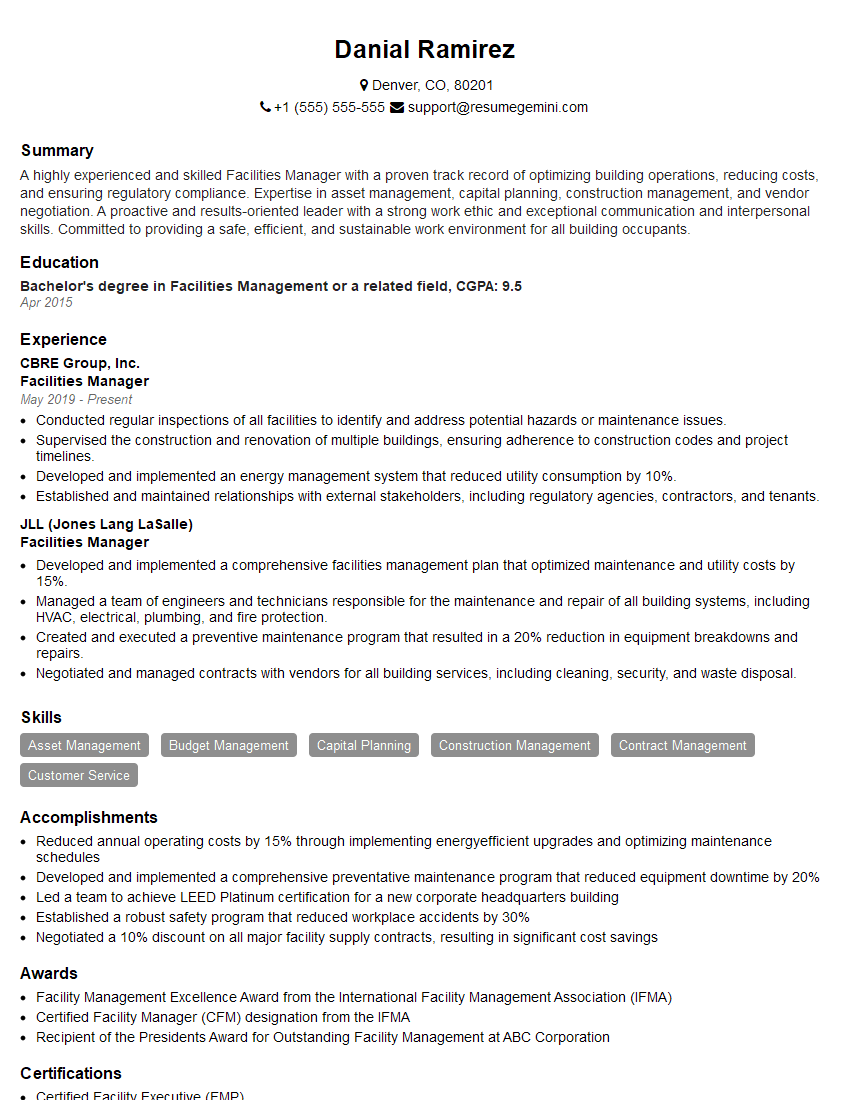
Facilities Manager Resume Sample
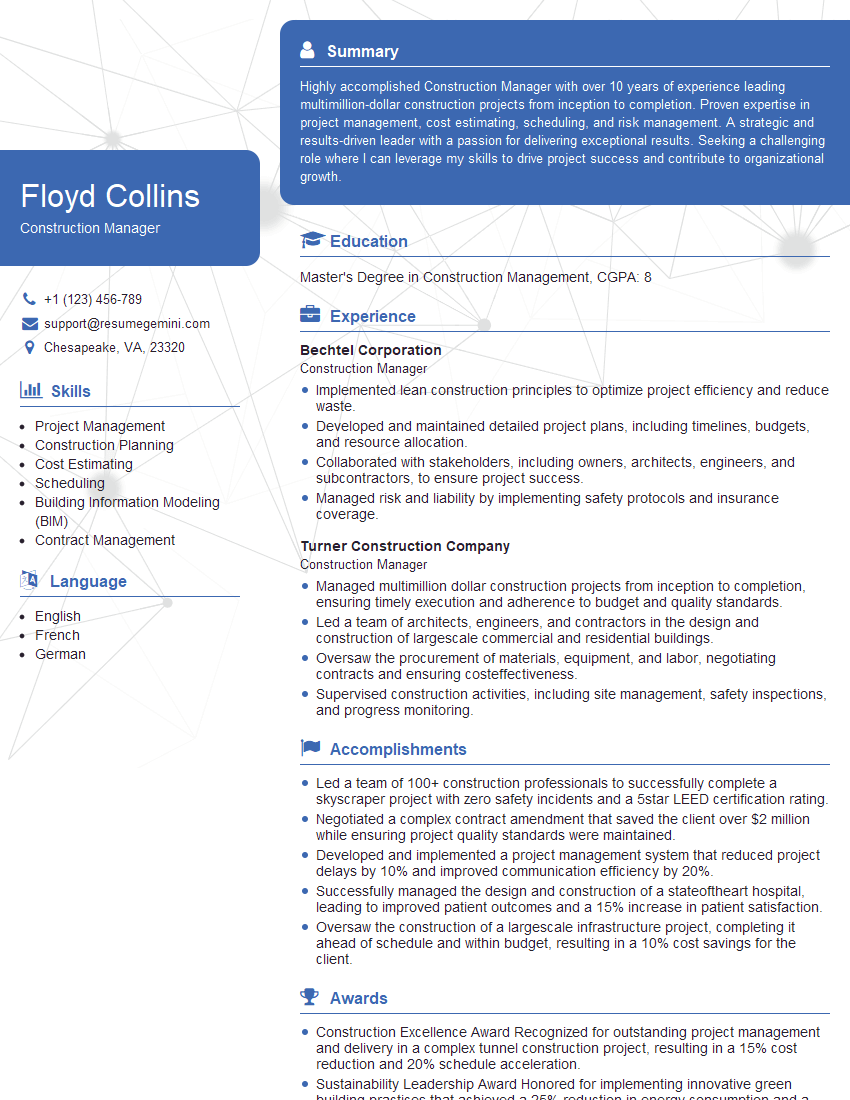
Construction Manager Resume Sample

Project Engineer Resume Sample
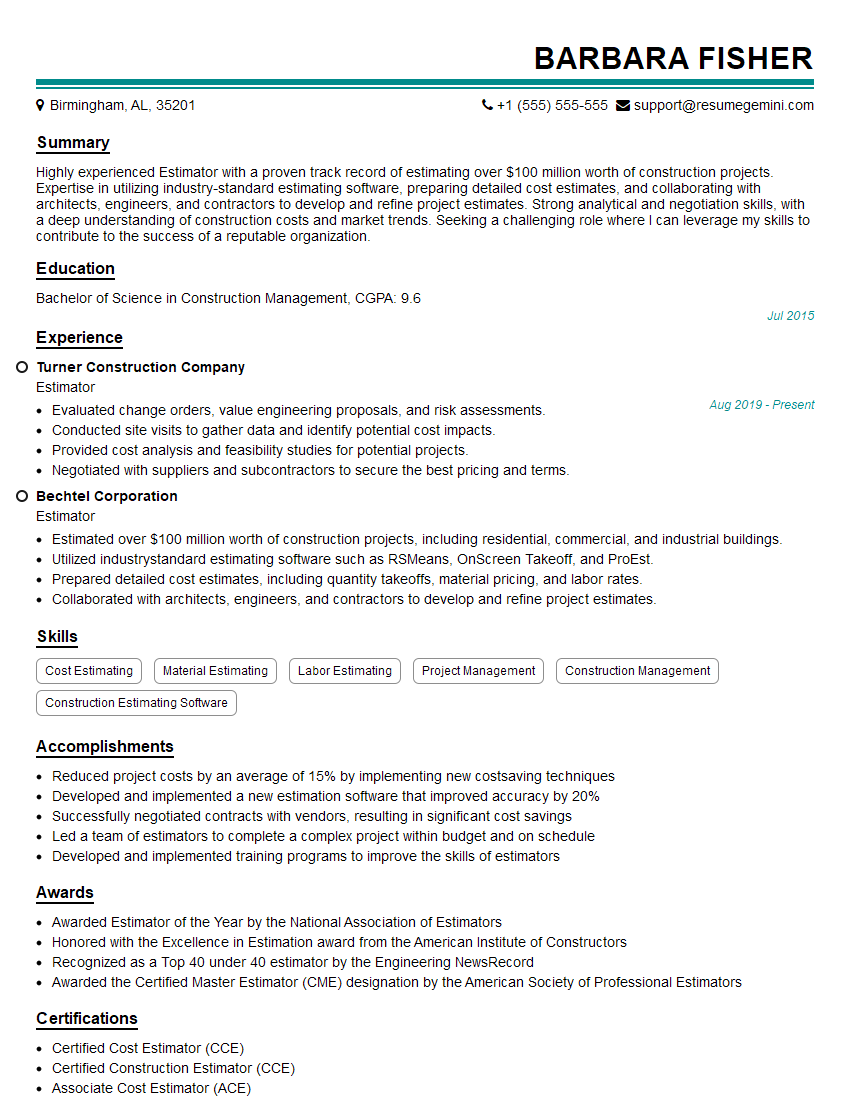
Estimator Resume Sample

Design Engineer Resume Sample

Maintenance Technician Resume Sample
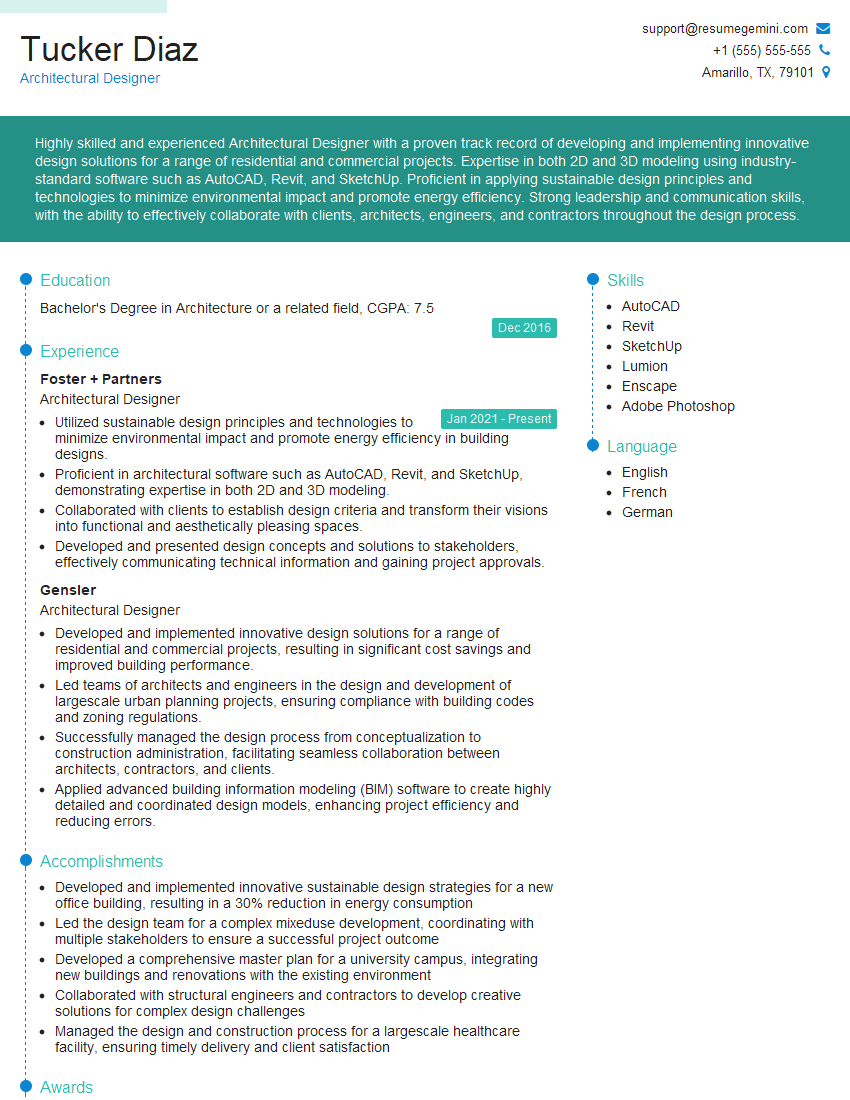
Architectural Designer Resume Sample
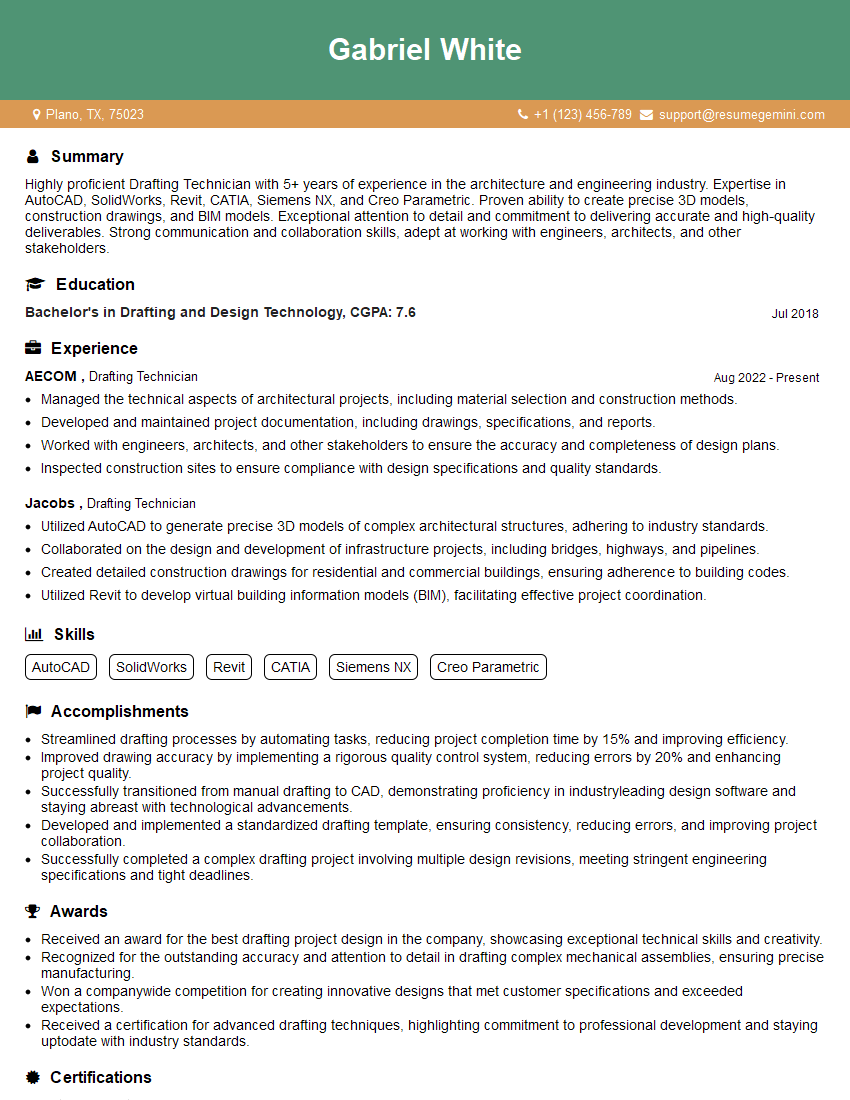
Drafting Technician Resume Sample
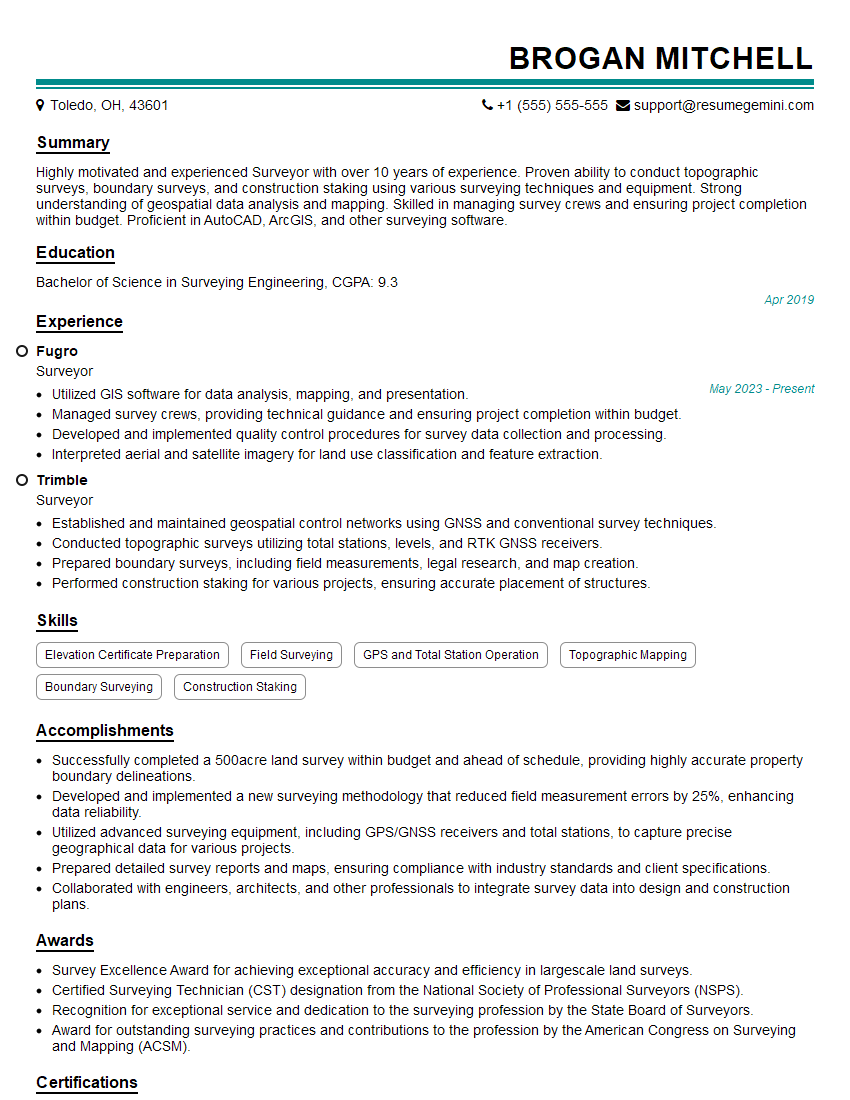
Surveyor Resume Sample

Engineering Technician Resume Sample
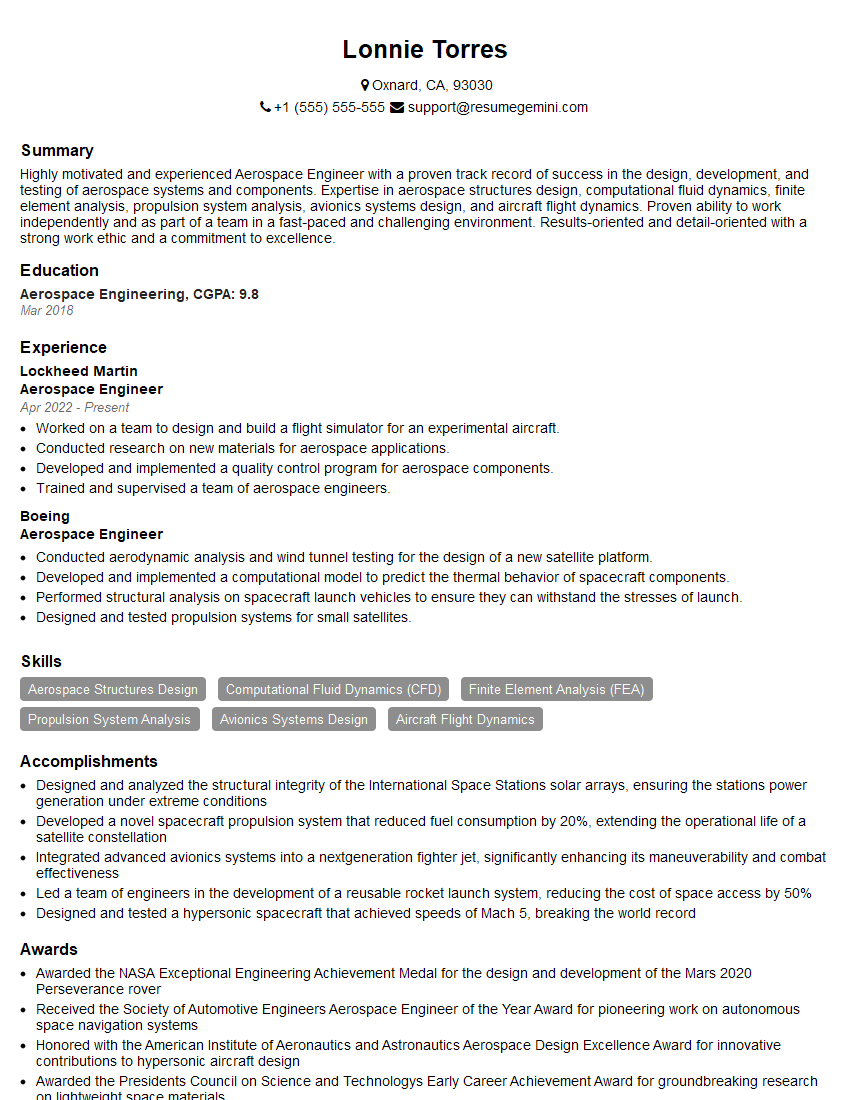
Aerospace Engineer Resume Sample
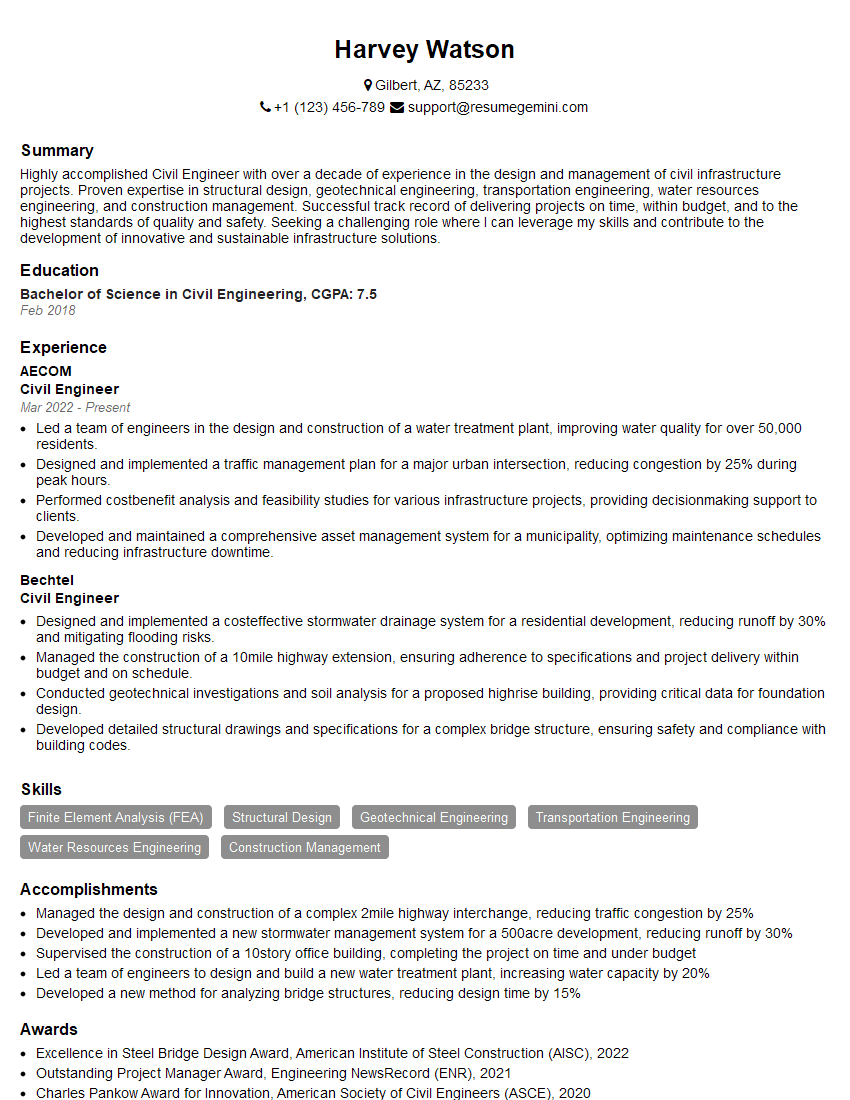
Civil Engineer Resume Sample
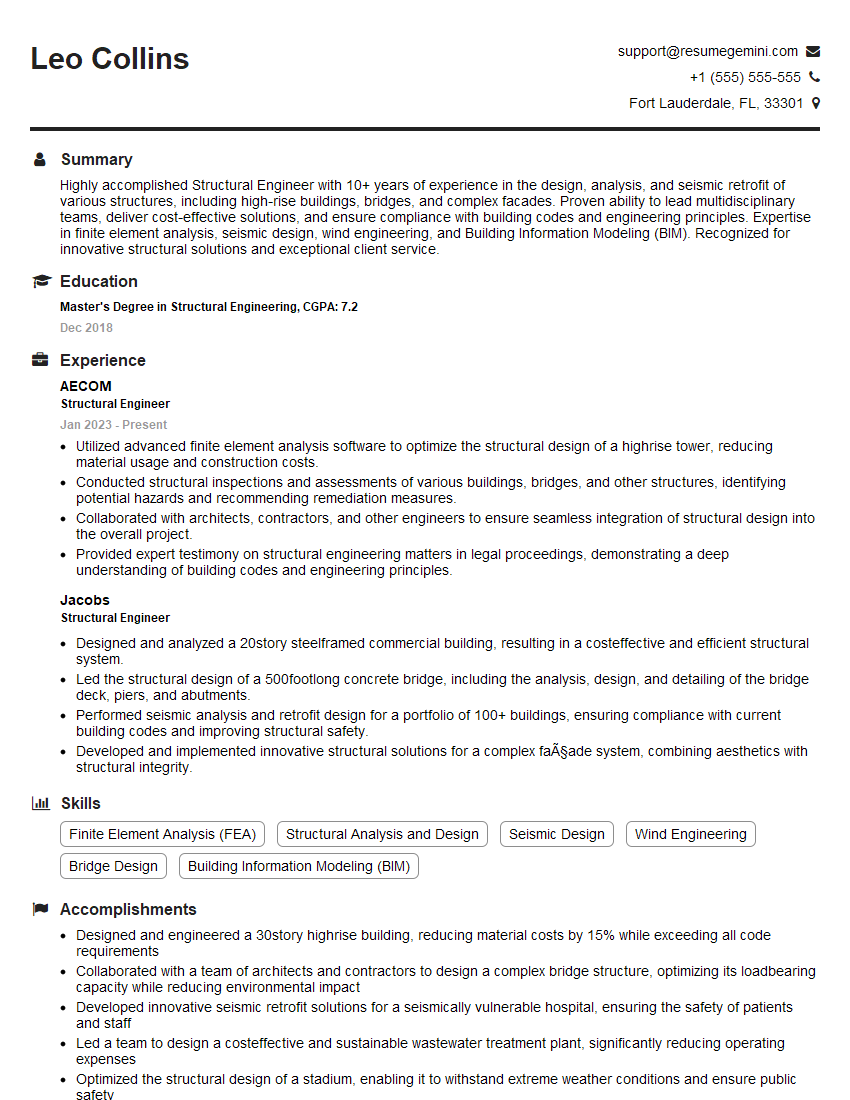
Structural Engineer Resume Sample

Electrical Engineer Resume Sample

Manufacturing Engineer Resume Sample
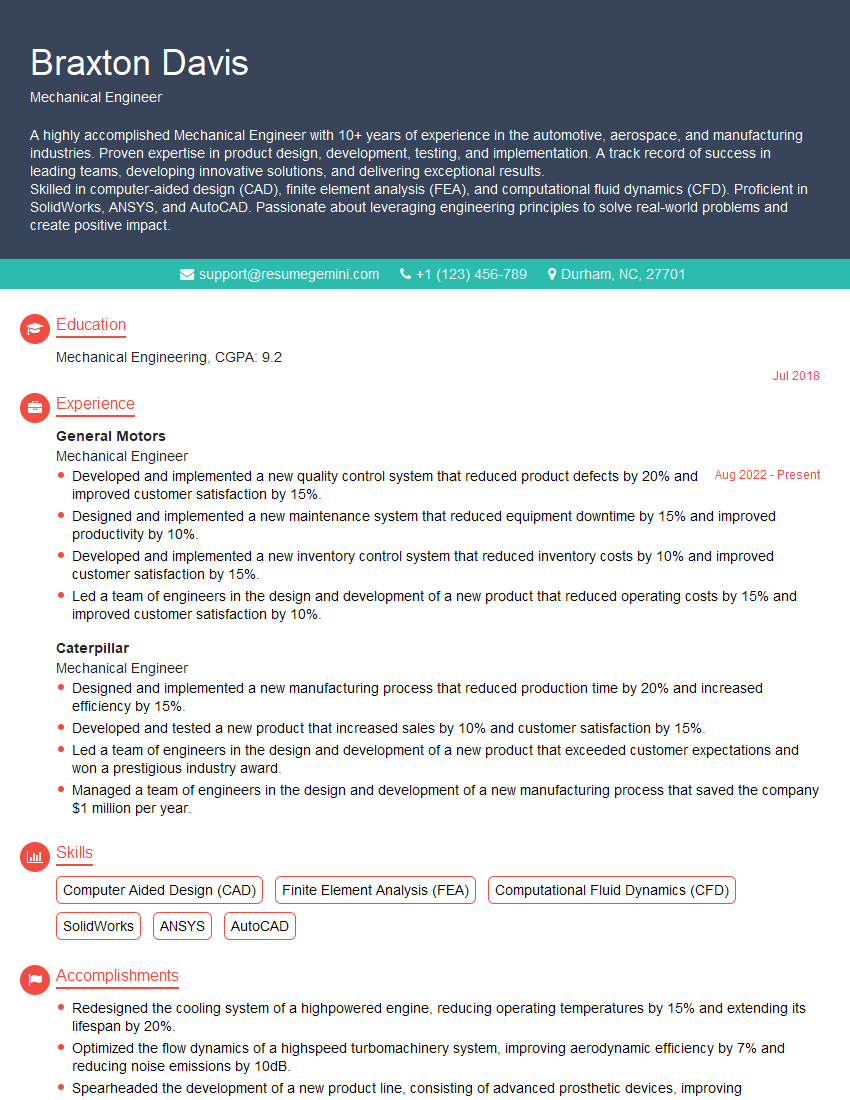
Mechanical Engineer Resume Sample
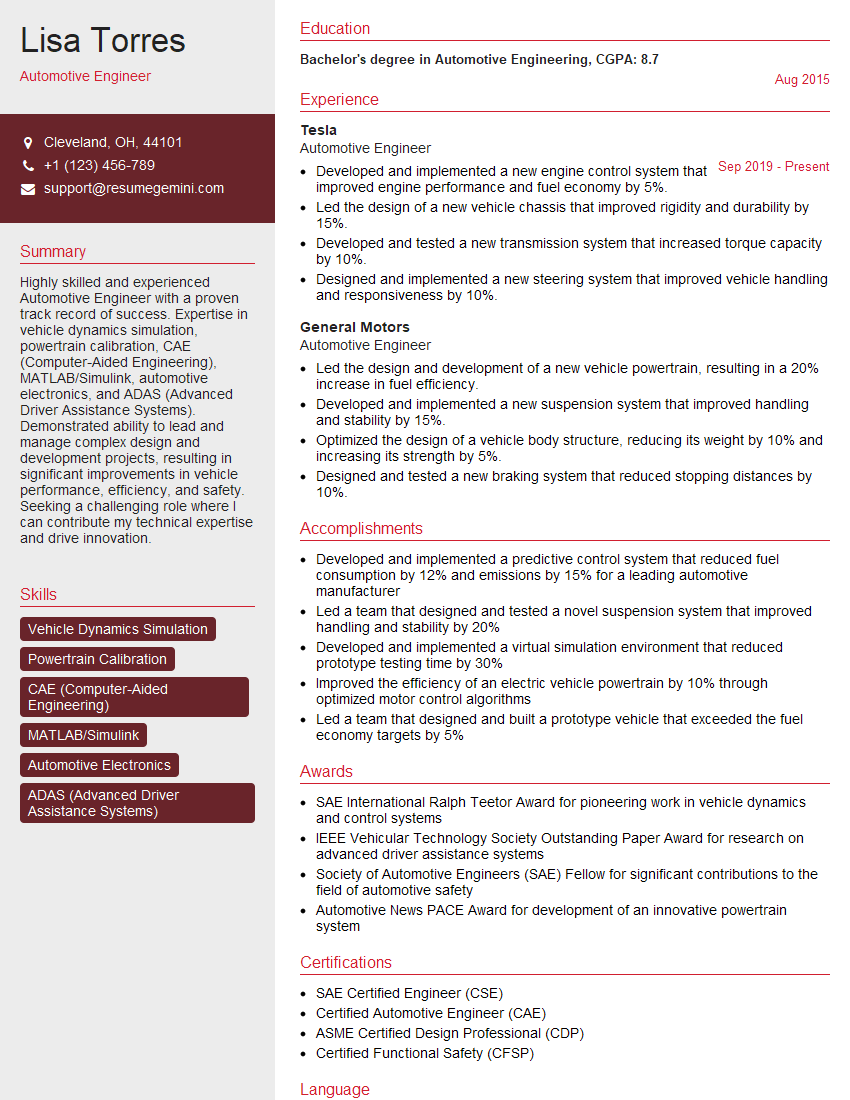
Automotive Engineer Resume Sample
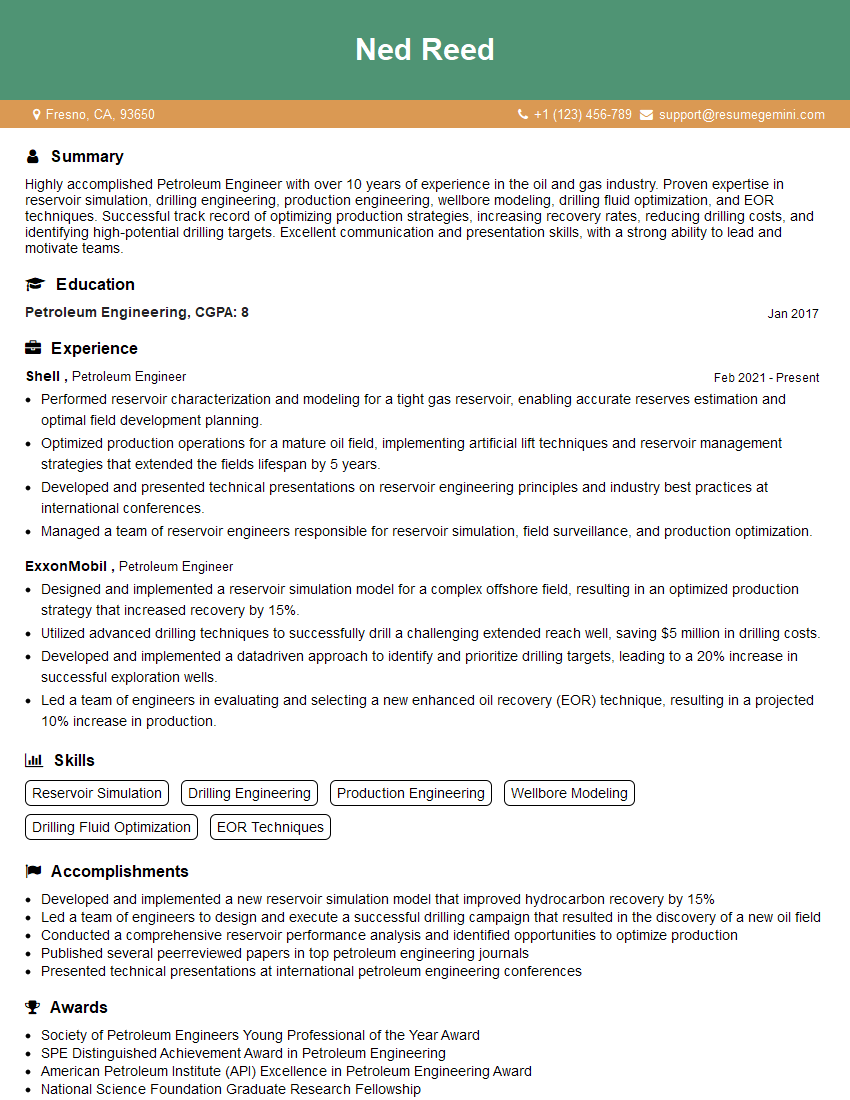
Petroleum Engineer Resume Sample

Robotics Engineer Resume Sample

Technical Illustrator Resume Sample

Quality Control Inspector Resume Sample
- Facilities Manager
- Construction Manager
- Project Engineer
- Estimator
- Design Engineer
- Maintenance Technician
- Architectural Designer
- Drafting Technician
- Surveyor
- Engineering Technician
- Aerospace Engineer
- Civil Engineer
- Structural Engineer
- Electrical Engineer
- Manufacturing Engineer
- Mechanical Engineer
- Automotive Engineer
- Petroleum Engineer
- Robotics Engineer
- Technical Illustrator
- Quality Control Inspector
Explore more articles
Users Rating of Our Blogs
Share Your Experience
We value your feedback! Please rate our content and share your thoughts (optional).
What Readers Say About Our Blog
I Redesigned Spongebob Squarepants and his main characters of my artwork.
https://www.deviantart.com/reimaginesponge/art/Redesigned-Spongebob-characters-1223583608
IT gave me an insight and words to use and be able to think of examples
Hi, I’m Jay, we have a few potential clients that are interested in your services, thought you might be a good fit. I’d love to talk about the details, when do you have time to talk?
Best,
Jay
Founder | CEO