Every successful interview starts with knowing what to expect. In this blog, we’ll take you through the top Business Correspondence and Document Preparation interview questions, breaking them down with expert tips to help you deliver impactful answers. Step into your next interview fully prepared and ready to succeed.
Questions Asked in Business Correspondence and Document Preparation Interview
Q 1. Explain your process for writing a professional email.
My process for writing a professional email is a structured approach that prioritizes clarity, conciseness, and professionalism. I begin by identifying the purpose of the email – what do I want the recipient to know, do, or feel after reading it? This helps me craft a clear subject line that accurately reflects the email’s content. Then, I draft the body, keeping the recipient in mind. I use a clear and concise style, avoiding jargon unless absolutely necessary and always defining any technical terms. I typically follow this structure: A brief, polite opening; the main message presented logically and directly; a call to action (if needed); and a professional closing. Finally, I meticulously proofread for grammar, spelling, and tone before sending. For instance, instead of writing “Regarding the XYZ project,” I might write “Following up on the XYZ project, here’s an update.”
- Purpose Definition: What’s the goal of this email?
- Subject Line: Clear and concise summary.
- Body Structure: Opening, Main Message, Call to Action, Closing.
- Proofreading: Grammar, spelling, tone, clarity.
Q 2. How do you ensure clarity and conciseness in your writing?
Clarity and conciseness are paramount in professional writing. I achieve this by actively avoiding ambiguity and unnecessary words. I use the active voice whenever possible; it makes sentences more direct and easier to understand. I also break up long paragraphs into shorter, more digestible chunks. Before sending any communication, I perform a thorough edit, removing redundancies and replacing vague language with precise terms. Think of it like sculpting; you start with a block of material, and then you carefully chip away at the excess until you arrive at a refined, polished piece. For example, instead of saying “It is important to note that the report was completed on time,” I would say “The report was completed on time.”
- Active Voice: Subject performs the action (e.g., “The team completed the project” instead of “The project was completed by the team”).
- Concise Sentences: Avoid unnecessary words and phrases.
- Short Paragraphs: Improve readability and comprehension.
- Precise Language: Use specific terms instead of vague ones.
Q 3. Describe your experience with different document formats (e.g., reports, proposals, memos).
My experience encompasses a wide range of document formats, each demanding a specific approach. Reports require a structured presentation of data and analysis, often with visuals to aid understanding. Proposals demand persuasive writing, showcasing the value proposition and addressing potential objections. Memos, typically internal communications, prioritize conciseness and a clear call to action. In reports, for instance, I utilize clear headings, subheadings, and bullet points to guide the reader, ensuring that key findings are readily apparent. In proposals, I incorporate compelling storytelling techniques to engage the audience and highlight the benefits. For memos, directness and action-oriented language are key.
- Reports: Structured, data-driven, visual aids.
- Proposals: Persuasive, value-driven, problem-solution oriented.
- Memos: Concise, direct, action-oriented.
Q 4. How do you handle proofreading and editing your own work?
Proofreading and editing are crucial steps in my workflow, and I employ a multi-stage approach. I start by reviewing for overall clarity and flow, ensuring the logic and message are coherent. Next, I meticulously check for grammar, spelling, and punctuation errors. I often take a break between writing and proofreading to gain a fresh perspective, and I sometimes read the document aloud to catch errors my eyes might miss. Finally, I often have a colleague review the final draft for a second pair of eyes.
- Clarity and Flow Check: Does the document make sense?
- Grammar and Spelling: Are there any errors?
- Fresh Perspective: Take a break before proofreading.
- Second Pair of Eyes: Get feedback from a colleague.
Q 5. What strategies do you use to improve the readability of complex documents?
Improving the readability of complex documents involves a combination of strategic techniques. I use clear and concise language, avoiding jargon whenever possible. I break down complex information into smaller, more manageable chunks using headings, subheadings, bullet points, and numbered lists. Visual aids like charts, graphs, and tables can significantly enhance understanding. White space also plays a crucial role; generous margins and spacing between paragraphs improve the visual appeal and make the document easier to scan. Think of it as building a well-organized house; each section needs to be clearly defined and accessible.
- Clear Language: Avoid jargon and technical terms.
- Chunking Information: Use headings, subheadings, bullet points, and lists.
- Visual Aids: Charts, graphs, tables.
- White Space: Improve visual appeal and readability.
Q 6. How do you adapt your writing style to different audiences?
Adapting writing style to different audiences is crucial for effective communication. I tailor my tone, vocabulary, and level of detail to suit the reader’s knowledge and expectations. For example, when communicating with senior management, I focus on concise summaries and high-level insights. When writing for technical audiences, I might use more specialized terminology and detailed explanations. Conversely, when communicating with less technical audiences, I would avoid jargon and explain complex concepts in simple terms. It’s about finding the right balance between precision and accessibility.
- Tone: Formal or informal?
- Vocabulary: Technical or plain language?
- Level of Detail: High-level overview or detailed explanation?
Q 7. Describe your experience using grammar and style guides (e.g., AP, Chicago).
I have extensive experience using various grammar and style guides, primarily AP (Associated Press) and Chicago style. My familiarity extends to their rules on punctuation, grammar, capitalization, and formatting. I understand the nuances of each style and know when to apply them appropriately. The choice depends heavily on the type of document and intended audience. For news articles, for instance, AP style is generally preferred, whereas academic papers might call for Chicago style. Adherence to a consistent style guide ensures professionalism and readability.
- AP Style: Primarily for journalism and news writing.
- Chicago Style: Frequently used in academic publishing.
- Consistency: Maintaining a uniform style throughout the document.
Q 8. How do you prioritize tasks when managing multiple writing projects?
Prioritizing multiple writing projects requires a strategic approach. I typically employ a combination of methods, starting with a clear understanding of each project’s deadlines, importance, and complexity. I then use a project management system, often a simple to-do list combined with a calendar, to visually represent deadlines and task dependencies. Think of it like building a house: you wouldn’t start painting before the foundation is laid. Similarly, I identify critical path tasks – those that must be completed before others can begin – and focus my energy there first. I also break down large projects into smaller, more manageable tasks. This makes progress feel more attainable and less overwhelming. For example, a large report might be broken down into sections: research, outline, first draft, revisions, and final proofreading. Finally, I regularly review my schedule and adjust priorities as needed, accounting for unforeseen delays or changes in client requirements.
- Prioritization Method: I utilize a combination of urgency and importance (Eisenhower Matrix), ranking tasks based on their impact and time sensitivity.
- Time Blocking: I allocate specific time blocks for focused work on each project, minimizing distractions.
- Regular Review: Daily or weekly reviews help identify potential roadblocks and adjust priorities accordingly.
Q 9. How do you handle feedback and revisions on your work?
Handling feedback and revisions is a crucial part of the writing process. I view feedback as an opportunity for improvement, not criticism. My approach involves carefully reviewing all comments, understanding the intent behind each suggestion, and then strategically implementing those changes. I don’t simply make changes blindly; I consider the overall impact on the document’s clarity, consistency, and tone. For instance, if a client suggests a change that contradicts another section, I’ll proactively communicate the potential conflict and offer solutions. I always maintain a professional and respectful tone in my communication, even if I disagree with a specific suggestion. I might explain my reasoning, offering alternatives while demonstrating a willingness to adapt and meet client needs. I also maintain detailed records of all changes made, including version control within my chosen software (which I’ll detail in the next answer).
For instance, once I received feedback suggesting a significant restructuring of a lengthy proposal. Instead of immediately making the changes, I held a quick call with the client to understand their rationale. This clarification prevented unnecessary work and ensured the revisions aligned with their vision.
Q 10. What software or tools do you use for document creation and collaboration?
My toolkit for document creation and collaboration is robust and adaptable to different project needs. I primarily utilize Microsoft Office Suite (Word, Excel, PowerPoint) for creating and editing documents, spreadsheets, and presentations. For collaborative projects, I heavily rely on Microsoft SharePoint and Google Workspace (Docs, Sheets, Slides) for version control, real-time editing, and comment features. These platforms facilitate seamless teamwork and ensure everyone is working with the most up-to-date version. For more complex projects involving design elements, I sometimes incorporate Adobe InDesign and Photoshop. In addition, I utilize Grammarly and ProWritingAid to ensure grammatical accuracy and stylistic consistency across all my documents. These tools help me maintain a high standard of professionalism and reduce the chances of errors.
Q 11. How do you ensure the accuracy and consistency of information in documents?
Accuracy and consistency are paramount in business correspondence. My approach begins with meticulous research and fact-checking using reputable sources. I cross-reference information from multiple sources to ensure reliability and avoid potential biases. For large documents, I often create a style guide outlining formatting standards, terminology, and writing style to maintain consistency throughout. This might include specifications for headings, font styles, and the preferred use of certain words or phrases. I also use built-in features of my software, such as find and replace, to ensure consistent formatting and terminology. A crucial step is thorough proofreading and editing, ideally with a second pair of eyes, before final submission. This helps catch any errors or inconsistencies that might have slipped through earlier stages. I use checklists and templates to help maintain a consistent process.
Q 12. Describe your experience with document management systems.
My experience with document management systems (DMS) is extensive. I’ve worked with various systems, ranging from simple shared drives to more sophisticated cloud-based platforms. I understand the importance of organizing documents logically, using clear naming conventions, and employing a robust tagging system for easy retrieval. I’m proficient in using metadata to categorize and search documents effectively. This ensures quick access to information when needed. In previous roles, I’ve helped implement and improve DMS workflows, streamlining processes and improving team productivity. Understanding the nuances of different DMS – like SharePoint, Dropbox, or dedicated enterprise solutions – is crucial for efficient collaboration and archival.
For example, in a previous role, I implemented a new DMS system that significantly improved document version control, reducing confusion and saving time. The new system also improved accessibility for team members, allowing them to locate and retrieve documents more easily.
Q 13. How do you maintain confidentiality when handling sensitive information?
Confidentiality is a top priority. When dealing with sensitive information, I adhere strictly to company policies and relevant regulations (such as GDPR or HIPAA). This includes using secure communication channels, password-protecting documents, and limiting access to sensitive information only to authorized individuals. I never share confidential information with unauthorized parties, even if informally, and I always ensure documents are properly disposed of when no longer needed. In many cases, this involves secure shredding or digital deletion with verification. I understand the potential legal and reputational consequences of breaches of confidentiality and take all necessary precautions to prevent them.
Q 14. How do you meet deadlines under pressure?
Meeting deadlines under pressure requires effective time management, prioritization (as discussed earlier), and clear communication. I break down large tasks into smaller, manageable steps and focus on completing those steps one at a time. I proactively communicate any potential delays or challenges to relevant stakeholders, offering solutions and alternative plans where possible. I also leverage my organizational skills and the tools I’ve described earlier (project management systems, collaboration platforms) to maintain a clear overview of tasks and deadlines. Knowing my own work patterns helps; I’m aware of when I’m most productive and try to schedule demanding tasks accordingly. It’s crucial to stay calm and focused under pressure. Techniques like taking short breaks and focusing on one task at a time can greatly improve productivity and prevent burnout.
Q 15. What is your experience with creating visually appealing documents?
Creating visually appealing documents is crucial for effective communication. It’s not just about aesthetics; it’s about ensuring readability and engagement. My approach involves understanding the target audience and the document’s purpose. For instance, a formal report requires a different visual treatment than a marketing brochure. I leverage design principles like consistent use of fonts, appropriate use of whitespace, clear headings, and strategic use of visuals like charts and images.
For example, when designing a complex report with numerous data points, I would use clear charts and graphs instead of lengthy tables, improving comprehension and reducing cognitive overload. I’m proficient in tools like Microsoft Word, PowerPoint, and Adobe InDesign, which enable me to create professional and engaging documents. I also consider accessibility, ensuring sufficient color contrast and appropriate alt text for images for users with visual impairments.
Career Expert Tips:
- Ace those interviews! Prepare effectively by reviewing the Top 50 Most Common Interview Questions on ResumeGemini.
- Navigate your job search with confidence! Explore a wide range of Career Tips on ResumeGemini. Learn about common challenges and recommendations to overcome them.
- Craft the perfect resume! Master the Art of Resume Writing with ResumeGemini’s guide. Showcase your unique qualifications and achievements effectively.
- Don’t miss out on holiday savings! Build your dream resume with ResumeGemini’s ATS optimized templates.
Q 16. How familiar are you with different writing styles (e.g., formal, informal, persuasive)?
I’m highly familiar with various writing styles, tailoring my approach to the specific context. Formal writing, like a legal contract, demands precision, objectivity, and a professional tone, avoiding colloquialisms and contractions. Informal writing, such as an internal email, allows for a more relaxed and conversational style. Persuasive writing, often used in marketing materials or proposals, focuses on compelling the reader to take a specific action. This involves using strong verbs, compelling narratives, and a clear call to action.
For instance, in a formal report, I’d use passive voice judiciously and avoid subjective opinions, while in a marketing email, I might employ active voice and emotive language to resonate with the audience. I can adapt my style seamlessly based on audience, purpose, and medium. Understanding the nuances of each style helps me craft impactful and effective communications.
Q 17. Describe your experience with creating presentations.
My experience in presentation creation extends beyond simply assembling slides; it encompasses crafting a compelling narrative and delivering impactful information. I start by understanding the audience and the key message. This informs the structure, content, and visual design of the presentation. I leverage visual aids, such as charts, graphs, and images, to support my points and maintain audience engagement. I avoid overwhelming the audience with too much text on each slide, instead opting for concise bullet points and impactful visuals.
I’ve created presentations for various audiences, from executive summaries for senior management to training sessions for new employees. In one project, I developed a presentation for a product launch, combining data-driven insights with compelling visuals to generate excitement and convey the product’s value proposition. My proficiency extends to software like PowerPoint and Google Slides, allowing me to create dynamic and engaging presentations tailored to specific needs.
Q 18. How do you ensure documents are accessible to people with disabilities?
Ensuring accessibility for people with disabilities is paramount. I adhere to WCAG (Web Content Accessibility Guidelines) principles when creating documents. This involves using sufficient color contrast to make text easily readable, providing alternative text for images so screen readers can describe them, using structured headings to improve navigation, and ensuring that documents can be easily scaled without losing readability.
Specifically, I use built-in accessibility features in software like Microsoft Word and Adobe Acrobat to check for contrast ratios, add alt text, and create accessible tables. I also pay attention to the use of hyperlinks and avoid using color as the only way to convey information. For complex documents, I may consult with accessibility specialists to ensure complete compliance and best practices. Creating accessible documents is not just a matter of compliance; it’s about inclusivity and ensuring that everyone can access and understand the information presented.
Q 19. How do you handle conflicting information from different sources?
Handling conflicting information requires careful analysis and critical thinking. My approach involves verifying the information from multiple reliable sources. I’d prioritize information from credible and authoritative sources, cross-referencing data to identify inconsistencies and biases. If discrepancies remain, I’d clearly state the conflicting information in the document, noting the source of each claim and highlighting any uncertainties.
For example, if I encountered conflicting statistics on a particular market trend, I would cite both sources, analyze their methodologies, and discuss the potential reasons for the discrepancies. Transparency is key; it’s better to acknowledge uncertainties than to present conflicting information as factual. My goal is to provide readers with a comprehensive and balanced understanding, even when faced with conflicting data.
Q 20. Describe a time you had to revise a document significantly.
In one instance, I was tasked with creating a marketing proposal for a new software product. The initial draft was heavily focused on technical specifications, making it dense and inaccessible to the target audience—business executives who lacked technical expertise. Significant revisions were necessary. I restructured the document, prioritizing the business value proposition and focusing on the benefits rather than the technical details. I incorporated compelling visuals, case studies, and testimonials to support the claims.
The revised proposal was considerably shorter, more engaging, and ultimately more persuasive. The feedback from the client was overwhelmingly positive, highlighting the improved clarity and impact of the revised document. This experience emphasized the importance of understanding the audience’s needs and adapting the communication style accordingly.
Q 21. How do you maintain a professional tone in your writing?
Maintaining a professional tone involves avoiding slang, jargon, and overly casual language. I use a formal register, choosing precise and accurate vocabulary. I focus on clarity, conciseness, and objectivity, avoiding personal opinions or emotional language unless explicitly called for (e.g., in a persuasive piece). I also proofread carefully to eliminate grammatical errors and typos.
Think of it like this: you’d dress differently for a business meeting than for a casual lunch with friends. Similarly, your writing tone should reflect the context. By using a professional tone, you project competence, credibility, and respect for the reader. Consistent use of professional tone establishes trust and strengthens the impact of your communication.
Q 22. How do you incorporate data and statistics effectively into your writing?
Integrating data and statistics effectively into business writing requires more than simply presenting numbers; it’s about making them compelling and understandable to your audience. I begin by identifying the key takeaways I want to convey and choosing the most effective visualization method. A simple table might suffice for a straightforward comparison, whereas a chart or graph would be better suited for showing trends or relationships.
For example, instead of saying ‘Sales increased significantly,’ I would write ‘Sales increased by 25% in Q3 2023, exceeding the projected growth of 15% as shown in Figure 1 (insert chart here).’ I ensure the data is relevant, accurate, and presented in a context that supports my overall argument. Over-reliance on complex statistics can overwhelm the reader; I prioritize clarity and conciseness, using simple language to explain complex data points.
Another crucial step is to source the data appropriately, ensuring it’s credible and traceable. This builds trust with the reader and strengthens the overall impact of the communication.
Q 23. Describe your experience using citation styles (e.g., MLA, APA).
I’m proficient in several citation styles, including MLA, APA, and Chicago, adapting to the specific requirements of each project. My experience spans various academic and professional contexts. I understand the nuances of each style, from in-text citations to the formatting of bibliography or works cited pages. I find using citation management software, like Zotero or Mendeley, essential for organizing sources and generating accurate citations, avoiding the pitfalls of manual formatting and ensuring consistency throughout a document.
For example, when writing a report adhering to APA style, I meticulously follow its guidelines on formatting references, in-text citations using author-date format, and the consistent use of italics for titles. Similarly, when using MLA, I carefully attend to the specifics of author-page citations and alphabetized Works Cited pages. Accuracy in citation is paramount to maintain academic and professional integrity; it’s more than just a stylistic choice; it is a demonstration of ethical research and responsible writing.
Q 24. How do you create effective subject lines for emails?
Effective subject lines are critical for ensuring emails are opened and read. I aim for conciseness, clarity, and relevance. A good subject line should accurately reflect the email’s content and entice the recipient to open it without being misleading or overly promotional.
For example, instead of a vague subject line like ‘Update,’ I’d use something more specific, such as ‘Project X Update: Action Required by Friday’ or ‘Meeting Confirmation: [Date and Time].’ I tailor the subject line to the recipient and the context, using keywords that are relevant and easily understood. I also avoid using all caps or excessive exclamation points, which can come across as aggressive or unprofessional. Think of the subject line as a brief, compelling advertisement for your email’s content.
Q 25. How do you ensure your documents are free of grammatical errors and typos?
Ensuring grammatical accuracy and freedom from typos is a critical aspect of professional writing. My approach involves a multi-layered strategy. First, I carefully proofread my own work, looking for errors in grammar, spelling, punctuation, and style. I often read the document aloud to catch errors that my eyes might miss.
Secondly, I leverage technology. Grammarly, ProWritingAid, and Microsoft Word’s built-in spell and grammar checkers are invaluable tools. However, I recognize that these tools are not foolproof and require careful review of their suggestions. Finally, I often have a second set of eyes review my work before final submission. A fresh perspective can catch errors that I’ve overlooked. A collaborative review process ensures a higher level of quality control.
Q 26. How do you collaborate with others on document creation?
Collaboration is essential in document creation, especially in professional settings. My approach is based on clear communication and utilizing appropriate tools. I begin by establishing clear roles and responsibilities for each team member. We utilize collaborative platforms such as Google Docs or Microsoft SharePoint, allowing real-time co-editing and version control. This ensures everyone can contribute effectively, track changes easily, and avoid conflicts.
Regular check-in meetings help to maintain momentum and address any arising issues. We also utilize a consistent feedback mechanism, ensuring constructive criticism is provided and incorporated effectively. Clear communication channels and transparent processes are crucial for successful collaboration. I believe in fostering a collaborative environment where everyone feels comfortable contributing their expertise and ideas.
Q 27. How do you handle situations where you disagree with the content of a document?
Disagreements regarding document content are a normal part of the collaborative process. My approach emphasizes professional and respectful communication. I begin by carefully considering the opposing viewpoint, trying to understand the rationale behind the differing perspective. I then clearly articulate my concerns, providing specific examples and supporting evidence to support my position. I avoid making it personal and focus on the impact of the content on the overall message or goal of the document.
If a resolution can’t be reached through discussion, I escalate the issue to a relevant supervisor or decision-maker, presenting both sides of the argument fairly and objectively. The goal is to find a solution that aligns with the overall project objectives while also considering the value of differing viewpoints. I believe in constructive conflict resolution, finding common ground where possible and prioritizing the overall success of the project.
Q 28. What are your strategies for organizing and archiving documents?
Organizing and archiving documents effectively is crucial for efficient retrieval and long-term accessibility. I use a combination of strategies. First, I employ a clear and consistent filing system, often using a hierarchical structure based on project, date, or client. This ensures that documents are readily accessible when needed.
Secondly, I utilize cloud-based storage solutions, like Google Drive or Dropbox, for easy access and collaboration, providing automatic backups. I also regularly review and purge outdated or irrelevant files to maintain efficiency. For sensitive information, I comply with relevant data protection regulations and utilize appropriate security measures. Clear naming conventions and regular backups are key to ensuring document integrity and accessibility over time.
Key Topics to Learn for Business Correspondence and Document Preparation Interview
- Professional Email Etiquette: Mastering the art of crafting concise, clear, and professional emails, including subject lines, salutations, and closing remarks. Practical application: Drafting emails for various scenarios (e.g., requesting information, following up, delivering bad news).
- Formal Letter Writing: Understanding the structure and style of formal business letters, including different letter types (e.g., cover letters, complaint letters, inquiry letters). Practical application: Creating professional letters adhering to established formatting and tone guidelines.
- Report Writing & Formatting: Developing clear, concise, and well-structured reports, including data analysis and presentation. Practical application: Presenting complex information in a digestible and persuasive manner using appropriate charts and graphs.
- Document Design & Layout: Utilizing formatting tools and principles to create visually appealing and easily navigable documents. Practical application: Improving document readability through consistent formatting, appropriate use of headings, and effective use of white space.
- Proofreading & Editing: Identifying and correcting grammatical errors, typos, and inconsistencies in documents. Practical application: Developing a robust proofreading process to ensure high-quality output.
- Understanding Different Document Types: Familiarizing yourself with various document formats and their appropriate use (e.g., memos, proposals, presentations). Practical application: Choosing the most effective document type for a specific communication need.
- Style Guides & Formatting Standards: Adhering to style guides (e.g., AP, Chicago) and formatting standards for consistency and professionalism. Practical application: Applying style guides to ensure consistency in documents and communications.
Next Steps
Mastering Business Correspondence and Document Preparation is crucial for career advancement. Proficiency in these skills demonstrates professionalism, attention to detail, and effective communication – qualities highly valued in any workplace. To significantly boost your job prospects, create an ATS-friendly resume that highlights these skills. ResumeGemini is a trusted resource that can help you build a professional and impactful resume, showcasing your abilities effectively. Examples of resumes tailored to Business Correspondence and Document Preparation are available to further guide your preparation.
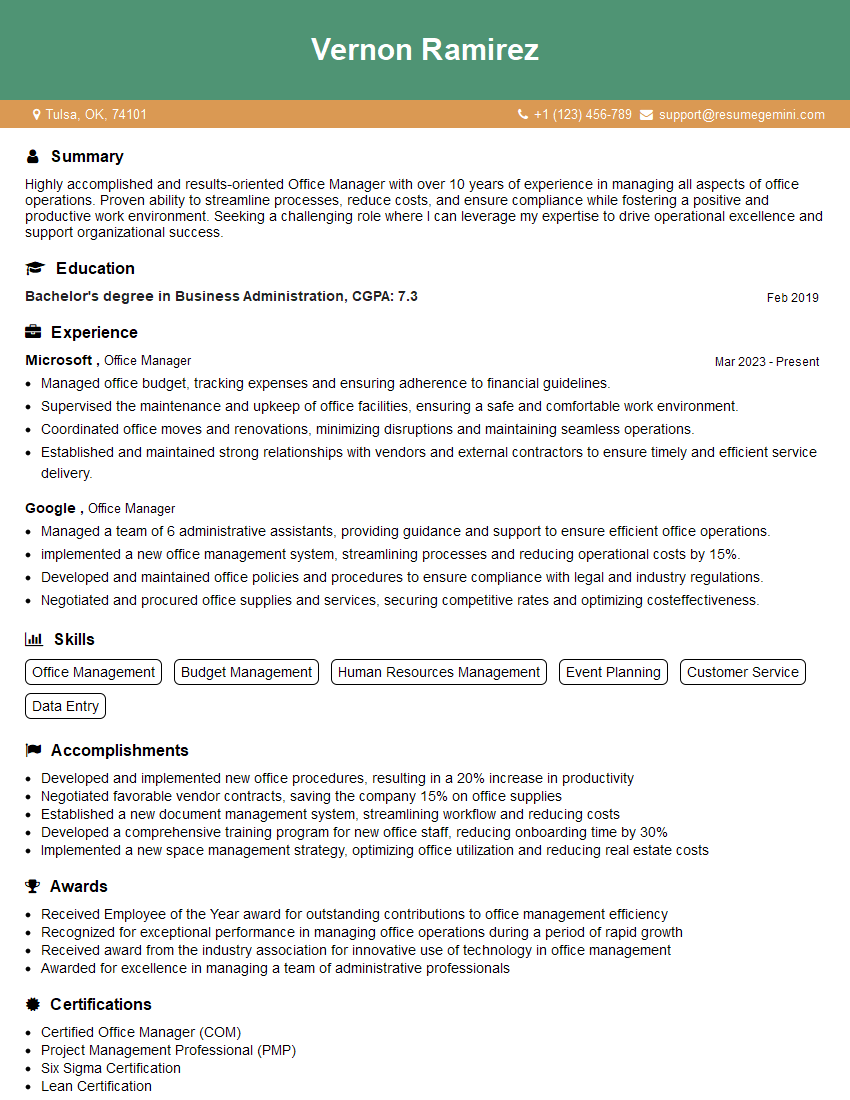
Office Manager Resume Sample
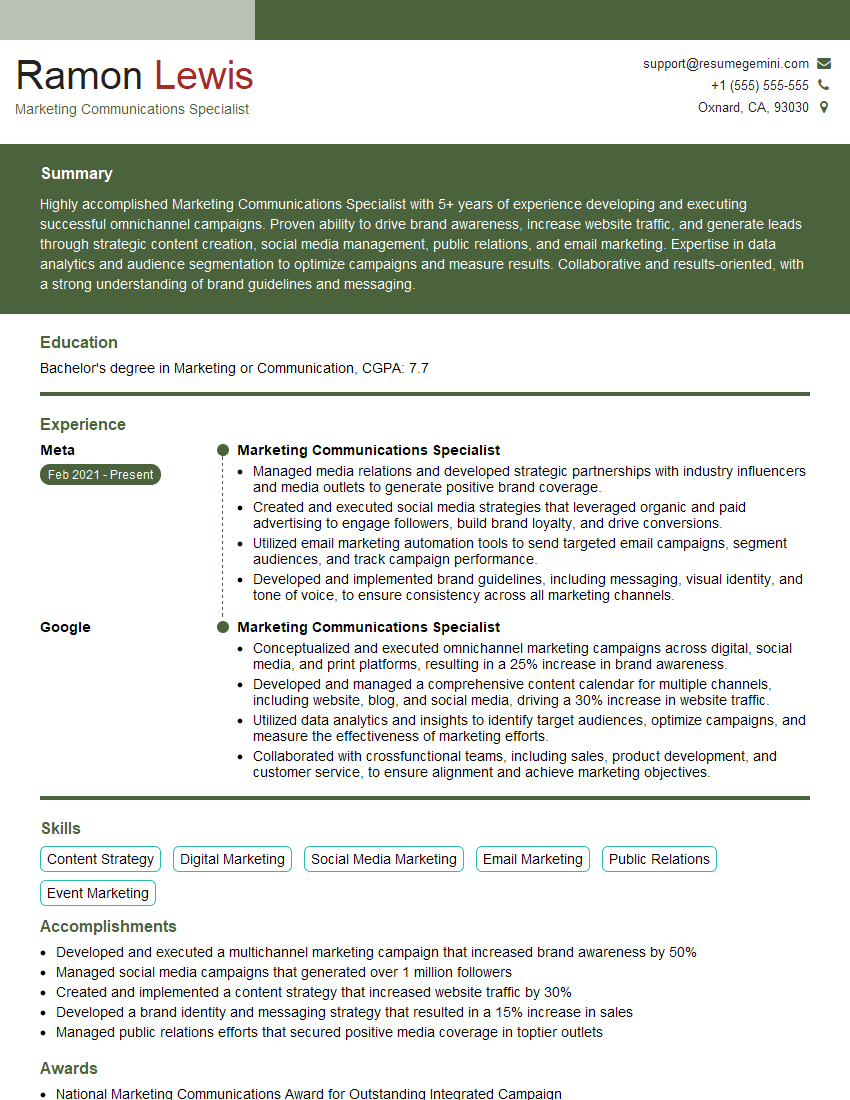
Marketing Communications Specialist Resume Sample
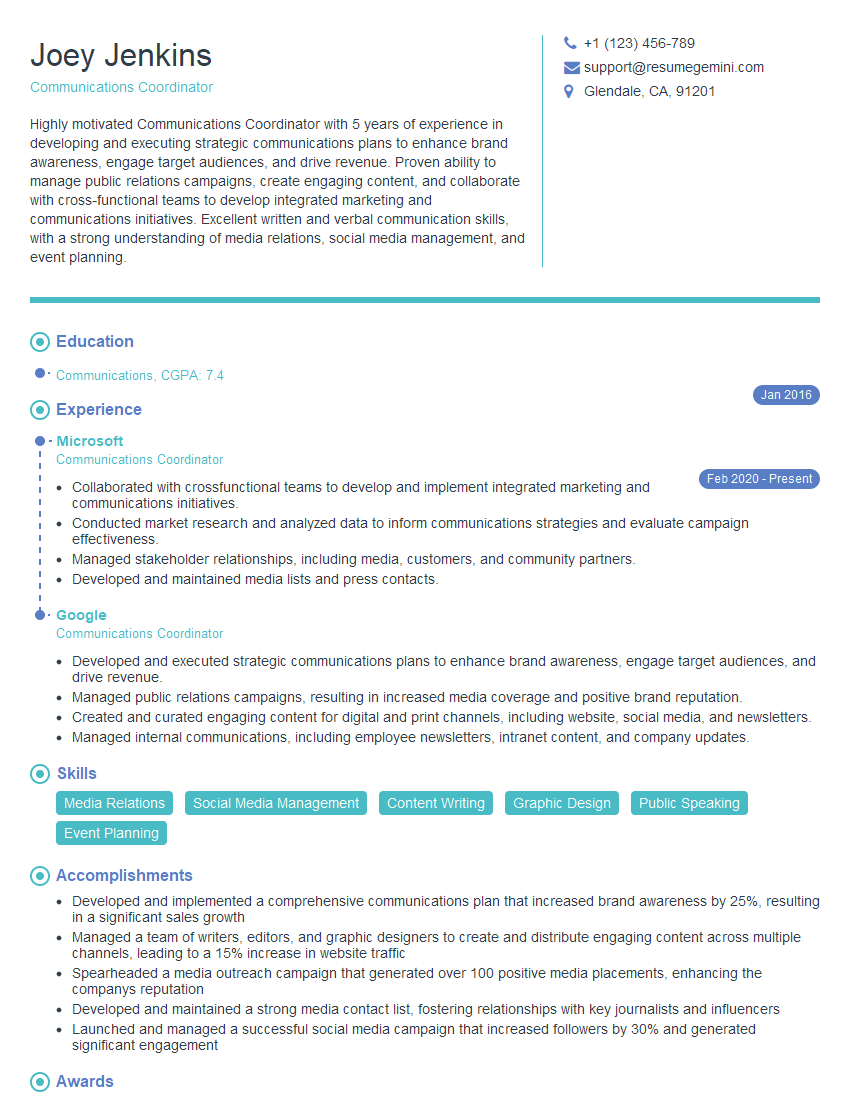
Communications Coordinator Resume Sample

Communications Manager Resume Sample
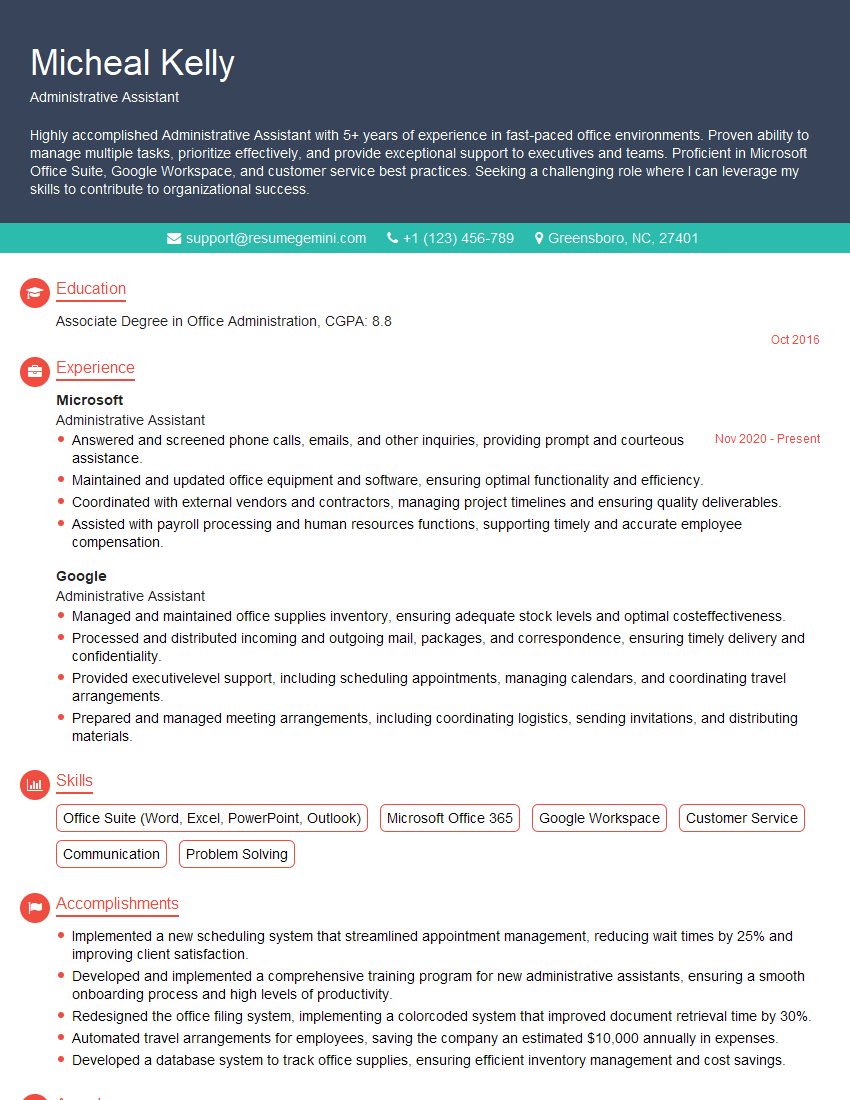
Administrative Assistant Resume Sample
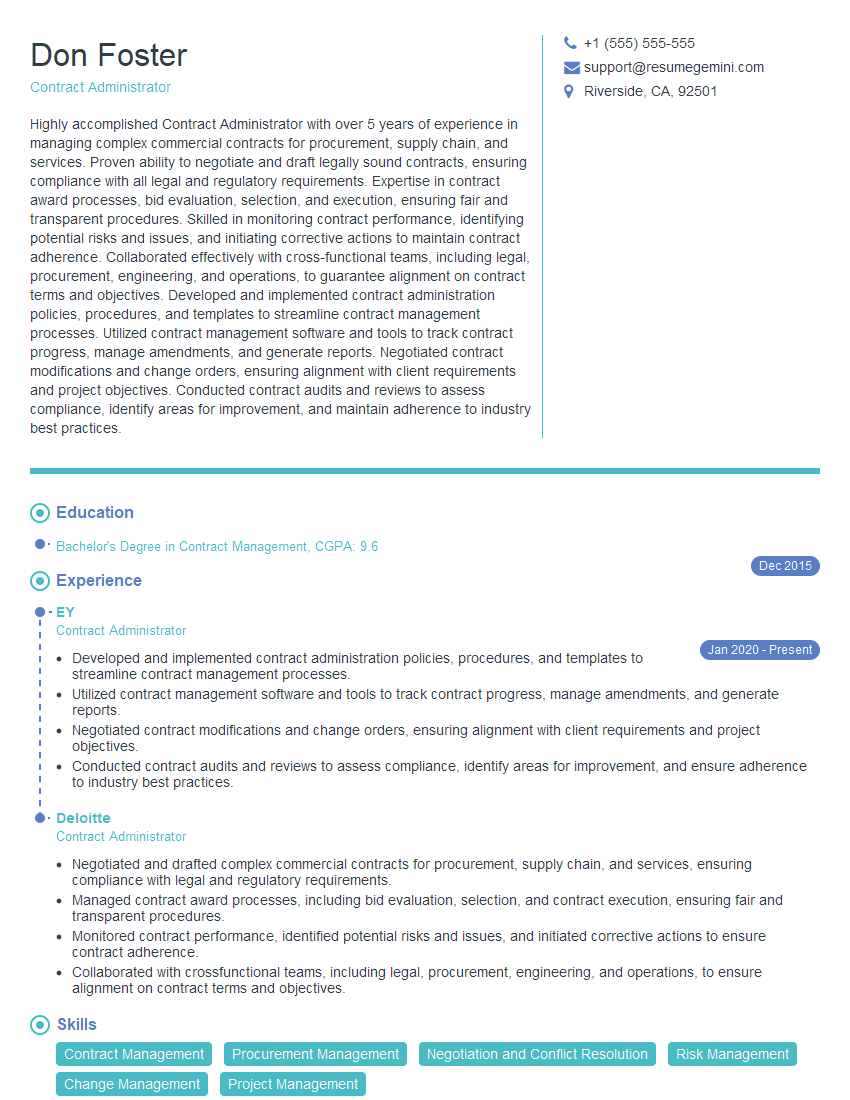
Contract Administrator Resume Sample
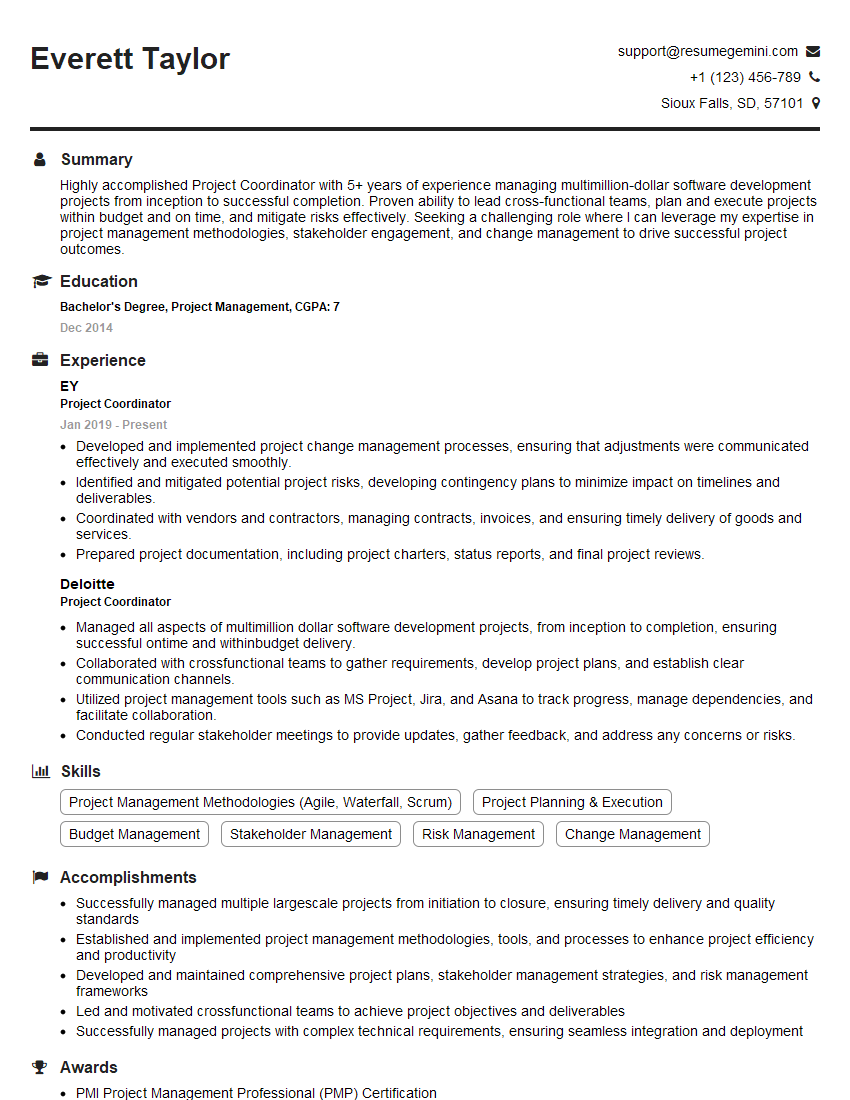
Project Coordinator Resume Sample

Compliance Officer Resume Sample
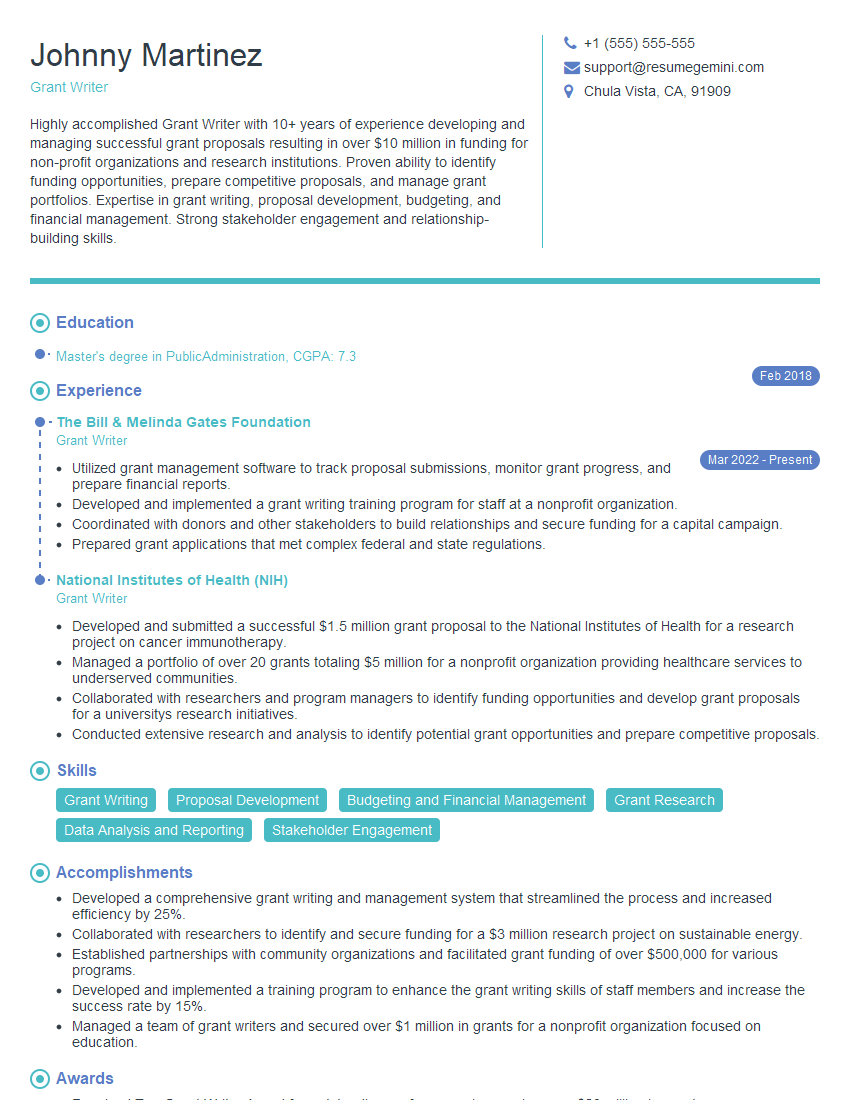
Grant Writer Resume Sample

Content Strategist Resume Sample
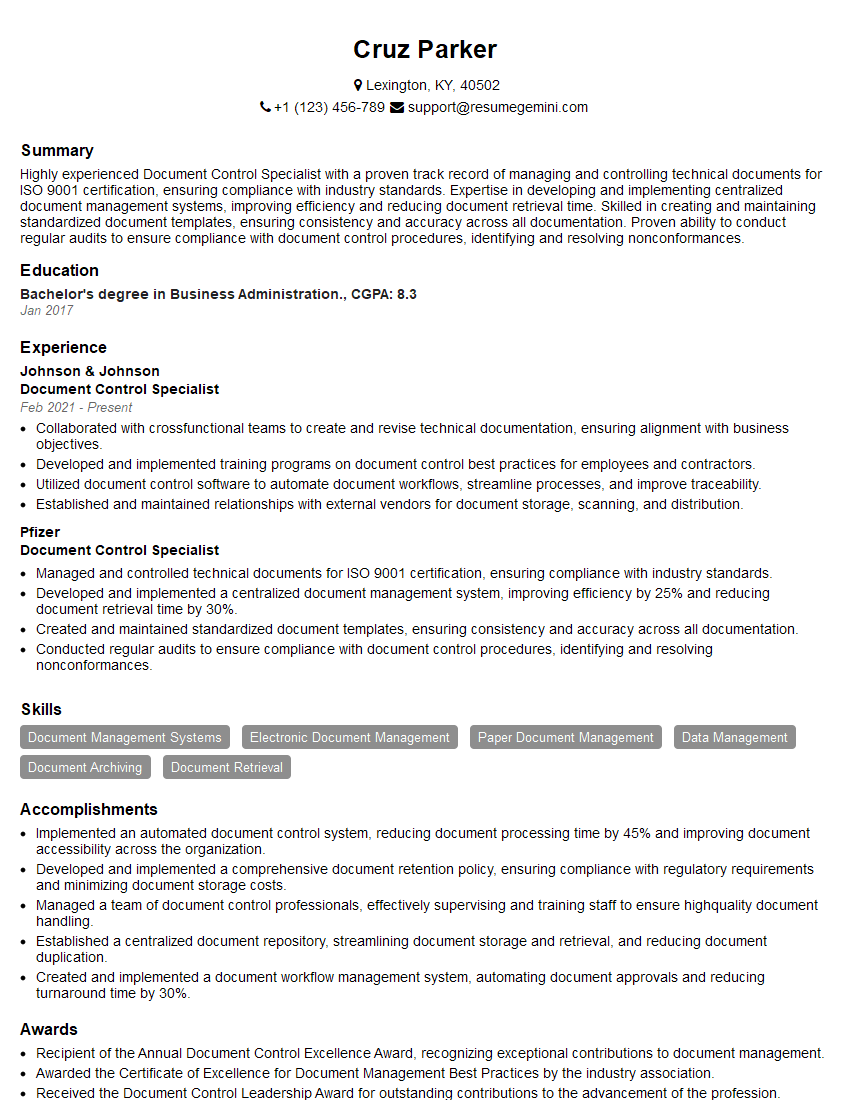
Document Control Specialist Resume Sample
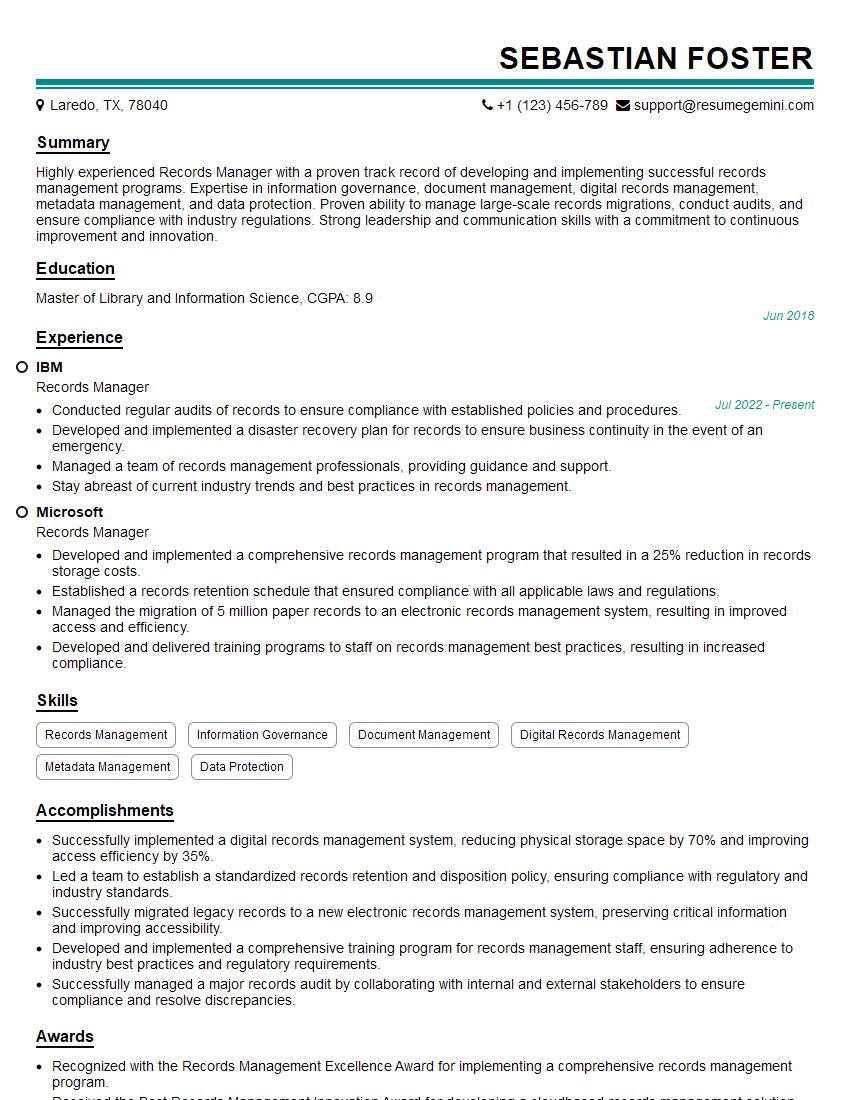
Records Manager Resume Sample
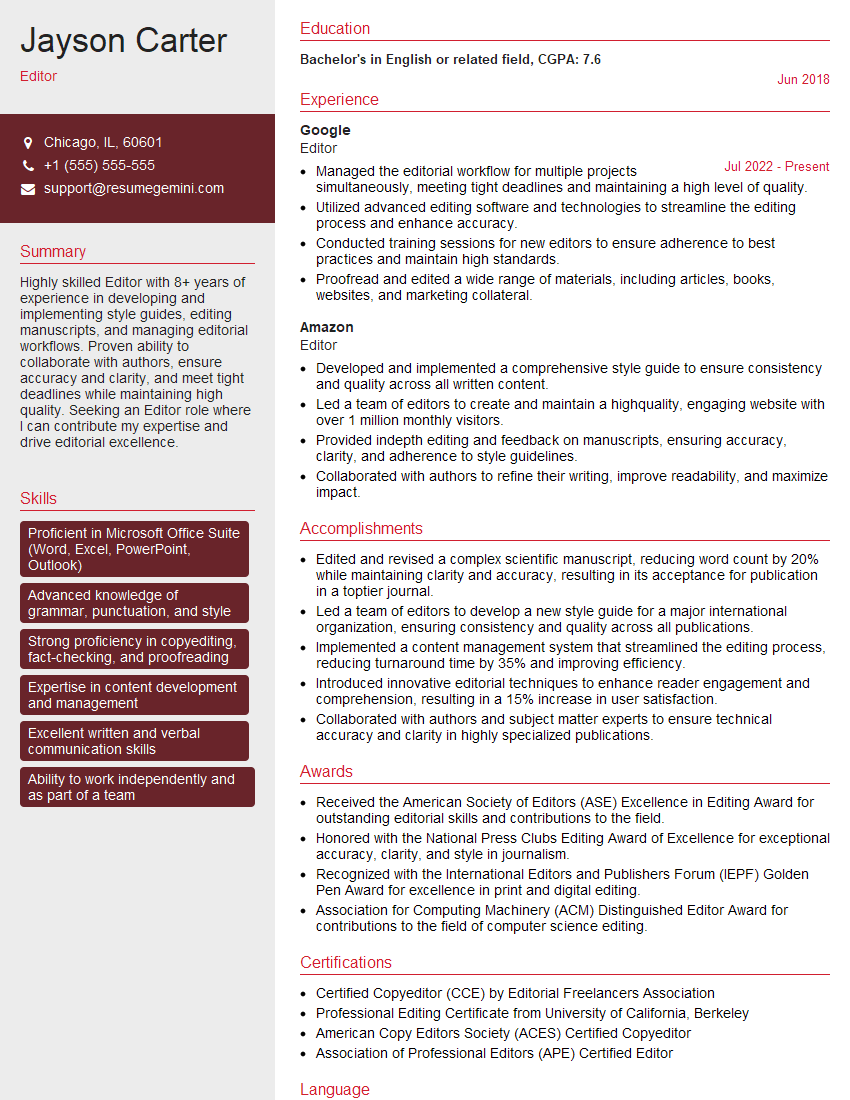
Editor Resume Sample

Proofreader Resume Sample
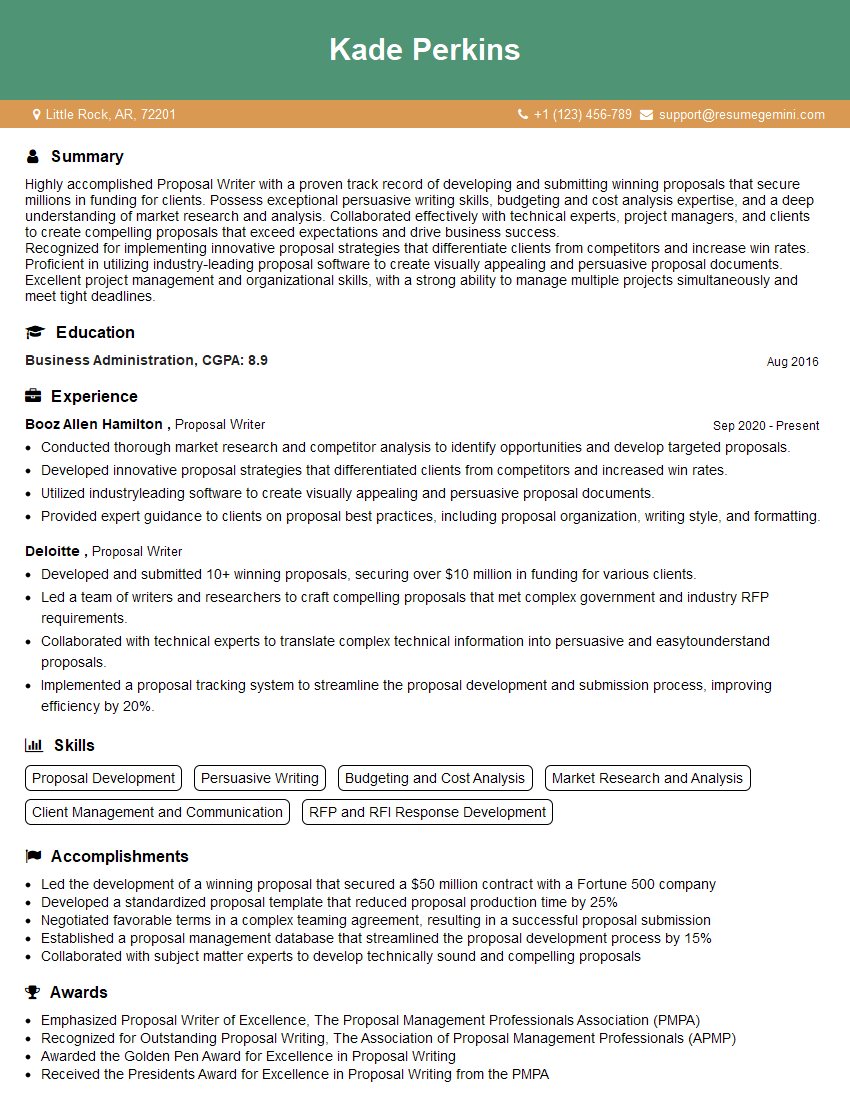
Proposal Writer Resume Sample

Technical Writer Resume Sample

Copywriter Resume Sample
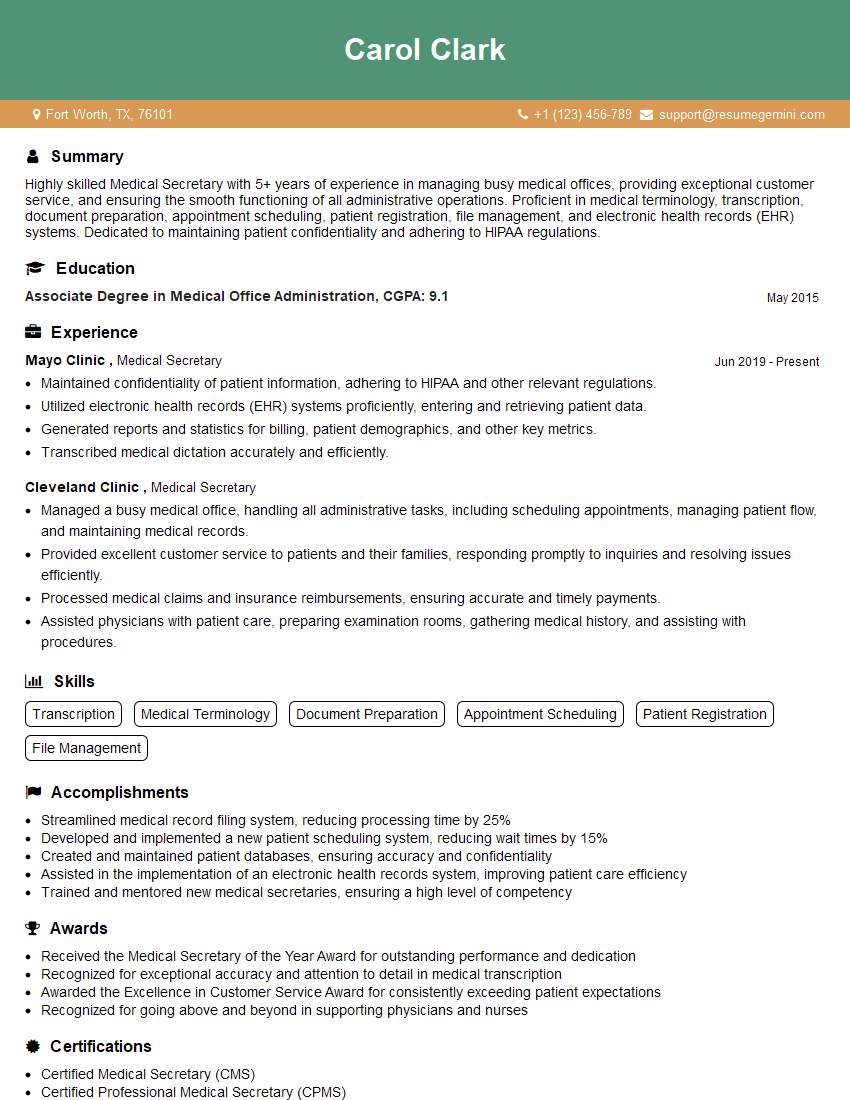
Medical Secretary Resume Sample
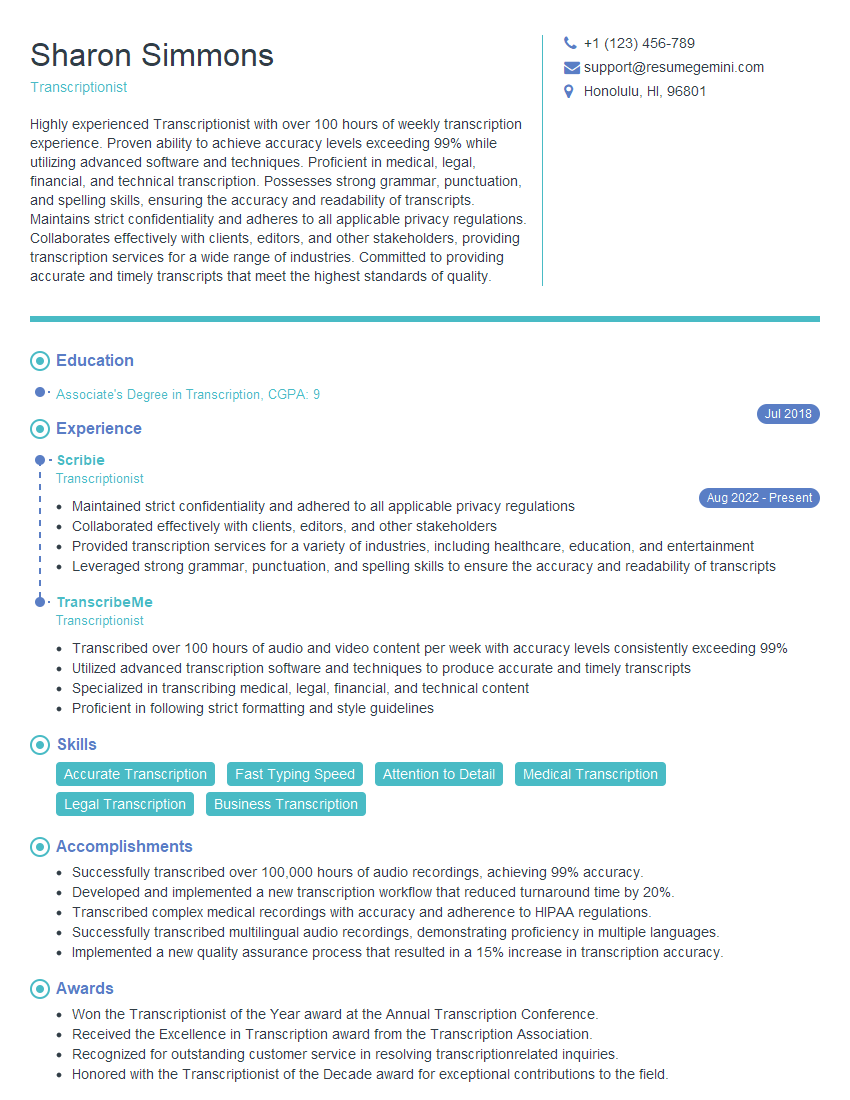
Transcriptionist Resume Sample
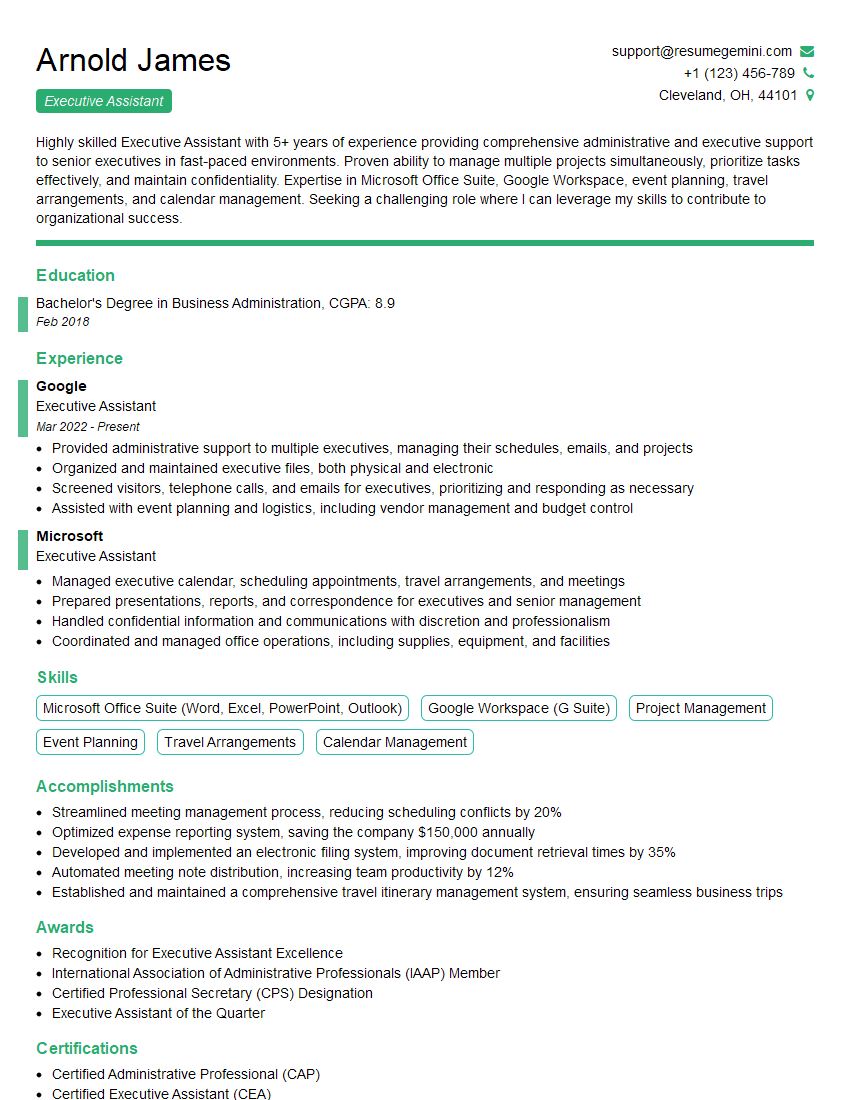
Executive Assistant Resume Sample
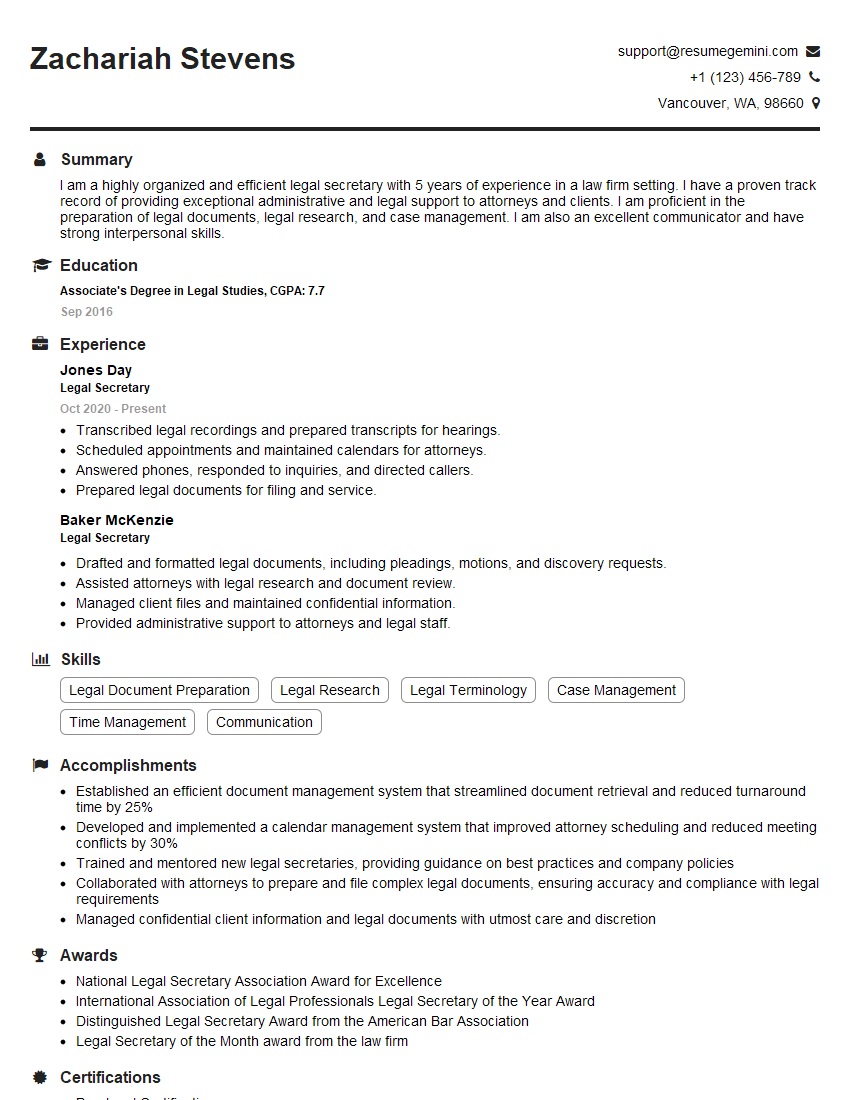
Legal Secretary Resume Sample
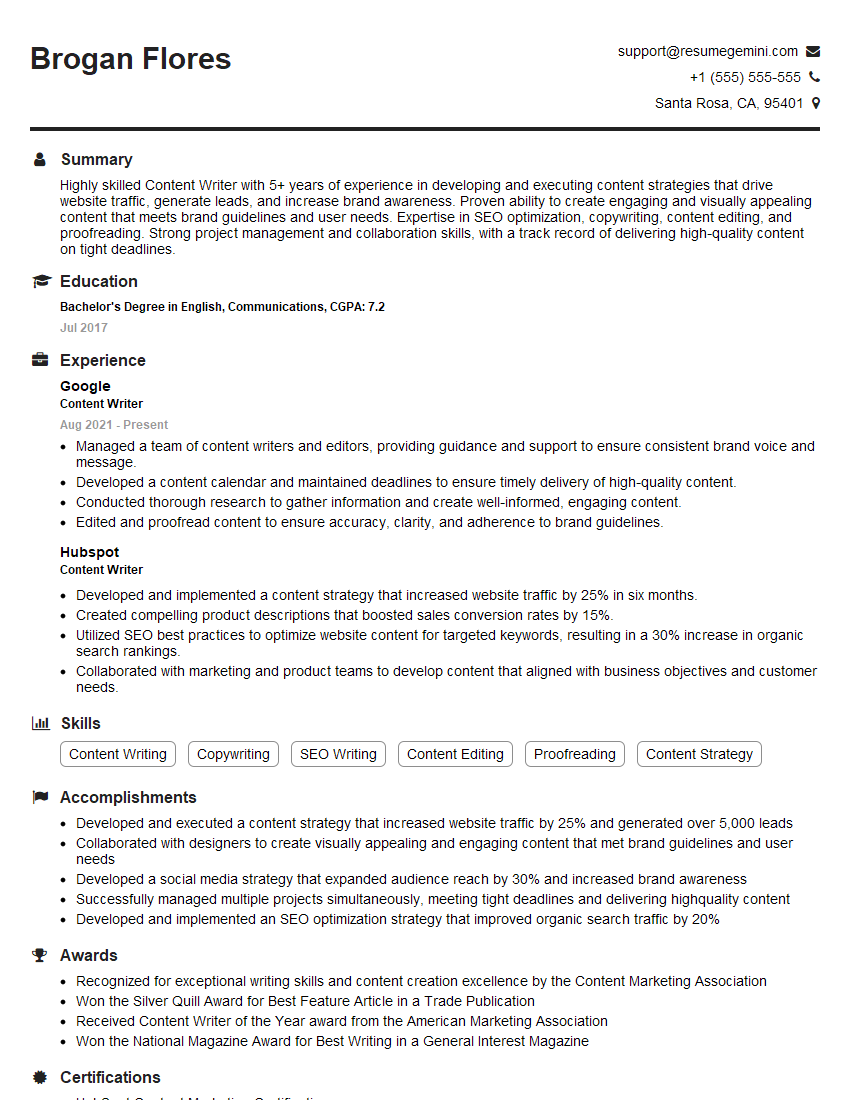
Content Writer Resume Sample
- Office Manager
- Marketing Communications Specialist
- Communications Coordinator
- Communications Manager
- Administrative Assistant
- Contract Administrator
- Project Coordinator
- Compliance Officer
- Grant Writer
- Content Strategist
- Document Control Specialist
- Records Manager
- Editor
- Proofreader
- Proposal Writer
- Technical Writer
- Copywriter
- Medical Secretary
- Transcriptionist
- Executive Assistant
- Legal Secretary
- Content Writer
Explore more articles
Users Rating of Our Blogs
Share Your Experience
We value your feedback! Please rate our content and share your thoughts (optional).
What Readers Say About Our Blog
I Redesigned Spongebob Squarepants and his main characters of my artwork.
https://www.deviantart.com/reimaginesponge/art/Redesigned-Spongebob-characters-1223583608
IT gave me an insight and words to use and be able to think of examples
Hi, I’m Jay, we have a few potential clients that are interested in your services, thought you might be a good fit. I’d love to talk about the details, when do you have time to talk?
Best,
Jay
Founder | CEO