The right preparation can turn an interview into an opportunity to showcase your expertise. This guide to Collating Documents interview questions is your ultimate resource, providing key insights and tips to help you ace your responses and stand out as a top candidate.
Questions Asked in Collating Documents Interview
Q 1. What software are you proficient in for document collation?
My proficiency in document collation software spans a wide range of tools, depending on the project’s needs and the document formats involved. For example, I’m highly skilled in using Adobe Acrobat Pro for tasks like merging, organizing, and manipulating PDFs. This includes using its features for batch processing, bookmarks, and advanced PDF editing. I’m also proficient with Microsoft Word, utilizing its mail merge functionality for creating personalized documents and its advanced features for manipulating headers, footers, and section breaks for efficient collation. For larger-scale projects involving many files and different formats, I rely heavily on Python scripting with libraries like PyPDF2 and openpyxl for automation and customized solutions. Finally, I’m familiar with dedicated document management systems (DMS) that allow for version control and collaborative collation, such as SharePoint and M-Files. The choice of software always depends on the specific requirements of the project, balancing efficiency and the need for accuracy and consistency.
Q 2. Describe your experience with various document formats (PDF, Word, etc.)
My experience encompasses a broad spectrum of document formats, including PDFs, Word documents (.doc, .docx), Excel spreadsheets (.xls, .xlsx), PowerPoint presentations (.ppt, .pptx), text files (.txt), and image files (e.g., .jpg, .png). I’m comfortable working with both scanned documents (requiring OCR) and digitally created files. Understanding the nuances of each format is crucial for effective collation. For example, handling embedded images or hyperlinks within a PDF requires careful consideration to ensure they remain intact during the collation process. Similarly, when dealing with Word documents, maintaining consistent formatting and styles across merged files is essential. My experience extends to converting between formats when necessary, optimizing files for specific purposes (e.g., reducing file size for efficient emailing or online distribution), and ensuring compatibility across different operating systems.
Q 3. How do you ensure the accuracy of collated documents?
Accuracy is paramount in document collation. My approach involves a multi-layered verification process. Firstly, I meticulously review the document naming conventions and numbering systems before starting the collation process to identify any inconsistencies early on. I use checksums or hash functions to verify file integrity before and after collation, ensuring that no data is corrupted during processing. Next, I perform a thorough visual check of the collated document to confirm the correct sequence and completeness of pages or sections. For larger projects, I use automated tools that compare file hashes and timestamps to identify potential discrepancies. Finally, a thorough content review is conducted to verify that the information is consistent and accurate. In certain sensitive cases, this involves a second independent review. This layered approach minimizes errors and ensures the final collated document is reliable and error-free.
Q 4. Explain your process for identifying and resolving discrepancies in document sets.
Identifying and resolving discrepancies requires a systematic approach. I start by using comparison tools to highlight differences between documents. This could involve comparing metadata, page counts, or even the textual content itself. Depending on the nature of the discrepancy, I might use version control software to identify the source of the conflict, if applicable. For minor inconsistencies, I manually review and correct them, ensuring consistency. However, for more significant conflicts, I’ll investigate the origin of the discrepancy by referring to source documents, logs or project documentation. This might involve discussing the issue with the involved parties to determine the most accurate version or the need for corrections. Proper documentation of each resolution is critical to maintain a record of the changes and to prevent the same errors from recurring. Ultimately, rigorous attention to detail and a systematic approach to problem-solving are key to effectively resolving discrepancies.
Q 5. How do you handle large volumes of documents requiring collation?
Handling large volumes of documents requires automation and efficient strategies. Instead of manual collation, I utilize scripting languages like Python with libraries like PyPDF2 to automate the merging, sorting, and organization of documents. I leverage the power of cloud-based storage and processing platforms to handle the size and complexity. This includes using cloud storage services for efficient file management and transfer, and cloud-based document processing platforms for parallel processing to speed up tasks. I break down the project into manageable chunks, collating subsets of documents individually before combining them. This approach reduces processing time, minimizes errors, and facilitates easier troubleshooting. Furthermore, proper metadata tagging and robust file naming conventions are crucial for efficient navigation and retrieval within these large datasets.
Q 6. What methods do you use to organize and label collated documents?
Organizing and labeling collated documents is crucial for easy access and retrieval. I use a consistent and clear naming convention that includes project name, date, version number, and a descriptive label. This might look something like this: ProjectX_20241027_v1_FinalReport.pdf. I utilize folder structures within my file system, reflecting the project hierarchy. For very large projects, I often create a detailed index or a table of contents that references each section and its corresponding file or page numbers. Metadata embedding within the documents themselves (if supported by the format) is also a valuable tool for future searchability. Furthermore, I ensure that the final collated document is properly archived for easy access and long-term preservation.
Q 7. Describe your experience with document version control.
Experience with document version control is integral to my workflow, especially in collaborative projects. I’m adept at using version control systems (VCS), such as Git, for tracking changes to documents. Even outside a dedicated VCS, I maintain detailed versioning within my file naming conventions (e.g., Report_v1.docx, Report_v2.docx), accompanied by a change log documenting modifications made between versions. This allows me to easily revert to previous versions if necessary and provides an audit trail for all changes. Proper version control is particularly important for larger projects or when multiple individuals contribute to the same document, enabling collaboration while minimizing confusion and ensuring that the most up-to-date and accurate version is used.
Q 8. How do you maintain the confidentiality and security of documents during collation?
Maintaining confidentiality and security during document collation is paramount. It’s like handling sensitive information in a high-security vault – every step needs careful consideration. My approach involves a multi-layered strategy:
- Secure Storage: All documents are stored in locked cabinets or secured digital repositories with access control lists restricting viewing to authorized personnel only. Physical documents are kept in a dedicated, monitored area.
- Data Encryption: For digital documents, I employ robust encryption methods, both in transit and at rest, using industry-standard encryption protocols like AES-256. This ensures that even if data is intercepted, it remains unreadable without the decryption key.
- Access Control: I strictly adhere to a principle of least privilege. Only individuals directly involved in the collation process have access to the relevant documents. Access logs are maintained to track who accessed what and when.
- Secure Disposal: After the collation is complete and the documents are no longer needed, I follow secure disposal procedures, either through secure shredding for physical documents or secure deletion for digital files, ensuring data remnants are irretrievable.
- Regular Audits: Internal security audits and reviews are conducted regularly to identify and address any potential vulnerabilities in our processes and to ensure compliance with relevant data protection regulations like GDPR or HIPAA.
For example, in a recent project involving client financial statements, I ensured all documents were digitally encrypted and access was restricted to only myself and the designated client representative using a password-protected shared drive.
Q 9. How do you prioritize tasks when dealing with multiple collation requests?
Prioritizing collation requests involves a blend of urgency and importance. I often use a system similar to a triage system in a hospital emergency room – prioritizing based on the criticality of the task and its deadlines.
- Urgency and Importance Matrix: I categorize requests into four quadrants based on their urgency and importance (high/low). High urgency, high importance tasks (e.g., legal documents for an impending court case) take precedence.
- Deadline Management: I utilize project management software to meticulously track deadlines and allocate time efficiently. This allows for a clear visual representation of the workload and helps identify potential conflicts or delays early on.
- Communication: Open and transparent communication with requestors is key. I clearly communicate estimated completion times and potential delays, ensuring expectations are managed proactively. This avoids unnecessary stress and keeps everyone informed.
- Workload Balancing: I ensure the workload is evenly distributed across available time and resources, avoiding overcommitting to any single task. This also allows for potential buffer time to address unexpected issues.
Imagine I have three requests: a routine report due in a week, urgent legal documents needed tomorrow, and a presentation support document due in three days. I’d tackle the legal documents first, then the presentation support, and finally the report, making sure to communicate the timelines to each stakeholder.
Q 10. What is your experience with document scanning and indexing?
I have extensive experience with document scanning and indexing, using both dedicated scanning equipment and software. This includes:
- High-Volume Scanning: I’m proficient in operating high-speed scanners, capable of handling large volumes of documents efficiently and accurately.
- Optical Character Recognition (OCR): I possess a strong understanding of OCR software, enabling the conversion of scanned images into editable text files, facilitating searchability and efficient data management.
- Indexing and Metadata: I’m skilled in creating comprehensive metadata tags and applying consistent indexing schemes to scanned documents, ensuring effective retrieval and organization. This could involve applying keywords, dates, client IDs, or document types.
- Image Enhancement: I can utilize image editing software to improve the quality of scanned images, correcting issues like skewed angles, low contrast, or smudges. This ensures the best possible results from the OCR process.
- Software Proficiency: I’m familiar with industry-standard document management systems and indexing software. This often involves knowledge of specific databases or systems used for archival purposes.
For instance, I recently scanned and indexed over 5,000 historical company documents, applying a detailed metadata scheme that ensured swift retrieval based on various criteria, such as date, author, and subject matter. This significantly aided the company’s research and development team.
Q 11. Describe a time you had to meet a tight deadline for document collation.
I recall a situation where I had to collate financial reports for a major audit, with a deadline just 48 hours away. The challenge wasn’t just the volume of documents but also the various formats – scanned images, PDFs, and physical hard copies. My approach was:
- Teamwork: I immediately assembled a small team to share the workload, assigning tasks based on individual strengths (scanning, data entry, quality control).
- Process Optimization: We streamlined the collation process by prioritizing critical sections and utilizing automation tools wherever possible.
- Prioritization and Focus: We focused solely on the project, minimizing distractions to meet the stringent deadline.
- Communication: Constant communication within the team kept everyone synchronized and informed of progress and any roadblocks encountered.
- Quality Control: Despite the pressure, we maintained strict quality control measures, regularly checking for accuracy and completeness.
By working collaboratively and strategically, we successfully delivered the reports on time, avoiding any potential penalties or negative repercussions. This experience taught me the importance of adaptability and efficient resource management under pressure.
Q 12. How do you handle damaged or incomplete documents during collation?
Handling damaged or incomplete documents requires a methodical approach to ensure data integrity and accuracy. My process involves:
- Document Assessment: First, I carefully assess the extent of the damage or incompleteness. This may involve examining the physical condition, checking for missing pages, or identifying corrupted digital files.
- Damage Repair: For physical documents, I employ techniques such as carefully mending tears or using image editing software to repair damaged areas in scanned images.
- Data Recovery: For digital documents, I use data recovery tools to attempt to retrieve information from corrupted files. This might involve utilizing file recovery software or contacting IT specialists for assistance.
- Gap Filling: Where pages are missing, I try to source replacement copies. If impossible, I note the missing information clearly within the collated document, ensuring transparency.
- Documentation: I meticulously document all instances of damage or incompleteness, including descriptions and attempts made to recover or repair the documents. This ensures accountability and transparency for future reference.
For example, if a section of a historical contract was torn, I would carefully tape the pieces back together, photograph the damage, and add a detailed note in the document describing the repair process.
Q 13. What quality control measures do you implement during the collation process?
Implementing robust quality control measures is essential for ensuring the accuracy and reliability of the collated documents. My approach involves:
- Verification Checks: I conduct thorough verification checks at each stage of the collation process, ensuring all documents are correctly identified, sequenced, and complete.
- Random Sampling: I use random sampling to verify the accuracy of the collation, selecting a subset of documents for thorough review. This helps identify any systematic errors that might not be apparent through a linear review.
- Cross-referencing: I cross-reference documents against source materials or databases to ensure accuracy and consistency. This can involve checking document numbers, dates, or other identifying information.
- Digital Checksums: For digital documents, I utilize checksums or hash functions to verify the integrity of files, ensuring that they haven’t been altered or corrupted during the collation process.
- Review and Sign-off: Once the collation is complete, I conduct a final review and obtain a sign-off from relevant stakeholders, confirming the accuracy and completeness of the collated documents.
This multi-layered approach ensures that the final output is reliable, free of errors, and meets the required standards for accuracy and completeness. It’s similar to a pilot performing pre-flight checks to ensure a safe and successful flight.
Q 14. How familiar are you with different filing systems (alphabetical, numerical, etc.)?
I am highly familiar with various filing systems, understanding their strengths and weaknesses and how they apply to different document types and organizational structures. My experience includes:
- Alphabetical Filing: This is a common and straightforward system, ideal for smaller collections where documents are primarily identified by name or client. I’m proficient in both standard and modified alphabetical systems.
- Numerical Filing: This is particularly useful for large volumes of documents, providing a consistent and easily searchable system. It often utilizes sequential numbering or a more complex coding scheme.
- Chronological Filing: This system arranges documents based on date, crucial for maintaining a record of events in sequence. This is especially helpful for historical archives or project timelines.
- Subject Filing: This system organizes documents according to their content or subject matter, making it efficient to retrieve information based on topic. This requires a well-defined subject classification system.
- Geographic Filing: This method organizes documents based on location or region, valuable for organizations with operations spanning multiple locations.
Choosing the right system depends on the specific requirements of the project. For example, I might use a numerical filing system for a large batch of invoices but an alphabetical system for a smaller collection of client contracts. My experience allows me to adapt and implement the most suitable system for each task.
Q 15. Describe your experience with using databases for document management.
Databases are crucial for efficient document management in collation. I’ve extensively used relational databases like MySQL and PostgreSQL, and NoSQL databases like MongoDB, depending on the project’s specific needs. For example, in a large-scale project involving thousands of documents, a relational database is ideal for structured data, allowing me to create tables to track document metadata such as file name, date created, version number, associated projects, and keywords. This allows for powerful searching and filtering. With NoSQL databases, I’ve handled situations where document structures are less uniform, or where scalability is paramount. Imagine collating social media data – a NoSQL database is much better suited to handle the semi-structured data and rapid influx of information.
My approach involves designing a schema that maps to the document workflow, ensuring easy retrieval, version control, and reporting. This includes using appropriate indexing strategies for fast search capabilities and employing database triggers to automate tasks, such as updating metadata when a document is modified or archived.
Career Expert Tips:
- Ace those interviews! Prepare effectively by reviewing the Top 50 Most Common Interview Questions on ResumeGemini.
- Navigate your job search with confidence! Explore a wide range of Career Tips on ResumeGemini. Learn about common challenges and recommendations to overcome them.
- Craft the perfect resume! Master the Art of Resume Writing with ResumeGemini’s guide. Showcase your unique qualifications and achievements effectively.
- Don’t miss out on holiday savings! Build your dream resume with ResumeGemini’s ATS optimized templates.
Q 16. How do you ensure the completeness and accuracy of a collated document set?
Ensuring completeness and accuracy is paramount. My process starts with a detailed checklist of all required documents, often created in collaboration with the client. I then use a combination of automated checks and manual verification. For automated checks, I leverage checksums (MD5 or SHA) to verify file integrity. This ensures that no data has been corrupted during transfer or storage. Think of it like a digital fingerprint for each file.
Manual verification involves a thorough review, including visual inspection for missing pages or sections and cross-checking against the checklist. I use a robust numbering system – often combining sequential numbering and logical section identifiers – to aid in this process. If discrepancies are found, I meticulously track them in a log file, and initiate communication with relevant stakeholders to resolve the issue. This meticulous approach, blending automation and human oversight, minimizes errors and guarantees the highest level of accuracy.
Q 17. What is your experience with preparing documents for archiving?
Preparing documents for archiving involves more than just storing them. It requires a structured approach to ensure long-term accessibility and integrity. My experience encompasses various archiving methods, from simple file-based systems with version control to more sophisticated archival systems that handle metadata, access controls, and long-term storage solutions.
I follow a standardized metadata tagging process, ensuring each document includes all relevant information, such as author, date, project ID, and a clear description. This allows for efficient retrieval in the future. I also utilize appropriate file formats, like PDF/A, which are designed for long-term preservation. Furthermore, I often create multiple copies stored in geographically diverse locations (or cloud storage with redundancy) to prevent data loss. Finally, I generate audit trails to track all actions performed on the archived documents, maintaining a transparent and auditable record.
Q 18. How do you handle requests for specific documents from a collated set?
Handling document requests from a collated set is a regular task. I employ a robust system involving metadata indexing (as mentioned earlier). This allows for quick searches based on keywords, document IDs, dates, or any other relevant metadata. I use a combination of database queries and advanced search functions within document management systems to efficiently locate the required documents.
Once located, I review the request to ensure I am providing the correct version of the document. I then securely deliver the document to the requester, complying with all relevant access control policies. This might involve email delivery, secure file sharing platforms, or direct access via a secure portal. The entire process is documented, including timestamps and user access logs, enhancing security and accountability.
Q 19. What strategies do you use to improve efficiency in document collation?
Efficiency is key. I utilize several strategies to optimize the collation process. This includes automated document pre-processing. I use tools to standardize file formats (e.g., converting all documents to PDF), remove unnecessary metadata, and apply consistent naming conventions. This saves significant time in the long run.
I also leverage automation tools that streamline tasks like sorting, numbering, and merging documents. Furthermore, I utilize project management software to track tasks, deadlines, and resource allocation. This gives me a clear overview of the progress and facilitates better time management. Finally, I regularly review my workflow, identifying bottlenecks and implementing improvements. A continuous improvement approach ensures the process adapts to evolving project needs.
Q 20. Describe your experience with different types of document binding and finishing.
My experience encompasses various document binding and finishing techniques. This ranges from simple methods like stapling or hole punching for smaller sets to more sophisticated techniques for larger volumes. I’m proficient with different binding styles, including coil binding, perfect binding (like you see in most books), saddle stitching, and wire-o binding, selecting the most appropriate method based on the document size, quantity, and desired aesthetic.
For finishing, I utilize a range of methods, including trimming, folding, laminating, and embossing. I’m familiar with different types of paper and cardstock and understand their properties to ensure a high-quality final product. I consider factors like durability, printing quality, and cost-effectiveness when selecting materials and techniques.
Q 21. How do you stay organized while managing multiple collation projects?
Managing multiple collation projects requires a structured approach. I leverage project management tools to track tasks, deadlines, and resources across various projects. Each project has its own dedicated folder structure, making it easy to locate relevant documents and maintain a clear separation between projects.
I use color-coded systems, task lists, and regular progress reviews to stay organized. Regular communication with clients and team members is vital, ensuring everyone is informed about the progress and any potential challenges. This proactive communication minimizes confusion and keeps the projects on track. The key is maintaining a clear overview of all projects and employing a consistent, structured methodology to handle them.
Q 22. How do you adapt to changes in document collation procedures or workflows?
Adapting to changes in document collation procedures is crucial for efficiency and accuracy. My approach involves a three-step process: Understanding, Adapting, and Validating.
Understanding involves carefully reviewing the new procedures or workflow. This might involve attending training sessions, reading updated documentation, or directly consulting with the team responsible for the changes. I ask clarifying questions to ensure complete comprehension, focusing on the reasons behind the change and any potential impacts on existing processes.
Adapting involves actively integrating the new procedures into my workflow. This could involve adjusting my software settings, learning new software, or modifying existing checklists. I prioritize understanding the ‘why’ behind each change to effectively adapt my methods.
Validating involves testing the new procedures to ensure they are functioning correctly and producing the desired outcome. This includes performing test runs with sample documents and comparing results to previous workflows. I meticulously document any discrepancies and report them promptly to ensure a smooth transition.
For instance, when our company switched to a new document management system, I actively participated in the training, meticulously reviewed the updated guidelines, and conducted several test runs to ensure seamless integration of the new system into my collation process. This proactive approach ensured a smooth transition without disrupting project timelines.
Q 23. Explain your understanding of document metadata and its importance in collation.
Document metadata is crucial for effective document collation. It’s essentially descriptive information about a document, such as author, date created, keywords, file type, and version number. Think of it as the document’s ‘identity card’.
In collation, metadata helps organize and manage large sets of documents. For example, sorting documents by date using the ‘date created’ metadata ensures chronological order. Using keywords allows for efficient grouping of related documents. Version numbers help in identifying the most recent or relevant document in a series.
The importance of metadata in collation is multifaceted:
- Organization: Metadata enables efficient sorting and filtering of documents, saving significant time and effort.
- Accuracy: Correct metadata minimizes the risk of misplacing or misordering documents.
- Search & Retrieval: Metadata enhances the efficiency of document searches, allowing quick access to specific information.
- Compliance: Accurate metadata is crucial for complying with document retention policies and legal requirements.
Imagine collating research papers for a publication: metadata like ‘author’, ‘publication date’, and ‘keywords’ allows you to quickly sort the papers alphabetically by author, arrange them chronologically, or group them by research theme. Without metadata, this process would be immensely more difficult and time-consuming.
Q 24. How familiar are you with document retention policies and procedures?
I am very familiar with document retention policies and procedures. These policies outline how long documents need to be kept, where they should be stored, and what security measures should be implemented. Understanding these policies is critical for compliance and maintaining data integrity.
My understanding covers various aspects including:
- Legal and regulatory requirements: Different industries and jurisdictions have specific retention rules (e.g., HIPAA for healthcare, Sarbanes-Oxley for finance).
- Data security and privacy: Policies typically address secure storage, access control, and disposal methods to protect sensitive information.
- Document lifecycle management: This includes procedures for creating, storing, retrieving, updating, and disposing of documents.
I am adept at applying these policies in the collation process. This means I ensure that documents are properly tagged with metadata to facilitate their later retrieval and disposal according to the specified retention schedule. I am also meticulous in following secure handling procedures, ensuring that sensitive data is protected at all stages.
For example, in a recent project involving client financial documents, I ensured all documents were appropriately labeled with metadata reflecting the client’s name, relevant dates, and the retention period as stipulated by our company’s policies and legal requirements.
Q 25. Describe a time you had to troubleshoot a problem during document collation.
During a large-scale collation project for a legal firm, we encountered an issue where a significant number of documents were missing from a specific client’s case file. The initial collation process flagged discrepancies, indicating missing documents according to the client’s provided index.
My troubleshooting involved a systematic approach:
- Verification: I first verified the accuracy of the client’s index, checking for any potential errors or omissions on their end.
- Document Search: I systematically searched all relevant directories and folders for the missing documents, using advanced search features based on file names and metadata.
- Backup Check: I checked our backup systems for the missing files, to rule out data loss.
- Communication: I communicated the issue and my findings to the project manager and the client, providing regular updates on the progress.
- Recovery: After discovering a mislabeled folder, we successfully recovered the missing documents. The incident highlighted the importance of meticulous file organization and clear communication.
This experience underscored the importance of robust error-checking mechanisms and thorough communication throughout the collation process. It also highlighted the value of regular backups as a safeguard against data loss.
Q 26. How do you communicate the status of a document collation project to stakeholders?
Communicating project status is critical in maintaining transparency and managing expectations. My approach involves using a multi-faceted communication strategy tailored to the stakeholders’ preferences and the project’s complexity.
This typically includes:
- Regular status reports: I provide concise, well-structured reports outlining progress, milestones achieved, challenges encountered, and anticipated timelines.
- Visual dashboards: For larger projects, visual dashboards provide a clear and easily digestible overview of progress, using charts and graphs to show key metrics.
- Project meetings: Regular meetings with stakeholders offer opportunities for direct interaction, discussion of concerns, and clarification of uncertainties.
- Email updates: Email is used for quick updates on significant events or changes in project status.
The frequency and format of communication are adjusted based on project complexity and stakeholder needs. For example, for a small, straightforward project, email updates might suffice; while a large, complex project would require regular reports, meetings, and a visual dashboard.
In a recent project, weekly email updates kept the client informed about progress, while a monthly project meeting provided a forum for discussing issues and addressing their concerns effectively. This approach ensured the client was fully informed and satisfied throughout the collation process.
Q 27. What are your strategies for preventing errors during document collation?
Preventing errors during document collation requires a proactive and multi-layered approach. My strategies focus on minimizing human error and leveraging technology to enhance accuracy.
These strategies include:
- Standardized procedures: Developing and strictly adhering to clearly defined, documented procedures ensures consistency and minimizes deviation.
- Quality checks: Implementing rigorous quality checks at each stage of the process helps to identify and correct errors early on.
- Data validation: Using data validation tools to verify the accuracy and consistency of document data reduces the risk of errors.
- Automation: Automating repetitive tasks, such as data entry or sorting, using appropriate software minimizes human error.
- Version control: Using version control systems helps track changes and revert to earlier versions if errors are introduced.
- Training and competency: Ensuring that all team members are properly trained and competent in the collation process is paramount.
For instance, using checksum verification to confirm data integrity after each step prevents subtle errors from propagating through the entire collation process. This proactive approach ensures the final collation is accurate and reliable.
Q 28. How do you prioritize tasks when facing competing deadlines for different collation projects?
Prioritizing tasks with competing deadlines requires a structured approach. My strategy involves a combination of techniques focused on efficiency and effective time management.
I use a combination of the following:
- Prioritization matrix: I use a matrix (e.g., Eisenhower Matrix) to categorize tasks based on urgency and importance. This helps identify which tasks require immediate attention and which can be delegated or postponed.
- Time estimation: Accurately estimating the time required for each task enables realistic scheduling and prevents overcommitment.
- Work breakdown structure: Breaking down large tasks into smaller, more manageable sub-tasks allows for better tracking of progress and easier prioritization.
- Communication and negotiation: Open communication with stakeholders helps to adjust deadlines or re-prioritize tasks based on changing needs or unforeseen circumstances.
- Agile methodologies: Adapting an agile approach allows for flexibility and quick adjustments to the schedule based on emerging priorities.
For example, if I have two urgent projects, one with a critical deadline and another with a slightly less critical one, I’ll focus on the most urgent task first, breaking it down into smaller, manageable tasks, and then dedicate time to the second project, ensuring both deadlines are met.
Key Topics to Learn for Collating Documents Interview
- Understanding Document Types and Formats: Become proficient in identifying various document types (PDF, Word, Excel, etc.) and their inherent formatting challenges. Practice handling different file sizes and complexities.
- Efficient Sorting and Organization: Explore various sorting methods (alphabetical, chronological, numerical) and their application in different scenarios. Understand the importance of consistent naming conventions and folder structures for efficient retrieval.
- Data Integrity and Verification: Learn how to ensure accuracy during the collation process. Develop methods for detecting and resolving inconsistencies or missing information in document sets.
- Quality Control and Assurance: Understand the importance of reviewing collated documents for completeness, accuracy, and adherence to formatting guidelines. Develop a process for identifying and correcting errors.
- Technology and Tools: Familiarize yourself with relevant software and tools used for document collation, including potentially scripting or automation techniques for large-scale projects. This could include familiarity with cloud storage services and collaboration platforms.
- Problem-Solving and Troubleshooting: Practice identifying and resolving common issues encountered during the collation process, such as corrupted files, missing pages, or formatting discrepancies. Be prepared to discuss your approach to troubleshooting.
- Workflow Optimization: Consider how to improve the efficiency of the collation process. Think about streamlining workflows, using templates, and leveraging automation where possible.
Next Steps
Mastering the art of collating documents is a valuable skill applicable across numerous industries, demonstrating your attention to detail, organizational prowess, and ability to manage information effectively. This directly translates to improved efficiency and productivity, making you a highly sought-after candidate. To further enhance your job prospects, focus on creating an ATS-friendly resume that highlights these skills. ResumeGemini is a trusted resource that can help you build a professional and impactful resume, showcasing your abilities clearly and effectively. Examples of resumes tailored to Collating Documents are provided to help guide you.
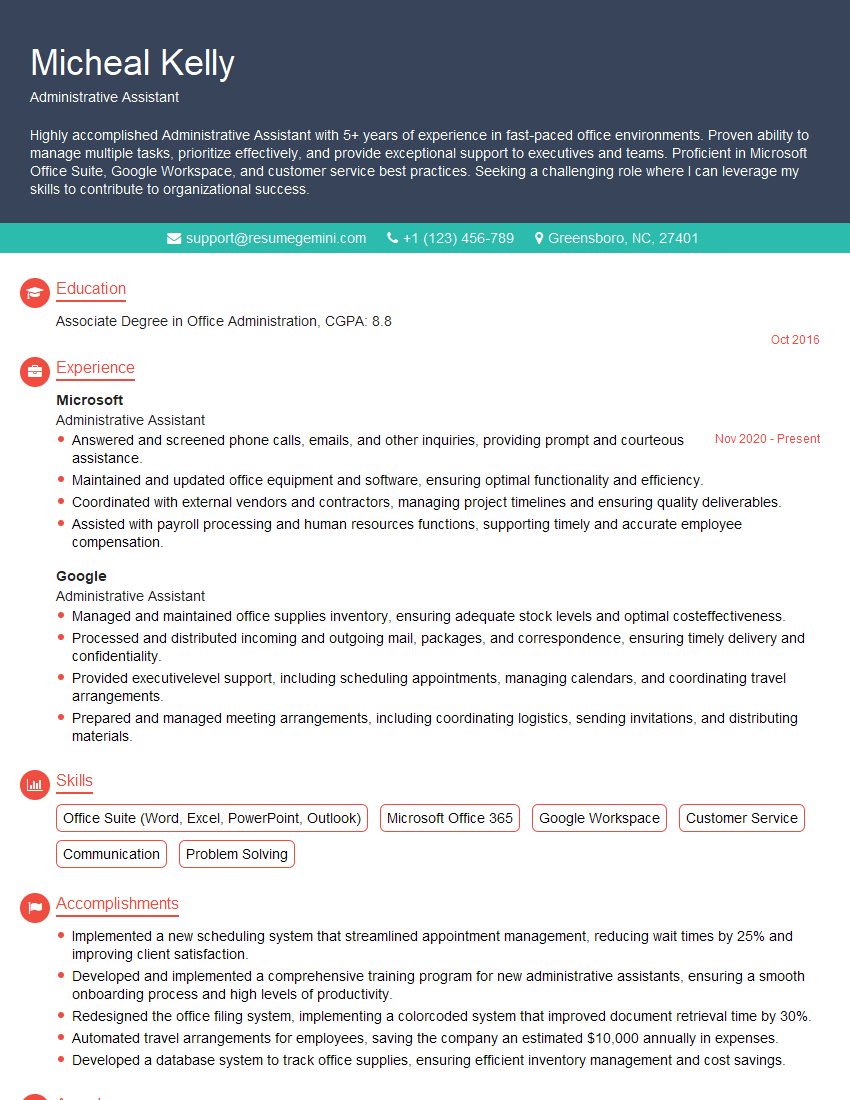
Administrative Assistant Resume Sample

Compliance Officer Resume Sample
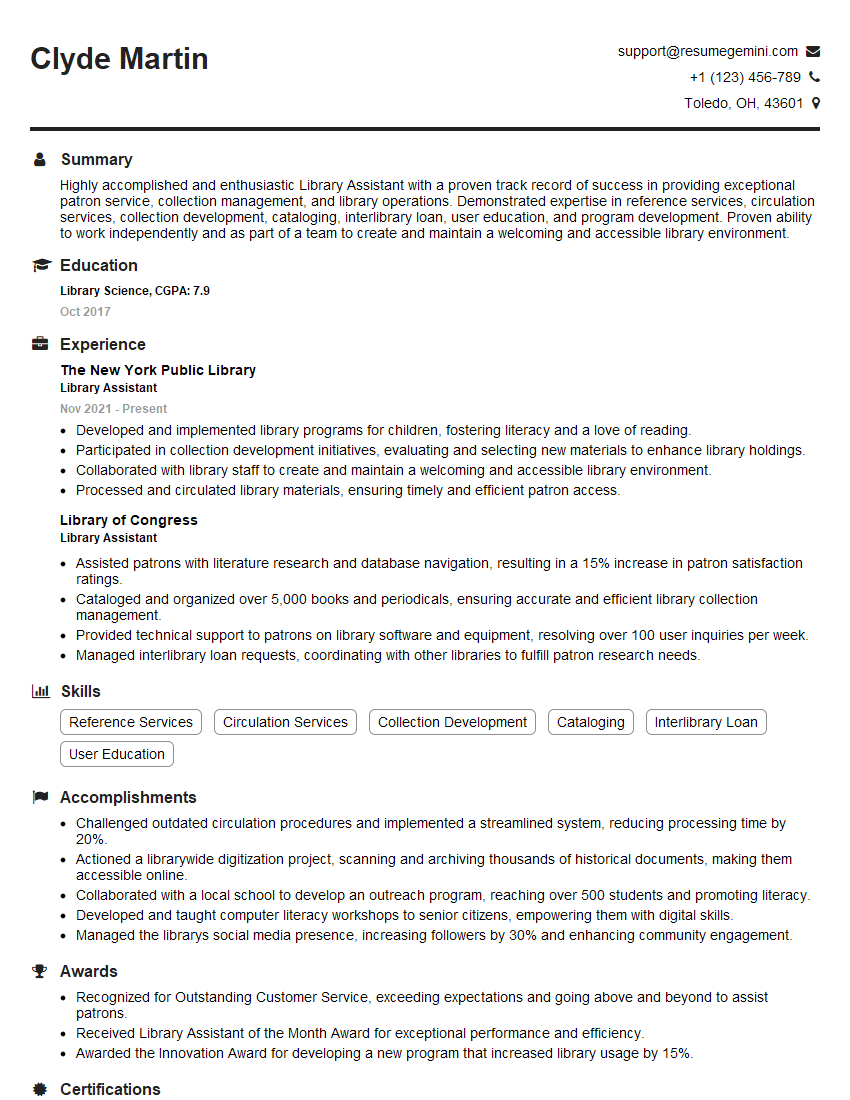
Library Assistant Resume Sample
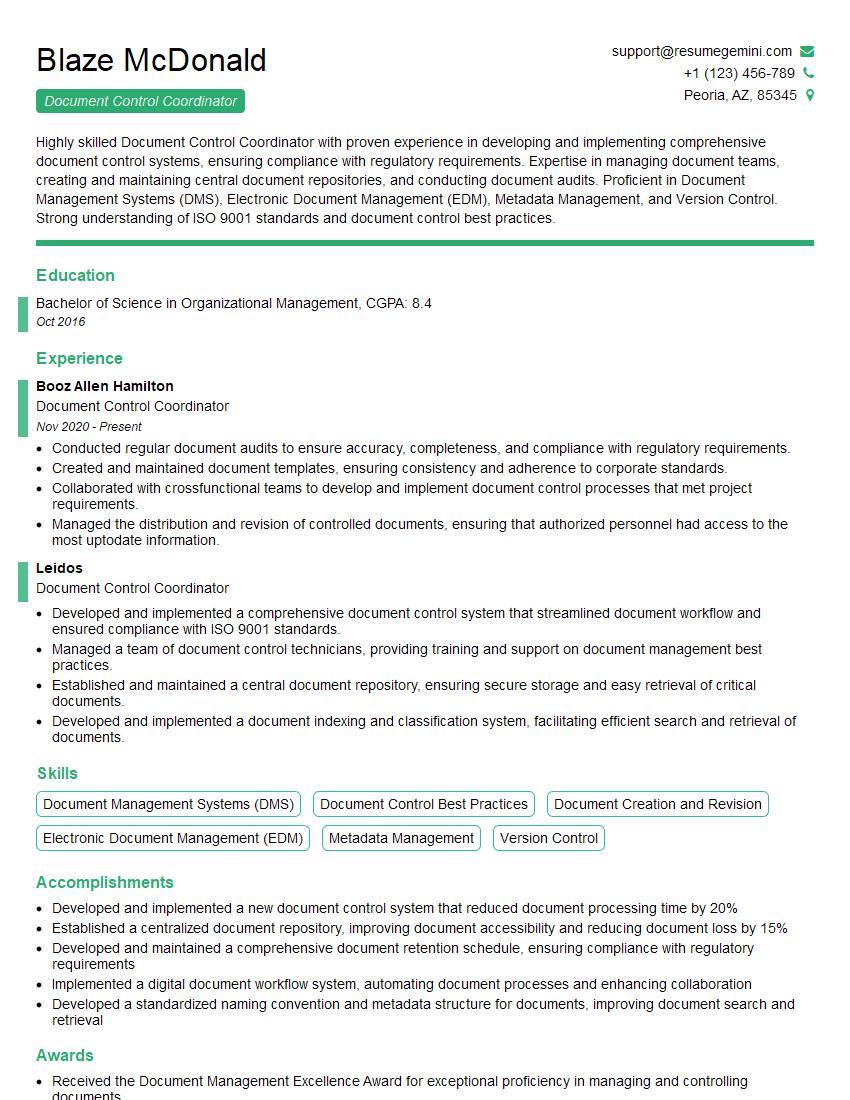
Document Control Coordinator Resume Sample
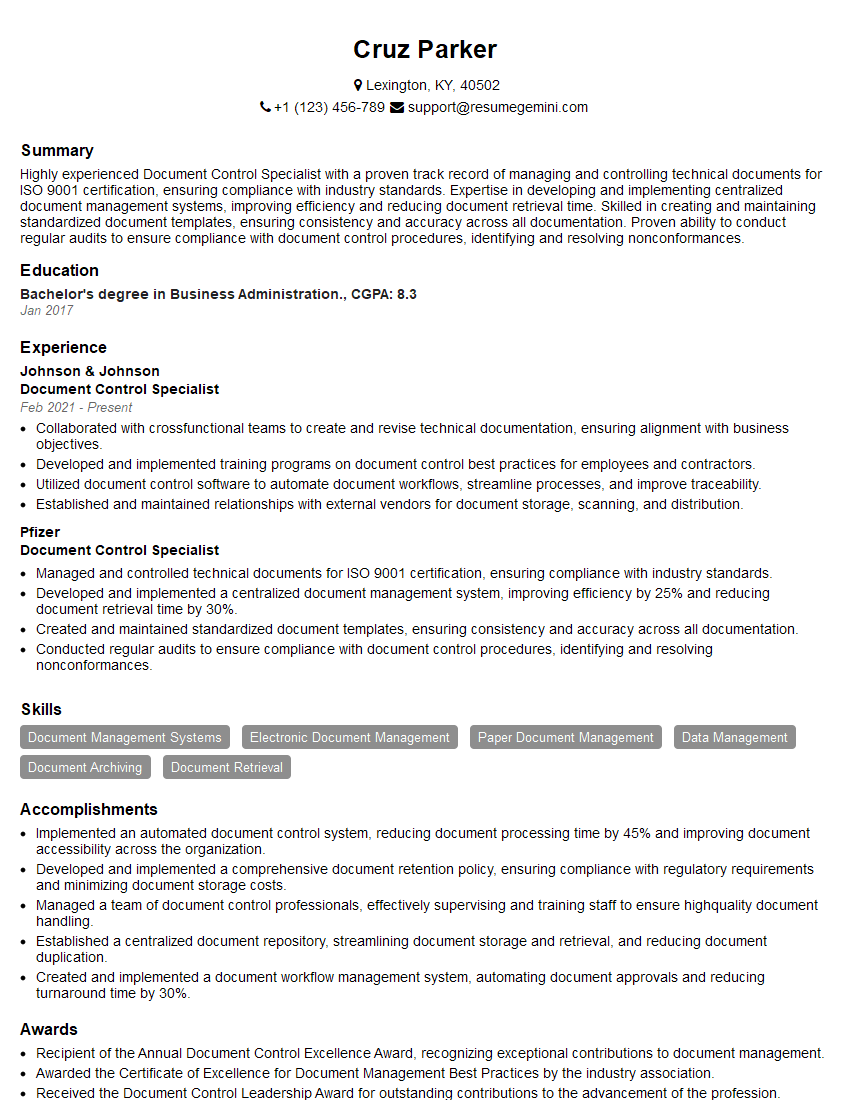
Document Control Specialist Resume Sample
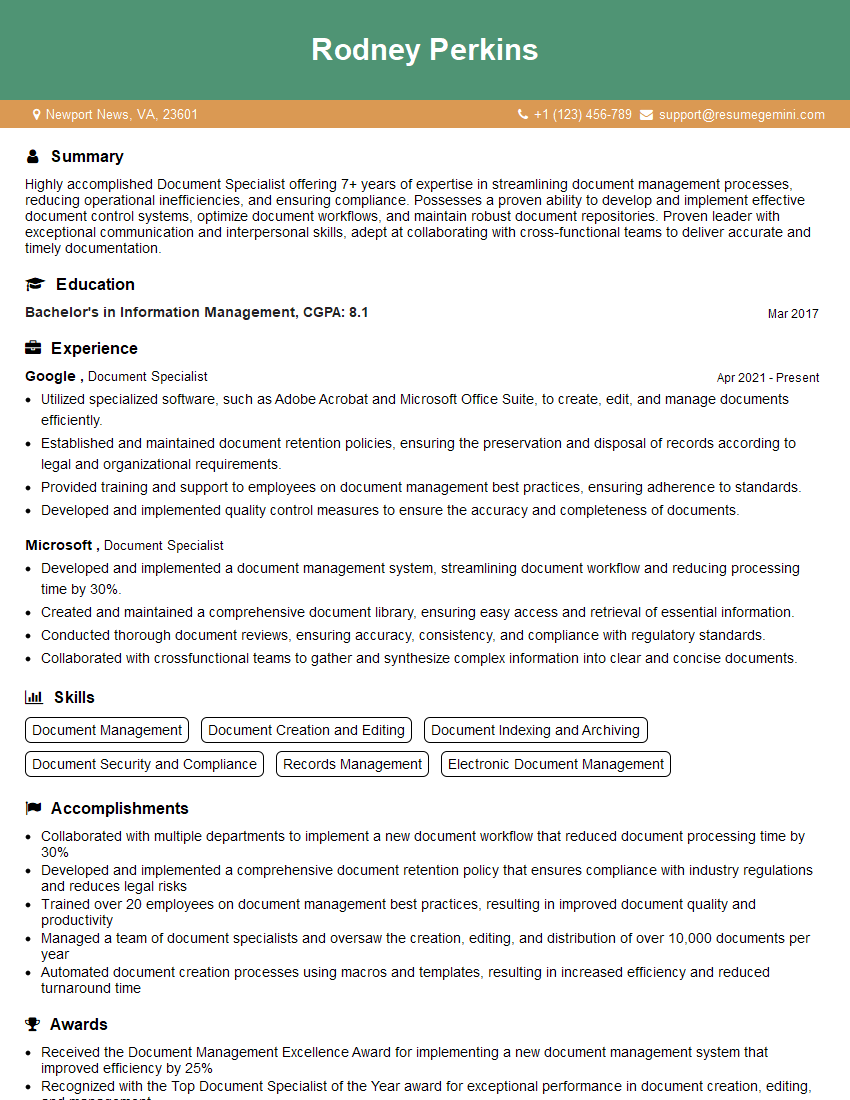
Document Specialist Resume Sample
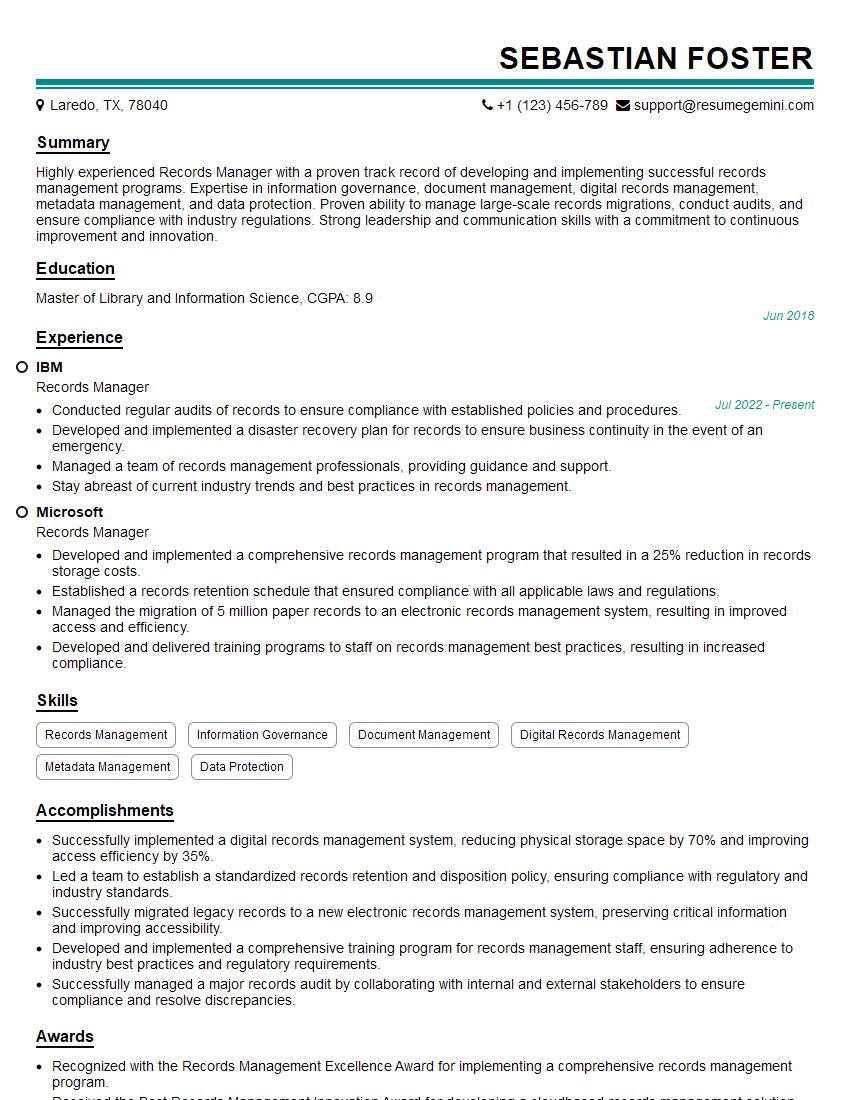
Records Manager Resume Sample
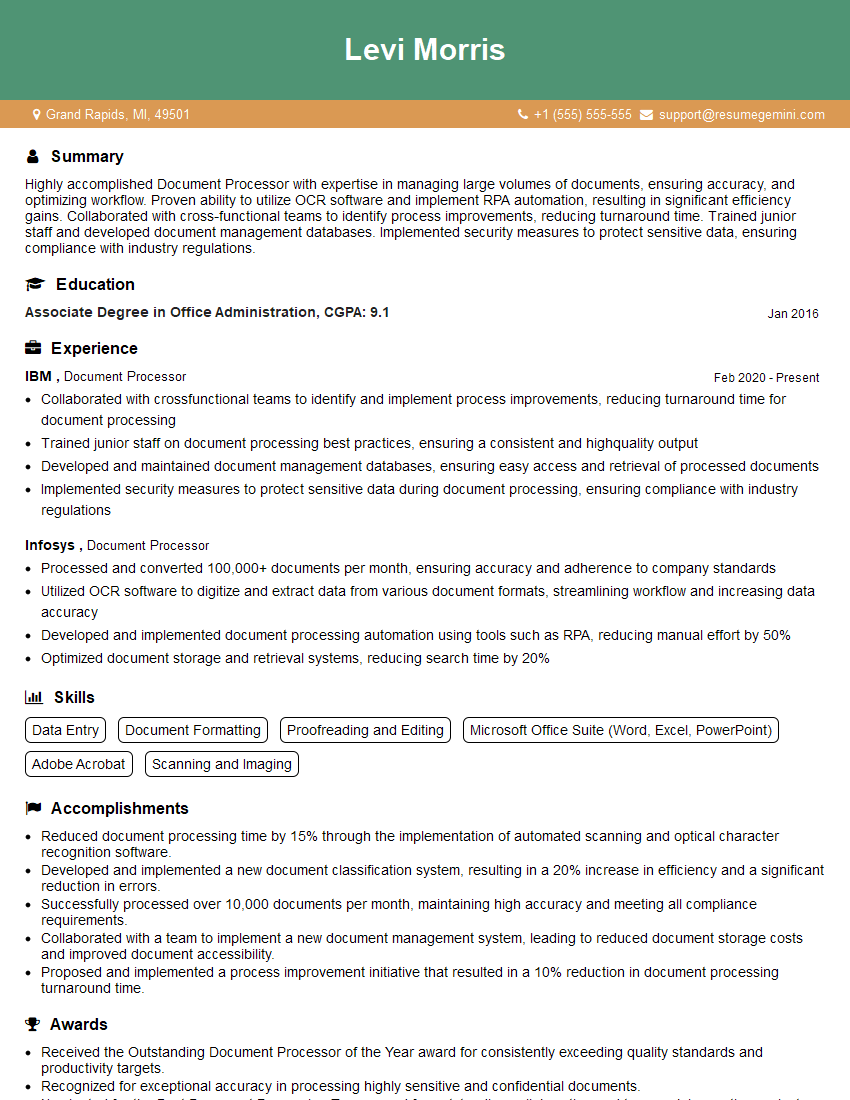
Document Processor Resume Sample
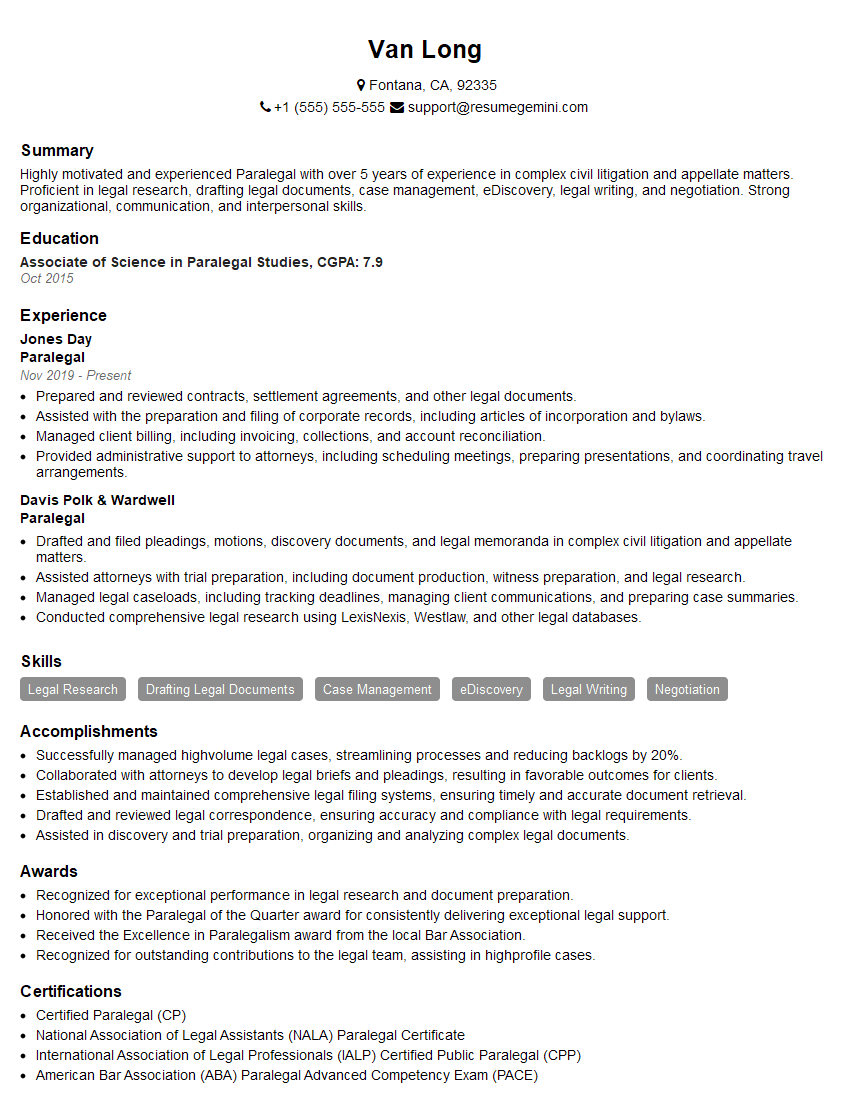
Paralegal Resume Sample
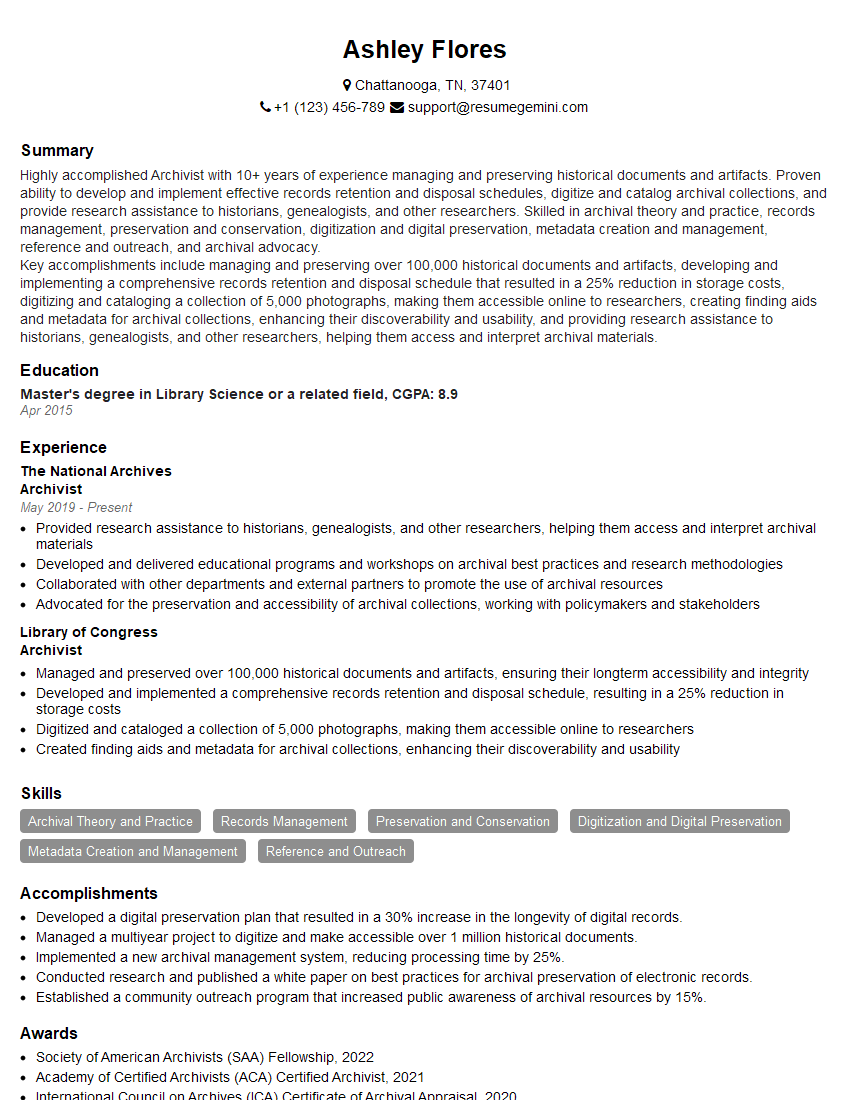
Archivist Resume Sample
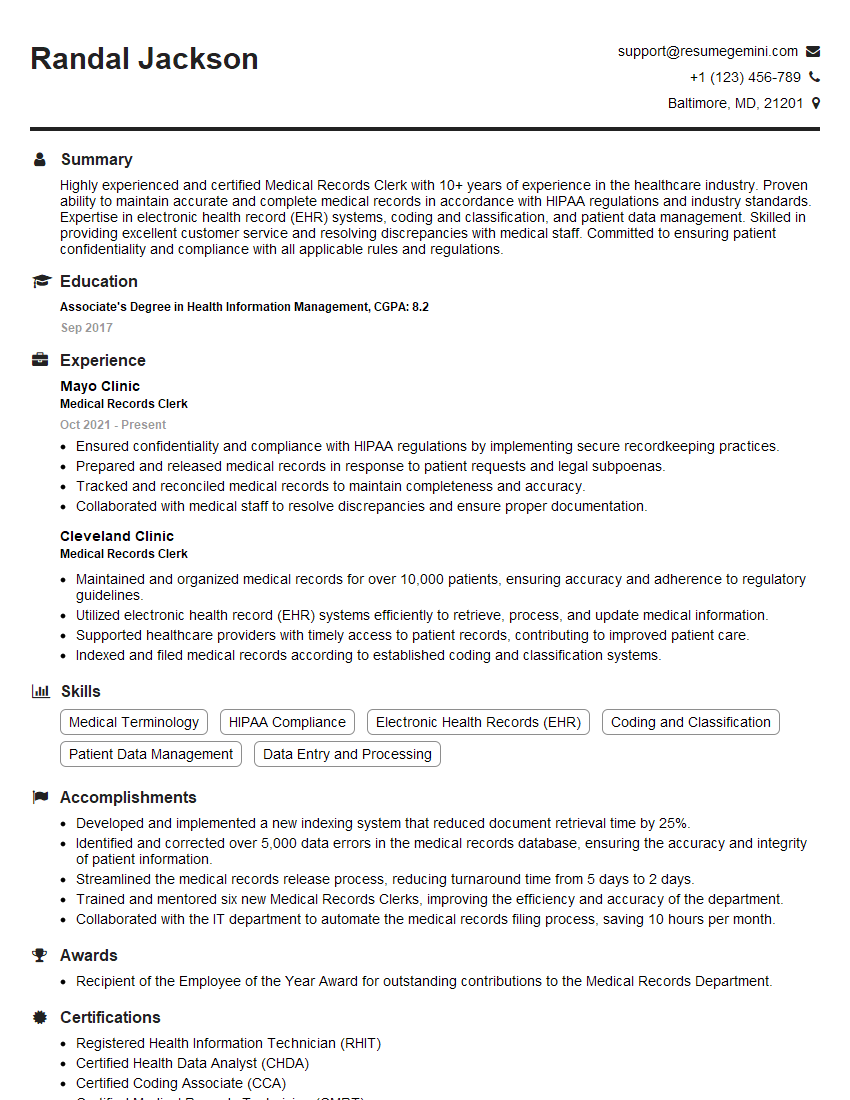
Medical Records Clerk Resume Sample
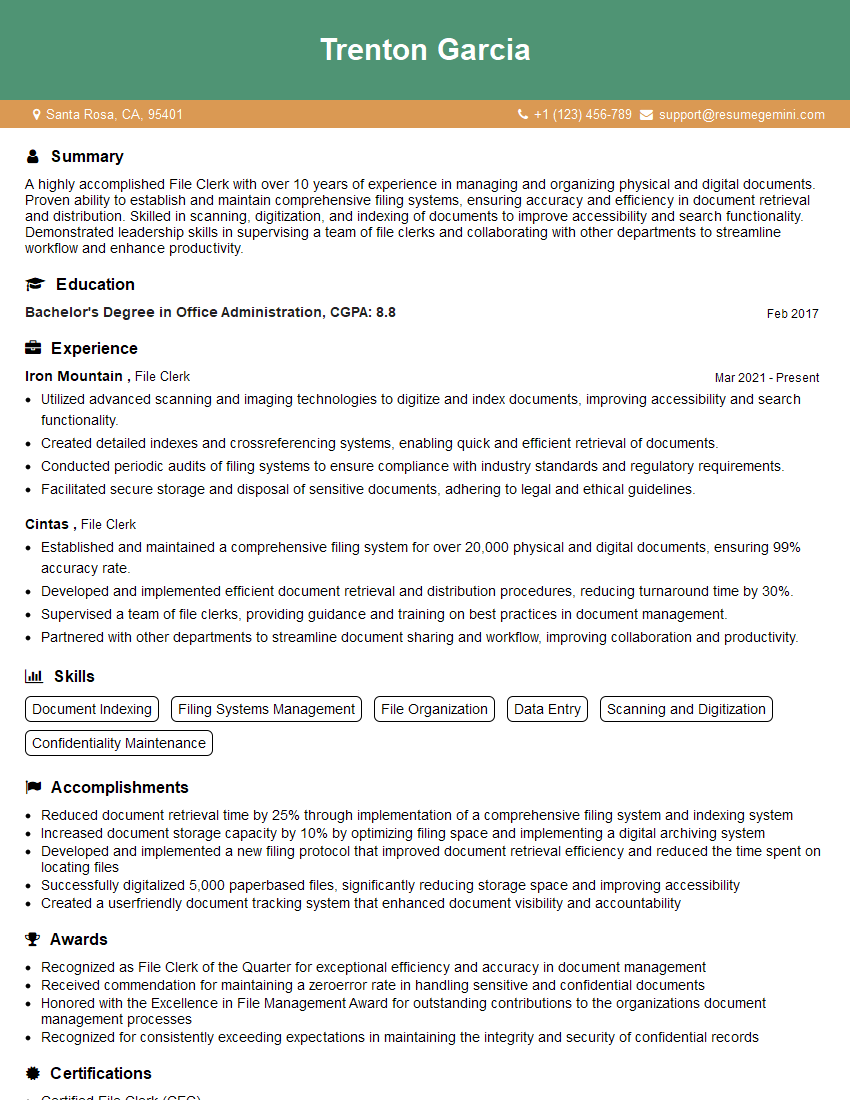
File Clerk Resume Sample
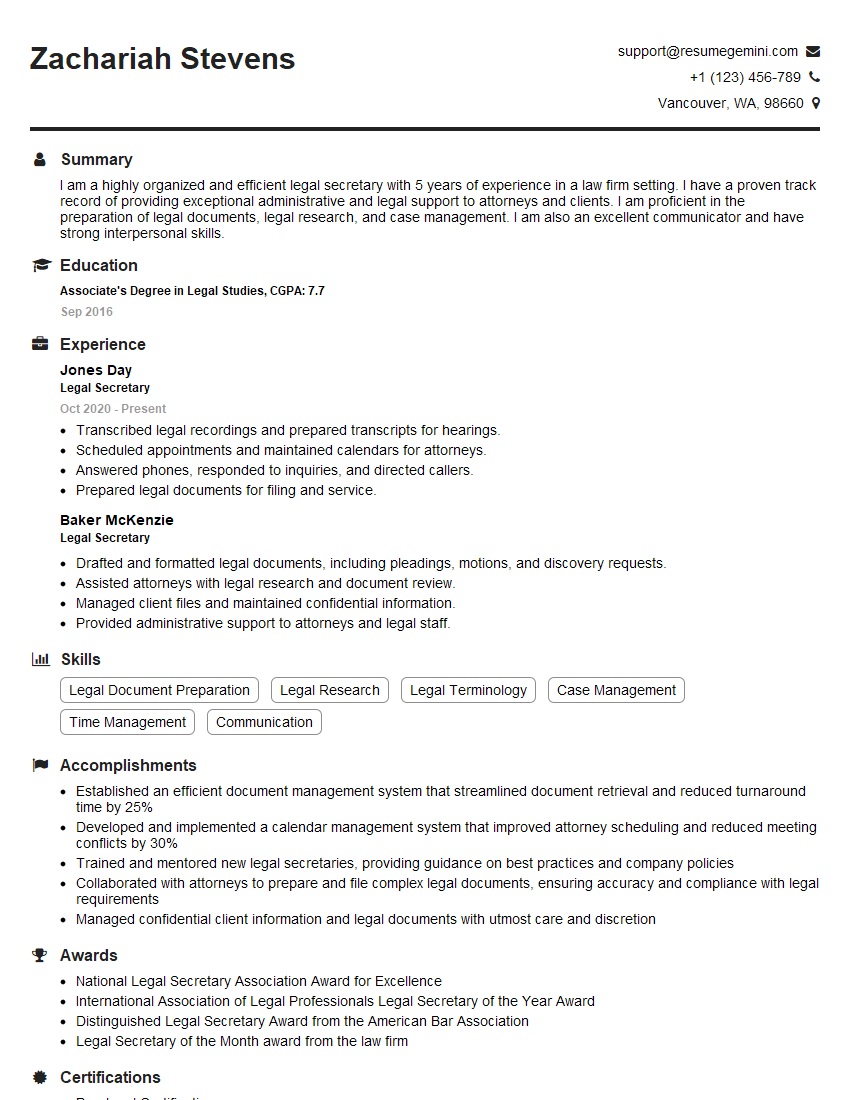
Legal Secretary Resume Sample

Data Entry Clerk Resume Sample
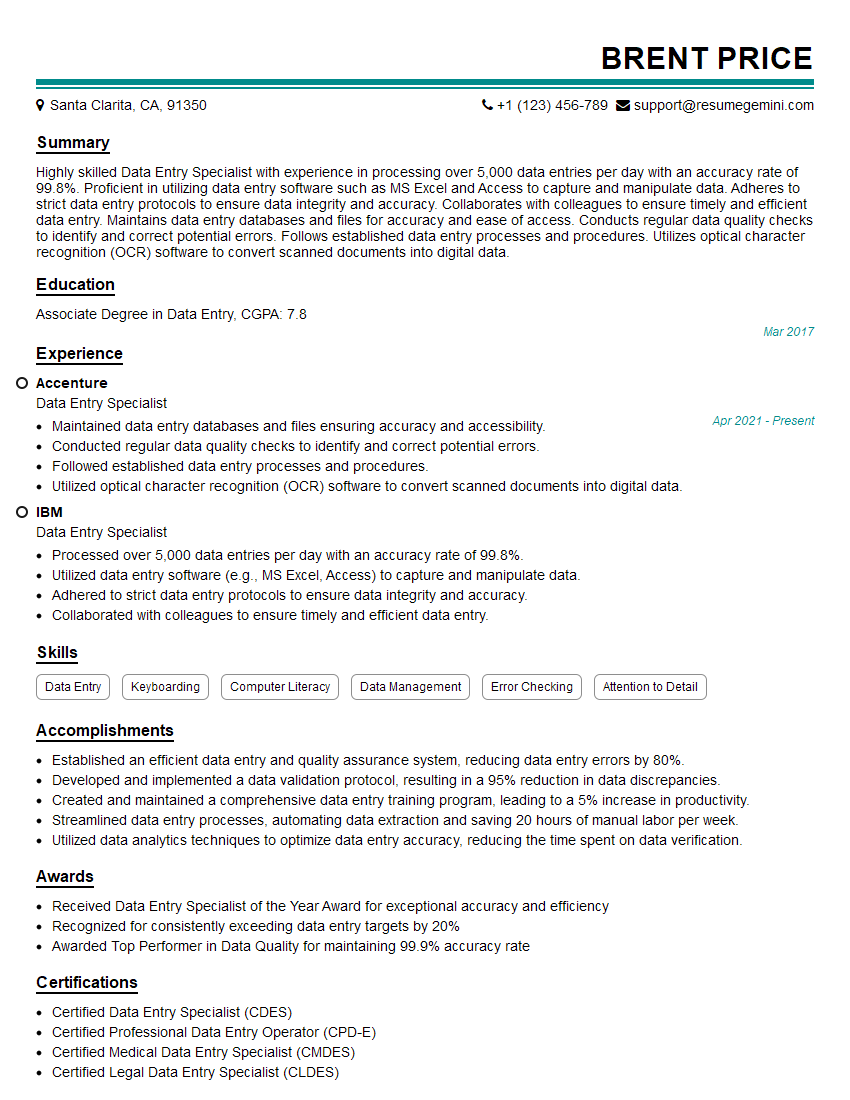
Data Entry Specialist Resume Sample
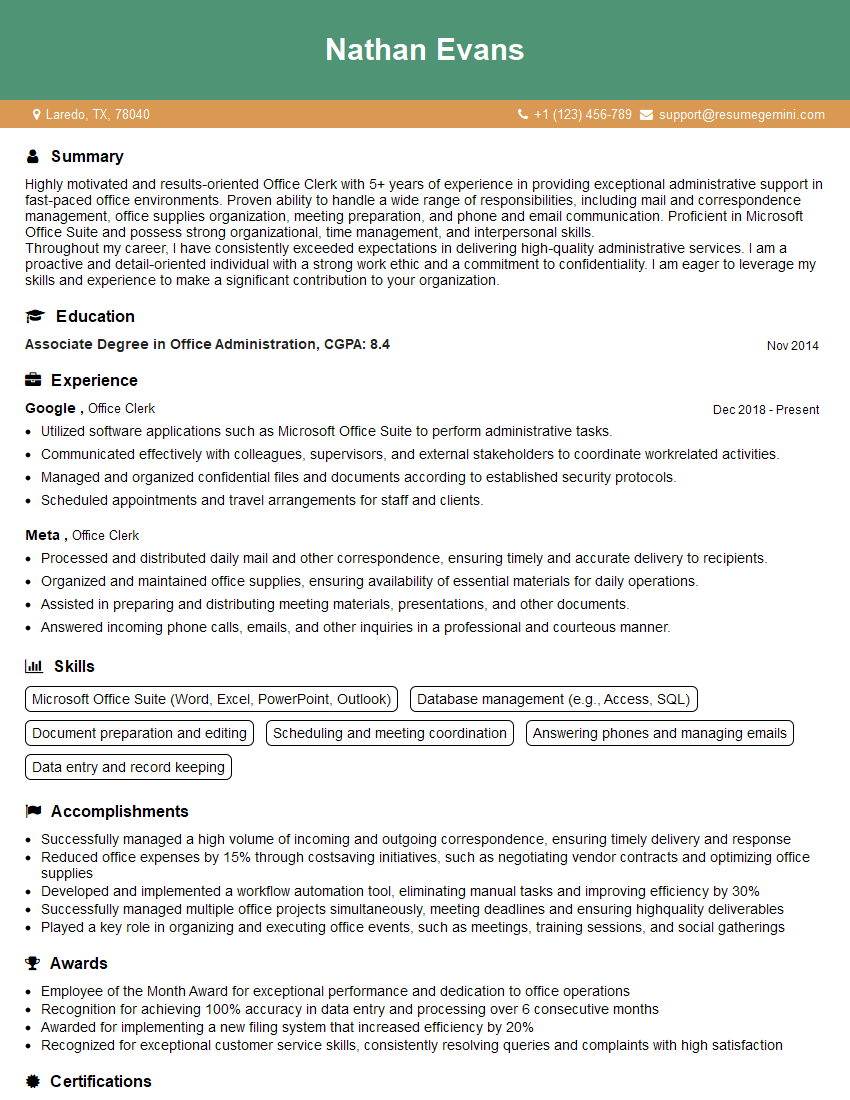
Office Clerk Resume Sample
Explore more articles
Users Rating of Our Blogs
Share Your Experience
We value your feedback! Please rate our content and share your thoughts (optional).
What Readers Say About Our Blog
I Redesigned Spongebob Squarepants and his main characters of my artwork.
https://www.deviantart.com/reimaginesponge/art/Redesigned-Spongebob-characters-1223583608
IT gave me an insight and words to use and be able to think of examples
Hi, I’m Jay, we have a few potential clients that are interested in your services, thought you might be a good fit. I’d love to talk about the details, when do you have time to talk?
Best,
Jay
Founder | CEO