Cracking a skill-specific interview, like one for Detail Drawings, requires understanding the nuances of the role. In this blog, we present the questions you’re most likely to encounter, along with insights into how to answer them effectively. Let’s ensure you’re ready to make a strong impression.
Questions Asked in Detail Drawings Interview
Q 1. Explain the difference between a detail drawing and a schematic drawing.
The key difference between a detail drawing and a schematic drawing lies in their level of detail and purpose. A schematic drawing provides a simplified, high-level representation of a system or component, focusing on the overall arrangement and functionality. Think of it as a roadmap – it shows you the general path but not the minute details of the terrain. It’s primarily used for conceptual design and initial planning.
In contrast, a detail drawing offers a highly detailed and precise representation of a specific part or assembly. It’s like a detailed map showing every tree, rock, and building. It contains all the necessary information for manufacturing, fabrication, and construction – dimensions, tolerances, materials, finishes, and assembly instructions. Detail drawings are essential for building something accurately and consistently.
For example, a schematic might show the overall layout of a plumbing system in a house, indicating the locations of sinks, toilets, and water heater. A detail drawing, however, would show a magnified view of a specific fitting, such as a faucet, including precise dimensions, thread types, and material specifications.
Q 2. What are the standard scales used in detail drawings?
Standard scales in detail drawings depend heavily on the size and complexity of the component being detailed. There isn’t a single universally applicable scale. However, common scales used for detail drawings include:
- Large Scales (1:1, 2:1, etc.): Used for very small and intricate parts where precise dimensions are critical. A 2:1 scale, for example, means that 2 units on the drawing represent 1 unit in real life, effectively magnifying the part for better clarity.
- Medium Scales (1:2, 1:5, 1:10): Frequently used for components of moderate size, balancing detail with manageable drawing size. A 1:10 scale means 1 unit on the drawing represents 10 units in reality.
- Small Scales (1:20, 1:50, 1:100): Typically used for larger assemblies or components where a smaller scale preserves overall context without sacrificing important details. This helps maintain manageable drawing sizes.
The choice of scale is made to ensure that the drawing is both clear and practical to use. Factors like the size of the paper, the level of detail required, and the intended audience all influence the selection of the appropriate scale.
Q 3. Describe your experience with different CAD software (AutoCAD, Revit, MicroStation, etc.).
Throughout my career, I’ve extensively used several CAD software packages. My proficiency includes:
- AutoCAD: I’m highly proficient in AutoCAD, using it for 2D drafting and detailed drawings across various engineering disciplines. I’m adept at creating and managing layers, utilizing blocks and external references (xrefs), and generating accurate dimensioning and annotations. I’ve used it extensively for creating detail drawings for mechanical components and architectural elements.
- Revit: My Revit experience focuses on its BIM (Building Information Modeling) capabilities. I’ve used it to create detailed architectural, structural, and MEP (Mechanical, Electrical, Plumbing) drawings, leveraging its parametric modeling for efficient design modifications and coordination.
- MicroStation: I have experience with MicroStation, particularly for large-scale infrastructure projects. Its powerful handling of large datasets and its excellent capabilities for CAD modeling make it a great tool for projects that require high levels of precision and collaboration.
My experience encompasses the full lifecycle of a drawing, from initial design conceptualization to final production drawings, including revisions and collaboration with other design professionals. I’m confident in my ability to adapt to different software and adopt best practices depending on project requirements.
Q 4. How do you ensure accuracy and precision in your detail drawings?
Accuracy and precision in detail drawings are paramount. My approach involves a multi-faceted strategy:
- Precise Measurement and Data Input: I meticulously collect all necessary measurements and data, verifying their accuracy through multiple methods. I use digital measuring tools where possible and double-check all calculations.
- Strict Adherence to Standards: I follow relevant industry standards and company-specific guidelines for dimensioning, tolerancing, and notation. This ensures consistency and clarity.
- Layered Drawing Approach: I create drawings using a layered approach, organizing elements logically for easy modification and clarity. This also prevents unintended modifications to other parts of the drawing.
- Regular Checks and Reviews: I perform thorough self-checks throughout the drawing creation process and seek peer reviews to identify potential errors or omissions before finalization.
- Version Control: Maintaining proper version control using cloud-based platforms ensures the latest version is readily accessible and previous versions are archived for tracking purposes. This is vital for collaborations.
By combining these techniques, I ensure that my detail drawings accurately reflect the intended design and meet the highest standards for precision.
Q 5. What are the common symbols and conventions used in detail drawings?
Common symbols and conventions used in detail drawings vary slightly depending on the industry (mechanical, architectural, electrical, etc.), but several standards are widely recognized. Some examples include:
- Dimensioning: Using arrowheads, leader lines, and numerical values to indicate precise measurements.
- Tolerances: Indicating acceptable variations in dimensions using symbols like ± (plus/minus) or unilateral tolerances.
- Material Specifications: Using abbreviations or symbols to identify materials (e.g., steel, aluminum, wood).
- Surface Finishes: Employing symbols to specify surface roughness (e.g., Ra values) or other surface treatments.
- Welding Symbols: Using standardized symbols to convey weld types, sizes, and locations (in mechanical engineering).
- Section Lines: Using patterns to indicate material cross-sections (e.g., hatched lines for metal, dotted lines for wood).
Understanding these symbols and conventions is crucial for correctly interpreting and creating detail drawings. I always ensure to adhere to established standards and clearly define any non-standard symbols used in my drawings.
Q 6. How do you handle revisions and updates to detail drawings?
Revisions and updates are an integral part of the detail drawing process. I handle them systematically using a revision table and a formal revision process. This table tracks all changes made, including the date, description of the revision, and the initials of the person making the revision. Each revision typically gets a new revision number or letter (e.g., Rev A, Rev B). This ensures a clear audit trail and prevents confusion.
For example, if a dimension needs to be corrected or a new detail added, I make the changes directly on the drawing using layers to separate the updates. The revision table clearly documents what changes have been made, and the revised drawing is clearly labeled with the updated revision number. This controlled process prevents accidental overwriting of older versions and makes collaboration seamless. I typically use cloud-based storage solutions with version control to facilitate efficient revision tracking and sharing.
Q 7. Explain your process for creating a detail drawing from a conceptual sketch.
My process for creating a detail drawing from a conceptual sketch involves several key steps:
- Interpretation and Refinement: I start by carefully reviewing the conceptual sketch, clarifying any ambiguous details with the design team. This may involve clarifying dimensions, materials, or functionalities that are not explicitly stated in the sketch.
- Dimensioning and Data Gathering: I determine the required dimensions and tolerances, possibly conducting additional measurements if necessary to ensure accuracy. Any missing information is identified and obtained.
- Software Implementation: I create a new drawing file in the appropriate CAD software (AutoCAD, Revit, etc.), starting with the necessary layers and templates. I begin sketching the main components based on the refined sketch.
- Detailed Modeling: Using the CAD software’s tools, I accurately model the components, adding precise dimensions, tolerances, and annotations. I use appropriate section views, details, and other visualization aids to enhance understanding.
- Review and Revision: I conduct a thorough review, checking for errors, omissions, and inconsistencies. I then incorporate necessary revisions and seek feedback from colleagues before finalizing the drawing.
- Finalization and Archiving: The final detail drawing, incorporating any required revisions, is then finalized, saved, and archived accordingly. Proper versioning is critical here.
This systematic approach ensures the final detail drawing is accurate, complete, and readily usable for manufacturing or construction.
Q 8. How do you manage layers and blocks in your CAD software?
Managing layers and blocks is fundamental to efficient CAD workflow. Think of layers as stacked sheets of transparent paper, each holding specific information – walls on one, electrical on another, etc. Blocks are reusable components, like a standard door or window, that you create once and insert multiple times. In my workflow, I begin by establishing a clear layer naming convention (e.g., using prefixes like ‘W-‘ for walls, ‘E-‘ for electrical). This ensures organization and prevents conflicts. I then create blocks for frequently used components, ensuring they are accurately dimensioned and detailed. This saves time and maintains consistency. For example, a standard door block will contain all necessary lines, dimensions, and even potentially linked schedules for automatic updates. Within my CAD software, I utilize layer states (freezing, thawing, and locking) to control visibility and editability, focusing on the relevant layers during specific tasks. This prevents accidental modification of elements, maintaining data integrity. Effective use of external references (xrefs) is also crucial for managing large projects, allowing multiple designers to work concurrently without data duplication.
Q 9. What are your preferred methods for dimensioning and tolerancing?
Dimensioning and tolerancing are critical for manufacturing and construction. My preferred method utilizes associative dimensions, which automatically update if the drawing changes. This ensures accuracy and prevents errors. I use a consistent style for dimensioning, following standards like ASME Y14.5M (for mechanical) or architectural conventions. For tolerancing, I clearly specify limits and tolerances using geometric dimensioning and tolerancing (GD&T) symbols where appropriate. This allows for clear communication of acceptable variation. For example, I might use a position tolerance to specify the allowable deviation of a hole’s location from its nominal position. This prevents over-specifying and helps in manufacturing clarity. I always strive to strike a balance – enough detail for fabrication, but without an unnecessary level of intricacy that could complicate the process.
Q 10. How do you ensure that your detail drawings are compatible with other disciplines?
Ensuring compatibility with other disciplines requires careful coordination and communication. I adhere to a standardized format and coordinate system (e.g., using a common coordinate reference system like UTM). I regularly participate in design reviews and collaborate with other disciplines (structural, MEP, etc.) to avoid conflicts. For example, ensuring that my detail drawings for a wall clearly show the locations of embedded pipes and conduits from the MEP drawings. Clear communication channels, regular meetings, and the use of a centralized model (BIM) are crucial. Furthermore, utilizing consistent file formats (like DWG for AutoCAD users) facilitates seamless data exchange.
Q 11. Describe your experience working with different drawing formats (DWG, DXF, PDF, etc.).
I have extensive experience with various drawing formats. DWG is my primary format, being native to AutoCAD, which is industry standard in many settings. DXF allows for compatibility across different CAD platforms. I understand that PDFs, while excellent for distribution and archival, lack the editing capabilities of native CAD formats. I often use PDFs for client submissions and presentations, ensuring the drawings are clear and annotated properly. I’m also adept at managing raster formats (like JPG or PNG) for images and scanned drawings, incorporating them into the drawings as needed but remembering to maintain high resolution to avoid pixelation.
Q 12. How do you handle conflicts or discrepancies in design information?
Handling conflicts requires a systematic approach. I first identify the discrepancy using tools such as model checking and clash detection software. Then I investigate the root cause – a drafting error, a misunderstanding of design intent, or conflicting information from different sources. I document the conflict clearly, detailing the differing information and potential resolutions. This often involves discussions with the involved parties – other engineers, architects, or even the client. Ultimately, the resolution involves agreeing on a consistent and feasible solution, updating the drawing and model accordingly, and documenting the change history for transparency and traceability.
Q 13. Explain your understanding of building codes and regulations as they relate to detail drawings.
Understanding building codes and regulations is paramount. I’m familiar with relevant codes like IBC (International Building Code) and local ordinances. I ensure my detail drawings comply with these regulations, including requirements for accessibility, fire safety, structural integrity, and energy efficiency. This involves reviewing code requirements relevant to the specific project and incorporating necessary details into the drawings. For example, a detail for a stair must comply with specific riser and tread dimensions as dictated by the relevant code. Ignoring these could lead to project delays, costly revisions, and even legal issues.
Q 14. How do you incorporate client feedback into your detail drawings?
Incorporating client feedback is a crucial part of the design process. I use a collaborative approach, employing revision tracking within the CAD software and maintaining a clear communication log. I review feedback carefully, documenting each comment and its resolution. If the feedback requires significant changes, I create revised drawings with clear revisions marked and explanations for the changes. I present the revised drawings to the client, seeking their approval before proceeding. This iterative process ensures the final product meets the client’s needs and expectations.
Q 15. Describe your experience with creating shop drawings.
Creating shop drawings is a crucial part of my role, ensuring seamless construction. My experience spans various projects, from small residential renovations to large-scale commercial developments. I’m proficient in using AutoCAD, Revit, and other industry-standard software to produce accurate and detailed drawings. For example, on a recent multi-family residential project, I was responsible for creating shop drawings for custom millwork, structural steel, and curtain wall systems. This involved close collaboration with fabricators and contractors to ensure the drawings reflected their specific needs and manufacturing capabilities. I meticulously review all project specifications and incorporate any necessary revisions to ensure the final drawings accurately represent the design intent and meet all building codes and regulations.
Another project involved creating detailed shop drawings for a complex HVAC system in a high-rise building. This required a deep understanding of the system’s components and their interactions, as well as careful coordination with other trades. The result was a set of drawings that clearly communicated the installation process, ensuring a smooth and efficient construction process.
Career Expert Tips:
- Ace those interviews! Prepare effectively by reviewing the Top 50 Most Common Interview Questions on ResumeGemini.
- Navigate your job search with confidence! Explore a wide range of Career Tips on ResumeGemini. Learn about common challenges and recommendations to overcome them.
- Craft the perfect resume! Master the Art of Resume Writing with ResumeGemini’s guide. Showcase your unique qualifications and achievements effectively.
- Don’t miss out on holiday savings! Build your dream resume with ResumeGemini’s ATS optimized templates.
Q 16. How do you ensure the clarity and readability of your detail drawings?
Clarity and readability are paramount in detail drawings. To achieve this, I follow a structured approach. I use clear and concise labeling, consistent line weights, and a well-organized layout. For instance, I always use a consistent scale and clearly identify north direction. I also utilize different line types to distinguish between different elements, such as existing conditions and new construction. Furthermore, I always add detail callouts with clear and concise explanations of construction methods.
Color coding is another valuable technique I employ; for example, using a consistent color for each material helps readers quickly understand the composition of the drawing. Annotations should be precise and unambiguous, avoiding jargon wherever possible. Finally, I always conduct a thorough review before finalizing the drawings, checking for errors and inconsistencies.
Q 17. What is your experience with BIM (Building Information Modeling)?
My experience with BIM (Building Information Modeling) is extensive. I’m proficient in using Revit and other BIM software to create and manage 3D models and associated drawings. BIM allows for greater coordination and collaboration among different disciplines. For example, on a recent hospital project, we utilized Revit to create a central model that integrated architectural, structural, MEP (Mechanical, Electrical, Plumbing), and fire protection systems. This allowed for early clash detection and problem-solving, saving time and money during construction.
BIM’s advantage extends beyond clash detection. It allows for easier quantification of materials and improved cost estimation. I leverage BIM to generate detailed quantities for accurate budgeting and procurement. The ability to produce accurate shop drawings directly from the BIM model further streamlines the process and reduces errors. I also have experience using BIM to facilitate the creation of 4D (time-based) and 5D (cost-based) models, enhancing project planning and management.
Q 18. Explain your understanding of material specifications and how they relate to detail drawings.
Material specifications are integral to detail drawings; they provide the necessary information on the type, grade, and properties of the materials used in construction. These specifications, often referenced in a project’s specifications document, directly influence how I create detail drawings. For example, if a specification calls for a specific type of steel, I must ensure that this information is clearly indicated on the drawings, including its grade and any relevant certifications.
The drawings must accurately reflect the dimensional requirements of the specified material, including tolerances and finishes. Inconsistencies between the specifications and drawings can lead to costly errors during construction. I always cross-reference the project specifications with the drawings to ensure complete accuracy and avoid ambiguities. This meticulous approach is critical for preventing material substitutions and ensures the construction process uses the correct materials specified by the project designers and engineers.
Q 19. How do you manage large and complex detail drawing projects?
Managing large and complex projects requires a systematic approach. I utilize project management software and techniques such as Work Breakdown Structures (WBS) to break down the project into smaller, manageable tasks. This allows for better tracking of progress and resource allocation. Furthermore, I rely heavily on collaborative tools for efficient communication and coordination with the project team. Regular team meetings are crucial for addressing issues and resolving conflicts promptly.
Version control is vital to avoid confusion and maintain accuracy. I utilize cloud-based storage and version control systems to ensure that everyone works with the latest versions of the drawings. Clear communication channels are essential; for instance, using a dedicated project communication platform to document revisions, changes, and updates prevents misunderstandings and streamlines the workflow for everyone involved.
Q 20. What is your process for quality control and checking detail drawings?
Quality control is a multi-step process starting with a thorough self-check. I use checklists to ensure all necessary information is included and that the drawings meet the required standards. This includes verifying dimensions, material specifications, and construction details. I often employ a peer review process, where another experienced drafter reviews my drawings for accuracy and completeness. This provides a fresh perspective and helps identify potential errors that I might have overlooked.
After peer review, a final check is performed to ensure adherence to standards and compliance with project specifications. This includes checking for any potential conflicts or ambiguities that may arise during construction. Finally, any necessary revisions are implemented, followed by a final quality control review before releasing the drawings for fabrication and construction.
Q 21. How do you prioritize tasks and manage deadlines when creating detail drawings?
Prioritizing tasks and managing deadlines requires a clear understanding of project requirements and dependencies. I typically use a combination of Gantt charts and task management software to create a schedule. This visual representation helps me identify critical paths and potential delays. Furthermore, I assign priorities based on urgency and impact, focusing on tasks that are most critical to the project timeline. Proactive communication with the project team is crucial to identify potential roadblocks and adjust the schedule accordingly.
Flexibility is vital. Unexpected issues can arise, and I am adept at adapting the schedule to accommodate these unforeseen circumstances. Regular progress updates help me track performance against the schedule and make necessary adjustments to ensure timely completion of the project. Open communication, efficient task management, and proactive problem-solving are key to successful deadline management in detail drawing projects.
Q 22. Describe your experience working collaboratively with other team members.
Collaboration is crucial in detail drawing creation. I’ve consistently worked in multidisciplinary teams, including architects, structural engineers, MEP engineers, and contractors. My approach focuses on clear communication and proactive problem-solving. For example, on a recent high-rise project, I used a shared cloud-based platform to ensure all team members had access to the latest revisions of the drawings. This facilitated real-time feedback and quick resolution of any discrepancies. We held regular meetings, both in-person and virtual, to discuss design challenges and ensure consistent interpretations of the design intent. I also actively participate in design reviews, contributing my expertise and offering solutions to optimize the drawings for constructability. My experience has shown that successful collaboration significantly reduces errors, improves efficiency, and leads to better quality deliverables.
Q 23. Explain how you use annotations and notes effectively in detail drawings.
Annotations and notes are essential for clarity and precision in detail drawings. I use a consistent system to ensure everyone understands the information. I start with clear, concise text, avoiding jargon whenever possible. For dimensions, I use leader lines and clearly indicate units (mm or inches). I employ different colors to differentiate different aspects, like structural elements in brown, MEP in blue, and architectural elements in black. For complex details, I create callouts with reference numbers linking to separate, enlarged views. For example, if detailing a complex connection between a beam and column, a detailed section view would be called out with a number, referencing it in the main drawing. Notes might explain material specifications, tolerances, or fabrication methods. I also use symbols to indicate specific conditions, such as welding symbols or material finishes. This structured approach improves comprehension and reduces ambiguity, preventing costly mistakes during construction.
Q 24. How do you handle changes and revisions during the construction phase?
Handling changes and revisions during construction requires a systematic and documented approach. Any alteration must be formally requested and approved. I meticulously track all revisions using a version control system, clearly indicating the change date, description, and approving authority. I ensure that all affected parties—contractors, engineers, and architects—are notified and provided with updated drawings. For example, if a change order affects a specific detail drawing, I issue a revised drawing with a clearly marked revision number and highlight the modifications using revisions clouds. I maintain a detailed log of all changes, which is essential for auditing and resolving any discrepancies. The process ensures that all parties work from the most up-to-date information, preventing errors and delays.
Q 25. What is your experience with using detail drawings in construction coordination?
Detail drawings are fundamental to effective construction coordination. They provide the necessary information for different trades to understand their interfaces and responsibilities. For instance, in a building project, detail drawings help clarify the coordination between the structural steel framing, mechanical, electrical, and plumbing systems. I actively use detail drawings during pre-construction meetings, where all stakeholders review the drawings, identifying potential clashes or ambiguities early in the process. This collaborative approach allows for proactive problem-solving and prevents costly rework during construction. Furthermore, using BIM (Building Information Modeling) software enhances coordination. Detail drawings are linked to 3D models, which enables clash detection and spatial analysis, resulting in more accurate and coordinated drawings.
Q 26. How do you stay updated with the latest industry standards and software advancements?
Staying updated in this field requires continuous learning. I subscribe to industry publications, attend conferences and workshops, and actively participate in online forums. I focus on learning new software—AutoCAD, Revit, and other BIM software—through online courses and training programs. I also regularly review updated building codes and standards to ensure my work meets the latest regulatory requirements. Networking with colleagues in the industry is crucial; this allows me to exchange knowledge and stay informed about industry best practices. Keeping abreast of the latest advancements is essential to maintaining my professional expertise and delivering high-quality detail drawings.
Q 27. Describe a challenging detail drawing project and how you overcame the challenges.
One challenging project involved detailing a complex curved glass façade for a museum. The curvature required intricate calculations to ensure the glass panels fit seamlessly while considering structural stability and thermal performance. The initial challenge was accurately modeling the complex geometry in 3D modeling software. I overcame this by breaking down the façade into smaller, manageable sections, meticulously detailing each element. Another challenge was coordinating the installation sequence with the contractor, ensuring the glass panels were installed without damaging the supporting structure. We created detailed installation drawings, showing the precise sequence and method. We also used virtual reality to simulate the installation process, identifying and addressing potential issues early. Through careful planning, meticulous detailing, and close collaboration with the contractor, we successfully completed the project, resulting in a stunning and structurally sound building feature.
Q 28. Explain your understanding of section views and elevation drawings in relation to detail drawings.
Section views, elevation drawings, and detail drawings are interconnected and essential for comprehensive documentation. Section views show a cut-away representation of a building element, revealing internal details. Elevation drawings show the exterior view of a building element from a specific direction. Detail drawings, then, provide magnified views of specific components or connections shown in section views or elevations. For instance, a section view of a building might show a beam-column connection. The elevation view will show the overall placement of the column and beam on the building’s facade. The detail drawing then would enlarge and explain the precise construction of that connection, including dimensions, materials, and fastening methods. This layered approach ensures that all necessary information is available to understand the design and construction effectively.
Key Topics to Learn for Detail Drawings Interview
- Geometric Dimensioning and Tolerancing (GD&T): Understanding GD&T symbols, their application in detail drawings, and how they define acceptable variations in dimensions is crucial. Practical application includes interpreting GD&T callouts to ensure manufactured parts meet specifications.
- Reading and Interpreting Drawings: This includes understanding various views (orthographic projections, isometric views), section views, and auxiliary views. Practical application involves accurately extracting information like dimensions, materials, finishes, and tolerances from complex drawings.
- Material Selection and Specifications: Knowledge of common engineering materials and their properties is essential. Practical application includes understanding how material choices impact the design and manufacturing process, as reflected in detail drawings.
- Manufacturing Processes and Their Representation: Familiarity with different manufacturing processes (machining, casting, forging, etc.) and how they are represented in detail drawings. Practical application involves identifying appropriate manufacturing processes based on the design and detail drawing specifications.
- Bill of Materials (BOM) and its relation to Drawings: Understanding how the BOM links to detail drawings to ensure all components are accounted for and correctly specified. Practical application involves using the BOM and drawings to estimate costs and manage inventory.
- Standard Drawing Practices and Conventions: Adherence to industry standards and conventions for creating and interpreting detail drawings is essential. This includes understanding line types, annotation techniques, and scaling.
- Problem-Solving and Critical Thinking: Analyzing detail drawings to identify potential design flaws, manufacturing challenges, or inconsistencies. Practical application involves using your understanding of GD&T and manufacturing processes to propose solutions.
Next Steps
Mastering detail drawings is paramount for career advancement in engineering and design. A strong understanding allows for effective communication with manufacturers, efficient problem-solving, and the ability to contribute to innovative projects. To maximize your job prospects, create an ATS-friendly resume that highlights your skills and experience. ResumeGemini is a trusted resource to help you build a professional and impactful resume. Examples of resumes tailored to Detail Drawings professionals are available to guide you.
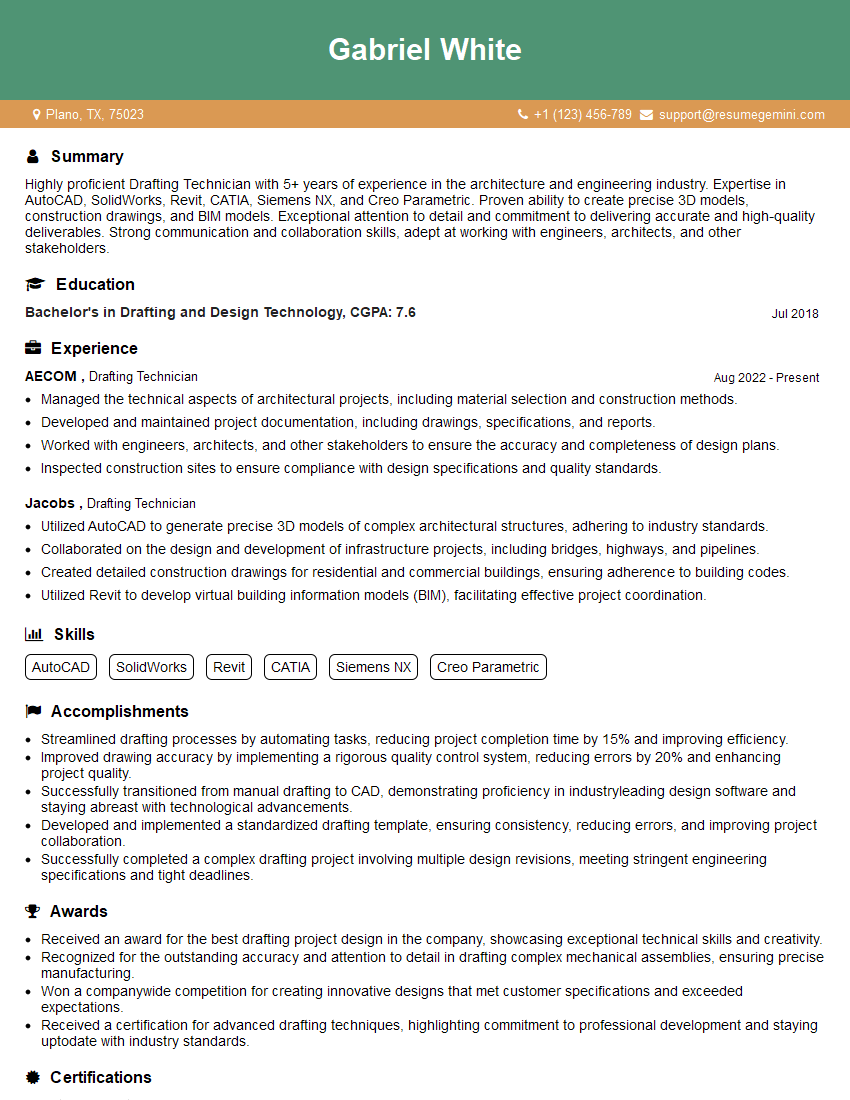
Drafting Technician Resume Sample
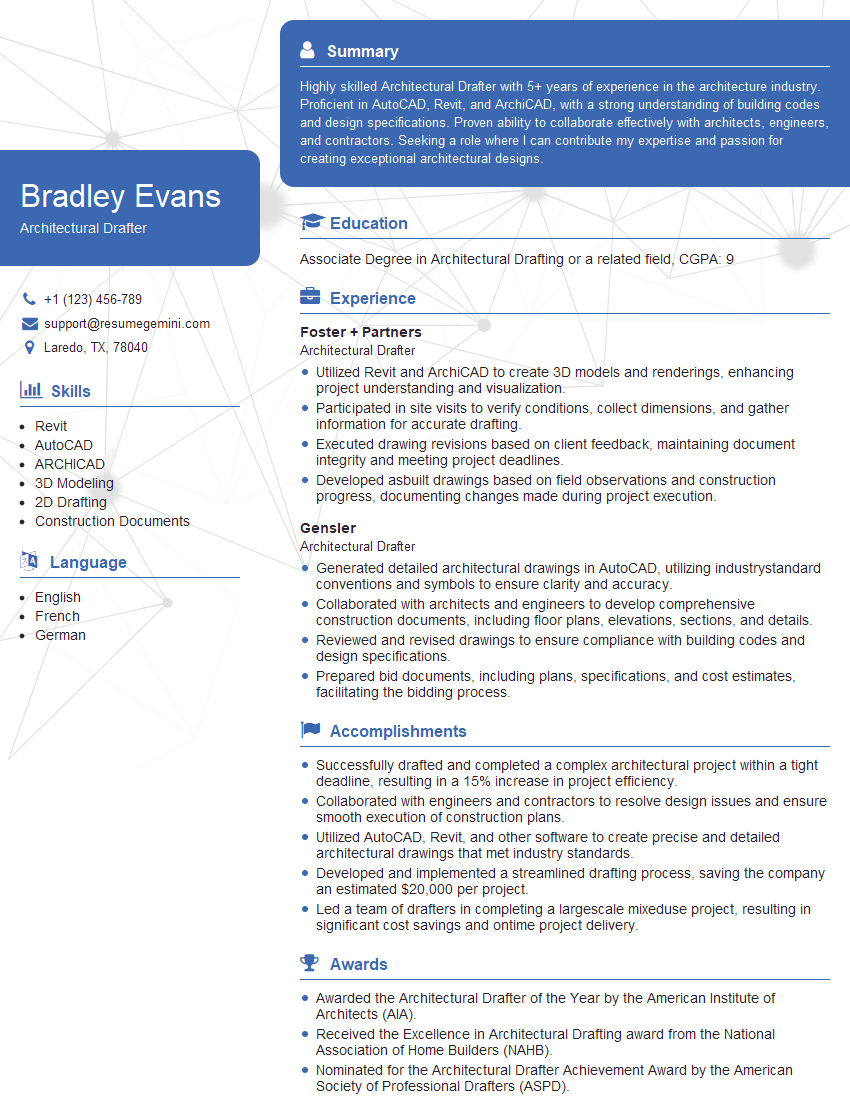
Architectural Drafter Resume Sample
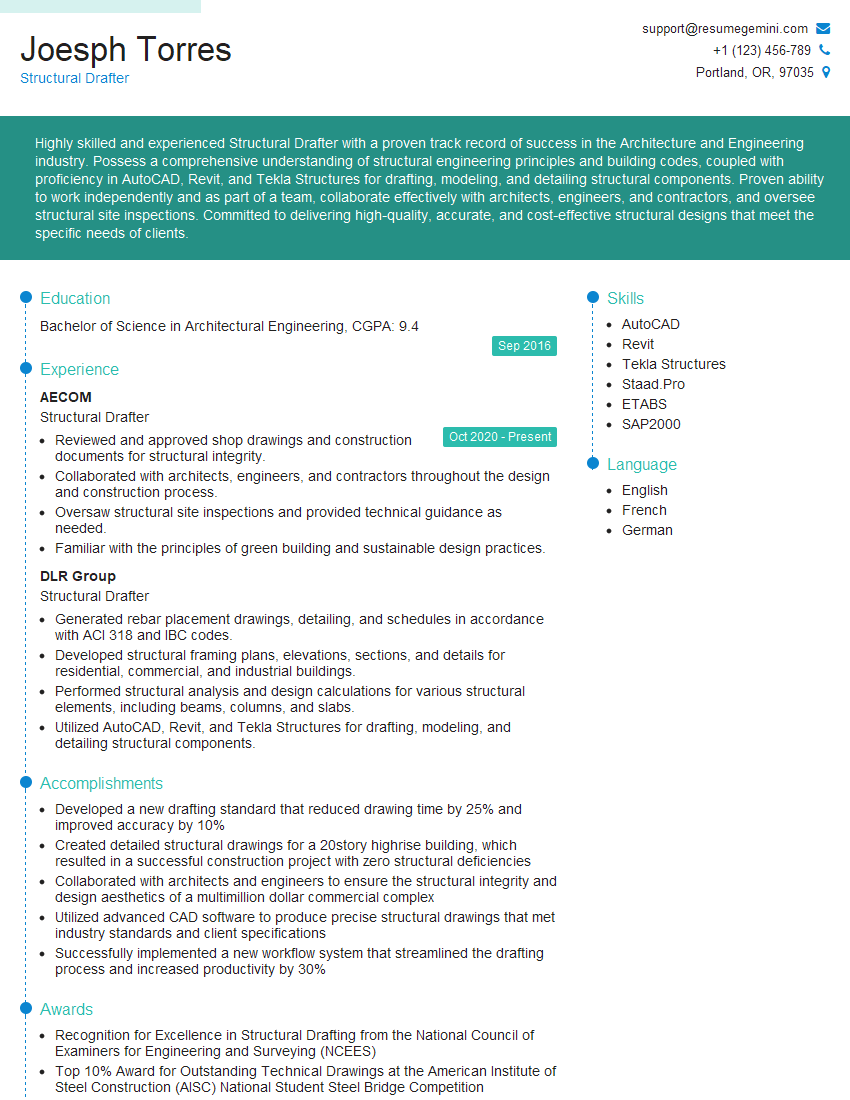
Structural Drafter Resume Sample
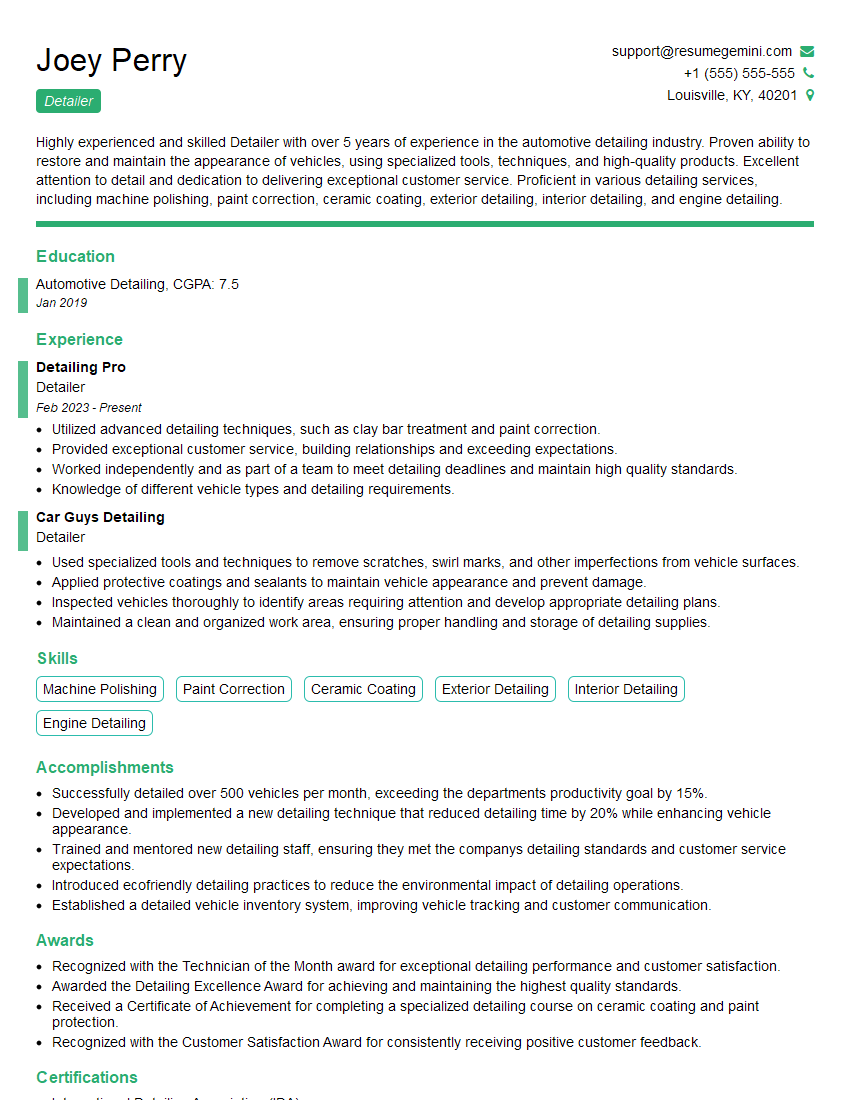
Detailer Resume Sample
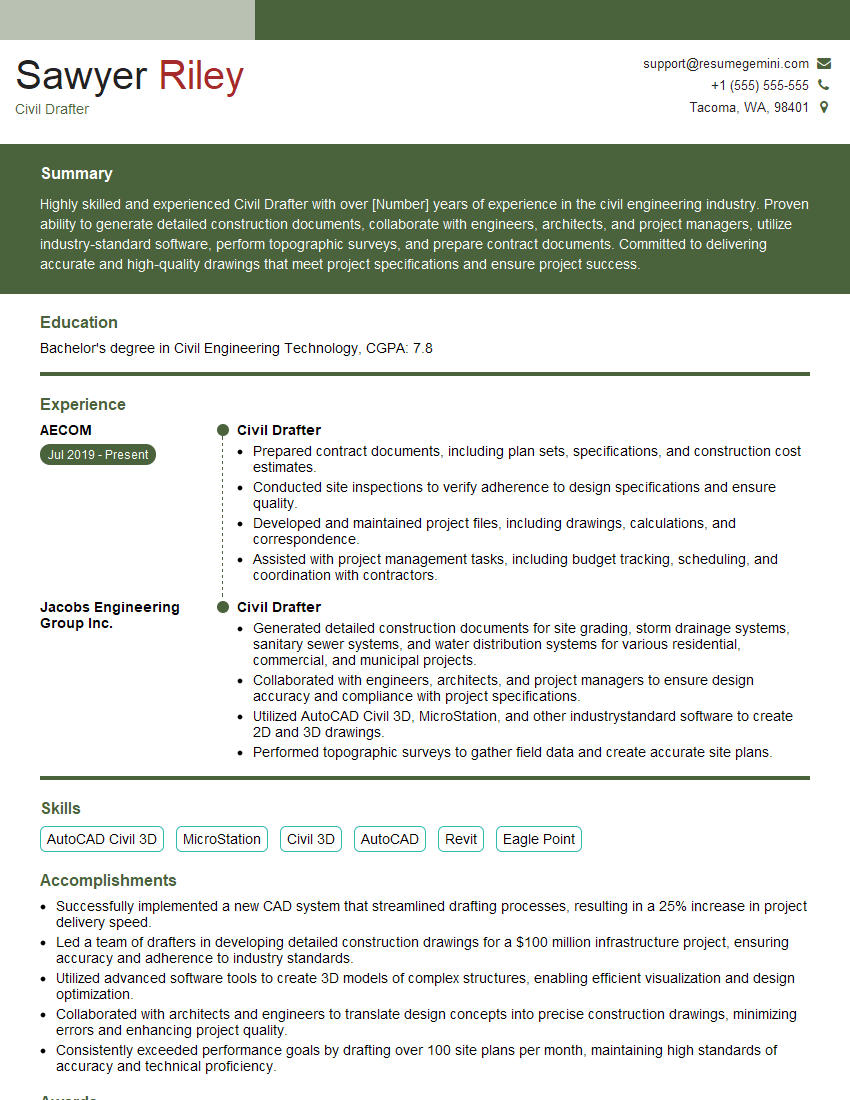
Civil Drafter Resume Sample
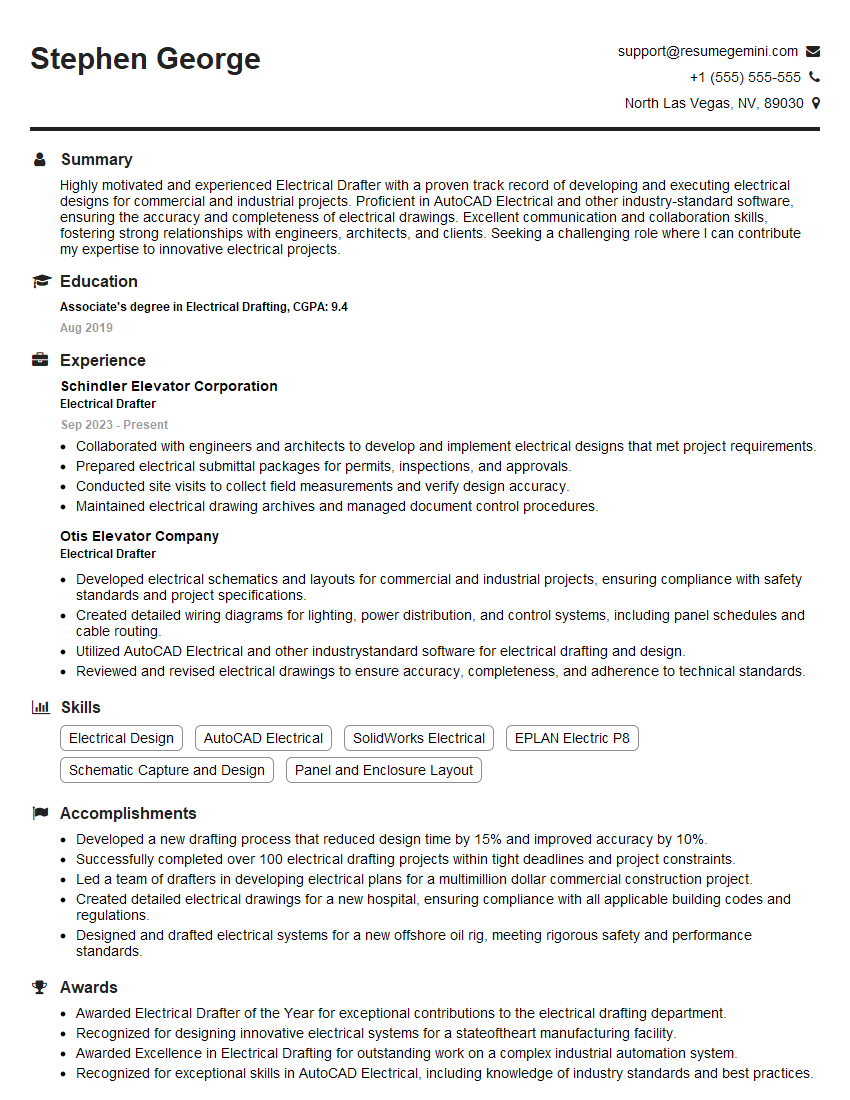
Electrical Drafter Resume Sample
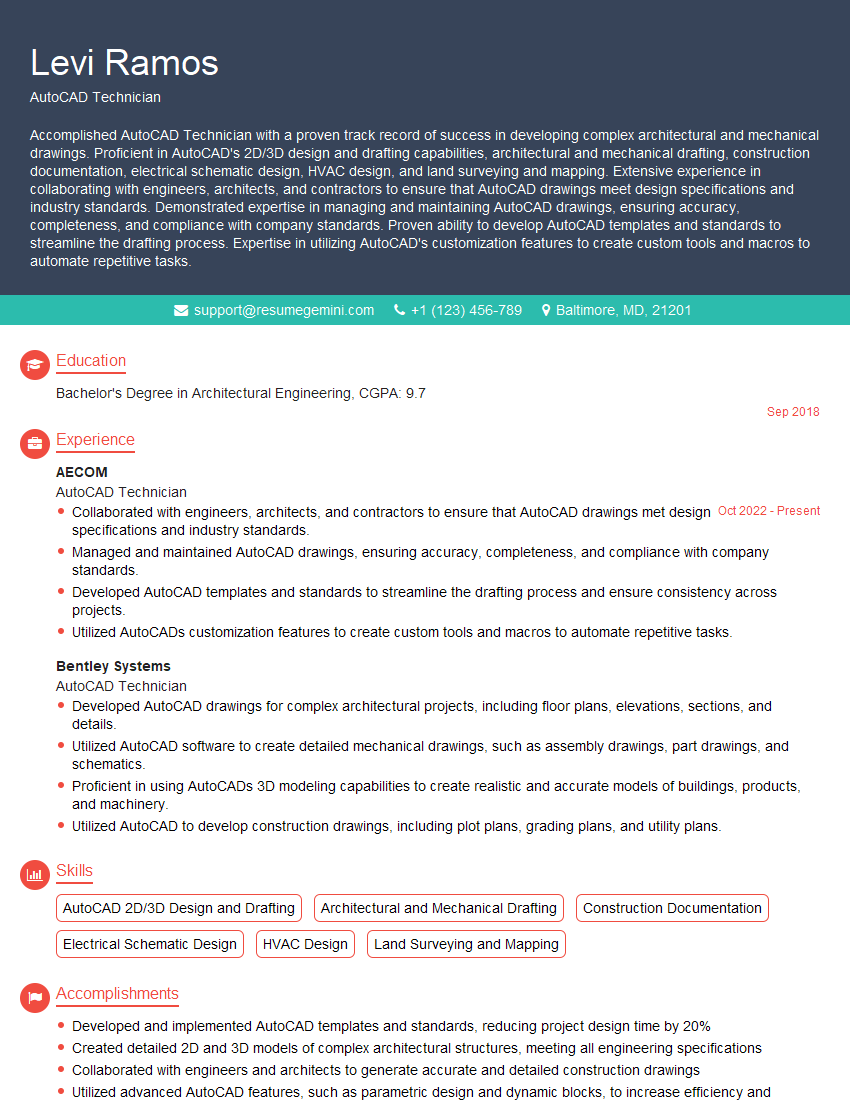
AutoCAD Technician Resume Sample
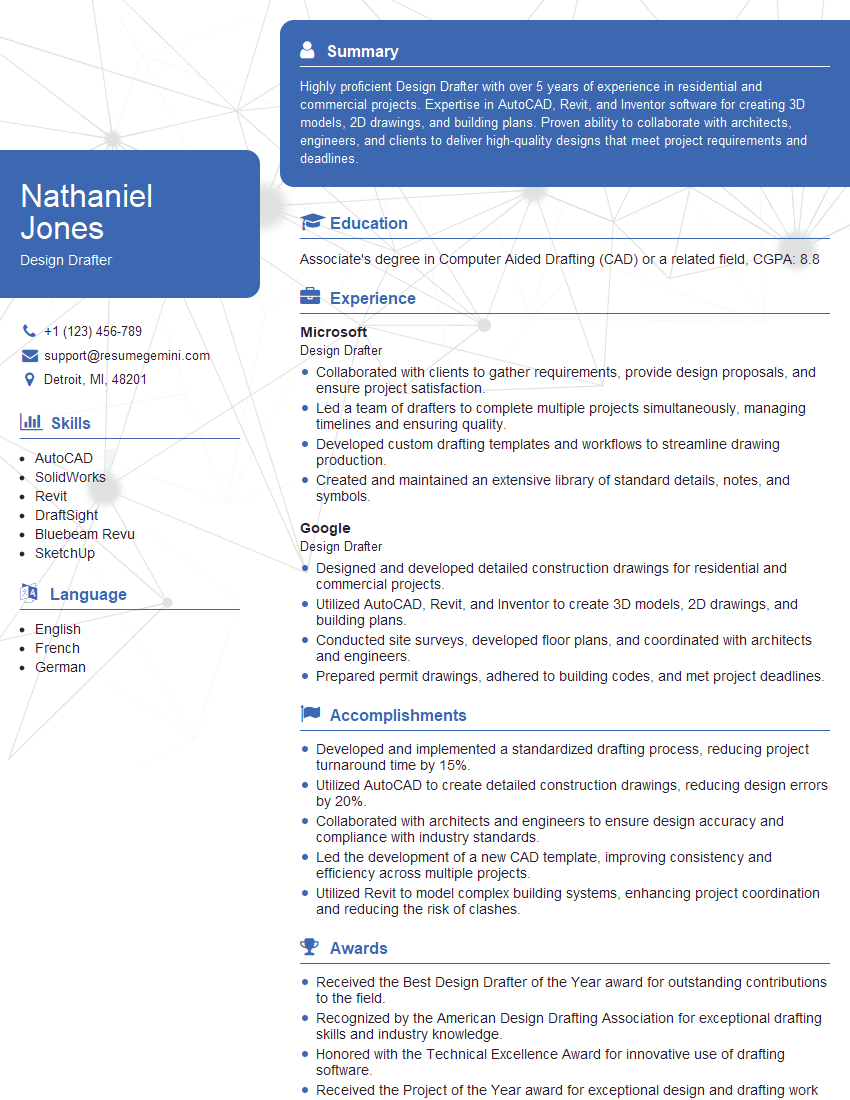
Design Drafter Resume Sample

Design Technician Resume Sample
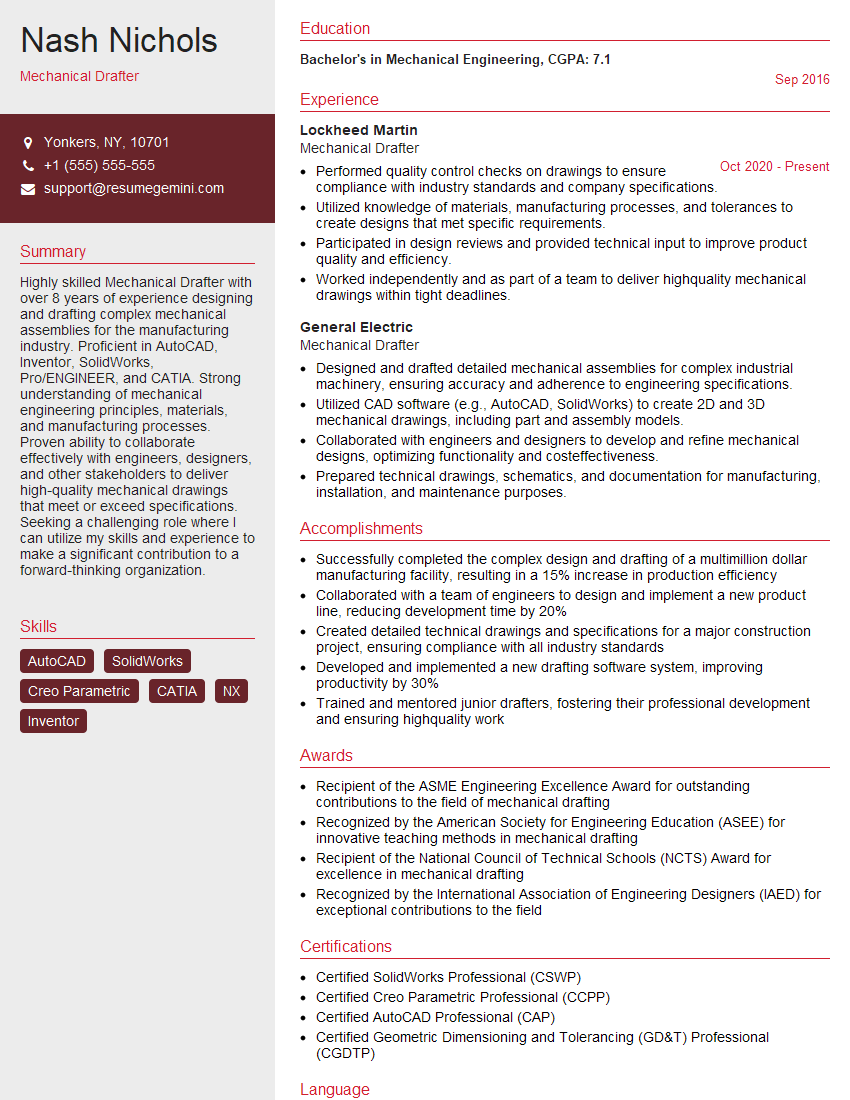
Mechanical Drafter Resume Sample

Technical Illustrator Resume Sample
Explore more articles
Users Rating of Our Blogs
Share Your Experience
We value your feedback! Please rate our content and share your thoughts (optional).
What Readers Say About Our Blog
I Redesigned Spongebob Squarepants and his main characters of my artwork.
https://www.deviantart.com/reimaginesponge/art/Redesigned-Spongebob-characters-1223583608
IT gave me an insight and words to use and be able to think of examples
Hi, I’m Jay, we have a few potential clients that are interested in your services, thought you might be a good fit. I’d love to talk about the details, when do you have time to talk?
Best,
Jay
Founder | CEO