Preparation is the key to success in any interview. In this post, we’ll explore crucial Digital Image Enhancement interview questions and equip you with strategies to craft impactful answers. Whether you’re a beginner or a pro, these tips will elevate your preparation.
Questions Asked in Digital Image Enhancement Interview
Q 1. Explain the difference between lossy and lossless image compression.
Lossy and lossless compression are two fundamental approaches to reducing the size of digital images. The key difference lies in whether information is discarded during the compression process.
Lossless compression algorithms achieve smaller file sizes without losing any image data. Think of it like neatly packing a suitcase – everything goes in, and nothing is left behind. Examples include PNG and GIF formats. These are ideal for images where preserving every detail is crucial, such as medical scans or line art.
Lossy compression, on the other hand, achieves greater compression ratios by discarding some image data deemed less important. Imagine packing a suitcase ruthlessly – you only take the essentials, leaving behind non-essential items. This results in smaller file sizes but at the cost of some image quality. JPEG is a prime example; it cleverly discards data related to fine details, which our eyes are less sensitive to, leading to a smaller file size. This is well-suited for photographs where some minor quality loss is often acceptable in exchange for significantly smaller file sizes.
In essence, the choice between lossy and lossless compression depends on the trade-off between file size and image quality required for the specific application.
Q 2. Describe different image enhancement techniques for noise reduction.
Noise reduction is a crucial step in image enhancement, aiming to minimize unwanted variations in pixel intensities that degrade image quality. Several techniques exist, each with strengths and weaknesses:
- Averaging Filters (e.g., mean filter): These filters replace each pixel’s value with the average of its neighboring pixels. This is simple but can blur sharp edges. Imagine smoothing out wrinkles on a fabric – it reduces imperfections but also softens the texture.
- Median Filters: Instead of averaging, median filters replace each pixel with the median value of its neighbors. This is more robust to outliers (noise spikes) and preserves edges better than averaging filters. Think of it as identifying the most ‘typical’ value in a neighborhood.
- Gaussian Filters: These use a weighted average, giving more importance to pixels closer to the center. This results in smoother noise reduction with less blurring compared to simple averaging. Imagine a soft brush blending colors, where the effect is strongest near the center and gradually fades out towards the edges.
- Bilateral Filtering: This preserves edges while reducing noise by considering both spatial distance and intensity difference between pixels. It’s like carefully smoothing out wrinkles while ensuring that edges of clothing remain sharp.
- Wavelet Transforms: These decompose the image into different frequency components, allowing for targeted noise reduction in specific frequency bands. Imagine separating music into different instruments; you can then adjust the volume of each individually to remove unwanted noise.
The choice of noise reduction technique depends on the type of noise and the desired level of detail preservation.
Q 3. How do you handle artifacts in image restoration?
Artifacts are unwanted patterns or distortions that appear in images due to various factors like compression, noise, or sensor limitations. Handling artifacts in image restoration requires careful analysis and tailored approaches.
Strategies include:
- Filtering: Techniques like wavelet denoising or anisotropic diffusion can selectively remove artifacts while preserving important image features. This is similar to carefully removing blemishes from a photograph while preserving skin texture.
- Inpainting: For localized artifacts, inpainting algorithms fill in missing or corrupted regions by using information from surrounding pixels. Imagine seamlessly patching a hole in a painting using colors and textures from the surrounding areas.
- Model-based Restoration: Advanced techniques model the artifact formation process and then use this model to reverse the effect. This is a more sophisticated approach, often requiring prior knowledge about the artifact type.
- Deep Learning-based methods: Recent advancements in deep learning have shown impressive results in artifact removal. These methods learn complex patterns in artifacts and can often outperform traditional approaches.
The best approach often involves a combination of techniques, carefully chosen depending on the type and severity of artifacts.
Q 4. What are the advantages and disadvantages of different interpolation methods?
Interpolation methods are used to estimate pixel values in an image when scaling or resizing. Different methods have different trade-offs between speed, accuracy, and visual quality.
- Nearest-Neighbor: This is the simplest method; it assigns the value of the nearest existing pixel to the new pixel. It’s fast but can lead to blocky, aliased results. Think of it like creating a mosaic image—large blocks of color with visible boundaries.
- Bilinear Interpolation: This uses a weighted average of the four nearest neighboring pixels. It’s faster than bicubic and produces smoother results than nearest-neighbor, but can still show some blurring.
- Bicubic Interpolation: This considers sixteen nearest neighbors and uses a cubic polynomial to estimate the value of the new pixel. It provides smoother, sharper results than bilinear but is computationally more expensive. It provides a better balance between sharpness and smoothness.
- Lanczos Resampling: This sophisticated method utilizes a sinc function, offering excellent quality but at a higher computational cost. It’s often preferred for high-quality image scaling, as it minimizes artifacts, even at significant magnification.
The choice of interpolation method depends on the application’s performance requirements and the desired visual quality. For simple tasks, nearest-neighbor or bilinear might suffice, whereas for high-quality image manipulation, bicubic or Lanczos are preferred.
Q 5. Explain the concept of histogram equalization and its applications.
Histogram equalization is an image enhancement technique that aims to improve contrast by adjusting the distribution of pixel intensities. It works by redistributing pixel values to create a more uniform histogram.
Concept: A histogram represents the frequency of each pixel intensity value. Histogram equalization attempts to stretch the range of intensities, mapping the original distribution to a more uniform one. Think of it like spreading out a pile of sand so it’s evenly distributed across a larger area.
Applications: Histogram equalization is beneficial when images have poor contrast, making details hard to see. This technique is commonly applied to medical images (X-rays, MRI scans), satellite imagery, and even low-light photography to enhance details often hidden in the shadows or bright areas.
Limitations: While effective in many cases, histogram equalization can sometimes increase noise in relatively uniform regions. It may also not be suitable for images with already good contrast.
Q 6. Discuss different methods for edge detection in images.
Edge detection is a fundamental task in image processing that identifies points in an image where there is a significant change in pixel intensity. This change often indicates a boundary between objects or regions.
Common edge detection methods include:
- Sobel Operator: This uses a pair of 3×3 convolution kernels to compute the gradient magnitude in the x and y directions. The gradient magnitude indicates the strength of the edge.
- Prewitt Operator: Similar to Sobel, but uses simpler kernels, resulting in slightly less accurate but faster edge detection.
- Laplacian Operator: This uses a second-order derivative operator to detect edges based on the rate of change of the gradient. It’s more sensitive to noise but can detect fine edges.
- Canny Edge Detector: This is a multi-step algorithm considered one of the most robust edge detectors. It uses Gaussian smoothing to reduce noise, gradient computation to identify potential edges, non-maximum suppression to thin edges, and hysteresis thresholding to connect edges.
- Log (Laplacian of Gaussian): This combines Gaussian smoothing with the Laplacian operator, providing better performance in noisy images.
The choice of edge detection method often depends on the specific application and the characteristics of the image being processed.
Q 7. How do you perform image sharpening using frequency domain techniques?
Image sharpening in the frequency domain involves manipulating the Fourier transform of the image to enhance high-frequency components corresponding to sharp details. The process typically involves these steps:
- Compute the Fourier Transform: The image is transformed from the spatial domain (pixel values) into the frequency domain using the Fast Fourier Transform (FFT).
- Design a High-Boost Filter: A filter is designed to amplify high-frequency components. This can be a simple high-pass filter or a more sophisticated filter to control the sharpening effect. A common approach is to create a high-boost filter by adding a constant value to a high-pass filter.
- Apply the Filter: The filter is applied to the Fourier transform, enhancing high-frequency components while attenuating low-frequency components (smooth regions).
- Compute the Inverse Fourier Transform: The inverse FFT is applied to transform the modified frequency domain representation back to the spatial domain, resulting in a sharpened image.
For example, a simple high-boost filter might involve adding a constant value (e.g., 1) to the high-pass filtered image.
//Illustrative pseudocode (not actual implementation) function sharpenImage(image){ fft = computeFFT(image); //Compute Fourier transform highPass = highPassFilter(fft); //Apply high pass filter highBoost = highPass + 1; //Simple High Boost filter sharpenedFFT = inverseFFT(highBoost); //Inverse transform return sharpenedFFT; }
Frequency-domain sharpening allows for precise control over the sharpening effect and can be more efficient for large images, especially when using optimized FFT algorithms.
Q 8. Explain the concept of morphological image processing and its applications.
Morphological image processing is a powerful technique that analyzes and manipulates the shape and structure of objects within an image. It uses mathematical morphology, a set of operations based on set theory, to perform tasks like object extraction, noise reduction, and boundary detection. Imagine it like sculpting an image – you’re using tools (mathematical operations) to remove unwanted parts (noise) and highlight features of interest (objects).
Key operations include dilation (expanding objects), erosion (shrinking objects), opening (removing small objects), and closing (filling small holes). These operations are performed using structuring elements, which are essentially small shapes (like a square or a circle) that define how the operation affects the image. For example, dilation with a square structuring element would expand each object pixel by pixel in all four directions, effectively thickening the object’s boundaries.
Applications are vast and include:
- Medical image analysis: Identifying tumors, analyzing cell structures.
- Remote sensing: Extracting roads, buildings, or other features from satellite images.
- Document processing: Cleaning up scanned documents, removing noise or artifacts.
- Industrial inspection: Detecting defects in manufactured parts.
Q 9. Describe different techniques for image segmentation.
Image segmentation aims to partition an image into meaningful regions or objects. Think of it like labeling different parts of a puzzle – each piece represents a distinct region. Many techniques exist, each with strengths and weaknesses:
- Thresholding: The simplest approach, separating pixels based on their intensity values. If you have a black and white image, setting a threshold value can easily separate the black and white regions. However, this works poorly with images having gradual intensity changes.
- Edge detection: Identifying boundaries between regions using gradient operators like Sobel or Canny. This is useful when object boundaries are well-defined but can be sensitive to noise.
- Region-based segmentation: Grouping pixels with similar properties (intensity, texture, color). Region growing starts with a seed pixel and expands it based on similarity criteria. Watershed segmentation treats the image like a topographic map, identifying catchment basins as distinct regions. This is useful for more complex images.
- Clustering-based segmentation: Using algorithms like k-means to group pixels into clusters based on feature vectors (color, texture). This is efficient for separating groups of similar pixels but may require prior knowledge on the number of regions.
- Deep learning-based segmentation: Using Convolutional Neural Networks (CNNs) to automatically learn features and segment images. This has proven highly effective but requires large labeled datasets and substantial computational power. U-Net is a common example architecture.
Q 10. What are the challenges in processing medical images?
Processing medical images presents unique challenges:
- Noise: Medical images are often noisy due to limitations in acquisition technology, resulting in artifacts that obscure details.
- Low contrast: Subtle differences in tissue densities can be hard to distinguish, hindering accurate analysis.
- Variability: Patient anatomy and imaging parameters vary widely, making it difficult to develop generic processing algorithms.
- High dimensionality: 3D and 4D (time-series) medical images require significant computational resources and sophisticated algorithms.
- Data privacy and security: Strict regulations and ethical considerations must be followed when handling sensitive patient data.
Addressing these issues requires advanced techniques like adaptive filtering to handle noise while preserving details, contrast enhancement methods tailored for medical images, and robust registration algorithms to align images from different modalities or time points. Furthermore, deep learning models are increasingly used for tasks such as automatic diagnosis and segmentation, although careful validation and oversight are essential.
Q 11. How do you handle color distortions in images?
Color distortions, like inaccurate color representation or uneven color balance, can significantly degrade image quality. Handling them involves techniques such as:
- White balance correction: Adjusting the color balance to neutralize the effect of different lighting conditions. Algorithms typically identify a neutral point (like white) and adjust the image accordingly.
- Color space transformation: Converting the image to a different color space (e.g., from RGB to HSV or LAB) can make color correction easier. In HSV space, for instance, you can independently manipulate hue, saturation, and value.
- Histogram equalization or matching: Adjusting the distribution of pixel intensities to improve contrast and color uniformity. Histogram matching ensures a consistent color distribution across different images.
- Color correction matrices: Applying mathematical transformations to adjust individual color channels. These matrices can be derived from calibration data or learned from training images.
The choice of technique depends on the nature of the distortion. For instance, if the problem is a color cast due to lighting, white balance correction would be suitable, while if the issue is uneven color distribution across the image, histogram equalization might be more effective.
Q 12. Explain the concept of image registration.
Image registration is the process of aligning two or more images of the same scene taken from different viewpoints or at different times. Imagine aligning two photos of the same building, one taken from a different angle. Registration is crucial for many applications, allowing comparison, fusion, and analysis of multiple images.
Techniques include:
- Feature-based registration: Identifying corresponding features (points, lines, or regions) in the images and using transformations to align them. This approach is robust but requires identifying distinctive features.
- Intensity-based registration: Aligning images based on the similarity of pixel intensities. This uses optimization algorithms to find the transformation that maximizes image similarity, often measured using metrics like mutual information. This method is generally less sensitive to feature extraction issues but may be slower.
Applications are found in medical imaging (aligning MRI and CT scans), remote sensing (comparing images taken at different times or from different satellites), and computer vision (creating 3D models from multiple 2D images). The choice of method depends on the image content, the nature of the transformation (translation, rotation, scaling), and the computational resources available.
Q 13. What are the key considerations when selecting an image compression algorithm?
Selecting an image compression algorithm involves carefully balancing compression ratio (how much the file size is reduced) with image quality. Key considerations include:
- Compression ratio: How much smaller the compressed image is compared to the original. Higher ratios mean smaller files but potentially more loss of quality.
- Image quality: How much detail is preserved after compression. Lossy methods (like JPEG) achieve high compression ratios but lose some image information. Lossless methods (like PNG) preserve all information, resulting in larger file sizes.
- Computational cost: How much processing power is required for compression and decompression. Some algorithms are computationally more expensive than others.
- Application requirements: The specific needs of the application dictate the preferred method. For instance, medical images might require lossless compression to ensure accuracy, whereas images for a web page might accept some loss of quality for smaller file sizes.
Common algorithms include JPEG (lossy, good for photographs), PNG (lossless, good for graphics with sharp lines), and WebP (lossy and lossless, designed for web applications). The choice ultimately depends on the trade-off between file size, image quality, and computational requirements.
Q 14. Discuss the role of image enhancement in computer vision applications.
Image enhancement plays a vital role in computer vision by improving image quality and making it easier for computer algorithms to extract meaningful information. Without enhancement, the performance of computer vision algorithms can be significantly hampered.
Examples include:
- Noise reduction: Removing noise from images improves the accuracy of feature detection and object recognition.
- Contrast enhancement: Making subtle details more visible improves the performance of segmentation algorithms.
- Sharpening: Highlighting edges and fine details helps in edge detection and object boundary delineation.
- Color correction: Ensuring accurate color representation is crucial for applications requiring color analysis or object recognition based on color features.
Enhanced images provide clearer and more consistent input to computer vision algorithms, leading to improved performance in tasks like object detection, image classification, and image segmentation. For instance, enhancing the contrast of a medical image before feeding it into a tumor detection algorithm can improve the accuracy of the diagnosis.
Q 15. How do you evaluate the performance of an image enhancement algorithm?
Evaluating an image enhancement algorithm’s performance isn’t a one-size-fits-all approach. It depends heavily on the specific algorithm and the desired outcome. However, some common metrics and techniques include:
- Quantitative Metrics: These involve numerical measurements. Examples include Peak Signal-to-Noise Ratio (PSNR), Structural Similarity Index (SSIM), and Mean Squared Error (MSE). PSNR, for instance, compares the pixel values of the enhanced image to a reference image (the ‘ground truth’). A higher PSNR generally indicates better quality, but it doesn’t always correlate with perceived visual quality. SSIM, on the other hand, accounts for perceived structural similarities, often providing a better correlation with human judgment.
- Qualitative Metrics: These rely on visual assessment and subjective judgment. This often involves showing the enhanced images to human observers and asking for feedback on aspects such as sharpness, contrast, noise reduction, and overall visual appeal. A blind test, where observers don’t know which algorithm produced which image, can minimize bias.
- Computational Cost: The algorithm’s efficiency is also crucial. We consider processing time and memory usage. A highly accurate algorithm might be impractical if it takes too long to process an image.
In practice, I often combine quantitative and qualitative methods. For example, I might use PSNR and SSIM as initial benchmarks, then refine the algorithm based on human evaluations, looking for areas where the algorithm might be over-sharpening or introducing artifacts.
Career Expert Tips:
- Ace those interviews! Prepare effectively by reviewing the Top 50 Most Common Interview Questions on ResumeGemini.
- Navigate your job search with confidence! Explore a wide range of Career Tips on ResumeGemini. Learn about common challenges and recommendations to overcome them.
- Craft the perfect resume! Master the Art of Resume Writing with ResumeGemini’s guide. Showcase your unique qualifications and achievements effectively.
- Don’t miss out on holiday savings! Build your dream resume with ResumeGemini’s ATS optimized templates.
Q 16. Explain the concept of image deblurring.
Image deblurring aims to recover a sharp image from a blurry one. Blurring occurs due to various factors, including camera shake, motion blur, or out-of-focus lenses. The process essentially involves reversing the blurring operation, a mathematically challenging inverse problem.
Several techniques exist, including:
- Inverse Filtering: This method estimates the blurring function (point spread function or PSF) and then applies its inverse in the frequency domain. It’s simple but sensitive to noise.
- Wiener Filtering: A refinement of inverse filtering that incorporates a signal-to-noise ratio estimate to reduce noise amplification.
- Regularization Methods: Techniques like Tikhonov regularization add constraints to the solution to prevent overfitting and instability. They’re more robust to noise.
- Blind Deconvolution: This approach attempts to estimate both the sharp image and the blurring function simultaneously, which is more complex but powerful if the PSF is unknown.
- Deep Learning Methods: Convolutional Neural Networks (CNNs) have shown remarkable success in deblurring, particularly for complex blur types. They learn intricate relationships between blurry and sharp images from large training datasets.
Imagine trying to reconstruct a smudged painting. Deblurring is like carefully cleaning that smudge, bringing back the original fine details. The choice of method depends on the type of blur, the noise level, and computational resources.
Q 17. What are the different types of image noise?
Image noise represents unwanted variations in pixel intensities, degrading image quality. Several types exist:
- Gaussian Noise: This is a common type where noise follows a Gaussian (normal) distribution. It’s characterized by random variations with a mean of zero. Think of it as a fine grain sprinkled evenly across the image.
- Salt-and-Pepper Noise: This noise manifests as randomly scattered white (salt) and black (pepper) pixels. It’s often caused by sensor errors or data transmission issues.
- Speckle Noise: Often seen in images obtained using ultrasound or radar, speckle noise appears as a granular texture. It’s multiplicative noise, meaning its intensity is proportional to the image signal.
- Poisson Noise: This type arises from the discrete nature of light and is common in low-light imaging. It’s characterized by higher noise in brighter regions of the image.
Identifying the type of noise is crucial because different noise types require different filtering techniques for effective removal. For instance, median filtering is effective against salt-and-pepper noise, while Gaussian filtering works well with Gaussian noise.
Q 18. Describe your experience with image processing software (e.g., MATLAB, OpenCV).
I’ve extensively used both MATLAB and OpenCV for image processing projects. MATLAB, with its Image Processing Toolbox, provides a high-level, user-friendly environment ideal for algorithm development and experimentation. Its extensive library of functions simplifies tasks like image filtering, segmentation, and feature extraction. I’ve used it to develop and test various image enhancement algorithms, including those for noise reduction, deblurring, and contrast enhancement.
OpenCV, on the other hand, is a powerful and versatile open-source library that offers excellent performance and is well-suited for real-time applications. I’ve used OpenCV for projects requiring efficient implementation and integration with other systems, such as developing a real-time image processing pipeline for a robotic vision system. I’m proficient in both C++ and Python interfaces for OpenCV.
For example, in a recent project involving satellite image analysis, I used MATLAB for initial algorithm prototyping and then implemented the optimized version in OpenCV for deployment on an embedded system.
Q 19. How would you approach improving the contrast of a low-light image?
Enhancing the contrast of a low-light image requires carefully balancing noise reduction and contrast amplification. Here’s a multi-step approach:
- Noise Reduction: Low-light images are often noisy. Applying a suitable noise reduction filter, like a bilateral filter or a wavelet-based denoising technique, is crucial before contrast enhancement to prevent noise amplification.
- Histogram Equalization: This technique redistributes pixel intensities to improve contrast. However, it can sometimes amplify noise. Adaptive histogram equalization is a more sophisticated variant that adjusts the equalization process locally, leading to better results.
- Gamma Correction: This nonlinear transformation adjusts the image’s brightness. Increasing the gamma value brightens dark areas, while decreasing it darkens bright areas. Fine-tuning the gamma value is essential to achieve optimal results.
- Retinex Algorithm: This algorithm separates the reflectance and illumination components of an image, effectively enhancing contrast by normalizing illumination differences. Different variants like the single-scale retinex and multi-scale retinex offer different trade-offs between detail preservation and contrast enhancement.
The exact combination of these methods would depend on the specific characteristics of the image. For instance, a heavily noisy image may benefit more from advanced denoising techniques before histogram equalization. I would iteratively apply and adjust these techniques, visually evaluating the outcome at each step.
Q 20. Explain your understanding of wavelet transforms in image processing.
Wavelet transforms are powerful mathematical tools used in image processing for multi-resolution analysis. They decompose an image into different frequency components at various scales, allowing for efficient processing of different aspects of the image.
Unlike Fourier transforms that represent an image in terms of sine and cosine waves, wavelet transforms use wavelets – localized, wave-like functions – to represent image details across different scales. This multi-resolution capability is highly advantageous for image enhancement.
In image processing, wavelet transforms are useful for:
- Image Compression: Wavelets allow for efficient compression by discarding less significant wavelet coefficients, representing the image with fewer bits.
- Image Denoising: By thresholding wavelet coefficients, noise can be selectively removed, preserving important image features.
- Image Fusion: Wavelets facilitate the integration of information from multiple images, like combining images from different sensors.
- Feature Extraction: Wavelet coefficients can act as image features for various applications like image classification or object recognition.
Imagine looking at a landscape from far away (low resolution) and then zooming in to see details (high resolution). Wavelet transform allows us to decompose the image similarly, examining different levels of detail separately and applying operations accordingly. This localized approach is particularly efficient compared to global transformations like the Fourier transform.
Q 21. How do you handle image scaling and resizing?
Image scaling and resizing involves changing the dimensions of an image. The simplest approach is nearest-neighbor interpolation, which assigns the pixel value of the nearest neighbor in the original image to each pixel in the resized image. This is fast but can result in blocky, pixelated images.
More sophisticated methods include:
- Bilinear Interpolation: This method uses a weighted average of the four nearest neighbors to compute the pixel value in the resized image, producing smoother results than nearest-neighbor interpolation.
- Bicubic Interpolation: This approach uses a weighted average of 16 neighboring pixels, offering a more accurate and smoother result than bilinear interpolation, especially for larger scaling factors. It’s computationally more expensive but produces higher-quality images.
- Lanczos Resampling: A more advanced algorithm that uses a sinc function with a wider kernel, resulting in very sharp and high-quality results, especially for downscaling. However, it is computationally expensive.
The choice of method depends on the desired trade-off between speed, accuracy, and image quality. For quick resizing, bilinear interpolation is often sufficient. For high-quality results, bicubic or Lanczos resampling are preferred, although they are computationally more demanding. In real-world applications, I would often choose the method based on the specific needs and constraints of the project, such as real-time requirements versus high-quality image rendering.
Q 22. Describe different techniques for image watermarking.
Image watermarking techniques embed a mark, often a logo or text, into an image to protect copyright or authenticate its origin. There are broadly two categories: spatial domain and frequency domain methods.
Spatial Domain Techniques: These methods directly manipulate the pixel values of the image. Examples include additive watermarking (adding the watermark directly to pixel values), and spread-spectrum watermarking (embedding the watermark across a large area of the image, making it robust against attacks).
Frequency Domain Techniques: These methods transform the image to a frequency domain (like the Fourier or Discrete Cosine Transform), embed the watermark in the transformed domain, and then inverse transform back to the spatial domain. This often provides better robustness against image manipulations like compression and filtering. Discrete Wavelet Transform (DWT) is a popular choice here.
For example, a simple additive watermarking technique might add the watermark pixels directly to the original image pixels. However, this is vulnerable to cropping and other attacks. Frequency domain techniques are generally preferred for their robustness.
Q 23. Explain your experience with deep learning techniques for image enhancement.
I’ve extensively used deep learning, specifically convolutional neural networks (CNNs), for various image enhancement tasks. My experience includes employing Generative Adversarial Networks (GANs) for super-resolution, where I trained a GAN to generate high-resolution images from low-resolution inputs. I’ve also worked with CNNs for tasks like denoising and deblurring, leveraging pre-trained models like U-Net and adapting them to specific datasets and enhancement goals. In one project, I used a CycleGAN to improve the quality of historical photographs, successfully reducing noise and enhancing detail without introducing artifacts. The results were significantly better than traditional methods, especially for severely degraded images. Furthermore, I have experience in fine-tuning these pre-trained models to achieve better performance on specific image enhancement tasks, leading to more optimized and faster execution times.
Q 24. What are some common challenges in real-world image enhancement tasks?
Real-world image enhancement faces several challenges. One major hurdle is the diversity of image degradation types. Images can be degraded by noise (salt-and-pepper, Gaussian), blur (motion blur, out-of-focus blur), compression artifacts, and various combinations thereof. Another challenge is computational complexity; high-quality enhancement often demands significant processing power and time, which is not always feasible for real-time applications. Furthermore, subjective assessment remains a challenge. What constitutes ‘enhanced’ can be highly dependent on context and user preference. Finally, maintaining fine details while removing noise or artifacts is a delicate balance that requires careful tuning and selection of algorithms. For example, aggressively removing noise could also remove fine details, leading to a loss of image fidelity.
Q 25. How do you address issues related to image resolution and scale?
Addressing image resolution and scale involves techniques like super-resolution and image scaling. Super-resolution aims to increase the resolution of an image, generating higher-resolution outputs from lower-resolution inputs. Deep learning methods, particularly GANs and CNNs, have shown significant advancements in this area. For scaling images, bicubic or Lanczos interpolation are commonly used. The choice of method depends on the desired trade-off between speed and quality. Bicubic interpolation is faster but can produce less sharp results than Lanczos, which is slower but often produces better visual quality. In my work, I’ve experimented with various deep learning based approaches for super resolution, and bicubic and Lanczos interpolation methods for scaling, choosing the best technique based on the specific application requirements and computational constraints.
Q 26. Describe your approach to optimizing image processing algorithms for speed and efficiency.
Optimizing image processing algorithms for speed and efficiency requires a multifaceted approach. This includes carefully selecting appropriate algorithms, leveraging hardware acceleration (like GPUs), and employing efficient data structures. For example, using fast Fourier transforms (FFTs) instead of direct calculation can significantly speed up frequency domain processing. Parallelization of tasks is crucial, especially when dealing with large images. Libraries like OpenCV provide optimized functions that can be incorporated to enhance speed. Furthermore, algorithmic optimizations, like pruning less important filters in CNNs, can improve performance. Profiling the code to identify bottlenecks helps in targeting optimization efforts where they matter most. I often explore different libraries, data structures, and hardware options to find the optimal balance between speed and image quality.
Q 27. How would you handle a situation where an image enhancement technique produces undesirable artifacts?
When an image enhancement technique produces undesirable artifacts (e.g., ringing, blurring, or unnatural color shifts), a systematic approach is needed. First, I would analyze the cause of the artifacts. Is it due to the algorithm’s parameters, the input image’s characteristics, or a combination of factors? Second, I’d adjust the parameters of the algorithm. This might involve reducing the strength of the enhancement filter, changing the noise reduction level, or modifying the thresholding parameters. Third, I would explore alternative algorithms or techniques. If the artifacts persist, a different method may be better suited. Fourth, I may employ a multi-step approach, combining several techniques in a pipeline to mitigate artifacts while achieving desired enhancement. Finally, I might use techniques such as guided image filtering or non-local means to reduce artifacts after the initial enhancement step. Careful monitoring and evaluation during each step are critical to ensure that artifacts are minimized while maintaining image quality.
Q 28. Discuss your experience with different image file formats and their suitability for various applications.
I have experience with various image file formats, each with its own strengths and weaknesses. JPEG is widely used for its good compression ratio but suffers from quality loss due to lossy compression. It’s suitable for web applications and situations where file size is critical. PNG provides lossless compression, preserving image quality, and is ideal for graphics with sharp lines and text. TIFF supports lossless and lossy compression and is suitable for high-quality images that require archival storage. GIF is suitable for animations and images with limited color palettes. RAW files contain unprocessed image data, allowing for greater control during post-processing and are best for professional photographers. The choice of format depends on the application’s needs. For web applications where speed is crucial, JPEG is often preferred. For images needing high fidelity, PNG or TIFF are better choices. For archival purposes where quality is paramount and compression is less important, TIFF is generally favored. My choice always considers the trade-off between image quality, file size, and application requirements.
Key Topics to Learn for Digital Image Enhancement Interview
- Spatial Domain Techniques: Understanding and applying fundamental operations like contrast stretching, histogram equalization, and spatial filtering (e.g., averaging, median, Gaussian filters). Practical applications include noise reduction and image sharpening.
- Frequency Domain Techniques: Mastering the concepts of Fourier Transforms and their application in image enhancement. Explore techniques like filtering in the frequency domain (low-pass, high-pass, band-pass) for applications such as blurring, sharpening, and removing periodic noise.
- Image Restoration: Learn about techniques to recover degraded images. This includes understanding noise models, deconvolution methods, and techniques to address blurring. Practical application includes restoring old photographs or medical images.
- Color Image Processing: Explore color models (RGB, HSV, YCbCr), color transformations, and techniques for color correction and enhancement. Applications include improving the visual appeal of images and correcting color casts.
- Morphological Image Processing: Understand erosion, dilation, opening, and closing operations and their applications in image segmentation, object extraction, and shape analysis.
- Image Compression: Familiarize yourself with lossy and lossless compression techniques (e.g., JPEG, PNG) and their trade-offs. This is crucial for understanding how image data is stored and transmitted efficiently.
- Geometric Transformations: Understand image scaling, rotation, translation, and affine transformations. Applications include image registration and rectification.
- Problem-Solving Approaches: Develop your ability to analyze image enhancement problems, select appropriate techniques, and evaluate the results. Practice diagnosing issues and proposing solutions.
Next Steps
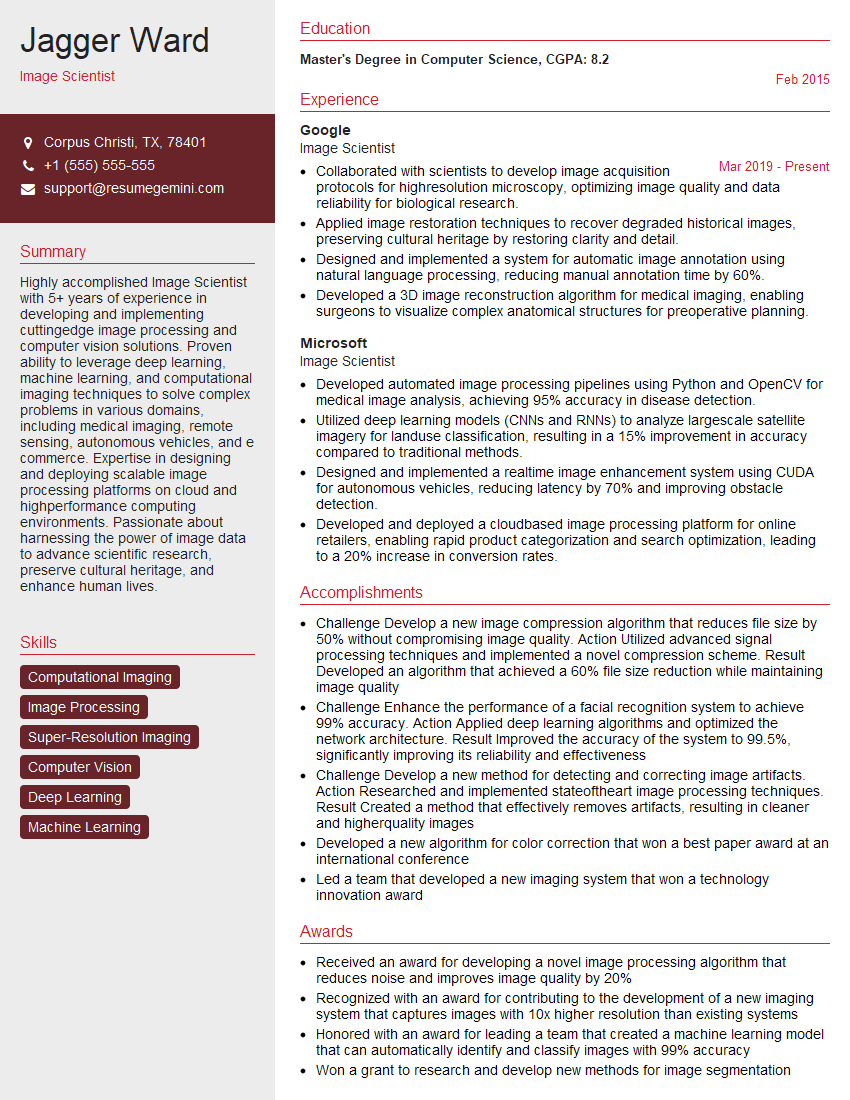
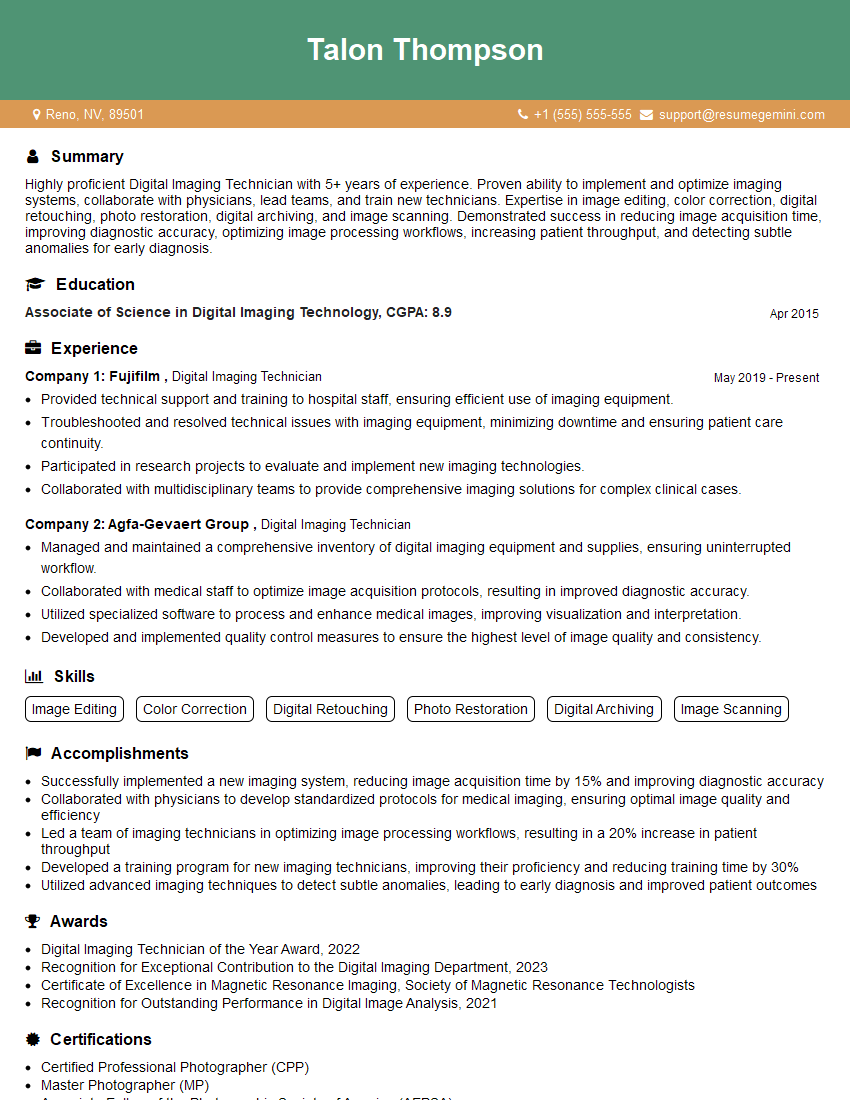
Mastering Digital Image Enhancement opens doors to exciting careers in computer vision, medical imaging, photography, and many more. A strong foundation in these techniques significantly improves your job prospects. To maximize your chances, crafting an ATS-friendly resume is crucial. We highly recommend using ResumeGemini to build a professional and effective resume that highlights your skills and experience. ResumeGemini offers examples of resumes tailored to Digital Image Enhancement to guide you in creating a compelling application. Make your skills shine and land your dream job!

Explore more articles
Users Rating of Our Blogs
Share Your Experience
We value your feedback! Please rate our content and share your thoughts (optional).
What Readers Say About Our Blog
I Redesigned Spongebob Squarepants and his main characters of my artwork.
https://www.deviantart.com/reimaginesponge/art/Redesigned-Spongebob-characters-1223583608
IT gave me an insight and words to use and be able to think of examples
Hi, I’m Jay, we have a few potential clients that are interested in your services, thought you might be a good fit. I’d love to talk about the details, when do you have time to talk?
Best,
Jay
Founder | CEO