Preparation is the key to success in any interview. In this post, we’ll explore crucial Document Type Management interview questions and equip you with strategies to craft impactful answers. Whether you’re a beginner or a pro, these tips will elevate your preparation.
Questions Asked in Document Type Management Interview
Q 1. Explain the difference between metadata and document properties.
While often used interchangeably, metadata and document properties have distinct roles in document management. Think of it like this: document properties are the basic characteristics, while metadata provides richer context.
Document Properties are inherent attributes directly associated with the file itself. For example, a PDF might have properties like file size, creation date, author (as recorded by the application), and number of pages. These are often automatically generated and are relatively static.
Metadata, on the other hand, is descriptive information added to enhance searchability and understanding. It’s like adding tags to a photo on social media. Examples include keywords describing the content, subject matter, project name, department, classification level (e.g., confidential), and even a custom field for a document’s version number. Metadata is more flexible and can be customized extensively to fit the organization’s needs.
Example: A PDF report on quarterly sales (document) might have properties like file size (1MB), creation date (October 26, 2024), and author (John Doe). However, its metadata could include keywords like “sales report,” “Q4 2024,” “North America,” “revenue,” “financial performance.” The metadata allows for significantly improved searchability and organization beyond the basic file properties.
Q 2. Describe your experience with different document types (e.g., PDFs, images, audio).
My experience spans a broad range of document types, focusing on efficient management and accessibility. I’ve worked extensively with PDFs, leveraging their strengths for archival and formal documents, and understanding their limitations in collaborative editing. I’ve managed large image collections, employing techniques for compression and optimized storage to minimize storage costs without sacrificing quality. Audio files required specialized handling, particularly for transcription and indexing, ensuring accurate and searchable content. In each case, I’ve prioritized the use of appropriate metadata and version control for each document type to maintain integrity and ease of retrieval.
For example, in one project involving a large architectural firm, we implemented a system to manage CAD drawings (a specialized type of image), ensuring version control and preventing overwriting. Another project dealt with a vast library of audio interviews, where I implemented a workflow for transcription, quality control, and indexing the transcribed text. I’ve also worked with video and other multimedia formats, recognizing the unique challenges and employing different storage and access strategies.
Q 3. How do you ensure document version control and prevent conflicts?
Robust document version control is crucial to prevent conflicts and maintain data integrity. I employ several strategies, including:
- Version numbering: A clear and consistent versioning scheme (e.g., v1.0, v1.1, v2.0) ensures everyone knows which version they are working with.
- Check-in/check-out systems: These systems prevent simultaneous edits by multiple users. A user ‘checks out’ a document, edits it, and then ‘checks it in’ making the latest version available to others.
- Centralized repository: Storing all versions in a central, secure repository simplifies tracking and prevents accidental overwriting of older versions.
- Document history tracking: The DMS should track all changes, including who made the changes, when, and what those changes were. This is essential for auditing and rollback if needed.
- Workflow automation: Approvals and review processes can be built into the workflow, further controlling document versions.
Example: In a project involving legal documents, we used a DMS with a strict check-in/check-out system, ensuring that only one user could edit a document at a time. This prevented any conflicts and maintained the integrity of the legal documents.
Q 4. What are the key components of a robust document management system (DMS)?
A robust DMS is more than just a file storage location; it’s a comprehensive system designed for efficient document lifecycle management. Key components include:
- Centralized repository: A secure, accessible location for all documents.
- Metadata management: The ability to add, edit, and search based on rich metadata.
- Version control: Tracking changes and preventing conflicts, as discussed earlier.
- Access control: Restricting access to documents based on roles and permissions.
- Workflow automation: Streamlining approval processes and routing.
- Search and retrieval: Powerful search capabilities to quickly locate documents based on keywords, metadata, and properties.
- Security features: Encryption, audit trails, and other measures to protect sensitive data.
- Integration capabilities: Seamless integration with other systems (e.g., CRM, ERP).
- Reporting and analytics: Generating reports on document usage, storage, and other metrics.
Q 5. Explain your experience with implementing or migrating to a DMS.
I have extensive experience in both implementing new DMS and migrating from legacy systems. Successful implementation requires careful planning and execution. This includes:
- Needs assessment: Thorough analysis of current document workflows, volume, types, and security needs.
- System selection: Choosing a DMS that aligns with the organization’s requirements.
- Data migration: Developing a plan to migrate existing documents, ensuring data integrity.
- User training: Providing comprehensive training to staff on how to use the new system.
- Change management: Addressing concerns and supporting staff through the transition.
- Testing and validation: Rigorous testing to ensure the system functions correctly and meets requirements.
During one migration, we moved terabytes of data from a disparate set of shared drives and individual computers to a cloud-based DMS. This involved meticulous planning, data cleansing, and extensive user training to ensure a smooth transition. Post-implementation, we continually monitored system performance and refined workflows to optimize efficiency and user satisfaction.
Q 6. How do you handle document retention and disposal policies?
Document retention and disposal policies are critical for compliance, security, and cost-effectiveness. This involves defining:
- Retention periods: How long different types of documents must be kept. This often depends on legal and regulatory requirements.
- Storage methods: Defining where documents will be stored (e.g., on-site, off-site, cloud). This may also depend on security needs and document type.
- Disposal methods: Secure destruction of documents that are no longer needed to maintain confidentiality and regulatory compliance.
- Auditing: Regular audits to ensure compliance with retention policies.
Example: In a healthcare setting, patient records have strict retention requirements governed by HIPAA. The DMS must ensure secure storage, access control, and proper disposal of records after the designated retention period. For a financial institution, audit trails and version control are essential for meeting regulatory requirements.
Q 7. Describe your experience with document indexing and search functionality.
Effective document indexing and search functionality are fundamental to a usable DMS. I’ve worked with various indexing methods, including:
- Manual indexing: Assigning keywords and metadata manually to each document.
- Automated indexing: Using software to extract keywords and metadata from document content.
- Optical Character Recognition (OCR): Converting scanned documents into searchable text.
- Full-text indexing: Creating an index of all words in a document for more comprehensive searching.
I also have experience optimizing search functionality to ensure accurate and relevant results. This often involves fine-tuning search algorithms, and utilizing metadata effectively. In one project, improving metadata tagging reduced search times by 70%, significantly enhancing user productivity.
Advanced search features, such as Boolean operators (AND, OR, NOT) and wildcard characters, are essential to enable precise searches. The ability to filter results based on date, author, document type, and other metadata is equally important. A well-designed search system greatly improves efficiency and reduces the time spent searching for information.
Q 8. How do you ensure document security and access control?
Ensuring document security and access control is paramount in any Document Type Management (DTM) system. It’s like having a high-security vault for your most valuable assets. We achieve this through a multi-layered approach.
Role-Based Access Control (RBAC): This is the cornerstone. We define user roles (e.g., administrator, editor, viewer) and assign specific permissions to each role. An administrator might have full access, while a viewer only has read-only permissions. This prevents unauthorized individuals from accessing sensitive information. For example, only HR personnel would have access to employee files.
Access Control Lists (ACLs): These allow for granular control, granting or denying access to specific documents or folders on a user-by-user basis, surpassing the limitations of simple RBAC. This ensures even within a role, access is carefully managed.
Encryption: Both data in transit (during transmission) and data at rest (when stored) should be encrypted using strong encryption algorithms like AES-256. This renders the data unreadable to anyone without the decryption key, protecting against data breaches.
Audit Trails: Maintaining comprehensive audit trails is crucial. These logs track all document access, modifications, and deletions. They provide accountability and help in identifying any security breaches. This allows us to quickly trace the source of a potential problem.
Regular Security Assessments: We conduct regular vulnerability assessments and penetration testing to identify and mitigate potential weaknesses in the system. This proactive approach is vital in maintaining a secure environment.
Q 9. What are your strategies for managing large volumes of documents?
Managing large document volumes requires a strategic approach, much like organizing a massive library. We leverage several key strategies:
Metadata Management: Thorough metadata tagging is essential. We create a well-defined metadata schema that includes relevant fields (e.g., document type, author, date created, keywords) enabling efficient searching and retrieval. Think of it as creating a detailed index for the library.
Version Control: Tracking document versions is crucial to prevent confusion and ensure everyone is working with the latest version. We implement robust version control features to manage revisions and track changes.
Document Retention Policies: Implementing clear policies on document retention periods ensures that outdated or irrelevant documents are archived or deleted appropriately, reducing storage costs and clutter. This is like regularly purging the library of obsolete books.
Storage Optimization: Utilizing cloud storage or employing efficient storage solutions allows us to scale our storage capacity as needed while minimizing costs. This ensures our ‘library’ can expand as necessary.
Automated Archiving: Automating the archiving process minimizes manual effort and ensures that older documents are stored securely and efficiently. It’s like having a robot take care of the less important books.
Q 10. Explain your experience with different document workflow automation tools.
I have extensive experience with various document workflow automation tools. My experience spans both cloud-based and on-premise solutions. The choice of tool depends heavily on the organization’s specific needs and existing infrastructure. I’ve worked with:
SharePoint Workflow Designer: Used for creating basic workflows for document approval, routing, and task assignments within the SharePoint environment.
Nintex Workflow Cloud: A more robust solution offering advanced features for complex workflows, including integrations with other systems. It allowed for creating custom workflows, handling exceptions, and providing comprehensive reporting.
K2 Workflow: A powerful platform ideal for very complex business processes, offering strong integration capabilities and robust process management functionalities. It has allowed me to manage highly complicated multi-departmental workflows.
My experience involves analyzing existing workflows, identifying bottlenecks, and designing automated solutions that improve efficiency, reduce errors, and enhance compliance. I’m proficient in configuring and customizing these tools to meet specific organizational requirements.
Q 11. How do you measure the effectiveness of a document management system?
Measuring the effectiveness of a DMS is crucial. We use Key Performance Indicators (KPIs) to assess its impact. These KPIs include:
Document Retrieval Time: How quickly users can locate needed documents. A shorter time indicates improved efficiency.
Document Processing Time: The time taken to complete tasks associated with a document (e.g., approval, routing). Shorter times mean faster processes.
User Satisfaction: Feedback from users through surveys helps understand the user experience and identify areas for improvement.
Storage Costs: Monitoring storage costs helps assess the efficiency of storage optimization strategies.
Compliance Rate: The percentage of documents that meet compliance requirements. A high rate indicates effective compliance management.
Error Rate: Tracking errors associated with document management. A low error rate shows improved accuracy.
By regularly tracking these KPIs, we can identify areas for improvement and demonstrate the value of the DMS to the organization.
Q 12. Describe your experience working with different DMS platforms (e.g., SharePoint, M-Files).
I possess extensive experience with various DMS platforms. My experience includes:
SharePoint: I’ve used SharePoint extensively for content management, document collaboration, and workflow automation. I’m familiar with its features like version control, metadata management, and integration with other Microsoft products. I’ve used it in projects involving large-scale document repositories and intranet development.
M-Files: This platform excels in metadata-driven document management. I’ve leveraged its powerful metadata capabilities for building robust classification schemes and facilitating advanced search functionalities. Its focus on metadata makes it extremely useful for organizations with complex document structures.
My experience working with these platforms extends beyond basic configuration; I’ve also tailored these platforms to meet client-specific requirements through custom development and integration with other systems, optimizing workflows, and improving user experience.
Q 13. How do you handle document audits and compliance requirements?
Handling document audits and compliance requirements is a critical aspect of DTM. It’s like conducting a thorough inventory of the library to ensure everything is in order and meets regulations. This involves:
Defining Retention Policies: We establish clear policies defining how long documents must be retained, based on legal, regulatory, or organizational requirements. This establishes a framework for how long documents are kept.
Implementing Audit Trails: Maintaining comprehensive audit trails tracks all document access, modifications, and deletions. This ensures compliance and accountability.
Conducting Regular Audits: Periodic audits ensure compliance with established policies and regulations. This involves reviewing document metadata, access permissions, and retention schedules.
Using eDiscovery Tools: Using eDiscovery tools streamlines the process of identifying and retrieving relevant documents during legal or regulatory investigations.
Staying Updated on Regulations: We stay abreast of changes in relevant regulations and update our policies and procedures accordingly.
By proactively managing compliance, we minimize the risk of penalties and maintain a high level of organizational integrity.
Q 14. Explain your experience with metadata schemas and their importance.
Metadata schemas are the backbone of effective document management. They are like the Dewey Decimal System for your digital library, providing structure and organization. A well-designed metadata schema allows for efficient searching, retrieval, and analysis of documents.
My experience involves designing and implementing metadata schemas tailored to specific organizational needs. This includes defining relevant metadata fields (e.g., document type, author, keywords, date, project, client), establishing data types for each field, and defining relationships between fields. For example, I designed a schema for a legal firm that included fields like ‘case ID,’ ‘client name,’ ‘matter type,’ and ‘confidentiality level,’ ensuring quick retrieval of relevant legal documents.
The importance of a robust metadata schema cannot be overstated. It facilitates efficient document discovery, supports automated workflows, enables better compliance with regulatory requirements, and enhances the overall usability of the DMS. Without a well-defined schema, searching and retrieving documents becomes a time-consuming and frustrating exercise.
Q 15. How do you train users on a new document management system?
Training users on a new Document Management System (DMS) is crucial for successful implementation. My approach is multifaceted, focusing on a blended learning strategy. It begins with a high-level overview webinar introducing the system’s purpose, benefits, and key features. This sets the stage and generates excitement. Following the webinar, I provide role-based training modules. These modules are tailored to specific user roles – for instance, administrators receive training on system configuration and security, while end-users focus on document creation, uploading, searching, and collaboration features. These modules utilize a combination of video tutorials, interactive exercises, and downloadable quick-reference guides. Hands-on workshops are then scheduled, allowing users to practice in a controlled environment with personalized support. Finally, ongoing support is provided through FAQs, online help documentation, and a dedicated help desk or email support. This comprehensive approach ensures users are confident and competent in utilizing the DMS effectively.
For example, I once trained a team of legal professionals on a new DMS. We started with a webinar explaining how the system would streamline their case file management, reducing time spent on administrative tasks. The hands-on workshop then focused on securely uploading and organizing sensitive client documents. The post-training support proved invaluable as users adapted to the new system and resolved their early challenges.
Career Expert Tips:
- Ace those interviews! Prepare effectively by reviewing the Top 50 Most Common Interview Questions on ResumeGemini.
- Navigate your job search with confidence! Explore a wide range of Career Tips on ResumeGemini. Learn about common challenges and recommendations to overcome them.
- Craft the perfect resume! Master the Art of Resume Writing with ResumeGemini’s guide. Showcase your unique qualifications and achievements effectively.
- Don’t miss out on holiday savings! Build your dream resume with ResumeGemini’s ATS optimized templates.
Q 16. How do you address user issues and support requests related to DMS?
Addressing user issues and support requests requires a structured and efficient process. I use a tiered support system. The first tier involves self-service resources like FAQs and a comprehensive knowledge base. This empowers users to quickly resolve common problems independently. The second tier involves a dedicated help desk, where trained personnel address more complex issues via phone, email, or chat. This tier may involve remote desktop sessions for detailed troubleshooting. Finally, a third tier escalates critical or complex issues to specialists for in-depth analysis and resolution. Each tier is closely monitored to identify recurring issues, allowing for proactive improvements to the system, training materials, or the support process itself. For instance, if many users are struggling with a specific feature, it flags the need for additional training or a system update for improved usability.
Utilizing a ticketing system is key. Each user issue is tracked and documented, allowing for consistent monitoring and prompt resolution. This also assists in identifying patterns and trends to improve the DMS and user experience over time. Regular feedback surveys gather valuable insights into user satisfaction and pinpoint areas needing improvement.
Q 17. What are some common challenges in implementing a DMS, and how do you overcome them?
Implementing a DMS presents several challenges. Data migration from legacy systems can be complex and time-consuming, requiring careful planning and potentially specialist expertise. Resistance to change from users accustomed to their existing processes is another significant hurdle. Lack of proper change management strategy and insufficient training often exacerbate this. Insufficient budget, lack of clear project goals, and inadequate integration with other existing systems can also lead to difficulties. Data security and compliance requirements must also be fully addressed.
To overcome these, I employ a phased approach. Data migration is performed in stages, carefully testing and validating each stage to minimize disruption. Comprehensive change management strategies that involve users early and often in the planning and implementation phases are essential to reduce resistance and gain buy-in. Clear communication, addressing concerns, and demonstrating the benefits of the new system are crucial. Detailed project planning with clearly defined goals and resource allocation can mitigate budgetary and integration issues. Robust security measures, user access controls, and regular audits ensure compliance with data protection regulations. Thorough testing before full deployment also helps identify and resolve potential issues.
Q 18. How do you ensure data integrity within a DMS?
Ensuring data integrity within a DMS is paramount. This involves implementing multiple layers of control. Version control is crucial; it allows tracking changes made to documents and restoring previous versions if necessary. Access controls limit access to documents based on user roles and permissions. Data validation checks ensure data accuracy and consistency upon entry, preventing inconsistencies or errors. Regular backups and disaster recovery planning safeguard against data loss or system failures. Digital signatures and audit trails provide evidence of document authenticity and integrity. Encryption protects sensitive information during transmission and storage. Finally, implementing a robust metadata strategy enhances searchability and facilitates accurate retrieval of information.
For instance, we might use a system that automatically timestamps and logs all changes made to a document, creating an irrefutable audit trail. This ensures accountability and allows us to track down any unauthorized modifications. Regular audits also ensure compliance and identify any potential vulnerabilities.
Q 19. Describe your experience with document lifecycle management.
My experience with Document Lifecycle Management (DLM) spans various industries and system implementations. I understand that DLM encompasses the entire life of a document, from creation and approval to archiving and eventual disposal. I have extensive experience in designing and implementing DLM workflows that align with business needs and regulatory compliance. This involves integrating DMS with other systems for seamless document flow across departments and stakeholders. I’ve used metadata tagging to ensure efficient document retrieval and optimized the document storage strategy based on retention policies and legal requirements. I have hands-on experience implementing retention policies adhering to various legal and regulatory requirements (e.g., GDPR, HIPAA).
For example, in a healthcare setting, I implemented a DLM system that ensured secure storage and management of patient medical records, adhering to strict HIPAA compliance rules. The system was designed to automatically archive records after a predefined retention period, while ensuring easy retrieval when necessary.
Q 20. Explain your understanding of records management best practices.
Records management best practices encompass all aspects of document handling, with a strong focus on legal and regulatory compliance. Key aspects include establishing clear retention policies, ensuring proper document authentication and version control, implementing robust security measures to protect sensitive information, maintaining accurate metadata for efficient retrieval, and utilizing a reliable archival system for long-term storage. This also involves addressing legal holds and e-discovery requests efficiently. Regular audits and compliance checks are vital to ensure ongoing compliance with legal and regulatory standards.
For instance, a robust records management system ensures that the organization can readily produce required documents in the event of a legal or regulatory audit. The ability to demonstrate proper document management practices can be crucial in mitigating legal risks and penalties.
Q 21. How do you manage different document formats within a single system?
Managing diverse document formats within a single system relies on a combination of approaches. The DMS should support a wide range of formats, including common ones like .doc, .pdf, .xls, .jpg, and specialized formats relevant to the organization’s needs. Optical Character Recognition (OCR) technology can convert scanned documents and images into searchable text, making them accessible and manageable within the system. Metadata tagging allows for efficient organization and retrieval irrespective of format. The use of a robust document conversion engine helps ensure that different formats can be viewed and accessed consistently. Employing a system capable of handling various formats, without requiring conversion, is also highly beneficial in terms of system management and data integrity.
For example, a company dealing with engineering drawings would need a DMS capable of handling .dwg files alongside other standard office documents. OCR can also help to digitize legacy paper documents, making them searchable and improving overall accessibility.
Q 22. What is your experience with document collaboration tools?
My experience with document collaboration tools spans a wide range of platforms, from established enterprise solutions like Microsoft SharePoint and Google Workspace to more specialized tools like Dropbox Paper and Confluence. I’m proficient in using these tools to facilitate collaborative authoring, version control, and real-time editing. For example, in a previous role, we used SharePoint to manage project documents, allowing multiple team members to simultaneously edit documents, track changes, and leave comments, significantly improving our project workflow. I understand the importance of choosing the right tool based on project needs and team size, considering factors like security requirements, integration capabilities, and user experience.
Beyond the basic features, I’m adept at configuring advanced features such as workflow automation, permission settings, and notification systems within these tools to optimize collaboration and ensure document security. My experience also extends to integrating these tools with other enterprise systems to streamline document access and ensure data consistency.
Q 23. How do you integrate a DMS with other enterprise systems?
Integrating a Document Management System (DMS) with other enterprise systems is crucial for efficient data flow and avoiding information silos. This typically involves using APIs (Application Programming Interfaces) and potentially middleware to connect the DMS with systems like CRM (Customer Relationship Management), ERP (Enterprise Resource Planning), and HR systems. For instance, integrating a DMS with a CRM allows automatic linking of customer documents (contracts, invoices) to customer profiles, improving customer service and data accuracy.
The integration process usually involves several steps: First, identifying the systems to integrate and defining the data to be exchanged. Second, choosing the right integration method, which could involve custom development, using pre-built connectors, or employing a middleware solution. Third, testing the integration thoroughly to ensure data integrity and system stability. Fourth, establishing monitoring processes to identify and resolve any integration issues. Successful integration can drastically reduce manual data entry, improve data consistency, and enhance overall business efficiency.
Q 24. What are the key security considerations for a DMS?
Security is paramount when it comes to DMS. Key considerations include access control, data encryption, and disaster recovery planning. Access control involves implementing robust authentication mechanisms (e.g., multi-factor authentication) and authorization rules, ensuring only authorized personnel can access specific documents based on their roles and responsibilities. Data encryption, both in transit and at rest, protects documents from unauthorized access even if the system is compromised. Regular security audits and penetration testing are essential to identify and address vulnerabilities.
Disaster recovery planning is crucial for business continuity. This includes regular backups, data replication to a separate location, and a robust recovery plan that outlines how to restore the system and data in case of a disaster. Compliance with relevant data protection regulations (e.g., GDPR, HIPAA) is also vital. For example, regularly reviewing access permissions and ensuring appropriate encryption levels are maintained prevents data breaches and ensures compliance.
Q 25. Describe a time you had to troubleshoot a problem within a DMS.
In one instance, we experienced performance degradation in our DMS, leading to slow loading times and user frustration. After initial investigation, we identified a bottleneck caused by an inefficient database query. Using system monitoring tools, we pinpointed the specific query that was causing the issue. The solution involved optimizing the database query by adding indexes and refining the SQL code. We also implemented caching mechanisms to reduce the load on the database. Following these steps, we restored the system’s performance to acceptable levels. This experience highlighted the importance of regular system monitoring and the need to have a clear understanding of the underlying database structure and query optimization techniques.
Q 26. How do you ensure the scalability of a DMS?
Ensuring DMS scalability involves considering several factors, including database design, server infrastructure, and application architecture. A well-designed database schema with appropriate indexing is crucial for handling large volumes of data efficiently. The server infrastructure should be scalable, allowing for easy addition of resources as needed. This might involve using cloud-based solutions with auto-scaling capabilities or deploying a robust on-premise infrastructure with the ability to add more servers or storage as the data grows.
Choosing a DMS with a scalable architecture is essential. This often means selecting a system that supports distributed databases or load balancing techniques. Regular performance testing and capacity planning are crucial to anticipate future growth and proactively upgrade the system to meet increasing demands. For example, migrating from a single server to a clustered environment can greatly enhance scalability.
Q 27. What is your experience with reporting and analytics in a DMS?
My experience with reporting and analytics in DMS involves generating reports on document usage, storage utilization, and compliance. Most DMS platforms offer built-in reporting features, or they can be integrated with Business Intelligence (BI) tools. This allows for creating custom reports and dashboards to track key metrics. For example, I’ve used reporting features to track document access patterns to identify underutilized content or potential security vulnerabilities.
Advanced analytics can provide insights into document workflows, identifying bottlenecks and areas for improvement. We can also use analytics to understand document lifecycle management, determining how long documents are retained and whether they are being properly archived. The ability to generate customized reports based on specific business needs is a critical aspect of effective document management and analysis.
Q 28. How do you stay current with trends and best practices in document type management?
Staying current with trends and best practices in document type management requires a multi-faceted approach. I actively participate in industry conferences and webinars, attending sessions focused on the latest technologies and methodologies in DMS. I also follow industry publications, blogs, and online forums dedicated to document management.
Regularly reviewing vendor websites and product updates keeps me informed about new features and capabilities. Furthermore, I actively seek out case studies and success stories from organizations that have successfully implemented and optimized their document management systems. Continuous learning through these avenues ensures I remain proficient in the ever-evolving field of document type management, always incorporating best practices into my strategies and solutions.
Key Topics to Learn for Document Type Management Interview
- Metadata and Classification: Understanding different metadata schemas (Dublin Core, PREMIS, etc.) and their application in organizing and retrieving documents. Practical application: Designing a metadata scheme for a specific organizational need.
- Document Lifecycle Management: Mastering the stages of a document’s life cycle (creation, storage, retrieval, retention, and disposal). Practical application: Developing a retention policy for sensitive documents.
- Version Control and Archiving: Implementing robust version control systems and understanding best practices for long-term archiving. Practical application: Choosing the right archiving strategy based on storage needs and regulatory compliance.
- Security and Access Control: Implementing secure access control mechanisms and ensuring compliance with data privacy regulations (GDPR, HIPAA, etc.). Practical application: Designing a secure access control matrix for a document repository.
- Workflow Automation: Automating document workflows using tools and technologies to improve efficiency and reduce manual intervention. Practical application: Automating the approval process for contracts.
- Integration with other systems: Understanding how Document Type Management systems integrate with other enterprise systems like CRM, ERP, and content management systems (CMS). Practical application: Designing an integration strategy between a DTM system and a CRM.
- Data Migration and Conversion: Strategies for migrating data from legacy systems to modern DTM platforms and converting various document formats. Practical application: Planning a migration strategy for a large volume of legacy documents.
- Disaster Recovery and Business Continuity: Planning for potential disruptions and ensuring the continuity of document access and availability. Practical application: Developing a disaster recovery plan for a DTM system.
Next Steps
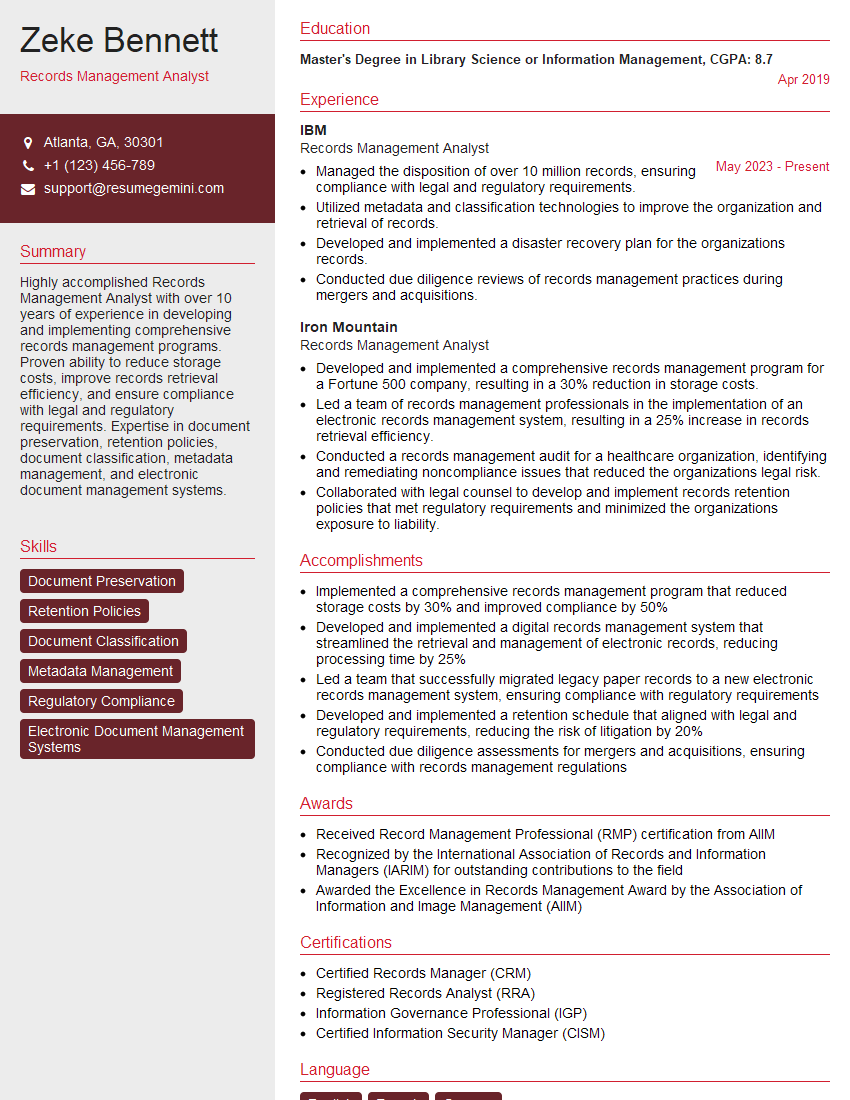
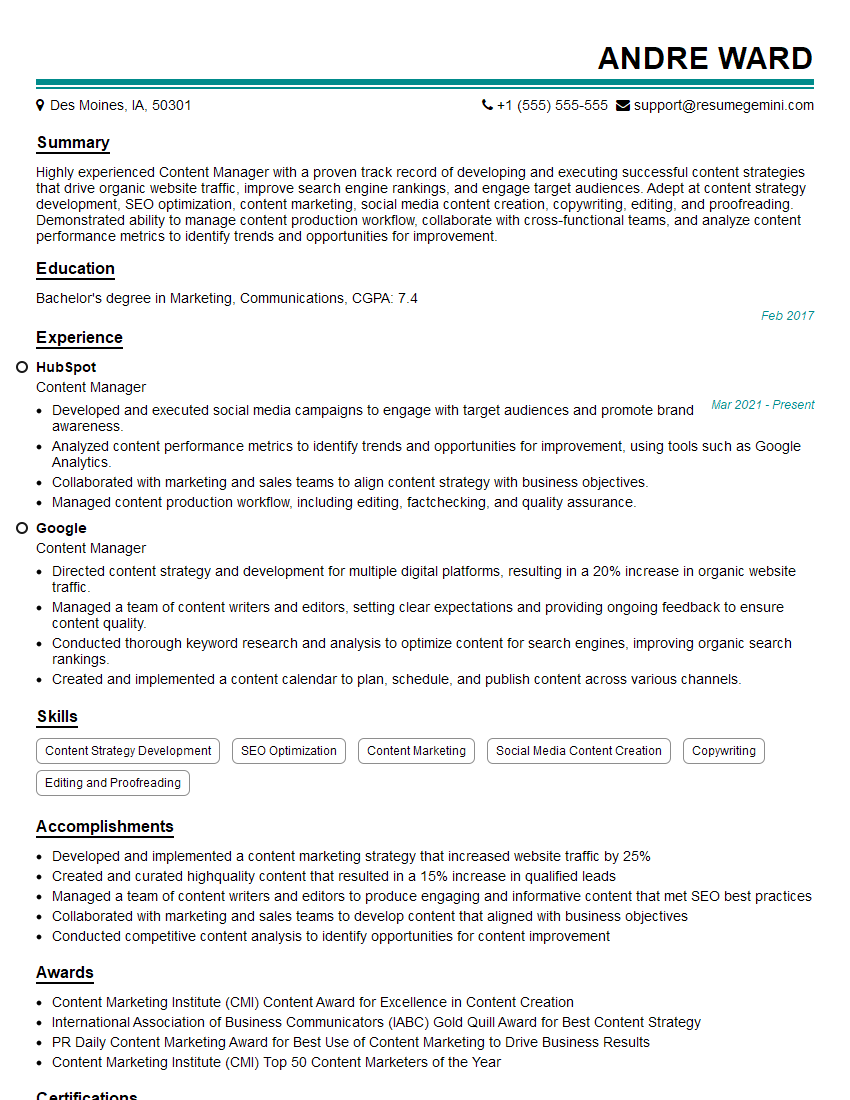
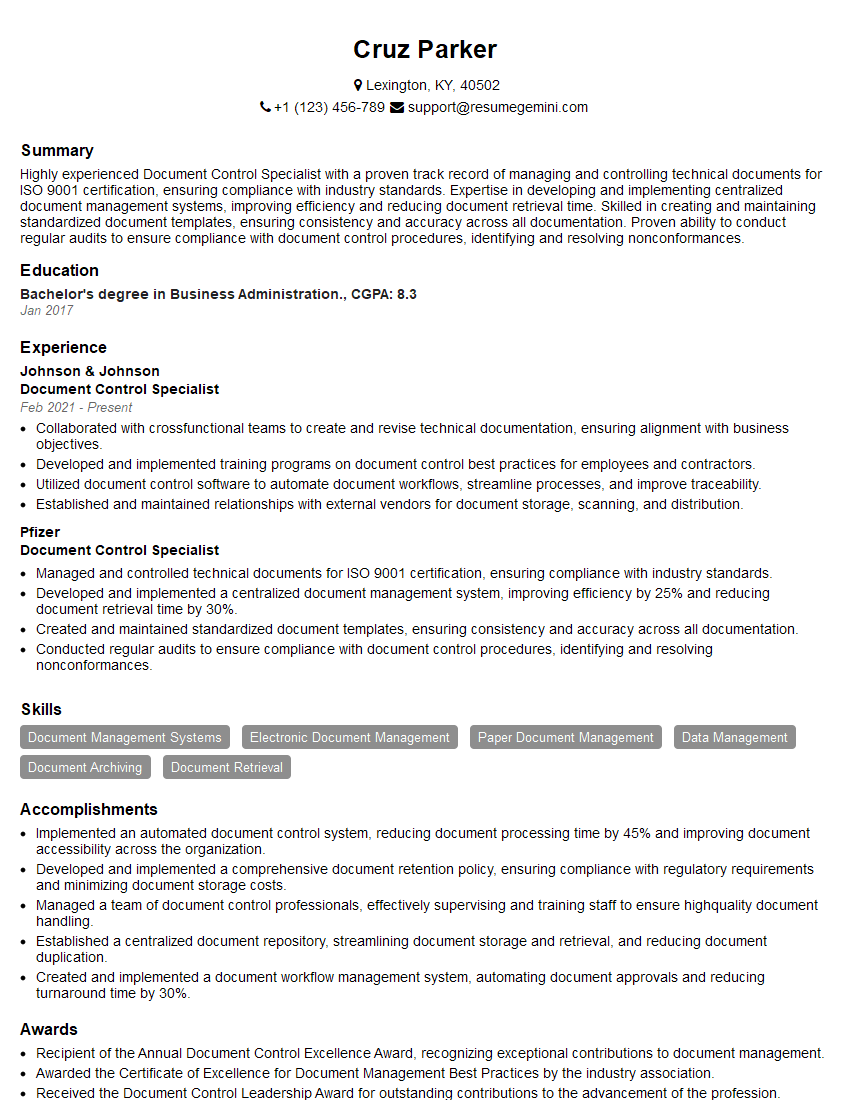
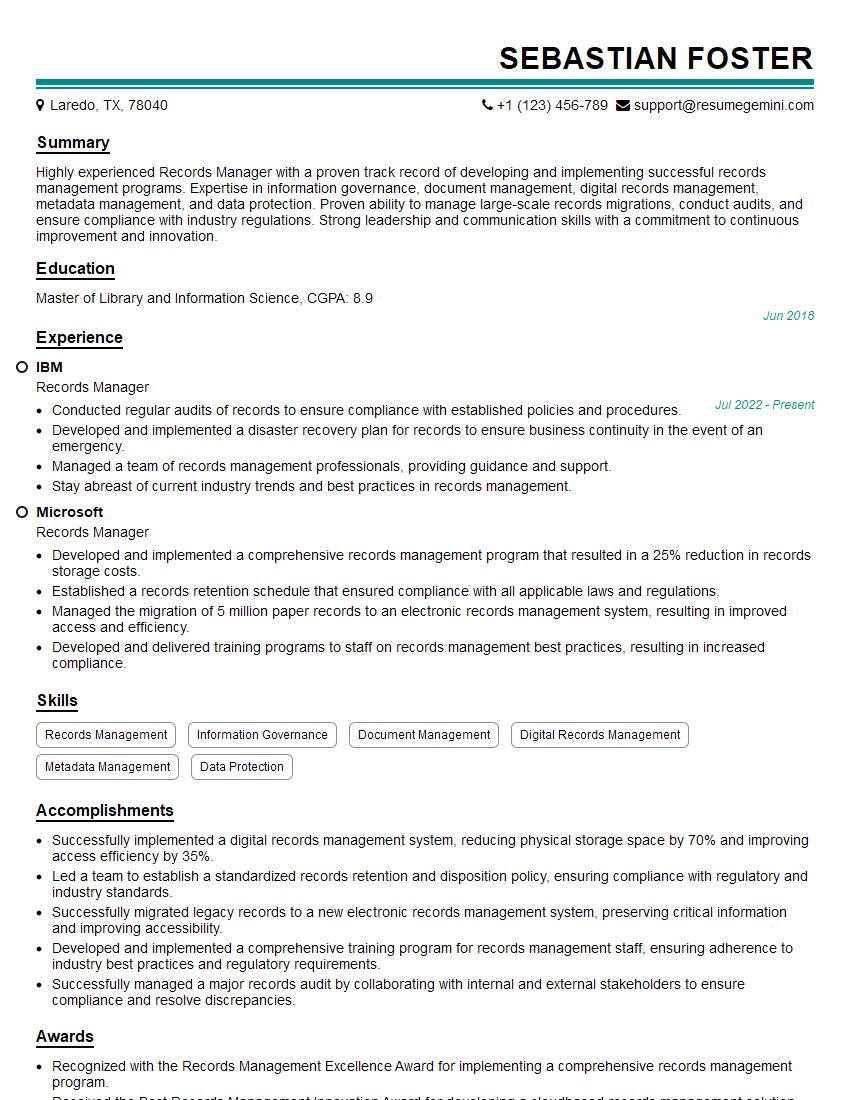
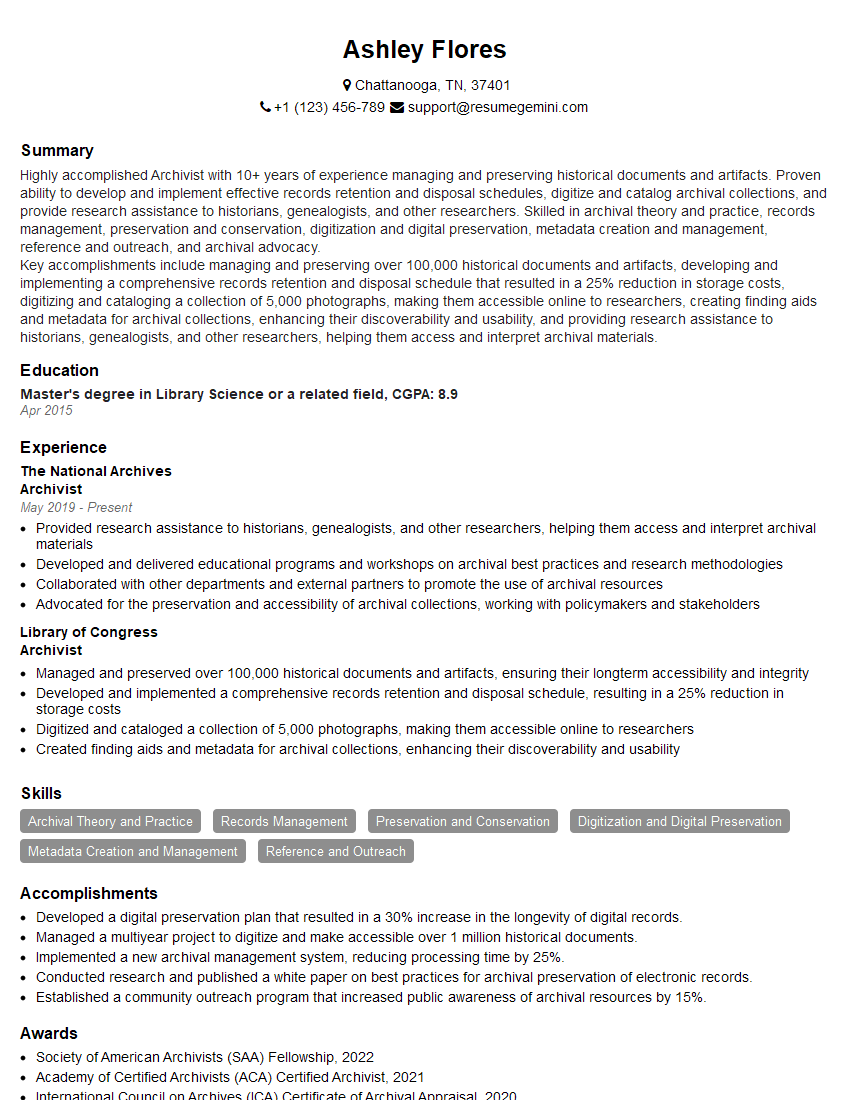
Mastering Document Type Management is crucial for career advancement in today’s data-driven world. It opens doors to high-demand roles and showcases your ability to manage information effectively. To maximize your job prospects, create an ATS-friendly resume that highlights your skills and experience. ResumeGemini is a trusted resource to help you build a professional resume that showcases your abilities effectively. Examples of resumes tailored to Document Type Management are available to help guide your creation process.



Explore more articles
Users Rating of Our Blogs
Share Your Experience
We value your feedback! Please rate our content and share your thoughts (optional).
What Readers Say About Our Blog
Really detailed insights and content, thank you for writing this detailed article.
IT gave me an insight and words to use and be able to think of examples