Unlock your full potential by mastering the most common ENVI (Environment for Visualizing Images) interview questions. This blog offers a deep dive into the critical topics, ensuring you’re not only prepared to answer but to excel. With these insights, you’ll approach your interview with clarity and confidence.
Questions Asked in ENVI (Environment for Visualizing Images) Interview
Q 1. Explain the different types of image data supported by ENVI.
ENVI supports a wide variety of image data formats, catering to diverse remote sensing applications. Think of it like a universal translator for satellite and aerial imagery. It handles everything from the common to the specialized.
- Raster Data: This is the bread and butter of ENVI. It includes various formats like GeoTIFF, ERDAS Imagine (.img), HDF, and more. These are essentially grids of pixel values representing different wavelengths or spectral bands captured by sensors.
- Satellite Imagery: ENVI seamlessly integrates with data from Landsat, Sentinel, MODIS, and numerous other satellite platforms, handling multispectral, hyperspectral, and panchromatic imagery.
- Aerial Imagery: Data from aerial photography, both digital and scanned film, is easily processed within ENVI. This often includes orthorectified images for precise geographic referencing.
- Hyperspectral Imagery: This specialized imagery, containing hundreds of narrow spectral bands, provides incredibly detailed spectral information, enabling fine-grained material identification. ENVI excels at processing and analyzing this type of data.
- LiDAR Data: ENVI can also handle LiDAR (Light Detection and Ranging) data, which provides 3D point cloud information, useful for creating digital elevation models (DEMs) and other geospatial products. Imagine building a detailed 3D model of a forest canopy with LiDAR data processed in ENVI.
The ability to handle such diverse data types makes ENVI a powerful tool for a wide range of remote sensing and GIS applications.
Q 2. Describe the process of atmospheric correction in ENVI.
Atmospheric correction is crucial for accurate analysis of remotely sensed data because the Earth’s atmosphere interferes with the signal reaching the sensor. Think of it as clearing the haze from a photograph to reveal the true colors and details. ENVI offers several methods for atmospheric correction, each with its own strengths and weaknesses:
- Dark Object Subtraction (DOS): A simpler method that assumes the darkest pixel in the image represents the atmospheric contribution. It’s quick but less accurate.
- Empirical Line Methods (e.g., FLAASH): These methods use empirical relationships between atmospheric properties and spectral reflectance. FLAASH (Fast Line-of-sight Atmospheric Analysis of Spectral Hypercubes) is a popular and robust choice, often preferred for its accuracy. It requires input parameters like sensor type, atmospheric conditions, and elevation data.
- MODTRAN-based methods: These utilize the MODTRAN radiative transfer model, providing high accuracy but requiring more computational resources and detailed atmospheric information.
The choice of method depends on the specific data, the level of accuracy required, and the available ancillary data. For instance, FLAASH is a good general-purpose option, while MODTRAN-based methods are necessary for very high-accuracy applications requiring precise atmospheric characterization. The process typically involves selecting the appropriate method, providing necessary input parameters (like sensor type and atmospheric profile), and applying the correction to the image.
Q 3. How would you perform geometric correction in ENVI using ground control points (GCPs)?
Geometric correction is the process of aligning an image to a known coordinate system. Think of straightening a slightly skewed photograph to perfectly match a map. This involves using Ground Control Points (GCPs), which are points with known coordinates in both the image and a reference map. In ENVI, the process generally involves these steps:
- Identify GCPs: Use the ENVI GCP tool to identify corresponding points in the image and the reference data (e.g., a map or another higher-resolution image).
- Transform Selection: Choose a suitable geometric transformation model. Common options include polynomial transformations (e.g., first-order, second-order) or more specialized models like projective transformations. The choice depends on the level of distortion and the accuracy requirements. A higher-order polynomial will model more complex distortions but requires more GCPs.
- Transformation Parameters: ENVI calculates the transformation parameters based on the identified GCPs and the selected transformation model. This essentially describes the mathematical relationship between the image coordinates and the ground coordinates.
- Resampling: After calculating the transformation, ENVI resamples the image to create a geometrically corrected output. Common resampling methods include nearest neighbor, bilinear interpolation, and cubic convolution. Nearest neighbor is fast but can cause aliasing, while cubic convolution generally provides the best visual results but is more computationally intensive.
- Output: ENVI generates a new image file that is geometrically corrected, accurately representing the ground coordinates.
The accuracy of the geometric correction directly depends on the quality and number of GCPs. More GCPs, strategically placed across the image, lead to better results. Always visually inspect the corrected image to ensure that the correction was successful.
Q 4. What are the different methods for image classification in ENVI, and when would you use each?
ENVI offers a variety of image classification methods, each best suited for different data and objectives. It’s like choosing the right tool from a toolbox—some are best for quick jobs, while others are needed for precision tasks.
- Supervised Classification: This involves training the classifier on known samples of each land cover type. Think of it as teaching the computer to recognize different features by showing it examples. Common algorithms include Maximum Likelihood Classification (MLC), Minimum Distance Classification, and Support Vector Machines (SVMs). MLC is a statistically based approach that works well with normally distributed data, while SVMs are particularly effective for high-dimensional data and complex class boundaries. Supervised methods require ground truth data but often yield high accuracy.
- Unsupervised Classification: This method groups pixels based on their spectral similarities without using prior training data. This is useful when ground truth data is unavailable. K-means clustering is a popular unsupervised classification algorithm.
- Object-Based Image Analysis (OBIA): This approach segments the image into meaningful objects (e.g., buildings, trees) before classifying them. It considers both spectral and spatial information and is particularly useful for high-resolution imagery where spectral information alone may not be sufficient for accurate classification.
The choice of method depends on the data availability and classification goals. Supervised methods are typically preferred when sufficient training data is available and high accuracy is required, while unsupervised methods are useful when ground truth data is limited. OBIA is particularly powerful for handling complex scenes with high spatial resolution.
Q 5. Explain the concept of spectral indices and provide examples used in ENVI.
Spectral indices are mathematical combinations of different spectral bands designed to highlight specific features or phenomena. Think of them as specialized filters that enhance particular aspects of the image, revealing information that might not be readily apparent from looking at individual bands. ENVI calculates numerous spectral indices automatically. Here are some common examples:
- Normalized Difference Vegetation Index (NDVI):
(NIR - Red) / (NIR + Red)NDVI is widely used to assess vegetation health and biomass. Higher values typically indicate healthier vegetation. - Normalized Difference Water Index (NDWI):
(Green - NIR) / (Green + NIR)NDWI helps identify water bodies. High NDWI values usually correspond to open water. - Normalized Difference Built-up Index (NDBI):
(NIR - MIR) / (NIR + MIR)NDBI is used to map urban areas and built-up land cover. - Enhanced Vegetation Index (EVI): A modified version of NDVI, designed to minimize atmospheric effects and saturation in areas with dense vegetation.
The choice of spectral index depends on the target feature or phenomenon. For example, if you are interested in monitoring vegetation health, NDVI or EVI would be appropriate. If water bodies are of interest, NDWI is a suitable choice. ENVI’s extensive library of spectral indices makes it easy to explore various options and tailor analyses to specific needs.
Q 6. How do you perform image fusion in ENVI?
Image fusion combines data from different sources to create a single image with improved resolution or information content. Imagine merging a high-resolution panchromatic image with a lower-resolution multispectral image to get a high-resolution color image. ENVI provides several methods for image fusion:
- Gram-Schmidt Spectral Sharpening: This is a popular method that uses the high spatial resolution panchromatic image to sharpen the lower-resolution multispectral image. It effectively transfers the spatial detail from the panchromatic image to the multispectral image, improving the visual quality.
- Wavelet Transform Fusion: Wavelet transforms decompose the images into different frequency components, allowing for selective merging of high-frequency details from one image with the low-frequency components of another. This often preserves more spectral information than Gram-Schmidt methods.
The choice of fusion method depends on the specific characteristics of the input images and the desired outcome. Gram-Schmidt is computationally simpler and often provides good visual results, while wavelet transforms may offer better preservation of spectral information but are more computationally demanding. ENVI offers a user-friendly interface for performing these fusions, enabling easy selection of methods and parameters.
Q 7. Describe the process of creating a digital elevation model (DEM) in ENVI.
Creating a Digital Elevation Model (DEM) in ENVI often involves processing LiDAR data or stereo imagery. A DEM is a digital representation of the terrain surface, providing elevation information at each point. Think of it as a detailed topographical map in digital form.
From LiDAR Data:
- Data Import: Import the LiDAR data (usually in LAS or LAZ format) into ENVI.
- Data Preprocessing: This might include noise removal, classification of ground points, and other necessary cleaning steps.
- DEM Generation: ENVI provides tools to generate a DEM from the processed LiDAR point cloud. Different interpolation methods (e.g., inverse distance weighting, kriging) can be used, with the choice depending on the data and the desired accuracy.
From Stereo Imagery:
- Image Rectification: The stereo images need to be geometrically corrected and orthorectified to remove geometric distortions.
- Stereo Correlation: ENVI uses stereo correlation techniques to match corresponding points in the two images. This step is computationally intensive.
- DEM Generation: Based on the matched points, ENVI generates a DEM. Again, different interpolation methods can be chosen.
The choice of method depends on the available data. LiDAR directly provides elevation information, simplifying the process. Generating a DEM from stereo imagery is more complex and requires accurate image rectification and a robust stereo correlation algorithm. Once generated, the DEM can be used for various applications such as terrain analysis, hydrological modeling, and 3D visualization.
Q 8. Explain the use of different band combinations for image interpretation in ENVI.
Different band combinations in ENVI allow us to visualize and interpret remotely sensed data in ways that highlight specific features. Think of it like mixing paints – different combinations reveal different aspects of the scene. Each band represents a different portion of the electromagnetic spectrum, and combining them creates ‘false-color’ images.
RGB (Red, Green, Blue): The most familiar combination, using three bands to create a natural-color image. However, in remote sensing, this might not always be the best option. For example, a near-infrared (NIR) band is highly reflective from healthy vegetation, but our eyes can’t see NIR, so a natural color image won’t highlight vegetation health effectively.
Color Infrared (CIR): A common combination using Red, NIR, and Green bands (NIR, Red, Green). In this case, healthy vegetation appears bright red, making it easy to identify and map vegetation types and health conditions. This is invaluable for agriculture, forestry, and environmental monitoring.
Other Combinations: ENVI allows for virtually any band combination. For example, a combination emphasizing specific mineral signatures might use shortwave infrared (SWIR) bands. This is very useful for geological mapping. Similarly, a thermal band combined with visible bands can help detect heat sources like active volcanoes or even subtle temperature variations in urban landscapes.
Choosing the right combination depends entirely on the data and the objective of the analysis. Experimentation is key! ENVI’s interactive capabilities allow you to quickly explore different band combinations and choose the one that best reveals the information you need.
Q 9. How would you handle noisy data in ENVI?
Noisy data is a common challenge in remote sensing. It can obscure important features and lead to inaccurate results. In ENVI, we use various techniques to reduce noise, improving data quality before further processing.
Spatial Filtering: These techniques smooth the image by averaging pixel values within a moving window. Common examples are low-pass filters like a Gaussian filter which reduces high-frequency noise effectively. The choice of filter kernel size is critical: a larger kernel will smooth more aggressively but can also blur sharp features.
Spectral Filtering: These techniques operate on the spectral information (bands) of the image, reducing noise based on statistical properties across bands. Principal Component Analysis (PCA) is a frequently used spectral filter in ENVI that transforms the data into uncorrelated components, often concentrating the signal in the first few components while suppressing noise in the others.
Median Filtering: This is a non-linear filter that replaces each pixel’s value with the median value of its neighbors. This is particularly effective in removing salt-and-pepper noise (random bright and dark pixels).
The best approach depends on the type and characteristics of the noise in the data. Experimentation and visual inspection are crucial steps to determine the optimal filtering parameters and to avoid losing important image features while removing noise.
Q 10. What are the different types of filters available in ENVI and their applications?
ENVI offers a wide array of filters, each designed to address specific image processing needs. They are broadly classified into spatial and spectral filters, similar to noise reduction techniques.
Spatial Filters: These operate on the spatial arrangement of pixels. Examples include:
Low-pass filters (e.g., Gaussian, moving average):Smooth the image, reducing high-frequency noise. They blur the image slightly, however.High-pass filters (e.g., Laplacian):Enhance edges and sharp features, often used for edge detection. They can amplify noise, though.Median filter:Removes salt-and-pepper noise, preserving edges better than many other methods.
Spectral Filters: These operate on the spectral information of each pixel (across different bands). Examples include:
Principal Component Analysis (PCA):Reduces data dimensionality, highlighting variance and separating signal from noise.Band Ratioing:Creates ratios of different bands, emphasizing specific features of interest (e.g., the Normalized Difference Vegetation Index – NDVI).Spectral unmixing:Separates mixed pixels into their constituent components, like identifying the proportions of different materials within a pixel.
The specific application of a filter depends heavily on the task at hand. For example, using a low-pass filter before classification might reduce noise interference, while a high-pass filter might help in feature extraction tasks like identifying roads.
Q 11. Describe the process of orthorectification in ENVI.
Orthorectification is the process of geometrically correcting an image to remove geometric distortions caused by sensor perspective, terrain relief, and Earth’s curvature. This produces a map-like image where features are correctly positioned and scaled.
In ENVI, the process typically involves these steps:
Acquiring ground control points (GCPs): These are points that can be identified on both the image and a reference map (e.g., a high-resolution DEM). Accurate GCP selection is paramount for orthorectification accuracy.
Defining a Digital Elevation Model (DEM): A DEM provides elevation information for each pixel, crucial for correcting relief displacement. High-resolution DEMs are needed for better accuracy.
Using ENVI’s orthorectification tool: ENVI’s built-in tools guide you through the process, automatically generating a geometrically corrected image based on GCPs and the DEM. Parameters like resampling methods can be adjusted based on the application.
Assessing the results: Check for residual errors to determine the orthorectification accuracy. Root Mean Square Error (RMSE) is a common metric for this purpose.
Orthorectification is vital for accurate measurements and analysis, particularly when overlaying images with other geographic data (e.g., shapefiles). For instance, a misaligned image can lead to inaccuracies in the estimation of areas under crop production or the mapping of wetlands.
Q 12. Explain the concept of pansharpening and its implementation in ENVI.
Pansharpening combines a high-resolution panchromatic (pan) image with a lower-resolution multispectral (MS) image to create a high-resolution multispectral image. This process improves the spatial resolution of the multispectral data while retaining the spectral information. It’s like taking a sharp black and white photo (pan) and using its detail to sharpen a less-sharp color photograph (MS).
ENVI offers several pansharpening algorithms, including:
Gram-Schmidt (GS): A widely used algorithm that is computationally efficient.
IHS (Intensity-Hue-Saturation): Separates the image into its intensity (brightness), hue (color), and saturation (color purity) components, improving the sharpness.
Wavelet Transform-based methods: These are more computationally complex but potentially offer better results in terms of preserving spectral information and minimizing artifacts. They often give superior results than the previous two but take significantly longer to execute.
The choice of algorithm depends on the specific characteristics of the images and the desired balance between resolution enhancement and spectral preservation. The results of pansharpening are often visually assessed to see how well details have been enhanced without significantly altering the spectral quality.
Q 13. How would you assess the accuracy of a classification result in ENVI?
Assessing the accuracy of a classification result is crucial for ensuring the reliability and validity of the interpretation. In ENVI, this is done using various accuracy assessment techniques:
Error Matrix (Confusion Matrix): This table compares the classified image to a reference data set (ground truth data), showing the counts of correctly and incorrectly classified pixels for each class. This matrix provides information on overall accuracy, producer’s accuracy (the probability that a pixel truly belongs to a given class given that it was classified as such), user’s accuracy (the probability that a pixel was correctly classified), and the kappa coefficient.
Kappa Coefficient: This statistical measure quantifies the agreement between the classified image and the reference data, accounting for chance agreement. A higher kappa coefficient indicates better classification accuracy.
Visual Inspection: Visually inspecting the classification results alongside the original imagery and ground truth data can reveal potential errors and biases in the classification.
The accuracy assessment process helps in identifying areas where the classification might be inaccurate, pointing towards reasons for misclassification (e.g., spectral confusion between classes). This is valuable for improving the classification process and validating the findings in a real-world context. For example, an inaccurate classification of land cover types would affect decision-making in urban planning or environmental management.
Q 14. What are the advantages and disadvantages of supervised versus unsupervised classification?
Supervised and unsupervised classifications are two fundamental approaches to classifying remotely sensed data. The main difference lies in the use of training data.
Supervised Classification: This method requires the user to define training samples – regions of known classes. The algorithm then uses these samples to learn the spectral characteristics of each class and classify the rest of the image accordingly. It’s like teaching a child to identify different types of fruits by showing them examples of each. Popular methods include Maximum Likelihood, Support Vector Machines (SVM), and Random Forests.
Unsupervised Classification: This method doesn’t use training data. Instead, the algorithm groups pixels based on their spectral similarity. Think of it as asking the algorithm to sort a collection of objects into groups based solely on their visual characteristics without any prior knowledge of the object types. K-means clustering is a commonly used unsupervised technique.
Advantages and Disadvantages:
| Supervised | Unsupervised | |
|---|---|---|
| Advantages | Higher accuracy with sufficient training data. Can capture subtle differences between classes. | Does not require prior knowledge of classes; useful for exploratory analysis. Can reveal unexpected patterns. |
| Disadvantages | Requires prior knowledge and training data which can be time-consuming to obtain. Accuracy depends heavily on the quality of the training data. | Classification accuracy can be lower. Interpretation of clusters can be challenging and requires domain expertise. |
The best approach depends on the available data, the level of prior knowledge, and the specific objectives of the classification. For instance, if you have labeled data and a clear objective, supervised classification is preferred. If you’re exploring the data and don’t have labeled data, unsupervised classification can help discover underlying patterns.
Q 15. Explain the role of ENVI in change detection analysis.
ENVI plays a crucial role in change detection analysis by enabling the comparison of multitemporal imagery to identify differences over time. This is vital for monitoring various environmental changes, such as deforestation, urban sprawl, or glacier retreat. The process typically involves several steps:
- Image Preprocessing: This includes atmospheric correction, geometric correction (to ensure images align spatially), and radiometric calibration (to standardize brightness values across different images).
- Image Registration: Precise alignment of images acquired at different times is critical. ENVI offers robust tools for co-registration using various techniques like image correlation or ground control points.
- Change Detection Algorithms: ENVI provides a range of algorithms, including image differencing, image ratios, and vegetation indices (like NDVI) to highlight areas of change. The choice of algorithm depends on the type of change being detected and the characteristics of the imagery. For example, image differencing simply subtracts pixel values of two images, highlighting areas with significant differences. Vegetation indices are better suited for monitoring vegetation changes.
- Classification and Analysis: The results of the change detection algorithm are often classified into different categories (e.g., ‘unchanged’, ‘increased vegetation’, ‘urban expansion’) using supervised or unsupervised classification techniques available in ENVI. This allows for quantitative assessment of the extent and type of changes.
- Visualization and Reporting: ENVI provides powerful visualization tools to create maps and graphs illustrating the detected changes, facilitating interpretation and communication of results.
For example, I once used ENVI to monitor deforestation in the Amazon rainforest using Landsat imagery over a decade. By applying NDVI change detection and supervised classification, we were able to accurately map areas of significant forest loss and identify the drivers of deforestation.
Career Expert Tips:
- Ace those interviews! Prepare effectively by reviewing the Top 50 Most Common Interview Questions on ResumeGemini.
- Navigate your job search with confidence! Explore a wide range of Career Tips on ResumeGemini. Learn about common challenges and recommendations to overcome them.
- Craft the perfect resume! Master the Art of Resume Writing with ResumeGemini’s guide. Showcase your unique qualifications and achievements effectively.
- Don’t miss out on holiday savings! Build your dream resume with ResumeGemini’s ATS optimized templates.
Q 16. How would you use ENVI to analyze hyperspectral imagery?
Analyzing hyperspectral imagery in ENVI involves leveraging its capabilities to process and interpret the vast amount of spectral information contained within each pixel. Hyperspectral data offers hundreds of narrow, contiguous spectral bands, providing detailed information about the material composition of the scene. My approach typically includes:
- Data Import and Preprocessing: ENVI seamlessly handles various hyperspectral data formats. Preprocessing steps include atmospheric correction (to remove atmospheric effects), geometric correction, and potentially radiometric calibration.
- Spectral Analysis: This is the core of hyperspectral analysis. ENVI allows for detailed examination of spectral signatures (the reflectance curve of a material across different wavelengths). We can identify materials based on their unique spectral fingerprints. Tools like spectral libraries and spectral angle mapper (SAM) are invaluable here. SAM, for instance, compares the spectral angle between an unknown pixel and reference spectra in a library to identify the material.
- Dimensionality Reduction: Hyperspectral data often suffers from high dimensionality (many bands). Techniques like Principal Component Analysis (PCA) are used in ENVI to reduce the number of bands while retaining most of the important information, simplifying analysis and visualization.
- Classification: Supervised or unsupervised classification methods can be employed to map different materials based on their spectral signatures. Support Vector Machines (SVM) and Maximum Likelihood Classification (MLC) are popular choices within ENVI.
- Target Detection: ENVI’s capabilities extend to target detection, identifying specific materials or objects of interest within the scene. Techniques such as matched filtering can be used to locate these targets.
In a project analyzing hyperspectral imagery of a mine site, I used ENVI to identify different mineral types based on their unique spectral signatures, facilitating the mapping of ore deposits and assessment of mineral resources.
Q 17. Describe the process of extracting features from satellite imagery in ENVI.
Extracting features from satellite imagery in ENVI involves leveraging its image processing tools to derive meaningful information. The process often depends on the type of analysis, but generally involves these steps:
- Image Preprocessing: This is the foundation and includes atmospheric correction, geometric correction, and radiometric normalization to ensure data quality.
- Band Selection: Choosing appropriate spectral bands based on the target features is crucial. For example, near-infrared bands are often used to extract vegetation information.
- Feature Extraction Techniques: ENVI offers a variety of techniques:
- Spectral Indices: Calculating indices like NDVI (Normalized Difference Vegetation Index) or NDWI (Normalized Difference Water Index) to quantify vegetation or water content.
- Textural Features: Analyzing the spatial arrangement of pixel values to extract information about surface roughness or texture using tools like Gray Level Co-occurrence Matrix (GLCM).
- Object-Based Image Analysis (OBIA): Segmenting the image into meaningful objects (e.g., buildings, trees) and then extracting features from each object (e.g., area, perimeter, shape).
- Feature Selection: Often, many features are extracted. A subset of the most relevant features is selected using techniques such as principal component analysis (PCA) or feature ranking algorithms to improve classification accuracy and reduce computational burden.
For instance, in a project involving urban planning, I used ENVI to extract building footprints from high-resolution satellite imagery. I employed OBIA to segment the image into individual buildings and extracted features like area, perimeter, and orientation to characterize the urban fabric.
Q 18. What are the various methods for image segmentation in ENVI?
ENVI provides a variety of image segmentation methods, each suited for different scenarios. The choice depends on factors like the image characteristics, desired level of detail, and computational resources. Common methods include:
- Thresholding: A simple method that classifies pixels based on their intensity values relative to a predefined threshold. Useful for images with clear intensity differences between objects.
- Region Growing: Starts with a seed pixel and expands the region based on similarity criteria (e.g., spectral similarity). Effective for homogeneous regions.
- Edge Detection: Identifies boundaries between objects based on abrupt changes in intensity. Often used in conjunction with other segmentation methods.
- Watershed Segmentation: Treats the image as a topographic surface and delineates regions based on watershed lines. Useful for separating closely spaced objects.
- Object-Based Image Analysis (OBIA): A more sophisticated approach that combines image segmentation with object-based analysis. Allows for the extraction of both spectral and spatial features for improved classification accuracy.
- Supervised Classification-Based Segmentation: A method in which the segmentation is guided by labeled training data which is very powerful for specific tasks.
For example, when segmenting a remotely sensed image of agricultural fields, I might use a combination of thresholding and region growing to delineate individual fields, while OBIA might be preferred for complex urban scenes.
Q 19. How would you use ENVI to analyze LiDAR data?
ENVI excels in LiDAR data analysis, offering tools to process and interpret the three-dimensional point cloud data. My workflow typically involves:
- Data Import and Preprocessing: ENVI supports various LiDAR data formats (e.g., LAS, ASCII). Preprocessing includes filtering noise, classifying points (e.g., ground, vegetation), and potentially correcting for systematic errors.
- Point Cloud Visualization: ENVI allows for interactive visualization of the point cloud in 3D, aiding in quality assessment and identifying potential issues.
- Digital Terrain Model (DTM) and Digital Surface Model (DSM) Generation: ENVI can generate DTMs (representing bare-earth elevation) and DSMs (representing the surface elevation, including vegetation and buildings). These models are essential for many applications.
- Terrain Feature Extraction: ENVI allows the extraction of various terrain features, such as slope, aspect, and curvature, which are useful for hydrological modeling, geological analysis, or habitat mapping.
- Classification and Segmentation: Point clouds can be classified into different categories based on their characteristics (e.g., intensity, elevation). Segmentation techniques can group points into meaningful objects.
- Integration with other data: ENVI allows combining LiDAR data with other datasets like imagery or vector data for a more comprehensive analysis.
In a recent project, I used ENVI to process LiDAR data to create a high-resolution DTM for flood risk assessment. The DTM, combined with hydrological modeling, helped identify areas prone to flooding and guide mitigation strategies.
Q 20. Explain your experience with ENVI’s scripting capabilities (e.g., IDL).
I have extensive experience using ENVI’s scripting capabilities, primarily utilizing IDL (Interactive Data Language). IDL allows for automation of repetitive tasks, customization of workflows, and development of specialized tools not readily available in the graphical user interface.
I’ve used IDL to:
- Automate Batch Processing: Write scripts to process large datasets automatically, saving significant time and effort. For example, I automated the atmospheric correction of hundreds of Landsat images using a single IDL script.
- Develop Custom Algorithms: Implement algorithms not available in ENVI’s built-in functions. For example, I developed a custom algorithm for detecting specific types of vegetation using spectral unmixing techniques.
- Create Custom Tools and Extensions: Develop graphical user interfaces (GUIs) within ENVI to streamline workflows and improve usability.
- Integrate ENVI with Other Software: Develop interfaces between ENVI and other software packages (e.g., GIS software) to facilitate data exchange and analysis.
; Example IDL code snippet for calculating NDVI: wavelength_nir = ENVI_GET_DATA(file_name, band=4) wavelength_red = ENVI_GET_DATA(file_name, band=3) ndvi = (wavelength_nir - wavelength_red) / (wavelength_nir + wavelength_red) ENVI_SAVE_DATA(ndvi, file_name='ndvi_output')
My proficiency in IDL has been instrumental in increasing efficiency and enabling advanced analysis in my work with ENVI.
Q 21. How do you handle large datasets in ENVI?
Handling large datasets in ENVI requires strategic approaches to manage memory and processing time. My strategies include:
- Data Subsetting: Processing only the relevant portions of the dataset. Instead of loading the entire image, I work with smaller sub-regions, reducing memory demands.
- Data Compression: Utilizing lossless compression techniques to reduce file sizes without sacrificing data quality. ENVI supports various compression formats.
- Parallel Processing: Leveraging ENVI’s parallel processing capabilities to distribute the workload across multiple CPU cores, significantly speeding up processing time, especially for computationally intensive tasks.
- Out-of-Core Processing: For extremely large datasets that exceed available RAM, out-of-core processing techniques can be employed. This involves reading and writing data to disk as needed, allowing processing of datasets larger than the available memory.
- Optimized Algorithms: Selecting efficient algorithms and avoiding redundant calculations helps improve processing speed and reduces memory usage.
- IDL Scripting for Automation: Employing IDL scripts to automate the processing workflow can improve efficiency and reduce manual intervention, which minimizes errors.
For example, when processing a large terabyte-scale Landsat mosaic, I used a combination of data subsetting, parallel processing, and IDL scripting to automate the atmospheric correction and mosaic creation, completing the task efficiently and accurately.
Q 22. Describe your experience with different ENVI extensions.
My experience with ENVI extensions is extensive, encompassing a range of functionalities crucial for remote sensing analysis. I’ve worked extensively with extensions for specific sensor data processing, such as those for Landsat, Sentinel, and MODIS data. These extensions streamline the import, preprocessing, and analysis of these large datasets. I’m also proficient in using extensions for specialized applications like atmospheric correction (e.g., FLAASH), which is essential for removing atmospheric effects from satellite imagery to obtain accurate ground reflectance values. Furthermore, my experience includes using extensions for advanced image classification techniques, such as support vector machines (SVMs) and object-based image analysis (OBIA), which allow for more precise and accurate mapping of land cover or other features. Finally, I’ve utilized extensions for creating detailed topographic models from digital elevation models (DEMs), contributing to robust terrain analysis.
- Example: Using the FLAASH atmospheric correction extension, I successfully processed a large Landsat 8 dataset to accurately map deforestation in the Amazon rainforest. The correction was vital to minimizing errors caused by atmospheric scattering and absorption, thereby increasing the reliability of the deforestation analysis.
- Example: I leveraged the OBIA extension to classify high-resolution aerial imagery, distinguishing individual trees within a forest based on their spectral characteristics and spatial context, a task difficult with traditional pixel-based classification methods.
Q 23. How would you use ENVI to perform a terrain correction?
Terrain correction in ENVI is a crucial preprocessing step for remotely sensed imagery. It corrects for geometric distortions caused by variations in terrain elevation, ensuring that pixels accurately represent their corresponding ground locations. The process typically involves using a digital elevation model (DEM) to model the relief of the Earth’s surface. ENVI offers several methods for terrain correction, including orthorectification and geometric correction using DEMs. Orthorectification is generally preferred, as it removes the effects of relief displacement and creates a map-like projection. This involves a complex process that transforms the image from its original sensor geometry into a planimetrically correct representation. I typically use the built-in ENVI tools for this, selecting the appropriate DEM and specifying the desired projection and resolution. The accuracy of the correction depends heavily on the quality of the DEM used.
Example Steps: 1. Import Image and DEM. 2. Select the 'Orthorectification' tool. 3. Specify DEM and projection information. 4. Run the process. 5. Inspect the results for accuracy.Real-world application: In a landslide susceptibility mapping project, accurate terrain correction was essential to precisely delineate the boundaries of past landslides based on remotely sensed data. Inaccurate terrain correction could lead to misclassification and misinterpretation of landslide hazard zones.
Q 24. What are the common file formats used in ENVI?
ENVI supports a wide array of file formats, catering to various remote sensing data sources and applications. Commonly used formats include:
- GeoTIFF (.tif, .tiff): A widely used standard for georeferenced raster data, supporting various compression and data types. It’s highly versatile and widely compatible with GIS software.
- HDF (.hdf): Hierarchical Data Format, often used to store large multi-band satellite imagery, such as MODIS and Landsat data.
- ENVI Binary (.bsq, .bip, .bil): ENVI’s proprietary format, optimized for fast access and processing within the ENVI environment.
- IMG (.img): ERDAS Imagine format, another popular choice for raster data.
- JPEG (.jpg, .jpeg): Commonly used for compressed image data, but usually limited to fewer bands and lower radiometric resolution.
The choice of format often depends on the specific application and compatibility needs. For example, GeoTIFF is a good choice for sharing data between different software packages, while ENVI Binary can offer better performance for large datasets within ENVI.
Q 25. Describe your experience with exporting data from ENVI to other GIS software.
Exporting data from ENVI to other GIS software is a routine part of my workflow. I regularly export processed imagery and data to ArcGIS, QGIS, and other GIS packages. ENVI offers several options for exporting data, allowing for flexibility in choosing the output format and projection. For instance, I often export data as GeoTIFFs for maximum compatibility. I also frequently export data as shapefiles for vector data representing classified features or points of interest. It’s crucial to ensure that the projection and coordinate system are properly defined during export to maintain data accuracy and integrity in the target GIS software. Properly defining metadata during export is also crucial to maintain context about the data.
- Example: After classifying land cover using ENVI, I exported the classification results as a GeoTIFF into ArcGIS to perform further spatial analysis and create thematic maps.
- Example: Points of interest identified during image analysis were exported as a shapefile to be integrated into a larger GIS database for management purposes.
Q 26. How do you ensure the accuracy and reliability of your ENVI analysis?
Ensuring accuracy and reliability in ENVI analysis is paramount. My approach involves several key steps:
- Data Quality Assessment: I begin by thoroughly evaluating the quality of the input data. This includes checking for sensor noise, atmospheric effects, and geometric distortions. Identifying and addressing these issues early is essential for accurate results.
- Preprocessing: Rigorous preprocessing is crucial, including atmospheric correction, geometric correction, and radiometric calibration, to ensure the data is fit for analysis.
- Validation: I always validate the results using independent data sources, such as ground truth data or data from other sensors. This helps assess the accuracy and reliability of the analysis.
- Quality Control Checks: Regular quality control checks are integrated throughout the process, verifying the intermediate steps and ensuring the outputs are consistent and logical. I also review histograms and other visual representations of the data to identify potential inconsistencies.
- Documentation: Detailed documentation of all steps in the analysis, including parameter settings and results, is maintained to ensure reproducibility and traceability of the results.
By following these steps, I significantly reduce the chances of errors and ensure the high quality and reliability of my ENVI analyses.
Q 27. Explain a challenging ENVI project you’ve worked on and how you overcame the challenges.
One challenging project involved mapping deforestation in a mountainous region using high-resolution satellite imagery. The terrain was extremely rugged, causing significant geometric distortions and shadowing effects in the imagery. Standard orthorectification techniques were insufficient due to the complexity of the terrain and presence of many occlusions. To overcome this, I employed a multi-step approach:
- High-Resolution DEM: I sourced a high-resolution DEM to improve the accuracy of the orthorectification.
- Iterative Refinement: I performed iterative orthorectification and reviewed the results visually and using ground control points (GCPs) to refine the geometric correction until the errors were minimized.
- Shadow Removal Techniques: I explored and applied shadow removal techniques to compensate for areas obscured by shadows, using advanced algorithms to estimate the reflectance in shaded areas. This improved the overall classification accuracy.
- Object-Based Image Analysis (OBIA): Finally, I utilized OBIA for classification, taking advantage of spectral, spatial, and contextual information to improve accuracy in identifying tree cover versus cleared areas, despite the rugged terrain challenges.
This multi-faceted approach, combining advanced preprocessing techniques with OBIA, resulted in significantly improved accuracy in deforestation mapping, providing valuable data for environmental monitoring and management.
Key Topics to Learn for ENVI (Environment for Visualizing Images) Interview
- Image Preprocessing: Understanding techniques like atmospheric correction, geometric correction, and radiometric calibration. Consider the practical implications of each on data accuracy and analysis.
- Spectral Analysis: Mastering the interpretation of spectral signatures, indices (NDVI, EVI, etc.), and their applications in various fields like agriculture, geology, and environmental monitoring. Practice problem-solving scenarios involving spectral data interpretation.
- Classification Techniques: Familiarize yourself with supervised and unsupervised classification methods (e.g., Maximum Likelihood, Support Vector Machines, k-means clustering) and their strengths and weaknesses. Be prepared to discuss the selection criteria for appropriate classification techniques based on project requirements.
- Image Enhancement and Visualization: Explore various techniques for enhancing image contrast, sharpening, and filtering. Understand how different visualization methods (e.g., false color composites, principal component analysis) can highlight specific features of interest.
- Data Management and Workflow: Demonstrate proficiency in managing large raster datasets, understanding file formats (e.g., GeoTIFF, ENVI .hdr), and building efficient processing workflows within ENVI.
- Geospatial Data Integration: Explore the integration of ENVI with other GIS software and the use of vector data layers for analysis and interpretation. Be prepared to discuss real-world applications of this integration.
- Advanced Techniques (optional): Depending on the role, familiarize yourself with advanced topics such as hyperspectral image processing, change detection analysis, or object-based image analysis.
Next Steps
Mastering ENVI is crucial for a successful career in remote sensing, environmental science, and related fields. Proficiency in ENVI demonstrates valuable technical skills highly sought after by employers. To significantly enhance your job prospects, create an ATS-friendly resume that effectively showcases your skills and experience. We strongly recommend using ResumeGemini to build a professional and impactful resume. ResumeGemini provides you with the tools and resources to craft a compelling narrative, and we offer examples of resumes tailored to ENVI (Environment for Visualizing Images) expertise to help guide you.
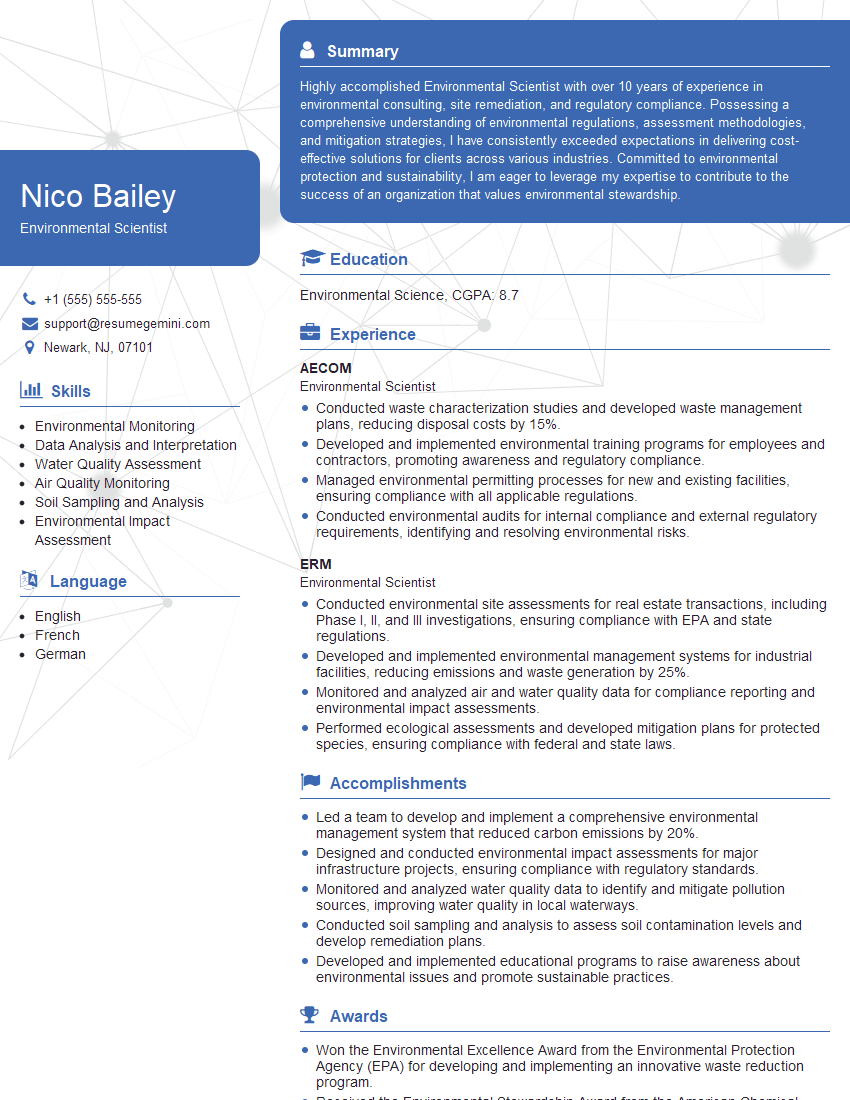
Environmental Scientist Resume Sample

Data Scientist Resume Sample

Research Scientist Resume Sample

Geospatial Analyst Resume Sample

Cartographer Resume Sample
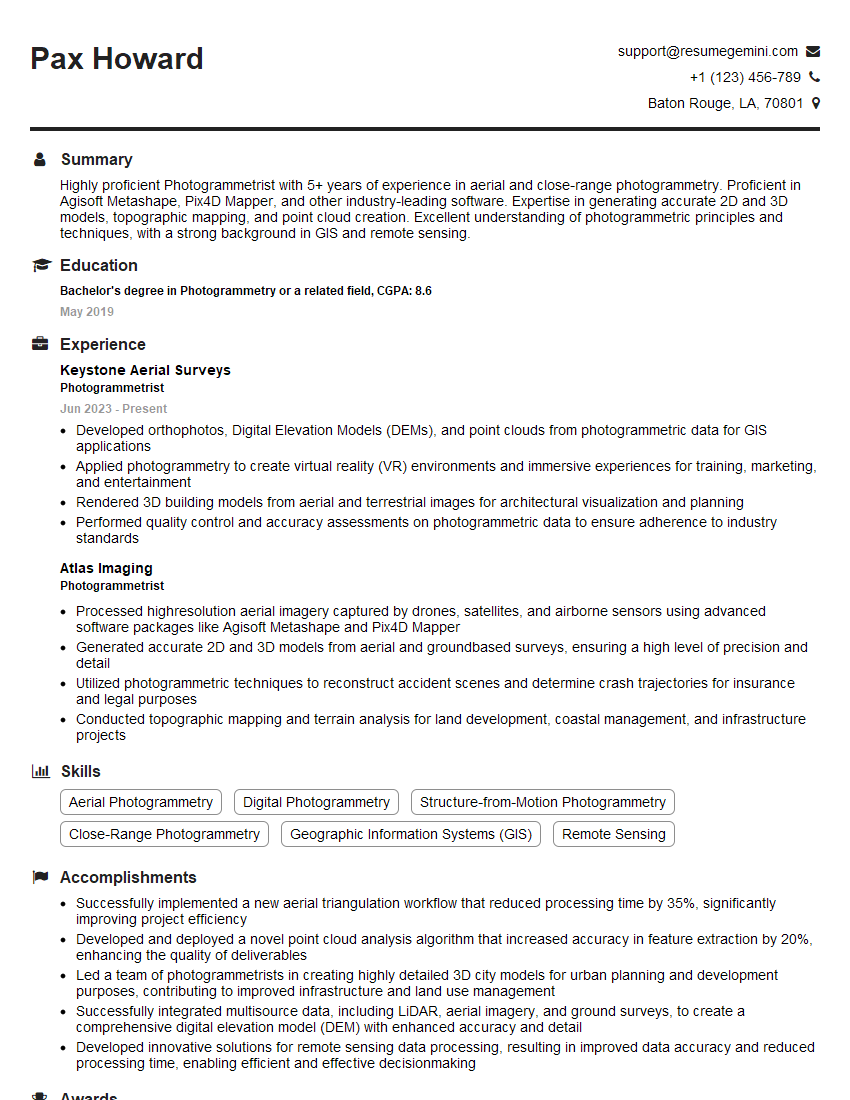
Photogrammetrist Resume Sample
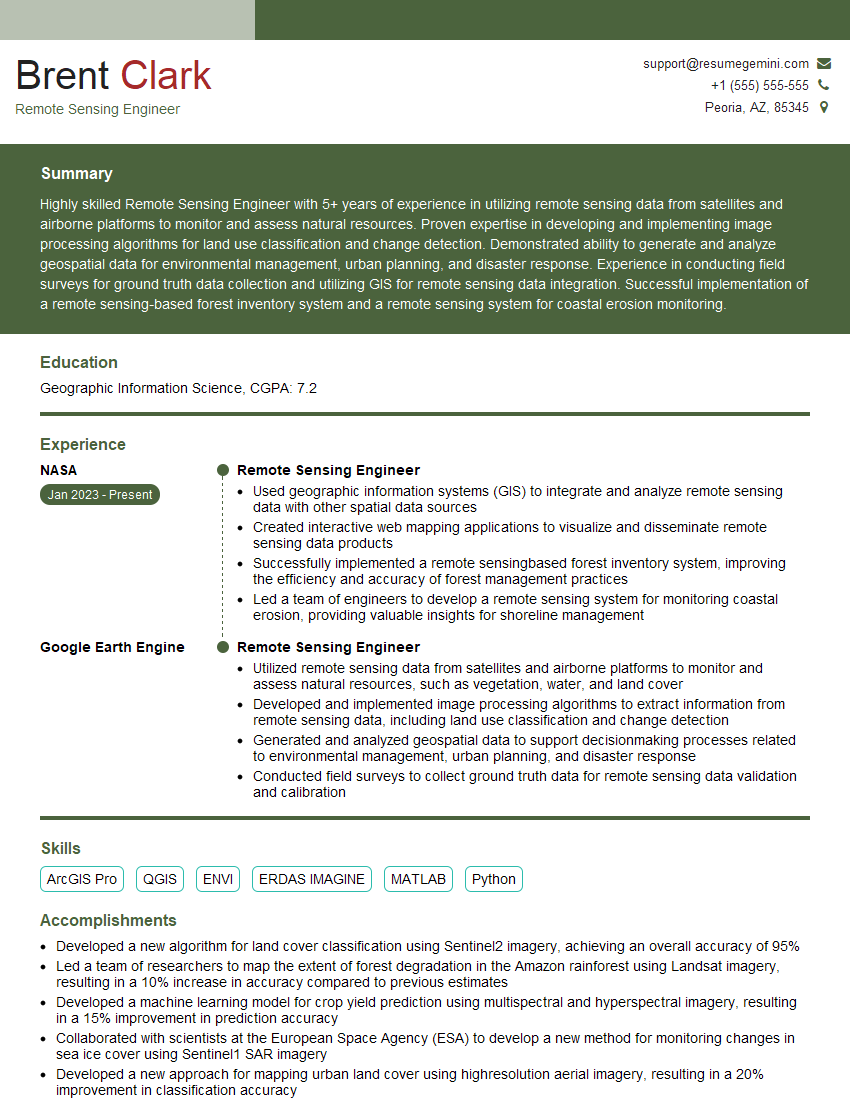
Remote Sensing Engineer Resume Sample
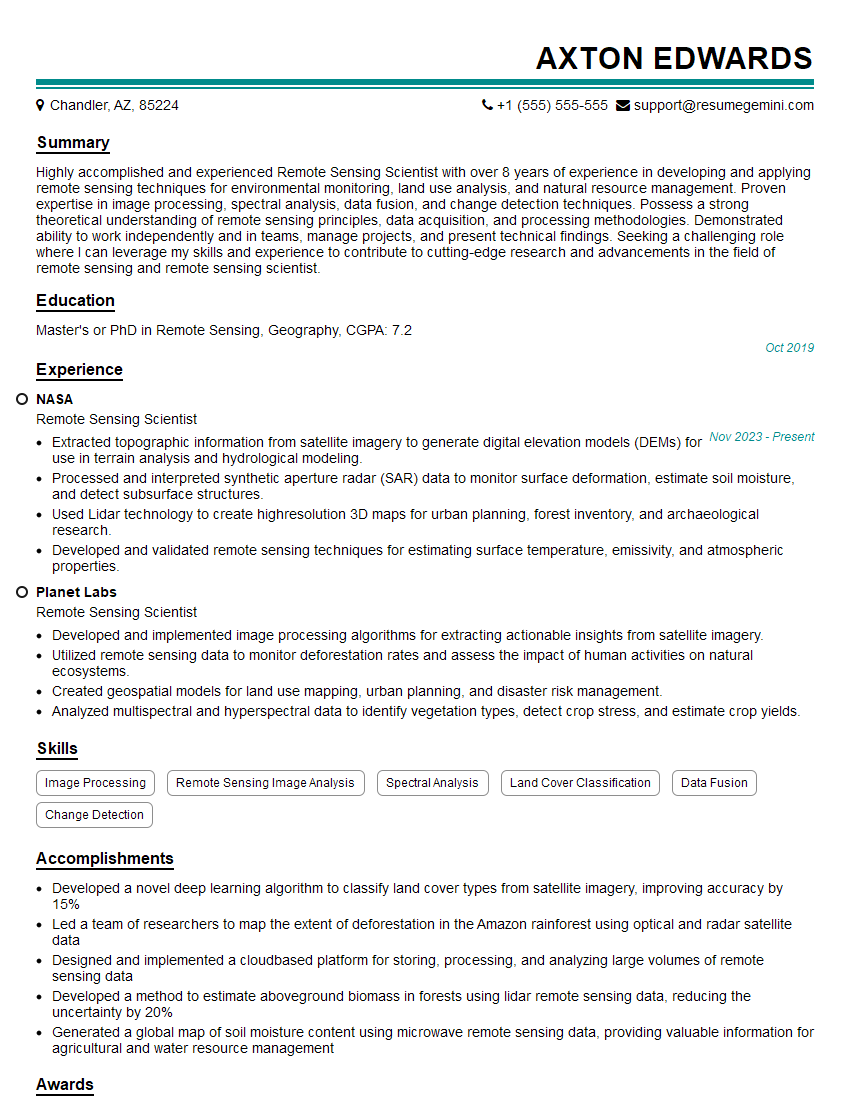
Remote Sensing Scientist Resume Sample

Remote Sensing Specialist Resume Sample
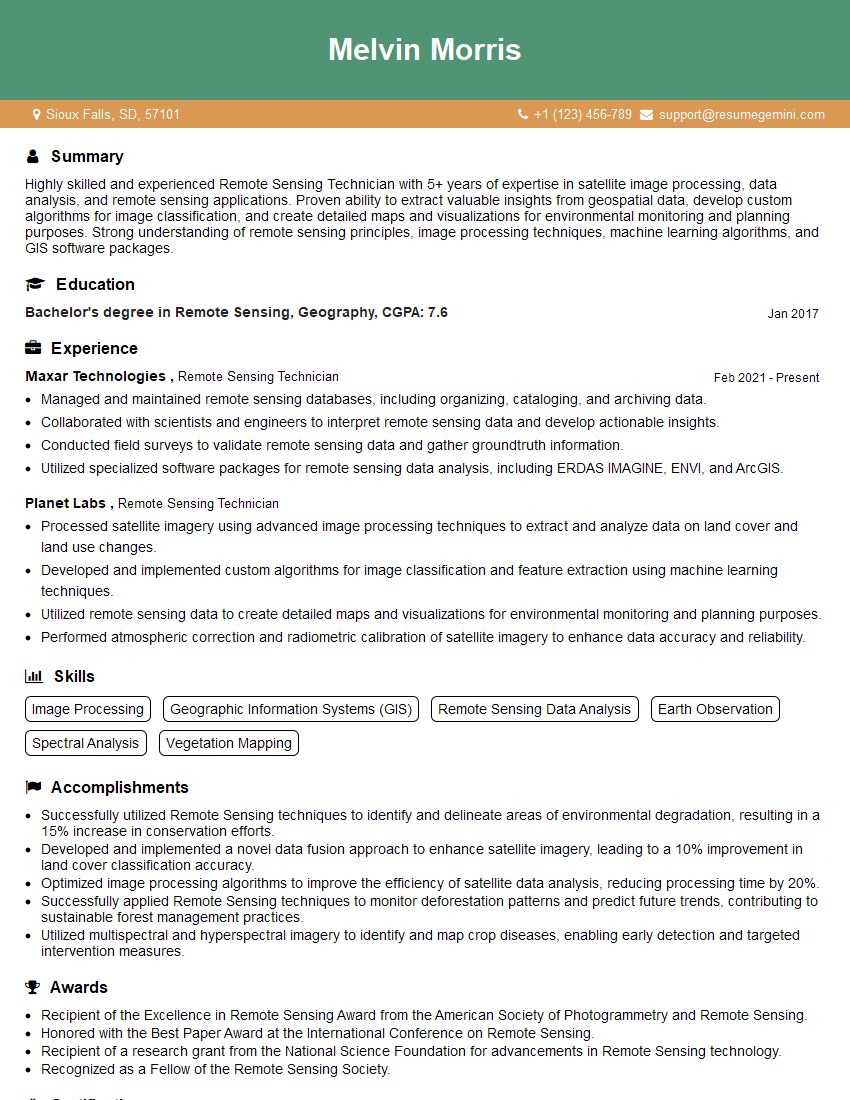
Remote Sensing Technician Resume Sample
Explore more articles
Users Rating of Our Blogs
Share Your Experience
We value your feedback! Please rate our content and share your thoughts (optional).
What Readers Say About Our Blog
I Redesigned Spongebob Squarepants and his main characters of my artwork.
https://www.deviantart.com/reimaginesponge/art/Redesigned-Spongebob-characters-1223583608
IT gave me an insight and words to use and be able to think of examples
Hi, I’m Jay, we have a few potential clients that are interested in your services, thought you might be a good fit. I’d love to talk about the details, when do you have time to talk?
Best,
Jay
Founder | CEO