Interviews are more than just a Q&A session—they’re a chance to prove your worth. This blog dives into essential Instructional Design Theory interview questions and expert tips to help you align your answers with what hiring managers are looking for. Start preparing to shine!
Questions Asked in Instructional Design Theory Interview
Q 1. Explain the ADDIE model and its limitations.
The ADDIE model is a widely used instructional design framework that stands for Analysis, Design, Development, Implementation, and Evaluation. It’s a linear, sequential process, making it easy to understand and manage.
- Analysis: This stage involves identifying the learning needs, target audience, and learning objectives. Think of it as laying the groundwork for your house – you need a solid foundation.
- Design: Here, you create the blueprint for your training. This includes choosing instructional strategies, developing assessments, and selecting media.
- Development: This is where you build the actual training materials, such as presentations, handouts, and online modules.
- Implementation: This involves delivering the training to the learners. It’s like the construction phase where your blueprint becomes a reality.
- Evaluation: Finally, you assess the effectiveness of the training. Did it meet its objectives? This is crucial for future improvement.
However, the ADDIE model has limitations. Its rigid, linear nature can be inflexible, especially in dynamic environments where requirements may change. It can also be time-consuming and doesn’t easily accommodate iterative feedback. For example, if you discover a critical flaw in the design phase, you might need to backtrack significantly, which impacts both time and resources. Agile and iterative models offer more flexibility in such situations.
Q 2. Describe the Kirkpatrick’s four levels of evaluation.
Kirkpatrick’s four levels of evaluation provide a framework for assessing the impact of training programs. Each level builds upon the previous one, providing a more comprehensive understanding of the training’s effectiveness.
- Level 1: Reaction: This measures learners’ satisfaction with the training. Did they enjoy it? Did they find it useful? Think of it as a simple ‘thumbs up’ or ‘thumbs down’ from participants.
- Level 2: Learning: This assesses how much knowledge or skills learners gained during the training. This usually involves tests or quizzes to evaluate knowledge acquisition.
- Level 3: Behavior: This measures whether learners applied the new knowledge or skills on the job. This often requires observing learners in their work environment or gathering feedback from their supervisors.
- Level 4: Results: This assesses the impact of the training on the organization’s overall goals. Did the training contribute to improved productivity, reduced errors, or increased sales?
For instance, a training on customer service might show high reaction (learners enjoyed the class) and learning (learners passed the knowledge test) scores. However, if their behavior (customer satisfaction scores) doesn’t improve, the training isn’t truly effective. Only measuring Level 4 (e.g., increase in customer retention) would reveal the true impact.
Q 3. What is Bloom’s Taxonomy and how does it apply to instructional design?
Bloom’s Taxonomy is a hierarchical model that classifies cognitive skills into six levels, from simple to complex. These levels are crucial in instructional design for crafting learning objectives and assessments.
- Remembering: Retrieving, recognizing, and recalling relevant knowledge.
- Understanding: Explaining ideas or concepts.
- Applying: Using knowledge and skills in new situations.
- Analyzing: Breaking down information into components and identifying relationships.
- Evaluating: Making judgments based on criteria and standards.
- Creating: Generating new ideas, products, or solutions.
In instructional design, Bloom’s Taxonomy helps ensure that learning objectives are aligned with the desired level of cognitive skill. For example, a training program on data analysis might have objectives targeting both understanding (explain statistical concepts) and applying (analyze a dataset using statistical software) levels, leading to a more comprehensive and effective training experience.
Q 4. Compare and contrast different instructional design models (e.g., ADDIE, Agile, SAM).
Several instructional design models exist, each with its strengths and weaknesses. Let’s compare ADDIE, Agile, and SAM.
- ADDIE: Linear, sequential, well-suited for stable projects with clearly defined requirements.
- Agile: Iterative, flexible, ideal for projects with evolving requirements and a need for frequent feedback. It embraces change and involves shorter development cycles.
- SAM (Successive Approximation Model): Iterative model that focuses on rapid prototyping and user feedback. It emphasizes testing and refinement throughout the design process.
ADDIE vs. Agile: ADDIE is like building a house according to a detailed blueprint, while Agile is more like constructing with modular components, adapting as you go. ADDIE is best when you know exactly what you need, Agile excels when requirements might shift.
Agile vs. SAM: Both are iterative, but SAM places even stronger emphasis on quick prototyping and early testing with learners. Think of Agile as building a house room by room, testing each before moving on, while SAM is more like creating a small-scale model, testing it, and then scaling up based on the feedback received.
The choice of model depends on the project’s complexity, the stability of requirements, and the level of user involvement desired. Sometimes, a hybrid approach combining elements from different models is the most effective solution.
Q 5. How do you determine the appropriate learning objectives for a training program?
Determining appropriate learning objectives is critical. They should be:
- Specific: Clearly state what learners will be able to do.
- Measurable: Provide a way to assess learner achievement.
- Achievable: Realistic and attainable for the target audience.
- Relevant: Aligned with the overall training goals and learners’ needs.
- Time-bound: Specify a timeframe for achieving the objectives.
The process involves a thorough needs analysis (discussed later), identifying performance gaps, and considering the desired outcomes. For example, instead of saying ‘understand marketing,’ a better objective would be ‘Given a case study, learners will be able to identify three key marketing principles and explain their application in a written report by the end of the training.’
Using action verbs (identify, explain, analyze, apply, create) makes objectives more measurable and specific. The SMART framework (Specific, Measurable, Achievable, Relevant, Time-bound) is an excellent tool to ensure your learning objectives meet these criteria.
Q 6. Explain the concept of instructional strategies and provide examples.
Instructional strategies are the methods and techniques used to deliver learning content. They should be aligned with the learning objectives and learner characteristics. Here are some examples:
- Lectures: Traditional method of delivering information; efficient for conveying large amounts of content but can be passive.
- Group Discussions: Encourages active participation and collaborative learning. Effective for promoting critical thinking and problem-solving skills.
- Role-Playing: Learners act out scenarios, improving application and understanding in a safe, engaging environment.
- Case Studies: Real-world scenarios analyzed to enhance problem-solving and critical thinking.
- Simulations: Realistic scenarios that provide practice in a safe environment, particularly useful for high-stakes situations.
- Gamification: Uses game mechanics to enhance motivation and engagement.
The choice of instructional strategy depends on various factors such as learning objectives, learner preferences, available resources, and the learning environment. A blended learning approach, combining different strategies, is often the most effective.
Q 7. Discuss the importance of needs analysis in instructional design.
Needs analysis is the cornerstone of effective instructional design. It’s a systematic process to identify the gap between the current state of knowledge/skills and the desired performance. Without it, training might address irrelevant issues, leading to wasted resources and ineffective learning.
Needs analysis typically involves three levels:
- Organizational Analysis: Examines the organization’s goals, resources, and constraints. Are there specific business problems that training can address?
- Task Analysis: Identifies the specific tasks learners need to perform and the knowledge and skills required. What are the critical tasks that need improvement?
- Learner Analysis: Determines learners’ existing knowledge, skills, and learning styles. What is their background? What are their learning preferences?
Imagine you’re developing a training program on software proficiency. Organizational analysis might reveal that low software skills are affecting productivity. Task analysis will pinpoint the specific software functions employees need to master. Learner analysis would reveal the employees’ current computer skills and learning preferences, which helps tailor the training to their needs. A well-conducted needs analysis ensures that the training program is targeted, relevant, and effective.
Q 8. What are some common assessment methods used in instructional design?
Assessment in instructional design is crucial for measuring learning outcomes and informing improvements. We employ a variety of methods, categorized broadly into formative and summative assessments.
- Formative Assessments: These happen during the learning process, providing ongoing feedback. Examples include:
- Quizzes and self-checks: Embedded within the learning material to gauge understanding of specific concepts.
- Peer review: Learners provide feedback on each other’s work, promoting collaboration and critical thinking.
- Observations: Monitoring learner engagement and participation during activities.
- Think-aloud protocols: Learners verbalize their thought processes as they work through a problem, revealing their understanding (or lack thereof).
- Summative Assessments: These evaluate learning at the end of a module or program. Examples include:
- Tests and exams: Traditional methods to assess knowledge retention and application.
- Projects and portfolios: Demonstrating skills and competencies through practical application.
- Performance-based assessments: Evaluating learners’ abilities in real-world scenarios or simulations.
- Case studies: Analyzing complex situations and applying learned knowledge.
The choice of assessment method depends on the learning objectives, the target audience, and the resources available. For example, a complex technical skill might be best assessed through a performance-based assessment, while knowledge recall might be effectively measured with a multiple-choice test.
Q 9. How do you ensure accessibility in your instructional designs?
Accessibility is paramount in instructional design, ensuring that learning materials are usable by individuals with diverse abilities. This involves considering learners with visual, auditory, motor, cognitive, and learning disabilities.
- Visual Accessibility: Using sufficient color contrast, providing alternative text for images (alt text), and ensuring text is easily readable (font size, style).
- Auditory Accessibility: Providing captions and transcripts for videos and audio content, avoiding reliance on sound alone for conveying information.
- Motor Accessibility: Designing for keyboard navigation (avoiding reliance on mouse-only interactions), providing sufficient time for completion of tasks, and using clear and concise language.
- Cognitive Accessibility: Using clear and simple language, breaking down complex information into manageable chunks, using consistent navigation, and providing multiple ways to access information.
- Learning Disabilities: Providing different formats for information (text, audio, video), offering flexible learning pathways, and providing assistive technology support where needed.
For example, I would ensure that all images have descriptive alt text for screen readers, provide transcripts for all videos, and use a consistent font and color scheme throughout the course. I also incorporate features like adjustable font sizes and color schemes and ensure that the learning materials meet WCAG (Web Content Accessibility Guidelines) standards.
Q 10. Describe your experience with different eLearning authoring tools.
I have extensive experience with various eLearning authoring tools, adapting my choice to the project’s specific needs and budget. My expertise spans tools like:
- Articulate Storyline 360: A powerful tool for creating interactive and engaging eLearning courses, ideal for complex scenarios and branching narratives. I’ve used it to develop simulations, interactive exercises, and knowledge checks.
- Adobe Captivate: Excellent for recording and editing screencasts, creating simulations, and integrating quizzes. I’ve utilized this for software training and demonstration videos.
- Lectora: A robust authoring tool with strong branching capabilities, particularly useful for complex learning paths and customized assessments. I’ve employed it in developing compliance training modules.
- Rise 360: A rapid eLearning development tool, ideal for creating responsive courses quickly. Its ease of use makes it suitable for projects with tight deadlines and simpler learning objectives.
My proficiency extends beyond the basic features, encompassing advanced functionalities like branching scenarios, custom interactions, and the integration of SCORM and xAPI compliant assessments. I always prioritize the selection of a tool that best fits the pedagogical approach and technological requirements of each project.
Q 11. How do you incorporate adult learning principles into your designs?
Adult learning principles, often summarized by the acronym ANDRAGOGY, guide my design choices. Adults are self-directed, experience-rich, and problem-centered learners. Therefore, I incorporate the following:
- Relevance: Connecting learning to learners’ real-world experiences and demonstrating the practical application of the material. I use real-world case studies and scenarios.
- Experiential Learning: Providing opportunities for learners to actively participate, solve problems, and reflect on their learning. Simulations, group projects, and hands-on activities are frequently used.
- Self-Directed Learning: Offering learners choices and control over their learning path, pace, and assessment methods. This might include allowing them to select certain modules or activities.
- Collaboration: Fostering a collaborative learning environment through group discussions, peer reviews, and shared projects. This promotes peer learning and social interaction.
- Immediate Feedback: Providing timely and constructive feedback to support learners’ progress and identify areas for improvement.
For instance, instead of lecturing on a topic, I might present a case study requiring learners to apply the concepts and discuss their solutions in a group setting, providing immediate feedback on their approach.
Q 12. Explain the concept of cognitive load theory and how it impacts design choices.
Cognitive Load Theory (CLT) explains how our working memory processes information. It suggests that we have limited cognitive resources and that instructional design should minimize cognitive load to enhance learning.
- Extraneous Cognitive Load: This is the load caused by irrelevant or poorly presented information, such as confusing visuals or overly complex language. Designers reduce this by using clear and concise language, relevant visuals, and a well-structured layout.
- Intrinsic Cognitive Load: This is the inherent complexity of the material itself, which cannot be easily reduced. Designers manage this by breaking down complex information into smaller, manageable chunks and using different instructional methods like analogies or storytelling.
- Germane Cognitive Load: This is the load dedicated to schema construction – making sense of the information and integrating it into existing knowledge. This is what we want to maximize. We can encourage this by providing opportunities for elaboration, reflection, and practice.
For example, instead of presenting a complex formula all at once, I might break it down step by step, explaining each component, using visuals to illustrate the concept and then providing practice exercises to consolidate understanding. This reduces extraneous load, while encouraging germane load by requiring active engagement.
Q 13. What is your preferred method for evaluating the effectiveness of a training program?
Evaluating training effectiveness involves a multifaceted approach that goes beyond simple satisfaction surveys. My preferred method employs a Kirkpatrick’s four-level model:
- Level 1: Reaction: Measuring learner satisfaction and engagement through surveys or feedback forms. This provides initial insights into the learners’ experience.
- Level 2: Learning: Assessing knowledge gain and skill acquisition using tests, quizzes, or performance-based assessments. This determines if the training achieved its learning objectives.
- Level 3: Behavior: Observing changes in learners’ on-the-job performance and behavior. This evaluates the transfer of learning to the workplace.
- Level 4: Results: Measuring the impact of the training on organizational outcomes, such as improved efficiency, reduced errors, or increased productivity. This demonstrates the overall return on investment (ROI).
Each level is crucial and provides a more complete picture of the effectiveness. For example, high learner satisfaction (Level 1) doesn’t guarantee improved performance (Level 3) or business outcomes (Level 4).
Q 14. How do you handle challenges or unexpected issues during the design process?
Unexpected issues are inevitable in the design process. My approach is proactive and involves:
- Planning for contingencies: Building flexibility into the design to accommodate potential challenges, like incorporating alternative learning paths or having backup materials ready.
- Open communication: Maintaining transparent communication with stakeholders, ensuring issues are identified and addressed promptly.
- Problem-solving skills: Employing a systematic problem-solving approach, using data to identify the root cause and implement effective solutions. This may include using design thinking methodologies.
- Adaptability: Being willing to adjust the design based on feedback and unforeseen circumstances, ensuring the final product meets the learners’ needs.
- Testing and iteration: Regularly testing the design with representative learners and iterating based on their feedback. This ensures the final product is user-friendly and effective.
For example, if unexpected technical issues arise during development, I immediately communicate this to stakeholders, explore alternative solutions, and implement necessary changes, keeping the project timeline in mind.
Q 15. Describe your experience with instructional design for different learning styles.
Designing effective instruction requires understanding diverse learning styles. Instead of forcing learners into a single mold, I tailor my designs to accommodate visual, auditory, and kinesthetic preferences. For visual learners, I incorporate charts, diagrams, and videos. Auditory learners benefit from audio lectures, podcasts, and discussions. Kinesthetic learners thrive with hands-on activities, simulations, and interactive exercises. For example, in a training module on project management, I would include visual timelines for visual learners, audio explanations of complex concepts for auditory learners, and interactive simulations of project planning for kinesthetic learners. This multi-modal approach ensures that everyone has an opportunity to engage with the material in a way that suits their individual strengths.
I also utilize learning style assessments, like the VARK questionnaire, to gather data on learner preferences and inform my design decisions. This isn’t about creating entirely separate learning paths, but rather about enriching the core instructional material with varied activities to maximize engagement and knowledge retention across different learning styles.
Career Expert Tips:
- Ace those interviews! Prepare effectively by reviewing the Top 50 Most Common Interview Questions on ResumeGemini.
- Navigate your job search with confidence! Explore a wide range of Career Tips on ResumeGemini. Learn about common challenges and recommendations to overcome them.
- Craft the perfect resume! Master the Art of Resume Writing with ResumeGemini’s guide. Showcase your unique qualifications and achievements effectively.
- Don’t miss out on holiday savings! Build your dream resume with ResumeGemini’s ATS optimized templates.
Q 16. How do you incorporate feedback from stakeholders into your designs?
Stakeholder feedback is crucial for successful instructional design. I actively seek input throughout the design process using various methods. This starts with needs analysis interviews and surveys to understand their expectations and the target audience’s needs. During the design phase, I share prototypes and drafts for feedback, using tools like online collaborative platforms. This iterative process allows for adjustments and refinements based on real-time insights. For example, I might present a storyboard to subject matter experts (SMEs) for review and receive feedback on content accuracy and clarity. Then I incorporate their suggestions into the next iteration of the design. After a pilot test, I gather feedback from learners on the effectiveness and clarity of the materials, leading to further improvements before the final release.
I prioritize clear and effective communication with stakeholders, ensuring they understand the design process and their role in it. I document all feedback received and justify my design choices based on evidence and data. This transparent process builds trust and ensures that the final product aligns with the needs and expectations of all stakeholders.
Q 17. Explain the difference between formative and summative evaluation.
Formative and summative evaluations are distinct but complementary assessment approaches. Formative evaluation is ongoing, occurring throughout the design and development process. It aims to identify areas for improvement before the final product is launched. Think of it as ‘checking in’ regularly. Examples include reviewing drafts with SMEs, conducting pilot tests with small groups, and gathering feedback using questionnaires. The goal is to identify and address problems early, improving the final product’s quality.
Summative evaluation, on the other hand, assesses the effectiveness of the completed instructional material. It happens after the product is launched and measures the extent to which the learning objectives were achieved. Methods include post-tests, surveys measuring learner satisfaction, and analyzing performance data. The focus is on evaluating overall success and making informed decisions about future iterations or similar projects. For instance, a post-test determines the learners’ knowledge gain after completing the training, while satisfaction surveys measure how engaging and useful they found the materials.
Q 18. How do you ensure the consistency and quality of your instructional materials?
Consistency and quality in instructional materials are paramount. I employ several strategies to ensure this. First, I use a style guide that outlines specific guidelines for fonts, colors, layouts, and branding to maintain a consistent visual identity. This is particularly crucial for multi-module or multi-platform courses. Secondly, I meticulously review and edit all materials, ensuring clarity, accuracy, and proper grammar and punctuation. A thorough review process involves multiple checks and feedback loops.
Utilizing a learning management system (LMS) can help enforce consistency and track learner progress. I ensure that all interactive elements, assessments, and multimedia are integrated smoothly into the LMS to maintain a unified learner experience. I also use quality assurance checklists to systematically review the materials for technical errors, accessibility compliance, and overall usability. This methodical approach ensures a high-quality, professional learning experience for all learners.
Q 19. Describe your experience using different multimedia elements in eLearning.
Multimedia significantly enhances eLearning. My experience encompasses a wide range of elements, including video, audio, interactive simulations, animations, and graphics. I leverage video for demonstrations, lectures, and testimonials. Audio enhances narration and provides an alternative learning pathway. Interactive simulations allow learners to apply knowledge in a safe environment. Animations can clarify complex processes visually. Graphics and illustrations break down complex information into easily digestible chunks. For example, I might use a short animated video to explain a difficult technical process in a software training module, followed by an interactive simulation where learners practice the same process. I carefully consider the cognitive load and choose the most effective media for each specific learning objective.
When integrating multimedia, accessibility is crucial. I ensure that all content is captioned, transcribed, and adheres to WCAG (Web Content Accessibility Guidelines) to make it accessible to all learners, regardless of disability. Thoughtful use of multimedia increases engagement and improves the overall learning experience.
Q 20. What are your strategies for managing time and resources effectively in instructional design projects?
Effective time and resource management is key in instructional design. I begin by creating a detailed project plan that includes clear timelines, milestones, and tasks. This plan serves as a roadmap for the project, enabling me to stay organized and track progress. I break down complex tasks into smaller, manageable steps, which makes the project less daunting and allows for easier tracking of progress. I use project management tools like Gantt charts and Kanban boards to visually represent the workflow and identify potential bottlenecks early on.
Resource allocation involves careful budgeting for materials, software, and personnel. I negotiate and secure resources effectively and ensure that all stakeholders are informed about resource availability. Prioritizing tasks based on their importance and urgency helps optimize resource utilization and ensures timely project completion. Throughout the project, I regularly review the plan and adapt it as needed, accommodating any unexpected changes or challenges. This proactive approach ensures efficient resource management and keeps projects on track.
Q 21. How do you stay current with the latest trends in instructional design?
Staying current in instructional design is essential. I actively participate in professional development activities such as attending conferences, webinars, and workshops. I subscribe to relevant journals and newsletters like the Instructional Designer magazine, and follow influential figures and organizations in the field on social media. This keeps me abreast of emerging technologies and innovative pedagogical approaches. I also actively engage with online learning communities and forums, where I can discuss ideas, share best practices, and learn from the experiences of other professionals. Reading relevant books, research articles, and staying up-to-date on the latest technological advancements in learning management systems and authoring tools is also part of my continuous learning journey. This commitment to lifelong learning ensures that my instructional designs are innovative, effective, and aligned with the latest best practices.
Q 22. Explain the importance of instructional design in achieving business goals.
Instructional design is crucial for achieving business goals because it directly impacts the effectiveness of training and development initiatives. Poorly designed training can lead to wasted resources, low employee engagement, and ultimately, a failure to achieve desired business outcomes. Effective instructional design, conversely, ensures that learning experiences are engaging, relevant, and result in measurable improvements in employee performance and overall productivity.
For example, a company aiming to improve customer service might invest in training its employees on effective communication techniques. A well-designed program would incorporate active learning strategies, real-world scenarios, and assessments to gauge employee understanding and skill development. This approach is far more likely to lead to improved customer satisfaction and increased sales compared to a poorly designed program with passive learning techniques and little to no assessment of learning outcomes.
In essence, instructional design acts as the bridge between business needs and learning outcomes, ensuring that investments in training yield a positive return on investment (ROI).
Q 23. How do you collaborate effectively with subject matter experts (SMEs)?
Collaborating effectively with SMEs is paramount to creating relevant and accurate training materials. My approach involves establishing a clear communication plan from the outset. This includes:
- Initial kickoff meeting: Defining project goals, scope, and timelines, and outlining roles and responsibilities.
- Regular check-ins: Using methods like weekly calls or email updates to maintain consistent communication and address any emerging issues.
- Content review sessions: Providing SMEs with drafts of the training materials for feedback at various stages of development. I facilitate these sessions to ensure open communication and constructive criticism.
- Utilizing collaborative tools: Employing tools like Google Docs or collaborative project management software to enable simultaneous editing and feedback.
For example, during a recent project on designing compliance training, I held regular meetings with the legal team (SME) to ensure all the information was accurate and up-to-date. This collaborative approach helped us produce training that was legally sound and easy for employees to understand. I always aim for a partnership with the SME, viewing them not as a source of information alone but as a crucial collaborator in the design process.
Q 24. Describe your experience designing for mobile learning.
Designing for mobile learning requires a deep understanding of the constraints and opportunities presented by mobile devices. Microlearning, short, focused learning modules, is particularly effective. I consider factors such as screen size, bandwidth limitations, and user interface (UI) considerations when designing mobile learning experiences.
For example, I recently developed a mobile-first training program for field technicians using a gamified approach. Short video lessons combined with interactive quizzes and challenges kept learners engaged. The design prioritized simplicity and clear navigation to accommodate the smaller screens and ensure ease of use in the field. Mobile learning often involves incorporating features like offline accessibility and push notifications to enhance learner engagement and retention.
Q 25. How do you ensure the scalability and maintainability of your instructional designs?
Scalability and maintainability are vital for long-term success. I address these by:
- Modular design: Creating learning materials that can be easily updated, expanded, or repurposed. This approach facilitates the adaptation of training to future needs and different contexts.
- Use of templates and style guides: Maintaining consistency in design and branding across various learning materials simplifies updates and reduces the overall maintenance burden.
- Leveraging LMS capabilities: Choosing an LMS that supports version control and efficient content updates. Using the LMS’s reporting and analytics features allows for monitoring performance and making necessary adjustments.
- Choosing appropriate content formats: Prioritizing formats easily updated (e.g., HTML5 over Flash) and avoiding vendor lock-in.
For instance, using a template for creating eLearning modules means that updating the branding or making minor design changes requires updating only the template, rather than every single module individually. This drastically reduces the maintenance effort and ensures consistency across all the training materials.
Q 26. What are your strategies for promoting learner engagement and motivation?
Learner engagement and motivation are critical for effective learning. My strategies include:
- Real-world relevance: Connecting learning objectives to learners’ job roles and responsibilities, making the content immediately applicable.
- Active learning: Incorporating interactive elements like simulations, games, and collaborative activities to encourage active participation.
- Personalized learning: Providing learners with opportunities for customization and self-paced learning.
- Feedback and reinforcement: Providing regular feedback to learners and reinforcing their progress through rewards or recognition.
- Storytelling and relatable examples: Making the content engaging and relevant through the use of narratives and relatable scenarios.
For example, using case studies relevant to the learner’s industry keeps them motivated and engaged, demonstrating practical applications of the learned material. Similarly, incorporating regular quizzes and feedback keeps learners on track and reinforces their learning.
Q 27. How do you incorporate gamification or game-based learning principles into your designs?
Gamification and game-based learning can significantly boost engagement. I strategically integrate game mechanics like points, badges, leaderboards, and challenges into training modules to motivate learners and enhance their learning experience.
For example, in a recent sales training program, I incorporated a points system where learners earned points for completing modules, answering quizzes correctly, and achieving certain performance milestones. The points could be redeemed for rewards, such as extra training credits or recognition. This gamified approach significantly increased learner participation and improved overall training completion rates.
Careful consideration is given to ensure the game mechanics support learning objectives and do not distract from the core content. The focus is always on using game elements to enhance learning, not just to add entertainment.
Q 28. Explain your experience working with learning management systems (LMS).
My experience with Learning Management Systems (LMS) includes using various platforms such as Moodle, Canvas, and Blackboard. I’m proficient in uploading and managing learning content, configuring settings, tracking learner progress, and generating reports. I understand the importance of selecting the right LMS for specific project needs and aligning the design of training materials with the LMS capabilities.
For example, when designing a large-scale online training program, the LMS’s reporting capabilities were critical for tracking learner progress and identifying areas for improvement. My familiarity with the platform allowed me to design the learning content in a way that seamlessly integrates with the LMS’s features, ensuring a streamlined learning experience for the trainees.
Beyond basic functionality, I have experience integrating various third-party tools and applications to extend the LMS’s capabilities and enhance the learner experience. This includes integrating assessment tools, video conferencing platforms, and communication tools.
Key Topics to Learn for Your Instructional Design Theory Interview
Acing your Instructional Design Theory interview requires a solid understanding of core concepts and their practical applications. This isn’t just about memorizing definitions; it’s about demonstrating how you can leverage theory to solve real-world instructional challenges.
- Learning Theories: Understand the foundational theories (e.g., constructivism, cognitivism, behaviorism) and how they inform instructional design choices. Be prepared to discuss the strengths and weaknesses of each in various learning contexts.
- Instructional Design Models: Familiarize yourself with ADDIE, AGILE, and other prominent models. Focus on their stages, key processes, and when each model might be most appropriate for a given project. Be ready to discuss how you would adapt a model to a specific scenario.
- Needs Assessment & Analysis: Mastering this crucial first step is key. Practice articulating how you would identify learning needs, gather data (qualitative and quantitative), and analyze that data to inform design decisions. Illustrate your understanding with concrete examples.
- Learning Objectives & Assessment: Know how to write SMART learning objectives and design assessments that accurately measure learner achievement against those objectives. Discuss different assessment methods and their suitability for various learning outcomes.
- Instructional Strategies & Methods: Be prepared to discuss various teaching methods (e.g., lectures, simulations, gamification) and how to select the most effective strategies for different learning styles and content. Highlight your experience using diverse instructional strategies.
- Technology Integration in Instructional Design: Demonstrate your knowledge of various learning technologies (LMS, authoring tools, multimedia) and how they can enhance the learning experience. Discuss your experience with eLearning development or other technology-enhanced instruction.
- Universal Design for Learning (UDL): Show your understanding of creating inclusive learning experiences that cater to diverse learners with varying needs and abilities. Discuss specific strategies and techniques you’d employ.
Next Steps: Unlock Your Career Potential
Mastering Instructional Design Theory is crucial for advancing your career. It demonstrates your commitment to evidence-based practice and your ability to create impactful learning experiences. To maximize your chances of securing your dream role, invest time in crafting a compelling, ATS-friendly resume that highlights your skills and experience.
ResumeGemini is a valuable resource for building a professional resume that stands out. They provide examples of resumes specifically tailored to Instructional Design Theory, enabling you to showcase your expertise effectively. Use this opportunity to create a document that reflects your knowledge and passion for instructional design.
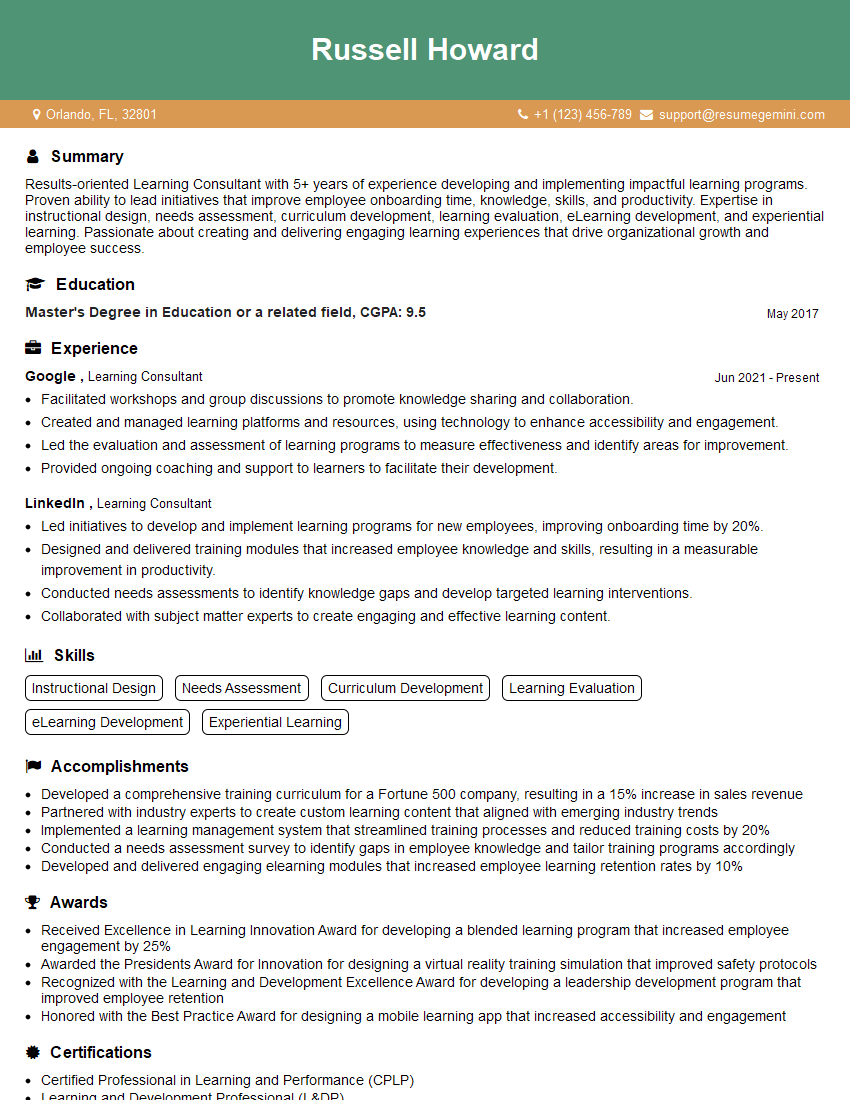
Learning Consultant Resume Sample
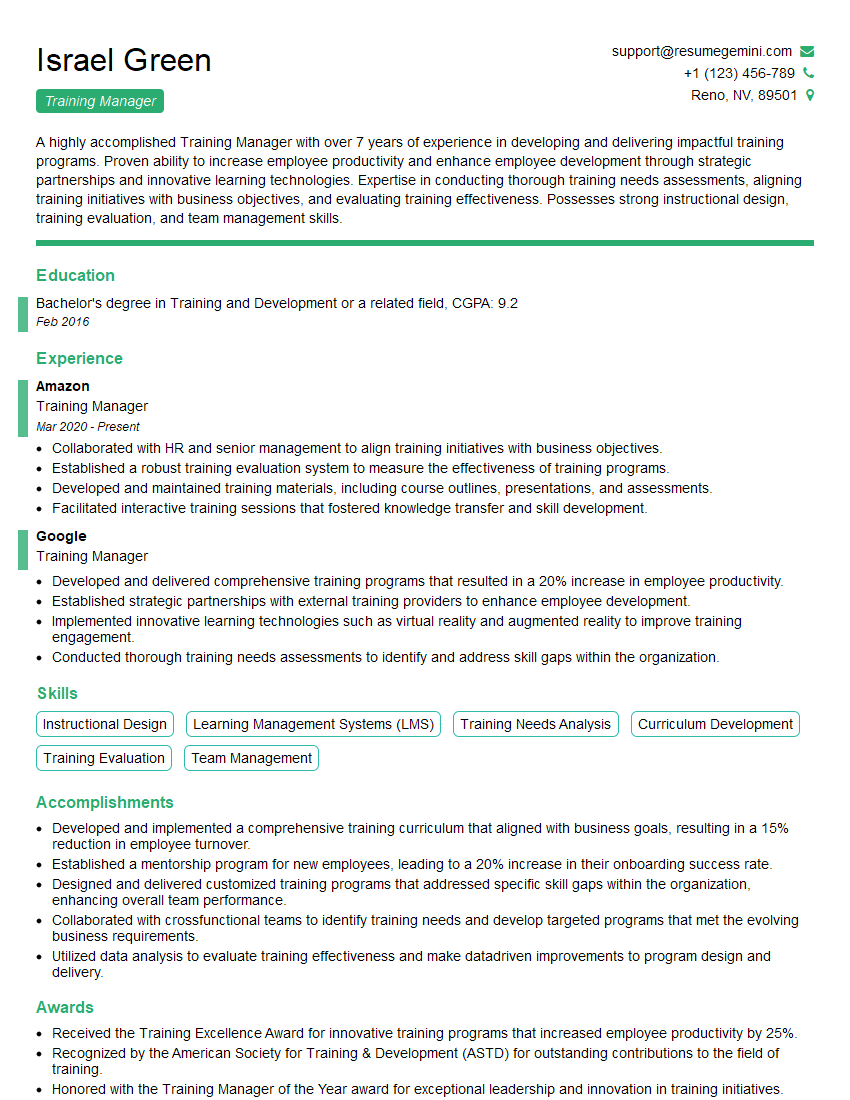
Training Manager Resume Sample
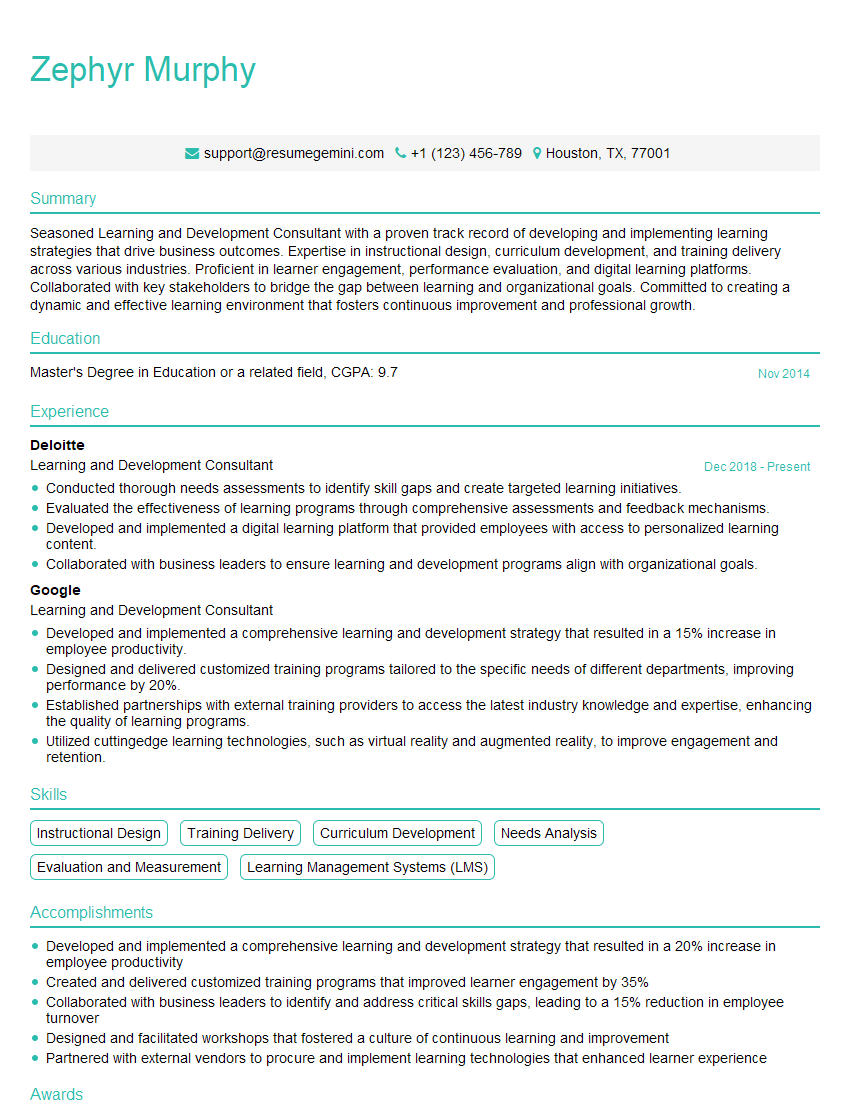
Learning and Development Consultant Resume Sample
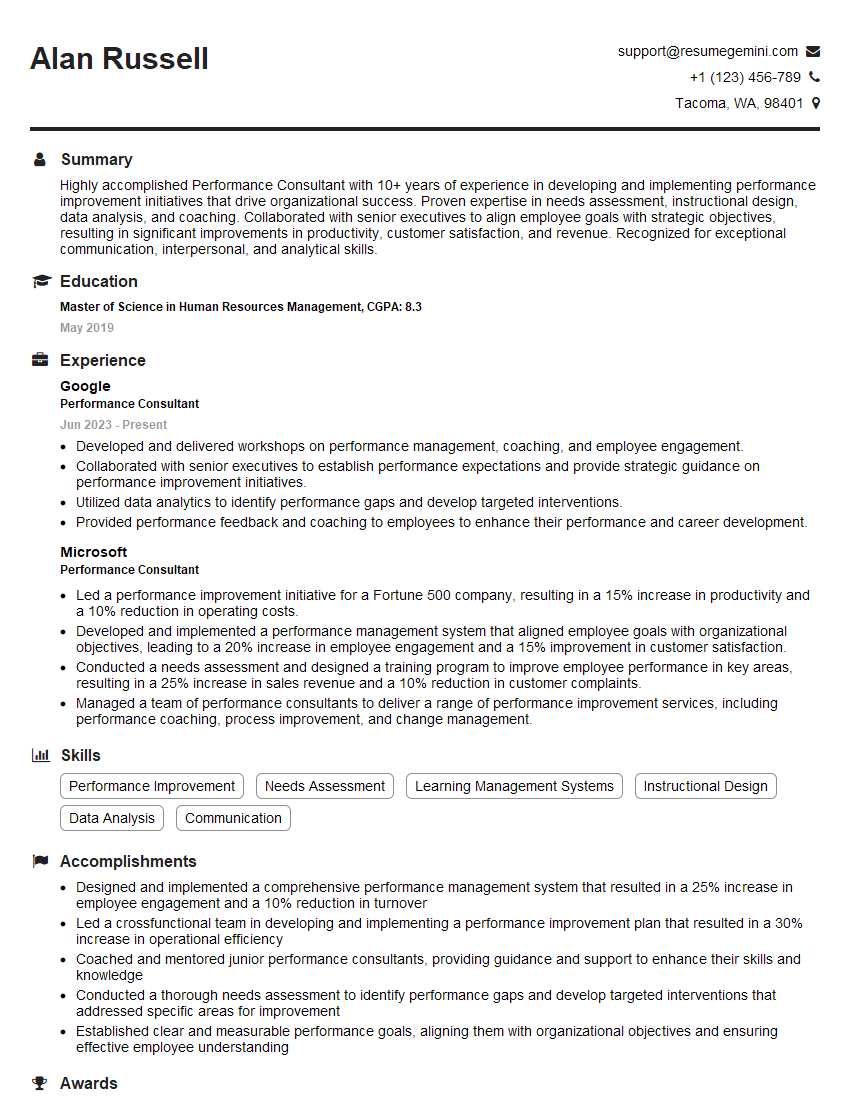
Performance Consultant Resume Sample

Curriculum Developer Resume Sample
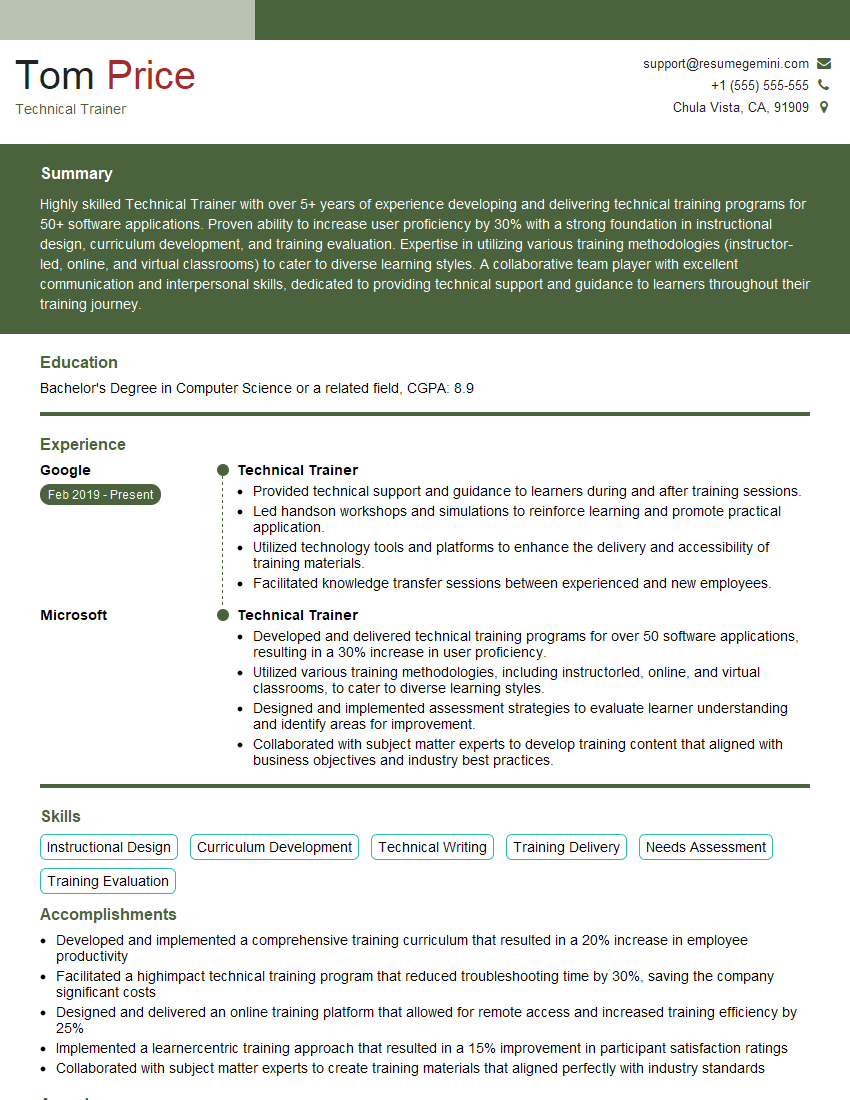
Technical Trainer Resume Sample

Training Specialist Resume Sample
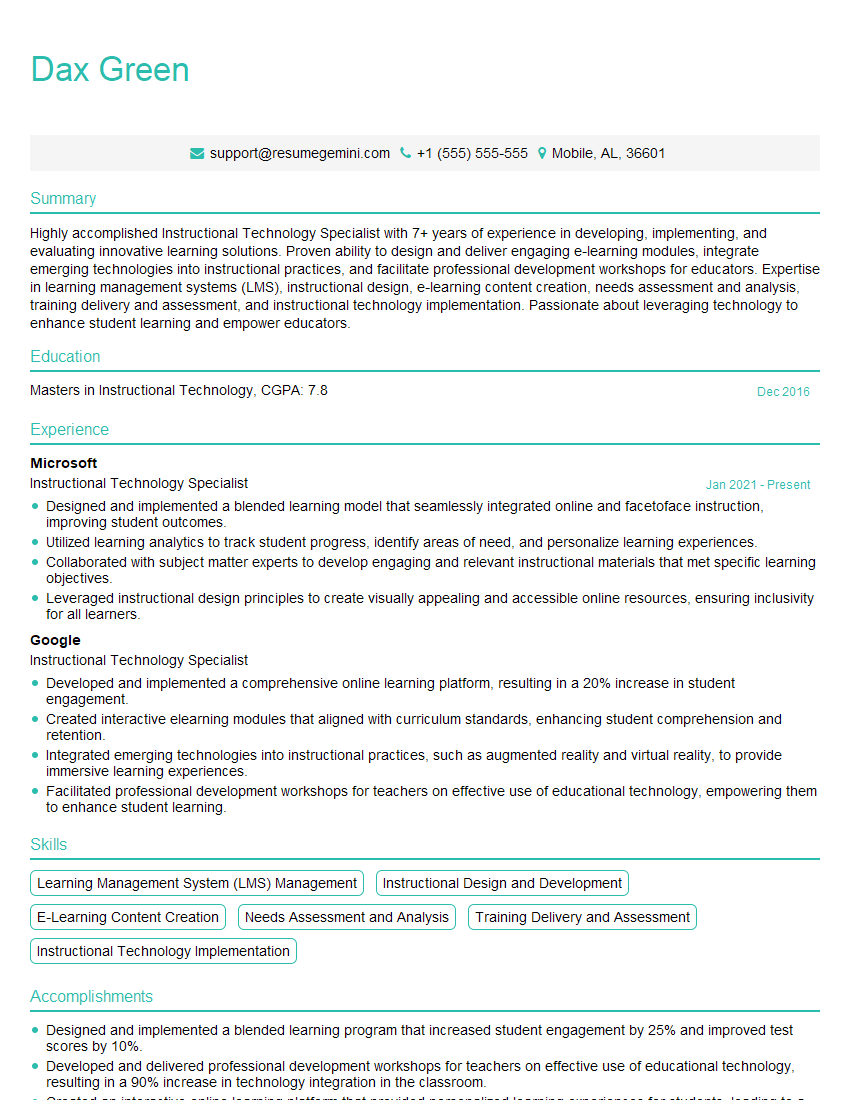
Instructional Technology Specialist Resume Sample
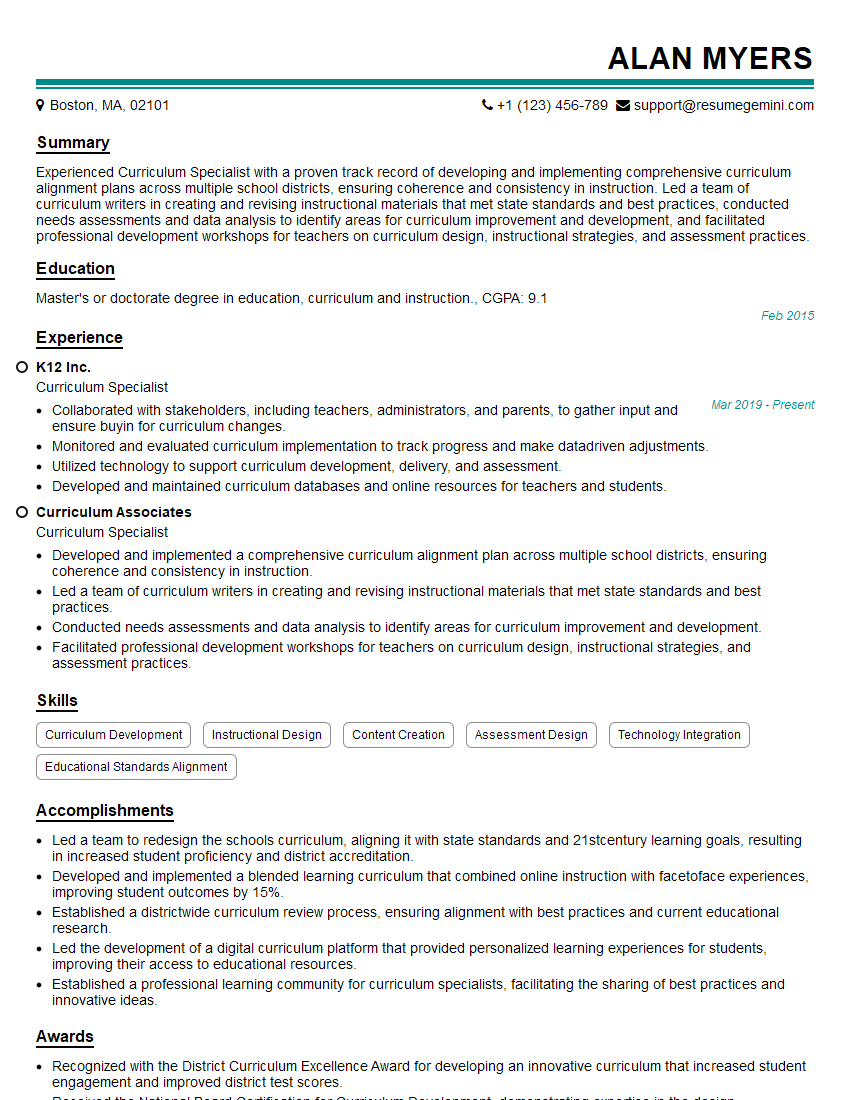
Curriculum Specialist Resume Sample

Instructional Designer Resume Sample

Educational Technologist Resume Sample
Explore more articles
Users Rating of Our Blogs
Share Your Experience
We value your feedback! Please rate our content and share your thoughts (optional).
What Readers Say About Our Blog
I Redesigned Spongebob Squarepants and his main characters of my artwork.
https://www.deviantart.com/reimaginesponge/art/Redesigned-Spongebob-characters-1223583608
IT gave me an insight and words to use and be able to think of examples
Hi, I’m Jay, we have a few potential clients that are interested in your services, thought you might be a good fit. I’d love to talk about the details, when do you have time to talk?
Best,
Jay
Founder | CEO