Feeling uncertain about what to expect in your upcoming interview? We’ve got you covered! This blog highlights the most important Labeling and Documentation interview questions and provides actionable advice to help you stand out as the ideal candidate. Let’s pave the way for your success.
Questions Asked in Labeling and Documentation Interview
Q 1. Explain the importance of accurate and consistent labeling in a professional setting.
Accurate and consistent labeling is the cornerstone of efficient operations and regulatory compliance across various industries. Think of it like addressing a package – without a clear, accurate label, it won’t reach its destination. In a professional setting, inaccurate labels lead to significant problems, including misidentification of products, inventory discrepancies, shipping errors, and even safety hazards. Consistent labeling ensures uniformity, facilitating smoother workflows and preventing confusion.
For example, in pharmaceuticals, incorrect labeling could have life-threatening consequences. In manufacturing, it could lead to costly recalls or production inefficiencies. Consistency allows for easier tracking, inventory management, and data analysis, which are crucial for any organization’s success.
- Improved traceability: Easily trace products from origin to consumer.
- Reduced errors: Minimizes mistakes in inventory, shipping, and order fulfillment.
- Enhanced safety: Prevents misidentification of hazardous materials.
- Streamlined processes: Improves efficiency across the supply chain.
Q 2. Describe your experience with different labeling methods (e.g., barcodes, RFID).
My experience spans a variety of labeling methods, each with its own strengths and weaknesses. I’ve extensively worked with barcodes, RFID (Radio-Frequency Identification), and even more traditional methods like printed labels with manually entered information. Barcodes, while cost-effective and widely used, have limitations in terms of data capacity. RFID, on the other hand, offers superior data storage and the ability to track items remotely, making it ideal for inventory management in large warehouses or supply chains. I’ve managed projects involving the integration of barcode scanners and RFID readers into existing warehouse management systems (WMS).
For example, I implemented an RFID system for a logistics company, enabling real-time tracking of high-value goods throughout their distribution network. This dramatically reduced inventory discrepancies and improved order fulfillment accuracy. In another project, we utilized barcode labels for a food processing plant, ensuring accurate tracking of batches for quality control and recall management. The choice of method always depends on the specific requirements of the product, industry regulations, and budget considerations.
Q 3. How do you ensure labeling complies with relevant regulations and standards (e.g., FDA, ISO)?
Regulatory compliance is paramount. My approach involves a thorough understanding of the relevant standards and regulations for each industry and product. For example, working with FDA-regulated products requires strict adherence to their guidelines on labeling content, including ingredient lists, nutritional information, and warnings. ISO standards often focus on quality management systems and documentation procedures, affecting label design, accuracy, and version control.
I employ a multi-step process: Firstly, I identify all applicable regulations and standards. Next, I design labels ensuring complete adherence. This includes verifying the accuracy of all information and ensuring that the label meets the required format and legibility standards. Finally, I implement internal checks and audits to maintain ongoing compliance.
For instance, in a project involving medical device labeling, we needed to adhere to both FDA and ISO regulations. This involved a rigorous review process with multiple checks and balances, including internal audits and third-party inspections. Thorough documentation and traceability are critical in demonstrating compliance during inspections.
Q 4. What software or tools are you proficient in for creating and managing labels?
I’m proficient in several software applications for label creation and management. My experience includes using industry-standard software like NiceLabel, BarTender, and LabelView. These programs allow for the design of complex labels, integration with databases for dynamic data population, and efficient management of label templates. I also have experience using Adobe Illustrator for more intricate design elements. Furthermore, I have experience using label management systems that allow for central management and version control of label templates, ensuring consistency across the organization.
For instance, I used NiceLabel to create a dynamic label system for a pharmaceutical company. This system automatically populated label information from their ERP system, eliminating manual data entry and reducing errors. The centralized management system ensured that all labels reflected the most up-to-date information.
Q 5. How do you handle label design for different product types or packaging?
Label design must adapt to the specific requirements of each product and its packaging. The same label won’t work for a small cosmetic container as it would for a large industrial drum. Considerations include label size, material, adhesive, print method, and the information required by regulations. I always start with a thorough understanding of the product, its intended use, and any regulatory requirements. This includes understanding the physical properties of the packaging material and the printing process used.
For example, labels for fragile items might require a more durable material and a less aggressive adhesive to prevent damage during shipping. Labels for food products must comply with specific regulations concerning information disclosure. I frequently use different design elements, such as color-coding or pictograms, to enhance clarity and visibility, especially on products with complex information.
Q 6. Describe your experience with version control systems for documentation.
Version control is crucial for managing documentation, especially in collaborative environments. I have extensive experience using Git, a distributed version control system, for tracking changes to documentation, label templates, and related files. This allows for easy tracking of modifications, collaborative editing, and rollback capabilities if needed. Having a robust version control system prevents conflicts, ensures accountability, and makes it easy to retrieve previous versions if necessary.
Think of it like writing a book with multiple authors. Git helps manage everyone’s contributions, tracks changes, and avoids conflicts between different versions. This is especially important in regulated industries where maintaining a complete audit trail of changes is vital.
Q 7. Explain your process for creating clear, concise, and accurate technical documentation.
My process for creating technical documentation prioritizes clarity, conciseness, and accuracy. I begin by defining the target audience and their technical expertise. Then, I outline the key information that needs to be conveyed. I use a structured writing style, breaking down complex information into easily digestible sections. Clear headings, subheadings, and bullet points enhance readability. Visual aids, such as diagrams and screenshots, supplement the text, improving comprehension. Finally, rigorous review and editing processes ensure accuracy and consistency.
For example, when documenting the installation procedure for a complex piece of equipment, I would use step-by-step instructions with clear visuals, ensuring the end-user can easily follow the process. I would also include troubleshooting tips and a glossary of technical terms. Ultimately, the goal is to create a user-friendly document that serves its purpose effectively and efficiently.
Q 8. How do you manage large volumes of documentation effectively?
Managing large volumes of documentation effectively requires a structured approach. Think of it like organizing a massive library – you wouldn’t just throw all the books on the floor! My strategy involves a combination of techniques:
- Version Control Systems (VCS): I heavily rely on tools like Git for tracking changes, collaborating with others, and reverting to previous versions if needed. This is crucial for preventing confusion and ensuring everyone works with the most up-to-date information.
- Content Management Systems (CMS): Platforms like SharePoint or Confluence provide a centralized repository for documents, enabling easy access, version control, and search functionality. They also allow for better organization through folders, tags, and metadata.
- Documentation Style Guides: Establishing a clear style guide ensures consistency across all documents. This includes formatting, terminology, and writing style, making it easier to read and understand large quantities of information.
- Regular Audits: Periodically reviewing and purging outdated or irrelevant documents is essential to maintain a clean and manageable system. Think of it as spring cleaning for your documentation library.
- Automated Processes: Using tools that automate tasks like generating reports or updating documentation based on changes in the system can save significant time and effort.
For example, in a previous role, we used Git to manage our API documentation. This allowed multiple developers to contribute simultaneously while maintaining a clear history of changes. The CMS (SharePoint) helped in organizing the documentation based on the API modules.
Q 9. How do you ensure your documentation is easily accessible and searchable?
Making documentation easily accessible and searchable is paramount. Imagine trying to find a specific recipe in a chaotic cookbook – frustrating, right? My approach focuses on:
- Metadata and Tagging: Using descriptive metadata (keywords, categories, author) and tags allows for efficient searching within a CMS or file system. This is like adding labels to the shelves in your library.
- Full-Text Search: Implementing a full-text search capability within the chosen CMS or using external search tools is essential for quickly finding specific information within documents.
- Clear Naming Conventions: Consistent and descriptive file names make it much easier to locate specific files. Imagine searching for ‘Report_Q3_2024’ versus ‘reportq3.doc’.
- Intuitive Folder Structure: Organizing documentation into a logical folder structure, mirroring the system or application it describes, significantly improves navigation and discoverability.
- Internal Links and Cross-Referencing: Linking related documents together within the documentation itself allows users to easily navigate between relevant sections.
For instance, in a project involving a large software application, we implemented a robust search function within our internal wiki, allowing users to search across all documentation by keywords, module names, or error codes.
Q 10. How do you handle updates and revisions to existing documentation?
Handling updates and revisions is crucial for maintaining accurate and relevant documentation. Think of it as maintaining a living document that evolves with the system it describes. Here’s how I manage this:
- Version Control: A VCS is essential for tracking changes, allowing for easy rollback if needed. Git is an excellent tool for this purpose.
- Change Logs: Maintaining a clear change log for each document tracks all updates, including the date, author, and a description of the changes. This provides an audit trail and enables easy tracking of revisions.
- Notification System: Using a notification system within the CMS or through email alerts ensures that relevant stakeholders are informed about updates and revisions.
- Review Process: Implementing a review process before publishing updates ensures accuracy and consistency.
- Automated Updates: In some cases, documentation can be automatically updated from the system itself. This is particularly useful for API documentation or technical specifications.
In my previous role, we used a version control system to manage updates to our internal knowledge base. Before publishing any update, a colleague would review the changes, ensuring accuracy before it was deployed to the team.
Q 11. What methods do you use to ensure the accuracy and completeness of documentation?
Accuracy and completeness are non-negotiable in documentation. Think of it like building a house – a faulty blueprint leads to a disastrous outcome. My methods include:
- Peer Review: Having colleagues review the documentation before release significantly improves accuracy and identifies gaps in information. Multiple perspectives are invaluable.
- Cross-Checking Information: Verifying information from multiple sources ensures its accuracy and reduces errors. This is similar to fact-checking in journalism.
- Test Cases: Where applicable, creating and testing against documented processes or procedures ensures that the information is accurate and reflects real-world behavior.
- Templates and Checklists: Using templates and checklists ensures consistency and that all necessary information is included in the documents.
- Regular Audits: Performing regular audits to identify outdated or incomplete sections ensures continuous improvement.
For example, while documenting a complex workflow, I involved the team members directly involved in the process to review the documentation, ensuring that it accurately reflected their daily operations.
Q 12. Describe your experience with different documentation formats (e.g., PDF, HTML, Word).
I have extensive experience with various documentation formats. Each has its strengths and weaknesses:
- PDF: Ideal for archival purposes and preserving formatting. However, it’s not suitable for collaborative editing or easy updates.
- HTML: Excellent for web-based documentation due to its searchability, linking capabilities, and ease of update. It also allows for interactive elements.
- Word (.docx): Commonly used for general documentation, but collaborative editing can be challenging, and version control is often less robust.
- Markdown: I also frequently use Markdown, a lightweight markup language, because of its simplicity, readability, and ease of conversion to other formats (like HTML).
Choosing the right format depends heavily on the context and intended audience. For a technical manual, PDF might be suitable, while an internal knowledge base benefits greatly from an HTML-based CMS.
Q 13. How do you ensure documentation is user-friendly and easy to understand?
User-friendly documentation is essential. Think of it as providing a clear map to a destination – it needs to be easy to follow and understand. My techniques include:
- Simple Language and Clear Structure: Avoid technical jargon or complex sentence structures whenever possible. Use bullet points, headings, and subheadings to improve readability.
- Visual Aids: Incorporating diagrams, screenshots, and flowcharts enhances understanding and improves engagement.
- Consistent Formatting: A consistent format and style across all documents makes the documentation more approachable.
- User Testing: Testing the documentation with users before release identifies areas where clarity can be improved.
- Accessibility Considerations: Ensuring the documentation is accessible to users with disabilities, following guidelines like WCAG, is crucial for inclusivity.
In one project, I used user testing to identify areas in our user manual that were confusing. Based on feedback, we redesigned the section, incorporating visuals and simplifying the language, which greatly improved user satisfaction.
Q 14. How do you incorporate feedback into your documentation process?
Incorporating feedback is crucial for continuous improvement. It’s like getting feedback from your readers after publishing a book – their comments help shape the next edition. My approach includes:
- Feedback Mechanisms: Providing clear channels for feedback, such as comment sections within the documentation or feedback forms, encourages user input.
- Regular Review of Feedback: Actively monitoring and reviewing all feedback allows identification of recurring issues or areas for improvement.
- Prioritization of Feedback: Prioritizing feedback based on its impact and frequency ensures that the most important issues are addressed first.
- Transparent Communication: Communicating changes and improvements made based on user feedback builds trust and demonstrates responsiveness.
- Iteration and Refinement: Continuously incorporating feedback through iterations leads to improved documentation over time.
For example, we received numerous comments suggesting that a particular section of our online help documentation was difficult to understand. Based on the feedback, we rewrote that section, adding visuals and breaking down complex information into smaller, more digestible chunks.
Q 15. Describe your experience with creating diagrams, flowcharts, or other visual aids.
Creating effective visual aids is crucial for conveying complex information concisely. My experience spans various diagramming tools, from simple flowchart software like Lucidchart and draw.io to more advanced tools like Visio for detailed technical diagrams. I tailor my approach to the audience and the information’s complexity. For example, for a high-level overview of a software system, I might use a UML class diagram to showcase the relationships between different classes. For a detailed explanation of a process, a BPMN flowchart would be more appropriate. I always prioritize clarity and simplicity, using clear labels and consistent visual cues. For instance, in a flowchart, I’d utilize standard shapes for different processes (rectangles for actions, diamonds for decisions), ensuring a consistent visual style throughout.
In one project, I created a series of interconnected flowcharts illustrating the data flow within a complex e-commerce platform. This helped stakeholders understand the system architecture at a glance and identified potential bottlenecks in the process. Another instance involved creating a UML sequence diagram to explain the interactions between different components of a new microservice architecture; this significantly improved communication between development and QA teams.
Career Expert Tips:
- Ace those interviews! Prepare effectively by reviewing the Top 50 Most Common Interview Questions on ResumeGemini.
- Navigate your job search with confidence! Explore a wide range of Career Tips on ResumeGemini. Learn about common challenges and recommendations to overcome them.
- Craft the perfect resume! Master the Art of Resume Writing with ResumeGemini’s guide. Showcase your unique qualifications and achievements effectively.
- Don’t miss out on holiday savings! Build your dream resume with ResumeGemini’s ATS optimized templates.
Q 16. How do you prioritize different documentation tasks?
Prioritizing documentation tasks requires a strategic approach balancing urgency and importance. I use a combination of methods, starting with a clear understanding of project goals and deadlines. I employ a prioritization matrix, often using the Eisenhower Matrix (Urgent/Important), to categorize tasks. High-priority, urgent tasks, such as critical bug fixes documentation updates, are tackled immediately. Important but not urgent tasks, such as creating comprehensive user manuals, are scheduled and planned accordingly. Less important tasks are delegated or deferred if possible. I also consider the impact of each task on the project’s success and the audience’s needs. For instance, documentation required for regulatory compliance would naturally rank higher than internal training materials.
I regularly review and adjust my priorities based on changing project needs and feedback from stakeholders. This dynamic approach ensures that crucial documentation is always addressed promptly while maintaining a steady progress on long-term documentation goals.
Q 17. How do you collaborate with other team members on documentation projects?
Collaboration is key to successful documentation. I leverage various tools and strategies to ensure seamless teamwork. We often use shared document platforms like Google Docs or Microsoft SharePoint for collaborative writing and editing. This allows real-time feedback and ensures everyone is on the same page. For larger projects, I utilize version control systems like Git to manage different document versions and track changes. This is invaluable for managing larger documentation projects and maintaining consistency across versions.
Regular team meetings are vital for discussing progress, addressing challenges, and ensuring alignment on style and content. Before starting a project, I clearly define roles and responsibilities to avoid duplication and conflicts. For example, one person might focus on technical content, while another focuses on user-friendly explanations. Open and honest communication is crucial; this fosters a supportive environment where team members feel comfortable sharing ideas and providing constructive criticism.
Q 18. How do you handle conflicting information or inconsistencies in documentation?
Handling conflicting information or inconsistencies requires a methodical approach. The first step is identifying the source of the conflict – reviewing all available documentation and potentially consulting with subject matter experts. Once identified, I thoroughly investigate the discrepancies, comparing different sources to determine the most accurate and up-to-date information. If the conflict cannot be resolved easily, I use a collaborative approach; this involves discussing the issue with relevant stakeholders to reach a consensus on the correct information.
For instance, if there’s a conflict between two versions of a user manual, I’d gather all stakeholders involved in creating those versions and discuss the differences. We’d aim to determine the root cause of the discrepancy, select the most accurate information, and update all relevant documentation accordingly. Maintaining a detailed record of these resolution processes is crucial for future reference and transparency. This also ensures that inconsistencies are addressed consistently and efficiently.
Q 19. Describe your experience with creating and managing glossaries and terminology databases.
Creating and managing glossaries and terminology databases is essential for maintaining consistency and clarity across all documentation. I’ve used various tools for this purpose, ranging from simple spreadsheets to dedicated terminology management systems. A spreadsheet works well for smaller projects, while a dedicated system is preferred for large and complex projects where multiple team members and consistent updating are needed. My approach involves defining terms precisely, providing clear explanations and examples, and ensuring consistency in spelling and usage across all documentation.
For example, in a project involving medical devices, I created a comprehensive glossary with precise definitions for all technical terms and acronyms. This was crucial for ensuring clarity and accuracy in user manuals and regulatory submissions. Regular reviews and updates of the glossary are essential to reflect changes in the product or terminology standards.
Q 20. How do you ensure your documentation is consistent with company branding and style guidelines?
Maintaining consistency with company branding and style guidelines is paramount for professional and unified documentation. I start by thoroughly reviewing and understanding the existing style guides, brand guidelines, and templates provided by the organization. This includes aspects like logo usage, font styles, color palettes, and writing style. I use these guidelines as a reference point throughout the documentation process, ensuring that all documents adhere to the company’s visual identity and writing standards.
In practice, this involves using approved templates for documents, applying consistent formatting, and adhering to the prescribed writing style. For example, I will carefully select fonts, colors, and images to match the company brand, and I’ll follow the company’s writing style regarding tone of voice and terminology.
Q 21. What strategies do you use to improve the clarity and readability of your documentation?
Improving clarity and readability requires a multifaceted approach focusing on content structure, writing style, and visual presentation. I employ several strategies, including using clear and concise language, avoiding jargon, and structuring information logically. Breaking down complex topics into smaller, manageable sections with clear headings and subheadings greatly improves comprehension. The use of visuals, such as diagrams, charts, and illustrations, can significantly enhance understanding.
For example, using bullet points, numbered lists, and visual cues makes information easily scannable and digestible. I also actively seek feedback from users and reviewers to identify areas for improvement in clarity and readability, incorporating this feedback into subsequent revisions. Employing plain language, avoiding complex sentences, and ensuring consistent terminology help to ensure that the documentation is accessible to a wide range of audiences.
Q 22. Explain your experience with using content management systems (CMS) for documentation.
My experience with Content Management Systems (CMS) for documentation is extensive. I’ve worked with various platforms, including WordPress, Drupal, and specialized systems like MadCap Flare. A CMS provides a structured environment for creating, managing, and publishing documentation, offering benefits like version control, collaborative editing, and workflow automation. For instance, in a previous role, we used WordPress to maintain a large knowledge base for our client’s internal processes. The ability to assign roles and permissions ensured that only authorized personnel could edit specific documents, maintaining consistency and security. We leveraged custom post types and taxonomies to organize the documentation efficiently, creating a user-friendly interface for our end-users.
In another project, I used MadCap Flare for a complex software documentation project. Flare’s features, such as single-sourcing and output generation in multiple formats (PDF, HTML, CHM), were crucial for maintaining consistency across different versions and delivery channels. The version control within the CMS allowed us to track changes, revert to previous versions if needed, and even create different branches for parallel development.
Q 23. How do you track the effectiveness of your documentation?
Tracking the effectiveness of documentation involves a multi-faceted approach. We don’t just measure the number of views; we delve into user engagement and feedback. Key metrics include:
- Page views and download counts: These provide a basic understanding of how frequently the documentation is accessed.
- Search terms: Analyzing the terms users enter reveals the topics they’re looking for, identifying gaps or areas for improvement.
- User feedback: Surveys, feedback forms, and direct communication help us gauge user satisfaction and identify areas of confusion.
- Support ticket analysis: A high number of support tickets related to areas where documentation is lacking points to specific weaknesses.
- Task completion rates (if applicable): If the documentation guides users through specific tasks, tracking their success rate provides direct feedback on the clarity and effectiveness of the instructions.
For instance, by analyzing search terms, we discovered many users were struggling to find information on a specific feature. This highlighted a need for improved organization and more prominent placement of this information within the documentation.
Q 24. How do you handle sensitive or confidential information in your documentation?
Handling sensitive or confidential information requires a strict adherence to security protocols. This includes:
- Access control: Implementing robust access control measures within the CMS or file storage system, ensuring only authorized individuals can access confidential documents. This might involve role-based permissions or other authorization mechanisms.
- Encryption: Encrypting sensitive documents both in transit and at rest protects data from unauthorized access even if a breach occurs.
- Data loss prevention (DLP) tools: Using DLP tools to monitor and prevent sensitive data from being shared inappropriately.
- Secure storage: Storing documents on secure servers with appropriate backup and disaster recovery plans.
- Regular audits: Conducting regular security audits to identify and address potential vulnerabilities.
In practice, this means working closely with IT security teams to ensure that all documentation processes comply with company policies and regulations. We might also utilize specialized document management systems that offer advanced security features.
Q 25. Describe your experience with using style guides and templates for documentation.
Style guides and templates are indispensable for creating consistent, high-quality documentation. A style guide defines the rules for writing, formatting, and terminology, ensuring uniformity across all documents. Templates provide a pre-formatted structure, reducing the time and effort required for creating new documents and ensuring consistent formatting. For example, we might have templates for different document types like user manuals, technical specifications, or training materials. Each template would include consistent sections such as an introduction, main content, and a conclusion, with designated styles for headings, paragraphs, and code snippets.
Using a style guide and templates ensures consistency, improves readability, and reduces errors. They also help to maintain a professional image for the organization. I have extensive experience in developing and implementing style guides and templates, adapting them to specific project needs and company branding.
Q 26. How do you ensure the quality of your documentation before publication or release?
Ensuring documentation quality involves a rigorous process that begins with planning and continues through to publication. This includes:
- Peer review: Having colleagues review the documentation for accuracy, completeness, and clarity. Different perspectives can identify errors and areas for improvement that the original author might have missed.
- Usability testing: Conducting usability testing with representative end-users to identify areas of confusion or difficulty in understanding the documentation. This might involve observation, feedback questionnaires, or think-aloud protocols.
- Technical review: Ensuring all technical details are accurate and up-to-date. This often involves working closely with engineers and developers.
- Proofreading and editing: Thoroughly proofreading the documentation for grammatical errors, typos, and inconsistencies in style or formatting.
- Automated checks: Utilizing automated tools to check for broken links, inconsistencies in formatting, and other common errors.
This multi-stage process ensures that the final documentation is accurate, clear, consistent, and user-friendly.
Q 27. Explain your approach to identifying and resolving errors in labeling or documentation.
My approach to identifying and resolving errors in labeling or documentation is systematic. It involves:
- Establishing a clear error reporting process: Providing users with easy ways to report errors, including a dedicated feedback form or email address.
- Centralized error tracking: Using a bug tracking system to record, track, and prioritize errors. This allows for efficient management and resolution of issues.
- Root cause analysis: Investigating the root cause of each error to prevent similar problems from occurring in the future. This could involve examining the documentation process, the authoring tools used, or other contributing factors.
- Version control: Using version control to track changes and revert to earlier versions if necessary. This also helps in auditing the changes made to address the errors.
- Regular updates and maintenance: Regularly reviewing and updating the documentation to reflect changes in the product or system. This reduces the likelihood of errors accumulating over time.
By implementing these steps, we ensure errors are addressed promptly, minimizing disruption to users and enhancing the overall quality of the documentation.
Q 28. How do you stay current with best practices in labeling and documentation?
Staying current with best practices in labeling and documentation is an ongoing process. I achieve this through:
- Professional development: Attending conferences, workshops, and webinars related to technical communication and information design.
- Industry publications and blogs: Reading industry publications and following relevant blogs to stay informed about new trends and best practices.
- Networking with peers: Connecting with other professionals in the field to share knowledge and learn from their experiences.
- Continuous learning: Actively seeking out opportunities to learn new skills and improve existing ones. This includes exploring new tools and technologies related to documentation and information management.
- Professional organizations: Joining professional organizations, such as the Society for Technical Communication (STC), to access resources and stay engaged with the community.
This commitment to continuous learning ensures that my skills and knowledge remain relevant and up-to-date, allowing me to provide the highest quality labeling and documentation services.
Key Topics to Learn for Labeling and Documentation Interview
- Regulatory Compliance: Understanding relevant regulations (e.g., FDA, ISO) and their impact on labeling and documentation practices. Practical application: Analyzing product specifications to ensure compliance with all relevant regulations.
- Data Integrity and Accuracy: Maintaining accurate and consistent information across all labeling and documentation processes. Practical application: Implementing quality control checks and procedures to prevent errors.
- Label Design and Production: Knowledge of label design principles, materials, and printing processes. Practical application: Designing and reviewing labels for clarity, accuracy, and adherence to regulatory guidelines.
- Documentation Systems and Processes: Familiarity with various documentation systems (e.g., document control systems, LIMS) and procedures for creating, reviewing, and approving documents. Practical application: Streamlining documentation processes to improve efficiency and reduce errors.
- Technical Writing and Communication: Clearly and concisely communicating technical information to various audiences. Practical application: Writing clear and concise instructions, specifications, and reports.
- Problem-Solving and Troubleshooting: Identifying and resolving issues related to labeling and documentation inconsistencies or errors. Practical application: Developing and implementing solutions to improve the accuracy and efficiency of labeling and documentation processes.
- Software Proficiency: Familiarity with relevant software used in labeling and documentation (e.g., label design software, document management systems). Practical application: Utilizing software efficiently to create and manage labeling and documentation.
Next Steps
Mastering labeling and documentation is crucial for career advancement in many industries, opening doors to specialized roles and leadership opportunities. A strong understanding of these principles demonstrates attention to detail, regulatory compliance, and a commitment to quality – highly valued attributes in today’s marketplace. To significantly boost your job prospects, focus on creating an ATS-friendly resume that effectively showcases your skills and experience. ResumeGemini is a trusted resource to help you build a professional and impactful resume. Examples of resumes tailored to Labeling and Documentation are available to guide you.

Knowledge Manager Resume Sample
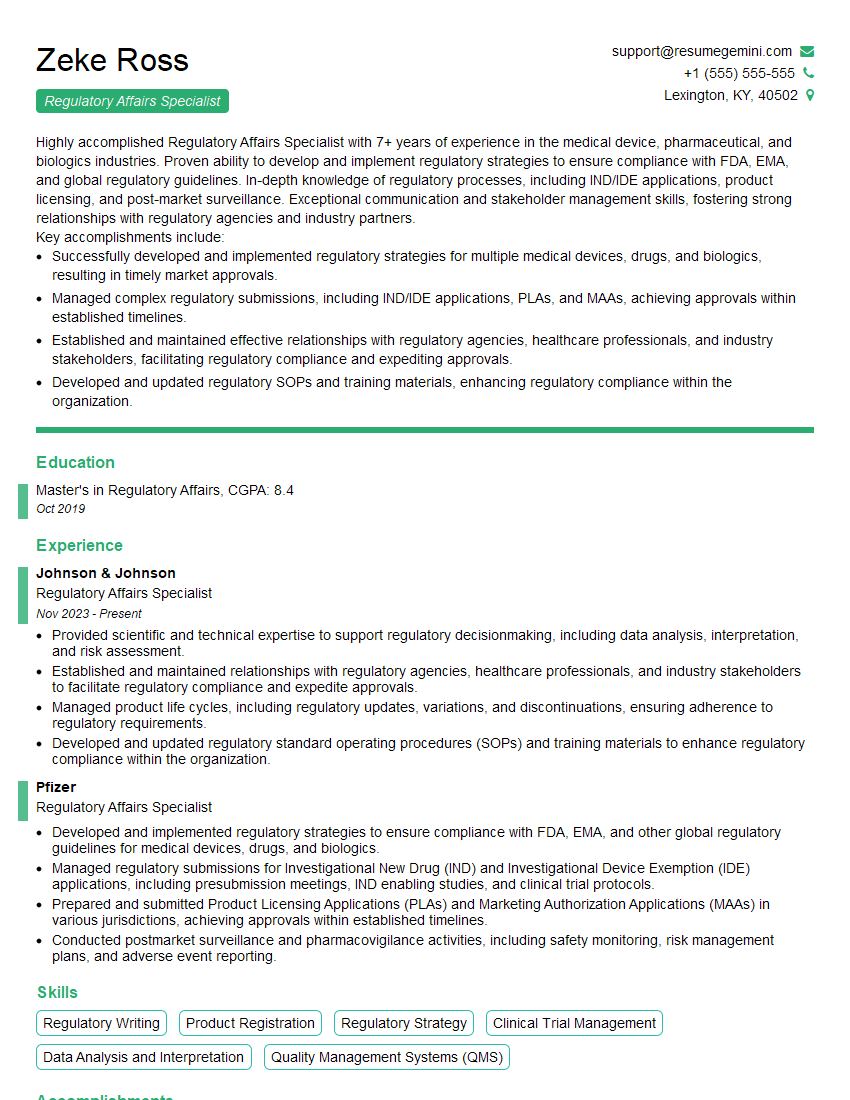
Regulatory Affairs Specialist Resume Sample
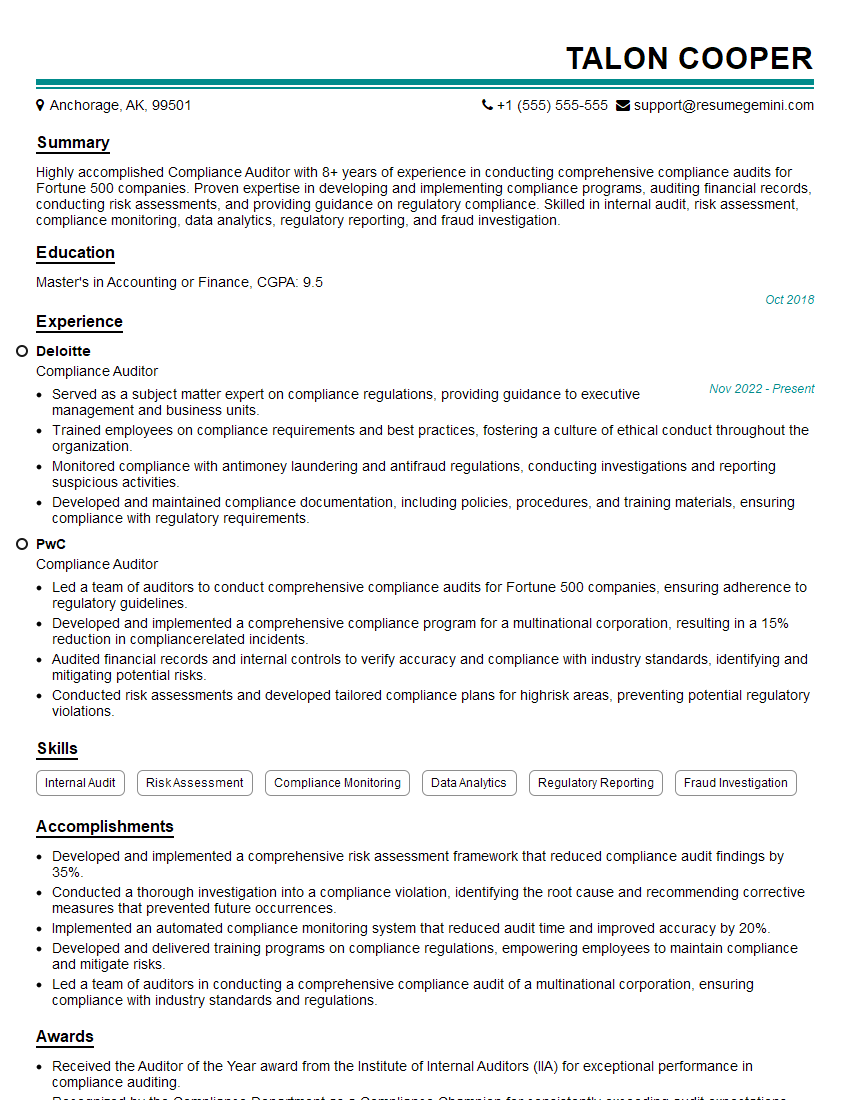
Compliance Auditor Resume Sample

Data Analyst Resume Sample
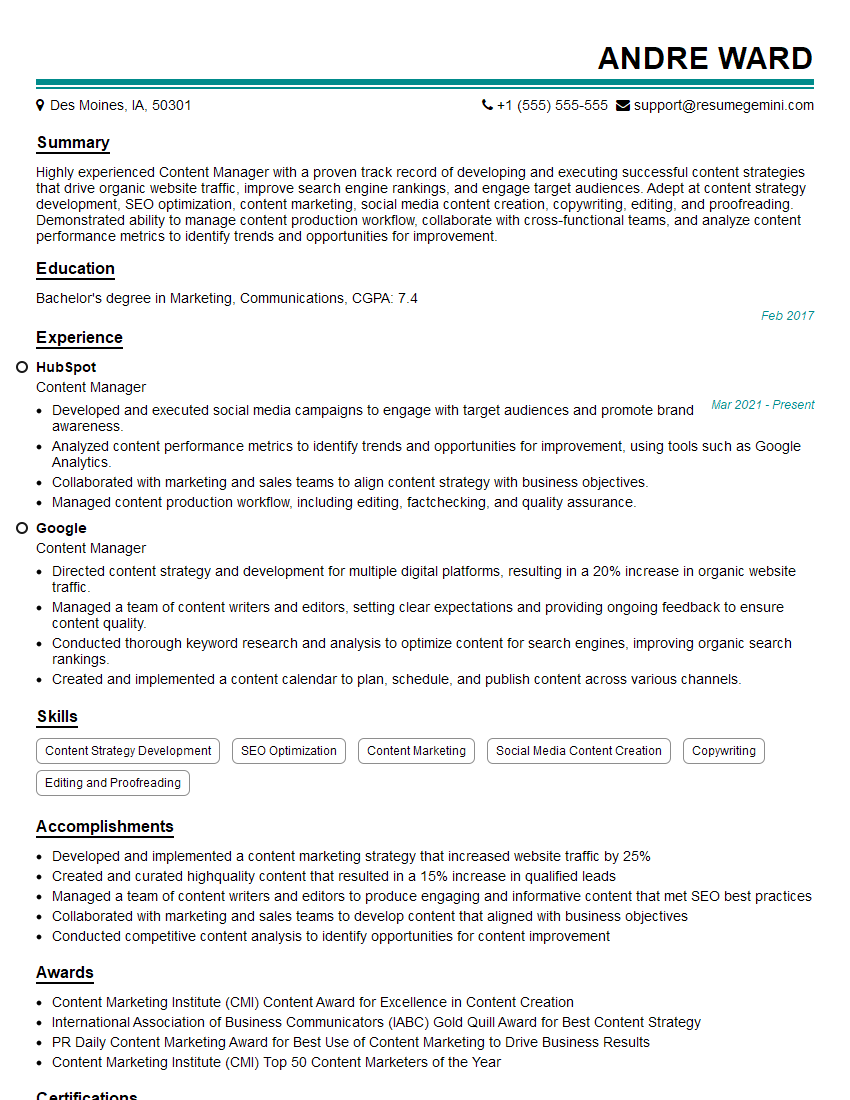
Content Manager Resume Sample

Information Architect Resume Sample

Documentation Specialist Resume Sample
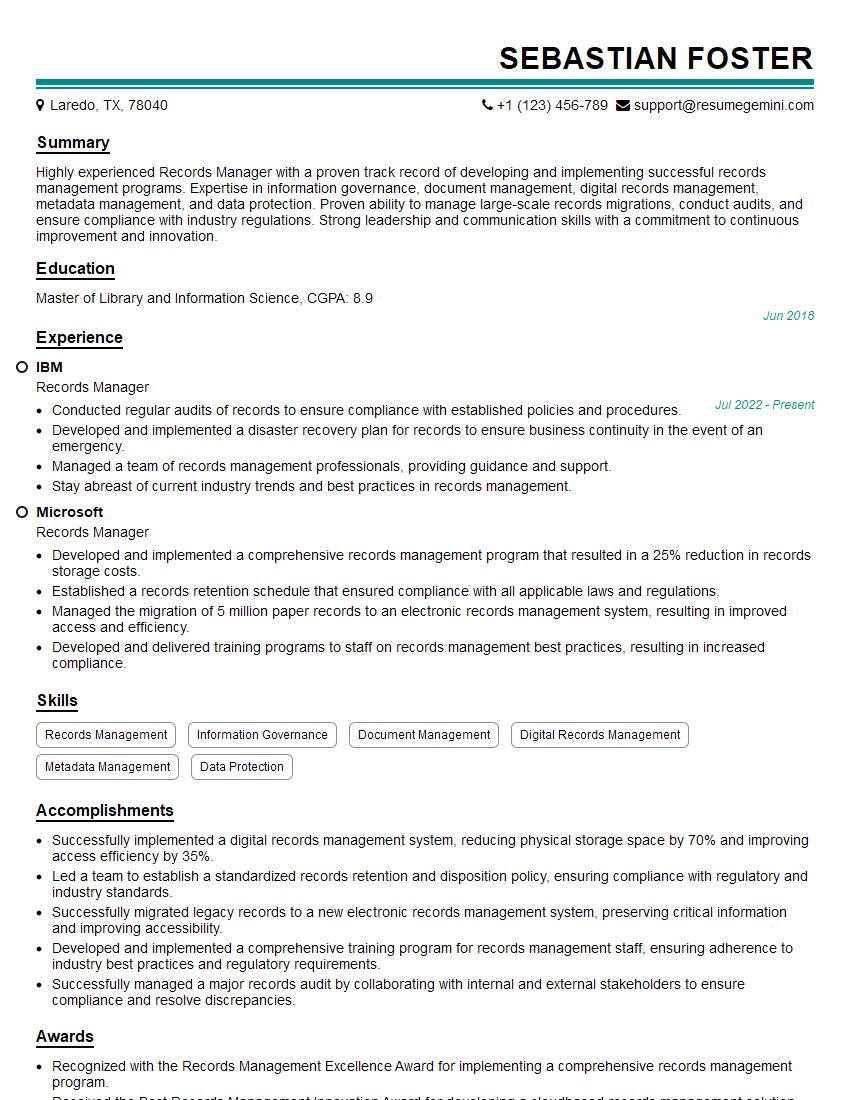
Records Manager Resume Sample

Technical Illustrator Resume Sample
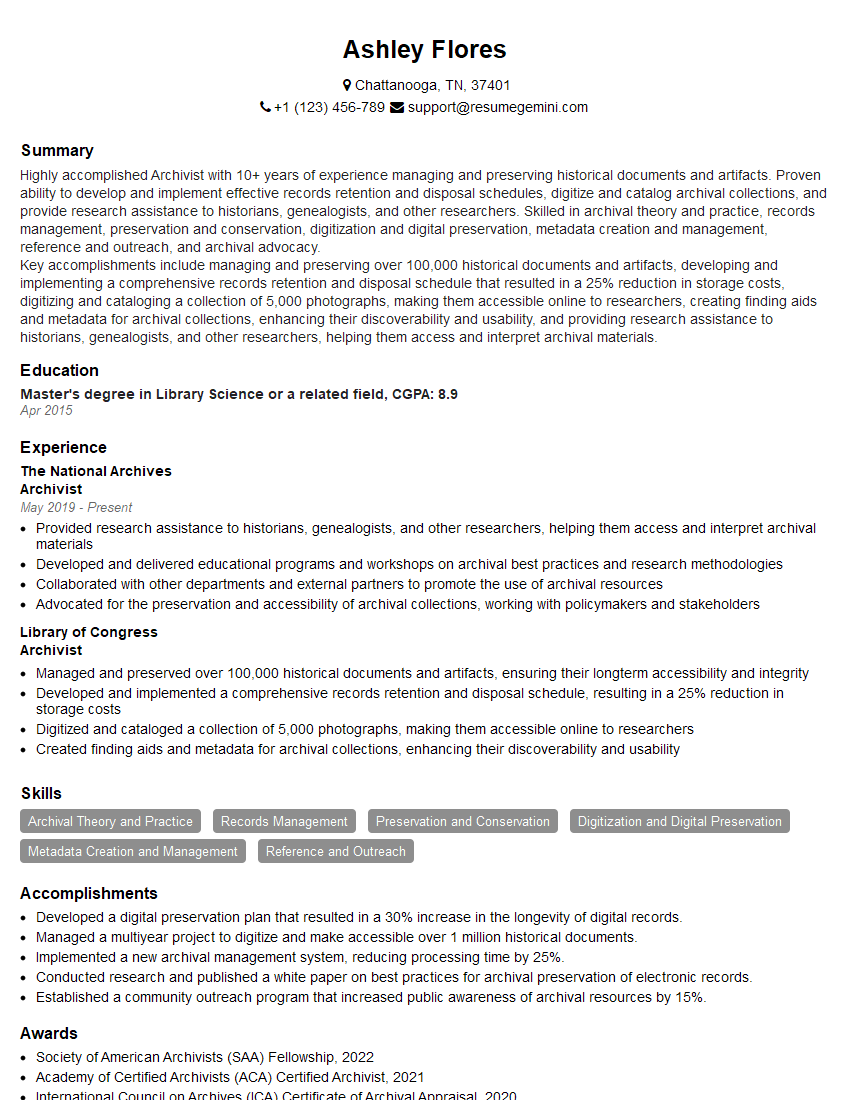
Archivist Resume Sample
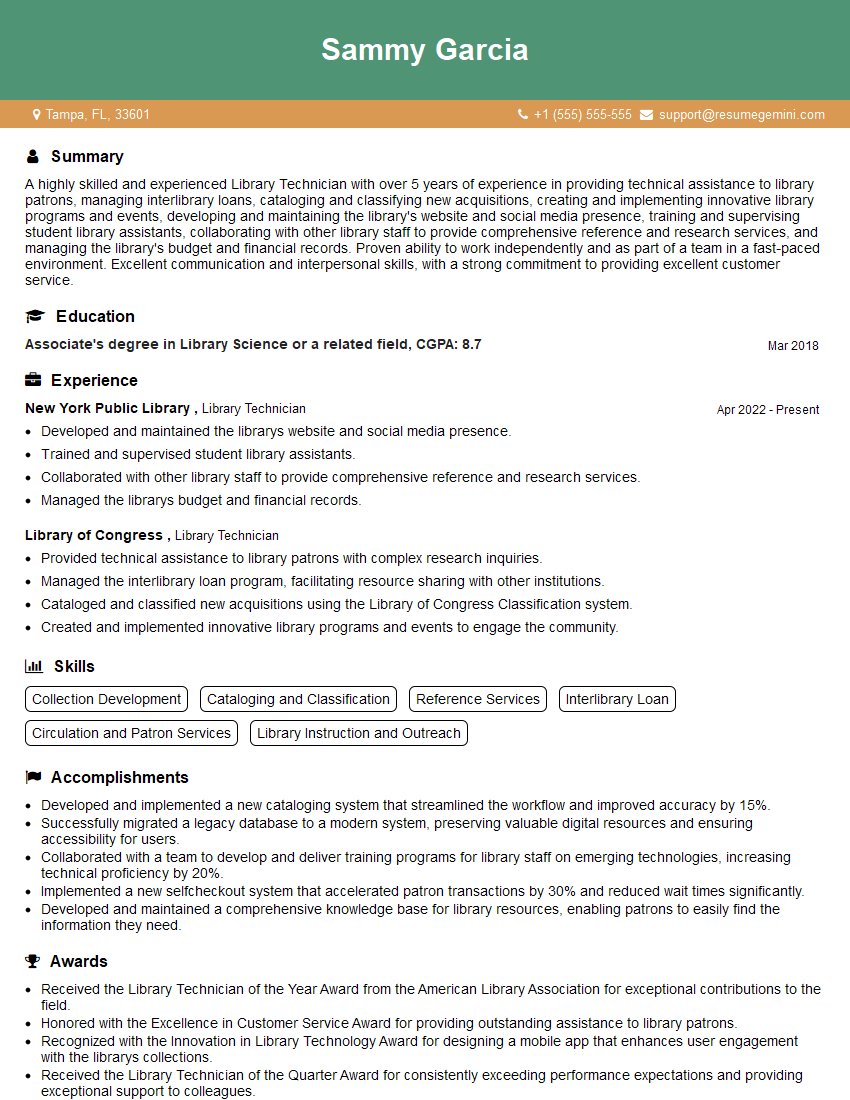
Library Technician Resume Sample

Instructional Designer Resume Sample

Technical Editor Resume Sample

Technical Writer Resume Sample
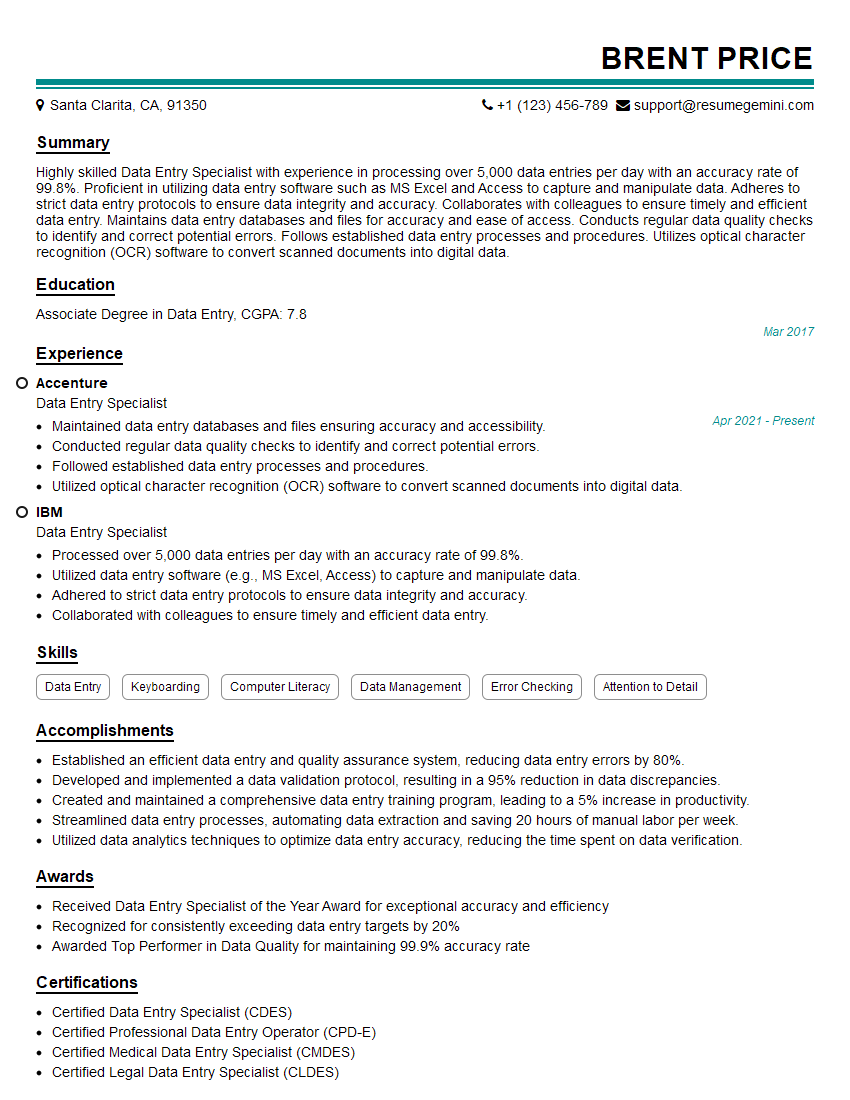
Data Entry Specialist Resume Sample

Database Administrator Resume Sample
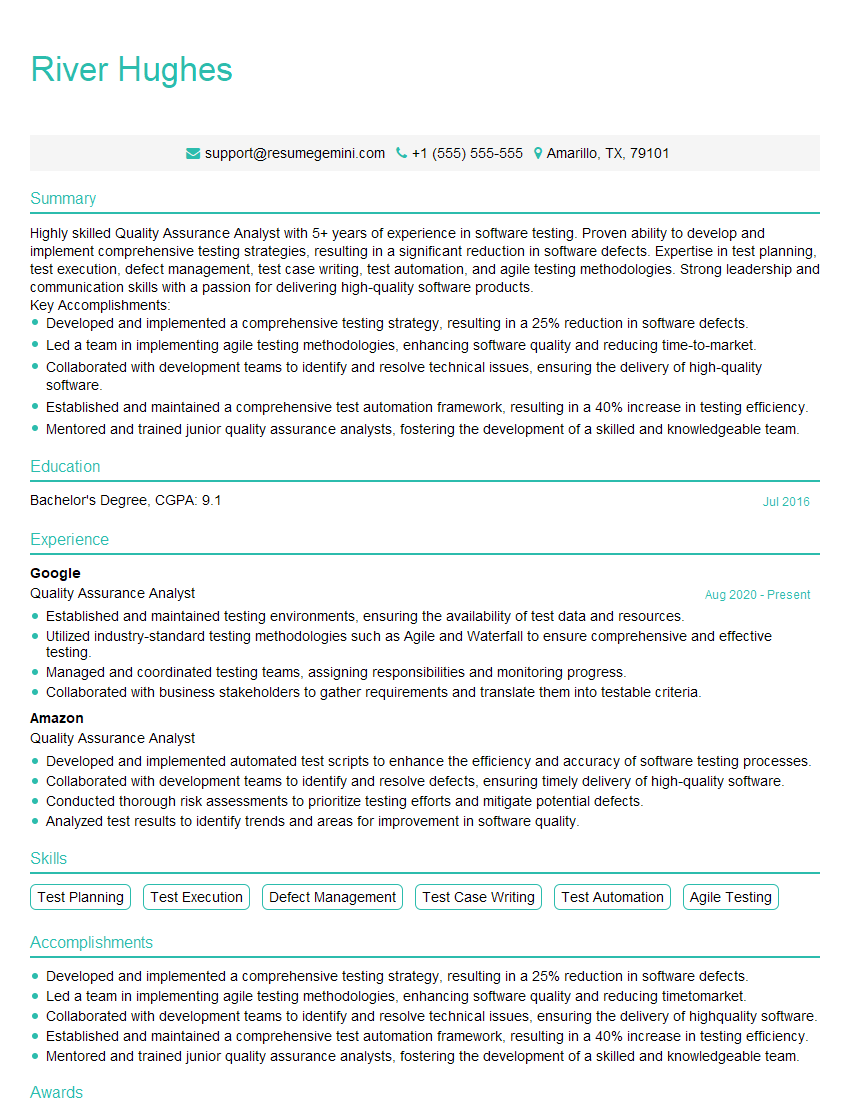
Quality Assurance Analyst Resume Sample
- Knowledge Manager
- Regulatory Affairs Specialist
- Compliance Auditor
- Data Analyst
- Content Manager
- Information Architect
- Documentation Specialist
- Records Manager
- Technical Illustrator
- Archivist
- Library Technician
- Instructional Designer
- Technical Editor
- Technical Writer
- Data Entry Specialist
- Database Administrator
- Quality Assurance Analyst
Explore more articles
Users Rating of Our Blogs
Share Your Experience
We value your feedback! Please rate our content and share your thoughts (optional).
What Readers Say About Our Blog
I Redesigned Spongebob Squarepants and his main characters of my artwork.
https://www.deviantart.com/reimaginesponge/art/Redesigned-Spongebob-characters-1223583608
IT gave me an insight and words to use and be able to think of examples
Hi, I’m Jay, we have a few potential clients that are interested in your services, thought you might be a good fit. I’d love to talk about the details, when do you have time to talk?
Best,
Jay
Founder | CEO