Preparation is the key to success in any interview. In this post, we’ll explore crucial Library System Knowledge (e.g., Koha, Symphony) interview questions and equip you with strategies to craft impactful answers. Whether you’re a beginner or a pro, these tips will elevate your preparation.
Questions Asked in Library System Knowledge (e.g., Koha, Symphony) Interview
Q 1. Explain the difference between MARC21 and Dublin Core.
MARC21 and Dublin Core are both metadata schemas used to describe library resources, but they differ significantly in scope and complexity. Think of them as two different ways of writing a book’s description; one is incredibly detailed, while the other is more concise.
MARC21 (Machine-Readable Cataloging) is a very comprehensive and complex standard. It’s a highly structured format containing numerous fields, subfields, and indicators to capture extensive bibliographic data, including publication details, subject headings, classification numbers, and even physical characteristics like page count and binding. It’s designed for detailed cataloging and is the backbone of most large library systems. Imagine a detailed artist’s rendering of a book – that’s MARC21.
Dublin Core, on the other hand, is a simpler, more lightweight metadata schema. It provides a basic set of fifteen elements, such as title, creator, subject, and description, intended for broader interoperability and easier metadata exchange. It’s less detailed but more easily implemented across different systems and applications. Think of it as a quick summary on the book’s back cover – concise and accessible.
In essence, MARC21 excels in precision and comprehensiveness for cataloging, while Dublin Core focuses on simplicity and interoperability for broader information sharing. Many modern systems support both, leveraging MARC21 for detailed in-house cataloging and Dublin Core for exporting metadata to broader web platforms.
Q 2. Describe your experience with Koha’s authority control features.
My experience with Koha’s authority control features is extensive. I’ve used them to manage and maintain consistent headings for authors, titles, and subjects across the library’s catalog. This is crucial for ensuring users can easily find what they’re looking for, regardless of slight variations in spelling or phrasing.
Koha’s authority control allows us to create controlled vocabularies. For example, if we have multiple entries for “Jane Doe” (with different spellings or middle names), we can create a single authoritative record for “Doe, Jane” and link all variations to this main record. This eliminates duplicate records, reducing search inconsistencies. It also allows for the standardization of subject headings, ensuring consistency in how we categorize resources based on pre-defined controlled vocabularies like Library of Congress Subject Headings (LCSH).
I’ve also worked with Koha’s authority control features to implement workflows for suggesting and approving new authority records, ensuring a quality control process and collaborative environment among catalogers. Managing authorities in Koha, while powerful, does require a clear understanding of best practices and regular maintenance.
Q 3. How would you troubleshoot a slow database query in Symphony?
Troubleshooting slow database queries in Symphony requires a systematic approach. It’s like diagnosing a car problem – you need to figure out which system is failing before you fix it. I’d begin by examining the query itself, looking for obvious inefficiencies. Are there unnecessary joins? Are indexes properly configured? Then, I’d look at server performance. Is the database server overloaded? Does it have enough memory and processing power? Are there disk I/O bottlenecks?
My troubleshooting steps would include:
- Query analysis: Using Symphony’s query tools or a database client like pgAdmin (if using PostgreSQL), I would analyze the query’s execution plan to identify bottlenecks. Are full table scans occurring where indexes should be used?
- Indexing: I would check that appropriate indexes are defined and used by the query. Incorrect or missing indexes can drastically slow down query performance.
- Database server monitoring: I would examine server logs and monitoring tools to identify performance issues such as high CPU usage, high disk I/O, or memory limitations.
- Database optimization: Based on my analysis, I would optimize the query by rewriting it, adding indexes, or using database tuning tools provided by Symphony.
- Caching: Explore opportunities to leverage caching mechanisms within Symphony to reduce the load on the database.
- Hardware assessment: Evaluate the database server’s hardware resources (CPU, memory, storage) to see if an upgrade is needed.
Finally, regular database maintenance, including running statistics updates and vacuuming (for PostgreSQL), is crucial to maintaining database performance.
Q 4. What are the key advantages of using an open-source ILS like Koha?
Open-source ILSs like Koha offer several key advantages. The most significant is cost savings. Since the software is free, libraries avoid substantial licensing fees, freeing up budget for other essential services. Think of it as building your own house instead of buying a pre-built one – you’ll have more control and potential cost savings.
Other advantages include:
- Flexibility and customization: Koha’s open-source nature allows libraries to customize the system to their specific needs, adding or modifying features to better fit their workflow. This isn’t always possible with proprietary systems.
- Community support: A large and active community contributes to development and provides support through forums and mailing lists. This creates a collaborative environment for problem-solving and feature enhancement.
- Transparency and control: Libraries have full access to the source code, fostering trust and allowing for greater control over data security and system maintenance. You know exactly what’s going on under the hood.
- Innovation: The open-source model allows for quicker innovation and adaptation to new technologies and library trends.
However, it is important to consider the need for dedicated technical staff or external support for maintenance and customization.
Q 5. Explain the process of adding a new user account in Symphony.
Adding a new user account in Symphony typically involves navigating to the user management module (exact path may vary depending on the Symphony version). The process generally involves providing basic information such as the user’s name, username, password, and assigning appropriate roles and permissions.
The steps usually include:
- Access the User Management module: Log into Symphony and find the administrative section dedicated to user accounts.
- Create a new user record: This typically involves a form where you enter details like name, email address, username, and password.
- Assign user roles: Choose from pre-defined roles (e.g., librarian, patron, administrator) or create custom roles to define the user’s access privileges.
- Define permissions: Depending on the chosen role, you might need to further specify access to certain modules or functions within the system. This ensures granular control over what the user can do.
- Save the user record: Once all details are provided and permissions are assigned, save the user record to create the new account.
The specific steps and interface may vary slightly based on the version of Symphony and system configuration.
Q 6. How do you handle data migration between library systems?
Data migration between library systems is a complex process requiring careful planning and execution. It’s like moving house – you need to ensure everything gets transferred safely and correctly. The first step is thorough assessment. What data needs to be migrated? What is the source and destination system? What is the format of the data in each system? The next phase is planning. What tools will we use? What is the migration strategy? Will it be a phased approach or a ‘big bang’ migration? This stage also involves cleaning and preparing the data to ensure consistency and accuracy.
Common tools and methods used in data migration include:
- Export and Import utilities: Many library systems offer built-in tools for exporting and importing data in standard formats such as MARC21.
- Data transformation tools: These tools are crucial for mapping data from the source system’s format to the destination system’s format. They address inconsistencies and ensure compatibility.
- Custom scripts: Depending on the complexity of the migration, custom scripts (e.g., using Python or Perl) might be written to handle specific data transformations or integrations.
- Third-party migration tools: Several third-party vendors offer specialized tools designed for library data migration.
After the migration, thorough testing and validation are crucial to ensure data integrity. A phased approach is often preferred, migrating data in stages to minimize disruption and allow for better error correction.
Q 7. Describe your experience with Z39.50 and its applications.
Z39.50 is a powerful protocol that enables searching and retrieving records from different library systems across networks. Think of it as a standardized language for libraries to talk to each other and share information. It’s not about transferring entire databases but rather about querying them – searching for specific items in remote databases as if they were all part of a single, unified system.
My experience with Z39.50 involves using it to integrate our library’s catalog with external databases. For example, we use it to allow patrons to search our catalog simultaneously with the catalogs of other libraries in our consortium. This significantly expands the resources available to our patrons without requiring them to use multiple search interfaces. I’ve also been involved in troubleshooting Z39.50 connections, identifying and resolving problems related to network configuration, database setup, and query syntax. Successful implementation requires understanding network protocols and database structures in both the querying system and the target databases. It also requires knowledge of Z39.50’s query syntax, which allows for sophisticated searching across multiple fields.
Q 8. How do you ensure data integrity within a library system?
Data integrity in a library system, whether it’s Koha or Symphony, is paramount. It ensures the accuracy, consistency, and reliability of our library’s vital information – from bibliographic records to patron data. We achieve this through a multi-pronged approach.
- Data Validation: The system itself employs various checks to prevent invalid entries. For example, it might refuse to accept a publication date in the future or a negative number for the number of copies. This is often implemented through input masks and validation rules within the system’s forms.
- Regular Backups and Disaster Recovery Planning: We regularly back up the entire database, both locally and to an offsite location. This ensures that in the event of a hardware failure or other disaster, we can quickly restore the system to a previous stable state. A comprehensive disaster recovery plan outlines the steps to take in various scenarios.
- Data Cleansing and Deduplication: Periodically, we run data cleansing processes to identify and correct errors, inconsistencies, and duplicates. This might involve comparing records based on ISBNs or other unique identifiers to identify and merge duplicate entries.
- Access Controls and Permissions: Strict access control measures ensure that only authorized personnel can modify sensitive data. This minimizes the risk of accidental or malicious data corruption. Different user roles have different levels of access, preventing, for instance, a library assistant from modifying system-wide settings.
- Regular Audits: We conduct regular audits of the data, comparing it against known sources where possible to ensure accuracy. For example, we might compare our holdings of a particular title with the publisher’s information.
Think of it like carefully maintaining a meticulously organized library – consistent cataloging, regular checks for damage or misplaced books, and a backup plan in case of fire are all essential.
Q 9. What are the common challenges of implementing a new ILS?
Implementing a new Integrated Library System (ILS) presents several common challenges. These often stem from the complexity of migrating massive datasets, managing user expectations, and integrating with existing systems.
- Data Migration: Migrating data from an old system to a new one is a complex and time-consuming process. Data cleansing, transformation, and validation are crucial to ensure data integrity and accuracy in the new system. Inconsistent data formats from older systems can present significant hurdles.
- Staff Training: Adequate training is vital to ensure staff can effectively use the new system. Resistance to change is a common factor that needs proactive management through clear communication, hands-on training, and addressing staff concerns.
- System Integration: The new ILS may need to integrate with other existing systems within the library, such as the website, discovery layer, or other databases. Ensuring seamless data flow between these systems is essential.
- Cost and Budget Management: Implementing a new ILS can be expensive, encompassing software licenses, hardware upgrades, staff training, data migration, and ongoing maintenance. Careful budget planning and management are essential.
- Unexpected Issues: Always anticipate unexpected issues or bugs during implementation. Having a robust testing phase and a clear support plan in place is crucial to mitigate the impact of these problems.
For example, during a recent implementation, we encountered challenges with integrating our existing digital collections system. We addressed this by dedicating extra time to mapping the data fields correctly and developing custom scripts to handle data transformation. Successful ILS implementation requires meticulous planning, strong project management, and a dedicated team.
Q 10. Explain the different modules within Koha.
Koha, being open-source, offers a highly modular design. The core modules can be extended with additional functionality through plugins and custom developments. Some key modules include:
- Cataloging: This module allows staff to create, edit, and manage bibliographic records (using MARC21 or other formats). It supports various cataloging rules, including RDA and AACR2.
- Circulation: This manages the lending and returning of library materials. It tracks loans, reservations, and overdue items. Features include self-check kiosks integration and support for various loan types.
- OPAC (Online Public Access Catalog): This is the public interface for patrons to search the library’s collection and manage their accounts. Koha offers a highly customizable OPAC, allowing libraries to tailor the user experience.
- Acquisitions: This module manages the ordering and receiving of new library materials. It tracks orders, invoices, and fund allocation.
- Serials: This module is dedicated to managing periodical subscriptions, tracking issues, and managing bindings.
- Authority Control: This module helps manage and maintain consistent headings for authors, titles, and subjects. This ensures consistency across the catalog.
- Reporting: Provides various reports on circulation statistics, acquisitions, and other key metrics to support library decision-making.
These modules work together to provide a complete library management system. The modular nature of Koha allows libraries to select and implement the modules that best suit their specific needs and budget. For smaller libraries, a core set might suffice, while larger institutions might utilize almost every module and customize them further.
Q 11. How would you manage system updates and upgrades?
Managing system updates and upgrades in an ILS requires a methodical approach to minimize disruption and ensure data integrity.
- Testing: Before implementing any update or upgrade in a production environment, we always test it thoroughly in a dedicated staging or test environment. This allows us to identify and resolve potential issues without impacting the live system.
- Backups: A full database backup is always taken before initiating any update. This provides a fallback point if something goes wrong during the upgrade process.
- Downtime Planning: We plan the upgrade during off-peak hours or periods of minimal activity to reduce the impact on library users.
- Communication: We inform library staff and patrons of any planned downtime or potential service interruptions. Clear communication helps manage expectations and reduces user frustration.
- Documentation: The upgrade process is carefully documented, including steps taken, any issues encountered, and solutions implemented. This documentation helps with future updates and troubleshooting.
- Post-Upgrade Checks: After the upgrade, we perform extensive tests to verify that all modules are functioning correctly and that data integrity is maintained. We might run various reports to ensure data consistency and accuracy.
For instance, before a recent Koha upgrade, we carefully tested the upgrade in a mirror environment, comparing data before and after to detect any discrepancies. This proactive approach ensured a smooth transition and minimal disruption to our services.
Q 12. What are your experiences with reporting and analytics within ILS?
Reporting and analytics are crucial for assessing library performance and making informed decisions. My experience with ILS reporting encompasses both generating standard reports and creating custom reports based on specific needs.
- Standard Reports: ILS systems, including Koha and Symphony, provide a range of pre-defined reports on circulation statistics (e.g., items borrowed, overdue items, most popular items), acquisitions data, and patron usage. These standard reports are vital for basic performance monitoring.
- Custom Reports: Often, we need more granular data or specific metrics not available in standard reports. In such cases, we use the reporting tools within the ILS or use external reporting tools (e.g., SQL queries against the database) to generate custom reports. For example, we might want to generate a report on usage patterns of e-books by different demographic groups.
- Data Visualization: The data gathered is often visualized through graphs and charts to present key trends and insights clearly. This visual representation makes it easier to understand the data and draw meaningful conclusions. We may use tools that integrate with the ILS or use external tools like spreadsheet software to create these visualizations.
- Performance Metrics: The choice of key performance indicators (KPIs) depends on library goals. Circulation statistics might be critical for some libraries, while others might focus on digital resource usage or website traffic. Careful selection of KPIs ensures that we are measuring what matters most.
For example, using Koha’s reporting tools, we created a custom report to analyze circulation trends over the past five years, identifying growth patterns and informing collection development decisions. Data-driven insights are invaluable for evidence-based decision-making in a library setting.
Q 13. How familiar are you with RDA cataloging standards?
I am very familiar with Resource Description and Access (RDA) cataloging standards. RDA is the current international standard for creating and managing bibliographic records. I understand its principles, including its emphasis on resource-based cataloging, its use of functional requirements, and its use of controlled vocabularies.
My experience includes:
- Practical Application of RDA: I have directly applied RDA in creating and updating bibliographic records in both Koha and Symphony. I understand how to translate the principles of RDA into the specific data fields within the MARC21 format.
- Understanding RDA’s Core Concepts: I have a firm grasp of RDA’s core concepts, including the distinction between instances, expressions, and manifestations; the use of different access points; and the importance of consistent application of cataloging rules.
- Staying Updated: The cataloging landscape is constantly evolving. I regularly review updates and clarifications to RDA guidelines issued by the Library of Congress and other relevant bodies to ensure my understanding and practice remain current.
The transition from AACR2 to RDA presented many challenges. But a strong understanding of RDA is fundamental to ensuring that our library catalogs are accurate, consistent, and easily discoverable. I would actively participate in staff training and development to ensure our team is up-to-date with RDA best practices.
Q 14. Describe your experience with MARC record editing.
My experience with MARC record editing is extensive. I am proficient in using various tools and techniques to create, update, and maintain MARC21 bibliographic records. This includes working directly within the ILS interface and using dedicated MARC editors.
- Understanding MARC21 Structure: I have a deep understanding of the MARC21 format, including its three levels (Leader, Directory, and Data Fields) and various tags, indicators, and subfields. This allows me to accurately edit and manipulate records to ensure compliance with cataloging standards.
- Using MARC Editors: I am comfortable using various MARC editors, both standalone applications and those integrated within ILS interfaces. These tools provide specialized functionalities for editing and validating MARC records, ensuring accuracy and reducing errors.
- Data Validation: I always validate MARC records for errors and inconsistencies before saving them. This verification ensures that records conform to the MARC21 standard and library-specific rules.
- Authority Control: I understand the importance of authority control in MARC records. I am proficient in linking records to authority files for consistent headings and subject terms.
- Troubleshooting: I can effectively troubleshoot common problems encountered during MARC record editing, such as invalid tags or improperly formatted data.
For example, I recently used Koha’s built-in MARC editor to correct a series of improperly linked subject headings, ensuring consistency across our catalog. This task required a thorough understanding of both the MARC structure and the appropriate subject headings, which improved catalog discoverability. Accurate MARC editing is vital for maintaining a high-quality and usable library catalog.
Q 15. How would you approach resolving a system error during peak usage?
Resolving a system error during peak usage requires a swift and methodical approach. The first step is to identify the nature of the error. Is it a database issue, a server overload, a network problem, or a software bug? I’d start by checking system logs for error messages – both on the application server and the database server. This provides crucial clues about the root cause. Simultaneously, I’d monitor system resource usage (CPU, memory, disk I/O) to determine if we’re experiencing a resource bottleneck. If it’s a server overload, the solution might involve temporarily diverting traffic (if possible) or scaling resources, perhaps by adding temporary server capacity in a cloud environment. If it’s a database issue, a query analysis might reveal slow queries that need optimization. In the case of a software bug, I’d prioritize identifying the impacted modules and applying any available patches or hotfixes. Effective communication is key; I’d keep users informed about the status and expected resolution time. A clear, concise communication plan, possibly using the library’s website or social media, would be crucial.
For example, I once encountered a situation where a poorly written SQL query caused a database lock during a large patron checkout rush. By identifying and rewriting the query, the system performance was instantly restored. Another time, a network outage required immediate collaboration with the IT department to identify and fix the network connectivity issue.
Career Expert Tips:
- Ace those interviews! Prepare effectively by reviewing the Top 50 Most Common Interview Questions on ResumeGemini.
- Navigate your job search with confidence! Explore a wide range of Career Tips on ResumeGemini. Learn about common challenges and recommendations to overcome them.
- Craft the perfect resume! Master the Art of Resume Writing with ResumeGemini’s guide. Showcase your unique qualifications and achievements effectively.
- Don’t miss out on holiday savings! Build your dream resume with ResumeGemini’s ATS optimized templates.
Q 16. What is your experience with library system backups and disaster recovery?
Backups and disaster recovery are paramount for any library system. My experience includes implementing and managing full and incremental backups using both Koha’s built-in tools and external backup solutions. I’m familiar with different backup strategies, such as full backups weekly and incremental backups daily. I always verify backup integrity through regular test restorations to ensure data recoverability. Disaster recovery plans are essential; these plans should detail procedures for restoring the system from backups in the event of hardware failure, natural disasters, or cyberattacks. This includes identifying a secondary site for system restoration and testing the recovery process regularly, ideally through a failover drill. Beyond simply restoring the database, the recovery plan also addresses aspects such as user account restoration and system reconfiguration.
For example, in a previous role, I successfully restored a library system from backups after a server crash, minimizing downtime to less than four hours, thanks to a well-defined disaster recovery plan and a regularly tested backup system. The plan detailed steps for restoring the database, re-indexing the catalog, and confirming patron access.
Q 17. Describe your experience with integrating library systems with other platforms.
Integrating library systems with other platforms is a common task, and my experience covers various integration methods. I’ve worked with APIs (Application Programming Interfaces) to connect ILS systems to discovery layers, such as Primo or Summon, enabling federated searching across various resources. I’ve also used Z39.50 to enable interoperability between different library systems and have experience with custom scripting (e.g., using Perl or Python) to facilitate data exchange between the ILS and other systems, such as student information systems or digital repository platforms. The key to successful integration is understanding the capabilities and limitations of both systems and planning carefully to ensure data integrity and consistency. Proper data mapping and transformation are crucial steps to avoid data loss or corruption during the integration process.
For instance, I implemented an API integration between Koha and our university’s learning management system to allow students to access course reserves directly through their LMS. This involved mapping relevant metadata fields and handling authentication securely.
Q 18. How do you maintain data security within a library system?
Maintaining data security in a library system is a multifaceted process that begins with implementing robust access controls. This includes strong password policies, regular password changes, and multi-factor authentication wherever possible. Regular security audits and penetration testing are essential to identify vulnerabilities. Data encryption, both in transit and at rest, is crucial. This applies not only to the database but also to backups and any data transmitted between systems. Regular software updates and patching are essential to address known security flaws. It’s also crucial to implement strict data governance policies and procedures to control access to sensitive information. User training is vital to educate staff on best practices related to data security. This includes recognizing and reporting phishing attempts and following secure coding practices if custom development is undertaken. Regularly reviewing user access rights and promptly revoking access for former employees also helps maintain security.
For example, I’ve implemented encryption using SSL/TLS for all communication between the ILS and external systems and ensured that database backups were encrypted before storage. We also conducted regular security audits to comply with the relevant data protection regulations.
Q 19. Explain your understanding of different access control methods in ILS.
ILS (Integrated Library Systems) employ various access control methods to manage user permissions. The most common is role-based access control (RBAC), where users are assigned roles (e.g., librarian, patron, administrator) with specific permissions associated with each role. For example, a librarian might have permission to add new records, while a patron might only have permission to search the catalog and place holds. Another method is attribute-based access control (ABAC), which allows for more granular control based on multiple attributes, such as user group, location, and time of day. This method is more complex to implement but provides greater flexibility. Finally, some systems utilize a combination of RBAC and ABAC to leverage the strengths of both approaches. Access control lists (ACLs) are another commonly used technique. These lists specify which users or groups have access to particular resources, such as specific collections or administrative functions. Proper configuration and regular review of these access control mechanisms are vital to maintain data security and prevent unauthorized access.
In a practical scenario, we might assign different roles to staff based on their responsibilities. Circulation staff may only need access to circulation modules, while catalogers would require access to cataloging modules and possibly more specialized tools.
Q 20. What are your experiences with troubleshooting network connectivity issues related to the ILS?
Troubleshooting network connectivity issues with the ILS often begins with checking basic connectivity: Is the ILS server reachable? Are network cables connected properly? Are there any firewall rules blocking access? I’d use tools such as ping and traceroute to diagnose network connectivity issues. Examining system logs on both the ILS server and network devices can provide valuable information. I would also check for DNS resolution problems using nslookup or dig. If it’s a wireless connectivity problem, signal strength and interference need consideration. If the issue is with a specific client machine, I’d troubleshoot the client’s network settings, ensuring the correct IP address, subnet mask, and default gateway. Collaboration with the IT department is often necessary, particularly if the issue involves network infrastructure components.
For instance, I once resolved a connectivity problem where a faulty network switch was causing intermittent connectivity to the ILS server. The problem was quickly identified and fixed once the switch was replaced.
Q 21. How would you train new staff on using Koha/Symphony?
Training new staff on Koha or Symphony involves a structured approach. I’d start with a general overview of the system’s functionality and purpose, followed by hands-on training covering essential modules such as circulation, cataloging, and acquisitions. I’d use a combination of guided tutorials, practical exercises, and role-playing scenarios. It’s beneficial to use a combination of methods, including formal training sessions, online resources, and on-the-job mentoring. I’d create customized training materials tailored to each staff member’s role and responsibilities. Providing ongoing support through regular check-ins, access to comprehensive documentation, and a designated point of contact ensures ongoing learning and skill development. The training materials might include screen recordings, step-by-step instructions, and interactive exercises. Regular assessments or quizzes can help gauge the effectiveness of the training program.
For example, when training new staff on Koha, I start with a module on basic patron management, followed by checkout and check-in procedures. I then move on to more advanced features as their proficiency increases, building their skills gradually.
Q 22. How would you manage user accounts and permissions?
Managing user accounts and permissions in a library system like Koha or Symphony involves a multi-faceted approach focusing on security, accessibility, and user roles. Think of it like assigning keys and access levels to different areas of a building.
Firstly, the system allows for the creation of various user accounts, each categorized by predefined roles (e.g., patron, librarian, administrator). Each role is assigned a specific set of permissions defining what actions they can perform within the system. For example, a patron might only be able to search the catalog and place holds, while a librarian can add new items, manage circulation, and edit patron records. An administrator holds the highest level of access.
- User Creation: The process typically involves specifying a username, password, and selecting a user role. Many systems offer features for automated account creation through integration with other systems (e.g., student information systems).
- Permission Management: This is usually handled through a dedicated interface within the ILS, allowing granular control over permissions. You can define permissions at the module level (e.g., only allowing access to the catalog module but not circulation), or even down to the individual record level in some cases.
- Password Policies: Robust password policies, including length requirements, complexity rules, and expiration periods, are crucial for maintaining security. Most modern ILS support this.
- Account Maintenance: Features for suspending, reactivating, and deleting accounts are essential for managing user accounts effectively. This is often linked to membership status in the library.
In Koha, for instance, the user management is quite intuitive, while Symphony offers a more advanced, granular approach to permission management that suits larger institutions. Understanding the specific features of the system in use is paramount.
Q 23. Describe your experience with customizing the user interface within an ILS.
Customizing the user interface (UI) within an ILS allows you to tailor the system to your library’s specific needs and workflows. Think of it as renovating a house to better fit your family’s lifestyle.
My experience includes using both built-in customization options and employing custom CSS (Cascading Style Sheets) and potentially Javascript for more extensive changes. Many ILS offer themes that can alter the overall look and feel, often changing colors, fonts, and layout. This is a relatively easy way to provide a branded experience. More advanced modifications might involve altering the position of elements on the screen, or adding new elements.
For example, I’ve worked on a project where we needed to rearrange the order of fields on the patron registration form for better user flow. This was achieved by tweaking the underlying HTML and CSS. Another project involved adding a custom module displaying local library news directly on the homepage of the OPAC (Online Public Access Catalog), which required more extensive programming knowledge.
The level of customization depends on the ILS’s capabilities and the level of technical expertise available. It’s crucial to document all changes thoroughly to ensure maintainability and ease of future updates.
Q 24. How familiar are you with various library system plugins and extensions?
Familiarity with plugins and extensions for ILS is crucial for enhancing functionality and integrating with other systems. It’s like adding apps to your smartphone to enhance its capabilities.
My experience covers a range of plugins, from those focusing on specific functionality like improved reporting or enhanced search capabilities, to those that integrate with external systems (e.g., discovery layers, digital repositories). I’m familiar with evaluating the benefits and potential drawbacks of different plugins. For example, I’ve worked with plugins that enhance the OPAC’s search functionality by adding faceted browsing or suggesting related materials.
In selecting plugins, crucial considerations include compatibility with the existing ILS version, security implications, and the level of support provided by the plugin developer. A poorly-coded or poorly-maintained plugin can introduce vulnerabilities or instability into the entire system. Thorough testing and evaluation are critical before implementing any plugin.
Q 25. What is your approach to resolving user-reported issues?
My approach to resolving user-reported issues is systematic and user-centric. I follow a structured process to ensure quick resolution and user satisfaction.
- Gather Information: The first step is to obtain a detailed description of the issue from the user, including screenshots if necessary. This includes specifics like the exact steps they took, error messages encountered, and their browser/device.
- Reproduce the Issue: If possible, I attempt to reproduce the issue on my own system to better understand the root cause. This often involves logging into the system as the user or creating a test environment.
- Diagnose the Problem: I analyze the information gathered and employ various troubleshooting techniques, including checking system logs, reviewing configuration files, and consulting documentation or support resources.
- Implement a Solution: Depending on the nature of the issue, the solution may involve a simple configuration change, a code fix, or updating a plugin.
- Test the Solution: Before deploying any solution, I thoroughly test it to ensure it addresses the issue without causing unintended consequences.
- Communicate with the User: I keep the user updated throughout the process and provide timely updates regarding the status of their issue and the resolution.
Effective communication and empathy are crucial in this process. Users appreciate being kept informed and understanding that their issue is being addressed.
Q 26. Explain the significance of metadata schemas in library systems.
Metadata schemas are the foundation of organizing and accessing information within a library system. Think of them as the blueprint for describing and classifying resources. They provide a standardized structure for describing items, allowing for consistent and accurate searching and retrieval.
Common metadata schemas used in libraries include Dublin Core, MARC (Machine-Readable Cataloging), and MODS (Metadata Object Description Schema). These schemas define specific elements or fields that should be included in the description of an item, such as title, author, publisher, subject, and date. The use of standardized schemas allows for interoperability between different library systems and databases.
For example, Dublin Core is a simpler schema, suitable for describing resources in a straightforward way. MARC is a more complex schema that’s been widely used for decades and provides a lot of detailed information. The choice of schema depends on the complexity of the library’s collection and the specific needs of the users. Consistent application of the chosen schema is vital for ensuring the accuracy and searchability of library records.
Q 27. Describe your experience with implementing or managing an OPAC.
The OPAC (Online Public Access Catalog) is the library’s online face to the public, allowing users to search the library’s collection. My experience involves managing the OPAC in various contexts, including implementing new OPACs, configuring existing ones, and troubleshooting issues.
Implementing a new OPAC typically involves selecting an appropriate system (often integrated with the ILS), configuring the search interface, setting up user accounts (if necessary for features like saved searches or lists), and migrating existing bibliographic data. This process often requires close collaboration with technical staff, librarians, and potentially vendors.
Managing an existing OPAC focuses on maintaining accuracy of records, ensuring optimal search functionality, and addressing user queries and concerns. Regular updates, performance monitoring, and security checks are crucial aspects of this. For instance, I’ve overseen projects that involved enhancing the OPAC’s user interface, improving search algorithms, and integrating it with other online resources like ebooks databases or digital archives.
Q 28. How would you optimize a library system for improved search functionality?
Optimizing a library system for improved search functionality is crucial for user satisfaction. It’s about making the process of finding information as intuitive and efficient as possible.
My approach involves several strategies:
- Improved Indexing: Ensuring the system uses appropriate indexing techniques to properly process and store the metadata (title, author, subject, ISBN, etc.). This can include stemming (reducing words to their root form) and stop word removal (removing common words that don’t contribute to search results).
- Enhanced Search Algorithms: Utilizing sophisticated algorithms that go beyond simple keyword matching, such as fuzzy matching (allowing for typos), phonetic matching (handling variations in spellings), and proximity searching (finding words that appear close together in the text).
- Faceted Navigation: Implementing faceted browsing allows users to refine their searches by selecting specific values within different facets (e.g., subject, language, publication date).
- Autocomplete and Suggestions: Adding autocomplete features helps users quickly find what they’re looking for, while suggestions can provide relevant alternatives they might not have considered.
- Regular Maintenance: Regularly reviewing and updating the indexing process, search algorithms, and system configurations to ensure optimal performance and accuracy.
The specific techniques used will depend on the underlying system. For example, Koha offers various configuration options for search indexing, while Symphony often requires more custom solutions.
Key Topics to Learn for Library System Knowledge (e.g., Koha, Symphony) Interview
- System Navigation and Interface: Mastering the user interface, including efficient searching, browsing, and record management.
- Cataloging and Metadata: Understanding cataloging rules (e.g., MARC records), metadata schemas (like Dublin Core), and their practical application within the system.
- Circulation Management: Familiarize yourself with the processes of checking items in and out, managing holds, and handling overdue materials. Practice troubleshooting common circulation issues.
- Patron Management: Learn how to manage patron accounts, including registration, updates, and account restrictions. Understand the system’s reporting capabilities related to patron activity.
- Reporting and Analytics: Become proficient in generating reports to track key library metrics (e.g., circulation statistics, item usage). Understand how to interpret data for informed decision-making.
- Acquisitions and Serials Management: Explore the system’s features for ordering, receiving, and managing library materials, including subscriptions to periodicals.
- System Administration (if applicable): For senior roles, understand basic system administration tasks such as user management, permissions, and system maintenance.
- Troubleshooting and Problem-Solving: Develop strategies for identifying and resolving common system errors and user issues. Practice thinking critically about potential solutions.
- Data Migration and Integration (if applicable): Understand the processes involved in moving data between different library systems or integrating with external databases.
Next Steps
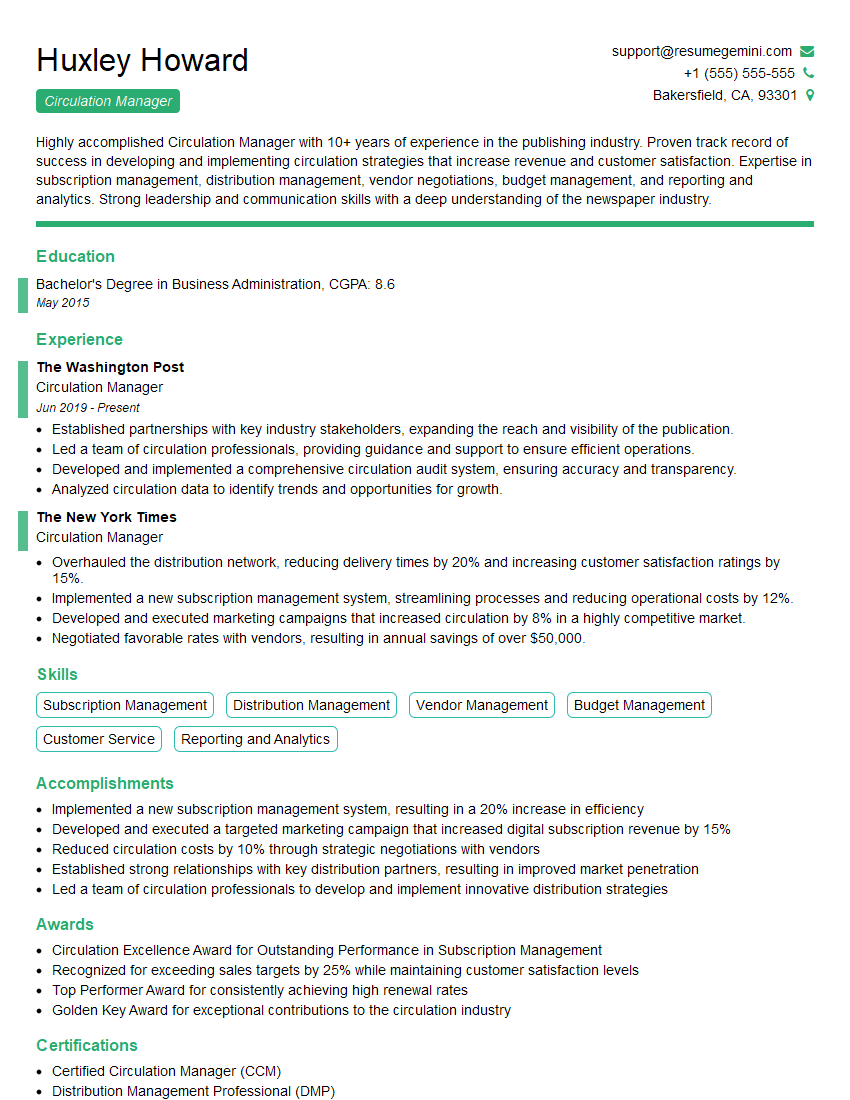
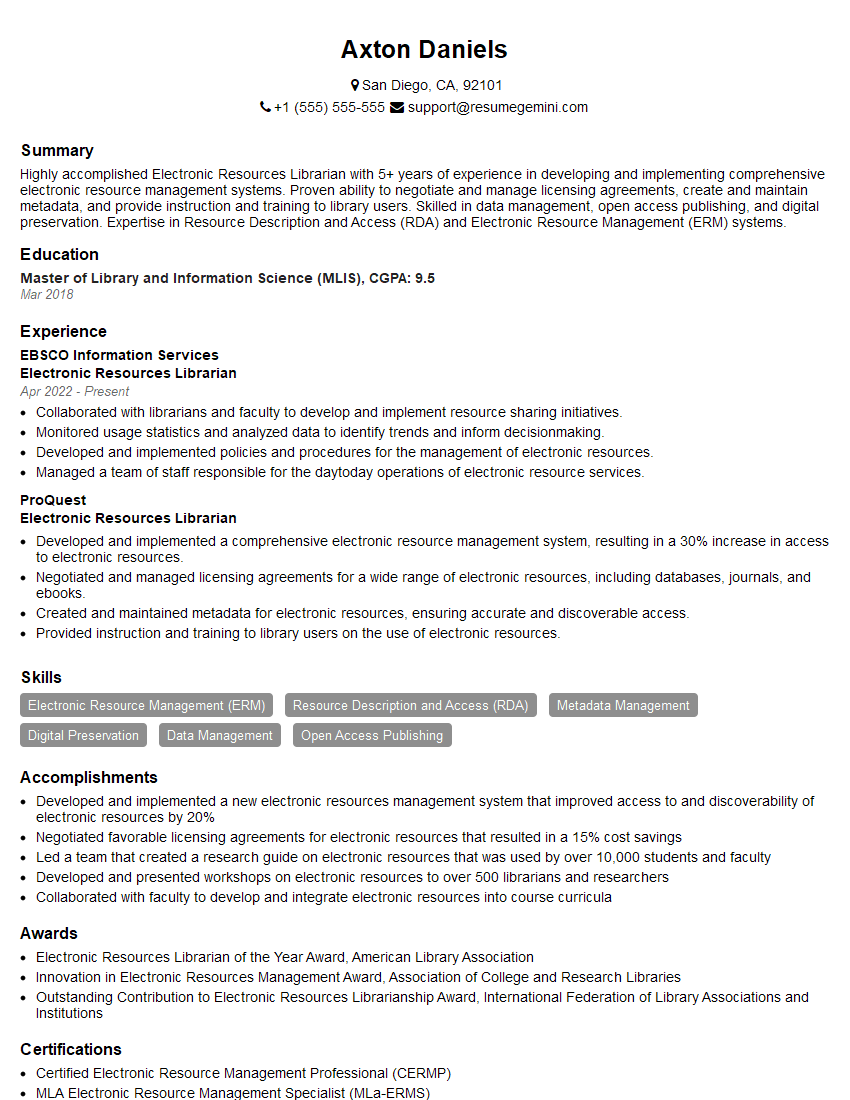
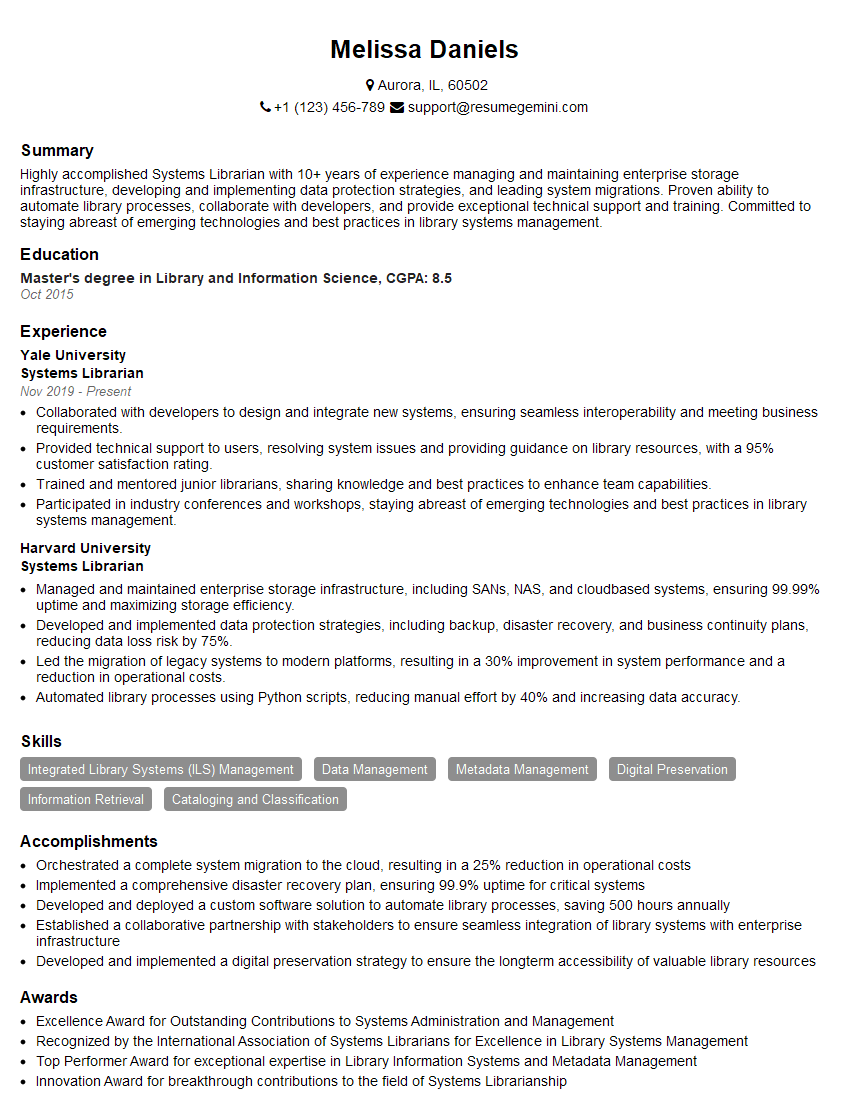
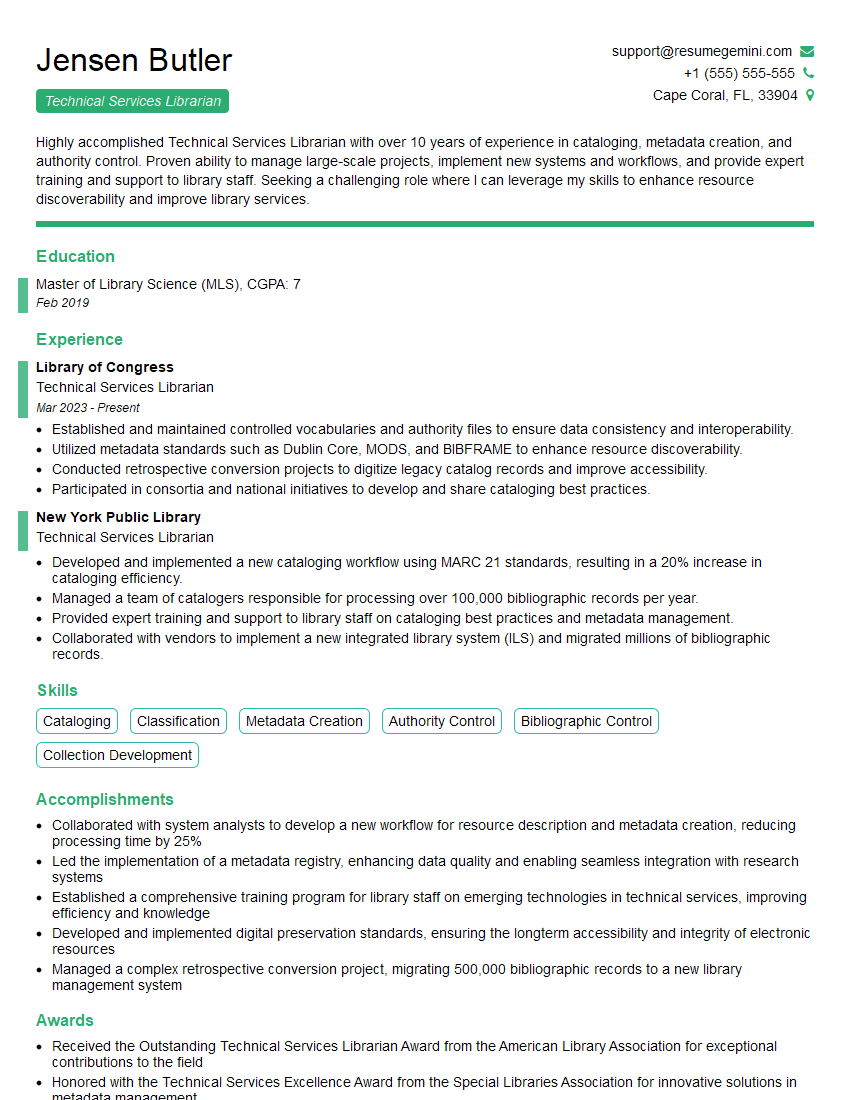
Mastering library system knowledge like Koha or Symphony is crucial for career advancement in the library and information science field. It demonstrates valuable technical skills and a deep understanding of library operations. To maximize your job prospects, create a strong, ATS-friendly resume that highlights your skills and experience. ResumeGemini is a trusted resource to help you build a professional and impactful resume that will catch the eye of recruiters. Examples of resumes tailored to showcasing expertise in Koha and Symphony are available to guide you.
Explore more articles
Users Rating of Our Blogs
Share Your Experience
We value your feedback! Please rate our content and share your thoughts (optional).
What Readers Say About Our Blog
I Redesigned Spongebob Squarepants and his main characters of my artwork.
https://www.deviantart.com/reimaginesponge/art/Redesigned-Spongebob-characters-1223583608
IT gave me an insight and words to use and be able to think of examples
Hi, I’m Jay, we have a few potential clients that are interested in your services, thought you might be a good fit. I’d love to talk about the details, when do you have time to talk?
Best,
Jay
Founder | CEO