Are you ready to stand out in your next interview? Understanding and preparing for Managing and resolving software issues interview questions is a game-changer. In this blog, we’ve compiled key questions and expert advice to help you showcase your skills with confidence and precision. Let’s get started on your journey to acing the interview.
Questions Asked in Managing and resolving software issues Interview
Q 1. Describe your process for debugging a production issue.
Debugging a production issue requires a systematic approach. My process begins with reproducing the problem. This involves gathering detailed information from error logs, monitoring tools, and user reports. It’s crucial to understand the exact circumstances leading to the error – what actions preceded it, which users are affected, and the environment (browser, operating system, etc.).
Next, I isolate the problem. This often involves using debugging tools (more on this later) to trace the execution flow and identify the faulty component or code segment. I might use techniques like binary search to narrow down the scope of the problem.
Once the problem area is pinpointed, I perform a root cause analysis (discussed in more detail in a later answer). This step involves determining why the issue occurred in the first place. Is it a logic error, a configuration problem, a dependency issue, or a bug in external libraries?
After identifying the root cause, I develop a solution. This might involve writing new code, patching existing code, updating configurations, or changing external dependencies. The solution must not only address the immediate problem but also prevent similar issues from occurring in the future.
Finally, I thoroughly test the solution before deploying it to production. This often includes unit tests, integration tests, and even deploying to a staging environment to simulate real-world conditions. Once everything is verified, I deploy the fix and closely monitor its impact.
Q 2. How do you prioritize multiple software issues simultaneously?
Prioritizing multiple software issues requires a structured approach. I use a combination of techniques to effectively manage competing demands. Firstly, I employ a severity-based prioritization system. Issues are categorized as critical (immediate impact on system functionality or user experience), major (significant impact), minor (limited impact), or trivial (cosmetic or inconsequential).
Secondly, I consider the impact of each issue on the business. A minor bug in a rarely used feature may be less important than a critical bug in a core function even if the minor bug has been reported more times.
Thirdly, I factor in the effort required to fix each issue. A simple fix that addresses a critical issue will take precedence over a complex fix for a minor one. This is where estimating development time comes in handy.
Finally, I use a project management tool or system (such as Jira or Trello) to track and manage the issues. This enables me to view all issues in a centralized location, see their severity and priority, and update their status as they progress.
Think of it like triage in a hospital. The most critical cases get attended to first, while less urgent ones are addressed as resources permit.
Q 3. Explain your experience with using debugging tools.
My experience with debugging tools is extensive. I’m proficient in using various tools depending on the context. For instance, in a Java application, I frequently use IntelliJ IDEA’s debugger, which allows me to step through the code line by line, inspect variables, and set breakpoints. I also use the built-in logging functionalities within the Java framework to see the code’s flow.
For web applications, I utilize the browser’s developer tools (Chrome DevTools, Firefox Developer Tools), which provide insights into network requests, JavaScript execution, and console logs. I often use the network tab to monitor HTTP requests and check for errors in the response headers and bodies. The debugger in those tools allows stepping through JavaScript code and setting breakpoints.
In a Linux environment, command-line tools like gdb (GNU Debugger) are invaluable for debugging C/C++ applications. strace and ltrace can be used to monitor system calls and library function calls respectively, helping to identify performance bottlenecks or unexpected interactions.
Beyond specific tools, I’m comfortable using remote debugging tools like those built into various IDEs for debugging applications running on different machines or servers. These tools help track and resolve issues in live environments more effectively.
Q 4. What strategies do you employ for efficient root cause analysis?
Efficient root cause analysis is crucial for resolving software issues effectively. My strategy typically involves a combination of techniques. First, I recreate the issue consistently. I need to understand the exact steps to reproduce it, so I can observe the behavior and investigate systematically. This is like trying to solve a puzzle; it’s much easier when you can repeat the setup.
Next, I use a combination of top-down and bottom-up approaches. A top-down approach begins by examining the high-level system architecture to identify potential failure points. Then, I work my way down through the layers until the exact source of the problem is found. A bottom-up approach starts by examining low-level details, such as code execution traces or log files, and works up towards identifying the broader system impact.
Code reviews and using version control systems can be incredibly helpful. Examining recent code changes to see what might have introduced the issue is a critical step. By using a version control system like Git, I can easily track and revert any suspect changes.
Furthermore, I utilize system monitoring tools to identify any anomalies in system resource usage (CPU, memory, disk I/O) that might have contributed to the issue. This approach lets me catch things that are not immediately apparent from the code itself, such as resource exhaustion.
Finally, collaboration is vital. Consulting with other team members, such as developers, testers, or system administrators, often provides valuable insights and alternative perspectives.
Q 5. How do you handle escalating software issues to management?
Escalating software issues to management requires a clear, concise, and timely approach. My strategy involves preparing a well-structured report, focusing on the essential details. I present this report clearly, concisely, and directly to the appropriate manager.
The report would include:
- Summary of the Issue: A brief, non-technical overview of the problem and its impact.
- Technical Details: A detailed description of the problem, including error messages, logs, and relevant code snippets. This part should be tailored to the technical expertise of the manager.
- Impact Assessment: A description of the problem’s consequences (e.g., downtime, revenue loss, user dissatisfaction).
- Proposed Solution: An outline of the planned steps to resolve the issue and an estimated timeline for completion.
- Mitigation Steps (if applicable): Immediate actions taken to minimize the impact of the issue while a permanent fix is being implemented.
It’s important to maintain regular communication with management throughout the resolution process, providing updates on progress and any unforeseen challenges. Open and honest communication ensures transparency and builds trust.
Q 6. Describe a time you had to troubleshoot a complex software problem. What was the solution?
In a previous role, we faced a perplexing issue where our e-commerce website experienced intermittent crashes during peak shopping hours. The crashes were seemingly random, with no consistent pattern in error logs or monitoring data. Initial investigations pointed towards database issues, but extensive database analysis revealed no anomalies.
After several days of intensive troubleshooting, using various monitoring tools and distributed tracing, we discovered that the problem originated from a third-party payment gateway. It turned out that under heavy load, the gateway was intermittently exceeding its timeout threshold, causing the transaction processing to hang and eventually lead to the entire website’s failure. The solution wasn’t a code change on our end, but rather a configuration change with the payment gateway provider. After negotiating with their support team, they implemented a load-balancing solution on their end that adequately addressed the timeout problem.
This situation taught me the importance of considering external factors and dependencies when troubleshooting complex issues. Sometimes, the problem lies beyond your immediate control. Effective communication and collaborative problem-solving with external parties are essential in these circumstances.
Q 7. How familiar are you with different debugging methodologies (e.g., top-down, bottom-up)?
I’m very familiar with various debugging methodologies, including top-down and bottom-up approaches. The choice of methodology depends on the nature and complexity of the problem.
Top-down debugging starts with the highest level of abstraction and works its way down. It’s particularly useful when you have a general understanding of the system’s architecture but need to pinpoint the specific failing component. It’s like investigating a car breakdown by first checking the engine, then moving to components like the fuel system or spark plugs.
Bottom-up debugging focuses on the low-level details, such as code execution traces or error messages. It is effective when you suspect a specific code section is causing the problem or when dealing with obscure, low-level errors. This is akin to examining the physical parts of a car one-by-one to pinpoint exactly which piece is defective.
Beyond these, I also utilize other approaches, such as divide-and-conquer (breaking down a large problem into smaller, more manageable subproblems) and cause-effect analysis (investigating the chain of events that led to the problem). The optimal approach often involves a combination of techniques, tailored to the specific situation.
Q 8. What metrics do you use to track the effectiveness of your issue resolution process?
Measuring the effectiveness of issue resolution involves tracking key metrics across several dimensions. Think of it like a doctor monitoring a patient’s vitals – we need multiple data points to get a complete picture.
- Mean Time To Acknowledge (MTTA): How quickly we acknowledge an issue after it’s reported. A low MTTA shows responsiveness and prevents issues from escalating.
- Mean Time To Resolution (MTTR): The average time it takes to completely resolve an issue. This is a crucial metric that directly impacts user satisfaction and business operations. Reducing MTTR is a constant goal.
- Resolution Rate: The percentage of issues successfully resolved within a given timeframe. A high resolution rate indicates effective problem-solving skills and a well-defined process.
- Customer Satisfaction (CSAT): Direct feedback from users about their experience with the issue resolution process. This helps us understand the human impact of our actions.
- Issue Recurrence Rate: The percentage of issues that reappear after being supposedly resolved. A high recurrence rate points to underlying systemic problems needing attention.
For example, if we consistently see a high MTTR for a particular type of bug, it might indicate a need for improved debugging tools or additional training for our team. Tracking these metrics allows us to identify bottlenecks and areas for improvement in our processes.
Q 9. How do you document software issues and resolutions?
Thorough documentation is paramount for effective issue resolution and future prevention. I use a structured approach, employing a ticketing system (like Jira or ServiceNow) that incorporates the following:
- Clear and concise issue description: Includes steps to reproduce, expected behavior, actual behavior, and any relevant error messages.
- Detailed logs and screenshots: Provides visual evidence and technical context. I’ve found that a picture is worth a thousand words, especially when debugging complex issues.
- Version information: Specifies the software version, operating system, and any relevant environment details.
- Resolution steps: Documents the actions taken to resolve the issue, including code changes, configuration updates, or workarounds.
- Root cause analysis: Identifies the underlying cause of the issue to prevent future occurrences. This is crucial for improving software quality.
- Status updates: Tracks the progress of the issue, keeping stakeholders informed. Using clear status labels, like ‘In Progress,’ ‘Testing,’ and ‘Resolved,’ helps maintain transparency.
Imagine a scenario where a user reports a crash. Good documentation would not only include the error message but also steps to reproduce the crash, screenshots showing the error, and the exact software version. This comprehensive documentation makes it easy for others to understand the problem and resolve similar issues in the future.
Q 10. Explain your experience with version control systems and how they aid in debugging.
Version control systems (VCS), such as Git, are indispensable tools for software development and debugging. They essentially provide a detailed history of code changes, allowing us to pinpoint the source of bugs with precision.
- Tracking code changes: VCS allows me to compare different versions of the code, identifying specific commits that introduced a bug. This is like having a time machine for my code.
- Branching and merging: This feature allows for isolated development and testing of code changes, reducing the risk of introducing bugs into the main codebase. It’s like having separate testing environments for different features.
- Collaboration: VCS facilitates collaboration among developers, allowing for easy code sharing, review, and merging of changes. This is extremely important in teamwork.
- Rollback capabilities: If a bug is introduced, I can easily revert to a previous stable version of the code. This is a safety net that prevents major disruptions.
For instance, if a bug appears after a particular commit, I can use the VCS to compare that commit with the previous one, identify the changes, and isolate the source of the error. Without a VCS, debugging would be significantly more challenging, resembling trying to find a needle in a haystack.
Q 11. Describe your experience with incident management tools and processes.
Incident management tools and processes are critical for handling urgent and critical software issues. I have extensive experience using tools like Jira Service Desk and PagerDuty. These tools facilitate the following:
- Incident ticketing and tracking: Centralized management of all reported incidents, ensuring that nothing falls through the cracks.
- Escalation procedures: Automated escalation of critical incidents to the appropriate teams or individuals. This ensures prompt attention to urgent problems.
- Communication and collaboration: Enables seamless communication among involved teams, facilitating efficient problem-solving.
- Reporting and analysis: Provides metrics on incident frequency, severity, and resolution times, allowing for continuous improvement of incident management processes.
For example, if a major production outage occurs, the incident management system enables rapid mobilization of resources, facilitates communication among engineers, and keeps stakeholders informed about the progress of the resolution. This structured approach helps to minimize the impact of critical incidents.
Q 12. How do you collaborate with other teams (e.g., QA, DevOps) to resolve software issues?
Collaboration is key to effective issue resolution. I work closely with QA, DevOps, and other relevant teams using a variety of methods:
- Regular meetings and stand-ups: Provides a forum for discussing ongoing issues, sharing updates, and coordinating efforts.
- Shared ticketing systems and communication channels: Facilitates real-time communication and ensures everyone is on the same page.
- Code reviews and joint debugging sessions: Allows for collaborative problem-solving and knowledge sharing.
- Post-mortem analysis: After a major incident, conducting a thorough analysis helps identify systemic issues and implement preventative measures. This collaborative process is essential for learning and improvement.
Imagine a situation where a performance issue is detected. I’d collaborate with the QA team to confirm the issue’s scope and severity, with DevOps to monitor system metrics, and with developers to identify and fix the root cause. This collaborative approach ensures a comprehensive solution.
Q 13. How do you ensure that software issues are resolved permanently, preventing recurrence?
Preventing recurrence is paramount. My approach focuses on addressing the root cause of the issue, not just the symptoms:
- Root cause analysis: Using techniques like the ‘5 Whys’ to delve into the underlying reasons behind the issue. This prevents treating symptoms and instead tackles the core problem.
- Automated testing: Implementing comprehensive automated tests to catch similar bugs early in the development cycle. This is like having a safety net for new code changes.
- Code reviews: Peer reviews can identify potential issues before they reach production.
- Knowledge sharing and documentation: Documenting the root cause, resolution steps, and preventative measures to prevent similar issues in the future.
- Monitoring and alerting: Setting up monitoring systems to detect potential issues before they impact users. This proactive approach is like having an early warning system.
For example, if a bug is due to insufficient input validation, I would not only fix the bug but also implement improved input validation throughout the codebase to prevent similar issues from arising in the future. This prevents a recurrence of the same issue.
Q 14. What is your approach to identifying and mitigating potential software issues proactively?
Proactive issue mitigation is crucial. My approach involves:
- Code reviews: Regularly reviewing code for potential issues before they are deployed to production.
- Static code analysis: Using tools to automatically detect potential bugs in the code without actually running it. It’s like having a pre-flight check for code.
- Automated testing: Creating comprehensive test suites to identify issues early in the development lifecycle.
- Monitoring and alerting: Setting up systems to monitor application performance and alert the team to potential issues. This is our early warning system.
- Regular security audits: Conducting periodic security audits to identify and address potential vulnerabilities. This proactive measure is vital for safety.
- Technical debt management: Prioritizing the resolution of technical debt to prevent future issues. Addressing this is like regularly maintaining a house – preventing small issues from becoming larger problems.
For example, regularly monitoring server logs for unusual activity can help prevent performance degradation or security breaches before they become major incidents. Proactive mitigation is significantly more efficient than reactive firefighting.
Q 15. How familiar are you with different software development methodologies (Agile, Waterfall)? How do they impact issue resolution?
I’m proficient in both Agile and Waterfall methodologies. Waterfall, a linear approach, is great for projects with clearly defined requirements upfront. Issue resolution in Waterfall often involves a formal process, potentially requiring a new development cycle for significant fixes. Agile, with its iterative and incremental approach, allows for faster issue resolution. The shorter development cycles inherent in Agile mean bugs are identified and addressed more frequently, preventing them from accumulating into larger problems.
For example, imagine a bug discovered in a Waterfall project nearing its end. Fixing this might involve significant rework, impacting timelines and budget. In Agile, such a bug would be caught earlier, potentially during a sprint review, and fixed within the current iteration, minimizing disruption. My experience includes successfully navigating issue resolution in both methodologies, tailoring my approach to the specific project’s needs and constraints.
Career Expert Tips:
- Ace those interviews! Prepare effectively by reviewing the Top 50 Most Common Interview Questions on ResumeGemini.
- Navigate your job search with confidence! Explore a wide range of Career Tips on ResumeGemini. Learn about common challenges and recommendations to overcome them.
- Craft the perfect resume! Master the Art of Resume Writing with ResumeGemini’s guide. Showcase your unique qualifications and achievements effectively.
- Don’t miss out on holiday savings! Build your dream resume with ResumeGemini’s ATS optimized templates.
Q 16. Describe your experience using monitoring and logging tools to identify software issues.
I have extensive experience leveraging monitoring and logging tools to pinpoint software issues. Tools like Datadog, Prometheus, Grafana, and ELK stack are all part of my arsenal. Monitoring tools provide real-time insights into system performance, alerting me to anomalies such as high CPU usage, memory leaks, or network latency which often indicate underlying problems. Logs, on the other hand, provide a detailed chronological record of events within the application, crucial for debugging. I can search logs for specific error messages, user actions, or timestamps to quickly isolate the root cause of an issue.
For instance, if a user reports a website crash, I would first check system monitoring for spikes in error rates or resource consumption. Then, I’d dive into application logs to identify specific error messages related to the time of the crash, perhaps revealing a database connection issue or a null pointer exception. This combined approach allows for efficient and targeted troubleshooting.
Q 17. How do you determine the severity and priority of software issues?
Determining the severity and priority of software issues is crucial for efficient resource allocation. Severity assesses the impact on the system or users, while priority dictates the urgency of resolution. I use a matrix approach that considers factors like impact on business operations, number of affected users, data loss potential, and security implications.
- Severity: Critical (system failure, data loss), Major (significant functionality loss), Minor (cosmetic issues, minor usability problems), Trivial (inconsequential).
- Priority: High (immediate action required), Medium (should be addressed soon), Low (can be addressed later).
For example, a critical security vulnerability would be both high severity and high priority, requiring immediate attention. A minor cosmetic issue with low impact on user experience might be low severity and low priority, scheduled for a future release.
Q 18. How do you communicate technical information effectively to non-technical stakeholders?
Communicating technical information to non-technical stakeholders requires a clear and concise approach, avoiding jargon. I use analogies and metaphors to make complex concepts understandable. For example, instead of saying ‘database deadlock,’ I might explain it as ‘two people trying to use the same resource at the same time, causing a standstill.’ I also use visuals like charts and diagrams to illustrate technical details and provide regular updates in a format easy to digest, such as a concise email or a brief presentation.
In one project, I used a simple traffic light analogy to explain server load and availability to executives, using green for normal operation, yellow for performance degradation and red for critical failure. This simple visual aided their understanding of the system’s health and the urgency of addressing issues.
Q 19. Explain your experience with using remote debugging techniques.
I’m experienced in remote debugging techniques, utilizing tools like remote debuggers integrated into IDEs (Integrated Development Environments) like Visual Studio or IntelliJ, as well as specialized debugging tools for specific platforms or applications. This involves attaching a debugger to a remote process, setting breakpoints, stepping through code, and inspecting variables to identify the root cause of a problem. Remote debugging is especially helpful when dealing with issues on servers or embedded systems that are not easily accessible locally.
For example, if a server-side application malfunctions, I can use remote debugging to connect to the server, replicate the issue, and pinpoint the exact line of code causing the problem, streamlining the debugging process without requiring physical access to the server.
Q 20. How do you balance speed and thoroughness when resolving software issues?
Balancing speed and thoroughness is a key aspect of effective issue resolution. A quick fix might introduce new problems later, while excessive analysis can delay resolution. I use a risk-based approach, prioritizing critical issues quickly while ensuring thorough testing for high-impact fixes. Root cause analysis is crucial, but it must be balanced with the need for timely resolution, especially for critical issues that affect business operations. Thorough documentation helps ensure that issues are understood fully and can be resolved quickly if they recur.
Imagine a website experiencing intermittent slowdowns. A quick fix might be to add more server resources, which temporarily solves the issue. However, a more thorough investigation might reveal a database query inefficiency. Addressing this root cause provides a more sustainable and lasting solution.
Q 21. What are your preferred methods for testing code fixes before deployment?
Before deploying code fixes, I employ a multi-layered testing strategy: unit tests, integration tests, and system tests. Unit tests verify individual components, integration tests check the interaction between components, and system tests validate the entire system’s functionality. I use automated testing frameworks whenever possible to ensure that code changes don’t introduce regressions and maintain code quality. Furthermore, I often perform manual testing, focusing on edge cases and user scenarios that might be missed by automated tests.
For example, after fixing a bug in a payment processing module, I would run unit tests to verify the corrected functionality, integration tests to ensure it works correctly with other modules, and finally system tests to confirm that the entire payment process functions as expected. This thorough approach minimizes the risk of deploying faulty code.
Q 22. Describe your approach to handling issues that arise during the deployment process.
My approach to handling deployment issues is systematic and proactive. It begins with a well-defined deployment plan that includes rollback strategies and thorough testing in a staging environment that mirrors production as closely as possible. During deployment, I monitor key metrics like server load, application logs, and user feedback in real-time. Any deviations from expected behavior trigger an immediate investigation. My process involves:
- Immediate Assessment: Quickly identify the nature and scope of the problem using monitoring tools and logs.
- Impact Analysis: Determine the impact of the issue on users and the system as a whole.
- Rollback/Mitigation: If the issue is critical, immediately rollback to the previous stable version. If a rollback isn’t feasible, implement temporary workarounds to minimize disruption.
- Root Cause Analysis: Once the immediate impact is mitigated, systematically investigate the root cause using debugging tools and logs. This often involves code review, environment analysis, and database checks.
- Resolution and Testing: Implement a fix, thoroughly test it in a staging environment, and then deploy the fix to production.
- Post-Mortem Analysis: Conduct a post-mortem review to document the issue, its impact, the resolution, and preventative measures to avoid similar issues in the future. This often includes process improvements and updated documentation.
For example, during a recent deployment, we experienced a sudden surge in database queries resulting in slow response times. By monitoring our database performance metrics, we quickly identified the culprit: a newly introduced query with inefficient indexing. We rolled back the deployment, fixed the indexing issue, and retested before redeploying the corrected version. This prevented a major service disruption.
Q 23. How do you handle situations where you are unable to immediately resolve a software issue?
When faced with an unresolved software issue, my approach is to systematically escalate and collaborate. I believe in transparency and keeping stakeholders informed throughout the process. My steps include:
- Documentation: Clearly document the issue, including steps to reproduce, error messages, and any relevant logs or screenshots.
- Internal Collaboration: Engage with colleagues, especially those with expertise in relevant areas (e.g., database administrators, network engineers). Brainstorm potential solutions and share knowledge.
- External Resources: If internal resources are exhausted, I leverage external resources such as online forums, documentation, and vendor support.
- Escalation: If the issue remains unresolved, I escalate it to management and provide a clear explanation of the situation, potential impacts, and the steps taken so far.
- Workarounds: Implement temporary workarounds to mitigate the impact of the issue while a permanent solution is sought. This might involve disabling specific features or providing alternative methods for users.
- Prioritization: Understand the severity and business impact of the issue to prioritize resolution efforts effectively. Critical issues get immediate attention while less critical ones might be scheduled for later resolution.
For instance, I once encountered a very obscure memory leak in a legacy application. After exhausting internal resources, I engaged with the original vendor’s support team, who helped identify the root cause – a faulty third-party library. While a permanent fix was being developed, we implemented a workaround to limit the impact of the leak. This collaboration ensured minimal service disruption until a proper fix was available.
Q 24. How do you use code reviews to help prevent and identify potential software issues?
Code reviews are an integral part of my workflow for preventing and identifying software issues. They act as a second pair of eyes, catching errors and improving code quality before they reach production. I believe in a collaborative code review process, focusing on both technical aspects and design principles.
- Style and Readability: Ensuring the code is consistent, well-formatted, and easy to understand.
- Functionality and Correctness: Verification that the code works as intended and meets specifications.
- Security: Checking for potential vulnerabilities such as SQL injection, cross-site scripting (XSS), and cross-site request forgery (CSRF).
- Maintainability: Evaluating the code’s long-term maintainability and extensibility.
- Testing: Confirming the existence and adequacy of unit tests.
- Error Handling: Scrutinizing error handling mechanisms and logging.
A recent code review uncovered a potential race condition in a multi-threaded application. The code lacked proper synchronization mechanisms, which could lead to unpredictable behavior under heavy load. The review resulted in the addition of locks and appropriate synchronization primitives, significantly improving the application’s stability.
Q 25. What is your experience with different types of software bugs (e.g., memory leaks, race conditions)?
My experience encompasses a range of software bugs. I’ve encountered and resolved various types, including:
- Memory Leaks: These occur when memory allocated to an application isn’t properly freed, leading to performance degradation and eventual crashes. Debugging these often involves memory profiling tools and careful code analysis.
- Race Conditions: These happen in multi-threaded applications when the outcome depends on unpredictable order of execution. Using debugging tools like debuggers and tracing tools help to identify these conditions and often require careful synchronization mechanisms in the code.
- Null Pointer Exceptions: These are common errors that occur when a program attempts to dereference a null pointer, often indicating a logic error or failure to properly initialize variables.
- Deadlocks: These occur in concurrent programming when two or more threads are blocked indefinitely, waiting for each other to release resources. These are tricky to debug but careful analysis of thread execution paths and resource allocation helps.
- Logic Errors: These are often the hardest to find, as they manifest as incorrect results rather than explicit errors. Thorough testing and code review are essential.
For example, I once debugged a memory leak in a C++ application using Valgrind, a memory debugging tool. It helped pinpoint the exact location of the memory leak, allowing for a quick and efficient fix.
Q 26. How do you stay up-to-date on the latest debugging tools and techniques?
Staying current with debugging tools and techniques requires a continuous learning approach. I use several strategies:
- Online Resources: Regularly read blogs, articles, and technical documentation related to debugging and software development. Sites like Stack Overflow are valuable for finding solutions and understanding different perspectives.
- Conferences and Workshops: Attending conferences and workshops allows me to learn about new tools and best practices from industry experts.
- Online Courses: Taking online courses on platforms like Coursera and Udemy keeps my skills sharp and introduces me to advanced debugging techniques.
- Community Engagement: Participating in online communities and forums provides opportunities to learn from others and share my own experiences.
- Experimentation: Experimenting with new tools and techniques on personal projects allows me to practically apply newly acquired knowledge.
Recently, I explored the use of a new debugging tool that greatly improved my efficiency in identifying and resolving a complex issue in a distributed system. Continuous learning ensures that I remain adaptable to evolving technologies and debugging challenges.
Q 27. Describe a time you had to make a difficult decision about prioritizing software issue resolution. What was the outcome?
I once had to make a difficult decision regarding issue prioritization during a critical project launch. We discovered a major bug that impacted a core feature, but fixing it would delay the launch by a week. Simultaneously, we had several minor bugs that were impacting users but were not considered critical to the core functionality.
After careful consideration, weighing the risk of delayed launch against the potential negative impact of releasing with the major bug, we decided to prioritize fixing the major bug. We communicated this decision transparently to stakeholders, explaining the rationale and providing regular updates on our progress. We also implemented temporary workarounds for the minor bugs to minimize user impact. The decision to prioritize the major bug, although delaying the launch, resulted in a more stable and robust final product, preserving user trust and project success in the long run. Though the launch was delayed, the overwhelmingly positive user feedback on the stability of the system after launch justified the decision.
Key Topics to Learn for Managing and Resolving Software Issues Interview
- Problem Diagnosis and Triage: Understanding how to effectively identify, categorize, and prioritize incoming software issues. This includes analyzing error logs, user reports, and system metrics to pinpoint the root cause.
- Troubleshooting Methodologies: Mastering systematic troubleshooting techniques like binary search, divide and conquer, and the use of debugging tools. Practical application includes walking through real-world scenarios to demonstrate your approach.
- Version Control and Rollbacks: Understanding the importance of version control systems (like Git) for managing code changes and the ability to revert to previous stable versions in case of issues. Practical application: explaining your experience with rollback strategies and minimizing downtime.
- Communication and Collaboration: Effectively communicating technical information to both technical and non-technical stakeholders. This includes clearly explaining complex issues, providing updates, and collaborating with team members to find solutions.
- Incident Management and Resolution: Knowing how to manage the entire lifecycle of a software incident, from initial report to resolution and post-incident review. This includes documenting processes, implementing preventative measures, and tracking key metrics.
- Software Testing and Quality Assurance: Understanding different testing methodologies and their application in preventing and identifying software issues before they reach production. Practical application: explaining your experience with various testing types (unit, integration, system).
- Root Cause Analysis (RCA): Going beyond simple fixes to identify the underlying causes of recurring issues and implementing long-term solutions to prevent future occurrences. This includes using tools and techniques to uncover systematic problems.
Next Steps
Mastering the art of managing and resolving software issues is crucial for career advancement in the tech industry. It demonstrates problem-solving skills, technical expertise, and the ability to work effectively under pressure – highly valued attributes in any software development role. To significantly boost your job prospects, creating a strong, ATS-friendly resume is essential. ResumeGemini can help you craft a compelling resume that highlights your skills and experience in this area, maximizing your chances of landing your dream job. Examples of resumes tailored to managing and resolving software issues are available to guide you.

Product Manager Resume Sample
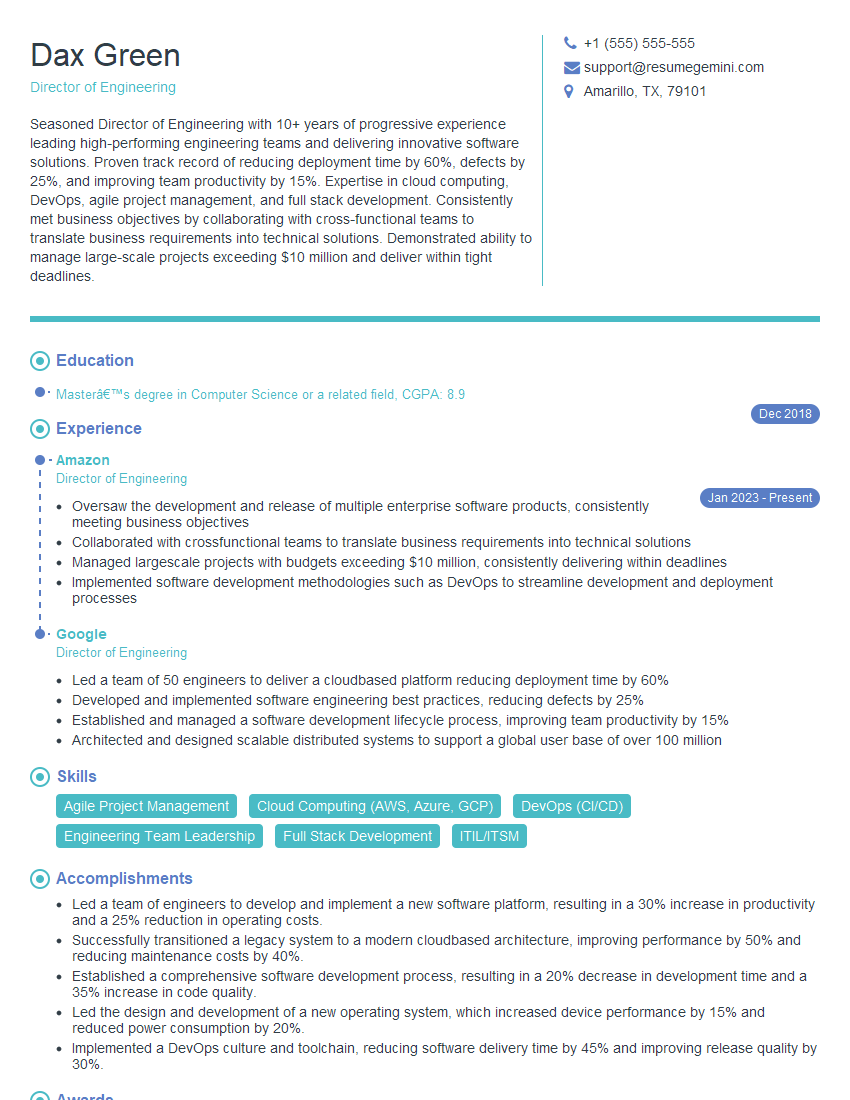
Director of Engineering Resume Sample
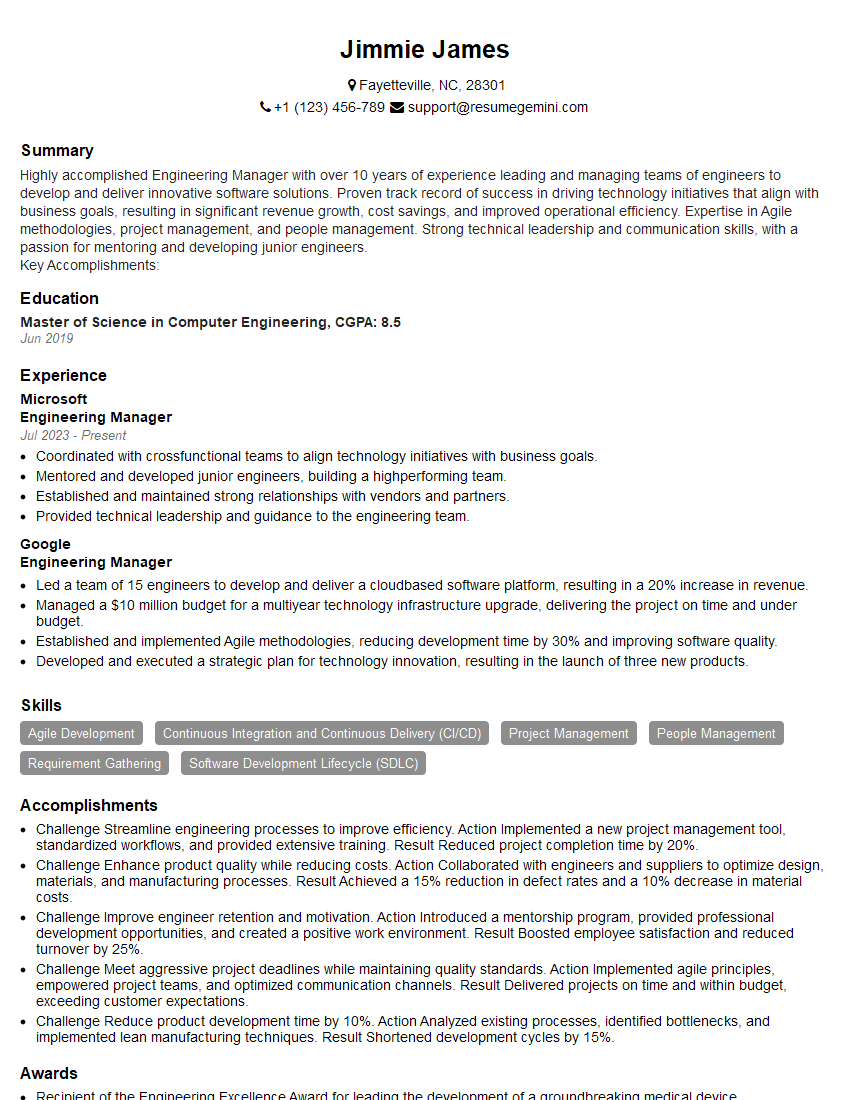
Engineering Manager Resume Sample

Software Engineer Resume Sample
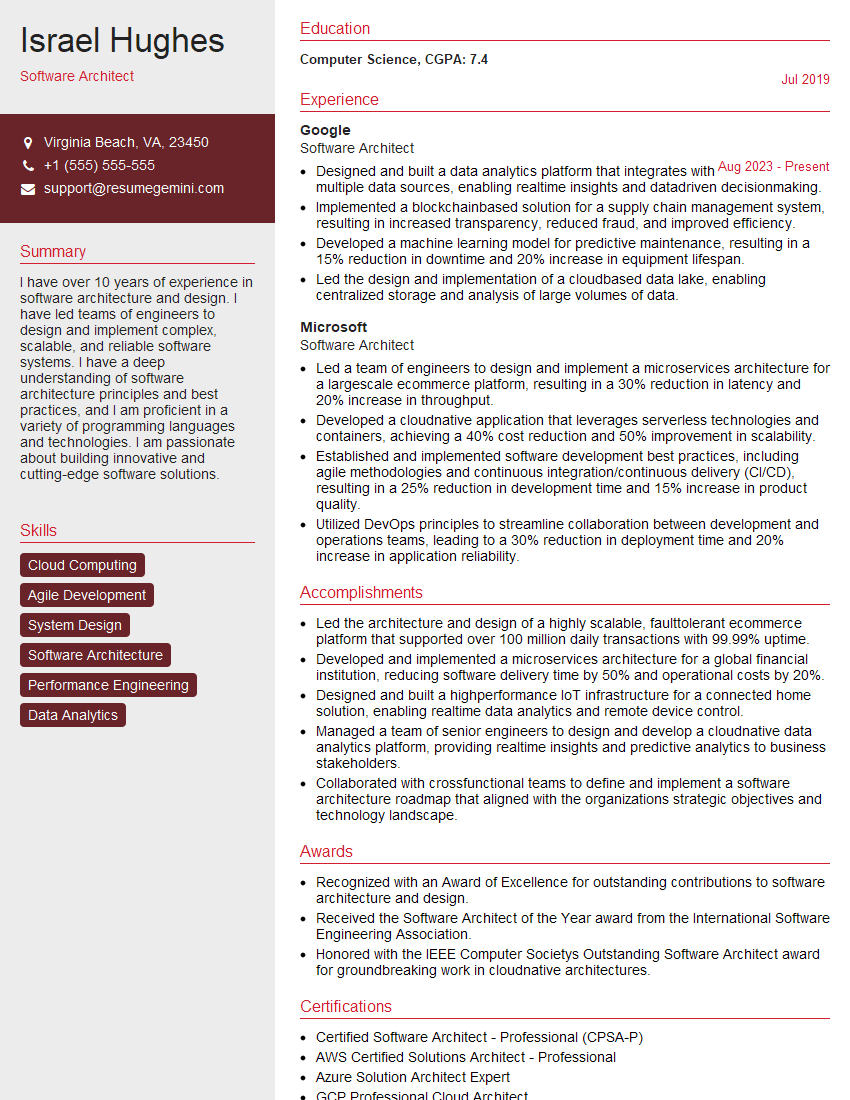
Software Architect Resume Sample

Solutions Architect Resume Sample

Senior Software Engineer Resume Sample

System Administrator Resume Sample

IT Manager Resume Sample

Release Manager Resume Sample

Quality Assurance Engineer Resume Sample

IT Support Specialist Resume Sample

Database Administrator Resume Sample

Technical Lead Resume Sample

DevOps Engineer Resume Sample

Cloud Engineer Resume Sample
- Product Manager
- Director of Engineering
- Engineering Manager
- Software Engineer
- Software Architect
- Solutions Architect
- Senior Software Engineer
- System Administrator
- IT Manager
- Release Manager
- Quality Assurance Engineer
- IT Support Specialist
- Database Administrator
- Technical Lead
- DevOps Engineer
- Cloud Engineer
Explore more articles
Users Rating of Our Blogs
Share Your Experience
We value your feedback! Please rate our content and share your thoughts (optional).
What Readers Say About Our Blog
I Redesigned Spongebob Squarepants and his main characters of my artwork.
https://www.deviantart.com/reimaginesponge/art/Redesigned-Spongebob-characters-1223583608
IT gave me an insight and words to use and be able to think of examples
Hi, I’m Jay, we have a few potential clients that are interested in your services, thought you might be a good fit. I’d love to talk about the details, when do you have time to talk?
Best,
Jay
Founder | CEO