Interviews are more than just a Q&A session—they’re a chance to prove your worth. This blog dives into essential MRP/ERP Systems interview questions and expert tips to help you align your answers with what hiring managers are looking for. Start preparing to shine!
Questions Asked in MRP/ERP Systems Interview
Q 1. Explain the difference between MRP and ERP systems.
While both MRP (Material Requirements Planning) and ERP (Enterprise Resource Planning) systems manage resources, they differ significantly in scope. Think of MRP as a specialized tool focusing solely on production planning and inventory control, while ERP is a much broader, integrated system managing all aspects of a business.
MRP primarily addresses the question: “What materials do I need, when do I need them, and how many do I need to produce a certain number of finished goods?” It uses a Bill of Materials (BOM) and Master Production Schedule (MPS) to calculate material requirements.
ERP, on the other hand, integrates all functional areas of a business – from finance and accounting to human resources, supply chain management, and manufacturing. It provides a centralized database and a unified system for managing information flow across the entire organization. MRP can be considered a module *within* a comprehensive ERP system, but it stands alone as well in smaller organizations.
In short: MRP is a subset of the broader ERP system. MRP focuses on production planning; ERP manages the entire business.
Q 2. Describe the key modules of an ERP system.
A typical ERP system comprises several key modules, although the specific modules and their functionalities can vary depending on the vendor and the organization’s needs. However, common core modules include:
- Finance and Accounting: Handles general ledger, accounts payable, accounts receivable, budgeting, and financial reporting.
- Human Resources (HR): Manages employee information, payroll, benefits administration, recruitment, and performance management.
- Supply Chain Management (SCM): Includes procurement, inventory management, warehousing, logistics, and order fulfillment – this is where MRP often integrates.
- Manufacturing: Manages production planning (including MRP), shop floor control, quality control, and maintenance.
- Customer Relationship Management (CRM): Focuses on managing interactions with customers, including sales, marketing, and customer service.
Other modules might include project management, business intelligence, and reporting and analytics. The beauty of an ERP is its integration – data from one module is readily accessible to others, eliminating data silos and fostering better decision-making.
Q 3. What are the benefits of implementing an ERP system?
Implementing an ERP system offers numerous benefits, leading to improved efficiency and profitability. Some key advantages include:
- Improved Efficiency: Automation of business processes reduces manual work, leading to faster transaction times and reduced errors.
- Better Collaboration: Centralized data allows different departments to share information seamlessly, improving communication and collaboration.
- Enhanced Decision-Making: Real-time data and reporting provide better insights into business performance, enabling more informed decisions.
- Reduced Costs: Streamlined processes, reduced errors, and optimized inventory management lead to significant cost savings.
- Increased Productivity: Automation of tasks frees up employees to focus on higher-value activities.
- Improved Customer Satisfaction: Faster order fulfillment and better communication lead to increased customer satisfaction.
- Better Inventory Management: Reduces carrying costs and minimizes stockouts by accurately forecasting demand.
For example, imagine a company that previously managed inventory with spreadsheets. An ERP system would automate stock tracking, order processing, and purchasing, significantly reducing the chance of stockouts and overstocking.
Q 4. What are the challenges of implementing an ERP system?
ERP implementation is a complex undertaking, and challenges are common. Some major hurdles include:
- High Implementation Costs: Software licensing, hardware upgrades, consulting fees, and training costs can be substantial.
- Complexity and Integration: Integrating various modules and legacy systems can be technically challenging and time-consuming.
- Data Migration: Transferring data from existing systems to the new ERP system can be complex and error-prone.
- Change Management: Employees may resist adopting new processes and technologies, requiring effective change management strategies.
- Customization: Tailoring the ERP system to meet specific business needs can be expensive and complex.
- Training and Support: Adequate training for employees and ongoing support are crucial for successful implementation.
- Security Risks: A centralized system makes the company vulnerable to security breaches; proper security measures are vital.
A common pitfall is underestimating the time and resources required for successful implementation. Careful planning, realistic expectations, and strong project management are essential to mitigate these challenges.
Q 5. Explain the Bill of Materials (BOM) and its importance in MRP.
The Bill of Materials (BOM) is a comprehensive list of all the raw materials, sub-assemblies, intermediate assemblies, sub-components, parts, and the quantities of each needed to manufacture an end product. It’s essentially a recipe for a product.
For example, a BOM for a bicycle might include: 1 frame, 2 wheels (each wheel requiring 1 rim, 36 spokes, 1 hub, 1 tire, and 1 tube), 1 handlebar, 2 pedals, etc. The BOM specifies not only the components but also their quantities.
Importance in MRP: The BOM is the foundation of MRP. The MRP system uses the BOM to determine the exact quantities and timing of all materials required to meet the production schedule. Without an accurate BOM, the MRP system cannot accurately calculate material requirements, leading to potential shortages or excess inventory.
Q 6. How does Master Production Scheduling (MPS) work?
Master Production Scheduling (MPS) is a high-level plan that specifies the quantity of each finished product to be produced over a specific time horizon (usually several months or a year). It’s the top-down plan that drives the entire MRP process. It considers factors such as sales forecasts, customer orders, inventory levels, and capacity constraints.
Imagine a furniture manufacturer. The MPS might state that 100 chairs, 50 tables, and 20 desks need to be produced in the next quarter. This plan acts as the input for the MRP system, which then uses the BOMs for each product to calculate the required raw materials and sub-assemblies. The MPS needs to be realistic and achievable, taking into account available resources and capacity. It’s a dynamic plan, updated regularly as needed to reflect changes in demand or supply.
Q 7. What is Capacity Requirements Planning (CRP)?
Capacity Requirements Planning (CRP) determines whether sufficient resources (labor, machines, and other equipment) are available to produce the products specified in the MPS. It analyzes the capacity needed to meet the production schedule and compares it to the available capacity. Any discrepancies between required and available capacity are identified, allowing for adjustments to the MPS or for the acquisition of additional resources.
For instance, if the MPS calls for a significant increase in production, CRP would assess whether the existing workforce and machinery can handle the increased workload. If not, it might suggest overtime, hiring additional personnel, or investing in new equipment. CRP ensures that the MPS is feasible and avoids overcommitting resources, leading to delays or other production problems.
Q 8. Describe the different types of inventory.
Inventory classification is crucial for effective inventory management. Different types of inventory serve different purposes and require different management strategies. We broadly categorize inventory as follows:
- Raw Materials: These are the basic inputs used in the production process. Think of the steel used in car manufacturing or the flour in a bakery.
- Work-in-Progress (WIP): This represents partially finished goods that are still undergoing the production process. For example, a car chassis that’s been welded but hasn’t yet received its engine and interior.
- Finished Goods: These are completed products ready for sale to customers. In our car example, this would be the fully assembled car ready for the dealership.
- Maintenance, Repair, and Operations (MRO) Inventory: These are items used to support the production process but aren’t directly incorporated into the finished product. This includes things like lubricating oils, spare parts for machinery, or cleaning supplies.
- Obsolete Inventory: This is inventory that is no longer needed or in demand. It might be due to technological advancements, changes in customer preferences, or simply overstocking.
Understanding these categories allows businesses to optimize their inventory levels, reducing storage costs and preventing stockouts while minimizing obsolete inventory.
Q 9. Explain the concept of Material Requirements Planning (MRP).
Material Requirements Planning (MRP) is a production planning and inventory control system that uses bill-of-materials (BOMs), inventory data, and a master production schedule (MPS) to calculate the exact quantities of materials needed at specific times to meet production demands.
Imagine you’re building bicycles. MRP takes your planned bicycle production (MPS) and breaks it down into its components: frames, wheels, handlebars, etc. It then checks your current inventory levels of these components and calculates when and how many of each component you need to order or manufacture to avoid shortages or excess inventory. This ensures a smooth, efficient production process.
A simple analogy would be a recipe: the MPS is the number of cakes you want to bake, the BOM is the list of ingredients, and MRP calculates how much of each ingredient you need to buy based on how many cakes you plan to make.
Effective MRP relies on accurate data input – inaccurate BOMs or inventory counts will lead to inaccurate calculations and potential production disruptions.
Q 10. What is a Routing in MRP?
In MRP, a routing is a detailed sequence of operations required to manufacture a particular product or component. It outlines the steps, work centers, and machines involved in the production process, along with the time allocated to each step. Think of it as a recipe with precise instructions on how to prepare a dish.
For example, the routing for a simple wooden chair might include:
- Step 1: Cut lumber (Work Center: Cutting Room, Machine: Saw)
- Step 2: Shape and sand pieces (Work Center: Shaping Room, Machine: Sander)
- Step 3: Assemble parts (Work Center: Assembly Line)
- Step 4: Finishing and staining (Work Center: Finishing Room)
Routings are critical for capacity planning, scheduling, and cost estimation. They provide visibility into the entire production process, enabling better control and optimization.
Q 11. How do you handle unexpected demand fluctuations in MRP?
Unexpected demand fluctuations are a common challenge in MRP. Several strategies can mitigate their impact:
- Safety Stock: Maintaining a buffer stock of critical components or finished goods helps absorb short-term demand spikes. The amount of safety stock depends on the variability of demand and the lead time for replenishment.
- Demand Forecasting: Employing sophisticated forecasting techniques, such as exponential smoothing or ARIMA models, to predict future demand more accurately. While not foolproof, these methods can significantly improve planning.
- Flexible Production Capacity: Having the ability to quickly adjust production capacity (e.g., overtime, temporary staff) allows you to respond to sudden increases in demand.
- Supplier Relationships: Strong relationships with reliable suppliers enable quicker response times for material procurement in case of unexpected surges in demand.
- Regular MRP Runs and Monitoring: Running MRP more frequently (e.g., daily instead of weekly) helps you identify potential shortages earlier and take corrective action promptly.
Combining these strategies creates a robust system that can better handle uncertainty. The key is proactive planning and responsiveness to changing market conditions.
Q 12. What are some common MRP system metrics?
Several key metrics are used to assess the performance of an MRP system:
- Inventory Turnover: Measures how efficiently inventory is used, indicating whether inventory levels are optimal or excessive. A higher turnover rate generally signifies better inventory management.
- On-Time Delivery Rate: This shows the percentage of orders delivered on or before the scheduled delivery date, reflecting the system’s ability to meet customer expectations.
- Lead Time: The time between placing an order and receiving the goods. Shorter lead times indicate a more efficient system.
- Production Schedule Adherence: Measures how well the actual production schedule aligns with the planned schedule, highlighting any discrepancies that need attention.
- Material Cost Variance: This metric helps identify discrepancies between planned and actual material costs, allowing for cost control and optimization.
- Stockout Rate: Percentage of instances when required materials or finished goods were unavailable, resulting in production delays or lost sales. A lower rate suggests improved inventory management.
These metrics provide insights into the efficiency and effectiveness of the MRP system, enabling continuous improvement.
Q 13. Explain the concept of Closed-Loop MRP.
Closed-loop MRP is an enhanced version of traditional MRP that incorporates feedback from the shop floor to improve the accuracy and responsiveness of the planning process. It’s a more dynamic and adaptive system.
In a traditional MRP system, the plan is generated and then executed. Closed-loop MRP, however, constantly monitors actual production progress, material consumption, and other relevant data. This real-time feedback is used to adjust the MRP plan, ensuring it accurately reflects the current state of operations. This is similar to a driver using a navigation system – the system provides a route, but the driver makes adjustments based on real-time traffic conditions.
For example, if a machine breaks down, causing a production delay, closed-loop MRP immediately updates the plan to reflect this delay, avoiding downstream disruptions. This continuous feedback loop ensures that the plan remains relevant and accurate throughout the production process, enhancing overall efficiency and responsiveness.
Q 14. How does ERP integrate with other business systems?
Enterprise Resource Planning (ERP) systems act as a central hub, integrating various business functions and departments into a unified system. This integration facilitates seamless data flow and improved operational efficiency. ERP systems typically integrate with:
- Customer Relationship Management (CRM): Provides real-time customer data, enabling accurate demand forecasting and better customer service.
- Supply Chain Management (SCM): Manages the flow of goods and materials, from procurement to delivery, ensuring efficient supply chain operations.
- Human Resource Management (HRM): Integrates employee data for better workforce planning and allocation.
- Financial Management Systems: Provides integrated financial data, enabling accurate cost accounting and financial reporting.
- Warehouse Management Systems (WMS): Tracks inventory movement and location within the warehouse, optimizing storage and retrieval processes.
This integrated approach breaks down information silos, improves data visibility across the organization, and enables better decision-making. For instance, integrating sales data from CRM with production planning in MRP ensures that production aligns with actual customer demand.
Q 15. What are some common ERP software vendors?
The ERP software market is quite diverse, with many vendors offering solutions tailored to various industry needs and company sizes. Some of the most prominent players include:
- SAP: Known for its comprehensive and robust solutions, particularly strong in large enterprises. Their flagship product, S/4HANA, is a leading example of modern ERP.
- Oracle: Another major player offering a wide range of ERP solutions, often integrated with their database technologies. Oracle Cloud ERP is a significant offering in the cloud-based ERP space.
- Microsoft Dynamics 365: A popular choice, especially for mid-sized businesses, offering good integration with other Microsoft products. Its various modules cater to different business needs.
- Infor: Specializes in industry-specific ERP solutions, offering tailored functionality for sectors like manufacturing and healthcare. Their focus on vertical solutions provides competitive advantage.
- Epicor: Another strong contender in industry-specific ERP, often favored by companies in the manufacturing, distribution, and retail sectors.
This is not an exhaustive list, and many other vendors offer excellent ERP systems, ranging from large established firms to niche players focusing on specific industries or functionalities. The best choice always depends on the specific requirements and size of the business.
Career Expert Tips:
- Ace those interviews! Prepare effectively by reviewing the Top 50 Most Common Interview Questions on ResumeGemini.
- Navigate your job search with confidence! Explore a wide range of Career Tips on ResumeGemini. Learn about common challenges and recommendations to overcome them.
- Craft the perfect resume! Master the Art of Resume Writing with ResumeGemini’s guide. Showcase your unique qualifications and achievements effectively.
- Don’t miss out on holiday savings! Build your dream resume with ResumeGemini’s ATS optimized templates.
Q 16. What is the role of data analysis in ERP systems?
Data analysis is crucial in ERP systems, acting as the engine driving informed decision-making. It allows businesses to:
- Gain real-time insights: Monitor key performance indicators (KPIs) like sales, inventory levels, and production efficiency in real-time, enabling prompt corrective actions.
- Improve operational efficiency: Identify bottlenecks in processes, optimize resource allocation, and reduce waste. For example, analyzing sales data can reveal which products are selling well and which are underperforming.
- Enhance forecasting accuracy: Predict future demand, optimize inventory management, and avoid stockouts or overstocking. Analyzing historical sales data combined with market trends improves forecasting accuracy significantly.
- Support strategic planning: Make better informed decisions about investments, expansions, and new product launches. Analysis of financial data and market trends helps strategize for future growth.
- Improve customer relationships: Analyze customer data to understand preferences, buying patterns, and optimize customer service interactions.
Techniques like data mining, predictive modeling, and business intelligence are commonly used in conjunction with ERP systems to extract valuable insights and improve business outcomes. Think of it like having a powerful microscope for your entire business operation.
Q 17. How do you ensure data accuracy in an ERP system?
Ensuring data accuracy in an ERP system is paramount. It’s a multi-faceted approach involving:
- Data validation rules: Implementing rules within the system to prevent incorrect data entry. For instance, restricting the input of negative inventory quantities or ensuring correct date formats.
- Data cleansing processes: Regularly reviewing and correcting existing data for inconsistencies or errors. This might involve scripting or utilizing tools designed for data cleaning.
- User training and access control: Providing thorough training to users on correct data entry procedures and limiting access to sensitive data to authorized personnel only.
- Regular data backups and recovery mechanisms: Ensuring that data can be restored in case of corruption or loss. Frequent backups are essential to minimize data loss.
- Data reconciliation: Comparing data from different sources to identify discrepancies and ensure consistency. This might involve comparing inventory counts with ERP system records.
- Audit trails: Maintaining detailed logs of all data changes, including who made the changes, when, and why. This aids in tracking down errors and understanding data modifications.
Maintaining data accuracy is an ongoing process. It requires a combination of technical solutions and robust procedures, with a focus on user training and continuous monitoring.
Q 18. Describe your experience with ERP implementation projects.
I have extensive experience in ERP implementation projects, having participated in both large-scale enterprise deployments and smaller-scale implementations for mid-sized businesses. My involvement typically includes:
- Requirements gathering: Working closely with stakeholders to understand their business needs and translate them into functional requirements for the ERP system.
- System design and configuration: Defining the system architecture, customizing modules, and configuring the system to meet the specific needs of the organization.
- Data migration: Planning and executing the migration of existing data from legacy systems into the new ERP system. This involves meticulous data cleansing and validation.
- Testing and quality assurance: Thoroughly testing the system to ensure it functions correctly and meets all requirements. This involves unit testing, integration testing, and user acceptance testing (UAT).
- Training and go-live support: Providing training to users on how to use the new system and supporting them during the go-live phase and beyond.
- Post-implementation support: Providing ongoing support to users and addressing any issues that arise after the system is live.
For example, I recently led a project implementing SAP S/4HANA for a manufacturing client, successfully migrating their data from a legacy system and delivering a significant improvement in operational efficiency.
Q 19. What are your preferred ERP system reporting tools?
My preferred ERP system reporting tools depend on the specific ERP system being used and the complexity of the reports needed. However, I am proficient in several key tools:
- Built-in reporting tools: Most ERP systems come with their own built-in reporting tools, often offering a wide range of pre-built reports and the ability to create custom reports. This is frequently my starting point for simpler reporting needs.
- Business Intelligence (BI) tools: For more sophisticated reporting and analysis, I often use BI tools like Tableau, Power BI, or Qlik Sense. These tools offer advanced visualization capabilities and can connect to various data sources, including ERP systems.
- Spreadsheet software: For simple reporting tasks or ad-hoc analysis, spreadsheet software like Microsoft Excel or Google Sheets remains a valuable tool, particularly for pulling data for quick analysis or creating basic reports.
- Custom development: For very specific or complex reporting requirements, custom development might be necessary. This often involves writing custom code or scripts to extract and transform data from the ERP system.
The choice of tool depends on the complexity of the reporting task, the user’s technical skills, and the available resources.
Q 20. How do you troubleshoot issues within an ERP system?
Troubleshooting issues within an ERP system requires a systematic approach. My typical steps involve:
- Identify the problem: Clearly define the issue, gathering as much information as possible from users. This might involve logging error messages and collecting screenshots.
- Isolate the cause: Determine the root cause of the problem, using log files, system monitoring tools, and potentially debugging techniques.
- Develop a solution: Based on the identified cause, develop a solution to address the problem. This could range from simple configuration changes to more complex code modifications.
- Test the solution: Before implementing the solution, test it thoroughly to ensure it resolves the issue without creating new problems.
- Implement the solution: Once tested, implement the solution and monitor the system to ensure it is stable.
- Document the solution: Document the problem, its cause, and the solution implemented for future reference. This improves the speed and efficiency of handling future similar issues.
I have experience using various debugging tools and techniques, including log analysis, database query analysis, and code debugging to effectively pinpoint the source of problems.
Q 21. How do you manage user training and support for an ERP system?
Managing user training and support is crucial for successful ERP system adoption. My approach focuses on:
- Needs assessment: Identifying the specific training needs of different user groups based on their roles and responsibilities.
- Developing training materials: Creating comprehensive training materials, including manuals, presentations, and tutorials, tailored to different skill levels.
- Delivering training sessions: Conducting training sessions, using a combination of instructor-led training and self-paced learning modules.
- Establishing support channels: Setting up various support channels, such as email, phone, and a help desk system, to address user queries and issues.
- Creating knowledge base: Developing a centralized knowledge base with FAQs, troubleshooting guides, and other useful information.
- Ongoing support and updates: Providing ongoing support to users, addressing issues, and delivering updates as needed.
- Feedback mechanisms: Gathering user feedback to continuously improve training and support.
For example, I recently implemented a blended learning approach for a client, combining online modules with hands-on workshops, resulting in high user satisfaction and rapid adoption of the new ERP system.
Q 22. Explain the concept of Demand Forecasting and its role in MRP/ERP.
Demand forecasting is the process of predicting future customer demand for products or services. In MRP/ERP systems, accurate demand forecasting is crucial for effective production planning, inventory management, and resource allocation. It helps businesses avoid stockouts (running out of inventory) and overstocking (holding excessive inventory that ties up capital and risks obsolescence).
The process typically involves analyzing historical sales data, market trends, seasonality, promotions, and economic factors. Various forecasting methods are employed, ranging from simple moving averages to sophisticated statistical models like exponential smoothing and ARIMA. The choice of method depends on factors such as data availability, forecast horizon, and desired accuracy.
For example, a clothing retailer might use historical sales data along with planned marketing campaigns to predict demand for winter coats in the coming months. An accurate forecast allows them to order the right quantity of coats from suppliers, ensuring they have enough stock to meet customer demand without overspending on inventory.
- Qualitative Methods: Rely on expert judgment and intuition (e.g., Delphi method).
- Quantitative Methods: Use historical data and statistical techniques (e.g., time series analysis, regression analysis).
Within an MRP/ERP system, the demand forecast feeds into the Material Requirements Planning (MRP) module, which calculates the necessary materials and components required to meet the predicted demand. This ensures that the right materials are available at the right time, minimizing production delays and optimizing inventory levels.
Q 23. How do you handle data migration during an ERP implementation?
Data migration during an ERP implementation is a critical and often complex process. It involves extracting data from legacy systems, transforming it into a format compatible with the new ERP system, and loading it into the target system. A well-planned migration ensures data integrity, accuracy, and minimizes disruption to business operations.
I typically follow a structured approach:
- Planning and Assessment: This involves defining the scope of the migration, identifying data sources and targets, assessing data quality, and developing a detailed migration plan.
- Data Extraction: Data is extracted from the legacy systems using various methods such as SQL queries, APIs, or ETL (Extract, Transform, Load) tools.
- Data Transformation: This crucial step involves cleaning, validating, and transforming the data to match the structure and format required by the new ERP system. This might involve data cleansing (handling missing or incorrect data), data mapping (matching fields between systems), and data conversion (changing data types).
- Data Loading: The transformed data is loaded into the new ERP system. This can be done in batches or through a real-time process.
- Data Validation and Reconciliation: After loading, the data is thoroughly validated to ensure accuracy and completeness. This often involves comparing the migrated data with the source data and resolving any discrepancies.
For example, migrating customer data requires careful handling of address information, ensuring consistent formatting and validation to avoid errors in future transactions. Similarly, inventory data requires accurate mapping of product codes and quantities to prevent stock discrepancies.
Tools such as Informatica PowerCenter or SAP Landscape Transformation are commonly used to manage this complex process. The choice of tool depends on the complexity of the migration and the specific requirements of the ERP system.
Q 24. What experience do you have with ERP system upgrades?
I have extensive experience with ERP system upgrades, having participated in several projects involving both major and minor releases. Upgrades are crucial for accessing new features, improving performance, enhancing security, and maintaining compatibility with other systems. However, they can be complex and require careful planning and execution.
My approach includes:
- Impact Assessment: Thoroughly analyzing the impact of the upgrade on existing business processes, customizations, and integrations.
- Testing and Validation: Conducting comprehensive testing in a controlled environment, including unit testing, integration testing, and user acceptance testing (UAT).
- Data Migration Planning: Developing a robust data migration plan to ensure data integrity during the upgrade process.
- Training and Communication: Providing adequate training to users on the new features and functionalities of the upgraded system.
- Rollout and Go-Live Support: Providing support during the rollout and go-live phases to address any issues or challenges that arise.
In one project, we upgraded a manufacturing company’s ERP system from version 8 to version 10. The upgrade involved a significant data migration, extensive system testing, and user training. We utilized a phased rollout approach, starting with a pilot group before deploying the upgrade to the entire organization. This minimized disruption and allowed us to address any unforeseen issues before the full deployment.
Q 25. Explain your understanding of different inventory costing methods.
Inventory costing methods determine the value assigned to inventory. The choice of method affects the cost of goods sold (COGS), gross profit, and inventory valuation on the balance sheet. Different methods suit various business contexts.
- First-In, First-Out (FIFO): Assumes that the oldest inventory items are sold first. This method tends to reflect current market prices more accurately during periods of inflation.
- Last-In, First-Out (LIFO): Assumes that the newest inventory items are sold first. This method is less commonly used in many jurisdictions due to tax implications, but it can result in lower taxable income during inflation.
- Weighted-Average Cost: Calculates the average cost of all inventory items available for sale during a period. This method provides a smoother representation of inventory costs.
- Specific Identification: Tracks the cost of each individual inventory item. This method is generally used for high-value or unique items.
For example, a grocery store might use FIFO for perishable goods, ensuring that older products are sold before they expire. A manufacturer of expensive machinery might use specific identification to accurately track the cost of each unit.
The choice of inventory costing method has significant tax and financial reporting implications. It’s crucial to select a method that accurately reflects the business’s inventory flows and complies with accounting standards.
Q 26. What is your experience with different ERP deployment models (Cloud, On-Premise)?
I have experience with both cloud and on-premise ERP deployment models. The choice between these models depends on several factors, including budget, IT infrastructure, security requirements, and business needs.
Cloud ERP (Software as a Service – SaaS): Offers several advantages, including lower upfront costs, scalability, accessibility, and automatic updates. However, reliance on a third-party provider can be a concern for some businesses, particularly regarding data security and customization limitations.
On-Premise ERP: Provides greater control over the system and data, allowing for more extensive customization. However, it requires a significant upfront investment in hardware and software, ongoing maintenance, and IT expertise to manage the system. This model offers more control and potentially greater security (depending on the internal IT controls), but incurs higher operational costs.
In past projects, I’ve successfully implemented both cloud-based ERP solutions (e.g., NetSuite, Salesforce) and on-premise solutions (e.g., SAP ECC, Oracle EBS). My experience encompasses the entire lifecycle, from requirements gathering and system selection to implementation, training, and ongoing support.
Q 27. Describe your experience with ERP security and data governance.
ERP security and data governance are paramount. Protecting sensitive business data and ensuring compliance with regulations such as GDPR and HIPAA is crucial. My experience includes implementing and maintaining robust security measures to safeguard ERP systems.
This involves:
- Access Control: Implementing role-based access control (RBAC) to restrict user access to sensitive data based on their roles and responsibilities.
- Data Encryption: Encrypting sensitive data both in transit and at rest to protect it from unauthorized access.
- Regular Security Audits: Conducting regular security audits to identify and address vulnerabilities.
- Data Backup and Recovery: Implementing a robust data backup and recovery plan to ensure business continuity in case of data loss or system failure.
- Compliance Management: Ensuring compliance with relevant data privacy and security regulations.
For example, in a healthcare organization, we implemented stringent access controls to protect patient data, ensuring that only authorized personnel could access sensitive medical records. We also utilized data encryption and regular security audits to maintain compliance with HIPAA regulations.
Q 28. How do you stay updated with the latest trends in MRP/ERP systems?
Staying updated on the latest trends in MRP/ERP systems is essential. I utilize several methods to maintain my expertise:
- Industry Publications and Conferences: I regularly read industry publications such as magazines, journals, and online resources, and attend industry conferences and webinars to learn about new technologies and best practices.
- Professional Certifications: I pursue relevant professional certifications to demonstrate my competence and stay current with industry standards.
- Networking with Peers: I actively network with other professionals in the field to share knowledge and stay informed about new developments.
- Online Courses and Webinars: I take advantage of online learning platforms to enhance my skills and knowledge in specific areas of MRP/ERP systems.
- Vendor Updates: I regularly review updates and announcements from ERP vendors to stay informed about new features, releases, and security patches.
This continuous learning ensures I remain at the forefront of the field and can effectively address the evolving needs of businesses in leveraging MRP/ERP systems.
Key Topics to Learn for Your MRP/ERP Systems Interview
Landing your dream MRP/ERP Systems role requires a solid understanding of both theory and practical application. Focus your preparation on these key areas:
- Master Production Scheduling (MPS): Understand the process, its inputs and outputs, and how it integrates with other MRP modules. Consider scenarios involving capacity constraints and demand fluctuations.
- Material Requirements Planning (MRP): Deep dive into the logic behind MRP calculations, including net requirements, gross requirements, and safety stock. Practice interpreting MRP reports and identifying potential issues like shortages or excess inventory.
- Bill of Materials (BOM): Explore different BOM structures (single-level, multi-level) and their impact on planning accuracy. Understand how BOM errors can cascade throughout the MRP process.
- Capacity Requirements Planning (CRP): Learn how to assess available capacity against planned production and identify potential bottlenecks. Explore strategies for capacity leveling and resource allocation.
- Inventory Management: Understand various inventory control techniques, such as ABC analysis and EOQ (Economic Order Quantity), and their implications for MRP planning.
- ERP System Functionality: Familiarize yourself with the common modules found in most ERP systems (Finance, Sales, Procurement) and how they interact with the MRP module. Be prepared to discuss the integration points and data flow.
- Problem-Solving & Troubleshooting: Practice identifying and resolving common MRP-related issues, such as inaccurate forecasts, BOM errors, and capacity constraints. Develop your analytical skills to interpret data and pinpoint the root causes of problems.
- Data Analysis & Reporting: Mastering the ability to extract meaningful insights from MRP data is crucial. Practice interpreting key performance indicators (KPIs) related to inventory levels, production efficiency, and on-time delivery.
Next Steps: Unlock Your Career Potential
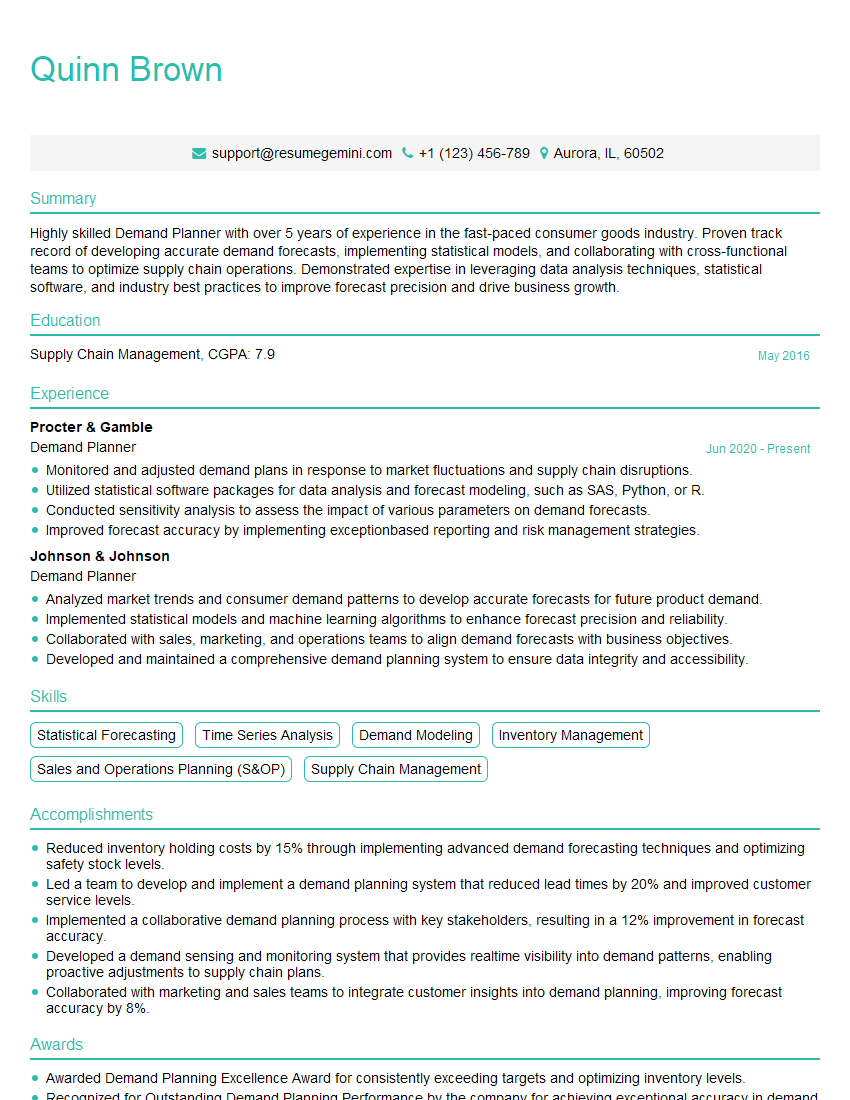
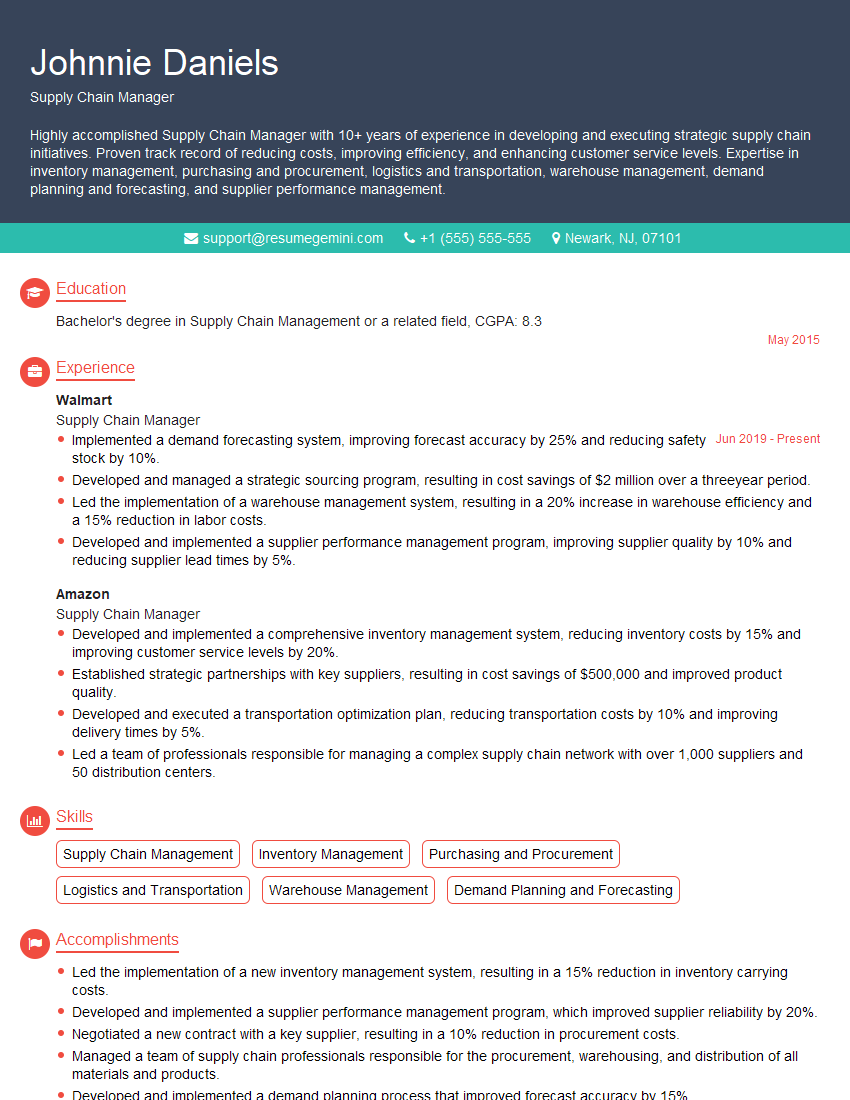
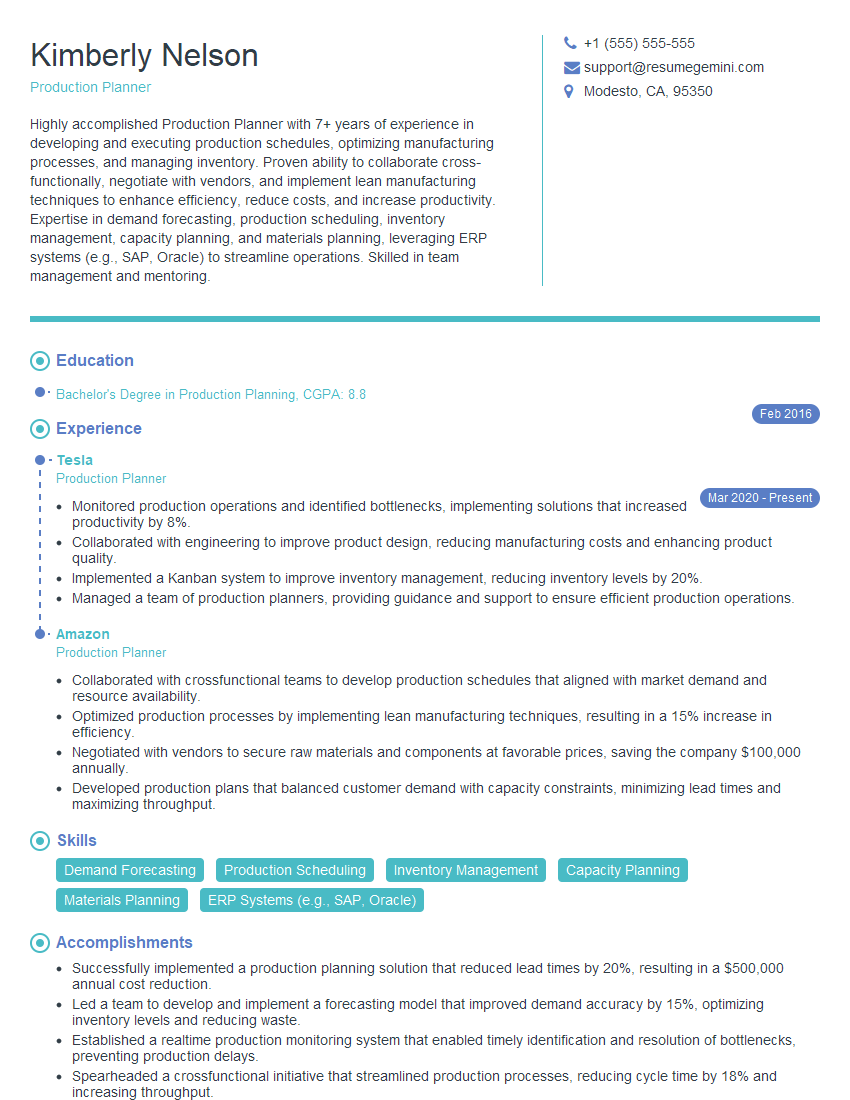
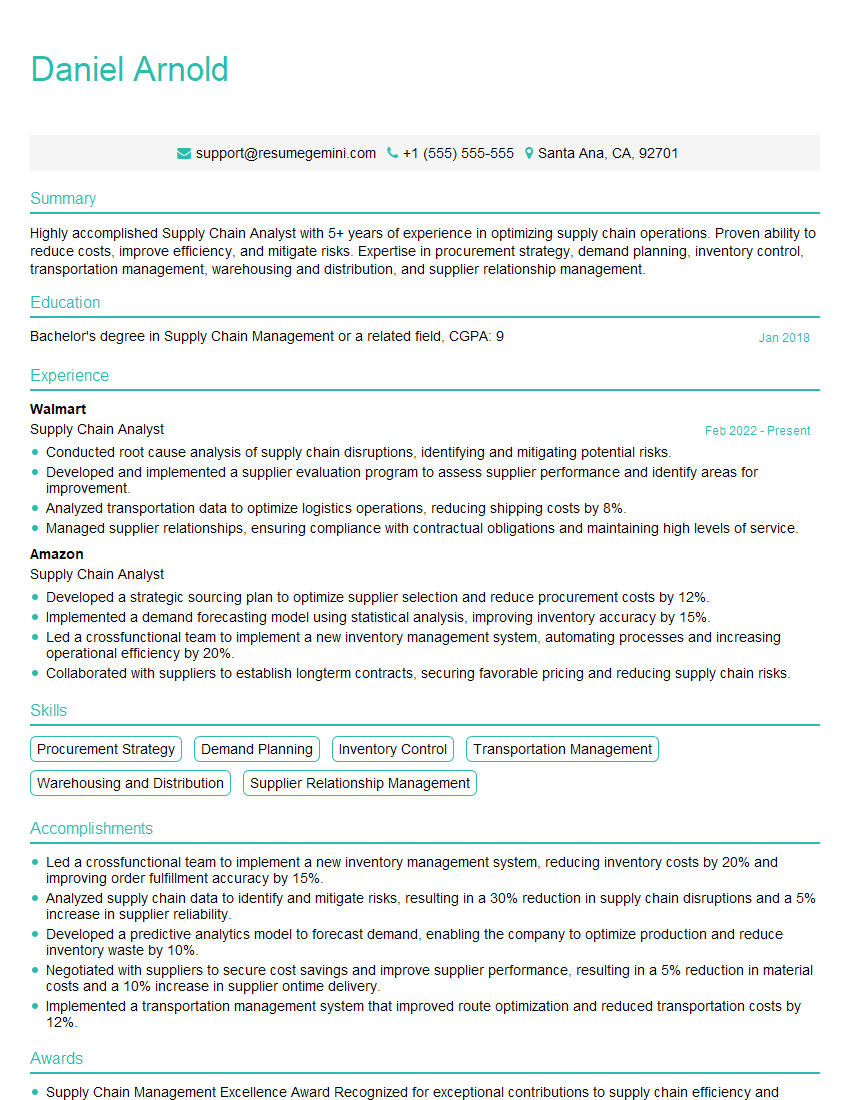
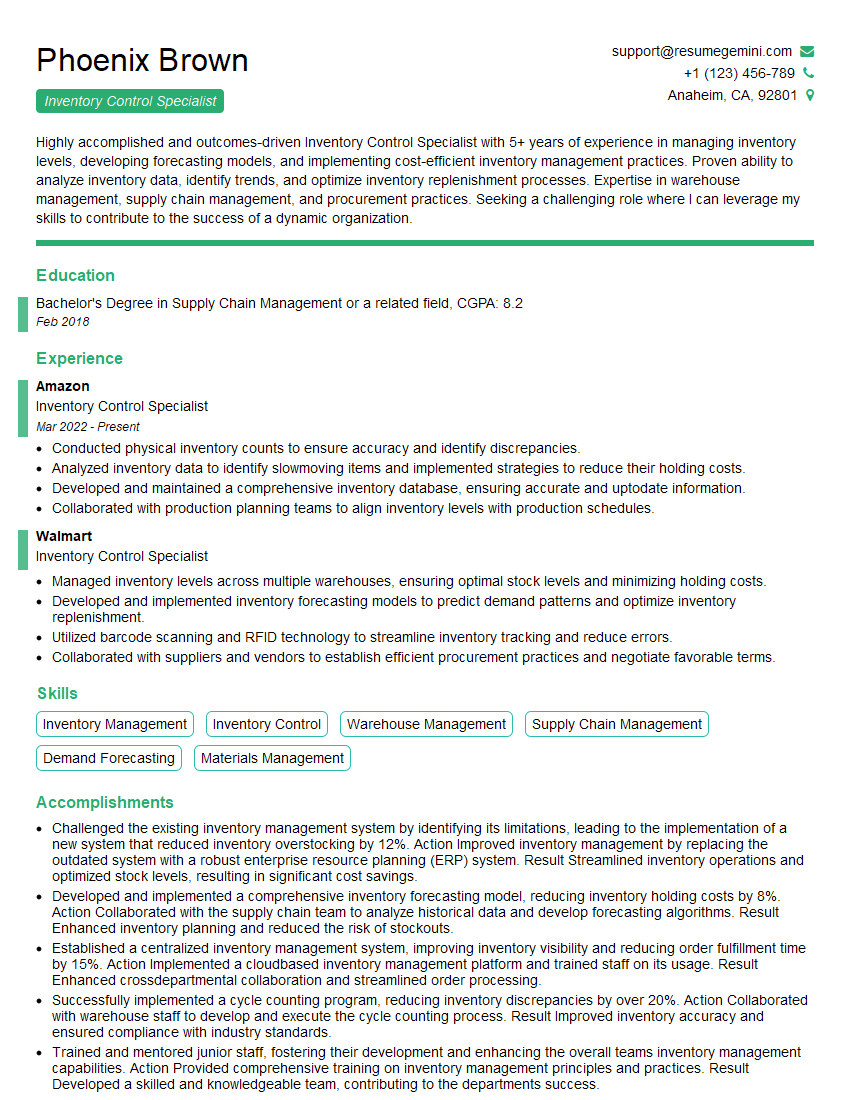
Mastering MRP/ERP Systems opens doors to exciting career opportunities in manufacturing, supply chain, and operations management. To maximize your chances of landing your ideal role, invest time in crafting a compelling resume that showcases your skills and experience effectively. An ATS-friendly resume is essential for getting your application noticed. ResumeGemini is a trusted resource to help you build a professional and impactful resume that highlights your MRP/ERP expertise. They even provide examples of resumes tailored to MRP/ERP Systems professionals – take advantage of these valuable resources to make your application stand out.


Explore more articles
Users Rating of Our Blogs
Share Your Experience
We value your feedback! Please rate our content and share your thoughts (optional).
What Readers Say About Our Blog
I Redesigned Spongebob Squarepants and his main characters of my artwork.
https://www.deviantart.com/reimaginesponge/art/Redesigned-Spongebob-characters-1223583608
IT gave me an insight and words to use and be able to think of examples
Hi, I’m Jay, we have a few potential clients that are interested in your services, thought you might be a good fit. I’d love to talk about the details, when do you have time to talk?
Best,
Jay
Founder | CEO