Interviews are opportunities to demonstrate your expertise, and this guide is here to help you shine. Explore the essential Optical Character Recognition (OCR) and Transcription interview questions that employers frequently ask, paired with strategies for crafting responses that set you apart from the competition.
Questions Asked in Optical Character Recognition (OCR) and Transcription Interview
Q 1. Explain the difference between Optical Character Recognition (OCR) and Image Recognition.
While both OCR and image recognition deal with images, their goals differ significantly. Image recognition aims to identify objects, scenes, or features within an image – think facial recognition or identifying a cat in a photograph. It focuses on the visual content itself. Optical Character Recognition (OCR), on the other hand, is a specialized type of image recognition that specifically targets text within an image. Its goal is to extract the textual information from the image and convert it into a machine-editable format, like text files. Think of scanning a document and converting it into a Word document – that’s OCR in action.
For instance, image recognition might tell you an image contains a handwritten document, but OCR will go further and tell you what the words in that document actually say.
Q 2. Describe the various preprocessing steps involved in OCR.
Preprocessing in OCR is crucial for improving accuracy. It involves a series of steps to clean and enhance the image before the actual character recognition begins. These steps often include:
- Noise Reduction: This removes unwanted artifacts like speckles, scratches, or uneven lighting that can interfere with character recognition. Techniques include filtering and median filtering.
- Binarization: Converting the image to black and white (binary). This simplifies the image and makes it easier for the OCR engine to process. A threshold is used to determine what pixel intensities become black and which become white.
- Skew Correction: Straightening tilted or rotated text. This is important as skewed text can cause errors in character recognition. Algorithms analyze text lines and adjust the image accordingly.
- Image Enhancement: Improving image contrast and sharpness to make characters more distinct. Techniques include histogram equalization and contrast stretching.
- Segmentation: Dividing the image into individual characters or words. This allows the OCR engine to process each character independently.
Think of it like preparing a messy kitchen before cooking: cleaning and organizing ingredients (preprocessing) makes the actual cooking (OCR) much more efficient and accurate.
Q 3. What are some common challenges faced during OCR and how can they be addressed?
OCR faces several challenges:
- Poor Image Quality: Blurry images, low resolution, shadows, or uneven lighting significantly affect accuracy. This is often addressed by preprocessing techniques like noise reduction and enhancement.
- Handwriting Variations: Different handwriting styles, including cursive writing, pose challenges. Advanced OCR engines often incorporate machine learning techniques to handle such variability.
- Complex Layouts: Images with columns, tables, or unusual layouts can confuse segmentation algorithms. Layout analysis techniques are essential here, identifying the structure of the document before character recognition.
- Noise and Artifacts: Staples, smudges, and other artifacts in the image can interfere with character recognition. Preprocessing steps like noise reduction are crucial.
- Language and Font Variations: OCR engines are often trained on specific languages and fonts. Uncommon languages or fonts can reduce accuracy.
Addressing these challenges requires a combination of robust preprocessing, sophisticated algorithms, and potentially, training the OCR engine on specific data sets that reflect the characteristics of the images being processed.
Q 4. Explain the concept of Optical Character Recognition (OCR) accuracy and its measurement.
OCR accuracy refers to how well the OCR system correctly recognizes the text in an image. It’s typically measured as a percentage, representing the proportion of correctly recognized characters or words to the total number of characters or words in the image.
Common metrics include:
- Character Accuracy: The percentage of correctly recognized characters.
- Word Accuracy: The percentage of correctly recognized words.
- Line Accuracy: The percentage of correctly recognized lines.
For example, if an OCR system correctly recognizes 95 out of 100 characters, its character accuracy is 95%. The choice of metric depends on the specific application. A high accuracy rate is vital for applications where precision is crucial, like legal document processing or medical record digitization.
Q 5. What are the different types of OCR engines?
OCR engines can be broadly categorized as:
- Tesseract OCR: A widely used open-source engine known for its accuracy and support for multiple languages.
- Google Cloud Vision API: A cloud-based service offering powerful OCR capabilities with features like handwriting recognition and document layout analysis.
- Amazon Textract: Another cloud-based service designed for extracting text and data from documents, including forms and tables.
- ABBYY FineReader Engine: A commercial engine widely considered to have high accuracy, particularly for complex documents.
The choice of engine often depends on factors like budget, required accuracy, scalability needs, and integration with existing systems. Open-source options are cost-effective but may require more technical expertise, while cloud-based services offer scalability and ease of use but come with subscription costs.
Q 6. Discuss different techniques used for noise reduction in OCR.
Noise reduction is critical in OCR. Several techniques are employed:
- Median Filtering: Replaces each pixel with the median value of its neighboring pixels. Effective in removing salt-and-pepper noise (random black and white pixels).
- Gaussian Filtering: Averages pixel values using a Gaussian kernel, blurring the image and smoothing out noise. Reduces high-frequency noise while preserving edges better than median filtering.
- Adaptive Thresholding: Determines the threshold for binarization dynamically, based on local pixel intensities. This is useful for images with uneven lighting.
- Morphological Operations: Use predefined shapes (kernels) to manipulate the image. Operations like erosion and dilation can remove small noise particles or fill gaps in characters.
The choice of technique often depends on the type and severity of noise present in the image. Sometimes, a combination of techniques is used for optimal noise reduction.
Q 7. What are the advantages and disadvantages of using cloud-based OCR services?
Advantages of Cloud-based OCR Services:
- Scalability: Easily handle large volumes of documents.
- Cost-effectiveness: Pay-as-you-go model eliminates upfront infrastructure costs.
- Accessibility: Accessible from anywhere with an internet connection.
- Regular updates: Benefit from automatic updates and improvements in accuracy.
- Integration: Easy integration with other cloud services.
Disadvantages of Cloud-based OCR Services:
- Internet dependency: Requires a stable internet connection.
- Security concerns: Sensitive data is sent to a third-party server.
- Cost: Can be expensive for high-volume processing.
- Vendor lock-in: Dependence on a specific provider’s platform.
- Latency: Processing time may be slower compared to on-premise solutions.
The decision of whether to use cloud-based or on-premise OCR depends on factors such as budget, security requirements, processing volume, and technical expertise.
Q 8. How do you handle images with poor resolution or quality during OCR?
Handling poor-quality images in OCR is crucial for accurate results. The process often involves a multi-step approach focusing on image pre-processing before the actual OCR engine is applied. Think of it like preparing ingredients before cooking – you wouldn’t bake a cake with spoiled eggs!
Image Enhancement: Techniques like noise reduction (removing random speckles or artifacts), sharpening (increasing contrast and clarity), and contrast adjustment (improving the difference between light and dark areas) are applied. Tools like OpenCV provide powerful functions for this. For example, we might use a median filter to smooth out noise, or histogram equalization to improve contrast.
Skew Correction: Often, scanned documents are slightly tilted. Algorithms detect and rectify this skew to improve character recognition accuracy. Imagine trying to read text on a leaning tower – correcting the skew makes it far easier!
Binarization: This converts the image to black and white, simplifying the recognition process. It’s like drawing a clear line between foreground and background; it makes it easier to differentiate the text from the page’s background noise.
Layout Analysis: Sophisticated OCR systems analyze the document’s layout (columns, tables, headers) to help segment the text regions for improved accuracy. This separates the text into meaningful blocks, making it less likely the system will misinterpret parts of the image.
Multiple OCR Engines: Using multiple OCR engines and comparing their results can also significantly improve accuracy, especially with challenging images. Each engine has its strengths and weaknesses, and this approach exploits that diversity.
The choice of specific techniques depends heavily on the nature of the image degradation. For instance, if the image is blurry, sharpening filters are paramount; if it’s noisy, noise reduction is key. Careful selection and combination of these steps are crucial for maximizing OCR performance.
Q 9. What are some common file formats used in OCR and transcription?
Several common file formats are used in OCR and transcription, each with its advantages and disadvantages. The choice often depends on the source material and intended application. Just like choosing the right tool for a specific job, file formats are chosen based on their suitability.
Images:
.jpg(JPEG),.png(Portable Network Graphics),.tiff(Tagged Image File Format), and.bmp(Bitmap) are frequently used for images containing text..tiffoften preserves more image information, which can be beneficial for OCR..pngsupports lossless compression, which is valuable for documents with sharp text.Documents:
.pdf(Portable Document Format) is ubiquitous, especially for scanned documents. However, the way text is embedded can influence OCR accuracy. Some PDFs contain searchable text (easier to OCR), while others are image-based (requiring image-based OCR).Transcriptions:
.txt(plain text) is a standard for storing transcriptions..docx(Microsoft Word document) and.rtf(Rich Text Format) allow for formatting, making them suitable for more polished transcripts..srt(SubRip Subtitle) is used for transcriptions intended for subtitles.Audio/Video:
.mp3(audio),.wav(audio),.mp4(video), and.mov(video) are commonly used source files for audio/video transcription. These formats are processed with Automatic Speech Recognition (ASR) before transcription.
Q 10. Explain the role of Tesseract OCR.
Tesseract OCR is a powerful and widely used open-source optical character recognition engine. Think of it as a sophisticated translator that converts images of text into machine-readable text. Its versatility and ongoing development have made it a cornerstone of many OCR applications.
Tesseract boasts several key features:
Accuracy: Tesseract’s accuracy is constantly improving thanks to ongoing development and machine learning advancements. While not perfect, it delivers reliable results in many situations.
Multilingual Support: It supports a vast number of languages, allowing for accurate OCR across diverse text types.
Open Source: Its open-source nature allows for community contributions, enhancements, and customization.
Portability: Tesseract is available on various platforms (Windows, macOS, Linux), making it highly versatile.
API Availability: It provides APIs (Application Programming Interfaces) enabling integration into other applications and workflows.
In practice, Tesseract is used in numerous applications, from digitizing books and archives to processing scanned documents and extracting text from images in applications for data entry, document indexing and content retrieval.
Q 11. What is the difference between manual and automated transcription?
Manual and automated transcription differ significantly in their approach and resulting quality. Manual transcription relies on human effort, whereas automated transcription uses software.
Manual Transcription: A human transcriber listens to audio or video and types out the spoken words. This approach offers higher accuracy, especially with complex audio, accents, or background noise. It’s like having a skilled writer carefully translating spoken words into written form.
Automated Transcription: Software, often powered by Automatic Speech Recognition (ASR) technology, processes the audio or video to produce a text output. While efficient and cost-effective for large volumes of data, it can struggle with accents, background noise, and complex language, often requiring human review and correction.
The choice between manual and automated transcription depends on factors such as budget, accuracy requirements, and the complexity of the audio or video source. Manual transcription is typically preferred for high-accuracy needs, while automated transcription is better suited for high-volume, lower-accuracy scenarios where human review can address imperfections.
Q 12. What are some common errors in transcription and how can they be prevented?
Errors in transcription are common, but many can be prevented with careful processes. Imagine misinterpreting a word in a critical document—that’s why accuracy is paramount. Common errors include:
Misheard Words: Similar-sounding words can be confused (e.g., ‘there’ and ‘their’).
Background Noise: Distracting sounds in the audio can obscure words.
Speaker Overlap: Simultaneous speech can make it difficult to distinguish individual words.
Accents and Dialects: Variations in pronunciation can lead to misinterpretations.
Technical Issues: Poor audio quality or software glitches can introduce errors.
Prevention strategies include:
High-Quality Audio/Video: Use a clear recording with minimal background noise.
Professional Equipment: Invest in quality microphones and recording software.
Careful Listening: Take breaks, listen attentively, and verify interpretations.
Multiple Reviewers: Having multiple transcribers review the work can significantly improve accuracy.
Transcription Software: Use tools with features like timestamping and speaker identification.
Quality Control Checklists: Develop consistent procedures for quality assurance.
Q 13. What are the ethical considerations in transcription, particularly regarding privacy and confidentiality?
Ethical considerations are paramount in transcription, particularly concerning privacy and confidentiality. It’s essential to always respect the sensitivity of the information being handled. Just like a doctor keeps patient information confidential, transcribers must treat all data with the utmost care.
Data Security: Implement robust security measures to protect sensitive data from unauthorized access. This might include password protection, encryption, and secure storage practices.
Confidentiality Agreements: Ensure that clear confidentiality agreements are in place between the transcriber and client, specifying the handling of sensitive data and outlining legal obligations.
Data Anonymization: If possible, anonymize identifying information (names, addresses, etc.) from transcripts whenever permitted and appropriate to protect individual privacy.
Compliance with Regulations: Adhere to relevant data privacy regulations, such as HIPAA (Health Insurance Portability and Accountability Act) for medical information or GDPR (General Data Protection Regulation) for personal data.
Transparency: Maintain transparency about data handling procedures with clients.
Breaches of confidentiality can have severe legal and ethical repercussions. Therefore, meticulous adherence to best practices is essential to protect both the client and the transcriber.
Q 14. How do you handle accents and dialects in transcription?
Handling accents and dialects in transcription requires a nuanced approach, combining technology and human expertise. Imagine trying to understand someone speaking a language you only partially know—it’s challenging but achievable.
ASR Training: Some ASR engines can be trained to recognize specific accents or dialects. This involves feeding the engine a large dataset of audio containing the target accent, improving its recognition accuracy.
Human Expertise: For complex or uncommon accents, human transcription is often necessary to ensure accuracy. Experienced transcribers familiar with the specific accent or dialect can accurately interpret the spoken words.
Transcription Style Guides: Establish clear style guides to determine how accents and dialects should be represented in the transcript. This might involve using phonetic spellings or standardized notations to capture pronunciation variations.
Contextual Understanding: Transcribers should use contextual clues to interpret words or phrases that might be ambiguous due to accent.
Software Tools: Specialized transcription software may offer features to enhance the handling of accents, such as adjustable audio speed control and speaker diarization (separating different speakers).
The best approach often combines automated transcription with human review to achieve the optimal balance between speed and accuracy. Careful consideration of these strategies is crucial for producing high-quality, accurate transcripts for diverse speakers.
Q 15. What software or tools are you familiar with for transcription?
I’m proficient in a variety of transcription software and tools, catering to different needs and audio types. For general-purpose transcription, I frequently use tools like Otter.ai, Trint, and Descript. These offer features like automated speech-to-text, speaker identification, and timestamping, significantly boosting efficiency. For more specialized tasks, such as transcribing legal proceedings or medical consultations, I might utilize software with features like robust audio cleanup and customizable vocabulary, such as Happy Scribe or Express Scribe. My selection depends heavily on the project’s specific requirements, the audio quality, and the desired level of accuracy.
Beyond the dedicated transcription software, I’m also comfortable using general-purpose text editors like Microsoft Word or Google Docs, supplemented by audio editing software such as Audacity for pre-processing noisy audio.
Career Expert Tips:
- Ace those interviews! Prepare effectively by reviewing the Top 50 Most Common Interview Questions on ResumeGemini.
- Navigate your job search with confidence! Explore a wide range of Career Tips on ResumeGemini. Learn about common challenges and recommendations to overcome them.
- Craft the perfect resume! Master the Art of Resume Writing with ResumeGemini’s guide. Showcase your unique qualifications and achievements effectively.
- Don’t miss out on holiday savings! Build your dream resume with ResumeGemini’s ATS optimized templates.
Q 16. How do you ensure accuracy and consistency in transcription?
Accuracy and consistency are paramount in transcription. I achieve this through a multi-pronged approach. Firstly, I meticulously review the entire transcription for accuracy, paying close attention to proper nouns, technical terminology, and nuanced phrasing. Secondly, I establish a consistent style guide at the project outset, defining elements such as punctuation, capitalization, and the handling of overlapping speech or background noise. This ensures uniformity throughout the document. Thirdly, for particularly critical projects, I employ a second-pass review, either self-reviewing after a break or utilizing a peer review process to identify any potential errors or inconsistencies that might have been missed initially.
For example, if I’m transcribing a scientific lecture, I’ll consult relevant resources to ensure the accurate rendering of technical terms. Similarly, if there’s a discussion involving several speakers, I make sure to clearly identify each speaker’s contribution to maintain context and clarity.
Q 17. Describe your experience with different transcription methods (e.g., speech-to-text, manual typing).
My experience spans both speech-to-text and manual transcription methods. Speech-to-text software provides a significant advantage for speed, especially with high-quality audio. However, it’s crucial to understand its limitations. It often struggles with accents, background noise, and complex sentence structures. Thus, a thorough manual review is essential to correct errors and ensure accuracy. Manual typing, while slower, allows for precise control and the incorporation of contextual understanding. This is particularly valuable when dealing with ambiguous audio or when preserving the nuances of spoken language is critical. I often employ a hybrid approach, using speech-to-text for a first pass, followed by comprehensive manual editing for quality control.
For instance, in a recent project involving a historical interview with a strong accent, the initial speech-to-text output was riddled with errors. Manual transcription was vital to accurately capture the speaker’s words and preserve the authenticity of the recording.
Q 18. How do you manage large volumes of transcription work?
Managing large volumes of transcription work efficiently requires a systematic approach. I leverage technology to streamline the process. This includes using advanced transcription software with features like batch processing and automated quality checks. Furthermore, project management tools like Asana or Trello help me organize tasks, set deadlines, and track progress. When necessary, I don’t hesitate to delegate portions of the work to trusted collaborators, ensuring clear communication and consistent quality control across the entire project. Prioritization of tasks based on urgency and complexity is key, alongside effective time management techniques such as the Pomodoro Technique.
For instance, if faced with a large audio archive, I might break it down into smaller, manageable chunks and assign each segment a deadline. This modular approach avoids overwhelming me and allows for a more focused and error-free workflow.
Q 19. Explain your workflow for handling transcription projects.
My transcription workflow is iterative and adaptable, adjusting based on the specific project’s requirements. It typically involves these steps: 1. Project Review and Preparation: I carefully review the audio files and any accompanying documentation to understand the context, scope, and desired output format. 2. Pre-processing: This involves cleaning up the audio to reduce background noise using software like Audacity. 3. Transcription (Automated or Manual): I choose the most suitable method, either leveraging speech-to-text or undertaking manual transcription depending on audio quality and accuracy needs. 4. Quality Assurance: A thorough review, including multiple passes if necessary, is conducted to correct errors, ensure consistency, and meet the project’s quality standards. 5. Final Review and Delivery: A final review checks formatting, timestamps, and speaker identification before the completed transcript is delivered in the specified format (e.g., .docx, .txt).
This structured approach ensures consistent high-quality work, even for complex projects.
Q 20. What is the importance of quality assurance in OCR and transcription?
Quality assurance (QA) is fundamental in both OCR and transcription, as accuracy directly impacts the usability and reliability of the final product. In OCR, QA involves verifying that the digital text accurately reflects the original printed or handwritten document. This often includes reviewing the output for errors in character recognition, word segmentation, and layout preservation. In transcription, QA encompasses the accuracy of the transcribed text, the correct identification of speakers, the preservation of linguistic nuances, and consistency in formatting and style. Failing to maintain quality can lead to misinterpretations, errors in analysis, and, in some cases, legal or financial ramifications.
Imagine an OCR error in a legal document altering a key clause—the consequences could be severe. Similarly, an inaccurate transcription of a medical record could lead to misdiagnosis.
Q 21. How do you handle ambiguous or unclear audio in transcription?
Handling ambiguous or unclear audio requires a blend of technical skills and careful judgment. Firstly, I try to enhance the audio quality using audio editing software to minimize background noise and improve clarity. If parts remain unintelligible, I use brackets or other notation to indicate the uncertain sections within the transcription. I might also utilize context clues from the surrounding text to attempt to infer the missing words, but only if I have a high degree of confidence in my deduction, clearly marking it as a guess. Transparency is key; I avoid making assumptions that could lead to misinterpretations. If the audio is severely compromised, I might add notes to explain the issues and the limitations of the transcription.
For instance, if I encounter a section of overlapping speech that’s impossible to fully decipher, I might note it as “[inaudible speech overlapping]” instead of attempting a guess.
Q 22. Explain your experience with different types of audio files (e.g., MP3, WAV).
My experience encompasses a wide range of audio file formats, primarily focusing on MP3 and WAV files. MP3, being a compressed format, offers smaller file sizes for storage and transmission but can sometimes involve a slight loss of audio quality. This loss is usually negligible for transcription purposes unless dealing with very high-fidelity audio. WAV files, on the other hand, are uncompressed, preserving the original audio quality completely. This makes them ideal for situations where accuracy is paramount, such as legal transcription or medical dictation. I’ve worked with both extensively, adapting my processing techniques to suit the specific characteristics of each format. For instance, with MP3s, I might employ noise reduction techniques more aggressively than with WAV files, to compensate for potential compression artifacts. My workflow includes pre-processing steps tailored to each format to ensure optimal transcription quality.
For example, I’ve transcribed numerous MP3 podcasts where background noise was a considerable challenge. By strategically using audio editing software to reduce the noise, I was able to produce highly accurate transcripts. Conversely, with WAV files from medical recordings, the high fidelity allowed for precise capture of even subtle nuances in speech, crucial for accurate medical documentation.
Q 23. What is your preferred method for verifying transcription accuracy?
My preferred method for verifying transcription accuracy involves a multi-stage approach. The first is a self-check; I listen back to the audio while reading my transcript, meticulously comparing the two. This allows me to catch any minor errors or omissions immediately. Secondly, I employ a combination of automated quality checks using dedicated transcription software, and manual spot-checking. Automated tools can highlight potentially problematic sections, such as low confidence areas identified by the speech-to-text engine. I focus my manual review on these areas and also randomly sample portions of the transcript to ensure overall consistency. Finally, depending on the context and client requirements, I also utilise a second pair of human eyes – a colleague, for instance – for a final review, ensuring an extremely high level of accuracy.
For sensitive documents like legal transcripts, the third stage of human review is non-negotiable. This approach minimizes errors and ensures that the final product meets the highest professional standards.
Q 24. Describe your experience using any OCR API.
I have extensive experience using various OCR APIs, most notably Google Cloud Vision API and Amazon Textract. Both APIs provide robust functionality for image-to-text conversion, but each has its strengths. Google Cloud Vision API, for instance, excels in handling complex layouts and diverse image types, while Amazon Textract provides more focused features for extracting information from structured documents like invoices or forms. My experience includes working with different image formats (JPEG, PNG, TIFF), adjusting API parameters like language detection and confidence thresholds to optimize results for specific tasks. I understand how to pre-process images (e.g., improving contrast, noise reduction) to significantly improve OCR accuracy. I also know how to handle situations where the API struggles with low-quality images or unusual fonts.
For example, I recently used Google Cloud Vision API to process a collection of historical photographs with handwritten annotations. By carefully selecting the language setting and adjusting the confidence threshold, I was able to achieve a very high accuracy rate, even with the challenges posed by the age and condition of the images.
Q 25. How would you handle a situation where the OCR output is inaccurate?
When faced with inaccurate OCR output, my approach is systematic and involves several steps. First, I assess the nature and extent of the inaccuracies. Are there isolated errors, or is the entire output unreliable? The cause often dictates the solution. Common reasons include low image quality, unusual fonts, or complex layouts. If the errors are minor and localized, manual correction is often sufficient. If the problem stems from poor image quality, I’d explore image enhancement techniques before re-running the OCR process. For more widespread inaccuracies, I might try a different OCR engine or utilize post-processing tools to clean up the output. Sometimes, I might even employ human review as a primary means of correction, rather than relying solely on automated approaches.
For example, I once encountered an image with significant blurring and smudging. By applying several image enhancement techniques, including noise reduction and sharpening filters, I improved the image quality substantially. Re-running the OCR on the enhanced image led to a much more accurate result. This iterative process is often essential for achieving accurate outcomes, even with challenging source material.
Q 26. How familiar are you with different character sets and languages?
I’m familiar with a wide range of character sets and languages, including but not limited to Latin, Cyrillic, Greek, Arabic, and various Asian character sets like Chinese, Japanese, and Korean. My experience extends to working with different language models and adapting my processing strategies to account for the unique characteristics of each script. This includes understanding the nuances of different writing systems, such as right-to-left languages or the use of ideograms. I’m proficient in using OCR tools and APIs that support multiple languages and character sets, allowing me to handle a broad range of transcription and OCR tasks.
I once had to transcribe a document written in both English and Mandarin. By selecting the appropriate language setting in the OCR software and post-processing the output, I ensured that the transcription captured all characters accurately.
Q 27. How do you deal with technical terms or jargon in transcription?
Handling technical terms and jargon in transcription requires a combination of research and careful attention to detail. I always prioritize understanding the context of the terms. If I’m unsure of a specific term’s meaning, I research its definition using reliable sources. I then carefully integrate the correctly spelled and defined term into the transcription, often adding a brief explanation if it’s necessary for clarity within the context of the document. This approach ensures accuracy and avoids misinterpretations. Furthermore, I ensure that the terminology is consistent throughout the entire transcript, avoiding variations in spelling or usage.
In a medical transcription, for example, encountering unfamiliar medical terminology prompted me to consult a medical dictionary to ensure accuracy. I meticulously documented the term’s meaning to ensure complete clarity and avoided any potential misinterpretations of the medical record.
Q 28. What are your strategies for improving your speed and accuracy in transcription?
Improving speed and accuracy in transcription is an ongoing process that involves continuous practice and the strategic application of various techniques. Firstly, I constantly strive to improve my listening comprehension and typing skills. Secondly, I utilize transcription software efficiently, leveraging features like foot pedals or keyboard shortcuts to enhance my workflow. Thirdly, mastering keyboard shortcuts and using speech recognition software can drastically speed up the transcription process. I also employ active listening strategies to anticipate what the speaker is saying and minimize the need for backtracking. I regularly practice with diverse audio samples to broaden my adaptability to various accents and speech patterns.
For example, I regularly practice transcription exercises focusing on specific challenges, such as speakers with strong accents or those with rapid speech patterns. This continuous practice has significantly improved both my speed and accuracy.
Key Topics to Learn for Optical Character Recognition (OCR) and Transcription Interviews
- OCR Fundamentals: Understanding the basic principles of OCR, including image preprocessing, character segmentation, feature extraction, and classification.
- OCR Technologies: Familiarity with different OCR engines (Tesseract, Google Cloud Vision API, etc.) and their strengths and weaknesses.
- Accuracy and Error Handling: Strategies for improving OCR accuracy, dealing with noisy images, and handling ambiguous characters. Understanding metrics like accuracy, precision, and recall.
- Transcription Methods: Exploring various transcription techniques, including manual transcription, automated speech recognition (ASR) integration with OCR, and hybrid approaches.
- Practical Applications: Discussing real-world applications of OCR and transcription, such as document digitization, data entry automation, and accessibility solutions.
- Data Preprocessing Techniques: Understanding techniques like noise reduction, skew correction, and binarization to prepare images for OCR.
- Post-Processing and Validation: Methods for reviewing and correcting OCR output, including manual review and automated quality control checks.
- Deep Learning in OCR: Exploring the role of deep learning models (CNNs, RNNs) in improving OCR accuracy and handling complex layouts.
- Ethical Considerations: Understanding the ethical implications of OCR and transcription, including data privacy and bias in algorithms.
- Problem-solving and Debugging: Developing strategies for troubleshooting OCR errors and improving system performance.
Next Steps
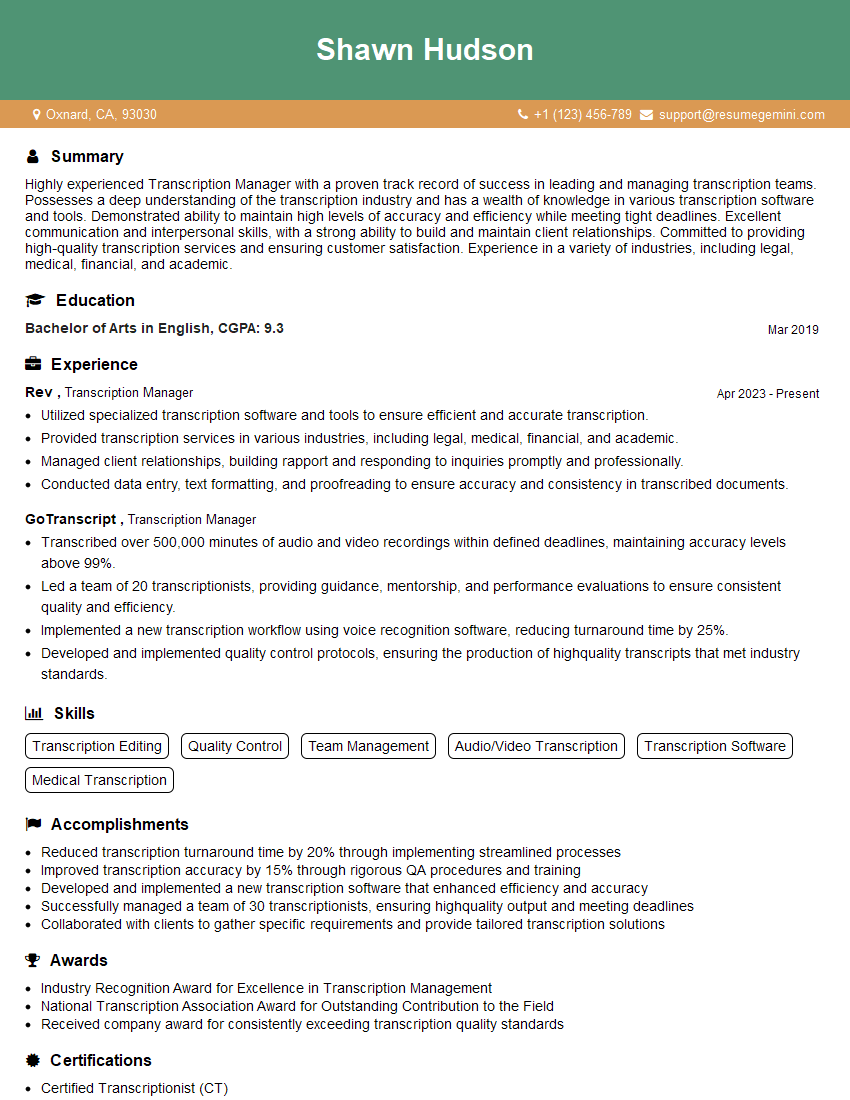
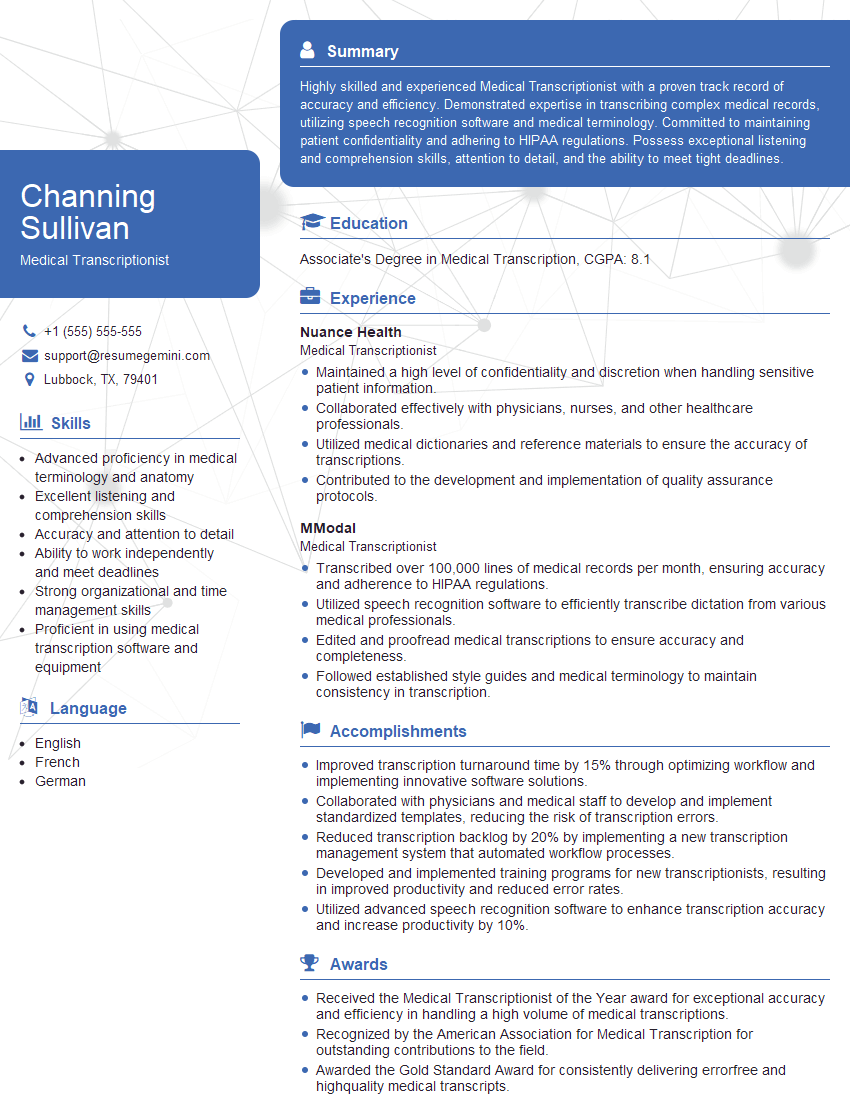
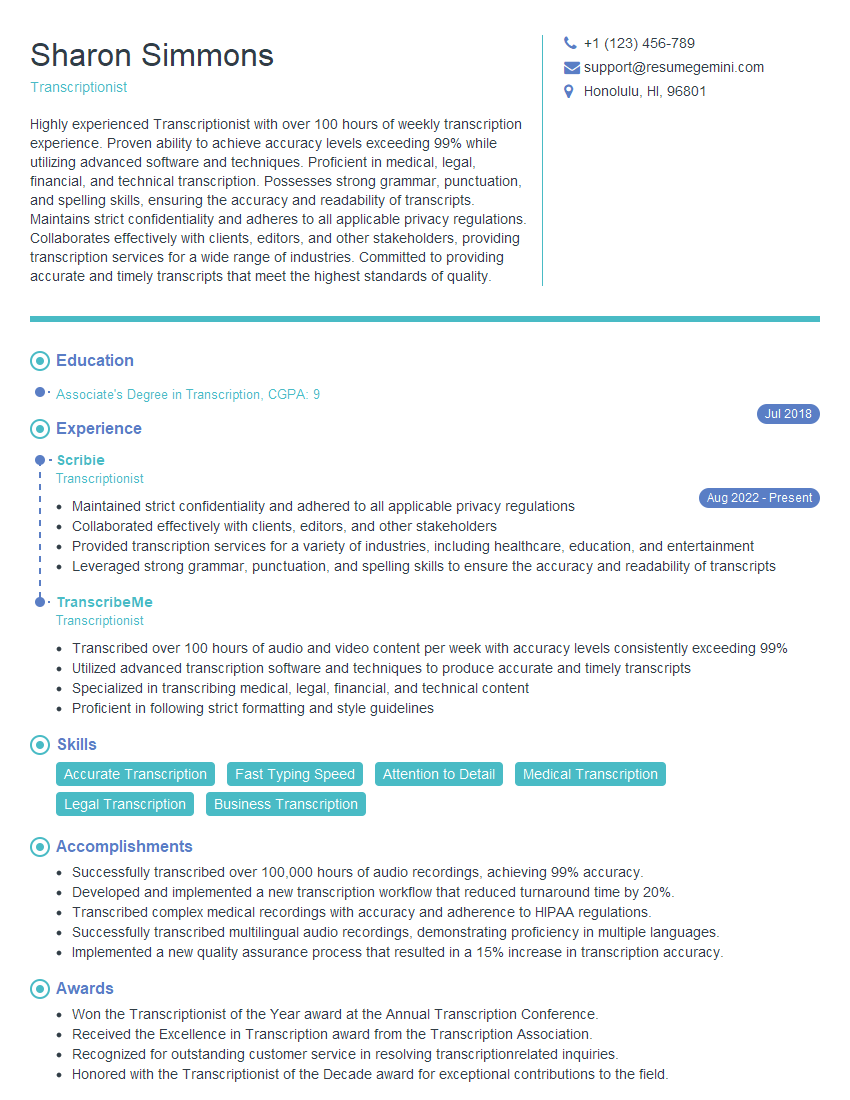
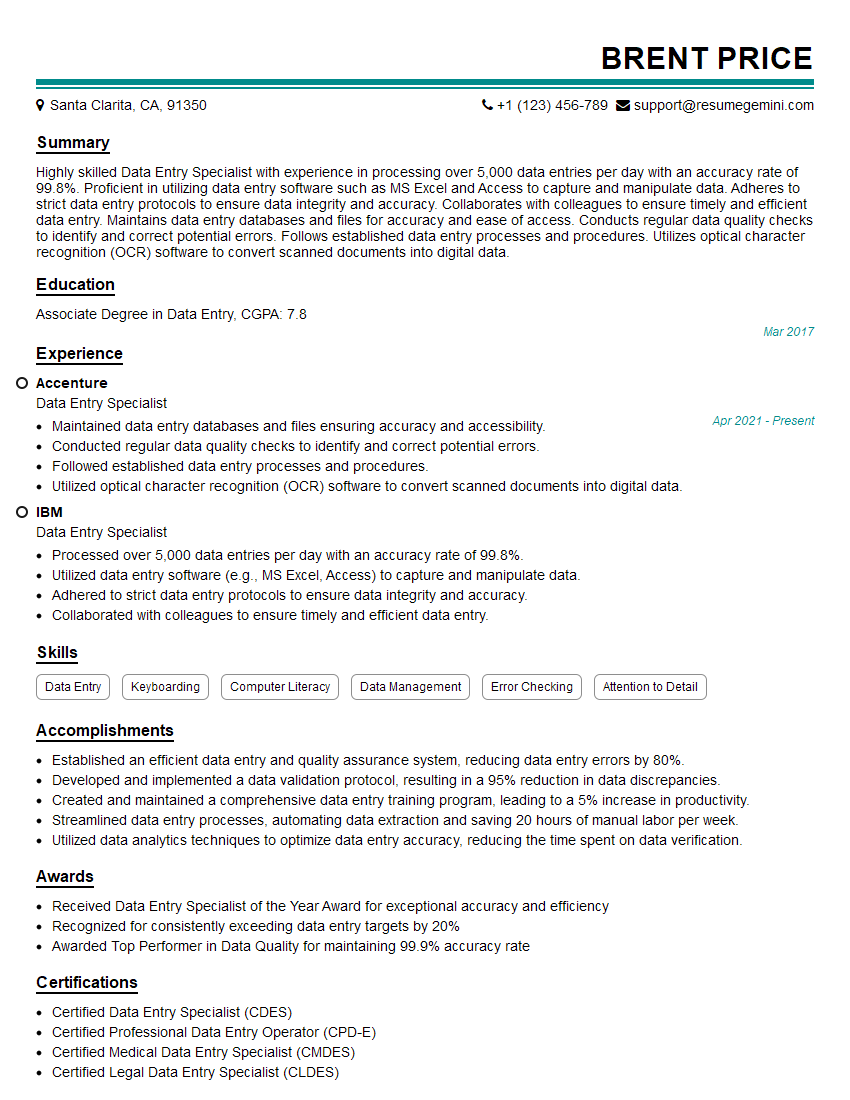
Mastering Optical Character Recognition (OCR) and Transcription opens doors to exciting career opportunities in various industries. These skills are highly sought after for roles requiring efficient data processing and information extraction. To maximize your job prospects, it’s crucial to present your skills effectively. Creating an Applicant Tracking System (ATS)-friendly resume is key to getting your application noticed. ResumeGemini is a trusted resource that can help you build a professional and impactful resume tailored to your specific skills and experience. Examples of resumes tailored to Optical Character Recognition (OCR) and Transcription are available to help you get started.
Explore more articles
Users Rating of Our Blogs
Share Your Experience
We value your feedback! Please rate our content and share your thoughts (optional).
What Readers Say About Our Blog
I Redesigned Spongebob Squarepants and his main characters of my artwork.
https://www.deviantart.com/reimaginesponge/art/Redesigned-Spongebob-characters-1223583608
IT gave me an insight and words to use and be able to think of examples
Hi, I’m Jay, we have a few potential clients that are interested in your services, thought you might be a good fit. I’d love to talk about the details, when do you have time to talk?
Best,
Jay
Founder | CEO