Unlock your full potential by mastering the most common Providing technical support to customers via phone, email, and chat interview questions. This blog offers a deep dive into the critical topics, ensuring you’re not only prepared to answer but to excel. With these insights, you’ll approach your interview with clarity and confidence.
Questions Asked in Providing technical support to customers via phone, email, and chat Interview
Q 1. Explain your experience troubleshooting technical issues remotely.
Troubleshooting technical issues remotely requires a systematic approach combining strong communication skills with technical expertise. My process typically involves:
- Active Listening and Information Gathering: I begin by carefully listening to the customer’s description of the problem, asking clarifying questions to understand the issue fully. This includes gathering details about their system configuration (operating system, software versions, etc.), network connection, and the steps leading up to the problem.
- Remote Access and Diagnostics: With the customer’s consent, I often use remote access tools like TeamViewer or AnyDesk to directly examine their system. This allows me to run diagnostics, check logs, and identify the root cause more effectively. I always prioritize security and ensure the session is encrypted.
- Step-by-Step Troubleshooting: I guide the customer through troubleshooting steps, starting with simple solutions and progressing to more complex ones. This might involve restarting their computer, checking network connectivity, reinstalling software, or configuring settings. I explain each step clearly and concisely, ensuring the customer understands the process.
- Documentation and Follow-up: I meticulously document the steps taken, the solution implemented, and any relevant information for future reference. I also follow up with the customer to ensure the problem is resolved and to answer any further questions.
For example, I once helped a customer remotely who was experiencing intermittent internet connectivity. Through remote access, I identified a faulty network driver. By guiding them through a driver update, the issue was resolved within minutes. This highlights the importance of using the right tools and clear communication in remote troubleshooting.
Q 2. Describe your process for escalating a complex customer issue.
Escalating a complex issue involves a structured process to ensure efficient resolution and customer satisfaction. My steps include:
- Thorough Documentation: I create a comprehensive record of the issue, including all troubleshooting steps attempted, results, and relevant error messages. Screenshots or screen recordings are invaluable.
- Internal Communication: I clearly articulate the problem to the appropriate escalation team or individual, providing all the documented information. This includes the customer’s contact information and context.
- Knowledge Transfer: I ensure the escalation team has a complete understanding of the problem and the efforts taken so far to resolve it. This avoids redundant work and ensures a smooth transition.
- Keeping the Customer Informed: I update the customer regularly on the progress of the escalation and provide an estimated timeframe for resolution. Transparency is crucial in maintaining customer trust.
- Follow-up and Resolution Confirmation: Once the issue is resolved, I follow up with both the customer and the escalation team to ensure complete satisfaction and to learn from the experience.
Imagine a situation where a customer’s server is down. After exhausting basic troubleshooting, I escalate the issue to the server administration team, providing logs and system information. This collaborative effort ensures a faster resolution.
Q 3. How do you prioritize multiple support requests simultaneously?
Prioritizing multiple support requests requires a system that balances urgency and importance. I use a combination of techniques:
- Triaging: I quickly assess each request to determine its urgency (critical, high, medium, low) and impact. Critical issues (e.g., system outages) take precedence.
- Ticketing System: I rely on a ticketing system to manage requests, allowing me to assign priorities, track progress, and ensure no request is overlooked. Features like automated routing and SLA alerts are beneficial.
- Time Management: I break down tasks into manageable chunks and allocate time effectively, using techniques like timeboxing to prevent getting bogged down on any single issue. Context switching is minimized to maintain focus.
- Communication: I proactively communicate with customers about estimated resolution times, setting realistic expectations. This transparent approach reduces customer frustration.
For example, if I have a critical server outage affecting multiple users and several less urgent requests, I focus my attention on the outage first, while providing updates to customers awaiting resolution on lower-priority issues. This ensures the most critical problems are handled swiftly and efficiently.
Q 4. What ticketing systems are you familiar with?
I’m proficient in several popular ticketing systems, including Zendesk, Jira Service Desk, ServiceNow, and Freshdesk. My experience encompasses using these systems for:
- Ticket creation and management: Creating tickets, assigning priorities, updating status, and closing tickets.
- Workflow automation: Utilizing automated workflows to streamline processes, such as assigning tickets based on keywords or routing them to specific teams.
- Reporting and analytics: Generating reports on ticket volume, resolution times, and customer satisfaction to identify areas for improvement.
- Integration with other tools: Integrating the ticketing system with other tools, such as monitoring systems or knowledge bases, to improve efficiency.
My experience with these systems allows me to adapt quickly to new platforms and leverage their features to optimize my workflow.
Q 5. How do you handle a frustrated or angry customer?
Handling frustrated or angry customers requires empathy, patience, and a structured approach. My strategy involves:
- Active Listening: Let the customer vent their frustrations without interruption. Acknowledge their feelings, demonstrating empathy and understanding.
- Calm and Professional Demeanor: Maintain a calm and professional tone, even if the customer is being aggressive. Avoid getting defensive or argumentative.
- Focus on Solutions: Once the customer has calmed down, focus on finding a solution to their problem. Outline the steps you’ll take to resolve the issue and set realistic expectations.
- Apologize Sincerely: If the issue is due to a company fault, apologize sincerely and take ownership of the situation.
- Follow-up: After resolving the issue, follow up with the customer to check if they are satisfied and if there is anything else you can do to help.
For instance, I once dealt with an extremely upset customer whose account had been unexpectedly suspended. By actively listening to their concerns, apologizing for the inconvenience, and quickly resolving the account suspension, I was able to turn the situation around and restore their trust.
Q 6. Describe a time you had to learn a new technology quickly to solve a customer problem.
I once had to quickly learn about a new cloud-based CRM system to help a customer who was experiencing data migration issues. The customer was a large corporation with a tight deadline, and their existing system was failing. I:
- Accessed online resources: I immediately started researching the CRM system’s documentation, tutorials, and online forums.
- Contacted internal experts: I reached out to colleagues familiar with the system for guidance and support.
- Hands-on learning: I created a test environment to experiment with the system and practice the data migration process.
- Collaborated with the customer: I worked closely with the customer to understand their specific data requirements and to tailor the migration strategy to their needs.
Through this combination of self-learning and collaboration, I successfully migrated their data within the given timeframe. This experience demonstrated my ability to learn new technologies quickly and apply that knowledge to solve real-world problems under pressure.
Q 7. How do you document technical solutions for future reference?
Documenting technical solutions is crucial for efficiency and knowledge sharing. My approach includes:
- Ticketing System Notes: I thoroughly document each troubleshooting step, the solution implemented, and the final outcome within the ticketing system. This ensures a clear record of the issue and resolution.
- Knowledge Base Articles: For recurring issues, I create knowledge base articles detailing the problem, troubleshooting steps, and solution. This allows quick access to information for future support requests.
- Internal Wikis: I use internal wikis to share more complex technical solutions or internal processes related to troubleshooting. This facilitates knowledge sharing among team members.
- Code Snippets and Scripts: For technical solutions involving code, I store and properly comment on code snippets and scripts in a version control system (like Git) for easy retrieval and collaboration.
This systematic approach ensures that solutions are easily accessible, reduces repeated work, and improves the overall efficiency of the support team.
Q 8. What is your experience with remote desktop software?
Remote desktop software allows me to access and control a user’s computer remotely, as if I were sitting in front of it. This is invaluable for troubleshooting complex technical issues that require direct interaction with the system. My experience encompasses a range of solutions, including TeamViewer, AnyDesk, and Microsoft Remote Desktop. I’m proficient in establishing secure connections, navigating different operating systems remotely, and guiding users through the process. For example, I once used TeamViewer to remotely diagnose and fix a critical software bug on a client’s server, preventing significant downtime. I understand the importance of security best practices when using such software, ensuring the session is encrypted and only accessed through verified channels.
Q 9. How familiar are you with different operating systems (Windows, macOS, Linux)?
I’m highly proficient in Windows, macOS, and Linux operating systems. My experience includes troubleshooting issues across various versions of each, from installing and configuring software to resolving system errors and managing user accounts. In Windows, I’m comfortable using the command prompt and PowerShell for advanced troubleshooting, while in macOS, I’m adept at utilizing the Terminal and understanding its functionalities. With Linux, I’ve worked with several distributions, including Ubuntu and CentOS, understanding their unique command-line interfaces and package management systems. This breadth of experience enables me to quickly adapt to different environments and effectively assist customers regardless of their operating system.
Q 10. Describe your experience with troubleshooting network connectivity issues.
Troubleshooting network connectivity is a core part of my technical support experience. I systematically approach these issues, starting with the basics and escalating as needed. This often involves checking cable connections, verifying network settings (IP address, subnet mask, gateway), examining firewall configurations, and running diagnostic tools like ping and traceroute. I’m familiar with various network topologies and protocols, including TCP/IP. For instance, I recently resolved a customer’s connectivity problem by identifying a faulty network switch using the ping command to isolate the affected segment of the network. I also have experience with troubleshooting VPN connections and wireless network issues, understanding the nuances of Wi-Fi signal strength and interference.
Q 11. What is your experience with hardware troubleshooting?
My hardware troubleshooting experience involves diagnosing and resolving problems with computer components like CPUs, RAM, hard drives, motherboards, and peripherals (printers, scanners, etc.). I’m capable of identifying faulty hardware through systematic testing, using diagnostic tools and observing physical signs (e.g., overheating). I understand BIOS settings and their role in system boot-up. I’ve helped countless customers resolve issues ranging from a non-booting computer (often caused by a failing hard drive) to intermittent printer errors. For example, I once helped a customer diagnose a failing power supply by observing unusual noises and fluctuating voltage readings. I always emphasize safety precautions when dealing with internal computer components to avoid electric shock or damage.
Q 12. How do you ensure customer satisfaction in a technical support role?
Ensuring customer satisfaction is paramount. I achieve this through clear communication, empathy, and effective problem-solving. I actively listen to the customer’s issue, asking clarifying questions to understand the problem fully. I explain technical details in a simple, understandable manner, avoiding jargon. I provide updates throughout the troubleshooting process, keeping the customer informed. Most importantly, I strive to resolve the issue efficiently and effectively. If I can’t immediately solve a problem, I’ll let the customer know my plan to find a solution and set realistic expectations. A positive and patient attitude goes a long way in building trust and confidence. I always end the interaction with a follow-up to ensure the solution worked and address any lingering concerns.
Q 13. Explain your understanding of SLAs (Service Level Agreements).
SLAs, or Service Level Agreements, define the terms and conditions of a service provided to a client. They outline key metrics such as response times, resolution times, and uptime guarantees. For example, an SLA might specify that a support ticket will receive a response within one hour and be resolved within 24 hours. Understanding SLAs is crucial in technical support as it dictates how quickly and effectively we must respond to customer issues and manage expectations. Meeting or exceeding the SLA targets contributes to maintaining high customer satisfaction and trust.
Q 14. How do you handle situations where you don’t know the answer to a customer’s question?
Honesty and transparency are key. If I don’t know the answer, I’ll admit it to the customer and explain my process for finding the solution. This often involves researching the issue using online resources, consulting internal documentation, or escalating the problem to a senior colleague or specialist. I’ll keep the customer updated on my progress and provide an estimated timeframe for finding a solution. I’ll never provide inaccurate or misleading information. My goal is to empower the customer by keeping them informed and involved in the process. This approach builds trust and reinforces confidence in my ability to eventually resolve their issue, even if I don’t have an immediate answer.
Q 15. Describe your experience using a knowledge base or help desk software.
Throughout my career, I’ve extensively used knowledge base and help desk software, such as Zendesk, Jira Service Desk, and Freshdesk. These platforms are crucial for efficiently managing and resolving customer issues. My experience encompasses creating and updating knowledge base articles, utilizing ticketing systems for tracking issues, and leveraging reporting features to identify trends and areas for improvement. For example, in a previous role, I spearheaded the creation of a comprehensive knowledge base for our newly launched software. This involved collaborating with developers to gather accurate information, organizing the articles logically, and using clear, concise language accessible to both technical and non-technical users. The result was a significant decrease in repetitive support requests and an overall improvement in customer satisfaction.
I’m proficient in using various features like automated routing, canned responses, and integration with other CRM systems to streamline the workflow. I also have experience with creating custom reports to track key metrics such as resolution time, customer satisfaction scores, and agent performance.
Career Expert Tips:
- Ace those interviews! Prepare effectively by reviewing the Top 50 Most Common Interview Questions on ResumeGemini.
- Navigate your job search with confidence! Explore a wide range of Career Tips on ResumeGemini. Learn about common challenges and recommendations to overcome them.
- Craft the perfect resume! Master the Art of Resume Writing with ResumeGemini’s guide. Showcase your unique qualifications and achievements effectively.
- Don’t miss out on holiday savings! Build your dream resume with ResumeGemini’s ATS optimized templates.
Q 16. How do you identify the root cause of a technical problem?
Identifying the root cause of a technical problem requires a systematic approach. I typically follow a process that involves active listening to the user, gathering comprehensive information, and then employing a series of diagnostic steps. I start by asking clarifying questions to fully understand the issue, including the exact steps the user took, the error messages received, and the system environment (operating system, browser, etc.).
- Reproduce the issue: If possible, I’ll attempt to reproduce the problem myself to gain a firsthand understanding.
- Check logs and system data: Examining system logs, error messages, and relevant system data provides valuable clues.
- Isolate the problem: Through methodical questioning and testing, I systematically eliminate potential causes until the root cause is identified.
- Consult resources: If needed, I utilize internal documentation, knowledge bases, or online resources to gather additional information.
For example, if a user reports slow website loading times, I wouldn’t jump to conclusions. Instead, I’d investigate various possibilities: network connectivity, browser cache, server-side issues, or even user-specific configuration problems. By methodically checking each potential cause, I can pinpoint the source of the problem and offer an effective solution.
Q 17. How do you effectively communicate technical information to non-technical users?
Communicating technical information clearly to non-technical users is paramount. I avoid technical jargon and employ simple analogies and relatable examples. Instead of saying “the database is experiencing latency,” I might say “the system is running slower than usual because it’s taking longer to access the information it needs.”
I use visual aids like screenshots or screen recordings whenever possible to illustrate complex concepts. I also break down complex issues into smaller, easier-to-understand steps. For instance, if explaining a complex software configuration, I would provide a step-by-step guide with clear instructions and screenshots for each step. Finally, I always confirm understanding by asking the user to summarize the solution in their own words, ensuring they grasp the information fully.
Q 18. What is your experience with email support etiquette?
Email support etiquette is crucial for maintaining a professional image and building rapport with customers. I always use a professional tone and address users politely, using their preferred name. I strive to be concise and clear, focusing on providing relevant information and avoiding unnecessary jargon. My emails typically include a clear subject line, a concise summary of the issue, the steps taken to resolve it, and any next steps the user needs to take. I always acknowledge receipt of the email promptly, letting the user know I’m working on their issue. If a response requires more time, I set realistic expectations.
Furthermore, I carefully proofread my emails to ensure accuracy and professionalism before sending them. I also use templates for frequently asked questions or common issues, which allows for efficient response while maintaining a personal touch.
Q 19. What is your experience with chat support etiquette?
Chat support etiquette demands responsiveness and clarity. I acknowledge the user’s message promptly, ensuring they know I’m engaged. I use appropriate language – professional and friendly, but avoiding slang or overly informal terms. I maintain a consistent flow of communication, using brief, clear responses to avoid overwhelming the user. Similarly to email support, I utilize canned responses for frequently asked questions, but personalize them where appropriate to avoid a robotic feel. I also use emoticons or emojis sparingly to maintain a balance between friendly and professional.
Furthermore, I am mindful of using capitalization and punctuation correctly. Long pauses in the chat can be frustrating for the user; therefore, I always try to respond within a reasonable timeframe, providing updates if the resolution takes longer than expected.
Q 20. Describe your approach to diagnosing software issues.
My approach to diagnosing software issues is methodical and systematic. I begin by gathering all relevant information from the user, including the software version, operating system, and any error messages. Then I’ll typically follow these steps:
- Reproduce the issue (if possible): This helps confirm the problem and understand its context.
- Check for updates: Outdated software can be a common source of problems.
- Check system logs and error messages: These often provide crucial clues about the source of the issue.
- Test individual components: Isolate the problem by testing each component of the software to pinpoint the exact malfunctioning part.
- Consult documentation and online resources: If I’m unfamiliar with the software, I’ll refer to documentation or online communities for assistance.
- Utilize debugging tools: Depending on the software and my access level, I might use debugging tools to trace the flow of execution and identify the point of failure.
For example, if a user reports an issue with a specific feature, I would first test that feature on my own system. If the issue is reproducible, I can then systematically check logs, configurations, and other aspects to find the root cause.
Q 21. How do you handle situations with conflicting information from different sources?
Handling conflicting information requires careful consideration and a methodical approach. I start by documenting all sources of information, noting any discrepancies. Then I assess the credibility and reliability of each source. Factors considered include the source’s expertise, potential biases, and the consistency of their information with other known facts. I might cross-reference information with official documentation, technical specifications, or other reliable sources to corroborate claims.
In cases where resolution remains elusive, I may escalate the issue to senior support staff or the development team. Transparency is key; I’ll keep the user updated on my progress, explaining the challenges encountered and the steps taken to resolve the conflict. Ultimately, the goal is to arrive at the most accurate and reliable solution, even if it requires additional investigation and collaboration.
Q 22. Describe a time you went above and beyond for a customer.
One time, a customer was experiencing intermittent network connectivity issues that severely hampered their business operations. After several troubleshooting steps – checking cables, router settings, and DNS resolution – we still couldn’t pinpoint the problem. Most technicians would have escalated at this point, suggesting a site visit or external network specialist. However, I suspected a less common cause: interference from a nearby construction site using high-powered equipment.
I researched the construction permits in the area, confirming the use of such equipment near the customer’s location. I then suggested temporarily moving their router and modem to a different location within the office, away from exterior walls. This simple change resolved the problem immediately. The customer was incredibly grateful, not just for resolving the technical issue, but for the extra effort I took in identifying the root cause, even going beyond the typical troubleshooting steps. This experience highlighted the importance of thorough investigation and thinking outside the box, even for seemingly intractable technical problems.
Q 23. What are your strengths and weaknesses in a technical support role?
My strengths in a technical support role lie in my ability to quickly grasp complex technical issues, my patience in explaining solutions clearly to non-technical users, and my proactive approach to problem-solving. I’m comfortable working independently and collaboratively, and I’m adept at managing multiple support requests simultaneously across different communication channels (phone, email, chat). I’m also a fast learner, easily picking up new technologies and software.
My area for improvement is delegation. While I can effectively handle numerous support tickets, sometimes I struggle to distribute tasks to colleagues when the workload becomes overwhelming. I’m actively working on improving this by implementing time management techniques and proactively seeking assistance when necessary. This includes better prioritizing tasks and learning to trust my team’s abilities.
Q 24. How do you stay updated on the latest technologies and troubleshooting techniques?
Staying updated in the rapidly evolving tech world is crucial for providing effective technical support. I employ a multi-pronged approach. First, I subscribe to industry newsletters and blogs from reputable sources, such as those published by leading technology companies and professional organizations. This keeps me informed about new product releases, security updates, and common troubleshooting issues.
Secondly, I actively participate in online forums and communities relevant to the technologies I support. Engaging with other professionals helps me learn from their experiences and stay abreast of emerging trends. Finally, I regularly attend webinars and online courses focused on new technologies and troubleshooting methodologies, often offered by vendors or professional development organizations. Continuous learning keeps my skillset sharp and relevant.
Q 25. What are your salary expectations for this role?
Based on my experience and research of similar roles, my salary expectation is between [Insert Lower Bound] and [Insert Upper Bound] annually. This range reflects my skills and accomplishments, and I am open to discussing this further based on the specifics of the role and the company’s compensation structure.
Q 26. Why are you interested in this specific technical support position?
I am interested in this specific technical support position because of [Company Name]’s reputation for [mention company’s positive attributes, e.g., innovation, customer focus, employee growth]. The opportunity to work with [mention specific technologies or products] aligns perfectly with my skill set and interests. Moreover, I’m excited about the possibility of contributing to [Company Name]’s continued success by providing exceptional technical support to your customers. The description of the role emphasizes a collaborative and supportive work environment, which is incredibly appealing to me.
Q 27. Do you have any questions for me?
Yes, I do have a few questions. First, can you elaborate on the team structure and the opportunities for professional development within the company? Second, what are the company’s key performance indicators (KPIs) for this role, and how are they measured? Finally, what is the typical onboarding process for new employees in this position?
Key Topics to Learn for Providing Technical Support Interviews
- Active Listening and Communication Skills: Mastering the art of understanding customer issues, asking clarifying questions, and conveying solutions clearly across phone, email, and chat platforms. Practical application: Role-playing different customer scenarios to practice empathy and effective communication.
- Troubleshooting and Problem-Solving Techniques: Developing a systematic approach to diagnose technical problems, utilizing diagnostic tools, and guiding customers through solutions. Practical application: Practicing structured troubleshooting methodologies (e.g., binary search, elimination) on common technical issues.
- Technical Proficiency: Demonstrating a strong understanding of relevant software, hardware, and network concepts. Practical application: Reviewing and practicing your skills in the specific technologies relevant to the job description.
- Ticketing Systems and Documentation: Efficiently managing and documenting customer interactions using ticketing systems, ensuring clear and concise records. Practical application: Familiarize yourself with popular ticketing systems (e.g., Zendesk, Jira Service Desk) and practice documenting resolution steps clearly.
- Escalation Procedures: Knowing when and how to escalate complex issues to senior support staff or other departments. Practical application: Understand the escalation process and practice communicating effectively when handing over a case.
- Customer Service Best Practices: Maintaining a professional and empathetic demeanor while resolving issues promptly and efficiently. Practical application: Review customer service best practices and consider scenarios where maintaining composure is crucial.
- Security Awareness: Understanding data privacy and security protocols relevant to the role and adhering to company policies. Practical application: Review relevant security policies and procedures – demonstrate awareness of sensitive information handling.
Next Steps
Mastering technical support skills significantly enhances your career prospects, opening doors to diverse roles and opportunities for growth within the IT industry. Building a strong, ATS-friendly resume is crucial for showcasing your abilities to potential employers. ResumeGemini is a trusted resource to help you craft a professional resume that highlights your skills and experience effectively. Examples of resumes tailored to technical support roles are available within ResumeGemini to help you create a compelling application.
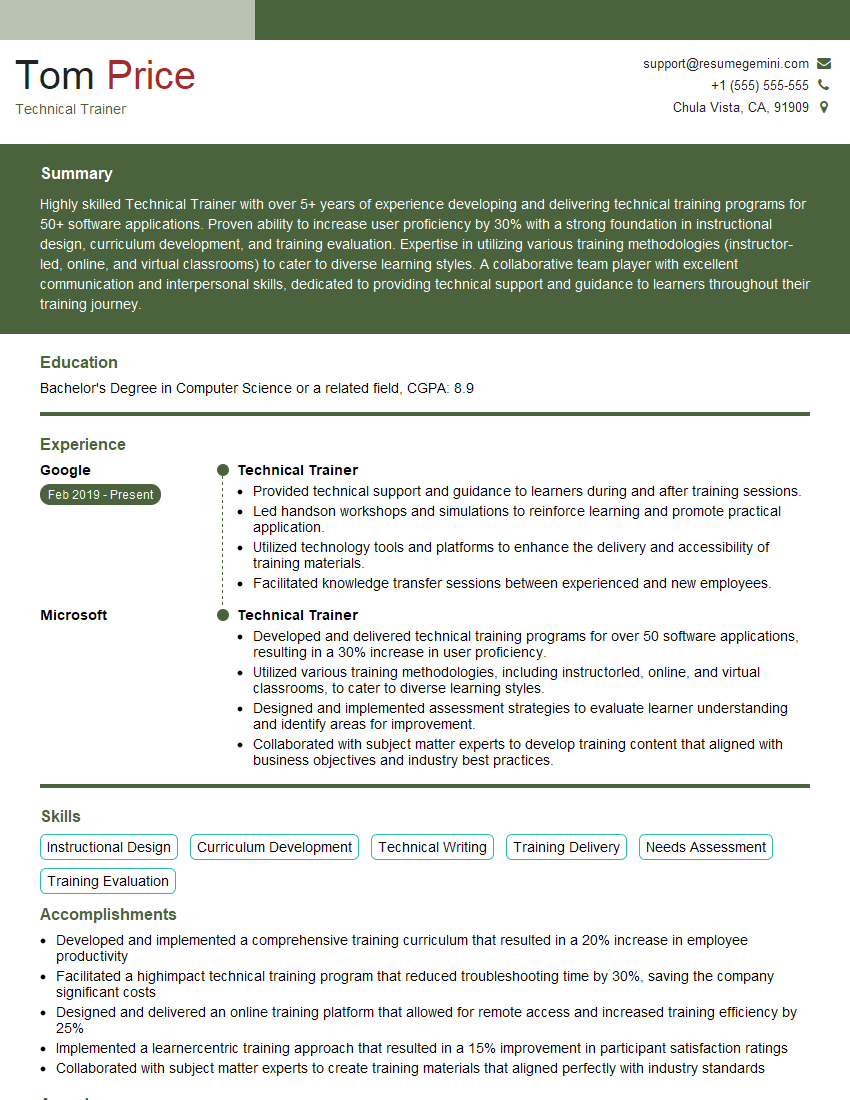
Technical Trainer Resume Sample

Technical Support Engineer Resume Sample
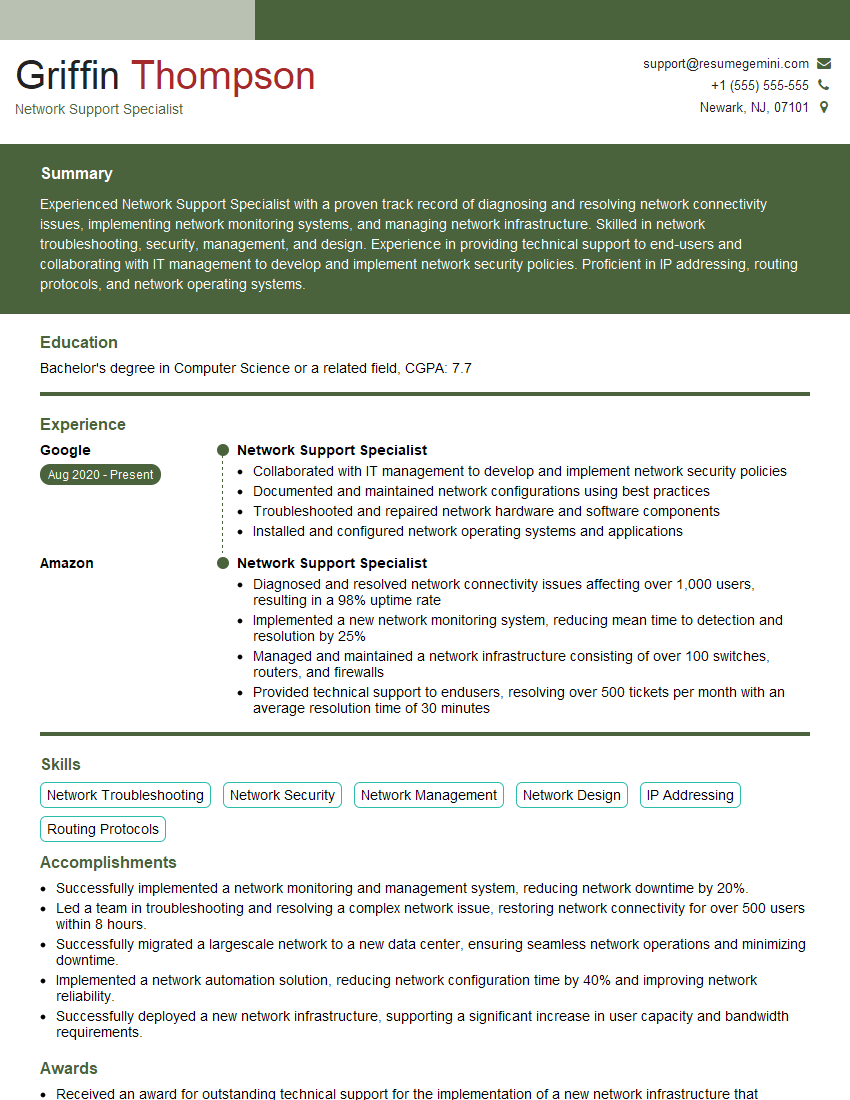
Network Support Specialist Resume Sample

Technical Support Specialist Resume Sample
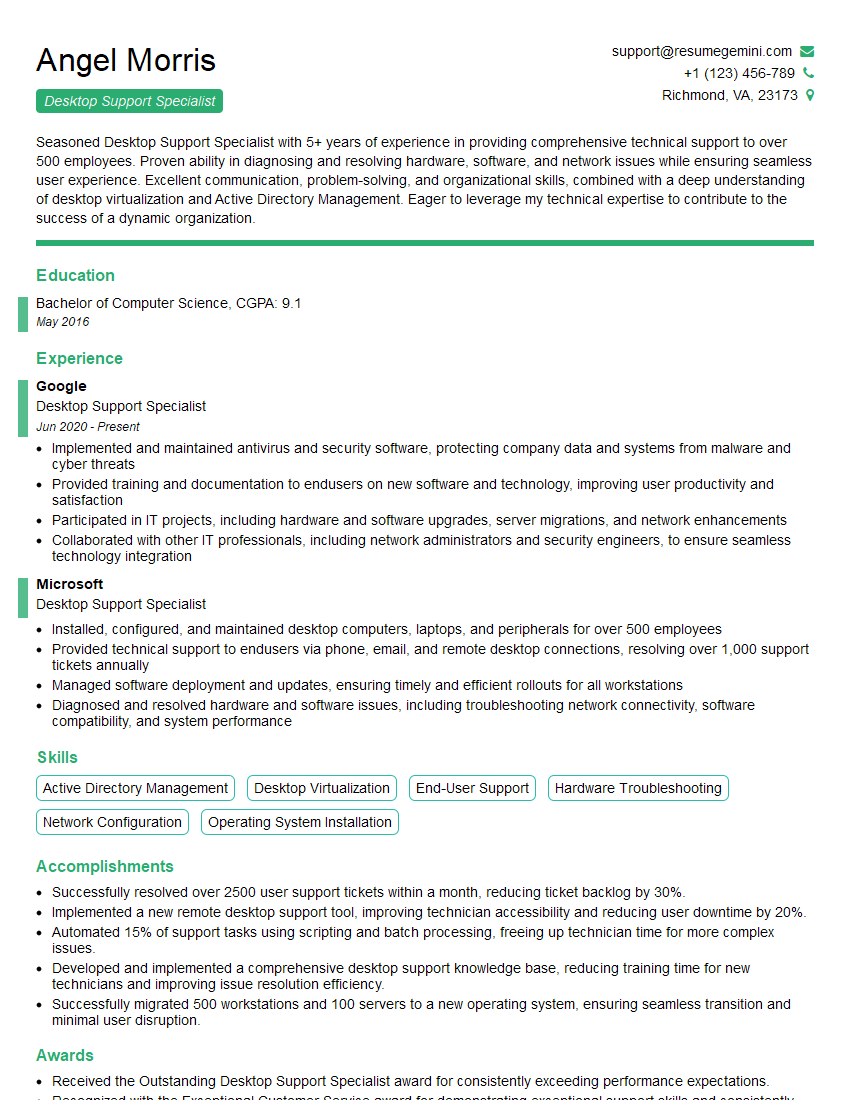
Desktop Support Specialist Resume Sample

Help Desk Analyst Resume Sample
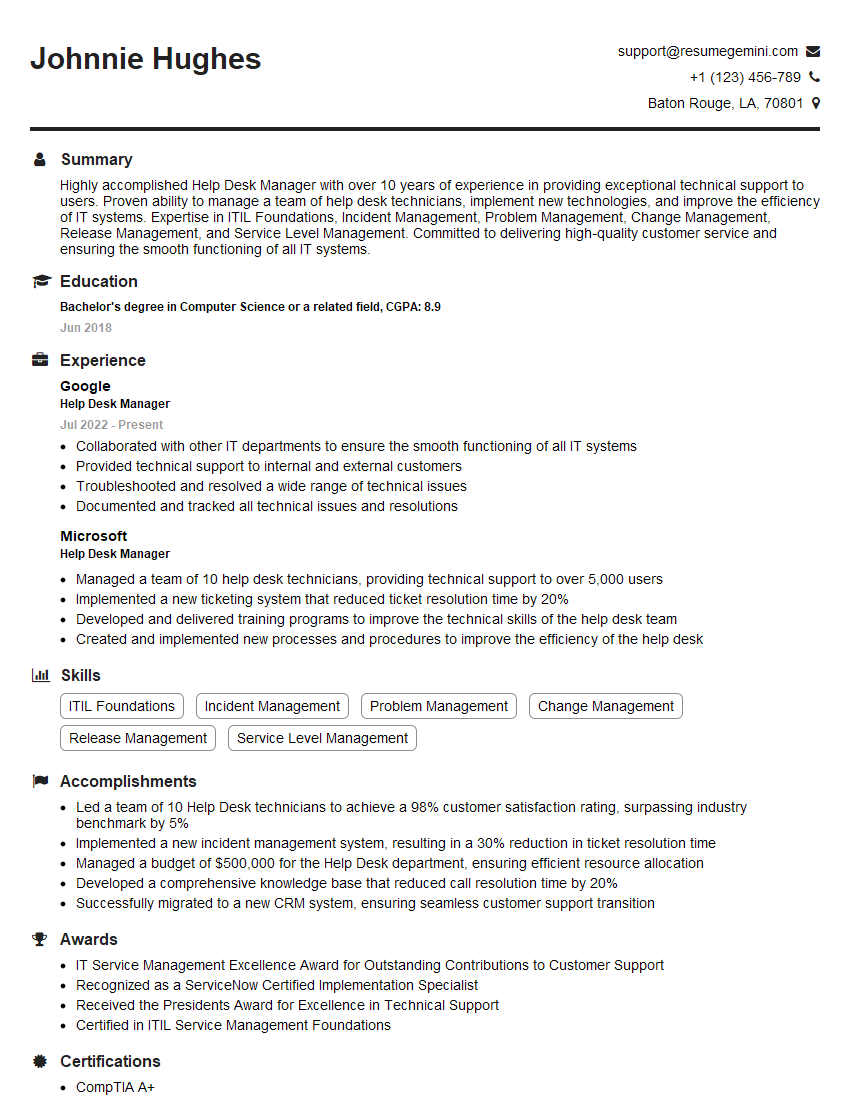
Help Desk Manager Resume Sample
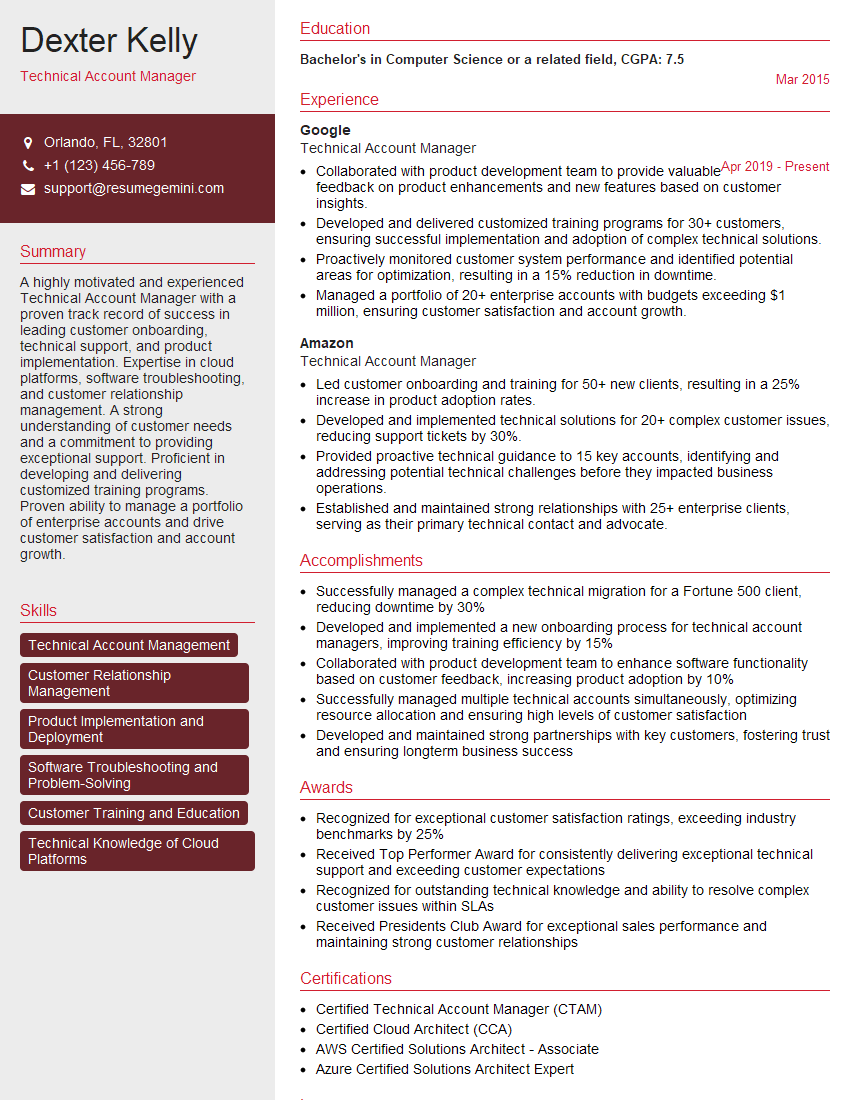
Technical Account Manager Resume Sample
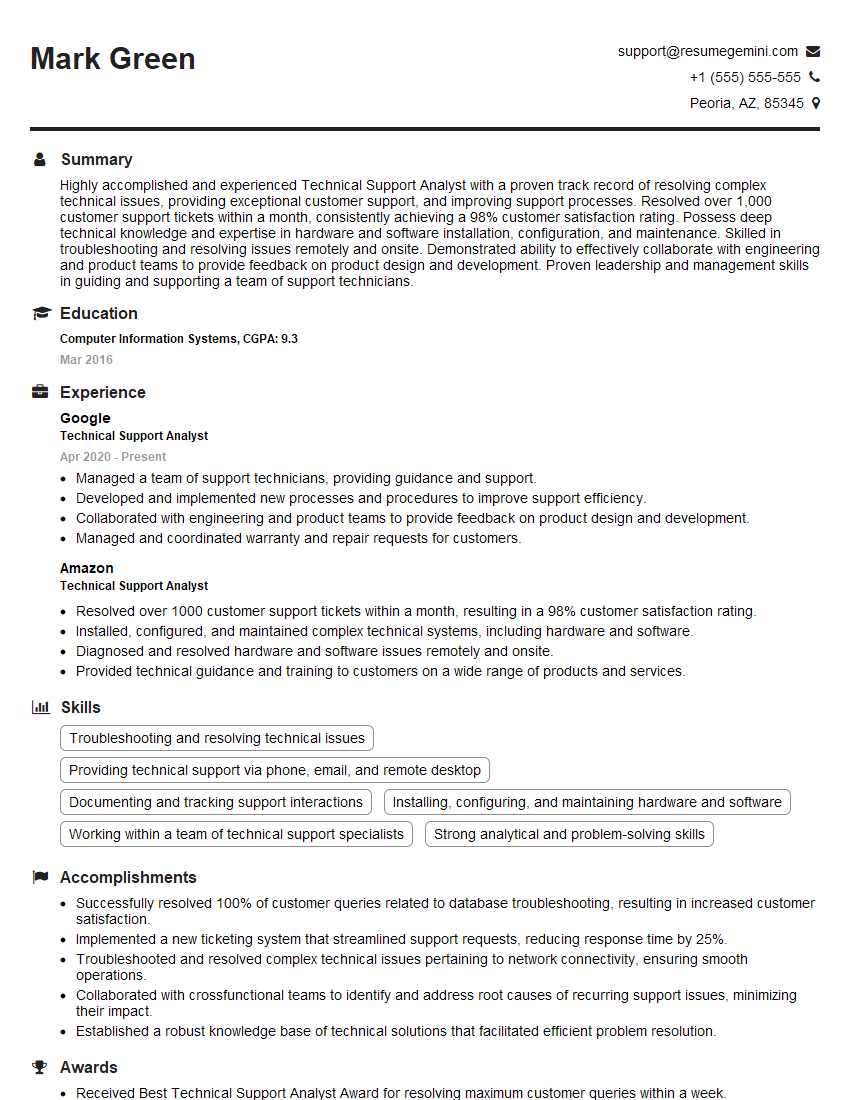
Technical Support Analyst Resume Sample
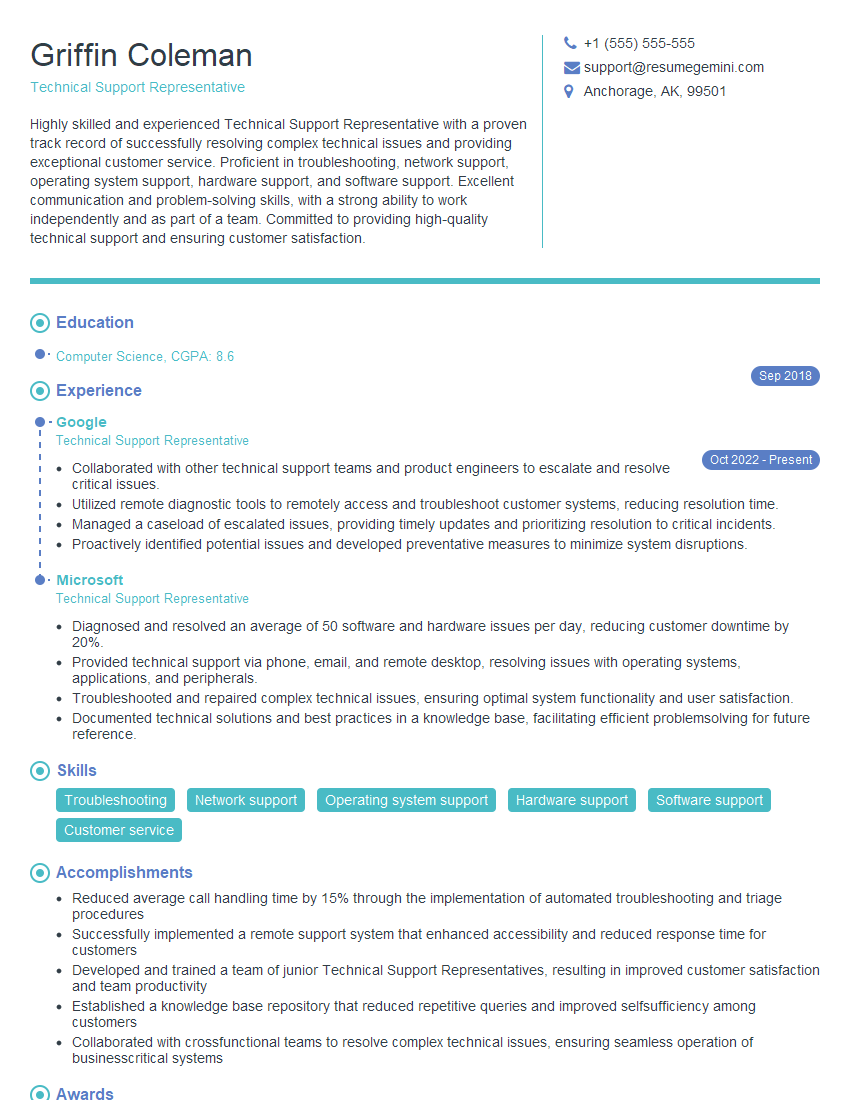
Technical Support Representative Resume Sample
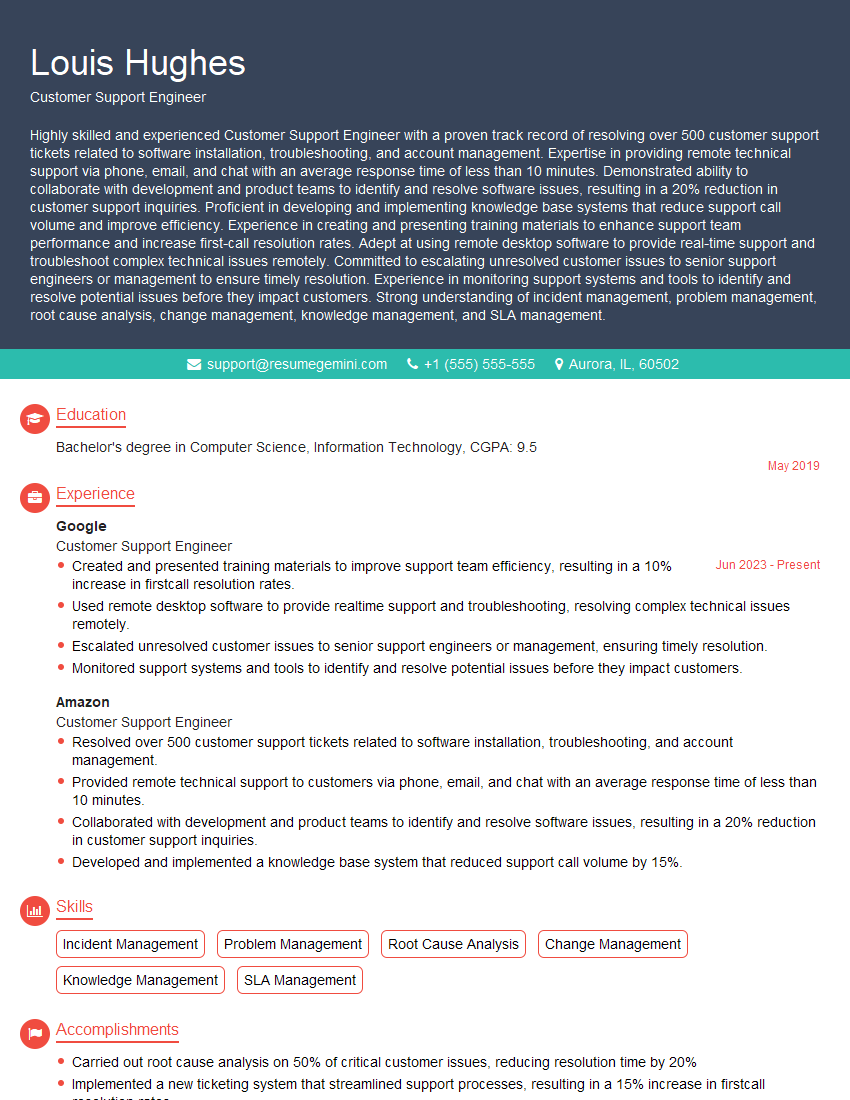
Customer Support Engineer Resume Sample
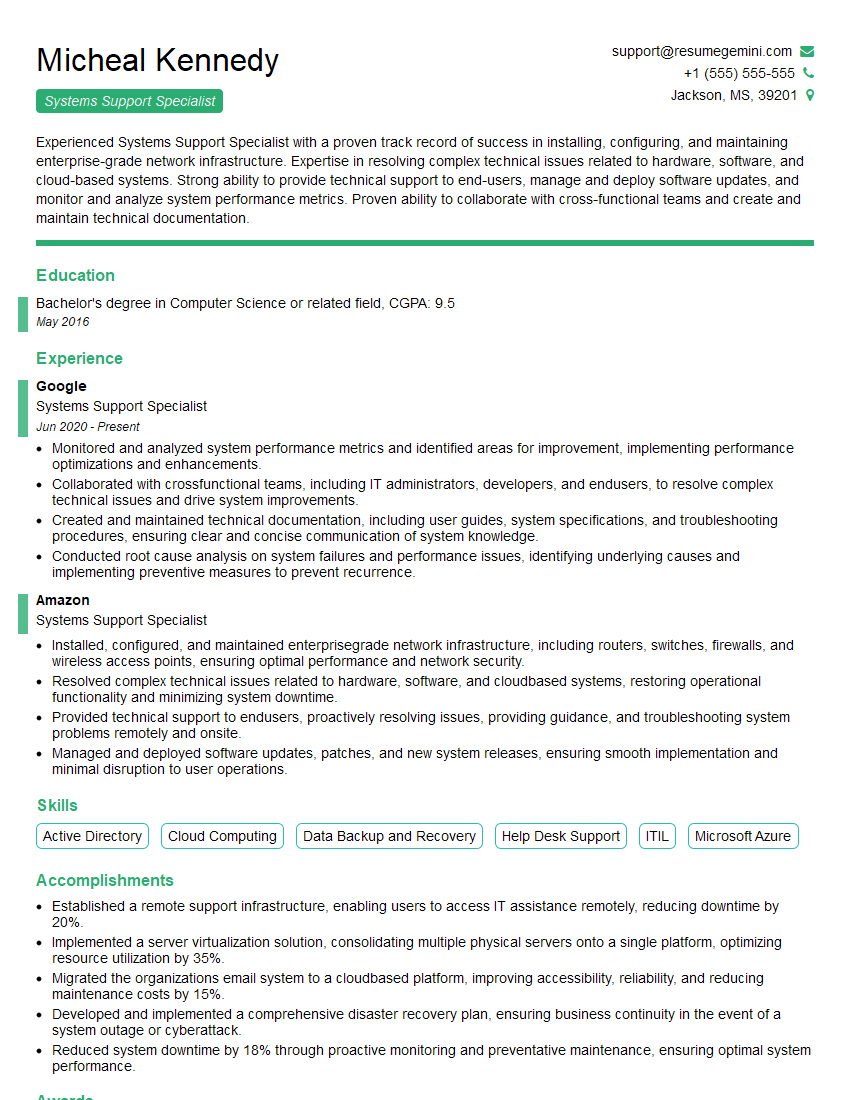
Systems Support Specialist Resume Sample
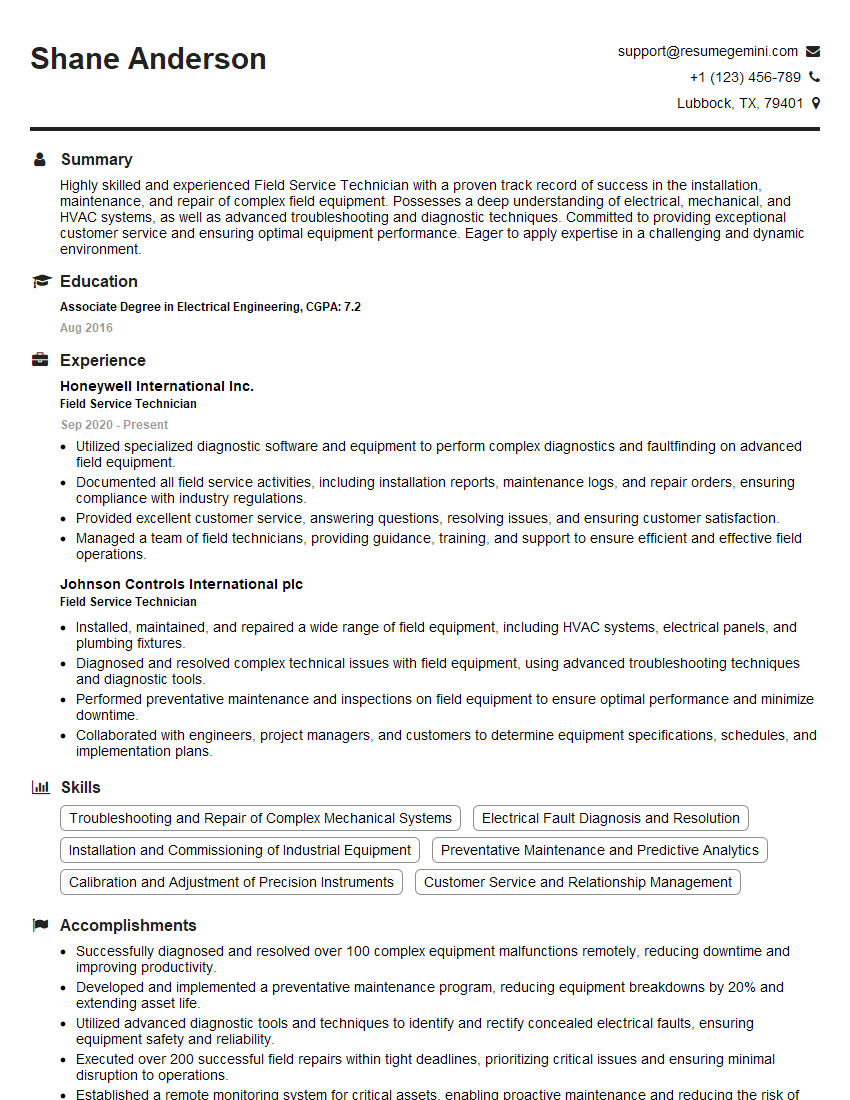
Field Service Technician Resume Sample
- Technical Trainer
- Technical Support Engineer
- Network Support Specialist
- Technical Support Specialist
- Desktop Support Specialist
- Help Desk Analyst
- Help Desk Manager
- Technical Account Manager
- Technical Support Analyst
- Technical Support Representative
- Customer Support Engineer
- Systems Support Specialist
- Field Service Technician
Explore more articles
Users Rating of Our Blogs
Share Your Experience
We value your feedback! Please rate our content and share your thoughts (optional).
What Readers Say About Our Blog
I Redesigned Spongebob Squarepants and his main characters of my artwork.
https://www.deviantart.com/reimaginesponge/art/Redesigned-Spongebob-characters-1223583608
IT gave me an insight and words to use and be able to think of examples
Hi, I’m Jay, we have a few potential clients that are interested in your services, thought you might be a good fit. I’d love to talk about the details, when do you have time to talk?
Best,
Jay
Founder | CEO