Preparation is the key to success in any interview. In this post, we’ll explore crucial Routing and Switching Fundamentals interview questions and equip you with strategies to craft impactful answers. Whether you’re a beginner or a pro, these tips will elevate your preparation.
Questions Asked in Routing and Switching Fundamentals Interview
Q 1. Explain the difference between a router and a switch.
Routers and switches are both fundamental networking devices, but they operate at different layers of the OSI model and serve distinct purposes. Think of it like this: a switch is like a well-organized apartment building, connecting residents (devices) on the same floor (network segment), while a router is like the city’s postal service, intelligently directing mail (data packets) between different neighborhoods (networks).
A switch operates at Layer 2 (Data Link Layer) of the OSI model. It uses MAC addresses to forward data frames within a local area network (LAN). Switches learn the MAC addresses of connected devices and build a MAC address table, allowing them to efficiently forward frames only to the intended recipient, minimizing broadcast traffic.
A router operates at Layer 3 (Network Layer) of the OSI model. It uses IP addresses to forward data packets between different networks. Routers make routing decisions based on routing tables, determining the best path to forward packets to their destination, even across geographically dispersed networks. They can connect different LANs, WANs, and even the internet.
In short: Switches connect devices on the same network; routers connect different networks.
Q 2. What are the different types of routing protocols?
Routing protocols are sets of rules and algorithms that routers use to exchange routing information and build their routing tables. They fall into two main categories: Interior Gateway Protocols (IGPs) and Exterior Gateway Protocols (EGPs).
- Interior Gateway Protocols (IGPs): Used within an autonomous system (AS), a single administrative domain like a company’s network. Examples include:
- RIP (Routing Information Protocol): A distance-vector protocol, simple to implement but limited in scalability and susceptible to routing loops.
- OSPF (Open Shortest Path First): A link-state protocol, known for its scalability, robustness, and efficient convergence. It uses Dijkstra’s algorithm to calculate the shortest path.
- EIGRP (Enhanced Interior Gateway Routing Protocol): A Cisco proprietary protocol offering features like fast convergence and support for VLSM (Variable Length Subnet Masking).
- Exterior Gateway Protocols (EGPs): Used to exchange routing information between different autonomous systems. The most prominent example is:
- BGP (Border Gateway Protocol): The de facto standard for routing between ASes on the internet. It uses path vectors and is very complex, enabling sophisticated policy control.
Q 3. Describe the operation of OSPF (Open Shortest Path First).
OSPF, a link-state routing protocol, uses a sophisticated approach to determine the best path for data packets. Imagine a group of people needing to find the shortest route to a common destination. Instead of each person individually asking everyone else for directions, OSPF employs a more efficient method.
Here’s how it works:
- Discovery Phase: Routers flood their network link information (link state advertisements or LSAs) throughout the area. These LSAs describe the router’s connected interfaces, their costs (metrics like bandwidth), and neighboring routers.
- Database Formation: Each router constructs a complete picture of the network topology by combining all the received LSAs. This is the Link State Database (LSDB).
- Shortest Path Calculation: Using Dijkstra’s algorithm, each router calculates the shortest path to all destinations in the network based on the LSDB. This determines the best path from that router to any other reachable router within the area.
- Routing Table Construction: Based on the shortest path calculations, each router populates its routing table with the next-hop address for each destination network.
OSPF’s efficiency lies in its ability to minimize the amount of routing information exchanged, leading to fast convergence (recovering from network changes quickly). Its scalability allows it to be deployed in large networks.
Q 4. Explain the operation of BGP (Border Gateway Protocol).
BGP, the routing protocol of the internet, connects different autonomous systems (ASes), each controlled by a different network operator. Think of it as an international postal system, coordinating the delivery of packets between countries (ASes).
Unlike IGPs, BGP operates based on path vectors. Instead of just knowing the distance to a destination, BGP considers the entire path traversed to reach it. This allows for detailed policy control.
Here’s a simplified overview:
- Neighbor Establishment: BGP routers establish TCP connections (called BGP sessions) with other BGP routers in neighboring ASes.
- Route Exchange: Routers exchange routing information using messages called updates. These updates include network reachability information (Network Layer Reachability Information or NLRI) and attributes describing the path (AS path, local preference, etc.).
- Path Selection: Based on routing policies (e.g., prefer paths through certain ASes, avoid certain ASes), each router selects the best path to each destination.
- Routing Table Update: The best paths are entered into the routing table, guiding the forwarding of data packets.
BGP’s complexity allows for flexible policies, such as filtering routes based on security or business agreements. This makes it crucial for managing the routing of internet traffic.
Q 5. What is a VLAN (Virtual LAN) and how does it work?
A VLAN (Virtual LAN) is a logical grouping of devices that act as if they are on the same physical LAN, even if they are physically on different switches or segments. Think of it as creating separate ‘virtual floors’ within an apartment building, allowing different groups of residents to communicate without interfering with each other.
VLANs are implemented using tagging mechanisms: a special field is added to the Ethernet frame to indicate the VLAN membership of that frame. Switches equipped with VLAN capabilities ‘understand’ these tags and forward tagged frames only to the ports belonging to the same VLAN.
Benefits of VLANs:
- Improved Security: Isolating sensitive data traffic by placing devices on separate VLANs.
- Enhanced Network Management: Easier management of smaller, more manageable broadcast domains.
- Flexible Network Design: Can efficiently group devices based on function or department regardless of their physical location.
VLANs add a layer of abstraction to network design, allowing for greater flexibility and control.
Q 6. Explain the concept of subnetting.
Subnetting is the process of dividing a larger network (IP network) into smaller, more manageable subnetworks. It’s like dividing a large city into smaller neighborhoods, making it easier to manage resources and traffic flow.
This is achieved by borrowing bits from the host portion of the IP address to create additional network bits. For example, a Class C network (192.168.1.0/24) can be subnetted into multiple smaller networks. By using a subnet mask of 255.255.255.224 (/27), we create 8 subnets, each with 30 usable host addresses.
The benefits of subnetting include:
- Reduced Broadcast Domains: Less broadcast traffic improves network performance.
- Improved Security: Isolating different parts of the network using separate subnets.
- Better Resource Allocation: Optimizing the allocation of IP addresses.
Subnetting is a crucial aspect of network planning, ensuring efficient resource utilization and network security.
Q 7. How do you troubleshoot network connectivity issues?
Troubleshooting network connectivity issues is a systematic process that requires a combination of knowledge, tools, and experience. The approach can be summarized with the mnemonic ‘TCP/IP Model’, allowing a top-down approach to pinpoint the problem.
- T – Topology: Understand the network layout. Draw a diagram or use network monitoring tools to visualize the network. Identify potential points of failure.
- C – Cables: Check for physical connections. Are cables plugged in securely? Are there any signs of damage?
- P – Physical Layer: Verify that devices are powered on and operating correctly. Use simple pings to test basic connectivity (e.g., ping
127.0.0.1to test the device’s loopback interface). - I – IP Configuration: Verify IP addresses, subnet masks, and default gateways. Check for IP address conflicts or incorrect subnet configurations. Use the
ipconfig(Windows) orifconfig(Linux) commands. - P – Ports: Ensure that necessary ports (e.g., HTTP port 80, HTTPS port 443) are open and accessible through firewalls.
- Routing: Check routing tables for correct entries and connectivity between networks. Use tools like
tracerouteortracertto trace the path to a destination. - DNS: Confirm the DNS server is reachable and resolving hostnames correctly.
- Applications: If the issue persists, investigate the application layer itself for potential problems.
This systematic approach allows you to quickly isolate the root cause and effectively resolve network connectivity problems. Always start with the simplest checks and proceed methodically to more complex troubleshooting steps.
Q 8. What are the different types of network cables?
Network cables are the physical medium that connects devices in a network. Different types offer varying speeds, distances, and functionalities. The choice depends on factors like bandwidth requirements and cable length.
- Coaxial Cable: Think of this as the older, thicker cousin. It uses a central conductor surrounded by insulation and a shield, offering good shielding against interference but limited bandwidth. It’s less common now, but you might still find it in older cable TV installations or some legacy Ethernet networks.
- Twisted-Pair Cable: This is the workhorse of modern networks. Multiple pairs of insulated copper wires are twisted together to reduce electromagnetic interference. They come in different categories (Cat5e, Cat6, Cat6a, Cat8) with increasing bandwidth and transmission speed. Cat5e is sufficient for Gigabit Ethernet, while Cat6a and Cat8 support higher speeds, crucial for data centers and high-performance networks.
- Fiber Optic Cable: The speed demon. It uses strands of glass or plastic to transmit data as pulses of light. Fiber optics offer significantly higher bandwidth and longer transmission distances than copper cables, making them ideal for long-haul networks and high-bandwidth applications.
Imagine choosing a road for your data: a small, winding dirt road (coaxial), a paved two-lane highway (twisted-pair), or a multi-lane superhighway (fiber optic). The choice depends on the amount of traffic (data) you need to move.
Q 9. What is the purpose of a gateway?
A gateway acts as a bridge between two different networks. Think of it as a translator and a border control for your data. It performs critical functions like network address translation (NAT) to allow devices on a private network to access the public internet while hiding their internal IP addresses. It also handles routing between networks with different protocols.
For example, your home router is a gateway. It connects your home network (usually using a private IP address range) to the internet (using your public IP address). It translates your internal network requests to the external world and vice-versa, ensuring seamless communication.
In essence, a gateway facilitates communication between disparate network environments, ensuring that data packets reach their intended destination, even if the networks use different protocols or addressing schemes.
Q 10. What is the difference between unicast, multicast, and broadcast?
These three terms describe how data is transmitted across a network:
- Unicast: A one-to-one communication. A single packet is sent from a source to a single destination. This is the most common type of communication, like when you send an email to a specific person.
- Multicast: One-to-many communication. A single packet is sent from a source to a specific group of destinations. This is efficient for sending information to a selected audience, such as distributing a software update to all computers in a department.
- Broadcast: One-to-all communication. A single packet is sent from a source to every device on the network. This is typically used for discovery purposes or system-wide announcements, like a network administrator sending a ping request to all devices to check network availability.
Think of it like sending a letter: Unicast is a personal letter, Multicast is sending the same letter to a mailing list, and Broadcast is putting it in every mailbox on the street.
Q 11. Explain the concept of IP addressing.
IP addressing is a system for assigning a unique numerical address to every device on a network. This address enables devices to communicate with each other across the internet. IP addresses are structured into two main versions: IPv4 and IPv6.
IPv4: Uses a 32-bit address represented as four decimal numbers separated by dots (e.g., 192.168.1.100). The address space is limited, and addresses are rapidly being exhausted.
IPv6: Uses a 128-bit address, represented using hexadecimal notation. It provides a vastly larger address space to accommodate the growing number of internet-connected devices. (e.g., 2001:0db8:85a3:0000:0000:8a2e:0370:7334)
Each part of an IP address has a specific meaning, contributing to its overall function in network routing and device identification.
Q 12. What is CIDR (Classless Inter-Domain Routing)?
CIDR (Classless Inter-Domain Routing) is a method for allocating IP addresses and routing prefixes more efficiently than the older classful addressing scheme. It uses a slash notation (/) following the IP address to represent the network prefix length (subnet mask). The prefix length indicates the number of bits used for the network portion of the address.
For example, 192.168.1.0/24 indicates that the first 24 bits of the IP address represent the network address, leaving the remaining 8 bits for host addresses. This allows for flexible subnet allocation without adhering to the rigid class A, B, and C address structures of the older system. CIDR greatly improves efficiency and reduces wasted IP addresses, making it vital for managing internet routing.
Using CIDR notation improves the efficiency and flexibility of IP address allocation in comparison to classful addressing, especially in today’s networks, which need more targeted address space allocations.
Q 13. What are the different types of network topologies?
Network topology refers to the physical or logical layout of nodes (computers, printers, etc.) and connections in a network. Different topologies have different advantages and disadvantages in terms of performance, reliability, and cost.
- Bus Topology: All devices connect to a single cable. Simple to implement but a single point of failure. Imagine all houses on a street sharing one power line.
- Star Topology: All devices connect to a central hub or switch. Most common topology today, offering good scalability and fault tolerance. Think of a central power station providing electricity to individual houses.
- Ring Topology: Devices are connected in a closed loop. Data travels in one direction. Reliable but complex to troubleshoot and less scalable.
- Mesh Topology: Devices connect to multiple other devices, providing redundancy and fault tolerance. Highly reliable but expensive and complex to implement.
- Tree Topology: A hierarchical structure combining elements of bus and star topologies. Good for larger networks, offering scalability and organization.
The best topology depends on specific network needs, considering factors like size, cost, performance requirements, and desired redundancy.
Q 14. Explain the concept of network security.
Network security involves protecting a network and its data from unauthorized access, use, disclosure, disruption, modification, or destruction. It’s crucial to safeguard sensitive information and prevent malicious activities.
Key aspects of network security include:
- Access Control: Restricting access to the network and its resources based on user roles and permissions (e.g., using firewalls and authentication systems).
- Data Encryption: Protecting data confidentiality by encrypting sensitive information during transmission and storage (e.g., using VPNs and SSL/TLS).
- Intrusion Detection/Prevention: Monitoring network traffic for malicious activity and taking action to block or mitigate threats (e.g., using intrusion detection/prevention systems).
- Vulnerability Management: Regularly identifying and patching security vulnerabilities in network devices and software.
- Security Awareness Training: Educating users about security threats and best practices to prevent phishing attacks and other social engineering techniques.
A layered security approach, combining multiple security measures, is essential for comprehensive network protection. Imagine a castle with multiple layers of defense – walls, moats, guards – to protect against attack.
Q 15. What are some common network security threats?
Network security threats are vulnerabilities that can compromise the confidentiality, integrity, or availability of your network and its data. Think of it like protecting your home – you need to secure it against intruders. Common threats include:
- Malware: Viruses, worms, Trojans, ransomware – malicious software designed to damage or disable systems, steal data, or extort money.
- Phishing: Deceptive attempts to obtain sensitive information such as usernames, passwords, and credit card details by disguising as a trustworthy entity in electronic communication.
- Denial-of-Service (DoS) attacks: Flooding a network or server with traffic to make it unavailable to legitimate users. Imagine a mob of people blocking the entrance to a building, preventing anyone else from getting in.
- Man-in-the-middle (MitM) attacks: Intercepting communication between two parties to eavesdrop or manipulate the data. This is like secretly listening in on a phone call.
- SQL Injection: Exploiting vulnerabilities in database applications to gain unauthorized access to data. This is a sophisticated attack targeting the very foundation of data storage.
- Zero-day exploits: Attacks that leverage newly discovered vulnerabilities before a patch is available. These are like finding a previously unknown weak point in a building’s security.
Mitigating these threats involves a multi-layered approach including firewalls, intrusion detection systems, strong passwords, security awareness training, and regular software updates.
Career Expert Tips:
- Ace those interviews! Prepare effectively by reviewing the Top 50 Most Common Interview Questions on ResumeGemini.
- Navigate your job search with confidence! Explore a wide range of Career Tips on ResumeGemini. Learn about common challenges and recommendations to overcome them.
- Craft the perfect resume! Master the Art of Resume Writing with ResumeGemini’s guide. Showcase your unique qualifications and achievements effectively.
- Don’t miss out on holiday savings! Build your dream resume with ResumeGemini’s ATS optimized templates.
Q 16. How do you configure a basic router?
Configuring a basic router involves setting up its interfaces, assigning IP addresses, and configuring routing protocols (if needed). Let’s imagine setting up a home router to connect to the internet:
- Connect to the router’s configuration interface: This usually involves accessing a web interface through a web browser by typing the router’s IP address (often 192.168.1.1 or 192.168.0.1) into the address bar.
- Configure the WAN interface: This is the interface that connects to your internet service provider (ISP). You’ll need your ISP-provided credentials (username, password, and possibly PPPoE settings) to configure this. This interface receives a public IP address from your ISP.
- Configure the LAN interface: This is the interface that connects to your local network devices (computers, smartphones, etc.). You’ll assign a private IP address range (e.g., 192.168.1.0/24) to this interface. This is the network you control and manage.
- Configure DHCP: This allows the router to automatically assign IP addresses to devices on your LAN, simplifying network management. You’ll configure the DHCP server to assign IP addresses from the private IP range you defined in the previous step.
- Configure security settings: This includes setting up a strong password for the router’s administration interface and enabling features like a firewall to protect your network from unauthorized access. Think of this as locking the doors and windows of your network.
The exact steps may vary depending on the router’s make and model, but these are the general principles.
Q 17. How do you configure a basic switch?
Configuring a basic switch involves assigning IP addresses for management and setting up VLANs (Virtual LANs) for segmentation. Let’s configure a simple switch:
- Access the switch’s command-line interface (CLI): This is usually done via a console cable or through a network connection. It’s similar to talking to the switch through a terminal.
- Configure IP address for management: This allows you to manage the switch remotely. You’ll need to assign an IP address, subnet mask, and default gateway to the switch’s management interface. This is like giving the switch a postal address.
- Configure VLANs (optional): VLANs logically segment the switch’s network, enabling you to create separate broadcast domains. For example, you might create separate VLANs for marketing, sales, and accounting departments, improving security and reducing broadcast storms.
- Configure ports: You can configure individual ports to belong to specific VLANs, further enhancing network segmentation. This helps to isolate different parts of your network.
- Configure Spanning Tree Protocol (STP): This prevents network loops and ensures network stability. (Explained more in the following answer).
The commands used will vary greatly depending on the switch’s vendor (Cisco, Juniper, etc.) and operating system. Remember to consult the switch’s documentation for specific commands.
Q 18. What is STP (Spanning Tree Protocol) and why is it important?
Spanning Tree Protocol (STP) is a network protocol that prevents loops in a switched network. Loops occur when there are redundant paths between switches, leading to broadcast storms and network instability. Imagine a road system with multiple, redundant routes – if cars keep circling, it creates chaos.
STP works by detecting loops and intelligently blocking redundant paths, ensuring that there is only one active path between any two devices. It achieves this by using a sophisticated algorithm to elect a root bridge and calculate the shortest paths to the root. The most common versions are 802.1D, 802.1w (Rapid Spanning Tree Protocol – RSTP), and 802.1s (Multiple Spanning Tree Protocol – MSTP).
STP is crucial for network reliability. Without it, even a small configuration error could lead to network outages, making it an essential protocol in almost any switched network.
Q 19. Explain the difference between static and dynamic routing.
Static and dynamic routing are two different approaches to routing packets across a network. Think of it like planning a road trip:
- Static Routing: You manually configure routes on each router. This is like meticulously planning your route on a map, specifying every turn and every road. It’s simple for small networks but becomes cumbersome and inflexible as the network grows.
- Dynamic Routing: Routers automatically learn and adapt to network changes using routing protocols such as RIP, OSPF, EIGRP, BGP. This is like using a GPS navigation system – it automatically calculates the optimal route and adjusts as needed, handling traffic and road closures dynamically. It’s more complex to set up but scales much better for large networks.
The key differences lie in scalability, management complexity, and adaptability. Static routing is simpler for small networks, while dynamic routing is essential for large, complex networks that require automated route discovery and adaptation.
Q 20. What is a routing table?
A routing table is a database stored on a router that lists known networks and the best path to reach them. It’s like an address book for networks. Each entry in the routing table includes the destination network, the next hop (the router or interface to forward the packet to), the subnet mask, and the associated metric (a value that indicates the cost or preference of a path).
Routers use their routing tables to determine how to forward packets towards their destination. When a router receives a packet, it consults its routing table to identify the best path towards the destination network and then forwards the packet accordingly. This is crucial for efficiently routing traffic across networks.
Q 21. How does DHCP (Dynamic Host Configuration Protocol) work?
The Dynamic Host Configuration Protocol (DHCP) is a network management protocol that automatically assigns IP addresses and other network configuration parameters to devices on a network. It simplifies network administration by eliminating the need to manually configure each device. Think of it as a network ‘address provider’ which automatically assigns unique network identities.
Here’s how it works:
- DHCP Discover: A device that needs an IP address (a DHCP client) broadcasts a DHCP Discover message to find a DHCP server.
- DHCP Offer: A DHCP server responds with a DHCP Offer message, providing the device with an available IP address and other network configuration parameters (subnet mask, default gateway, DNS server addresses).
- DHCP Request: The device sends a DHCP Request message to the server, accepting the offered IP address.
- DHCP ACK: The DHCP server sends a DHCP ACK message confirming the assignment of the IP address and other parameters. The device is now ready to communicate on the network.
DHCP is essential for modern networks, simplifying network administration and allowing for easy addition and removal of devices without manual IP address configuration.
Q 22. What is NAT (Network Address Translation)?
Network Address Translation (NAT) is a method of remapping one IP address space into another. It’s crucial because it conserves public IP addresses, which are limited and expensive. Imagine a building with many computers (private network) needing to access the internet. Instead of each computer having its own public IP, NAT allows a single public IP address to represent all the computers on the private network. When a computer on the private network wants to access the internet, the NAT router translates its private IP address into the public IP address before sending the data. The process reverses when the response comes back.
There are several types of NAT, including Static NAT (one-to-one mapping), Dynamic NAT (many-to-one mapping), and Port Address Translation (PAT), also known as Overload NAT (many-to-one mapping using different ports).
Example: A company with 100 employees uses a single public IP address thanks to NAT. Each employee’s computer has a private IP address, but the router translates these to the public IP for internet access. This significantly reduces the cost and complexity of managing IP addresses.
Q 23. Explain the concept of QoS (Quality of Service).
Quality of Service (QoS) is a set of functionalities that enables controlled and differentiated handling of network traffic. Think of it like a traffic management system for your network. It prioritizes certain types of traffic over others, ensuring that critical applications receive the bandwidth they need, even during periods of high network congestion. For example, VoIP calls need low latency and jitter to sound clear; QoS ensures these calls get priority over less time-sensitive traffic like file transfers.
QoS is implemented using various techniques, including:
- Prioritization: Assigning different priority levels to traffic based on application or user needs.
- Bandwidth Allocation: Guaranteeing a minimum amount of bandwidth for specific applications.
- Traffic Shaping: Controlling the rate at which traffic enters the network.
- Congestion Management: Implementing strategies to handle network congestion and avoid traffic drops.
Example: In a hospital, real-time medical imaging data needs to be transmitted quickly and reliably. QoS policies would prioritize this traffic to prevent delays that could compromise patient care.
Q 24. What are some common network monitoring tools?
Many tools are available for network monitoring, each with its own strengths and weaknesses. The choice often depends on the size and complexity of the network, and the specific monitoring needs.
- SNMP (Simple Network Management Protocol): A widely used protocol for collecting data from network devices. It provides a standardized way to monitor various metrics such as CPU utilization, memory usage, and interface statistics.
- Nagios/Icinga: Open-source network monitoring systems capable of monitoring various devices and applications. They offer alerts and visualizations of network health.
- Zabbix: Another powerful open-source monitoring solution that supports a wide range of technologies and provides comprehensive monitoring capabilities.
- SolarWinds: A commercial network monitoring tool offering advanced features and reporting capabilities.
- Wireshark: A protocol analyzer used for detailed packet inspection; it helps diagnose network issues by analyzing network traffic.
These tools provide valuable insights into network performance, helping identify potential issues before they impact users.
Q 25. What is a loopback address?
A loopback address is a special IP address used for testing network interfaces on a single machine. It doesn’t actually send data over the network; instead, it loops the data back to the same machine. The most common loopback address is 127.0.0.1, which always refers to the local host.
Example: If you type ping 127.0.0.1 in your command prompt, you’re testing the network interface on your own machine. A successful response indicates that the network stack is functioning correctly.
Q 26. Explain the differences between IPv4 and IPv6.
IPv4 and IPv6 are the two versions of the Internet Protocol, which defines how data is routed across the internet. The key difference lies in the address space:
- IPv4: Uses 32-bit addresses, represented as four sets of numbers separated by dots (e.g.,
192.168.1.1). The number of available addresses is limited, which is a major reason for the transition to IPv6. - IPv6: Uses 128-bit addresses, represented as eight groups of four hexadecimal digits separated by colons (e.g.,
2001:0db8:85a3:0000:0000:8a2e:0370:7334). It offers a vastly larger address space, improved security features, and simplified header structure.
Other differences include header structure, autoconfiguration capabilities, and support for Quality of Service (QoS).
Real-world implication: IPv6 addresses are essential for supporting the ever-growing number of connected devices, like IoT sensors and smart home appliances. The transition to IPv6 is ongoing but crucial for future scalability of the internet.
Q 27. Describe the process of troubleshooting a network connectivity problem.
Troubleshooting network connectivity problems involves a systematic approach. Here’s a step-by-step process:
- Identify the problem: Clearly define the issue. Is it a single machine, a group of machines, or the entire network?
- Gather information: Collect details like error messages, affected devices, and the time the issue started. Interview users to understand the problem’s scope.
- Check the basics: Verify physical connections, cables, and power supplies. Restart affected devices. Check for obvious configuration errors.
- Use diagnostic tools: Employ tools like
ping,traceroute(ortracerton Windows), and network monitoring tools to identify where the connectivity problem lies. - Isolate the problem: Is the issue at the client, server, router, or somewhere in the network? Testing different segments of the network can help pinpoint the source.
- Consult documentation: Refer to device manuals, network diagrams, and troubleshooting guides for potential solutions.
- Escalate if necessary: If the problem is complex or beyond your expertise, seek help from other IT professionals.
Example: If a user can’t access a specific website, you might start by pinging the website’s IP address. If the ping fails, the problem is likely outside your local network. If the ping succeeds but the website still can’t be accessed, the issue could be with the website itself or a network configuration problem on the user’s machine.
Q 28. What are some best practices for network design?
Network design best practices aim for a robust, scalable, and secure network. Key considerations include:
- Proper planning and documentation: Thoroughly plan the network’s architecture, including devices, connections, and security measures. Maintain detailed documentation for easy troubleshooting and future upgrades.
- Redundancy and failover mechanisms: Incorporate redundant components to prevent single points of failure. Implement failover mechanisms to ensure continued service in case of equipment failures.
- Security considerations: Implement strong security measures like firewalls, intrusion detection systems, and access controls to protect the network from unauthorized access and cyber threats.
- Scalability and future growth: Design the network to accommodate future growth in terms of users, devices, and bandwidth requirements.
- Modular design: Build a modular design, allowing for easy expansion and upgrades without significant disruption to the network.
- Standardization: Use standard technologies and protocols whenever possible to simplify management and troubleshooting.
- Regular maintenance and monitoring: Implement a regular maintenance schedule for hardware and software upgrades. Monitor network performance to proactively identify and address potential issues.
By following these best practices, organizations can create a network that is reliable, secure, and efficient.
Key Topics to Learn for Routing and Switching Fundamentals Interview
- Network Topologies: Understanding different network topologies (bus, star, mesh, etc.) and their implications for routing and switching.
- IP Addressing and Subnetting: Mastering IP addressing schemes (IPv4 and IPv6), subnetting techniques, and VLSM for efficient network design.
- Routing Protocols: Knowledge of common routing protocols like RIP, OSPF, EIGRP, and BGP, including their functionalities, characteristics, and application scenarios.
- Switching Concepts: Understanding switching methods (store-and-forward, cut-through), spanning tree protocol (STP), VLANs, and trunking.
- Network Security Fundamentals: Basic concepts of network security, including firewalls, access control lists (ACLs), and basic security best practices.
- Troubleshooting Techniques: Developing problem-solving skills for diagnosing and resolving common network connectivity issues using tools like ping, traceroute, and show commands.
- Practical Application: Applying theoretical knowledge to real-world scenarios, such as designing a small network, configuring routers and switches, and implementing basic network security measures.
- Layer 2 vs. Layer 3: A thorough understanding of the differences between Layer 2 (Data Link) and Layer 3 (Network) and how they interact in a network.
- Network Management: Basic understanding of network monitoring tools and techniques for maintaining network health and performance.
Next Steps
Mastering Routing and Switching Fundamentals is crucial for a successful career in networking, opening doors to exciting opportunities in network administration, engineering, and cybersecurity. A strong foundation in these concepts significantly enhances your problem-solving abilities and technical expertise. To stand out from the competition, focus on creating a compelling and ATS-friendly resume that highlights your skills and experience. ResumeGemini is a trusted resource that can help you build a professional and effective resume tailored to the specific requirements of your target roles. Examples of resumes tailored to Routing and Switching Fundamentals are available to provide you with the guidance you need. Take the next step towards your dream career today!

Systems Engineer Resume Sample

Security Engineer Resume Sample

Network Administrator Resume Sample

Network Engineer Resume Sample

Network Security Engineer Resume Sample

System Administrator Resume Sample

Network Analyst Resume Sample

Network Technician Resume Sample

Network Architect Resume Sample

Network Consultant Resume Sample

Telecommunications Engineer Resume Sample
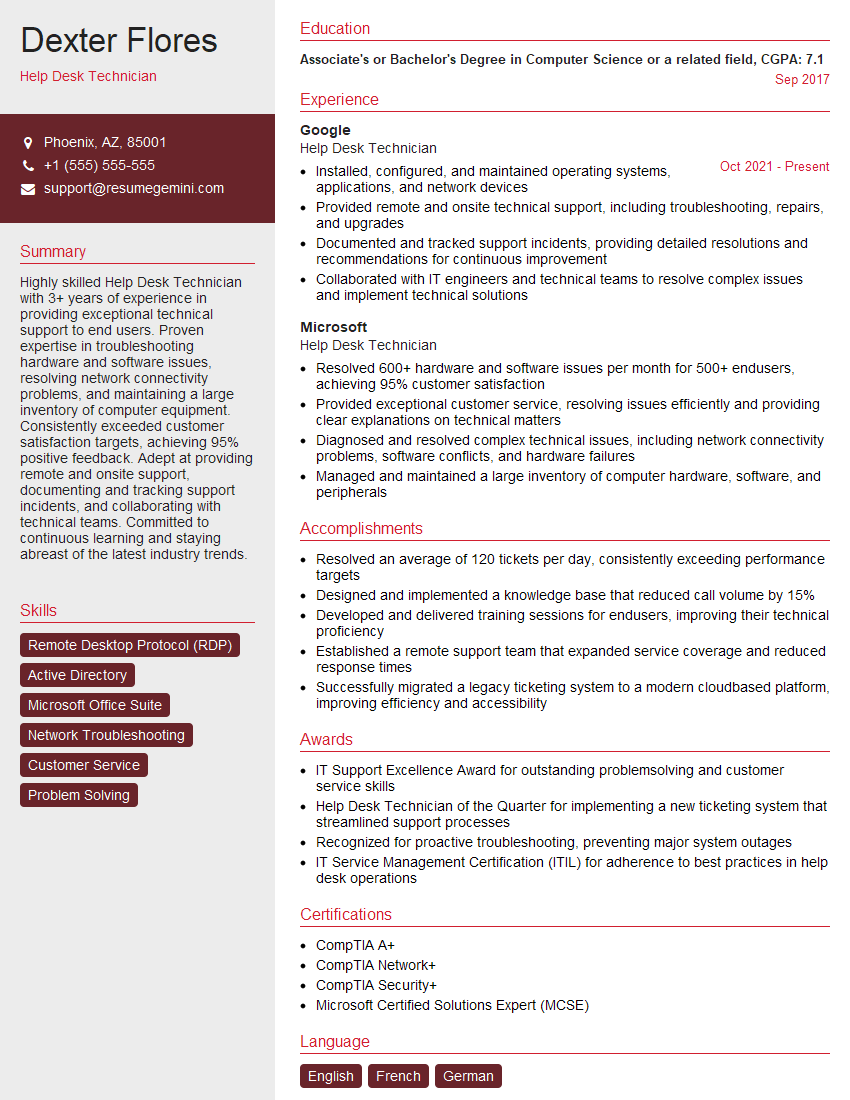
Help Desk Technician Resume Sample

IT Manager Resume Sample
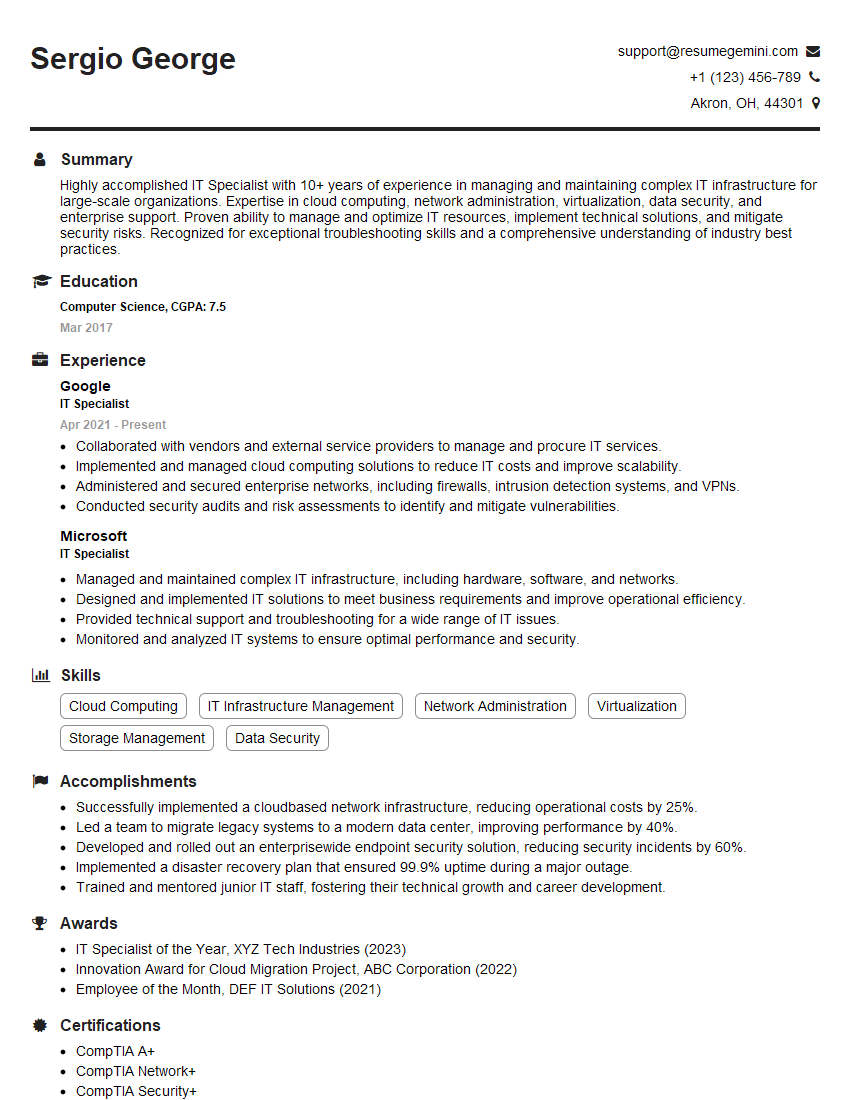
IT Specialist Resume Sample

Field Service Engineer Resume Sample
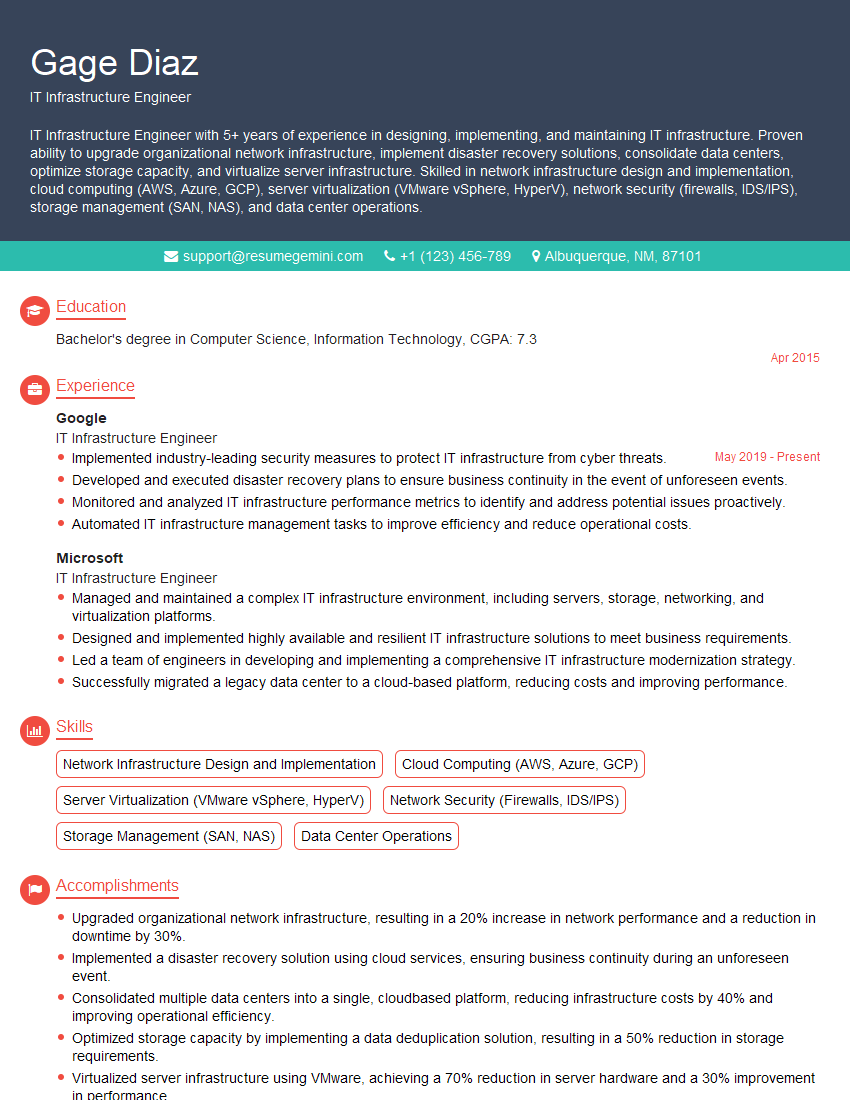
IT Infrastructure Engineer Resume Sample
- Systems Engineer
- Security Engineer
- Network Administrator
- Network Engineer
- Network Security Engineer
- System Administrator
- Network Analyst
- Network Technician
- Network Architect
- Network Consultant
- Telecommunications Engineer
- Help Desk Technician
- IT Manager
- IT Specialist
- Field Service Engineer
- IT Infrastructure Engineer
Explore more articles
Users Rating of Our Blogs
Share Your Experience
We value your feedback! Please rate our content and share your thoughts (optional).
What Readers Say About Our Blog
I Redesigned Spongebob Squarepants and his main characters of my artwork.
https://www.deviantart.com/reimaginesponge/art/Redesigned-Spongebob-characters-1223583608
IT gave me an insight and words to use and be able to think of examples
Hi, I’m Jay, we have a few potential clients that are interested in your services, thought you might be a good fit. I’d love to talk about the details, when do you have time to talk?
Best,
Jay
Founder | CEO