Interviews are opportunities to demonstrate your expertise, and this guide is here to help you shine. Explore the essential SPC Software (e.g., Minitab) interview questions that employers frequently ask, paired with strategies for crafting responses that set you apart from the competition.
Questions Asked in SPC Software (e.g., Minitab) Interview
Q 1. Explain the purpose of control charts in SPC.
Control charts are the cornerstone of Statistical Process Control (SPC). Their primary purpose is to monitor a process over time and determine whether that process is stable and predictable. Think of them as a visual dashboard for your process’s health. By plotting data points representing a quality characteristic, we can quickly identify any deviations from expected behavior, indicating potential problems that need attention before they significantly impact product quality or efficiency.
Imagine you’re baking cookies. You want consistent size and bake time. A control chart would track the diameter of each cookie, allowing you to see if your process is producing cookies of roughly the same size or if some are significantly larger or smaller. Any consistent deviation would signal that something is amiss – maybe the oven temperature is fluctuating, or you’re using inconsistent amounts of dough.
Q 2. What are the key differences between X-bar and R charts and X-bar and s charts?
Both X-bar and R charts and X-bar and s charts are used for monitoring the central tendency and variability of a process, but they differ in how they measure variability. X-bar charts always display the average (mean) of subgroups of data.
- X-bar and R charts use the range (the difference between the largest and smallest values in a subgroup) to measure variability. They are simpler to calculate but less precise than X-bar and s charts, especially for larger subgroups. They are ideal for smaller subgroups (typically n ≤ 10).
- X-bar and s charts use the standard deviation (s) of the subgroups to measure variability. They are more statistically efficient and preferred for larger subgroups (typically n > 10) because the standard deviation provides a more robust measure of variability.
In essence, while both chart types achieve the same goal, the choice depends on subgroup size and the desired precision in variability assessment. The R chart is easier to calculate and understand, while the s chart offers greater statistical power.
Q 3. Describe the different types of control charts and when to use each.
There’s a wide array of control charts, each tailored to specific data types and process characteristics. The key is to choose the right chart for the job.
- X-bar and R/s charts: For continuous data, monitoring the average and variability of a process. Ideal for measurements like weight, length, or temperature.
- Individuals and Moving Range (I-MR) charts: Used when individual measurements are taken, rather than subgroups. Useful for processes where taking subgroups is difficult or impractical.
- p-charts: For attribute data (pass/fail, yes/no), monitoring the proportion of nonconforming units in a sample. Think of defect rates in a manufacturing process.
- np-charts: Similar to p-charts but monitor the number of nonconforming units, rather than the proportion. Useful when the sample size is consistent.
- c-charts: For attribute data, monitoring the number of defects per unit. Think of scratches or blemishes on a painted surface.
- u-charts: For attribute data, monitoring the number of defects per unit of opportunity. Useful when the sample size varies from unit to unit.
The selection of a control chart depends heavily on the type of data you are collecting (continuous or attribute) and the nature of the process being monitored. Incorrect chart selection can lead to inaccurate conclusions about the process’s stability.
Q 4. How do you interpret control chart patterns (e.g., trends, cycles, runs)?
Control chart patterns are crucial indicators of process stability or instability. Recognizing these patterns is key to effective process improvement.
- Trends: A consistent upward or downward movement of data points suggests a gradual shift in the process mean or variability. This could be due to tool wear, material degradation, or environmental changes.
- Cycles: Recurring patterns that repeat over time. This might indicate periodic influences, such as daily or weekly variations in operator performance or environmental conditions.
- Runs: A series of consecutive points above or below the central line. A long run signifies a potential shift in the process mean. The length of the run is statistically assessed to determine its significance.
- Stratification: Distinct groupings of data points, suggesting that there are different causes at play affecting the process output.
- Outliers: Points that are significantly outside the control limits. These require investigation as they might represent special causes of variation.
Software like Minitab aids in identifying these patterns by highlighting them visually. Proper interpretation of these patterns allows us to identify and address the root causes of process variation leading to better process control.
Q 5. Explain the concept of process capability and how it’s measured (Cp, Cpk).
Process capability refers to a process’s ability to consistently produce output that meets customer specifications. It’s a critical measure of a process’s performance. It answers the question: “Is my process capable of meeting the requirements?”. This is measured by comparing the process’s natural variation to the customer’s specification limits.
Cp (Process Capability Index) measures the potential capability of a process, assuming the process is centered. It simply compares the process spread to the specification width. Cpk (Process Capability Index) accounts for the process’s centering. It tells us how capable the process is while considering how well-centered it is relative to the specifications. Cpk is always less than or equal to Cp.
Think of it like archery. Cp measures the size of your arrow grouping, regardless of whether it’s centered on the target. Cpk considers both the grouping size and how centered the group is on the bullseye. A high Cpk means tight grouping and accurate aiming, indicating a capable process.
Q 6. How do you calculate Cp and Cpk?
The calculations for Cp and Cpk require the process standard deviation (σ), the upper specification limit (USL), and the lower specification limit (LSL). These are often estimated using data from control charts and capability studies.
Cp = (USL – LSL) / 6σ
Cpk = min[(USL – X-bar) / 3σ, (X-bar – LSL) / 3σ], where X-bar is the process average.
For example, if USL = 10, LSL = 0, σ = 1, and X-bar = 5 (process mean), then:
Cp = (10 – 0) / (6 * 1) = 1.67
Cpk = min[(10 – 5) / (3 * 1), (5 – 0) / (3 * 1)] = min[1.67, 1.67] = 1.67
In this case, the process is centered, so Cp and Cpk are equal. Software like Minitab automates these calculations.
Q 7. What are the limitations of Cp and Cpk?
While Cp and Cpk are widely used, they have limitations:
- Assumption of Normality: Cp and Cpk calculations assume that the process data follows a normal distribution. If the data is significantly non-normal, these indices can be misleading.
- Short-Term vs. Long-Term Capability: Cp and Cpk generally reflect short-term process capability. Long-term capability often includes factors like shifts in the process mean or variability, which are not captured by these indices.
- Focus on Spread and Centering Only: They don’t consider other aspects of process performance, such as the presence of trends or cycles.
- Specification Limits are assumed constant: Cpk assumes that specification limits do not change over time. This may not hold in some cases.
It’s crucial to be aware of these limitations and interpret Cp and Cpk cautiously, using them in conjunction with other process monitoring and improvement techniques.
Q 8. What is a process capability study and how is it conducted?
A process capability study determines if your process can consistently produce outputs meeting pre-defined specifications. Think of it like checking if your factory consistently makes shirts that fit within the size range you’ve specified. It’s conducted by collecting data from the process, usually over a period of time representing typical operation. This data is then analyzed using statistical methods, typically involving control charts and capability indices (like Cp, Cpk, Pp, Ppk). In Minitab, you’d use tools like ‘Capability Analysis’ under the ‘Stat’ menu. You’ll need to input your data, specify your upper and lower specification limits (USL and LSL), and select the appropriate analysis type (depending on whether your data is normally distributed or not). The output will give you capability indices which tell you how well your process is performing relative to the specifications. A Cpk of 1.33, for example, suggests that your process is capable of producing parts within spec and has some buffer room, while a Cpk below 1 would suggest a significant risk of producing nonconforming parts.
For instance, imagine a bottling plant. They want to ensure their bottles are filled within a specific volume range. They collect data on the fill volume of numerous bottles, and then run a capability analysis in Minitab. The results would tell them if their filling process is capable of consistently meeting the volume requirements.
Q 9. Explain the difference between common cause and special cause variation.
Common cause variation is the inherent, ever-present variability in a process. It’s the background noise, the small fluctuations that are always there. Think of it like the slight variations in the height of trees in a forest – naturally occurring differences due to genetics, soil quality, sunlight, etc. We can’t easily eliminate common cause variation. Special cause variation, on the other hand, is unusual and unexpected variability; it’s the outlier, the unexpected event. It signals a problem in the process that needs to be investigated and fixed. Think of a sudden fire in the forest – a clearly identifiable, external event disrupting the natural variations. Identifying and correcting special cause variation is key to improving process stability and reducing defects.
Q 10. How do you identify special cause variation on a control chart?
Control charts visually help identify special cause variation. Commonly used charts include X-bar and R charts (for variables data) and p-charts and c-charts (for attribute data). Special cause variation is typically signaled by points falling outside the control limits (upper and lower) or by specific patterns within the data, such as runs (consecutive points above or below the center line), trends, or cycles. Minitab automatically highlights such patterns. For example, seven consecutive points increasing (a trend) on a control chart clearly indicates special cause variation, even if they’re still within the control limits. The Western Electric rules provide a more comprehensive set of guidelines for identifying these patterns, often included as an option in Minitab’s control chart outputs.
Imagine a control chart monitoring the weight of cereal boxes. If suddenly several boxes weigh significantly less than usual and fall below the lower control limit, it suggests a potential problem like a malfunctioning filling machine, indicating special cause variation.
Q 11. Describe the steps involved in investigating out-of-control points.
Investigating out-of-control points requires a systematic approach. The ‘5 Whys’ technique is helpful.
- Identify the point: Pinpoint the specific out-of-control data point(s) on your control chart.
- Gather data: Collect information related to the process at the time the point occurred. What were the operating conditions? Were there any changes in materials, equipment, or personnel?
- Analyze the data: Look for patterns or anomalies in the gathered data.
- Identify root causes: Use techniques such as the 5 Whys to progressively drill down to the root cause(s) of the out-of-control point(s).
- Implement corrective actions: Implement solutions to address the identified root causes, preventing recurrence.
- Verify effectiveness: Monitor the process after implementing corrective actions to verify that the problem has been resolved and the process is back in control.
For example, if a point on a control chart showing the diameter of manufactured bolts falls outside the control limits, we would investigate the machine settings, the material used, and operator actions during that specific production run to find the cause of the deviation.
Q 12. What are the key assumptions of control charts?
Key assumptions of control charts include:
- Data independence: Observations should be independent of each other. The value of one data point shouldn’t influence the value of another (e.g., if data are taken too close together in time).
- Constant process parameters: The process mean and standard deviation should remain constant during the data collection period (except for special cause variation, which is what we are trying to detect).
- Data normality (for some charts): Some control charts, such as X-bar and R charts, assume the data is approximately normally distributed. However, transformations or alternative charts can be used if this assumption is violated.
- Random sampling: Data should be randomly sampled from the process to ensure a representative sample.
Violating these assumptions can lead to inaccurate interpretations and ineffective process control.
Q 13. How do you handle data transformations in SPC?
Data transformations are sometimes necessary in SPC when data violates the assumption of normality. Common transformations include logarithmic, square root, or inverse transformations. The goal is to achieve a more normally distributed data set. In Minitab, you can transform data using the ‘Calculator’ in the ‘Calc’ menu or during the process of creating a control chart. For example, if your data is heavily skewed to the right, a logarithmic transformation might help normalize it. After transforming your data, you should check if it meets the normality assumption using tools like histograms or normality plots in Minitab. It’s important to choose the appropriate transformation and understand its effect on your interpretation of the results. Always remember to back-transform your results to the original scale for practical interpretation.
Q 14. What is the role of subgroups in SPC?
Subgroups in SPC are small samples of data collected at regular intervals. They represent the process’s behavior at specific points in time. Using subgroups is crucial because it allows us to track both within-subgroup variation (common cause) and between-subgroup variation (potential special cause). This helps distinguish between the inherent variability of the process and shifts or trends indicating assignable causes. For example, if we’re monitoring the diameter of manufactured parts, we might take a subgroup of 5 measurements every hour. Analyzing these subgroups allows us to see if the average diameter is drifting over time or if the variability within each hour’s production is excessive. The rational subgrouping is vital; they should be homogeneous (taken under the same conditions as far as possible) and representative of the process being monitored. Improper subgrouping can lead to inaccurate conclusions.
Q 15. Explain the concept of Pareto charts and their application in quality improvement.
A Pareto chart is a type of bar chart that ranks causes of problems or defects in descending order of frequency. It’s based on the Pareto principle, also known as the 80/20 rule, which suggests that 80% of effects come from 20% of causes. In quality improvement, this means identifying and addressing the vital few causes rather than the trivial many.
How it works: You collect data on the different causes of a problem. Then, you categorize the data, count the occurrences of each cause, and arrange them from most frequent to least frequent. The chart displays both the individual bar graph and a cumulative frequency line. The cumulative line helps visualize the percentage of total problems attributed to the top causes.
Application in Quality Improvement: Imagine a manufacturing process producing defective products. A Pareto chart might reveal that 70% of defects stem from a specific machine malfunction, while the rest are due to various minor issues. This focuses improvement efforts on the most impactful source, maximizing efficiency.
Example: In a customer service context, a Pareto chart could show the top reasons for customer complaints, guiding improvements in those areas. For example, it might show that most complaints are related to slow delivery times, allowing for targeted solutions to improve shipping processes.
Career Expert Tips:
- Ace those interviews! Prepare effectively by reviewing the Top 50 Most Common Interview Questions on ResumeGemini.
- Navigate your job search with confidence! Explore a wide range of Career Tips on ResumeGemini. Learn about common challenges and recommendations to overcome them.
- Craft the perfect resume! Master the Art of Resume Writing with ResumeGemini’s guide. Showcase your unique qualifications and achievements effectively.
- Don’t miss out on holiday savings! Build your dream resume with ResumeGemini’s ATS optimized templates.
Q 16. How do you use histograms in SPC analysis?
Histograms are a powerful visual tool in SPC (Statistical Process Control) that displays the distribution of a dataset. They show the frequency of data points falling within pre-defined ranges or bins. In SPC analysis, histograms help us understand the process variability and its potential impact on quality.
Usage in SPC:
- Assessing Process Capability: A histogram reveals if the process data is normally distributed. A normally distributed process is easier to understand and control.
- Identifying Outliers: Extreme data points (outliers) become immediately visible on a histogram, indicating potential problems in the process.
- Comparing Process Distributions: Histograms can compare data before and after implementing process improvements, illustrating the effectiveness of changes.
- Estimating Process Parameters: Approximate measures of central tendency (mean, median, mode) and variability (range, standard deviation) can be visually estimated from the histogram’s shape.
Example: Imagine monitoring the weight of a product. A histogram shows the frequency of products falling within various weight ranges. A wide histogram indicates high variability, while a narrow histogram suggests tighter control.
Q 17. What are the advantages and disadvantages of using Minitab for SPC analysis?
Minitab is a widely-used statistical software package, especially popular for its SPC capabilities. However, like any software, it has advantages and disadvantages.
Advantages:
- User-Friendly Interface: Minitab boasts a relatively intuitive interface, even for users without extensive statistical background.
- Comprehensive SPC Tools: It provides a wide range of SPC charts (Control charts, Pareto charts, Histograms, Boxplots etc.), capability analysis tools, and other statistical functions specifically designed for quality improvement.
- Automated Analysis: Minitab can automate many tedious calculations and analyses, saving time and reducing the risk of human error.
- Report Generation: It offers robust report generation capabilities, making it easy to communicate results to stakeholders.
Disadvantages:
- Cost: Minitab is a licensed software, which can be expensive, especially for individuals or smaller organizations.
- Learning Curve: While user-friendly, mastering the advanced features and customizing analysis can still require time and effort.
- Limited Customization: While providing extensive functionality, users might face limitations in customizing the software to their specific needs compared to other more flexible solutions.
Q 18. Describe your experience with using Minitab’s control chart features.
I have extensive experience using Minitab’s control chart features, including creating and interpreting various types of control charts like X-bar and R charts, I-MR charts, and p-charts. I’ve utilized them in numerous projects across different industries, from manufacturing to healthcare. My work involves:
- Data Input and Chart Creation: I’m proficient in importing data from various sources into Minitab and creating the appropriate control charts based on the data type and process characteristics.
- Interpretation of Results: I can analyze the control charts to identify patterns, trends, and out-of-control points, indicating process instability or special causes of variation.
- Determining Control Limits: I understand the difference between different control limit calculations (e.g., 3-sigma limits versus other methods) and can choose the appropriate approach depending on the context and data characteristics.
- Process Improvement Recommendations: Based on control chart analysis, I’ve developed practical recommendations for process improvement, often involving identifying and eliminating root causes of variation.
For instance, in one project, we used Minitab’s X-bar and R charts to monitor the diameter of a manufactured part. The charts quickly revealed a shift in the process mean, leading to immediate investigation and resolution of the underlying machine issue.
Q 19. How do you interpret capability indices (PPM, DPMO)?
Capability indices (PPM and DPMO) are used to assess how well a process meets its specifications. They quantify the process performance in terms of defects per million opportunities (DPMO) or parts per million (PPM).
PPM (Parts Per Million): Represents the number of defective units per million produced. A lower PPM indicates better process capability.
DPMO (Defects Per Million Opportunities): Similar to PPM but considers multiple defect opportunities within a single unit. For example, a single car could have multiple defects (e.g., a faulty engine, a scratch on the paint). DPMO considers all potential defect opportunities, offering a more comprehensive view of quality.
Interpretation:
- PPM/DPMO below 3.4: Generally indicates a highly capable process, often associated with Six Sigma performance levels.
- PPM/DPMO between 3.4 and 1000: Suggests a moderately capable process, with room for improvement.
- PPM/DPMO above 1000: Indicates a poorly capable process requiring significant improvement.
Example: A process with a PPM of 100 produces 100 defective units for every million produced. This signifies a far less capable process than one with a PPM of 10.
Q 20. Explain the relationship between SPC and Six Sigma methodologies.
SPC (Statistical Process Control) and Six Sigma are closely related methodologies for quality improvement, but they differ in scope and approach. SPC is a set of statistical tools used to monitor and control a process to prevent defects, while Six Sigma is a broader, more comprehensive strategy for improving business processes overall.
Relationship: SPC is a crucial tool *within* the Six Sigma methodology. Six Sigma employs SPC techniques (like control charts) to monitor processes and identify sources of variation. This allows for the data-driven identification of improvement opportunities, a core tenet of Six Sigma.
Example: In a Six Sigma DMAIC (Define, Measure, Analyze, Improve, Control) project, the Measure phase heavily relies on SPC tools like control charts to quantify process performance and variation. The Control phase then uses SPC to maintain the improvements achieved.
In essence, Six Sigma provides the overall framework and strategy, while SPC provides the statistical tools for process monitoring and control.
Q 21. Describe your experience with designing and implementing SPC systems.
My experience in designing and implementing SPC systems involves a structured approach that prioritizes understanding the process, selecting appropriate tools, and ensuring effective communication and training.
Steps involved in my approach:
- Process Understanding: This initial step involves a thorough understanding of the process to be monitored. What are the critical quality characteristics? What are the potential sources of variation? What are the process capabilities?
- Data Collection Plan: Defining a robust plan for collecting data – how frequently, where, and how will it be collected? Who will collect it? Ensuring data integrity is critical.
- Control Chart Selection: Selecting the appropriate control charts depending on the type of data (continuous, attribute), the sampling method, and the process characteristics. I’m experienced with X-bar and R charts, p-charts, c-charts, etc.
- Control Limit Determination: Selecting appropriate methods for determining control limits considering factors such as data distribution and process stability.
- Implementation and Training: Training the operators on how to collect the data and interpret the control charts. Continuous monitoring and evaluation is essential.
- System Maintenance: Regular review and adjustments of the system to ensure its effectiveness and address changes to the process.
Example: In a recent project, we implemented an SPC system to monitor the yield of a chemical reaction. This involved selecting appropriate control charts, developing a data collection plan, training operators, and setting up an automated data reporting system. This resulted in a significant improvement in process stability and yield.
Q 22. How do you handle missing data in SPC analysis?
Missing data is a common headache in SPC, but ignoring it isn’t an option. The best approach depends on the reason for the missing data and the amount missing. If the data is missing randomly (e.g., a sensor malfunctioned for a short period), imputation techniques might be suitable. This involves estimating the missing values using available data. Simple methods include replacing missing values with the mean or median of the existing data. More sophisticated approaches use regression or other statistical models to predict the missing values. However, these methods can introduce bias.
If the missing data is not random (e.g., consistently missing data at a specific time of day), it often indicates a systematic problem within the data collection process, which needs to be addressed first. Before resorting to imputation, always investigate *why* the data is missing. A large amount of missing data might render the analysis unreliable, so a complete review of the data collection methods might be required. In Minitab, for instance, you can handle missing data through various imputation techniques within the statistical procedures themselves. It’s important to document how you handle missing data, and to include any assumptions made in your final report.
Example: Imagine a manufacturing process where we measure the weight of a product. If some weights are missing due to a temporary scale malfunction, imputation is a viable option. If, however, weights are consistently missing on Mondays due to a scheduling issue, addressing the scheduling issue is the priority. Simply imputing the data will not solve the underlying problem.
Q 23. How do you ensure the accuracy and reliability of your SPC data?
Accuracy and reliability are paramount in SPC. It’s a bit like building a house – if your foundation is shaky, the whole structure is at risk. Ensuring data integrity starts with the measurement system itself. We need to gauge its capability using tools like Gauge R&R (Gauge Repeatability and Reproducibility) studies in Minitab to assess measurement error. This helps determine if the measurement system is precise and accurate enough for the analysis. We also need to carefully consider the sampling method. Random sampling ensures a representative sample, which is crucial for reliable inferences. In practice, this might involve using a random number generator to select samples.
Regular checks on equipment calibration and maintenance are crucial, preventing systematic errors that creep into the data. Data entry errors are common and should be minimized through double-checking and validation. Using data entry software with validation rules helps to prevent mistakes. Finally, regular review of control charts for unusual patterns can signal potential issues with the data itself or the process, triggering a thorough investigation. Maintaining an audit trail of data collection, processing, and analysis is paramount for traceability and troubleshooting any potential data quality issues.
Example of a Gauge R&R study in Minitab would involve inputting measurement data from multiple operators measuring the same parts, to determine the amount of variation due to the measurement system itself.Q 24. Describe your experience with presenting SPC analysis results to stakeholders.
Presenting SPC results effectively is as important as the analysis itself. I use a clear and concise approach, tailored to the audience’s technical background. For technical audiences, I might delve into the statistical details, highlighting specific control chart patterns and their interpretations (e.g., shifts, trends, runs). I’d explain the statistical significance of the findings, and the implications for the process. For non-technical stakeholders, I focus on the practical implications and actionable insights. Visual aids like charts and graphs are crucial – simpler is often better. I use clear language, avoiding technical jargon where possible. The key is to translate complex data into easily understandable insights.
Example: When presenting to a manufacturing team, I’d show them control charts, explaining how they show process stability and identifying any out-of-control points. For management, I’d focus on the overall process capability and the potential impact on productivity and costs. I always provide recommendations based on the analysis, proposing actions to improve the process.
I usually begin with a brief overview of the process and the objectives of the SPC analysis, then present the key findings using clear visuals, followed by a summary of recommendations and a Q&A session.
Q 25. How do you use SPC to improve a process?
SPC isn’t just about monitoring; it’s a powerful tool for continuous process improvement. By regularly monitoring control charts, we can identify sources of variation and implement targeted improvements. For example, if a control chart shows an upward trend, it indicates a shift in the process mean, prompting investigation into the root cause. This could involve examining changes in raw materials, equipment settings, or operator practices. Once the root cause is identified, corrective actions can be taken. Similarly, excessive variation (high standard deviation) often points to inconsistencies in the process. This could involve improving equipment maintenance, refining operator training, or implementing stricter quality controls.
Example: In a packaging process, if the control chart for the weight of packages shows points outside the control limits, this could be because of inconsistencies in the filling machine or variations in the raw material weight. Investigation would lead to calibrating the filling machine or better controlling raw material quality. Once corrective actions are implemented, the process is monitored again to ensure the improvement is sustained. This iterative process of monitoring, identifying issues, implementing solutions, and monitoring again is core to using SPC for continuous improvement.
Q 26. Explain the concept of statistical significance in the context of SPC.
In SPC, statistical significance refers to the likelihood that observed variations in the process are due to random chance versus a genuine shift in the process. We often use control charts to assess statistical significance. A point falling outside the control limits (typically 3 standard deviations from the center line) is often considered statistically significant, suggesting a non-random cause. However, it’s crucial to remember that even with statistically significant results, it’s important to explore the *practical* significance. A small shift that’s statistically significant might not have a substantial impact on the process or product quality. We must consider the context of the process and its requirements.
Example: A slight shift in the mean diameter of a manufactured part might be statistically significant, indicated by a point outside the control limits on the X-bar chart. However, if this shift is within the acceptable tolerance limits for the part, it may not be practically significant and might not require immediate action. We need to assess both statistical and practical implications before making decisions.
Q 27. How do you determine the appropriate sample size for SPC analysis?
Determining the appropriate sample size depends on several factors: the desired level of precision, the process variability, and the acceptable risk of making incorrect conclusions. A larger sample size generally yields more precise estimates and increases the power of the statistical tests used in SPC, reducing the risk of missing real process changes. However, larger samples also increase the cost and time associated with data collection. There are statistical formulas to calculate sample size, considering factors like the desired confidence level and margin of error. In practice, a balance is often sought, weighing the benefits of increased precision against the cost and practicality of data collection. Software like Minitab can also help determine the necessary sample size.
Example: In a highly variable process, a larger sample size is necessary to obtain a reliable estimate of process variation. In contrast, a highly stable process might require a smaller sample size.
Some thumb rules exist, but formal sample size calculation using power analysis is generally preferred for rigorous results.
Q 28. What are some common challenges encountered when implementing SPC?
Implementing SPC effectively comes with its challenges. One common issue is resistance to change. Some individuals might be hesitant to adopt new methods or embrace data-driven decision-making. Lack of management support can also hinder implementation, as SPC requires resources and time commitment. Inadequate training is a crucial stumbling block. Staff need sufficient training to understand SPC principles, interpret control charts, and use the software effectively. Data quality issues, as previously discussed, are a major challenge that can compromise the reliability of the analysis. Finally, choosing the right control charts for the specific process and data type is crucial. Using inappropriate charts can lead to misinterpretations and ineffective process improvement efforts.
Overcoming these challenges requires a multifaceted approach. Securing management support, providing thorough training, and addressing data quality issues are crucial. Pilot studies can help demonstrate the benefits of SPC and garner support for broader implementation. Effective communication and change management strategies are vital for overcoming resistance to change.
Key Topics to Learn for SPC Software (e.g., Minitab) Interview
Mastering Statistical Process Control (SPC) software like Minitab is crucial for success in many analytical roles. To ace your interview, focus on these key areas:
- Descriptive Statistics: Understanding measures of central tendency (mean, median, mode), dispersion (variance, standard deviation), and their application in interpreting process data. Practice calculating and interpreting these measures within Minitab.
- Control Charts: Become proficient in constructing and interpreting various control charts (X-bar and R, X-bar and s, p-charts, c-charts, u-charts). Understand the rules for identifying out-of-control points and their implications for process improvement. Practice creating these charts using Minitab and interpreting the results.
- Capability Analysis: Learn how to assess process capability using indices like Cp, Cpk, Pp, and Ppk. Understand the interpretation of these indices and their relation to process performance and customer specifications. Be prepared to perform capability analysis within Minitab and explain your findings.
- Hypothesis Testing: Familiarize yourself with hypothesis testing concepts and their application in SPC. Understand how to use Minitab to perform t-tests, ANOVA, and other relevant statistical tests to analyze process data.
- Process Improvement Methodologies: Demonstrate understanding of methodologies like DMAIC (Define, Measure, Analyze, Improve, Control) and how SPC software supports each phase. Be ready to discuss practical examples of how you’ve used data analysis to drive process improvement.
- Data Transformation and Cleaning: Showcase your ability to handle real-world data – identifying outliers, dealing with missing values, and transforming data for analysis within Minitab. This demonstrates practical data handling skills highly valued in any analytical role.
Next Steps
Proficiency in SPC software like Minitab significantly enhances your career prospects in quality control, process engineering, and data analysis. It demonstrates a valuable skillset highly sought after by employers. To maximize your chances, create an ATS-friendly resume that effectively highlights your skills and experience. ResumeGemini is a trusted resource to help you build a professional and impactful resume. They offer examples of resumes tailored to roles utilizing SPC software like Minitab, providing a valuable head start in your job search.

Operations Manager Resume Sample
Quality Manager Resume Sample
Production Supervisor Resume Sample

Reliability Engineer Resume Sample
Process Engineer Resume Sample

Statistical Analyst Resume Sample
Industrial Engineer Resume Sample

Manufacturing Engineer Resume Sample
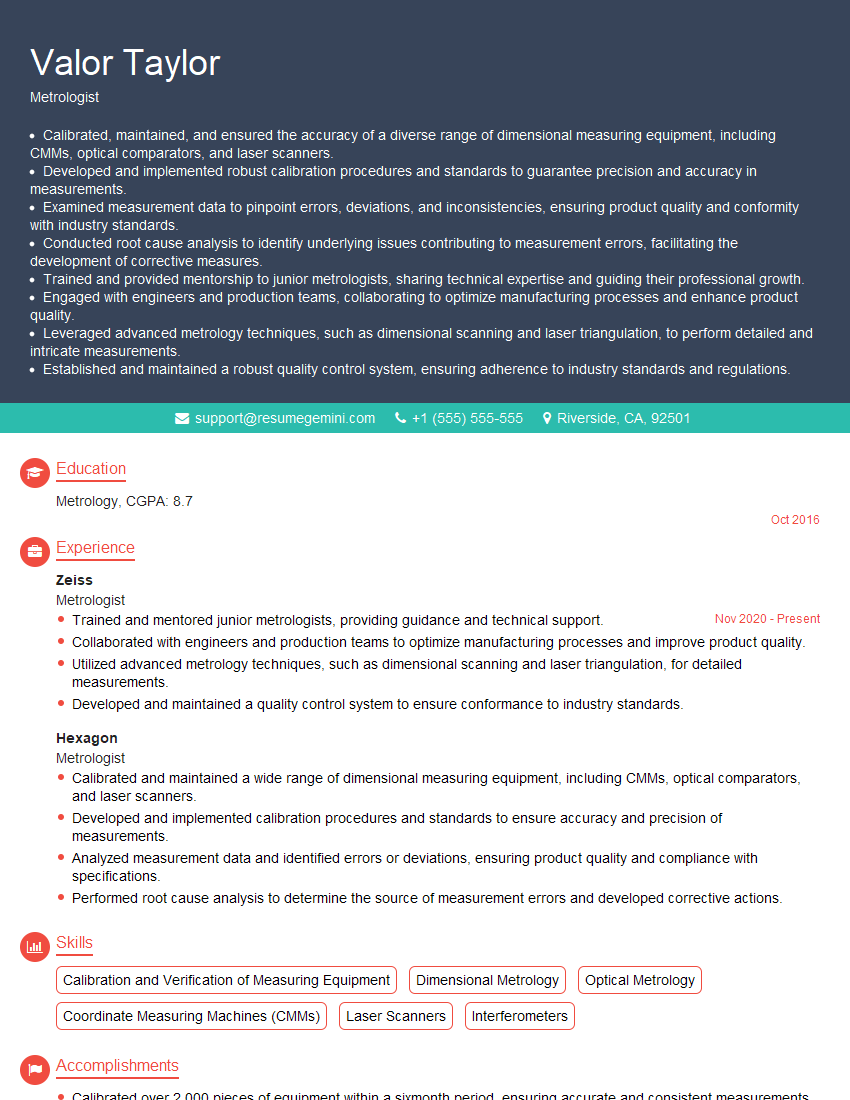
Metrologist Resume Sample
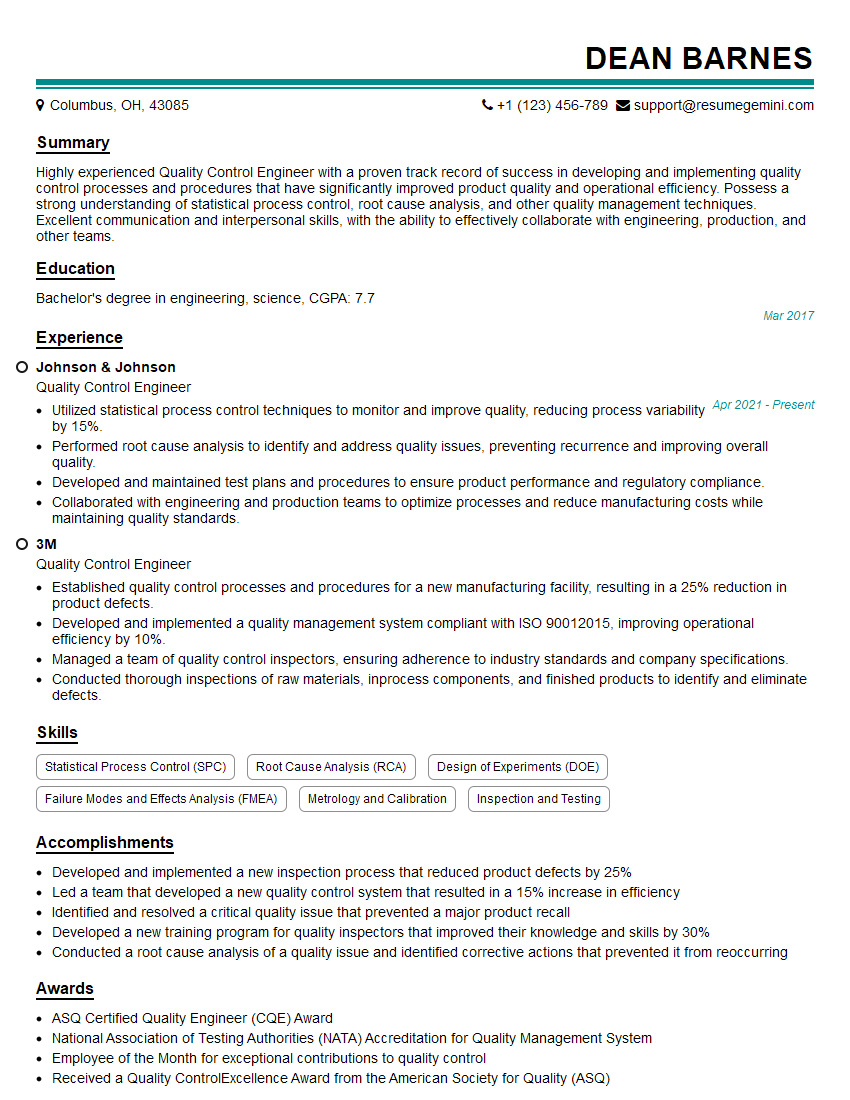
Quality Control Engineer Resume Sample

Quality Assurance Engineer Resume Sample
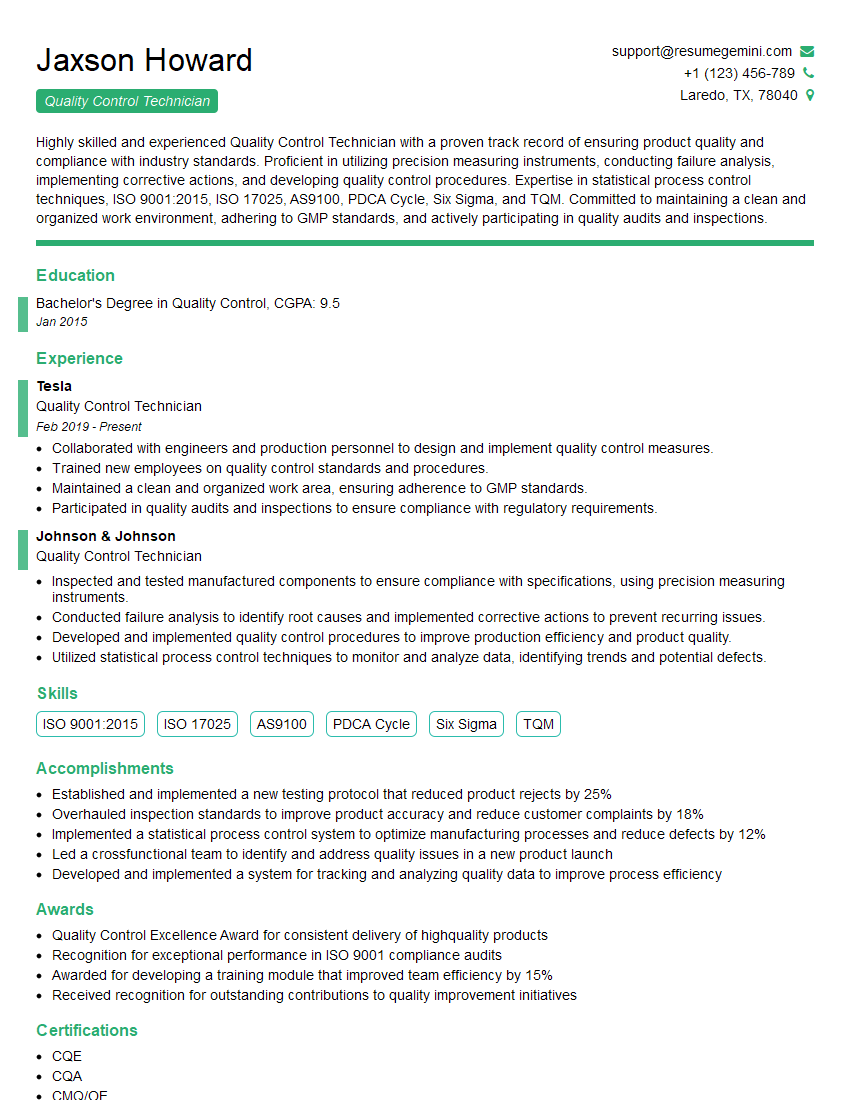
Quality Control Technician Resume Sample
Explore more articles
Users Rating of Our Blogs
Share Your Experience
We value your feedback! Please rate our content and share your thoughts (optional).
What Readers Say About Our Blog
I Redesigned Spongebob Squarepants and his main characters of my artwork.
https://www.deviantart.com/reimaginesponge/art/Redesigned-Spongebob-characters-1223583608
IT gave me an insight and words to use and be able to think of examples
Hi, I’m Jay, we have a few potential clients that are interested in your services, thought you might be a good fit. I’d love to talk about the details, when do you have time to talk?
Best,
Jay
Founder | CEO