Preparation is the key to success in any interview. In this post, we’ll explore crucial Vectorization interview questions and equip you with strategies to craft impactful answers. Whether you’re a beginner or a pro, these tips will elevate your preparation.
Questions Asked in Vectorization Interview
Q 1. Explain the concept of vectorization.
Vectorization is a powerful technique in computing where operations are performed on entire arrays or vectors of data at once, rather than on individual elements one by one. Think of it like this: instead of individually adding each apple in a basket to a larger pile, you pour the whole basket in at once. This massively speeds up computations, particularly when dealing with large datasets.
Instead of writing a loop to process each element, vectorization leverages specialized hardware instructions and optimized libraries to handle the computation in parallel. This approach eliminates the overhead of explicit looping, resulting in significantly faster execution.
Q 2. What are the benefits of using vectorization?
The benefits of vectorization are numerous and impactful, especially in data-intensive applications:
- Increased performance: Vectorization dramatically accelerates computations, leading to faster program execution, especially for large datasets.
- Improved code readability: Vectorized code is often more concise and easier to understand than its equivalent loop-based counterpart. It’s less cluttered and more focused on the mathematical operation itself.
- Reduced development time: Writing vectorized code usually requires less effort and time compared to implementing loops, contributing to faster development cycles.
- Better memory management: Vectorization can improve memory efficiency, as operations are performed on contiguous blocks of memory, reducing memory accesses and cache misses.
- Parallelization potential: Vectorized code is inherently well-suited for parallel processing, utilizing multiple CPU cores or specialized hardware like GPUs to boost performance even further.
Q 3. How does vectorization improve performance?
Vectorization improves performance primarily by exploiting parallelism and reducing the overhead associated with explicit looping. Modern CPUs have specialized instructions called SIMD (Single Instruction, Multiple Data) instructions, which can perform the same operation on multiple data points simultaneously. Vectorization allows these instructions to be used efficiently.
Looping involves repeated instructions, each requiring fetch-execute cycles, involving the processor’s control unit significantly. Vectorization bypasses these overheads by employing optimized libraries that leverage the SIMD capabilities, leading to a significant reduction in execution time.
Imagine adding two lists of numbers. Looping would add the numbers one by one. Vectorization would perform the addition across the whole list in a single step thanks to SIMD instructions.
Q 4. Compare and contrast vectorization with looping.
Vectorization and looping are both ways to process collections of data, but they differ significantly in their approach and efficiency:
- Looping: Processes data element by element, often involving explicit iteration using
fororwhileloops. It’s more verbose and often less efficient for large datasets. - Vectorization: Processes data in bulk using array operations. It leverages hardware-level parallelism to perform operations on multiple data points simultaneously, resulting in significantly improved performance.
Example: Calculating the square of each number in a list:
Looping:
numbers = [1, 2, 3, 4, 5]squares = []for num in numbers: squares.append(num**2)Vectorization (NumPy):
import numpy as npnumbers = np.array([1, 2, 3, 4, 5])squares = numbers**2The NumPy approach is significantly faster, especially for larger lists.
Q 5. Describe how vectorization works in NumPy.
NumPy, a cornerstone of scientific computing in Python, excels at vectorization. NumPy arrays are designed for efficient storage and manipulation of numerical data. Vectorized operations in NumPy are implemented using highly optimized functions that operate on entire arrays at once. They seamlessly utilize SIMD instructions to perform operations in parallel.
Example: Consider element-wise addition of two NumPy arrays:
import numpy as np a = np.array([1, 2, 3]) b = np.array([4, 5, 6]) c = a + b # Element-wise addition print(c) # Output: [5 7 9]This single line of code performs vectorized addition, much faster than equivalent loop-based code.
Q 6. Explain the role of SIMD in vectorization.
SIMD (Single Instruction, Multiple Data) is crucial for vectorization’s performance gains. SIMD instructions allow a single instruction to operate on multiple data points simultaneously. Modern CPUs have dedicated SIMD units that can perform these parallel operations, significantly speeding up computations.
Vectorization libraries like NumPy’s functions are cleverly written to utilize these SIMD capabilities. They break down array operations into chunks that are processed in parallel by the SIMD unit. The more data points the SIMD unit can handle at once (vector width), the greater the performance improvement from vectorization.
Q 7. How can you identify opportunities for vectorization in your code?
Identifying opportunities for vectorization involves recognizing patterns in your code where repetitive operations are performed on collections of data. Look for these clues:
- Loops iterating over arrays or lists performing similar operations on each element: These are prime candidates for vectorization.
- Mathematical operations on arrays or lists (addition, subtraction, multiplication, division, etc.): These are naturally parallelizable and benefit greatly from vectorization.
- Sequences of operations applied to each element consistently: Operations that can be streamlined into a single vectorized function are particularly beneficial.
Profiling tools can help pinpoint performance bottlenecks. Once you’ve identified a loop-intensive section of code, consider if the operations within the loop are consistent and could be vectorized using a library like NumPy. For instance, if you’re processing image data, pixel-wise operations are great candidates for vectorization.
Q 8. What are the limitations of vectorization?
While vectorization offers significant performance boosts, it’s not a silver bullet. Its limitations stem primarily from the nature of the data and the operations involved.
- Data Dependencies: Vectorization thrives on independent operations. If one calculation depends on the result of a previous one within a loop, vectorization becomes difficult or impossible. Think of a loop where each element’s value is calculated based on the preceding element – this inherent dependency prevents parallel processing.
- Irregular Data Structures: Vectorization is most efficient with regularly structured data like arrays and matrices. Working with sparse matrices or irregularly shaped data can significantly reduce the benefits, even negating them completely. Specialized algorithms or techniques might be necessary.
- Conditional Statements: Conditional statements (
if-elseblocks) inside loops disrupt the parallel processing nature of vectorization. The processor needs to determine the branch to take for each element, losing much of the efficiency gain. - Hardware Limitations: The degree of vectorization achievable is constrained by the hardware’s capabilities. The length of SIMD (Single Instruction, Multiple Data) vectors, available registers, and the vector instruction set all impact performance. A highly vectorized algorithm might not yield significant gains on older or less powerful hardware.
- Code Complexity: While libraries like NumPy simplify vectorized operations, achieving optimal vectorization can sometimes lead to less readable and more difficult-to-maintain code, especially for complex algorithms.
Q 9. How does vectorization affect memory usage?
Vectorization’s impact on memory usage is a double-edged sword. On one hand, it can lead to reduced memory usage in certain scenarios. This is because vectorized operations often work directly on contiguous blocks of memory, minimizing the need for intermediate data storage. For example, consider multiplying two vectors; a loop-based approach might store intermediate results, whereas a vectorized approach performs the calculation directly, often utilizing cache efficiently.
However, in other instances, vectorization might increase memory usage. This typically happens when it involves creating temporary arrays or copies of data to facilitate parallel computations. The extent of the increase depends on the specific algorithm and the size of the data involved. It’s important to consider the trade-off between memory consumption and the performance improvements achieved.
Q 10. How can you measure the performance gains from vectorization?
Measuring performance gains from vectorization requires careful benchmarking. Simply comparing execution times before and after vectorization is crucial, but a robust approach involves:
- Timing: Use tools like Python’s
timemodule or more sophisticated profilers to accurately measure the execution time of both the loop-based and vectorized versions of your code. - Multiple Runs and Averaging: Run each version multiple times and calculate the average execution time to reduce the impact of random fluctuations.
- Different Data Sizes: Test with varying data sizes to observe how the performance gain scales. This helps to understand whether the vectorization is truly beneficial or only advantageous for a specific scale.
- Profiling Tools: More advanced profiling tools can pinpoint bottlenecks and show you where the time is spent in the code, allowing a deeper understanding of the performance improvements. These tools can reveal which parts of the code are being efficiently vectorized and which parts still present performance challenges.
For instance, let’s say a loop takes 10 seconds, and the vectorized version completes in 1 second. This represents a 10x speedup, showcasing the success of the optimization.
Q 11. Explain vectorization in the context of matrix operations.
In matrix operations, vectorization shines. Instead of processing matrix elements one by one with nested loops, vectorization treats entire rows or columns (or even larger blocks) as single units. This allows for parallel processing, significantly accelerating computations.
For example, adding two matrices: a loop-based approach would iterate through each element individually, while a vectorized approach (e.g., using NumPy in Python) would add corresponding vectors (rows or columns) simultaneously. This parallel processing leverages SIMD instructions of the CPU, leading to dramatic performance improvements.
import numpy as np # Loop-based addition matrix1 = [[1, 2], [3, 4]] matrix2 = [[5, 6], [7, 8]] result_loop = [[0, 0], [0, 0]] for i in range(2): for j in range(2): result_loop[i][j] = matrix1[i][j] + matrix2[i][j] # Vectorized addition matrix1_np = np.array(matrix1) matrix2_np = np.array(matrix2) result_vectorized = matrix1_np + matrix2_np print(result_loop) # Output: [[6, 8], [10, 12]] print(result_vectorized) # Output: [[6 8] [10 12]]
Vectorization isn’t limited to addition; it applies equally well to other matrix operations like multiplication, transposition, and many more. Libraries like BLAS and LAPACK are optimized for this kind of vectorized matrix manipulation.
Q 12. How does vectorization impact code readability?
Vectorization’s impact on code readability is a trade-off. While vectorized code using specialized libraries like NumPy can be concise and elegant (once you’re familiar with the library), it can be less immediately intuitive for those unfamiliar with the underlying vector operations. A simple loop might be easier to understand at first glance, but its performance will be far lower for large datasets.
Therefore, the choice involves balancing readability and performance. Well-commented vectorized code, along with a clear explanation of the approach used, can mitigate the readability challenges.
For example, a simple loop to sum a list might be easily understood, but the equivalent NumPy solution (np.sum(my_list)) is much more concise and performant, though it requires familiarity with NumPy.
Q 13. How can you vectorize code written using for loops?
Vectorizing code written with for loops often involves using libraries designed for vector operations, like NumPy in Python or similar libraries in other languages. The key is to identify the core computations within the loop that can be performed on multiple elements simultaneously.
Let’s illustrate with a simple example:
import numpy as np # Loop-based approach data = list(range(10)) squared_data_loop = [] for x in data: squared_data_loop.append(x**2) # Vectorized approach data_np = np.array(data) squared_data_vectorized = data_np**2 print(squared_data_loop) # Output: [0, 1, 4, 9, 16, 25, 36, 49, 64, 81] print(squared_data_vectorized) # Output: [ 0 1 4 9 16 25 36 49 64 81]
In this case, the element-wise squaring is easily replaced by a single NumPy operation, eliminating the loop entirely and greatly improving performance, especially for larger datasets.
Q 14. Describe different vectorization techniques.
Several techniques contribute to efficient vectorization:
- SIMD Instructions: This is the core of vectorization. SIMD (Single Instruction, Multiple Data) instructions allow a single instruction to operate on multiple data elements simultaneously. The CPU’s architecture dictates the available SIMD capabilities and the length of the vectors it can handle.
- Loop Unrolling: This technique replicates the loop body multiple times, reducing loop overhead. It’s often used in conjunction with SIMD instructions, enhancing parallelism.
- Data Alignment: Ensuring that data is aligned to memory addresses that are multiples of the vector length is crucial for efficient SIMD operations. Misaligned data can drastically decrease performance.
- Compiler Optimizations: Modern compilers are often capable of automatically vectorizing code to some extent, depending on the compiler settings and the nature of the code. Compiler flags can often be used to tune this optimization.
- Library Functions: Libraries such as NumPy (Python), Eigen (C++), or similar highly-optimized libraries provide pre-vectorized functions for common operations like matrix multiplications, FFTs (Fast Fourier Transforms), and other mathematical operations. These leverage highly optimized low-level implementations.
- Auto-vectorization: Modern compilers can automatically vectorize loops if certain conditions are met, like absence of dependencies between iterations. Using compiler flags like
-O3in GCC or Clang can encourage this optimization.
The best choice of technique depends heavily on the specific application, hardware constraints, and the programming language used. Often a combination of techniques is employed for the best performance.
Q 15. Discuss the trade-offs between vectorization and other optimization strategies.
Vectorization, the process of performing operations on multiple data points simultaneously, offers significant speedups but involves trade-offs. Compared to traditional scalar processing (one operation at a time), it excels in performance for computationally intensive tasks involving large datasets. However, it might not be the optimal strategy for all scenarios.
- Memory Access Patterns: Vectorized code often benefits from contiguous memory access. If your data is scattered, the performance gains might be diminished due to memory access overhead, making other optimization techniques like loop unrolling or caching strategies more suitable.
- Algorithm Suitability: Not all algorithms lend themselves easily to vectorization. Algorithms with complex branching logic or irregular data dependencies might see minimal benefit or even performance degradation compared to scalar approaches.
- Code Complexity: While vectorization leads to performance improvements, the code itself can become more complex and less readable, particularly when dealing with intricate data structures or operations. The increased complexity might necessitate more debugging and maintenance effort.
- Hardware Dependence: The effectiveness of vectorization hinges heavily on the underlying hardware architecture. A code that’s heavily optimized for vectorization on one processor might not perform as well on another.
For instance, imagine processing a large image. Vectorization shines when applying a filter, as the same operation can be applied to many pixels concurrently. However, if you need to handle individual pixels based on specific conditions (e.g., edge detection with variable thresholds), a scalar approach might be more efficient or easier to implement.
Career Expert Tips:
- Ace those interviews! Prepare effectively by reviewing the Top 50 Most Common Interview Questions on ResumeGemini.
- Navigate your job search with confidence! Explore a wide range of Career Tips on ResumeGemini. Learn about common challenges and recommendations to overcome them.
- Craft the perfect resume! Master the Art of Resume Writing with ResumeGemini’s guide. Showcase your unique qualifications and achievements effectively.
- Don’t miss out on holiday savings! Build your dream resume with ResumeGemini’s ATS optimized templates.
Q 16. How does vectorization relate to parallel processing?
Vectorization and parallel processing are closely intertwined. Vectorization itself is a form of data-level parallelism, where multiple data elements are processed simultaneously within a single instruction. Modern processors achieve this using specialized hardware like SIMD (Single Instruction, Multiple Data) units.
Parallel processing, on the other hand, is a broader concept encompassing multiple processing units working concurrently on different parts of a problem. Vectorization can be a crucial component within a parallel processing system. For example, in a multi-core CPU, each core could execute vectorized instructions independently, resulting in significant overall speedup. Furthermore, GPUs are massively parallel architectures built upon vector processing units, making vectorization a cornerstone of GPU programming.
Consider multiplying two large matrices. A naive scalar approach is incredibly slow. Vectorization allows us to multiply multiple elements simultaneously, and parallel processing can distribute the matrix operations across multiple cores or even GPUs, massively accelerating the computation.
Q 17. What are some common performance bottlenecks that vectorization can address?
Vectorization directly tackles several performance bottlenecks, primarily those involving repetitive computations on large datasets:
- Loop Overhead: Traditional loops involve repeated branching and instruction fetches. Vectorization significantly reduces this overhead by performing operations on multiple data points with a single instruction.
- Memory Access Bottlenecks: Vectorized operations often improve data locality, leading to fewer cache misses and faster memory access. This is especially crucial when dealing with large arrays or matrices.
- Computational Intensity: The inherent parallelism of vectorization makes it ideal for computationally intensive tasks like image processing, scientific simulations, and machine learning algorithms where numerous calculations are performed repeatedly.
For example, in image filtering, applying a filter to each pixel individually is slow. Vectorization allows the filter to be applied to multiple pixels simultaneously, dramatically speeding up processing.
Q 18. Explain how to handle irregular data structures in vectorized operations.
Handling irregular data structures in vectorized operations presents a challenge, as vectorization thrives on regularity. However, several strategies can mitigate this issue:
- Padding: Add extra elements to irregular structures to make them regular. This might increase memory usage but simplifies vectorization.
- Conditional Vectorization: Use conditional statements (e.g., masking) within vectorized instructions to selectively perform operations on specific elements, handling irregularities without losing the vectorization benefits.
- Data restructuring: Rearrange the data into a more regular structure before vectorization. This might require extra pre-processing, but it can lead to significant improvements in performance.
- Sparse Matrix Representations: For sparse data, use specialized data structures like Compressed Sparse Row (CSR) or Compressed Sparse Column (CSC) that store only non-zero elements. Algorithms designed for these representations can leverage vectorization efficiently.
Imagine processing a ragged array (an array of arrays with varying lengths). Padding it with null values to achieve uniformity allows for efficient vectorized operations on each row, though you’d need to handle the nulls appropriately during computation.
Q 19. How can you optimize vectorized code for specific hardware architectures?
Optimizing vectorized code for specific hardware architectures requires understanding the instruction sets and capabilities of the target processor. Key strategies include:
- Instruction Set Extensions: Utilize processor-specific instruction sets like AVX (Advanced Vector Extensions) or NEON, which provide specialized instructions for vector operations. The choice of instruction set depends on the target architecture (e.g., x86, ARM).
- Data Alignment: Ensure that data is aligned to memory boundaries that are optimal for the vector unit. Misaligned data can significantly reduce performance. Compilers often offer options to control data alignment.
- Loop Unrolling and Fusion: Combine multiple vectorized loops to reduce overhead. Loop unrolling can improve instruction-level parallelism. Compilers and optimizers often handle these automatically but sometimes need manual intervention.
- Compiler Optimizations: Leverage compiler flags and optimization levels to enable vectorization. Options like
-O3(for GCC/clang) or similar options in other compilers often significantly improve vectorization. It is often helpful to inspect the generated assembly code to observe the effectiveness of the optimizations.
Example: If targeting AVX-512, your code should be designed to leverage the 512-bit wide vector registers efficiently. This requires careful consideration of data types and operation choices.
Q 20. Describe vectorization in the context of GPUs.
GPUs are massively parallel processors designed for vector operations. Their architecture is fundamentally different from CPUs, featuring thousands of smaller cores optimized for SIMD operations. Vectorization is essential for effective GPU programming.
GPU programming frameworks like CUDA (Nvidia) and OpenCL provide mechanisms to express vector operations using specialized kernels. These kernels are executed in parallel across numerous cores, processing large datasets concurrently. Data is often organized in arrays or tensors, ideal for vectorized processing.
The massive parallelism of GPUs makes vectorization extremely important in GPU programming. Tasks like matrix multiplication, image processing, and deep learning heavily rely on vectorization for optimal performance. A well-vectorized GPU kernel can achieve orders of magnitude faster performance compared to CPU-based implementations for these types of problems.
Q 21. How does vectorization impact data type choices?
Vectorization significantly impacts data type choices. Using smaller data types (e.g., int8, float16) generally increases the number of data elements that can be processed simultaneously within a single vector register. This leads to higher throughput but might reduce precision.
However, larger data types (e.g., float64, double) are necessary when high precision is critical. The trade-off lies in balancing computational speed with accuracy requirements. The best data type depends on the application. In machine learning, for instance, using float16 (half-precision) is often a viable compromise between speed and precision, especially in training large models.
The choice of data type directly affects the efficiency of vectorized operations. For example, using int32 instead of int8 when processing images might result in fewer elements per vector, leading to a decrease in performance. Careful consideration of the data type and its impact on both precision and vectorization efficiency is important during code development.
Q 22. Explain the role of broadcasting in vectorization.
Broadcasting is a powerful mechanism in vectorization that allows operations between arrays of different shapes. Imagine you have a 10×10 matrix and you want to add a single number (a scalar) to every element. Instead of looping through each element, broadcasting automatically expands the scalar to match the matrix’s dimensions, performing the addition element-wise. This happens implicitly in many libraries like NumPy in Python. Similarly, if you have a 10×10 matrix and a 10×1 vector, broadcasting will effectively replicate the vector across all rows to perform element-wise operations. The key is that the dimensions must be either compatible (same size or one is 1) or one of the dimensions must be 1 for broadcasting to work seamlessly. Improper dimensions will lead to a broadcasting error.
For instance, adding a scalar to a NumPy array:
import numpy as np
arr = np.array([[1, 2], [3, 4]])
scalar = 5
result = arr + scalar  # Broadcasting adds 5 to each element
Or adding a row vector to a matrix:
row_vec = np.array([10, 20])
result = arr + row_vec #Broadcasting adds row_vec to each row of arr.
Q 23. What are some common pitfalls to avoid when using vectorization?
Several pitfalls can hinder effective vectorization. One common mistake is neglecting data type consistency. If you’re performing operations on arrays with mismatched data types (e.g., mixing integers and floats), you might encounter unexpected results or performance bottlenecks due to implicit type conversions. Another pitfall is overlooking memory layout and cache effects. Vectorized operations work best when data is contiguous in memory, allowing the processor to efficiently fetch and process it. Non-contiguous data can lead to reduced performance gains.
Another significant problem is forgetting to check for broadcasting compatibility before carrying out operations. If the shapes are not compatible and broadcasting is not possible, your code might throw an error or produce incorrect results. Also, over-vectorizing can sometimes be counterproductive. While vectorization is generally beneficial, extremely complex operations might benefit more from a more granular approach. Finally, the libraries you use also greatly impact this. A poorly optimized library might lead to reduced performance despite perfectly vectorized code.
Always ensure your data is properly aligned for optimal performance. Avoid implicit type conversions. Verify broadcasting rules and consider the performance implications when choosing between iterative and vectorized approaches for each segment of your code.
Q 24. How can you debug vectorized code effectively?
Debugging vectorized code requires a different approach than debugging scalar code because you are working with entire arrays at once. Traditional print statements for checking intermediate results can be less effective because you’ll get a full array output and it’s difficult to pinpoint issues from there. Use tools like debuggers, profilers, and specialized visualization techniques. Profilers like those available in Python (cProfile) can help identify bottlenecks. Debuggers, even those in IDEs, allow step-by-step execution and inspection of array values at various points. It’s especially helpful to examine the shapes and sizes of your arrays and whether the broadcasting rules have been respected or not.
When errors occur, pay close attention to error messages, which often provide crucial clues about shape mismatches, type errors, or memory allocation issues. Consider breaking down complex vectorized operations into smaller, more manageable chunks to isolate the source of problems. Start by verifying that your input data is correctly formatted and the necessary libraries are properly configured and imported.
Q 25. How can you profile your code to identify areas for vectorization?
Profiling helps identify sections of your code that are slowing down execution, and that might benefit from vectorization. Profilers measure the execution time of different code sections to find performance bottlenecks. Many programming languages (Python, C++, R) provide profiling tools or libraries. In Python, cProfile or line profilers can be useful. In C++, you might use tools like gprof. R has built-in profiling capabilities. These tools usually give you a detailed breakdown of function call times, allowing you to pinpoint computationally intensive sections. Then you can examine these sections to see if they can be rewritten using vectorized operations. In addition to measuring execution time, profilers can often provide details on memory usage, helping identify memory-bound operations that may be candidates for optimization. Look out for sections with high execution times and large memory footprints which are best candidates for vectorization.
Q 26. Discuss the use of vectorization in different programming languages (e.g., Python, C++, R).
Vectorization is supported in many languages, each with its own approach and libraries. Python relies heavily on NumPy, offering a vast array of vectorized functions for array operations. NumPy leverages efficient underlying C implementations to provide significant speed advantages compared to explicit loops. C++ uses libraries like Eigen and Blitz++, providing similar vectorized operations and focusing on performance optimizations. These often leverage SIMD (Single Instruction, Multiple Data) instructions for parallel processing. R, with its data manipulation focus, employs vectorized operations implicitly through its base functionality and packages like data.table which enhance data handling and allow for high-performance computations on large datasets.
The core concept remains consistent—performing operations on entire arrays instead of individual elements—but the specific implementation and syntax vary according to language and the available libraries.
#Example in Python with NumPy import numpy as np a = np.array([1, 2, 3]) b = np.array([4, 5, 6]) c = a + b # Element-wise additionQ 27. How does vectorization impact the scalability of your algorithms?
Vectorization dramatically improves the scalability of algorithms. By leveraging parallel processing capabilities of modern hardware (SIMD instructions, multi-core processors), vectorized operations handle larger datasets significantly faster than iterative approaches. As the size of the data increases, the performance gap between vectorized and scalar code widens considerably. Vectorization minimizes the overhead associated with explicit looping and branching, leading to better performance, especially for large datasets. This is because vector instructions operate on multiple data points simultaneously, resulting in reduced execution time. This is crucial in big data and machine learning applications where the datasets are often enormous, and the computational burden is substantial. However, note that for very small datasets, the overhead of setting up vectorized operations might outweigh their benefits.
Key Topics to Learn for Vectorization Interview
- Fundamentals of Vectorization: Understanding the core concept, its benefits (speed and efficiency), and how it differs from scalar operations.
- Vectorization in NumPy (Python): Mastering array operations, broadcasting, and efficient use of NumPy functions for vectorized computations. Practical application: Image processing, data analysis.
- Vectorization in other languages/libraries: Exploring vectorization techniques in languages like R (with its vectorized nature) or utilizing libraries like Eigen (C++) for optimized linear algebra.
- Performance Analysis: Understanding how to measure and compare the performance of vectorized vs. non-vectorized code. Tools and techniques for profiling and optimization.
- Memory Management and Optimization: Efficient memory usage in vectorized operations to avoid bottlenecks and maximize performance. Understanding the impact of data structures.
- Parallelism and Vectorization: Exploring the synergy between vectorization and parallel processing (e.g., using multiple CPU cores or GPUs) for significant speed improvements.
- SIMD Instructions and Architectures: Gaining a high-level understanding of Single Instruction, Multiple Data (SIMD) instructions and how they relate to hardware acceleration of vectorized code.
- Limitations of Vectorization: Identifying scenarios where vectorization might not be the most efficient approach and understanding alternative strategies.
Next Steps
Mastering vectorization significantly enhances your problem-solving skills and opens doors to high-demand roles in data science, machine learning, and high-performance computing. A strong understanding of vectorization is highly valued by employers, making you a more competitive candidate. To boost your job prospects, it’s crucial to have an ATS-friendly resume that clearly showcases your skills and experience. ResumeGemini is a trusted resource to help you build a professional and impactful resume. We provide examples of resumes tailored to Vectorization expertise to help guide you. Use ResumeGemini to create a resume that makes a lasting impression on potential employers!

Financial Engineer Resume Sample

Quantitative Analyst Resume Sample
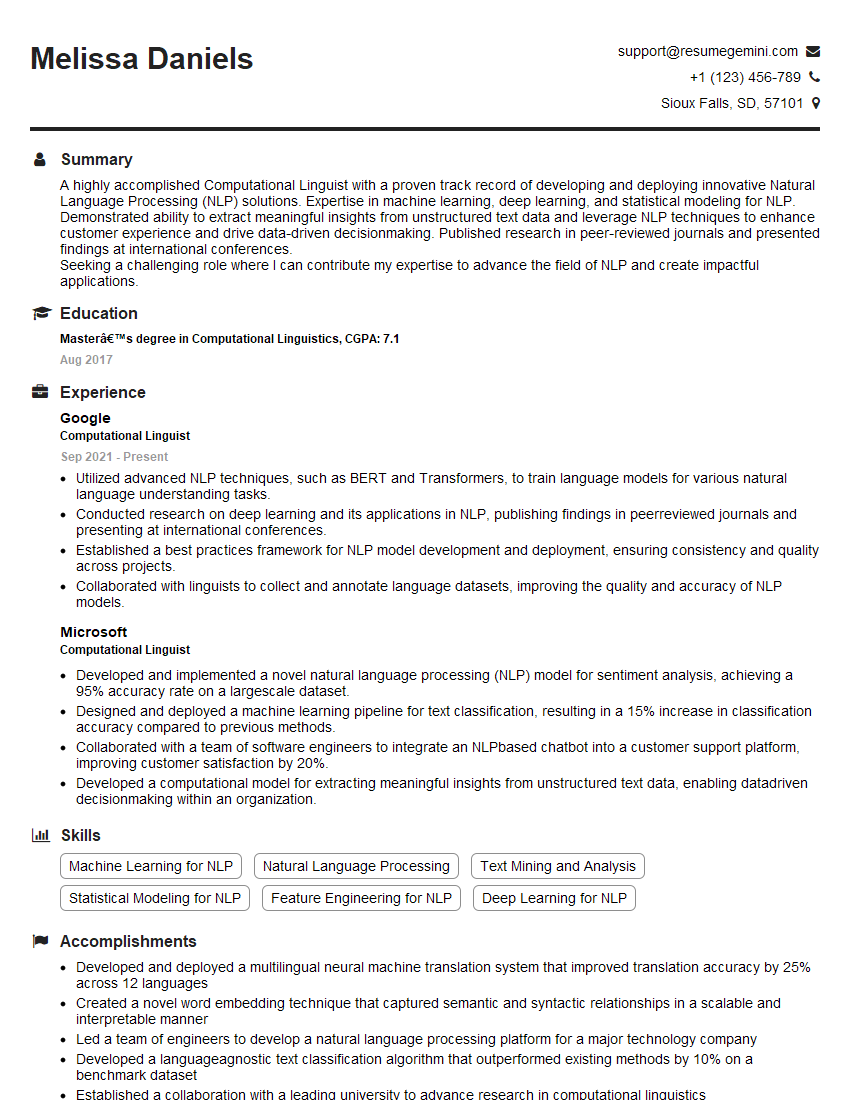
Computational Linguist Resume Sample

Data Scientist Resume Sample

Research Scientist Resume Sample

Software Engineer Resume Sample

Geospatial Analyst Resume Sample
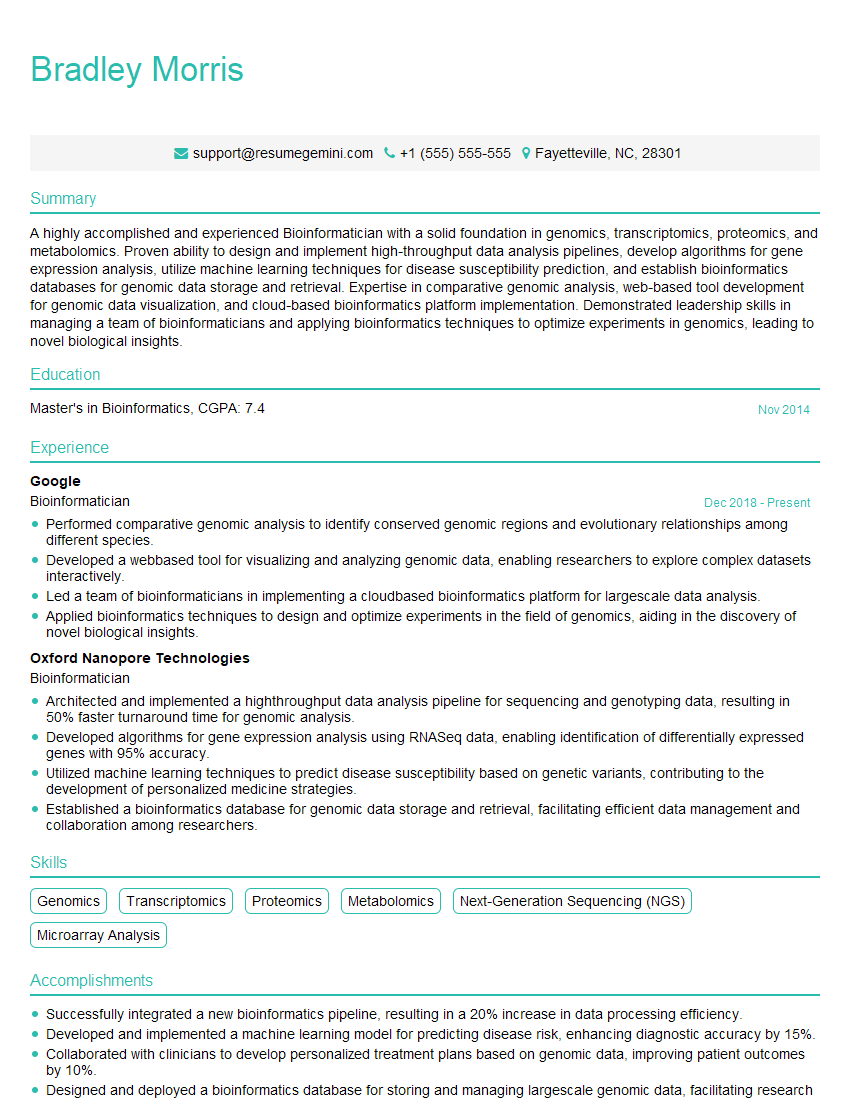
Bioinformatician Resume Sample

Robotics Engineer Resume Sample
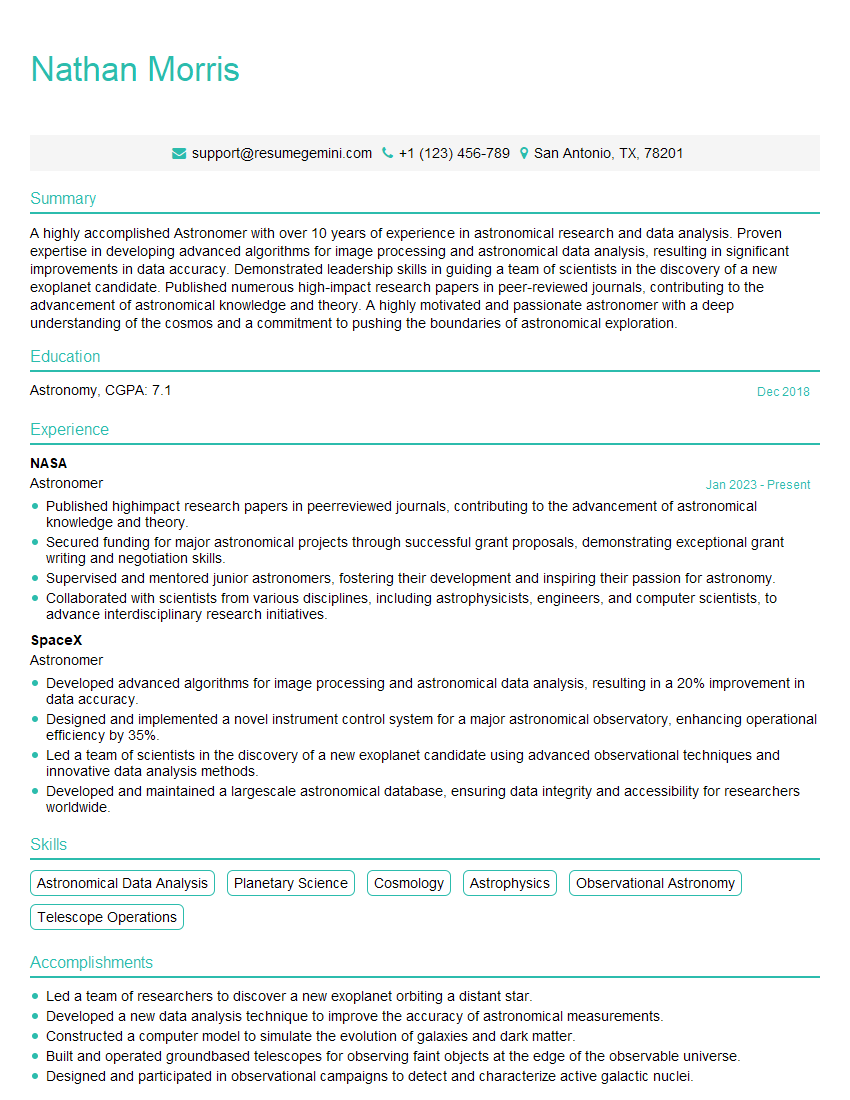
Astronomer Resume Sample

Meteorologist Resume Sample

Database Administrator Resume Sample

Machine Learning Engineer Resume Sample

Cloud Engineer Resume Sample
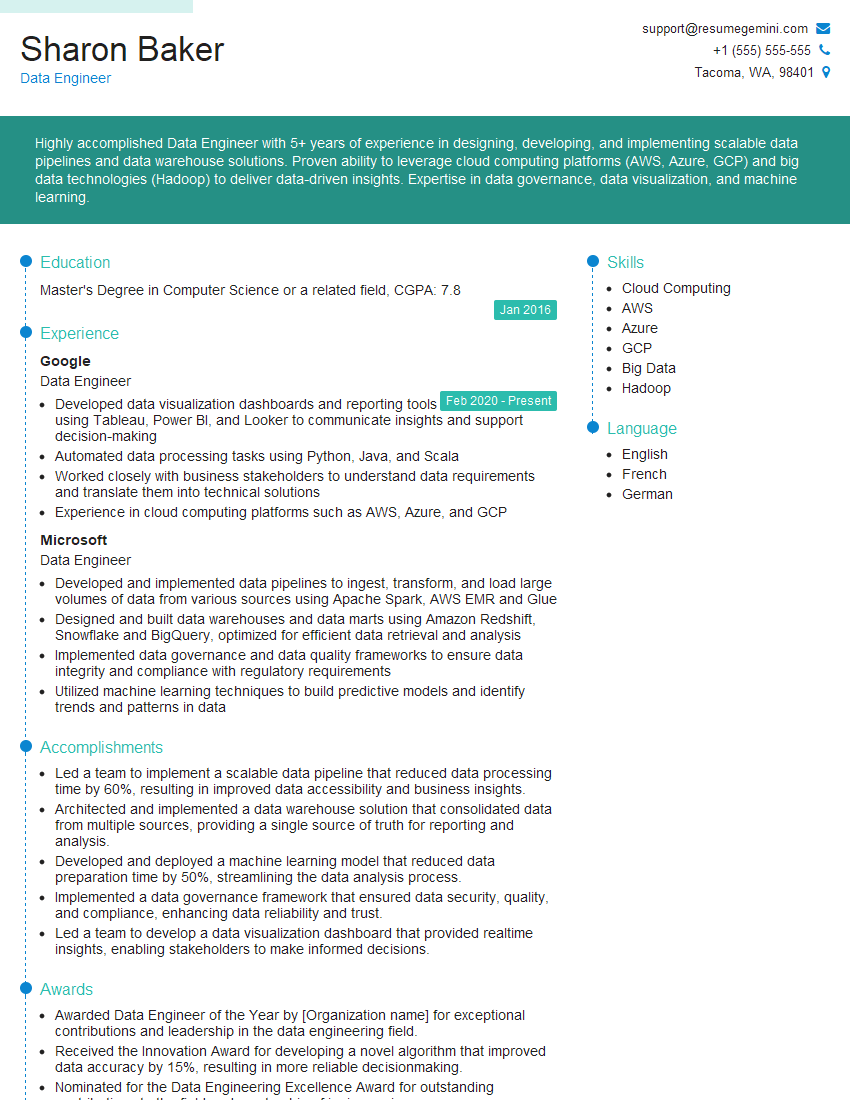
Data Engineer Resume Sample
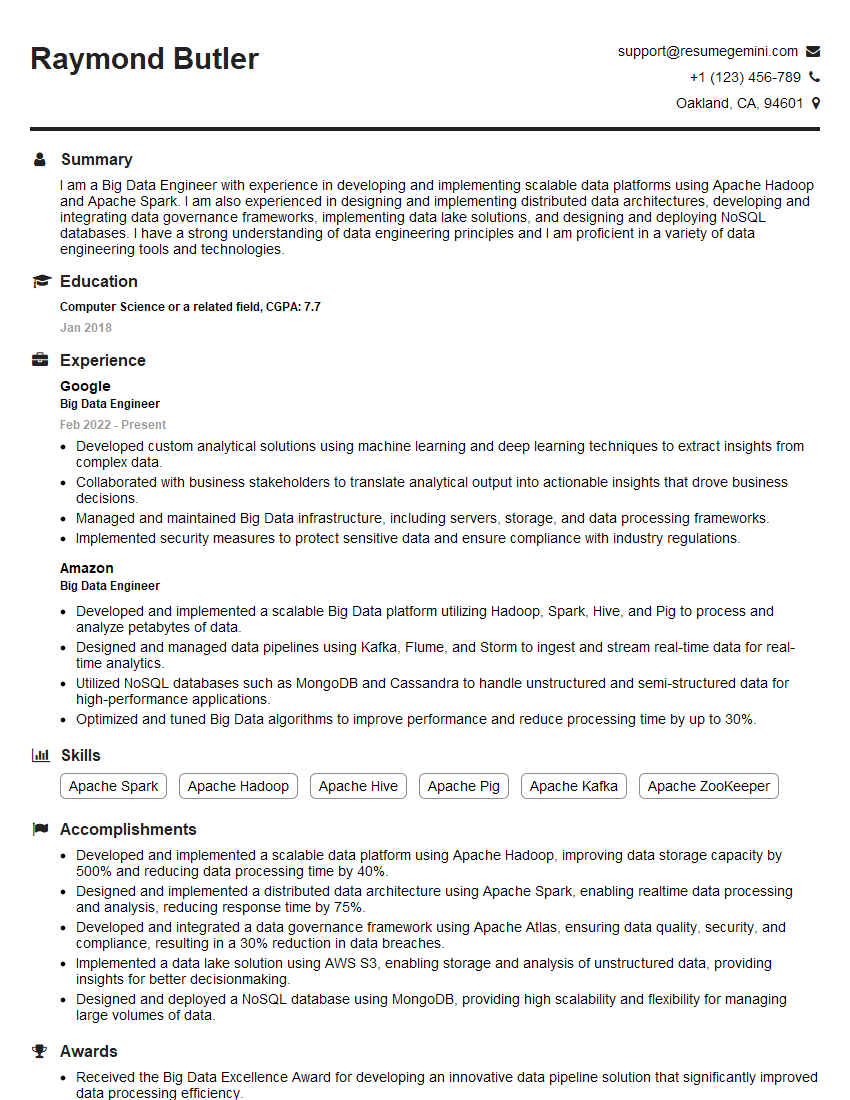
Big Data Engineer Resume Sample
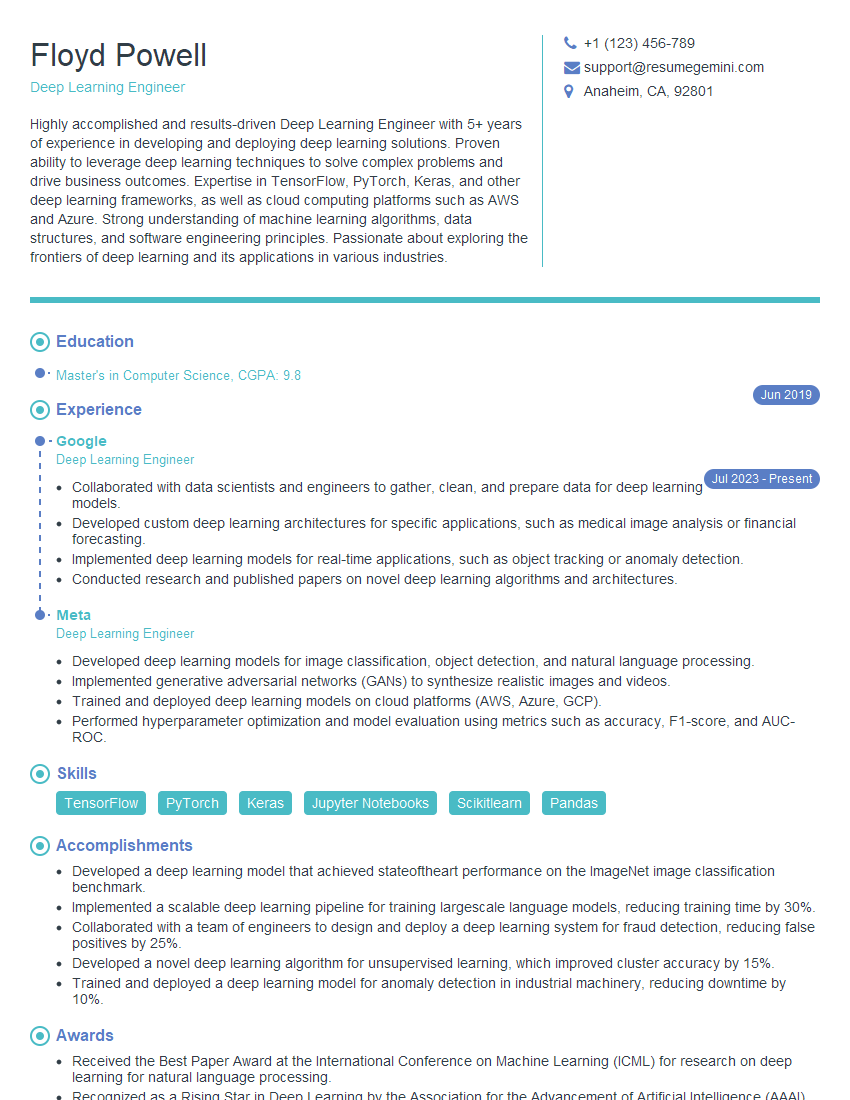
Deep Learning Engineer Resume Sample
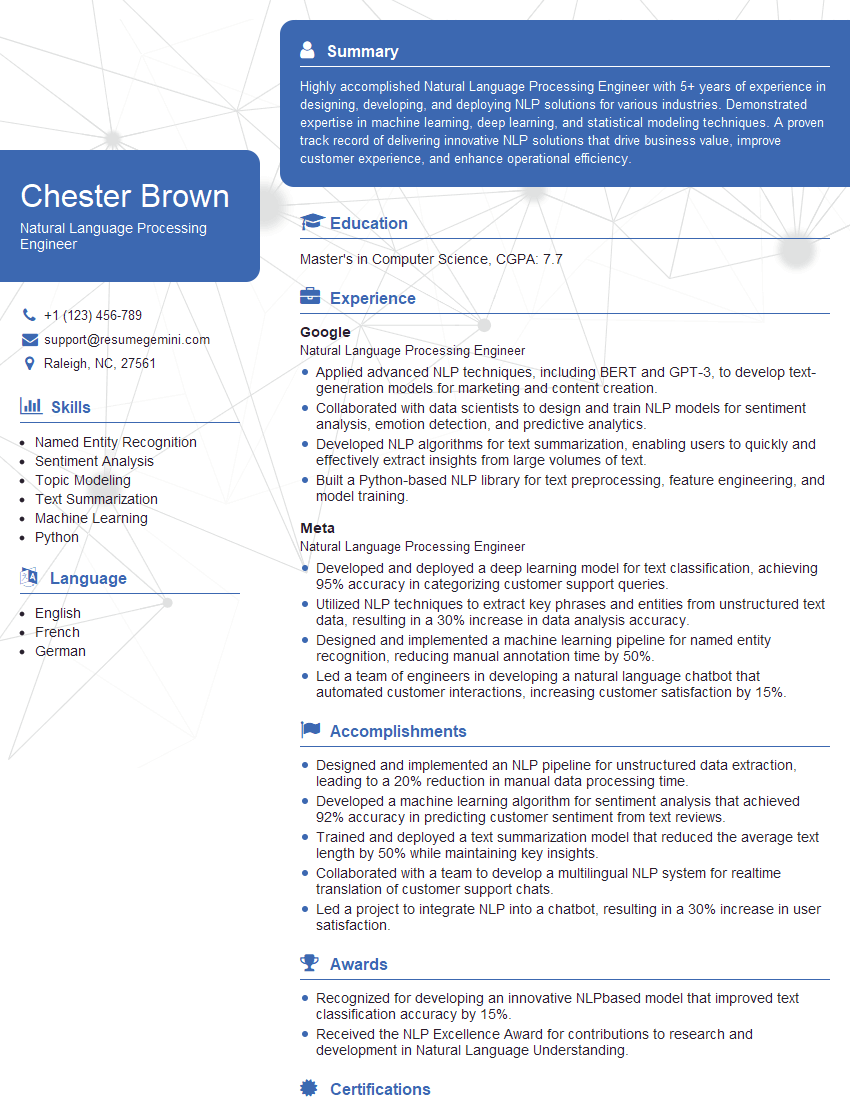
Natural Language Processing Engineer Resume Sample

Computer Vision Engineer Resume Sample
- Financial Engineer
- Quantitative Analyst
- Computational Linguist
- Data Scientist
- Research Scientist
- Software Engineer
- Geospatial Analyst
- Bioinformatician
- Robotics Engineer
- Astronomer
- Meteorologist
- Database Administrator
- Machine Learning Engineer
- Cloud Engineer
- Data Engineer
- Big Data Engineer
- Deep Learning Engineer
- Natural Language Processing Engineer
- Computer Vision Engineer
Explore more articles
Users Rating of Our Blogs
Share Your Experience
We value your feedback! Please rate our content and share your thoughts (optional).
What Readers Say About Our Blog
I Redesigned Spongebob Squarepants and his main characters of my artwork.
https://www.deviantart.com/reimaginesponge/art/Redesigned-Spongebob-characters-1223583608
IT gave me an insight and words to use and be able to think of examples
Hi, I’m Jay, we have a few potential clients that are interested in your services, thought you might be a good fit. I’d love to talk about the details, when do you have time to talk?
Best,
Jay
Founder | CEO