Cracking a skill-specific interview, like one for Fast and Efficient Typing Speed, requires understanding the nuances of the role. In this blog, we present the questions you’re most likely to encounter, along with insights into how to answer them effectively. Let’s ensure you’re ready to make a strong impression.
Questions Asked in Fast and Efficient Typing Speed Interview
Q 1. What is your typing speed in words per minute (WPM)?
My typing speed consistently averages around 100 words per minute (WPM). This isn’t just a peak speed achieved under ideal conditions; it’s a sustainable rate I can maintain for extended periods, crucial for meeting deadlines and maintaining productivity. I’ve regularly tested this using various online typing tests and through my daily work, which involves extensive document creation and editing.
Q 2. What is your typing accuracy percentage?
My typing accuracy usually hovers around 98-99%. This high accuracy is the result of years of practice focusing on proper technique and error correction. While speed is important, accuracy is paramount to ensure the integrity of my work. A small number of errors are inevitable, but I actively work to minimize them.
Q 3. What typing techniques do you use to maintain speed and accuracy?
Maintaining both speed and accuracy requires a holistic approach. My techniques include:
- Touch typing: I never look at the keyboard. This allows me to focus on the text, improving both speed and accuracy. It’s like learning to ride a bike – initially challenging, but eventually becomes second nature.
- Proper posture and hand placement: Maintaining a relaxed but upright posture and correctly positioning my fingers on the home row (ASDF JKL;) prevents strain and improves efficiency.
- Rhythm and flow: I strive for a consistent typing rhythm, avoiding jerky movements. This is like playing a musical instrument; the smoother the flow, the better the outcome.
- Minimizing unnecessary movements: I focus on using the most efficient finger for each key, reducing wasted time and motion.
Q 4. Describe your experience with different keyboard layouts (e.g., QWERTY, Dvorak).
My primary experience is with the QWERTY layout, which is the most common. However, I have experimented with Dvorak. While Dvorak’s purported ergonomic advantages are interesting, the substantial learning curve and the rarity of Dvorak keyboards in professional settings make sticking with QWERTY more practical. The time investment required to switch to Dvorak and become proficient would outweigh the potential benefits in my current workflow. Understanding different layouts, however, broadens my perspective on typing efficiency and human-computer interaction.
Q 5. How do you handle typos and errors during typing?
Handling typos and errors is a crucial part of efficient typing. My approach is a combination of:
- Immediate correction: I correct errors as soon as I notice them, rather than waiting until the end. This avoids compounding mistakes and keeps my workflow smooth.
- Proofreading: After completing a document, I always proofread carefully, often using spell-check and grammar tools to catch any remaining errors. Think of it as a quality control step in a manufacturing process.
- Contextual awareness: I don’t just rely on spell-check. I read the text to ensure it makes sense and conveys the intended meaning. A perfectly spelled sentence can still be grammatically incorrect or illogical.
Q 6. What software or tools do you use to improve your typing skills?
Throughout my journey to improve typing skills, I’ve utilized several software and tools. Online typing tutors, such as TypingClub and Keybr, provide structured lessons and personalized feedback. These tools helped me identify and address weaknesses in my technique. I also regularly use the built-in spell and grammar checkers in word processing software. These tools are not a replacement for careful proofreading, but they definitely add a layer of accuracy control.
Q 7. How do you adapt your typing speed to different document types (e.g., emails, reports, legal documents)?
Adapting typing speed to different document types is essential for effective communication. For emails, speed and conciseness are key. I type quickly and efficiently, focusing on clear and direct language. Reports often require more careful consideration of wording and formatting; I might slow down slightly to ensure accuracy and a professional presentation. Legal documents demand the utmost precision; my typing speed might be slightly slower, but accuracy and meticulous proofreading are prioritized. Essentially, it’s about adjusting my approach to suit the context and priorities of the task.
Q 8. Have you ever taken a typing test for a previous job application? What were the results?
Yes, I’ve taken numerous typing tests throughout my career. My scores consistently fall within the 75-85 words per minute (WPM) range with a high accuracy rate (typically above 98%). For example, during my application for a legal secretary position, I achieved 82 WPM with 99% accuracy on a 5-minute test using a standard QWERTY keyboard. The specific test used a variety of text passages, including legal documents and general prose, to assess both speed and accuracy under varied conditions. These results consistently demonstrate my proficiency in fast and accurate typing.
Q 9. How do you maintain focus and concentration during long typing sessions?
Maintaining focus during long typing sessions is crucial for both productivity and accuracy. I employ several strategies. Firstly, I ensure a comfortable and ergonomic workspace, free from distractions. This includes proper lighting, a comfortable chair, and a well-positioned monitor. Secondly, I utilize the Pomodoro Technique, working in focused 25-minute intervals followed by short 5-minute breaks. These breaks allow me to stretch, walk around, or simply rest my eyes, preventing mental fatigue. Thirdly, I listen to instrumental music or ambient sounds to minimize external distractions and create a focused atmosphere. Finally, I break down large tasks into smaller, manageable chunks, which makes the overall process less daunting and helps maintain momentum.
Q 10. Describe a time when you had to type a large volume of text under pressure. How did you manage it?
During a recent project, I had to transcribe a 3-hour-long audio recording into a detailed report within a 24-hour deadline. The pressure was high due to the time constraint. To manage this, I prioritized speed and accuracy simultaneously. I first created a structured outline to organize my thoughts and transcription. Then, I utilized transcription software to aid in the process, enabling me to focus on accuracy without compromising on speed. Regular short breaks, focusing on deep breathing and stretching, helped to manage stress and prevent burnout. I also used a keyboard with comfortable keys, minimizing the risk of fatigue and errors. By methodically working through the audio in segments and consistently reviewing my work, I successfully completed the task within the deadline, meeting the required accuracy standards.
Q 11. Are you familiar with any ergonomic practices for typing?
Yes, I’m very familiar with ergonomic practices for typing. These practices are vital for preventing repetitive strain injuries and maintaining long-term typing proficiency. Key elements include:
- Maintaining a neutral posture with wrists straight and elbows at a 90-degree angle.
- Using a keyboard and mouse that are appropriately sized and positioned to minimize strain.
- Taking regular breaks to stretch and move around.
- Ensuring proper lighting to avoid eye strain.
- Using an ergonomic keyboard and mouse if necessary to improve posture and reduce strain.
Q 12. How do you ensure data accuracy while maintaining a high typing speed?
Ensuring data accuracy while maintaining high typing speed is a critical balance. My approach involves a multi-pronged strategy. Firstly, I focus on developing a strong understanding of touch typing, minimizing the need to look at the keyboard. Secondly, I carefully proofread my work multiple times, utilizing both software spell-checkers and personal review. Thirdly, I frequently save my work to prevent data loss. Fourthly, I use techniques like double-checking numerical data and verifying information against source material. Finally, I’m adept at using keyboard shortcuts for efficient editing and correction, speeding up the process without sacrificing accuracy.
Q 13. What strategies do you use to prevent repetitive strain injuries (RSI)?
Preventing repetitive strain injuries (RSI) is paramount. My approach involves a combination of ergonomic practices (as mentioned previously), regular breaks, and mindful stretching exercises. I incorporate stretches that target the wrists, hands, forearms, and neck throughout the day and especially during breaks. Furthermore, I prioritize taking regular breaks, utilizing the Pomodoro Technique or similar methods, to avoid prolonged periods of continuous typing. I also ensure my workstation setup is ergonomically sound. If I experience any discomfort, I adjust my posture and take a break immediately.
Q 14. How do you prioritize tasks when dealing with multiple typing projects?
When dealing with multiple typing projects, prioritization is key. I typically employ a system based on deadlines, urgency, and importance. I begin by creating a prioritized list of tasks, assigning each a deadline and a level of importance. I then use time-blocking techniques to allocate specific time slots to each project, ensuring I allocate more time to high-priority tasks with imminent deadlines. This structured approach helps me stay organized and productive, allowing me to manage multiple projects effectively without sacrificing quality or speed. Additionally, I might utilize project management tools to help visualize progress and dependencies.
Q 15. Can you describe your proficiency with different word processing software (e.g., Microsoft Word, Google Docs)?
I’m highly proficient in various word processing software, including Microsoft Word and Google Docs. My experience extends beyond basic document creation; I’m comfortable using advanced features such as styles, templates, track changes, and collaboration tools. For example, in a recent project using Microsoft Word, I utilized mail merge to generate personalized letters to over 500 clients, significantly increasing efficiency. In Google Docs, I’ve collaborated with multiple team members on large documents, leveraging version history and comment features for seamless teamwork. My familiarity extends to formatting for various output purposes, from print-ready documents to web-optimized content.
Career Expert Tips:
- Ace those interviews! Prepare effectively by reviewing the Top 50 Most Common Interview Questions on ResumeGemini.
- Navigate your job search with confidence! Explore a wide range of Career Tips on ResumeGemini. Learn about common challenges and recommendations to overcome them.
- Craft the perfect resume! Master the Art of Resume Writing with ResumeGemini’s guide. Showcase your unique qualifications and achievements effectively.
- Don’t miss out on holiday savings! Build your dream resume with ResumeGemini’s ATS optimized templates.
Q 16. How comfortable are you using different input methods (e.g., keyboard, voice-to-text)?
I’m adept at using various input methods. Touch typing is my primary method, allowing for speed and accuracy. However, I’m also comfortable using voice-to-text software for quick note-taking or when my hands are otherwise occupied. I understand the limitations of each method; voice-to-text, for instance, requires careful articulation and post-transcription editing. For complex documents demanding precision, I always default to keyboard input. I’ve found that combining both methods optimizes workflow in different contexts.
Q 17. What are your strengths and weaknesses as a typist?
My primary strength as a typist is my speed and accuracy. I consistently achieve over 80 words per minute with minimal errors, a skill honed through years of practice and focused training. A weakness I’m actively working on is maintaining consistent speed when typing complex or unfamiliar technical terminology. While my accuracy remains high, my speed can temporarily decrease when encountering such challenges. I actively use online typing tests and specialized training software to improve in this area.
Q 18. How do you handle interruptions while typing?
I handle interruptions strategically. If the interruption is brief, I pause and mentally note my place before resuming. For longer interruptions, I save my work and address the interruption before returning to typing. I avoid multitasking during critical typing tasks as it reduces both speed and accuracy. I find that a structured approach, coupled with efficient work habits, minimizes the impact of interruptions on my workflow.
Q 19. How would you improve your typing speed and accuracy?
To further enhance my typing speed and accuracy, I plan to utilize online typing tutors and practice regularly with challenging texts. Focusing on improving my typing technique for less-frequent characters and practicing with different keyboard layouts will aid speed and accuracy. I also intend to incorporate regular speed tests and analysis of my typing patterns to identify and correct specific weaknesses. Consistent practice, coupled with targeted training, is key to continual improvement.
Q 20. How do you ensure the confidentiality of sensitive information you type?
Confidentiality is paramount. When handling sensitive information, I ensure my workstation is secure, using strong passwords and adhering to company protocols. I never leave sensitive documents unattended and immediately log out of systems when finished. For extremely sensitive data, I utilize encrypted documents and secure file-sharing platforms as per company policy. Maintaining a secure digital environment is a non-negotiable part of my work ethic.
Q 21. What is your preferred typing style (e.g., hunt and peck, touch typing)?
My preferred typing style is touch typing. I learned touch typing early on and find it significantly faster and more accurate than hunt and peck. Touch typing involves knowing the keyboard layout without looking, allowing for a fluid and efficient typing process. While I can hunt and peck if absolutely necessary, touch typing is my primary and most effective method, resulting in significantly higher typing speeds and accuracy. It’s a skill that improves with consistent practice.
Q 22. How do you handle difficult words or phrases while typing?
Encountering difficult words or phrases while typing is inevitable. My approach is multifaceted and focuses on proactive strategies rather than reactive corrections. Firstly, I leverage predictive text features effectively, allowing the software to suggest the correct word as I type. This saves time and reduces errors significantly. Secondly, for truly challenging words, I slow down momentarily to ensure accuracy. Think of it like navigating a tricky section of a road – it’s better to slow down and proceed carefully than to rush and potentially crash. Thirdly, I’ve trained myself to recognize common spelling patterns and root words, which helps me anticipate potential errors before they happen. For example, knowing the prefixes and suffixes of words like ‘un-‘, ‘re-‘, and ‘-able’ greatly accelerates my typing and minimizes mistakes. Lastly, regular practice with challenging vocabulary builds muscle memory and improves overall accuracy.
For example, if I encounter a word like ‘pneumonoultramicroscopicsilicovolcanoconiosis’, I wouldn’t attempt to type it at full speed. Instead, I’d break it down into manageable chunks, focusing on each syllable or morpheme (meaningful unit) separately. This approach, combined with predictive text, enables accurate and efficient typing, even with exceptionally long or complex words.
Q 23. Describe a time you had to meet a tight deadline for a typing task. How did you manage it?
I once had to transcribe a 10,000-word legal document within four hours – a tight deadline with significant consequences if missed. My strategy was to prioritize speed and accuracy simultaneously. First, I created a comfortable and distraction-free workspace. Think of it as preparing a marathon runner for a race – the right environment is crucial. Then, I employed a focused typing technique, using my entire hand and minimizing unnecessary movements. This is crucial for maintaining stamina and preventing fatigue. I also utilized the document’s structure – headings, paragraphs, and bullet points – to break down the task into smaller, more manageable parts. This chunking approach prevented mental overload and improved my overall efficiency. Additionally, I conducted regular self-checks to catch and correct any errors along the way rather than doing a large review at the end. Ultimately, I completed the task successfully and on time thanks to careful planning and an efficient typing process.
Q 24. How familiar are you with using specialized typing software or tools?
I am proficient in a range of typing software and tools, including word processors (Microsoft Word, Google Docs), specialized transcription software (Express Scribe), and even coding environments where typing is critical. My familiarity extends beyond basic usage; I understand shortcuts, keyboard customization options, and how to optimize settings for maximum efficiency. For instance, I regularly utilize macros in word processors to automate repetitive typing tasks, saving considerable time and effort. I’m also comfortable with voice-to-text software for quicker note-taking or when dealing with repetitive data entry. Understanding these tools isn’t just about knowing how they work; it’s about understanding how to tailor them to my specific workflow.
Q 25. How quickly can you learn new typing skills or software?
Learning new typing skills or software is a process I embrace actively. My approach involves structured learning, hands-on practice, and consistent reinforcement. I begin by understanding the software’s functionalities and shortcuts; I often leverage online tutorials and documentation for this. Then, I engage in focused practice sessions, gradually increasing the complexity of tasks. I find that mimicking techniques used by experts is a great way to accelerate learning. For example, I watch videos of expert typists and try to emulate their hand position, posture, and rhythm. To maintain proficiency, I incorporate new skills into my daily workflow. This continuous engagement is crucial for mastery and makes learning new skills feel less like an isolated task and more like a natural progression.
Q 26. How do you stay updated on best practices for efficient typing?
Staying updated on best practices involves a multi-pronged approach. I regularly follow industry blogs and forums dedicated to typing efficiency and ergonomics. I also actively participate in online communities, sharing techniques and learning from others’ experiences. Conferences and workshops related to ergonomics and typing techniques are also extremely beneficial for obtaining up-to-date information and knowledge. This continuous engagement ensures that I remain at the forefront of efficient typing techniques and avoid outdated practices. Continual self-evaluation is also crucial. By periodically assessing my own typing habits and techniques, I can identify areas for improvement and refine my approach accordingly. This iterative process ensures that my skills remain sharp and my workflow efficient.
Q 27. What measures do you take to ensure your typed documents are error-free?
Ensuring error-free typed documents relies on a combination of proactive and reactive measures. Proactive measures include maintaining proper posture and hand position to prevent fatigue and errors. Regular breaks are also crucial to preventing fatigue and maintaining focus. I use spell-checkers and grammar checkers, but I don’t solely rely on them. I actively proofread my work multiple times, reading aloud to catch errors that automated tools often miss. For critical documents, a second pair of eyes (a colleague’s review) is invaluable. Finally, I utilize tools that track keystrokes and typing speed, allowing me to identify areas where I’m prone to making errors. By addressing these weaknesses, I steadily improve my overall accuracy. This multi-layered approach combines technology with human oversight, minimizing the risk of errors and ensuring the highest level of accuracy.
Key Topics to Learn for Fast and Efficient Typing Speed Interview
- Proper Typing Posture and Technique: Understanding ergonomic principles to prevent fatigue and maximize efficiency. This includes hand placement, finger positioning, and minimizing unnecessary movements.
- Touch Typing Mastery: Developing the skill to type without looking at the keyboard. Practice drills focusing on accuracy and speed will be crucial. Consider different typing methods and find what works best for you.
- Keyboard Shortcuts and Efficiency: Learning and applying common keyboard shortcuts for faster navigation and text manipulation. This demonstrates proficiency and saves valuable time.
- Accuracy vs. Speed: Balancing speed with accuracy to minimize errors and ensure efficient output. High speed with frequent mistakes is counterproductive. Strive for a balanced approach.
- Software and Tools: Familiarity with various typing test software and tools used to measure and improve typing speed and accuracy. Understanding their metrics and how to interpret results is essential.
- Error Correction Techniques: Developing effective strategies for quickly and efficiently correcting typing errors without disrupting workflow. Practice identifying and fixing errors smoothly.
- Maintaining Consistent Speed and Accuracy: Strategies for maintaining peak performance over extended periods, addressing issues like fatigue and maintaining focus.
Next Steps
Mastering fast and efficient typing speed is crucial for success in today’s fast-paced work environment. It significantly boosts productivity, improves accuracy, and enhances your overall professional image. To maximize your job prospects, it’s essential to present your skills effectively. Creating an ATS-friendly resume that highlights your typing proficiency is key. ResumeGemini is a trusted resource to help you build a professional and impactful resume. We offer examples of resumes tailored to showcase Fast and Efficient Typing Speed skills, helping you present your abilities in the best possible light. Take the next step and craft a resume that truly reflects your capabilities.
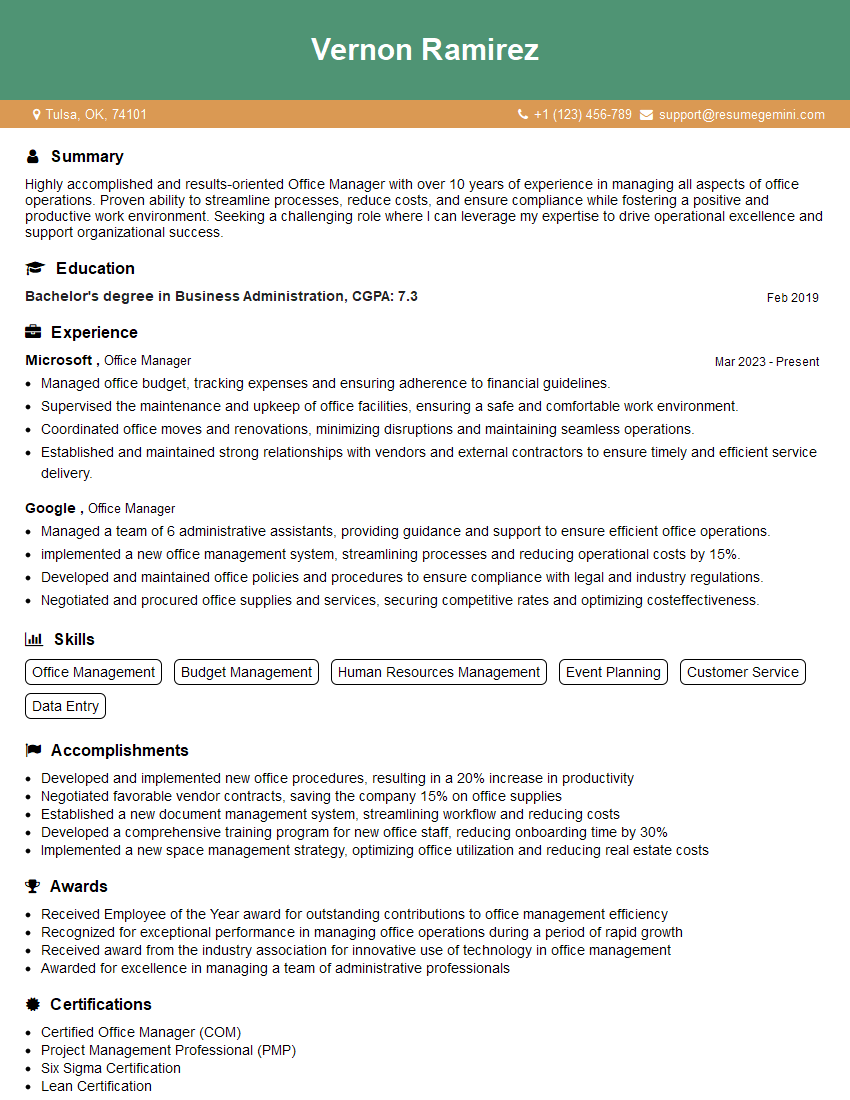
Office Manager Resume Sample
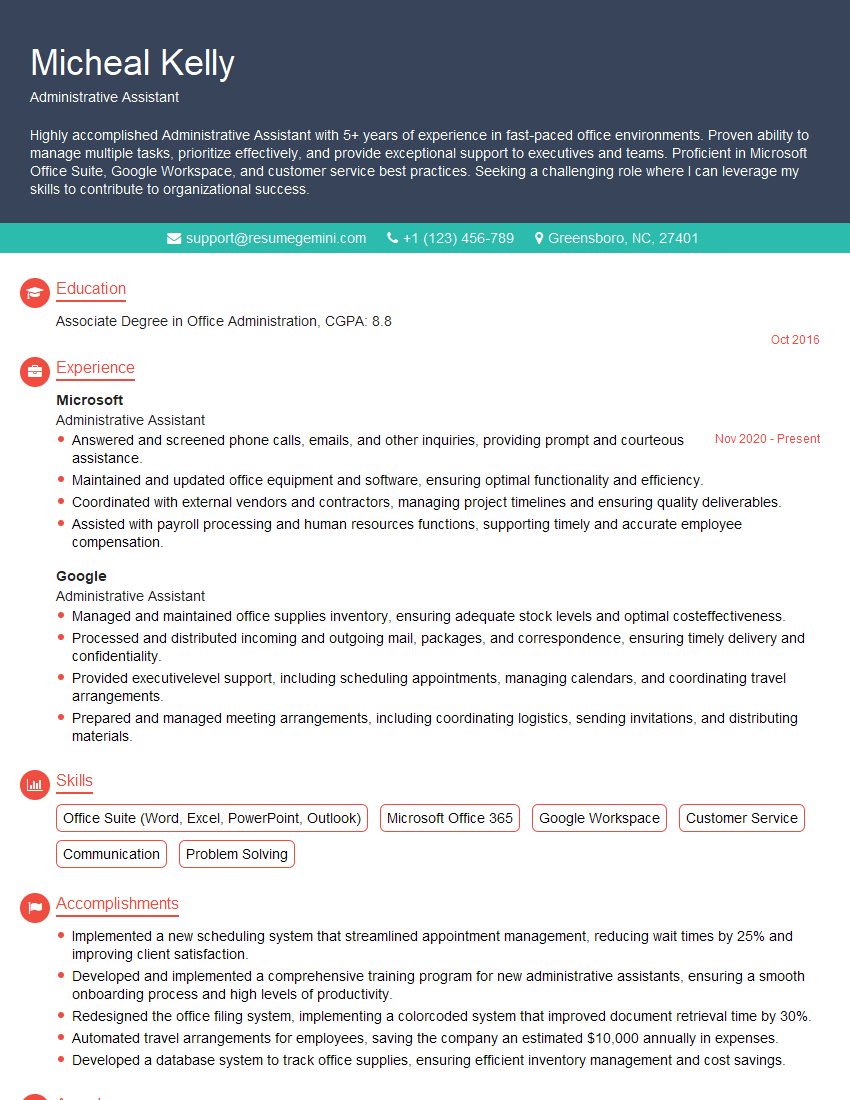
Administrative Assistant Resume Sample
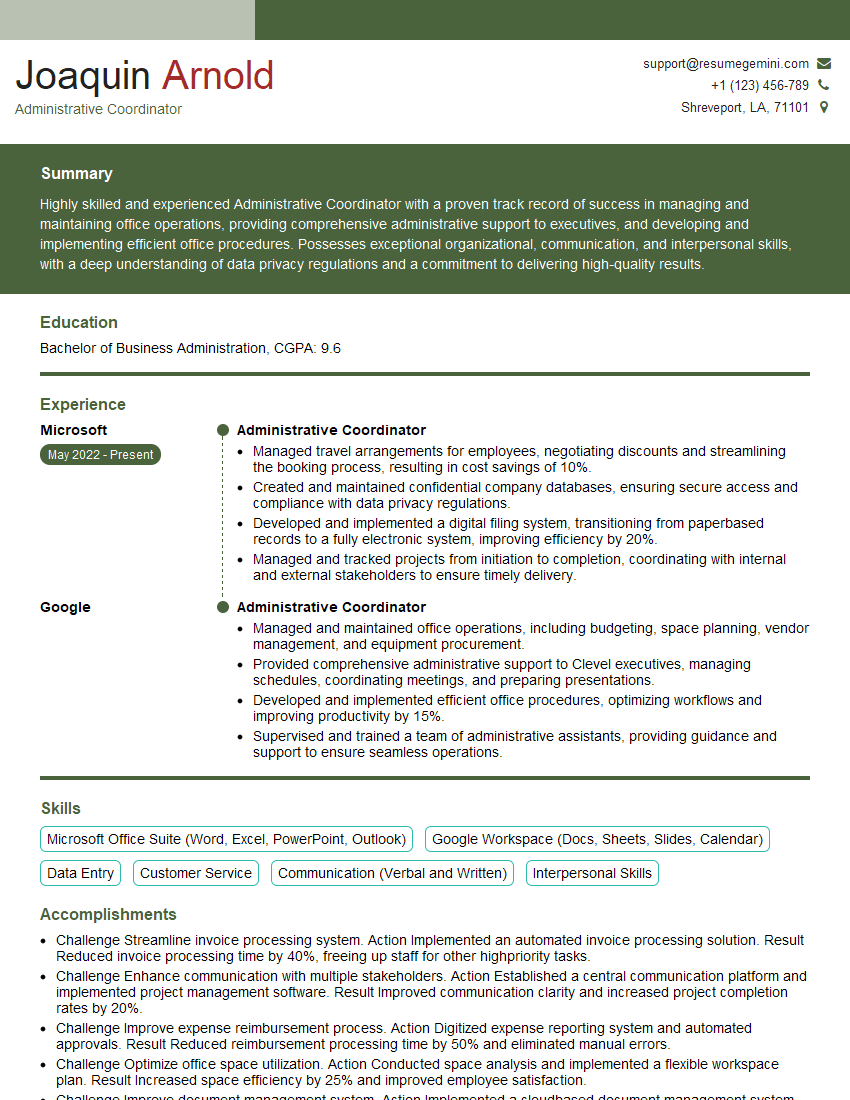
Administrative Coordinator Resume Sample
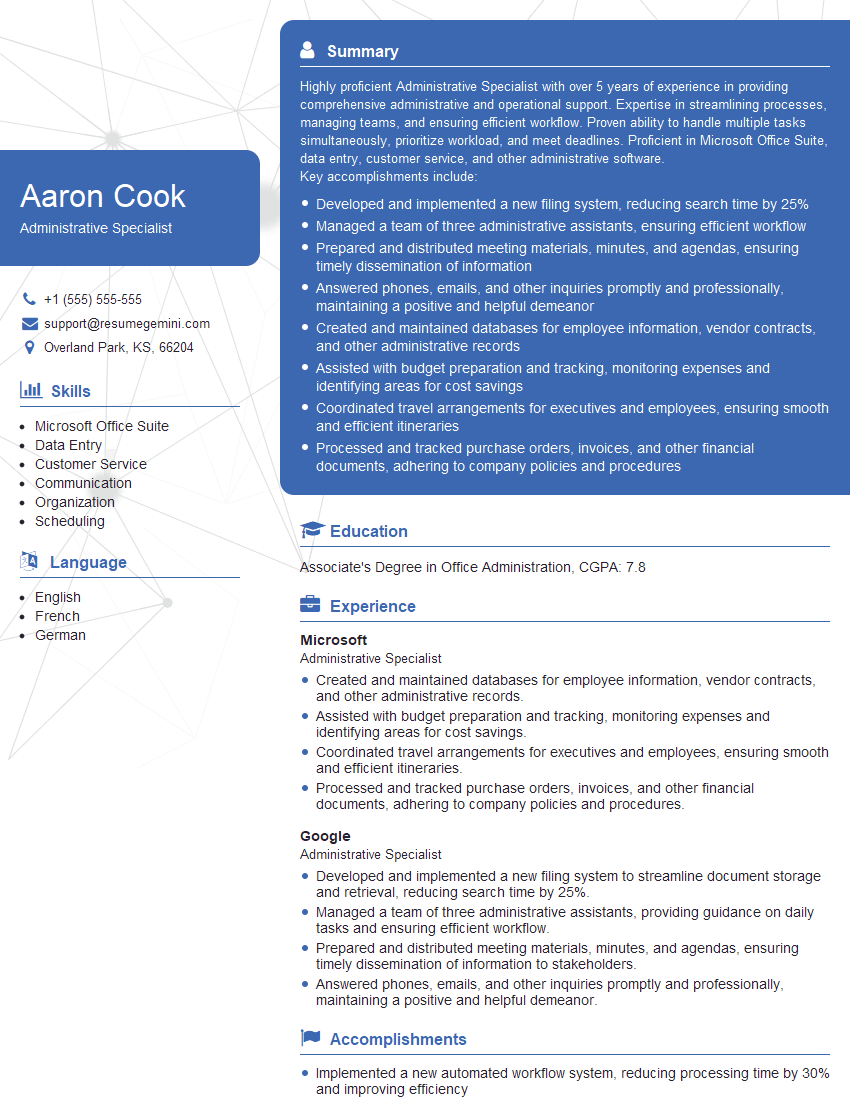
Administrative Specialist Resume Sample
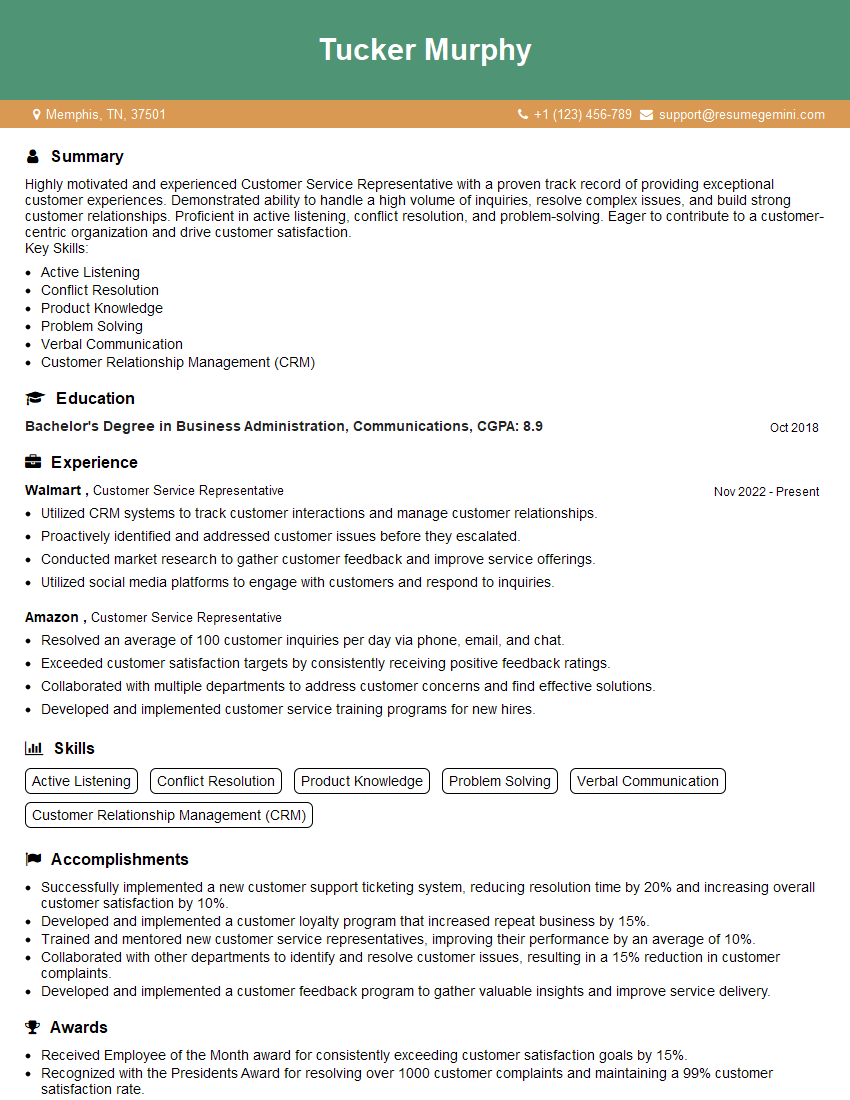
Customer Service Representative Resume Sample
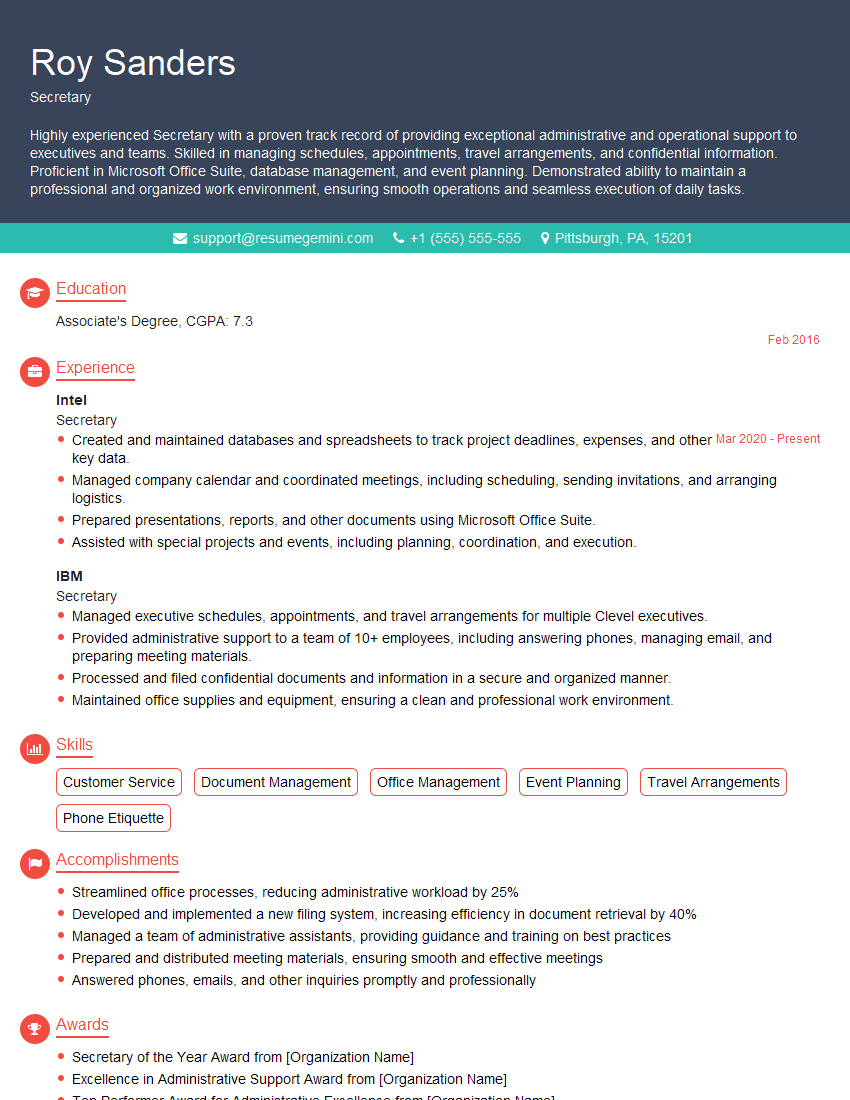
Secretary Resume Sample
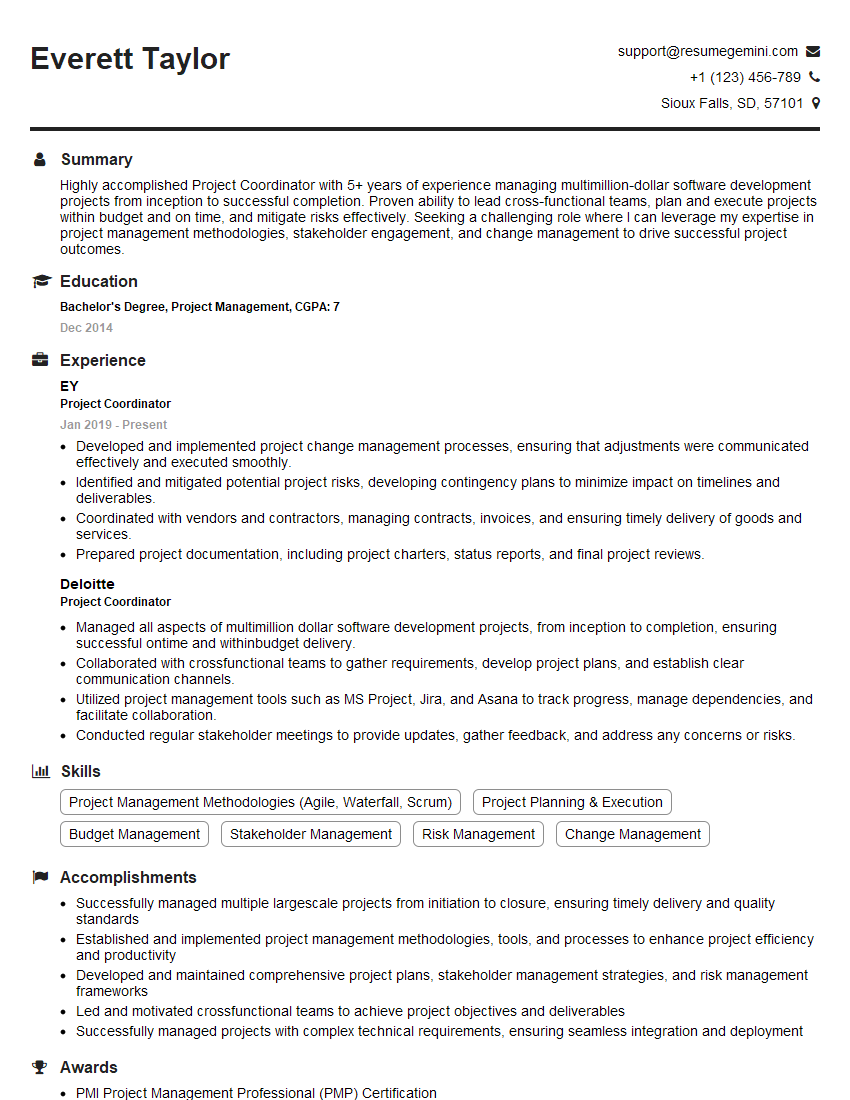
Project Coordinator Resume Sample
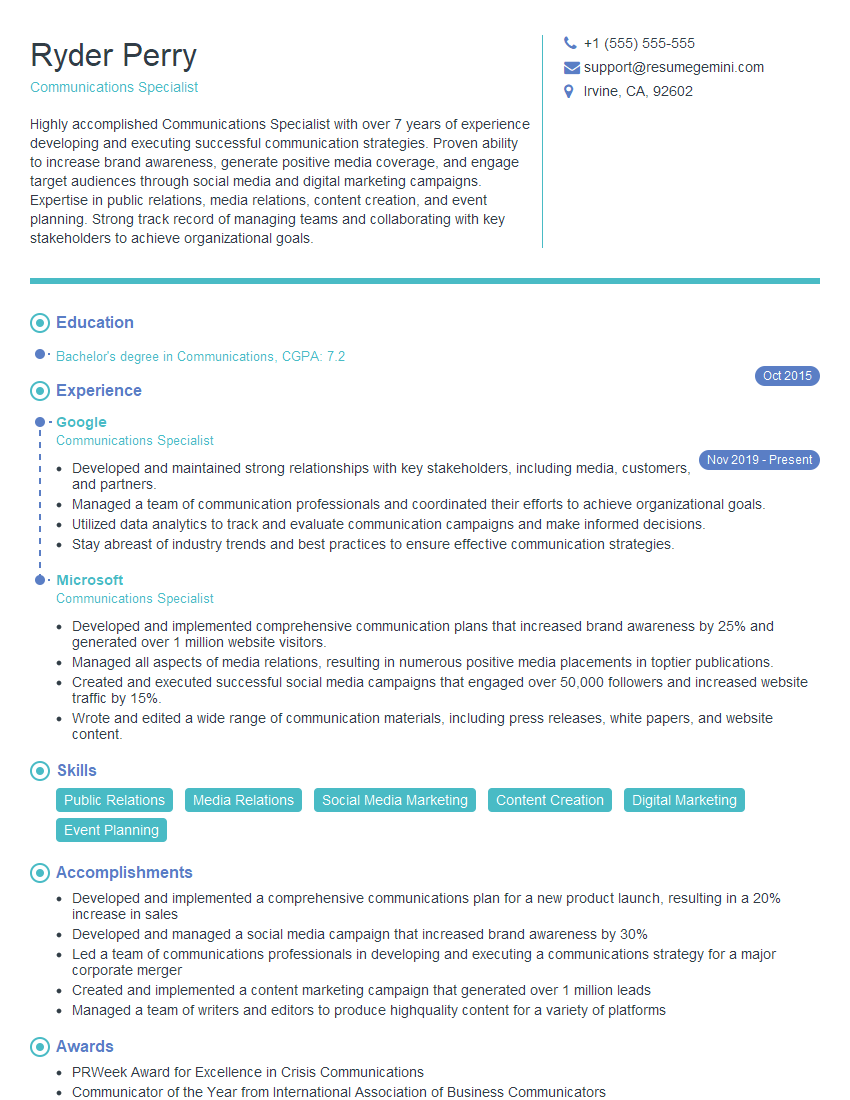
Communications Specialist Resume Sample
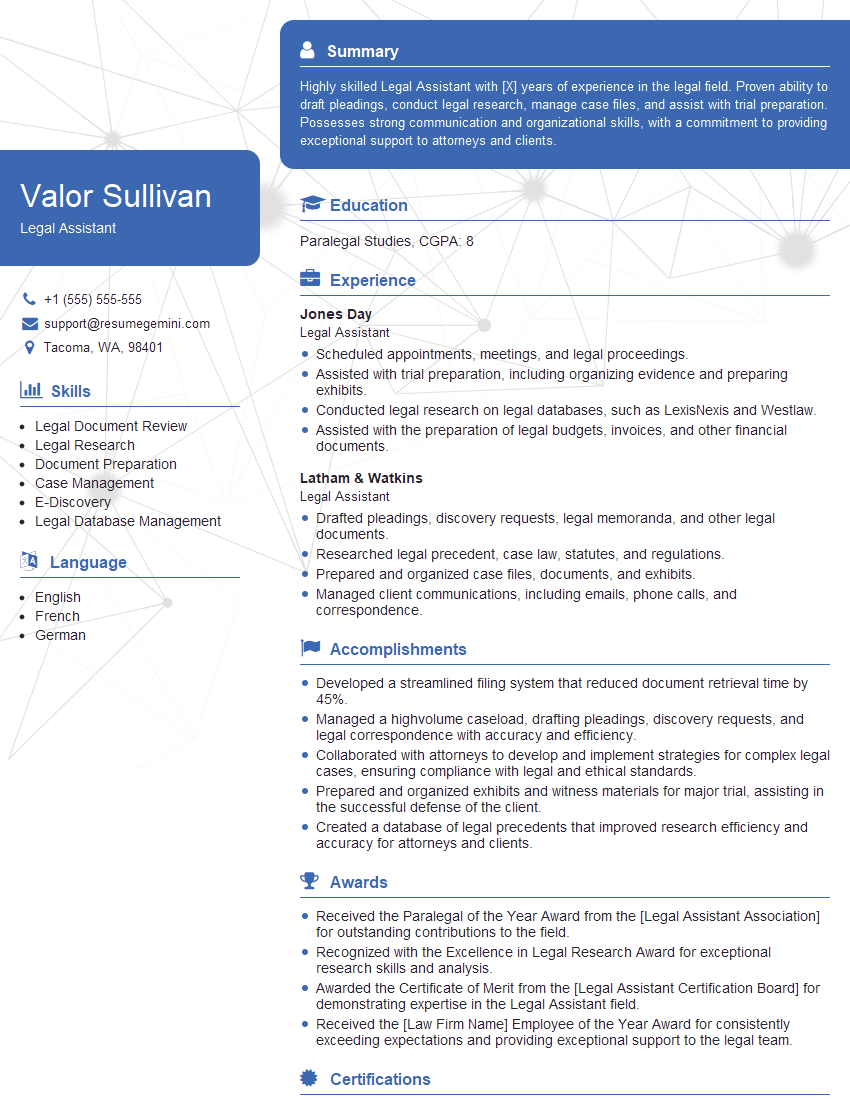
Legal Assistant Resume Sample
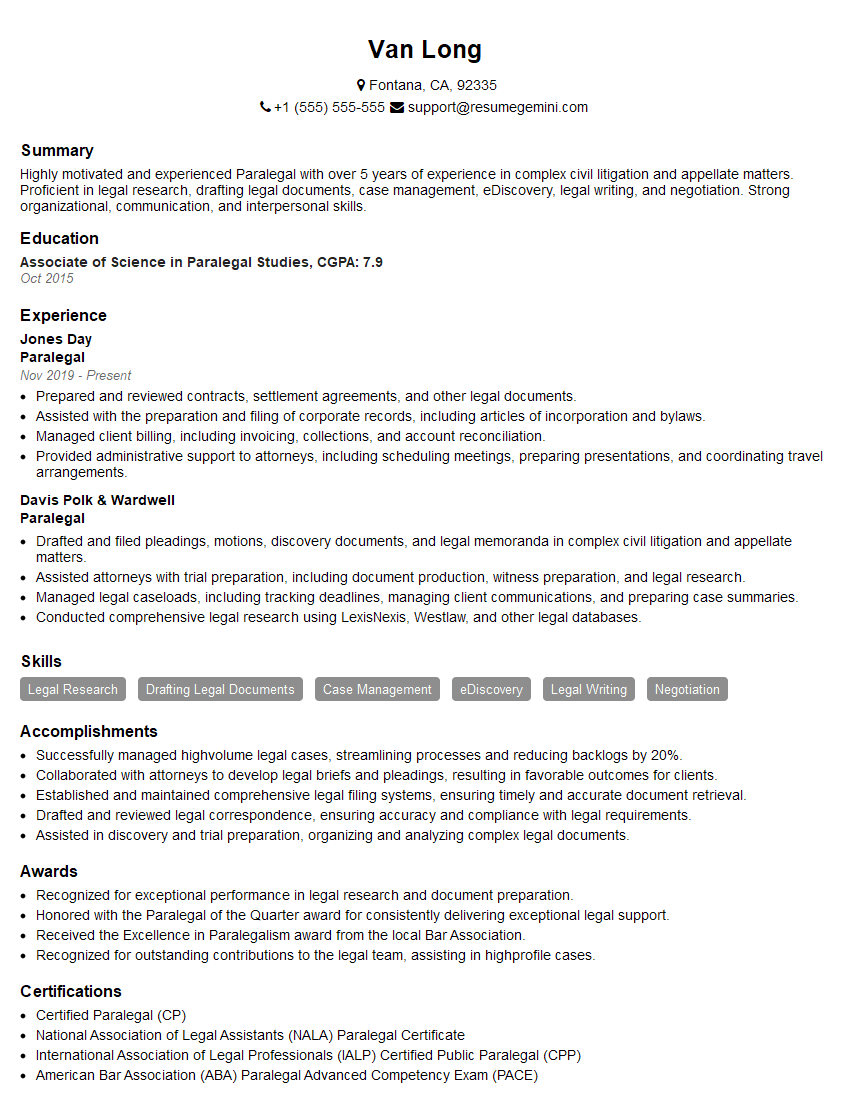
Paralegal Resume Sample
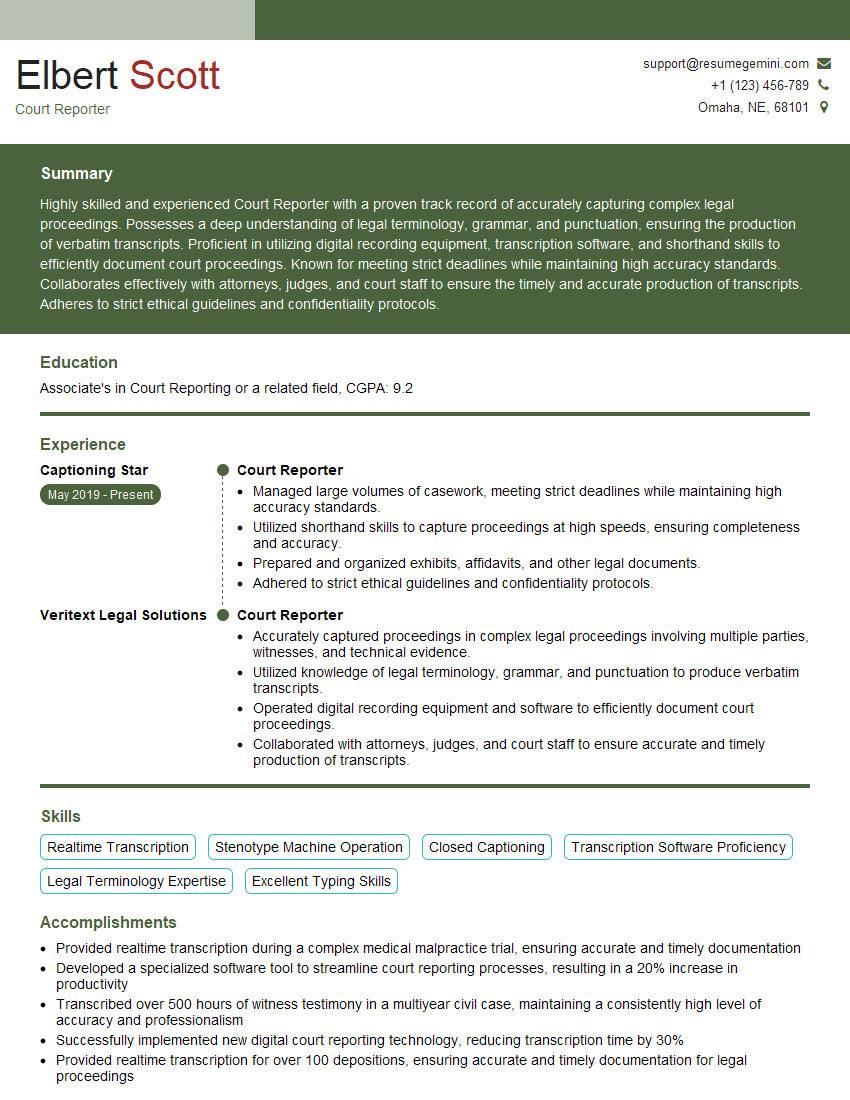
Court Reporter Resume Sample
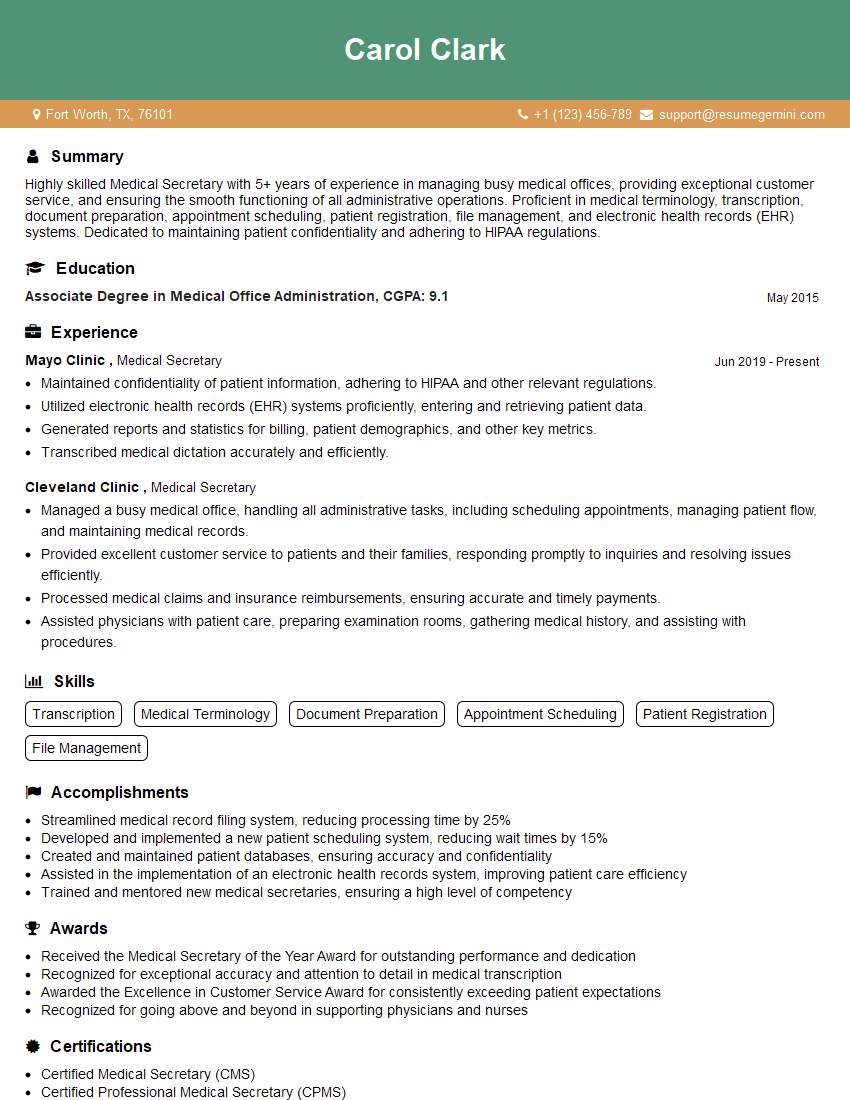
Medical Secretary Resume Sample
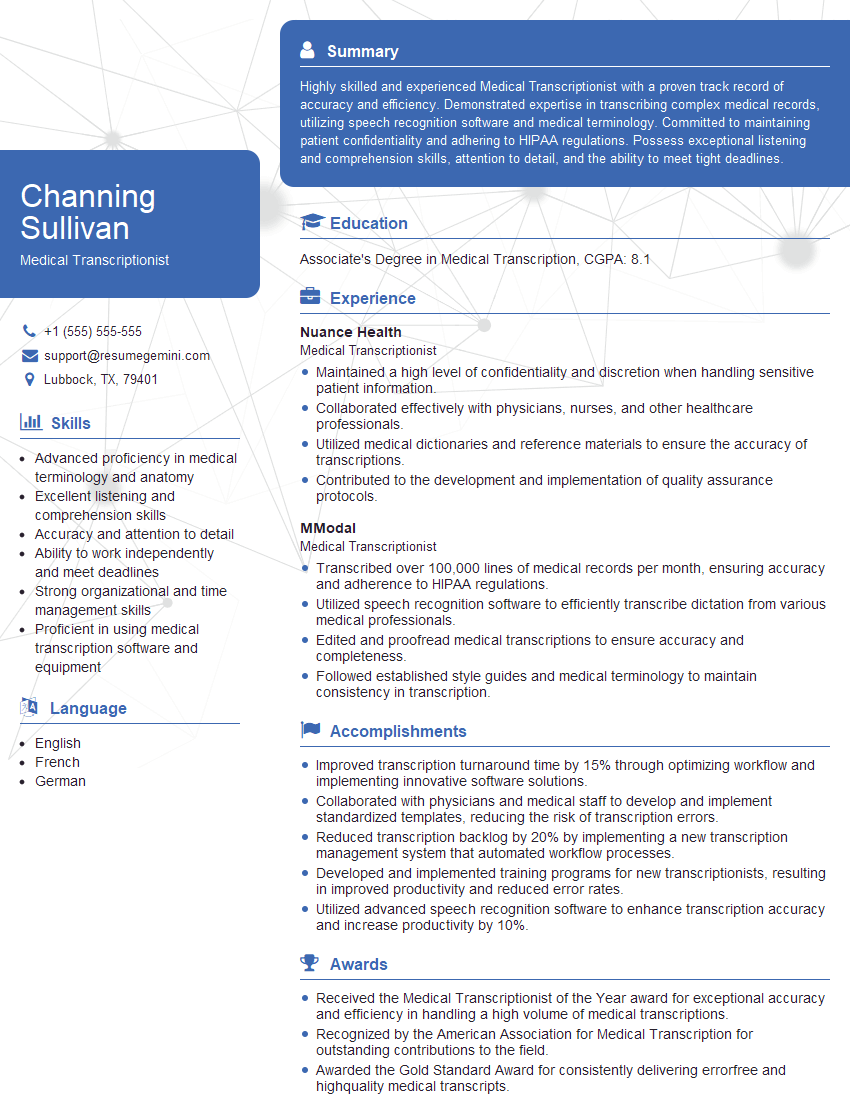
Medical Transcriptionist Resume Sample
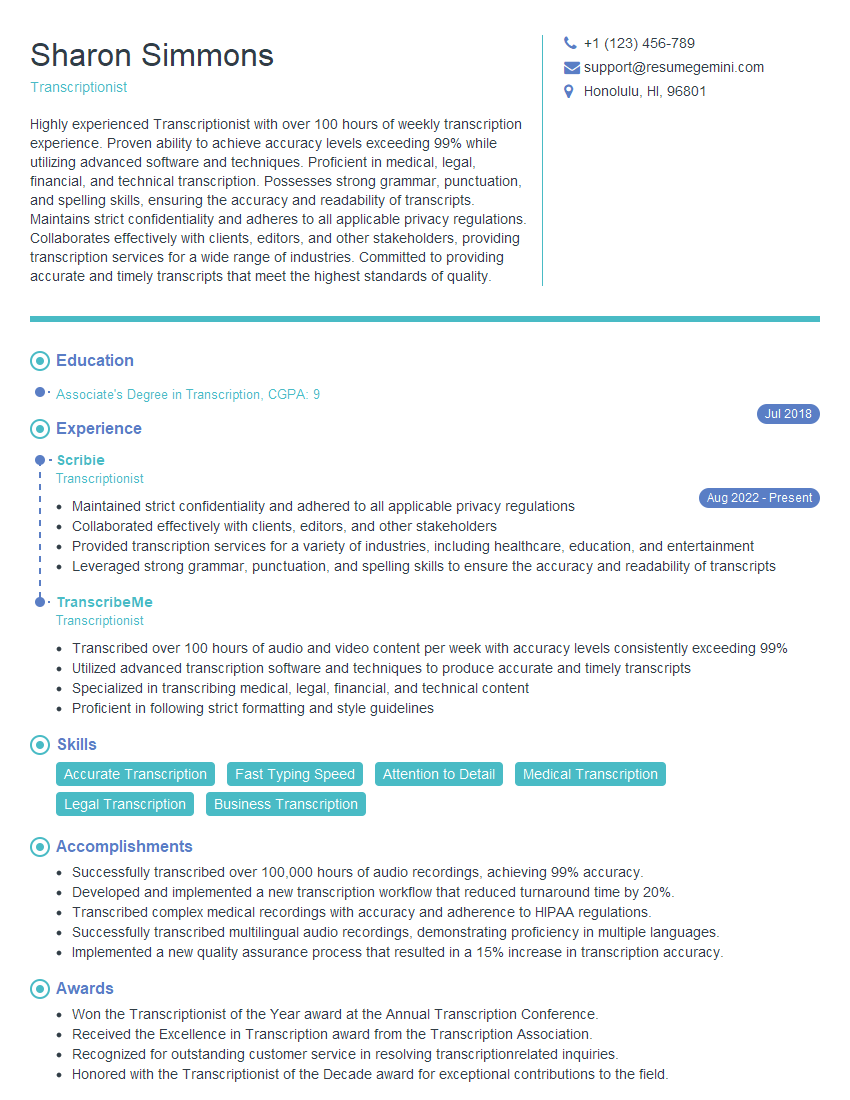
Transcriptionist Resume Sample
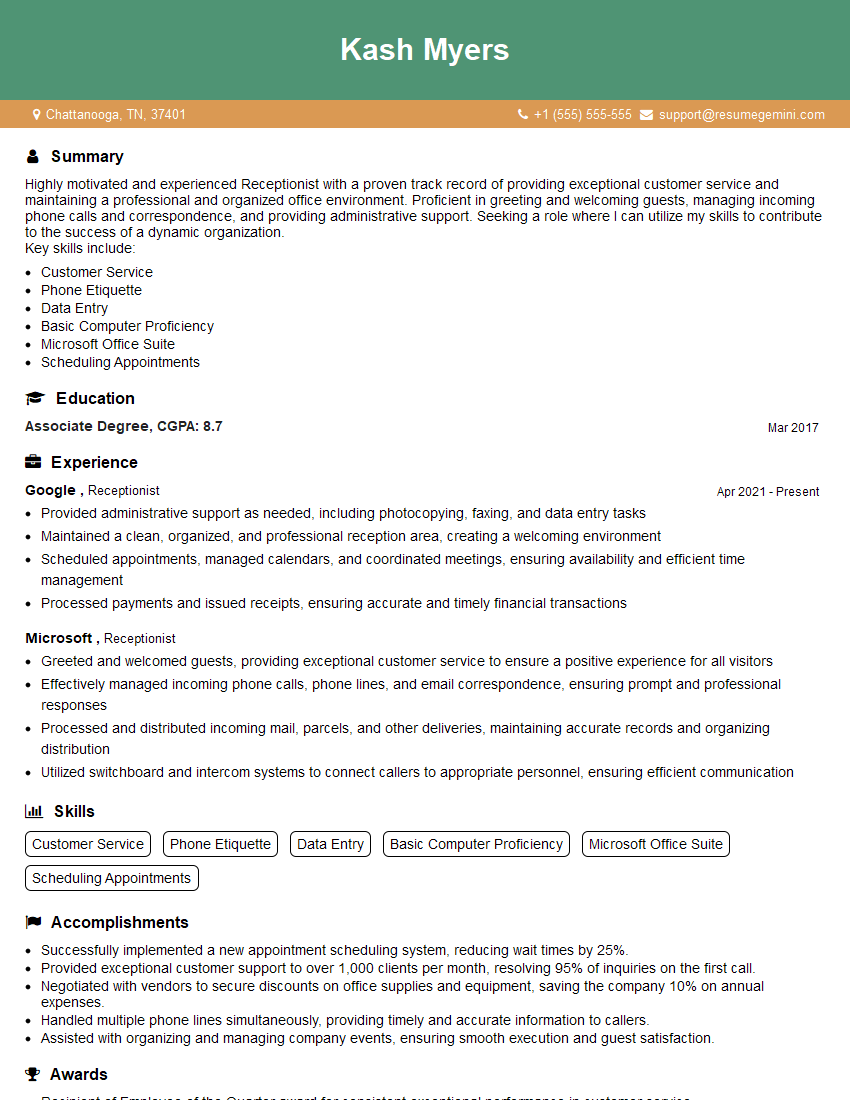
Receptionist Resume Sample
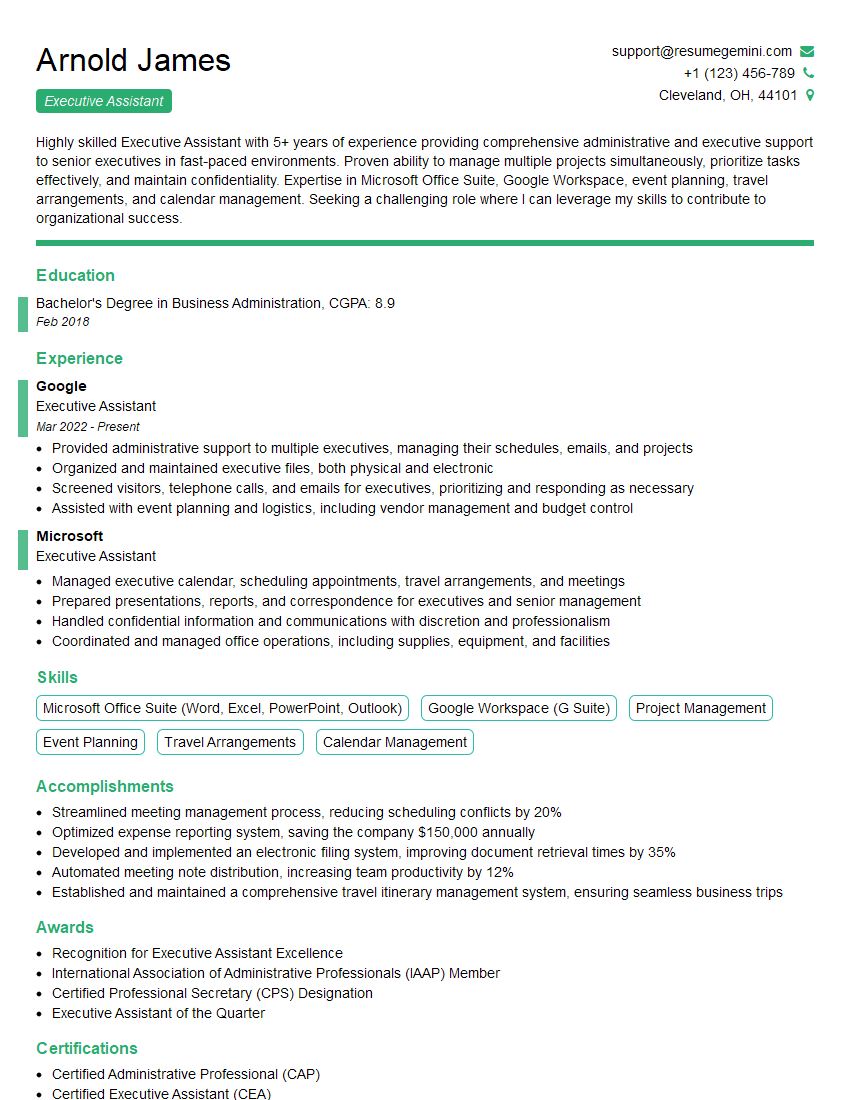
Executive Assistant Resume Sample
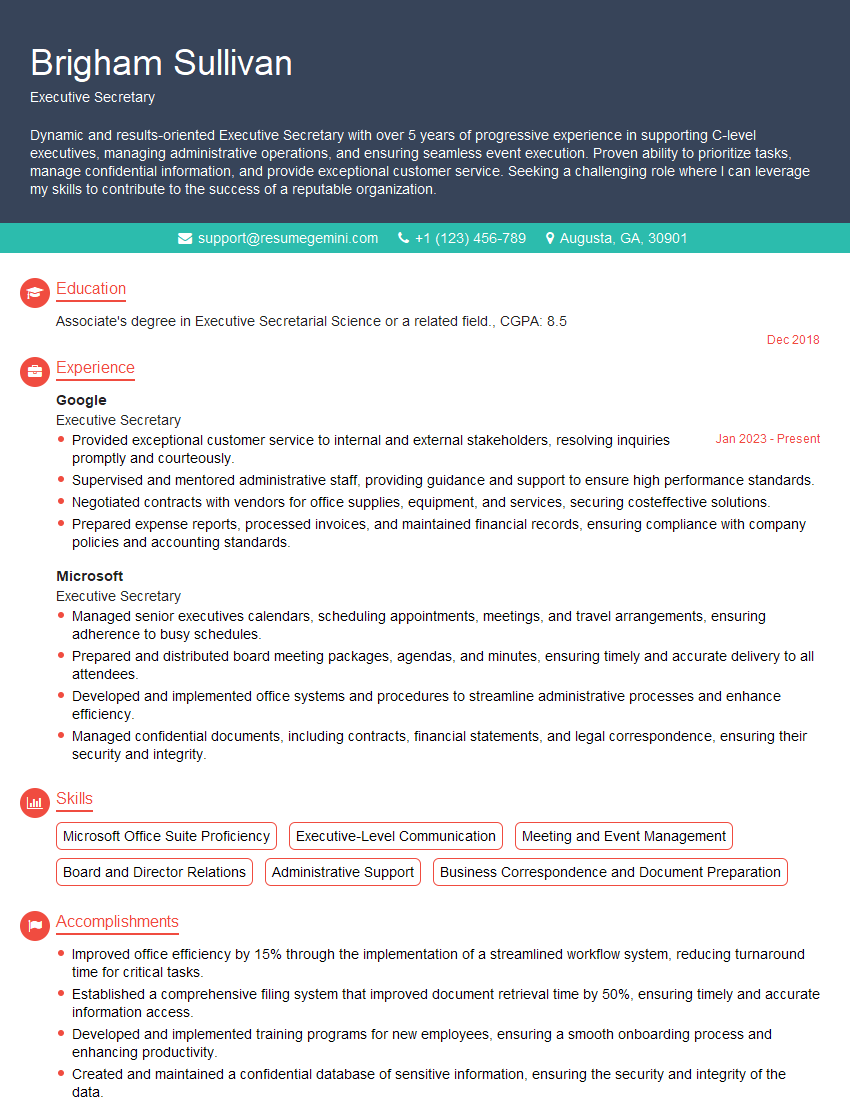
Executive Secretary Resume Sample
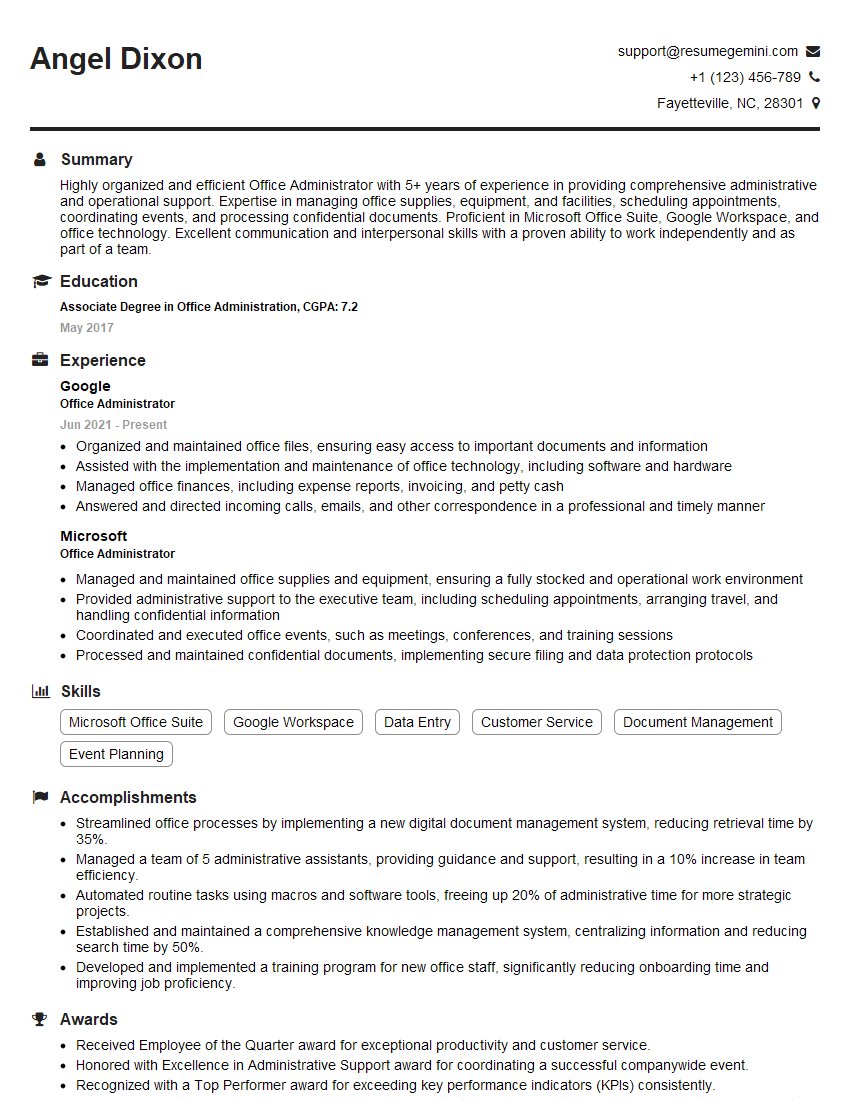
Office Administrator Resume Sample
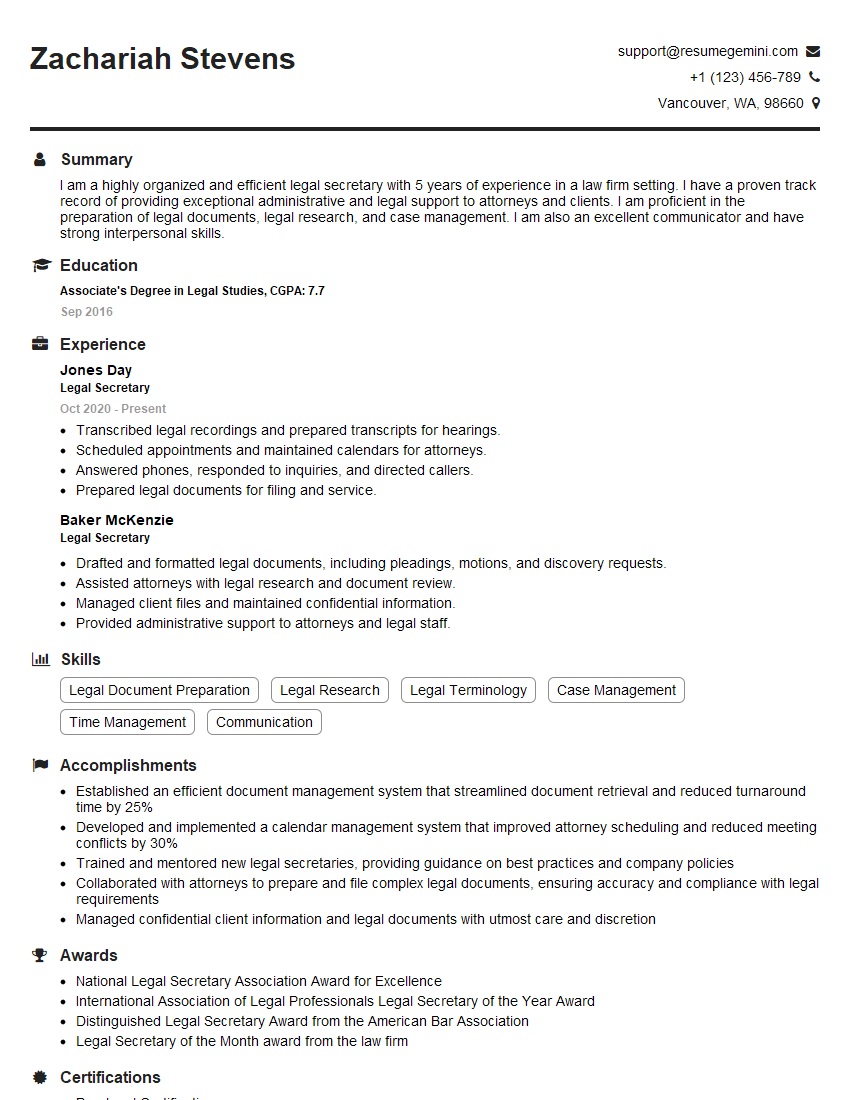
Legal Secretary Resume Sample

Data Entry Clerk Resume Sample
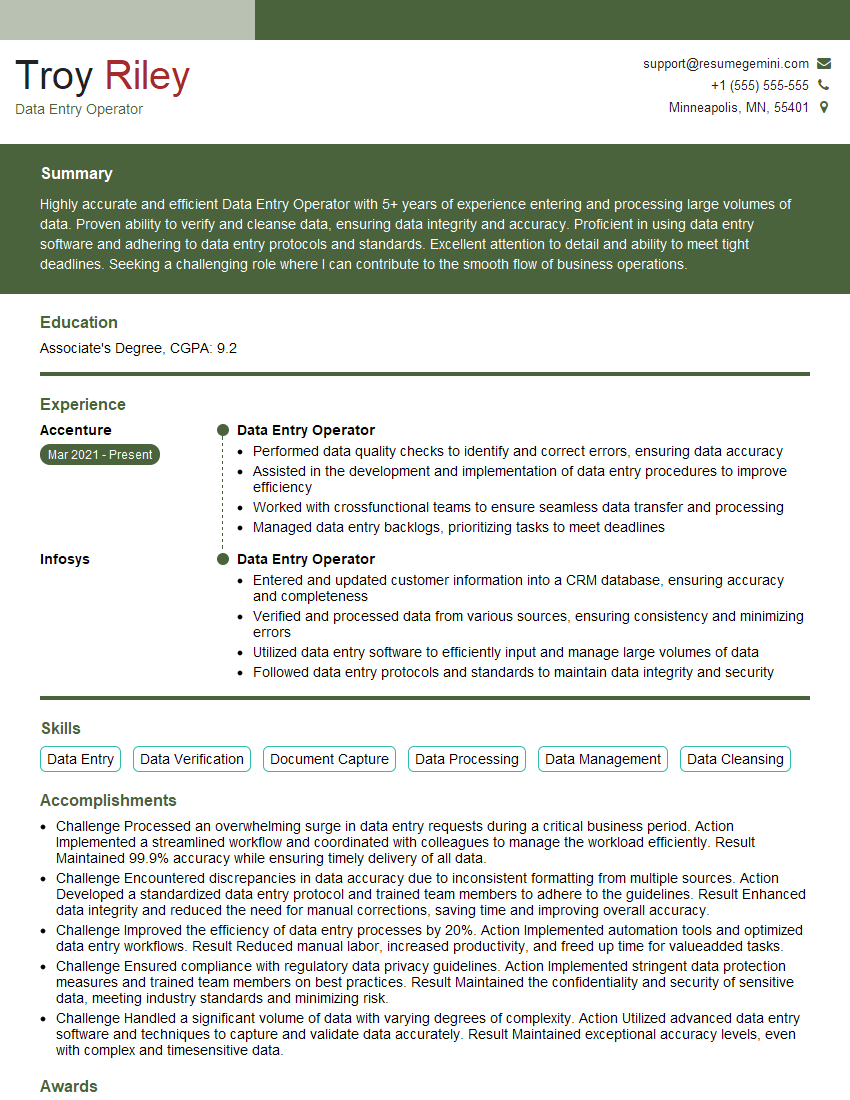
Data Entry Operator Resume Sample
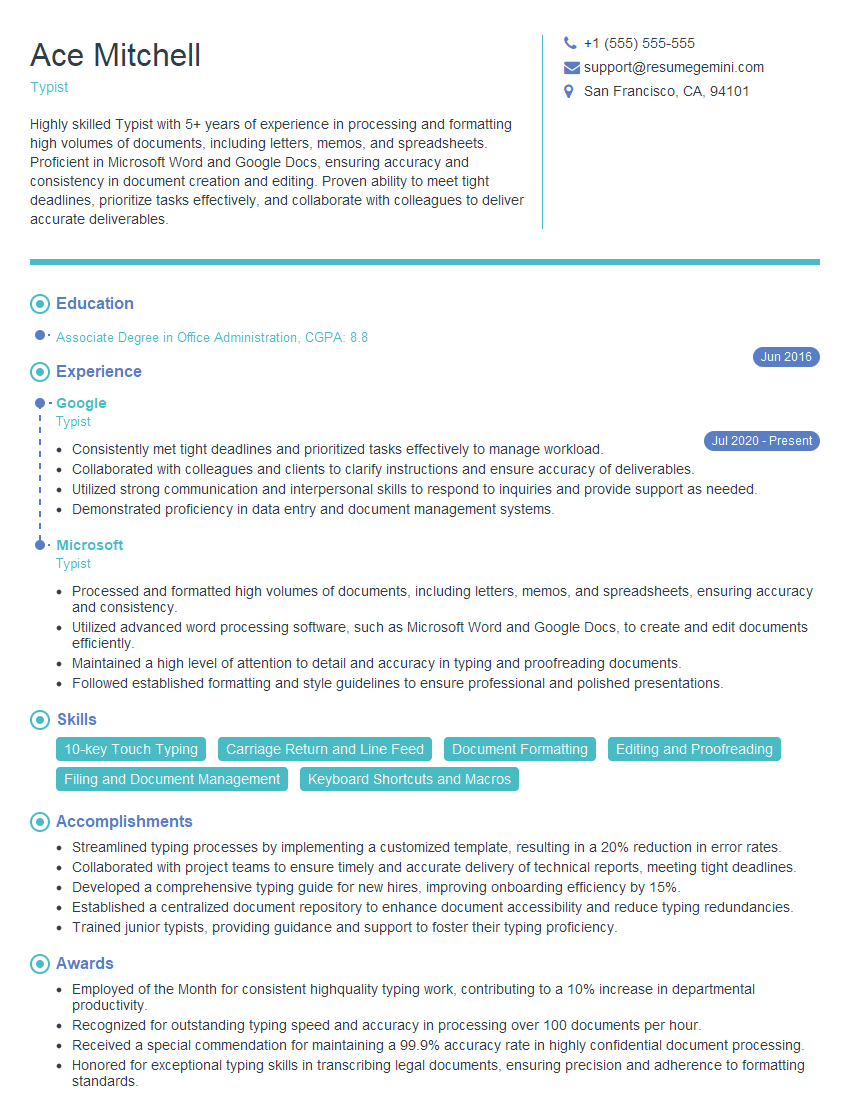
Typist Resume Sample
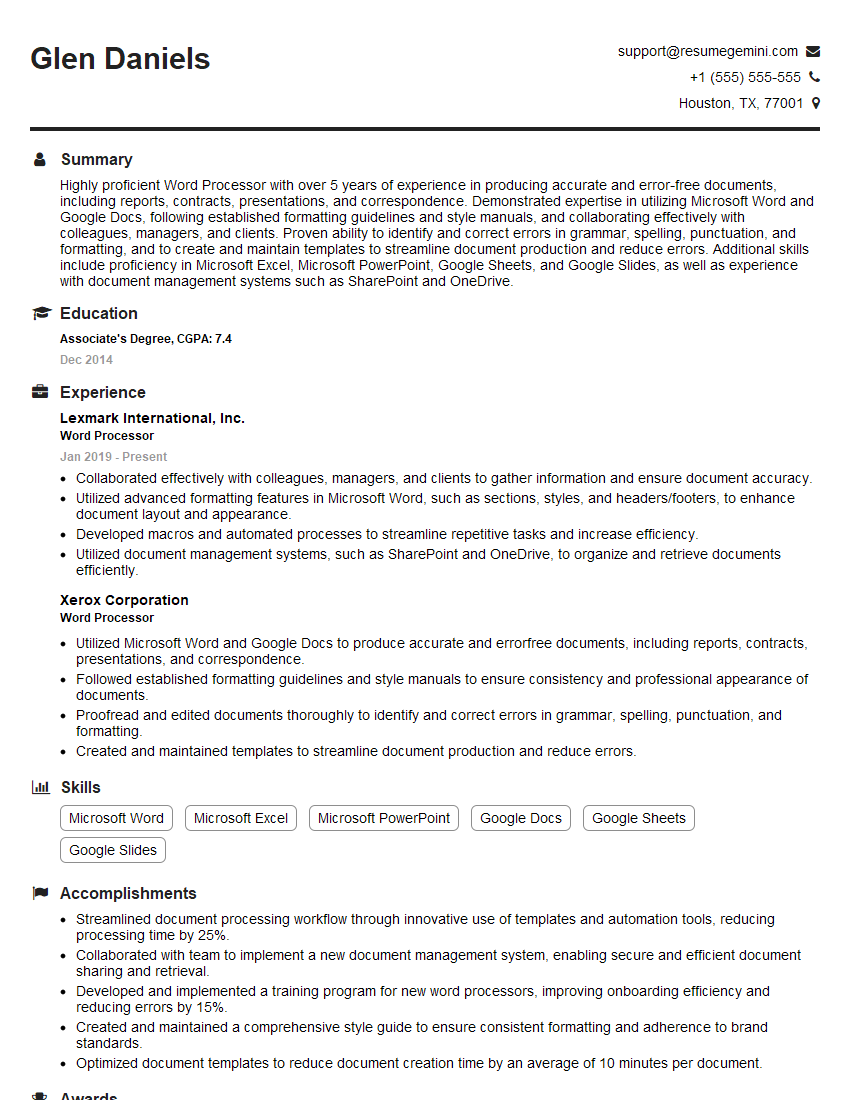
Word Processor Resume Sample
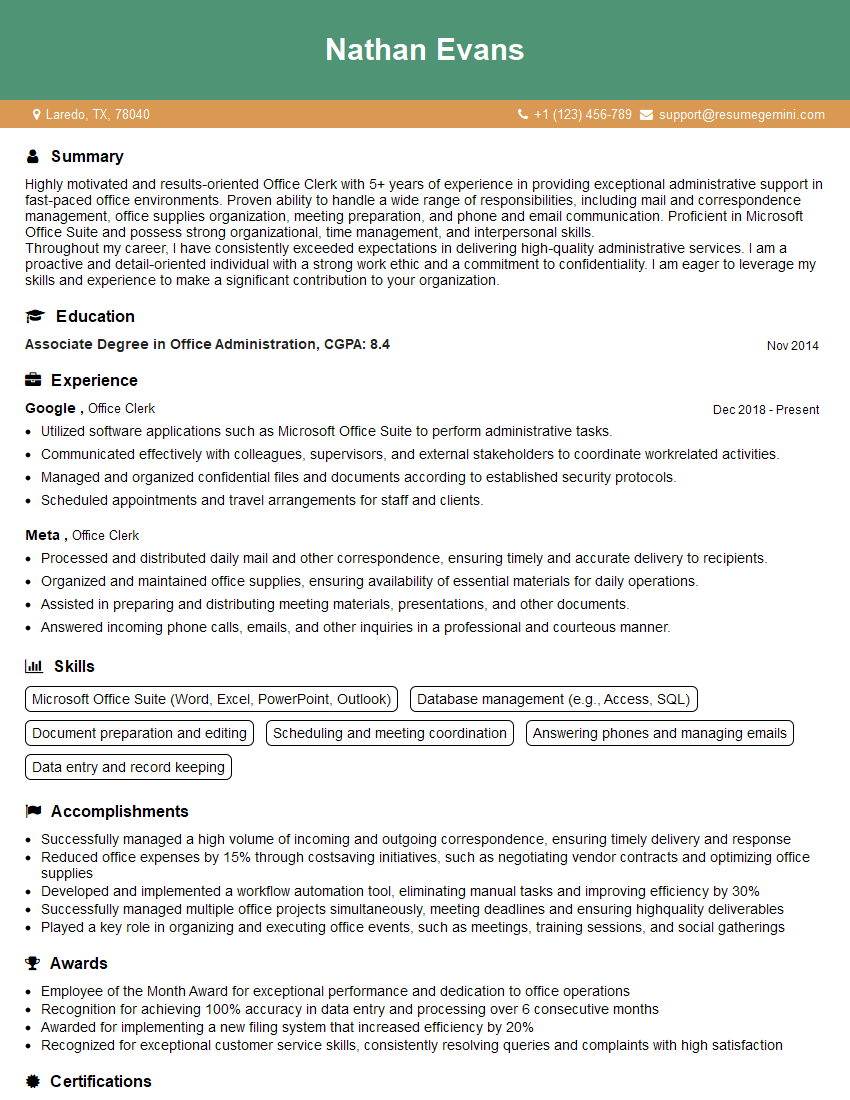
Office Clerk Resume Sample
- Office Manager
- Administrative Assistant
- Administrative Coordinator
- Administrative Specialist
- Customer Service Representative
- Secretary
- Project Coordinator
- Communications Specialist
- Legal Assistant
- Paralegal
- Court Reporter
- Medical Secretary
- Medical Transcriptionist
- Transcriptionist
- Receptionist
- Executive Assistant
- Executive Secretary
- Office Administrator
- Legal Secretary
- Data Entry Clerk
- Data Entry Operator
- Typist
- Word Processor
- Office Clerk
Explore more articles
Users Rating of Our Blogs
Share Your Experience
We value your feedback! Please rate our content and share your thoughts (optional).
What Readers Say About Our Blog
Really detailed insights and content, thank you for writing this detailed article.
IT gave me an insight and words to use and be able to think of examples