The right preparation can turn an interview into an opportunity to showcase your expertise. This guide to Geospatial Data Visualization interview questions is your ultimate resource, providing key insights and tips to help you ace your responses and stand out as a top candidate.
Questions Asked in Geospatial Data Visualization Interview
Q 1. Explain the difference between vector and raster data.
Vector and raster data are two fundamental ways to represent geographic information. Think of it like drawing a map: vector data is like using precise lines and points to draw features, while raster data is like using a grid of colored squares to create an image.
- Vector Data: Represents geographic features as points, lines, and polygons. Each feature has precise coordinates. This is ideal for representing discrete features like roads, buildings, or administrative boundaries. Think of a CAD drawing – clean lines and accurate shapes. Vector data files often include shapefiles (.shp), GeoJSON, or KML.
- Raster Data: Represents geographic data as a grid of cells (pixels) each with a value representing a phenomenon. This is perfect for continuous data like elevation, temperature, or satellite imagery. Imagine a photograph – composed of millions of tiny squares of color. Common raster formats include GeoTIFF, JPEG, and PNG.
The key difference lies in how the data is stored and its applications. Vector data is best for precise representation of discrete features, while raster data is better for representing continuous phenomena.
Q 2. Describe common map projections and their applications.
Map projections are mathematical transformations that translate the three-dimensional Earth’s surface onto a two-dimensional map. No projection is perfect; all introduce some form of distortion (area, shape, distance, or direction). The choice of projection depends heavily on the application.
- Mercator Projection: Preserves direction and shape at small scales, but significantly distorts area at higher latitudes (making Greenland appear much larger than it actually is). Commonly used in navigation because of its preservation of direction.
- Albers Equal-Area Conic Projection: Preserves area, making it suitable for mapping regions with large extents, like continents. Distorts shape and direction, more so further from the standard parallels.
- Robinson Projection: A compromise projection that balances distortion of area, shape, distance, and direction. It’s often used for world maps intended for general purposes.
- UTM (Universal Transverse Mercator): A cylindrical projection that divides the Earth into zones and projects each zone onto a cylinder. Minimizes distortion within each zone, making it ideal for large-scale mapping within a specific region.
Selecting the appropriate projection is crucial for accurate representation and analysis. For example, a Mercator projection would be unsuitable for comparing the sizes of countries, while an Albers Equal-Area projection would be unsuitable for navigation.
Q 3. What are the advantages and disadvantages of different data visualization techniques (e.g., choropleth maps, dot density maps)?
Different data visualization techniques offer unique advantages and disadvantages depending on the type of data and the message to be conveyed.
- Choropleth Maps: These use color shading to represent data aggregated into predefined geographic areas (e.g., counties, states).
- Advantages: Simple to understand, good for showing spatial patterns of aggregated data.
- Disadvantages: Can obscure within-area variation, susceptible to the modifiable areal unit problem (MAUP) where results change based on the aggregation units used.
- Dot Density Maps: Represent data using dots, where each dot represents a certain quantity of the phenomenon at a specific location.
- Advantages: Shows both location and quantity, relatively straightforward to interpret.
- Disadvantages: Can become visually cluttered with high-density data, requires careful selection of dot size and value.
For instance, a choropleth map might be suitable for displaying poverty rates by county, while a dot density map could be better for visualizing the locations of individual trees within a forest.
Q 4. How would you handle missing data in a geospatial dataset?
Missing data is a common challenge in geospatial datasets. Handling it effectively is crucial for accurate analysis. The best approach depends on the nature of the data and the amount of missing values.
- Deletion: Simple but can introduce bias if the missing data is not randomly distributed. Only suitable for small amounts of missing data.
- Imputation: Replacing missing values with estimated values. Methods include:
- Mean/Median/Mode Imputation: Replaces missing values with the mean, median, or mode of the available data. Simple but can distort the distribution if missing data is not random.
- Spatial Interpolation: Using the values of surrounding points to estimate missing values. Methods include kriging, inverse distance weighting (IDW). More complex but often provides more accurate estimates.
- Spatial Modeling: Incorporating the spatial context to model missing data. Often requires advanced statistical modeling techniques.
For example, if we have missing elevation values, spatial interpolation like IDW could use the values of neighboring points to estimate the missing elevation. The choice of method requires careful consideration of the spatial autocorrelation and potential biases.
Q 5. Explain your experience with different GIS software (e.g., ArcGIS, QGIS, Mapbox).
I have extensive experience with various GIS software packages, each with its own strengths and weaknesses.
- ArcGIS: A comprehensive suite of tools, particularly strong for advanced spatial analysis and geodatabase management. I’ve used ArcGIS Pro extensively for projects involving large-scale spatial modeling, data management, and map production. Its powerful geoprocessing tools and extensive libraries are invaluable.
- QGIS: A powerful and open-source alternative to ArcGIS. I have used QGIS extensively for tasks requiring efficient processing of large datasets and rapid prototyping. Its plugin architecture allows for customization and extending its functionality.
- Mapbox: A platform focused on web map development and visualization. I’ve leveraged Mapbox for creating interactive, web-based maps and integrating geospatial data into web applications. It excels in web map design and data visualization for the web.
My experience allows me to select the most appropriate software based on the project’s requirements and constraints, whether it involves high-end analysis or web-based mapping.
Q 6. Describe your experience with spatial analysis techniques (e.g., buffering, overlay analysis, spatial interpolation).
I possess a strong foundation in spatial analysis techniques, applying them to solve various geospatial problems.
- Buffering: Creating zones around geographic features. For example, creating a buffer around a river to analyze the flood risk area.
- Overlay Analysis: Combining spatial layers to analyze their relationships. For instance, overlaying a land use layer with a soil type layer to determine areas suitable for specific land uses.
- Spatial Interpolation: Estimating values at unsampled locations based on known values. For example, using kriging to interpolate rainfall across a region based on measurements from a limited number of rain gauges.
In a recent project, I used overlay analysis to identify optimal locations for new wind turbines by overlaying layers representing wind speed, land use restrictions, and proximity to power lines. These techniques are integral to effective geospatial data analysis.
Q 7. How do you ensure the accuracy and reliability of geospatial data?
Ensuring the accuracy and reliability of geospatial data is paramount. This involves a multi-faceted approach.
- Data Source Evaluation: Carefully evaluating the source, methodology, and metadata of the data. Understanding the limitations and potential errors in the original data is crucial.
- Data Validation and Cleaning: Implementing quality checks, identifying and correcting errors, handling inconsistencies, and addressing missing values using appropriate methods as described earlier.
- Coordinate System and Projection: Ensuring consistent use of coordinate systems and projections throughout the workflow to avoid errors arising from data transformations.
- Metadata Management: Maintaining comprehensive metadata to document data sources, processing steps, and potential limitations.
- Accuracy Assessment: Regularly conducting accuracy assessments using appropriate methods like root mean square error (RMSE) to evaluate the precision and reliability of the results.
For example, when working with remotely sensed imagery, I would carefully assess the sensor’s specifications, atmospheric conditions, and processing steps to understand the potential sources of error. Thorough quality control throughout the process is crucial for producing reliable results.
Q 8. Explain your understanding of coordinate systems and datums.
Coordinate systems and datums are fundamental to geospatial data. A coordinate system defines how locations are represented numerically on a map, essentially a grid system. Think of it like a graph; it needs an origin (a reference point) and axes to define positions. Common coordinate systems include Geographic Coordinate Systems (GCS), using latitude and longitude (degrees), and Projected Coordinate Systems (PCS), using Cartesian coordinates (meters, feet) – think of the familiar x and y coordinates. The choice depends on the application; GCS is good for global views, while PCS is better for local area analysis where distances need to be accurately measured.
A datum, on the other hand, defines the shape and size of the Earth, providing a reference surface for the coordinate system. It’s like choosing which globe model you’re using; different datums use different approximations of the Earth’s ellipsoid (a mathematical representation of the Earth’s shape). WGS84 is a commonly used datum, but others exist, each with varying accuracy depending on the geographic region. Using the wrong datum can lead to significant errors in location and distance calculations. For instance, using a North American datum for a map of Europe will introduce inaccuracies.
In essence, the coordinate system is the language of location, while the datum is the underlying reference model of the Earth itself. Both are crucial for accurate and meaningful geospatial analysis.
Q 9. What are some best practices for designing effective geospatial visualizations?
Designing effective geospatial visualizations involves a multi-faceted approach focused on clarity, accuracy, and accessibility. Here are some key best practices:
- Purposeful Map Design: Start by defining the objective of the visualization. What story are you trying to tell? This directly influences the map type, data representation, and overall design.
- Appropriate Map Projection: Choose a map projection that minimizes distortion based on the geographical area and type of analysis. For global views, a compromise is needed, but for smaller areas, projections minimizing distortion are preferred.
- Clear and Concise Symbology: Use appropriate color schemes, markers, and line styles to convey information effectively. Consider colorblindness and accessibility when selecting your palette. Legible fonts are crucial too.
- Data-Driven Visualization: Let the data guide the design. Avoid cluttering the map with unnecessary information. Use progressive enhancement – start with the simplest visualization and add complexity only as needed.
- Effective Labeling and Legends: Provide clear, concise labels and legends, including units of measure. Avoid overlapping labels by using strategies like label offsetting or abbreviation.
- Interactive Elements (when applicable): Use interactivity (tooltips, zoom, selection) to allow users to explore the data at their own pace and focus on areas of interest.
- Context and Metadata: Always provide context, including data sources, projection, and date of creation. This increases transparency and trust in the visualization.
For example, visualizing population density using a choropleth map with a well-chosen color ramp is more effective than using a simple point map with thousands of overlapping points.
Q 10. Describe your experience working with large geospatial datasets.
I have extensive experience working with large geospatial datasets, often exceeding terabytes in size. My workflow typically involves leveraging big data technologies and cloud-based solutions for efficient processing and visualization. I’m proficient in using tools like PostGIS (for spatial database management), GDAL/OGR (for geospatial data processing), and cloud platforms like AWS S3 and Google Cloud Storage for data storage and management.
For example, in a recent project involving analyzing global deforestation patterns, I processed a multi-terabyte dataset of satellite imagery. To manage this, I used cloud storage for data distribution and processed the data in parallel using Apache Spark and GeoPandas. This allowed me to perform complex spatial analyses and create visualizations within a reasonable timeframe. The analysis showed patterns in deforestation rates that would have been impossible to see without this distributed approach.
Efficient data handling is paramount. Techniques like data tiling, spatial indexing (e.g., using R-trees), and query optimization are vital for managing large datasets effectively.
Q 11. How would you communicate complex spatial information to a non-technical audience?
Communicating complex spatial information to a non-technical audience requires a strategic approach that prioritizes simplicity and visual storytelling. Instead of using technical jargon, focus on creating relatable analogies and visualizations that are easy to understand.
- Use Simple Language: Avoid technical terms like ‘georeferencing’ or ‘ellipsoid’. Use everyday language.
- Visual Storytelling: Frame the data within a narrative. Start with a clear introduction that highlights the key findings. Use compelling visuals—maps, charts, and infographics—to support the narrative.
- Analogies and Metaphors: Compare spatial concepts to familiar things. For example, explaining latitude and longitude using the analogy of street addresses.
- Interactive Elements: Interactive maps allow non-technical audiences to explore the data at their own pace and focus on areas of interest.
- Focus on the Key Message: Don’t overwhelm the audience with details. Highlight the most important findings and conclusions.
For example, when presenting climate change data to a community group, I would start by showing a simple map of rising sea levels in their area, illustrating the direct impact on their community rather than dwelling on the intricacies of climate models.
Q 12. Explain your experience with data wrangling and cleaning for geospatial data.
Data wrangling and cleaning are critical steps in any geospatial project. My experience includes handling various issues, from dealing with inconsistent data formats and projections to identifying and correcting spatial errors.
I’m proficient in using tools like QGIS, ArcGIS, and programming languages such as Python with libraries like GeoPandas and Shapely to perform these tasks. This involves:
- Format Conversion: Converting data between different formats (e.g., Shapefile, GeoJSON, GeoPackage).
- Projection Transformation: Ensuring all data uses a consistent coordinate system and datum.
- Spatial Data Cleaning: Identifying and correcting geometric errors, such as self-intersections, gaps, and overlaps in polygons, or spurious points in lines.
- Data Validation: Checking for attribute errors, inconsistencies, and missing values.
- Spatial Joins and Aggregations: Performing spatial joins to combine datasets based on their spatial relationships and aggregating data for visualizations.
For instance, I once worked with a dataset containing building footprints that had overlapping polygons. Using Shapely in Python, I identified and fixed these errors, ensuring the accuracy of subsequent analyses and visualizations.
Q 13. What are some common challenges in geospatial data visualization and how would you address them?
Several challenges are common in geospatial data visualization. Addressing them requires a combination of technical skill and problem-solving abilities.
- Data Volume and Complexity: Large datasets can be computationally expensive to process and visualize. Solutions include data aggregation, sampling, or using specialized tools like cloud computing platforms for efficient handling.
- Map Clutter: Too much information on a map can reduce clarity. Solutions include careful selection of data, using interactive elements, and implementing progressive display of information.
- Spatial Distortion: Map projections inherently distort shape, area, or distance. The solution is to select the most appropriate projection for the specific application and clearly communicate any distortions to the users.
- Accessibility: Visualizations must be accessible to users with disabilities. This involves selecting appropriate color palettes, using descriptive labels, and providing alternative text for images.
For example, to address map clutter in a visualization of road networks and points of interest, I’d use a multi-layered approach with interactive controls allowing users to zoom and select elements to focus on areas of interest, rather than overwhelming them with every single detail at once.
Q 14. Describe your experience with different map symbology techniques.
My experience encompasses a wide range of map symbology techniques, tailored to the specific data and the intended audience. Effective symbology is critical for conveying information clearly and accurately.
- Qualitative Symbology: Using different colors, shapes, or patterns to represent categorical data (e.g., land use types).
- Quantitative Symbology: Using color ramps, size variations (e.g., proportional symbols), or graduated symbols to represent numerical data (e.g., population density).
- Choropleth Maps: Displaying data as shaded areas based on geographic regions.
- Isopleth Maps: Representing data as lines connecting points of equal value (e.g., contour lines for elevation).
- Dot Density Maps: Representing the density of features using dots proportional to the value.
- Cartograms: Transforming map space to reflect the values of a variable (e.g., showing countries’ size proportional to their population).
The choice of symbology is crucial. For example, when visualizing crime rates, a choropleth map using a well-chosen color ramp would be effective, while a dot density map might highlight the spatial clustering of crime.
In addition to the selection of appropriate symbology, I also consider factors such as colorblindness, legibility, and the overall aesthetic appeal of the map to ensure maximum effectiveness and readability.
Q 15. How would you choose the appropriate map projection for a specific geographic area?
Choosing the right map projection is crucial for accurate representation of geographic data. The best projection depends entirely on the area being mapped and the intended use. A projection that’s perfect for a country spanning multiple continents might distort features unacceptably for a small regional map. Think of it like choosing the right lens for a camera – a wide-angle lens is great for landscapes but distorts things at the edges, while a telephoto lens excels at detail but shows a narrower view.
Consider these factors:
- Area Extent: For small areas, like a city, a simple projection like UTM (Universal Transverse Mercator) minimizes distortion. For larger areas, such as a continent or the globe, you’ll need a projection that balances distortion across a wider area, like Robinson or Winkel Tripel, depending on your priorities (area, shape, distance).
- Shape Preservation: If accurate shape is paramount, conformal projections (like Mercator) are preferred, even if they distort area significantly at higher latitudes. These are good for navigation charts.
- Area Preservation: Equal-area projections (like Albers Equal-Area Conic) are ideal when the accurate representation of area is crucial, for example, in thematic maps showing population density or resource distribution. These will often distort shape.
- Intended Use: The purpose of your map dictates the projection. A navigation chart needs a conformal projection, while a map showing population density benefits from an equal-area projection.
For example, mapping the contiguous United States might use an Albers Equal-Area Conic projection to minimize distortion across the entire area. However, mapping a small region within a state might use a UTM projection for highly accurate distance and shape measurement.
Career Expert Tips:
- Ace those interviews! Prepare effectively by reviewing the Top 50 Most Common Interview Questions on ResumeGemini.
- Navigate your job search with confidence! Explore a wide range of Career Tips on ResumeGemini. Learn about common challenges and recommendations to overcome them.
- Craft the perfect resume! Master the Art of Resume Writing with ResumeGemini’s guide. Showcase your unique qualifications and achievements effectively.
- Don’t miss out on holiday savings! Build your dream resume with ResumeGemini’s ATS optimized templates.
Q 16. Explain your understanding of spatial autocorrelation.
Spatial autocorrelation describes the degree to which a variable’s value at a given location is similar to its value at neighboring locations. Essentially, it measures the clustering or dispersion of spatial data. Imagine you’re looking at a map of house prices – if expensive houses tend to cluster together, that’s high spatial autocorrelation. Conversely, if expensive and inexpensive houses are randomly mixed, the autocorrelation is low.
Understanding spatial autocorrelation is vital for spatial analysis because it violates the independence assumption of many statistical methods. If locations are spatially autocorrelated, your analysis will produce misleading or incorrect results. For instance, if you were modeling crime rates using ordinary least squares (OLS) regression without accounting for spatial autocorrelation (where crimes cluster together in certain neighborhoods), your model’s error terms would be correlated, leading to biased coefficient estimates and invalid inferences.
We use tools like Moran’s I and Geary’s C to measure spatial autocorrelation. These statistics help us understand the pattern of spatial dependence and guide us in selecting appropriate statistical models (e.g., spatial regression models like Geographically Weighted Regression or spatial error models).
Q 17. How would you create an interactive web map using JavaScript libraries (e.g., Leaflet, OpenLayers)?
Creating interactive web maps with Leaflet or OpenLayers involves several steps:
- Choose a library: Leaflet is lightweight and easy to learn, perfect for simple maps. OpenLayers offers more advanced features but has a steeper learning curve.
- Include the library: Add the library’s JavaScript and CSS files to your HTML file using
<script>and<link>tags. - Create a map container: Add a
<div>element to your HTML to serve as the map’s container. Give it an ID (e.g., ‘map’). - Initialize the map: Use JavaScript to create a map object, specifying the container ID, initial center coordinates, and zoom level. Here’s a Leaflet example:
var map = L.map('map').setView([34.0522, -118.2437], 12); // Los Angeles- Add a tile layer: Use a tile provider (like OpenStreetMap, Mapbox, or Google Maps) to add base map tiles. This provides the map’s background imagery:
L.tileLayer('https://{s}.tile.openstreetmap.org/{z}/{x}/{y}.png').addTo(map);- Add data layers: Load your geospatial data (GeoJSON, Shapefiles, etc.) and add it as markers, polygons, or other map features using appropriate library functions. Interaction such as pop-ups or tooltips is easily added to display data attributes.
- Add interactivity: Implement events (clicks, hovers, etc.) and add controls for zooming, panning, and layer switching to create a user-friendly experience.
OpenLayers provides similar functionality but with more configuration options. The core principle remains the same: you create a map object, add layers, and implement interactivity.
Q 18. Describe your experience with geoprocessing tools and scripting.
I have extensive experience with geoprocessing tools and scripting, primarily using ArcGIS Pro and QGIS along with Python. I’m proficient in using tools for tasks such as spatial analysis (overlay analysis, proximity analysis, buffering), data conversion (shapefile to GeoJSON, raster to vector), and data cleaning and pre-processing. My scripting experience involves automating repetitive geoprocessing workflows, writing custom tools to extend the capabilities of GIS software, and creating batch processes for large datasets.
For example, I developed a Python script using the arcpy library to automate the process of generating buffers around points representing hospitals, then performing an overlay analysis with a population density raster to identify the population within a given radius of each hospital. This script saved significant time compared to manual processing. In QGIS, I’ve leveraged the Processing Toolbox and its Python API for similar tasks, often employing GDAL/OGR libraries for data manipulation.
My skills extend to working with various data formats including Shapefiles, GeoJSON, GeoPackages, rasters (TIFF, GeoTIFF), and databases (PostGIS, Spatialite). I am comfortable developing scripts for tasks ranging from simple data cleaning to complex spatial statistical analyses.
Q 19. What are some ethical considerations in the use of geospatial data?
Ethical considerations in geospatial data are paramount. The misuse of this powerful data can have significant real-world consequences. Key considerations include:
- Privacy: Geospatial data can easily reveal sensitive information about individuals or groups. For instance, mapping crime incidents with high resolution could unintentionally expose the locations of victims or their homes. Anonymisation and aggregation techniques are crucial to mitigate this risk.
- Bias and Discrimination: Geospatial data can reflect and even amplify existing societal biases. For example, using crime data to allocate police resources without understanding underlying social and economic factors could lead to disproportionate policing in certain communities.
- Transparency and Accountability: Data sources, methodologies, and limitations should be clearly documented and made available to ensure transparency and allow for critical assessment. Open data initiatives encourage accountability.
- Data Security: Geospatial data needs to be protected from unauthorized access and modification. Appropriate security measures are essential, particularly when dealing with sensitive data.
- Informed Consent: When collecting data that identifies individuals, informed consent should be obtained, outlining how the data will be used and protected.
Ethical geospatial practices require careful consideration of these issues at every stage, from data collection and analysis to dissemination and application.
Q 20. How would you assess the quality of a geospatial dataset?
Assessing geospatial data quality involves checking various aspects. It’s similar to reviewing a scientific paper – you need to understand the methods used and assess the reliability of the results.
Here’s a framework:
- Completeness: Does the dataset cover the entire area of interest? Are there significant gaps or missing values?
- Accuracy: How precise are the locations and attributes? This involves comparing the dataset to reliable sources and considering positional accuracy (e.g., root mean square error) and attribute accuracy.
- Logical Consistency: Are the data internally consistent? For instance, are there any topological errors (overlapping polygons, gaps between polygons)?
- Temporal Consistency: If the dataset spans multiple time periods, are there inconsistencies in the data collection methods or data formats over time?
- Metadata: Is the dataset well-documented? Metadata should describe the data’s source, creation date, projection, coordinate system, and any limitations.
- Data Lineage: Understanding the origin and transformation of the data is essential to assess its quality. What processes were used to collect and create the data, and what uncertainties were introduced along the way?
I would utilize various quality control tools and techniques, such as visual inspection using GIS software, statistical analysis of data attributes, and comparisons with other datasets to identify inconsistencies and assess data quality. The specific methods used will depend heavily on the nature of the data and the intended use.
Q 21. Explain your experience with spatial statistics.
My experience with spatial statistics encompasses a range of techniques used to analyze geographically referenced data. This includes techniques for exploring spatial patterns, modeling spatial relationships, and making inferences about spatial processes. I am comfortable using tools and methods such as:
- Exploratory Spatial Data Analysis (ESDA): Techniques like Moran’s I and Geary’s C for assessing spatial autocorrelation, spatial cluster analysis (e.g., Getis-Ord Gi* statistic) to identify hotspots or coldspots, and mapping techniques for visual exploration of spatial patterns.
- Spatial Regression Models: These models account for spatial autocorrelation and dependence. I have experience with techniques like geographically weighted regression (GWR), spatial lag models, and spatial error models, often implemented using software packages like R or ArcGIS.
- Point Pattern Analysis: Techniques for analyzing the distribution of points in space, such as Ripley’s K function to determine if points are clustered or dispersed more than would be expected by random chance.
- Interpolation: Methods for estimating values at unsampled locations based on known values at nearby locations (e.g., kriging, inverse distance weighting).
For example, I used spatial regression to model the relationship between air pollution levels and proximity to industrial areas, accounting for spatial autocorrelation among pollution readings. The results were used to identify high-pollution areas and inform environmental policy decisions.
Q 22. Describe your experience with remote sensing data and its application in geospatial visualization.
Remote sensing data, acquired from satellites or airborne sensors, provides crucial information for geospatial visualization. I have extensive experience processing and visualizing data from various sources, including Landsat, Sentinel, and MODIS. My work involves understanding the spectral signatures of different land cover types to create thematic maps, for example, identifying deforestation patterns using Normalized Difference Vegetation Index (NDVI) calculations. I’m proficient in using software like ENVI, ArcGIS, and QGIS to perform atmospheric correction, geometric rectification, and image classification, ultimately converting raw sensor data into visually compelling and informative representations. For example, I’ve used multispectral imagery to create detailed maps showing changes in urban sprawl over several decades, enabling urban planners to make better informed decisions.
Specifically, I’ve worked on projects involving:
- Change detection analysis: Monitoring land cover change using time-series imagery.
- Object-based image analysis (OBIA): Identifying and classifying features based on their spectral and spatial characteristics.
- 3D terrain modeling: Creating digital elevation models (DEMs) from LiDAR data and integrating them into visualizations.
Q 23. How would you use geospatial data visualization to tell a compelling story?
Telling a compelling story with geospatial data visualization involves more than just displaying data; it’s about guiding the audience through a narrative. I achieve this through careful selection of visualization methods, thoughtful map design, and a clear understanding of the target audience. The key is to focus on the ‘so what?’ – what are the key insights and what action should be taken based on the information presented?
For instance, instead of simply showing a map of pollution levels, I might create an animation showing how pollution levels change throughout the day, highlighting areas of particular concern. I would then pair this with supporting data – perhaps charts showing pollution trends over time, or a map illustrating the correlation between pollution and health outcomes. Data storytelling also includes the careful selection of color schemes (to avoid colorblindness issues), appropriate map projections, and intuitive legends. Finally, interactive elements such as tooltips, pop-ups, and zoom capabilities increase engagement and allow for a more in-depth exploration of the data.
Q 24. Explain your experience with creating 3D geospatial visualizations.
I have significant experience in creating 3D geospatial visualizations, leveraging various software and techniques. My work includes generating 3D terrain models from LiDAR data using ArcGIS Pro and visualizing them with realistic textures and lighting. I’m also proficient in using CesiumJS and other web-based 3D visualization tools to create interactive globes and 3D city models, allowing users to explore the data from different perspectives. I’ve also used 3D modeling software like Blender to create custom 3D models for integration into my visualizations – this is especially useful for adding context and visual appeal. For example, I once built a 3D model of a proposed wind farm to show its impact on the surrounding environment, significantly improving stakeholder engagement compared to a traditional 2D map.
My expertise encompasses:
- Terrain visualization: Utilizing DEMs to create realistic 3D landscapes.
- Building modeling: Integrating 3D building models to create city visualizations.
- Interactive web-based visualization: Creating engaging 3D experiences using CesiumJS or similar tools.
- Data integration: Combining 3D models with other geospatial data layers to create comprehensive visualizations.
Q 25. How do you stay up-to-date with the latest advancements in geospatial technology?
Staying current in the rapidly evolving field of geospatial technology is crucial. I actively engage in several strategies to ensure my knowledge remains up-to-date. I regularly attend conferences like the Esri User Conference and participate in online webinars and workshops hosted by leading geospatial companies and organizations. I’m also a member of professional organizations such as the Urban and Regional Information Systems Association (URISA), which provides access to peer-reviewed publications, online forums, and networking opportunities. Additionally, I actively follow key journals and blogs in the field, and subscribe to relevant newsletters. Continuous learning is essential, and I dedicate time each week to exploring new software, techniques, and applications in geospatial technology.
Q 26. Describe a project where you overcame a significant challenge in geospatial data visualization.
In one project, I faced a significant challenge involving the visualization of large-scale LiDAR data for a coastal erosion study. The raw data was massive, exceeding the capacity of many standard visualization tools. The challenge wasn’t just the sheer volume of data, but also the need to effectively communicate the subtle changes in coastal elevation over time. To overcome this, I employed a multi-faceted approach. Firstly, I used cloud-based computing resources to process and filter the data, reducing its size and improving processing speed. Secondly, I developed a custom visualization pipeline using Python and open-source libraries like GDAL and Matplotlib, which allowed for incremental loading and rendering of the data. This ensured smooth performance even with the massive datasets. Finally, I used interactive features within the visualization to allow users to focus on areas of interest and compare elevation changes across different time periods. The result was a powerful and interactive visualization that effectively communicated the complex findings of the study, which greatly impressed stakeholders and lead to successful project completion.
Q 27. What are your salary expectations?
My salary expectations are in the range of $110,000 to $130,000 per year, commensurate with my experience and expertise in geospatial data visualization and the specific demands of this role. This range is based on my research of industry standards for similar positions and considers the value I can bring to your organization.
Key Topics to Learn for Geospatial Data Visualization Interview
- Data Wrangling and Preprocessing: Understanding how to clean, transform, and prepare geospatial data from various sources (shapefiles, GeoJSON, databases) for visualization. This includes handling projections, coordinate systems, and data inconsistencies.
- Choosing the Right Visualization: Selecting appropriate chart types (maps, choropleths, cartograms, etc.) based on the data type, the question being asked, and the target audience. Understanding the strengths and limitations of different visualization techniques.
- Color Schemes and Cartographic Principles: Applying effective color palettes to communicate information clearly and avoid misinterpretations. Understanding principles of map design, including symbolization, labeling, and scale.
- Interactive Visualization Tools and Libraries: Familiarity with popular tools and libraries like Leaflet, D3.js, ArcGIS API for JavaScript, or similar platforms used for creating interactive maps and dashboards. Understanding their capabilities and limitations.
- Geospatial Data Analysis Techniques: Demonstrating understanding of spatial analysis methods relevant to visualization, such as spatial autocorrelation, clustering, density mapping, and spatial interpolation.
- Storytelling with Data: Articulating how to effectively communicate insights derived from geospatial data through visualizations. This includes designing clear and concise narratives supported by visual evidence.
- Performance Optimization and Scalability: Understanding techniques for optimizing visualization performance, especially when dealing with large datasets. This includes techniques like data aggregation, tiling, and efficient rendering.
- Ethical Considerations in Geospatial Visualization: Awareness of potential biases in data and how they can be reflected in visualizations. Understanding responsible data representation and the ethical implications of map design choices.
Next Steps
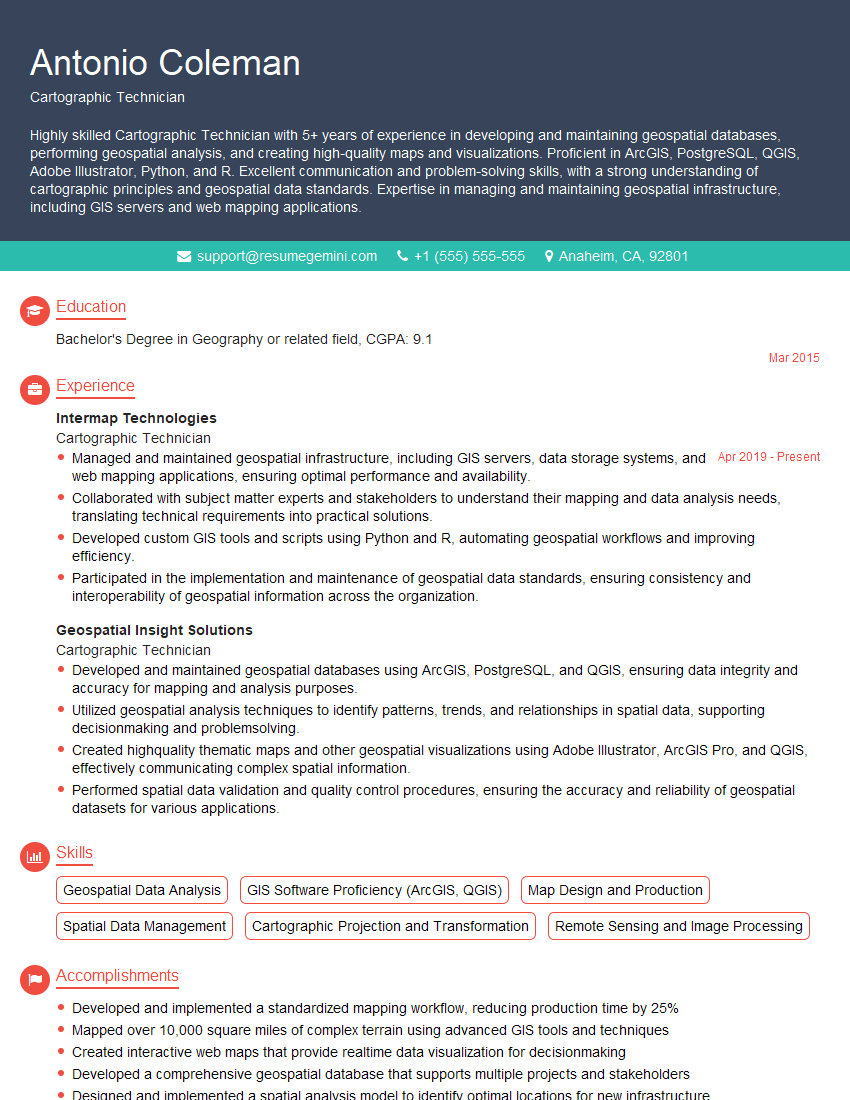
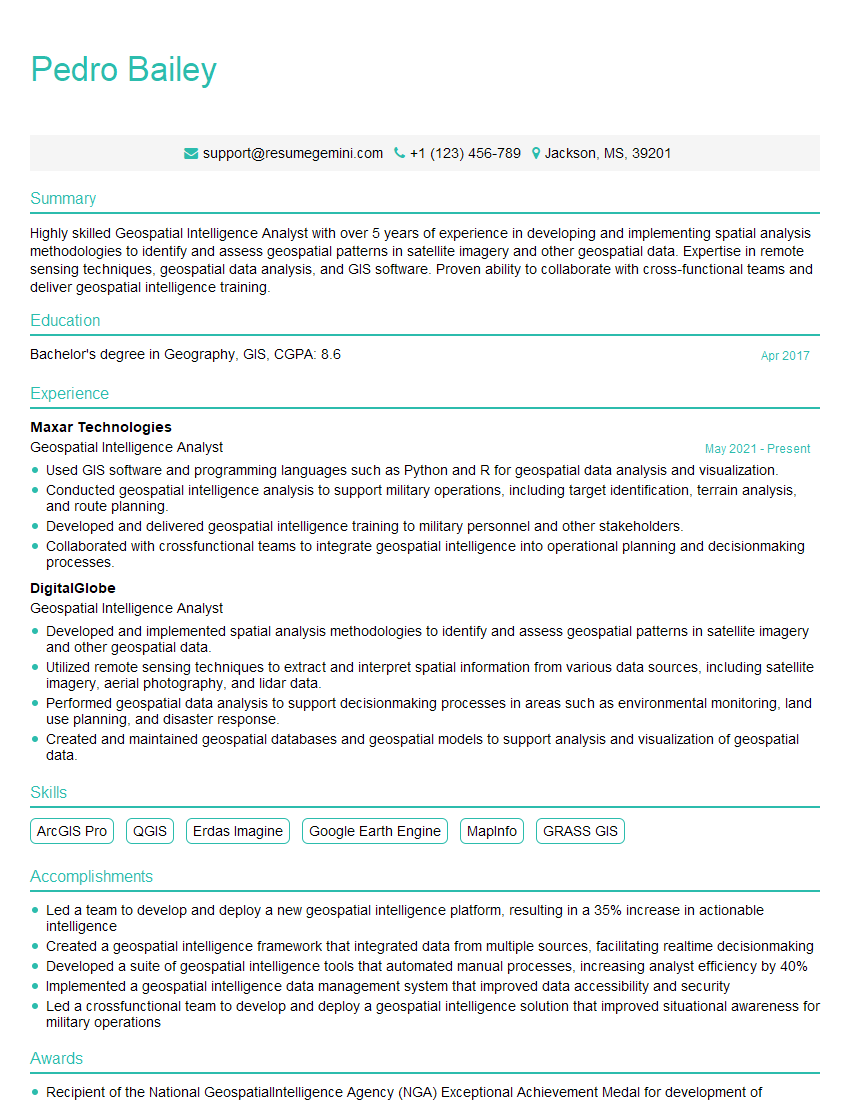
Mastering geospatial data visualization is crucial for career advancement in today’s data-driven world. It opens doors to exciting roles in various sectors, from urban planning and environmental science to public health and business intelligence. To maximize your job prospects, creating a strong, ATS-friendly resume is essential. ResumeGemini can help you craft a compelling resume that showcases your skills and experience effectively. They offer examples of resumes tailored specifically to Geospatial Data Visualization roles, providing a fantastic starting point for building your professional profile.

Explore more articles
Users Rating of Our Blogs
Share Your Experience
We value your feedback! Please rate our content and share your thoughts (optional).
What Readers Say About Our Blog
Really detailed insights and content, thank you for writing this detailed article.
IT gave me an insight and words to use and be able to think of examples