Preparation is the key to success in any interview. In this post, we’ll explore crucial PCB Assembly and Fabrication interview questions and equip you with strategies to craft impactful answers. Whether you’re a beginner or a pro, these tips will elevate your preparation.
Questions Asked in PCB Assembly and Fabrication Interview
Q 1. Explain the difference between through-hole and surface mount technology (SMT).
Through-hole technology (THT) and surface mount technology (SMT) are two primary methods for mounting electronic components onto printed circuit boards (PCBs). The key difference lies in how the components are attached.
In Through-Hole Technology (THT), component leads extend through the PCB and are soldered on the opposite side. Think of it like rivets securing a sheet of metal – the leads go all the way through. This method is generally more robust and suitable for high-power components or those requiring a strong mechanical connection. However, it’s less space-efficient and slower to assemble.
Surface Mount Technology (SMT), on the other hand, uses components with surface-mounted leads or pads that are soldered directly onto the PCB’s surface. Imagine sticking a sticker onto a surface – there’s no going through. SMT offers significant advantages in terms of miniaturization, higher component density, and faster assembly. However, SMT components are generally more delicate and can be sensitive to mechanical stress.
In short: THT uses leads that go through the board, while SMT components sit on the board’s surface.
Q 2. Describe the process of solder paste application in SMT.
Solder paste application is a crucial step in SMT assembly. Solder paste is a mixture of tiny solder spheres and a flux, which acts as a cleaning agent and aids in the soldering process. The application process ensures that each component pad receives the correct amount of solder paste to create strong, reliable solder joints.
The process typically involves these steps:
- Stencil Preparation: A metal stencil with precisely cut apertures (matching component pads) is placed on the PCB.
- Paste Dispensing: Solder paste is applied to the stencil using a variety of methods, including screen printing (most common), automated dispensing, or manual dispensing (for low volume).
- Stencil Removal: Once the paste is evenly distributed, the stencil is carefully removed, leaving the paste on the PCB pads.
- Inspection (Optional): A visual inspection or automated optical inspection (AOI) can be done to check for paste volume and any defects.
Incorrect paste application can lead to insufficient solder, solder bridging, or tombstoning, all of which can negatively impact the quality and reliability of the assembled PCB.
Q 3. What are the common causes of solder bridging and how can they be prevented?
Solder bridging, where solder connects two adjacent pads unintentionally, is a common defect in SMT assembly. This can lead to shorts and malfunctions. Several factors contribute to solder bridging:
- Excessive Solder Paste: Too much paste leads to excess solder flow, bridging the gaps between pads.
- Incorrect Stencil Design: Stencil apertures that are too large or improperly aligned can cause excessive paste deposition.
- Improper Component Placement: Components placed incorrectly can cause solder to bridge between pads.
- Incorrect Reflow Profile: An unsuitable reflow oven profile can cause excessive solder movement.
Prevention strategies include:
- Optimize solder paste volume: Use the right amount of paste, ensuring proper stencil design and aperture sizes.
- Precise component placement: Use accurate pick-and-place machines or ensure careful manual placement.
- Proper reflow profile: Maintain the correct temperature and time parameters to prevent excessive solder flow.
- Regular equipment maintenance: Keep the stencil and printing equipment clean and well-maintained.
- AOI Inspection: Implement automated optical inspection to detect bridging early in the process.
Q 4. Explain the importance of proper component placement in PCB assembly.
Proper component placement is paramount for PCB functionality and reliability. Incorrect placement can lead to a range of issues, from simple malfunctions to complete circuit failure. The importance stems from the fact that each component plays a specific role in the overall circuit design.
Consequences of improper placement:
- Short Circuits: Components placed too close together can cause short circuits, damaging components or the entire board.
- Open Circuits: Incorrect placement can interrupt circuit paths, leading to signal loss or component non-functionality.
- Signal Interference: Improper placement can cause electromagnetic interference (EMI) or cross-talk between signals.
- Thermal Issues: Components generating significant heat should be placed strategically to avoid overheating.
Ensuring proper placement requires:
- Accurate PCB design: Clearly defined component footprints and routing.
- Precise pick-and-place equipment: For high-volume production.
- Careful manual placement: For low-volume assembly.
- AOI inspection: Verifying correct placement after assembly.
Q 5. What are the different types of reflow ovens and their applications?
Reflow ovens are essential for SMT assembly, providing controlled heating to melt the solder paste and create strong solder joints. Several types exist, each with specific applications:
- Convection Ovens: These ovens use heated air to reflow the solder paste. They are cost-effective and suitable for smaller production volumes. However, temperature uniformity can be a challenge.
- Infrared (IR) Reflow Ovens: IR ovens use infrared radiation to heat the components directly. They offer faster heating and better temperature control, making them ideal for high-volume applications and sensitive components.
- Combination Ovens: Combine convection and infrared heating, leveraging the benefits of both methods. These ovens provide excellent temperature uniformity and efficiency, often used in high-mix, low-volume production.
- Vapor Phase Reflow Ovens: These use a heated inert vapor to reflow the solder paste. They offer excellent temperature uniformity and reduce thermal shock, making them suitable for very sensitive components. However, they are expensive and require specific expertise for operation and maintenance.
The choice of reflow oven depends on factors like production volume, component sensitivity, budget, and required level of temperature uniformity.
Q 6. How do you inspect a PCB for defects after assembly?
PCB inspection after assembly is critical to ensure quality and reliability. Multiple inspection methods are employed:
- Visual Inspection: A manual inspection using magnifying glasses or microscopes to identify visible defects like solder bridges, missing components, or component misalignment. This is often the first line of defense.
- Automated Optical Inspection (AOI): AOI systems use cameras and sophisticated software to automatically inspect PCBs for defects, providing higher throughput and accuracy compared to manual inspection.
- X-ray Inspection: X-ray inspection allows for the detection of hidden defects like solder voids or insufficient solder joints, particularly useful for BGA (ball grid array) components.
- Electrical Testing: Functional testing verifies the PCB’s electrical performance using specialized equipment, confirming circuit integrity and proper functionality.
The specific inspection methods used will depend on the complexity of the PCB, production volume, and required quality standards.
Q 7. What are IPC standards and why are they important in PCB assembly?
IPC (Institute for Printed Circuits) standards are globally recognized guidelines and specifications for the design, manufacturing, and assembly of PCBs. They provide a common framework for quality control and ensure interoperability between different manufacturers and designers.
Importance of IPC standards:
- Consistent Quality: IPC standards establish benchmarks for quality, ensuring consistent performance and reliability across various PCBs.
- Improved Communication: They provide a common language for communication between designers, manufacturers, and customers.
- Reduced Defects: Adherence to IPC standards minimizes defects and improves yield, reducing costs and lead times.
- Enhanced Reliability: Following IPC standards enhances the long-term reliability of PCBs, crucial in critical applications.
- Industry Best Practices: IPC standards reflect industry best practices, ensuring that PCBs are manufactured using the most efficient and effective methods.
Examples include IPC-A-610 (Acceptability of Electronic Assemblies) and IPC-7711 (Solder Paste Inspection). Following these standards significantly improves the reliability and quality of PCBs.
Q 8. Describe the process of cleaning a PCB after assembly.
Cleaning a PCB after assembly is crucial for removing flux residues, which are corrosive and can affect the long-term reliability of the board. The process depends on the type of flux used (water-soluble, no-clean, or rosin). Water-soluble flux requires a thorough cleaning with deionized water, often using an ultrasonic cleaner for optimal results. No-clean fluxes require less stringent cleaning, but may still benefit from a light cleaning to remove excess residue. Rosin fluxes generally require minimal cleaning unless significant residue is visible. The cleaning process typically involves several steps:
- Pre-cleaning inspection: Visually inspect the PCB to assess the extent of residue and identify any potential contamination.
- Cleaning process: Select the appropriate cleaning method (e.g., ultrasonic cleaning, aqueous cleaning, vapor degreasing). This choice depends on the flux type, the board’s construction, and sensitivity to cleaning solvents.
- Drying: Thoroughly dry the PCB using forced air or a controlled drying chamber to prevent water spots and corrosion.
- Post-cleaning inspection: A final inspection ensures the cleaning process was effective and that no residues remain. This may involve visual inspection under magnification and/or testing for ionic contamination.
Failing to adequately clean a PCB can lead to premature failure, short circuits, and corrosion, particularly in high-humidity environments. Imagine a tiny speck of flux acting like a bridge, shorting two traces – that’s why a clean PCB is paramount for reliable operation.
Q 9. What are the different types of solder and their properties?
Several types of solder are used in PCB assembly, each with unique properties:
- Lead-tin (SnPb) solder: A classic alloy, typically 60/40 (60% tin, 40% lead), known for its excellent wetting properties and ease of use. However, its lead content makes it environmentally unfriendly, leading to its phase-out in many applications.
- Lead-free solder: These alloys, such as SAC305 (96.5% tin, 3.0% silver, 0.5% copper), are designed to replace lead-containing solders. They often require higher melting temperatures and may exhibit slightly different wetting characteristics. They are environmentally preferable.
- Indium-based solder: Used in applications requiring low melting temperatures, high thermal conductivity, and corrosion resistance. Often used in high-reliability devices.
- Bismuth-based solder: Offer low melting points and good thermal conductivity. Frequently used in applications that require low-temperature soldering processes.
The choice of solder depends on the application’s requirements, including environmental regulations, thermal constraints, and the materials being joined. For instance, high-reliability aerospace applications might use indium-based solders for their superior corrosion resistance and lower melting point, whereas consumer electronics may use lead-free SAC305 for cost and environmental reasons.
Q 10. Explain the concept of solderability and its importance.
Solderability refers to the ability of a metal surface to form a strong, reliable solder joint. It’s crucial for successful PCB assembly because a poor solder joint can lead to intermittent connections, failures, and overall unreliability. Several factors influence solderability, including:
- Surface cleanliness: Oxidation, contamination, or residues on the component leads or PCB pads prevent proper wetting by the solder.
- Surface finish: The type of surface finish (e.g., gold, silver, OSP, ENIG) significantly impacts solderability. Some finishes, such as OSP (organic solderability preservative), offer excellent solderability but degrade over time.
- Solder paste properties: The quality of the solder paste, its composition, and its particle size distribution affect the ability to create good solder joints.
- Soldering temperature profile: Insufficient heat or overheating during soldering can compromise solderability.
Ensuring good solderability involves careful selection of materials, proper cleaning, appropriate surface finishes, and precise control over the soldering process. Think of solderability as the ‘grip’ between the solder and the component – a weak grip means a weak connection!
Q 11. How do you identify counterfeit components?
Identifying counterfeit components requires a multi-faceted approach combining visual inspection, testing, and documentation review. Here’s a breakdown:
- Visual inspection: Carefully examine the component’s markings, packaging, and physical characteristics for inconsistencies. Look for blurry or misaligned markings, substandard printing, unusual packaging, or any signs of tampering.
- Component markings verification: Compare the markings on the component with the manufacturer’s datasheet or official sources. Discrepancies may be a sign of counterfeiting.
- Electrical testing: Test the component’s electrical parameters using appropriate equipment. Deviations from the specified values indicate potential counterfeiting.
- X-ray inspection: An X-ray inspection can reveal internal discrepancies, such as different materials or construction than specified.
- Traceability: Check the component’s chain of custody for documentation supporting authenticity.
Counterfeit components can be extremely dangerous, leading to device failure, security breaches, and safety hazards. Thorough inspection and verification are crucial to prevent their use in critical applications.
Q 12. What are the different types of PCB materials and their applications?
Several PCB materials are used, each suited to specific applications:
- FR-4 (Flame Retardant 4): The most common substrate, a fiberglass-reinforced epoxy resin. It offers a good balance of mechanical strength, thermal stability, and cost-effectiveness. Widely used in general-purpose PCBs.
- High-Tg FR-4 (high glass transition temperature): Offers higher thermal resistance and dimensional stability, suitable for high-temperature applications.
- Polyimide (PI): A high-temperature, high-performance material with excellent thermal and mechanical properties. Used in aerospace, military, and high-frequency applications.
- Aluminum-clad PCBs: Used in high-power applications where superior thermal management is crucial, as the aluminum core acts as a heat sink.
- Ceramic PCBs: Offer superior thermal conductivity, high-frequency performance, and dimensional stability. Used in high-frequency and high-power applications.
The choice of PCB material depends on factors such as operating temperature, thermal requirements, signal integrity, and mechanical stress. For example, a high-power LED driver might use an aluminum-clad PCB for effective heat dissipation, while a high-frequency RF circuit might use a ceramic substrate to minimize signal loss.
Q 13. Describe the process of PCB fabrication, from design to finished product.
PCB fabrication is a multi-stage process, starting with the design and ending with the finished product:
- Design: The PCB is designed using electronic design automation (EDA) software. This involves schematic capture, PCB layout, and design rule checking.
- Artwork generation: The design is converted into manufacturing-ready artwork (Gerber files) specifying the layers and features of the PCB.
- Paneling: Individual PCBs are arranged on a larger panel for efficient processing.
- Exposure and etching: The PCB layers are created by photolithographic processes. Copper is etched away from the unwanted areas according to the design.
- Drilling: Holes are drilled to accommodate the components.
- Plating: The plated through-holes (PTH) connect the different layers. This is often followed by surface finish application (e.g., gold plating, immersion silver).
- Soldering (Assembly): The components are placed and soldered onto the PCB.
- Testing: Rigorous testing verifies functionality and performance.
- Finishing: Final steps might include conformal coating (protective layer), cleaning, and inspection.
Each stage requires precision and quality control. Imagine building a house – each step, from the foundation to the roof, is critical. Similarly, a flaw in any stage of PCB fabrication can affect the final product’s functionality and reliability.
Q 14. What are the different types of PCB manufacturing processes?
Several PCB manufacturing processes exist, primarily categorized by the method used to create the internal connections (vias) between layers:
- Through-hole technology (THT): Components are inserted into holes drilled through the PCB, and their leads are soldered to the pads on both sides. A relatively simple and robust technology, but limited in density.
- Surface mount technology (SMT): Components are mounted directly onto the surface of the PCB, with their leads soldered to surface pads. Allows for higher component density and automation.
- Mixed technology (THT/SMT): Combines both through-hole and surface mount technologies, leveraging the advantages of each. Common in many applications.
- Blind vias: Vias that only go partway through the board, commonly used to increase density.
- Buried vias: Vias fully enclosed within the layers of the board, also used to enhance density.
The choice of manufacturing process is determined by the design requirements, including component types, density, cost, and performance considerations. For instance, high-density applications like smartphones largely utilize SMT, whereas applications requiring high power might still use through-hole components for robustness.
Q 15. What are some common issues encountered during PCB assembly?
PCB assembly, while a precise process, is prone to several issues. These can broadly be categorized into component-related problems, process-related problems, and design-related problems.
- Component-related: This includes issues like damaged components (bent pins, cracked chips), incorrect component placement (wrong orientation or location), and the use of incorrect components. For instance, using a capacitor with a wrong value can significantly impact circuit performance.
- Process-related: These problems stem from the assembly process itself. Examples include solder bridges (unwanted solder connections between pads), insufficient solder (cold solder joints, leading to intermittent connections), solder balls (excess solder forming spherical blobs), and component tombstoning (one end of a component lifting off the board during reflow). Improper cleaning after soldering can also leave residues that affect performance.
- Design-related: Poor PCB design can lead to issues during assembly and even after the product is manufactured. This includes insufficient clearance between components, poorly designed land patterns, and the use of components that are difficult to handle or solder. For example, very small components (0201 resistors) can be challenging to place and solder accurately.
Identifying the root cause is crucial for effective problem-solving. A systematic approach, checking each stage of the assembly process, is vital.
Career Expert Tips:
- Ace those interviews! Prepare effectively by reviewing the Top 50 Most Common Interview Questions on ResumeGemini.
- Navigate your job search with confidence! Explore a wide range of Career Tips on ResumeGemini. Learn about common challenges and recommendations to overcome them.
- Craft the perfect resume! Master the Art of Resume Writing with ResumeGemini’s guide. Showcase your unique qualifications and achievements effectively.
- Don’t miss out on holiday savings! Build your dream resume with ResumeGemini’s ATS optimized templates.
Q 16. How do you troubleshoot common PCB assembly problems?
Troubleshooting PCB assembly problems requires a methodical approach. Let’s imagine we have a board with a section that doesn’t function. Here’s a step-by-step process:
- Visual Inspection: Start with a thorough visual inspection using a magnifying glass or microscope. Look for obvious defects like solder bridges, cold solder joints, missing components, or damaged parts. This often reveals the culprit immediately.
- Continuity Testing: Use a multimeter to check the continuity of the traces and connections. This helps verify if there’s a broken trace or a short circuit.
- Component Testing: Individually test the suspected components (resistors, capacitors, ICs) using a multimeter or dedicated component tester. This helps isolate whether the issue is with the component itself or the connection.
- Signal Tracing: Using an oscilloscope, trace the signals along the circuit to pinpoint where the signal is lost or distorted. This helps identify the location of a faulty component or connection.
- Reflow/Rework: If a visual inspection or testing reveals a faulty solder joint, reflow soldering or rework may be needed. This involves using a hot air gun or soldering iron to re-melt the solder, ensuring proper connections.
Documentation is key! Keep detailed records of each step and the findings. This assists in identifying recurrent problems and improving the assembly process in the future.
Q 17. What is a bill of materials (BOM) and how is it used in PCB assembly?
A Bill of Materials (BOM) is a comprehensive list of all the components and materials required to manufacture a PCB assembly. It’s like a recipe for your electronic product. Each item includes a description, quantity, manufacturer part number, and other relevant information.
In PCB assembly, the BOM is essential for:
- Procurement: It guides purchasing, ensuring all necessary components are ordered from the right suppliers in the correct quantities.
- Assembly: It provides the assembly team with the precise list of components needed, specifying their location and placement on the PCB.
- Inventory Management: It helps track components, manage stock levels, and minimize waste.
- Cost Control: It allows for accurate cost estimation and tracking during the manufacturing process.
- Revision Control: BOMs are often version-controlled, reflecting any design changes or updates to the component list.
Think of it like a shopping list for building a circuit – without it, you’d be missing vital ingredients (components).
Q 18. Explain the importance of ESD protection in PCB handling.
Electrostatic Discharge (ESD) is a sudden flow of static electricity between two objects with different electrical potentials. This can be damaging to sensitive electronic components, even destroying them instantly. ESD protection is critical in PCB handling because even a small ESD event can cause latent damage that may not appear immediately but lead to intermittent failures or shortened lifespan of the product.
ESD protection measures include:
- ESD-safe work surfaces: Using anti-static mats and wrist straps connected to a ground point. These mats prevent the build-up of static charge.
- Ionizers: These neutralize static charges in the air, creating a more balanced environment.
- ESD-safe packaging: Components and PCBs are often stored and shipped in anti-static bags or containers.
- Proper handling techniques: Avoiding contact with components while working on PCBs, grounding yourself before touching sensitive components.
Imagine a tiny lightning strike – that’s what ESD can be to a delicate integrated circuit.
Q 19. What safety precautions should be taken during PCB assembly?
Safety during PCB assembly is paramount. Precautions include:
- Eye Protection: Always wear safety glasses to protect your eyes from flying debris or solder splashes. A face shield adds further protection.
- Hand Protection: Wear appropriate gloves to protect your hands from cuts, burns, or chemical exposure (from cleaning solvents).
- Proper Ventilation: Ensure adequate ventilation when using solvents or soldering to prevent inhalation of harmful fumes.
- Soldering Iron Safety: Handle soldering irons with care, keeping them away from flammable materials, and using appropriate stands when not in use.
- ESD Protection (as described above): This is crucial for protecting the sensitive electronics.
- Safe Disposal: Properly dispose of hazardous materials such as solvents and solder waste.
A safe work environment prevents accidents and injuries, contributing to a higher quality of work.
Q 20. What are the different types of PCB testing methods?
PCB testing is crucial to ensure the functionality and reliability of the assembled board. Several methods exist:
- In-Circuit Testing (ICT): This automated test verifies the connectivity between components on the PCB. It checks for shorts, opens, and incorrect component values.
- Functional Testing: This tests the overall functionality of the board, simulating real-world conditions. It verifies if the circuit performs as designed.
- Flying Probe Testing: This automated test method uses probes to test points on the PCB without the need for pre-programmed fixtures.
- Automated Optical Inspection (AOI): This visual inspection method uses cameras to detect defects like solder bridges, missing components, and misaligned parts.
- X-ray Inspection: This non-destructive method is used to detect hidden defects like solder voids or insufficient solder inside components.
The choice of testing method depends on factors like the complexity of the board, the production volume, and the required level of testing.
Q 21. How do you interpret a Gerber file?
Gerber files are a collection of vector-based files that describe the physical layout of a printed circuit board (PCB). They are the standard format used in PCB manufacturing. Each file represents a specific layer of the board. Understanding Gerber files is crucial for PCB designers and manufacturers.
Interpreting a Gerber file involves understanding the different layers it contains, such as:
- Top Copper Layer: Shows the copper traces on the top side of the board.
- Bottom Copper Layer: Shows the copper traces on the bottom side.
- Top Solder Mask Layer: Indicates the area where solder mask will be applied on the top side.
- Bottom Solder Mask Layer: Indicates the area where solder mask will be applied on the bottom side.
- Top Silkscreen Layer: Shows the component markings and board outline on the top.
- Bottom Silkscreen Layer: Shows the component markings and board outline on the bottom.
- Drill Files: Specifies the location and size of holes for components.
Specialized software (like Altium, Eagle, or KiCad) is used to view and interpret these files. The software renders these vector data into a visual representation of the PCB layers, allowing designers and manufacturers to understand the complete board layout.
Q 22. What software are you familiar with for PCB design and assembly?
For PCB design and assembly, my expertise spans several leading software packages. On the design side, I’m highly proficient in Altium Designer, a comprehensive tool covering schematic capture, PCB layout, and library management. I’m also experienced with Eagle, a popular open-source option offering a good balance of features and accessibility, particularly useful for smaller projects or rapid prototyping. For assembly planning and management, I utilize CAM software such as Upverter and Mentor Graphics’ Expedition. These tools allow for generating manufacturing documentation, including pick-and-place files and solder paste stencils, ensuring seamless integration with automated assembly lines. I also have experience with other specialized software such as CircuitStudio and KiCad, demonstrating versatility across different design and manufacturing workflows.
Q 23. Explain your experience with automated PCB assembly equipment.
My experience with automated PCB assembly (APCA) equipment is extensive. I’ve worked extensively with pick-and-place machines, reflow ovens, and wave soldering systems from various manufacturers, including Fuji, Yamaha, and Juki. I’m familiar with programming these machines using their respective software interfaces, optimizing parameters like speed, accuracy, and component placement strategies for different board types and densities. For example, I once optimized a pick-and-place machine’s settings to reduce cycle time by 15% on a high-density board by strategically re-arranging component placement locations in the PCB layout, thereby reducing head travel time. I also have experience troubleshooting equipment malfunctions and performing preventative maintenance, minimizing downtime and maximizing production efficiency.
Q 24. How do you manage inventory of components for PCB assembly?
Effective component inventory management is crucial for efficient PCB assembly. We use a combination of methods, starting with a robust bill of materials (BOM) meticulously maintained in our ERP system. This system integrates with our procurement process, allowing for automated ordering based on pre-defined stock levels and lead times. We employ a first-in, first-out (FIFO) system for inventory management to minimize the risk of component obsolescence. Regular physical inventory checks are conducted to verify accuracy and address discrepancies. Furthermore, we maintain close relationships with our component suppliers to ensure timely delivery and to proactively address potential supply chain disruptions. This proactive approach ensures we have the right components, in the right quantity, at the right time, minimizing delays and ensuring a smooth production workflow.
Q 25. Describe your experience with quality control procedures in PCB assembly.
Quality control is paramount in PCB assembly. Our procedures incorporate multiple checkpoints throughout the process. Incoming inspection verifies component quality against specifications, including visual inspection, testing, and documentation. During assembly, automated optical inspection (AOI) systems identify defects such as missing components, solder bridges, or shorts. After reflow soldering, we conduct functional testing using automated test equipment (ATE) and in-circuit testing (ICT) to verify circuit functionality. Finally, a thorough visual inspection of the finished assemblies is performed before packaging and shipping. We maintain detailed records of all quality control checks, enabling traceability and facilitating continuous improvement. If defects are detected, a root cause analysis is conducted and corrective actions are implemented to prevent recurrence. Think of it as a layered security system, each layer guarding against potential defects.
Q 26. What is your experience with different soldering techniques (e.g., hand soldering, wave soldering)?
My experience encompasses a wide range of soldering techniques. Hand soldering is essential for prototyping and small-scale repairs, requiring precision and dexterity. I am proficient in using various soldering irons, including those with temperature control and different tip sizes. Wave soldering is ideal for high-volume production, offering excellent throughput and consistent solder joints for through-hole components. I understand the importance of controlling parameters like wave height, solder temperature, and conveyor speed to optimize the process. I’ve also worked with selective soldering, a more precise technique used to solder only specific components or connections, minimizing the risk of heat damage to sensitive components. Understanding the strengths and limitations of each technique is crucial for selecting the optimal method for each project.
Q 27. How do you ensure the accuracy and efficiency of the PCB assembly process?
Ensuring accuracy and efficiency in PCB assembly involves a multi-faceted approach. First, a well-defined process, with clear instructions and work instructions, is paramount. This includes meticulously designed manufacturing documentation generated from the CAM software. Secondly, operator training is essential to ensure proficiency and consistency in assembly techniques. Regular calibration and maintenance of assembly equipment are crucial to prevent errors and downtime. Implementing lean manufacturing principles, such as 5S and Kanban, helps optimize workflow and reduce waste. Data-driven decision-making, using metrics such as defect rates, cycle times, and yield, helps identify areas for improvement. Continuous monitoring and analysis of these metrics are pivotal for long-term efficiency gains. Regular process audits and improvement initiatives ensure the process remains optimized and responsive to change.
Q 28. Describe a time you had to solve a complex problem during PCB assembly.
During a high-volume production run of a complex medical device, we experienced intermittent failures in a specific circuit functionality after final assembly testing. Initial troubleshooting pointed to a potential component issue, but after exhaustive testing, the components were ruled out. We then systematically examined the assembly process, scrutinizing the AOI data, reflow profile parameters, and even the placement accuracy of specific components identified through statistical analysis of the failed units. This meticulous investigation revealed that a minute variation in the solder paste stencil, exacerbated by slight variations in component height, was causing intermittent shorts during reflow. The solution involved redesigning the stencil and implementing a more stringent quality control check for solder paste application thickness. This experience underscored the importance of thorough investigation and systematic problem-solving when confronting unexpected manufacturing challenges. It also reinforced the need for close collaboration between design and manufacturing teams to identify and prevent potential issues.
Key Topics to Learn for Your PCB Assembly and Fabrication Interview
Ace your interview by mastering these key areas. Remember, understanding the “why” behind the “how” will set you apart.
- Soldering Techniques: Understand various soldering methods (e.g., through-hole, surface mount), their applications, and troubleshooting common soldering defects like cold joints or bridges. Consider the implications of different solder types and their suitability for specific applications.
- PCB Component Placement and Handling: Learn about component identification, handling techniques to prevent damage, and efficient placement strategies for optimal assembly. Explore the use of automated placement machines and their impact on production efficiency.
- Inspection and Quality Control: Familiarize yourself with various inspection methods (visual, automated optical inspection – AOI, X-ray inspection) and their roles in ensuring product quality. Understand the importance of documentation and adherence to industry standards.
- Fabrication Processes: Gain a working knowledge of the PCB fabrication process, from designing the board to etching, drilling, and plating. Understand the impact of different materials and processes on the final product’s performance and reliability.
- Understanding Schematics and BOMs (Bill of Materials): Practice interpreting electronic schematics and BOMs to understand the component relationships and quantities needed for assembly. This is crucial for efficient assembly and inventory management.
- Health and Safety Regulations: Be prepared to discuss relevant health and safety procedures related to PCB assembly, including the handling of chemicals and equipment.
- Troubleshooting and Problem-Solving: Develop your ability to identify and resolve common assembly issues. Practice explaining your problem-solving approach and methodology.
Next Steps: Level Up Your Career
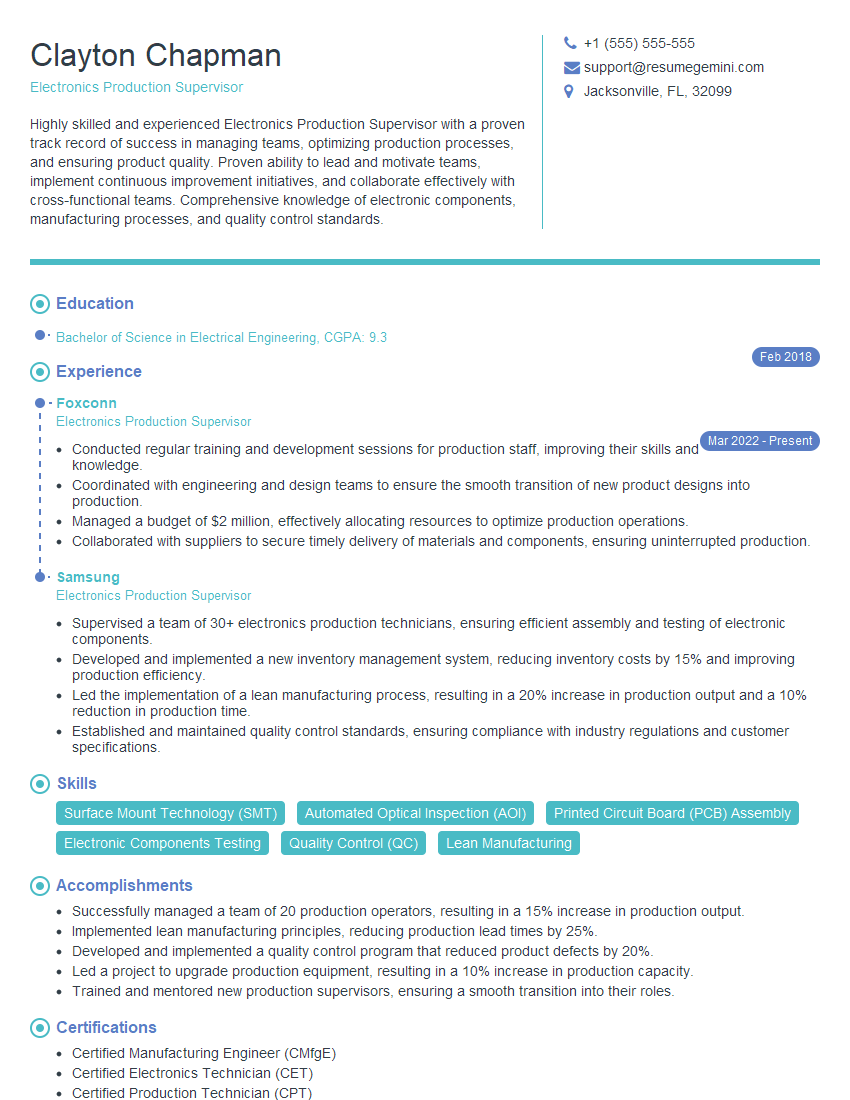
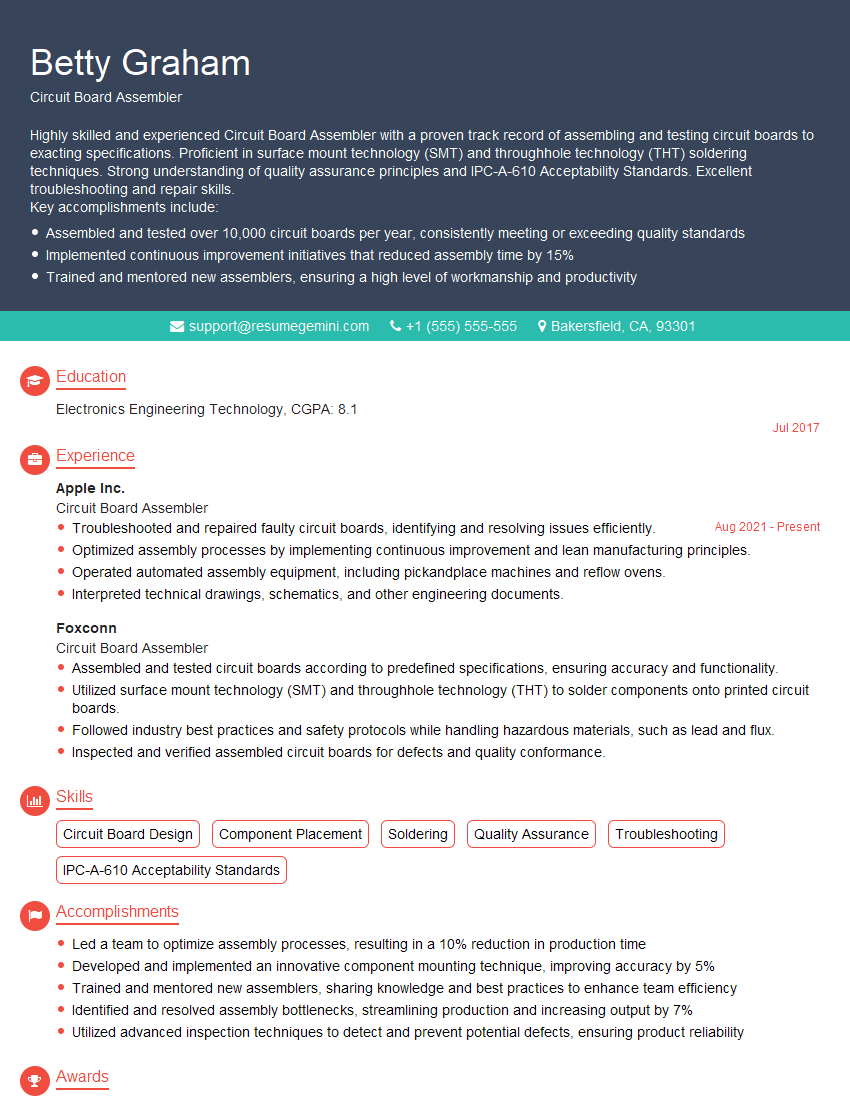
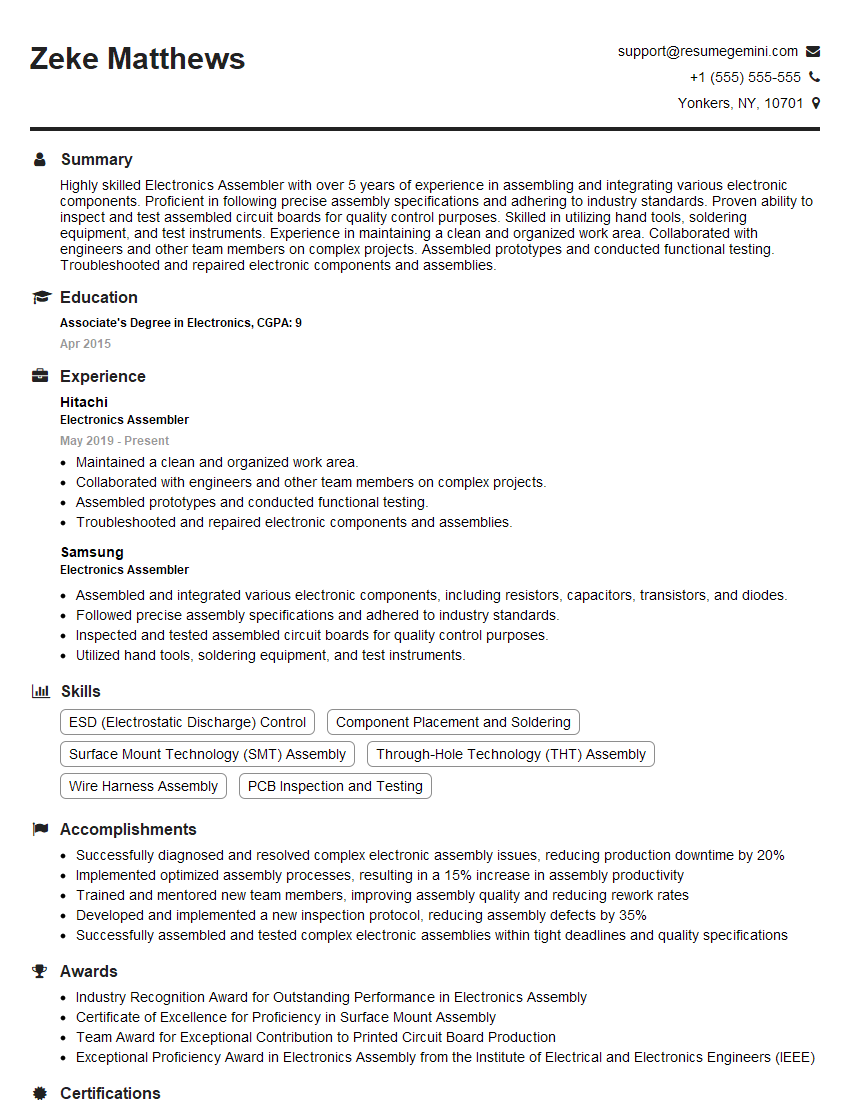
Mastering PCB assembly and fabrication opens doors to exciting career opportunities in a rapidly growing industry. To make the most of your skills, create a compelling resume that showcases your expertise effectively. An ATS-friendly resume is crucial for getting noticed by recruiters and landing those interviews. ResumeGemini can help you build a professional, impactful resume tailored to the PCB industry. We provide examples of resumes specifically designed for PCB Assembly and Fabrication roles to help you get started.
Explore more articles
Users Rating of Our Blogs
Share Your Experience
We value your feedback! Please rate our content and share your thoughts (optional).
What Readers Say About Our Blog
Really detailed insights and content, thank you for writing this detailed article.
IT gave me an insight and words to use and be able to think of examples