The right preparation can turn an interview into an opportunity to showcase your expertise. This guide to Cross-Hatching interview questions is your ultimate resource, providing key insights and tips to help you ace your responses and stand out as a top candidate.
Questions Asked in Cross-Hatching Interview
Q 1. Explain the purpose of cross-hatching in technical drawings.
Cross-hatching in technical drawings serves a crucial purpose: indicating different materials or surface textures. Think of it as a visual shorthand – instead of writing ‘this area is made of steel,’ you use a specific cross-hatching pattern to instantly convey that information. This significantly improves the clarity and readability of complex engineering or architectural drawings. It allows viewers to quickly distinguish between various components and understand the composition of an object without needing extensive labeling.
Q 2. Describe different cross-hatching styles and their applications.
Cross-hatching styles vary greatly, each conveying specific information. The most common styles include:
- Parallel lines: Simple, parallel lines are often used for basic materials or shading. The spacing and line weight can vary to suggest different properties.
- Cross-hatching (angled lines): Two sets of parallel lines intersecting at an angle (typically 45 degrees) are the classic cross-hatching technique. The density of the lines indicates the material’s opacity or density.
- Combination patterns: More complex patterns are created by combining different angles, line weights, or densities. These can be used to distinguish finer details or represent complex materials such as composites.
- Dotted or stippled patterns: These are useful for representing smooth surfaces or for areas where fine detail isn’t necessary.
For example, close, heavy cross-hatching might represent steel, while wider spacing and lighter lines could denote wood. The choice of pattern is guided by established standards (like ISO or ASME) or company-specific style guides.
Q 3. How do you choose the appropriate line weight and spacing for cross-hatching?
Selecting the right line weight and spacing is crucial for creating clear and effective cross-hatching. It’s a balance between visual clarity and avoiding overwhelming detail. Too heavy or close lines can make the drawing look muddy, while too light or spread out lines might not be easily distinguishable. I typically consider:
- Scale of the drawing: Larger drawings can accommodate more detail, allowing for finer line weights and closer spacing.
- Material being represented: Dense materials like metal generally use closer hatching than lighter materials like wood or plastic.
- Overall drawing style: Maintain consistency with the line weights used in other parts of the drawing.
Often, I start with a standard line weight and adjust spacing. I always test it out on a small sample area before committing to the entire drawing to ensure it’s visually appealing and easily understood. Consistency is paramount; otherwise, it can make the drawing look amateurish.
Q 4. What software are you proficient in for creating cross-hatched drawings?
I’m proficient in several software packages for creating cross-hatched drawings, including AutoCAD, Revit, SolidWorks, and Adobe Illustrator. Each software offers its unique tools and approaches, from automated hatching features in CAD software to manual creation and customization in Illustrator. My preferred software depends on the project’s complexity and specific requirements. For instance, AutoCAD is ideal for precise technical drawings requiring intricate cross-hatching, while Illustrator provides greater flexibility for artistic or stylistic representations.
Q 5. Explain the difference between manual and computer-aided cross-hatching.
Manual cross-hatching, using pencils, pens, or technical markers, requires significant skill and patience to achieve uniformity and consistency. It’s often labor-intensive, especially for large or complex drawings. Computer-aided cross-hatching, however, streamlines this process. Software provides tools to create and apply hatching patterns quickly and accurately. It allows for easy adjustments, scaling, and maintaining consistency throughout the drawing, saving significant time and improving precision. While manual hatching offers a more artistic and potentially unique touch, computer-aided methods are preferred for their efficiency and precision in technical drawings.
Q 6. How do you ensure consistency in cross-hatching throughout a complex drawing?
Ensuring consistent cross-hatching in complex drawings is crucial for maintainability and readability. My approach involves:
- Creating a style guide: Defining standard patterns and line weights for each material early on.
- Using layers in software: Assigning different hatching patterns to separate layers to prevent accidental alteration.
- Using hatching tools efficiently: Software’s hatching tools allow for consistent application across areas.
- Regular review: Regularly checking the drawing for inconsistencies in hatching throughout the creation process.
By setting clear standards and leveraging the software’s capabilities, I can avoid errors and maintain a professional, consistent appearance in my work. A well-structured drawing is more easily understood and interpreted.
Q 7. Describe your process for creating cross-hatching patterns for different materials.
Creating cross-hatching patterns for different materials is an iterative process guided by standards, best practices, and visual appeal. I usually begin by researching the material’s properties, considering its texture, density, and opacity. I then select an appropriate pattern. For instance:
- Steel: Dense, closely spaced cross-hatching at a 45-degree angle.
- Wood: Parallel lines or a more open cross-hatching pattern to convey the grain.
- Concrete: A combination of stippling and parallel lines might represent its porous nature.
- Rubber: A less structured pattern suggesting flexibility.
The selection process might also depend on the context within the larger drawing. Ultimately, the goal is to create patterns that are both visually representative and easy to distinguish from other materials in the design.
Q 8. How do you handle cross-hatching in areas with curved surfaces?
Cross-hatching curved surfaces requires adapting the line direction to follow the contour. Imagine trying to shade a sphere – you wouldn’t use straight, parallel lines! Instead, the lines should subtly curve to mimic the surface’s form.
The key is to maintain a consistent spacing and angle between lines, even as they bend. This often involves drawing shorter lines, adjusting their angle frequently, and sometimes employing a combination of cross-hatching directions to represent complex curves. Think of it like sculpting with lines; you’re building up the illusion of three-dimensionality through careful line placement. In CAD software, this might involve using curved line tools or employing multiple hatches with varying angles to approximate the effect.
For example, to cross-hatch a curved cylinder, I would start by drawing lines parallel to the cylinder’s axis. Then, I’d add a second layer of lines perpendicular to the first, carefully curving them to follow the circumference. The result is a convincing representation of a three-dimensional form.
Q 9. Explain how cross-hatching contributes to clarity and understanding in a technical drawing.
Cross-hatching significantly enhances clarity and understanding in technical drawings by visually distinguishing different materials, surface finishes, or sections. It’s a form of visual shorthand. For instance, different hatching patterns can clearly differentiate between steel, aluminum, and wood in a single diagram without needing lengthy labels. This avoids clutter and enhances the readability of complex designs.
In sectional views, cross-hatching helps to clearly demarcate cut portions from uncut areas, allowing for easy identification of internal components and their arrangement. The consistent application of patterns ensures that the drawing is easily interpreted, minimizing ambiguity and improving communication between designers and manufacturers.
Consider a mechanical drawing showing an assembly of parts. By using unique cross-hatch patterns for each material (e.g., diagonal lines for steel, horizontal lines for plastic), the viewer can instantly understand the composition without referring to a separate materials list. This visual distinction improves the overall effectiveness and efficiency of the drawing.
Q 10. How do you maintain accuracy and precision while creating cross-hatching?
Maintaining accuracy and precision in cross-hatching demands careful attention to detail and consistent technique. This starts with using accurate drawing tools – whether pencil and ruler, or digital tools in CAD software. The spacing between the lines needs to be uniform, and the angles should be consistent across the entire hatched area.
In CAD, using snap-to-grid features and employing layer management ensures precision. Layers allow for organized hatch patterns, easy editing, and the ability to isolate individual areas for adjustments. Prioritizing precision in the initial layout of the area to be hatched ensures the effectiveness and visual appeal of the end result. It also avoids the need for time-consuming corrections later on.
For example, if I’m creating a cross-hatched section in a CAD drawing, I would use the software’s built-in hatch functionality, specifying the angle, spacing, and pattern type precisely. I’d then use the layer system to keep different hatches organized, allowing me to easily modify or delete specific areas if necessary, ensuring an error-free and accurate output.
Q 11. Describe your experience with using layers and other CAD tools to manage cross-hatching.
My experience with layers and CAD tools for cross-hatching is extensive. Layers are indispensable for organizing complex drawings. I consistently use separate layers for each hatch pattern, making it easy to modify, hide, or show individual elements without affecting others. This significantly speeds up the design process and reduces the risk of accidental alterations.
I’m proficient in using various CAD software’s (AutoCAD, SolidWorks, etc.) built-in hatching tools, including customizing line weights, angles, spacing, and patterns. Additionally, I frequently utilize associative hatching, which automatically adjusts the hatch when underlying geometry changes, thereby maintaining consistency and accuracy throughout the design process. This saves considerable time and ensures that the drawings are always up-to-date.
For instance, in a recent project involving a complex engine assembly, using layers allowed me to isolate and modify the cross-hatching for individual components without affecting other elements. This organizational approach saved time and avoided the possibility of errors during revisions.
Q 12. How do you troubleshoot issues with cross-hatching in CAD software?
Troubleshooting cross-hatching issues in CAD software often involves checking several key areas. Firstly, I inspect the layer settings to ensure that the hatch is visible and not accidentally frozen or locked. Secondly, I verify that the geometry underlying the hatch is complete and closed. Unclosed geometry can lead to unexpected hatch behavior.
I also check the hatch settings themselves – making sure that the angle, spacing, and pattern are correctly defined and that there are no conflicts with other hatches in the area. Sometimes a simple zoom-in can reveal issues with line precision or unexpected line breaks. If problems persist, reviewing the drawing’s scale and line weights often clarifies the issue.
For example, if a hatch appears incomplete or distorted, I would first zoom in to inspect the underlying geometry for any gaps or overlapping lines. If the geometry is sound, I would then review the hatch settings, ensuring that there are no conflicts with other hatches in the area.
Q 13. How do you adapt your cross-hatching techniques based on the drawing’s scale?
Adapting cross-hatching techniques based on the drawing’s scale is crucial for maintaining visual consistency and clarity. At larger scales, more detail can be included, allowing for finer spacing between hatch lines. This results in a more refined and detailed representation. Conversely, smaller scales require coarser hatching to prevent the lines from becoming overly dense and illegible.
I typically adjust the spacing between lines proportionally to the scale. For example, if the scale is halved, I would roughly double the spacing between hatch lines. This maintains visual consistency and avoids overly busy or sparse areas in the final drawing. This approach keeps the level of detail appropriately scaled to the overall size and purpose of the drawing. Using appropriate line weights also helps maintain readability at different scales.
In architectural drawings, for example, the cross-hatching on a detail at 1:1 scale would be much more refined than the cross-hatching used to indicate the same material on a site plan at 1:500 scale. The difference ensures the drawings remain clear and uncluttered at each scale.
Q 14. What are the common mistakes to avoid when using cross-hatching?
Several common mistakes can undermine the effectiveness of cross-hatching. One frequent error is inconsistent spacing and angles between lines. This leads to an unprofessional and confusing appearance. Another is neglecting the appropriate line weights. Using lines that are too thick or too thin can detract from the overall impact of the drawing.
Overly dense or sparse hatching is also a common problem. Dense hatching can be difficult to read and interpret, while sparse hatching might not adequately represent the material or section being depicted. Finally, choosing inappropriate hatching patterns for the context can lead to confusion and ambiguity. Different patterns are associated with specific materials and it’s critical to follow conventions for clarity.
For example, using the same hatch pattern for two different materials would be a significant error, creating confusion and ambiguity in the drawing. Similarly, using excessively fine lines for large-scale drawings or thick lines for small-scale drawings would make the drawing difficult to read and interpret.
Q 15. Describe your workflow when integrating cross-hatching into a larger technical illustration project.
My workflow for integrating cross-hatching into a larger technical illustration project is meticulous and follows a structured approach. First, I carefully analyze the overall design and identify the areas requiring cross-hatching. This involves understanding the material properties, surface textures, and the level of detail required. Then, I create a base layer, often digitally, with the main outlines and forms. Next, I begin applying cross-hatching, using varying line weights and spacing to represent different materials and depths. I often work in layers, allowing me to adjust individual sections without affecting others. Finally, I review the final piece carefully for consistency and clarity, refining linework as needed. Think of it like building a house – you need a solid foundation (base layer) before you add the intricate details (cross-hatching).
For example, in a detailed diagram of a machine, I might use close, dense hatching for metal components, while employing wider spacing for lighter materials like plastics. Using digital tools allows for easy revisions and adjustments, ensuring a clean and professional final product.
Career Expert Tips:
- Ace those interviews! Prepare effectively by reviewing the Top 50 Most Common Interview Questions on ResumeGemini.
- Navigate your job search with confidence! Explore a wide range of Career Tips on ResumeGemini. Learn about common challenges and recommendations to overcome them.
- Craft the perfect resume! Master the Art of Resume Writing with ResumeGemini’s guide. Showcase your unique qualifications and achievements effectively.
- Don’t miss out on holiday savings! Build your dream resume with ResumeGemini’s ATS optimized templates.
Q 16. How do you ensure your cross-hatching is compatible with different printing methods?
Ensuring compatibility with different printing methods is crucial. My approach involves considering line weight and spacing. For example, very fine lines might get lost in a low-resolution print, while excessively thick lines might appear muddy. I use vector-based software, which scales without losing quality, ensuring sharp lines regardless of the output resolution. For raster-based outputs, I optimize line weights based on the chosen DPI, testing various print settings to ensure clarity. I also consider the printing process itself. Screen printing requires a bolder approach than laser printing, for instance. I often create multiple versions of my cross-hatching work – one optimized for high-resolution print, another for low-resolution, and perhaps a third for screen printing – maintaining consistency in representation while adapting to different printing requirements.
Q 17. How do you ensure the cross-hatching is legible and clearly differentiates materials?
Legibility and clear differentiation of materials are paramount. I achieve this through careful selection of line weight, spacing, and angle. Different materials are represented using distinct hatching patterns. For instance, dense, closely spaced lines indicate hard materials, whereas wider spacing indicates softer ones. Varying the angle of the lines also enhances visual distinction. A combination of cross-hatching and line weight variations is used to show multiple materials on a single component, enhancing detail and understanding.
Imagine representing wood grain versus steel – you’d use subtly different hatching angles and line weights to create a clear distinction. This visual hierarchy ensures the illustration is both visually appealing and technically accurate.
Q 18. Explain your experience with using hatching patterns to represent various textures.
My experience with hatching patterns for textures is extensive. I leverage various techniques to represent different surface textures. For example, closely spaced, parallel lines create the illusion of smooth surfaces like polished metal. Randomly oriented lines can simulate rough surfaces like concrete, while a combination of varying line weights and angles can represent wood grain or woven fabric. The key is to understand how light and shadow interact with the material and translate that into a visually consistent hatching pattern.
I recently worked on a project illustrating various textiles. I used subtly curved lines to create the impression of flowing silk, whereas short, uneven dashes suggested the coarse texture of burlap. This level of detail elevates the illustration beyond a mere technical drawing and transforms it into a visually engaging representation.
Q 19. How do you balance aesthetic appeal with technical accuracy in your cross-hatching?
Balancing aesthetic appeal and technical accuracy is a constant challenge, but a rewarding one. It requires a deep understanding of both artistic principles and technical requirements. I begin by defining the level of detail necessary to accurately convey the information. Once this baseline is set, I carefully select the hatching patterns and line weights to meet this requirement. The artistic aspect comes in through choosing line quality, spacing, and patterns that are not only informative, but also visually pleasing. It’s about finding a sweet spot that doesn’t compromise clarity for aesthetics or vice-versa.
Think of it like writing a scientific paper – it needs to be technically sound and factually accurate, but also engaging and well-written to keep the reader interested. Similarly, a technical drawing with well-executed cross-hatching is both informative and visually appealing.
Q 20. How familiar are you with industry standards for cross-hatching?
I am very familiar with industry standards for cross-hatching, particularly those used in engineering and architectural drawings. These standards often dictate specific line weights, spacing, and angles for representing various materials. I am proficient in interpreting and adhering to these standards, ensuring consistency and clarity across different projects. Understanding these conventions is vital for creating professional, unambiguous technical illustrations that are easily interpreted by others in the field. Adherence to standards also ensures consistency within larger projects, helping teams to interpret cross-hatching consistently.
Q 21. How do you incorporate cross-hatching into 3D models?
Incorporating cross-hatching into 3D models is typically done through texturing or post-processing. In many 3D modeling software packages, you can create custom textures that mimic cross-hatching. This texture can then be applied to the 3D model’s surface. Alternatively, post-processing techniques like rendering with specific shaders can be used to create cross-hatching effects. These methods allow for realistic rendering of textures on complex 3D shapes. It’s more challenging than working with 2D illustrations, requiring a detailed understanding of 3D modeling and texturing techniques to achieve natural-looking results.
For example, I might create a texture in Photoshop with various cross-hatching patterns, which I then import into a 3D modeling software like Blender or Maya to apply it to my model’s surfaces. The advantage is that I can then rotate the model, and the cross-hatching will appear consistent from all angles.
Q 22. Explain how cross-hatching can enhance the communication of complex spatial relationships.
Cross-hatching, the use of parallel lines to represent different materials or surfaces in a technical drawing, is incredibly effective at conveying spatial relationships. Think of it like a visual shorthand. Instead of relying solely on color, which can be ambiguous in printing or photocopying, cross-hatching uses consistent patterns to distinctly identify various components within an assembly. For example, different hatching patterns can instantly distinguish between steel, aluminum, and plastic parts, making it clear how those parts interact and relate to each other in three-dimensional space. The angles and density of the lines can also subtly suggest depth and overlapping elements, further enhancing the spatial understanding.
Imagine a complex engine diagram: By using unique cross-hatching for each component (e.g., pistons, connecting rods, crankshaft), the viewer can easily grasp the assembly’s structure and how the individual parts fit together, even in a 2D representation.
Q 23. How would you approach cross-hatching a highly detailed mechanical assembly drawing?
Approaching a highly detailed mechanical assembly drawing requires a systematic approach to cross-hatching. First, I’d meticulously study the drawing to identify all distinct materials and components. Then, I’d develop a legend, assigning a unique cross-hatching pattern to each material. This legend is crucial for clarity and consistency throughout the drawing. I’d prioritize using standard ISO or ANSI hatching patterns where possible to ensure universal readability. For highly complex areas, I might consider using lighter, less dense hatching to avoid visual clutter. And finally, I’d meticulously ensure that the hatching lines do not obscure crucial details like dimensions or annotations.
For example, a complex gearbox might require different hatching for the gear teeth (to show material), the housing (a different material), and perhaps even a section cut showing internal components. Each section would have its own unique pattern, but still maintain consistency in overall style.
Q 24. What is your preferred method for creating cross-hatching on isometric drawings?
My preferred method for creating cross-hatching on isometric drawings involves using CAD software. Most professional CAD packages have built-in tools to automatically generate cross-hatching patterns. These tools allow for precise control over line spacing, angle, and pattern, ensuring accuracy and consistency. Manually drawing cross-hatching on an isometric drawing is extremely time-consuming and prone to errors, especially with complex geometries. The software’s ability to automatically adjust the hatching pattern to follow the shape of the object is invaluable, preventing distortions that can mislead the viewer.
Alternatively, if working without CAD, I’d employ a very precise technical pen or even utilize a specialized hatching template, but this would be much less efficient.
Q 25. How do you handle cross-hatching when working with sections or cutaways?
Handling cross-hatching in sections or cutaways requires careful attention to clarity and avoiding confusion. The cross-hatching pattern within the section should clearly differentiate the cut material from the surrounding components. A common practice is to use a slightly different angle or density for the section cut to distinguish it from the surrounding materials. It’s important to clearly indicate the section plane using appropriate section lines, allowing the viewer to understand what is being depicted.
For instance, if showing a cross-section of a pipe, the interior might use a different, perhaps slightly denser, hatch than the exterior pipe wall to help the viewer identify the internal elements. The section line will clearly show the cutting plane.
Q 26. Describe your understanding of different line types used in conjunction with cross-hatching.
Several line types work in conjunction with cross-hatching to enhance a drawing’s legibility. These include the standard cross-hatching lines themselves (often thin, consistent lines), thicker lines used to define object boundaries, and dashed or dotted lines for hidden features or center lines. The weight and type of line can significantly influence the drawing’s overall appearance and interpretation. Using heavier lines for outlines emphasizes the boundaries of each object, while lighter cross-hatching allows the details to remain visible.
Imagine a drawing of a chassis. The chassis outline might be a thick solid line, internal support structures would have cross-hatching of one pattern, and the bolts used to hold it together might be illustrated with thinner lines. Consistent use of different line weights improves readability.
Q 27. How would you resolve conflicting cross-hatching patterns in a drawing?
Resolving conflicting cross-hatching patterns requires careful planning and modification. The primary strategy is to avoid conflicts in the first place by creating a well-defined legend and using distinct patterns. However, if conflicts arise, you can employ several solutions. You might adjust the angle of the lines in one of the patterns slightly, ensuring they still retain distinctiveness but no longer directly overlap. Alternatively, in areas of overlap, you can use a break in the cross-hatching lines of one area to create a visual separation. In extreme cases, you might need to redraw a small portion of the drawing to eliminate the conflict completely.
For example, if two adjacent parts initially had parallel hatching, altering the angle of one of those patterns by 15 degrees would instantly alleviate the problem, ensuring both remain clearly identifiable.
Q 28. What are your strategies for managing complex cross-hatching in large-scale projects?
Managing complex cross-hatching in large-scale projects requires a highly organized and methodical approach. Using CAD software with layering capabilities is essential. Each material or component would have its own layer with its unique cross-hatching pattern assigned. This approach allows for easy management, modification, and selective visibility. The creation of a comprehensive legend is crucial, clearly documenting each pattern and its corresponding material. Regular checks for conflicts and inconsistencies are also critical throughout the project. Collaboration and clear communication among team members are essential to maintaining consistency across the large drawing.
Think of it like building a house with prefabricated sections: each section (layer) is completed independently, ensuring perfect integration once assembled (combined in the final drawing). This systematic, layer-based approach guarantees efficiency and prevents errors in complex projects.
Key Topics to Learn for Cross-Hatching Interview
- Understanding Cross-Hatching Techniques: Explore various cross-hatching styles, including parallel lines, varied line weights, and directional changes to create depth and texture.
- Mastering Line Control: Practice consistent line weight and spacing to achieve a polished and professional look. Develop techniques for creating smooth transitions between varying line densities.
- Value and Tone Creation: Learn how to effectively use cross-hatching to create a range of values and tones, from light to dark, to represent different materials and lighting conditions.
- Applying Cross-Hatching to Different Subjects: Practice cross-hatching on various subjects, such as organic forms (e.g., leaves, fur), geometric shapes, and architectural details, to demonstrate versatility.
- Understanding Perspective and Form: Explore how cross-hatching can be used to enhance the perception of three-dimensional form and perspective in your drawings.
- Integrating Cross-Hatching with other Shading Techniques: Learn how to combine cross-hatching with other shading techniques like stippling or blending to create richer and more expressive work.
- Problem-Solving with Cross-Hatching: Develop strategies for resolving common challenges such as achieving smooth transitions between light and shadow areas, maintaining consistent line quality, and efficiently using this technique in larger drawings.
Next Steps
Mastering cross-hatching is a valuable skill that significantly enhances your artistic abilities and demonstrates a strong understanding of foundational drawing techniques. This skill is highly sought after in various creative fields, opening doors to exciting career opportunities. To maximize your job prospects, focus on creating a compelling and ATS-friendly resume that highlights your skills and experience. ResumeGemini is a trusted resource that can help you build a professional resume tailored to your specific needs. Examples of resumes tailored to showcasing cross-hatching skills are provided to help guide your resume creation. Invest time in crafting a strong resume – it’s your first impression on potential employers!

Cartographer Resume Sample
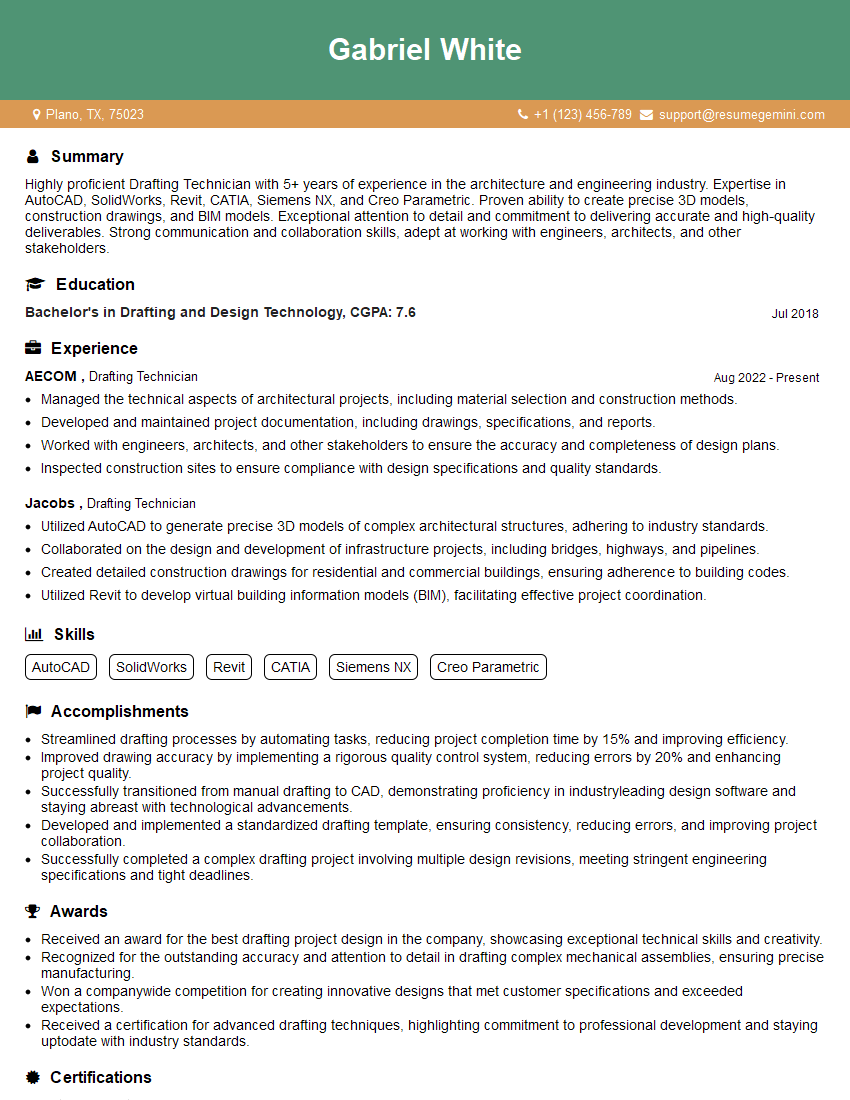
Drafting Technician Resume Sample
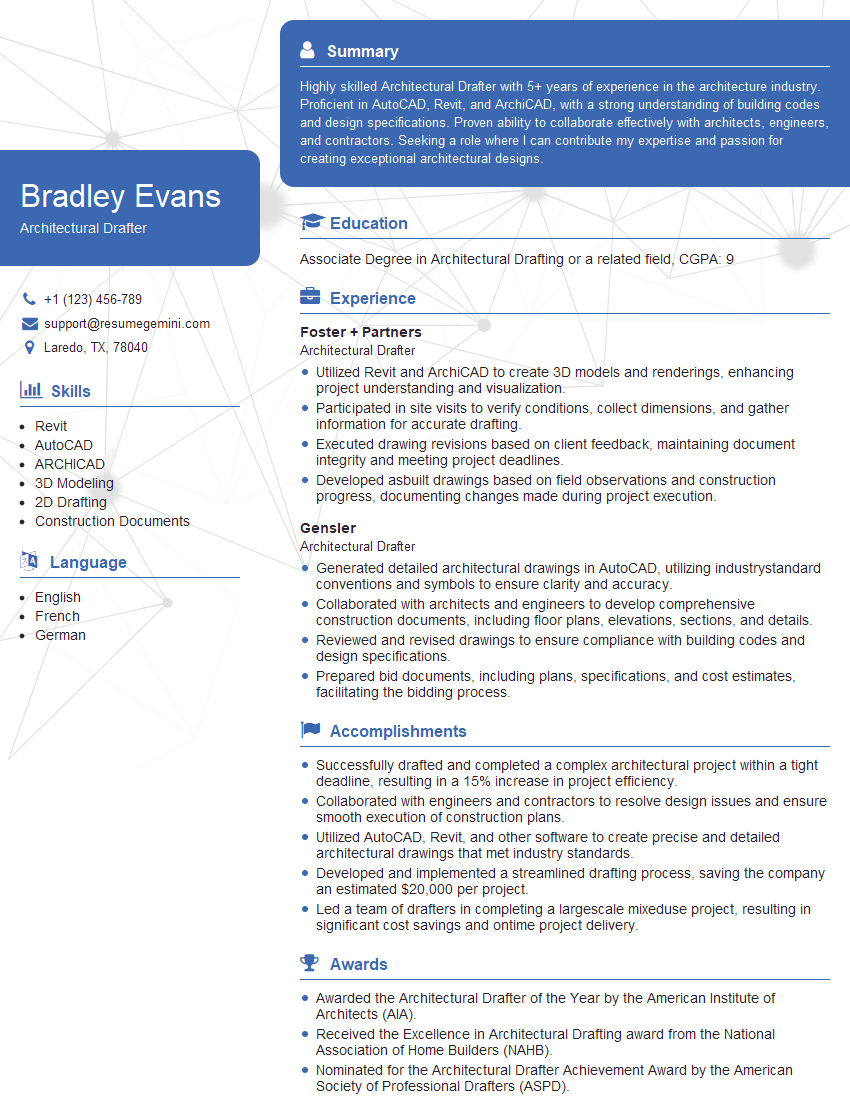
Architectural Drafter Resume Sample

Technical Illustrator Resume Sample
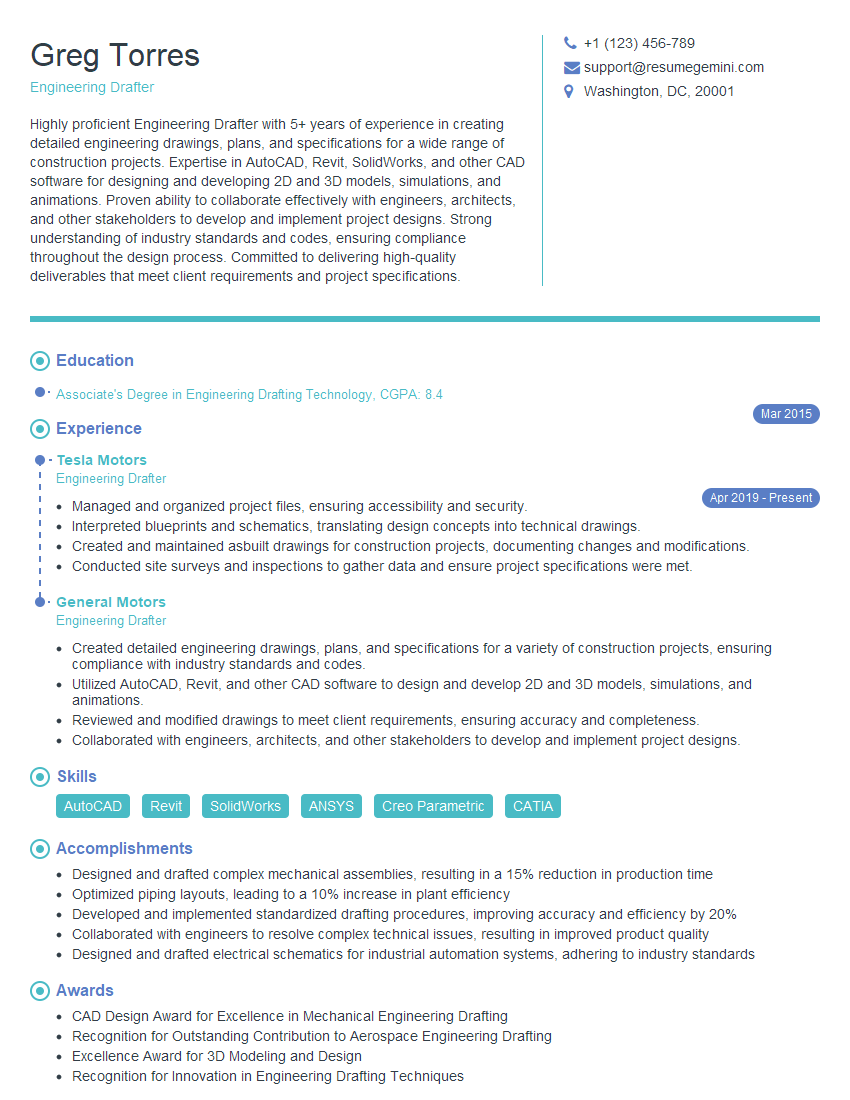
Engineering Drafter Resume Sample
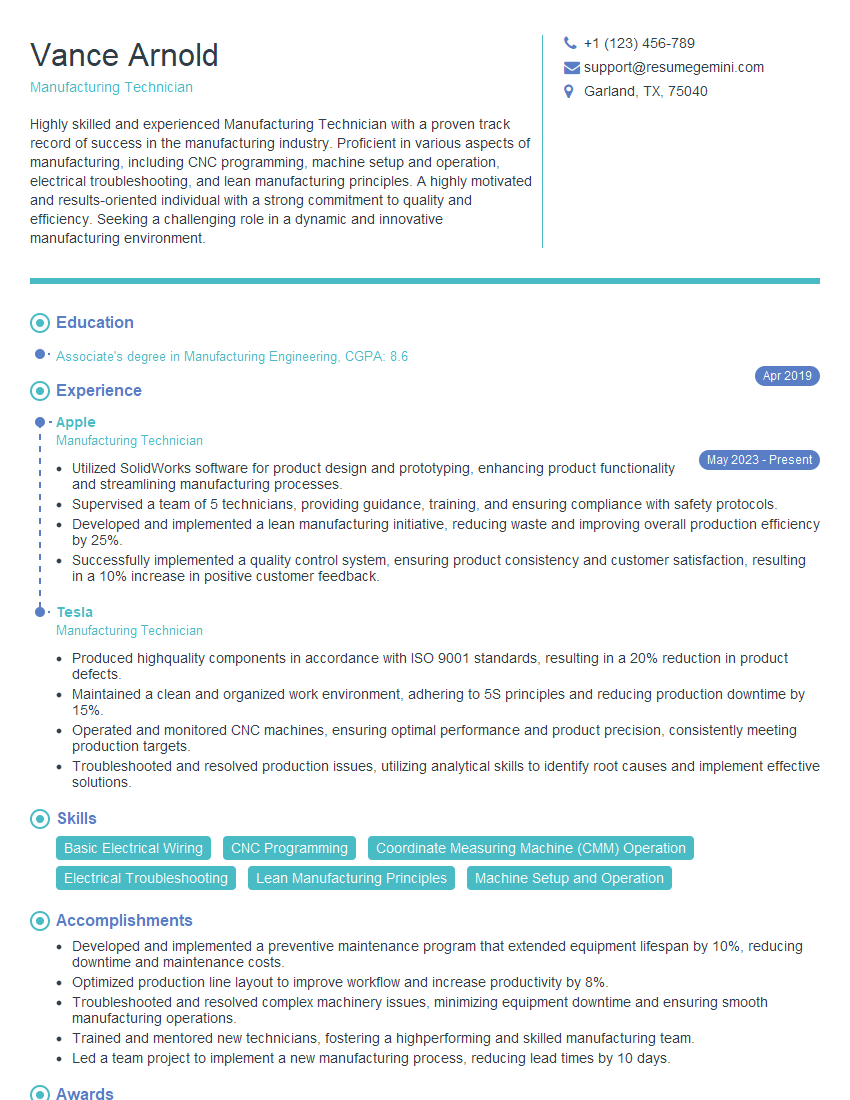
Manufacturing Technician Resume Sample

Instructional Designer Resume Sample
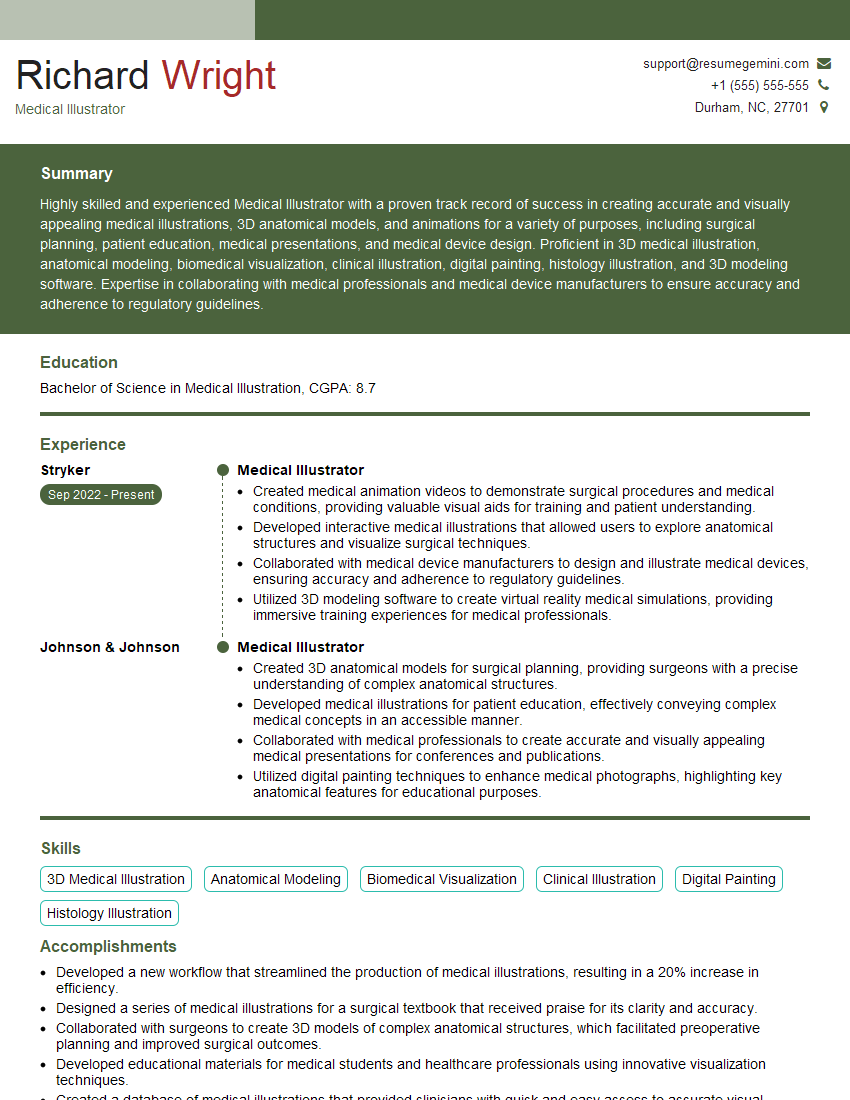
Medical Illustrator Resume Sample

Technical Artist Resume Sample
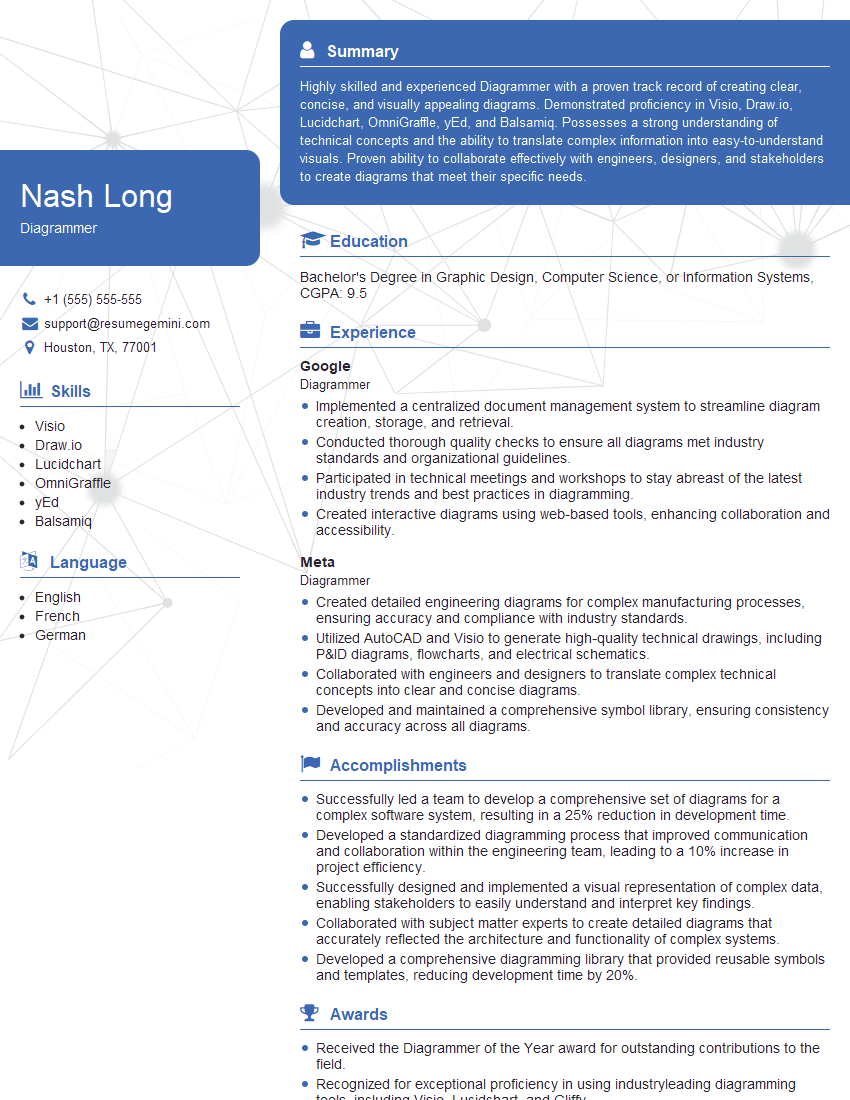
Diagrammer Resume Sample
Explore more articles
Users Rating of Our Blogs
Share Your Experience
We value your feedback! Please rate our content and share your thoughts (optional).
What Readers Say About Our Blog
Really detailed insights and content, thank you for writing this detailed article.
IT gave me an insight and words to use and be able to think of examples