Preparation is the key to success in any interview. In this post, we’ll explore crucial Ability to draw and render in multiple styles interview questions and equip you with strategies to craft impactful answers. Whether you’re a beginner or a pro, these tips will elevate your preparation.
Questions Asked in Ability to draw and render in multiple styles Interview
Q 1. Explain your process for transitioning between different artistic styles.
Transitioning between artistic styles requires a deliberate shift in my approach, focusing on understanding the core principles of each style and then adapting my techniques accordingly. It’s like learning different musical instruments – each requires a unique technique, but the underlying principles of rhythm and melody remain relevant.
- Understanding the Fundamentals: I begin by analyzing the target style. What are its key characteristics? Is it about simplified forms, exaggerated features, or a specific color palette? For example, transitioning from photorealism to a cartoon style would involve simplifying complex details and emphasizing bold outlines.
- Modifying Techniques: I adjust my brushstrokes, line weight, and color choices. A photorealistic piece might utilize subtle blending and a wide range of colors, while a cartoon style would use bolder lines and a more limited palette. I might switch from soft airbrushing to sharp, defined edges.
- Reference and Practice: I heavily reference artists who excel in the desired style. Studying their work helps me understand their processes. Practice is crucial; I dedicate time to sketches and studies to internalize the new style before tackling a full piece.
- Iterative Process: Shifting styles isn’t always instantaneous. I often create several preliminary sketches and studies in the new style to refine my approach. It’s an iterative process of learning and adapting.
Q 2. Describe your experience with various rendering techniques (e.g., ray tracing, path tracing, rasterization).
My experience with rendering techniques spans various approaches, each with unique strengths and applications. I understand the underlying principles and can choose the most suitable technique depending on the project’s demands and aesthetic goals.
- Rasterization: This is the foundation of most 2D digital art. It’s computationally efficient and works by representing images as a grid of pixels. I use it extensively for digital painting and illustration, leveraging software like Photoshop’s brush engines to create textures and details. It’s perfect for speed and flexibility.
- Ray Tracing: This technique simulates light’s interaction with objects in a 3D scene, producing highly realistic reflections and shadows. I’ve utilized ray tracing in applications like Blender and Octane Render to create photorealistic renders for architectural visualizations and product design. Its strength lies in realism but requires significant computational power.
- Path Tracing: A more sophisticated rendering technique than ray tracing, path tracing accounts for multiple bounces of light, leading to even more accurate and realistic results, especially in complex scenes. It’s computationally intensive, and I’ve used it primarily for high-end visualizations where realism is paramount.
The choice between these techniques depends on the project’s requirements: rasterization for speed and efficiency in 2D, ray tracing for realistic 3D renders, and path tracing for extremely high-fidelity 3D visualizations.
Q 3. How do you adapt your drawing style to suit different project requirements?
Adapting my style is a crucial skill, and I approach it by analyzing the project’s needs and target audience. It’s about understanding that the art serves a purpose, and the style should enhance that purpose.
- Project Goals: A children’s book requires a vastly different style than a corporate logo. A children’s book would benefit from a bright, simple style easily understood by children, whereas a corporate logo needs to convey professionalism and brand identity.
- Target Audience: The style should resonate with the target audience. A style aimed at teenagers might be edgy and modern, while a style for older audiences might be more refined and classic.
- Medium and Constraints: The chosen medium (digital vs. traditional) affects style. Limitations like time constraints might necessitate simplification of details.
- Client Feedback: Collaboration with clients is vital. I regularly seek feedback and iterate on the style to ensure it meets their expectations.
Ultimately, adapting my style is about flexible problem-solving, prioritizing the project’s success and tailoring the visual language to its specific needs.
Q 4. What software and tools are you proficient in for drawing and rendering?
My proficiency extends across multiple software and tools catering to diverse needs in drawing and rendering. This versatility allows me to tackle projects with varying levels of complexity and stylistic demands.
- Digital Painting: Adobe Photoshop, Procreate, Clip Studio Paint
- 3D Modeling and Rendering: Blender, Cinema 4D, Octane Render, V-Ray
- Vector Graphics: Adobe Illustrator
- Traditional Media: Pencils, charcoal, watercolors, acrylics
Beyond specific software, I’m also proficient in using graphics tablets (Wacom Cintiq, iPad Pro), styluses, and other peripherals to enhance my creative process.
Q 5. Describe your experience with digital painting software (e.g., Photoshop, Procreate).
I have extensive experience with both Photoshop and Procreate, each offering unique advantages. My expertise lies in leveraging their strengths for different artistic goals.
- Adobe Photoshop: Photoshop’s power lies in its extensive toolset and flexibility. I leverage its layers, blending modes, and advanced adjustment layers for intricate digital painting, photo manipulation, and complex compositing. Its industry standard status makes it crucial for professional projects.
- Procreate: Procreate’s intuitive interface and powerful brush engine make it ideal for quick sketches, concept art, and on-the-go digital painting. Its responsiveness and ease of use make it perfect for rapid iteration and experimentation.
I choose between these programs based on the project’s requirements. For highly complex projects needing advanced features, Photoshop is my go-to; for quick sketches and simpler projects, Procreate’s efficiency shines.
Q 6. How do you manage your workflow when working with multiple styles in a single project?
Managing a workflow with multiple styles in a single project requires a structured and organized approach. I break down the project into distinct phases, each tailored to the specific style.
- Style Guides: I create style guides defining the characteristics of each style (color palette, line weight, shape language, etc.). This ensures consistency throughout the project.
- Layer Organization: In digital art, I meticulously organize layers, grouping them by style or element. This allows for easy editing and modification without affecting other elements.
- Separate Files: For significantly different styles, I may create separate files for each style, later compositing them. This maintains clarity and avoids conflicts.
- Reference Sheets: I often use reference sheets for each style, ensuring consistent application of techniques throughout the project.
A well-structured workflow helps to maintain consistency and efficiently manage complexity. It’s like an orchestra – each section (style) plays its part, but the conductor (the artist) ensures harmony.
Q 7. What are the key differences between realism and stylized rendering?
Realism and stylized rendering represent different ends of a spectrum in visual representation. The key difference lies in the level of detail and adherence to real-world accuracy.
- Realism: Prioritizes accurate representation of the real world. It emphasizes detail, accurate light and shadow, and realistic textures. The goal is to create an image that looks photographically accurate.
- Stylized Rendering: Intentionally deviates from realism. It might simplify forms, exaggerate features, use non-realistic colors, or employ unique visual techniques to achieve a specific artistic effect. The goal is not photorealism, but rather to convey a mood, feeling, or artistic vision.
Think of it like this: a photorealistic portrait aims to replicate a person’s exact likeness; a stylized portrait might emphasize certain features, use bold colors, or simplify the form for expressive effect. Both can be equally compelling and effective, depending on the intended message.
Q 8. Discuss your understanding of color theory and its application in rendering.
Color theory is the foundational understanding of how colors interact, their relationships, and how they evoke specific emotions and moods. In rendering, it’s crucial for creating believable and impactful visuals. It encompasses several key aspects:
- The Color Wheel: Understanding primary, secondary, and tertiary colors, as well as complementary, analogous, and triadic color schemes, allows for intentional color harmony or deliberate discord to achieve a desired effect.
- Hue, Saturation, and Value (HSV): Manipulating these three elements allows for precise control over color appearance. Hue is the pure color, saturation is the intensity or purity, and value is the lightness or darkness. For instance, a highly saturated red will appear vibrant, while a desaturated red might appear muddy or dusty.
- Color Temperature: Warm colors (reds, oranges, yellows) generally feel inviting and energetic, while cool colors (blues, greens, purples) often evoke calmness or serenity. This is vital for setting the mood of a scene.
- Color Psychology: Different colors trigger different emotional responses in viewers. Using this knowledge strategically can greatly enhance storytelling in renders.
For example, in a fantasy scene, I might use warm, saturated colors for a magical, otherworldly feel, while a realistic architectural visualization might benefit from a more muted palette emphasizing subtle variations in value to highlight textures and forms.
Q 9. How do you approach creating textures and materials in your renders?
Creating convincing textures and materials is a key element in photorealistic or stylized rendering. My approach involves a multi-step process:
- Reference Gathering: I begin by collecting high-quality reference images of real-world materials. This helps ensure accuracy and believability.
- Software Selection: The choice of software depends on the complexity and desired level of realism. Substance Painter, for example, is excellent for creating intricate material properties, while simpler tools may suffice for stylized projects.
- Texture Mapping: I utilize different mapping techniques, such as diffuse, normal, roughness, and metallic maps, to define the surface characteristics of the material. A diffuse map determines the base color, a normal map adds surface detail, a roughness map controls how light reflects, and a metallic map defines the metallic properties of the material.
- Procedural Textures: For complex or repeating patterns, I often use procedural texture generation techniques to create realistic and efficient textures. These can be easily modified and scaled without losing quality.
- Shader Creation: For advanced control, I sometimes write custom shaders (using tools like Shader Graph in Unity or similar node-based systems) to achieve very specific material behaviors like subsurface scattering for skin or complex refractive effects for glass.
For instance, creating a realistic wooden texture might involve using a diffuse map with wood grain, a normal map to enhance the grain’s depth, and a roughness map to show variations in surface texture. A metallic map would be near zero for wood.
Q 10. How do you handle feedback on your work, especially when it involves stylistic choices?
Feedback is crucial for improvement. When dealing with stylistic choices, I find it helps to view feedback as a collaboration, not criticism. My approach is:
- Active Listening: I carefully listen to the feedback, asking clarifying questions to ensure I understand the concerns.
- Understanding the Rationale: I try to understand the reasons behind the feedback, even if I don’t initially agree. What is the intended goal? Is it about the overall visual impact, technical aspects, or client preferences?
- Demonstrating Understanding: I paraphrase the feedback to show I’ve understood it, and then present my perspective on the stylistic choices made. Why was that style selected? What were the artistic goals?
- Compromise and Iteration: I’m always open to finding a compromise. This might involve experimenting with slight modifications to the existing style, or presenting alternative approaches that incorporate the feedback while maintaining the overall artistic vision.
- Documentation: Keeping a record of the feedback received and the changes made can help in future projects, improving efficiency and communication.
For example, if a client feels a piece is too dark, I might adjust the lighting or color balance to address their concern without completely abandoning the initial artistic intent.
Q 11. Describe your experience with creating concept art.
Concept art is fundamental to establishing the visual direction of a project. My experience includes creating a wide range of concept art for various media, such as games, films, and illustrations. This involves:
- Mood Boards and Research: I begin by creating mood boards to gather inspiration and define the visual style. This involves extensive research into relevant imagery, color palettes, and styles.
- Sketching and Ideation: I utilize various sketching techniques to brainstorm ideas and explore different possibilities. This initial phase often involves a lot of experimentation.
- Digital Painting and Illustration: Once the initial concepts are defined, I refine them using digital painting software such as Photoshop, creating detailed illustrations that effectively communicate the vision.
- Communication and Collaboration: Effective communication with the client or director is critical to ensuring the concept art aligns with the project goals.
In one project, I created concept art for a fantasy game, developing character designs, environments, and weapons. The initial sketches involved exploring different styles, but the final renders were polished digital paintings that effectively showcased the game’s world and atmosphere.
Q 12. How do you ensure consistency in style across multiple assets?
Consistency in style is achieved through careful planning and a disciplined workflow:
- Style Guide Creation: Creating a detailed style guide outlining color palettes, line weights, textures, and rendering techniques is essential. This document serves as a reference throughout the project.
- Reference Sheets: Utilizing reference sheets for characters, environments, and objects helps maintain visual consistency across multiple assets.
- Template Creation: For repetitive elements, creating templates ensures uniformity. This can be particularly helpful for character design or UI elements.
- Color Management: Consistent color management using tools such as color profiles helps ensure that colors appear the same across different devices and software.
- Regular Reviews: Regularly reviewing the assets ensures early detection of inconsistencies and allows for timely corrections.
In a recent project involving multiple character models, we created a detailed style guide outlining the character’s proportions, clothing style, and color palette. This ensured consistent visual language throughout the project.
Q 13. How do you use lighting to enhance the mood and atmosphere in your renders?
Lighting is crucial for establishing mood and atmosphere. I manipulate lighting to achieve specific effects:
- Light Sources: Understanding different types of light sources (ambient, directional, point, spot) and their properties is key. Each light type has unique characteristics and can be used to create various effects.
- Color Temperature: Using warm-toned lighting for cozy, inviting scenes, and cool-toned lighting for a more clinical or mysterious mood.
- Light Intensity and Shadows: Careful control over light intensity and shadow distribution creates depth and realism. Harsh shadows can enhance drama, while soft shadows create a more gentle mood.
- Volume Lighting: Employing volumetric lighting techniques to simulate the scattering of light in fog, smoke, or dust can significantly add to the atmosphere.
- Light Direction: The direction of light influences how objects are illuminated and can contribute significantly to storytelling. Side lighting can emphasize texture, while backlighting can create silhouettes and drama.
For example, a dark scene with a single, bright light source would create a tense and suspenseful atmosphere, whereas a scene bathed in soft, diffused light might feel more peaceful and serene.
Q 14. Describe your experience with 3D modeling software (e.g., Maya, Blender).
I’m proficient in both Maya and Blender, utilizing them based on the project’s requirements and personal preference. My experience includes:
- Modeling: I’m experienced in creating high-poly and low-poly models, using various techniques like box modeling, sculpting, and retopology.
- UV Unwrapping: I’m proficient in creating efficient UV maps for texture application.
- Rigging and Animation (Maya): While not my primary focus, I have experience rigging and animating characters in Maya for specific projects requiring basic animation.
- Texturing and Shading: I often use these programs in conjunction with Substance Painter to create realistic or stylized materials.
- Rendering: I use Maya’s Arnold renderer and Blender’s Cycles renderer, understanding their respective strengths and limitations for different projects. I’m comfortable adjusting render settings to optimize render times and achieve the desired quality.
In a recent project, I used Blender’s sculpting tools to create a highly detailed character model, then retopologized it in Maya for efficient texturing and animation. I rendered the final output using Arnold to achieve a photorealistic look.
Q 15. How do you balance artistic vision with technical constraints?
Balancing artistic vision with technical constraints is a constant dance in any creative field. It’s about finding the sweet spot between your initial creative impulse and the practical limitations of the medium, software, or hardware you’re using. Think of it like sculpting: you might envision a breathtakingly intricate statue, but the available stone might not allow for such detail. You then need to adapt.
My approach involves several key steps:
- Early Assessment: Before I begin, I thoroughly analyze the project’s technical limitations – resolution, file size, rendering time, polycount (if 3D modeling is involved), etc. This sets realistic expectations.
- Iterative Refinement: I work in stages, starting with a rough sketch to establish the core idea. I then progressively refine the artwork, constantly checking against the technical requirements. This allows for adjustments along the way, preventing major setbacks later.
- Prioritization: I identify the most crucial aspects of my artistic vision and focus my efforts there. Minor details that are technically challenging might be sacrificed if they don’t significantly impact the overall impact.
- Creative Problem-Solving: Often, technical limitations spur creativity. A constraint can force you to explore novel solutions, leading to innovative and surprising results. For example, a low-poly model might benefit from clever texturing to suggest intricate details that aren’t explicitly modeled.
For example, while working on a game project with strict polygon limits, I opted for stylized character designs with simplified geometries, compensating for the lack of detail with vibrant colors and exaggerated features. The result was visually appealing and well within the technical specifications.
Career Expert Tips:
- Ace those interviews! Prepare effectively by reviewing the Top 50 Most Common Interview Questions on ResumeGemini.
- Navigate your job search with confidence! Explore a wide range of Career Tips on ResumeGemini. Learn about common challenges and recommendations to overcome them.
- Craft the perfect resume! Master the Art of Resume Writing with ResumeGemini’s guide. Showcase your unique qualifications and achievements effectively.
- Don’t miss out on holiday savings! Build your dream resume with ResumeGemini’s ATS optimized templates.
Q 16. Describe your process for creating compelling character designs.
Creating compelling character designs is a multi-faceted process that combines artistic skill with storytelling and understanding of audience. It’s more than just drawing a pretty face; it’s about communicating a character’s personality, history, and role within a narrative.
My process typically follows these steps:
- Concept Development: I start with research and brainstorming. Who is this character? What is their personality, backstory, and motivations? I create mood boards and explore different visual references.
- Sketching and Exploration: I create numerous quick sketches, experimenting with different body types, poses, outfits, and facial features. This helps to refine the character’s visual identity.
- Refining the Design: I choose the most promising sketches and refine them, focusing on proportions, anatomy, and details. I pay close attention to the character’s silhouette – it’s the first thing the viewer notices.
- Color and Texture: Color plays a crucial role in conveying emotion and mood. I experiment with different color palettes to find the perfect one for the character. Textures further enhance the character’s visual appeal and believability.
- Finalization: Once I’m satisfied with the design, I create a polished final version, often incorporating digital painting techniques to add subtle details and depth.
For instance, when designing a villain for a fantasy game, I initially sketched several concepts, ranging from imposing, heavily armored figures to wiry, sinister characters. After analyzing their effectiveness, I chose a design that combined both aspects, creating a visually striking and memorable villain.
Q 17. How do you incorporate perspective and composition in your drawings and renders?
Perspective and composition are fundamental elements of visual storytelling. They guide the viewer’s eye and create a sense of depth and realism (or stylized depth) within the artwork. Without them, even the most detailed drawing can feel flat and uninteresting.
I incorporate perspective and composition using the following techniques:
- Understanding Perspective Principles: I have a solid grasp of one-point, two-point, and three-point perspective, enabling me to create believable environments and place objects in space correctly.
- Rule of Thirds and other compositional guidelines: I utilize compositional rules like the rule of thirds, leading lines, and visual weight distribution to create balanced and visually engaging images.
- Focal Point: I determine the focal point of the artwork and strategically arrange elements to draw attention to it. This creates a clear hierarchy of information and guides the viewer’s gaze.
- Depth of Field: In digital painting and rendering, I use depth of field effects to simulate the way our eyes focus, creating a sense of distance and layering. This is particularly effective in environments and character portraits.
For example, in a landscape painting, I might use converging lines to create a sense of depth, placing the focal point – perhaps a striking tree – at the intersection of the rule of thirds. This creates a visually appealing and well-balanced composition.
Q 18. What are your preferred methods for creating believable textures?
Creating believable textures is essential for adding depth, realism, and visual interest to artwork. My methods involve a combination of traditional and digital techniques:
- Reference Gathering: I always start by studying real-world textures. I take photographs, collect samples, or search for high-quality reference images online. This provides a solid foundation for my work.
- Digital Painting Techniques: I utilize digital painting software to create textures using various brushes, blending modes, and layer effects. This allows for a high degree of control and flexibility.
- Noise and Grain: Adding subtle noise and grain can significantly improve the realism of a texture. It simulates the imperfections found in real-world materials.
- Normal Maps and other techniques: For 3D modeling, I use normal maps, displacement maps, and other techniques to add detailed surface information without increasing the polygon count. This creates incredibly realistic-looking textures.
- Procedural Textures: In some cases, I leverage procedural texture generation, particularly for things like wood, stone, or fabric, as it can create complex, realistic-looking textures from simple algorithms.
For example, when creating the texture of worn leather, I might start with a base color, then add subtle variations in tone and value using a textured brush. I’d then add scratches and imperfections using a smaller, harder brush, and finally add a subtle noise layer for added realism.
Q 19. How familiar are you with different types of brushes and their effects?
My familiarity with brushes extends across both traditional and digital mediums. Understanding the properties of different brushes is crucial for achieving specific effects. It’s analogous to a painter choosing between a fine-tipped brush for detailed work and a broad, flat brush for laying down large areas of color.
In digital painting, I regularly employ brushes with varying:
- Shape: Round, square, hard-edged, soft-edged, etc. Each shape produces a distinct stroke.
- Size and Opacity: Adjusting size and opacity allows for fine control over detail and blending.
- Hardness: Hard brushes create sharp lines, while soft brushes produce soft, diffused strokes.
- Texture: Many brushes have built-in textures (e.g., splatter, grain), mimicking traditional media like charcoal or watercolor.
- Dynamics: Pressure sensitivity, tilt, and other dynamic properties of the brush significantly enhance the control and natural look.
I often customize brushes to achieve unique effects, creating my own brush presets for specialized tasks. For example, I might create a custom brush for simulating fur, grass, or specific fabric textures.
Q 20. How do you approach the challenge of creating realistic or stylized environments?
Creating believable environments, whether realistic or stylized, requires a strong understanding of spatial relationships, lighting, and the underlying principles of art. The approach differs depending on the desired style.
Realistic Environments: For realistic environments, I meticulously research the subject matter. I study photographs, visit locations (when possible), and meticulously recreate the details. Accurate lighting and shadow placement are paramount. I use techniques such as atmospheric perspective and environmental storytelling to further enhance realism. Tools like photogrammetry can speed this up in certain cases.
Stylized Environments: Stylized environments offer more creative freedom. While understanding fundamental principles is still important, the goal is to convey mood and atmosphere rather than strict photographic accuracy. I might use exaggerated colors, simplified shapes, and unique artistic choices. For example, a cartoon-style environment might feature bold colors and simple geometric shapes to create a playful atmosphere. A painterly style environment might feature visible brushstrokes.
In both cases, the key to success lies in having a strong grasp of perspective, composition, and color theory. Regardless of the chosen style, my goal is always to create a visually engaging and immersive experience for the viewer.
Q 21. Explain your understanding of anatomy and its importance in character design.
Anatomy is the cornerstone of believable character design, especially in realistic or semi-realistic styles. A solid understanding of human (or animal) anatomy allows me to create characters that feel natural, dynamic, and believable, even in fantastical settings. Ignoring anatomy can lead to characters that appear distorted, awkward, and unconvincing.
My approach involves:
- Study of Anatomy: I consistently study anatomical references, both from books and life-drawing sessions. This includes understanding the underlying musculature, skeletal structure, and proportions of the body.
- Application to Character Design: I use this anatomical knowledge to inform my character designs, ensuring that the proportions and forms are accurate and consistent. This doesn’t mean every character must be perfectly realistic, but a solid base of anatomical knowledge is crucial for making believable deviations.
- Dynamic Poses and Expressions: Understanding anatomy helps me create convincing poses and expressions. The way a muscle contracts or relaxes affects the overall form and posture of the character.
- Stylized Anatomy: Even in stylized designs, an understanding of underlying anatomy is important. It allows for exaggerated or simplified features that still maintain a sense of believability.
For instance, when designing a superhero character, I might exaggerate certain muscular features, but I make sure that the underlying anatomical structure remains plausible. This prevents the design from looking unrealistic or distorted.
Q 22. Describe your experience with traditional art mediums and their digital counterparts.
My foundation lies in traditional mediums – pencils, charcoal, watercolors, and oils. I understand the nuances of layering, blending, and achieving specific textures using these tools. This foundational knowledge directly translates to digital art. For instance, my understanding of how light interacts with oil paints helps me master lighting effects in digital painting software like Photoshop or Procreate. The control and precision I developed with traditional tools made the transition to digital tablets and styluses much smoother. In fact, I often find myself using digital tools to emulate the textures and effects achieved with traditional methods. For example, I might use a custom brush in Procreate to mimic the grain of watercolor paper or the texture of charcoal on canvas.
The key difference is the non-destructive nature of digital art, allowing for easy experimentation and revision. With traditional art, a mistake might necessitate starting over; digitally, I can easily undo or adjust elements. This increased flexibility allows for much more experimentation with composition and style.
Q 23. How do you stay updated with the latest trends and techniques in your field?
Staying current in this rapidly evolving field requires a multi-pronged approach. I actively follow prominent artists and studios on social media platforms like ArtStation and Instagram, observing their work and techniques. I regularly attend online workshops and webinars hosted by industry professionals. Furthermore, I subscribe to art-related publications and online tutorials – both free and paid – to learn about the latest software updates, rendering techniques, and style innovations. Finally, I actively participate in online communities and forums, engaging in discussions with fellow artists and exchanging knowledge and feedback.
A recent example is my exploration of AI art generation tools. While not directly replacing my creative process, I’ve found these tools beneficial for generating textures, concept art, and even initial sketches, which I then refine and enhance using traditional digital painting techniques. It’s about integrating these advancements, not being replaced by them.
Q 24. How would you approach a project that requires a blend of multiple artistic styles?
Blending styles is a fascinating creative challenge. My approach involves a thorough understanding of the distinct characteristics of each style. For example, if a project requires a blend of a realistic portrait style with elements of Japanese anime, I’d first analyze the core principles of each: realistic rendering emphasizing anatomy and lighting versus anime’s stylized proportions and vibrant colors.
I’d then create mood boards and sketches to explore how these elements can coexist harmoniously. This might involve using realistic rendering for the face but employing stylized anime features for the eyes and hair. The key is a thoughtful integration rather than a jarring juxtaposition. The process often involves creating several versions and seeking feedback to refine the final product. The goal is a cohesive visual narrative, where the different styles complement and enhance each other.
Q 25. How do you troubleshoot rendering issues?
Troubleshooting rendering issues often involves a systematic approach. I first identify the nature of the problem: Is it related to lighting, textures, geometry, or software glitches? For example, if I encounter unexpected shadows or artifacts in a 3D render, I might check my lighting setup, making sure that shadows are correctly cast and that there are no conflicting light sources. If the issue stems from textures, I examine their resolution and mapping to ensure they’re correctly applied and optimized for the scene.
If the problem persists, I systematically isolate potential issues. I might render a simplified version of the scene to determine whether the problem lies in the complexity of the model or the rendering settings. Software-specific troubleshooting involves consulting the program’s documentation and community forums, searching for similar problems and solutions.
Q 26. Discuss your experience with optimizing renders for performance.
Optimizing renders for performance is crucial, especially for complex projects. My approach starts with optimizing the 3D model itself, ensuring that the polygon count is appropriate for the desired level of detail. Unnecessary geometry is removed, and efficient modeling techniques are used. Texture optimization involves using textures of appropriate resolutions. High-resolution textures are used only where needed; lower resolutions are used in less prominent areas. Efficient material setups avoid unnecessary shaders and effects.
Rendering settings also play a significant role. I carefully adjust sampling rates and anti-aliasing settings to balance image quality with render times. For complex scenes, I explore using techniques like progressive rendering or tile rendering to distribute the workload and improve efficiency. I’ll also utilize render layers to isolate problematic elements and render them separately if needed. I often experiment with different render engines, comparing performance and output quality to find the best approach for each project.
Q 27. What is your preferred workflow for collaborating with other artists?
My preferred workflow involves clear communication and the use of collaborative platforms. Before starting a project, I discuss the artistic vision with other artists involved, ensuring a shared understanding of the goals and aesthetics. I utilize cloud-based platforms like Google Drive or Dropbox for sharing files and providing feedback. For real-time collaboration, we might use programs that allow for simultaneous editing.
Regular check-ins are crucial to identify potential issues early and ensure everyone is on track. I believe in open communication and constructive criticism, creating a collaborative environment where everyone feels comfortable sharing their ideas and concerns. Using version control systems allows us to track changes and revert to earlier versions if needed, a critical component in managing any collaborative effort.
Q 28. Describe your approach to creating a portfolio showcasing your versatility in different styles.
Creating a portfolio that showcases versatility requires careful selection and presentation. I organize my portfolio around different artistic styles, each section demonstrating proficiency in a specific technique or approach. For instance, one section might showcase realistic portraiture, another might highlight fantasy illustrations, and another might focus on abstract digital art. Each piece is accompanied by a brief description, highlighting the techniques used and the artistic choices made.
The visual presentation is paramount. Consistency in quality and a cohesive visual aesthetic are crucial. I ensure high-resolution images and a user-friendly layout that makes it easy for viewers to navigate and appreciate the diversity of my work. I regularly update my portfolio with newer pieces, showing continuous growth and exploration of new styles and techniques. The objective is to present a compelling narrative of my artistic journey and capabilities.
Key Topics to Learn for Ability to draw and render in multiple styles Interview
- Understanding Different Rendering Styles: Explore the theoretical underpinnings of various rendering styles like realism, stylized realism, cartoon, cel-shading, and others. Consider the impact of light, shadow, texture, and color in each style.
- Software Proficiency: Demonstrate practical application by showcasing your skills in relevant software such as Photoshop, Illustrator, Blender, or other industry-standard programs. Be prepared to discuss your workflow and preferred techniques within these programs.
- Material & Texture Creation: Understand the creation and application of materials and textures, crucial for achieving distinct visual styles. Discuss your process for creating believable and consistent surfaces.
- Composition and Storytelling: Discuss how composition and visual storytelling principles apply to different rendering styles. Be ready to explain your artistic choices in creating effective visuals.
- Problem-Solving and Workflow: Prepare to discuss challenges you’ve encountered in rendering projects and how you overcame them. Highlight your efficient workflow and your ability to adapt to different project requirements and deadlines.
- Style Adaptation and Experimentation: Demonstrate your ability to quickly learn and adapt to new styles. Showcase any personal projects where you’ve explored different aesthetics and techniques.
Next Steps
Mastering the ability to draw and render in multiple styles significantly enhances your marketability and opens doors to diverse and exciting opportunities within the creative industries. A strong portfolio is essential, but a well-crafted resume is your first impression. Building an ATS-friendly resume is crucial for maximizing your job prospects. ResumeGemini offers a trusted platform to build a professional and impactful resume that showcases your skills effectively. We provide examples of resumes tailored to highlight “Ability to draw and render in multiple styles,” helping you present your qualifications in the best possible light. Take the next step towards your dream career today!

Art Director Resume Sample

Creative Director Resume Sample

Web Designer Resume Sample

Product Designer Resume Sample
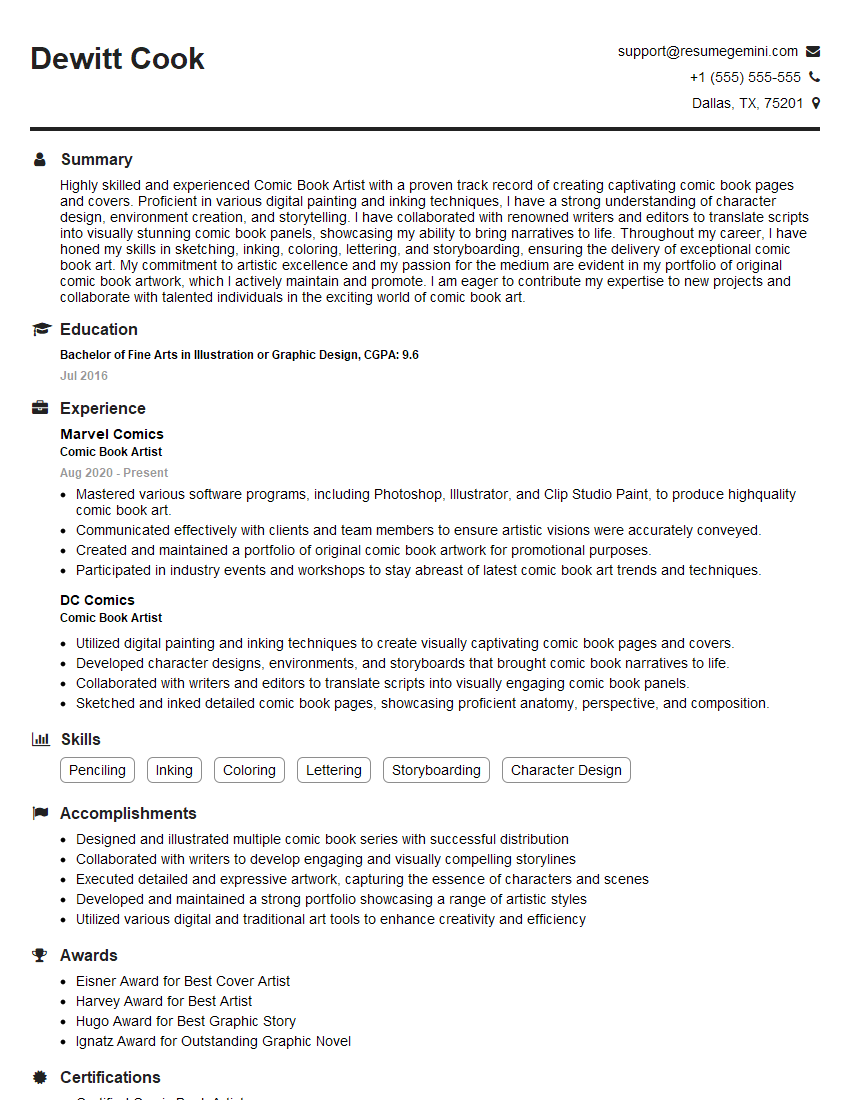
Comic Book Artist Resume Sample
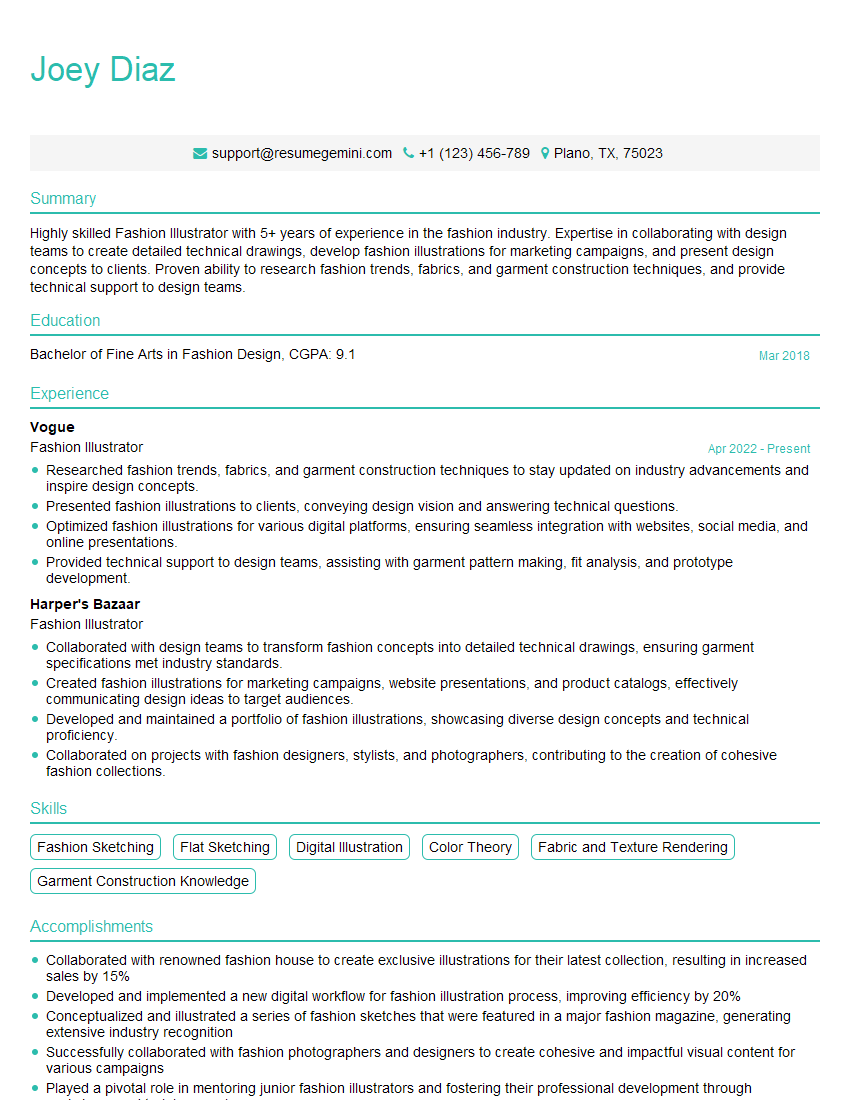
Fashion Illustrator Resume Sample
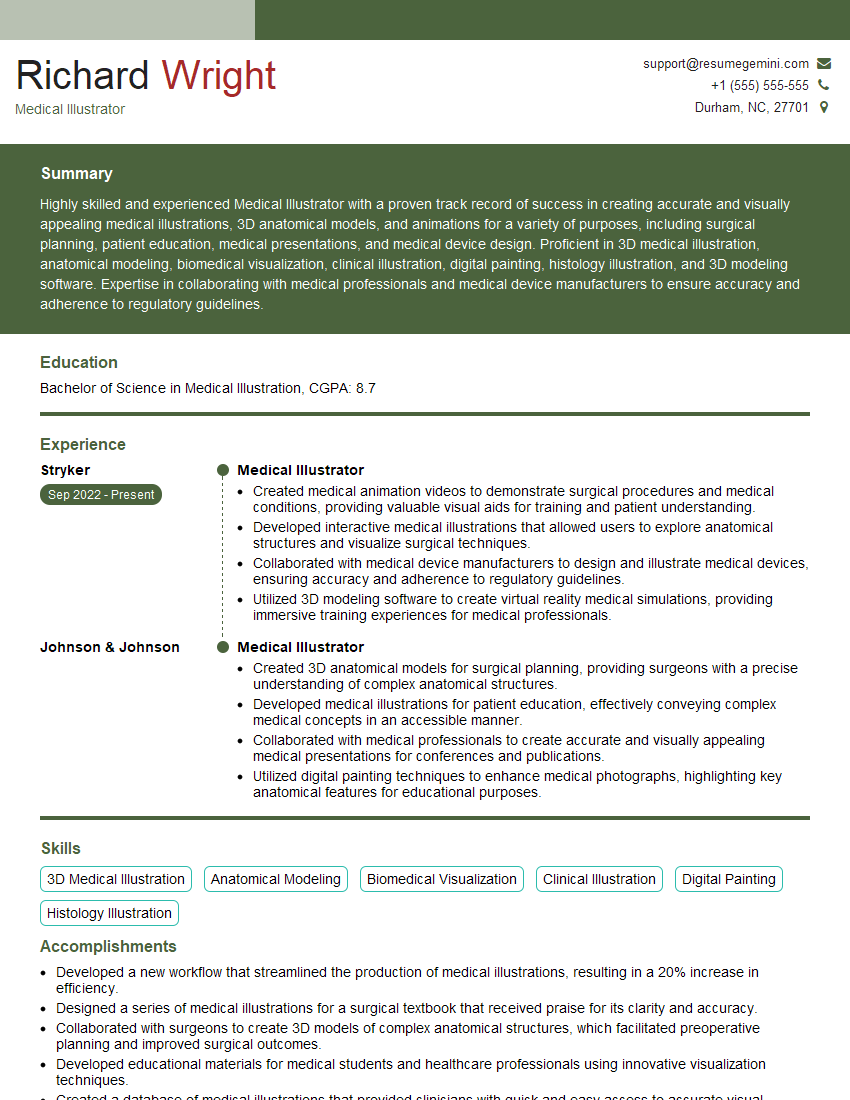
Medical Illustrator Resume Sample

Technical Artist Resume Sample

Texture Artist Resume Sample
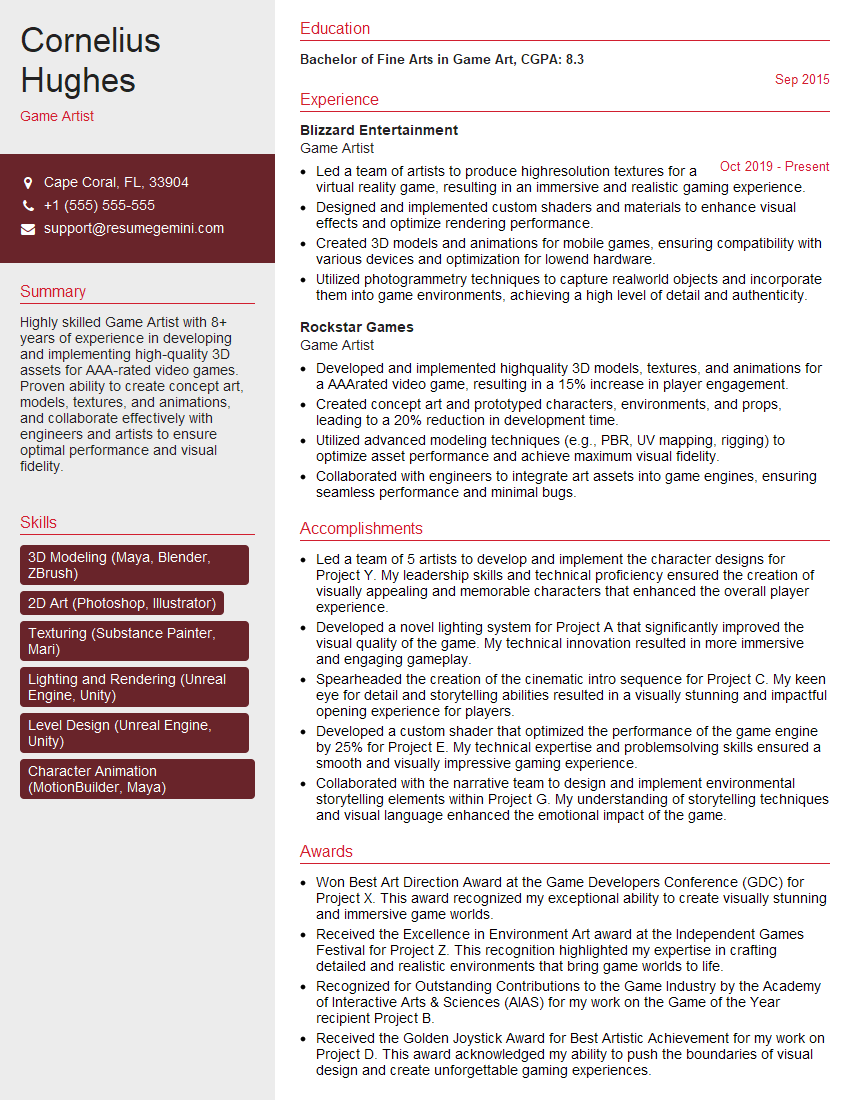
Game Artist Resume Sample

Graphic Designer Resume Sample
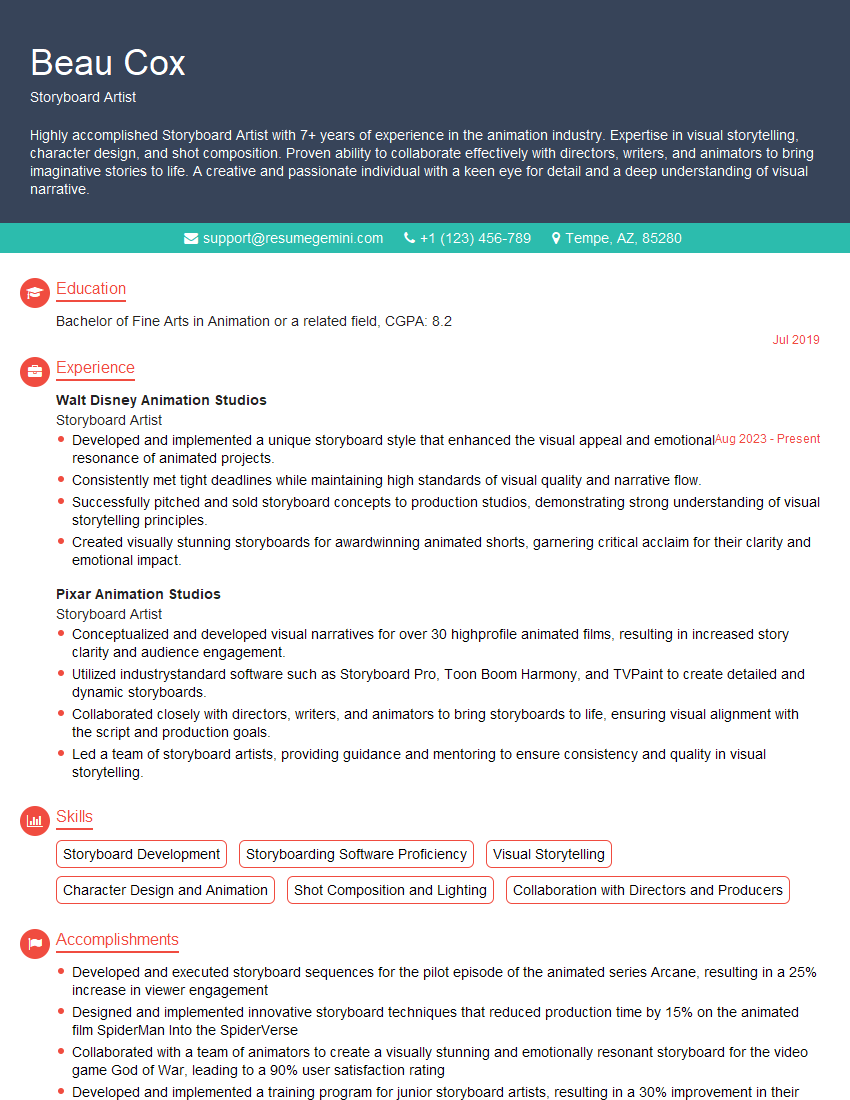
Storyboard Artist Resume Sample
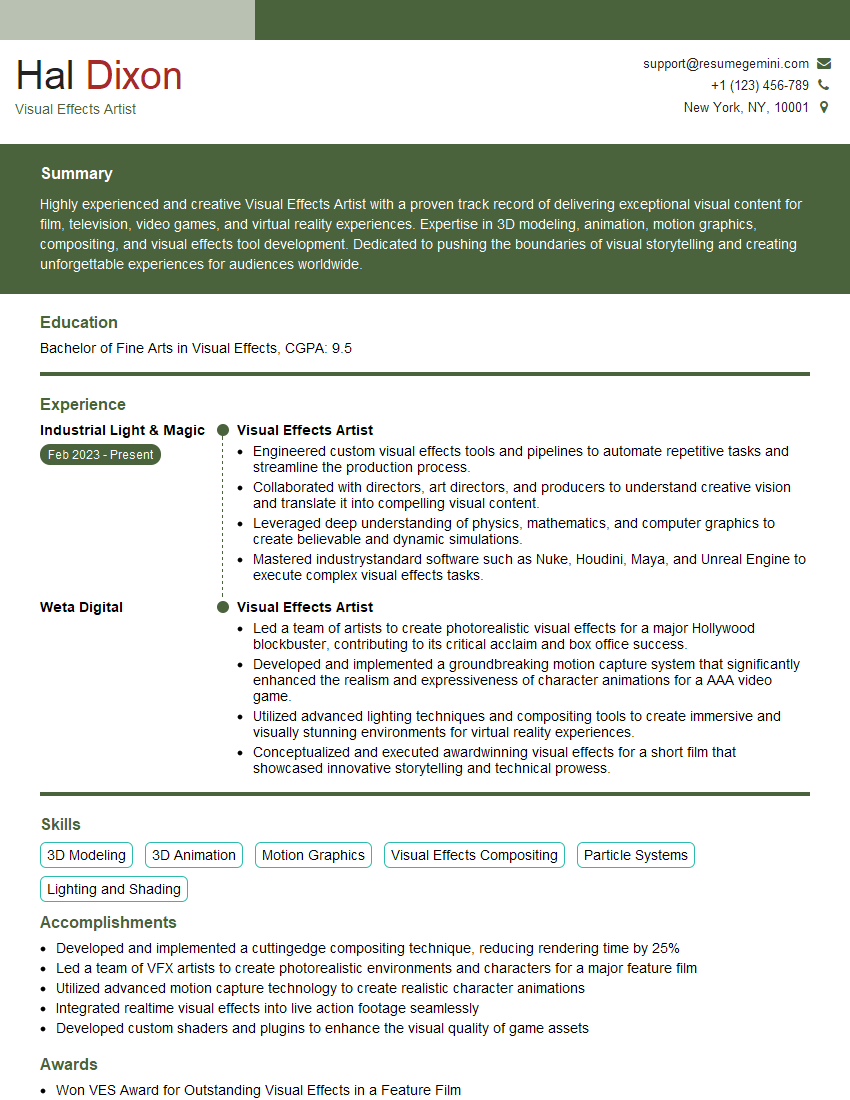
Visual Effects Artist Resume Sample
Explore more articles
Users Rating of Our Blogs
Share Your Experience
We value your feedback! Please rate our content and share your thoughts (optional).
What Readers Say About Our Blog
Really detailed insights and content, thank you for writing this detailed article.
IT gave me an insight and words to use and be able to think of examples