The right preparation can turn an interview into an opportunity to showcase your expertise. This guide to Artistic Design interview questions is your ultimate resource, providing key insights and tips to help you ace your responses and stand out as a top candidate.
Questions Asked in Artistic Design Interview
Q 1. Explain your design process from concept to completion.
My design process is iterative and user-centric, focusing on a collaborative approach. It generally follows these steps:
- Concept & Research: This initial phase involves understanding the project’s goals, target audience, and existing branding guidelines. I conduct thorough research, exploring competitor analysis, market trends, and user needs to establish a solid foundation for the design. For example, designing a website for a sustainable fashion brand required researching eco-conscious design trends and understanding the target audience’s values.
- Sketching & Ideation: I move to sketching, exploring various visual concepts and layouts. This low-fidelity stage allows for rapid experimentation and helps visualize different solutions before committing to digital design. I often create mood boards to visually define the project’s atmosphere and style.
- Digital Design & Refinement: Once I have a strong conceptual direction, I begin the digital design phase using software like Adobe Illustrator and Photoshop. This is where I refine the sketches, create high-fidelity mockups, and experiment with typography, color palettes, and imagery. I frequently iterate on designs, seeking feedback and making adjustments along the way.
- User Testing & Feedback: Before finalizing the design, I conduct user testing to evaluate its usability and effectiveness. This involves observing users interacting with the design and gathering feedback to identify areas for improvement. For a mobile app redesign, for instance, I used A/B testing to compare different design layouts and determine which one performed better.
- Finalization & Delivery: Finally, I finalize the design based on the feedback received, prepare the necessary assets (e.g., vector files, images), and deliver the completed project to the client. This often includes providing comprehensive documentation and guidelines for maintaining brand consistency.
Q 2. Describe your experience with Adobe Creative Suite (Photoshop, Illustrator, InDesign).
I’ve been proficient in the Adobe Creative Suite for over eight years. My expertise spans Photoshop, Illustrator, and InDesign, each serving a distinct purpose in my workflow.
- Photoshop: I primarily use Photoshop for image manipulation, retouching, and creating photorealistic assets. For example, I recently used Photoshop to enhance product photography for an e-commerce website, improving the lighting and color accuracy.
- Illustrator: Illustrator is my go-to for vector graphics, creating logos, illustrations, and scalable assets for print and digital media. The ability to create vector graphics ensures crisp and clean visuals at any size.
- InDesign: InDesign is crucial for layout and typography, specifically for print design projects such as brochures, magazines, and books. I use it to ensure consistent formatting and professional layouts, taking care of details like kerning and leading to enhance readability.
My proficiency in the suite allows me to seamlessly integrate these tools to create comprehensive and cohesive design solutions.
Q 3. How do you stay updated with current design trends?
Staying updated on design trends is essential for remaining competitive. I employ several strategies:
- Following design blogs and publications: I regularly read publications like Awwwards, Behance, and Dribbble to see what other designers are creating and discover emerging trends.
- Attending industry conferences and workshops: Participating in events like Adobe MAX and local design meetups allows for networking and learning from industry leaders.
- Exploring online design communities: Engaging with online forums and social media groups provides exposure to different perspectives and fosters continuous learning.
- Analyzing successful case studies: Studying successful design projects helps understand the reasoning behind design choices and the challenges overcome.
By combining these methods, I keep my design knowledge fresh and relevant, ensuring my work remains at the forefront of innovation.
Q 4. What are your preferred design software and tools?
While the Adobe Creative Suite remains my core toolkit, I also utilize other software and tools depending on the project’s needs:
- Figma: For collaborative design projects and prototyping, Figma’s real-time collaboration features are invaluable.
- Sketch: A strong alternative to Figma, especially for UI/UX design.
- Adobe XD: For interactive prototyping and user testing.
- Miro & Mural: For collaborative brainstorming and mind mapping.
My tool selection depends on the project requirements and client preferences, always aiming for efficiency and effectiveness.
Q 5. Describe your experience with user research and user testing.
User research and testing are integral parts of my design process. I utilize various methods to gather user insights:
- User interviews: Conducting one-on-one interviews with potential users helps understand their needs, pain points, and expectations.
- Surveys: Online surveys can gather quantitative and qualitative data from a larger audience.
- Usability testing: Observing users interacting with prototypes allows me to identify usability issues and areas for improvement.
- A/B testing: Comparing different design solutions helps determine which performs better.
For a recent e-commerce website redesign, user testing revealed that the checkout process was too complicated, leading to cart abandonment. The feedback informed design changes that simplified the checkout process and improved conversion rates.
Q 6. Explain your understanding of UX principles.
UX (User Experience) principles guide my design approach, focusing on creating user-centered designs that are intuitive, efficient, and enjoyable to use. Key principles I consider include:
- Accessibility: Designing for users with disabilities, ensuring inclusivity and usability for everyone.
- Usability: Making the design easy to learn and use, minimizing cognitive load and frustration.
- Findability: Ensuring users can easily locate the information and functionality they need.
- Credibility: Building trust and confidence in the design, using clear communication and visual cues.
- Desirability: Creating an engaging and aesthetically pleasing experience that users enjoy.
Understanding these principles allows me to craft designs that meet user needs and exceed expectations.
Q 7. How do you handle design critiques and feedback?
I view design critiques and feedback as opportunities for growth and improvement. My approach involves:
- Active Listening: Carefully listening to feedback without interrupting, seeking clarification when needed.
- Objective Assessment: Evaluating feedback objectively, separating personal opinions from constructive criticism.
- Seeking Understanding: Asking questions to understand the reasoning behind feedback, gaining deeper insights.
- Iterative Refinement: Incorporating constructive feedback into the design, iterating until a satisfactory solution is reached.
- Documentation: Keeping records of feedback and design changes for future reference.
By embracing feedback, I can produce superior designs that better meet the needs of the users and the client’s vision.
Q 8. Describe a time you had to meet a tight deadline.
Meeting tight deadlines is a crucial aspect of design work. One instance involved designing the marketing collateral for a tech startup launching a new product within four weeks. This included website banners, social media graphics, and print materials. The challenge was balancing the need for creative exploration with the urgency of the deadline.
My strategy involved a highly organized approach: I broke down the project into smaller, manageable tasks with clearly defined timelines. I used a project management tool to track progress and ensure everything stayed on schedule. I prioritized tasks based on their importance and dependencies. For example, I completed the website banner design first, as it would inform the style of the other materials. Regular check-ins with the client helped manage expectations and identify any potential roadblocks early on. Ultimately, we successfully delivered all the assets within the stipulated timeframe, and the client was incredibly pleased with the outcome.
Q 9. How do you ensure your designs are accessible to all users?
Accessible design is paramount; it’s about creating experiences usable by everyone, regardless of ability. This involves considering users with visual, auditory, motor, or cognitive impairments. I ensure accessibility through several key methods:
- Alternative text for images: Every image should have descriptive alt text, providing context for screen readers.
- Sufficient color contrast: Using tools to check for adequate contrast between text and background prevents readability issues for people with low vision. WCAG guidelines offer specific contrast ratios to follow.
- Keyboard navigation: Designs must be fully navigable using only a keyboard, ensuring usability for individuals who cannot use a mouse.
- Semantic HTML: Employing proper HTML tags (
<header>,<nav>,<main>, etc.) helps screen readers understand the page structure. - Captions and transcripts for videos: Providing transcripts makes videos accessible to deaf and hard-of-hearing users.
Following WCAG (Web Content Accessibility Guidelines) is fundamental. These guidelines provide a framework for creating accessible content. Regularly testing designs with assistive technologies like screen readers is also crucial to identify and address potential accessibility barriers.
Q 10. What is your experience with responsive web design?
Responsive web design is essential for creating websites that adapt seamlessly to different screen sizes and devices (desktops, tablets, smartphones). My experience includes designing numerous responsive websites using various approaches:
- Fluid grids: Using percentage-based widths rather than fixed pixels allows content to reflow smoothly on different screen sizes.
- Flexible images: Employing
max-width: 100%;ensures images scale proportionally without breaking the layout. - Media queries: CSS media queries (
@media (max-width: 768px) { ... }) allow for applying different styles based on screen size or device orientation. - Mobile-first approach: Designing for mobile first and then scaling up ensures a smooth experience on smaller screens.
I’m proficient in using frameworks like Bootstrap and Tailwind CSS, which simplify the process of building responsive websites. I believe that responsive design isn’t just a technical requirement, it’s a design principle that prioritizes user experience across all platforms.
Q 11. Describe your understanding of color theory and typography.
Color theory and typography are fundamental aspects of visual communication. Color theory involves understanding the relationships between colors and how they affect mood, perception, and readability. I utilize the color wheel to create harmonious and contrasting color palettes. For example, complementary colors (opposite on the wheel) create high contrast, while analogous colors (next to each other) provide a cohesive and calm feel.
Typography concerns the selection and use of typefaces to enhance readability and visual appeal. I carefully choose fonts considering their legibility, style, and overall impact on the design’s message. Serif fonts are often preferred for body text due to their readability, while sans-serif fonts are common for headlines due to their clean and modern aesthetic. I also consider font sizes, line heights, and letter spacing to ensure optimal readability.
Understanding the principles of both color theory and typography allows me to create visually appealing and effective designs that communicate effectively with the target audience.
Q 12. Explain your experience with branding and logo design.
Branding and logo design are about creating a unique visual identity for a company or organization. My experience encompasses developing comprehensive brand guidelines, including logo design, color palettes, typography, and imagery style. I begin by thoroughly understanding the client’s business, target audience, and brand values. I conduct market research to identify competitors and understand the current landscape.
Logo design requires a balance of creativity and strategic thinking. The logo should be memorable, versatile (adaptable across different sizes and formats), and reflective of the brand’s personality. I usually explore multiple concepts, iterate based on client feedback, and refine the design until a final version is approved. Creating mockups of how the logo will appear on various applications (website, business cards, social media) is a crucial part of the process. This ensures the logo works well in diverse contexts.
Q 13. How do you manage multiple design projects simultaneously?
Managing multiple design projects simultaneously requires a robust system for organization and prioritization. I utilize a project management system, often a combination of software and physical tools (like a whiteboard). This allows me to track deadlines, allocate resources, and monitor progress for each project.
I employ a prioritized task list, breaking down larger projects into smaller, manageable tasks. This helps me stay focused and prevent feeling overwhelmed. Time-blocking is another key strategy; I allocate specific time slots for each project, ensuring dedicated time for focused work. Regular communication with clients is crucial for managing expectations and staying aligned on project goals. Finally, I don’t hesitate to delegate tasks when possible, freeing up my time for high-priority items.
Q 14. Describe your experience with wireframing and prototyping.
Wireframing and prototyping are critical stages in the design process. Wireframing involves creating a low-fidelity visual representation of a website or application’s layout and functionality. It’s a blueprint for the user interface. I use tools like Balsamiq or Figma to create wireframes quickly and efficiently. This allows me to focus on the structure and information architecture before delving into visual design.
Prototyping is the next step, building an interactive model of the design. Prototypes can range in fidelity from low-fidelity (using tools like InVision) to high-fidelity (using Figma or Adobe XD), which closely resemble the final product. Prototyping allows me to test the usability and user flow, identifying potential issues early in the development process. User testing with real users is crucial at this stage, providing valuable feedback to iterate and refine the design.
Q 15. What is your approach to visual hierarchy in design?
Visual hierarchy is the arrangement of elements on a design to guide the viewer’s eye and emphasize important information. Think of it like a story – you want to lead the reader through the narrative smoothly, highlighting key points and details at the right moments. I approach visual hierarchy strategically, using a combination of techniques.
- Size: Larger elements naturally draw more attention. For example, a headline is always larger than body text.
- Color: High-contrast colors (like a bright red against a dark background) instantly grab the viewer’s eye. This is often used for calls to action (CTAs).
- Spacing: White space (negative space) is critical. It separates elements, improves readability, and prevents visual clutter. Strategic spacing directs the eye to specific areas.
- Typography: Different font weights (bold, regular, italic), sizes, and styles create a visual rhythm. A bold font is more prominent than a lighter one.
- Placement: The position of elements matters. Top-left is generally where people look first, followed by a scan down the left side. This understanding informs strategic placement.
For example, on a website landing page, I’d use a large, high-contrast headline to present the main offer, followed by concise supporting text and a prominent call to action button. The layout would be clean and well-spaced to avoid overwhelming the user.
Career Expert Tips:
- Ace those interviews! Prepare effectively by reviewing the Top 50 Most Common Interview Questions on ResumeGemini.
- Navigate your job search with confidence! Explore a wide range of Career Tips on ResumeGemini. Learn about common challenges and recommendations to overcome them.
- Craft the perfect resume! Master the Art of Resume Writing with ResumeGemini’s guide. Showcase your unique qualifications and achievements effectively.
- Don’t miss out on holiday savings! Build your dream resume with ResumeGemini’s ATS optimized templates.
Q 16. How do you incorporate user feedback into your design process?
User feedback is crucial for iterative design improvement. I actively solicit and incorporate feedback throughout the design process, not just at the end. I use a variety of methods:
- Usability testing: Observing users interacting with prototypes allows me to identify pain points and areas for improvement in real-time.
- Surveys and questionnaires: These help gather quantitative and qualitative data on user preferences and satisfaction.
- Feedback forms: Simple forms embedded in the design itself provide immediate access to user thoughts and suggestions.
- Interviews: One-on-one conversations provide deeper insights into user behavior and motivations.
- A/B testing (discussed further below): This helps determine which design choices are most effective.
For example, if usability testing reveals users are struggling to find a specific button, I might redesign the layout, change the button’s color, or improve its labeling based on the feedback received.
Q 17. Explain your experience with A/B testing.
A/B testing is a crucial part of my workflow. It involves creating two versions of a design element (A and B) and presenting them to different user groups to see which performs better. The ‘better’ version is determined by metrics like click-through rates, conversion rates, or task completion time.
For example, I might test two different button designs on a landing page: one with a red background and the other with a blue background. By tracking the click-through rates on each button, I can determine which color is more effective in driving conversions. Tools like Optimizely or Google Optimize facilitate this process.
I use A/B testing to validate design choices and data-driven decisions. It ensures that the designs I create are not only aesthetically pleasing but also functionally effective.
Q 18. How do you measure the success of a design project?
Measuring the success of a design project depends on the project’s goals. I employ both qualitative and quantitative methods to assess success. This might include:
- Key Performance Indicators (KPIs): This includes metrics such as conversion rates, bounce rates, engagement time, click-through rates, and task completion rates, depending on the design’s purpose.
- User feedback analysis: Analyzing user feedback from surveys, interviews, and testing to gauge satisfaction and identify areas for improvement.
- Qualitative assessment: Evaluating the design’s effectiveness in terms of user experience, visual appeal, brand consistency, and overall message conveyance.
- Meeting business objectives: Ultimately, design success is often measured by how well it contributes to the overall business goals. Was the design effective in driving sales, increasing brand awareness, or improving user engagement?
For a website redesign, success could be measured by a significant increase in conversion rates and a decrease in bounce rates. For a marketing campaign, it might be about brand reach and engagement on social media. The key is to define clear, measurable goals at the outset.
Q 19. Describe a project where you had to solve a complex design problem.
I once worked on a project for a non-profit organization that needed a website to effectively communicate their mission and raise funds. The challenge was to balance visually appealing design with the need to convey complex information in a concise and engaging way for a diverse audience with varying levels of technical literacy.
The solution involved a multi-pronged approach:
- Information architecture: We carefully structured the website’s content to ensure a logical flow and easy navigation.
- Visual storytelling: We integrated compelling imagery and video to engage users emotionally and enhance comprehension.
- Simplified language and design: We used plain language and a clean, uncluttered layout to make the website accessible to everyone.
- Data-driven design: We conducted user testing throughout the development process to ensure the website was user-friendly and effective.
The final design was successful in improving user engagement and increasing online donations. This project highlighted the importance of combining strong design principles with a deep understanding of the target audience’s needs and capabilities. The problem wasn’t just aesthetic; it was fundamentally about communication and accessibility.
Q 20. What design styles are you most comfortable with?
I’m comfortable working with a wide range of design styles, adapting my approach depending on the project’s requirements and brand identity. However, I have particular expertise and affinity for:
- Minimalism: I appreciate the power of simplicity and clean lines. Minimalist designs are focused, effective, and easily accessible.
- Modern design: This incorporates clean lines, geometric shapes, and a focus on functionality. It prioritizes user experience.
- Material Design: This Google-developed style prioritizes visual depth, clear motion, and intuitive user interaction. It results in designs that are both visually appealing and functional.
My adaptability allows me to create effective designs in various styles, from sleek and modern interfaces to more playful and expressive designs. The style is always chosen strategically to best serve the project’s goals and target audience.
Q 21. How do you maintain consistency across multiple design assets?
Maintaining consistency across multiple design assets is essential for creating a cohesive brand identity. My approach involves:
- Style guides: I create detailed style guides that define brand colors, typography, imagery, and other design elements. This acts as a central reference point for all design work.
- Design systems: For larger projects, I implement design systems that incorporate reusable components and patterns. This ensures consistency and streamlines the design process.
- Version control: Using tools like Figma or Sketch ensures all team members work from the latest version of the design assets, minimizing inconsistencies. This also allows for tracking changes and collaboration.
- Collaboration and communication: I emphasize clear communication and collaboration with developers and other stakeholders to ensure consistent implementation of the design across all platforms and touchpoints.
For instance, using a shared color palette and typography system across a website, mobile app, and marketing materials ensures a unified and recognizable brand experience. A well-defined style guide and a collaborative environment are key to successfully maintaining this consistency.
Q 22. Explain your understanding of design systems.
A design system is a comprehensive collection of reusable components, guidelines, and specifications that ensures consistency and efficiency in the design and development process. Think of it as a style guide on steroids. It’s not just about fonts and colors; it encompasses everything from button styles and interactive elements to the underlying code structure. A well-implemented design system creates a single source of truth for all design decisions, reducing redundancy and improving collaboration across teams.
- Reusable Components: Pre-built UI elements like buttons, input fields, and navigation menus, ensuring consistency across the platform.
- Style Guide: A detailed document outlining typography, color palettes, spacing, and other visual elements to maintain brand consistency.
- Code Components: Often includes reusable code snippets and libraries (like React components) to expedite development.
- Design Tokens: Abstract values (e.g., color hex codes, spacing values) that allow for easy updates and maintenance across the entire system. If you change one token, it automatically updates everywhere it’s used.
For example, imagine designing a large e-commerce website. A design system would define a standard button style – size, color, hover effects – that every developer and designer uses. This prevents inconsistencies and ensures a unified user experience. Without a design system, you might end up with dozens of slightly different buttons across the site, looking unprofessional and confusing for users.
Q 23. How familiar are you with different design methodologies (Agile, Waterfall)?
I’m proficient in both Agile and Waterfall design methodologies, understanding their strengths and weaknesses in different contexts. Agile, with its iterative approach and emphasis on collaboration, is ideal for projects with evolving requirements or where flexibility is paramount. I’ve successfully used Agile methodologies, such as Scrum, in several projects, allowing us to adapt to changing user needs and feedback throughout the development process.
Waterfall, on the other hand, is more structured and sequential. It’s well-suited for projects with well-defined requirements and minimal anticipated changes. I appreciate the predictability that Waterfall offers but recognize its limitations when facing uncertainty or evolving project goals. I often find a hybrid approach, combining elements of both methodologies, is the most effective solution, leveraging the benefits of each depending on the project’s specific needs.
For instance, I might use an Agile approach during the initial stages of a project to quickly prototype and gather user feedback, then transition to a more structured Waterfall approach for the final implementation and deployment to ensure we meet strict deadlines and specifications.
Q 24. Describe your experience working collaboratively within a design team.
Collaboration is integral to my design process. I thrive in team environments, actively participating in design critiques, brainstorming sessions, and knowledge sharing. In my previous role, I worked as part of a cross-functional team designing a mobile application. We used a collaborative design platform where we shared our work in progress, provided feedback, and tracked design iterations. I fostered open communication, actively listening to different perspectives, and contributed my expertise to achieve a unified design vision. I believe in a flat organizational structure within the design team, ensuring every voice is heard and valued. A successful design process often depends on effective communication, respecting deadlines, and resolving conflict constructively.
Specific examples of collaborative tools I’ve used include Figma, Adobe XD, and InVision. I’m comfortable using version control systems to manage our collaborative design files.
Q 25. How do you handle conflicting design requirements from different stakeholders?
Conflicting requirements are inevitable, especially in collaborative projects. My approach focuses on understanding the underlying needs and motivations of each stakeholder. I facilitate discussions to identify the root causes of the conflict and explore potential compromises. I use data, user research findings, and well-reasoned arguments to support my design recommendations. Sometimes, prioritizing based on user needs or business goals is necessary. When compromises are difficult, I create multiple design concepts, presenting the trade-offs clearly for stakeholders to evaluate and make informed decisions. Open communication and transparency are key to navigating these challenges successfully.
For example, if marketing wants a vibrant, bold design, while engineering prefers a simpler, more efficient design, I might present two versions: one closer to marketing’s preference, highlighting its potential to improve brand recognition, and another prioritizing engineering’s concerns, explaining how this would streamline development and reduce costs. This enables stakeholders to make a fully informed decision based on the trade-offs.
Q 26. What are your salary expectations?
My salary expectations are in the range of [Insert Salary Range] per year, depending on the comprehensive benefits package and the overall responsibilities of the role. I am open to discussing this further based on a detailed job description and your company’s compensation structure.
Q 27. Do you have a portfolio you can share?
Yes, I have a portfolio showcasing a range of my design work. It includes projects demonstrating my proficiency in various design areas, including [mention specific design areas, e.g., UI/UX design, branding, illustration]. I can share the link to my online portfolio with you, or I can provide a printed copy if preferred.
Q 28. Why are you interested in this position?
I’m highly interested in this position because of [Company Name]’s reputation for [mention company values, e.g., innovation, user-centric design]. The opportunity to contribute to [mention specific project or team] and work alongside a team of experienced designers is particularly appealing. I’m confident that my skills and experience in [mention relevant skills, e.g., design systems, Agile methodologies] align perfectly with the requirements of this role, and I’m eager to contribute to the company’s continued success.
Key Topics to Learn for Artistic Design Interview
- Design Principles: Understanding core principles like balance, contrast, hierarchy, rhythm, and unity. Practical application: Analyzing existing designs and explaining how these principles are implemented.
- Color Theory: Mastery of color harmonies, palettes, and their psychological impact. Practical application: Creating mood boards and explaining color choices in a design project.
- Typography: Knowledge of typefaces, kerning, leading, and their effect on readability and aesthetics. Practical application: Designing a legible and visually appealing layout using different typefaces.
- Software Proficiency: Demonstrating expertise in relevant design software (Adobe Creative Suite, Figma, Sketch, etc.). Practical application: Presenting a portfolio showcasing proficiency in chosen software and design skills.
- Design Process: Understanding user-centered design, iterative processes, and client communication. Practical application: Describing your approach to a design project from initial concept to final delivery.
- Visual Communication: Ability to effectively convey messages and ideas through visual elements. Practical application: Explaining how your design choices support the intended message or purpose.
- Style Guides and Branding: Applying consistent design language across various platforms. Practical application: Describing how to maintain brand consistency across different media.
- Accessibility and Inclusivity: Designing for diverse audiences, considering accessibility guidelines (WCAG). Practical application: Explaining how to make designs inclusive and accessible to everyone.
- Problem-Solving and Critical Thinking: Articulating your design decisions and justifying choices. Practical application: Presenting a case study where you overcame a design challenge.
Next Steps
Mastering Artistic Design opens doors to exciting and fulfilling careers, offering opportunities for creative expression and impactful contributions. To maximize your job prospects, focus on crafting a strong, ATS-friendly resume that effectively showcases your skills and experience. ResumeGemini is a trusted resource for building professional resumes, providing you with the tools and guidance you need to create a compelling document that catches the eye of recruiters. Examples of resumes tailored to Artistic Design are available to help you get started.

Art Director Resume Sample

Web Designer Resume Sample

Game Designer Resume Sample
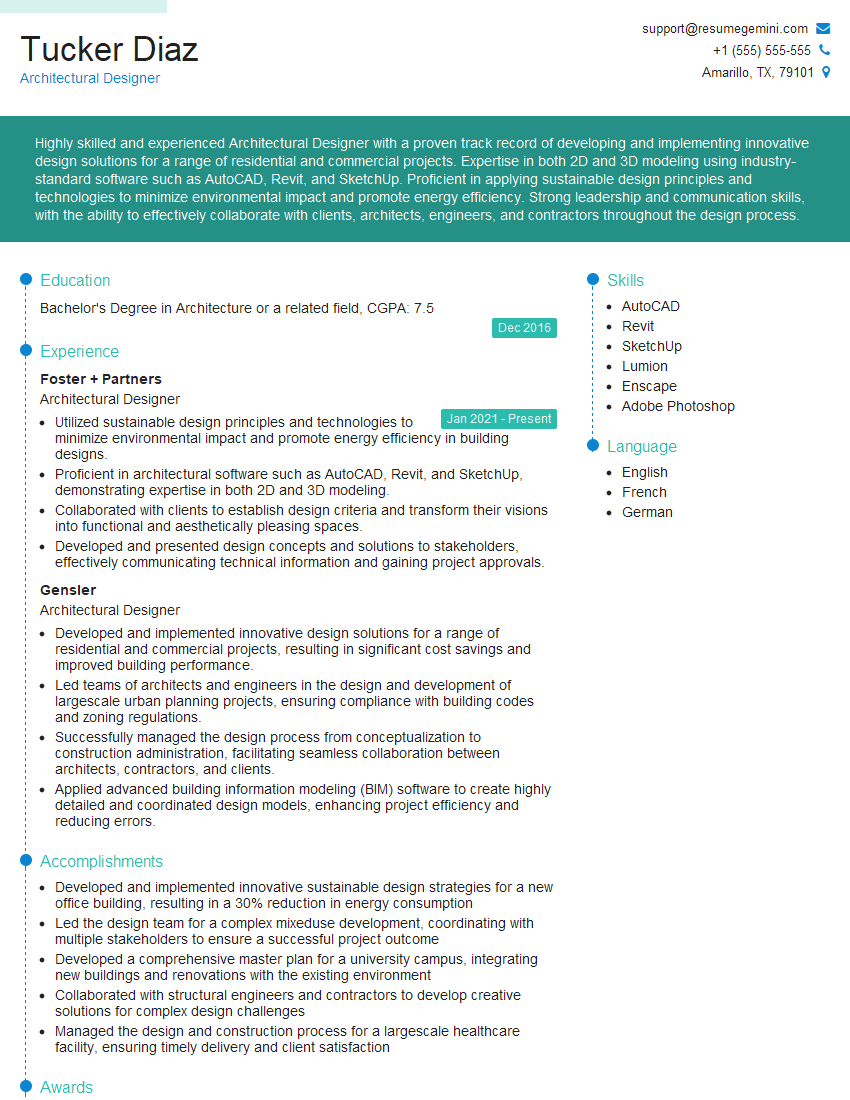
Architectural Designer Resume Sample
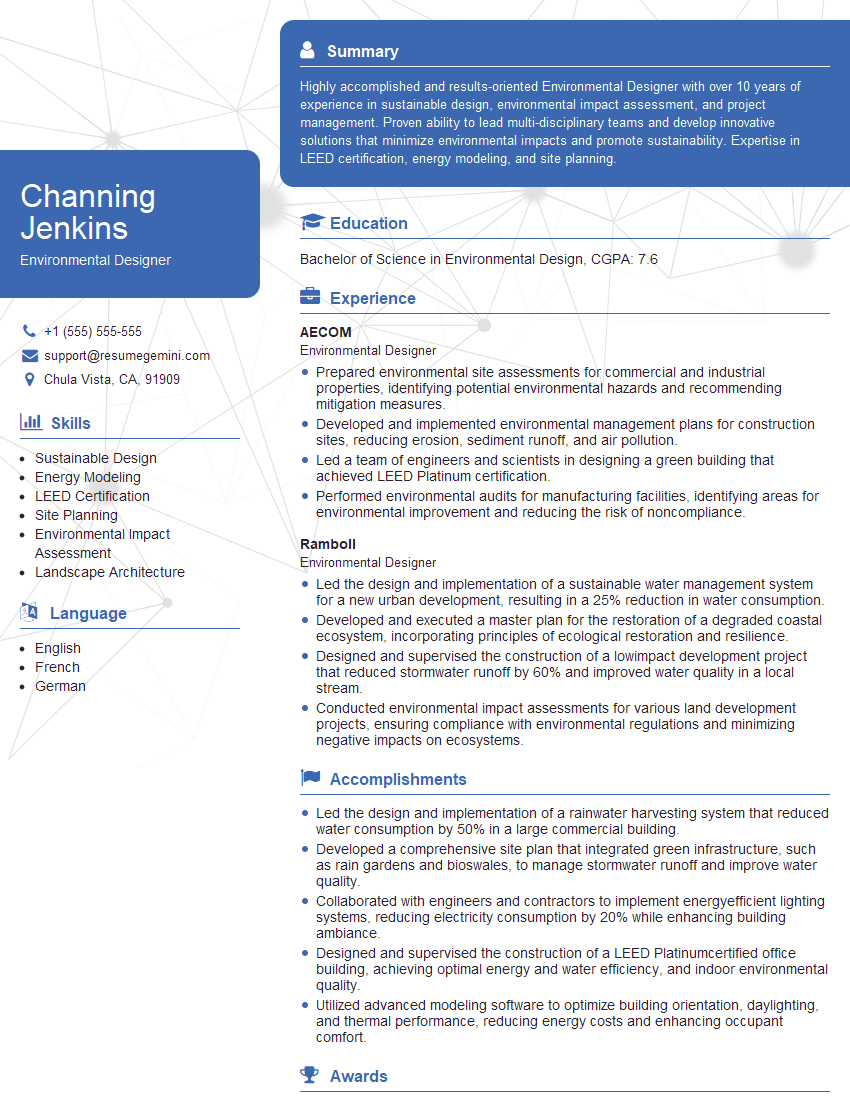
Environmental Designer Resume Sample

Product Designer Resume Sample
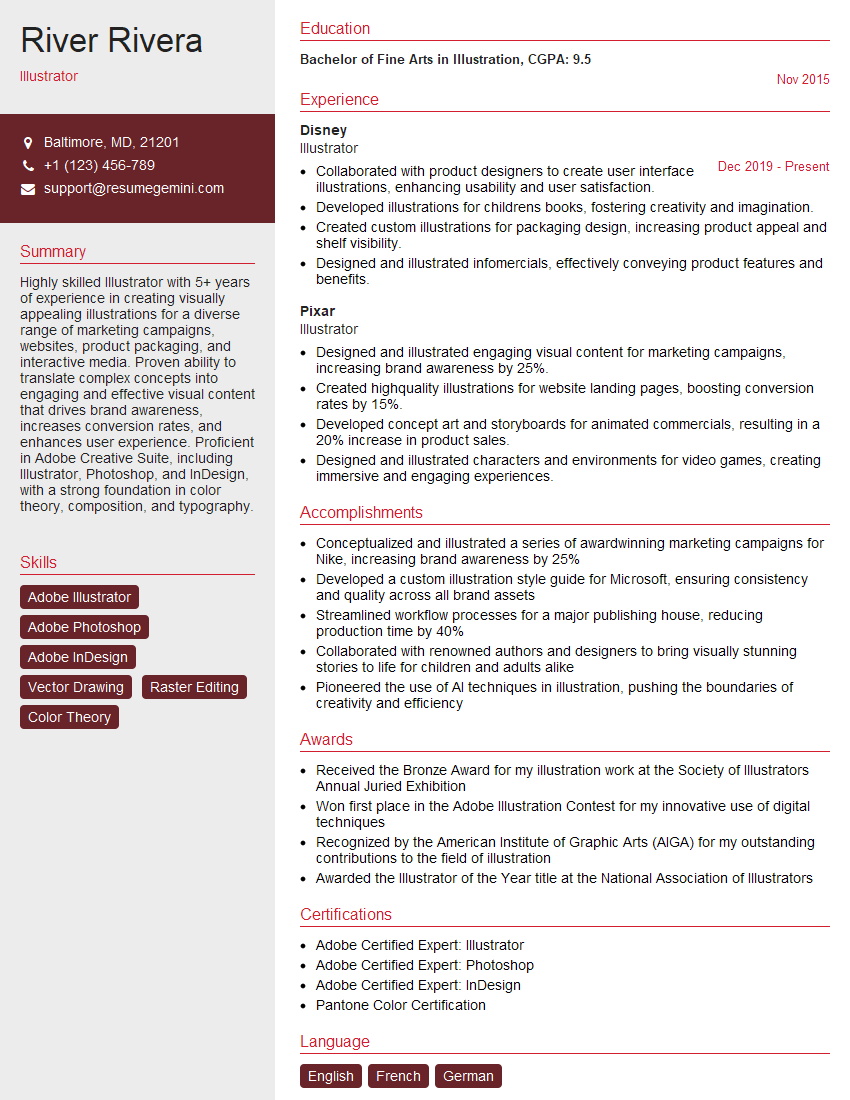
Illustrator Resume Sample

3D Modeler Resume Sample

Animator Resume Sample
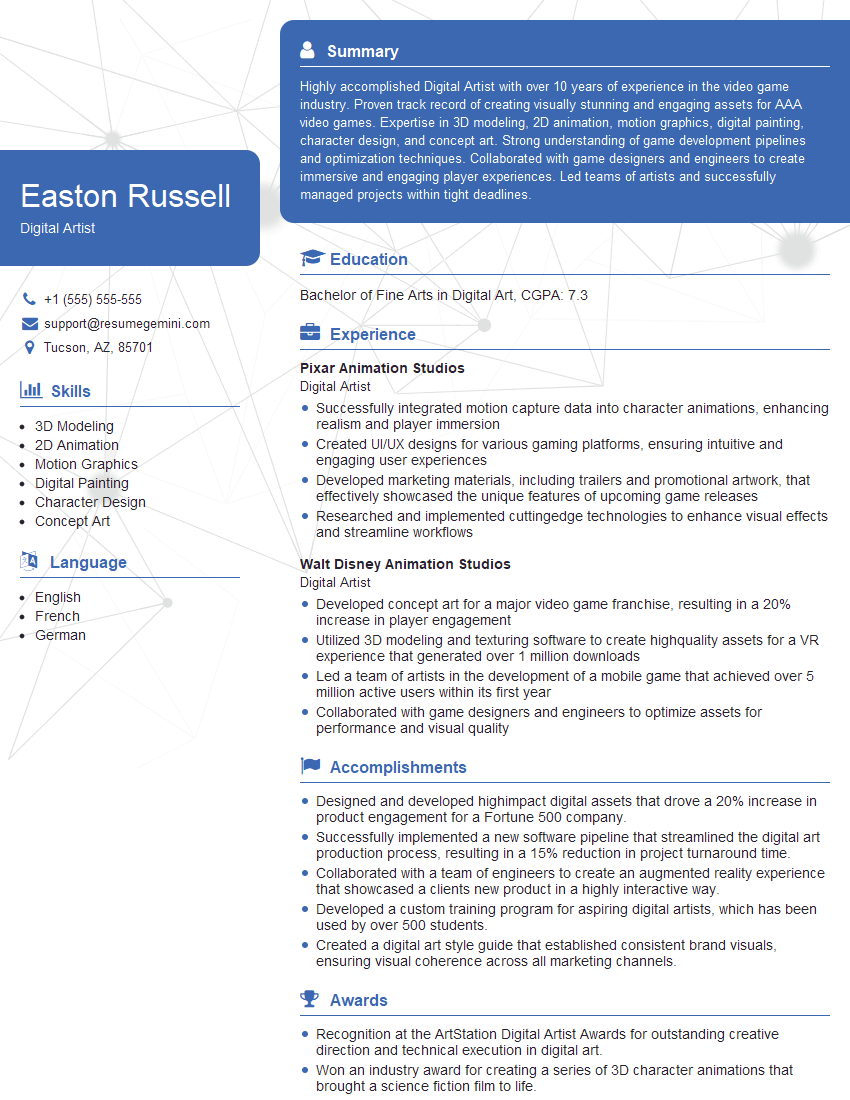
Digital Artist Resume Sample

Graphic Designer Resume Sample
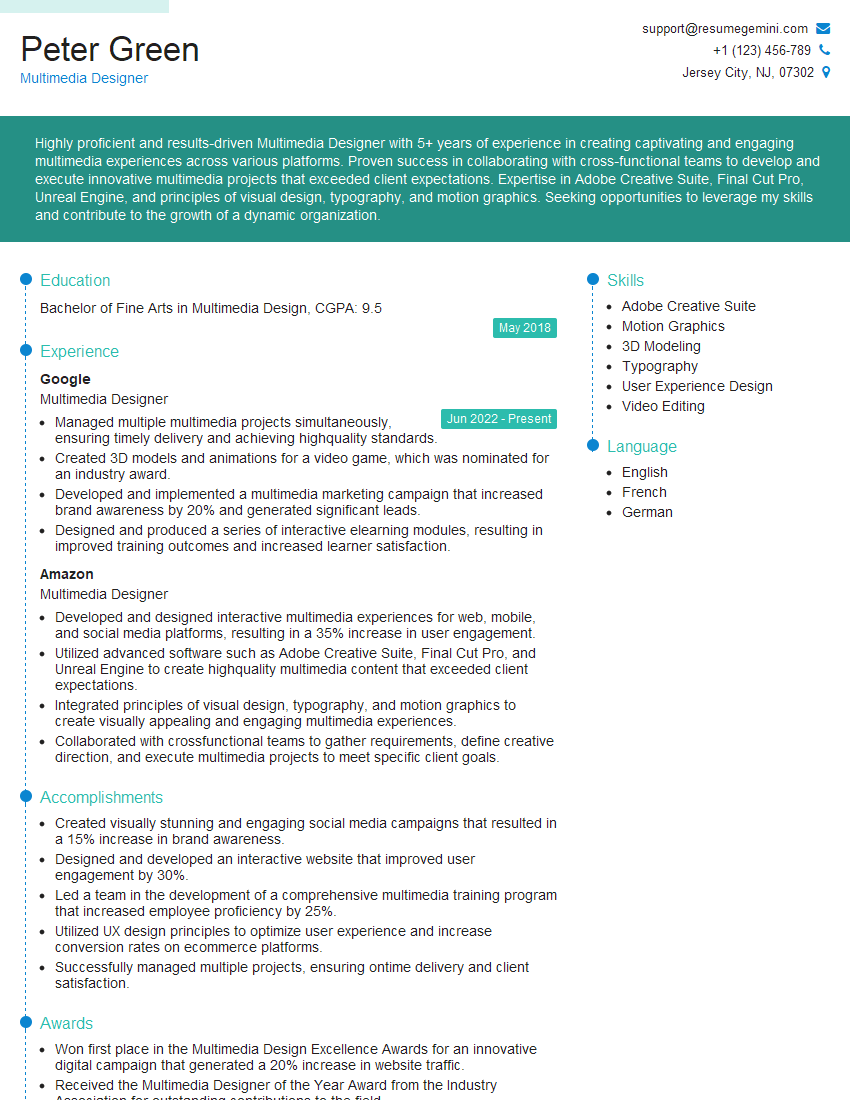
Multimedia Designer Resume Sample
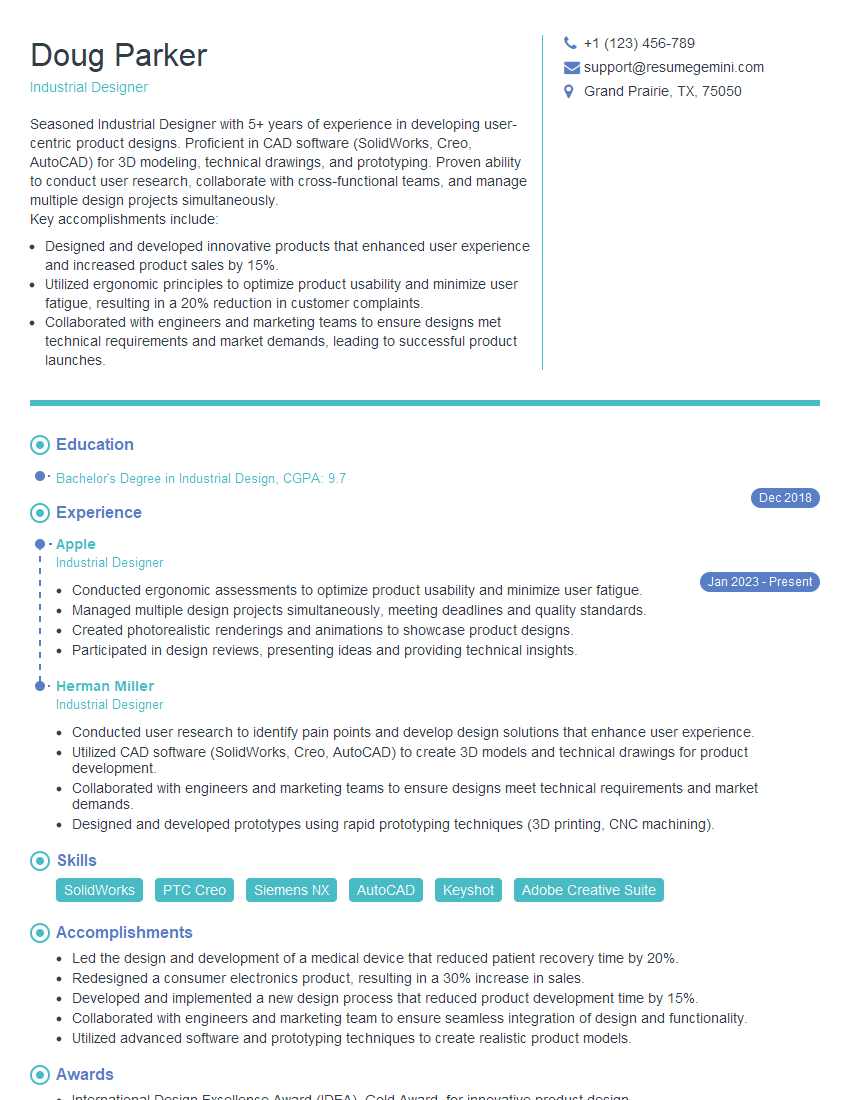
Industrial Designer Resume Sample

Packaging Designer Resume Sample
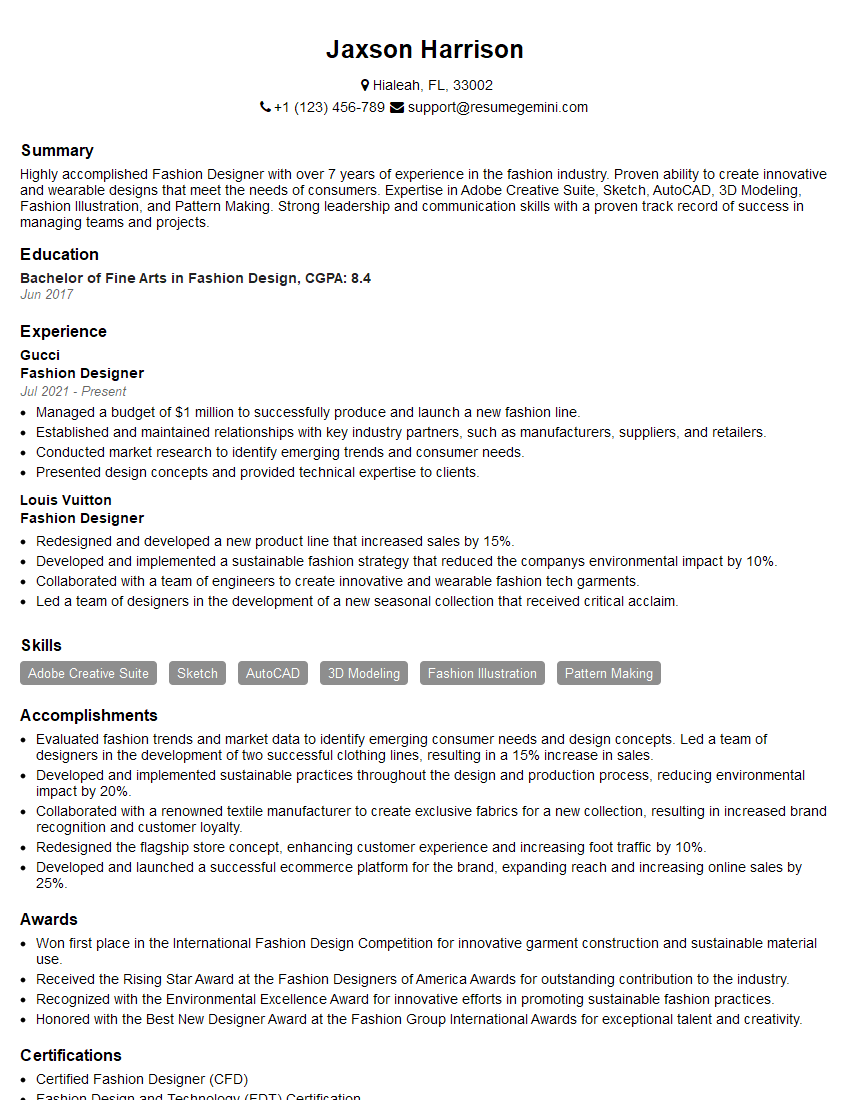
Fashion Designer Resume Sample
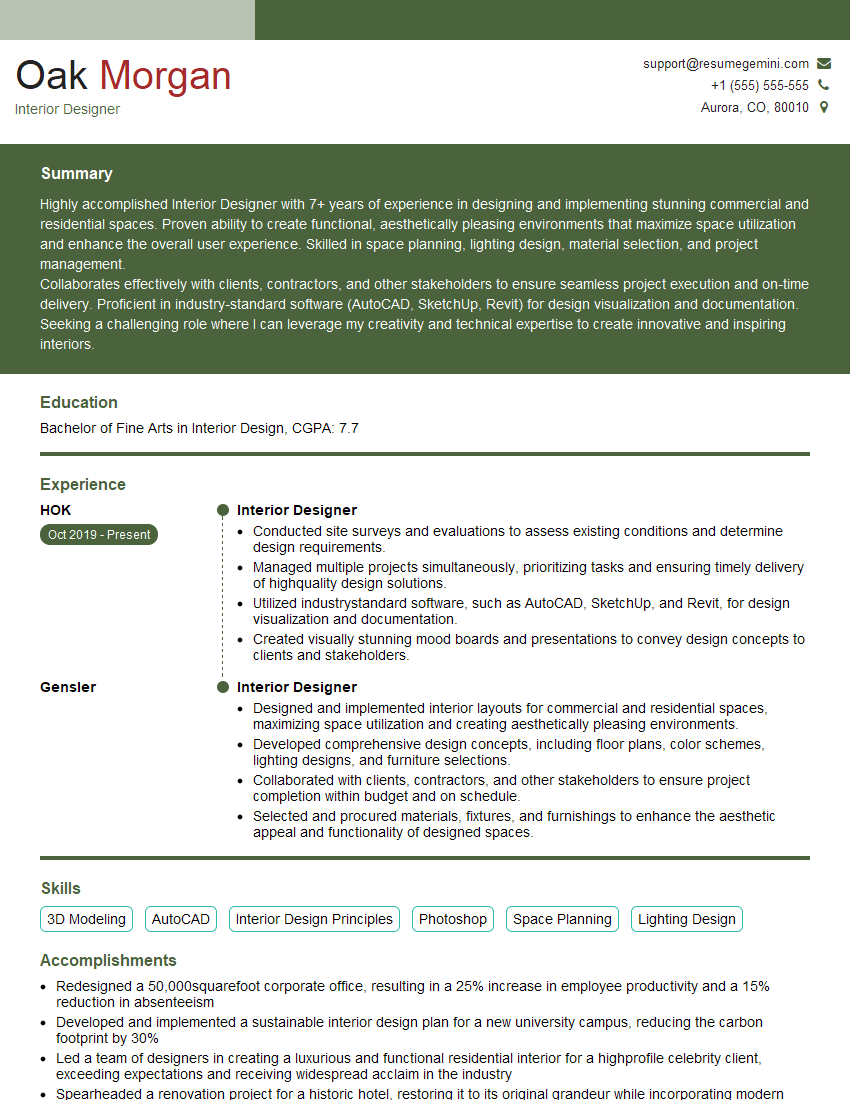
Interior Designer Resume Sample

UX Designer Resume Sample
Explore more articles
Users Rating of Our Blogs
Share Your Experience
We value your feedback! Please rate our content and share your thoughts (optional).
What Readers Say About Our Blog
Really detailed insights and content, thank you for writing this detailed article.
IT gave me an insight and words to use and be able to think of examples