Every successful interview starts with knowing what to expect. In this blog, we’ll take you through the top Component-Level Repair and Overhaul interview questions, breaking them down with expert tips to help you deliver impactful answers. Step into your next interview fully prepared and ready to succeed.
Questions Asked in Component-Level Repair and Overhaul Interview
Q 1. Describe your experience with different soldering techniques.
Soldering is a fundamental skill in component-level repair. I’m proficient in several techniques, each suited to different components and situations. These include:
- Through-hole soldering: This classic method involves melting solder to join the component’s leads to the PCB’s pads. I utilize various techniques here, including hand soldering with iron and solder, and using a hot air rework station for larger components or those sensitive to heat.
- Surface mount soldering (SMT): SMT components require more precision. I’m adept at using both hand soldering techniques with fine-tipped irons and specialized rework stations. This includes techniques like reflow soldering (using a hot air gun to melt pre-applied solder paste) and using a soldering iron for individual component placement.
- Solder wicking: Removing excess solder is crucial. I expertly use solder wick to remove unwanted solder bridges or excess solder around components, ensuring clean and reliable connections.
- Specialized soldering: I have experience with specialized soldering techniques like using conductive epoxies for fine wire connections or specialized solder alloys for high-temperature applications.
The choice of technique depends on the component type, size, and PCB design. For instance, delicate surface mount components demand meticulous SMT soldering, while larger through-hole components allow for more leeway with hand soldering. I always prioritize cleanliness and ensuring proper heat management to prevent damage.
Q 2. Explain the process of diagnosing faulty components on a printed circuit board (PCB).
Diagnosing faulty components on a PCB is a systematic process. I typically begin with a visual inspection, checking for obvious signs of damage like burnt components, broken traces, or loose connections. Then, I use a combination of tools and techniques:
- Multimeter: I use a multimeter to check for continuity, voltage, and resistance across components and traces. This helps to identify open circuits, short circuits, or components with incorrect values.
- Oscilloscope: For more complex circuits, an oscilloscope allows me to analyze signals and waveforms, identifying timing issues, signal integrity problems, or missing signals. For instance, I might use it to check the frequency of a clock signal or the shape of a digital pulse.
- Logic analyzer: To understand digital signals and data transfer, a logic analyzer provides a detailed view of digital signals, detecting problems like incorrect data patterns or timing errors.
- In-circuit testing (ICT): For larger assemblies, ICT fixtures test the entire PCB, identifying faulty components and short circuits, often providing a detailed diagnostic report.
A systematic approach is key. I start with the most likely points of failure and work my way through the circuit, utilizing datasheets and schematics to understand component functionalities and expected values. It’s often a process of elimination to pinpoint the culprit.
Q 3. What are the common causes of component failure?
Component failures stem from a variety of causes, often linked to environmental factors, design flaws, or manufacturing defects. Common causes include:
- Overheating: Excessive heat degrades components, leading to failure. Poor heat dissipation design or prolonged operation under heavy load are major culprits.
- Overvoltage or undervoltage: Components operate within specific voltage ranges. Exceeding or falling below these limits leads to damage or malfunction.
- Electrostatic discharge (ESD): Static electricity can easily damage sensitive electronic components. Proper ESD precautions are crucial during handling and assembly.
- Mechanical stress: Physical stress, such as impacts or vibrations, can lead to cracked solder joints, broken leads, or internal component damage.
- Aging and degradation: Components degrade over time, their performance and reliability declining. This is especially true for electrolytic capacitors and certain types of transistors.
- Manufacturing defects: Faulty components can be produced with intrinsic defects, leading to early failures.
Identifying the root cause often requires a careful examination of the failed component’s operating conditions and environment, combined with a thorough inspection of surrounding components and traces.
Q 4. How do you troubleshoot intermittent faults?
Intermittent faults are notoriously difficult to troubleshoot because they appear and disappear unpredictably. This necessitates patience and a methodical approach.
- Reproduce the fault: If possible, try to reproduce the intermittent fault under controlled conditions. This might involve manipulating the device in certain ways or changing environmental conditions.
- Thermal cycling: Heat stress can exacerbate intermittent faults, particularly in cracked solder joints or components nearing the end of their lifespan. I’ll carefully test by applying heat (with a hot air gun or heat gun) and monitoring the behavior.
- Vibration testing: Loose connections are a common cause of intermittent faults. Gentle vibration can help to reveal loose parts or weak solder joints.
- Systematic isolation: Gradually isolate sections of the circuit to pinpoint where the fault manifests. This involves temporarily disconnecting components, removing parts, and testing the results.
- Instrumentation: An oscilloscope and logic analyzer are valuable tools here, revealing momentary glitches or unstable signals that might only occur during the fault.
Often, intermittent faults require patience and systematic investigation. It’s crucial to document all observations and test results to help understand the fault’s behavior.
Q 5. What safety precautions do you take when working with high-voltage components?
Working with high-voltage components demands stringent safety precautions to prevent electric shock or injury. My safety protocols include:
- Proper PPE: I always wear appropriate personal protective equipment (PPE), including insulated gloves, safety glasses, and safety shoes.
- Insulated tools: I only use insulated tools specifically rated for high-voltage applications.
- Discharge procedures: Before handling high-voltage components, I always discharge any accumulated energy using appropriate discharge tools and techniques.
- Safety mats and grounding: I work on insulated mats and ensure that I am properly grounded to prevent static discharge.
- Lockout/Tagout: For larger systems, I follow strict lockout/tagout procedures to ensure power is completely disconnected and cannot be accidentally reactivated.
- Working alone policy: I never work alone on high-voltage systems. Having a colleague present ensures immediate assistance in case of an emergency.
Safety is paramount. High voltage is potentially lethal; rigorous adherence to safety protocols is non-negotiable.
Q 6. Describe your experience with using schematics and datasheets.
Schematics and datasheets are essential for understanding and troubleshooting electronic circuits. I’m highly proficient in interpreting both.
- Schematics: Schematics provide a visual representation of the circuit’s design, showing how components are interconnected. I use schematics to trace signals, identify pathways, and understand the overall circuit functionality. I often annotate schematics to document my findings during troubleshooting.
- Datasheets: Datasheets provide detailed technical specifications for individual components, including operating voltage, current, power dissipation, pinouts, and other crucial parameters. Datasheets are vital for determining the expected behavior of a component, confirming values, and understanding its limitations.
I use both together, often referencing datasheets while tracing signals on the schematic to understand component values and confirm their function within the circuit. This combined approach is critical for accurate diagnosis and repair.
Q 7. How do you determine the root cause of a component failure?
Determining the root cause of a component failure goes beyond simply identifying the failed component; it requires understanding *why* it failed. This involves a combination of techniques:
- Visual inspection: Careful observation can reveal clues, like burn marks, physical damage, or signs of overheating.
- Measurement and testing: Using multimeters, oscilloscopes, and other instruments allows for quantifiable data, confirming suspicions or revealing unexpected values.
- Analysis of operating conditions: Understanding how the component was used (voltage, current, temperature) helps identify conditions that exceeded its limits.
- Review of design specifications: Checking the circuit design and layout might reveal design flaws that contributed to the failure.
- Comparison with similar components: Examining other similar components within the system or in the past can help identify trends or recurring issues.
- Microscopic examination: In some cases, microscopic examination may be needed to see internal component damage.
A systematic investigation is crucial. Rushing to a conclusion without carefully examining all possibilities can lead to recurring problems. The goal is to prevent similar failures in the future.
Q 8. What are some common tools and equipment used in component-level repair?
Component-level repair demands a precise toolkit. The specific tools vary depending on the component and the complexity of the repair, but some essentials include:
- Soldering Iron & Station: A temperature-controlled soldering station with various tips is crucial for precise solder application and removal. Different tip sizes cater to various components, from tiny surface-mount devices (SMDs) to larger through-hole components.
- Solder Sucker/Pump & Braid: These remove excess solder, ensuring clean joints. A solder sucker is faster for larger amounts, while braid is better for intricate areas.
- Tweezers: Different types are essential – fine-tipped for SMDs and broader tweezers for larger components. Anti-static tweezers are critical to prevent ESD damage.
- Magnification: A good quality magnifying glass or microscope (discussed later) is vital for working with tiny SMDs and inspecting solder joints for defects.
- Multimeter: Essential for testing component functionality and diagnosing circuit faults. A digital multimeter with various measurement capabilities (voltage, current, resistance, capacitance, etc.) is highly recommended.
- Hot Air Rework Station: Used for removing and installing SMDs without damaging the surrounding components. Requires skillful operation to prevent overheating.
- ESD Mat and Wrist Strap: Absolutely critical to prevent electrostatic discharge damage to sensitive components.
Beyond these, specialized tools might be needed for specific tasks, such as chip-level repair tools for BGA (Ball Grid Array) rework, or specialized extraction tools for removing stubborn components.
Q 9. How do you ensure the quality of your repairs?
Quality assurance in component-level repair is paramount. It’s a multi-step process starting before the repair even begins.
- Thorough Diagnosis: Accurate fault identification is the first step. I use multimeters and circuit diagrams to pinpoint the faulty component before starting the repair. Incorrect diagnosis leads to wasted time and effort.
- Proper Handling: Employing ESD precautions at every stage is critical. This includes using an ESD mat, wrist strap, and handling components with anti-static tweezers.
- Cleanliness: Maintaining a clean workspace free of dust and contaminants prevents shorts and solder bridging. I frequently clean my tools and work area.
- Soldering Technique: Using proper soldering techniques avoids cold joints and solder bridges that lead to malfunctions. I focus on producing neat, consistent solder joints.
- Post-Repair Testing: After repair, a comprehensive test is done using the multimeter and functional testing of the repaired circuit or device to ensure proper operation and identify any residual issues.
- Documentation: Thorough documentation of the repair process and test results facilitates traceability and quality control (explained in a later answer).
Regular calibration of equipment like the soldering station and multimeter ensures accurate and consistent results, reinforcing the overall quality of the repairs.
Q 10. Explain your experience with different types of electronic components (e.g., capacitors, resistors, transistors).
My experience encompasses a wide range of electronic components. I’ve worked extensively with:
- Capacitors: From small ceramic capacitors used in high-frequency circuits to larger electrolytic capacitors in power supplies, I’ve repaired and replaced various types, identifying failures based on visual inspection (bulging, leaking) and capacitance measurements.
- Resistors: Experience ranges from standard through-hole resistors to surface mount resistors of various sizes and power ratings. I’ve handled carbon film, metal film, and other types, verifying their values using a multimeter.
- Transistors: I have experience with both bipolar junction transistors (BJTs) and field-effect transistors (FETs), including both discrete components and those integrated into larger circuits. Testing involves checking for shorts, opens, and gain using a multimeter and appropriate test circuits.
- Integrated Circuits (ICs): Working with ICs requires meticulous care. My experience includes identifying and replacing faulty ICs, often requiring specialized rework stations for SMD packages. Testing frequently involves functional checks of the surrounding circuitry.
This diverse experience enables me to effectively diagnose and repair a broad spectrum of electronic faults involving different component types.
Q 11. Describe your experience with rework stations and microscopes.
Rework stations and microscopes are indispensable in component-level repair, particularly for SMDs.
- Rework Stations: I’m proficient with various types of rework stations, including those using hot air and infrared heating. These tools allow me to remove and replace SMDs without damaging adjacent components. Precise temperature control and airflow are critical for successful rework. For example, I recently used a hot air station to successfully replace a faulty BGA chip on a motherboard, which would have been impossible with a soldering iron alone.
- Microscopes: Stereo microscopes are critical for inspecting tiny solder joints and components, particularly in high-density PCB designs. I’m comfortable using various magnification levels to ensure proper solder joints and identify microscopic defects that might otherwise be missed.
My expertise includes understanding the nuances of each tool, ensuring that I always choose the right equipment and techniques for the specific repair task. The combination of these two tools greatly increases the success rate of complex repairs.
Q 12. What is your experience with ESD (electrostatic discharge) prevention?
Electrostatic discharge (ESD) prevention is an absolute priority. Even a small static discharge can permanently damage sensitive electronic components costing time and resources. My practices include:
- ESD Mat: I always work on an anti-static mat, properly grounded to dissipate static electricity.
- Wrist Strap: I wear an ESD wrist strap connected to the ground, providing a path for static electricity to drain safely.
- Anti-Static Tweezers & Tools: I utilize anti-static tweezers and tools to handle components, minimizing the risk of electrostatic damage.
- Proper Grounding: I ensure that my workbench and equipment are properly grounded to prevent the build-up of static charge.
- Humidity Control: Maintaining a controlled humidity level in the workspace minimizes static electricity generation.
I’m meticulous about these practices, as a single instance of ESD can render an entire repair unsuccessful and costly.
Q 13. How do you document your repair process?
Detailed documentation is vital for traceability, quality control, and troubleshooting. My documentation process typically includes:
- Detailed description of the fault: Including initial symptoms and test results.
- Photographs: Before, during, and after repair, documenting the condition of the component and the repair process.
- Component identification: Clearly noting the replaced components and their specifications.
- Repair steps: A detailed description of each step taken during the repair, including tools and techniques used.
- Post-repair test results: Comprehensive testing results confirming functionality and the absence of residual issues.
- Schematic Diagrams/Circuit layout: If applicable, highlighting the repair area.
This comprehensive documentation is essential not only for auditing purposes but also provides valuable insight for future repairs of similar nature and aids in the training of less experienced technicians. I typically maintain a digital record using specialized software or spreadsheets, combined with physical labeling of repaired components.
Q 14. Describe a challenging repair you completed and how you overcame the difficulties.
One of the most challenging repairs I tackled involved a high-end audio amplifier with a faulty surface-mount microcontroller. The microcontroller was a small, densely packaged BGA component, making it difficult to replace without causing damage to surrounding components.
Challenges: The main difficulties included the tiny size of the BGA and the risk of damage to adjacent components during the rework process. The amplifier board was multi-layered, further increasing the complexity.
Solution: I utilized a high-precision hot air rework station with a temperature profile specifically designed for the component’s datasheet. I used a microscope for precise alignment and monitoring the reflow process. Before removing the old component, I carefully created a stencil to aid in alignment of the new component. After the successful reflow, I performed extensive testing, including signal integrity checks and audio performance testing, confirming functionality and eliminating any residual issues.
The successful completion of this repair demonstrated my ability to handle complex tasks requiring specialized skills and equipment, highlighting my proficiency in component-level repair and troubleshooting.
Q 15. What are your skills in interpreting technical documentation?
Interpreting technical documentation is fundamental to component-level repair. My skill involves not just reading schematics, but truly understanding the underlying design intent. This includes deciphering component datasheets, understanding circuit behavior, and identifying potential failure points. I’m proficient in working with various formats, from simple block diagrams to complex multi-layered PCB layouts. For example, when troubleshooting a faulty power supply, I wouldn’t just look at the schematic; I’d cross-reference it with the component datasheets to verify voltage ratings, power dissipation, and other critical parameters, ensuring the chosen replacement parts meet or exceed the original specifications.
My approach involves a methodical process: first, a thorough review of the overall system architecture. Then, I focus on the specific section related to the failing component, identifying all interconnected components and their roles. This allows me to anticipate cascading failures and address them proactively. Finally, I carefully analyze the error messages and diagnostic logs to pinpoint the root cause. I’m confident in my ability to extract crucial information even from poorly documented or outdated materials.
Career Expert Tips:
- Ace those interviews! Prepare effectively by reviewing the Top 50 Most Common Interview Questions on ResumeGemini.
- Navigate your job search with confidence! Explore a wide range of Career Tips on ResumeGemini. Learn about common challenges and recommendations to overcome them.
- Craft the perfect resume! Master the Art of Resume Writing with ResumeGemini’s guide. Showcase your unique qualifications and achievements effectively.
- Don’t miss out on holiday savings! Build your dream resume with ResumeGemini’s ATS optimized templates.
Q 16. Explain your knowledge of different types of testing equipment (e.g., oscilloscopes, multimeters).
My experience encompasses a wide range of testing equipment, crucial for diagnosing component-level failures. Oscilloscopes are invaluable for analyzing waveforms, identifying signal integrity issues, and measuring voltage and current over time. I’m adept at using oscilloscopes to troubleshoot timing problems, noise interference, and other transient events. For instance, I recently used an oscilloscope to pinpoint a timing error in a microcontroller causing intermittent system lockups.
Multimeters are essential for basic electrical measurements, allowing verification of voltage, current, and resistance. I’m proficient in using both analog and digital multimeters to check the functionality of passive components like resistors, capacitors, and inductors. Beyond basic meters, I’m familiar with more specialized equipment like logic analyzers for digital circuit analysis and spectrum analyzers for RF signal analysis. I also have extensive experience using automated test equipment (ATE) for high-volume testing and validation.
Q 17. How do you handle situations where parts are unavailable?
Part unavailability is a common challenge. My approach involves a multi-pronged strategy. First, I explore alternative part numbers or equivalent components that meet or exceed the specifications of the original part. This often involves consulting datasheets and cross-referencing manufacturer documentation. If a direct replacement isn’t feasible, I explore component-level repair techniques – for example, replacing damaged solder joints or repairing internal breaks in surface-mount components using microsoldering techniques.
If repair isn’t viable, I then investigate functional alternatives. This might involve modifying the circuit design to accommodate a different component or using a combination of readily available parts to achieve the same functionality. As a final resort, I will source the part from alternative suppliers, including specialized distributors or even exploring the possibility of using obsolete parts from a secondary market. Thorough documentation of any substitutions or workarounds is critical to maintain system integrity and traceability.
Q 18. What is your experience with calibration procedures?
Calibration procedures are critical for ensuring the accuracy and reliability of test equipment. My experience involves regular calibration of multimeters, oscilloscopes, and other diagnostic tools according to manufacturer specifications and industry best practices. I understand the importance of traceability and maintain detailed calibration records to demonstrate compliance with relevant standards. I’m familiar with using calibration standards and traceable reference materials to verify the accuracy of measurements and to identify and correct any discrepancies.
I’m proficient in performing both in-house calibration, utilizing certified standards, and utilizing external calibration services for equipment requiring specialized calibration facilities. For instance, I recently calibrated a high-precision power supply, meticulously documenting each step, ensuring accurate voltage and current outputs for reliable testing.
Q 19. How familiar are you with IPC standards?
I’m very familiar with IPC standards, specifically those relating to electronics manufacturing and repair. This includes IPC-A-610 (Acceptability of Electronic Assemblies), which provides guidelines for the visual inspection of PCBs and components, and IPC-7711/7721 (Rework, Modification, and Repair), which defines best practices for component-level repair. Understanding these standards ensures that my work meets industry-recognized quality and reliability standards. In practice, I use IPC standards as a benchmark to guide my inspection, repair, and documentation processes.
For example, when performing rework, I meticulously follow the IPC guidelines to ensure the integrity of the solder joints and the overall assembly. I document all repairs and adhere to strict traceability requirements to meet regulatory and quality control standards.
Q 20. What is your experience with surface mount technology (SMT) repair?
Surface Mount Technology (SMT) repair demands precision and specialized skills. My experience includes repairing various SMT components, ranging from small passive components like resistors and capacitors to complex integrated circuits (ICs). I’m proficient in using specialized equipment, such as hot air rework stations and microscopes, to minimize damage during the repair process. This involves carefully removing and replacing components without damaging adjacent components or the PCB.
A challenging SMT repair I completed involved replacing a surface-mount BGA chip on a high-density motherboard. This required meticulous desoldering and resoldering using a controlled heat profile to prevent damage. I used a microscope to ensure proper placement and solder joint integrity. Pre- and post-repair testing was critical to verifying the successful completion of the repair.
Q 21. Describe your experience with through-hole technology (THT) repair.
Through-Hole Technology (THT) repair, while seemingly simpler than SMT, still requires careful attention to detail. My experience involves repairing components with lead wires that pass through holes in the PCB. This includes removing and replacing components using desoldering tools and soldering irons. I’m skilled in selecting appropriate tools and techniques based on the component type and PCB design, considering factors such as component lead size and PCB material.
I routinely perform THT repair on a wide range of components, from simple diodes and transistors to larger connectors. Recently, I repaired a faulty power connector on an older piece of equipment. This involved carefully desoldering the old connector, cleaning the pads, and then soldering the new connector in place, paying close attention to the placement and ensuring a secure connection.
Q 22. How do you manage your time effectively when working on multiple repairs?
Effective time management when handling multiple repairs is crucial. I approach it using a combination of planning and prioritization techniques. First, I create a detailed list of all repairs, noting the complexity and estimated time for each. I then utilize a project management approach, breaking down larger repairs into smaller, manageable tasks. This allows for better tracking of progress and identification of potential bottlenecks. I often employ time-blocking, allocating specific time slots for particular tasks. For example, I might dedicate the morning to tasks requiring high concentration and the afternoon to those that can be done while multitasking. Finally, regular review and adjustment of my schedule are essential to ensure I’m staying on track and addressing any unforeseen delays.
Think of it like conducting an orchestra: each instrument (repair) needs attention, but a conductor (me) must ensure harmony and efficiency. Prioritizing tasks and allocating time effectively is key to delivering high-quality repairs on time.
Q 23. How do you prioritize tasks when working under pressure?
When under pressure, prioritizing tasks becomes even more critical. I follow a system based on urgency and importance, often using a matrix. Urgent and important tasks take precedence, such as a critical component failure needing immediate repair. Urgent but less important tasks might be delegated or postponed if possible. Important but not urgent tasks are scheduled for later, while those that are neither urgent nor important are often eliminated or postponed. This method ensures that the most crucial repairs are addressed promptly, minimizing downtime and potential damage. Clear communication with colleagues and stakeholders is vital when prioritizing under pressure. Transparency ensures everyone understands the rationale behind the prioritization decisions.
Imagine a fire in a building. Saving lives (urgent and important) is the top priority. Extinguishing the fire (urgent) is next, while fixing minor damage later (important but not urgent) is lower priority.
Q 24. Describe your experience with different types of testing and diagnostic software.
My experience with testing and diagnostic software is extensive. I’m proficient in using a range of software, from basic multimeter readings to advanced, specialized diagnostic tools. I’ve worked with proprietary software provided by manufacturers for specific components, as well as industry-standard software for circuit analysis and troubleshooting. For example, I’ve extensively used Fluke multimeters for basic circuit testing, Tektronix oscilloscopes for signal analysis, and specialized software from Agilent for board-level diagnostics. My experience also includes using software for generating reports and documenting repair procedures. The key is understanding the capabilities of each tool and knowing which one is most appropriate for the specific repair situation.
It’s like having a toolbox filled with different tools—each designed for a specific job. Knowing which tool to use and how to use it properly is the key to success.
Q 25. How do you maintain a clean and organized workspace?
Maintaining a clean and organized workspace is paramount for efficient and accurate repairs. I follow a system of 5S: Sort, Set in Order, Shine, Standardize, and Sustain. This involves regularly sorting through parts, tools, and documents, keeping only essential items. Tools and parts are organized logically, making them easily accessible. The workspace is meticulously cleaned after each repair, removing any debris or potentially hazardous materials. Standard operating procedures (SOPs) are followed consistently for tasks, from organization to disposal of materials. This systematic approach promotes safety and reduces the risk of errors.
A cluttered workspace leads to errors and delays. Think of a surgeon’s operating room; it is impeccably clean and organized to ensure precision and minimize risk.
Q 26. What are some common mistakes to avoid during component-level repair?
Several common mistakes should be avoided during component-level repair. One is neglecting proper ESD (Electrostatic Discharge) precautions, which can damage sensitive components. Always use appropriate grounding straps and mats. Another common mistake is incorrect soldering techniques, leading to cold joints, bridging, or component damage. Proper soldering practices, including using the correct temperature and flux, are crucial. Failing to accurately diagnose the problem before starting repairs can lead to wasted time and resources. Thorough testing and analysis are essential before any repair work begins. Finally, neglecting to properly document the repair process can lead to difficulties in troubleshooting later on. Detailed records of all steps taken are indispensable.
Ignoring these basic principles is like building a house on a weak foundation; it may seem fine initially, but it will eventually crumble.
Q 27. Describe your experience with repair documentation and reporting.
Repair documentation and reporting are critical aspects of my work. I meticulously document all repairs, including the fault description, diagnostic steps, repairs performed, parts used, and final testing results. I use a standardized reporting system to ensure consistency and accuracy. This system may involve digital forms, spreadsheets, or specialized software. My reports include clear photographic or video evidence to support the diagnosis and repair process. I also adhere to company procedures for reporting and archiving repair records. Accurate documentation protects against liability, assists in troubleshooting future similar issues, and is valuable for warranty claims.
Imagine a detective’s case file; it must be thorough and accurate to resolve the case effectively. The same principle applies to repair documentation.
Q 28. How do you stay current with the latest technologies and techniques in component-level repair?
Staying current in component-level repair requires continuous learning and professional development. I regularly attend industry conferences and workshops to learn about the latest technologies and techniques. I actively participate in professional organizations related to electronics repair. I subscribe to industry publications and journals, keeping up-to-date with the latest advancements in repair methodologies and tools. I also engage in online learning platforms and attend webinars to expand my knowledge. Continuous learning allows me to adapt to changes in technology and remain at the forefront of the industry.
The field of electronics is constantly evolving, so ongoing learning is essential to maintaining competency and providing high-quality repairs.
Key Topics to Learn for Component-Level Repair and Overhaul Interview
- Diagnostic Techniques: Understanding fault isolation methodologies, troubleshooting procedures, and the use of diagnostic equipment (e.g., oscilloscopes, multimeters).
- Component Identification and Selection: Accurate identification of faulty components and selecting appropriate replacements, considering factors like specifications, tolerances, and compatibility.
- Soldering and Desoldering Techniques: Mastering proficient soldering and desoldering practices to ensure reliable connections and prevent damage to sensitive components.
- Repair Procedures: Understanding and applying various repair techniques for different component types (e.g., integrated circuits, capacitors, resistors) and following manufacturer specifications.
- Testing and Verification: Implementing thorough testing procedures to verify functionality after repair, using appropriate test equipment and documenting results.
- Safety Procedures: Adhering to strict safety protocols while handling potentially hazardous materials and equipment, including ESD precautions.
- Documentation and Reporting: Maintaining accurate records of repairs performed, including detailed descriptions of faults, repairs, and test results.
- Preventive Maintenance: Understanding and applying preventive maintenance techniques to minimize the risk of future component failures.
- Troubleshooting Complex Systems: Applying systematic troubleshooting approaches to identify and resolve issues in complex systems involving multiple components.
- Understanding Schematics and Technical Drawings: Interpreting technical documentation to understand component relationships and repair procedures effectively.
Next Steps
Mastering Component-Level Repair and Overhaul is crucial for career advancement in many high-tech industries, offering opportunities for specialized roles and increased earning potential. A strong resume is your key to unlocking these opportunities. Crafting an ATS-friendly resume is essential to ensure your application is seen by recruiters. To help you build a compelling and effective resume, we recommend leveraging ResumeGemini. ResumeGemini provides the tools and resources to create a professional document that highlights your skills and experience. Examples of resumes tailored to Component-Level Repair and Overhaul are available to help you get started.

Technical Support Specialist Resume Sample

Maintenance Technician Resume Sample

Field Service Engineer Resume Sample
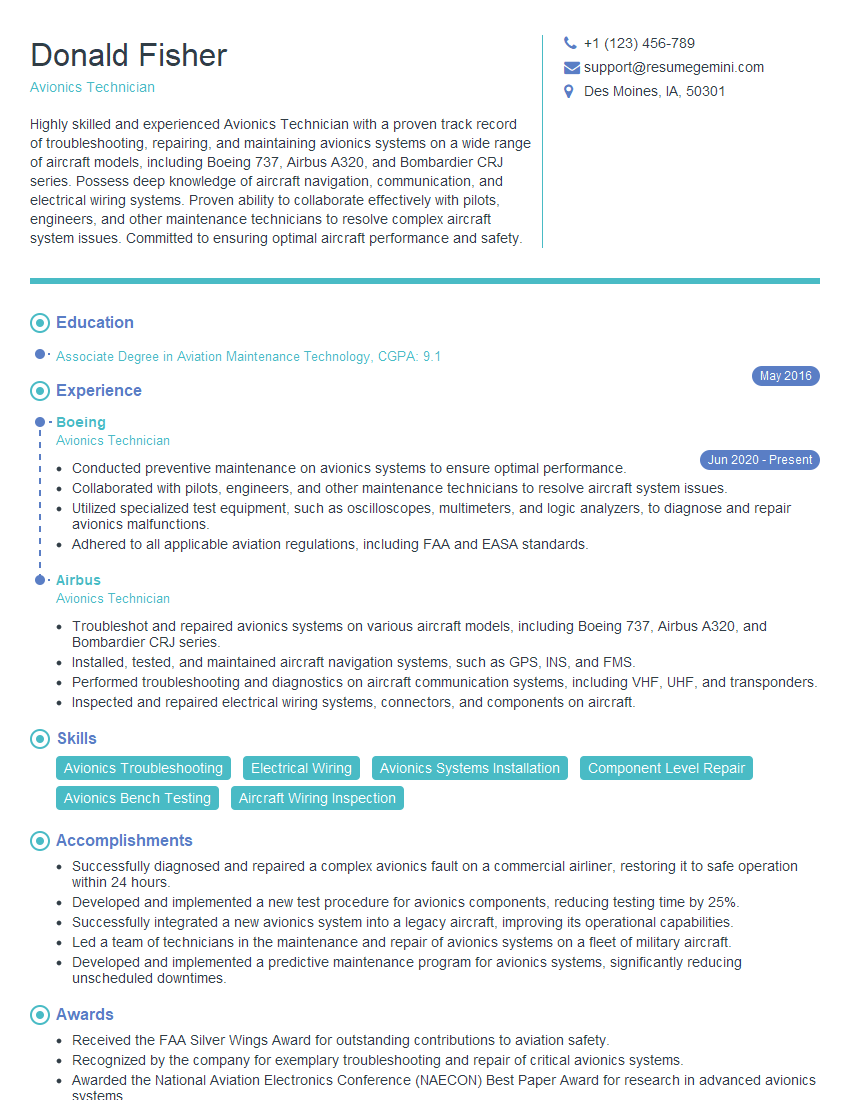
Avionics Technician Resume Sample
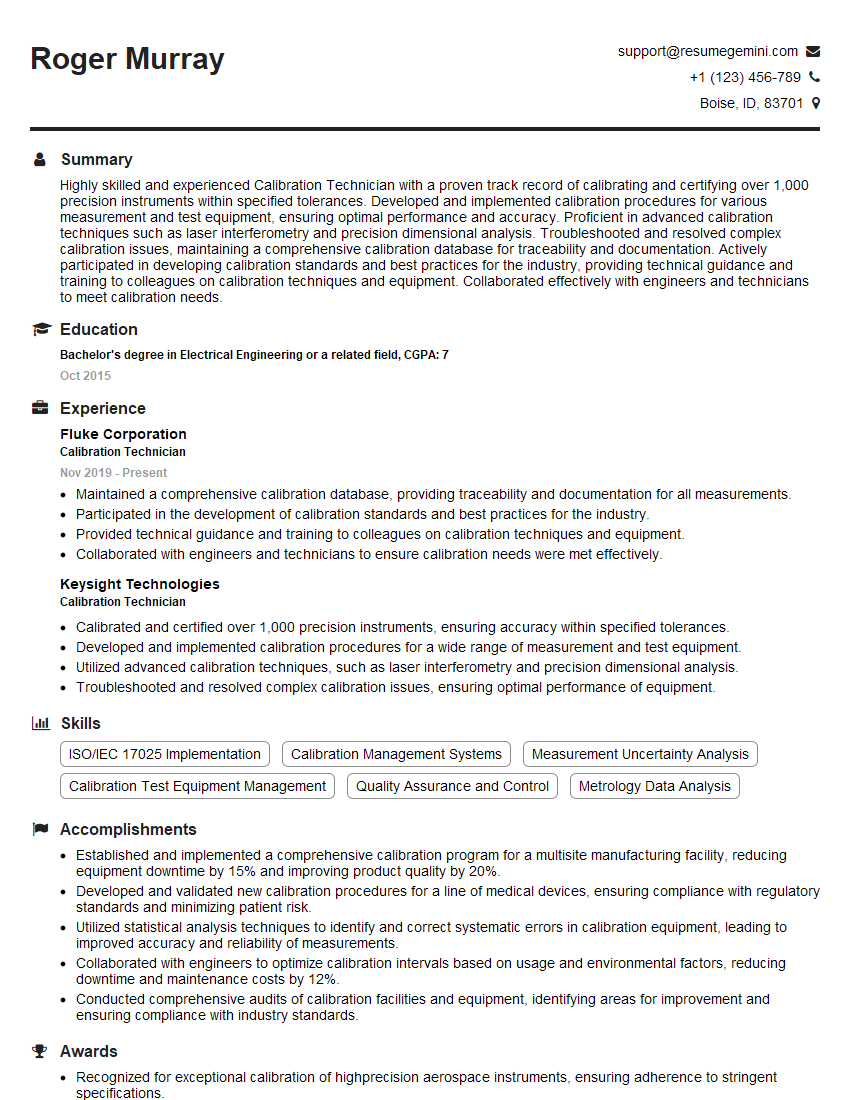
Calibration Technician Resume Sample

Robotics Technician Resume Sample
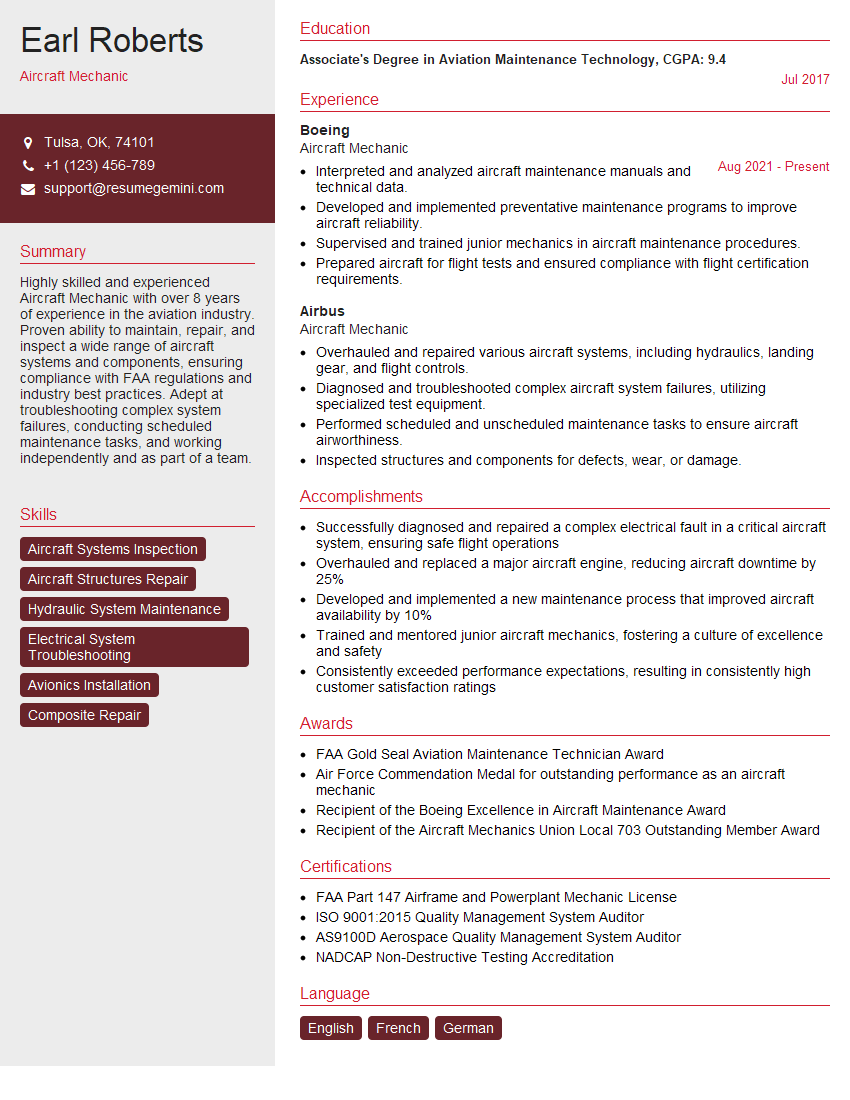
Aircraft Mechanic Resume Sample
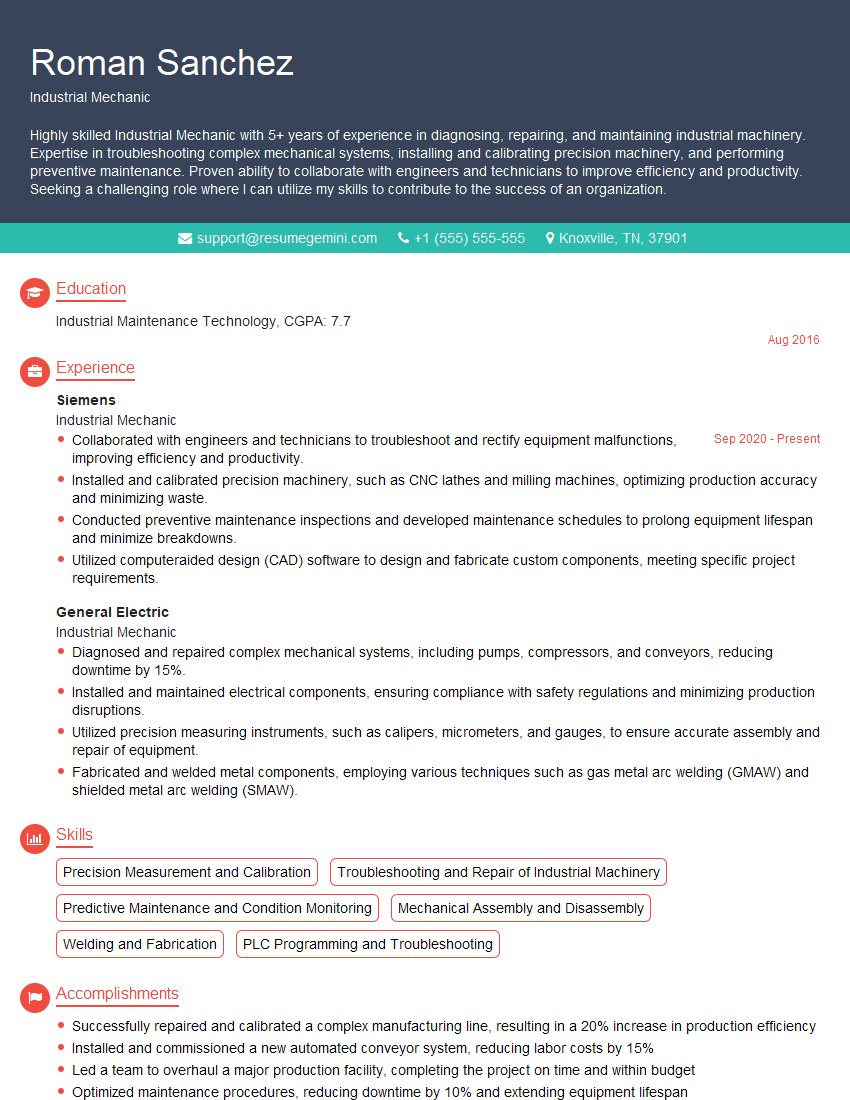
Industrial Mechanic Resume Sample
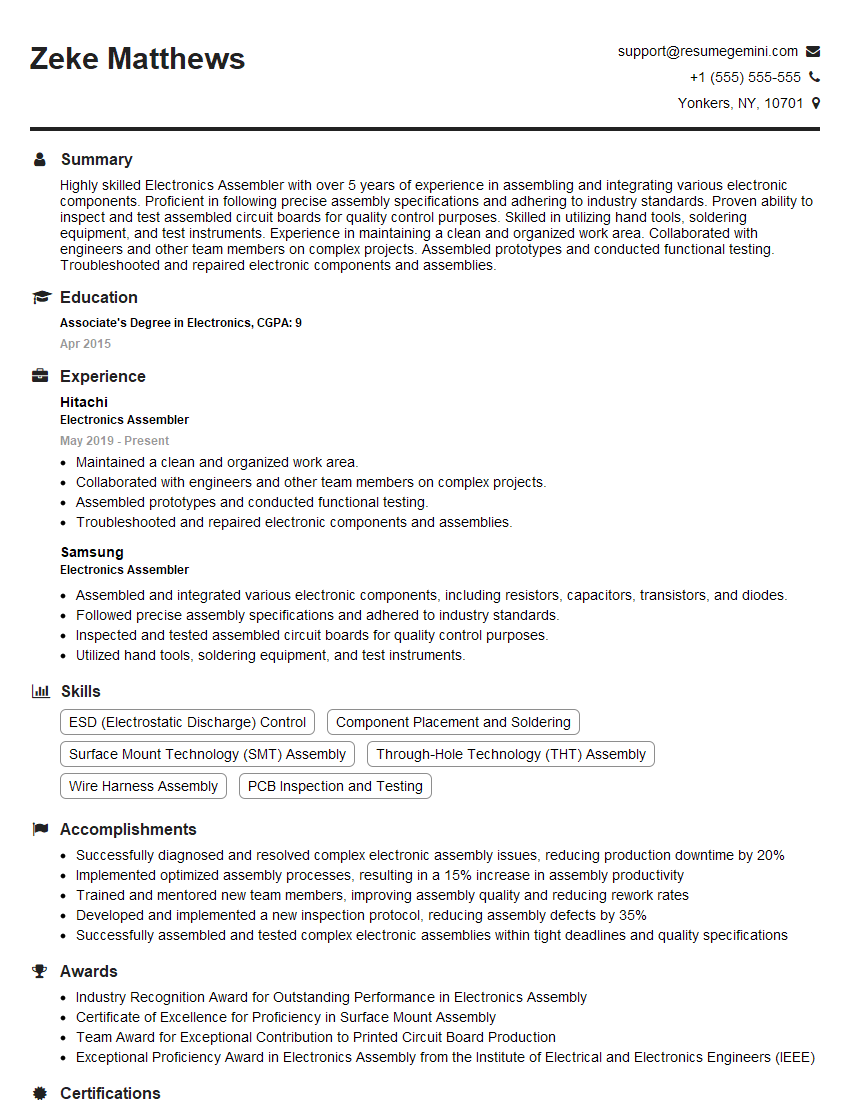
Electronics Assembler Resume Sample

Soldering Technician Resume Sample

Power Generation Technician Resume Sample

Quality Control Inspector Resume Sample
Explore more articles
Users Rating of Our Blogs
Share Your Experience
We value your feedback! Please rate our content and share your thoughts (optional).
What Readers Say About Our Blog
Really detailed insights and content, thank you for writing this detailed article.
IT gave me an insight and words to use and be able to think of examples