Feeling uncertain about what to expect in your upcoming interview? We’ve got you covered! This blog highlights the most important Copper and Fiber Cabling interview questions and provides actionable advice to help you stand out as the ideal candidate. Let’s pave the way for your success.
Questions Asked in Copper and Fiber Cabling Interview
Q 1. Explain the difference between single-mode and multi-mode fiber optic cables.
The core difference between single-mode and multi-mode fiber optic cables lies in the diameter of their core and the type of light they transmit. Think of it like this: a single-lane highway versus a multi-lane highway for light signals.
Single-mode fiber has a much smaller core diameter (around 8-10 microns), allowing only one mode (or path) of light to propagate. This results in lower signal attenuation and higher bandwidth over longer distances, making it ideal for long-haul telecommunications and high-speed data transmission. The light used is typically a single wavelength laser.
Multi-mode fiber, on the other hand, has a larger core diameter (50/125 microns or 62.5/125 microns), allowing multiple modes of light to travel simultaneously. This leads to higher attenuation and lower bandwidth compared to single-mode fiber, limiting its effective range. The light source is usually an LED which emits light at multiple wavelengths.
In short: Single-mode is for long distances and high bandwidth; multi-mode is for shorter distances and lower bandwidth applications. Choosing the right type depends entirely on your specific networking needs.
Q 2. What are the advantages and disadvantages of using copper cabling versus fiber optic cabling?
Copper and fiber optic cabling each have their strengths and weaknesses. The best choice depends on the specific application.
- Copper Cabling (e.g., Cat5e, Cat6, Cat6a):
- Advantages: Relatively inexpensive, easy to install and terminate, well-established technology, readily available tools and expertise.
- Disadvantages: Limited bandwidth and distance capabilities, susceptible to electromagnetic interference (EMI), signal attenuation increases significantly over distance.
- Fiber Optic Cabling:
- Advantages: High bandwidth and long transmission distances, immune to EMI, better security (harder to tap), excellent for long-haul networks and high-speed data transmission.
- Disadvantages: More expensive, more complex installation and termination, requires specialized equipment and training, relatively fragile.
Example: A small office network might benefit from the cost-effectiveness and simplicity of copper cabling, while a long-haul telecommunications network would rely on the superior bandwidth and distance capabilities of fiber optics.
Q 3. Describe the TIA/EIA standards for structured cabling.
TIA/EIA standards, specifically TIA-568, provide guidelines for structured cabling systems. These standards ensure interoperability, reliability, and maintainability of cabling infrastructure. Key aspects include:
- Hierarchical Cabling Structure: Defines a structured approach with different levels (e.g., entrance facility, backbone cabling, horizontal cabling, work area cabling).
- Cable Types and Specifications: Specifies cable types (copper and fiber) and their performance characteristics (e.g., bandwidth, attenuation).
- Connectors and Terminations: Standardizes connectors and termination methods to ensure compatibility between different components.
- Testing and Verification: Outlines procedures for testing cable performance to ensure that it meets the specified standards.
- Documentation: Requires comprehensive documentation of the cabling infrastructure for easy management and troubleshooting.
Adherence to these standards is crucial for ensuring a reliable and scalable network infrastructure. Failure to comply can result in connectivity issues, performance bottlenecks, and increased troubleshooting time.
Q 4. How do you troubleshoot a faulty copper cable connection?
Troubleshooting a faulty copper cable connection involves a systematic approach:
- Visual Inspection: Check for obvious physical damage to the cable, connectors, and patch panels.
- Continuity Testing: Use a cable tester to check for continuity between the ends of the cable. This verifies that the wires are physically connected.
- Signal Testing: Use a network tester to check for signal quality and verify proper connectivity at the network layer. Tools like a cable analyzer can help isolate issues such as shorts or opens.
- Check Connections: Inspect all connections along the cable path, ensuring proper crimping and seating in jacks and patch panels. Loose or poorly connected jacks are common culprits.
- Isolate the Problem: If the problem is not immediately obvious, systematically check sections of the cable path to isolate the faulty segment.
- Replace or Repair: If a cable is faulty, it may need to be replaced. Minor issues can often be resolved by re-terminating connections.
Example: If a computer cannot connect to the network, you might first check the cable visually, then test continuity. If continuity is good but the network connection still fails, signal testing can pinpoint whether the problem lies in the cable or another network device.
Q 5. What are the common types of fiber optic connectors?
Several common fiber optic connectors exist, each designed for specific applications and cable types:
- SC (Subscriber Connector): A push-pull type connector known for its reliability and widespread use.
- FC (Ferrule Connector): A threaded connector offering excellent precision and repeatability, often used in high-performance applications.
- LC (Lucent Connector): A small, compact connector, increasingly popular due to its space-saving design and ease of use.
- ST (Straight Tip): A bayonet-style connector, though less common now compared to LC and SC.
- MT-RJ (Mechanical Transfer-Registered Jack): A dual-fiber connector offering higher density in limited spaces.
The choice of connector depends on factors such as the environment, application, density requirements and budget. It’s essential to use compatible connectors at both ends of a fiber optic cable to ensure proper connectivity.
Q 6. Explain the concept of attenuation in fiber optic cables.
Attenuation in fiber optic cables refers to the loss of optical power as light signals travel along the fiber. Imagine light slowly fading as it travels down a long tunnel.
This loss is caused by various factors including:
- Absorption: Light energy is absorbed by the fiber material itself.
- Scattering: Light is scattered in different directions due to imperfections in the fiber.
- Bending Losses: Bends in the fiber can cause light to escape the core.
Attenuation is typically measured in decibels per kilometer (dB/km). Higher attenuation means more signal loss and limits the distance over which data can be effectively transmitted. This is why signal boosters or repeaters may be necessary in long-haul fiber optic links.
Q 7. How do you test fiber optic cables for continuity and signal strength?
Testing fiber optic cables involves specialized equipment. Continuity testing ensures the physical connection is intact, while signal strength testing verifies the quality of the optical signal.
Continuity Testing: An optical time-domain reflectometer (OTDR) is commonly used. An OTDR sends a light pulse down the fiber and measures the time it takes for the signal to return, revealing breaks, splices, and other discontinuities.
Signal Strength Testing: An optical power meter measures the optical power at various points along the fiber to identify areas of high attenuation. This helps pinpoint issues affecting signal quality and helps determine the need for optical amplification.
These tests are crucial for maintaining optimal network performance and troubleshooting connectivity issues. Regular testing can help prevent unexpected outages and ensure that the network is operating at peak efficiency.
Q 8. What are the different types of copper cabling (e.g., Cat5e, Cat6, Cat6a)?
Copper cabling comes in various categories, each designed for different bandwidth and speed requirements. Think of them like roads – Cat5e is a two-lane highway, while Cat6a is a multi-lane superhighway. The higher the category number, the faster the data transfer rate and the further the distance you can reliably transmit data.
- Cat5e (Category 5 Enhanced): A widely used standard, suitable for Gigabit Ethernet (1000BASE-T) up to 100 meters. It’s a cost-effective option but has limitations in bandwidth for higher speeds.
- Cat6 (Category 6): Offers improved performance compared to Cat5e, supporting Gigabit Ethernet and even 10 Gigabit Ethernet (10GBASE-T) over shorter distances. Its better shielding and stricter specifications reduce signal interference.
- Cat6a (Category 6 Augmented): The superior option, designed for 10 Gigabit Ethernet up to 100 meters. Its superior construction and advanced twisting techniques minimize signal attenuation and crosstalk, ensuring reliable high-speed transmission.
- Cat7 & Cat8: These newer categories offer even higher bandwidth capabilities and are used in demanding high-speed networking applications. Cat8 is specifically designed for 40 Gigabit and 100 Gigabit Ethernet.
Choosing the right category depends on your network’s needs. If you’re just setting up a home network, Cat5e might suffice. For a larger office or data center needing high bandwidth and long distances, Cat6a or even Cat8 becomes essential.
Q 9. Explain the difference between shielded and unshielded twisted-pair cables.
The key difference between shielded (STP) and unshielded twisted-pair (UTP) cables lies in their protection against electromagnetic interference (EMI) and radio frequency interference (RFI). Think of it like this: UTP cables are like regular roads, susceptible to noise and interference from surrounding traffic. STP cables are like roads enclosed within a protective tunnel, reducing the impact of external disturbances.
- Unshielded Twisted-Pair (UTP): The most common type, each wire pair is twisted to minimize crosstalk (interference between pairs). They’re cost-effective but more susceptible to interference from external sources.
- Shielded Twisted-Pair (STP): Provides an extra layer of protection with a metallic foil or braid shielding around the wire pairs. This shielding minimizes EMI/RFI, making it ideal for noisy environments or situations where signal integrity is critical. However, STP cables are generally more expensive and harder to work with.
In a typical office environment, UTP is often sufficient. However, in industrial settings with heavy machinery or near high-power electrical equipment, STP is a better choice to prevent signal degradation.
Q 10. What is the purpose of grounding in copper and fiber optic cabling?
Grounding, in both copper and fiber optic cabling, is crucial for safety and signal integrity. It provides a path for stray electrical currents to flow to the earth, preventing electrical shock and protecting sensitive equipment. In copper cabling, grounding helps prevent ground loops and noise. In fiber optics, while not directly conducting electricity, grounding provides a safety mechanism preventing static buildup that could potentially damage components.
In copper cabling, grounding is typically achieved by connecting the cable shield or metallic housing to a grounding point. This prevents voltage differences between different parts of the network and protects equipment from voltage surges. Incorrect grounding can lead to signal noise and data loss. Similarly, in fiber optic cabling, the grounding of the cable’s metal components is essential to prevent electrical hazards, although the optical fiber itself doesn’t need grounding.
Think of grounding as a safety net. It’s there to protect both the equipment and the people working with it. Proper grounding is a fundamental aspect of any robust cabling infrastructure.
Q 11. Describe the process of terminating a Cat6 cable.
Terminating a Cat6 cable involves carefully preparing the wires and connecting them to a keystone jack or patch panel using a punch-down tool. Accuracy is paramount to ensure proper network performance.
- Cut the Cable: Cut the cable to the desired length, ensuring a clean cut.
- Strip the Outer Jacket: Carefully remove the outer jacket, exposing the twisted pairs. Be careful not to nick the individual wires.
- Untwist and Straighten the Pairs: Untwist the pairs slightly and straighten the wires, making sure they’re aligned and neatly arranged in the proper order (typically color-coded according to the T568A or T568B standard).
- Trim the Wires: Trim the wires to the appropriate length. It is generally recommended to use a wire cutter or a similar tool to cleanly trim the wires.
- Insert into the Jack: Insert the wires into the keystone jack’s slots, making sure each wire aligns correctly with its designated slot.
- Punch Down: Use a punch-down tool to firmly and accurately punch down each wire into the jack, ensuring a secure connection. Ensure that the wire is completely seated into the appropriate connector to maintain connection and performance.
- Test the Connection: After termination, always test the connection using a cable tester to ensure it’s functioning correctly.
Improper termination can lead to connectivity issues, signal attenuation, and data loss. Taking your time and following these steps accurately is key to a reliable connection.
Q 12. How do you splice fiber optic cables?
Splicing fiber optic cables requires specialized tools and careful technique to maintain signal integrity. It involves precisely aligning the fiber ends and fusing them together or using a mechanical splice.
Fusion Splicing: This method uses a fusion splicer machine which precisely aligns the fiber ends and then heats them to melt them together, creating a strong and low-loss connection. This method is most commonly used when there is a need for high transmission rates and low loss of signal, usually in long-haul communication systems. This method requires significant specialized equipment and experience.
Mechanical Splicing: This involves using a mechanical splice connector, which physically clamps the fiber ends together. While generally faster and simpler than fusion splicing, it typically results in higher signal loss, especially over longer distances. This method is often chosen for applications with a lower performance requirement.
Regardless of the method, careful cleaning of the fiber ends is crucial to remove any dust or debris that could degrade the connection.
Splicing fiber optic cables is a complex procedure that requires proper training and the right equipment. Attempting to splice without proper training can easily damage the fiber.
Q 13. What safety precautions should be taken when working with fiber optic cables?
Working with fiber optic cables requires strict adherence to safety precautions due to potential eye hazards. The laser light emitted from some types of fiber optic cables, especially during testing or cutting, can cause permanent eye damage.
- Eye Protection: Always wear appropriate laser safety eyewear designed for the specific wavelength of the fiber optic cable. Never look directly into the end of a fiber optic cable.
- Protective Clothing: Wear gloves to protect against cuts and other injuries from handling the cable.
- Proper Tools: Use the correct tools for cutting and splicing fibers, avoiding any forceful actions or sharp objects that could damage the cable.
- Handling Precautions: Handle cables with care to avoid bending or scratching the fiber. Never use excessive force.
- Proper Training: Always ensure proper training before working with fiber optic cables.
Ignoring these precautions can result in serious injuries. Always prioritize safety when working with fiber optics.
Q 14. What is the difference between a patch panel and a keystone jack?
While both patch panels and keystone jacks are used for terminating and organizing network cables, they serve different purposes. Think of a patch panel as a central distribution point, and keystone jacks as individual outlets.
- Patch Panel: A centralized mounting point for multiple network cables. They typically provide a consistent and organized way to connect cables and equipment, improving cable management. Patch panels are usually used in structured cabling systems, server rooms, and other environments where numerous connections are needed.
- Keystone Jack: An individual modular connector that inserts into a wall plate or patch panel, providing a connection point for a single network cable. Keystone jacks are commonly found in offices or home networks and can be used within patch panels.
A patch panel houses multiple keystone jacks, providing a more structured and scalable solution. Keystone jacks offer individual connection points for a cable to be terminated to.
Q 15. Explain the concept of optical time-domain reflectometry (OTDR).
Optical Time-Domain Reflectometry (OTDR) is a powerful testing technique used to characterize and troubleshoot fiber optic cables. Imagine it as a radar for fiber optics. It works by sending a light pulse down the fiber and analyzing the reflections that return. These reflections provide information about events along the fiber’s length, such as splices, connectors, and even fiber breaks or bends.
A key advantage is its ability to locate faults precisely. The time it takes for the reflected light to return is directly proportional to the distance of the event from the OTDR. The strength of the reflection reveals the severity of the event; a strong reflection might indicate a poor connector, while a complete absence of a return signal points to a break in the fiber. OTDRs also provide a visual representation of the fiber, creating a trace that clearly highlights these events.
In a real-world scenario, an OTDR would be invaluable in diagnosing a network outage. By connecting the OTDR to a fiber cable, a technician can quickly locate the exact point of failure, whether it’s a bad connector at a patch panel or a fiber break buried underground, significantly speeding up repairs.
Career Expert Tips:
- Ace those interviews! Prepare effectively by reviewing the Top 50 Most Common Interview Questions on ResumeGemini.
- Navigate your job search with confidence! Explore a wide range of Career Tips on ResumeGemini. Learn about common challenges and recommendations to overcome them.
- Craft the perfect resume! Master the Art of Resume Writing with ResumeGemini’s guide. Showcase your unique qualifications and achievements effectively.
- Don’t miss out on holiday savings! Build your dream resume with ResumeGemini’s ATS optimized templates.
Q 16. How do you identify different types of fiber optic cables?
Fiber optic cables are categorized based on several factors, most importantly the type of fiber and its cladding. Common types include:
- Single-mode fiber: This type has a smaller core diameter, allowing only one light path to propagate. It’s ideal for long-distance, high-bandwidth applications.
- Multi-mode fiber: With a larger core diameter, multiple light paths can travel simultaneously. This is suited for shorter distances and less demanding applications.
Beyond the core and cladding, you’ll also find variations in the cable’s outer jacket, which can be made of materials like PVC or high-performance polyethylene, impacting the cable’s durability and environmental resistance. Careful examination of the cable jacket labeling or accompanying documentation is crucial for proper identification.
For instance, a cable labeled ‘OS2’ denotes single-mode fiber optimized for 1310 nm and 1550 nm wavelengths, while ‘OM4’ designates a multi-mode fiber with high bandwidth for data centers. Color coding can sometimes be used but isn’t a reliable method for definitive identification.
Q 17. What tools are commonly used for copper and fiber optic cabling installation and testing?
The tools used for copper and fiber optic cabling vary considerably. For copper, you’d typically use:
- Crimping tool: For connecting RJ45 connectors to cables.
- Punch down tool: For terminating cables into patch panels.
- Cable tester: To verify connectivity and check for shorts or opens.
- Wire strippers/cutters: For preparing cable ends for termination.
Fiber optic cabling requires more specialized equipment:
- Fiber cleaver: To create a precise, perpendicular cut on the fiber end.
- Fusion splicer: To join two fiber ends together using heat.
- Fiber optic connector kit: With various connectors like SC, LC, or ST, and the tools to attach them to the fiber.
- OTDR (Optical Time-Domain Reflectometer): For testing and troubleshooting fiber optic cables as previously discussed.
- Power meter and light source: For testing power levels and verifying optical signal strength.
Both require safety glasses, as working with fiber optics can expose you to potential eye hazards.
Q 18. Describe your experience with cable management techniques.
My experience with cable management encompasses a wide range of techniques aimed at improving efficiency, reliability, and safety. I’ve implemented structured cabling systems in various settings—data centers, office buildings, and industrial environments. Key approaches include:
- Use of cable trays and racks: To neatly organize and route cables, preventing tangling and improving airflow.
- Labeling and color-coding: To easily identify cables and their functions, streamlining troubleshooting.
- Proper cable bundling: Using cable ties and Velcro straps to keep cables organized and prevent stress.
- Maintaining sufficient slack: Allowing enough extra cable length to accommodate future expansion or maintenance.
For example, in a recent project involving a large data center upgrade, I implemented a color-coded cable management system for power, data, and control cables. This system dramatically reduced troubleshooting time and minimized the risk of accidental disconnections during maintenance.
Q 19. Explain the importance of proper cable labeling and documentation.
Proper cable labeling and documentation are paramount for efficient maintenance, troubleshooting, and future upgrades. Imagine trying to troubleshoot a network issue without knowing which cable connects to which device—a nightmare!
Clear labeling ensures that anyone can quickly identify the purpose and routing of a cable. This reduces downtime during repairs and prevents costly mistakes. Comprehensive documentation, often maintained in a centralized database or system, provides a complete overview of the entire cabling infrastructure. This allows for easy tracking of cables, their connections, and any changes made over time.
We use a system where each cable is labeled with a unique identifier, and a corresponding database entry links this identifier to the connected devices, location, and other crucial details. This approach has been critical in successfully managing large, complex networks.
Q 20. How do you handle cable routing and organization in different environments?
Cable routing and organization differ significantly across environments. In a data center, the focus is on maximizing density and airflow using structured cabling and cable trays, while minimizing clutter. Office environments prioritize aesthetics and ease of access. Industrial settings often demand highly robust and resistant cabling solutions capable of withstanding harsh conditions and potential physical damage.
For example, in a data center, I’d utilize high-density cable management systems with labeled trays and racks to ensure optimal airflow and prevent overheating. In an office setting, a more visually appealing solution might involve concealed cabling within walls or under raised floors. In an industrial setting, I’d select cables with robust outer jackets and implement protective conduit systems to shield against physical damage.
Adaptability is key. Understanding the specific needs of each environment, and selecting appropriate strategies and materials, is essential for successful cable management.
Q 21. What is your experience with different types of cable pulling equipment?
My experience with cable pulling equipment includes various types, each suited for different cable types and environments:
- Hand-held cable pullers: Suitable for smaller cables in shorter runs.
- Electric cable pullers: More powerful and efficient for larger cables or longer distances.
- Hydraulic cable pullers: Ideal for very large or heavy cables in challenging environments.
- Cable pulling lubricants: Essential to reduce friction and protect cables during installation.
The selection depends on the cable’s diameter, the distance it needs to be pulled, and the environment. Safety is paramount; proper training and adherence to safety guidelines are essential when using any cable pulling equipment to prevent damage to the cable or injury to the technician.
I’ve used a variety of these pullers in various scenarios, and the choice of equipment is made based on a thorough assessment of the specific job requirements, ensuring efficient and safe installation.
Q 22. Describe your experience with troubleshooting network connectivity issues related to cabling.
Troubleshooting network connectivity issues stemming from cabling involves a systematic approach. I start by visually inspecting the cables for any obvious physical damage like kinks, cuts, or loose connections. Then, I use tools like cable testers and network analyzers to pinpoint the problem. For example, a simple continuity test on a copper cable can quickly identify a break. If the problem involves fiber optics, an OTDR (Optical Time Domain Reflectometer) is invaluable for locating breaks or attenuation along the fiber. In one instance, I traced a network outage to a faulty RJ45 connector on a patch cable, a seemingly small issue that had a significant impact. My experience encompasses diverse scenarios, from identifying bad crimps on copper cables to dealing with micro-bends in fiber optic cables that significantly affect signal quality. The key is to methodically rule out potential causes, starting with the simplest and progressing to more complex diagnostics.
Q 23. Explain your understanding of bandwidth and its relevance to cable selection.
Bandwidth refers to the amount of data that can be transmitted over a network connection within a given time period, typically measured in bits per second (bps). Cable selection is directly influenced by the required bandwidth. For instance, a 1 Gbps Ethernet network needs a cable capable of supporting that speed, which eliminates thinner, lower-gauge copper cables or older fiber optic standards. Fiber optics generally offer significantly higher bandwidth than copper, making them ideal for high-speed applications like 10 Gigabit Ethernet or even 400 Gigabit Ethernet and beyond. Copper cables, while suitable for lower bandwidth needs, are susceptible to signal attenuation over longer distances, limiting their practical range. The choice between copper and fiber also depends on budget considerations, as fiber optic installation and equipment can be more expensive initially, but offer scalability and long-term cost savings for high-bandwidth applications.
Q 24. What is your experience with fiber optic fusion splicing?
I have extensive experience with fiber optic fusion splicing, a technique that permanently joins two optical fibers by melting their ends together using an electric arc. This process requires specialized equipment, including a fusion splicer and a cleaver for precisely preparing the fiber ends. It’s crucial to maintain cleanliness and accuracy throughout the process, as even tiny imperfections can significantly affect signal quality. Proper alignment is essential; the fusion splicer uses precise mechanisms to align the fibers, minimizing losses. After splicing, I always measure the splice loss using an OTDR to ensure it meets specifications. I’ve worked on numerous projects involving large-scale fiber optic network deployments where fusion splicing was essential for creating reliable high-bandwidth connections. It’s important to know that while mechanical splices offer a quicker, less expensive alternative, fusion splicing provides a more robust and reliable connection for long-term performance.
Q 25. How do you ensure the integrity of a fiber optic connection?
Ensuring the integrity of a fiber optic connection involves several steps. Firstly, visual inspection is crucial to identify any physical damage. Next, optical power meters measure the signal strength at both ends of the connection to detect signal loss. An OTDR is fundamental for comprehensive testing, providing information on the location and magnitude of any loss or reflections within the fiber. Furthermore, regular preventative maintenance and thorough cleaning of connectors are crucial in preventing signal degradation. Finally, proper documentation and labelling of the fiber optic system aids in troubleshooting should issues arise. Think of it like inspecting a water pipe – you want to make sure it’s not cracked or damaged anywhere along its length, and a pressure test would be analogous to using an OTDR.
Q 26. What are the common causes of signal degradation in copper and fiber optic cables?
Signal degradation in both copper and fiber optic cables can arise from various sources. In copper cables, common causes include corrosion on connectors, poor crimps leading to intermittent contacts, excessive electromagnetic interference (EMI), and signal attenuation due to the cable’s length and gauge. Think of it like a leaky water pipe – the signal strength diminishes as it travels through the cable. In fiber optics, signal degradation often results from micro-bends (small bends that increase attenuation), macro-bends (large bends causing breaks), poor splicing or connectorization leading to high insertion loss, and contamination within the connector, causing excessive light scattering. Both types of cables can also suffer from damage caused by physical stress like excessive pulling or crushing during installation.
Q 27. Describe your experience with different types of cable connectors and terminations.
My experience encompasses a wide range of cable connectors and terminations for both copper and fiber optic cables. For copper, I’m proficient with RJ45 connectors (used for Ethernet), BNC connectors (for coaxial cables), and various types of terminal blocks. Fiber optic terminations involve different connectors like SC, ST, LC, and MPO, each having its own termination procedures. The proper preparation and termination techniques are vital for signal integrity and minimizing signal loss. I’ve worked with various cable types as well; including shielded and unshielded twisted pair (STP and UTP), multimode and single-mode fiber. Using the correct connector for the application and ensuring a proper termination is fundamental to a well-functioning network, akin to ensuring the right-sized screw for a particular application. Improper termination can lead to connectivity problems and performance degradation.
Key Topics to Learn for Copper and Fiber Cabling Interview
- Copper Cabling: Understanding different cable types (Cat5e, Cat6, Cat6a), their specifications, and applications in network infrastructure. Practical application: Troubleshooting common copper cabling issues like impedance mismatch or crosstalk.
- Fiber Optic Cabling: Learning about single-mode and multi-mode fibers, their advantages and disadvantages, and understanding fiber optic connectors (SC, LC, ST). Practical application: Designing a fiber optic network for a specific building or campus.
- Cabling Standards and Best Practices: Familiarizing yourself with industry standards like TIA/EIA, and understanding best practices for cable installation, termination, and testing. Practical application: Explaining the importance of proper grounding and shielding in cable management.
- Network Topologies: Understanding different network topologies (star, ring, mesh) and their implications for copper and fiber cabling infrastructure. Practical application: Choosing the optimal topology for a given network environment.
- Testing and Troubleshooting: Mastering the use of cable testers (OTDR, TDR) to identify and resolve cabling faults. Practical application: Diagnosing a network outage caused by a faulty cable.
- Fiber Splicing and Termination: Understanding the techniques and tools required for splicing and terminating fiber optic cables. Practical application: Explaining the process of fusion splicing and the importance of precision.
- Safety Procedures: Understanding and adhering to safety procedures when working with copper and fiber cabling, including proper handling and disposal techniques. Practical application: Describing the precautions taken to prevent laser eye injury during fiber optic work.
Next Steps
Mastering Copper and Fiber Cabling is crucial for career advancement in networking and telecommunications. A strong understanding of these technologies opens doors to exciting roles with excellent growth potential. To maximize your job prospects, create an ATS-friendly resume that highlights your skills and experience effectively. ResumeGemini is a trusted resource that can help you build a professional and impactful resume. Examples of resumes tailored to Copper and Fiber Cabling roles are available, providing you with valuable templates and guidance. Take the next step towards your dream career – build a winning resume today!

Network Administrator Resume Sample

Systems Administrator Resume Sample
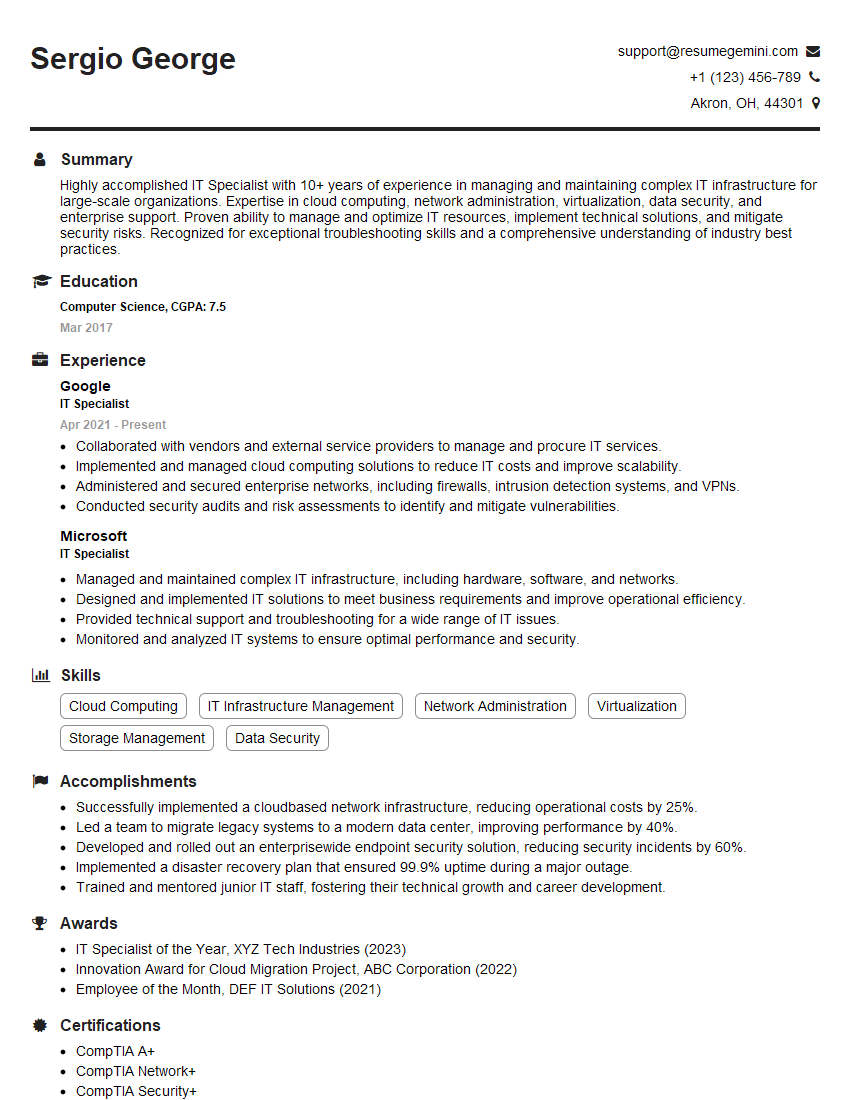
IT Specialist Resume Sample
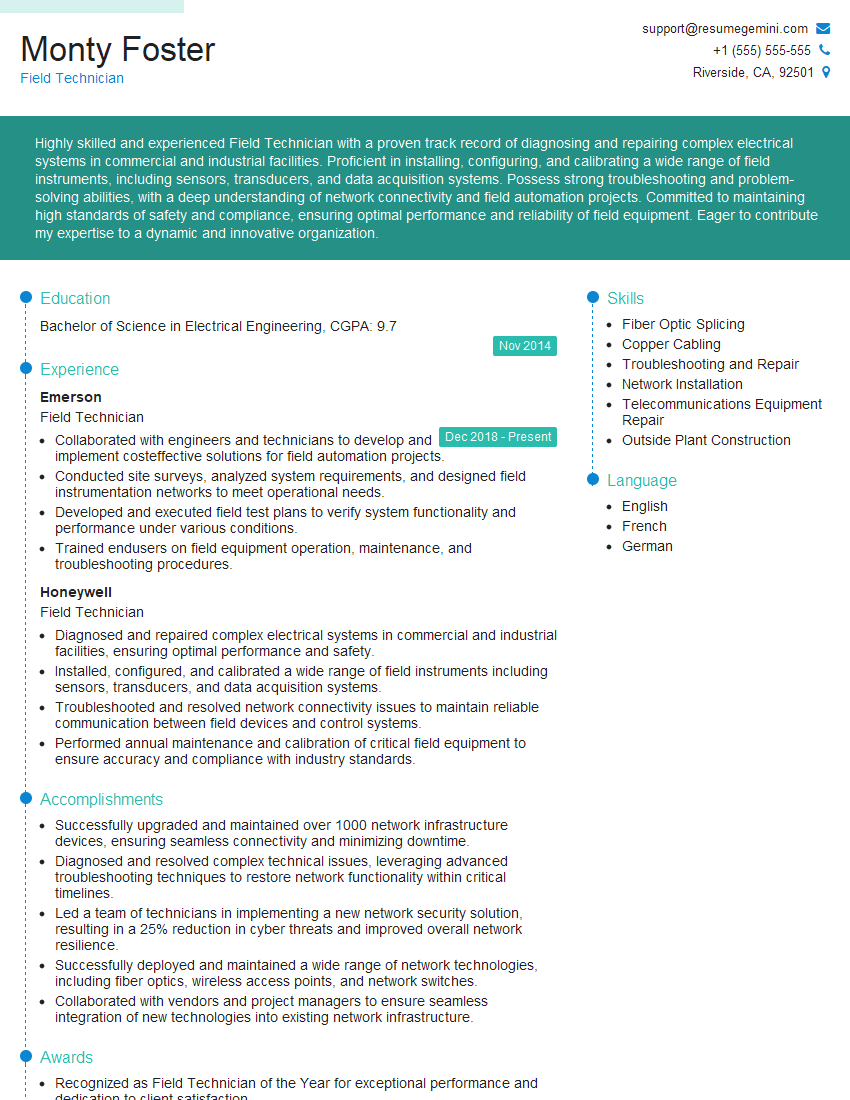
Field Technician Resume Sample
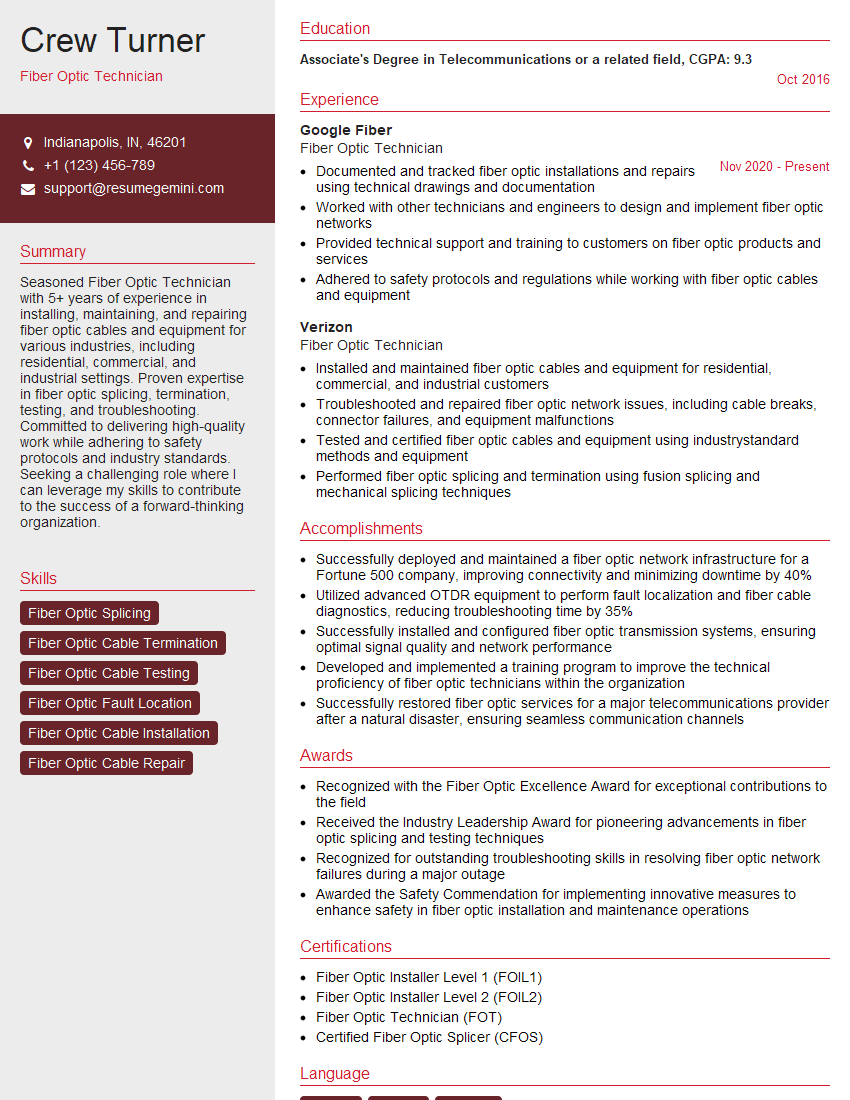
Fiber Optic Technician Resume Sample
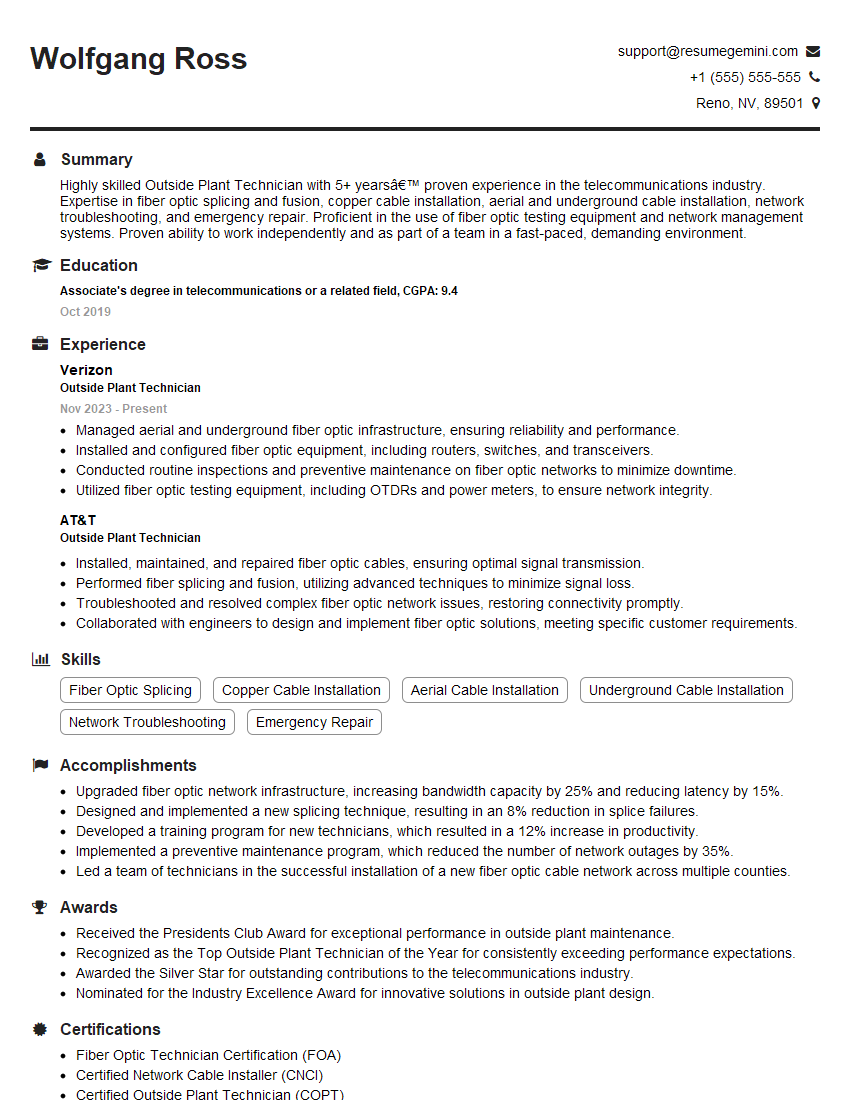
Outside Plant Technician Resume Sample
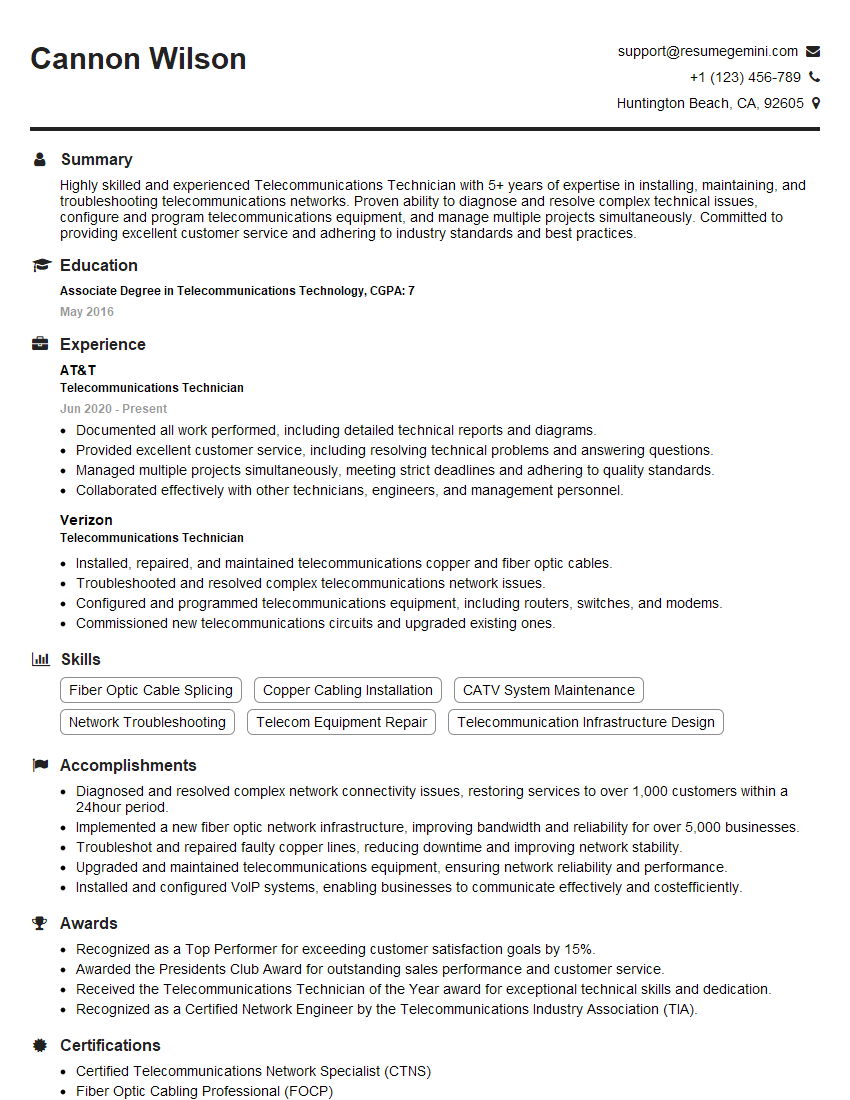
Telecommunications Technician Resume Sample

Cable Splicer Resume Sample

Fiber Optic Splicer Resume Sample
Explore more articles
Users Rating of Our Blogs
Share Your Experience
We value your feedback! Please rate our content and share your thoughts (optional).
What Readers Say About Our Blog
Really detailed insights and content, thank you for writing this detailed article.
IT gave me an insight and words to use and be able to think of examples