Every successful interview starts with knowing what to expect. In this blog, we’ll take you through the top Experience with customer relationship management (CRM) software interview questions, breaking them down with expert tips to help you deliver impactful answers. Step into your next interview fully prepared and ready to succeed.
Questions Asked in Experience with customer relationship management (CRM) software Interview
Q 1. Explain your experience with different CRM platforms.
Throughout my career, I’ve worked extensively with various CRM platforms, each offering unique strengths and weaknesses. My experience spans cloud-based solutions like Salesforce, HubSpot, and Zoho CRM, as well as on-premise systems like Microsoft Dynamics 365. For example, I led a team implementing Salesforce Sales Cloud for a rapidly growing SaaS company, dramatically improving their sales pipeline management. With HubSpot, I focused on inbound marketing automation and lead nurturing, seeing a significant increase in conversion rates. My experience with Zoho CRM involved streamlining customer service workflows for a smaller business, enhancing their response times and customer satisfaction. Each platform presented its own set of challenges and opportunities, requiring a tailored approach to configuration and integration.
Understanding the nuances of each system – its strengths in sales, marketing, or customer service; its reporting capabilities; and its customization options – is crucial. This allows me to select the most appropriate CRM for a specific business need and to leverage its full potential.
Q 2. Describe your process for data cleansing and deduplication in a CRM.
Data cleansing and deduplication are critical for maintaining a healthy and reliable CRM. My process begins with identifying and analyzing data quality issues. This involves checking for inconsistencies, inaccuracies, missing data, and duplicate entries. I then employ a multi-step approach:
- Automated Deduplication: I utilize the CRM’s built-in deduplication tools, often configuring rules based on key fields like email address, phone number, and company name. This process flags potential duplicates for manual review.
- Manual Review and Correction: I carefully review flagged duplicates to ensure accurate merging or deletion. This step requires judgment to avoid merging distinct records belonging to different individuals or businesses.
- Data Standardization: I standardize data formats and entries, ensuring consistency across the database. For example, I’d ensure all phone numbers follow a consistent format (e.g., +1 (XXX) XXX-XXXX).
- Data Enrichment: I use third-party tools or services to supplement missing data, improving the completeness and accuracy of customer profiles.
For instance, in a project for a retail company, we used a combination of automated deduplication in Salesforce and manual review to eliminate over 10,000 duplicate customer records, significantly improving data quality and reporting accuracy.
Q 3. How do you ensure data accuracy and integrity within a CRM system?
Maintaining data accuracy and integrity in a CRM requires a proactive and multi-faceted approach. Think of it like building a sturdy house – you need a strong foundation and regular maintenance.
- Data Input Validation: Implementing data validation rules within the CRM ensures data meets pre-defined standards. For example, mandatory fields, data type checks (e.g., ensuring a phone number field only accepts numbers), and format restrictions help prevent incorrect data entry.
- User Training and Guidelines: Thorough training for CRM users on data entry procedures and best practices is crucial. Clear guidelines and documentation help ensure consistency and accuracy. Think of it as providing a detailed instruction manual for the users.
- Regular Data Audits: Periodic audits of the CRM data help identify and rectify any inaccuracies or inconsistencies that may have slipped through. This is like a regular inspection of your house to ensure everything is in order.
- Data Governance Policies: Establishing clear data governance policies and assigning data ownership responsibilities helps ensure accountability and maintain data quality over time.
In a previous role, we established a robust data governance framework, including data validation rules and regular audits. This led to a significant improvement in data accuracy, resulting in more reliable sales forecasts and marketing campaign effectiveness.
Q 4. What are your preferred methods for CRM reporting and analysis?
My preferred methods for CRM reporting and analysis leverage a combination of built-in CRM functionalities and external analytics tools. I believe that a successful approach needs to cater to various user needs.
- CRM’s Built-in Reporting Tools: Most CRMs offer a range of pre-built reports and dashboards, providing quick insights into key metrics like sales performance, customer engagement, and marketing campaign effectiveness. I frequently use these for quick checks and regular monitoring.
- Custom Reports and Dashboards: For more complex analyses, I create custom reports and dashboards tailored to specific business needs. This allows me to visualize data in a way that’s both informative and actionable.
- Data Extraction and External Analytics: I often export data from the CRM to external analytics tools like Tableau or Power BI for more advanced analysis, including predictive modeling and forecasting. This is when you need the deeper dive and the power of advanced analytics tools.
For example, I created a custom dashboard in Salesforce that tracked key sales metrics in real-time, providing immediate insights into sales performance and enabling proactive adjustments to sales strategies.
Q 5. How do you handle data migration to a new CRM system?
Data migration to a new CRM system is a complex process requiring careful planning and execution. It’s like moving house – you need to plan it out carefully to avoid any problems.
- Data Assessment and Cleaning: Before migration, a thorough assessment of the existing data is crucial to identify and resolve data quality issues. Cleaning the data beforehand prevents migrating inaccuracies into the new system.
- Mapping and Transformation: Mapping the fields and data structures between the old and new CRM systems is essential to ensure data integrity. This might involve transforming data formats or creating custom mappings to handle differences between the systems.
- Data Extraction and Loading: Data is extracted from the old system using various methods (e.g., exports, APIs) and loaded into the new system. This often involves staging areas for data validation and transformation before loading into the production environment.
- Testing and Validation: Rigorous testing and validation are crucial to ensure data accuracy and completeness in the new system. This includes spot-checking records and verifying data integrity after the migration.
In one project, we migrated data from an outdated on-premise CRM to Salesforce. We followed a phased approach, migrating data in batches and rigorously testing each batch before proceeding, which minimized disruption and ensured a smooth transition.
Q 6. Describe your experience with CRM customization and configuration.
CRM customization and configuration are crucial for aligning the system with specific business needs. It’s like tailoring a suit – you need to make adjustments to fit perfectly.
- Workflow Automation: I’ve configured automated workflows to streamline processes such as lead qualification, opportunity management, and customer onboarding. This improves efficiency and reduces manual effort. For example, I automated the lead assignment process in Salesforce based on lead source and territory.
- Field Customization: I’ve added or modified custom fields to capture specific data points relevant to the business. For example, adding custom fields to track customer feedback or specific product preferences.
- Report and Dashboard Customization: I’ve created custom reports and dashboards to visualize key metrics and provide actionable insights. This allowed us to tailor our monitoring to what is most important for the business.
- App Integration: I have integrated various third-party applications to extend the functionality of the CRM, such as integrating a survey tool for gathering customer feedback or a payment gateway for processing online payments.
In a previous role, I customized Salesforce to track project progress and integrate with our project management software, providing a single source of truth for all project-related information.
Q 7. Explain your experience with CRM integrations with other business systems.
Integrating a CRM with other business systems is key to creating a holistic view of customer interactions and business operations. Think of it as connecting the different parts of a well-oiled machine.
- API Integrations: I have extensive experience integrating CRMs with various systems using APIs (Application Programming Interfaces). This allows for seamless data exchange between the systems, for example integrating the CRM with marketing automation platforms, e-commerce systems, and accounting software.
- Data Synchronization: Ensuring data synchronization between systems is crucial to maintain data consistency and accuracy across all platforms. This involves scheduling regular data transfers and implementing error handling mechanisms.
- Third-Party Integration Tools: I’ve utilized various third-party integration tools such as Zapier or MuleSoft to simplify the integration process, especially for systems without readily available APIs.
For instance, I integrated a CRM with an e-commerce platform to automatically sync customer orders and provide sales teams with up-to-date information on customer purchases. This improved sales team efficiency and customer service.
Q 8. How do you troubleshoot common CRM issues?
Troubleshooting CRM issues involves a systematic approach. Think of it like diagnosing a car problem – you need to identify the symptoms, isolate the cause, and then implement a fix. I typically start by understanding the nature of the problem. Is it a user error, a system glitch, a data integrity issue, or a configuration problem?
- User Errors: These are often the easiest to solve. A quick call or email to the user might clarify misunderstandings about functionalities. I might create short, targeted training videos to address common mistakes.
- System Glitches: These require a deeper dive. I’ll check the CRM’s system logs for error messages, investigate potential software updates or conflicts, and if necessary, reach out to the CRM vendor’s support team.
- Data Integrity Issues: These are often trickier. I’d use the CRM’s data cleansing tools, run data quality checks, and potentially perform manual corrections, ensuring data backup is in place before making changes. Duplicate records are a classic example—I’d use merge functionalities or write custom scripts to resolve them.
- Configuration Problems: This often involves checking user permissions, workflow rules, and integrations with other systems. I use the CRM’s administration tools to review and correct any misconfigurations.
For example, if users are reporting difficulty accessing specific data, I’d first check their user roles and permissions. If the problem persists, I would look at the system logs for any errors related to database access or network connectivity.
Q 9. How familiar are you with different CRM reporting tools and dashboards?
I’m highly proficient with various CRM reporting tools and dashboards. My experience spans several platforms, including Salesforce, Microsoft Dynamics 365, and HubSpot. I’m comfortable working with both pre-built reports and creating custom reports and dashboards from scratch using the respective platform’s reporting tools. I understand the importance of choosing the right visualization—bar charts for comparisons, pie charts for proportions, line graphs for trends, and so on.
For instance, in Salesforce, I’ve used report types like summary reports, matrix reports, and joined reports to analyze sales performance, customer segmentation, and marketing campaign effectiveness. I can build dashboards to provide at-a-glance insights into key metrics, such as sales pipeline progression, lead conversion rates, and customer churn. I know how to leverage filters, groups, and other features to create targeted and insightful visualizations. In addition to standard reporting, I have experience integrating CRM data with business intelligence tools like Tableau or Power BI to perform more advanced analytics.
Q 10. Describe your experience with workflow automation within a CRM.
Workflow automation within a CRM is crucial for streamlining processes and boosting efficiency. Think of it as a set of automated instructions that trigger actions based on specific events. I have extensive experience designing and implementing automated workflows to handle tasks like lead assignment, opportunity management, and customer support.
- Lead Routing: Automating lead assignment based on criteria like location, industry, or lead score.
- Sales Process Automation: Setting up automated reminders for sales reps to follow up with prospects at various stages of the sales cycle.
- Customer Onboarding: Creating automated email sequences to welcome new customers and guide them through the initial setup process.
- Support Ticket Management: Automating ticket assignment to the appropriate support team member based on the issue type and customer segment.
For example, in a previous role, I automated the lead qualification process by creating a workflow that automatically scored inbound leads based on predefined criteria. Leads scoring above a certain threshold were automatically assigned to the sales team, while lower-scoring leads were routed to the marketing team for nurturing. This freed up valuable time for sales representatives, allowing them to focus on qualified leads.
Q 11. How do you manage user access and permissions in a CRM system?
Managing user access and permissions is critical for data security and maintaining the integrity of the CRM system. It’s about ensuring that each user only has access to the data and functionalities they need to perform their job. This involves using the CRM’s built-in security features to define roles, assign permissions, and set data access levels.
I use a role-based access control (RBAC) approach. This involves creating different user roles (e.g., Sales Representative, Marketing Manager, Customer Support Agent) each with a specific set of permissions. For instance, a Sales Representative might have access to view and edit customer information, create opportunities, and update sales forecasts, while a Marketing Manager might have access to marketing campaign data and analytics. I carefully define these roles and permissions, ensuring least privilege—users only have the access they strictly require.
Furthermore, I regularly audit user access to identify any potential security vulnerabilities. I also implement strong password policies and multi-factor authentication for an extra layer of security. I document all changes to user access and permissions and maintain a detailed record for compliance and audit purposes.
Q 12. What are the key performance indicators (KPIs) you track in a CRM?
The KPIs I track in a CRM depend heavily on the business objectives. However, some common and universally valuable KPIs include:
- Lead Conversion Rate: The percentage of leads that convert into opportunities or customers.
- Customer Acquisition Cost (CAC): The cost of acquiring a new customer.
- Customer Lifetime Value (CLTV): The total revenue generated by a customer throughout their relationship with the company.
- Sales Cycle Length: The time it takes to close a deal.
- Average Revenue Per User (ARPU): The average revenue generated per customer.
- Customer Churn Rate: The percentage of customers who stop doing business with the company.
- Sales Win Rate: The percentage of opportunities that convert into closed-won deals.
I regularly monitor these KPIs using the CRM’s reporting and dashboard capabilities, allowing me to identify trends and areas for improvement. For example, if the lead conversion rate is low, I’d investigate potential issues in the lead generation or qualification processes. If the customer churn rate is high, I’d analyze customer feedback to understand the reasons behind the churn and implement measures to improve customer retention.
Q 13. How do you use CRM data to improve sales processes?
CRM data is a goldmine for improving sales processes. By analyzing this data, we can identify bottlenecks, optimize sales strategies, and ultimately drive revenue growth. I use CRM data in several ways:
- Identifying High-Performing Sales Reps: Analyzing sales data to identify top performers and learn from their successful strategies.
- Optimizing Sales Pipeline: Identifying stages in the sales pipeline where deals are getting stuck and implementing solutions to improve conversion rates.
- Improving Lead Qualification: Analyzing lead data to identify characteristics of high-quality leads and refine lead scoring models.
- Personalizing Sales Messaging: Using customer data to tailor sales communications and improve engagement.
- Predictive Analytics: Utilizing CRM data to predict future sales performance and forecast revenue.
For example, in one instance, we analyzed the CRM data and found that a significant portion of deals were failing to convert at the proposal stage. By examining the specifics of these deals, we identified a lack of customized proposals as a key factor. We then implemented a process for creating more tailored proposals, which resulted in a significant improvement in conversion rates.
Q 14. Describe your experience with CRM training and onboarding of new users.
Effective CRM training and onboarding are vital for maximizing user adoption and realizing the full potential of the system. I approach CRM training with a blend of instructor-led sessions, hands-on exercises, and ongoing support.
My training programs are tailored to different user roles and skill levels. I begin with an overview of the system’s key features and functionalities, followed by more in-depth training on specific modules relevant to each role. I use a mix of presentations, interactive exercises, and real-world examples to keep the training engaging and relevant. I also create user manuals, quick-reference guides, and video tutorials for ongoing support. I incorporate a phased approach to onboarding new users, starting with foundational training and then gradually introducing more advanced features as users become more comfortable with the system. Ongoing support includes regular check-ins, Q&A sessions, and access to a dedicated support team. I also track user engagement with the system to identify areas where additional training or support might be needed. Feedback from users is actively sought and integrated into future training sessions to continually improve the effectiveness of the program.
Q 15. How do you contribute to the development of a CRM strategy?
Developing a successful CRM strategy requires a holistic approach, focusing on aligning technology with business goals. It’s not just about choosing software; it’s about understanding how the CRM will improve processes and drive revenue. My contribution begins with a thorough needs assessment. I work closely with stakeholders across departments – sales, marketing, customer service – to understand their individual pain points and identify areas where a CRM can offer the most impact. This includes analyzing existing processes, identifying key performance indicators (KPIs), and understanding data requirements.
Next, I define the scope of the project, specifying the features and functionalities needed, considering factors like budget, integration with existing systems, and scalability. I often create a phased implementation plan to manage risk and ensure smooth rollout. For example, in a previous role, we prioritized implementing the sales module first, followed by customer service and marketing automation, allowing us to measure success at each stage. This iterative approach allows for adjustments based on user feedback and evolving business needs. Finally, I develop a comprehensive training plan to ensure successful user adoption. This includes customized training materials and ongoing support to address any questions or challenges.
Career Expert Tips:
- Ace those interviews! Prepare effectively by reviewing the Top 50 Most Common Interview Questions on ResumeGemini.
- Navigate your job search with confidence! Explore a wide range of Career Tips on ResumeGemini. Learn about common challenges and recommendations to overcome them.
- Craft the perfect resume! Master the Art of Resume Writing with ResumeGemini’s guide. Showcase your unique qualifications and achievements effectively.
- Don’t miss out on holiday savings! Build your dream resume with ResumeGemini’s ATS optimized templates.
Q 16. Explain your understanding of CRM data security and compliance.
CRM data security and compliance are paramount. My understanding encompasses a multifaceted approach, including adhering to regulations like GDPR, CCPA, and HIPAA, depending on the industry and geographic location. This involves implementing robust security measures such as access control, data encryption both in transit and at rest, and regular security audits. We also need to carefully manage user permissions, granting only necessary access to sensitive data. For example, sales representatives might have access to customer contact information and purchase history, but not to financial details, which are restricted to finance personnel.
Furthermore, data anonymization and pseudonymization techniques are vital for protecting customer privacy. Regular security training for all users is crucial to ensure they understand their responsibilities in maintaining data security. Maintaining detailed audit trails helps track data access and modifications, aiding in investigations and ensuring accountability. Finally, I ensure compliance through regular reviews of security policies and procedures and adapting to evolving regulatory requirements.
Q 17. How do you leverage CRM data for marketing campaigns?
CRM data is a goldmine for targeted marketing campaigns. By segmenting customers based on demographics, purchase history, engagement level, and other relevant data points, we can personalize marketing messages and improve campaign effectiveness. For example, we can identify high-value customers and tailor special offers to retain their loyalty. Similarly, we can target customers who haven’t purchased in a while with reactivation campaigns.
CRM data also empowers marketing automation. We can automate email sequences, personalized recommendations, and social media interactions, improving efficiency and reach. By tracking campaign performance through metrics like open rates, click-through rates, and conversion rates, we can continuously optimize our marketing strategies. A/B testing different messaging and offers further refines campaign effectiveness. The insights gleaned from CRM data ultimately lead to higher conversion rates, improved customer satisfaction, and increased ROI for marketing initiatives.
Q 18. What are some challenges you’ve faced working with CRM software, and how did you overcome them?
One challenge I’ve faced is integrating a new CRM system with legacy systems. This often involves data migration issues, requiring careful planning and data cleansing. In one instance, we encountered inconsistencies in customer data due to multiple entry points. We overcame this by implementing data standardization procedures, creating a single source of truth for customer information. This involved data mapping, deduplication, and validation processes.
Another challenge is user adoption. Resistance to change is common when implementing new software. To address this, we provided extensive training, ongoing support, and regular feedback sessions. We also made sure the CRM was intuitive and user-friendly, minimizing the learning curve. By actively addressing user concerns and demonstrating the value proposition of the CRM, we gradually increased adoption and user satisfaction.
Q 19. How do you identify and resolve CRM data inconsistencies?
Identifying and resolving CRM data inconsistencies requires a systematic approach. It begins with regular data quality checks using automated tools and manual reviews to detect duplicates, missing information, and inconsistencies in data formats. For example, a customer’s address might be entered in different formats (e.g., Street address vs. PO Box). Tools like data deduplication software can identify and merge duplicate records.
Data validation rules can be implemented to prevent future inconsistencies, ensuring data is entered correctly. Data cleansing involves correcting or removing inaccurate data. Addressing inconsistencies often involves establishing clear data entry standards and providing users with appropriate training. Regular data audits and reconciliation processes further help maintain data quality and identify potential issues proactively. Finally, implementing a robust data governance framework ensures consistent data quality over the long term.
Q 20. Describe your experience with different CRM deployment models (cloud vs. on-premise).
I have experience with both cloud-based and on-premise CRM deployments. Cloud-based CRM solutions, such as Salesforce or Microsoft Dynamics 365, offer scalability, accessibility, and reduced IT infrastructure costs. They are ideal for businesses that need flexibility and rapid deployment. However, they can involve vendor lock-in and reliance on internet connectivity.
On-premise CRM deployments offer greater control over data security and customization options. They are suitable for businesses with stringent security requirements or specific customization needs. However, they require significant upfront investment in hardware and IT infrastructure, and ongoing maintenance costs can be substantial. The choice between cloud and on-premise depends on the specific needs and priorities of the organization, considering factors such as budget, security requirements, and IT expertise.
Q 21. How do you measure the success of a CRM implementation?
Measuring the success of a CRM implementation requires defining key performance indicators (KPIs) aligned with business objectives. These KPIs can vary depending on the goals of the implementation. For sales, it might be lead conversion rates, deal closure rates, or average deal size. For customer service, it could be customer satisfaction scores, resolution times, or first-call resolution rates. For marketing, it could be lead generation rates, campaign ROI, or customer lifetime value.
We track these KPIs using the CRM’s built-in reporting and analytics features. Regularly monitoring these metrics helps identify areas for improvement and measure the overall effectiveness of the CRM system. A/B testing different CRM workflows, processes, or features can also help optimize for improved performance. Ultimately, successful CRM implementation is measured by its contribution to improved business outcomes, such as increased revenue, improved customer satisfaction, and increased operational efficiency.
Q 22. What are your preferred methods for CRM system backups and recovery?
Data backups are crucial for any CRM system, ensuring business continuity and preventing data loss. My preferred methods involve a multi-layered approach combining automated backups with manual verification.
- Automated Backups: I utilize cloud-based backup solutions, like those offered by major cloud providers (AWS, Azure, GCP), that offer scheduled, incremental backups. This ensures regular data snapshots are available in case of failure. The frequency of these backups depends on the data volume and criticality, ranging from daily to hourly for high-traffic systems.
- Offsite Storage: I strongly advocate storing backups offsite, preferably in a geographically separate location, to protect against local disasters such as fires or floods. This ensures redundancy and accessibility even in catastrophic events.
- Version Control: Tracking backup versions allows for restoration to a specific point in time, critical for handling accidental data corruption or malicious attacks. This is often facilitated through the backup software’s versioning capabilities.
- Manual Verification & Testing: While automation is essential, I regularly perform manual checks to validate backup integrity and test the recovery process. This involves restoring a small subset of data to a test environment to confirm that the restoration process functions correctly.
This multi-pronged strategy minimizes the risk of data loss and ensures business continuity in the event of a system failure or disaster.
Q 23. Describe your experience with custom CRM object creation and fields.
Creating custom objects and fields in a CRM is fundamental to tailoring the system to specific business needs. My experience spans several CRM platforms, including Salesforce, Microsoft Dynamics 365, and HubSpot. I’m proficient in defining data types (text, number, picklist, date, etc.), setting validation rules, and configuring field dependencies.
For example, in Salesforce, I’ve created custom objects to manage complex project tracking, extending beyond the standard functionalities. This included defining custom fields for project milestones, budget allocation, and team assignments. I then leveraged workflow rules and process builders to automate notifications and updates based on field changes.
Similarly, in Microsoft Dynamics 365, I’ve worked with custom entities to track customer interactions beyond standard opportunities and cases, adding fields specific to internal processes like product support and account management.
The key consideration is careful planning. Before creating custom objects and fields, I always analyze the business requirements to determine the necessary data points and relationships. A well-structured data model is crucial for efficient data management and report generation.
Q 24. Explain your experience with CRM API integrations.
CRM API integrations are vital for extending CRM functionality and connecting it with other business systems. My experience includes working with REST and SOAP APIs for various platforms. I have integrated CRMs with marketing automation platforms (e.g., Marketo, Pardot), e-commerce systems (e.g., Shopify, Magento), and data analytics tools (e.g., Tableau, Power BI).
For example, I’ve built custom integrations to automate lead scoring by pulling in data from marketing campaigns via APIs. This involved developing custom code (typically using languages like Python or Java) to receive data from the marketing platform’s API, transform the data as needed, and then upload it into the CRM to update lead scores automatically. Error handling and efficient data processing are crucial in these integrations to maintain data integrity and system performance.
I also have experience using API authentication protocols (like OAuth 2.0) to ensure secure data exchange between systems. Understanding API documentation and rate limits is crucial for successful integration.
Q 25. How do you use CRM analytics to identify areas for improvement?
CRM analytics are crucial for identifying areas for improvement and driving data-driven decisions. My approach involves a combination of standard reporting and advanced analytics techniques.
- Standard Reporting: I regularly analyze standard CRM reports on sales pipeline, customer churn, and conversion rates. This provides a high-level overview of key performance indicators (KPIs).
- Custom Reports & Dashboards: To get deeper insights, I create custom reports and dashboards visualizing data tailored to specific business questions. For instance, I might create a report showing the correlation between customer demographics and purchase behavior.
- Data Segmentation: Analyzing data by customer segments (e.g., industry, location, purchase history) allows for targeted improvements. For example, identifying a high churn rate within a specific customer segment helps focus retention strategies.
- Predictive Analytics: Where applicable, I utilize predictive analytics to forecast future trends and identify potential issues before they arise. For instance, predicting potential customer churn allows for proactive intervention.
By combining these analytical approaches, I identify areas needing improvement, such as inefficient sales processes, ineffective marketing campaigns, or customer service bottlenecks, enabling data-driven changes to improve business outcomes.
Q 26. What is your experience with different CRM pricing models?
Different CRM pricing models exist, each with its strengths and weaknesses. I have experience with several:
- Subscription-based (SaaS): This is the most common model, offering tiered pricing based on features and the number of users. This is cost-effective for smaller businesses as it eliminates large upfront costs and offers predictable monthly expenses. However, customization can be limited in lower-tier plans.
- Per-user licensing: This model charges based on the number of users accessing the system. It provides scalability but can become expensive with a large user base.
- Tiered pricing: This offers different feature sets at various price points, allowing businesses to choose a package matching their needs. The disadvantage is potential limitations if your needs evolve beyond your chosen tier.
- On-premise licensing: This involves purchasing a license for the software and hosting it on your own servers. It offers higher customization but requires significant upfront investment and ongoing maintenance costs.
Choosing the right pricing model involves carefully evaluating business needs, budget constraints, and long-term scalability requirements. Understanding the cost implications of each feature and user license is critical for effective budget planning.
Q 27. How do you stay current with the latest CRM trends and technologies?
Staying current with CRM trends and technologies is crucial for maintaining expertise. My approach is multifaceted:
- Industry Publications & Blogs: I regularly follow industry publications and blogs focusing on CRM, such as Salesforce Ben, CRM Magazine, and other relevant sources.
- Webinars and Conferences: Attending webinars and conferences provides exposure to the latest advancements and best practices. This offers opportunities for networking with other professionals in the field.
- Online Courses and Certifications: Completing online courses and certifications on platforms like Coursera, edX, or directly through CRM vendors keeps my technical skills sharp and demonstrates commitment to continuous professional development.
- Hands-on Experience: Actively working on new projects and integrating new technologies provides practical experience and helps me understand their real-world applications.
Continuous learning is paramount in the rapidly evolving world of CRM, guaranteeing I’m equipped with the knowledge and skills to handle diverse challenges and leverage the latest innovations.
Q 28. Describe a time you had to troubleshoot a complex CRM issue.
In a previous role, we experienced a critical issue where a significant portion of our customer data became inaccessible due to a corrupted database. This was a high-pressure situation impacting daily operations and customer service.
My troubleshooting steps involved:
- Initial Assessment: First, I systematically identified the scope of the problem and gathered information on the symptoms, including error messages and affected functionalities.
- Data Backup Review: Immediately, I checked the most recent data backups to ascertain their integrity. Luckily, we had a robust backup strategy in place.
- Database Recovery: I used our database administrator’s expertise to attempt a database restore from the latest known good backup. This involved several iterations, including checking for potential conflicts and data inconsistencies.
- Root Cause Analysis: Once the data was restored, I initiated a thorough investigation to determine the root cause of the corruption. This involved examining server logs, reviewing system updates, and analyzing database activity logs to identify potential triggers. This revealed a recent software update introduced a conflict.
- Preventive Measures: After identifying the root cause, I implemented preventive measures to prevent similar issues. This included implementing stricter change management controls and a more rigorous software update testing process.
Successfully resolving this issue required a combination of technical expertise, problem-solving skills, and methodical approach. It underscored the importance of robust data backup strategies, proactive monitoring, and a systematic approach to troubleshooting.
Key Topics to Learn for Customer Relationship Management (CRM) Software Interviews
- Understanding CRM Fundamentals: Defining CRM, its purpose, and the various types of CRM systems (e.g., operational, analytical, collaborative).
- Data Management & Organization: Explain how data is captured, stored, and utilized within a CRM. Discuss data cleansing, validation, and integrity.
- CRM Software Features & Functionality: Describe your experience with specific CRM features such as contact management, lead generation, sales pipeline management, reporting and analytics, and customer service tools. Be prepared to discuss the strengths and weaknesses of different features.
- Workflow Automation & Processes: Explain how you’ve used CRM to automate tasks, improve efficiency, and streamline workflows. Provide examples of specific processes you’ve automated.
- Reporting & Analytics: Describe your experience in using CRM data to generate reports, analyze trends, and identify areas for improvement. Discuss key performance indicators (KPIs) and how you’ve used them to track success.
- Integration with Other Systems: Discuss your experience integrating CRM with other business applications (e.g., marketing automation, e-commerce platforms). Explain the benefits and challenges of such integrations.
- Problem-Solving & Troubleshooting: Be ready to discuss situations where you encountered problems with a CRM system and how you resolved them. Showcase your analytical and problem-solving skills.
- Data Security & Compliance: Discuss your understanding of data privacy regulations and best practices for ensuring data security within a CRM environment.
- Customization & Configuration: If applicable, describe your experience customizing or configuring CRM systems to meet specific business needs.
Next Steps
Mastering CRM software is crucial for career advancement in today’s data-driven business world. Demonstrating proficiency in CRM systems significantly enhances your value to potential employers across various industries. To maximize your job prospects, creating a strong, ATS-friendly resume is essential. ResumeGemini is a trusted resource to help you build a professional and impactful resume that highlights your CRM expertise. Examples of resumes tailored to showcasing CRM experience are available to help guide you. Invest the time to craft a compelling narrative of your skills and experience – it will pay off!
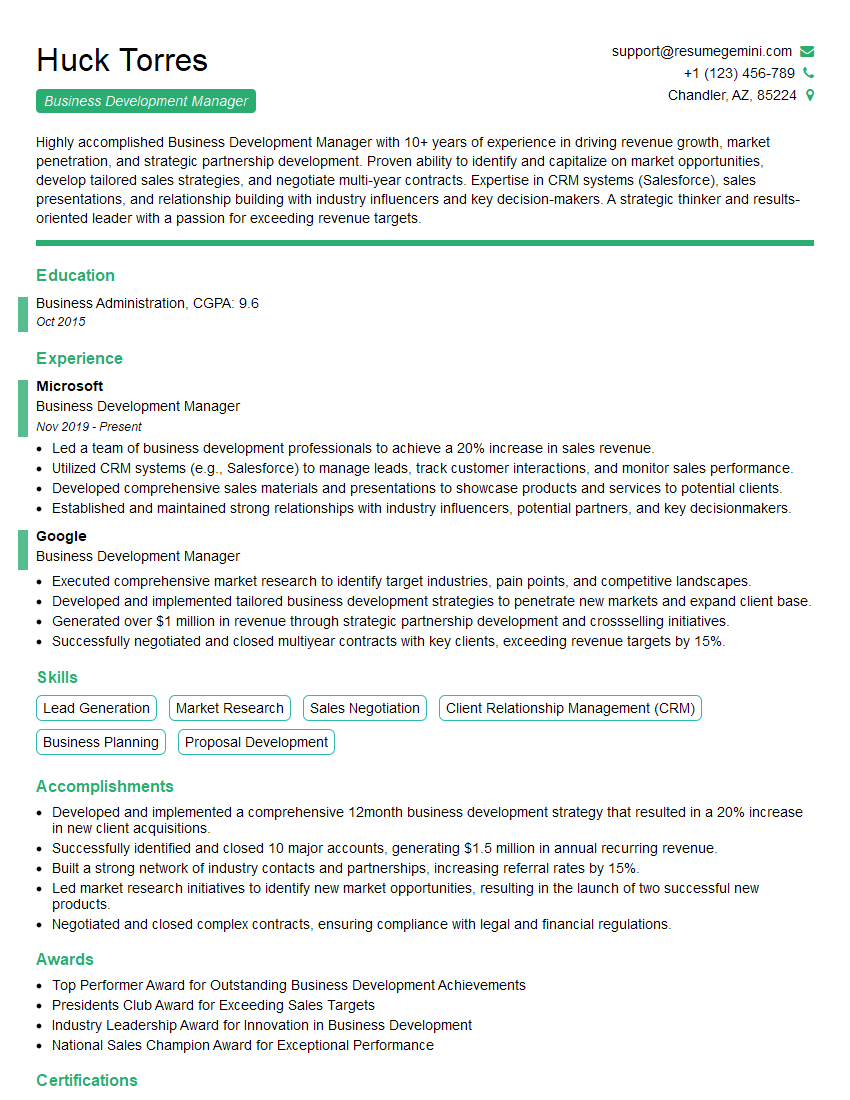
Business Development Manager Resume Sample
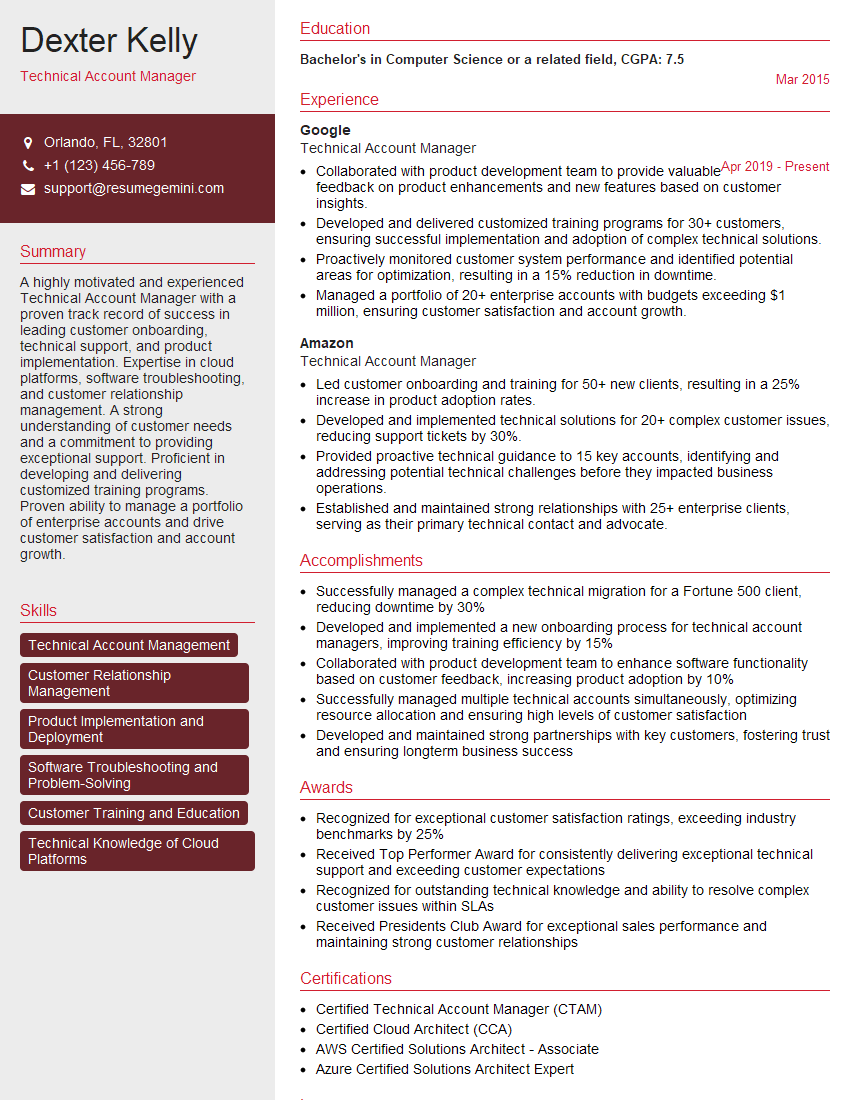
Technical Account Manager Resume Sample
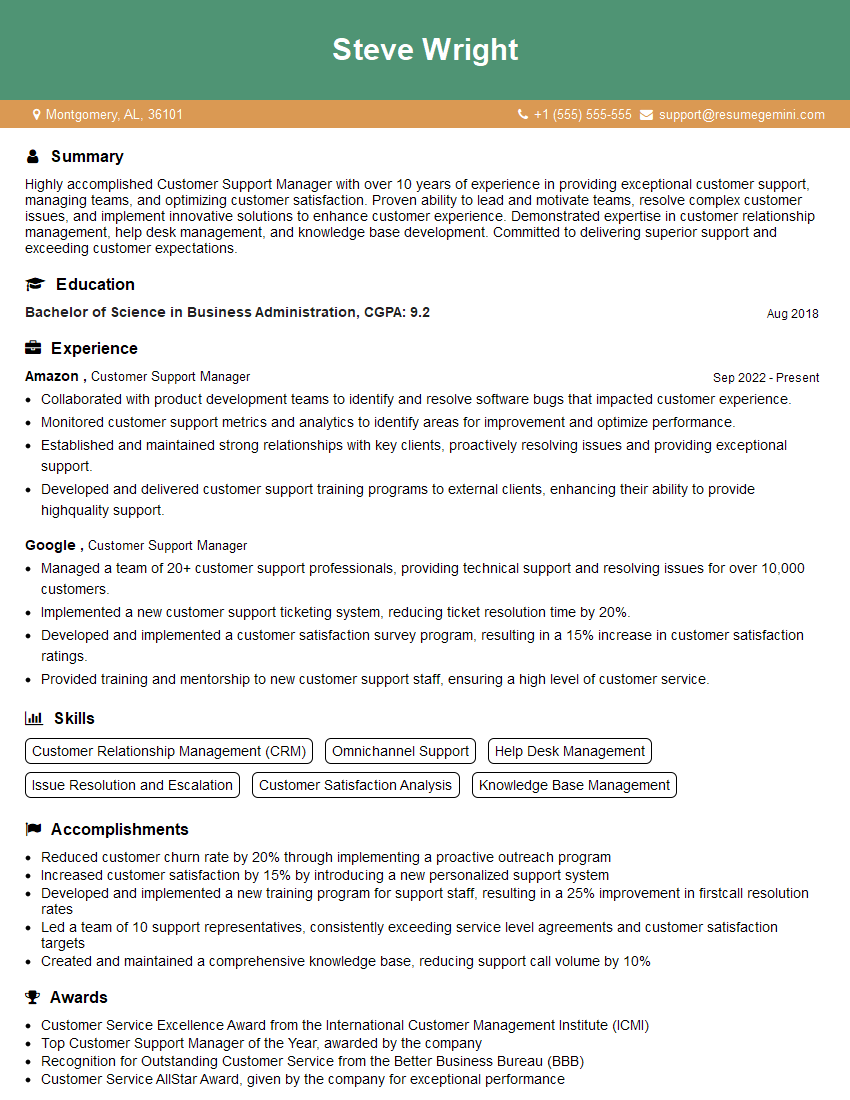
Customer Support Manager Resume Sample
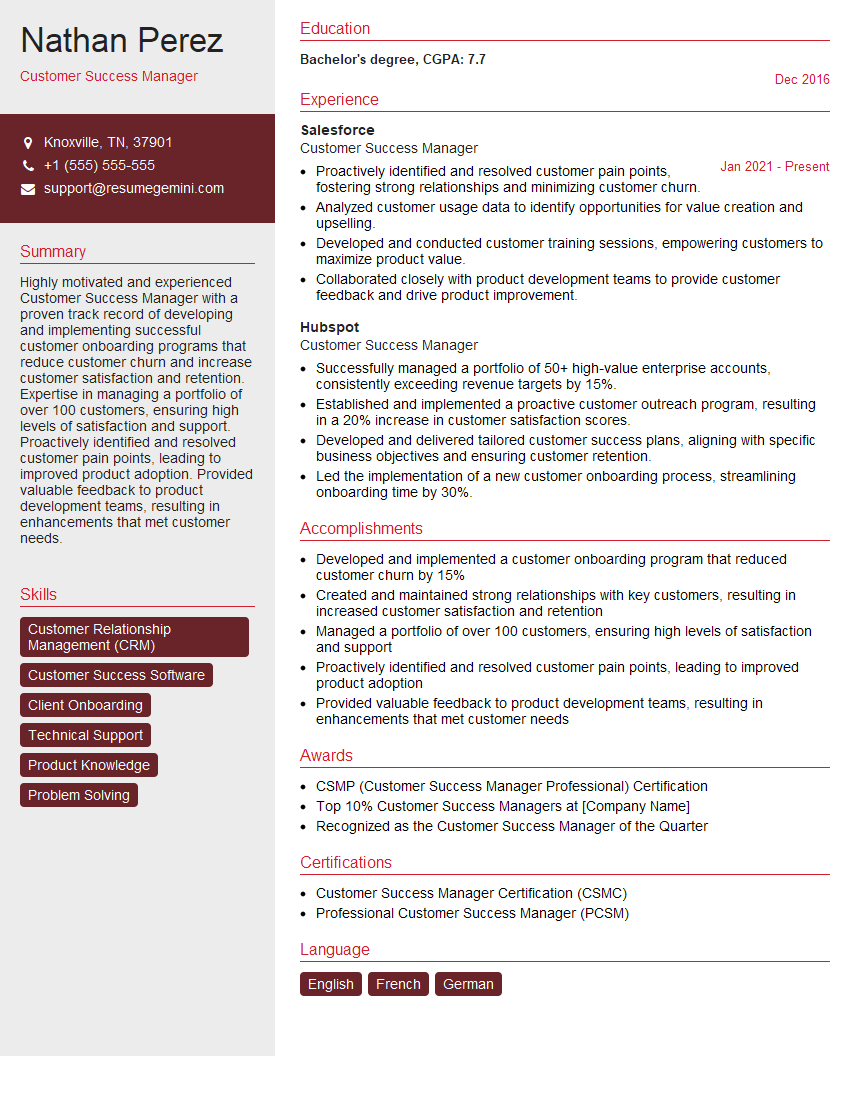
Customer Success Manager Resume Sample
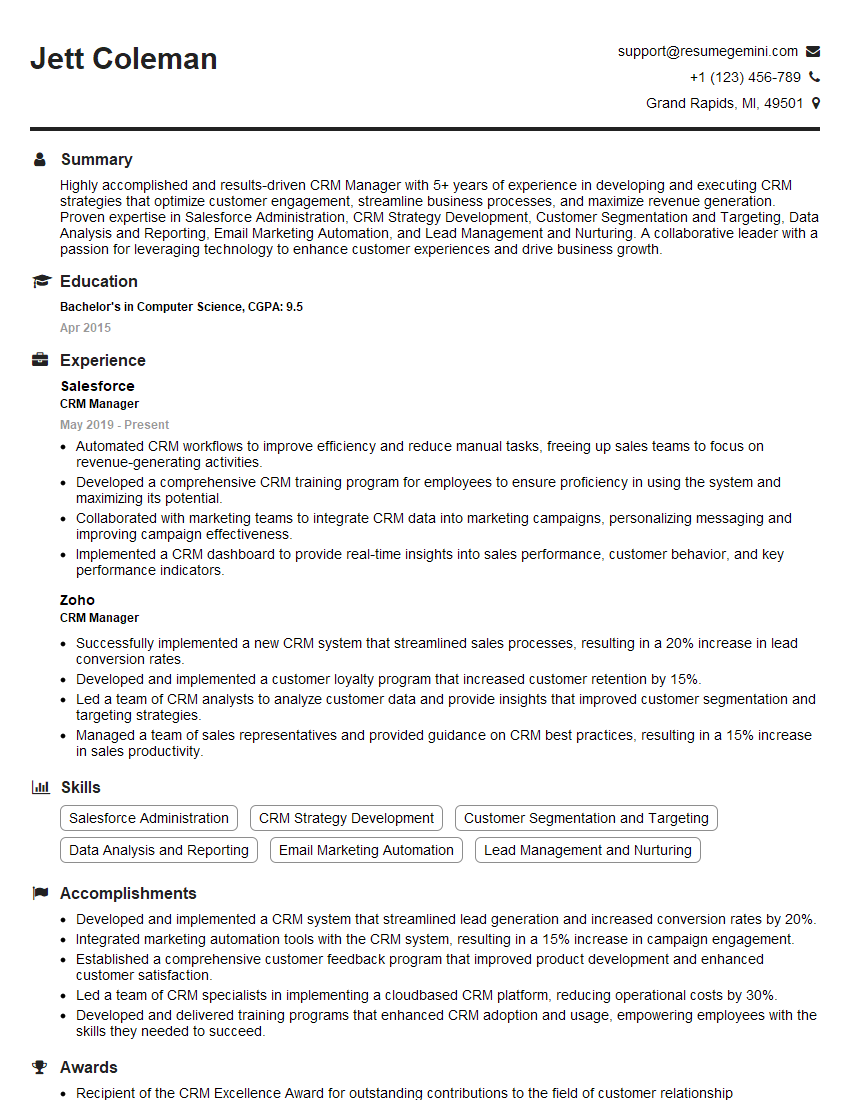
CRM Manager Resume Sample
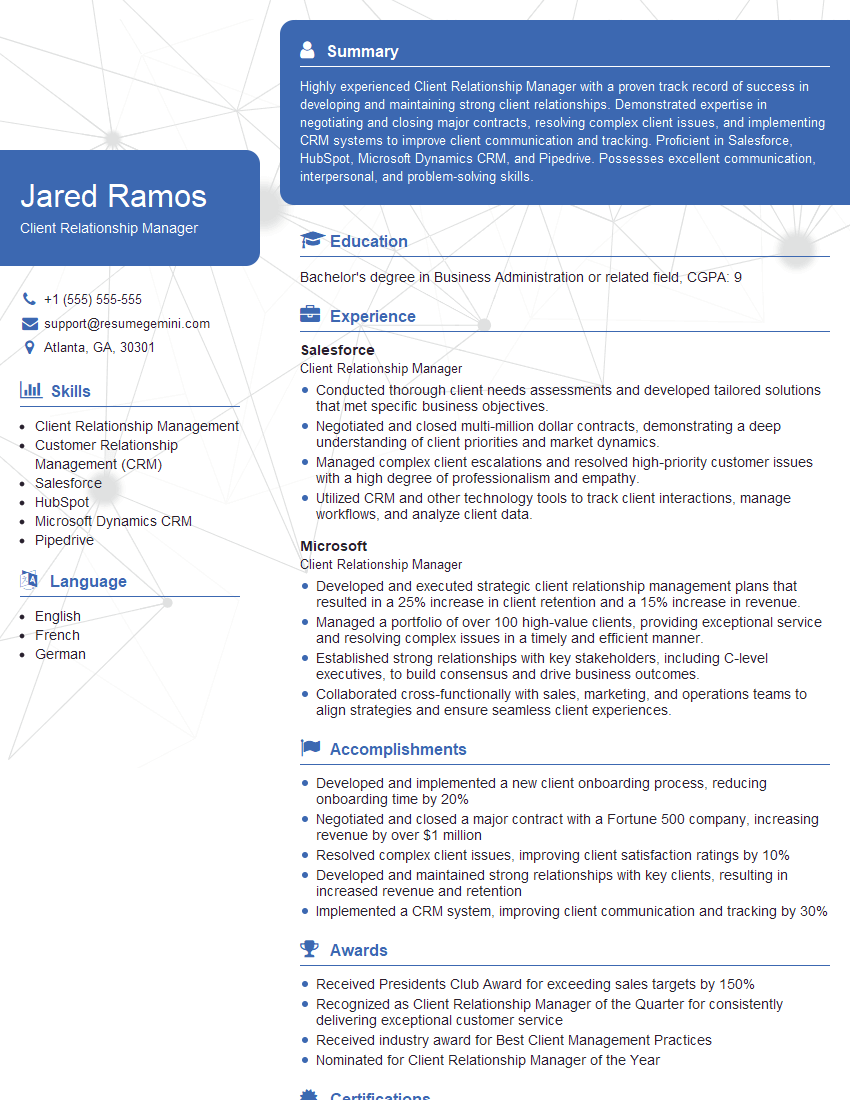
Client Relationship Manager Resume Sample
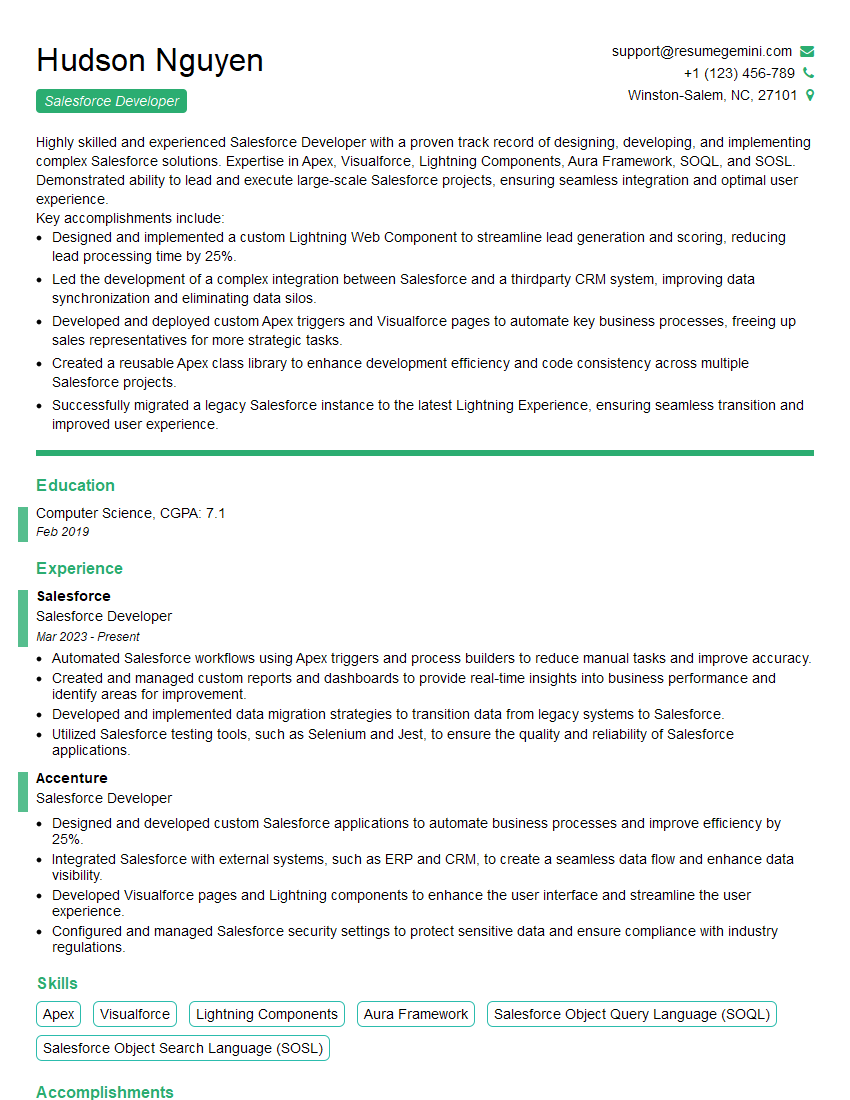
Salesforce Developer Resume Sample
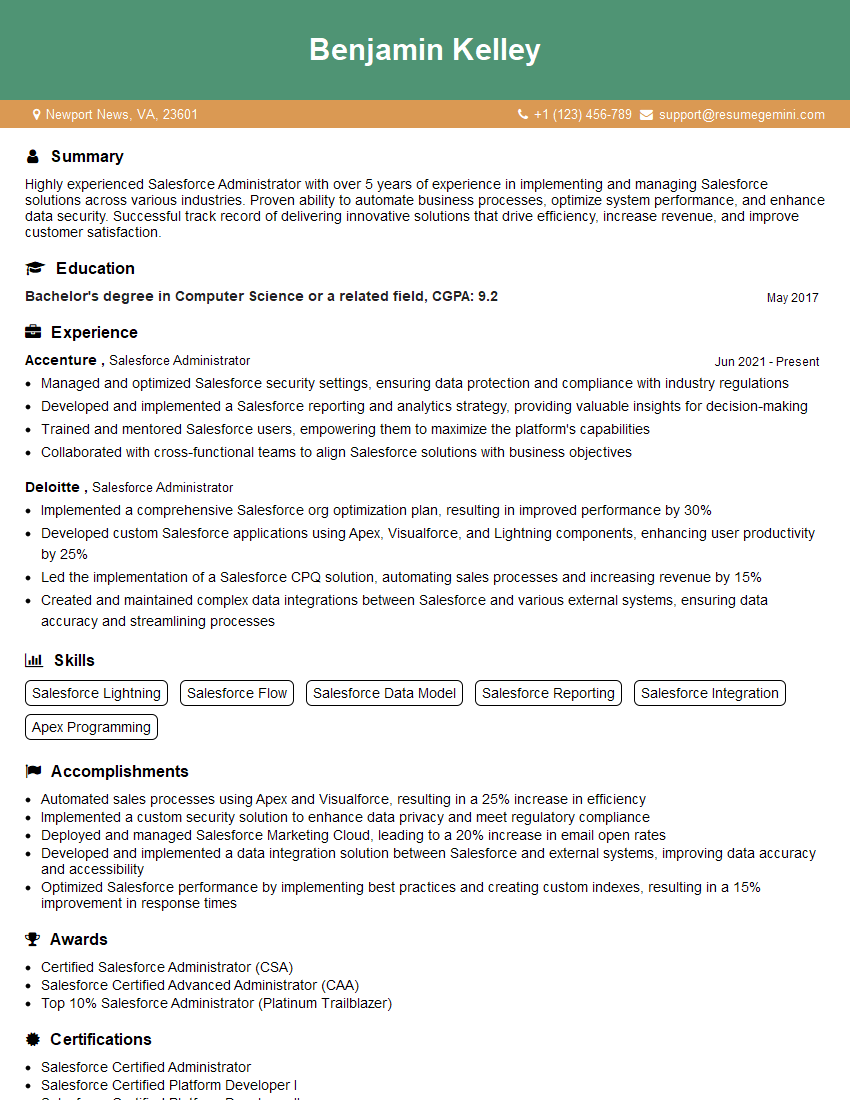
Salesforce Administrator Resume Sample
Explore more articles
Users Rating of Our Blogs
Share Your Experience
We value your feedback! Please rate our content and share your thoughts (optional).
What Readers Say About Our Blog
Really detailed insights and content, thank you for writing this detailed article.
IT gave me an insight and words to use and be able to think of examples