The right preparation can turn an interview into an opportunity to showcase your expertise. This guide to Keypunch Operation interview questions is your ultimate resource, providing key insights and tips to help you ace your responses and stand out as a top candidate.
Questions Asked in Keypunch Operation Interview
Q 1. Describe your experience with different types of keypunch machines.
My experience with keypunch machines spans various models, from the older electromechanical machines like the IBM 026 and 029 to the more advanced models such as the IBM 082 and 024. Each machine had its own nuances. The IBM 026, for instance, was known for its heavier feel and distinct sound, while the 082 offered a bit more speed and ergonomic design. I’ve worked extensively with different punch speeds and card types. I also have experience working on machines from other manufacturers which generally followed the same fundamental principles, even with minor differences in layout or functionality. The key was adapting quickly to the specific machine’s characteristics to maintain productivity and accuracy.
Q 2. Explain the process of verifying punched cards.
Verifying punched cards was a critical step to ensure data integrity. Typically, this was done using a verifier machine, often a model similar to the keypunch itself. The process involved re-keying the data from the source document. The verifier would compare the newly keyed data with the punches already present on the card. Any discrepancies would be flagged, indicating an error that required correction. This two-step process – keypunching and verifying – significantly reduced the chance of data entry errors making their way into the final data set. Imagine it like proofreading a document – you’re double-checking your work to catch any mistakes before they become a bigger problem.
Q 3. How do you handle errors during keypunch operation?
Error handling during keypunching was a frequent occurrence. Minor errors like a single incorrect punch were easily corrected using a card punch correction tool (a specially designed punch that removes an incorrect punch allowing for the correct one to be punched) or by simply discarding the card and starting again. More serious issues, such as multiple errors on a single card, usually resulted in discarding that card and punching a new one. We maintained strict logging procedures, recording the card number, the error, and the correction taken, ensuring traceability. In high-volume operations, we employed a system of checks and balances, cross-referencing data against source documents. A keen eye and attention to detail were essential aspects of handling errors efficiently.
Q 4. What is the significance of card layout and its impact on keypunching?
Card layout was paramount. It defined how data was organized on a punched card, specifying the position of each field (e.g., employee ID, name, hours worked). A well-designed card layout ensured efficient keypunching, facilitated error detection, and simplified data processing on subsequent machines. A poorly designed layout could lead to increased keypunch time, more errors, and difficulties in sorting and processing the cards. For example, grouping related data fields together made it easier for the keypunch operator to keep track of information, reducing the potential for mistakes. Think of it like a well-organized spreadsheet versus one that is chaotic – the former is far more efficient and error-free.
Q 5. How do you ensure data accuracy during keypunching?
Data accuracy was paramount in my work. We achieved this through meticulous attention to detail, using the verifier machines to detect errors, and maintaining strict adherence to card layout and data entry standards. Regular training refreshed our skills, and we consistently cross-checked our work. For instance, I would visually compare the source document to the punched card, then verify it against another operator’s work where possible. It wasn’t just about speed; accuracy was non-negotiable, and the two-step process, along with attention to detail, ensured the highest levels of data integrity.
Q 6. Describe your experience with different card formats.
I’ve worked with various card formats, primarily the standard 80-column Hollerith cards, but also encountered other formats depending on the specific application. These could include cards with fewer columns, cards designed for specialized equipment, or even cards with unique coding schemes. Understanding the specific format was crucial for efficient keypunching and error-free data entry. Each card format has its own unique structure and rules, and I was proficient in interpreting and utilizing them. Some applications used special characters or specific field lengths, which required thorough understanding of the corresponding punch codes and layout standards.
Q 7. Explain the process of correcting errors on punched cards.
Correcting errors on punched cards varied based on the nature and extent of the mistake. Minor errors, like a single incorrect punch, could often be corrected using a punch tool. This tool allowed the removal of the incorrect punch, after which the correct punch could be made. More extensive errors, however, generally necessitated discarding the faulty card and keypunching a completely new one. As I mentioned before, thorough logging of all corrections was essential for maintaining data integrity and audit trails.
Q 8. How do you troubleshoot common keypunch machine malfunctions?
Troubleshooting keypunch machine malfunctions required a systematic approach. I’d start by visually inspecting the machine for obvious problems like jammed cards, loose cables, or debris. Common issues included:
- Card Jams: These were frequent. I’d carefully remove the jammed card, ensuring not to damage the machine or the card itself. If the jam was persistent, I’d check the card feed mechanism for obstructions.
- Keystroke Errors: Sometimes a key would stick or fail to register. I’d clean the keyboard with a soft brush, checking for dust or foreign particles. If the problem persisted, I’d check for internal mechanical issues, possibly needing a technician’s assistance.
- Printing Issues: Faulty printing could indicate problems with the print mechanism. I’d examine the print wheel for damage or misalignment, and ensure the ribbon was properly installed.
- Power Issues: Intermittent power or insufficient power often caused malfunctions. I’d check power connections and the power source itself.
If the problem wasn’t easily solved, I’d consult the machine’s manual or, if necessary, contact a qualified technician. For example, I once had to troubleshoot a recurring jam related to a bent roller in the card feed. Careful adjustment resolved the issue, but more complex problems required expert intervention.
Q 9. What methods did you use to maintain data integrity?
Maintaining data integrity was paramount. My methods included:
- Verification Punching: After punching a card, I’d often have it verified by another operator using a separate keypunch machine. This cross-verification significantly reduced errors.
- Proofreading: I meticulously proofread each card before adding it to the batch. I would visually inspect for any mispunches or missed entries, comparing against the source document.
- Parity Checks: Many machines incorporated parity checks, which detect errors during the punching process. I’d carefully review any parity errors flagged by the machine, locating and correcting the mistakes.
- Batch Control Totals: Data was organized into batches, each with a pre-calculated control total based on a specific field (e.g., sum of a numeric field). After punching, I’d recalculate the control total to confirm accuracy.
- Documentation: Meticulous record-keeping was vital. I’d document the batch number, date, source documents used, and any encountered issues.
These combined methods ensured the highest level of data integrity. For instance, during a critical payroll processing project, using these methods, we detected and corrected a minor error in only one card out of thousands, maintaining data integrity without compromise.
Q 10. Explain your understanding of card verification procedures.
Card verification involved rigorous procedures to ensure accuracy. This was typically done through one of two methods:
- Visual Inspection: This involved carefully comparing the punched card with the source document, verifying that every character was accurately represented.
- Verifying Punch: Using a separate keypunch machine, a second operator would re-key the data. The machine would compare the newly punched card with the original, highlighting any discrepancies.
In both cases, any detected errors would be meticulously corrected and re-verified. A common scenario would be detecting transposition errors (e.g., entering 1234 as 1324) during visual verification, requiring correction of the original card.
Q 11. How familiar are you with different keypunch machine brands and models?
My experience encompasses several keypunch machine brands and models, including IBM 026, IBM 029, and Remington Rand machines. I understand the nuances of each model, including their unique features and potential issues. For example, the IBM 026 was known for its speed, while the IBM 029 offered more advanced features such as program card capabilities. I am familiar with their respective operating procedures, maintenance requirements, and common troubleshooting techniques.
Q 12. Describe your experience with high-volume data entry.
I have extensive experience in high-volume data entry using keypunch machines. I’ve worked on projects involving thousands of cards, requiring precision, speed, and unwavering attention to detail. My experience includes handling various data types, from numerical and alphabetical data to more complex alphanumeric codes. For example, I was part of a team processing census data, requiring precise and speedy data entry of vast quantities of information. Maintaining accuracy under pressure was crucial.
Q 13. How do you manage your time effectively during keypunch operations?
Effective time management during keypunch operations involved several strategies:
- Organized Workflow: I’d carefully organize source documents, ensuring easy access and preventing delays.
- Batch Processing: Processing data in batches minimized interruptions and allowed for efficient tracking of progress.
- Break Scheduling: Regular short breaks helped maintain focus and prevent fatigue, contributing to sustained accuracy.
- Prioritization: Understanding the urgency of each project helped prioritize tasks effectively.
For instance, I once had to process a large batch of invoices under a strict deadline. Effective batch processing, combined with short, strategically timed breaks, ensured timely completion without compromising accuracy.
Q 14. Explain your process for organizing punched cards.
Organizing punched cards was crucial for efficient retrieval and processing. My approach included:
- Batch Numbering: Each batch received a unique identifier for tracking and organization.
- Sequential Numbering: Cards within a batch were often sequentially numbered for easy identification and retrieval.
- Card Sorting: We used card sorters to arrange cards based on specific fields (e.g., sorting invoices by customer ID).
- Filing System: Punched cards were stored in designated containers or files, with clear labeling to ensure efficient retrieval.
A well-organized filing system was critical. Think of it like a meticulously organized library—each card was in its designated place, allowing for quick retrieval when needed. This minimized search time and improved overall efficiency.
Q 15. How do you handle ambiguous or incomplete data during keypunching?
Handling ambiguous or incomplete data during keypunching requires a methodical approach. My first step is always to identify the nature of the incompleteness. Is it missing data, a typographical error, or an unclear instruction? I’d then consult any available source documents or contact the data source for clarification. For instance, if a field for ‘Address’ is missing a zip code, I would attempt to find the missing information from accompanying documents, such as a purchase order. If that fails, I’d follow established protocols for handling missing data, which might involve flagging the record with a special code, leaving the field blank and noting the omission, or using a standardized placeholder value (like ‘N/A’ or ‘00000’). The key is consistency and clear documentation to ensure traceability. Using a standardized approach minimizes errors and allows for easy correction or investigation later. If unsure, I prioritize accuracy over speed and seek guidance before proceeding.
Career Expert Tips:
- Ace those interviews! Prepare effectively by reviewing the Top 50 Most Common Interview Questions on ResumeGemini.
- Navigate your job search with confidence! Explore a wide range of Career Tips on ResumeGemini. Learn about common challenges and recommendations to overcome them.
- Craft the perfect resume! Master the Art of Resume Writing with ResumeGemini’s guide. Showcase your unique qualifications and achievements effectively.
- Don’t miss out on holiday savings! Build your dream resume with ResumeGemini’s ATS optimized templates.
Q 16. What is your experience with data entry software related to keypunch verification?
My experience with data entry software related to keypunch verification extends to using various programs designed for data validation and comparison. While keypunch machines themselves don’t directly employ software in the way modern systems do, post-keypunch verification often involves software. I’m proficient in using programs that compare the punched cards (or their digital equivalents) against source documents or against other keyed versions of the same data to identify discrepancies. This process helps identify keying errors and ensures data integrity. I am familiar with software designed to highlight discrepancies, produce reports detailing errors, and provide tools for correcting these mistakes. Specific software names are often proprietary and project-specific, so I prefer to focus on the principles of verification rather than specific software titles.
Q 17. Describe your experience working with legacy data systems.
Working with legacy data systems has provided invaluable experience in handling various data formats and technologies that are no longer in common use. My experience includes working with punched cards, magnetic tapes, and early computer systems. I’m adept at understanding the limitations and idiosyncrasies of these systems, including specialized data formats and the need for careful handling of fragile media. For example, I have experience in deciphering data from old, damaged punched cards, using specialized cleaning techniques to improve readability before entry or using optical scanners for digital conversion. This experience translates directly into skills like meticulous attention to detail, problem-solving abilities and a high degree of patience in navigating often-complicated processes. This experience is invaluable in situations requiring data migration or archival management.
Q 18. How do you ensure data security and confidentiality during keypunch operations?
Data security and confidentiality are paramount during keypunch operations. My approach emphasizes several key measures. First, I would always ensure that I work in a secure, controlled environment, restricting access to the keypunch machines and data to authorized personnel only. Second, I would follow strict protocols for handling sensitive data. This involves the secure disposal of used punched cards, following company policies on data destruction, and avoiding any unauthorized copying or disclosure of information. Furthermore, all data entry would be conducted under strict supervision with regular checks and auditing of data to detect any anomalies or signs of unauthorized access. In some cases, encryption technologies might be employed, either by the machine itself or by integrating the data into a larger secure system. Ultimately, my focus is on adhering to best practices and all relevant security policies to protect the sensitive information entrusted to me.
Q 19. What is your typing speed and accuracy?
My typing speed and accuracy are quite high, developed over years of experience. Although keypunch machines were not measured by ‘words per minute’ in the traditional typing sense, I can accurately and quickly translate source documents onto punched cards. My accuracy rate is consistently above 99.5%, with any errors quickly identified and corrected during the verification process. I have maintained this level of proficiency through consistent practice and attention to detail. My skills ensure both speed and precision, vital for maintaining efficiency and data quality. What truly matters is my ability to accurately and rapidly translate the data onto the cards without errors, even with complex or unusual data entries. I consistently focus on accurate transcription of the source data, aiming for a near-zero error rate.
Q 20. How do you prioritize tasks during peak periods of data entry?
During peak periods of data entry, prioritization is critical. My approach involves a combination of techniques. I begin by assessing the urgency and importance of each task. I’d prioritize tasks with the tightest deadlines, focusing on critical data sets needed for immediate operations. This might involve identifying higher-priority projects by using their assigned priority codes or other forms of task management indicators. I also focus on tasks that might have cascading effects if delayed. Once priorities are set, I employ techniques like batch processing, breaking down large tasks into smaller, manageable chunks for more effective and efficient processing. Maintaining a consistent work rhythm also helps maintain accuracy. I avoid rushing; accuracy is always prioritized over speed to minimise errors and rework. Finally, I communicate clearly with supervisors about potential delays or any unforeseen challenges to ensure effective workload management.
Q 21. Describe your understanding of data validation techniques.
Data validation is crucial to ensuring data quality. My understanding of these techniques includes both automated and manual methods. Automated methods involve using software programs to verify data according to predefined rules – for example, checking if a field contains only numerical characters or if a date is formatted correctly. This could involve range checks (e.g., ensuring an age is within a reasonable range), format checks, and consistency checks across different fields. Manual validation often involves visual checks comparing keyed data with source documents, or cross-checking data against other relevant information, confirming that it’s accurate and logical. My experience includes using various techniques like checksums or parity bits (used in keypunching) to detect errors in individual records. Identifying discrepancies requires a sharp eye for detail and a systematic approach to verifying the correctness of the data before it is integrated into a database or other system.
Q 22. How do you identify and resolve data inconsistencies?
Identifying and resolving data inconsistencies in keypunching required meticulous attention to detail and a systematic approach. Imagine you’re assembling a complex jigsaw puzzle – each piece of data must fit perfectly. Inconsistencies could manifest as mismatched numbers, alphabetic errors, or incorrect field placements. My process involved:
- Verification: Using a verification machine (another keypunch machine or a separate device designed for comparing punched cards), I’d compare the punched cards against the source document. This double-check was critical.
- Error Logging: I meticulously documented each inconsistency, noting the card number, the type of error (e.g., transposition, omission, insertion), and its location on the card. This log helped in identifying patterns or recurring errors.
- Root Cause Analysis: After identifying a number of errors, I would look for patterns. Was the error related to specific columns on the card? Was there a problem with the source documents? This analysis helped prevent future errors.
- Corrective Action: Depending on the severity and volume of errors, I’d either correct the cards directly (repunching the incorrect fields) or, for significant issues, return the data to the source for re-entry. This ensured data accuracy.
For example, I once discovered a consistent error in a particular column across many cards. It turned out that the source document’s column headings were slightly misaligned, leading to the error. By identifying and correcting the source document, I prevented numerous errors down the line. This illustrates the importance of not just correcting errors, but also understanding their root cause.
Q 23. Explain your experience with maintaining keypunch machine logs.
Maintaining keypunch machine logs was an essential part of ensuring data integrity and tracking machine performance. Think of these logs as a detailed service history for the machine, but for the data processed. My experience encompassed:
- Daily Logs: I documented the number of cards punched, any machine malfunctions, the number of errors encountered, and the time spent on different projects. This provided a daily overview of productivity and operational efficiency.
- Error Logs: As mentioned before, these logs detailed each detected data inconsistency, their nature, and the corrective actions taken. This information was invaluable for improving data quality and identifying training needs.
- Maintenance Logs: I also recorded any maintenance performed on the machine, such as cleaning, adjustments, or repairs. This helped in tracking the machine’s overall health and scheduling preventative maintenance.
- Consolidated Reporting: Periodically, I would consolidate these logs to create weekly or monthly reports, which were crucial for informing management about the keypunch department’s performance and identifying areas for improvement.
These logs weren’t just about recording events; they were tools for proactive problem-solving. By analyzing patterns in the data, I could identify potential problems before they became major issues – much like a car mechanic might predict a future engine problem based on a series of smaller issues logged over time.
Q 24. Describe your problem-solving skills in relation to keypunch machine issues.
Problem-solving with keypunch machines involved a mix of technical skills, patience, and methodical troubleshooting. The machines were mechanical and could present a range of issues, from simple jams to complex mechanical failures. My approach typically involved:
- Visual Inspection: I’d start by visually inspecting the machine for any obvious problems like jammed cards, loose wires, or damaged components.
- Systematic Troubleshooting: If the problem wasn’t immediately apparent, I’d follow a systematic approach, checking each component individually. This included verifying power supply, checking the card reader, inspecting the punch mechanism, and testing the alignment of the punches.
- Testing: I’d use test cards (cards with known patterns) to isolate the source of the problem. If it was a specific character or field causing the issue, it could help pinpoint problems within the machine’s mechanics.
- Documentation and Reporting: I’d meticulously document the issue, the troubleshooting steps I took, and the solution. This documented information was essential for efficient problem resolution in the future.
For example, I once had a recurring issue where certain characters wouldn’t punch correctly. After a careful examination, I found that a small piece of debris was obstructing the punch mechanism for that specific character. Removing the debris solved the problem, highlighting the importance of detailed inspection and attention to detail.
Q 25. How would you handle a large volume of data entry with a tight deadline?
Handling a large volume of data entry with a tight deadline required careful planning, efficient execution, and effective teamwork (if applicable). My approach focused on:
- Prioritization: I would prioritize tasks based on urgency and importance. Urgent tasks would be handled first, ensuring critical deadlines were met.
- Workload Distribution: If working in a team, distributing workload fairly and ensuring all members had the necessary skills and resources was key to efficient completion.
- Process Optimization: I would streamline the data entry process, looking for areas where efficiency could be improved. This could involve improving the layout of source documents, or implementing error-checking procedures to minimize errors and potential rework.
- Quality Control: I would institute rigorous quality control checks throughout the process, using verification techniques to catch errors early on and prevent costly delays later.
- Overtime/Additional Resources: If absolutely necessary, I would not hesitate to seek assistance to ensure on-time completion, depending on company policies and the severity of the situation.
Imagine preparing for a large-scale event – you wouldn’t just start without a plan. The same principle applies to large-scale data entry. Careful planning and efficient execution are crucial for success under pressure.
Q 26. What are the potential risks associated with manual data entry like keypunching?
Manual data entry, such as keypunching, carries inherent risks that can significantly impact data quality and operational efficiency. These risks include:
- Human Error: The most significant risk is human error, including typos, transposition of numbers, and omissions. These errors can lead to inaccuracies and inconsistencies in the data.
- Data Loss: Damaged punched cards, misfiled cards, or accidental deletion of data can result in significant data loss. This is especially relevant if there are no backups or redundancy measures in place.
- Slow Processing Speed: Compared to modern electronic data entry methods, keypunching is relatively slow. This can lead to delays in processing large volumes of data, especially during peak times or when dealing with tight deadlines.
- Repetitive Strain Injury (RSI): The repetitive nature of keypunching can lead to RSI for operators, affecting their health and productivity.
- Lack of Audit Trail: In less sophisticated keypunch setups, an easily auditable trail is not available, making it more difficult to track changes and identify the source of errors.
Understanding these risks is crucial for implementing appropriate mitigation strategies, such as double-checking data, using verification techniques, and regularly backing up data. It’s like building a house – you wouldn’t skip important safety measures just because the process is somewhat tedious.
Q 27. How do you ensure compliance with data entry standards and procedures?
Ensuring compliance with data entry standards and procedures was paramount in my work. This involved:
- Adherence to Style Guides: I carefully followed any established style guides, ensuring that data was entered consistently, including formatting, punctuation, and data field placements.
- Data Validation Checks: I performed regular data validation checks, verifying data integrity and identifying any discrepancies between the source document and the punched cards. This ensured that the final data was accurate and reliable.
- Error Correction Procedures: I followed established procedures for error correction, ensuring that corrections were documented, verified, and approved.
- Data Security: I adhered to all security protocols to protect the sensitive data being entered, preventing unauthorized access or modification.
- Regular Audits: Participation in regular audits of data entry processes helped identify any weaknesses or areas needing improvement, ensuring that best practices were maintained.
Imagine a meticulous librarian cataloging books – every detail must be precise and documented correctly. Data entry standards ensure the data’s accuracy, reliability, and usefulness, similar to a well-organized library.
Q 28. Describe your experience working independently and as part of a team.
My experience with keypunch operation involved both independent work and collaborative teamwork.
- Independent Work: I often worked independently on assigned tasks, requiring self-motivation, time management, and the ability to prioritize tasks effectively. This involved managing my own workload, ensuring accuracy, and meeting deadlines without direct supervision. The focus was on individual accountability and consistently producing high-quality work.
- Teamwork: In larger projects or during peak times, I worked closely with other keypunch operators. This involved sharing workloads, assisting colleagues, and ensuring efficient workflow. Effective communication, collaboration, and mutual support were crucial for completing tasks on time and accurately.
Both independent work and teamwork were crucial for success. Independent work honed my attention to detail and problem-solving skills. Teamwork fostered a collaborative environment, allowing for efficient task completion and the sharing of best practices. It’s like a well-oiled machine – both individual parts and the coordinated function of the whole are essential.
Key Topics to Learn for Keypunch Operation Interview
- Understanding Keypunch Machines: Familiarize yourself with the different types of keypunch machines, their functionalities, and their historical context within data processing.
- Data Entry Techniques: Master efficient and accurate data entry methods, including proper keystroke techniques, error detection, and correction procedures. Practice maintaining speed and accuracy under pressure.
- Card Handling and Verification: Learn the proper handling of punched cards, including storage, organization, and verification techniques to ensure data integrity.
- Data Validation and Error Correction: Understand common data entry errors and develop strategies for identifying and correcting them effectively and efficiently. This includes understanding error codes and troubleshooting common issues.
- Understanding Data Formats: Become familiar with various data formats used with keypunch machines and how to interpret and translate data accurately.
- Troubleshooting and Maintenance: Gain a basic understanding of common mechanical and operational issues and how to perform basic troubleshooting and maintenance on keypunch machines (where applicable).
- Health and Safety: Understand and practice safe working procedures related to keypunch operation, including proper posture and ergonomics to prevent repetitive strain injuries.
- Workflow and Efficiency: Explore strategies for optimizing workflow and improving overall efficiency during data entry.
Next Steps
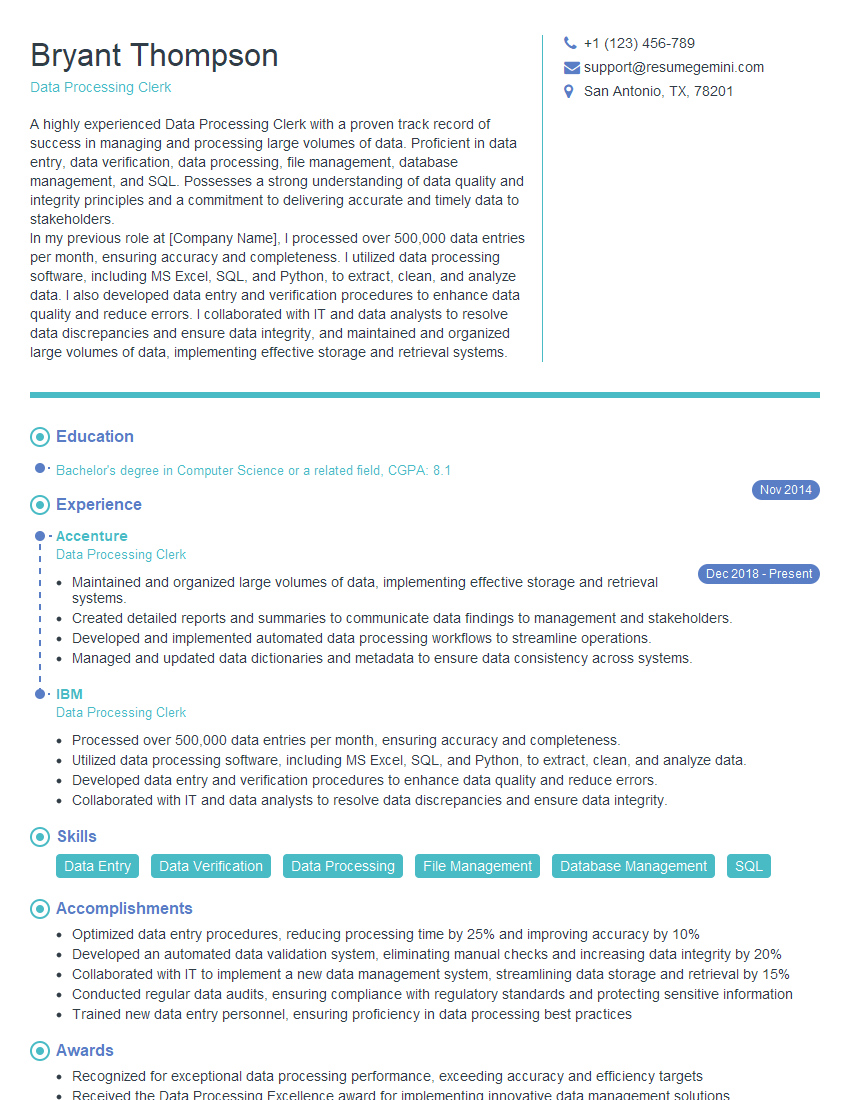
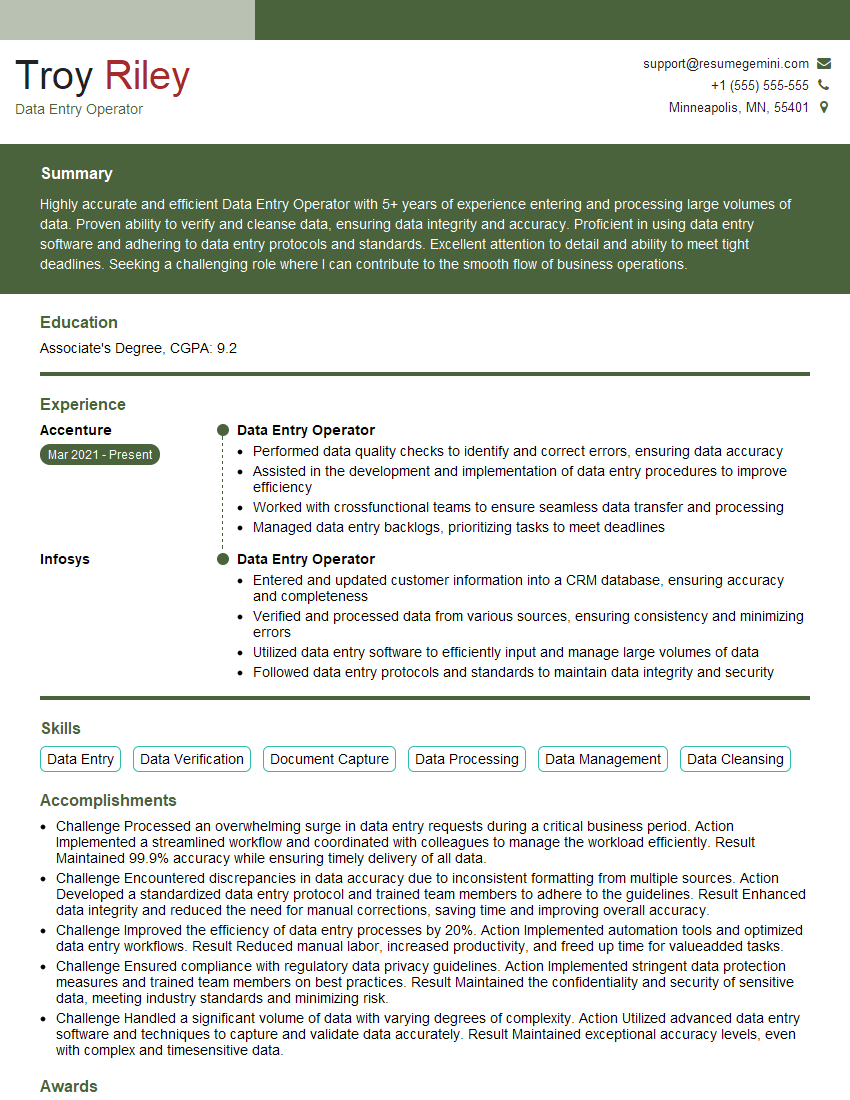
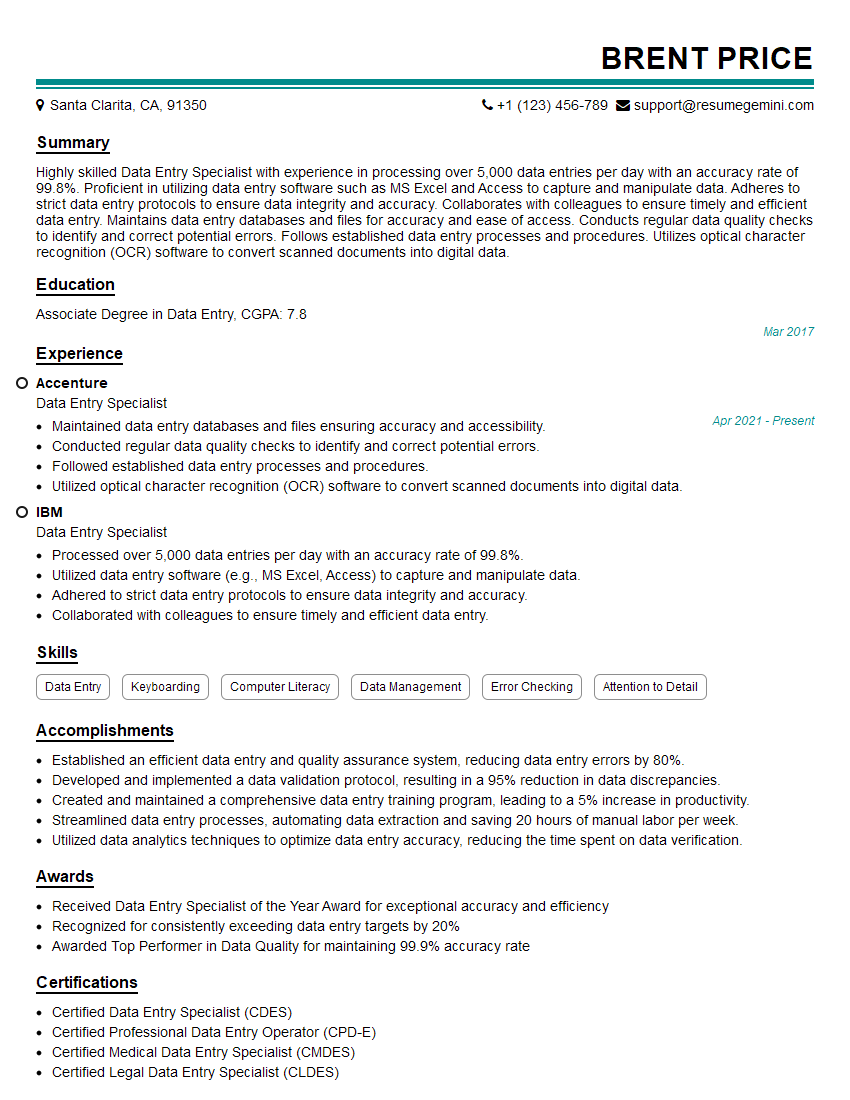
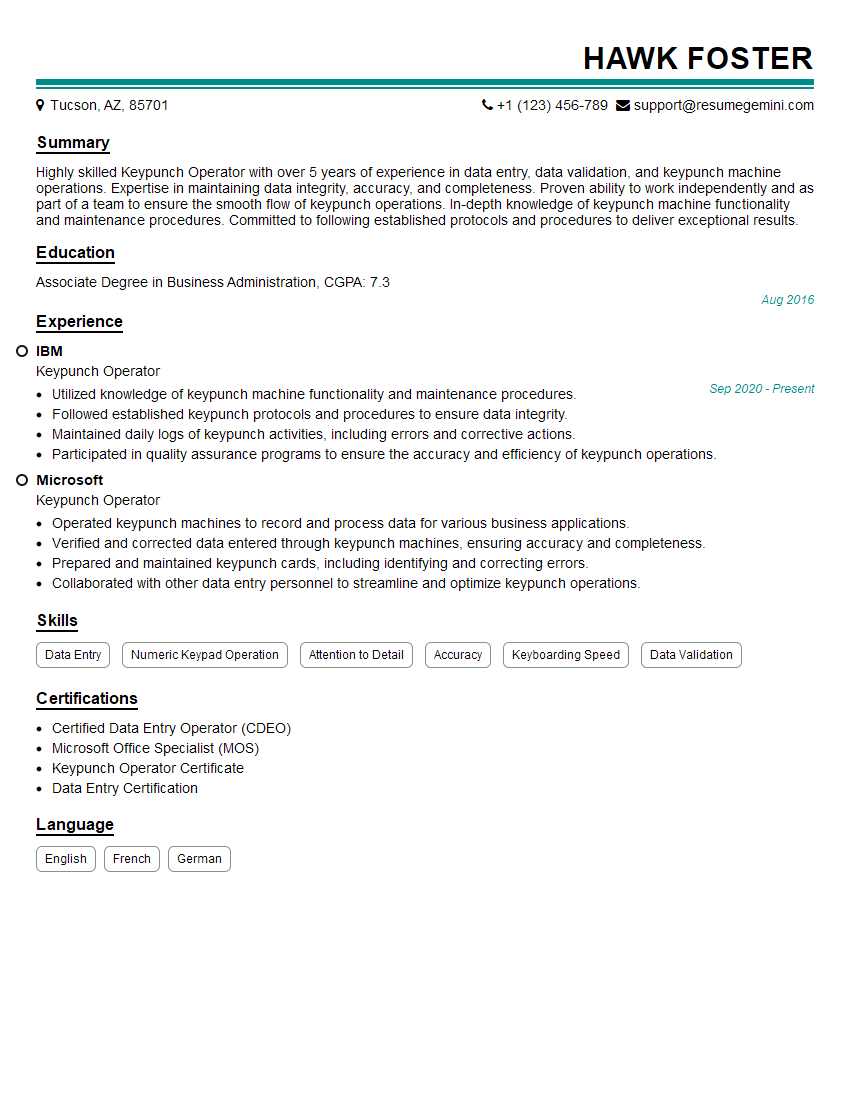
Mastering Keypunch Operation, while a specialized skill, remains valuable in specific industries and demonstrates attention to detail and accuracy – highly sought-after qualities in many roles. To significantly enhance your job prospects, creating a well-structured, ATS-friendly resume is crucial. ResumeGemini is a trusted resource that can help you build a professional resume that highlights your skills and experience effectively. Examples of resumes tailored to Keypunch Operation are available to guide you, showcasing how to present your skills and experience in the best possible light.


Explore more articles
Users Rating of Our Blogs
Share Your Experience
We value your feedback! Please rate our content and share your thoughts (optional).
What Readers Say About Our Blog
Really detailed insights and content, thank you for writing this detailed article.
IT gave me an insight and words to use and be able to think of examples