Feeling uncertain about what to expect in your upcoming interview? We’ve got you covered! This blog highlights the most important Lighting Correction interview questions and provides actionable advice to help you stand out as the ideal candidate. Let’s pave the way for your success.
Questions Asked in Lighting Correction Interview
Q 1. Explain the difference between color grading and color correction.
Color correction and color grading are often confused, but they serve distinct purposes in post-production. Think of it like this: color correction is fixing a problem, while color grading is enhancing the mood and look.
Color correction aims to restore the natural colors of an image or video. It addresses issues like white balance, incorrect exposure, and color casts, ensuring the colors are accurate and true to life. For example, if a photograph has a strong blue tint due to a cloudy day, color correction would remove that blue cast, bringing back the scene’s natural color palette.
Color grading, on the other hand, is a stylistic choice. It involves manipulating the colors to create a specific mood or atmosphere. Imagine a film noir; the color grading might involve saturating the blacks and desaturating other colors to achieve a darker, more mysterious feel. This is a creative process, whereas color correction is technically driven.
Q 2. Describe your experience with various color spaces (e.g., RGB, XYZ, LAB).
My experience encompasses a wide range of color spaces, each with its strengths and weaknesses. RGB (Red, Green, Blue) is the most common, used for display on screens. It’s intuitive, but its perceptual uniformity isn’t ideal, meaning equal numerical changes don’t always translate to equal perceived color changes.
XYZ is a device-independent color space, a theoretical model that represents all visible colors. It’s crucial for color transformations and calculations between different color spaces. It’s the foundation upon which many other color spaces are built.
LAB (L*a*b*) is a perceptually uniform color space, where equal distances in the space correspond to roughly equal perceived differences in color. This makes it excellent for color correction because adjustments feel more natural and predictable. I often use LAB to fine-tune colors after initial correction in RGB, ensuring the final look is consistent and accurate across different viewing devices. I’ve worked extensively with all three spaces to achieve accurate and consistent color throughout various projects.
Q 3. How do you approach correcting uneven lighting in a photograph?
Correcting uneven lighting is a key aspect of my workflow. My approach is methodical and often involves multiple steps. First, I assess the image to identify the areas of overexposure and underexposure. Then, I determine the cause of the uneven lighting – is it due to harsh shadows, inconsistent light sources, or a combination of both? Understanding this helps choose the right tools and techniques.
Common techniques include using adjustment layers (like curves or levels) to selectively brighten or darken specific parts of the image, carefully masking to avoid affecting other areas. For more complex cases, I might use radiant fill light to subtly lighten shadows without overly affecting the highlights, or use Dodge and Burn tools with low opacity for a more precise and gradual approach. A recent project involved a portrait shoot where the subject was heavily shadowed on one side; using a combination of curves adjustment, and dodging and burning allowed me to achieve a natural and even lighting effect.
Q 4. What are the common lighting correction tools you use in your workflow?
My lighting correction workflow heavily relies on a suite of tools. Adobe Photoshop is my primary tool, using its adjustment layers (Curves, Levels, Color Balance, Vibrance, and Hue/Saturation), along with masking and blending modes for precise control. I also utilize the Dodge and Burn tools for delicate adjustments. For video work, Adobe Premiere Pro and DaVinci Resolve are my go-to platforms for color correction, utilizing their built-in color wheels, scopes (waveform, vectorscope, histogram), and various color adjustment tools. Additionally, I leverage powerful plugins such as Magic Bullet Looks for creative looks and Neat Video for noise reduction, which indirectly improves color accuracy by reducing artifacts.
Q 5. Explain your experience with keying and matting techniques.
Keying and matting are essential techniques for extracting subjects from their background, often requiring precise lighting correction to ensure a clean and seamless result. I have extensive experience with both. Keying typically refers to isolating a subject against a uniform background, often using chroma keying (greenscreen or bluescreen). Here, accurate lighting on the subject is paramount to avoid spill onto the background, ensuring a clean key. I regularly use various keying techniques, and meticulously refine the key using masking and color correction tools to remove any remaining artifacts or color fringes.
Matting is more complex and deals with isolating subjects from complex backgrounds. This often requires careful rotoscoping or sophisticated techniques like advanced keying algorithms and AI-powered tools. In such cases, effective lighting correction and grading of the subject can significantly improve the matte quality by enhancing the color contrast between the subject and its surroundings, simplifying the extraction process and ensuring seamless integration with a new background.
Q 6. How do you handle color casts in your footage?
Color casts, those unwanted color tints, are addressed using various methods. The most common is using the white balance tool. This tool adjusts the colors to ensure neutral whites, which in turn corrects color casts throughout the image or video. If the cast is more complex, I might use color balance adjustments, fine-tuning the individual color channels (red, green, blue) to neutralize the unwanted tint. A subtle approach is crucial; drastic changes can result in unnatural-looking colors.
For instance, a scene with an orange cast from a sunset can be corrected by subtly reducing the orange tones and adding a touch of blue or cyan to balance the overall color temperature, achieving a natural, balanced look without losing the warmth associated with the sunset.
Q 7. Describe your process for correcting exposure issues in photographs.
Correcting exposure issues in photographs is a fundamental part of my post-processing. I start by analyzing the histogram to assess the distribution of tones and identify areas that are too dark (underexposed) or too bright (overexposed). I then use tools like Levels or Curves to adjust the overall brightness and contrast. Levels provide a quick, straightforward method, while Curves offer finer, more granular control.
For example, if an image is underexposed, I’ll increase the black point in the Levels adjustment to brighten the shadows without affecting the highlights too much. If highlights are blown out, I might use Curves to selectively reduce the intensity of the brightest tones, recovering detail and improving the overall dynamic range. A crucial consideration is preserving detail in both highlights and shadows, avoiding clipping, where information is completely lost.
Q 8. Explain your experience with different lighting setups (e.g., three-point lighting).
My experience with various lighting setups is extensive, encompassing everything from simple two-point setups to complex multi-light arrangements like the three-point lighting system. Three-point lighting, a fundamental technique, utilizes a key light (main light source), a fill light (softer light to reduce shadows), and a back light (to separate the subject from the background). I’ve used this extensively in portrait photography, adjusting the intensity and position of each light to sculpt the subject’s features and create the desired mood. For instance, in a corporate headshot, a strong key light with a softer fill light ensures even illumination, highlighting the subject’s professionalism. Conversely, in a more dramatic portrait, I might use a lower fill light ratio to create deeper shadows and a more intense look. Beyond three-point lighting, I’m proficient with high-key lighting (bright, airy feel), low-key lighting (dark, moody), and various specialized setups using softboxes, umbrellas, reflectors, and strobes to control the light’s quality and direction for various effects. I regularly adapt the setup depending on the scene, subject, and desired aesthetic.
Q 9. What are some common lighting challenges and how have you addressed them?
Common lighting challenges include harsh shadows, uneven illumination, color casts (unwanted color tints), and insufficient light. Addressing these requires a multifaceted approach. For harsh shadows, I strategically use fill lights or reflectors to soften them. Uneven illumination is typically solved by using multiple light sources or adjusting the positions of existing lights to distribute light more evenly across the scene. Color casts are tackled through white balance adjustments in post-processing or, ideally, using color correction gels on my light sources during the shoot. Low light situations are addressed using faster shutter speeds, higher ISO settings, or additional lighting equipment. One particular project involved shooting a product in a location with very limited natural light. Using a combination of strategically placed strobes and reflectors, I was able to recreate the intended lighting scheme, achieving consistent illumination across the product’s surface and avoiding unwanted color casts.
Q 10. Describe your workflow for correcting skin tones.
My workflow for correcting skin tones begins with assessing the overall image. I look for inconsistencies in color temperature and saturation. I often start by adjusting the white balance to ensure a neutral base. This helps to get the skin tones in a good starting point. Then, using selective tools, I refine the color and tone of the skin. This often involves subtle adjustments to hue, saturation, and luminosity using curves or masking techniques. My approach is non-destructive, utilizing adjustment layers to ensure I can easily revert changes if needed. This allows me to fine-tune the skin’s appearance without damaging the original image data. I usually pay close attention to avoiding over-correction and maintaining a realistic look. A common pitfall is achieving perfect skin that lacks character or appears unnatural. The goal is to enhance the image naturally, not to create an artificial look.
Q 11. How do you deal with noise and grain in your images?
Dealing with noise and grain involves a careful balance between reduction and preserving image detail. I typically use noise reduction software in post-processing, applying it selectively to avoid blurring textures. The choice of software depends on the specific image and the type of noise. For instance, some software excels at luminance noise reduction while others are better at chrominance noise. I prefer methods that preserve detail and don’t create artifacts such as the dreaded ‘watercolor’ effect that some aggressive noise reduction techniques can cause. In addition to software, I address noise at the source whenever possible by optimizing my camera settings during the shoot, using appropriate ISO values and taking advantage of in-camera noise reduction features where beneficial. It’s important to remember that shooting in RAW format provides significantly more latitude for noise reduction in post-processing.
Q 12. Explain your experience with HDR and dynamic range.
My experience with HDR (High Dynamic Range) and dynamic range is significant. HDR imaging involves capturing multiple exposures of the same scene at different brightness levels and combining them to create an image with a wider dynamic range than a single exposure can capture. This translates to richer details in both the highlights and shadows. I utilize HDR techniques to capture scenes with extreme contrast, such as landscapes with bright skies and dark shadows. The software I use allows me to control the tone mapping, which is crucial for creating a natural-looking HDR image, avoiding that overly-saturated and artificial look often associated with improperly processed HDR images. Dynamic range, referring to the range of tones an image can capture, is a crucial consideration in all my work. Understanding and manipulating this range are vital whether or not I’m using HDR techniques. For instance, I would adjust exposure to ensure the full dynamic range of a scene is captured by the sensor during the shooting phase. Understanding dynamic range is essential for achieving well-exposed photographs with proper detail in both shadows and highlights.
Q 13. How do you handle color fringing in your images?
Color fringing, those colored halos often seen around high-contrast edges, is usually addressed in post-processing. I employ specialized tools designed to selectively remove fringing without affecting the surrounding image details. These tools, found in most professional image editing software, intelligently target the colored fringes, reducing their visibility. While some fringing can be reduced in-camera, particularly through careful lens selection and minimizing extreme contrasts during shooting, effective post-processing is often necessary for a clean final image. The key is to be subtle; aggressively removing fringing can create unnatural-looking areas, so the process always requires attention to detail and a watchful eye for unexpected artifacts.
Q 14. What is color profiling and why is it important?
Color profiling is the process of creating a profile that defines the color characteristics of a specific device, such as a camera sensor, monitor, or printer. This profile acts as a translation table, ensuring that colors appear consistently across different devices. Without color profiling, the same image might appear drastically different on various screens or prints, leading to inconsistencies. It’s critically important for professional work as it enables the accurate reproduction of colors, ensuring that what I see on my monitor is as close as possible to what the client sees on their screen or what appears in a final print. Different devices handle colors differently, so the profiling process creates a standardized ‘language’ for accurate color communication between devices. This ensures the quality and consistency that professional clients expect. Color accuracy is fundamental to delivering a professional result.
Q 15. What is your experience with LUTs (Lookup Tables)?
LUTs, or Lookup Tables, are pre-defined sets of color transformations that can be applied to footage to achieve a specific look or correct color imbalances. Think of them as a recipe for color grading. They’re essentially a file that maps input color values to output color values. For example, a LUT could be designed to emulate the look of a specific film stock or to correct for a color cast in a scene.
My experience with LUTs is extensive. I regularly create custom LUTs tailored to specific projects, often using software like DaVinci Resolve’s LUT creator, to maintain color consistency across various shots and even projects. I also utilize and modify pre-made LUTs from various sources, adapting them to fit the unique needs of the footage. I find them incredibly useful for quick color correction and style application, particularly in high-volume projects where maintaining visual consistency is paramount. For instance, I recently used a custom LUT I created to match the color of supplementary footage shot on a different camera to the main footage, preserving a cohesive visual narrative.
Career Expert Tips:
- Ace those interviews! Prepare effectively by reviewing the Top 50 Most Common Interview Questions on ResumeGemini.
- Navigate your job search with confidence! Explore a wide range of Career Tips on ResumeGemini. Learn about common challenges and recommendations to overcome them.
- Craft the perfect resume! Master the Art of Resume Writing with ResumeGemini’s guide. Showcase your unique qualifications and achievements effectively.
- Don’t miss out on holiday savings! Build your dream resume with ResumeGemini’s ATS optimized templates.
Q 16. Explain your experience with different software for lighting correction (e.g., DaVinci Resolve, Photoshop).
My experience with color correction software spans several industry-standard applications. DaVinci Resolve is my primary tool, renowned for its powerful color grading capabilities, sophisticated nodes, and overall flexibility. I leverage its features extensively for primary and secondary color correction, keying, and advanced color matching techniques. I’m adept at using its powerful curve tools for fine-tuning specific color ranges and utilizing its advanced tracking features to maintain consistent correction across moving objects.
I also have considerable experience with Photoshop, primarily for correcting still images or individual frames where necessary, particularly when focusing on highly detailed adjustments or retouching. While not my go-to for full video color correction, Photoshop’s precise control over individual pixels proves invaluable for selective adjustments.
Other software I’ve utilized includes After Effects, primarily for compositing tasks and integrating color-corrected elements back into the final sequence.
Q 17. How do you maintain consistency in color across multiple shots?
Maintaining color consistency across multiple shots is crucial for a professional and believable final product. My workflow relies heavily on several key strategies. First, establishing a consistent color baseline early on is key – this often involves shooting a color chart or a gray card under various lighting conditions. This data serves as a reference point for color balancing during post-production.
Secondly, I utilize color management tools within my software (DaVinci Resolve, in most cases) to ensure that all footage is treated consistently regardless of its source. This includes managing color spaces and utilizing features like color wheels and scopes to evaluate the color balance, making sure the white balance, luminance, and color saturation are well-managed and consistent.
Thirdly, in cases with significant lighting variations between shots, I leverage tools like DaVinci Resolve’s color matching feature to bridge the gaps between them, ensuring a smooth transition from one shot to another. Finally, applying custom LUTs as discussed earlier can be incredibly effective in unifying the look of disparate footage. Careful monitoring of waveforms, vectorscopes and histograms is essential throughout the process.
Q 18. How do you work with clients or directors to achieve the desired look?
Collaboration with clients and directors is essential for achieving the desired look. My approach involves open communication and a clear understanding of their artistic vision. I begin by reviewing the project’s mood board, storyboards, and reference images to understand their stylistic preferences. Then, I present test color grades based on those references, allowing them to see how different stylistic choices translate visually.
Iterative feedback is crucial. I encourage the client or director to actively participate in the process. I demonstrate different techniques and options, explaining the technical aspects in simple terms. I value their input and integrate it into further refinements of the color grading. This collaborative approach, based on transparency and mutual understanding, ultimately leads to a final product that accurately reflects their artistic vision and effectively conveys the story.
Q 19. Describe your experience with RAW image editing.
RAW image editing provides unparalleled flexibility in post-production. The preservation of maximum image data in RAW files allows for extensive corrections and adjustments without significant quality loss. This is in stark contrast to JPEGs, where data is often compressed, limiting the dynamic range and making color correction more challenging.
My experience includes extensive work with various RAW formats from different cameras. I’m proficient in using RAW converters like Adobe Camera Raw and Capture One to fine-tune the white balance, exposure, contrast, and color curves. Working with RAW allows me to recover detail from highlights and shadows, and precisely adjust colors without introducing artifacts or noise. This level of control is vital for achieving a high-quality, natural-looking image, which is essential for establishing a believable and consistent visual narrative.
Q 20. How do you balance artistic interpretation with technical accuracy in lighting correction?
Balancing artistic interpretation with technical accuracy is a delicate act, crucial to successful lighting correction. Technical accuracy ensures the images are realistic and believable, while artistic interpretation allows for creative expression and style.
My approach involves establishing a strong technical foundation – ensuring proper white balance, exposure, and color correction. Only after addressing these technical aspects do I incorporate artistic choices. For example, I might subtly adjust the color temperature to create a warmer or cooler mood, or selectively boost contrast in certain areas to draw attention to specific elements within the scene. This avoids sacrificing realism for style, maintaining a believable atmosphere.
This balance is a constant dialogue. I might initially aim for technical perfection, then introduce subtle artistic touches, always keeping an eye on preserving a coherent visual story. Feedback from the client/director is incorporated to ensure this balance reflects their desired aesthetic.
Q 21. What are the different types of lighting and their effects on image quality?
Different lighting types significantly impact image quality. Understanding these variations is crucial for effective lighting correction. Here are a few examples:
- Hard Light: Characterized by strong directional light sources (e.g., direct sunlight), it creates harsh shadows and high contrast. This can lead to blown-out highlights and blocked-up shadows, requiring careful exposure adjustments and potentially more sophisticated techniques in post-production. It’s often used to create a dramatic or high-contrast look.
- Soft Light: This type of light, often diffused (e.g., cloudy skies, softboxes), creates gentle shadows and low contrast. It’s generally more flattering, producing images with a softer, more even tonality. Post-production adjustments are usually less extensive.
- Ambient Light: This refers to the existing or surrounding light in a scene. This can range from indoor lighting to outdoor environments. Correcting ambient light conditions might involve adjusting white balance, correcting color casts, and managing overall brightness and contrast.
- Artificial Light: This includes various forms of studio and location lighting (tungsten, fluorescent, LED). Each type has its own color temperature and requires careful attention during both acquisition and post-production to ensure proper color balance and avoid color casts.
Understanding these characteristics helps predict potential post-production challenges and informs the choice of correction strategies. For example, an image heavily reliant on hard light might need careful dodging and burning techniques in post to balance highlights and shadows, while images dominated by soft light might need only minor tweaks.
Q 22. Explain your understanding of white balance and its importance in lighting correction.
White balance refers to the process of adjusting the colors in an image so that white appears white, and other colors appear natural. It’s crucial because different light sources (daylight, incandescent, fluorescent) cast different color temperatures, resulting in images that appear too warm (orange/yellow) or too cool (blue). Incorrect white balance leads to unnatural-looking colors, impacting the overall mood and believability of the image. Think of it like adjusting the tint on a car window; you need to correct the hue to see the world accurately.
For instance, a photograph taken under incandescent lighting might appear overly orange. Correcting the white balance shifts the color temperature towards neutral, rendering whites as white and accurately representing other colors in the scene. Most image editing software offers tools for white balance correction, allowing you to adjust the color temperature manually or by selecting a preset based on the lighting conditions (e.g., ‘daylight,’ ‘shade,’ ‘tungsten’).
Q 23. How do you troubleshoot common problems in lighting correction workflows?
Troubleshooting lighting correction involves a systematic approach. I first assess the image for the primary issue. Is it overall too dark or too bright? Are the colors inaccurate? Are there specific areas with problematic lighting?
- Under-exposed Images: I’d increase the exposure, being careful not to introduce excessive noise. I might also use shadow recovery tools to bring back detail in dark areas.
- Over-exposed Images: I would reduce exposure and use tools like highlights recovery to regain detail in blown-out areas. Sometimes, using a masking technique is necessary to adjust the exposure in specific parts of the image without affecting others.
- Color Casts: I’d use the white balance tools to correct the overall color temperature. Sometimes, using color adjustment layers or curves allows for more precise control of individual color channels.
- Uneven Lighting: Using masking and selective adjustments—either brightening or darkening specific areas—is often necessary to achieve uniform lighting across the entire image.
If the problem persists, I examine the source image – the RAW file if possible – as it contains more image data which aids correction. Often, a workflow involving RAW processing and then non-destructive edits in Photoshop or other software like Lightroom provides better results than solely relying on JPEGs or TIFFs.
Q 24. Describe your experience with different file formats (e.g., TIFF, JPEG, RAW).
My experience encompasses working with various file formats, each with unique characteristics:
- RAW: This uncompressed or minimally compressed format provides the most image data, offering the greatest flexibility for lighting and color correction. RAW files allow for significant adjustments without significant quality loss. Think of it as a digital negative; it’s the source material you work with to create the final image.
- TIFF: TIFF is a lossless format that preserves image detail well. However, the file sizes are often larger than JPEGs. It is suitable for situations where maximum image quality is paramount. It’s a common choice for archiving and professional print work.
- JPEG: JPEG is a lossy format, meaning some image data is discarded during compression. This is suitable for web use or sharing but limits the flexibility for editing. Over-editing JPEGs can lead to visible artifacts. Its advantage is smaller file sizes, making it ideal for online use.
My workflow typically begins with RAW files whenever possible, moving to TIFF for intermediate steps and finally to JPEG for web or print output depending on the final destination.
Q 25. How do you optimize images for different display devices?
Optimizing images for different display devices requires understanding the color profiles and resolution capabilities of each device. A high-resolution image optimized for a 4K monitor might look pixelated on a lower-resolution device, and colors may appear inaccurate across devices with different color profiles (e.g., sRGB, Adobe RGB).
For web use, I’d typically reduce the image resolution to maintain fast loading times and ensure compatibility across various screen sizes. I’d usually use sRGB color space. For print, high-resolution images with accurate color profiles (like Adobe RGB) are needed to capture the detail and color fidelity in the print. I always check the color gamut of the chosen output device to prevent color clipping and ensure accurate reproduction of colors.
I also consider the intended viewing conditions. Images viewed in bright sunlight will require higher brightness and contrast adjustments compared to those viewed indoors.
Q 26. What is your experience with color management workflows?
My color management workflow involves ensuring consistency across the entire image processing pipeline, from capture to output. This typically involves:
- Camera Calibration: Correct camera profiles are crucial to accurately capture colors.
- Monitor Calibration: A calibrated monitor ensures accurate color representation on screen. I use a colorimeter to ensure my monitor’s output accurately matches the profiles in use.
- Profile Assignment: Assigning and embedding the appropriate color profiles (e.g., sRGB, Adobe RGB) to images is critical for accurate color representation on different devices.
- Software Management: Using color-managed software ensures that applications properly interpret and process image color information.
By meticulously managing color profiles at every step, I can guarantee color consistency regardless of the device being used to view or print the final image.
Q 27. How do you handle feedback on your lighting correction work?
I value constructive criticism and consider feedback as a vital part of the refinement process. My approach is to actively listen, understand the client’s concerns, and collaborate to find solutions.
If the feedback is specific (e.g., ‘the shadows are too dark in this area’), I address the problem directly, using adjustment layers or masking to make targeted changes. If the feedback is more subjective (e.g., ‘the overall mood isn’t quite right’), I engage in a discussion to understand the desired aesthetic and explore alternative approaches to achieve the intended result. I always document the changes made and provide explanations for the adjustments, enhancing transparency and ensuring client satisfaction.
Q 28. Describe a situation where you had to solve a challenging lighting problem.
I once worked on a project involving a series of product shots where the lighting conditions were extremely challenging due to a large window facing directly into the studio. This led to harsh highlights and deep shadows on the products. Simply increasing the exposure or adjusting the white balance wouldn’t fix the problem, as it would cause other areas of the images to be overexposed or miscolored.
My solution involved a multi-step process:
- Selective Masking: I carefully masked the areas with harsh highlights and shadows, allowing for targeted adjustments.
- HDRI Lighting: Using HDRI (High Dynamic Range Imaging) techniques allowed for a more natural and realistic rendering of the lighting by replicating a balanced environment.
- Frequency Separation: This technique separated the image into frequency layers, enabling adjustments to the textures and tones independently to ensure subtle detail retention during the shadow and highlights corrections.
- Color Grading: Finally, subtle color grading techniques were implemented to unify the overall tone and achieve a visually pleasing result.
The final images exhibited a natural look that avoided the issues present in the original shots, showcasing the products beautifully. This experience highlighted the power of combining various techniques in lighting correction to overcome complex lighting challenges.
Key Topics to Learn for Lighting Correction Interview
- Color Science Fundamentals: Understanding color temperature, color spaces (e.g., RGB, XYZ, Lab), and colorimetry is crucial for effective lighting correction.
- Exposure and Dynamic Range: Mastering techniques for adjusting exposure, contrast, and managing highlights and shadows to achieve a balanced image.
- White Balance Correction: Learn how to accurately adjust white balance to eliminate color casts and achieve natural-looking colors in various lighting conditions.
- Shadow and Highlight Recovery: Explore methods for recovering detail in underexposed shadows and overexposed highlights without introducing artifacts.
- Color Grading and Correction Techniques: Understand the application of different color grading tools and workflows for achieving specific artistic styles or correcting color imbalances.
- Noise Reduction and Sharpening: Learn how to effectively reduce noise while preserving image detail and applying sharpening techniques without introducing artifacts.
- Practical Applications: Discuss your experience with various software (e.g., DaVinci Resolve, Adobe Premiere Pro, Photoshop) and hardware used for lighting correction in different contexts (e.g., photography, videography, film).
- Workflow Optimization: Explain your approach to efficient and effective lighting correction workflows, including file management and non-destructive editing techniques.
- Problem-Solving Approaches: Be prepared to discuss how you diagnose and solve common lighting correction challenges, such as color fringing, banding, and uneven illumination.
- Understanding Different Lighting Scenarios: Be ready to discuss your understanding of various lighting types (e.g., tungsten, fluorescent, daylight) and their impact on color and exposure.
Next Steps
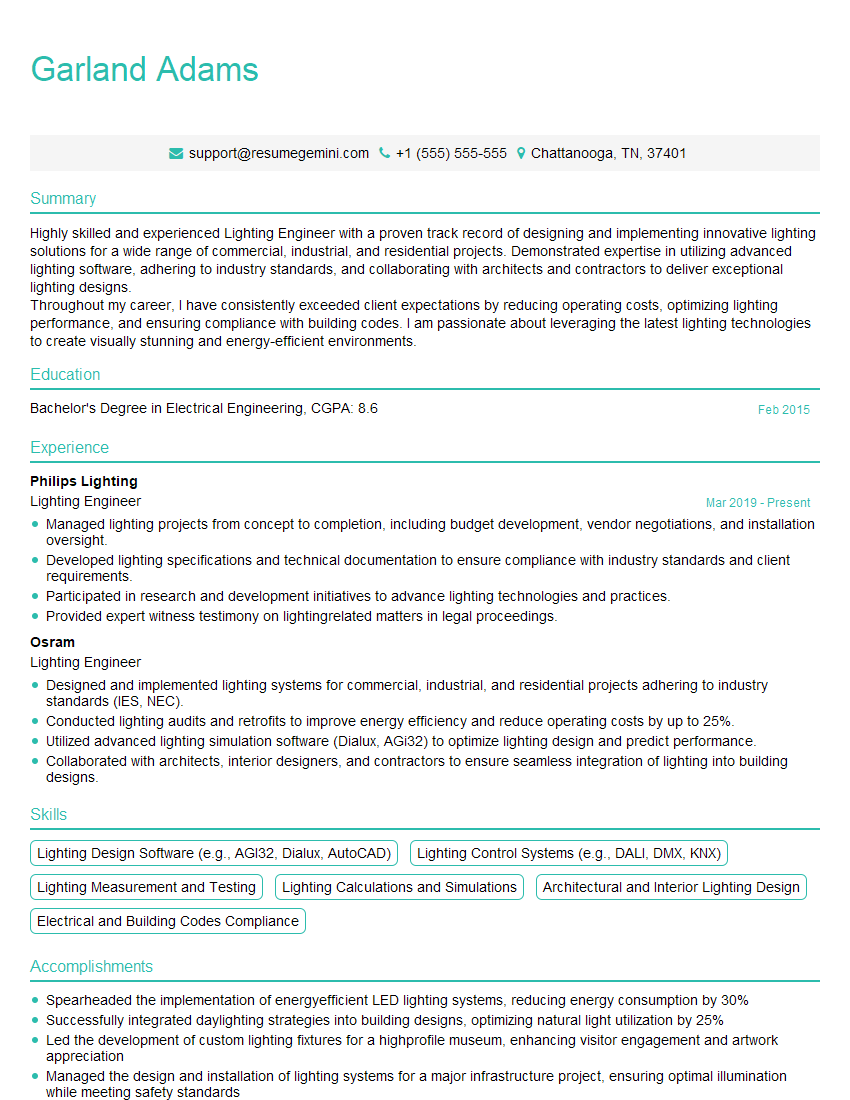
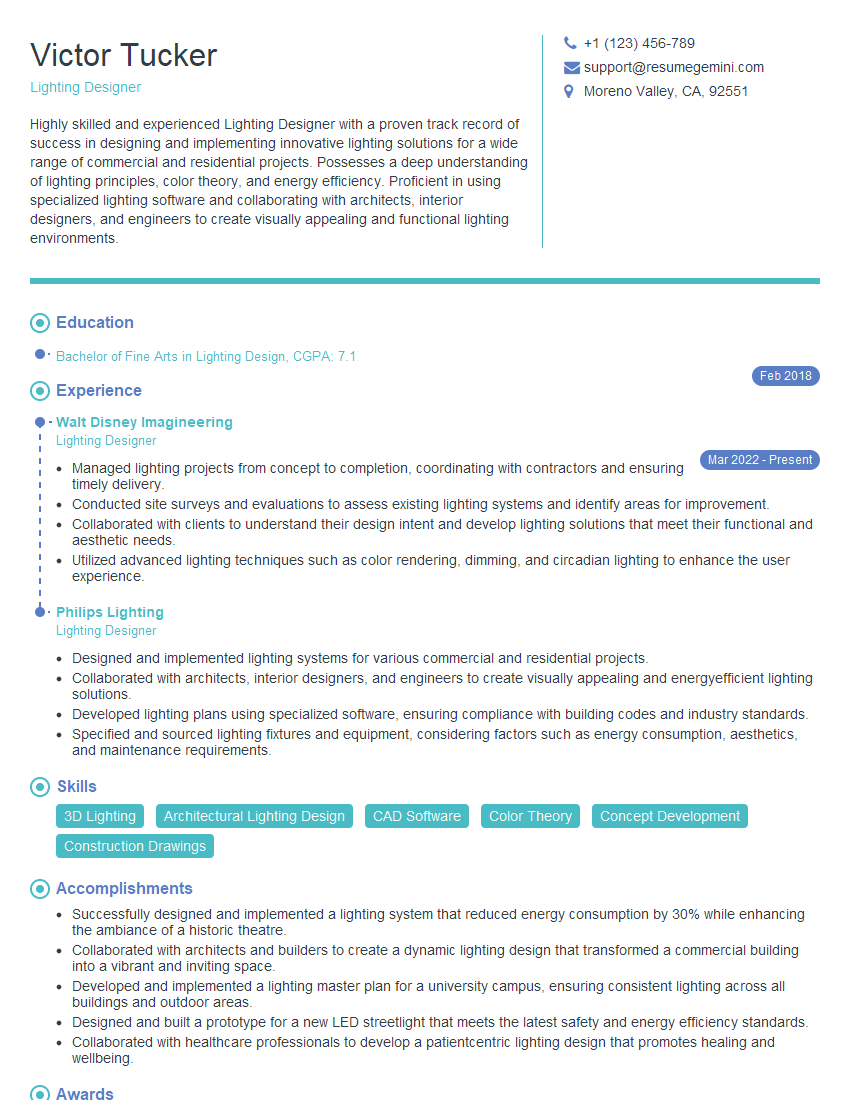
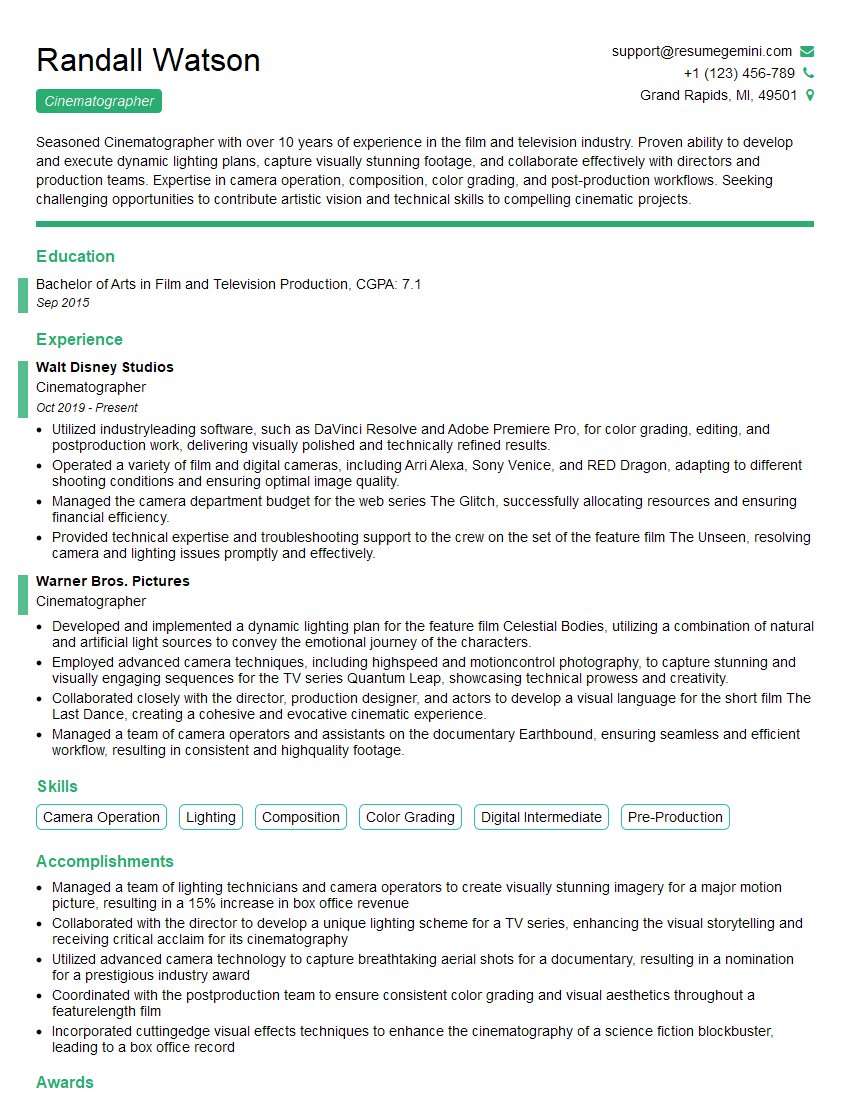
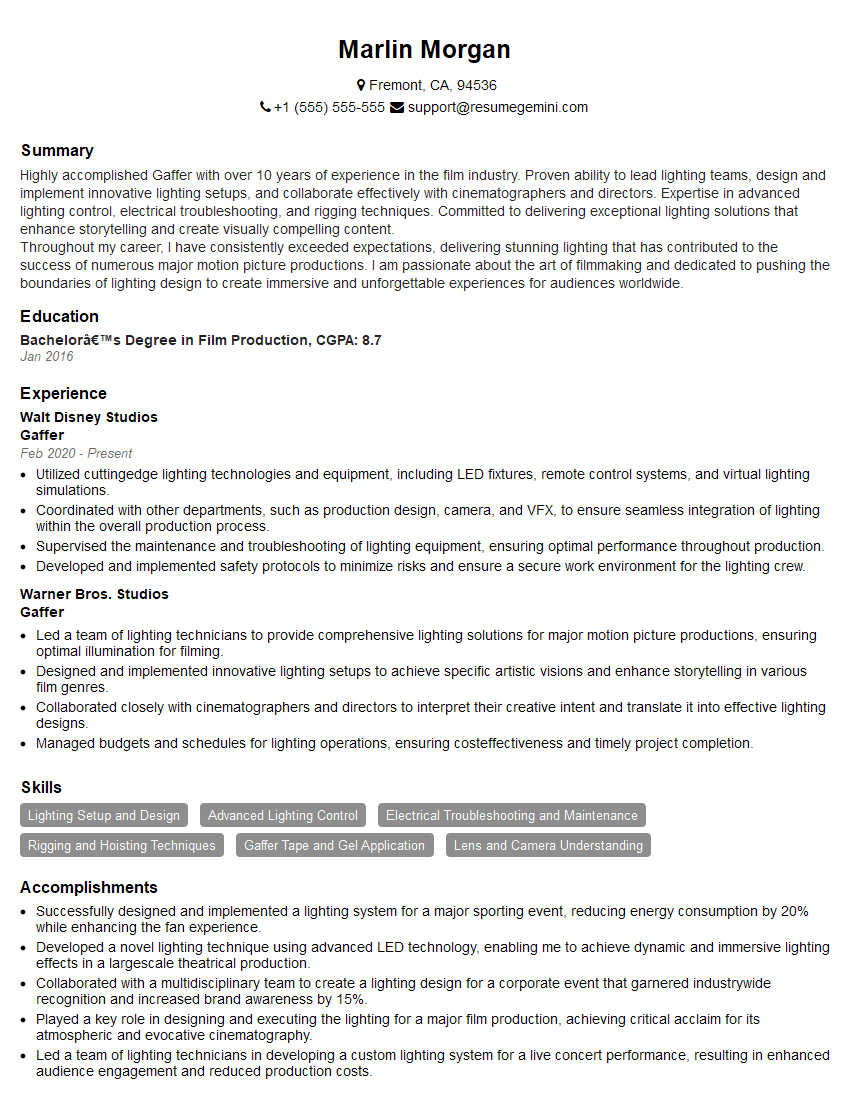
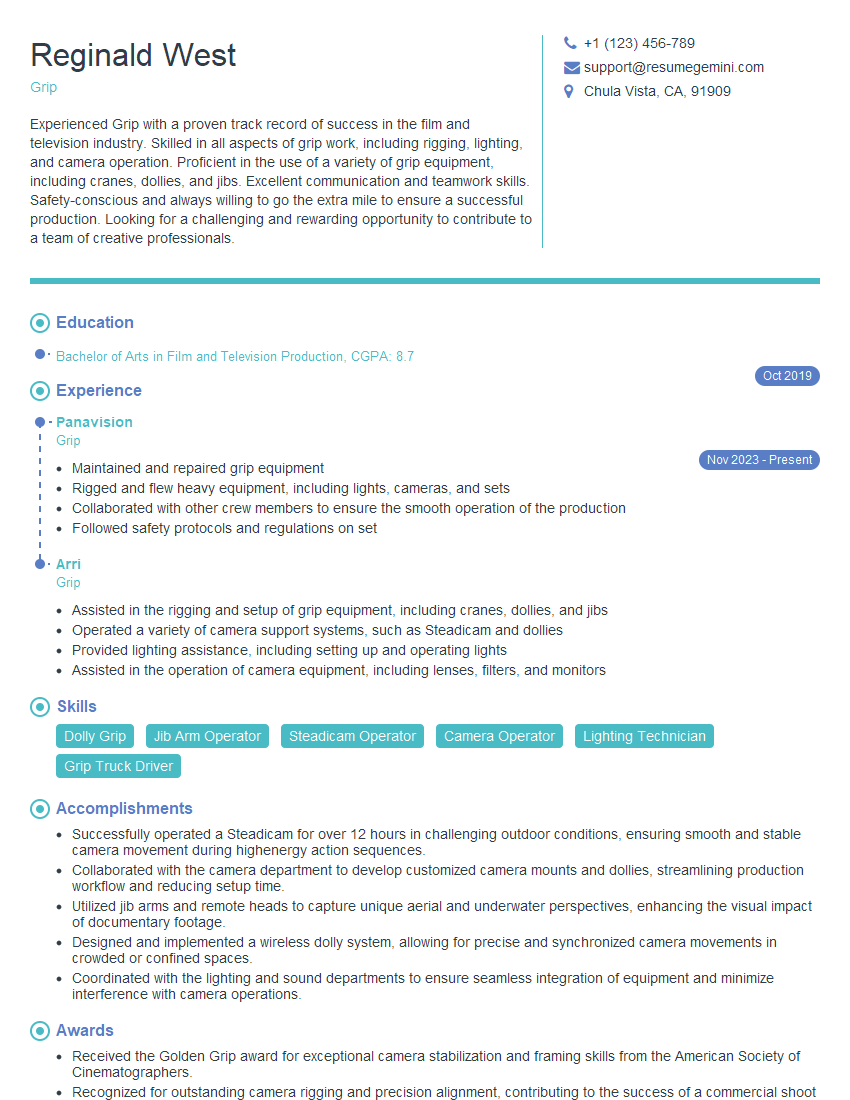
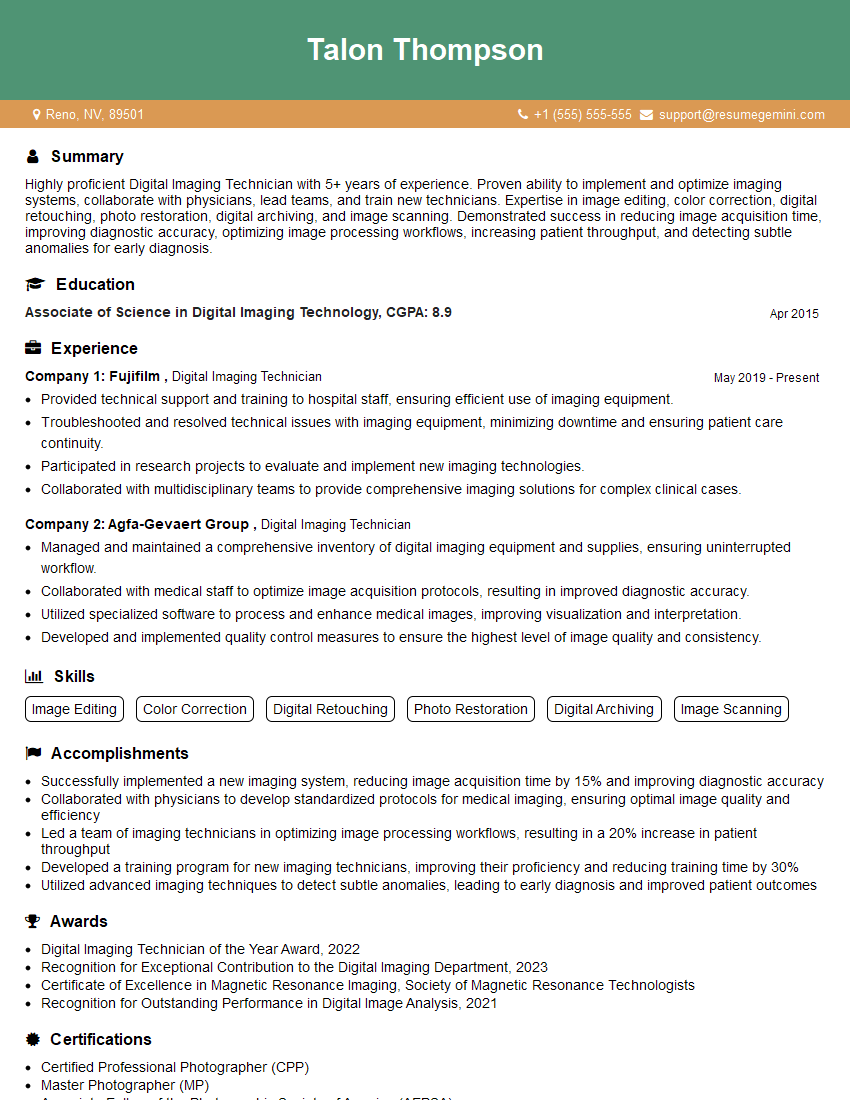
Mastering lighting correction is vital for career advancement in many creative fields, opening doors to exciting opportunities and higher earning potential. A well-crafted resume is your key to unlocking these opportunities. Creating an ATS-friendly resume is crucial for ensuring your application gets noticed by recruiters and hiring managers. To make this process easier and more effective, consider using ResumeGemini – a trusted resource for building professional resumes. ResumeGemini provides examples of resumes tailored specifically to Lighting Correction professionals, helping you showcase your skills and experience in the best possible light.
Explore more articles
Users Rating of Our Blogs
Share Your Experience
We value your feedback! Please rate our content and share your thoughts (optional).
What Readers Say About Our Blog
Really detailed insights and content, thank you for writing this detailed article.
IT gave me an insight and words to use and be able to think of examples