Every successful interview starts with knowing what to expect. In this blog, we’ll take you through the top Maintaining a knowledge base of technical information interview questions, breaking them down with expert tips to help you deliver impactful answers. Step into your next interview fully prepared and ready to succeed.
Questions Asked in Maintaining a knowledge base of technical information Interview
Q 1. Describe your experience with knowledge base software (e.g., Confluence, Zendesk, Salesforce Knowledge).
I have extensive experience with various knowledge base software platforms, including Confluence, Zendesk, and Salesforce Knowledge. My experience spans from initial setup and configuration to ongoing maintenance and optimization. For instance, in a previous role, I implemented and managed a Confluence knowledge base for a large engineering team. This involved creating a robust content structure, defining user permissions, and training team members on best practices for contributing and utilizing the knowledge base. With Zendesk, I’ve focused on integrating the knowledge base with the ticketing system to streamline support processes, reducing resolution times and improving customer satisfaction. My work with Salesforce Knowledge centered around leveraging its capabilities for managing product documentation and internal FAQs, ensuring consistency across various support channels.
I’m proficient in using these platforms’ features for content creation, version control, search optimization, and analytics. I understand the importance of selecting the right platform based on organizational needs and scaling the knowledge base as the organization grows.
Q 2. Explain your process for creating and maintaining consistent terminology within a knowledge base.
Maintaining consistent terminology is crucial for a well-functioning knowledge base. It ensures clarity, reduces ambiguity, and improves searchability. My process begins with creating a centralized glossary of terms. This glossary serves as a single source of truth, defining each term precisely and providing examples of its usage.
I then implement a robust review and approval process. Before any new content is published, it is reviewed for adherence to the established terminology. This often involves collaborating with subject matter experts (SMEs) to ensure accuracy and consistency. For example, if a team uses different terms to describe a similar process, we work together to choose a standard term and update existing content to reflect this change. Tools like style guides and automated checks can further support this process. To ensure long-term consistency, I incorporate the glossary directly into the knowledge base software, using features like macros or custom fields to enforce the correct terminology.
Q 3. How do you ensure the accuracy and up-to-dateness of information in a knowledge base?
Accuracy and up-to-dateness are paramount for a knowledge base’s credibility. My strategy involves a multi-pronged approach. First, I establish clear content ownership and responsibility. Each piece of content is assigned to an owner who is accountable for its accuracy and timely updates. This avoids confusion and ensures someone is actively monitoring and maintaining the information. Second, I integrate a system for regular content reviews. This might involve scheduled reviews of all articles or a more targeted approach, focused on articles related to frequently updated processes or technologies.
Third, I encourage feedback from users. Providing mechanisms for user feedback, such as rating systems or comment sections, enables us to identify outdated or inaccurate information promptly. Lastly, version control is crucial. Tracking changes and preserving previous versions allows for easy rollback in case of errors and provides a history for auditing purposes. Think of it like using source control for code – you wouldn’t deploy without version control, and neither should a knowledge base.
Q 4. How do you handle conflicting or outdated information within a knowledge base?
Handling conflicting or outdated information requires a structured approach. When conflicting information is identified, I investigate the root cause. This often involves contacting the content owners to understand the discrepancies and resolve the conflict. In some cases, it may require engaging SMEs for clarification. Once the accurate information is determined, I update the knowledge base, ensuring that the outdated information is removed or corrected and a clear rationale for the changes is documented.
For outdated information, I follow a similar process. After identifying the outdated content, I update it to reflect the current state. In some cases, outdated but still relevant information might be archived to maintain a historical record, while a new, up-to-date version is created. Transparency is key—users should be informed of significant updates, and a clear version history helps with traceability.
Q 5. Describe your experience with content tagging and categorization strategies.
Effective tagging and categorization are essential for knowledge base searchability and organization. I use a hierarchical taxonomy, combining broad categories with more specific subcategories and tags. This structure allows users to easily navigate the knowledge base and find the information they need. For example, a knowledge base for a software company might have top-level categories such as ‘Products,’ ‘Troubleshooting,’ and ‘Training.’ Under ‘Products,’ there might be subcategories for each individual product, and then tags for specific features or functionalities within each product. Consistent application of tagging is crucial, and I train content contributors on best practices to ensure standardization.
I often utilize keyword analysis tools to identify relevant tags and ensure that the knowledge base articles are optimized for search. The goal is to create a system that is both intuitive for users and easily searchable through keywords or categories.
Q 6. How do you measure the effectiveness of a knowledge base?
Measuring the effectiveness of a knowledge base goes beyond simply tracking the number of articles. It’s about understanding its impact on key business metrics. I use a combination of quantitative and qualitative methods. Quantitative metrics include the number of searches, the average time spent on articles, the number of articles viewed, and user feedback ratings. These provide insights into usage patterns and identify areas needing improvement.
Qualitative methods include user surveys, feedback forms, and interviews. These provide richer, context-driven insights into user satisfaction and the effectiveness of the information provided. Ultimately, the effectiveness of the knowledge base is measured by its impact on key business outcomes like reduced support ticket volume, increased self-service rates, improved customer satisfaction, and increased employee efficiency.
Q 7. What metrics do you use to track knowledge base performance?
I track several key metrics to gauge knowledge base performance. These include:
- Search Success Rate: The percentage of searches that result in a user finding a relevant article.
- First Contact Resolution (FCR) Rate: The percentage of support issues resolved through self-service using the knowledge base.
- Average Time on Page: The average time users spend viewing a knowledge base article—longer times might indicate comprehensive and helpful articles, while short times might signal usability issues.
- Knowledge Base Article Views: Tracks the number of times articles are accessed. Articles with consistently high views are often useful and popular, whereas low views might indicate the need for promotion or a better keyword strategy.
- User Feedback and Ratings: Provides valuable qualitative data on user experience and article effectiveness.
- Support Ticket Deflection Rate: Measures the reduction in support tickets due to users finding answers independently in the knowledge base.
By regularly monitoring these metrics, I can identify areas for improvement in the content, structure, and searchability of the knowledge base, leading to a more effective and valuable resource for users.
Q 8. How do you identify and address knowledge gaps within a knowledge base?
Identifying knowledge gaps in a knowledge base is crucial for its effectiveness. I approach this systematically, combining proactive measures with reactive feedback analysis. Proactively, I regularly review the knowledge base’s content, searching for outdated information, missing topics, or areas with insufficient detail. I use a checklist that covers key areas of our support and products, comparing that checklist to the existing articles. This helps highlight gaps in coverage. Reactively, I analyze user search queries, support tickets, and customer surveys. Frequently asked questions not addressed in the KB, or high numbers of tickets related to a specific topic, often point to critical knowledge gaps.
Addressing these gaps involves several steps: First, I prioritize the gaps based on their impact (frequency of user issues, severity of the problem). Then, I create new articles or update existing ones to fill these gaps. I ensure the new content is accurate, clear, and easy to understand, using plain language and avoiding jargon whenever possible. Finally, I test the new content to ensure it effectively addresses the identified knowledge gap.
For example, if numerous support tickets mention difficulty setting up a specific feature, I’d prioritize creating a step-by-step guide for that setup process. If the KB lacks information on a newly released product feature, I would immediately work on drafting a comprehensive guide for it.
Q 9. Explain your process for prioritizing updates and improvements to a knowledge base.
Prioritizing updates and improvements is a critical aspect of maintaining a thriving knowledge base. I use a combination of factors to determine priority: urgency, impact, and ease of implementation. I leverage a system that ranks updates based on a weighted score for each factor. Urgency relates to time sensitivity—e.g., addressing a bug impacting many users takes precedence. Impact measures the potential benefit of an update—for example, a comprehensive tutorial on a key product feature has a higher impact than a minor wording change. Ease of implementation considers the effort and resources required.
I frequently use a Kanban board or a similar task management system to visualize and track these priorities. This helps me stay organized and ensures that we’re focusing on the most impactful improvements first. For instance, resolving a critical issue that’s causing customer frustration would rank higher than optimizing the aesthetic design of articles, even if that is desirable.
Regular review of analytics (discussed in a later question) further informs these prioritization decisions, allowing me to focus on areas that are yielding the greatest impact for user engagement and problem resolution.
Q 10. How do you ensure the knowledge base is accessible to users with different technical skills?
Ensuring accessibility for users with varying technical skills is paramount. My strategy focuses on creating content that’s adaptable to different levels of understanding. This involves using clear and concise language, avoiding jargon, and structuring articles logically. I incorporate visuals like screenshots, diagrams, and videos to illustrate complex concepts.
I segment articles based on user skill levels when appropriate. For example, a complex technical troubleshooting guide might have a simplified overview for novice users alongside a detailed section for advanced users. I also use different content formats – including FAQs, tutorials, quick guides – to cater to users’ preferred learning styles. Providing multiple paths to information allows every user to find what they need easily.
Furthermore, I ensure the knowledge base is responsive and accessible across different devices (desktops, tablets, and smartphones). The platform itself needs to be navigable for all users. Consistent formatting and logical navigation are essential. Clear search functionality, with robust search suggestions and autocompletion, further enhances accessibility.
Q 11. Describe your experience with using analytics to improve the knowledge base.
Analytics play a crucial role in improving the knowledge base. I routinely analyze data points to understand how users interact with the knowledge base. Key metrics I monitor include search queries, article views, click-through rates, and time spent on pages. These metrics provide valuable insights into user behavior and help identify areas for improvement. For example, if a specific article has a high bounce rate (users leaving quickly), it might indicate the content is unclear or irrelevant, requiring revision or removal.
I use tools such as Google Analytics (or similar platform-specific analytics) to track this data. I create dashboards to visualize this data, which helps me quickly identify trends and patterns. Low click-through rates on a specific search term, for example, might suggest that the search term itself needs revision or the related article needs a stronger title.
Understanding user behavior allows for data-driven decision-making, ensuring that updates are targeted and effective. We can see what’s working and what’s not. This process is iterative; data analysis leads to changes, which are then re-evaluated based on updated analytics.
Q 12. How do you collaborate with subject matter experts to create and update knowledge base articles?
Collaboration with subject matter experts (SMEs) is essential for creating and updating high-quality knowledge base articles. I establish a clear communication channel and workflow for this collaboration. This usually involves scheduling regular meetings and utilizing collaborative tools like shared documents or wikis.
Before starting any content creation, I schedule a meeting with the relevant SMEs to outline the scope of the article and clarify any technical aspects. I act as a translator, ensuring the technical information is presented clearly and accessibly for end users. We work together to create an outline, ensuring accuracy and completeness. I draft the article, then the SME reviews it for technical accuracy and completeness. Feedback is incorporated iteratively. This collaborative process ensures the content is both accurate and user-friendly.
For example, when updating documentation for a complex software feature, I would collaborate closely with the software engineer who developed that feature to ensure accuracy and completeness. The engineer provides the technical detail; I ensure it’s written in a user-friendly manner.
Q 13. How do you handle user feedback on the knowledge base?
User feedback is invaluable for improving the knowledge base. I actively solicit feedback through various channels: in-article feedback forms, email surveys, and comments sections within the knowledge base. I regularly review all feedback received, categorizing it by topic and sentiment. This allows me to track recurring issues or identify areas for improvement.
Positive feedback boosts morale and reinforces successful practices, while negative feedback highlights areas needing attention. I prioritize addressing negative feedback, often directly responding to users to acknowledge their concerns and explain the steps being taken to address them. This builds trust and shows users that their feedback is valued.
For instance, if users consistently report difficulty finding a specific piece of information, it indicates a need for improved navigation or search optimization, or perhaps a reorganization of the information itself.
Q 14. Describe your experience with knowledge base search optimization.
Knowledge base search optimization is crucial for ensuring users can quickly find the information they need. My approach involves several key strategies: keyword research, metadata optimization, and content structure. Keyword research involves identifying the terms users are likely to use when searching for information related to our products or services. I use tools like Google Keyword Planner or other SEO tools to identify relevant keywords and phrases.
Metadata optimization involves adding relevant keywords and descriptions to the articles’ titles, descriptions, and tags. This helps search engines understand the content of the article, improving its ranking in search results. I also ensure that the articles themselves are well-structured, using clear headings, subheadings, and bullet points to improve readability and searchability.
Furthermore, I utilize internal linking to connect related articles, improving user navigation and allowing users to easily find relevant information. Regularly reviewing search analytics helps identify search terms that aren’t yielding relevant results, allowing me to refine both the search functionality and the content itself to improve the overall searchability and user experience.
Q 15. How do you ensure the knowledge base complies with company policies and security standards?
Ensuring knowledge base compliance with company policies and security standards is paramount. It’s like building a house – you wouldn’t skip the foundation! We start by clearly defining what needs to be protected: sensitive data, proprietary information, and anything subject to regulations like HIPAA or GDPR. This is usually documented in the company’s Information Security policy.
Next, we implement access control. This means using role-based access control (RBAC) to limit who can view, edit, or delete articles. For example, only authorized technical writers can edit articles, while all employees might have read-only access. We also regularly review access permissions to ensure they remain appropriate.
Data encryption both in transit and at rest is crucial. This protects the knowledge base even if a breach occurs. Regular security audits and penetration testing help identify vulnerabilities proactively. Finally, a robust version history allows us to track changes and revert to previous versions if necessary, providing an audit trail for compliance.
Career Expert Tips:
- Ace those interviews! Prepare effectively by reviewing the Top 50 Most Common Interview Questions on ResumeGemini.
- Navigate your job search with confidence! Explore a wide range of Career Tips on ResumeGemini. Learn about common challenges and recommendations to overcome them.
- Craft the perfect resume! Master the Art of Resume Writing with ResumeGemini’s guide. Showcase your unique qualifications and achievements effectively.
- Don’t miss out on holiday savings! Build your dream resume with ResumeGemini’s ATS optimized templates.
Q 16. Explain your experience with version control for knowledge base content.
Version control is essential for managing changes to the knowledge base – think of it as a collaborative writing tool on steroids! My experience includes using Git, a widely-adopted distributed version control system, along with platforms like GitHub or GitLab. This allows multiple authors to work on the same articles concurrently without overwriting each other’s changes.
We use branching strategies to manage different versions and updates. A main branch holds the live knowledge base, and feature branches are created for new articles or revisions. Once a change is reviewed and approved, it’s merged into the main branch. Each commit includes a descriptive message detailing the changes made, creating a detailed history.
This process ensures that we can track every modification, revert to earlier versions if needed, and collaborate effectively on the knowledge base. It also provides a clear audit trail, making it easier to identify when and why changes were made. For example, if an article contains inaccurate information, we can quickly roll back to a previous, correct version.
Q 17. How do you create effective knowledge base articles that are easy to understand and navigate?
Creating effective knowledge base articles requires a user-centric approach. It’s like writing a good story – you need to engage your reader from the beginning. We start by defining a clear target audience and identifying their specific needs. This informs the language, tone, and level of technical detail used.
Articles should be concise, using clear and simple language, avoiding jargon wherever possible. Headings, subheadings, bullet points, and numbered lists help break down complex information into manageable chunks. Visual aids such as screenshots, diagrams, and videos can significantly improve understanding. Finally, internal linking helps users navigate easily between related articles, creating a connected web of information.
For example, instead of writing a long, dense paragraph about troubleshooting a specific error, we would break it down into steps: 1. Check connection, 2. Restart application, 3. Contact support. We’d also include a screenshot showing the error message. Regular user feedback and analytics (search terms, article views, etc.) help us identify areas for improvement.
Q 18. What strategies do you use to encourage users to contribute to the knowledge base?
Encouraging user contributions is vital for keeping the knowledge base current and relevant. It’s like building a community – the more people contribute, the stronger it becomes! We achieve this through several strategies. First, we make it easy to contribute; a simple, intuitive submission process is key. This could include a dedicated feedback form or a collaborative editing platform.
Secondly, we actively solicit contributions. We encourage employees to submit articles, provide feedback on existing ones, and report inaccuracies. We recognize and reward contributions, highlighting valuable contributions in newsletters or internal communication channels. Clear guidelines and a style guide help maintain consistency and quality. Finally, making it clear how contributions benefit the team and organization motivates participation. People are more likely to contribute if they see the direct impact their efforts have.
Q 19. Describe your experience with creating and maintaining FAQs.
Creating and maintaining FAQs is like building a quick-reference guide. It’s all about providing concise, readily accessible answers to frequently asked questions. We start by collecting data from various sources: customer support tickets, surveys, common user queries, etc. This helps us identify the most frequently asked questions.
Each FAQ entry should be clear, concise, and easy to understand. We use a consistent format and style to maintain uniformity. Regularly reviewing and updating the FAQs based on usage data and feedback is crucial. We track which FAQs are accessed most often and adapt our content to reflect current needs. We also ensure the information remains accurate and up-to-date; outdated information can be misleading and frustrating for users.
Q 20. How do you manage multiple versions of the knowledge base (e.g., for different languages or regions)?
Managing multiple versions of the knowledge base, for different languages or regions, requires a well-structured approach. It’s like managing different editions of a book. One approach is to use a translation management system (TMS). This allows for centralized management of translations, ensuring consistency and accuracy across all versions.
Another method is to use a version control system (like Git) with separate branches for each language or region. This enables parallel development and prevents conflicts between different versions. We would use a translation memory tool to leverage previously translated content and ensure consistency in terminology across different language versions. This is particularly useful for large-scale knowledge bases. Regardless of the approach, rigorous quality assurance checks are essential to ensure the accuracy and consistency of all versions.
Q 21. What tools and technologies are you familiar with for knowledge base management?
My experience encompasses a wide range of knowledge base management tools and technologies. I’m proficient with various Content Management Systems (CMS) like WordPress, Drupal, and specialized knowledge base platforms like Zendesk, Salesforce Knowledge, and Document360. I’m also comfortable using version control systems like Git, along with collaborative writing platforms like Google Docs. For analytics, I’ve utilized Google Analytics and other website analytics tools to track user behavior and measure the effectiveness of the knowledge base.
Beyond these, I have experience with translation management systems (TMS) for managing multilingual knowledge bases. Familiarity with APIs is also valuable for integrating the knowledge base with other systems, such as a customer support ticketing system, to provide seamless access to information. The specific tools used will always depend on the organization’s needs and infrastructure.
Q 22. How do you stay up-to-date on best practices for knowledge base management?
Staying current with knowledge base best practices is crucial for maintaining a high-quality, effective resource. I achieve this through a multi-pronged approach:
- Industry Publications and Blogs: I regularly read publications like the Knowledge Management Magazine and blogs from leading knowledge base software providers. These resources often highlight new trends, best practices, and emerging technologies.
- Conferences and Webinars: Attending conferences and webinars focused on knowledge management allows for networking with other professionals and learning directly from experts. This provides valuable insights into real-world challenges and successful strategies.
- Online Courses and Certifications: I actively participate in online courses and seek relevant certifications (like those offered by organizations focusing on knowledge management) to deepen my understanding and stay ahead of the curve.
- Professional Networks: Engaging in online communities and professional networks dedicated to knowledge management offers access to shared experiences, discussions, and best practice sharing among colleagues.
- Competitor Analysis: Reviewing successful knowledge bases from competitors in my industry provides valuable insights into different approaches and strategies which can be adapted or integrated.
By consistently utilizing these methods, I ensure my skills and knowledge remain relevant and effective.
Q 23. Describe a time you had to troubleshoot a problem related to the knowledge base.
During a recent project involving a large-scale migration to a new knowledge base platform, we encountered an issue with the import process. A significant portion of the rich text formatting from our old system was lost during the migration, rendering many articles unreadable.
My troubleshooting process involved:
- Identifying the Root Cause: Through careful examination of log files and testing various data subsets, we pinpointed the issue to an incompatibility between the old and new systems’ rich text formatting specifications.
- Developing a Solution: We developed a custom script using Python to pre-process the data before import, converting the incompatible formatting to a universally supported format. This required a good understanding of both the old and new systems’ APIs and data structures.
- Testing and Deployment: The script was rigorously tested on a smaller data set before being deployed to the entire knowledge base. This ensured that the fix was effective and didn’t introduce new problems.
- Documentation and Prevention: We thoroughly documented the issue, its resolution, and the preventative measures implemented to avoid similar issues in the future. This involved updating our internal documentation and training materials.
This experience highlighted the importance of thorough testing during any system migration and the value of developing custom solutions when off-the-shelf solutions are inadequate.
Q 24. How do you handle requests for information that are not currently in the knowledge base?
When faced with a request for information not present in the knowledge base, my approach is structured to ensure both immediate user satisfaction and long-term knowledge base improvement:
- Acknowledge and Clarify: I acknowledge the request and clarify any ambiguous aspects of the query. This ensures I gather all the necessary information to provide the most accurate response.
- Research and Respond: I conduct thorough research using available resources—internal experts, documentation, other online resources—to obtain the correct information. I then provide a detailed response to the user directly.
- Update the Knowledge Base: After resolving the user’s issue, I always update the knowledge base with the newly acquired information. This prevents similar requests in the future and continuously improves the knowledge base’s comprehensiveness.
- User Feedback: I actively solicit feedback from the user on the quality of the response and the clarity of the updated knowledge base article.
This process ensures quick user support while simultaneously building a more comprehensive and accurate resource.
Q 25. What is your experience with creating and maintaining a knowledge base for a specific technical product or service?
I have extensive experience creating and maintaining a knowledge base for a cloud-based customer relationship management (CRM) system. This involved:
- Content Creation: I authored and edited articles covering installation, configuration, troubleshooting, and best practices for utilizing the CRM.
- Content Organization: I implemented a structured taxonomy and navigation system to ensure users could easily find the information they needed. This included the use of categories, subcategories, and keywords.
- Content Maintenance: I regularly updated articles to reflect software updates, new features, and changes to our processes. I used version control to track changes and prevent accidental overwrites.
- User Feedback Integration: I analyzed user search queries, feedback forms, and support tickets to identify areas where the knowledge base could be improved. I used this data to add new articles, update existing ones, and improve the overall user experience.
- Search Optimization: I implemented search optimization strategies to improve the accuracy and relevance of search results. This included the use of appropriate metadata and keywords.
This experience allowed me to develop a deep understanding of the challenges and rewards of creating and maintaining a technical knowledge base, from content development and organization to user experience optimization and maintenance. I’m proficient in using various knowledge base platforms and comfortable working with technical documentation in multiple formats.
Q 26. How do you measure user satisfaction with the knowledge base?
Measuring user satisfaction with the knowledge base is critical for assessing its effectiveness. I employ a combination of quantitative and qualitative methods:
- Search Success Rate: Tracking the percentage of successful searches provides insight into how easily users find the information they need. A low success rate signals areas requiring improvement.
- Knowledge Base Article Ratings: Implementing a rating system on articles allows users to provide direct feedback on the quality and usefulness of the content. Average ratings across articles can highlight areas needing revision or clarification.
- Support Ticket Reduction: A decrease in support tickets related to issues covered in the knowledge base indicates improved self-service capabilities and increased user satisfaction.
- User Surveys: Periodic user surveys can gather detailed feedback on overall satisfaction, usability, and suggested improvements.
- Web Analytics: Tools like Google Analytics provide valuable data on user behavior within the knowledge base, including popular articles, frequently searched terms, and bounce rates.
By combining these metrics, a comprehensive understanding of user satisfaction and areas for improvement is gained, fostering continuous enhancement of the knowledge base.
Q 27. Describe your experience with knowledge base automation and integration with other systems.
I have experience with various levels of knowledge base automation and integration. This includes:
- Automated Content Updates: Using scripting languages like Python to automatically update articles based on changes in the underlying systems or databases. This ensures the knowledge base remains current without manual intervention.
- API Integrations: Integrating the knowledge base with other systems like CRM, ticketing systems, or internal wikis allows for seamless sharing of information and automated updating of related data. For example, I have integrated a knowledge base with our ticketing system so that when a ticket is closed, a summary is automatically added to the knowledge base if it addresses a recurring issue.
- Chatbots: Implementing chatbots to provide initial support and direct users to relevant knowledge base articles improves accessibility and response times.
- Workflow Automation: Using workflow tools to automate tasks such as article approvals, publishing, and version control ensures consistency and efficiency in the knowledge base management process.
My experience with these automation techniques has significantly increased efficiency and accuracy, improving the overall effectiveness of the knowledge base. I’m proficient in selecting and implementing the appropriate automation tools based on specific needs and organizational infrastructure.
Q 28. How do you ensure the knowledge base is consistently updated and reflects changes to the organization’s systems or processes?
Maintaining a consistently updated knowledge base requires a proactive and structured approach:
- Change Management Process: Close collaboration with various departments ensures that any changes to organizational systems or processes are reflected in the knowledge base promptly. This may involve setting up a change notification system or assigning specific roles for knowledge base updates.
- Version Control: Using version control software allows for tracking of changes, easy rollback of errors, and collaboration among multiple content authors. This ensures a historical record of all changes made to the knowledge base.
- Scheduled Reviews: Regular reviews of the knowledge base content, ideally on a monthly or quarterly basis, help to identify outdated or inaccurate information. This proactive approach ensures the content remains relevant and reliable.
- Automated Updates (as mentioned above): Implementing automated updates using scripts or API integrations can significantly reduce manual effort and ensure timely updates for frequently changing elements.
- Feedback Loops: Actively soliciting and analyzing user feedback helps identify areas needing improvement or updates. This continuous improvement cycle ensures that the knowledge base remains a useful resource for all users.
By employing these strategies, the knowledge base remains a dynamic and accurate reflection of the organization’s current systems and processes, fostering a reliable and up-to-date information resource.
Key Topics to Learn for Maintaining a knowledge base of technical information Interview
- Knowledge Base Selection and Implementation: Understanding different knowledge base platforms (e.g., wikis, databases, documentation systems) and choosing the right tool for the job. This includes evaluating features, scalability, and integration with existing systems.
- Content Creation and Management: Mastering the art of writing clear, concise, and accurate technical documentation. This includes understanding different documentation styles, using appropriate terminology, and employing effective information architecture for easy navigation.
- Information Architecture and Taxonomy: Designing a logical and intuitive structure for your knowledge base. This involves creating a robust taxonomy, using keywords effectively, and ensuring consistent naming conventions for ease of search and retrieval.
- Search Engine Optimization (SEO) for Knowledge Bases: Optimizing your knowledge base content for internal search functionality. This involves understanding how users search for information and structuring content to match their search queries.
- Version Control and Collaboration: Utilizing version control systems (like Git) for managing changes to the knowledge base and facilitating collaborative efforts among team members. Understanding branching, merging, and conflict resolution is crucial.
- Knowledge Base Maintenance and Updates: Developing a strategy for regular updates and maintenance, including processes for identifying outdated or inaccurate information and ensuring the knowledge base remains current and relevant.
- Metrics and Reporting: Tracking key performance indicators (KPIs) to measure the effectiveness of the knowledge base, such as user engagement, search success rate, and overall user satisfaction.
- Security and Access Control: Implementing appropriate security measures to protect sensitive information within the knowledge base and controlling access based on user roles and permissions.
- Problem-Solving and Troubleshooting: Developing skills to effectively diagnose and resolve issues related to the knowledge base, including troubleshooting technical glitches and addressing user queries.
Next Steps
Mastering the art of maintaining a technical knowledge base is vital for career advancement in today’s technology-driven world. It demonstrates crucial organizational, communication, and problem-solving skills highly valued by employers. To significantly boost your job prospects, create an ATS-friendly resume that highlights these skills effectively. ResumeGemini is a trusted resource to help you build a professional and impactful resume. Examples of resumes tailored to showcasing expertise in Maintaining a knowledge base of technical information are available, allowing you to craft a document that truly reflects your abilities and experience.

Information Architect Resume Sample

Technical Support Specialist Resume Sample

Help Desk Analyst Resume Sample

Content Strategist Resume Sample

Documentation Specialist Resume Sample
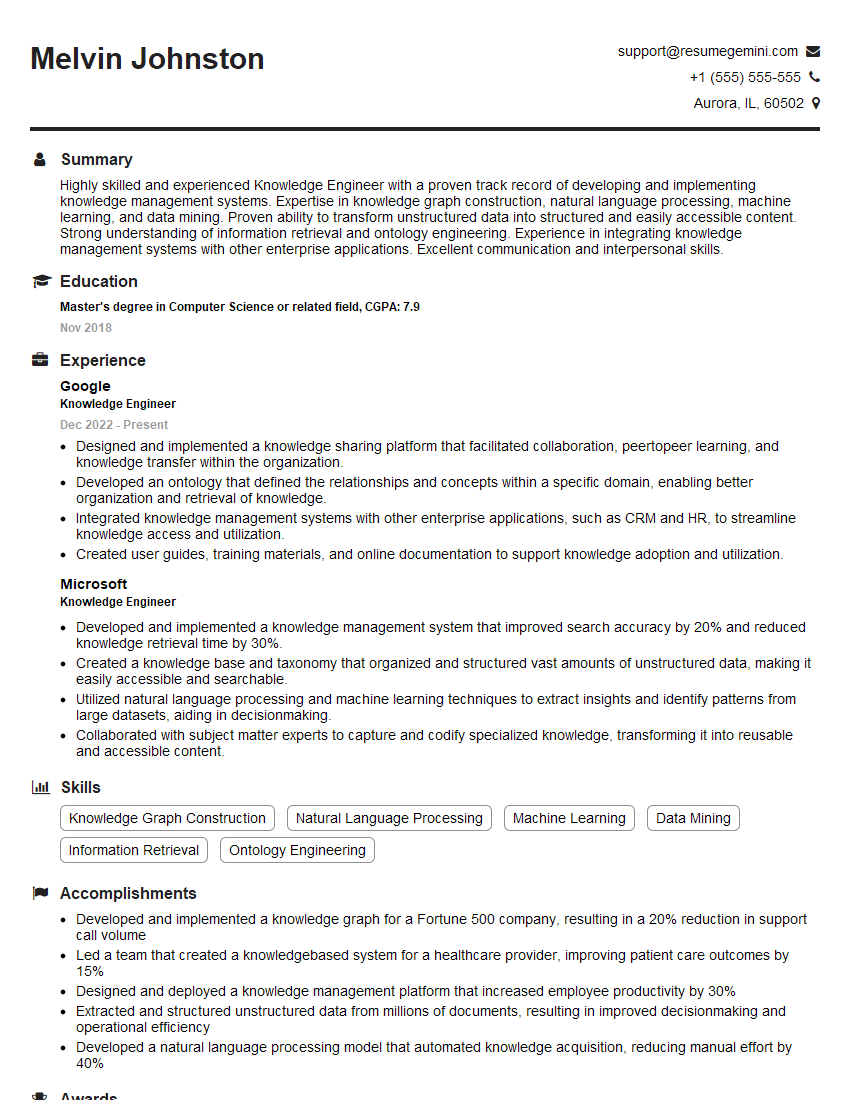
Knowledge Engineer Resume Sample

Instructional Designer Resume Sample

Technical Editor Resume Sample
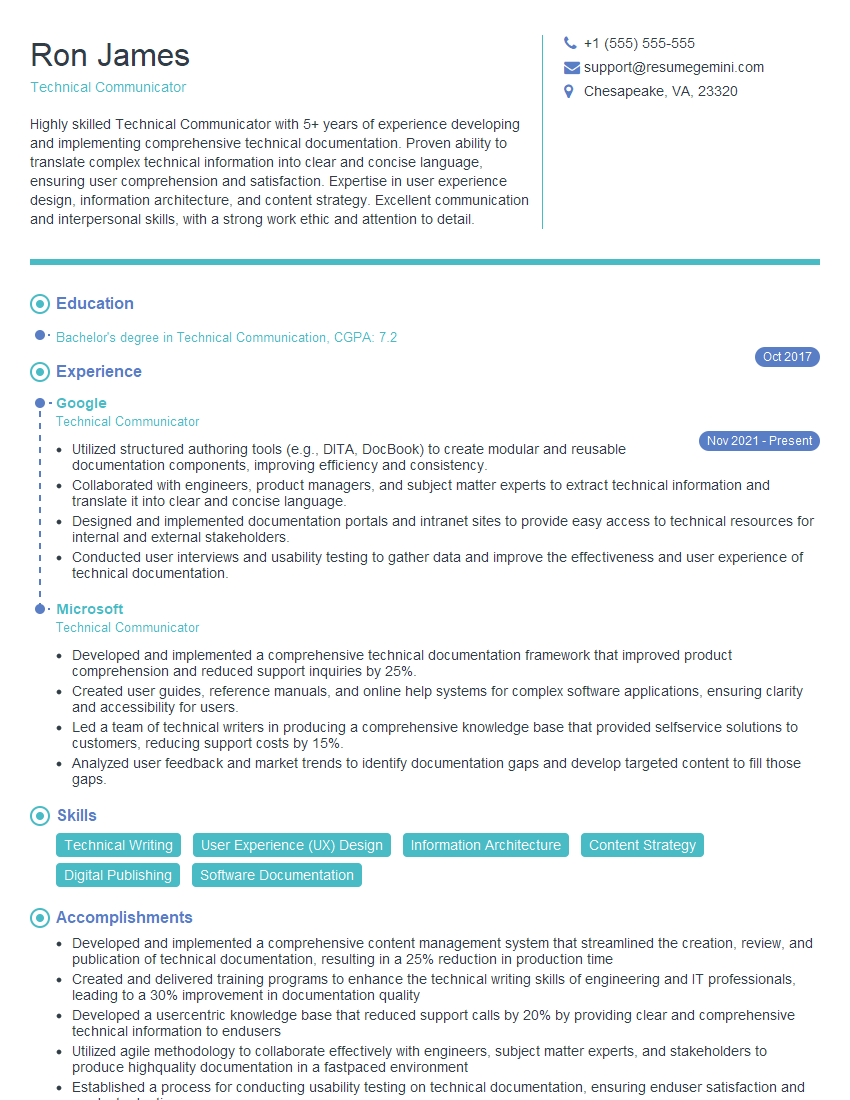
Technical Communicator Resume Sample

Technical Writer Resume Sample
Explore more articles
Users Rating of Our Blogs
Share Your Experience
We value your feedback! Please rate our content and share your thoughts (optional).
What Readers Say About Our Blog
I Redesigned Spongebob Squarepants and his main characters of my artwork.
https://www.deviantart.com/reimaginesponge/art/Redesigned-Spongebob-characters-1223583608
IT gave me an insight and words to use and be able to think of examples
Hi, I’m Jay, we have a few potential clients that are interested in your services, thought you might be a good fit. I’d love to talk about the details, when do you have time to talk?
Best,
Jay
Founder | CEO