Every successful interview starts with knowing what to expect. In this blog, we’ll take you through the top Musician Performance and Recording interview questions, breaking them down with expert tips to help you deliver impactful answers. Step into your next interview fully prepared and ready to succeed.
Questions Asked in Musician Performance and Recording Interview
Q 1. Describe your experience with different recording techniques (e.g., condenser mics vs. dynamic mics).
Choosing between condenser and dynamic microphones is crucial for capturing different sounds effectively. Condenser mics, known for their sensitivity and detail, are excellent for capturing subtle nuances in acoustic instruments like guitars and vocals. Think of them as high-resolution cameras; they capture every detail. However, their sensitivity also makes them prone to picking up unwanted background noise. Dynamic mics, on the other hand, are more rugged and handle higher sound pressure levels better, making them ideal for loud instruments like drums and amplified guitars. They’re like robust workhorses, able to handle harsh conditions.
In my experience, I often use a combination of both. For example, I might use a large-diaphragm condenser microphone for lead vocals to capture the warmth and detail of the voice, and a dynamic microphone for backing vocals to manage potential loudness variations. For drums, I often use a dynamic mic for the kick drum, a condenser for the overheads to capture the cymbal shimmer, and a blend of both for toms depending on the desired tone. The choice depends heavily on the instrument, the desired sound, and the recording environment.
Q 2. Explain your proficiency in various Digital Audio Workstations (DAWs) like Pro Tools, Logic Pro X, Ableton Live.
My proficiency in DAWs spans several years and numerous projects. Pro Tools, Logic Pro X, and Ableton Live each offer unique strengths. Pro Tools, known for its industry-standard status, excels in large-scale projects, offering extensive automation and meticulous editing capabilities. I’ve used it extensively for film scoring and large ensemble recordings. Logic Pro X, with its intuitive interface and vast library of instruments and effects, is my go-to for songwriting and pop productions. Its ease of use makes it great for quick turnarounds. Ableton Live, with its session view and emphasis on looping, is my choice for electronic music production and live performance setups. The workflow is seamless for creating and arranging beats. I can comfortably switch between these DAWs depending on the project’s needs and the client’s preference. I’m adept at using their features for tasks like MIDI sequencing, audio editing, mixing, and mastering.
Q 3. How do you approach mixing a song to achieve a specific sonic aesthetic?
Achieving a specific sonic aesthetic involves a multifaceted approach to mixing. I start by listening intently to the song and identifying its core mood and message. For example, if I’m mixing a melancholic ballad, I might focus on creating a spacious, intimate soundscape by using reverb and delay subtly. In contrast, an upbeat pop song might benefit from a more punchy, present mix with clear separation between instruments. I’ll use EQ (equalization) to sculpt the individual sounds, emphasizing specific frequencies and reducing muddiness or harshness. Compression will help control dynamics, bringing out quieter parts and smoothing out peaks. I frequently utilize automation to create subtle shifts and build intensity. Visualizing the mix’s frequency spectrum using a spectrum analyzer is very helpful in identifying areas for improvement. The goal is always to achieve a cohesive sound that supports the artist’s vision.
Q 4. What are your preferred methods for troubleshooting audio issues during a recording session?
Troubleshooting audio issues demands a systematic approach. My first step is to isolate the problem: Is it a microphone issue? A cable problem? A DAW setting? I’ll check connections, ensure all cables are securely plugged in, and verify that the input levels are correctly set. If there’s a hum or buzz, I’ll check for ground loops. If a specific track is distorted, I’ll examine its gain staging. I’ll use a combination of test signals like pink noise and sine waves to check for signal flow issues. If I encounter problems with latency, I’ll adjust the buffer size in my DAW. The key is to methodically rule out possibilities. Often, seemingly complex issues have simple solutions – sometimes it’s just a loose cable! I always maintain a well-organized session to help me pinpoint the location of problems.
Q 5. Describe your experience with mastering audio for different formats (e.g., CD, streaming services).
Mastering for different formats requires understanding the technical specifications of each platform. Mastering for CD requires a focus on maximizing dynamic range and ensuring the audio meets the Red Book standard. Streaming platforms like Spotify and Apple Music often compress the audio to fit their specific requirements. I utilize different mastering techniques for these different platforms. For CDs, I prioritize a clean, full-range sound, often maintaining a higher dynamic range. For streaming, I carefully apply compression to ensure the audio translates well at lower bitrates without sacrificing clarity. I also pay close attention to LUFS (Loudness Units relative to Full Scale) to meet the requirements of various streaming services. I’ll often A/B the final masters on multiple systems, including laptops, headphones, and studio monitors to gauge how the final product translates.
Q 6. How do you manage time effectively during a busy recording session?
Efficient time management is critical during recording sessions. Thorough planning before the session is paramount. This includes defining clear goals for the day, creating a detailed schedule, and ensuring all necessary equipment and personnel are ready. Prioritizing tasks based on their importance and complexity is essential. During the session, I foster a focused environment where everyone knows their roles and responsibilities. Clear communication and efficient decision-making reduce delays. It’s important to schedule breaks to prevent burnout and maintain productivity. Using a checklist for setup and teardown helps streamline the process. The goal is to maximize the recording time while keeping everyone engaged and energized.
Q 7. How do you collaborate effectively with other musicians and engineers?
Effective collaboration is the cornerstone of successful recording projects. Open communication is key. I always make sure everyone understands the overall vision and their individual roles. I encourage feedback and actively listen to suggestions from musicians and engineers. I foster a supportive and respectful atmosphere, allowing for creative freedom while maintaining a professional workflow. Building a strong rapport based on mutual respect and trust creates a productive environment. Regular check-ins during the session allow me to address concerns promptly and adapt to unforeseen challenges. Ultimately, successful collaboration comes from clear communication, mutual respect, and a shared vision for the final product.
Q 8. Explain your understanding of signal flow in a recording studio.
Signal flow in a recording studio describes the path an audio signal takes from its source to the final output. Think of it like a river flowing from its source to the sea. The source (e.g., a microphone picking up a vocalist) is the river’s headwaters. The signal then travels through various stages of processing and manipulation before reaching the final destination – your speakers or recording device.
A typical signal flow might look like this:
- Instrument/Source: The musician playing their instrument or a vocalist singing.
- Microphone (or other transducer): Captures the sound waves and converts them into electrical signals.
- Preamplifier: Boosts the weak signal from the microphone to a usable level, often adding some shaping via gain staging.
- Equalizer (EQ): Shapes the tonal balance of the signal by boosting or cutting specific frequencies.
- Compressor: Controls the dynamic range of the signal by reducing the difference between loud and soft parts.
- Effects Processors (e.g., Reverb, Delay): Add ambiance, special effects, or creative character.
- Digital Audio Workstation (DAW): Software where the signal is recorded, edited, and mixed.
- Digital-to-Analog Converter (DAC): Converts the digital signal back into an analog signal for playback.
- Output Device (e.g., Monitors, Headphones): Where you hear the processed audio.
Understanding signal flow is crucial for troubleshooting problems, optimizing your sound, and achieving a professional-sounding recording.
Q 9. Describe your experience with various microphone techniques (e.g., close miking, ambient miking).
Microphone techniques significantly impact the sound of a recording. I’ve extensive experience with close miking, ambient miking, and various other techniques.
- Close Miking: Placing the microphone very close to the sound source, this technique captures a detailed, intimate sound with minimal room ambience. It’s excellent for instruments like vocals or snare drums where you want precise control and clarity. Think of the crisp, powerful sound of a lead vocal on a pop record – often a result of close miking.
- Ambient Miking: Placing the microphone further away from the source captures more of the room’s ambience and natural reverberation. It’s commonly used to create a spacious, natural-sounding recording. Imagine recording an acoustic guitar in a beautiful cathedral – you’d likely use ambient miking to capture the room’s grandeur.
- Other Techniques: Beyond close and ambient, I’ve also utilized techniques like stereo miking (using two microphones to capture a wider sound image), coincident miking (placing microphones very close together), and spaced pair miking (placing microphones further apart).
The choice of technique depends on the desired sonic character and the acoustic properties of the recording environment. Each project demands a tailored approach.
Q 10. How do you handle feedback issues during a live sound reinforcement event?
Feedback, that dreaded high-pitched squeal, is a common issue in live sound. My approach is preventative and reactive.
- Prevention:
- Gain Staging: Carefully manage the gain levels throughout the sound system, avoiding excessive amplification. Start low and gradually increase gain.
- Microphone Placement: Position microphones to minimize their proximity to speakers. Avoid pointing microphones directly at speakers.
- EQ: Carefully EQ the monitors and main PA system to avoid frequencies where feedback is likely to occur.
- Monitor Mixes: Ensure the monitors provide adequate volume for the musicians without excessive spill into the microphones.
- Reaction:
- Identify the Frequency: If feedback occurs, identify the offending frequency by slowly sweeping an equalizer until the feedback stops. This pinpoints the problem frequency.
- Cut the Frequency: Once identified, cut the problem frequency on the offending channel’s EQ, either on the microphone’s preamp or the main mixing console.
- Reduce Gain: If cutting the frequency is insufficient, reduce the gain on the microphone channel.
By combining careful planning and quick reaction, I can minimize feedback and ensure a smooth, enjoyable event.
Q 11. What is your approach to equalisation (EQ) and compression?
EQ and compression are fundamental tools in audio engineering. They are powerful tools that can completely change the character and feel of an audio signal.
- Equalization (EQ): I use EQ to sculpt the tonal balance of a sound. For example, I might boost the high frequencies of a vocal to make it sound clearer, or cut muddy low frequencies in a bass guitar track to make it sit better in the mix. EQ is highly dependent on the context of the track, the recording space, and the overall sonic vision of the project.
- Compression: I use compression to control the dynamic range of a sound, reducing the difference between the loudest and softest parts. This can make a sound sound more even, punchier, or powerful. Think of the way compression is heavily used on drums in most modern genres. It glues them together and makes the entire sound louder, giving more clarity. I also carefully choose the ratio, attack, and release times in compression to avoid unwanted artifacts.
My approach is surgical and context-driven. I never apply EQ or compression arbitrarily; instead, I carefully listen to the sound and make adjustments to achieve the desired result.
Q 12. Describe your experience with different types of audio effects (e.g., reverb, delay, chorus).
Audio effects add depth, character, and creative possibilities. I’m proficient with various effects:
- Reverb: Simulates the acoustic environment of a space, adding depth and ambience. I use it to create a sense of space or to enhance the realism of a sound. The type of reverb I choose might depend on the emotion I want to convey and the space it represents (e.g., a hall, a room, a plate, etc.).
- Delay: Creates echoes by repeating a sound after a certain amount of time. It can be used rhythmically to add rhythmic interest or to create a sense of spaciousness. There are many types of delays (tape delay, analog delay, digital delay) each with its unique character.
- Chorus: Creates a thicker, richer sound by slightly detuning and delaying multiple copies of the same signal. It adds a sense of width and depth. Chorus is often used subtly to add warmth and depth to vocals or instruments.
- Other Effects: I also have experience with many other effects including phasers, flangers, distortion, fuzz, and more, and how they can be creatively used to enhance tracks.
My approach to effects is always to use them tastefully and purposefully, enhancing the sound rather than obscuring it.
Q 13. How familiar are you with different audio file formats (e.g., WAV, AIFF, MP3)?
I’m very familiar with various audio file formats. Each format has its own strengths and weaknesses in terms of audio quality, file size, and compatibility.
- WAV (Waveform Audio File Format): A lossless format, meaning it preserves all the original audio data. It’s commonly used for high-quality audio recording and mastering. It generally gives the best quality.
- AIFF (Audio Interchange File Format): Another lossless format, similar to WAV. It’s often used on Apple platforms.
- MP3 (MPEG Audio Layer III): A lossy format, meaning it discards some audio data to reduce file size. It’s widely used for online distribution and playback due to its smaller file size.
The choice of format depends on the intended use. For archival purposes or professional mixing, lossless formats like WAV or AIFF are preferred. For online distribution where file size is a major concern, MP3 is often a practical choice. I carefully choose the best format based on the intended use of the audio file.
Q 14. What is your process for creating a professional-sounding mix?
Creating a professional-sounding mix is an iterative process, not a formula. My process involves:
- Preparation: Gain staging is critical before mixing. Get the levels right on each individual track before starting the mix. This is crucial to avoid issues later.
- Gain Staging: Set the levels of each track appropriately to get a balanced starting point. Avoid clipping and ensure tracks aren’t too quiet.
- EQ: Address the tonal balance of each track. Remove muddiness and harshness and shape the sound for each instrument to complement the others.
- Compression: Control the dynamics of each track. Add punch, even out levels, and avoid peaks.
- Effects: Add reverb, delay, chorus, etc. Use these effects sparingly and only where they enhance the sound.
- Panning: Position sounds in the stereo field. Creating depth and width.
- Balancing: Fine-tune the levels of individual tracks to create a harmonious mix.
- Automation: Use automation to create dynamic changes in the mix over time.
- Mastering Considerations: Leave enough headroom in the mix for mastering.
- Iteration and Refinement: Mixes often take multiple passes and revisions. It’s crucial to step away and listen critically.
Throughout the process, I constantly refer back to my sonic vision to ensure the mix remains consistent with the overall goals of the project.
Q 15. Describe your experience with music notation software (e.g., Sibelius, Finale).
My experience with music notation software spans over fifteen years, primarily using Sibelius and Finale. I’m proficient in both, leveraging their strengths for different projects. Sibelius, with its intuitive interface, is my go-to for quick sketches and collaborative projects. Its playback engine is remarkably accurate, allowing for immediate feedback on compositional choices. Finale, on the other hand, shines in its powerful engraving capabilities and vast library of templates and sounds. I often use Finale for projects requiring meticulous score preparation for publication or professional orchestral arrangements.
For example, I recently used Sibelius to quickly notate a string quartet arrangement for a client’s urgent need. The real-time collaboration features saved considerable time. In another project, I utilized Finale to meticulously engrave a complex orchestral score for a film soundtrack, taking advantage of its superior engraving tools to create a professional-looking final product. My proficiency extends beyond basic input; I’m adept at using advanced features such as expression maps, articulations, and advanced playback options to create richly detailed scores.
Career Expert Tips:
- Ace those interviews! Prepare effectively by reviewing the Top 50 Most Common Interview Questions on ResumeGemini.
- Navigate your job search with confidence! Explore a wide range of Career Tips on ResumeGemini. Learn about common challenges and recommendations to overcome them.
- Craft the perfect resume! Master the Art of Resume Writing with ResumeGemini’s guide. Showcase your unique qualifications and achievements effectively.
- Don’t miss out on holiday savings! Build your dream resume with ResumeGemini’s ATS optimized templates.
Q 16. How do you ensure the quality of your recordings?
Ensuring high-quality recordings involves a multifaceted approach, starting even before the first note is played. It’s crucial to begin with a well-prepared performance space, minimizing unwanted noise and reflections. This means selecting a room with appropriate acoustics or using acoustic treatment to control reverberation. Microphones are selected based on the instrument and desired sound, and their placement is meticulously planned. We always conduct thorough sound checks to identify and address any issues before the actual recording begins. This might involve adjustments to microphone gain, equalization, or even the positioning of instruments.
During the recording process, monitoring is critical. We use high-quality headphones or nearfield monitors to ensure accurate sound reproduction. Multi-track recording allows for flexibility during post-production, enabling individual instrument adjustments. Post-production involves editing, mixing, and mastering. Editing corrects mistakes, adjusts timing, and cleans up unwanted noise. Mixing balances the levels of different instruments and effects to create a cohesive sound. Mastering applies final adjustments to ensure a consistent loudness and dynamic range across the entire recording. Think of it like baking a cake: the ingredients (performance, recording) are crucial, but the final steps (mixing and mastering) are essential to achieving perfection.
Q 17. What are your strategies for dealing with difficult musicians or clients?
Dealing with difficult musicians or clients requires patience, diplomacy, and clear communication. My strategy is always centered around fostering a positive and collaborative environment. I begin by setting clear expectations from the outset, outlining project goals, timelines, and communication protocols. This includes a comprehensive contract detailing payment terms, creative control, and dispute resolution mechanisms.
If challenges arise, I practice active listening and empathetically address the concerns. I approach conflict as an opportunity to improve communication. For example, if a musician is struggling with a passage, I might suggest alternative approaches or provide additional support. If a client is unhappy with the direction of the project, I facilitate open discussions to explore alternative solutions. It’s crucial to remain professional and avoid getting drawn into emotional exchanges. Ultimately, maintaining a collaborative mindset ensures a smoother workflow and a higher probability of achieving a positive outcome.
Q 18. How do you stay current with the latest technologies and trends in music production?
Staying current in music production is an ongoing process. I actively subscribe to industry publications, attend workshops and conferences, and engage with online communities. I regularly explore new software and plugins, evaluating their functionality and suitability for my workflow. This includes keeping up with advances in audio interfaces, digital audio workstations (DAWs), and virtual instruments. I also pay close attention to evolving trends in different genres. For instance, the rise of AI-powered tools in music production has sparked my interest; I’m carefully exploring their potential and limitations.
Experimentation is a critical component. I dedicate time to testing new techniques and technologies in personal projects, allowing me to gain hands-on experience before incorporating them into client work. Learning never stops in this field. By continuously expanding my knowledge and skillset, I can provide clients with the highest quality and most innovative solutions.
Q 19. Describe your experience with different musical genres and styles.
My experience encompasses a wide range of musical genres and styles. From classical and orchestral music to jazz, pop, rock, and electronic music, I’ve worked on projects that demand diverse skills and technical approaches. This broad exposure has allowed me to develop a versatile skillset, enabling me to adapt to various musical contexts. I’m equally comfortable working with acoustic instruments in a classical setting as I am with synthesizers and electronic effects in a pop or electronic music project.
For instance, I recently orchestrated a piece for a string orchestra, showcasing my experience with classical composition and orchestration techniques. I also worked on a pop album, implementing modern recording and mixing techniques to achieve a polished and contemporary sound. Each project provides unique challenges and learning opportunities, pushing my creative boundaries and enhancing my technical expertise.
Q 20. How do you handle constructive criticism and feedback on your work?
Constructive criticism and feedback are invaluable for professional growth. I view them as opportunities to learn and improve my work. My approach is to listen attentively, ask clarifying questions, and analyze the feedback objectively. I avoid becoming defensive and instead focus on understanding the perspective of the critic. This often involves considering the context of the feedback, whether it’s from a client, a collaborator, or a peer.
I carefully assess whether the criticism is valid and applicable to the context of the project. If it is, I incorporate the suggestions into my workflow. If I disagree with the feedback, I try to understand the reasoning behind it before determining how best to address the concerns. This may involve further discussion or simply noting the feedback for future reference. This systematic approach enables me to enhance my skills and consistently deliver high-quality work that meets client expectations.
Q 21. What is your process for creating and editing MIDI data?
My MIDI data creation and editing process involves a combination of direct input and manipulation. I often use a MIDI keyboard controller to input notes directly, taking advantage of the expressive capabilities of the instrument to create dynamic and nuanced performances. For more complex tasks, I utilize the editing tools within my DAW (Digital Audio Workstation), such as Logic Pro X or Ableton Live. These tools allow me to manipulate individual notes, velocities, and other MIDI parameters.
Example: Let’s say I need to quantize a drum track. In Logic Pro X, I would select the MIDI region, then use the ‘Quantize’ function to align the notes to a grid, correcting any timing imperfections. Similarly, I can edit velocities to create dynamic variations within a musical phrase. I frequently use automation to control parameters like volume, panning, and effects over time, creating subtle changes that add depth and interest to the performance. My process is highly iterative, involving repeated listening and refinement until the desired artistic effect is achieved. Automation is particularly useful for subtle nuances, creating expressive shifts in dynamics and timbre without resorting to tedious manual note editing.
Q 22. Explain your understanding of psychoacoustics.
Psychoacoustics is the scientific study of how humans perceive sound. It bridges the gap between the physical properties of sound waves and our subjective auditory experience. Understanding psychoacoustics is crucial in music production and recording because it allows us to make informed decisions about how to manipulate sound to create a desired emotional and perceptual impact.
For example, the concept of the ‘loudness war’ – the trend of mastering music to increasingly high levels – demonstrates a misunderstanding of psychoacoustics. While a louder track might initially seem more powerful, it often results in listener fatigue and a loss of dynamic range, ultimately diminishing the overall listening experience. Psychoacoustic principles, such as the Fletcher-Munson curves (showing how our perception of loudness varies with frequency), guide us in making balanced and nuanced audio decisions, avoiding excessive compression and preserving the subtleties of the music.
Another important aspect is masking. This refers to how a louder sound can obscure a quieter sound, even if they are played at the same time. Knowing how masking works helps us decide which frequencies need to be emphasized and which can be subtly attenuated to achieve clarity and balance in a mix.
Q 23. How do you use metering tools (e.g., peak meters, RMS meters) effectively?
Metering tools are indispensable for ensuring that audio levels are appropriate and avoid distortion or clipping. Peak meters display the highest level of the signal, essential for preventing clipping, that harsh distortion that occurs when a signal exceeds the maximum amplitude. RMS (Root Mean Square) meters, on the other hand, display the average signal level over time, offering a better representation of perceived loudness. Using both is crucial.
For instance, during mixing, I’ll closely monitor the peak meters to make sure individual tracks and the master bus never exceed 0dBFS (digital full scale), while the RMS meters help maintain a consistent overall loudness across different sections of a song, ensuring a balanced and dynamic listening experience. I might aim for a certain average RMS level, leaving headroom for peaks to avoid clipping and to ensure the final mastering process is not overly aggressive.
Different genres have different target loudness levels. Classical music usually requires a much wider dynamic range than pop music, influencing the way I use RMS meters. Understanding the nuances of each meter allows for more precise control over the audio’s final levels.
Q 24. What is your understanding of phase cancellation and how to avoid it?
Phase cancellation occurs when two or more sound waves of the same frequency are out of sync, leading to a reduction in the overall volume or even complete silence. This happens because the positive and negative pressures of the waves effectively cancel each other out.
This is particularly problematic when recording with multiple microphones or using effects plugins that process the audio signal in ways that can introduce phase shifts. A common scenario is recording an acoustic guitar with two mics, slightly offset. The result might be a thin or weak sounding guitar, specifically in the lower frequencies.
To avoid phase cancellation, careful microphone placement is key. Using the proper techniques for recording with multiple microphones including mono compatibility, maintaining consistent distance from the sound source to minimize phase issues, A/B comparisons, and using a correlation meter can help. If issues arise during post-production, using phase correction plugins or adjusting the polarity of one of the audio channels can sometimes fix the problem. Using techniques like Mid-Side (M/S) recording can also help manage phase interactions. If all else fails, I might opt to choose the best sounding microphone for the particular application, using only one mic for a cleaner signal.
Q 25. Describe your experience with audio restoration and repair.
Audio restoration and repair involves addressing imperfections in existing recordings. This can range from removing clicks and pops in old vinyl recordings to reducing background noise in live performances or dealing with tape hiss in vintage recordings. It often requires a careful combination of software and specialized knowledge of audio restoration techniques.
My experience involves using various software tools such as iZotope RX and Adobe Audition to remove or reduce unwanted artifacts. For example, spectral editing lets me target specific frequencies affected by clicks, pops, or crackle, restoring the integrity of the original recording. Techniques like noise reduction depend highly on the nature of the audio artifact. Some situations may require applying noise reduction to various sections of the recording to maintain consistency.
One memorable project involved restoring a collection of field recordings from the 1940s. The recordings suffered from heavy tape hiss, scratches and some severe dropouts. It was a lengthy process involving careful noise reduction, spectral repair, and even some manual editing to fill gaps. This project highlighted not just the technical aspects of restoration but also the importance of historical preservation.
Q 26. How do you ensure proper synchronization between audio and video?
Synchronization between audio and video is critical for any audio-visual production, from films to music videos. Imperfect synchronization is highly distracting and unprofessional. The process involves aligning the audio and video timelines precisely, often using a dedicated synchronization software and using visual and auditory cues.
The common method includes using a slate clap at the beginning of recording. The software uses the visual and audible components of the clap to align the tracks. Alternatively, using timecode on both the video and audio sources is another method for precise synchronization that creates a common reference point that can be easily used by editing software.
In post-production, digital audio workstations (DAWs) and video editing software provide tools for fine-tuning synchronization, allowing for adjustments of minor timing discrepancies. However, the importance of precise synchronization should be considered throughout the pre-production process. It ensures smoother workflows and less editing required during post production. Accurate synchronization in the production stage is always better than having to compensate during post-production.
Q 27. Explain your experience with different types of speakers and monitors.
My experience spans various speaker and monitor types, each with unique sonic characteristics. Studio monitors, unlike consumer speakers, are designed for accurate and flat frequency responses, allowing for objective mixing and mastering decisions. Consumer speakers, on the other hand, are often designed with a more colored sound to appeal to a wider audience.
I’ve worked with nearfield monitors (placed close to the listener), midfield monitors (placed further away), and even larger reference monitors for critical listening in larger rooms. The choice of monitors depends greatly on the room acoustics and the specific type of work I am doing. Nearfield monitors are useful for detailed mixing tasks due to their precision. I also have experience with different brands like Yamaha, Genelec and KRK, each with their own signature sound. The correct selection of speakers will provide a higher fidelity reference, ensuring accurate and reliable mixing.
Understanding the frequency response curves of different monitors is essential to avoid bias in my mixing decisions. For instance, a monitor that accentuates bass frequencies could lead to a mix that sounds overly boomy on other systems. Regularly checking my mix on different speaker systems is paramount.
Q 28. What is your approach to sound design for different media (e.g., film, games, advertising)?
Sound design approaches vary considerably across different media due to the differing aims and contexts of each. Film sound design often focuses on enhancing the emotional impact of the visuals, using sound effects to build suspense, evoke atmosphere, and underscore the narrative. Games require interactive and dynamic soundscapes, where sounds change and respond in real-time to player actions. Advertising demands memorable and impactful audio that captures attention and associates a brand with a particular feeling or image.
In film, I might design soundscapes that emphasize the environmental aspects of a scene, from the subtle creaks of a haunted house to the roar of a storm. In game development, I focus on creating modular sound effects that can be combined and varied to create a wider variety of in-game events. For an advertisement, I might carefully craft a sonic logo or short audio segment that is instantly recognizable.
Each project requires a nuanced understanding of its target audience and its overall purpose. Collaboration with directors, producers, and other creative professionals is crucial in delivering a finished project that matches the intended message.
Key Topics to Learn for Musician Performance and Recording Interview
- Musical Performance Techniques: Understanding various performance styles, stage presence, improvisation, and audience engagement. Practical application includes analyzing your own performances for improvement and adapting to different performance settings.
- Studio Recording Techniques: Microphone techniques, signal flow, mixing consoles, digital audio workstations (DAWs), and audio editing software. Practical application involves demonstrating proficiency in a DAW and explaining your workflow for recording and mixing.
- Music Theory and Composition: Harmony, melody, rhythm, form, and arranging. Practical application includes analyzing musical scores, creating original compositions, and demonstrating your understanding of musical structures.
- Audio Engineering Principles: Signal processing, equalization, compression, reverb, delay, and other effects. Practical application includes explaining how you would use these effects to achieve a specific sonic outcome.
- Collaboration and Teamwork: Effective communication with other musicians, engineers, and producers. Practical application involves describing your experience working in a collaborative environment and highlighting your problem-solving skills in group settings.
- Music Business and Copyright: Understanding contracts, royalties, publishing, and intellectual property rights. Practical application includes demonstrating awareness of industry standards and best practices related to legal aspects of music.
- Troubleshooting and Problem-Solving: Identifying and resolving technical issues during performances and recording sessions. Practical application involves describing a past technical challenge you overcame and the steps you took to solve it.
Next Steps
Mastering Musician Performance and Recording opens doors to exciting careers in diverse fields, from live performance and studio work to music education and production. A strong resume is crucial for showcasing your skills and experience to potential employers. An ATS-friendly resume, optimized for applicant tracking systems, significantly increases your chances of getting your application noticed. We highly recommend using ResumeGemini to craft a professional and impactful resume that highlights your unique abilities. ResumeGemini provides helpful tools and examples of resumes tailored to Musician Performance and Recording to help you present yourself in the best possible light. Invest time in building a compelling resume – it’s your first impression and a key to your success.
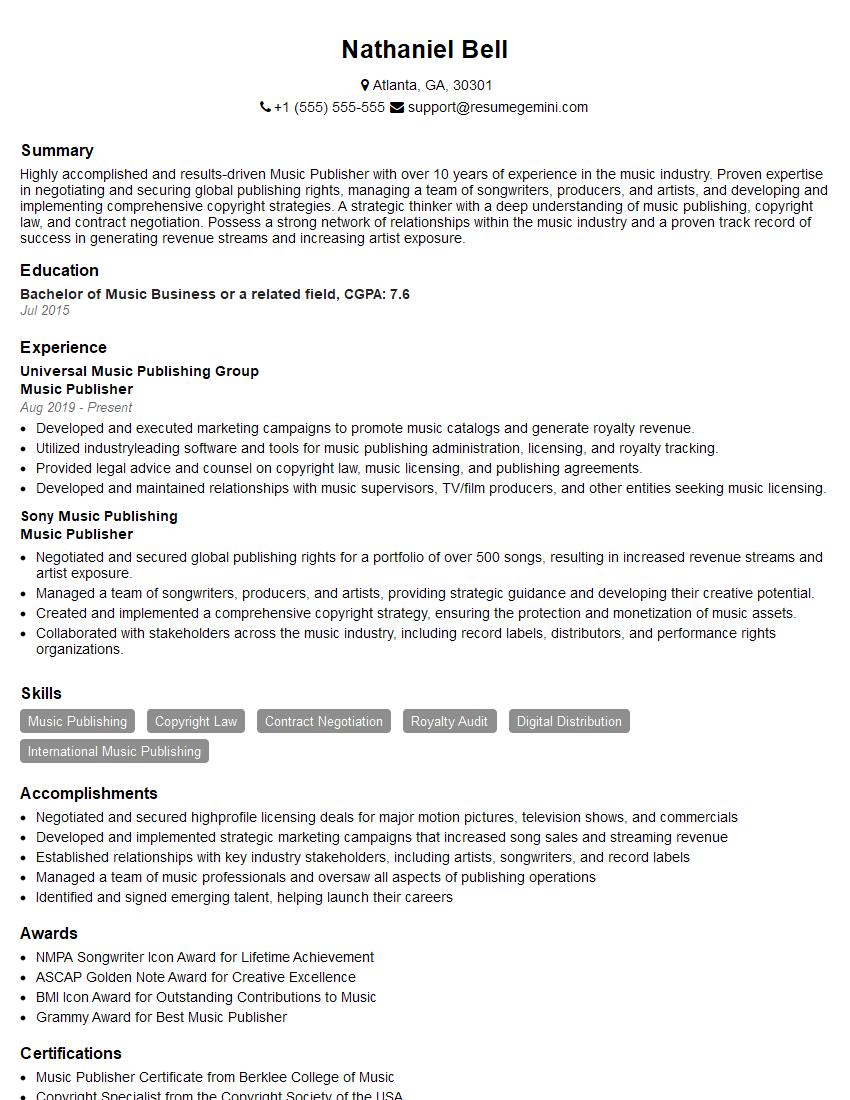
Music Publisher Resume Sample
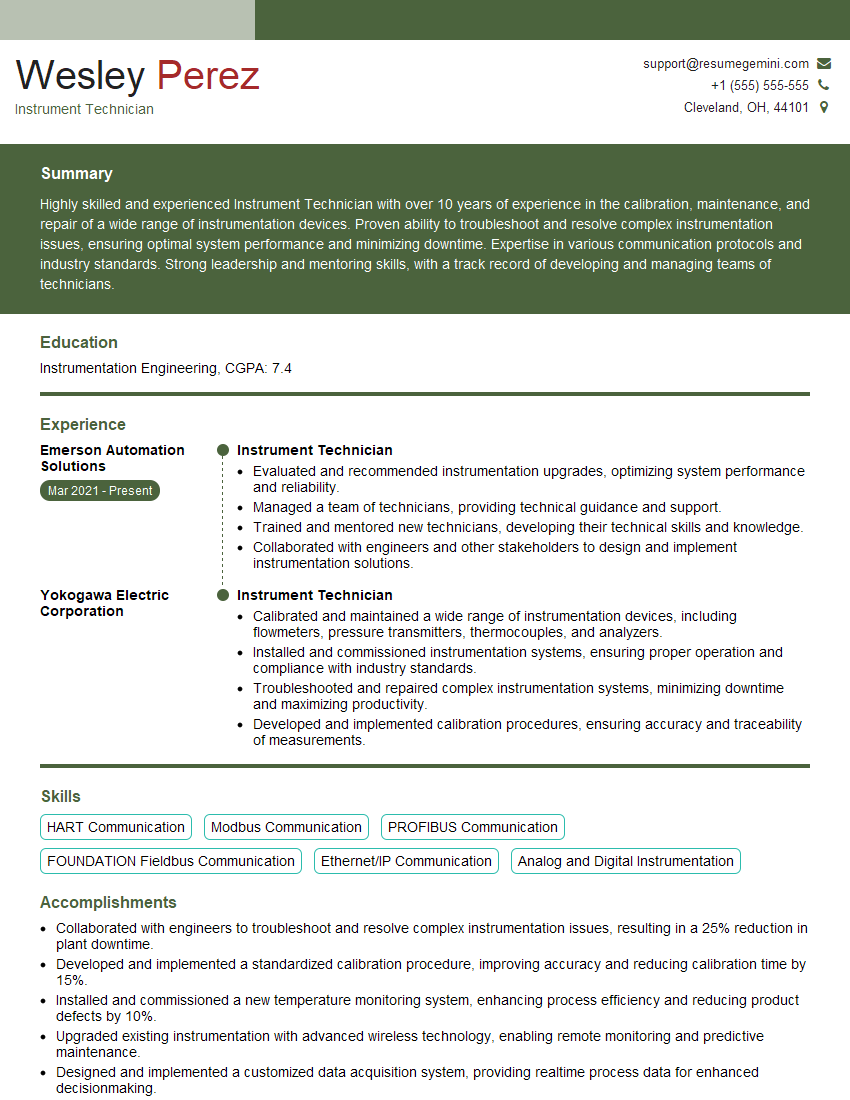
Instrument Technician Resume Sample
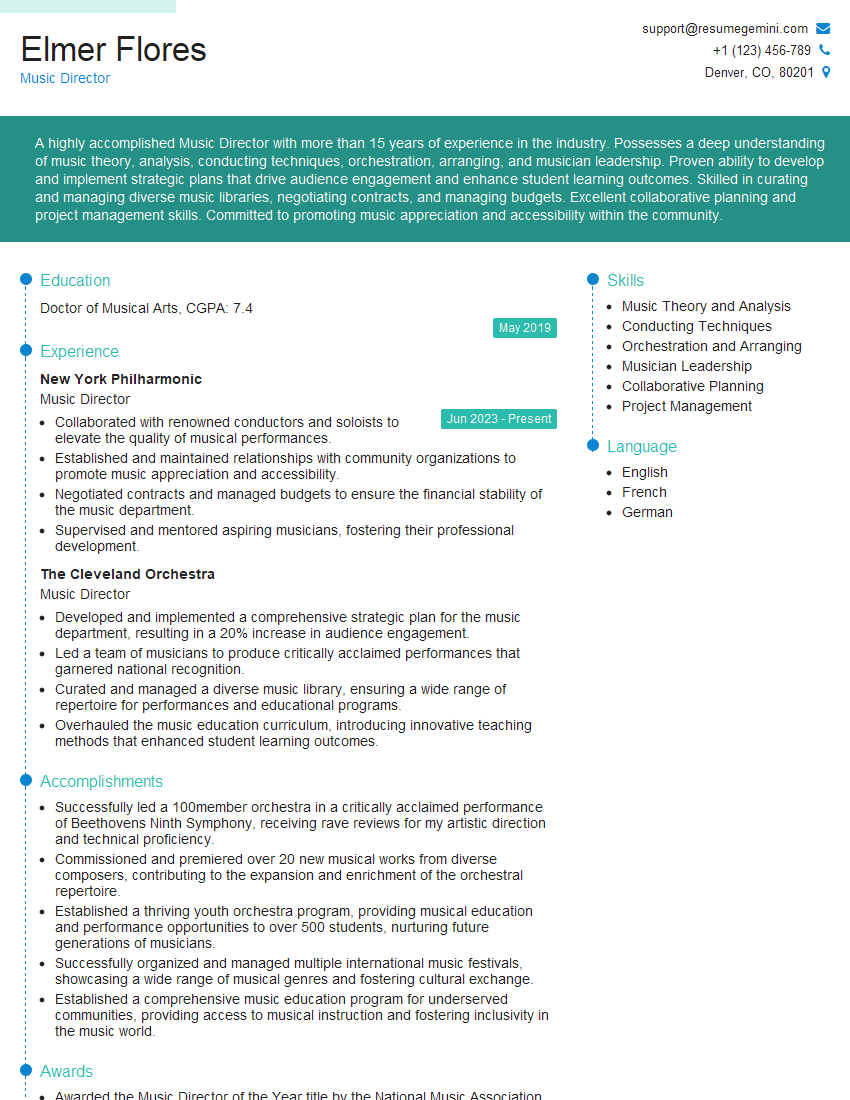
Music Director Resume Sample
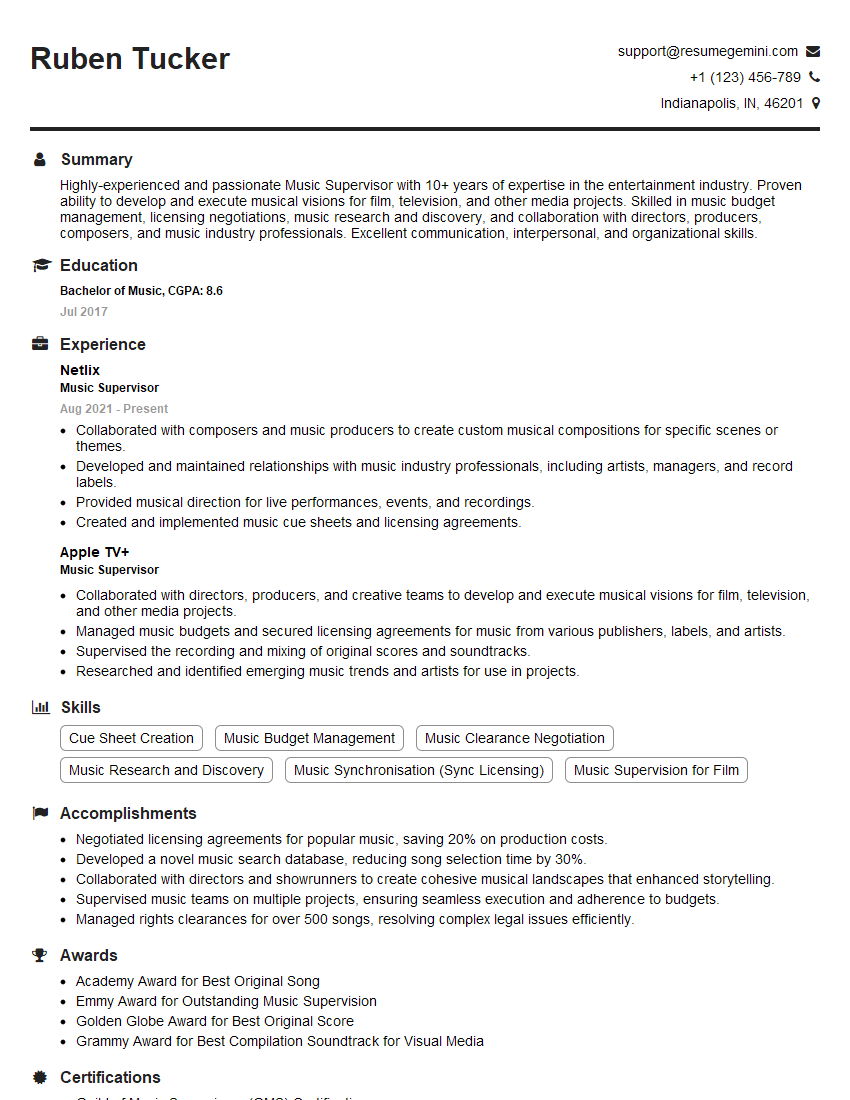
Music Supervisor Resume Sample
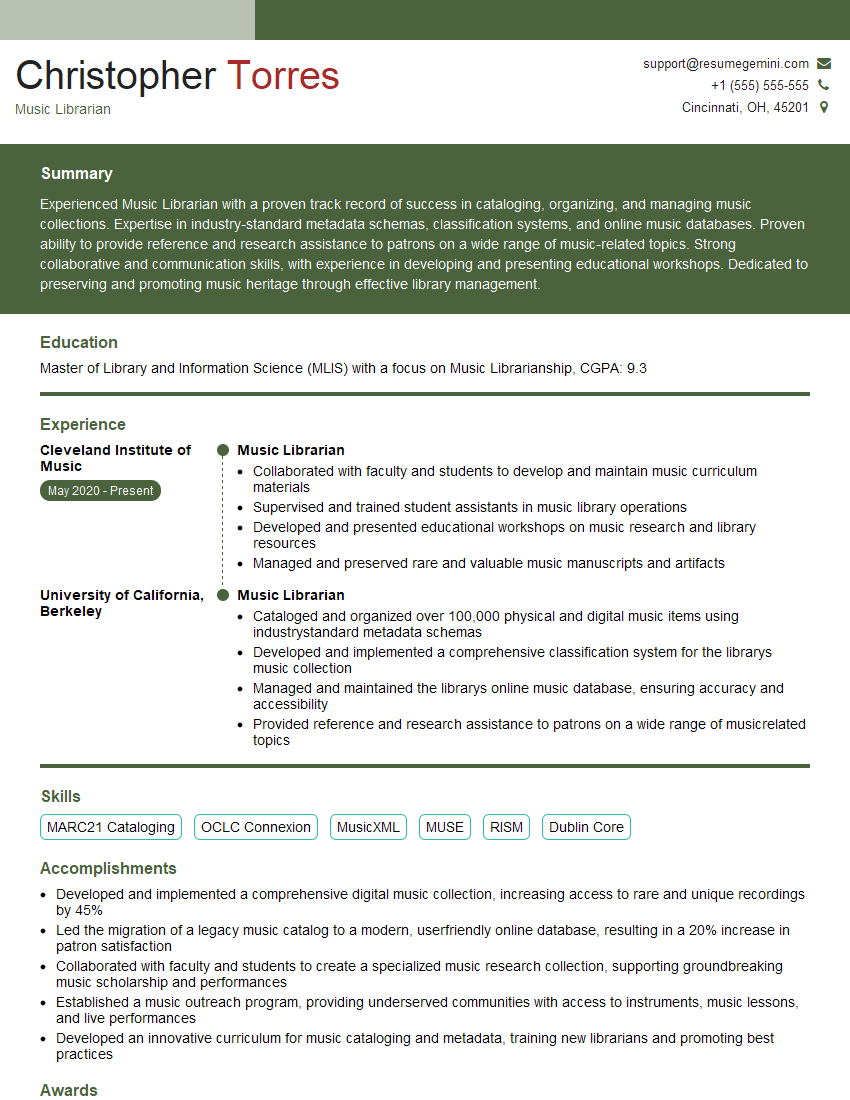
Music Librarian Resume Sample

Music Producer Resume Sample
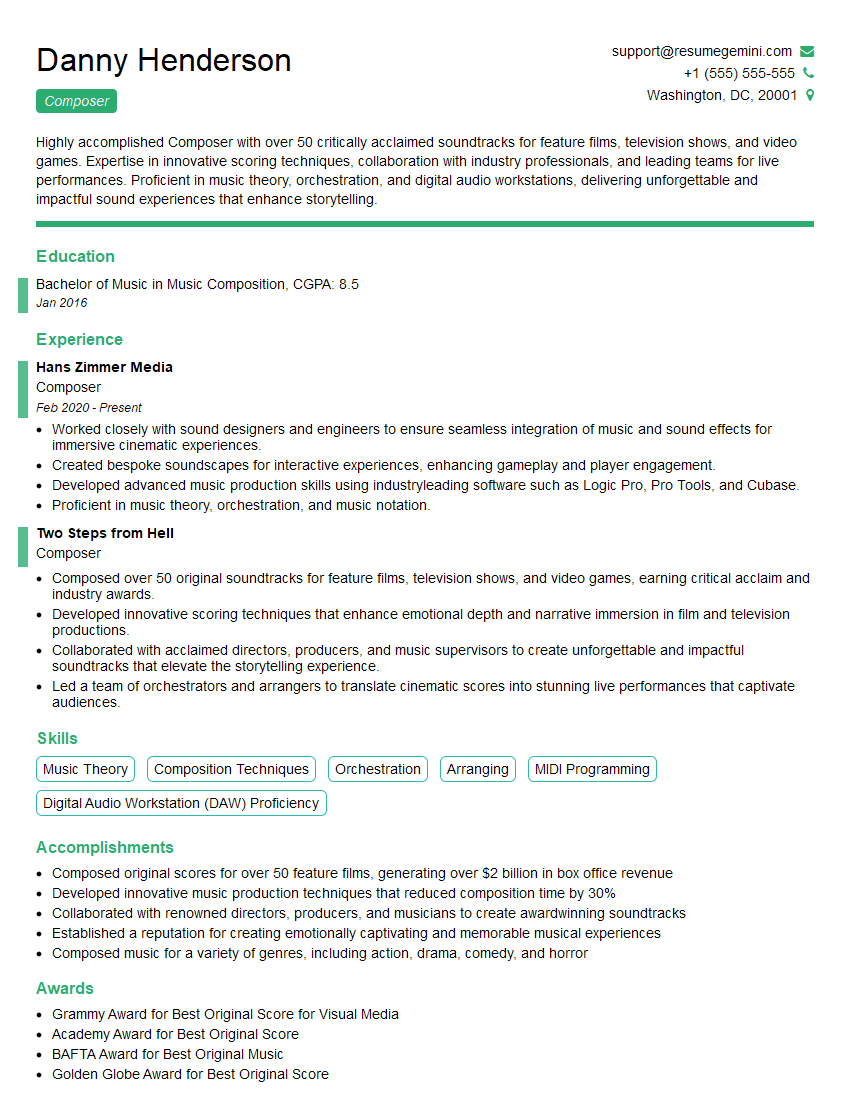
Composer Resume Sample
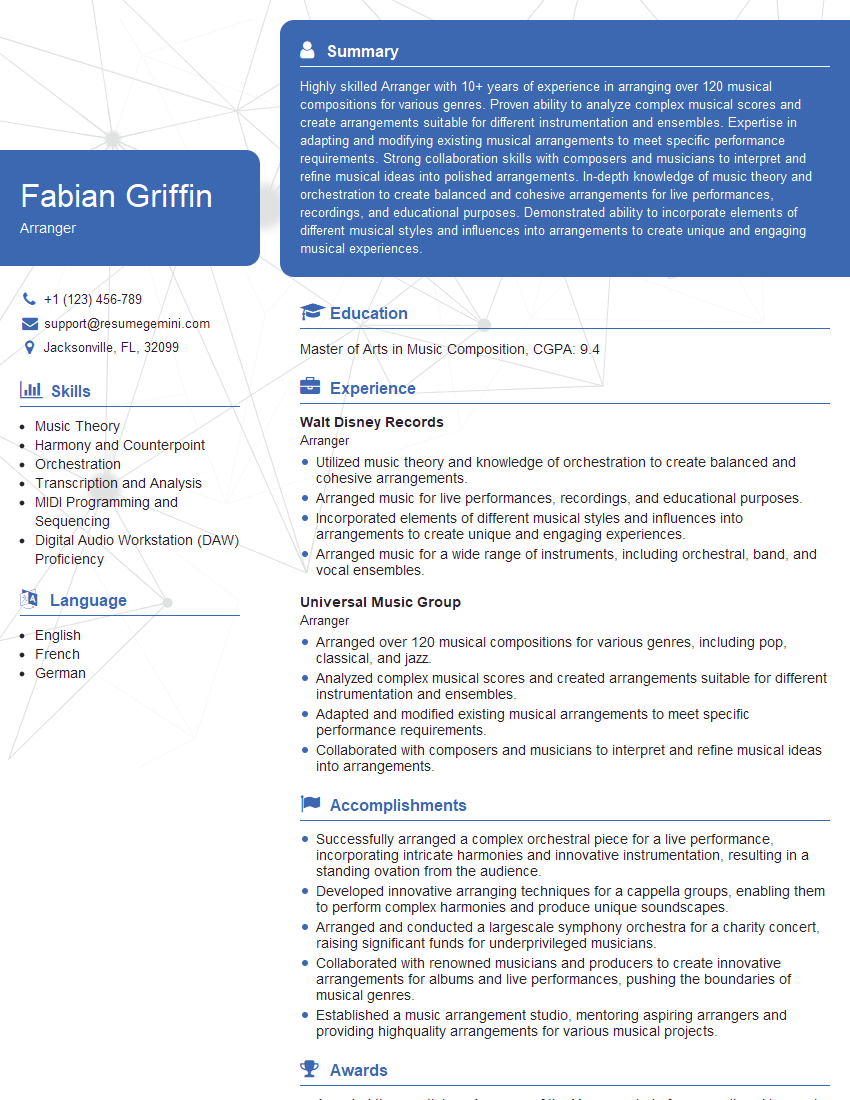
Arranger Resume Sample
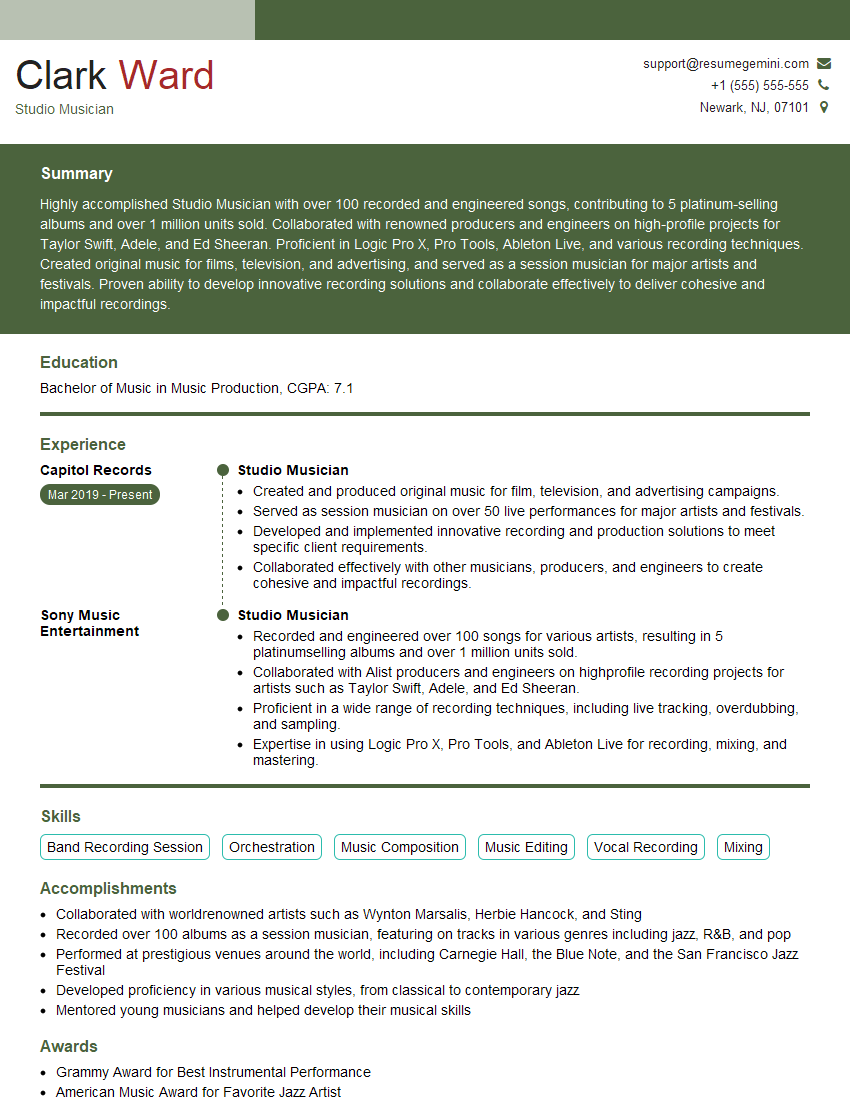
Studio Musician Resume Sample

Audio Engineer Resume Sample

Mixing Engineer Resume Sample

Recording Engineer Resume Sample

Sound Designer Resume Sample

Sound Editor Resume Sample
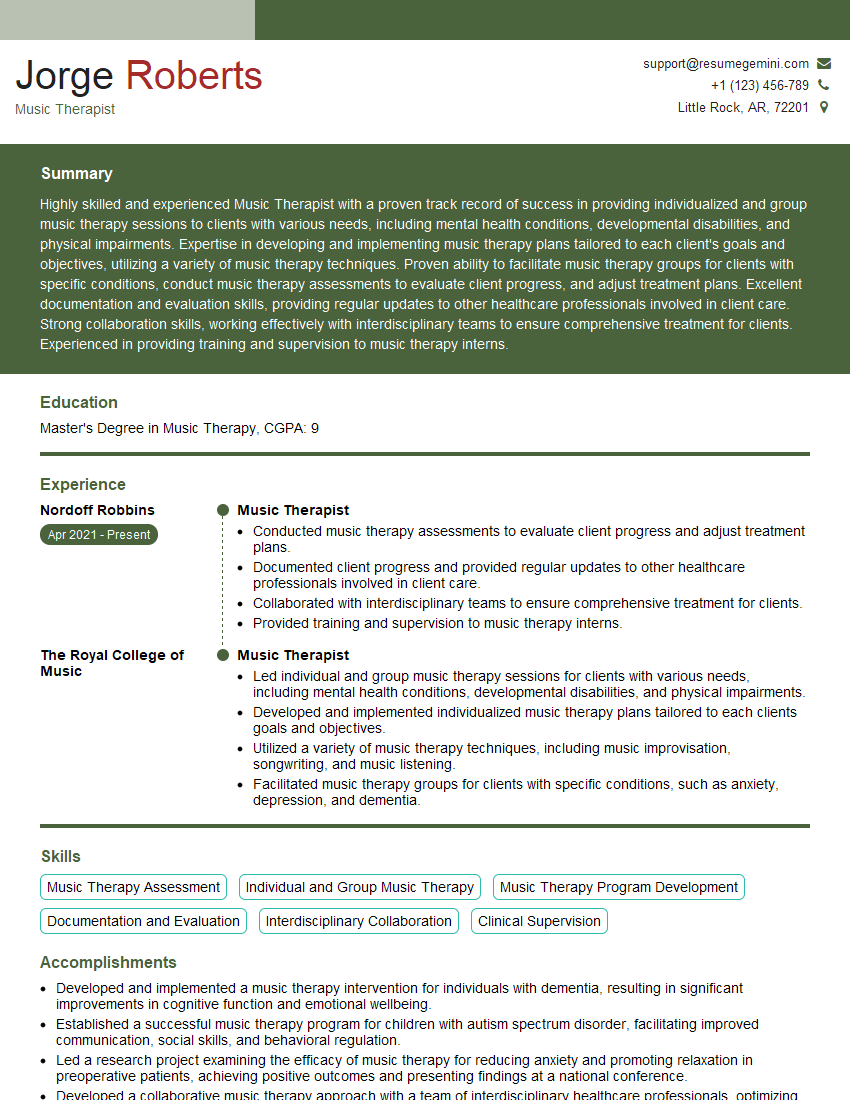
Music Therapist Resume Sample
Explore more articles
Users Rating of Our Blogs
Share Your Experience
We value your feedback! Please rate our content and share your thoughts (optional).
What Readers Say About Our Blog
Really detailed insights and content, thank you for writing this detailed article.
IT gave me an insight and words to use and be able to think of examples