The thought of an interview can be nerve-wracking, but the right preparation can make all the difference. Explore this comprehensive guide to Network Documentation interview questions and gain the confidence you need to showcase your abilities and secure the role.
Questions Asked in Network Documentation Interview
Q 1. Explain the importance of accurate network documentation.
Accurate network documentation is the bedrock of a smoothly functioning IT infrastructure. Think of it as the instruction manual for your entire network. Without it, troubleshooting becomes a nightmare, upgrades are risky, and security vulnerabilities are harder to identify. It’s crucial for several reasons:
- Troubleshooting: When a network issue arises, comprehensive documentation allows technicians to quickly pinpoint the problem’s location and cause, minimizing downtime.
- Planning and Expansion: Accurate diagrams and records of existing infrastructure are vital when planning network expansions or upgrades. You avoid conflicts and redundancies, ensuring a seamless transition.
- Security: Documentation helps identify potential security weaknesses, such as unpatched devices or insecure configurations, enabling proactive mitigation.
- Compliance: Many industries have regulatory requirements for network documentation, ensuring compliance and reducing potential legal risks.
- Auditing: Network documentation facilitates audits, providing evidence of configuration changes and security measures.
- Knowledge Transfer: Well-maintained documentation acts as a knowledge repository, enabling quick onboarding of new team members and facilitating knowledge transfer within the organization.
In short, accurate network documentation saves time, money, and reduces risk. It’s an investment that pays off significantly in the long run.
Q 2. What are the different types of network diagrams and when would you use each?
There are several types of network diagrams, each serving a specific purpose. The most common are:
- Physical Diagrams: These show the physical layout of the network, including the location of devices like servers, routers, switches, and workstations. Think of it as a floor plan for your network. Useful for cabling issues, physical access control, and planning physical infrastructure changes. Example: A map showing where each server rack is located in the data center, along with cable connections.
- Logical Diagrams: These show the logical connections between network devices, focusing on how data flows. They don’t show physical locations but illustrate the relationships between components. Crucial for understanding the network’s architecture and troubleshooting connectivity problems. Example: A diagram showing how different VLANs (Virtual Local Area Networks) are interconnected.
- Rack Diagrams: These are detailed diagrams specific to server racks, illustrating the exact placement of equipment within each rack, including patch cables and power connections. Essential for data center management and maintenance.
- Network Topology Diagrams: These show the overall structure of the network, illustrating the arrangement of devices and connections (e.g., star, bus, ring, mesh). Helps visualize the network’s layout and identify potential bottlenecks.
The choice of diagram depends on the specific context. For instance, troubleshooting a connectivity problem might require both logical and physical diagrams, while planning a new network would begin with a logical diagram and then progress to physical and rack diagrams.
Q 3. Describe your experience with Visio or other diagramming software.
I have extensive experience using Microsoft Visio and other diagramming tools like Lucidchart and draw.io. Visio, in particular, is a powerful tool for creating detailed network diagrams, offering a wide range of shapes, stencils, and automation features. I’m proficient in using its features to create:
- Custom stencils: I can create and customize stencils to reflect the specific devices and configurations within our network.
- Data-linked diagrams: I’ve leveraged Visio’s data-linking capabilities to create dynamic diagrams that automatically update as the network changes. This means that when the IP address of a device changes, the diagram reflects this change.
- Layered diagrams: I use layering effectively to manage complexity in large networks, allowing me to show different aspects of the network at different levels of detail.
My experience extends beyond basic diagram creation. I’m adept at creating professional-looking, well-organized documentation that is both easy to understand and maintain. I’ve used these tools to create documentation for networks ranging from small office networks to large enterprise-level infrastructures.
Q 4. How do you ensure your network documentation is always up-to-date?
Keeping network documentation current is an ongoing process, not a one-time task. I employ a multi-pronged approach:
- Regular Updates: I schedule regular reviews and updates of the documentation, at least monthly or even weekly for rapidly changing environments. This involves verifying the accuracy of existing information and incorporating any recent changes.
- Automated Tools: I leverage network monitoring tools that automatically gather data on network devices and configurations. This data can be integrated into documentation, reducing manual effort and ensuring accuracy.
- Change Management Process: I work closely with the network engineering team to integrate documentation updates into the change management process. Every change request includes an update to the relevant documentation.
- Collaboration and Communication: I establish clear communication channels to encourage reporting of changes from other IT teams. This might involve submitting change requests or using a shared online repository for updates.
- Version Control (See answer to Question 5): Implementing a version control system is essential to track changes and revert to previous versions if necessary.
Proactive and consistent attention to updates is key. Think of it like regular maintenance – small, consistent efforts prevent larger, more time-consuming problems later on.
Q 5. What methods do you use for version control of network documentation?
Version control for network documentation is crucial to maintain its integrity and track changes over time. I typically utilize a combination of methods:
- Shared Network Drive with Versioning: Using a shared network drive with file versioning (like Windows’ previous versions feature or similar capabilities on other systems) allows for easy access and tracking of changes. However, this has limitations in larger teams.
- Cloud-Based Document Collaboration Tools: Tools like Google Workspace or Microsoft 365 provide version history and collaborative editing, enabling multiple individuals to work on the documentation simultaneously. This is a better solution for collaborative environments.
- Dedicated Version Control Systems (e.g., Git): For complex network documentation or in larger organizations, a dedicated version control system like Git (with a platform like GitHub or GitLab) provides superior version control, branching, merging, and rollback capabilities. This offers the most robust and comprehensive solution.
Regardless of the chosen method, assigning version numbers and maintaining a clear change log are essential for understanding the evolution of the documentation.
Q 6. How do you handle changes to network infrastructure and update documentation accordingly?
Handling changes to the network infrastructure requires a systematic approach to ensure documentation accuracy:
- Change Request Process: All changes should go through a formal change request process, including documentation of the planned changes.
- Pre-Change Documentation: Before implementing any change, I ensure the existing documentation is up-to-date and accurately reflects the current network state.
- Implementation and Verification: After the change is implemented, I verify its successful deployment and update the documentation accordingly.
- Post-Change Documentation: This includes detailed records of the changes made, including dates, times, individuals involved, and any unexpected issues encountered. This ensures future maintenance and troubleshooting are effective.
- Automated Tools (if applicable): Leverage automated tools to scan and update the network configuration and subsequently update the documentation based on the automated scan results.
This methodical approach reduces the risk of errors and ensures that the documentation remains a reliable and accurate representation of the network.
Q 7. What are some common challenges in maintaining accurate network documentation?
Maintaining accurate network documentation presents several challenges:
- Keeping up with rapid changes: Network environments are dynamic, with frequent changes and updates. Maintaining up-to-date documentation requires dedicated effort and efficient processes.
- Lack of standardization: Inconsistent naming conventions, diagram styles, and data formats can make documentation difficult to understand and manage.
- Inadequate tools: Using unsuitable diagramming or documentation tools can hinder the process, creating time-consuming tasks.
- Lack of collaboration: Without a collaborative environment and clear communication channels, updates and revisions may not be effectively integrated into the documentation.
- Human error: Manual data entry is prone to errors, requiring thorough verification and validation. Automated tools minimize this risk significantly.
- Legacy Systems and Documentation: Older systems might lack proper documentation or use outdated formats making it a challenge to integrate them into current documentation.
Overcoming these challenges involves careful planning, consistent effort, the use of appropriate tools and technologies, strong team collaboration, and a commitment to accuracy.
Q 8. Describe your experience with network inventory management tools.
Network inventory management tools are crucial for maintaining a comprehensive and up-to-date record of all network devices and their configurations. My experience encompasses using both commercial solutions and open-source options. I’m proficient with tools like SolarWinds Network Performance Monitor, which provides detailed device discovery, mapping, and performance monitoring, enabling proactive identification of potential issues. I’ve also worked extensively with open-source tools like LibreNMS, which offers a robust and customizable solution for network inventory, monitoring, and alerting. My approach always involves integrating the inventory system with other tools for a holistic view. For example, I’ve linked inventory data to CMDBs (Configuration Management Databases) to create a single source of truth for all IT assets. This ensures accurate reporting, efficient troubleshooting, and streamlined change management processes. In one project, using SolarWinds helped us quickly identify and replace a failing switch before it caused a significant network outage, saving the company considerable downtime costs and reputational damage.
Q 9. How do you document network security configurations and policies?
Documenting network security configurations and policies is paramount for maintaining a secure network environment. My approach involves a multi-layered strategy. Firstly, I meticulously document all firewall rules, including source and destination IP addresses, ports, protocols, and any associated access control lists (ACLs). This includes detailed explanations of the rationale behind each rule to ensure clarity and ease of understanding for future modifications. Secondly, I create comprehensive documentation for VPN configurations, including authentication methods, encryption protocols, and access controls. I also document all security policies, including password complexity requirements, access control policies, and incident response plans. These documents are stored in a version-controlled system (e.g., Git) for easy access, tracking of changes, and collaboration among team members. I utilize standardized templates and diagrams to ensure consistency and clarity, making it easy for anyone to understand the security posture of the network. For example, I’ve used Visio to create clear diagrams showcasing the flow of traffic and the security measures in place at each stage. This visual representation aids both technical and non-technical staff in comprehending the network’s security architecture.
Q 10. Explain your understanding of network topology and how it relates to documentation.
Network topology refers to the physical or logical layout of a network, illustrating how devices are interconnected. Understanding the topology is fundamental to effective network documentation because it provides a visual representation of the network infrastructure. Accurate documentation of the topology, including device locations, connections, and types of cabling, is essential for troubleshooting, maintenance, and future expansion. Different topologies (e.g., star, mesh, bus, ring) have varying implications for performance, reliability, and security. I utilize diagramming tools like Visio or draw.io to create clear and concise network diagrams. These diagrams are annotated with details such as IP addresses, subnet masks, and device specifications. For example, a properly documented star topology clearly shows a central hub or switch, with all other devices connected to it. This allows for easy identification of potential points of failure and simplifies the process of isolating problems. In a recent project, creating accurate network topology diagrams assisted in the smooth migration to a new data center. This visualization of connections helped prevent errors and ensured a seamless transition.
Q 11. How do you ensure your documentation is accessible and understandable to others?
Ensuring documentation accessibility and understandability is crucial for effective collaboration and maintenance. I employ several strategies to achieve this: First, I use clear and concise language, avoiding technical jargon wherever possible. If technical terms are unavoidable, I provide definitions or explanations. Second, I use visual aids extensively, including diagrams, flowcharts, and tables, to supplement textual descriptions. Third, I store documentation in a centralized, easily accessible repository, such as a shared network drive or a version-controlled system like Confluence or a wiki. Fourth, I maintain a consistent formatting style and structure across all documents to enhance readability. Fifth, I regularly review and update the documentation, ensuring it remains current and accurate. In one instance, I created a searchable knowledge base using a wiki, empowering other team members to quickly find information and resolve issues independently. This boosted efficiency and reduced reliance on a single point of contact for technical assistance.
Q 12. What is your experience with creating and maintaining standard operating procedures (SOPs)?
Standard Operating Procedures (SOPs) are crucial for maintaining consistency and efficiency in network operations. My experience involves creating and maintaining SOPs for various network tasks, including troubleshooting, maintenance, and incident response. These SOPs are detailed, step-by-step guides that outline the recommended actions for handling specific situations. I use a structured approach, ensuring SOPs are clear, concise, and easy to follow. They are regularly reviewed and updated to reflect changes in the network infrastructure or best practices. For example, I’ve developed SOPs for handling network outages, which include steps for identifying the problem, escalating the issue, and implementing recovery procedures. The use of these SOPs has ensured consistent response times and reduced the time it takes to resolve incidents. Well-structured SOPs are crucial for knowledge transfer, particularly when team members leave or new ones join. They provide a consistent reference point for everyone, regardless of experience level. This standardized approach also minimizes errors and ensures the same quality of service across different operational teams.
Q 13. How do you handle conflicting information in existing network documentation?
Handling conflicting information in existing network documentation requires a methodical and thorough approach. I begin by identifying all sources of documentation, comparing them carefully, and documenting the inconsistencies. Then, I investigate the discrepancies, often by cross-referencing with the actual network configuration or by consulting with other network engineers who might have knowledge of the specific area. Once the source of the conflict is determined, I decide on a resolution, which might involve updating existing documents to reflect the accurate information, or creating a new, consolidated document that addresses the inconsistencies. It is crucial to document the resolution process, including the reasons for choosing a specific solution and any changes made to the documentation. Maintaining a clear audit trail ensures accountability and transparency. In one situation, we found conflicting information regarding the configuration of a critical firewall. By systematically investigating the discrepancy and verifying the actual configuration, we resolved the conflict, preventing a potential security vulnerability. The updated documentation included a clear explanation of the changes and the reasoning behind them, enhancing the reliability of our documentation.
Q 14. How do you ensure the accuracy of IP addressing schemes in your documentation?
Ensuring the accuracy of IP addressing schemes in documentation is paramount for network stability and functionality. I use several strategies to ensure accuracy. Firstly, I utilize IP address management (IPAM) tools, which automate IP address assignment, tracking, and reporting. These tools provide a centralized database of IP addresses, minimizing the chances of conflicts or errors. Secondly, I employ rigorous verification methods, checking the documentation against the actual network configuration using tools like ping, traceroute, and network scanning utilities. Thirdly, I implement subnet planning, ensuring adequate IP address space for future growth. Fourthly, I consistently follow a structured IP addressing plan documented clearly within the overall network documentation. Finally, regular audits and reviews are conducted to identify and correct any inaccuracies. A well-defined and consistently applied IP addressing scheme prevents conflicts and facilitates troubleshooting. For example, employing an IPAM tool allowed us to quickly identify a misconfigured IP address, resolving a connectivity issue before it escalated into a widespread outage. The tool’s reporting capabilities made this verification process significantly faster and more efficient.
Q 15. Describe your experience with documenting virtualized networks.
Documenting virtualized networks requires a different approach than physical networks due to their dynamic nature. Instead of focusing solely on physical locations, we need to meticulously track virtual machines (VMs), virtual switches, and the underlying hypervisor infrastructure. My experience includes using tools like VMware vCenter, Microsoft Hyper-V Manager, and OpenStack to gather information on VM configurations, network interfaces, VLAN assignments, and resource allocation. I create detailed diagrams showcasing the logical network topology, including virtual routers, firewalls, and load balancers. These diagrams often incorporate key attributes such as VM names, IP addresses, operating systems, and applications running on each VM, creating a comprehensive overview of the virtual network’s components and their interconnections.
For example, in a recent project, I documented a virtualized datacenter environment using a combination of vCenter’s reporting features and custom scripting to export key VM and network data. This data was then imported into a centralized documentation repository, ensuring consistency and accessibility. This approach allowed for better tracking of changes, efficient troubleshooting, and minimized downtime during maintenance and upgrades.
Career Expert Tips:
- Ace those interviews! Prepare effectively by reviewing the Top 50 Most Common Interview Questions on ResumeGemini.
- Navigate your job search with confidence! Explore a wide range of Career Tips on ResumeGemini. Learn about common challenges and recommendations to overcome them.
- Craft the perfect resume! Master the Art of Resume Writing with ResumeGemini’s guide. Showcase your unique qualifications and achievements effectively.
- Don’t miss out on holiday savings! Build your dream resume with ResumeGemini’s ATS optimized templates.
Q 16. How do you document network performance metrics and troubleshooting steps?
Documenting network performance metrics and troubleshooting steps is crucial for proactive network management. I utilize various tools like network monitoring systems (e.g., SolarWinds, Nagios, PRTG), and packet analyzers (e.g., Wireshark) to collect performance data such as bandwidth utilization, latency, packet loss, and CPU/memory usage on network devices. This data is then analyzed to identify potential bottlenecks and performance issues.
When documenting troubleshooting steps, I follow a structured approach, detailing the problem, the steps taken to diagnose it, the tools used, and the final resolution. This includes capturing relevant logs, error messages, and configuration details. Think of it like a detective’s case file – meticulously recording every step to ensure repeatability and improve future incident handling. For instance, if I encounter a recurring DNS resolution problem, my documentation would include the specific DNS servers involved, network traces showing the failure, the commands used to investigate, and the solution that corrected the issue, along with any preventative measures implemented.
Q 17. How do you use network documentation to support incident response and problem resolution?
Network documentation is the cornerstone of efficient incident response and problem resolution. During an incident, having readily available and accurate documentation drastically reduces the time spent trying to understand the network’s architecture and identify affected components. A well-maintained documentation system allows team members to quickly locate relevant information, such as device configurations, contact information, and troubleshooting guides.
For example, if a network outage occurs, access to up-to-date network diagrams and device configurations allows me to swiftly identify the root cause and implement mitigation strategies. The documentation of past incidents – including the troubleshooting steps, resolutions, and preventative actions – is invaluable for identifying recurring problems and implementing long-term solutions. Essentially, good documentation helps prevent history from repeating itself.
Q 18. What are some best practices for documenting network cabling infrastructure?
Documenting network cabling infrastructure demands accuracy and meticulousness. Best practices include using a combination of physical and digital methods. Physically, I utilize clear, labeled cables and patch panels, making it easy to visually trace the connections. Digitally, I maintain a comprehensive cabling database that includes information such as cable type, length, termination points, and the devices connected. This database is often linked to visual network diagrams for clarity.
A crucial aspect is using a consistent labeling system throughout the infrastructure. For example, I’d use a system like rack-number/device-name/port-number (e.g., R101/SW-A/10). This system provides an unambiguous way to identify each cable and its destination. Regular audits are also essential to ensure the accuracy and completeness of both the physical and digital documentation, identifying any discrepancies between the two.
Q 19. How do you incorporate automation tools to improve network documentation processes?
Automation is key to improving network documentation processes. Tools like Ansible, Chef, or Puppet can be used to automate the discovery and documentation of network devices and their configurations. These tools can automatically collect information such as device IP addresses, firmware versions, and interface details. This data can then be integrated into a centralized documentation repository, ensuring consistency and reducing the manual effort needed to maintain it.
For example, I have used Ansible to create custom scripts that automatically collect configuration data from Cisco switches and routers, and then import this data into a wiki-based documentation platform. This eliminates the tedious task of manually logging into each device, reducing the potential for errors and significantly accelerating the documentation process. The automation also ensures that the documentation is always up-to-date, reflecting any changes made to the network infrastructure.
Q 20. Describe your experience with collaborative documentation platforms.
My experience with collaborative documentation platforms includes using wikis (like Confluence or MediaWiki), document management systems (like SharePoint), and collaborative drawing tools (like Lucidchart or draw.io). These platforms enable multiple team members to concurrently work on the documentation, ensuring a single source of truth and facilitating version control. Collaborative platforms also foster better communication and knowledge sharing within the team.
I find the ability to integrate automated data imports, comments, and revision tracking to be particularly beneficial. For example, in a recent project, we used Confluence to create a central repository for network documentation. This enabled all team members to access, update, and comment on the documents, streamlining the collaboration process and ensuring everyone had access to the most current information.
Q 21. What is your familiarity with ITIL and its impact on network documentation?
ITIL (Information Technology Infrastructure Library) provides a framework for IT service management, and it significantly impacts network documentation. ITIL emphasizes the importance of accurate, up-to-date documentation for efficient service delivery, incident management, and change control. The ITIL framework suggests establishing a centralized repository for all network documentation, implementing clear processes for document creation and updates, and ensuring that the documentation is readily accessible to all relevant personnel.
By aligning network documentation practices with ITIL principles, we can improve the overall efficiency and effectiveness of IT operations. For example, adhering to ITIL’s change management process requires detailed documentation of all changes made to the network infrastructure, enabling easy tracking and rollback if necessary. This ensures better accountability, reduced risks, and compliance with regulatory requirements. In essence, a well-structured and ITIL-aligned network documentation strategy is a pillar of robust IT service management.
Q 22. How would you document a complex network with multiple VLANs and subnets?
Documenting a complex network with multiple VLANs and subnets requires a systematic approach. Think of it like building a detailed map of a large city, with each VLAN representing a distinct neighborhood and each subnet a specific street within that neighborhood. I’d use a combination of visual diagrams and textual descriptions.
Visually, I’d start with a network diagram showing the overall topology, highlighting the different VLANs using distinct colors or labels. This high-level overview provides context. Then, I’d create more detailed diagrams for each VLAN, showing the subnets, devices (routers, switches, servers), and their interconnections. I would use tools like Visio or draw.io for these diagrams.
Textually, I’d create a table detailing each VLAN, its purpose (e.g., ‘Marketing VLAN’, ‘Sales VLAN’), assigned IP subnet (e.g., 192.168.10.0/24), default gateway, and associated devices. A similar table would describe each subnet within a VLAN, specifying its range, purpose, and assigned devices. Detailed device configuration information would be included in separate documents, organized by device type or location. Cross-referencing between diagrams and tables is crucial for seamless navigation.
Q 23. Describe your experience with documenting network hardware specifications.
My experience with documenting network hardware specifications is extensive. I’ve worked with a wide range of devices, from Cisco routers and switches to servers from Dell and HP. My approach is always to be thorough and accurate. I document the following information:
- Model Number and Serial Number: Crucial for identifying the specific device and tracking warranties.
- Firmware Version: This is key for troubleshooting and ensuring compatibility.
- Interface Details: Including port type, speed, and configuration (e.g.,
GigabitEthernet0/1). - Memory and Processing Capacity: Understanding these helps determine the device’s capabilities and limitations.
- Power Supply Information: Essential for maintenance and power budgeting.
- Location: Precise physical location within the network infrastructure (rack number, unit number).
I typically maintain this information in a spreadsheet or a dedicated database, making it easily searchable and manageable. This data is invaluable for network maintenance, upgrades, and troubleshooting.
Q 24. How do you handle sensitive information within network documentation?
Handling sensitive information in network documentation requires strict adherence to security best practices. Think of it like safeguarding a valuable treasure; you need multiple layers of protection. My approach involves:
- Access Control: Restricting access to documentation containing sensitive information to authorized personnel only, using tools like access control lists (ACLs) and password protection.
- Encryption: Encrypting sensitive data, such as passwords and cryptographic keys, using strong encryption algorithms.
- Secure Storage: Storing sensitive documentation on secure servers with regular backups and version control.
- Regular Audits: Conducting regular audits to ensure compliance with security policies and identify any potential vulnerabilities.
- Data Minimization: Only including the necessary sensitive information, avoiding unnecessary detail.
Furthermore, I always follow the company’s security policies and relevant data privacy regulations, such as GDPR or HIPAA, depending on the context. Transparency and accountability are paramount.
Q 25. What are some examples of network documentation templates you have used?
Throughout my career, I’ve utilized various network documentation templates, adapting them to suit specific needs. Some examples include:
- Network Diagrams: Using Visio or draw.io templates for creating visually appealing and informative network topology diagrams, including physical and logical views.
- IP Addressing Schemes: Spreadsheets with columns for network address, subnet mask, gateway, and assigned devices.
- Device Inventory: Spreadsheets or databases containing detailed specifications for each network device.
- VLAN Configuration: Tables outlining VLAN IDs, names, assigned subnets, and associated devices.
- Change Management Logs: Tracking all changes made to the network infrastructure, including the date, time, person responsible, and a description of the change.
I prefer templates that are flexible and customizable, allowing me to tailor them to the specific requirements of each project. Consistency across documents is a key priority.
Q 26. How do you ensure your documentation complies with relevant industry standards and regulations?
Ensuring documentation complies with industry standards and regulations is crucial for maintaining a secure and reliable network. I meticulously check for adherence to standards such as:
- ITIL (Information Technology Infrastructure Library): For best practices in IT service management, including change management and incident management.
- ISO/IEC 27001: For information security management systems.
- NIST Cybersecurity Framework: For guidelines on managing cybersecurity risks.
Compliance is achieved through a combination of using standardized templates, following established procedures, and regularly reviewing and updating documentation to reflect any changes in regulatory requirements or best practices. Internal audits play a critical role in verifying compliance.
Q 27. How would you approach documenting a newly implemented network infrastructure?
Documenting a newly implemented network infrastructure begins even before the implementation phase. Think of it as creating a blueprint before construction. My approach is:
- Planning: Define the scope of documentation, identifying the key elements to be documented.
- Design Phase: Develop detailed network diagrams and specifications during the design phase to ensure the documentation accurately reflects the intended network architecture.
- Implementation Phase: Document changes and configurations as they are implemented, ensuring accuracy and up-to-date information. This is where the real-time tracking comes in.
- Testing and Validation: Thoroughly test the network and verify that the documentation accurately reflects the operational network.
- Post-Implementation Review: Conduct a review after completion to identify any areas needing improvement in the documentation process.
Using a version control system (e.g., Git) is essential to track changes and allow for collaboration among team members. This approach ensures the documentation remains accurate and complete throughout the entire lifecycle of the network.
Q 28. Explain your process for creating and maintaining a network change management system.
Creating and maintaining a network change management system involves establishing a structured process for managing changes to the network infrastructure. This is crucial for minimizing disruptions and ensuring network stability. My process follows these steps:
- Request Submission: All change requests must be submitted through a formal process, outlining the proposed change, its impact, and the required resources.
- Change Evaluation: A change management team evaluates the request, assessing its impact on the network and determining the feasibility and risk.
- Change Approval: Approved changes are scheduled and documented.
- Implementation: Changes are implemented according to the approved plan, with careful monitoring and logging.
- Testing and Validation: The changes are thoroughly tested to ensure they have been implemented correctly and have not introduced any issues.
- Closure: The change request is closed, documenting the outcome and any lessons learned.
A well-defined change management system uses tools like a change management database to track requests, approvals, and implementation details. Regular reviews are crucial to ensure effectiveness and to identify areas for improvement.
Key Topics to Learn for Network Documentation Interview
- Network Diagrams: Understanding various diagram types (e.g., physical, logical, rack diagrams), their purpose, and best practices for creating clear and accurate representations of network infrastructure.
- IP Addressing and Subnetting: Demonstrate a solid grasp of IP addressing schemes, subnetting techniques, and their practical application in network documentation. Be prepared to explain how these relate to network design and troubleshooting.
- Network Devices and Protocols: Thorough knowledge of common network devices (routers, switches, firewalls) and protocols (TCP/IP, BGP, OSPF) and their role in the overall network architecture. Be able to explain how these are documented and their importance in network management.
- Documentation Standards and Best Practices: Familiarity with industry-standard documentation practices, including consistent naming conventions, version control, and the use of standardized templates for network diagrams and configuration files.
- Troubleshooting and Problem Solving: Describe your approach to using network documentation to diagnose and resolve network issues. Highlight your ability to interpret documentation to understand existing infrastructure and identify potential problems.
- Network Security Documentation: Understanding the importance of documenting security configurations, access controls, and vulnerabilities within network infrastructure. This includes detailing firewall rules, VPN configurations, and security protocols.
- Automation and Configuration Management: Discuss your experience with tools and technologies used to automate network documentation and configuration management. Mention any experience with scripting or configuration management systems.
Next Steps
Mastering network documentation is crucial for career advancement in IT. Strong documentation skills demonstrate organizational abilities, attention to detail, and a proactive approach to network management – highly valued attributes in today’s competitive job market. To significantly boost your job prospects, create an ATS-friendly resume that highlights your key skills and experience effectively. ResumeGemini is a trusted resource to help you build a professional and impactful resume. They provide examples of resumes tailored to Network Documentation roles, allowing you to create a document that showcases your expertise and increases your chances of landing your dream job.

Data Center Manager Resume Sample

Compliance Officer Resume Sample

Security Engineer Resume Sample

Network Administrator Resume Sample

Network Engineer Resume Sample
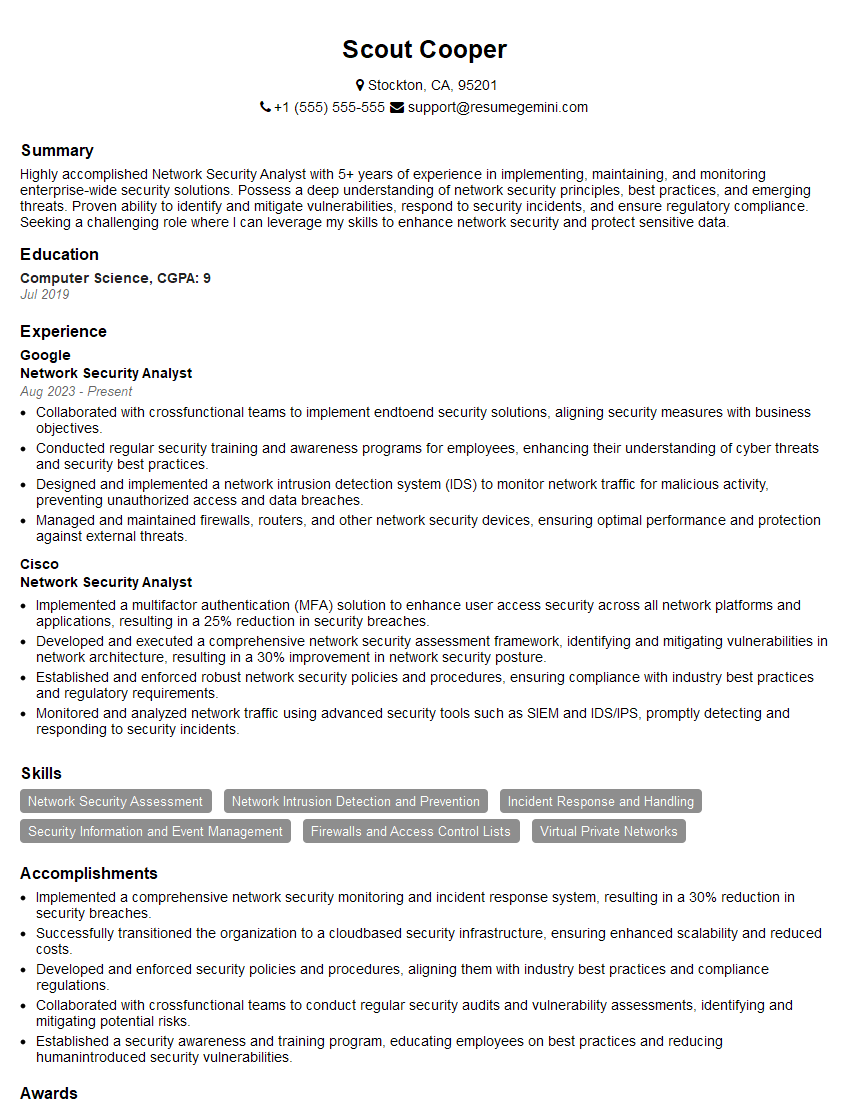
Network Security Analyst Resume Sample

Systems Administrator Resume Sample

Infrastructure Engineer Resume Sample

Network Technician Resume Sample

Network Architect Resume Sample

Telecommunications Engineer Resume Sample
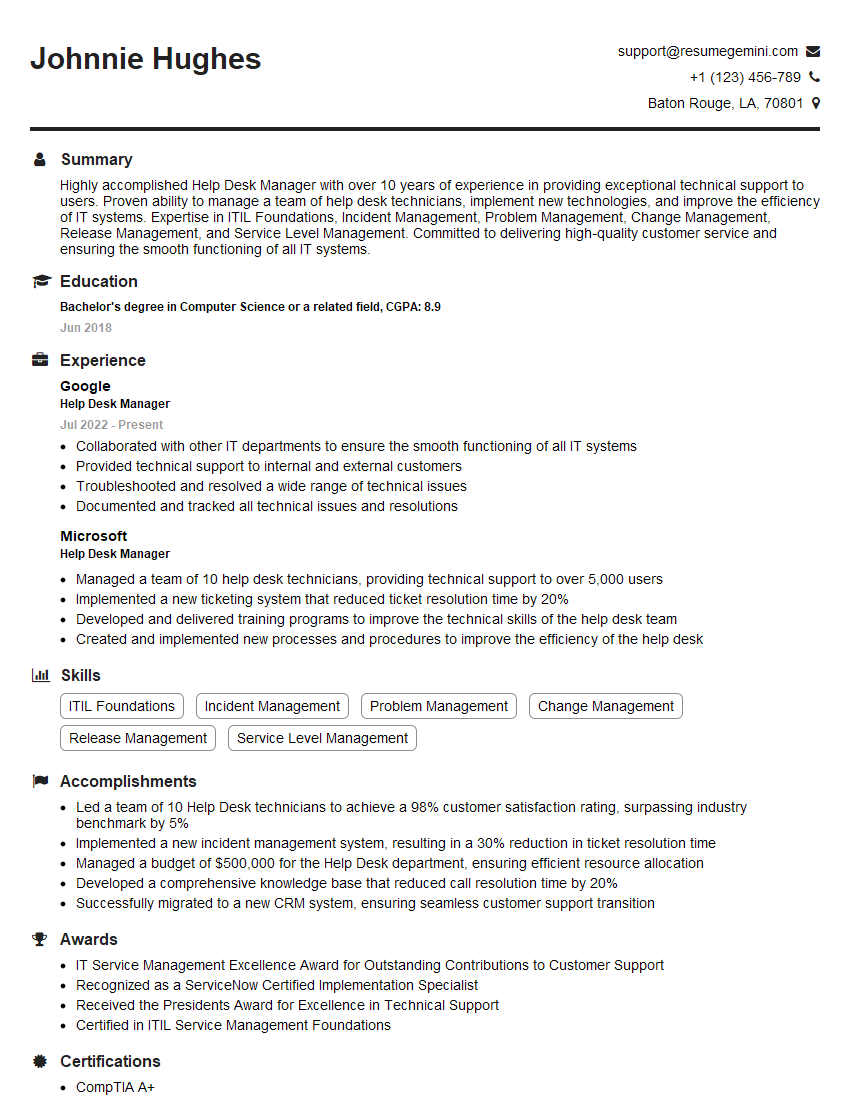
Help Desk Manager Resume Sample

IT Manager Resume Sample

IT Project Manager Resume Sample

Technical Writer Resume Sample

IT Support Specialist Resume Sample

Database Administrator Resume Sample
- Data Center Manager
- Compliance Officer
- Security Engineer
- Network Administrator
- Network Engineer
- Network Security Analyst
- Systems Administrator
- Infrastructure Engineer
- Network Technician
- Network Architect
- Telecommunications Engineer
- Help Desk Manager
- IT Manager
- IT Project Manager
- Technical Writer
- IT Support Specialist
- Database Administrator
Explore more articles
Users Rating of Our Blogs
Share Your Experience
We value your feedback! Please rate our content and share your thoughts (optional).
What Readers Say About Our Blog
Really detailed insights and content, thank you for writing this detailed article.
IT gave me an insight and words to use and be able to think of examples